
AI Renamer Overview
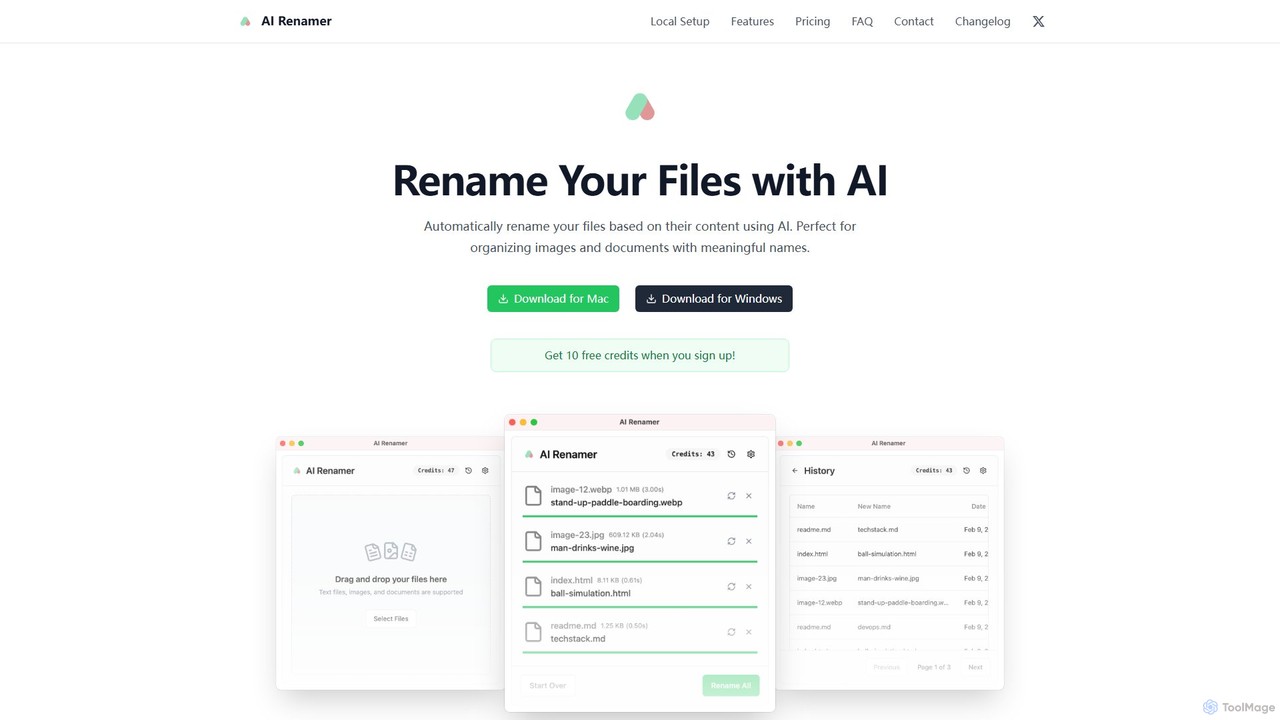
AI Renamer is an intelligent desktop application designed to eliminate the hassle of manually organizing your files. Instead of dealing with generic filenames like 'IMG_1234.jpg' or 'scan_001.pdf', this tool uses advanced AI to analyze the actual content of your files and automatically assign clear, descriptive, and searchable names. It's the perfect solution for anyone looking to bring order to their digital chaos, from photographers and researchers to developers and e-commerce sellers. The app is available for both macOS and Windows, ensuring a seamless experience across platforms.
The tool operates in two distinct modes to cater to different user needs. The Cloud Mode provides a simple, pay-as-you-go experience using powerful, curated AI models hosted in the cloud. For users who prioritize privacy and control, the Local Mode allows for all processing to happen directly on your computer, offline. This mode integrates with local AI model runners like Ollama and LM Studio, giving you unlimited renaming capabilities without your files ever leaving your device.
How to use AI Renamer
Getting started with AI Renamer is straightforward. Here’s a general guide:
- Download and Install: Download the application for your operating system (macOS or Windows) from the official website.
- Choose Your Mode: Upon launching, you can decide whether to use the Cloud Mode or the Local Mode. New users receive 10 free credits to test the Cloud Mode.
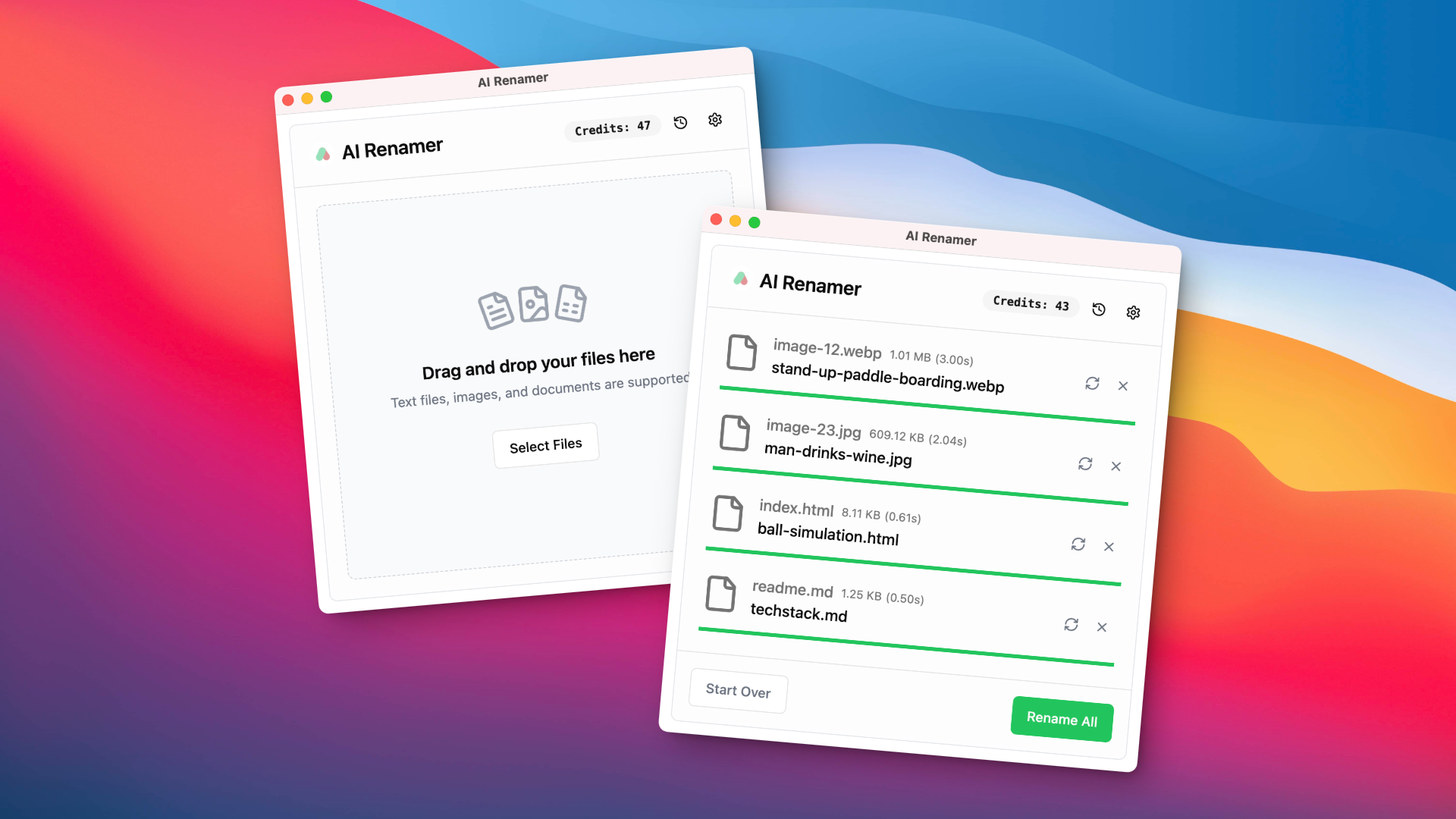
- Cloud Mode Usage: Simply drag and drop your files (images or documents) into the app's interface. The AI will analyze them and suggest new names. You can preview all suggestions, make adjustments if needed, and apply the changes in a single click.
- Local Mode Setup: For complete privacy, select Local Mode. This requires a one-time purchase. You will then need to:
a. Install a local AI model runner like Ollama or LM Studio on your computer.
b. Use the runner to download a suitable AI model (e.g., Llava for image analysis).
c. In AI Renamer's settings, configure the connection to your local model installation. Once set up, you can rename an unlimited number of files offline. - Customize Naming: Use the 'Custom Instructions' feature to guide the AI. You can specify naming patterns, formats, or keywords to ensure the generated names match your exact organizational system.
Core Features of AI Renamer
- Smart Content Recognition: The AI analyzes the visual content of images (JPG, PNG, WEBP, etc.) and the text within documents (PDF, TXT, MD, etc.) to generate accurate names. It can also read image EXIF data.
- Batch Processing: Save time by renaming hundreds of files at once. The drag-and-drop interface makes it easy to add multiple files and apply consistent naming rules across the entire batch.
- Custom Instructions & Patterns: Tailor the AI's output to your needs. Provide specific instructions or define custom naming templates to achieve personalized and consistent results.
- Dual Operation Modes: Choose between the easy-to-use Cloud Mode with pay-as-you-go credits or the privacy-focused Local Mode for unlimited offline processing with a one-time purchase.
- Local Model Integration: Supports integration with Ollama, LM Studio, OpenAI, and other custom models, giving advanced users complete control and flexibility.
- Cross-Platform Support: A native desktop application available for both macOS and Windows, providing a consistent and optimized user experience.
- Preview Before Applying: Always review the AI-suggested names before committing. This ensures you have full control over the final filenames.
Use Cases for AI Renamer
AI Renamer is a versatile tool that benefits a wide range of users:
- Photographers & Visual Archivists: Automatically rename photo libraries from 'DSC_5678.jpg' to 'golden-gate-bridge-at-sunset.jpg'.
- Academics & Researchers: Organize scanned articles and papers from 'scan_doc_02.pdf' to 'Smith-J-Quantum-Physics-Review-2023.pdf'.
- Developers & Designers: Keep code snippets, wireframes, and assets organized, e.g., renaming 'screenshot-1.png' to 'user-login-page-dark-mode.png'.
- E-commerce Sellers: Improve SEO by renaming product images with descriptive, keyword-rich titles like 'womens-red-leather-handbag.jpg'.
- PKM & Notion Users: Organize web clippings, notes, and documents by their content for easy retrieval within knowledge management systems.
- Content Creators: Systematically name memes, graphics, and social media assets based on their content, like 'elon-musk-x-post-meme.gif'.
Advantages of AI Renamer
Using AI Renamer provides significant benefits. It dramatically saves time by automating a tedious manual task. This leads to a highly organized and searchable file system, boosting overall productivity. The Local Mode offers unparalleled privacy, as your files are never uploaded to a server. The flexibility of custom instructions and support for various local models allows the tool to adapt to any workflow. For businesses, SEO-friendly filenames for product images can directly contribute to better online visibility and sales.
Pricing and Plans
AI Renamer offers two flexible pricing models:
- Local Mode: A one-time payment of $10. This plan offers complete privacy by processing files locally. It includes unlimited renaming with local models (Ollama, LM Studio), support for all file types, no file size limits, and integration with OpenAI and custom models.
- Cloud Mode: A pay-as-you-go system. You can purchase credits, for example, $10 for 200 credits. One credit is used per file rename. Credits never expire. This mode is ideal for users who prefer a managed experience without setting up local models. The maximum file size is 10MB per file.
New users receive 10 free credits upon signing up to try the Cloud Mode.
Traffic
Latest traffic
Status
Monthly traffic trend
- 2025-9: 1.1K
- 2026-1: 5.9K
- 2026-2: 5.3K
- 2026-3: 3.2K
- 2026-4: 2.8K
- 2026-5: 2.4K
Geography
Top 5 countries / regions
- 🇺🇸United States69.1%
- 🇮🇳India30.0%
- 🇹🇷Türkiye0.9%
Top keywords
| Keyword | Cost per click |
|---|---|
| ai renamer | $0.00 |
| app that renames photo's and files in a folder based on ai to identify | $0.00 |
| renamer | $1.12 |
| renamer ai can i just make a new account | $0.00 |
| windows ai rename files for plex | $0.00 |
AI Renamer Alternatives

Ai Photo Sorter
A privacy-first, AI-powered web application that helps you efficiently organize local photo collections. Create custom categories, sort images, and detect duplicates securely on your own computer without uploading any data.
Photo Organization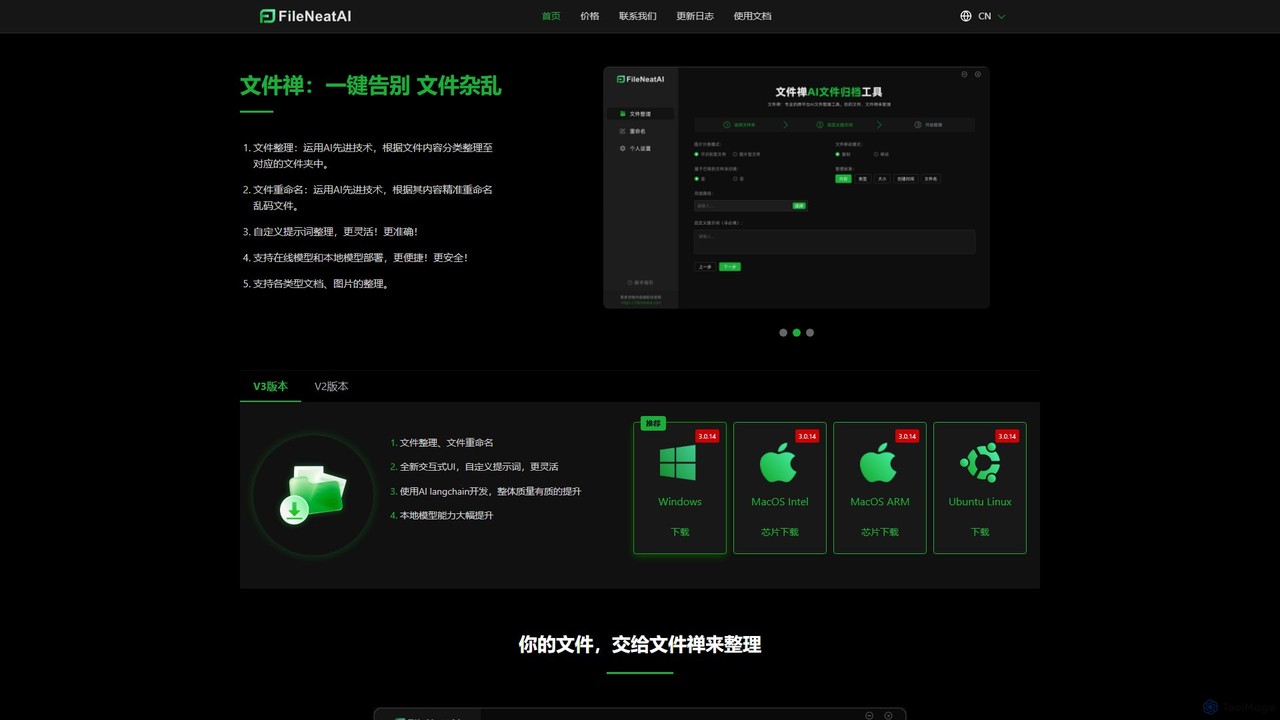
Filezen
Filezen is an AI-powered desktop application that automatically organizes messy files and renames them based on their content. It supports custom prompts for flexible sorting, works with various document and image types, and offers local model deployment for enhanced privacy.
Organization
Riffo
Riffo is an AI-powered file management tool for Mac that automatically renames and organizes your files. It intelligently analyzes file content, including text in images and documents, to generate descriptive names and sort them into relevant subfolders, transforming a cluttered desktop into an organized digital workspace.
Workflow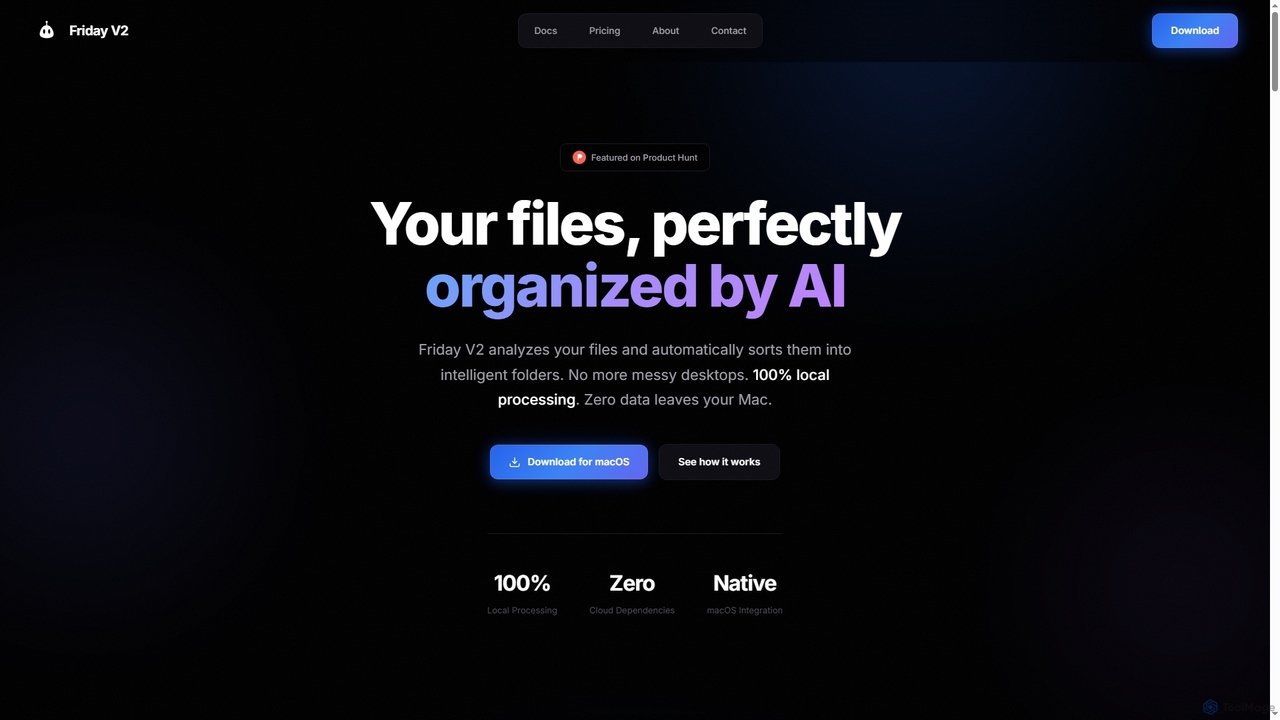
Friday
Friday is an AI-powered Mac application designed for intelligent, privacy-first file organization. It scans, classifies, and organizes your digital files locally on your device, transforming chaotic folders into a clean, logical structure automatically.
Desktop Automation
Renamify
Renamify is an AI-powered tool that simplifies bulk file renaming. It intelligently analyzes the content of your files, especially photos, to suggest meaningful and descriptive names, saving hours of manual work. It also focuses on enhancing web accessibility for visually impaired users.
Screen Reader ToolsAI Renamer Categories
AI Renamer Embed Widget
Copy this embed code to place the badge on your blog, article, or product site and send readers directly to this ToolMage detail page.

Related AI tools
Riffo
Riffo is an AI-powered file management tool for Mac that automatically renames and organizes your files. It intelligently analyzes file content, including text in images and documents, to generate descriptive names and sort them into relevant subfolders, transforming a cluttered desktop into an organized digital workspace.
WorkflowAi Photo Sorter
A privacy-first, AI-powered web application that helps you efficiently organize local photo collections. Create custom categories, sort images, and detect duplicates securely on your own computer without uploading any data.
Photo OrganizationFilezen
Filezen is an AI-powered desktop application that automatically organizes messy files and renames them based on their content. It supports custom prompts for flexible sorting, works with various document and image types, and offers local model deployment for enhanced privacy.
OrganizationFriday
Friday is an AI-powered Mac application designed for intelligent, privacy-first file organization. It scans, classifies, and organizes your digital files locally on your device, transforming chaotic folders into a clean, logical structure automatically.
Desktop Automation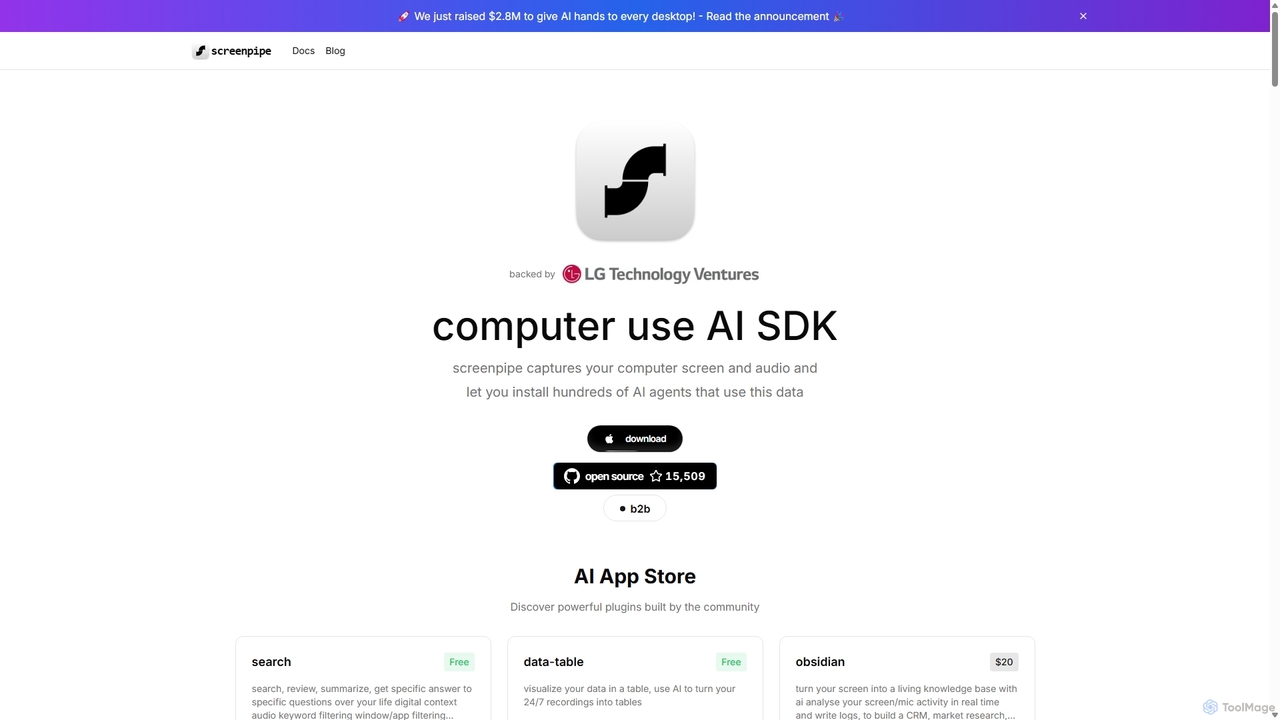
Screenpipe
Screenpipe is an open-source AI SDK that captures your computer's screen and audio 24/7, creating a local, private digital memory. It powers a rich ecosystem of AI agents that can search, summarize, and automate tasks based on your complete digital context, turning your computer usage into a powerful, personalized AI.
Personal Data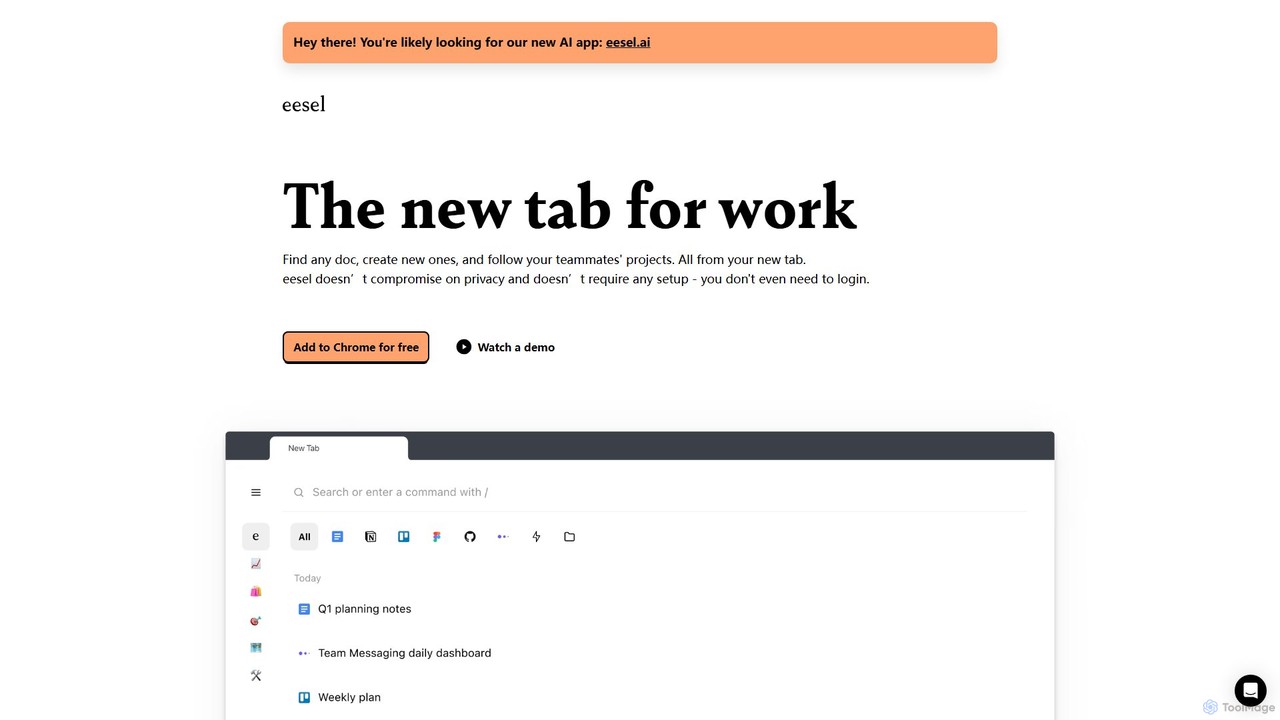
eesel
eesel is a smart browser extension that transforms your new tab into a productivity hub. It automatically organizes your work from all your apps (Google Docs, Notion, Figma, etc.), making every document instantly searchable. With a strong focus on privacy, eesel works locally on your computer, requires no setup, and helps you and your team stay organized and in sync without effort.
New Tab
ReMind
reMind is an open-source, privacy-first AI tool that acts as your personal memory. It captures your digital activity locally, allowing you to search and recall anything you've seen or done on your computer using natural language. It runs entirely on your machine for maximum security.
Utilities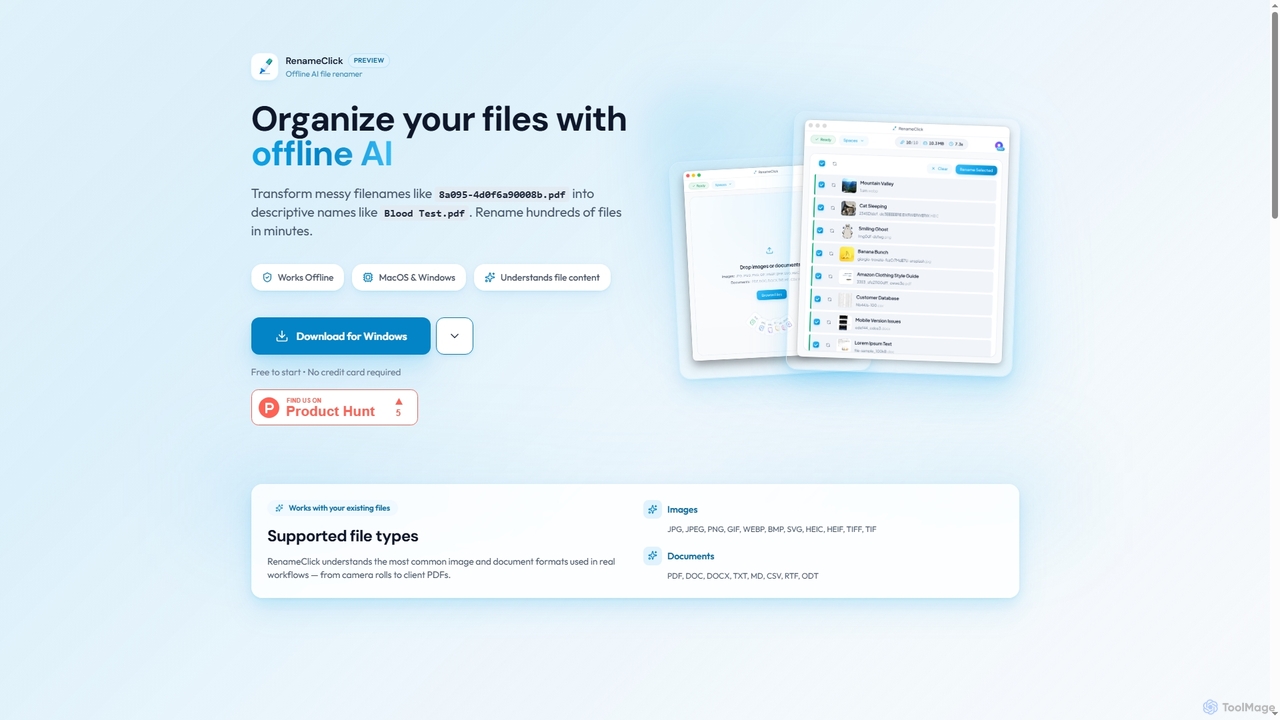
RenameClick
RenameClick is an offline AI file renamer for Mac and Windows that intelligently transforms messy, unorganized filenames into descriptive, clean labels. It leverages local AI to understand file content, enabling efficient batch renaming of hundreds of images and documents while ensuring complete privacy.
Offline ProcessingRenamify
Renamify is an AI-powered tool that simplifies bulk file renaming. It intelligently analyzes the content of your files, especially photos, to suggest meaningful and descriptive names, saving hours of manual work. It also focuses on enhancing web accessibility for visually impaired users.
Screen Reader Tools
AI Finder
AI Finder is an intelligent file management agent for macOS that revolutionizes how you find files. Using natural language, you can search files by content, creation date, or even vague descriptions. It also features a 'Talk to PDF' function, allowing you to chat with, summarize, and extract key insights from your documents. All processing is done locally, ensuring your data remains private and secure.
Analysis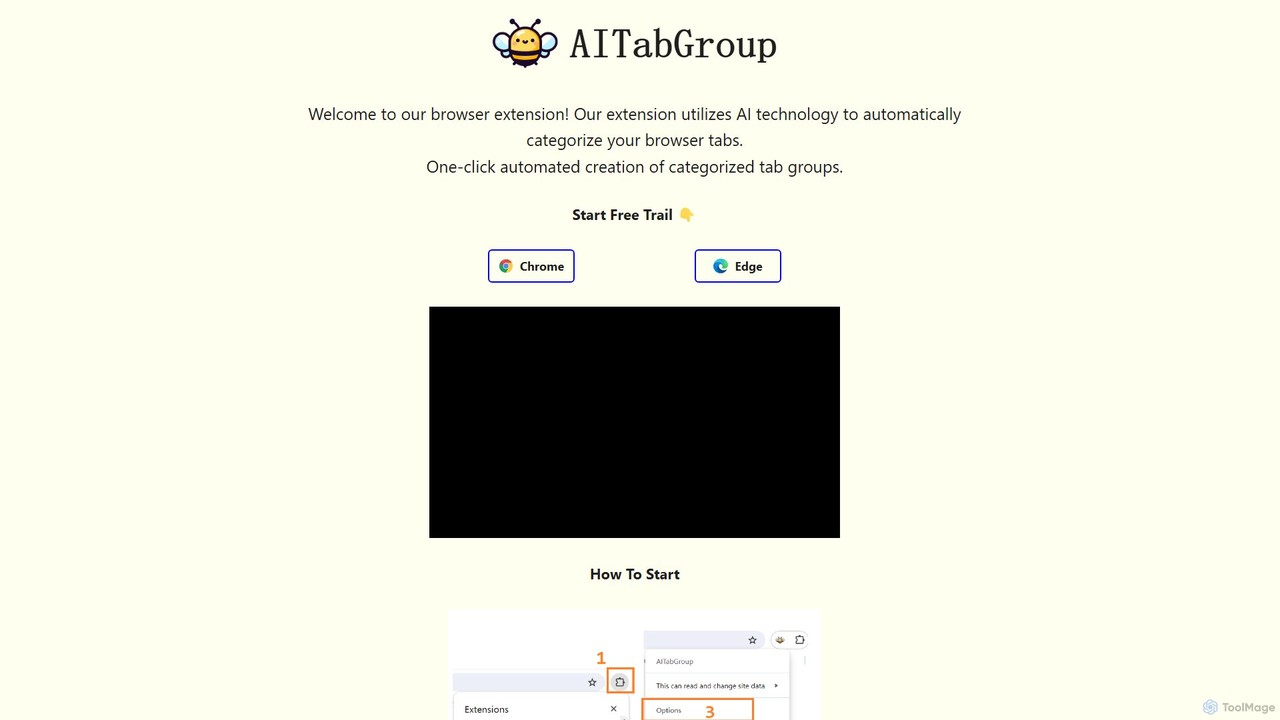
AI Tab Group
AI Tab Group is an intelligent browser extension for Chrome and Edge that uses AI to automatically categorize and group your open tabs. With a single click, it eliminates tab clutter, organizes your workspace, and boosts productivity. Pro features include hierarchical views and exporting sessions to Markdown or bookmarks.
Browser Extension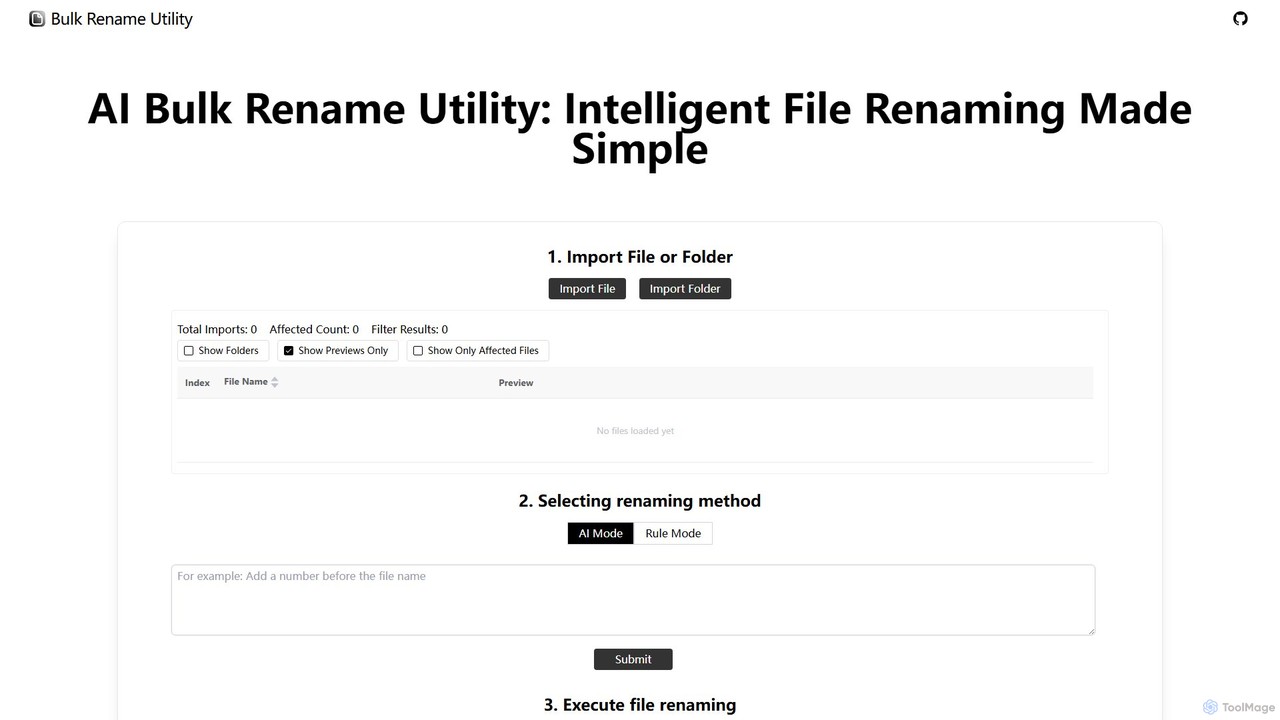
Bulk Rename Utility
Bulk Rename Utility is a powerful, free online tool for batch renaming files. It offers a unique dual-mode system: an intuitive AI mode for natural language commands and an advanced rule-based mode with features like regex and custom JavaScript. It operates locally in your browser for maximum privacy, supporting both Windows and Mac files.
Automation
Keep It Shot
Keep It Shot is a macOS application that uses AI to intelligently rename your screenshots and other files. It automatically creates descriptive names and builds a private, offline, and fast search index, transforming your messy file collection into an organized and searchable second brain.
Automation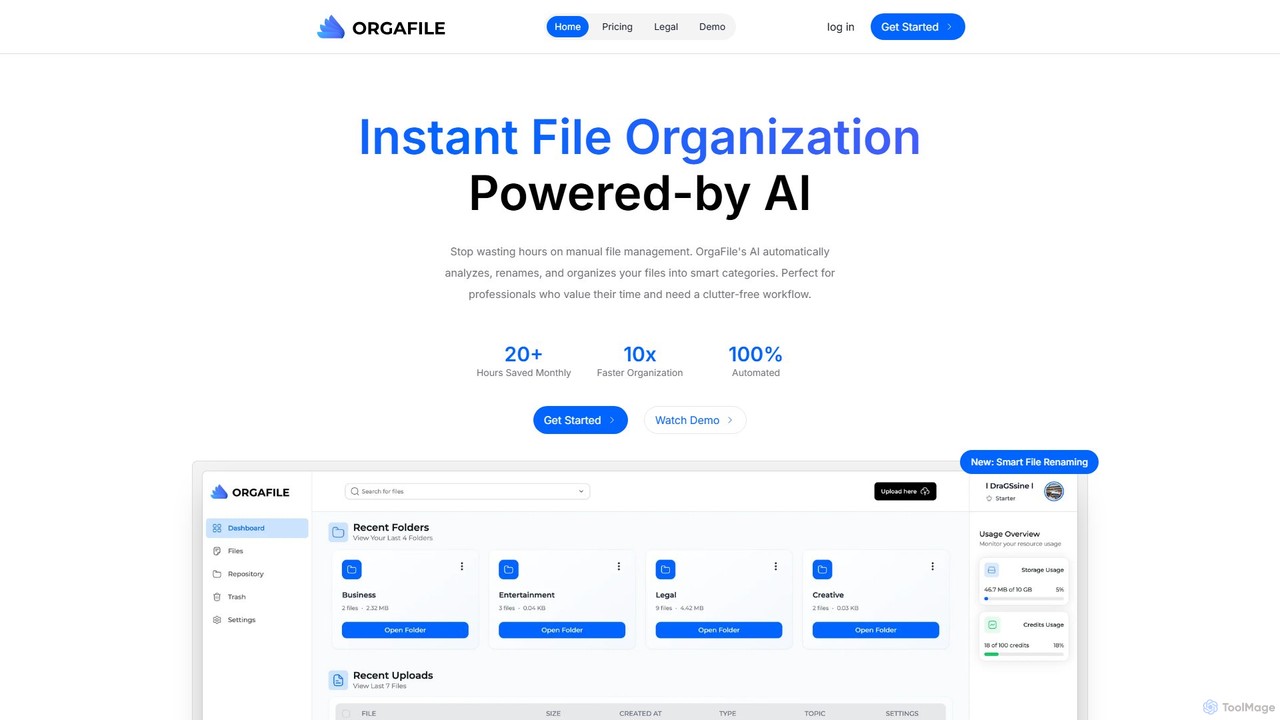
OrgaFile
OrgaFile is an AI-powered tool that automatically analyzes, renames, and organizes your files into smart, customizable categories. Designed for professionals and individuals, it saves hours of manual work, enhances productivity with a 10x faster organization process, and ensures your digital workspace remains clutter-free and secure.
Workflow
Arc
Arc is a revolutionary browser by The Browser Company, designed to be a smart, organized, and private alternative to Chrome. It integrates AI features to enhance productivity, offers unique organization tools like Spaces and Split View, and provides a seamless, ad-free experience across desktop and mobile.
Search Assistant
AI Renamer Comments (0)
Sign in to comment.
Sign inNo comments yet.