

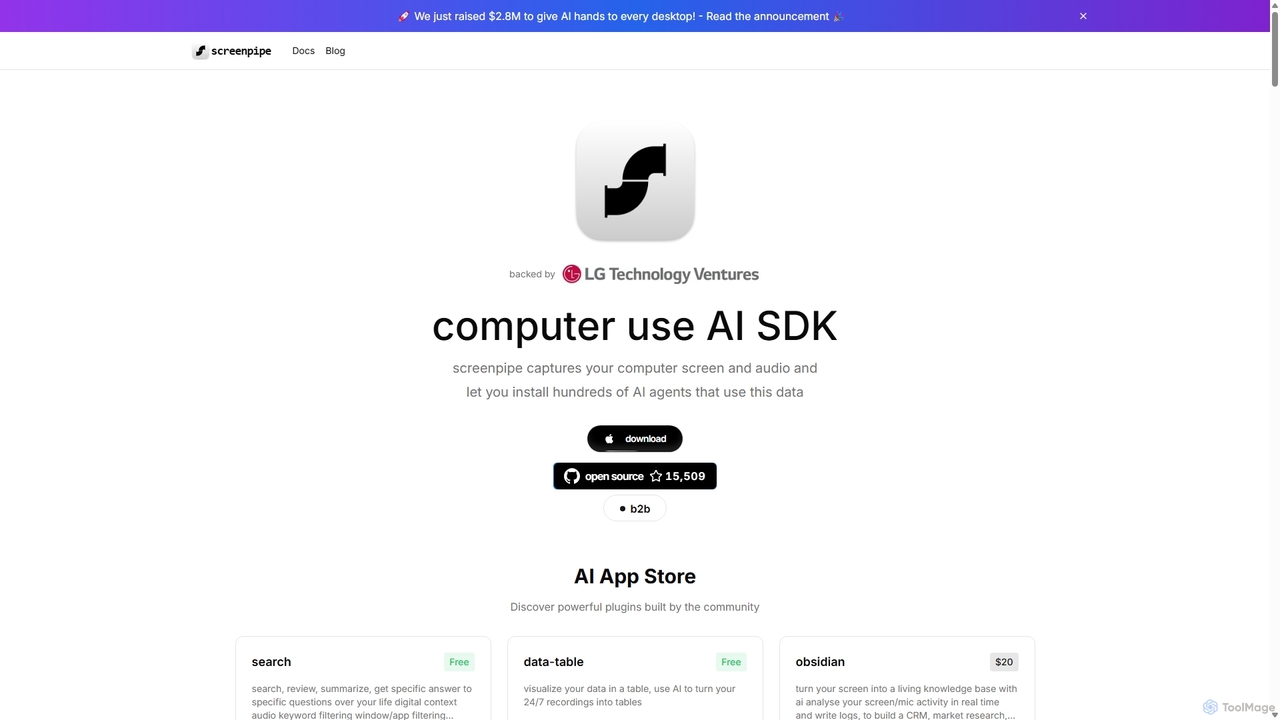
Screenpipe Overview
Screenpipe is a revolutionary open-source platform designed to serve as the foundational context layer for personal AI. It operates by continuously and locally capturing your computer's screen and audio, effectively building a comprehensive and private digital memory of your activities. This rich, multimodal data becomes the fuel for a vast ecosystem of AI agents, known as "pipes," available through its integrated AI App Store. By providing AI with a deep understanding of your personal context—what you see, hear, and do—Screenpipe unlocks unprecedented levels of personalization, automation, and productivity, all while prioritizing user privacy with its local-first architecture.
The core philosophy behind Screenpipe is that for AI to be truly helpful, it needs to know you. Instead of relying on scattered data across various apps, Screenpipe creates a unified, queryable history of your digital life. This allows developers and users to build and install powerful plugins that can perform tasks like automatically creating meeting summaries, generating social media content based on your work, tracking productivity patterns, or even serving as a personal knowledge base that learns from everything you do on your computer. It's a powerful tool for anyone looking to leverage the full potential of AI by grounding it in their own personal data.
How to use Screenpipe
Getting started with Screenpipe is straightforward. First, you download and install the application on your Windows, macOS, or Linux computer. Once installed, the application runs in the background, capturing your screen activity (using OCR for text) and audio. This process is designed to be efficient, with configurable settings to manage CPU and storage usage. All data is stored locally on your machine, ensuring your privacy. With the core service running, you can then explore the AI App Store directly within the Screenpipe interface. Here, you can browse, install, and configure various AI agents ('pipes') built by the community. Each pipe leverages your captured data for a specific purpose, from productivity enhancement to content creation. For developers, Screenpipe provides a comprehensive SDK to build and share their own custom pipes.
Core Features of Screenpipe
- 24/7 Screen & Audio Capture: Continuously records your screen (via OCR) and microphone/system audio to build a complete digital history.
- Local-First & Private: All captured data is stored and processed on your local machine, ensuring maximum privacy and security. Your data is never sent to the cloud unless a specific pipe requires it (e.g., using a cloud LLM).
- AI App Store: A rich ecosystem of community-built plugins ('pipes') that use your data to perform a wide range of tasks, from meeting summarization to automated task management.
- Open-Source SDK: A powerful Software Development Kit that allows developers to create their own AI agents that tap into the user's digital context.
- Advanced Search & Recall: Search through your entire digital history using natural language. Find anything you've seen, said, or heard on your computer.
- Speaker Identification: The system can learn to recognize different voices, allowing for more detailed and accurate audio transcriptions and analysis.
- Multi-LLM Support: Integrates with both local LLMs like Ollama for ultimate privacy and powerful cloud-based models from OpenAI, Anthropic, Google, and more.
- Data Visualization: Tools to visualize your activity, screen time, and productivity patterns in easy-to-understand dashboards.
Use Cases for Screenpipe
Screenpipe's versatility allows for a multitude of applications across various domains:
- Personal Knowledge Management: Connect Screenpipe to apps like Obsidian or Notion to automatically create a living knowledge base from your research, conversations, and work.
- Enhanced Productivity: Use pipes like 'Auto-Todo Builder' to extract tasks from emails and chats, or 'Focus Fade' to monitor and improve your focus during work sessions.
- Meeting Assistance: Automatically transcribe, summarize, and extract action items from meetings without needing bots to join your calls.
- Market & User Research: Passively collect insights by analyzing user interactions, browsing patterns, and feedback mentioned in calls to build user personas and market analyses.
- Content Creation: Generate blog posts, social media updates, or video summaries based on your recent activities, projects, and research.
- Self-Improvement: Track digital habits, monitor screen time on specific platforms with 'ReelBreak', or use the 'AI Interview Coach' to practice and get feedback on your presentation skills.
- Financial Tracking: Automatically detect and log receipts, invoices, and other financial documents that appear on your screen for easier expense management.
Advantages of Screenpipe
The primary advantage of Screenpipe is its local-first, privacy-centric approach to building a personal AI context layer. Unlike cloud-based solutions, it gives users full ownership and control over their most sensitive data. Its open-source nature fosters transparency and a vibrant community of developers, constantly expanding its capabilities. This extensibility through the AI App Store means its value grows over time, adapting to the user's specific needs. By creating a unified 'digital memory', Screenpipe solves the problem of fragmented data, providing a single source of truth for AI agents to deliver truly personalized and context-aware assistance, giving early adopters a significant advantage in the age of AI.
Pricing and Plans
Screenpipe offers a flexible pricing structure to cater to different users:
- Community (Free): For developers and enthusiasts, Screenpipe is open-source. You can build it from the source code on GitHub for free and get full access to its core functionalities.
- Standard (Paid): This involves a one-time payment for a bundle of credits. For example, a plan might offer '263 credits' for a one-time fee of $26. These credits can be used to purchase premium apps ('pipes') from the AI App Store. This pay-once model allows users to own the software and the apps they choose forever.
- B2B/Enterprise: Custom plans are available for teams and organizations. These plans offer dedicated support, priority implementation of custom features, and seamless integration with existing workflows for industries like healthcare, legal, and engineering. Interested parties can book a call for a custom quote.
Many apps in the store are free, while others are offered as one-time purchases using credits. This model provides a balance between supporting the open-source community and providing a sustainable platform for premium, professionally developed AI agents.
Traffic
Latest traffic
Status
Monthly traffic trend
- 2025-9: 14.3K
- 2026-1: 22.1K
- 2026-2: 26.8K
- 2026-3: 42.6K
- 2026-4: 56.4K
- 2026-5: 49.4K
Geography
Top 5 countries / regions
- 🇺🇸United States54.2%
- 🇮🇳India17.5%
- 🇷🇺Russia10.0%
- 🇩🇪Germany9.5%
- 🇹🇼Taiwan8.7%
Traffic sources
| Source type | Percentage |
|---|---|
Direct | 81.7% |
Referral | 12.3% |
Email | 6.0% |
Top keywords
| Keyword | Cost per click |
|---|---|
| screenpi $200 | $0.00 |
| screen pipe | $0.18 |
| screenpipe | $2.36 |
| screenpipe alternative | $0.00 |
| screenpipe download | $0.00 |
Screenpipe Videos on YouTube

screenpipe




Screenpipe Alternatives
Amurex
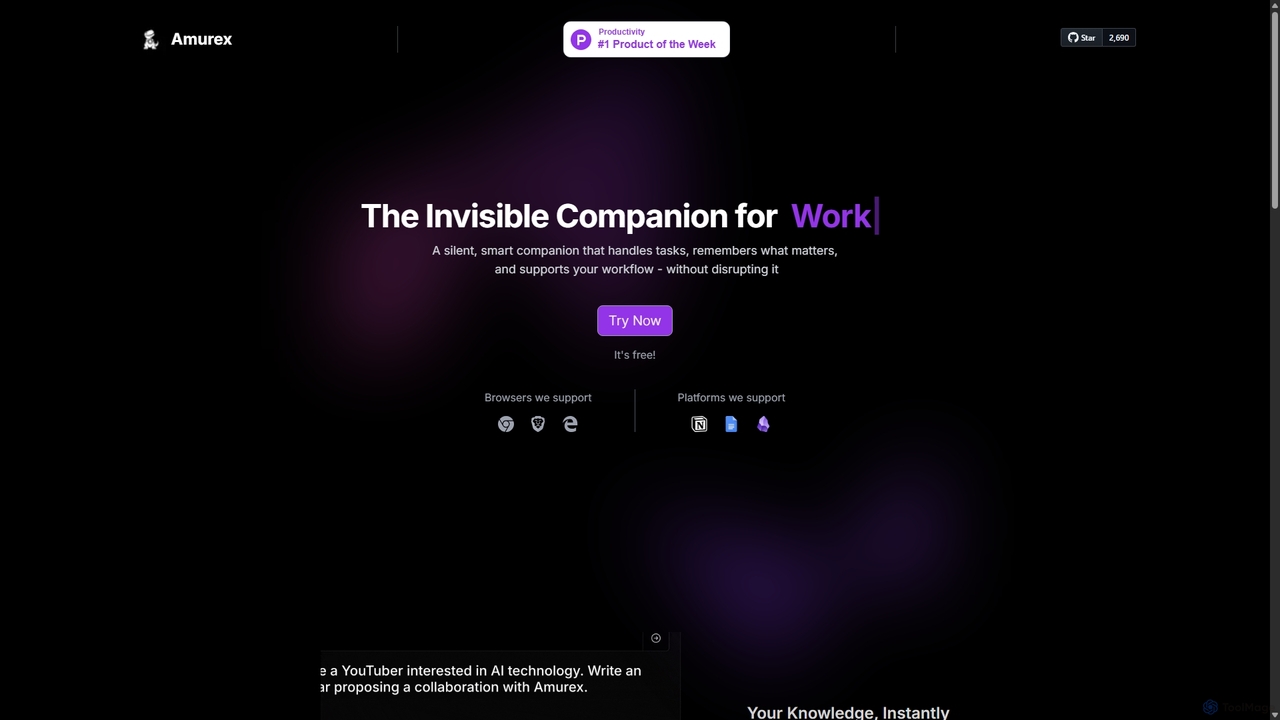
Amurex is an open-source AI invisible companion that works silently in the background to streamline your workflow. It integrates with your existing apps like Notion, Google Drive, and Obsidian to create a searchable knowledge base, automates meeting transcriptions and summaries, and intelligently categorizes your inbox.
Automation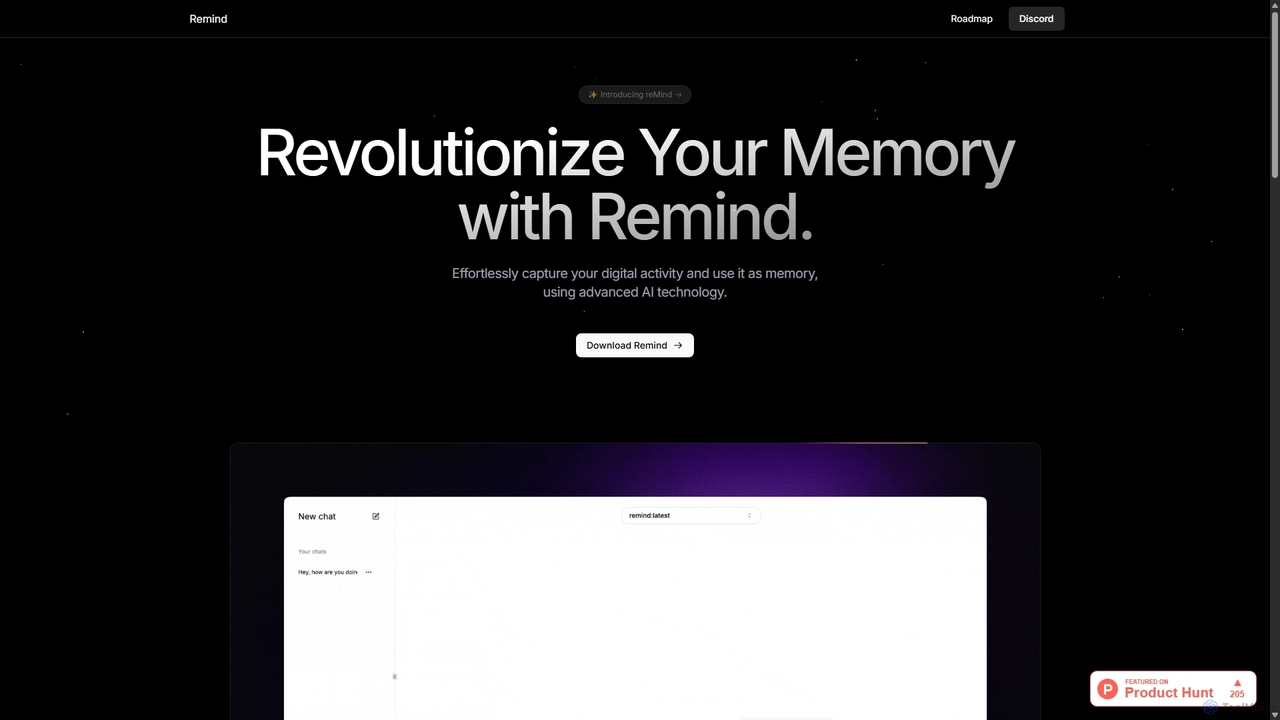
ReMind
reMind is an open-source, privacy-first AI tool that acts as your personal memory. It captures your digital activity locally, allowing you to search and recall anything you've seen or done on your computer using natural language. It runs entirely on your machine for maximum security.
Utilities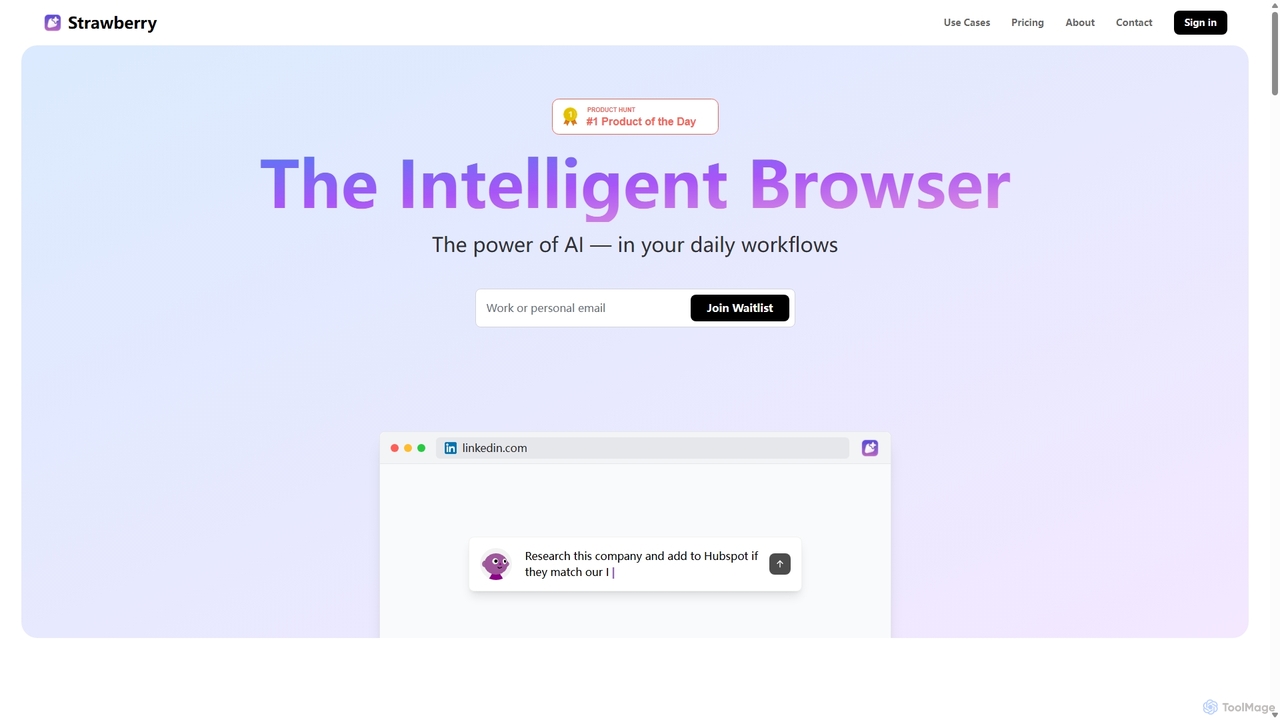
Strawberry Browser
Strawberry Browser is an intelligent, AI-powered browser designed to automate your daily workflows. It allows you to build a team of customizable AI assistants that handle repetitive tasks like research, data extraction, and lead generation directly within your browser. Eliminate grunt work, stay focused, and enhance your productivity.
Ai Assistant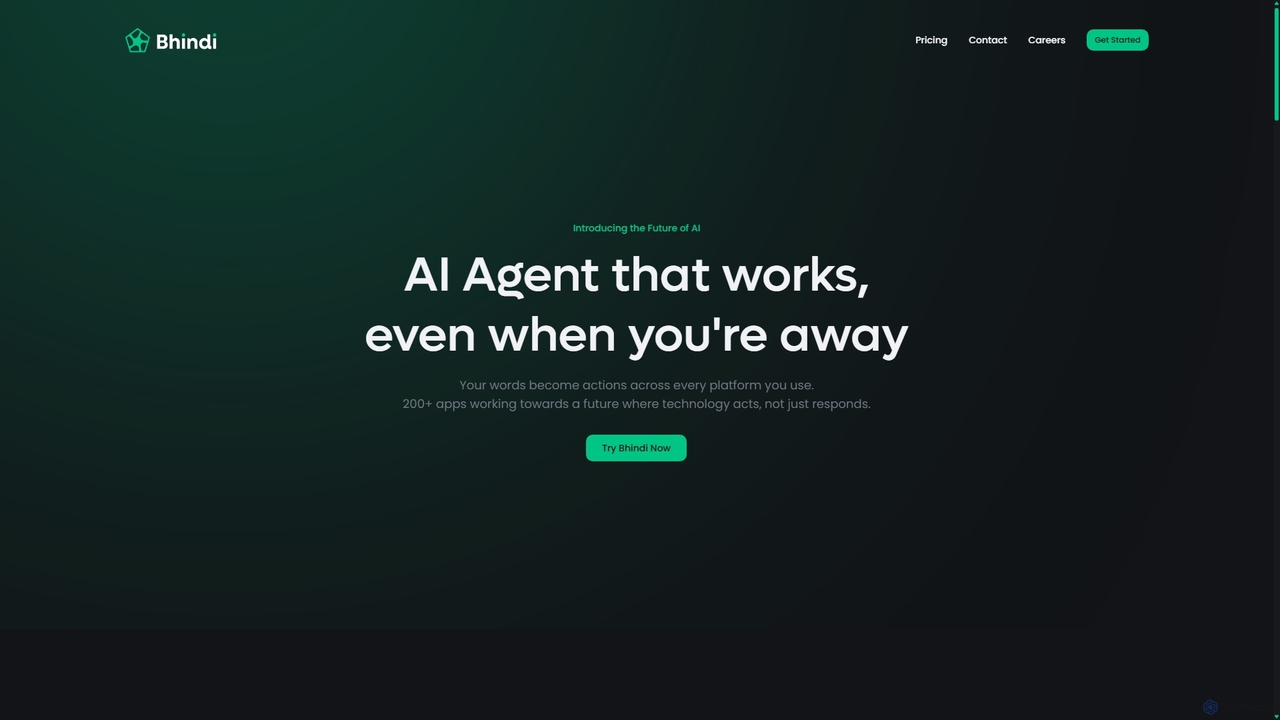
Bhindi
Bhindi is an AI agent platform that automates complex tasks and workflows across over 200 applications using simple natural language commands. It acts as an intelligent assistant that works in the background, connecting your favorite tools like Gmail, Slack, and Notion to execute multi-step actions, turning your words into a seamless, automated reality.
Personal Assistant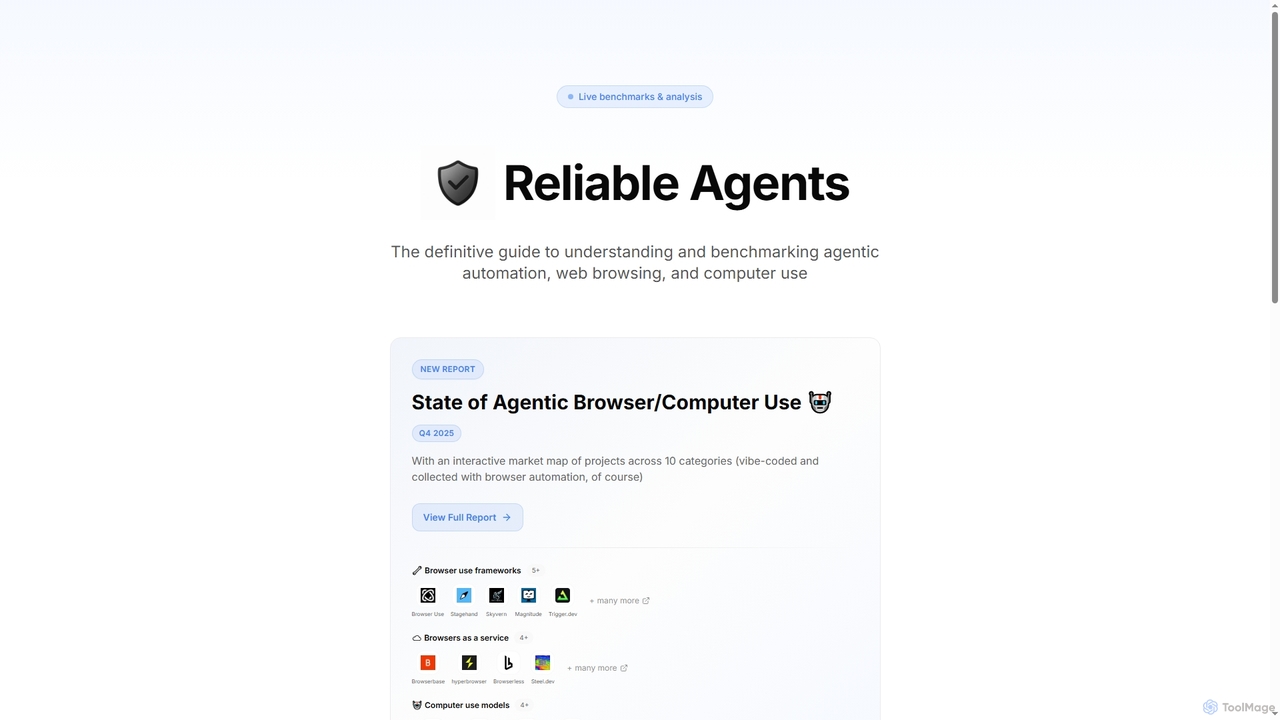
Reliable Agents
A definitive guide and benchmarking platform for agentic automation. It provides developers with interactive market maps, performance analysis, and reports on tools for web browsing and computer control, helping them build reliable AI agents.
Market ResearchScreenpipe Categories
Screenpipe Jobs
Screenpipe Embed Widget
Copy this embed code to place the badge on your blog, article, or product site and send readers directly to this ToolMage detail page.

Related AI tools
ReMind
reMind is an open-source, privacy-first AI tool that acts as your personal memory. It captures your digital activity locally, allowing you to search and recall anything you've seen or done on your computer using natural language. It runs entirely on your machine for maximum security.
Utilities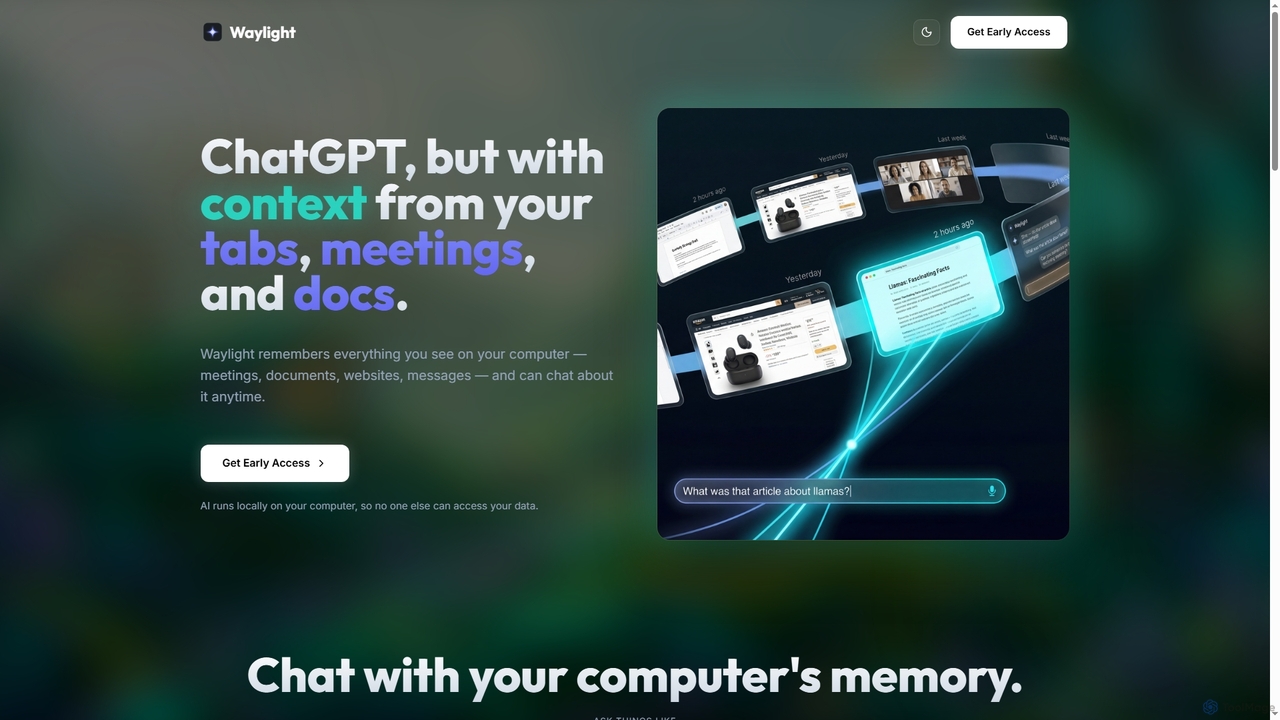
Waylight
Waylight is a privacy-first AI assistant that runs locally on your computer. It remembers everything you see—meetings, documents, and websites—creating a searchable memory you can chat with, without ever uploading your data to the cloud.
Desktop AssistantAmurex
Amurex is an open-source AI invisible companion that works silently in the background to streamline your workflow. It integrates with your existing apps like Notion, Google Drive, and Obsidian to create a searchable knowledge base, automates meeting transcriptions and summaries, and intelligently categorizes your inbox.
Automation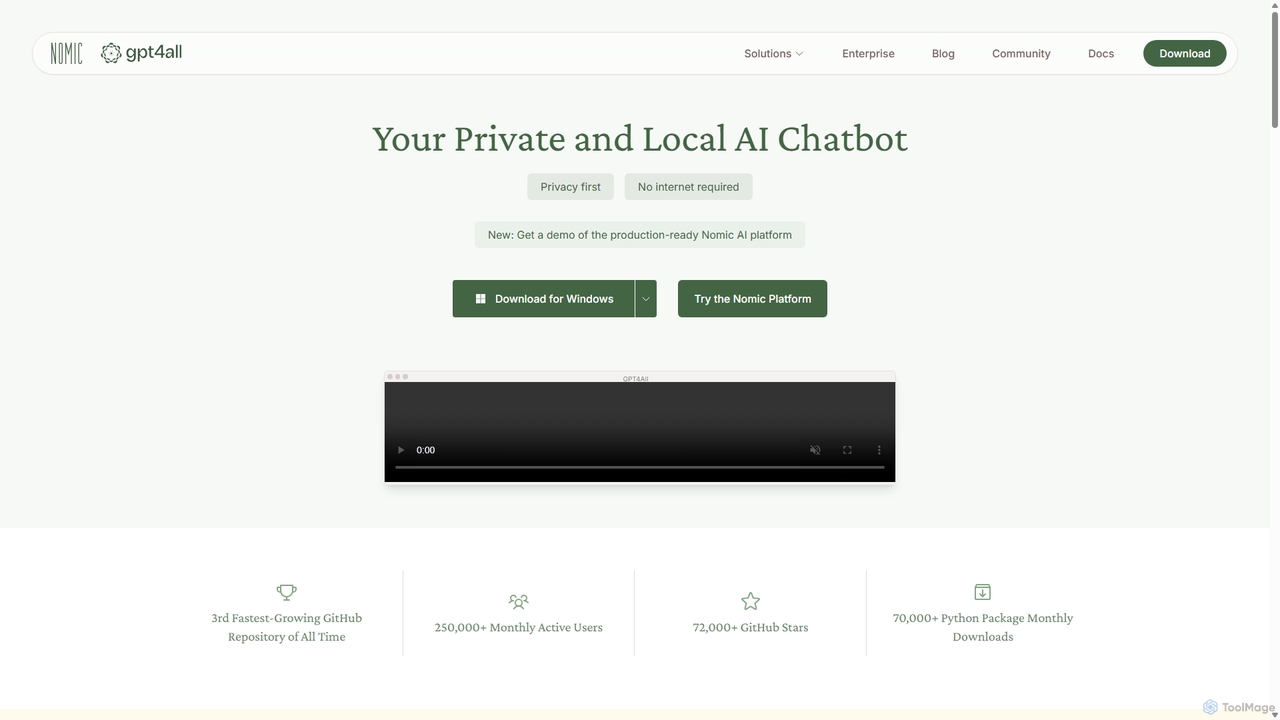
GPT4All
GPT4All is a free, open-source, and privacy-focused AI chatbot that runs powerful language models locally on your desktop. It works offline, ensuring your data never leaves your device, and allows you to chat with your own documents securely.
Machine Learning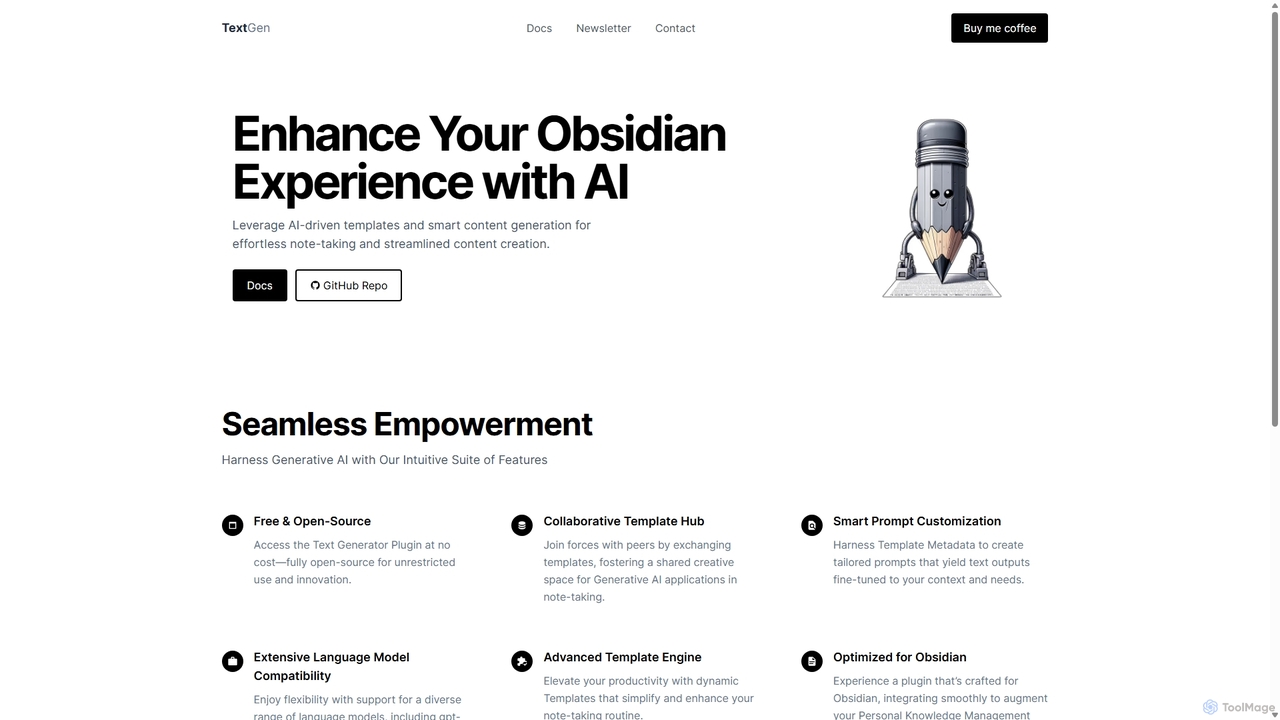
TextGen
TextGen is a free, open-source AI plugin for Obsidian that supercharges your note-taking and content creation. It integrates seamlessly with various large language models like GPT-4, Claude, and Llama, allowing you to generate, summarize, and transform text using customizable templates directly within your knowledge base.
Code Assistant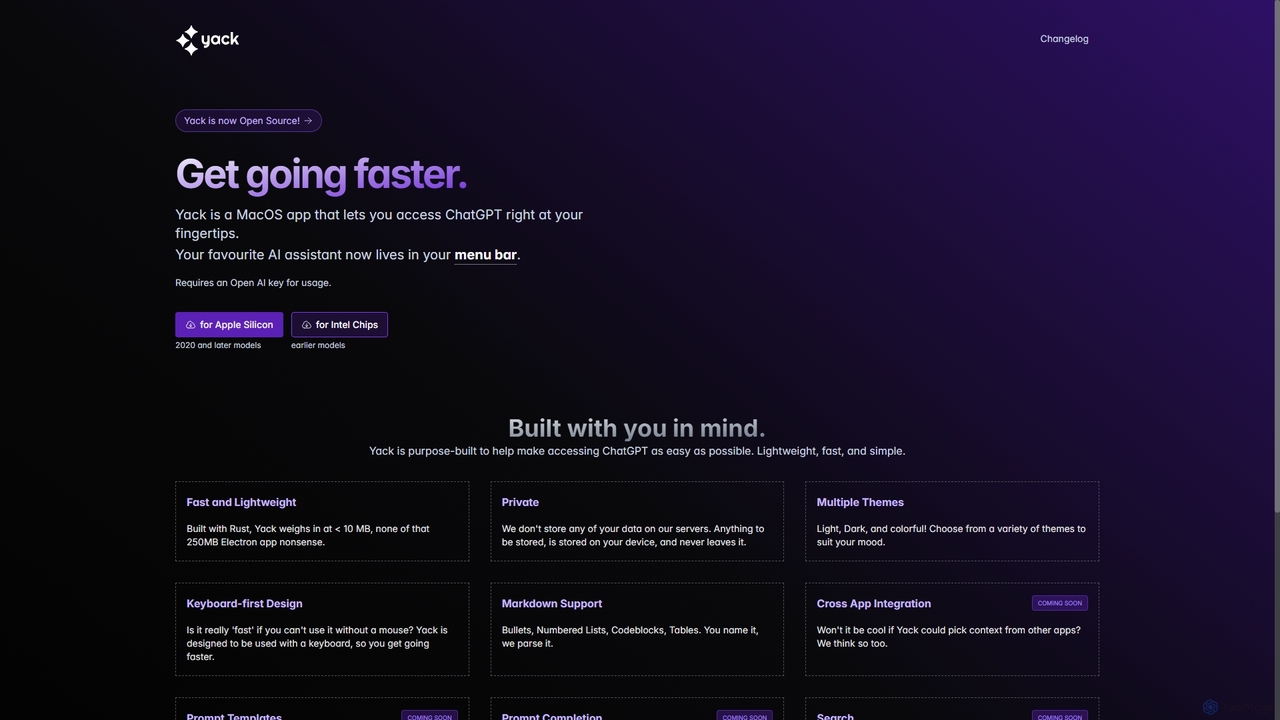
Yack
Yack is a lightweight, fast, and private open-source native macOS application that provides instant access to ChatGPT directly from your menu bar. Built with Rust, it's designed for efficiency with a keyboard-first approach, ensuring you can interact with AI without disrupting your workflow.
Api Client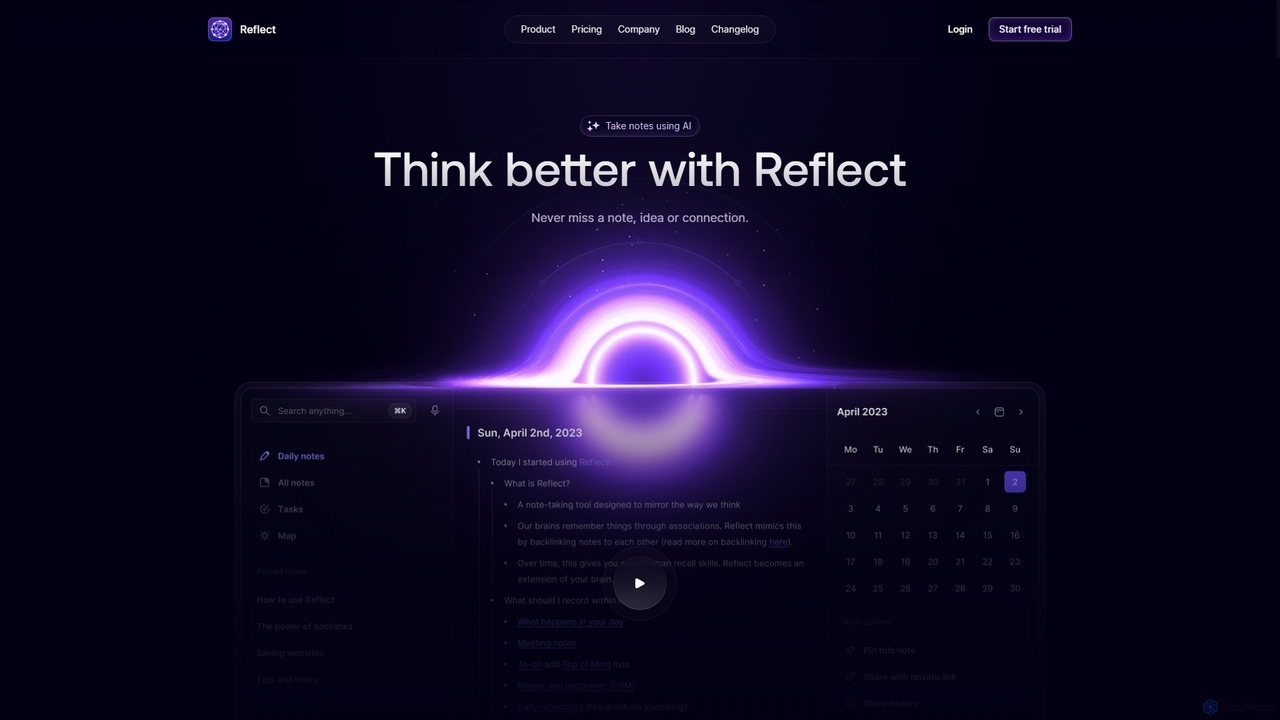
Reflect
Reflect is an AI-powered, networked note-taking app designed to help you think better. It acts as a 'second brain' by connecting your notes through backlinks, creating a graph of your ideas. With features like AI-driven transcription, summarization, end-to-end encryption, and seamless cross-device sync, it's built for speed, security, and frictionless thought capture.
Personal AssistantStrawberry Browser
Strawberry Browser is an intelligent, AI-powered browser designed to automate your daily workflows. It allows you to build a team of customizable AI assistants that handle repetitive tasks like research, data extraction, and lead generation directly within your browser. Eliminate grunt work, stay focused, and enhance your productivity.
Ai AssistantReliable Agents
A definitive guide and benchmarking platform for agentic automation. It provides developers with interactive market maps, performance analysis, and reports on tools for web browsing and computer control, helping them build reliable AI agents.
Market Research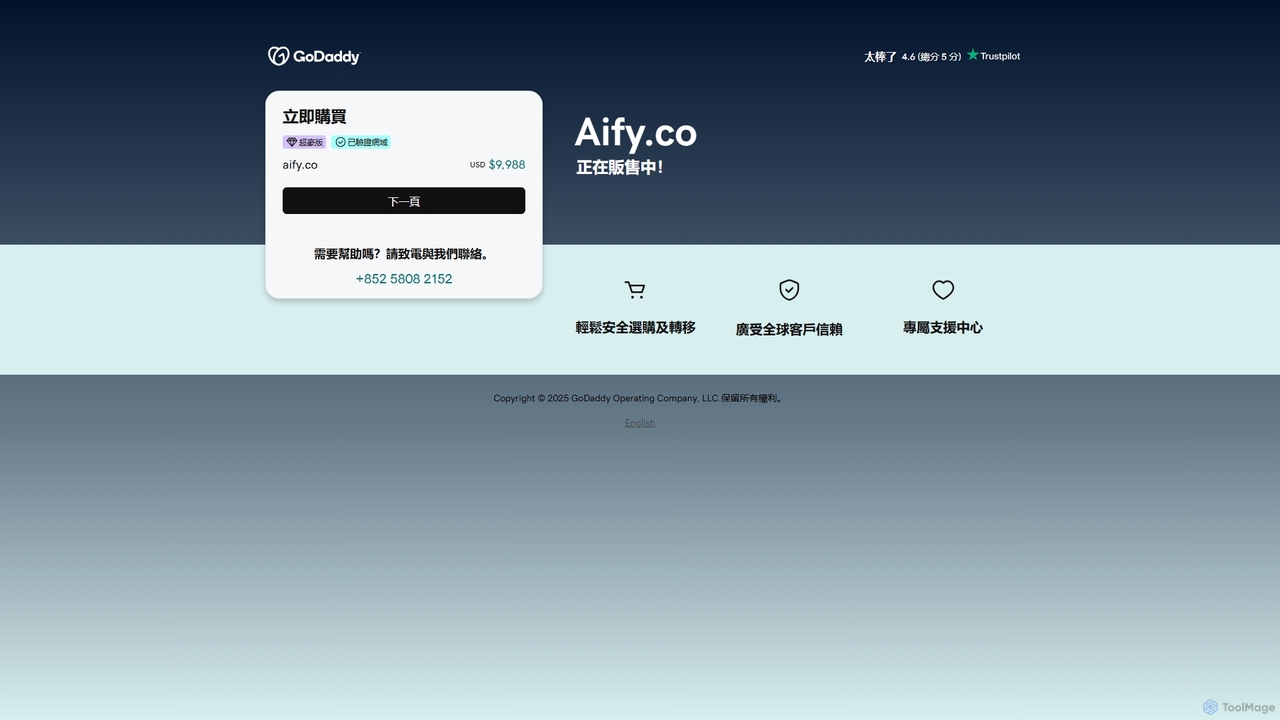
Aify
Aify is a no-code AI platform that empowers users to build custom AI-powered applications and automate complex workflows. Integrate top AI models through a visual drag-and-drop interface to create tools for content generation, data analysis, and process automation without writing any code.
Workflow Management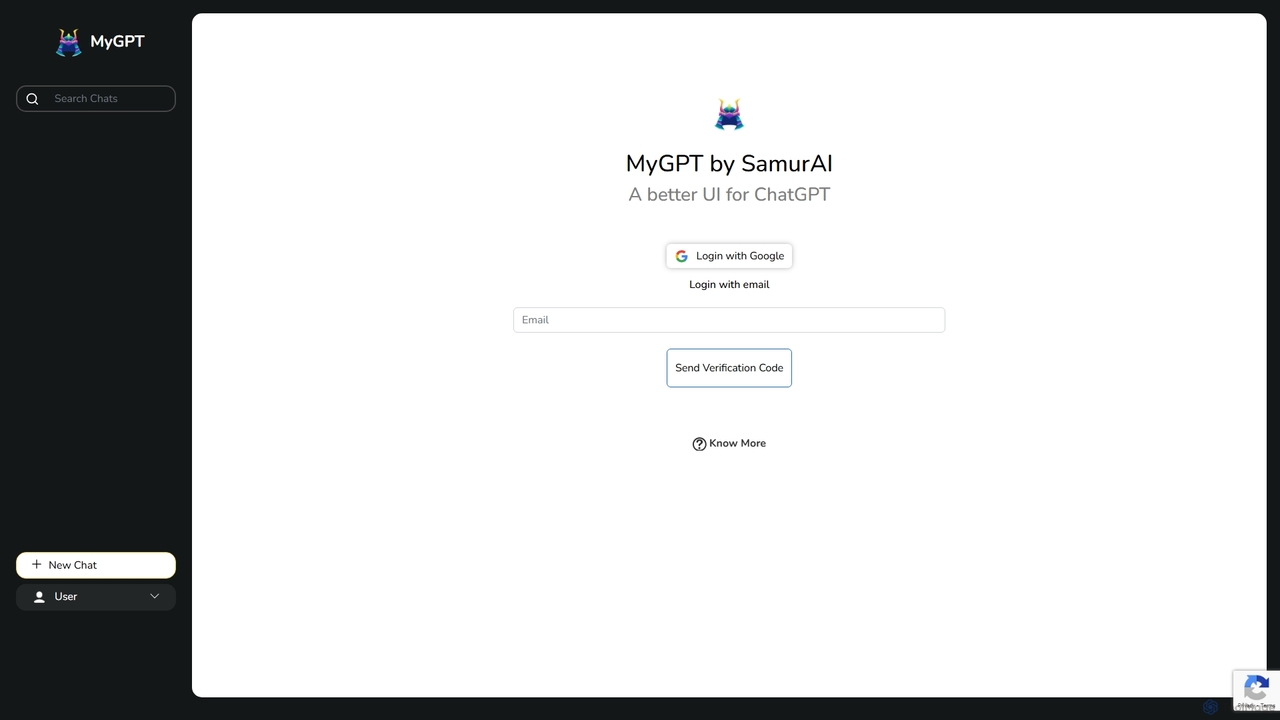
MyGPT
MyGPT is an advanced platform offering a superior UI for ChatGPT, enhanced with powerful features like AutoGPT for autonomous tasks, EmbedAI for custom website chatbots, and GPT Actions for real-world API integrations. Build, automate, and deploy AI with ease.
Chatbots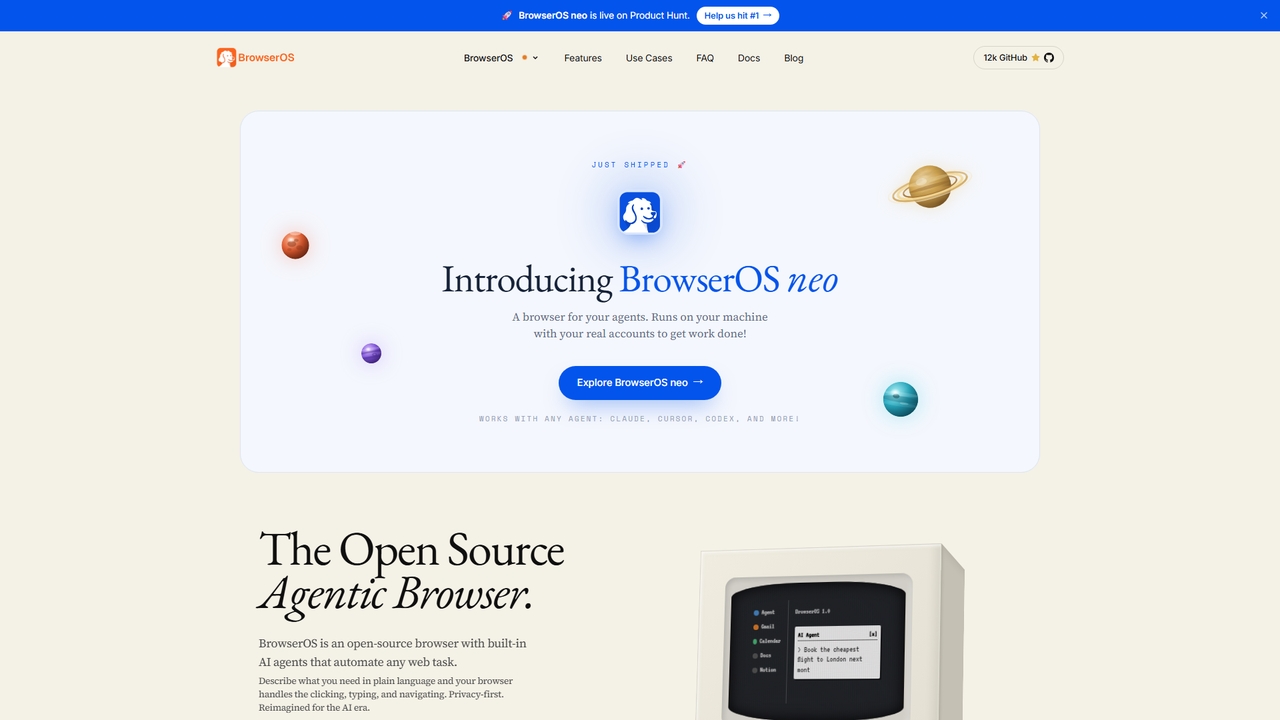
BrowserOS
BrowserOS is an open-source, privacy-first AI browser with built-in AI agents that automate web tasks through natural language. It supports 13 AI providers, 40+ app integrations, and runs locally on macOS, Windows, and Linux.
Web Automation
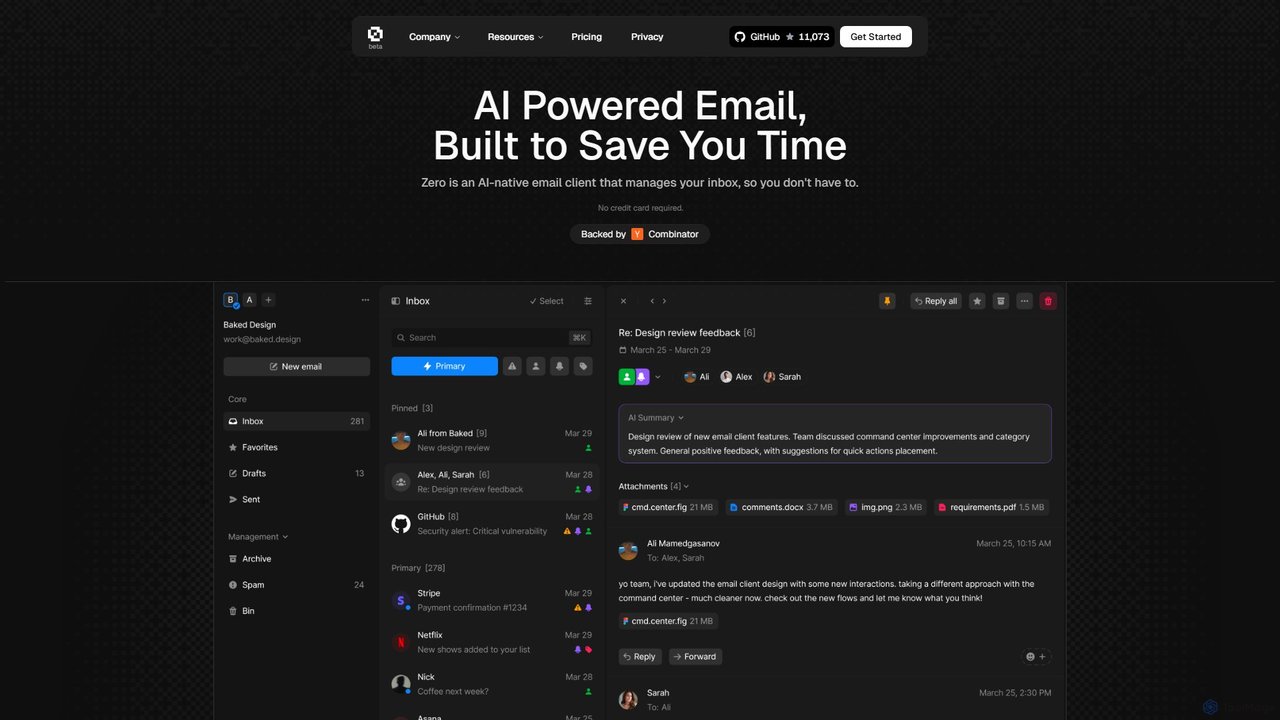
Zero
Zero is an AI-native email client designed to save you time. It automatically manages your inbox by summarizing threads, drafting replies, and extracting action items, allowing you to process emails at lightning speed with a keyboard-first interface.
Personal Assistant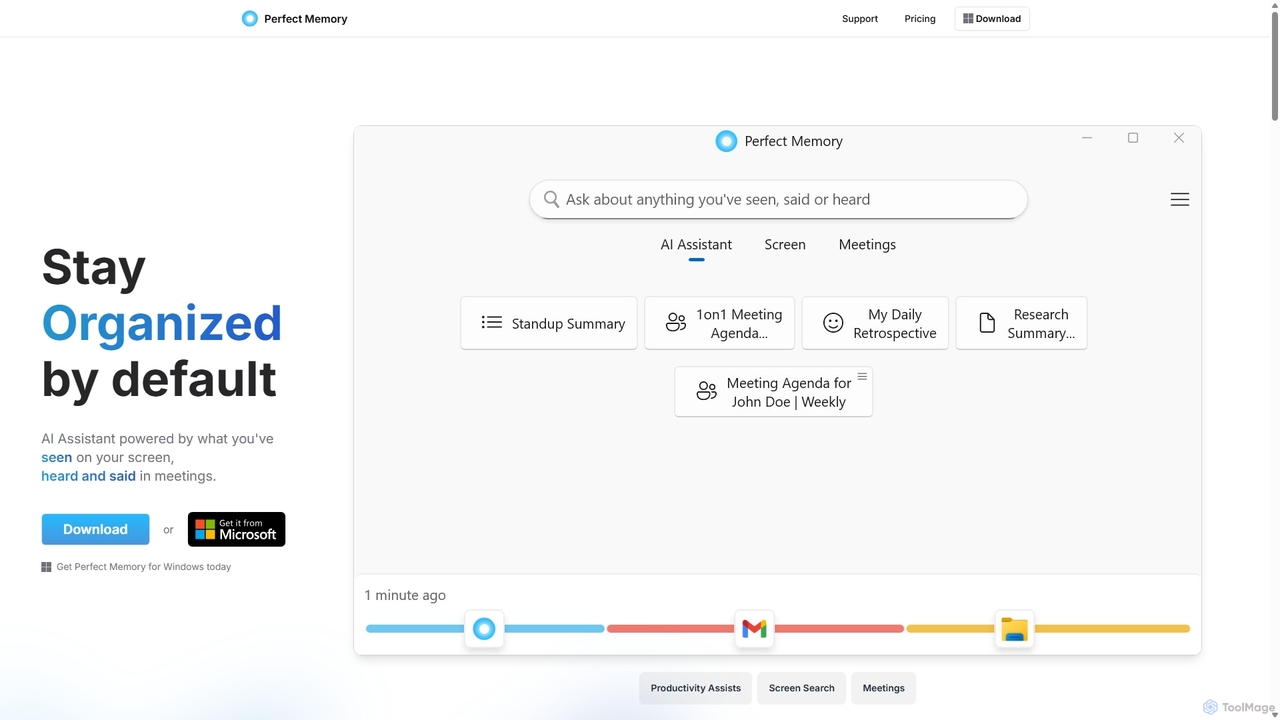
Perfect Memory AI
Perfect Memory AI is a privacy-focused productivity assistant that acts as your second brain. It records your screen activity and meetings, making everything you've seen or heard fully searchable. With a powerful AI assistant, it helps you recall information, summarize research, and prepare for meetings, all while keeping your data securely on your local device.
Local Processing
Screenpipe Comments (0)
Sign in to comment.
Sign inNo comments yet.