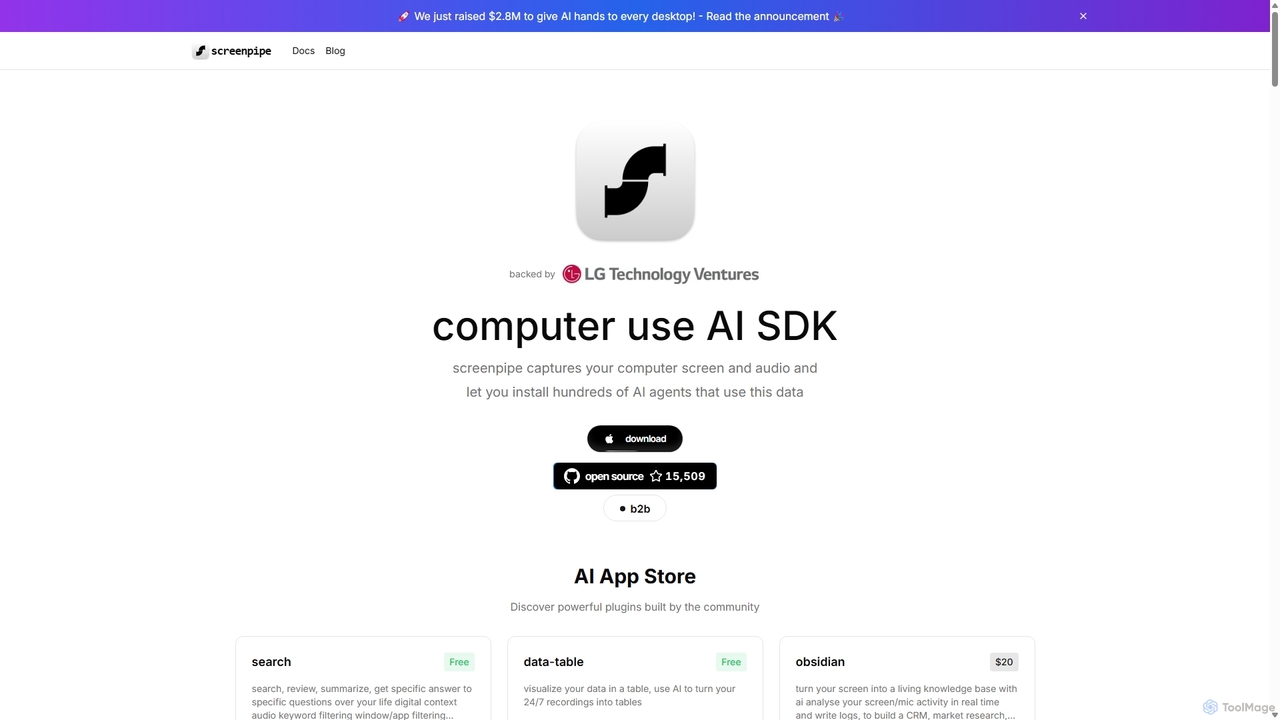
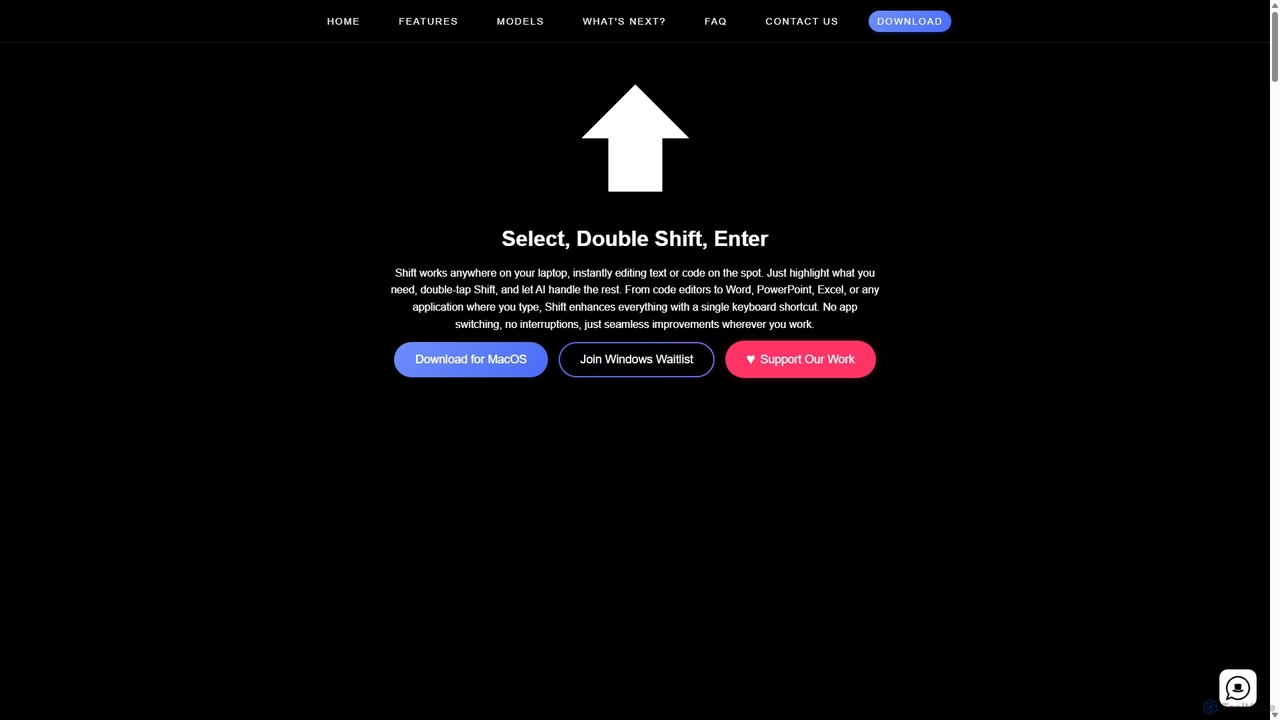
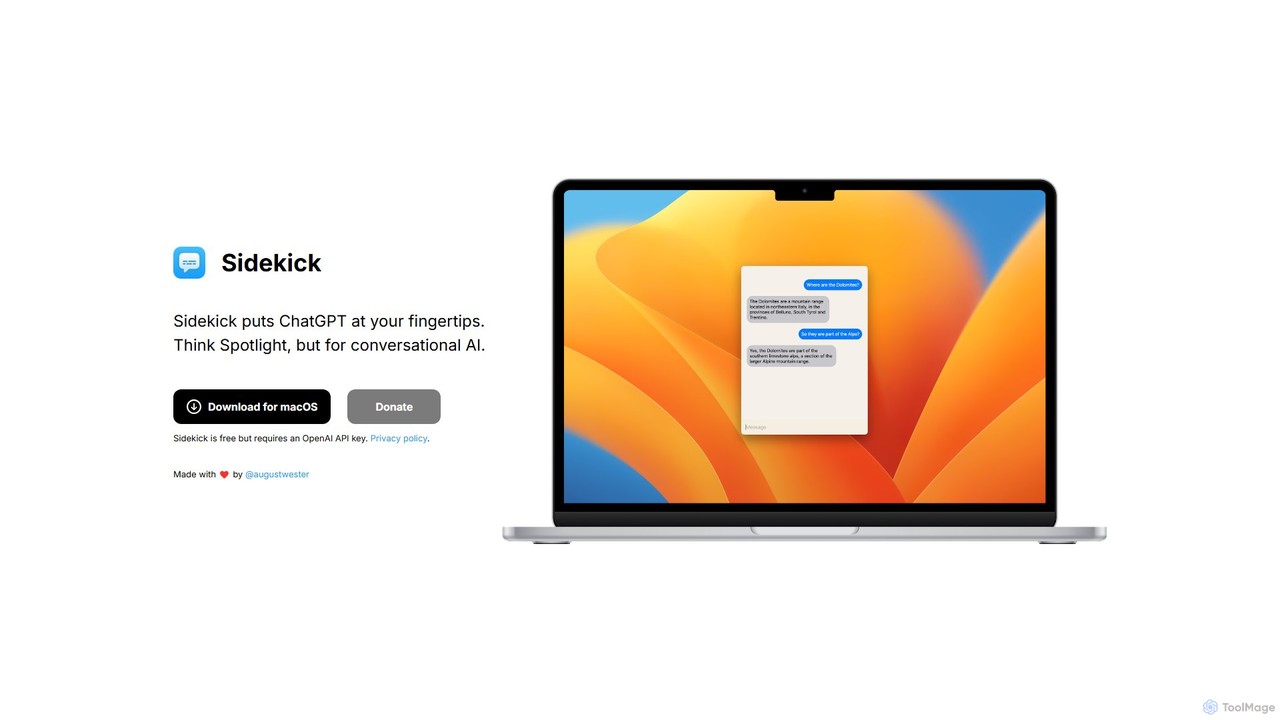
Desktop Enhancement AI tools are a category of software that leverages artificial intelligence to optimize, personalize, and streamline the user's desktop computing experience. These tools utilize AI algorithms to automate routine tasks, enhance search capabilities, intelligently organize digital assets, and adapt the user interface based on individual preferences and usage patterns. By integrating predictive analytics and machine learning, they aim to boost productivity, reduce digital clutter, and create a more intuitive and efficient digital workspace within the broader Os & Utilities ecosystem.
Core Features
- AI-Powered Search: Intelligently understands context and intent to deliver highly relevant search results across files, applications, and web content.
- Smart File Organization: Automatically categorizes, tags, and suggests optimal storage locations for files, reducing manual effort and improving discoverability.
- Intelligent Automation: Learns user habits to suggest and execute repetitive tasks, such as launching applications, managing windows, or processing data.
- Personalized Interface Adaptation: Dynamically adjusts desktop layouts, themes, and notifications to match user preferences and current workflow.
- Predictive Recommendations: Anticipates user needs by suggesting relevant applications, documents, or actions based on past behavior and current context.
Applicable Scenarios
These tools are invaluable for professionals seeking to maximize efficiency, content creators managing vast digital libraries, and anyone aiming for a more organized and responsive computing environment. They are particularly useful in scenarios requiring rapid information retrieval, automated task execution, and a highly personalized digital workspace.
How to Choose
When selecting a Desktop Enhancement AI tool, consider its integration capabilities with your existing operating system and applications, the breadth and depth of its AI features (e.g., learning accuracy, automation complexity), customization options for personalization, and its impact on system performance and data privacy. Evaluate user reviews and the developer's commitment to updates and support.