
Os & Utilities Best in category 1 results Mac AI Tool

Popular AI tools in the Mac field of Os & Utilities include Macaify, etc., helping you quickly improve efficiency.

Macaify

Macaify

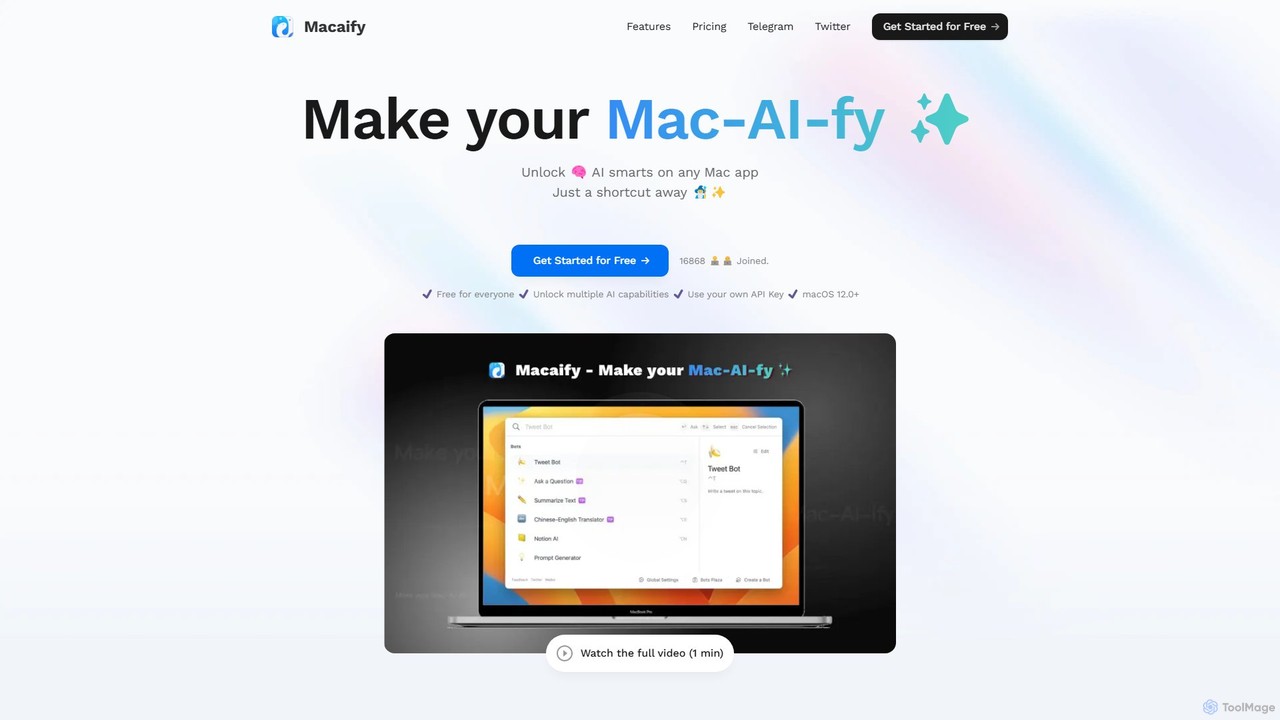
Macaify is a native macOS application that integrates AI capabilities into any app on your Mac. With a …

2.8K

About Mac

AI tools for Mac are applications specifically designed or highly optimized for the macOS operating system. These tools leverage the unique architecture of Apple hardware, particularly Apple Silicon (M-series chips), to deliver superior performance and efficiency. They provide users with powerful AI capabilities directly within a native, intuitive, and secure environment. Unlike generic web-based tools, Mac AI apps often feature deep system integration and the ability to run models locally for enhanced privacy and offline access.

Core Features

  • Apple Silicon Optimization: Natively compiled to run on M1, M2, and M3 chips, enabling faster machine learning tasks like local model inference and data processing.
  • Deep System Integration: Seamlessly works with macOS features like Shortcuts, Spotlight, the menu bar, and notifications for streamlined workflows.
  • Offline Functionality: Many tools can perform AI tasks without an internet connection by running models directly on the device, enhancing privacy and accessibility.
  • Native User Interface: Adheres to Apple's Human Interface Guidelines, offering a familiar, responsive, and polished user experience consistent with the macOS ecosystem.

Applicable Scenarios

These tools are ideal for professionals and creatives who work primarily within the Apple ecosystem. Developers can use local AI coding assistants, designers can run image generation models on-device for rapid iteration, and writers can leverage system-wide text editing tools. They are particularly valuable in workflows where performance, privacy, and a seamless user experience are critical.

Selection Criteria

When choosing an AI tool for Mac, consider its level of native optimization; check if it's a Universal app built for Apple Silicon. Evaluate the depth of its integration with macOS—does it support Shortcuts or offer a menu bar utility? Also, determine if it processes data locally for privacy or relies on the cloud, and assess whether its user interface feels truly native and intuitive.

MacUse Cases

1

System-Wide AI Text Editing for Writers

A content creator uses a menu bar AI application on their MacBook. While writing an article in Pages, they highlight a paragraph and use a keyboard shortcut to instantly access the AI tool. They can ask it to rephrase the text for clarity, shorten it for brevity, or change its tone to be more professional. This process happens seamlessly within their existing writing application, eliminating the need to switch contexts to a web browser, saving significant time and maintaining their creative flow.

2

Local Image Generation for Designers

A graphic designer uses a native Mac application to run a Stable Diffusion model directly on their Mac Studio with an M2 Ultra chip. They can generate dozens of high-resolution concept images in minutes without uploading any prompts or data to the cloud. This on-device processing ensures complete privacy for their proprietary design concepts and avoids recurring cloud computing costs. The app's performance is highly optimized for Apple's Metal graphics API, resulting in significantly faster generation times compared to non-optimized solutions.

3

Automating Workflows with AI and Shortcuts

A project manager creates a custom workflow using the Shortcuts app on their Mac. The workflow is triggered when a new file is added to a specific folder. A native Mac AI tool is called via the Shortcut to summarize the document's content, extract key action items, and then create a new task in their to-do list app with the summary and action items. This deep integration between the AI tool and a core macOS feature automates a repetitive administrative task, ensuring no action item is missed from new reports.

4

AI-Powered Coding Assistant for Developers

A software developer working in Xcode on their MacBook Pro uses a native AI coding assistant. The tool provides intelligent, context-aware code completions locally, without sending snippets of proprietary code to a third-party server. It leverages Core ML to run its suggestion model efficiently on the M3 Pro chip. The assistant also helps in debugging by analyzing code and suggesting fixes, all within the familiar macOS development environment, significantly speeding up the development cycle and enhancing code quality.

5

Offline Document Analysis for Researchers

A legal researcher needs to analyze hundreds of sensitive case files in PDF format. They use a Mac AI tool that runs entirely on their device. The tool can perform Optical Character Recognition (OCR), extract key entities like names and dates, and summarize long documents without any data ever leaving the Mac. This ensures compliance with strict confidentiality agreements and allows the researcher to work securely from any location, even without an internet connection, boosting productivity and maintaining data integrity.

6

Intelligent Search with Natural Language

A user replaces the standard Spotlight search with an AI-powered Mac utility. Instead of searching for exact file names, they can now use natural language queries like "find the presentation I made about marketing last month" or "show me PDFs I received from Jane this week." The tool understands the intent, searches through file contents and metadata, and provides highly relevant results instantly. This native integration provides a much more intuitive and powerful way to find information stored on their Mac, transforming file management.

MacFrequently Asked Questions