

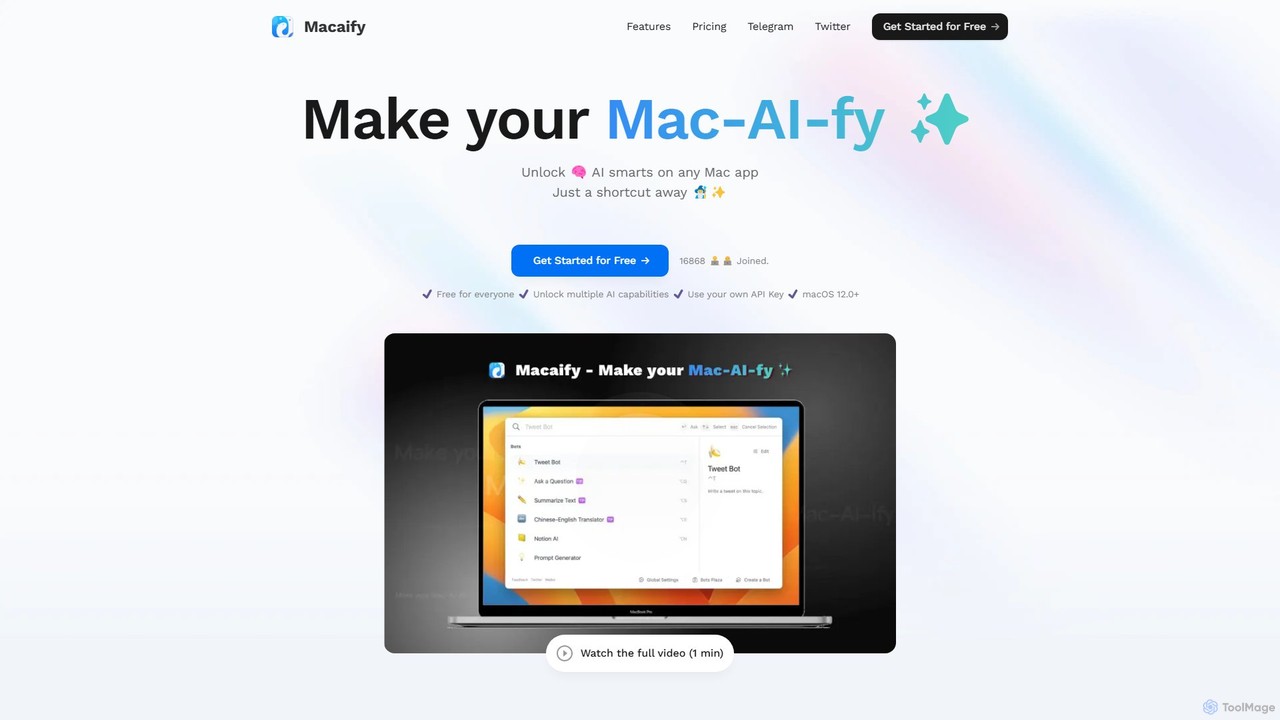
Macaify Overview
Macaify is a powerful productivity tool designed to seamlessly integrate artificial intelligence into your daily workflow on any Mac application. It operates on a simple yet effective principle: select text, press a shortcut, and let AI handle the task. This eliminates the need for constant app-switching, allowing you to stay focused and efficient. Whether you're a writer, developer, student, or marketer, Macaify acts as your universal AI assistant, always just a keystroke away.
The core of Macaify lies in its customizable "robots." These are pre-configured AI commands tailored for specific tasks. You can create your own robots to fit your unique workflow or choose from a vast library of over 1000 templates. This level of customization ensures that Macaify can adapt to virtually any text-based or code-related challenge, from summarizing articles and translating languages to generating complex code snippets and debugging errors.
How to use Macaify
Using Macaify is designed to be intuitive and blend into your existing habits. The process is straightforward:
- Install the App: Download and install the Macaify application on your Mac (requires macOS 12.0+).
- Set Your Shortcut: Configure a global keyboard shortcut that will activate Macaify.
- Select and Activate: Highlight any text in any application (e.g., a browser, code editor, note-taking app, or email client).
- Press the Shortcut: Press your configured shortcut key. The Macaify interface will appear with a list of available AI actions (robots).
- Choose an Action: Select the desired task, such as 'Summarize', 'Translate to Japanese', 'Explain this code', or 'Make this more professional'.
- Get Instant Results: Macaify processes the selected text and provides the output directly, which you can then copy and paste. The entire operation is designed to be keyboard-driven for maximum speed.
Core Features of Macaify
- Universal Integration: Works within any application on your Mac, from text editors and IDEs to browsers and email clients.
- Shortcut-Driven Workflow: Activate AI functions with a single, customizable keyboard shortcut for ultimate efficiency.
- Customizable AI Robots: Create personalized AI commands for any repetitive task or choose from over 1000 pre-built templates.
- Bring Your Own API Key (BYOAK): Power users can connect their own OpenAI (or other) API keys for unlimited usage based on their own subscription.
- Keyboard-First Operation: Designed for users who prefer to keep their hands on the keyboard, with clear prompts for mouse-free navigation.
- Upcoming Multimedia AI: Future updates will include AI image generation, semantic image search, and text-to-speech capabilities.
- Upcoming Internet Connectivity: Planned features include the ability to process web URLs and search for up-to-the-minute information, overcoming the data limitations of standard AI models.
Use Cases for Macaify
Macaify is versatile and can be applied across various professions and tasks:
- For Developers: Select a block of code to generate documentation, find bugs, convert it to another language, or explain its functionality.
- For Writers & Editors: Highlight a paragraph to rephrase it, check for grammatical errors, shorten it for brevity, or change its tone.
- For Marketers: Select a product description to generate ad copy, social media posts, or email marketing subject lines.
- For Students & Researchers: Highlight text from a research paper or article to get a quick summary, explain complex concepts, or translate it from a foreign language.
- For Support Agents: Select a customer query to instantly draft a polite and professional response.
Advantages of Macaify
The primary advantage of Macaify is its seamless integration and efficiency. By bringing AI to you, it eliminates the context-switching that plagues many workflows. Instead of copying text, opening a browser, pasting it into an AI chat, and then copying the result back, Macaify condenses this into a two-second action. Its high degree of customization through robots means it can become a truly personal tool, and the freemium model makes it accessible to everyone. The upcoming features promise to expand its capabilities beyond text, making it an even more comprehensive AI hub for Mac users.
Pricing and Plans
Macaify offers a flexible pricing structure to suit different needs:
- Free Plan ($0/month): Ideal for casual users. Includes access to most basic functions, unlimited bot creation, 1000+ pre-defined bots, and the ability to use your own API Key. Comes with a monthly free quota of 50 tasks.
- Standard Plan ($8/month - Coming Soon): For more regular users. Includes all features of the Free plan, plus upcoming capabilities like AI-powered image creation, image search, voice AI, and charting. The monthly free quota is increased to 1000 tasks.
- Plus Plan ($20/month - Coming Soon): For heavy users and professionals. Includes all features of the Standard plan, with an expanded monthly free quota of 3000 tasks and dedicated expert team support.
Macaify Alternatives
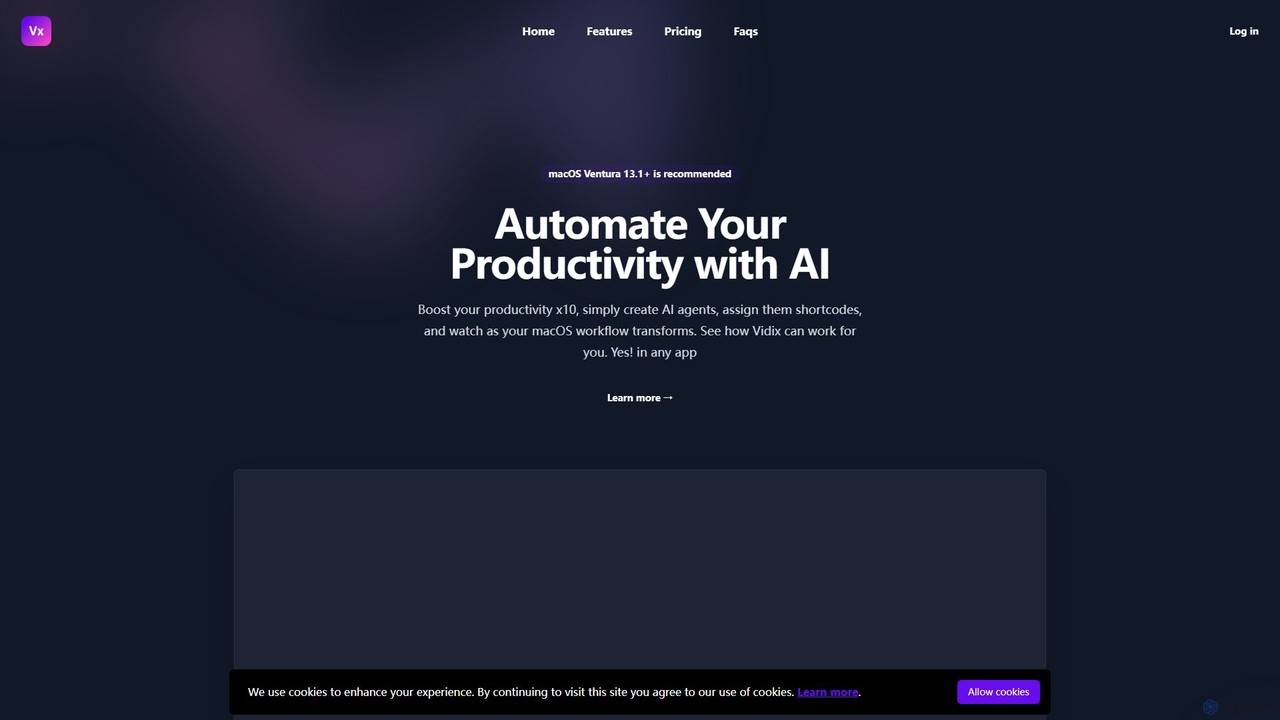
Vidix
Vidix is a powerful AI assistant for macOS designed to boost productivity. It allows users to create custom AI agents, assign them shortcodes, and activate them in any application to automate tasks, process text, and streamline workflows seamlessly.
Code Assistant
heyalice
heyalice is a personal AI assistant for your desktop (macOS, Windows, Linux) that centralizes top AI models like GPT-4o and Claude 3.5. It enhances productivity through customizable assistants, reusable prompts (Skills), and seamless integration with automation tools like Zapier and Make. Bring your own API keys to control costs and work faster with powerful keyboard shortcuts, all within a privacy-focused, local application.
Code Assistant
Atua
Atua is a native macOS application that provides instant access to ChatGPT from any app using a simple shortcut. It eliminates context switching, allowing users to select text, apply custom AI commands, and boost productivity in writing, coding, and more.
Code Assistant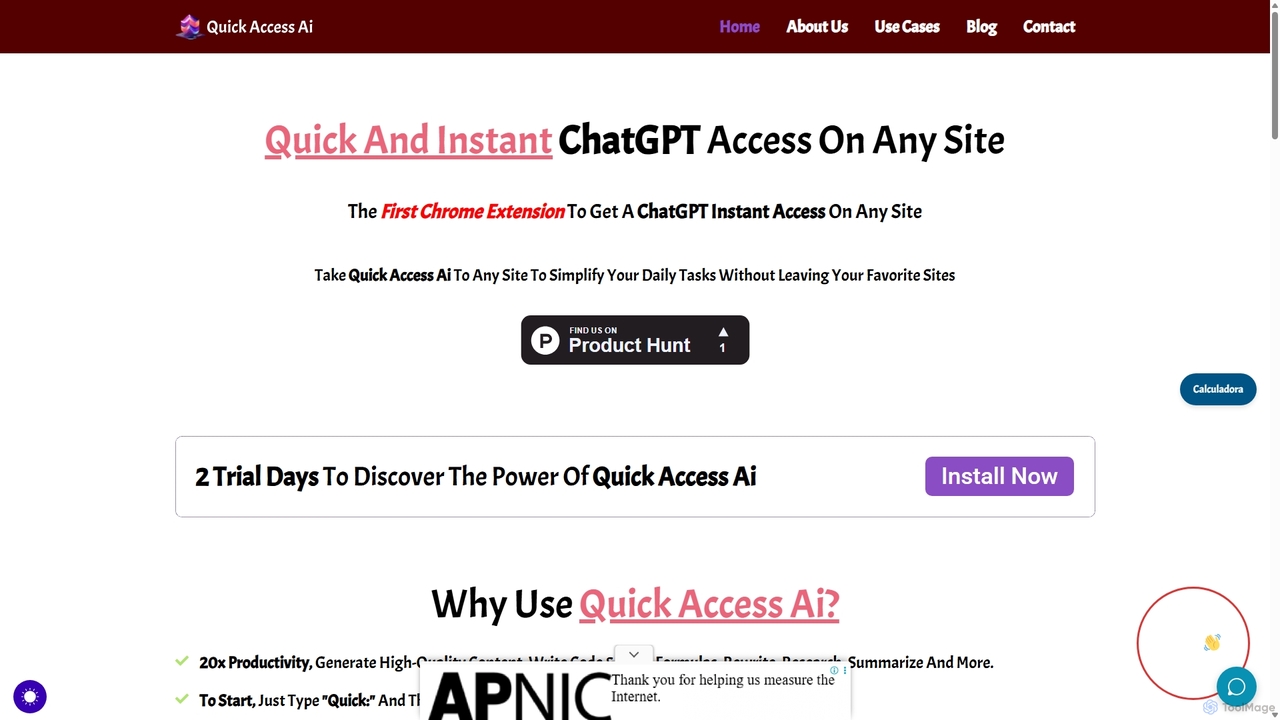
Quick Access Ai
Quick Access Ai is a Chrome extension that provides instant access to ChatGPT on any website. By simply typing a command, users can generate content, write code, summarize text, and perform research without switching tabs. It aims to boost productivity by integrating AI assistance directly into your existing workflow, making daily tasks faster and more efficient.
Code Assistant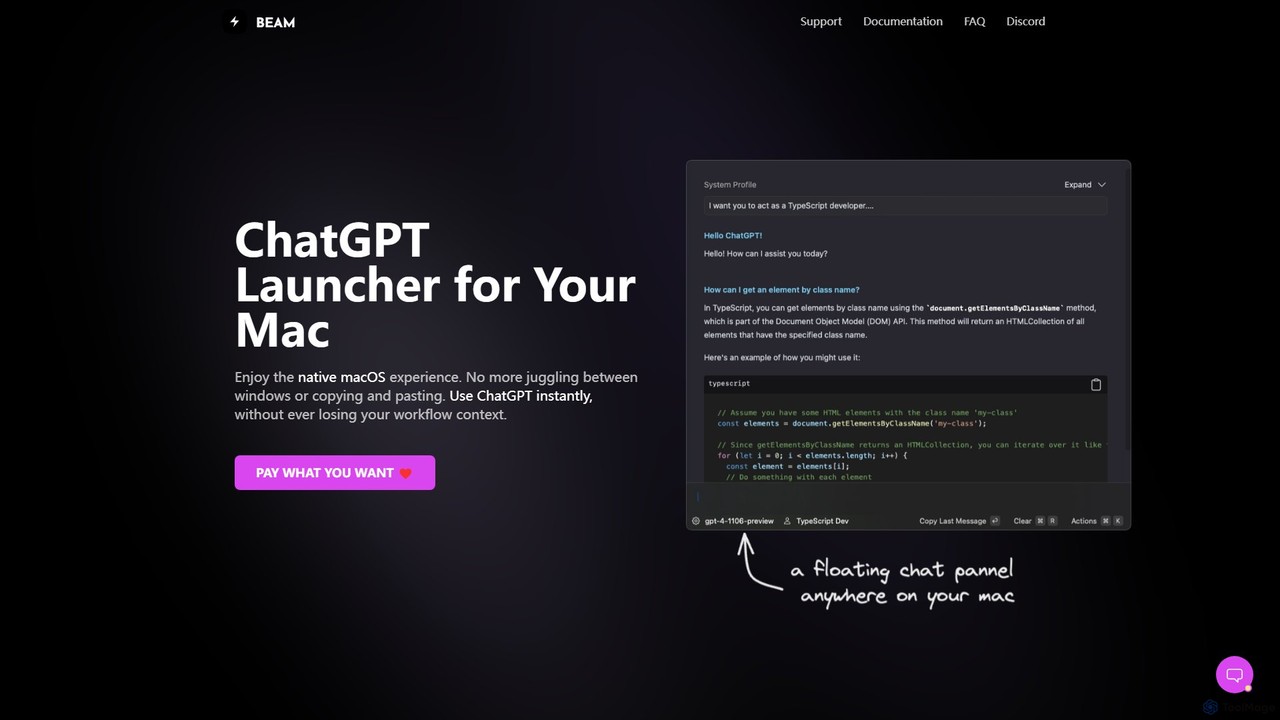
getbeam
A native macOS application that provides instant, system-wide access to ChatGPT. It enhances productivity with features like hotkey activation, contextual chat, screen interaction, and customizable templates. Beam integrates seamlessly into your workflow, allowing you to use AI without switching contexts, all within a secure, fast, and lightweight native interface.
Code AssistantMacaify Categories
Macaify Embed Widget
Copy this embed code to place the badge on your blog, article, or product site and send readers directly to this ToolMage detail page.

Related AI tools
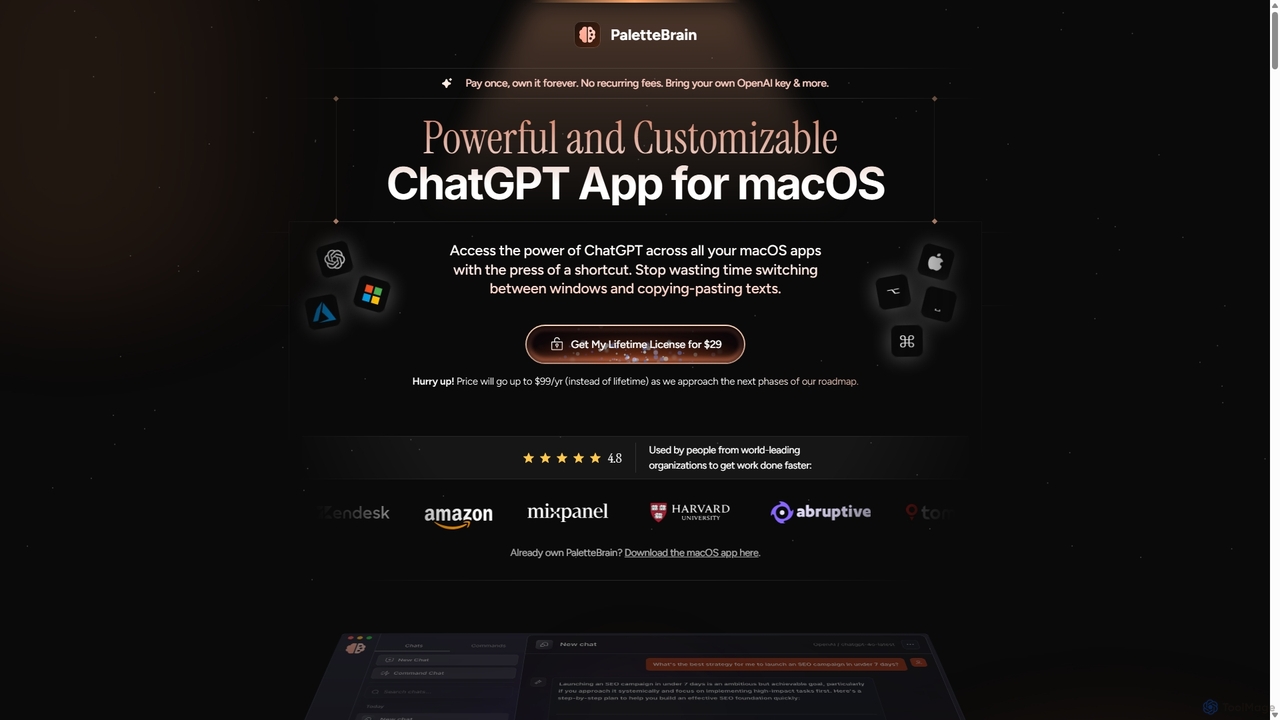
PaletteBrain
PaletteBrain is a native macOS application that integrates the power of ChatGPT directly into your workflow. With a simple keyboard shortcut, you can access AI commands on any selected text within any app, eliminating context switching. It offers customizable prompts, a one-time purchase model, and allows you to use your own OpenAI key for pay-as-you-go usage, making it a cost-effective and efficient productivity booster for writers, developers, and marketers.
Code Assistant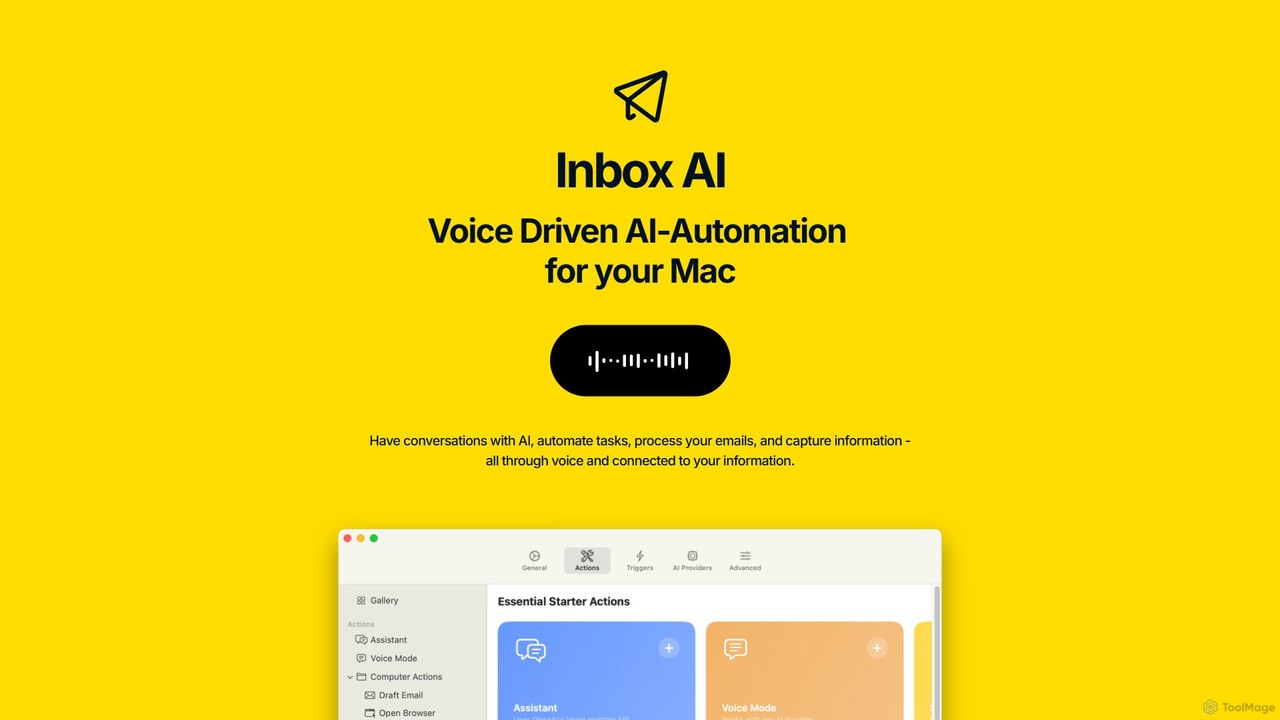
inbox_ai
inbox_ai is a powerful voice-driven AI automation tool for macOS. It allows you to create custom voice commands and build intelligent assistants to streamline your workflow. With features like on-screen quick capture, email filtering, and deep integration with native macOS apps and services like Raycast and PopClip, inbox_ai puts advanced AI capabilities at your fingertips. It operates entirely on-device, ensuring your data remains private and secure, with no login required.
Workflow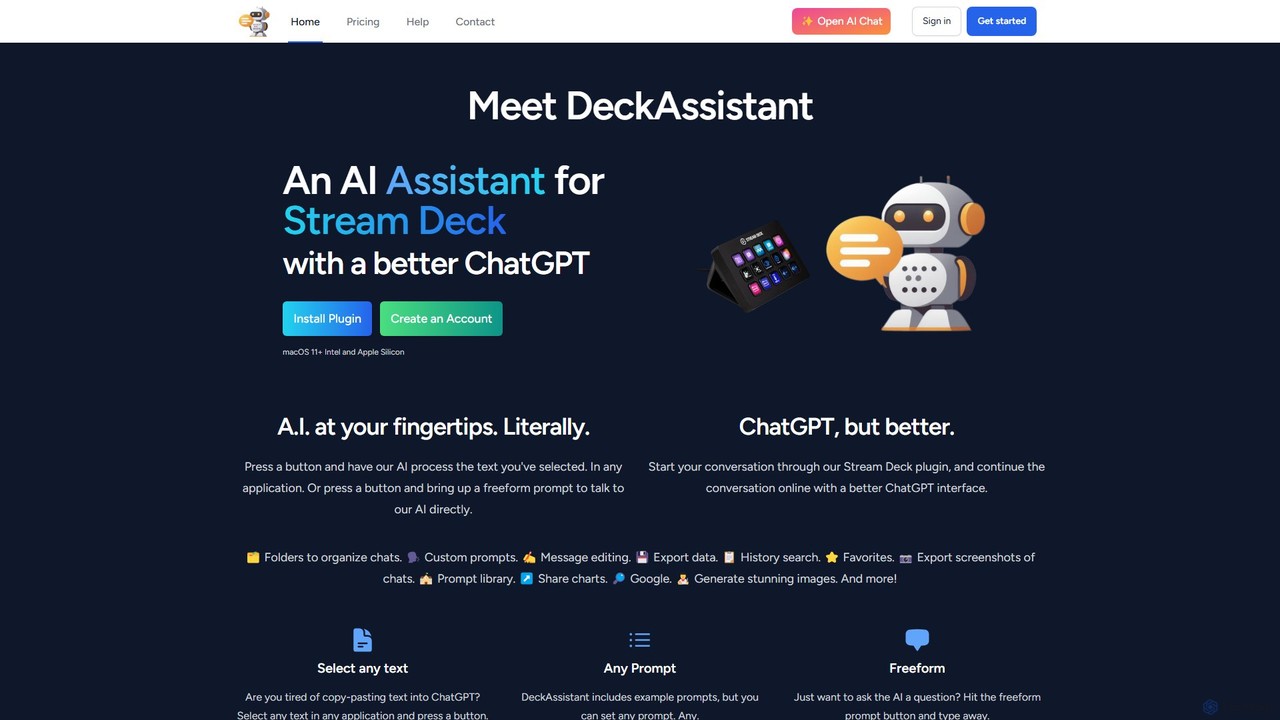
DeckAssistant
DeckAssistant is a powerful AI assistant that integrates directly with your Elgato Stream Deck. It allows you to process selected text, generate content, or chat with an AI using a single button press, directly within any application on your macOS. This eliminates context switching and streamlines your workflow for tasks like writing, coding, and content creation.
Workflowheyalice
heyalice is a personal AI assistant for your desktop (macOS, Windows, Linux) that centralizes top AI models like GPT-4o and Claude 3.5. It enhances productivity through customizable assistants, reusable prompts (Skills), and seamless integration with automation tools like Zapier and Make. Bring your own API keys to control costs and work faster with powerful keyboard shortcuts, all within a privacy-focused, local application.
Code AssistantAtua
Atua is a native macOS application that provides instant access to ChatGPT from any app using a simple shortcut. It eliminates context switching, allowing users to select text, apply custom AI commands, and boost productivity in writing, coding, and more.
Code AssistantQuick Access Ai
Quick Access Ai is a Chrome extension that provides instant access to ChatGPT on any website. By simply typing a command, users can generate content, write code, summarize text, and perform research without switching tabs. It aims to boost productivity by integrating AI assistance directly into your existing workflow, making daily tasks faster and more efficient.
Code Assistantgetbeam
A native macOS application that provides instant, system-wide access to ChatGPT. It enhances productivity with features like hotkey activation, contextual chat, screen interaction, and customizable templates. Beam integrates seamlessly into your workflow, allowing you to use AI without switching contexts, all within a secure, fast, and lightweight native interface.
Code Assistant
Side Space
Side Space is a powerful AI assistant that integrates seamlessly into your desktop workflow. It operates from a convenient sidebar, providing instant access to AI-powered tools for writing, coding, and general productivity without ever leaving your current application. Enhance your efficiency with contextual actions on selected text and customizable commands.
Code Assistant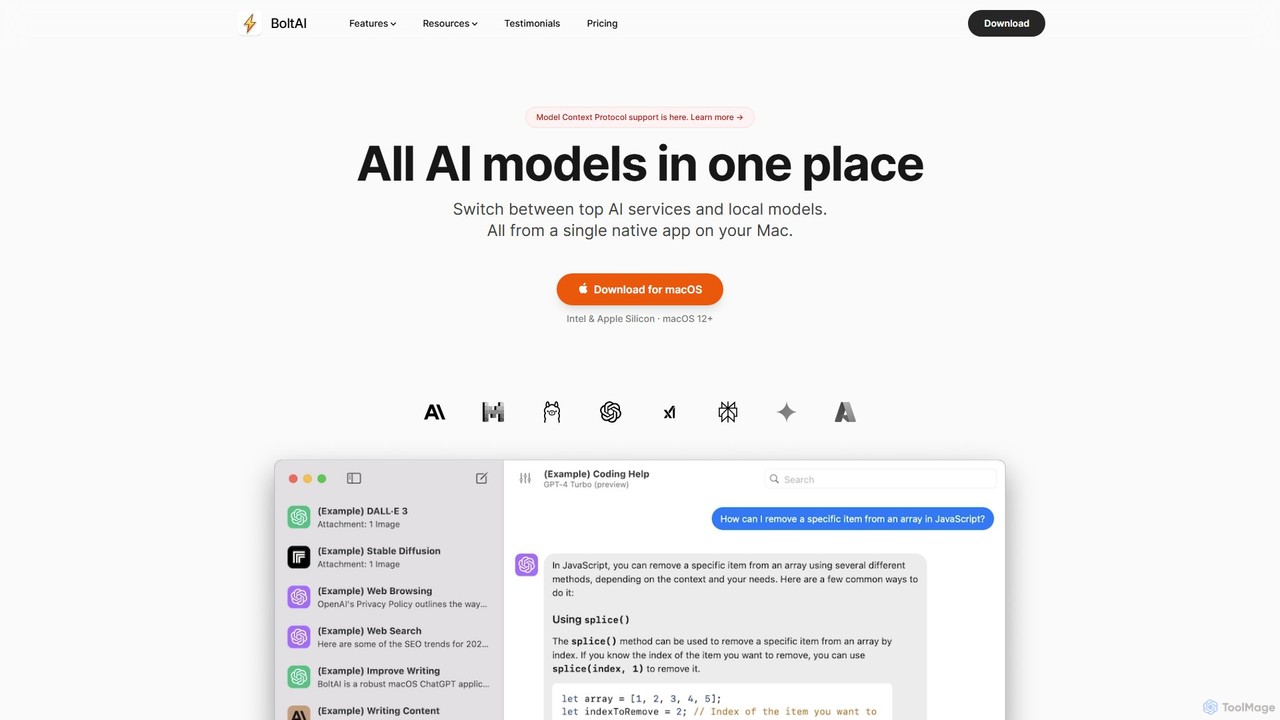
BoltAI
BoltAI is a native, high-performance AI assistant for macOS that integrates multiple AI models like GPT, Claude, and local models directly into your workflow. It offers features like an in-IDE coding assistant, custom AI assistants, a prompt library, and powerful plugins to boost productivity for developers, writers, and professionals.
Coding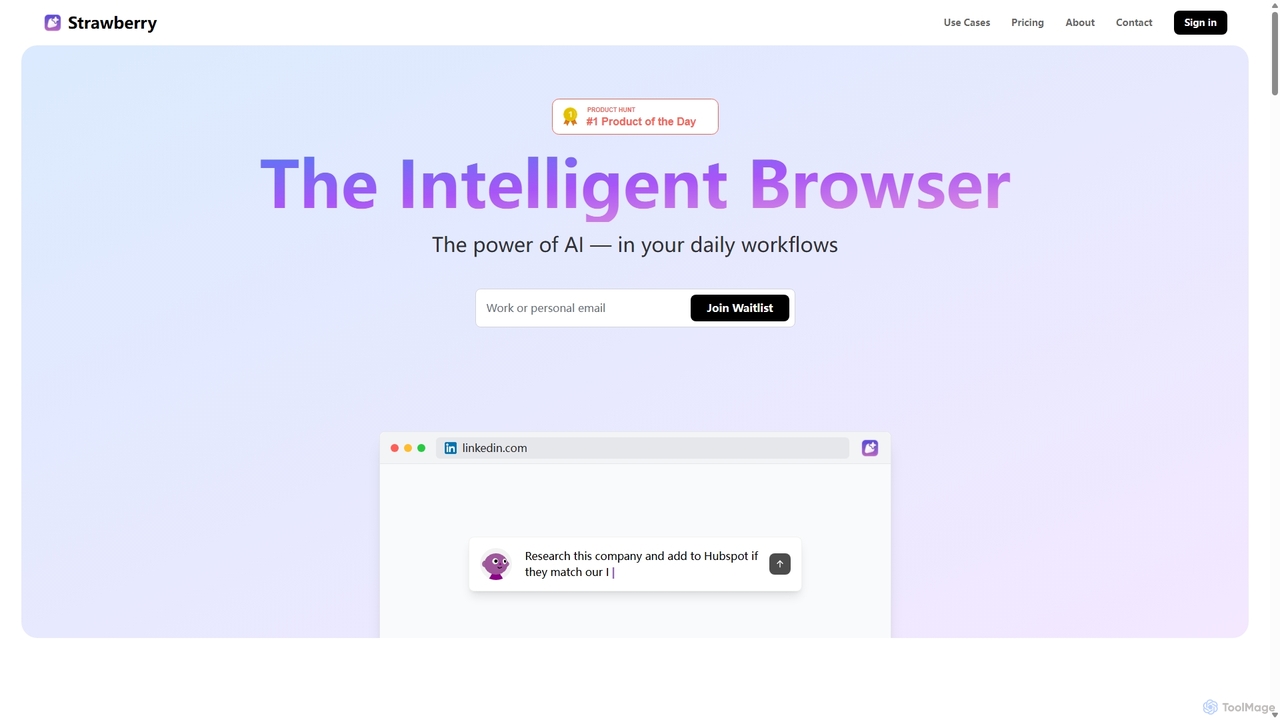
Strawberry Browser
Strawberry Browser is an intelligent, AI-powered browser designed to automate your daily workflows. It allows you to build a team of customizable AI assistants that handle repetitive tasks like research, data extraction, and lead generation directly within your browser. Eliminate grunt work, stay focused, and enhance your productivity.
Ai Assistant
Omnipilot
Omnipilot, now part of Highlight, is a powerful AI assistant for Mac & Windows. It works across all your apps, providing context-aware assistance for writing, meetings, and tasks. It understands what's on your screen to reduce context switching and boost productivity without needing to copy-paste.
Utilities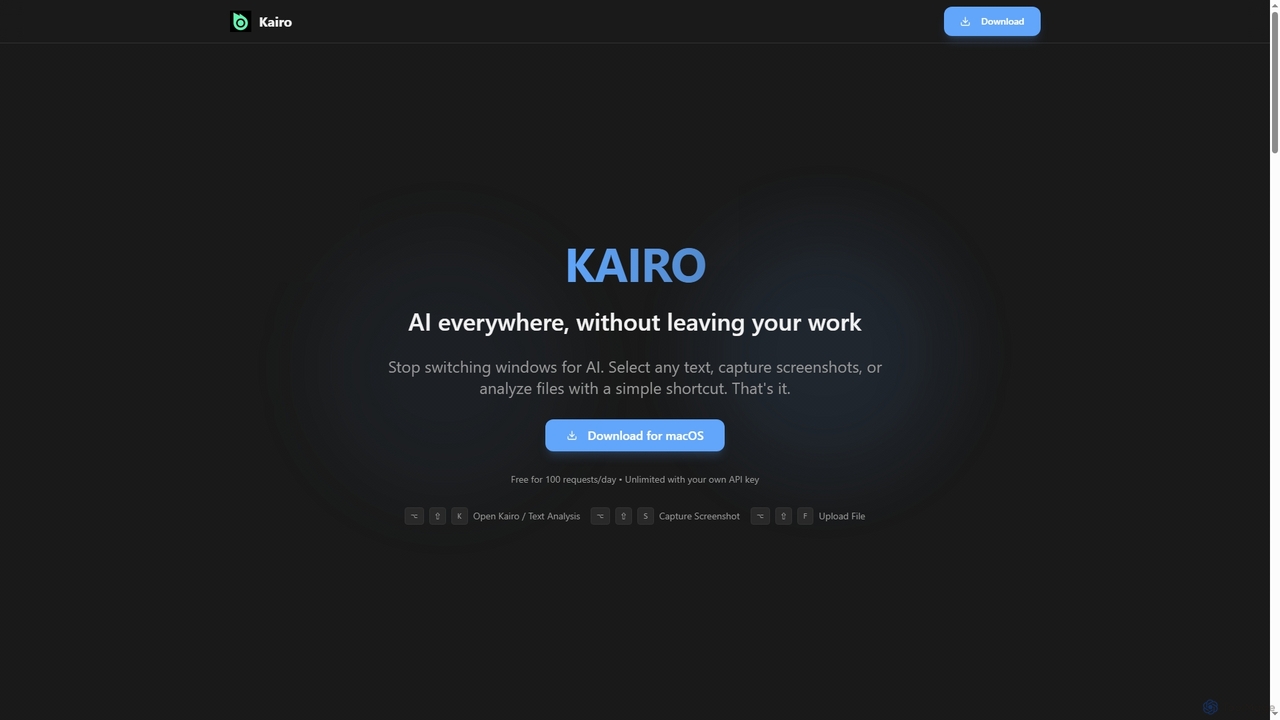
Kairo
Kairo is an AI-powered desktop assistant for macOS that integrates seamlessly into your workflow, eliminating the need to switch applications for AI tasks. It offers smart text transformation, visual analysis of screenshots, and deep analysis of files directly from any app using simple keyboard shortcuts.
Document Analysis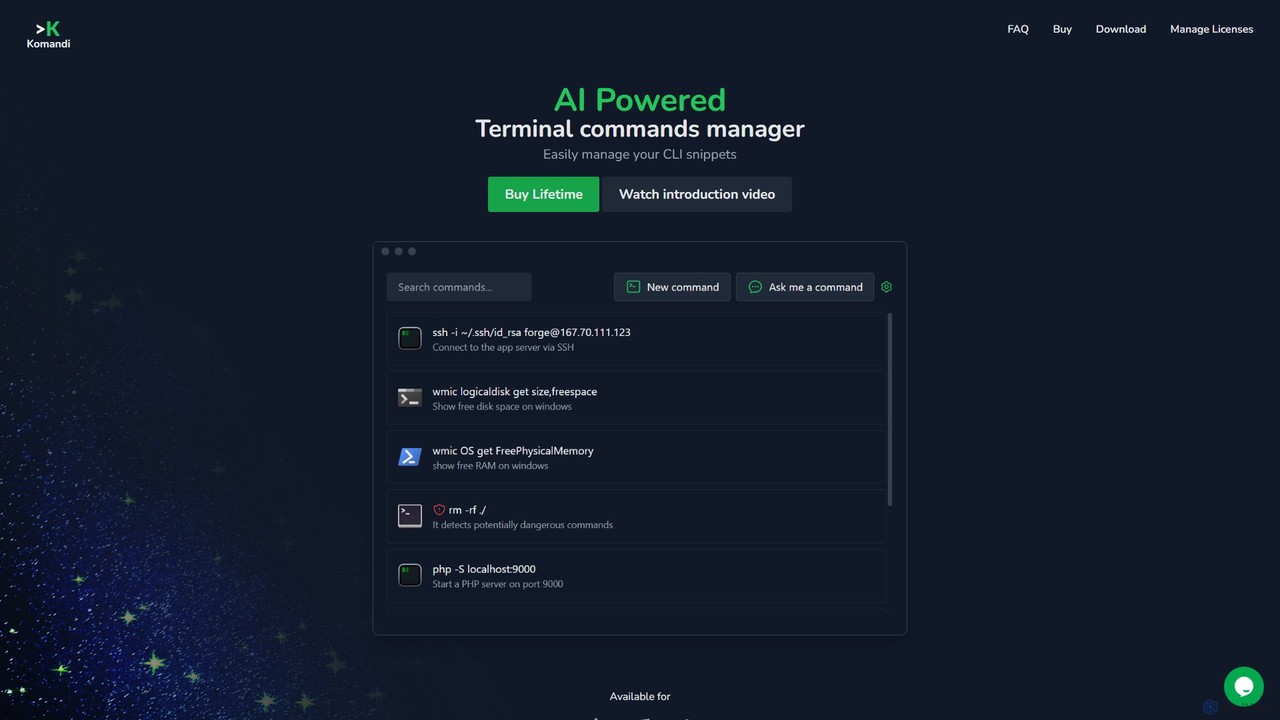
Komandi
Komandi is an AI-powered CLI/terminal command manager for developers and sysadmins. It simplifies command-line operations by allowing you to manage snippets, generate complex commands from natural language, and execute them safely. It supports macOS, Windows, and Linux, streamlining your workflow by organizing frequently used commands and detecting potentially dangerous ones before execution.
Code Assistant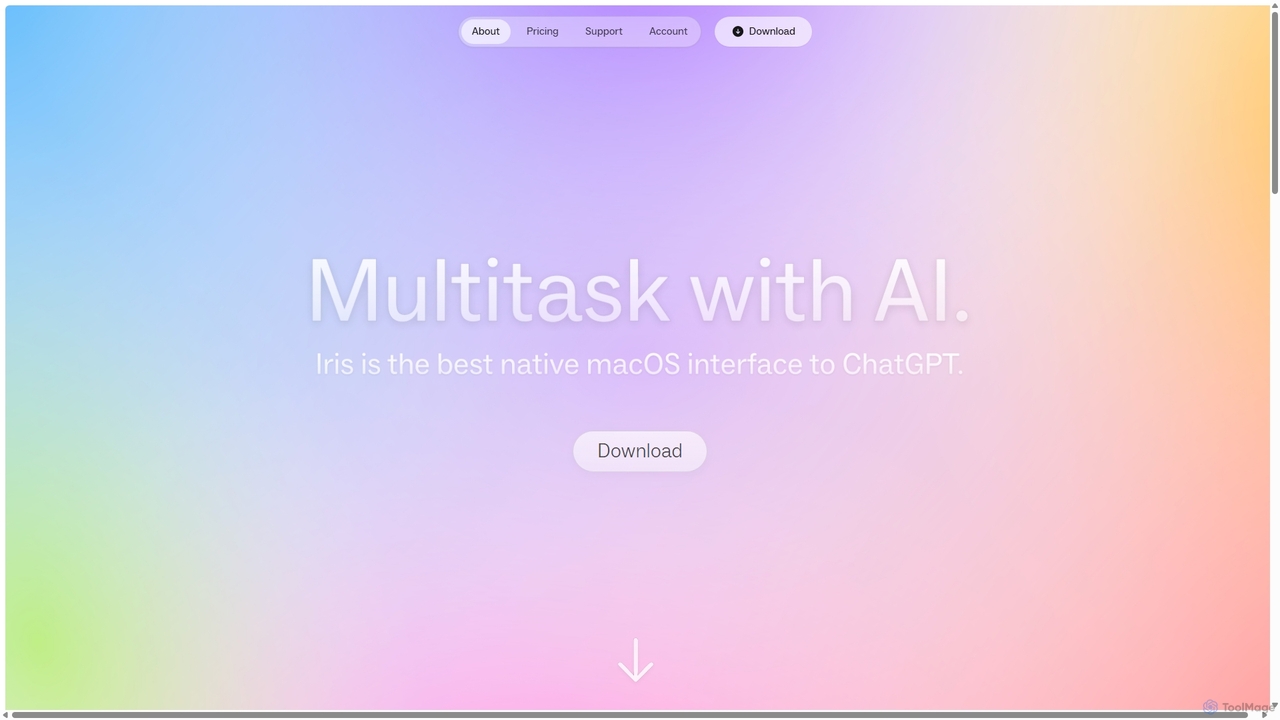
Iris
Iris is a seamless AI assistant for macOS, designed to integrate into your workflow. It provides instant access to top AI models like GPT-4o and Claude 3.5, allowing you to chat, capture your screen for context, and get answers without ever leaving your current application. With intuitive gestures and powerful shortcuts, Iris is there when you need it and invisible when you don't.
Coding Assistant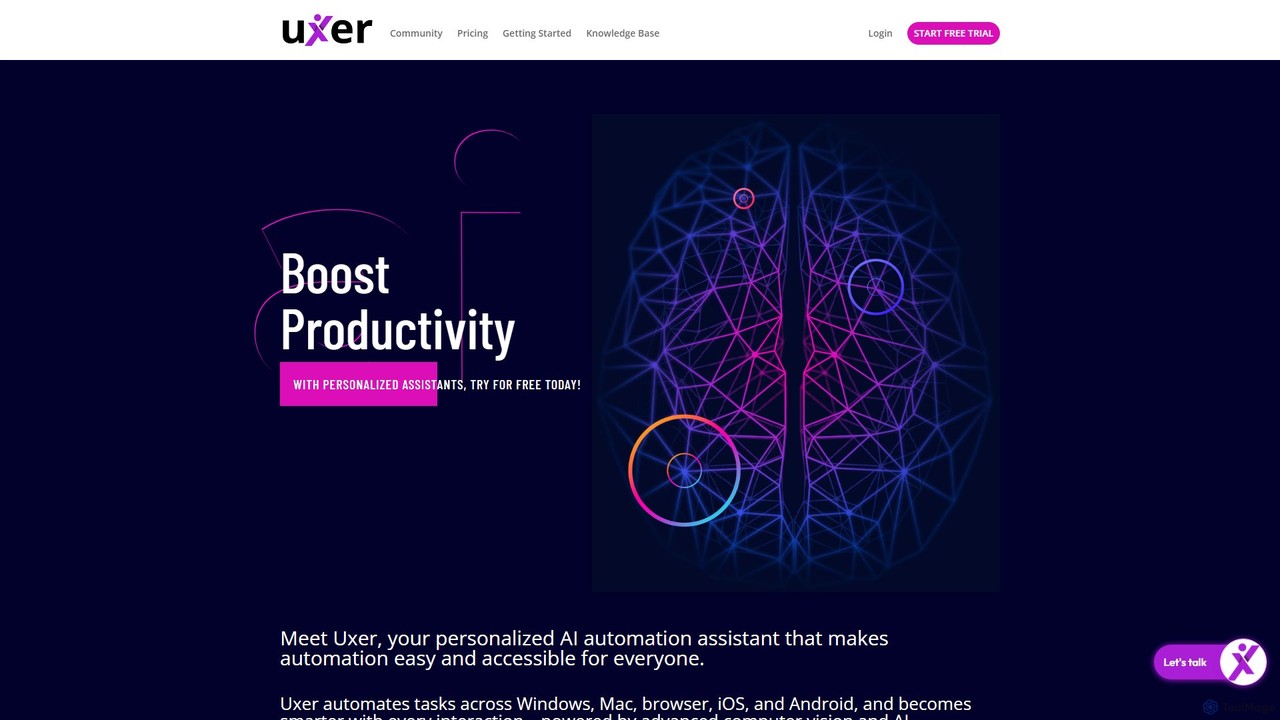
Uxer
Uxer is a no-code AI automation agent that boosts productivity by automating repetitive tasks across Windows, Mac, browsers, iOS, and Android. Using advanced computer vision and natural language, it allows both non-technical and advanced users to create powerful workflows without complex code. It learns from your interactions to become a smarter, personalized assistant.
Task Automation
Macaify Comments (0)
Sign in to comment.
Sign inNo comments yet.