Customer Support Best in category 1 results Task Automation AI Tool

Popular AI tools in the Task Automation field of Customer Support include Uxer, etc., helping you quickly improve efficiency.

Uxer

Uxer

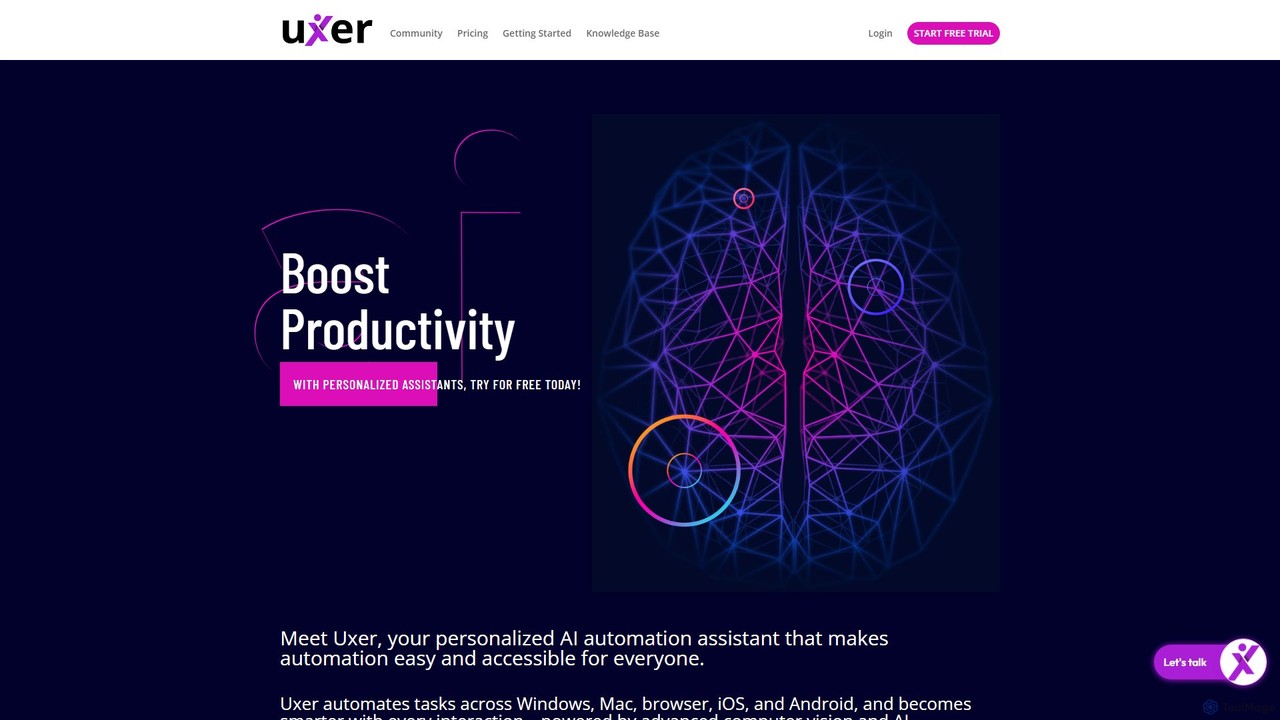
Uxer is a no-code AI automation agent that boosts productivity by automating repetitive tasks across Windows, Mac, browsers, …

2.6K

About Task Automation

Task Automation tools are AI-powered solutions designed to streamline and execute repetitive, rule-based processes across various business functions. Leveraging technologies like RPA (Robotic Process Automation), machine learning, and natural language processing, these tools can mimic human actions to complete tasks faster and more accurately. Within customer support, they significantly reduce manual workload, allowing agents to focus on complex issues and enhancing overall service efficiency. Beyond support, they extend to data entry, report generation, and workflow orchestration, driving operational excellence.

Core Features

  • Workflow Orchestration: Automate multi-step processes across different systems and applications.
  • Data Extraction & Entry: Automatically pull and input information from documents, emails, or web pages.
  • Rule-Based Processing: Execute tasks based on predefined conditions and logical flows.
  • Integration Capabilities: Seamlessly connect with existing CRM, ERP, and other business applications.
  • Error Handling & Monitoring: Detect and report anomalies, ensuring process reliability and data integrity.

Use Cases

Task Automation tools are invaluable for organizations seeking to optimize their operational workflows. They are widely adopted by customer service departments to handle routine inquiries, by finance teams for invoice processing, and by HR for onboarding new employees. These tools enable businesses to achieve higher throughput and consistency in their daily operations.

How to Choose

When selecting a Task Automation tool, consider its integration ecosystem with your current software, its scalability to handle increasing task volumes, and the ease of configuration for setting up automation rules. Evaluate the vendor's security protocols, compliance certifications, and the level of support offered to ensure a robust and reliable solution for your specific needs.

Task AutomationUse Cases

1

Automating Customer Onboarding Workflows

For SaaS companies, automating the new customer onboarding process is crucial. AI task automation tools can automatically send welcome emails, create user accounts in CRM, assign initial tasks to sales/support teams, and trigger personalized training sequences based on user segments. This reduces manual setup time by up to 70% and ensures a consistent, efficient first experience for new clients.

2

Streamlining Data Entry and Validation

Financial institutions often deal with large volumes of forms and documents. Task automation AI can extract relevant data from scanned invoices or application forms, validate it against existing databases, and automatically input it into ERP systems. This minimizes human error, accelerates processing time by 85%, and ensures data accuracy for critical financial operations.

3

Automating Routine Customer Support Ticket Triage

Customer support centers receive numerous tickets daily. AI automation can analyze incoming ticket content, categorize them based on issue type (e.g., billing, technical, feature request), assign them to the correct department or agent, and even provide initial templated responses. This reduces agent workload by 40% and significantly improves initial response times, leading to higher customer satisfaction.

4

Generating Personalized Marketing Campaign Assets

Marketing teams often need to create varied content for different customer segments. Task automation tools can take a core message, adapt it for various platforms (email, social media, ads), personalize content with customer data (e.g., name, past purchases), and schedule distribution. This enables the launch of 5x more targeted campaigns with the same resources, significantly boosting engagement.

5

Automating IT System Monitoring and Alerting

IT operations teams manage complex infrastructure. AI-powered automation can continuously monitor system logs and performance metrics, detect anomalies, automatically trigger diagnostic scripts, and send alerts to the relevant personnel or even initiate self-healing actions for common issues. This proactively addresses problems, significantly reducing downtime and improving system reliability.

6

Processing Employee Expense Reports

HR and finance departments spend significant time on expense report processing. Automation tools can scan receipts, extract expense details, match them against company policies, flag discrepancies, and initiate reimbursement workflows. This cuts processing time by 60%, ensures compliance with internal policies, and frees up staff for more strategic tasks, improving overall departmental efficiency.

Task AutomationFrequently Asked Questions