

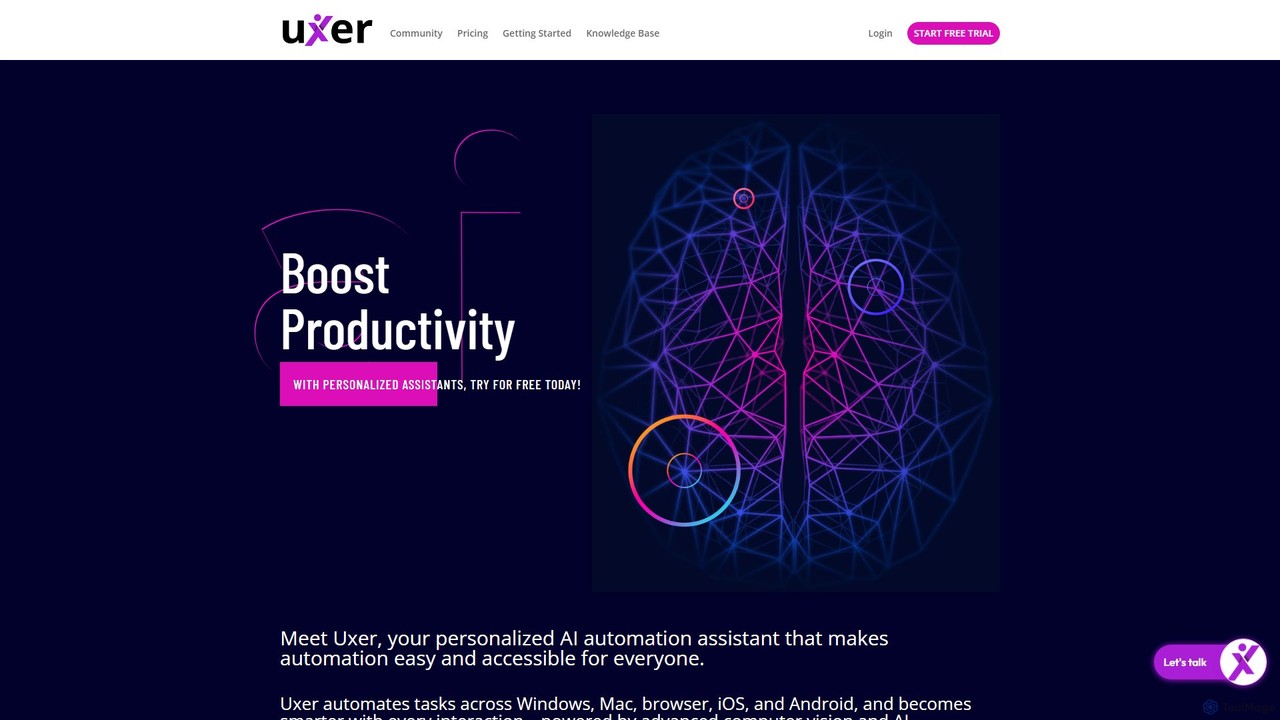
Uxer Overview
Uxer is a revolutionary AI-powered automation assistant designed to make workflow automation easy and accessible for everyone. It acts as a personal AI agent that can automate tasks across all major platforms, including Windows, Mac, web browsers, iOS, and Android. Powered by advanced computer vision and Natural Language Processing (NLP), Uxer understands and interacts with applications just like a human would, by looking at the screen. This eliminates the need for complex selectors like CSS or XPath, making automation intuitive for users of all skill levels.
The platform is built to be a personalized smart agent, learning from every scenario and user interaction to become progressively smarter and more efficient. Whether you're a small business owner, a developer, a marketer, or a freelancer, Uxer helps you reclaim time by handling tedious, repetitive tasks, allowing you to focus on what truly matters.
How to use Uxer
Getting started with Uxer is designed to be incredibly simple, with an almost non-existent learning curve. Automation is achieved through simple, human-readable commands.
1. Define Tasks with Simple Commands: You can instruct Uxer using plain English. For example, to log into a website, you would simply write commands like Openbrowser Chrome "www.example.com", followed by Click Button 'Login'. The tool interprets these commands and executes them on the screen.
2. Use the AskUxer Assistant: For more dynamic tasks, you can use 'AskUxer', a built-in ChatGPT-like feature. You can ask it to scrape data from the screen, generate content, or answer questions based on visible information. For instance, you could use the command AskUxer “What is the price of the product” to extract pricing information from a webpage.
3. Leverage the Code Editor: For advanced users and developers, Uxer provides a Code Editor Mode. This allows for writing, editing, and copy-pasting scripts directly, offering greater control and customization for complex automation scenarios.
4. Build Modular Workflows: You can create complex processes by combining multiple smaller automation scripts (scenarios) into a single, modular workflow. This makes managing and scaling your automation tasks more organized and efficient.
Core Features of Uxer
- Selector-Free Visual Automation: Uxer uses computer vision to identify elements on the screen, eliminating the need for fragile CSS or XPath selectors. It automates what is visible, just like a human.
- Natural Language Processing (NLP): Translate everyday language into executable automation commands, making the tool accessible to non-technical users.
- Cross-Platform Compatibility: Write an automation script once and run it seamlessly across Windows, Mac, iOS, Android, and any web browser.
- AskUxer AI Assistant: An integrated AI that can answer questions, scrape on-screen data, and assist with dynamic automation tasks.
- Personalized Smart Agent: Uxer learns from your specific use cases and interactions, building a unique knowledge base to suggest and improve future automation.
- API and Command Line Integration: Connect Uxer to your existing ecosystem, including CI/CD pipelines, through open APIs and execute terminal commands directly within your workflows.
- Code Editor Mode: A dedicated interface for developers to write and manage automation scripts with more precision.
- Local and Remote Execution: Run automation on your local machine or on a remote server/VM for 24/7 cloud-based operation.
- Detailed Reporting: Get comprehensive execution reports with screenshots for each step, simplifying troubleshooting and verification.
- Unlimited User Collaboration: Invite your entire team to collaborate on automation projects without any user limits.
Use Cases for Uxer
Uxer is versatile and caters to a wide range of professionals:
- Small & Medium Businesses: Automate data entry, invoice generation, lead management, social media posting, and customer relationship management (CRM) updates.
- IT, DevOps & Software Engineers: Automate CI/CD pipelines, infrastructure monitoring, system backups, security checks, and deployment processes.
- QA Engineers & Testers: Create powerful test bots for cross-platform UI testing, regression testing, and test environment setup without writing complex code.
- Digital Marketing & Creative Agencies: Schedule social media content, automate client reporting, manage email campaigns, and publish content across platforms.
- E-commerce Businesses: Automate order processing, inventory management, customer support responses, and cart abandonment follow-ups.
- Freelancers & Solopreneurs: Boost productivity by automating client follow-ups, proposal generation, invoicing, and data backup.
Advantages of Uxer
Uxer stands out by offering a unique combination of power and simplicity. Its main advantages include its near-zero learning curve, making automation accessible to everyone. The platform's independence allows a single script to work everywhere, saving significant development and maintenance time. The personalized AI agent continuously improves its performance based on your usage, and the selector-free visual approach makes automation more robust and less prone to breaking when application UIs change.
Pricing and Plans
Uxer offers a freemium model with plans suitable for individuals and teams:
- Free Plan: Ideal for individuals starting with automation. Includes a limited number of local runs and basic features.
- Pro Plan ($29/month): Designed for professionals and power users. Offers more runs, access to advanced features like remote execution, and priority support.
- Business Plan ($99/month): Suited for teams and businesses. Includes unlimited user collaboration, a high volume of runs, and dedicated support for custom projects.
A free trial is available for users to explore the platform's capabilities before committing to a paid plan.
Traffic
Latest traffic
Status
Monthly traffic trend
- 2025-9: 11.1K
- 2026-1: 9.3K
- 2026-2: 3.4K
- 2026-3: 2.5K
- 2026-4: 0
- 2026-5: 269
Geography
Top 5 countries / regions
- 🇺🇸United States100.0%
Top keywords
Uxer Alternatives

takemebot
takemebot is a no-code/low-code Robotic Process Automation (RPA) platform designed to automate repetitive business tasks. It helps businesses lower operational costs, save time, and achieve error-free operations through a user-friendly drag-and-drop interface, record-and-play functionality, and seamless integration with existing systems.
Robotic Process Automation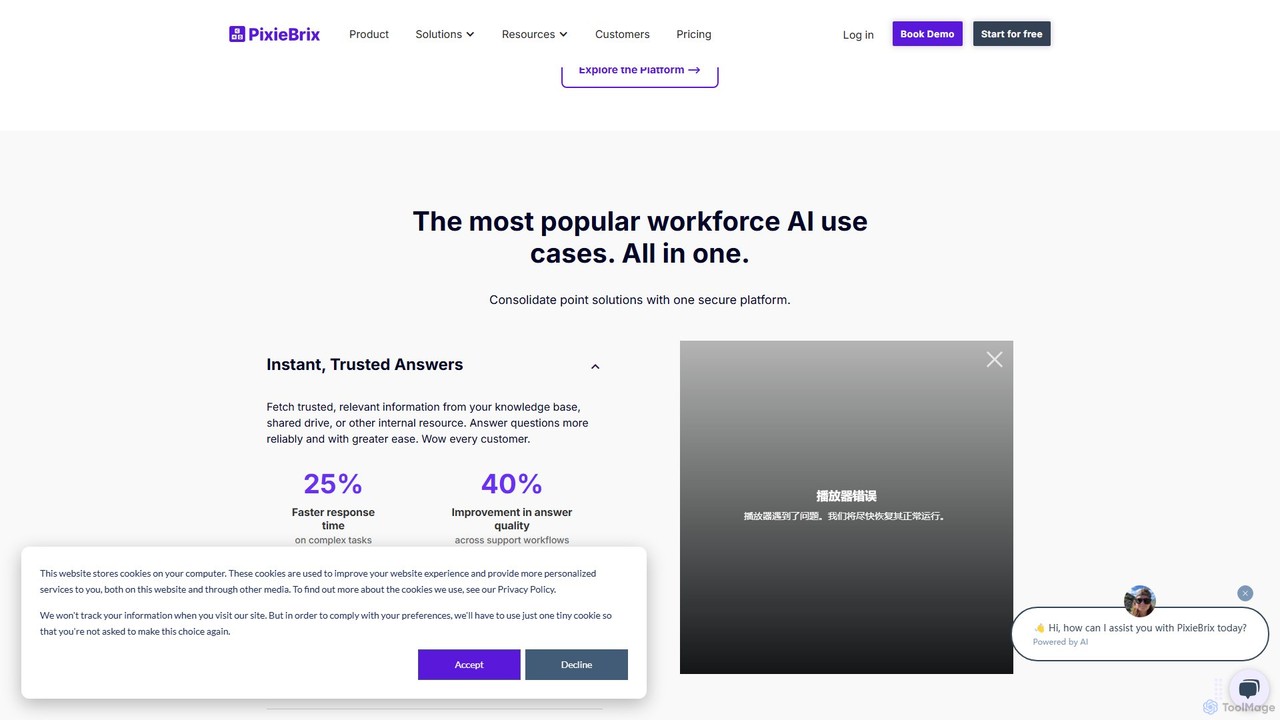
PixieBrix
PixieBrix is a low-code browser extension that allows you to automate tasks, customize any website, and integrate AI tools directly into your workflow. Enhance your productivity by creating custom modifications, or "mods," to streamline processes, eliminate repetitive work, and connect your web applications without writing any code.
Low Code No Code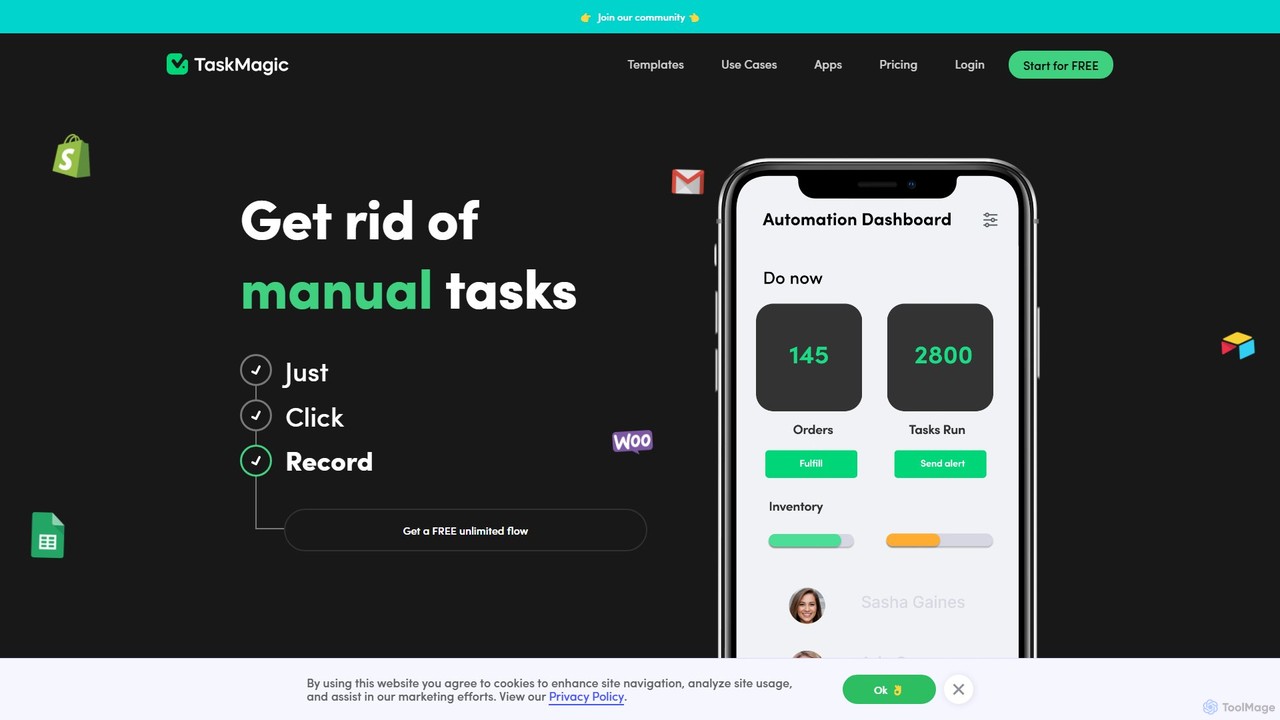
TaskMagic
TaskMagic is a no-code automation tool that records your web actions like clicks, typing, and scraping to create powerful workflows. It acts as a virtual assistant, automating repetitive tasks that traditional tools like Zapier can't handle due to API limitations. Simply record a task once, and let TaskMagic run it for you forever.
Web Scraping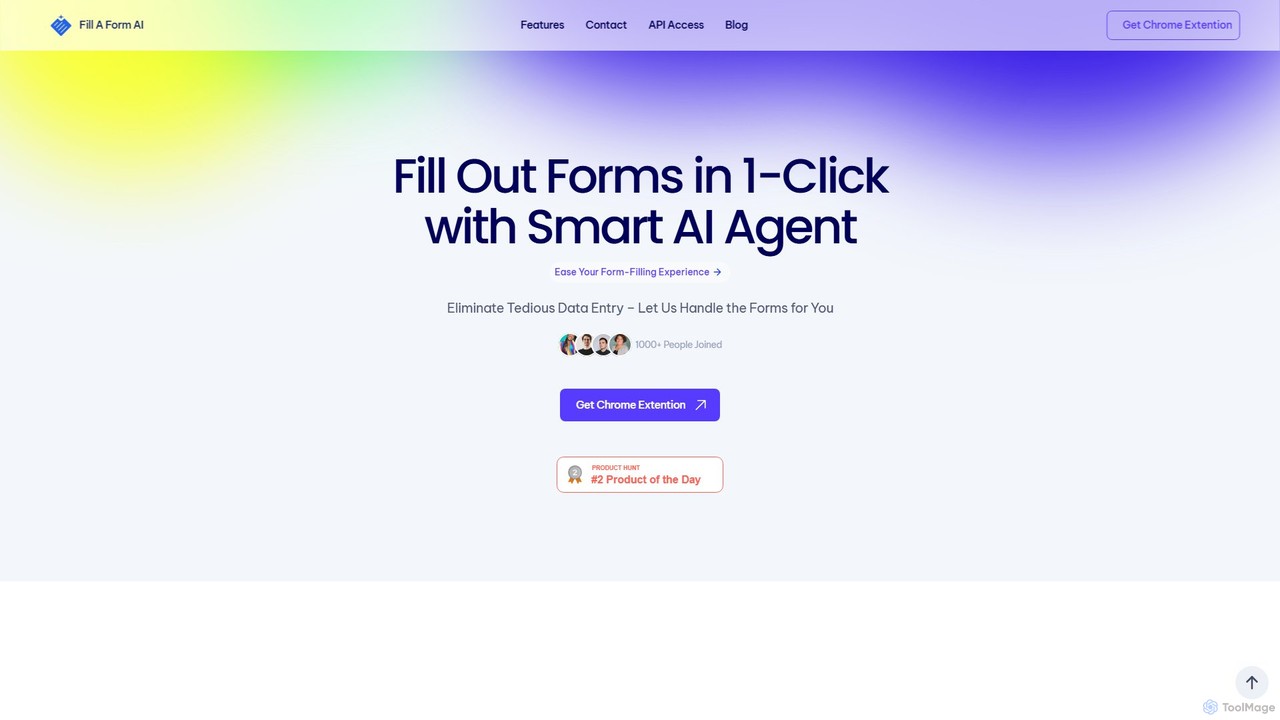
fillaform.ai
fillaform.ai is an AI-powered Chrome extension that automates form filling with a single click. It intelligently learns from your past entries and data libraries to accurately populate web forms, saving you time and eliminating tedious data entry. Ideal for online shoppers, business professionals, and HR managers, it streamlines workflows and boosts productivity by making online forms effortless.
Form Filler
Browser MCP
Browser MCP connects AI applications like Claude or Cursor directly to your web browser. This enables you to automate repetitive tasks, conduct end-to-end software testing, and scrape web data using AI commands. It operates locally for maximum speed and privacy, leveraging your existing browser sessions to bypass logins and avoid bot detection.
Web ScrapingUxer Categories
Uxer Embed Widget
Copy this embed code to place the badge on your blog, article, or product site and send readers directly to this ToolMage detail page.

Related AI tools
takemebot
takemebot is a no-code/low-code Robotic Process Automation (RPA) platform designed to automate repetitive business tasks. It helps businesses lower operational costs, save time, and achieve error-free operations through a user-friendly drag-and-drop interface, record-and-play functionality, and seamless integration with existing systems.
Robotic Process AutomationPixieBrix
PixieBrix is a low-code browser extension that allows you to automate tasks, customize any website, and integrate AI tools directly into your workflow. Enhance your productivity by creating custom modifications, or "mods," to streamline processes, eliminate repetitive work, and connect your web applications without writing any code.
Low Code No CodeTaskMagic
TaskMagic is a no-code automation tool that records your web actions like clicks, typing, and scraping to create powerful workflows. It acts as a virtual assistant, automating repetitive tasks that traditional tools like Zapier can't handle due to API limitations. Simply record a task once, and let TaskMagic run it for you forever.
Web Scrapingfillaform.ai
fillaform.ai is an AI-powered Chrome extension that automates form filling with a single click. It intelligently learns from your past entries and data libraries to accurately populate web forms, saving you time and eliminating tedious data entry. Ideal for online shoppers, business professionals, and HR managers, it streamlines workflows and boosts productivity by making online forms effortless.
Form Filler
n8nChat
n8nChat is an AI-powered browser extension for Chrome and Firefox that accelerates n8n workflow creation. Describe your desired automation in natural language, and the AI will build, edit, debug, and optimize your workflows. It even generates custom JavaScript for Code nodes, making powerful automation accessible to everyone.
Ai Assistant
Octoparse AI
Octoparse AI is a no-code platform for building custom AI-powered workflows and RPA bots. It enables users to automate tasks, scrape web data, and integrate with various applications without writing any code. With a rich library of ready-to-use automation apps, it streamlines processes for sales, marketing, and data management, boosting productivity for individuals and teams.
Web Scraping
Rowboat
Rowboat is a powerful, AI-powered IDE for building, managing, and deploying complex multi-agent systems. Backed by Y Combinator, it allows users to describe workflows in plain English, and its AI copilot automatically generates the entire agent graph, including roles, prompts, and tool integrations. It's designed to simplify the creation of robust, real-world AI agents for productivity, e-commerce, support, and more, with features like open-source flexibility and support for over 100 LLMs.
Agent Builder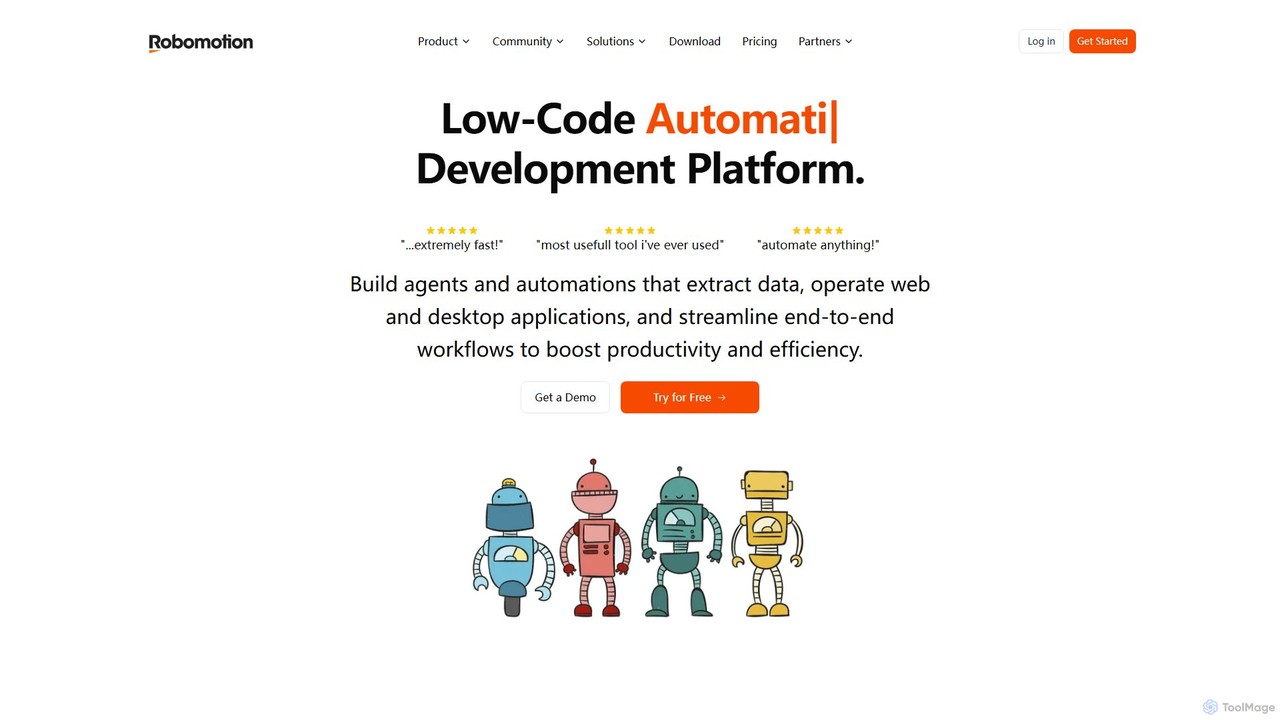
Robomotion
A low-code, cloud-native Robotic Process Automation (RPA) platform designed to automate repetitive tasks. Robomotion uses AI-powered software robots to extract data, operate web and desktop applications, and streamline workflows. It's built for developers, solopreneurs, and businesses of all sizes to boost productivity, reduce errors, and scale operations efficiently.
Workflow Management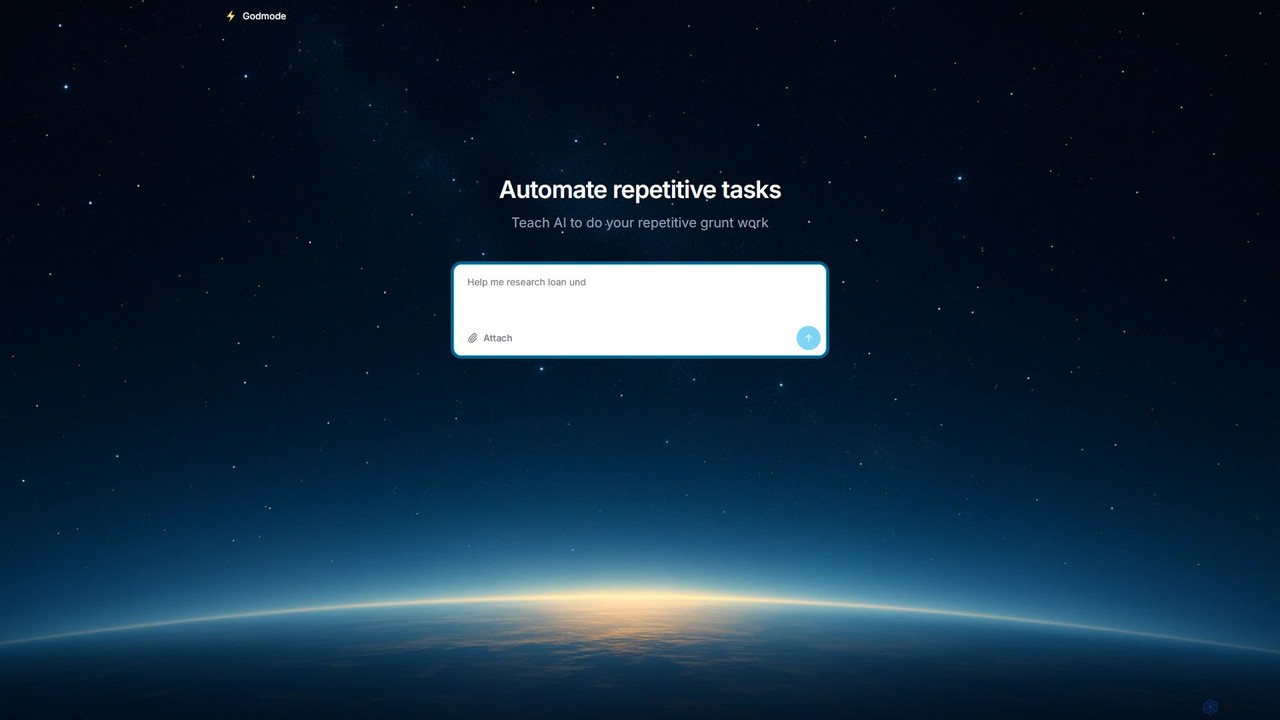
Godmode
Godmode is an AI agent platform that automates repetitive web tasks. Teach the AI to perform complex workflows, from data entry and web scraping to social media management, all through natural language instructions without writing any code.
Web Scraping
Aphid
Aphid is a no-code workforce automation network that allows you to create and deploy AI-powered 'Digital Clones'. These bots automate online tasks, helping you save time, increase productivity, and even generate income through automated activities like trading or sales.
Virtual Assistant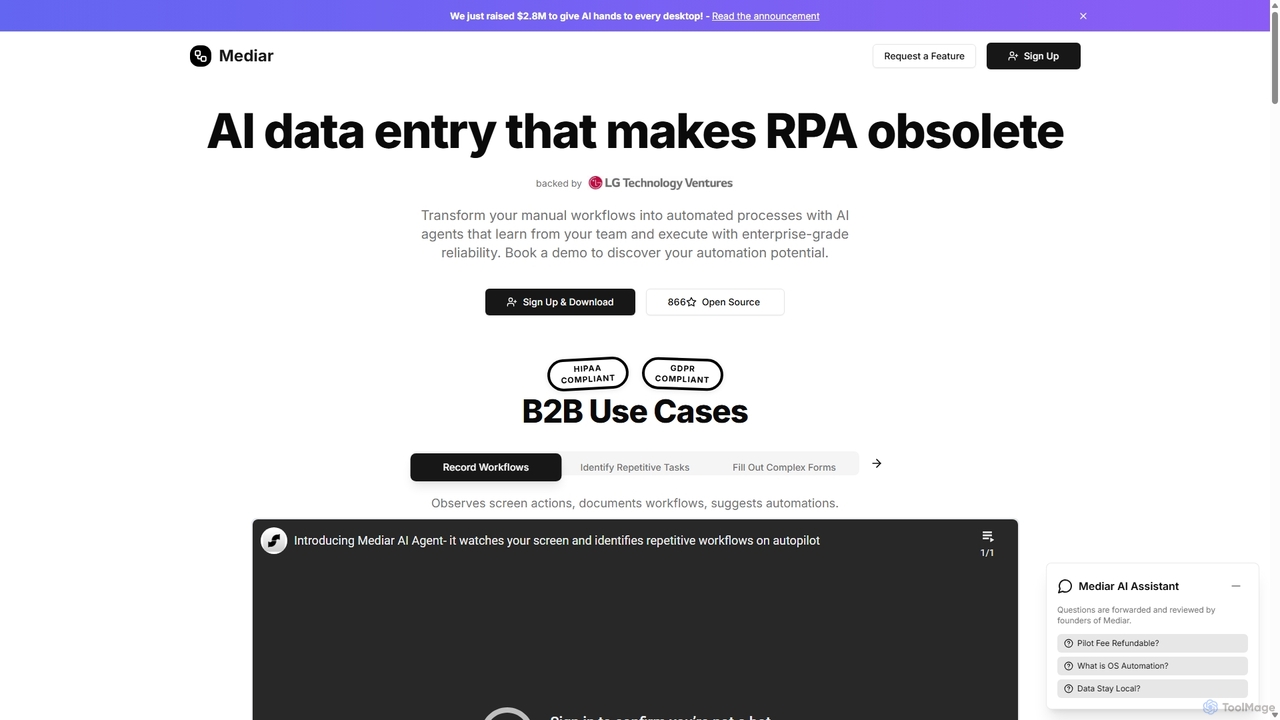
Mediar
Mediar is an AI-native automation platform designed to replace traditional RPA and manual data entry. It employs AI agents that learn directly from your team's screen actions to automate complex, repetitive workflows across any desktop application. Mediar offers enterprise-grade reliability, rapid 24-48 hour deployment, and significant cost savings by turning manual processes into self-healing, intelligent automations.
Data Entry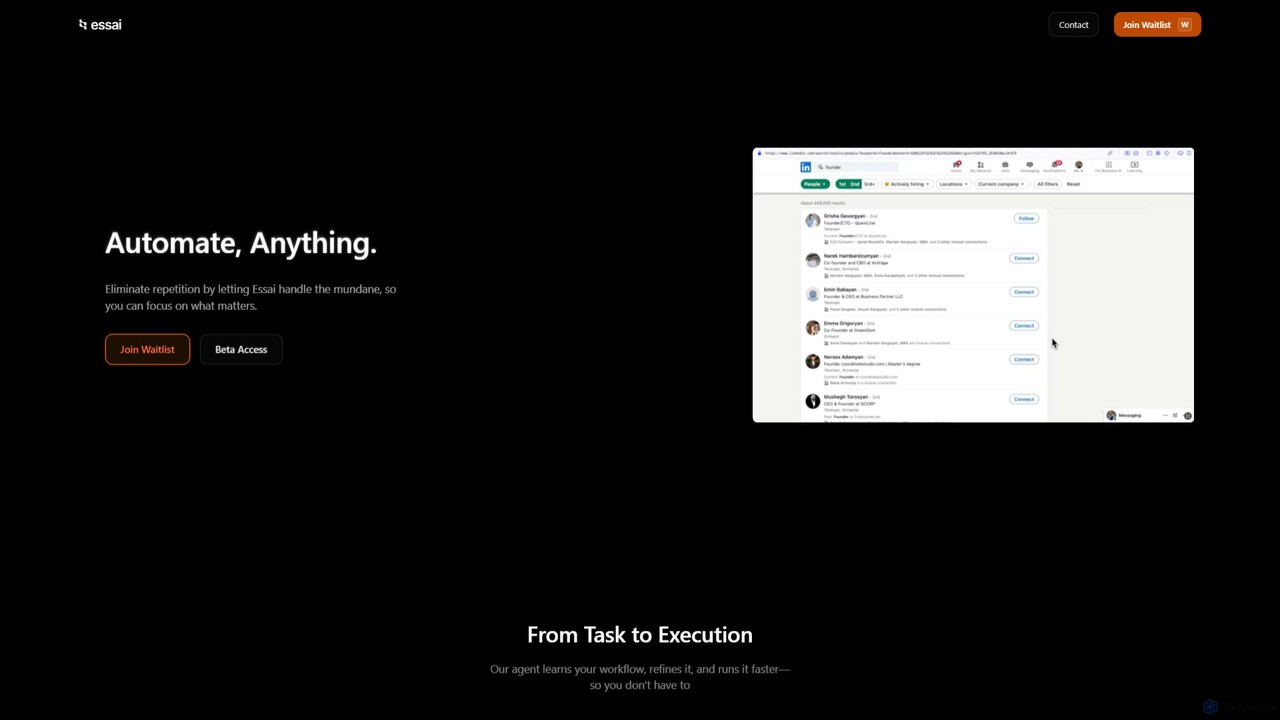
Essai
Essai is an AI-powered automation platform that learns and executes your repetitive digital tasks. By observing your keystrokes and clicks, the Essai agent identifies patterns, builds workflows, and runs them on your behalf, freeing you to focus on more strategic work. It seamlessly integrates across various applications and industries to streamline operations.
Workflow Management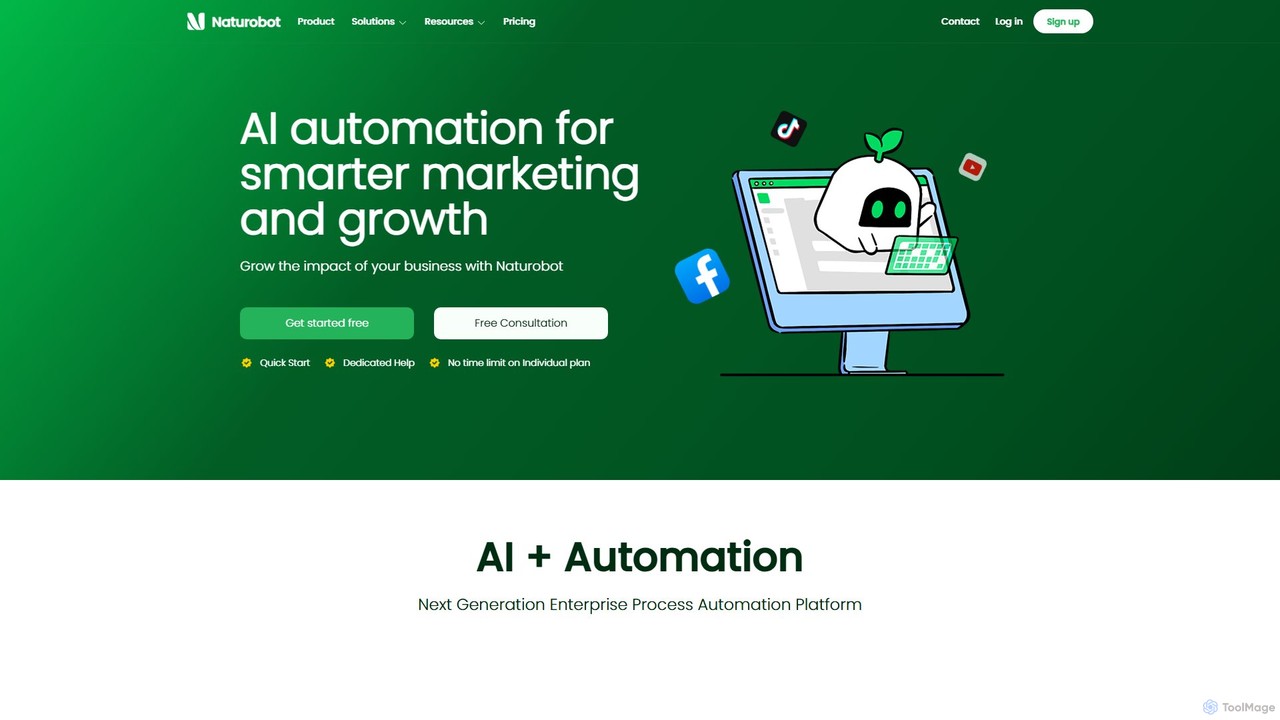
Naturobot
Naturobot is a next-generation AI automation platform designed for smarter marketing and business growth. It empowers users to automate repetitive tasks, build complex workflows with a low-code interface, and deploy personalized AI agents trained on enterprise data, enhancing productivity across sales, marketing, and HR.
Workflow Management
deathtohumans
An advanced AI automation platform designed to eliminate repetitive human tasks. It leverages a multi-agent system to build and execute complex workflows for content creation, data analysis, coding, and business operations, radically boosting efficiency.
Business Intelligence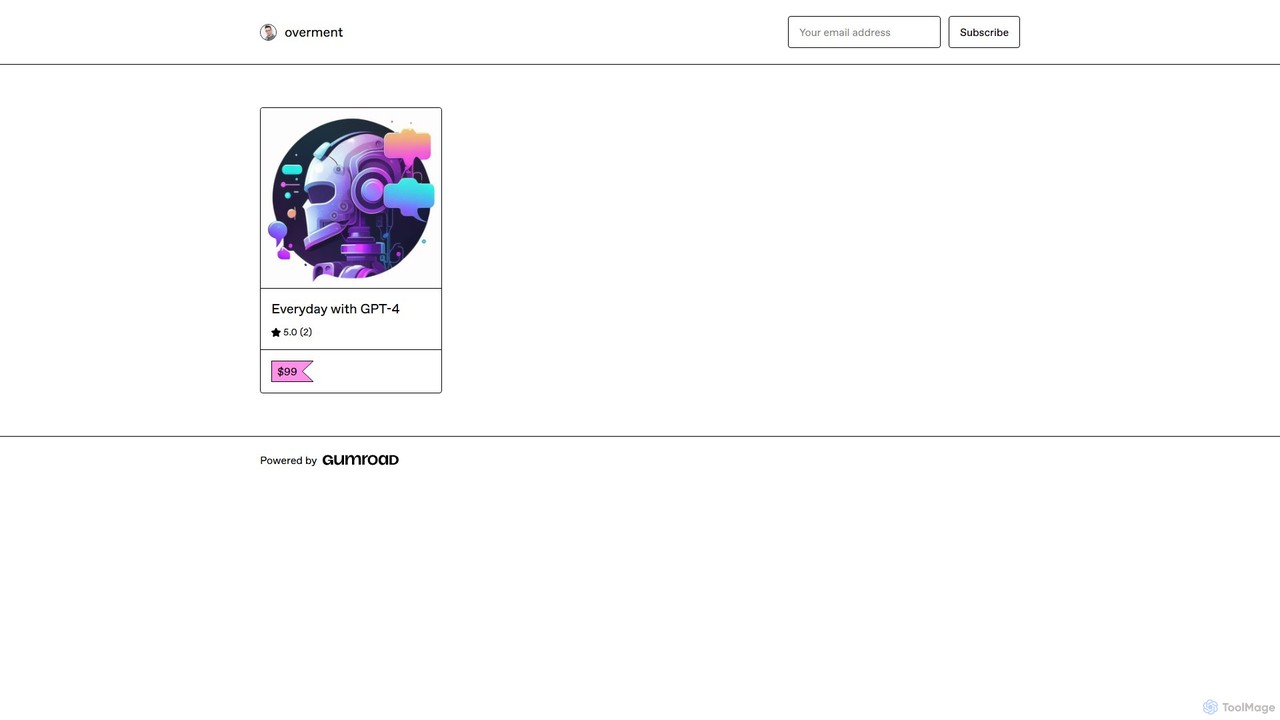
overment
overment offers the "Everyday with GPT-4" framework, a comprehensive 140+ page guide for integrating AI with automation. It teaches users to go beyond basic prompting by using tools like Zapier, Make, and Shortcuts to automate daily tasks in work, coding, and writing. This product is designed for both technical and non-technical users, providing ready-made scenarios, blueprints, and templates to unlock the full potential of GPT-4 across all devices.
Prompts
Uxer Comments (0)
Sign in to comment.
Sign inNo comments yet.