Ai Best in category 1 results Prompts AI Tool

Popular AI tools in the Prompts field of Ai include overment, etc., helping you quickly improve efficiency.

overment

overment

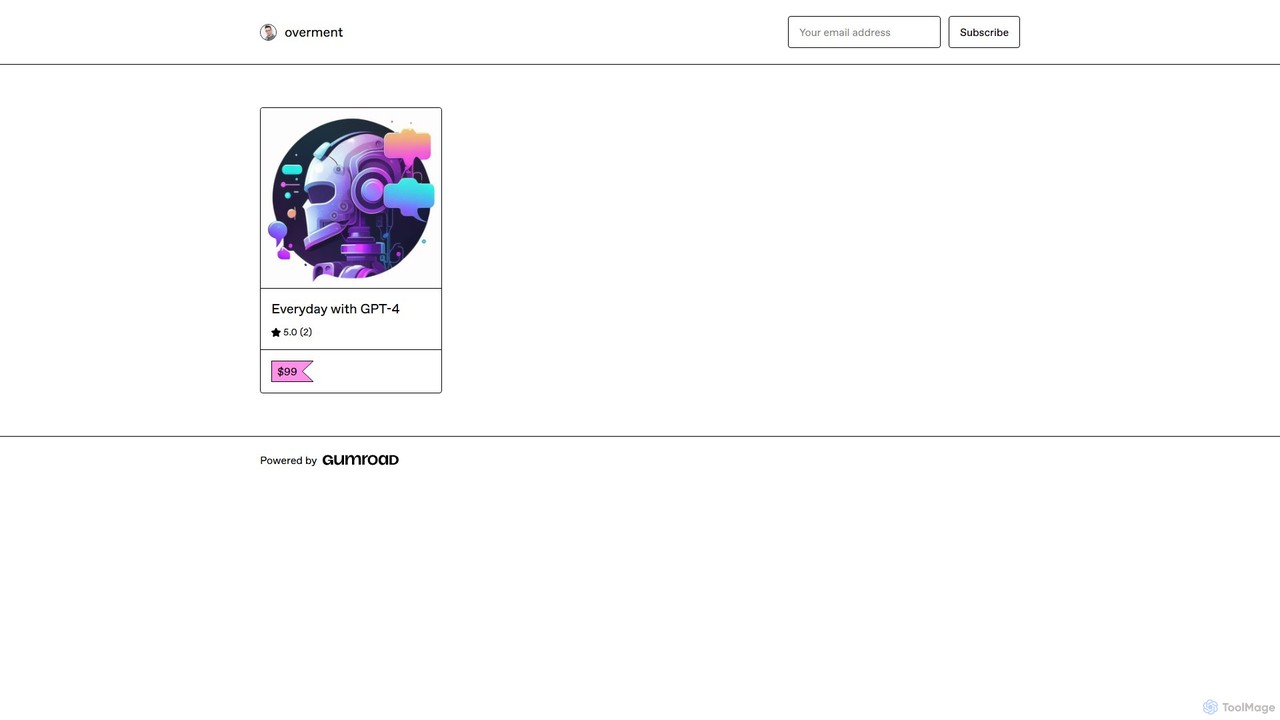
overment offers the "Everyday with GPT-4" framework, a comprehensive 140+ page guide for integrating AI with automation. It …

2.8K

About Prompts

Prompt tools are specialized platforms designed to help users create, discover, manage, and optimize instructions for generative AI models. These tools function as a meta-layer, enhancing the interaction with AI by providing structured templates, marketplaces for pre-built prompts, and management systems for team collaboration. Their primary value lies in improving the quality, consistency, and efficiency of AI-generated outputs, transforming a simple command into a well-engineered instruction. This enables users to unlock the full potential of AI without needing deep technical expertise in prompt engineering.

Core Features

  • Prompt Marketplace: A platform for users to buy, sell, or share high-quality, pre-tested prompts for various AI models like GPT, Midjourney, or Stable Diffusion.
  • Prompt Builder & Optimizer: Interactive interfaces that guide users in constructing complex prompts with variables, and tools that analyze and suggest improvements for better results.
  • Team & Personal Library: A centralized repository to store, organize, version, and share prompts, ensuring consistency and knowledge sharing within a team or for personal use.
  • Parameter Management: Tools that allow fine-tuning of AI model parameters (e.g., temperature, top-p) directly alongside the prompt for more controlled outputs.

Use Cases

These tools are widely used by content creators, marketers, developers, and artists who rely on generative AI for their workflows. For instance, a marketing team can maintain a library of brand-aligned prompts for ad copy generation, while a developer can use a prompt builder to create precise instructions for code generation and debugging. Artists and designers leverage prompt marketplaces to discover new styles and complex techniques.

How to Choose

When selecting a prompt tool, consider the specific AI models you use, as compatibility is crucial. Evaluate the platform's focus: is it a marketplace for discovery, a builder for creation, or a library for management? For teams, collaboration features like sharing and version control are essential. Also, assess the quality of the community, the user interface's intuitiveness, and the pricing model (subscription vs. pay-per-prompt).

PromptsUse Cases

1

Standardizing Marketing Copy Generation

A corporate marketing team uses a prompt management tool to create a centralized library of prompts for generating ad copy, social media posts, and email newsletters. By creating and sharing standardized prompts that incorporate brand voice, tone, and specific campaign keywords, they ensure all AI-generated content is consistent across different channels and team members. This eliminates repetitive prompt writing, reduces the risk of off-brand messaging, and allows new team members to quickly become productive by accessing a pre-vetted set of high-performing instructions.

2

Discovering New Styles for AI Art

An independent digital artist uses a prompt marketplace to explore and purchase advanced prompts for image generation models like Midjourney. Instead of spending hours experimenting with keyword combinations, the artist can browse prompts created by expert prompt engineers, categorized by style (e.g., 'cyberpunk', 'watercolor', 'photorealistic'). By acquiring a complex prompt, they can deconstruct it to learn new techniques, understand how specific terms influence the output, and quickly generate a series of high-quality, stylistically consistent images for a new project or collection.

3

Accelerating Software Development with Precise Prompts

A software developer uses a prompt builder tool to create and save complex, multi-step prompts for coding tasks. For example, they can construct a prompt that asks an AI to generate a Python function with specific parameters, include detailed comments, write corresponding unit tests, and explain the code's complexity. By saving this structured prompt as a template, the developer can reuse it for similar tasks, simply by changing the function's requirements. This significantly speeds up the development of boilerplate code and testing, ensuring high standards and consistency across the codebase.

4

Optimizing Customer Support Chatbot Responses

A customer support manager uses a prompt optimization tool to refine the instructions given to their company's AI chatbot. They input existing prompts used for common queries, like 'shipping status' or 'return policy'. The tool analyzes these prompts and suggests changes, such as adding clarifying examples, specifying a more empathetic tone, or structuring the output format for better readability. By A/B testing the original and optimized prompts, the manager can identify which versions lead to higher customer satisfaction rates and fewer escalations to human agents, thereby improving both efficiency and user experience.

5

Creating Personalized Educational Content

An educator uses a prompt generator to create customized learning materials for their students. By using a template that includes variables for 'subject', 'difficulty level', and 'learning style' (e.g., visual, text-based), they can quickly generate tailored explanations, practice questions, and project ideas. For example, they can generate a simple, visual explanation of photosynthesis for a 5th-grade class and a detailed, text-based analysis of the same topic for a 10th-grade class from the same core prompt template. This allows for efficient creation of differentiated instruction materials.

6

Streamlining Legal Document Drafting

A paralegal at a law firm uses a prompt library to streamline the drafting of standard legal documents like non-disclosure agreements (NDAs) or service contracts. The library contains pre-approved prompts that instruct an AI to generate a draft based on key variables such as 'client name', 'confidential information scope', and 'jurisdiction'. This ensures that all initial drafts adhere to the firm's standards and include the necessary legal clauses. The paralegal can generate a solid first draft in minutes, which is then reviewed and finalized by a lawyer, saving significant time and reducing the potential for human error in foundational document creation.

PromptsFrequently Asked Questions