

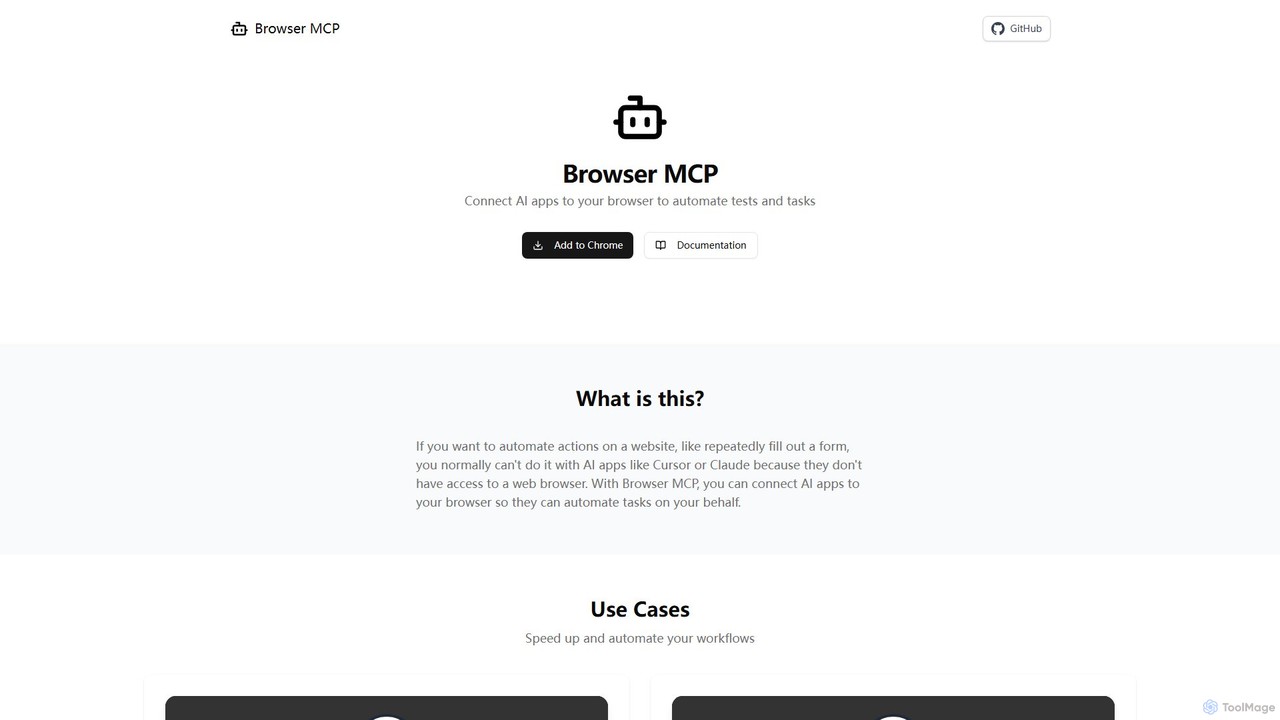
Browser MCP Overview
Browser MCP is a powerful tool designed to bridge the gap between advanced AI applications and your web browser. It effectively gives your AI assistant, such as Claude or Cursor, the ability to see and interact with websites just like you do. By installing a simple browser extension and a local server component, you can unlock a new level of automation. This allows you to delegate repetitive web-based tasks, from filling out complex forms to gathering data across multiple pages, directly to your AI. The entire process runs on your local machine, ensuring that your actions are fast, private, and secure.
How to use Browser MCP
Getting started with Browser MCP is a straightforward, three-step process designed for both developers and general users:
- Install the Browser MCP Extension: The first step is to add the official Browser MCP extension to your Chrome-based browser. This extension acts as the agent that will perform actions on web pages.
- Set up the MCP Server: Next, you need to integrate the Browser MCP server into your chosen AI application or development environment (like VSCode, Cursor, or a custom script). This server acts as the communication bridge between your AI's instructions and the browser extension. The official documentation provides clear instructions for setup.
- Start Automating: Once the connection is established, you can begin issuing commands. You can instruct your AI assistant in natural language or write scripts to perform complex workflows. For example, you could tell it to "Test the user login flow" or "Extract all product names and prices from this page." The AI will then use Browser MCP to execute these commands in your browser.
Core Features of Browser MCP
- Comprehensive Browser Control: Provides a full suite of tools to interact with web pages, including navigating to URLs, clicking buttons, typing text, hovering over elements, and even drag-and-drop actions.
- Local and Private Execution: All automation runs directly on your computer. This eliminates network latency for faster performance and ensures your browser history, cookies, and sensitive data never leave your device.
- Seamless Integration: Works with popular AI-powered editors and applications like Cursor, Claude, Windsurf, and VSCode, allowing you to incorporate browser automation directly into your existing workflows.
- Stealth Operation: By using your real browser profile and fingerprint, Browser MCP can often bypass basic bot detection systems and CAPTCHAs that would block traditional automation scripts.
- Session Persistence: It utilizes your existing logged-in browser sessions, so you don't need to manage authentication credentials within your automation scripts. The AI can operate on services where you are already signed in.
- Advanced Data Extraction: Capable of capturing accessibility snapshots, taking screenshots of pages, and retrieving console logs for debugging and detailed analysis.
Use Cases for Browser MCP
Browser MCP is versatile and can be applied in various scenarios to boost productivity:
- Automated End-to-End Testing: Developers can empower their AI coding assistants to automatically write and run tests for web applications. This includes testing user flows (e.g., registration, checkout), validating UI elements, and ensuring the application behaves as expected after new deployments.
- Repetitive Task Automation (RPA): Automate mundane daily tasks such as data entry, filling out reports from web sources, or managing social media accounts. Save hours of manual work and reduce the risk of human error.
- Web Scraping and Data Collection: Efficiently gather large amounts of data from websites for market research, lead generation, or competitive analysis. You can instruct the AI to navigate through paginated lists, extract specific data points, and compile them.
- Workflow Automation: Chain multiple web-based actions together to create complex automated workflows. For instance, you could automate the process of checking for new orders in an e-commerce platform, generating an invoice, and sending a confirmation email.
Advantages of Browser MCP
The key advantages of using Browser MCP stem from its unique architecture:
- Speed: Local execution means commands are carried out instantly without the delay of sending instructions to a remote server and waiting for a response.
- Privacy & Security: Your data and browsing activity are kept completely private on your local machine, a critical feature when dealing with sensitive or proprietary information.
- Convenience: By using your existing browser profile, it remains logged into all your services, simplifying the automation of tasks that require authentication.
- Effectiveness: Its ability to use a real browser fingerprint makes it more robust and less prone to being blocked than other automation methods, ensuring higher success rates for your tasks.
Pricing and Plans
Browser MCP is an open-source project and is available for free. You can install the browser extension and set up the server without any cost. As an open-source tool, it benefits from community contributions and transparency, which you can explore on its GitHub repository.
Traffic
Latest traffic
Status
Monthly traffic trend
- 2025-9: 166.6K
- 2026-1: 156.0K
- 2026-2: 133.3K
- 2026-3: 144.7K
- 2026-4: 116.3K
- 2026-5: 103.1K
Geography
Top 5 countries / regions
- 🇺🇸United States30.2%
- 🇮🇳India22.6%
- 🇨🇳China21.8%
- 🇮🇩Indonesia15.3%
- 🇩🇪Germany10.1%
Traffic sources
| Source type | Percentage |
|---|---|
Direct | 88.5% |
Referral | 10.7% |
Email | 0.8% |
Top keywords
| Keyword | Cost per click |
|---|---|
| browser mcp | $4.34 |
| browsermcp | $4.89 |
| browser mcp extension | $0.00 |
| cursor browser mcp | $0.00 |
| mcp browser | $0.00 |
Browser MCP Videos on YouTube
Elie Steinbock


Business Builder

Browser MCP Alternatives
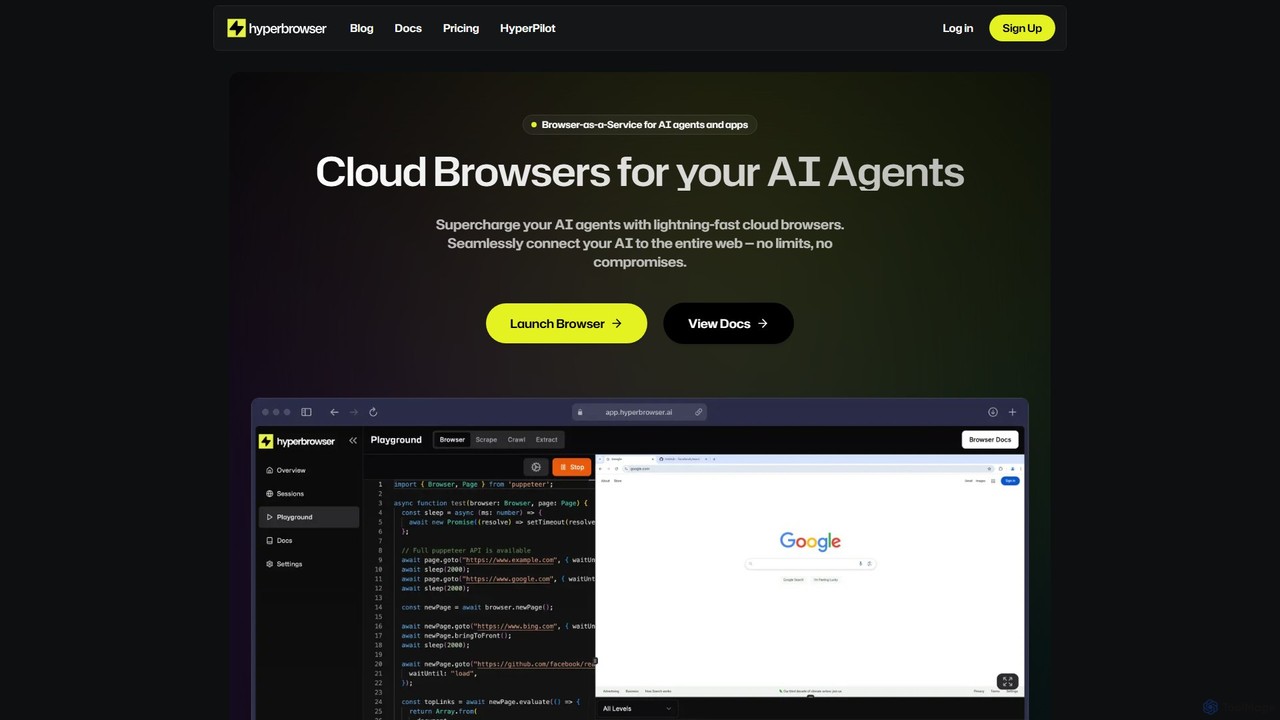
Hyperbrowser
Hyperbrowser is a Browser-as-a-Service platform designed for AI agents and developers. It provides scalable, lightning-fast cloud browsers to automate web tasks, extract data, and enable AI-driven web interactions. With features like stealth browsing, automatic captcha solving, and developer-friendly APIs, it empowers complex workflows without limits.
Web Scraping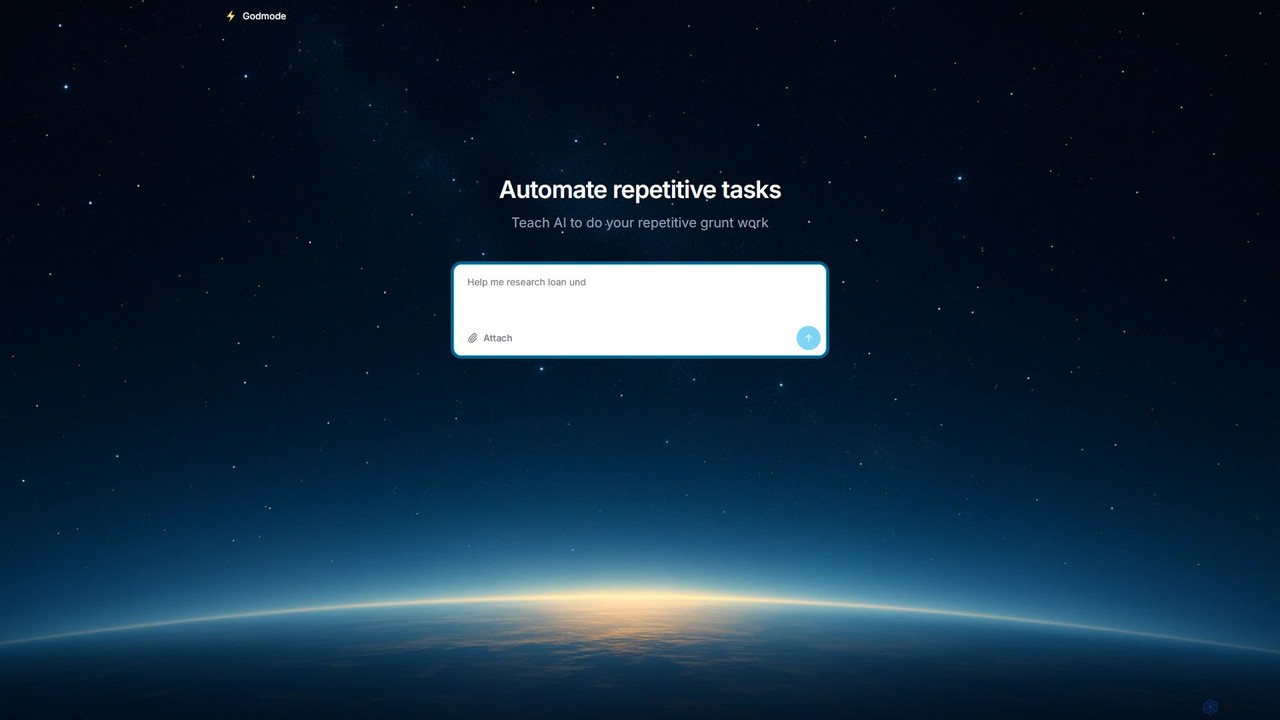
Godmode
Godmode is an AI agent platform that automates repetitive web tasks. Teach the AI to perform complex workflows, from data entry and web scraping to social media management, all through natural language instructions without writing any code.
Web Scraping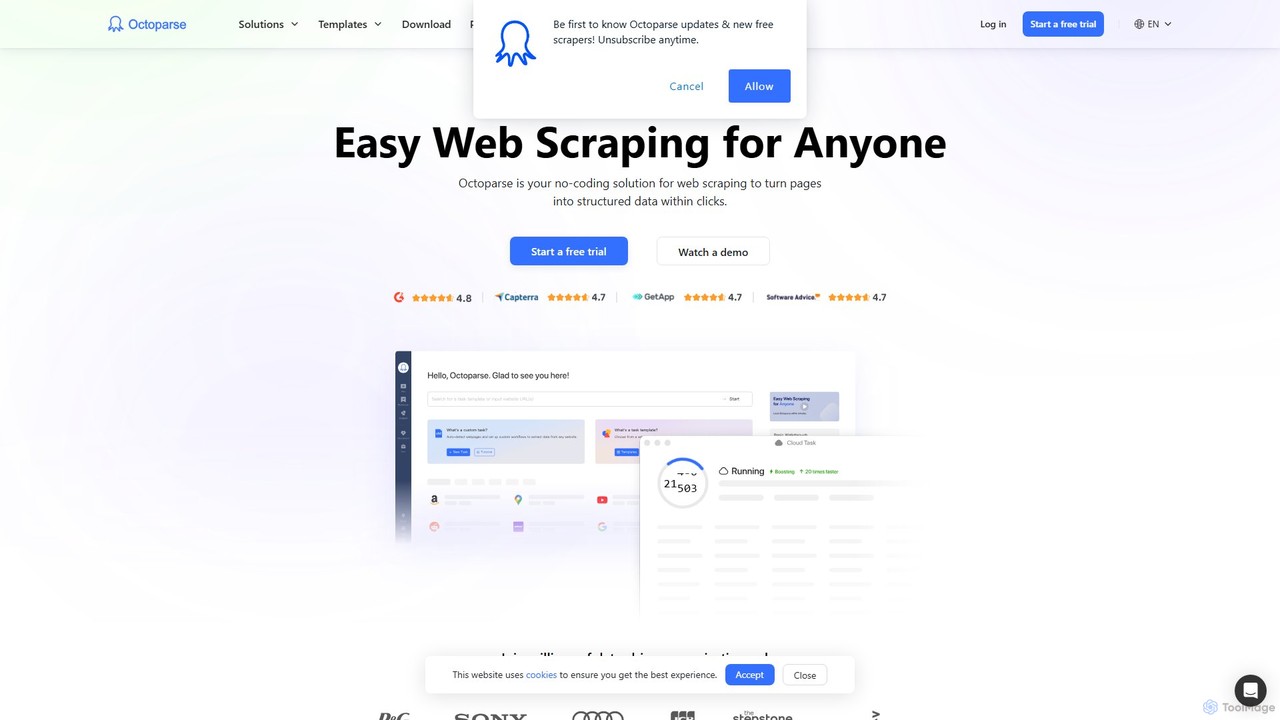
Octoparse AI
Octoparse AI is a no-code platform for building custom AI-powered workflows and RPA bots. It enables users to automate tasks, scrape web data, and integrate with various applications without writing any code. With a rich library of ready-to-use automation apps, it streamlines processes for sales, marketing, and data management, boosting productivity for individuals and teams.
Web Scraping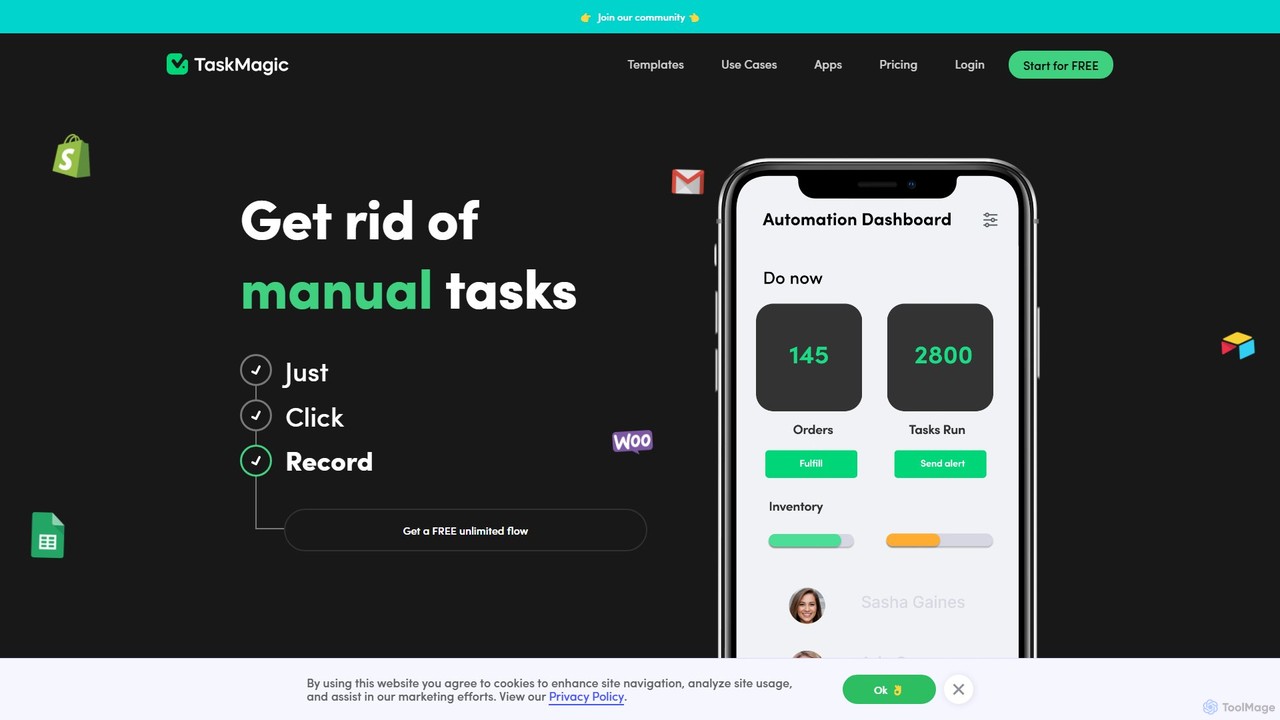
TaskMagic
TaskMagic is a no-code automation tool that records your web actions like clicks, typing, and scraping to create powerful workflows. It acts as a virtual assistant, automating repetitive tasks that traditional tools like Zapier can't handle due to API limitations. Simply record a task once, and let TaskMagic run it for you forever.
Web Scraping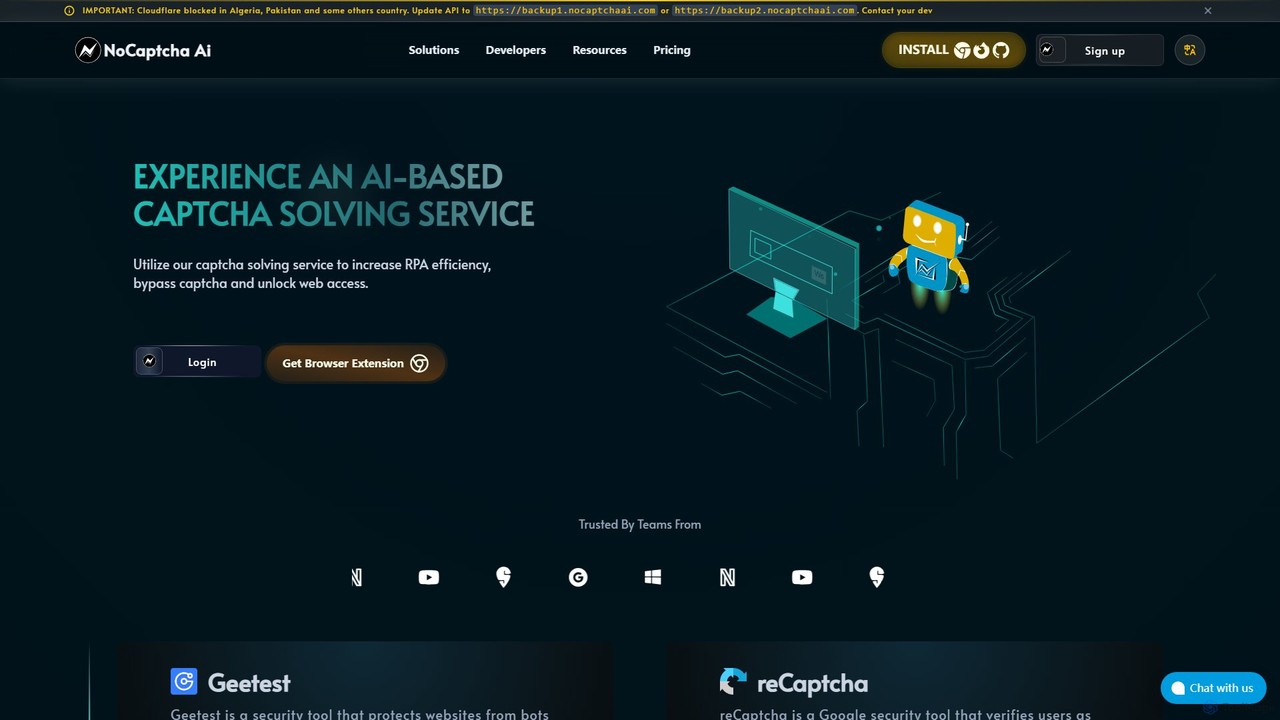
NoCaptcha AI
NoCaptcha AI is an AI-powered CAPTCHA solving service that helps developers and businesses automate CAPTCHA bypass. It offers a fast, reliable, and scalable API solution to handle various CAPTCHA types, including reCAPTCHA, Geetest, and OCR, enhancing RPA efficiency and unlocking web access.
Web ScrapingBrowser MCP Categories
Browser MCP Embed Widget
Copy this embed code to place the badge on your blog, article, or product site and send readers directly to this ToolMage detail page.

Related AI tools
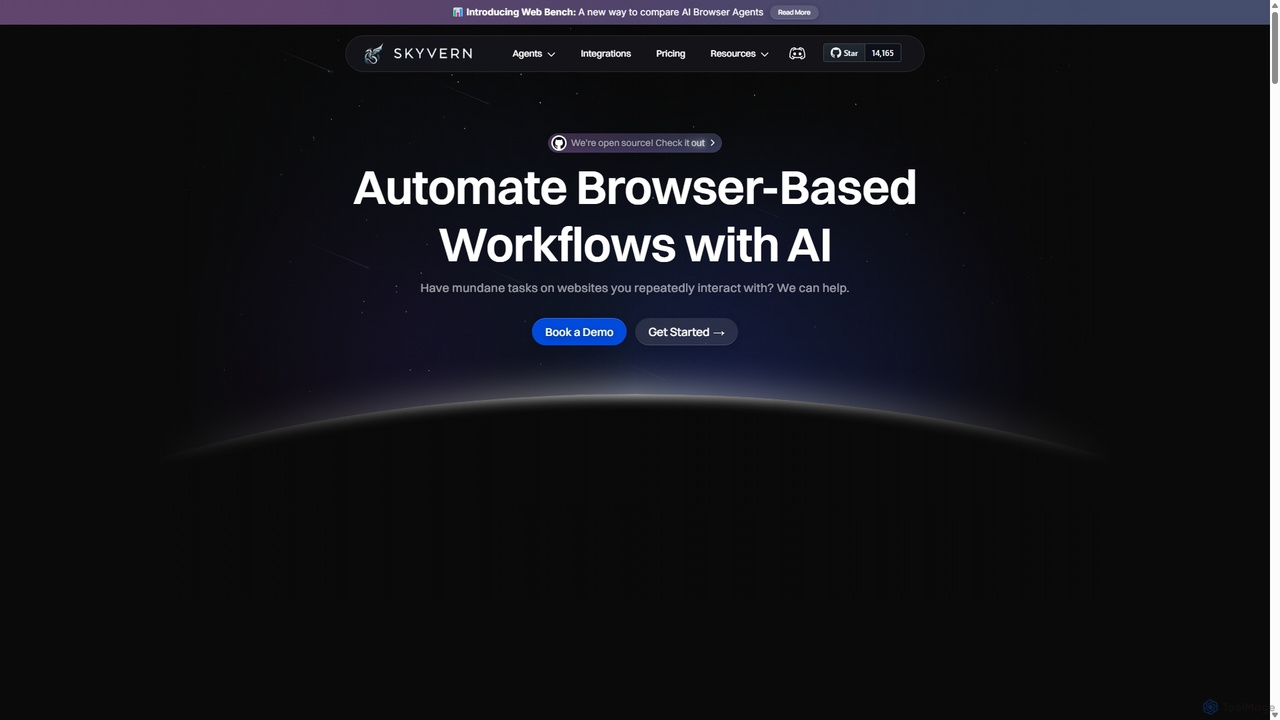
Skyvern
Skyvern is an AI-powered browser automation platform that uses computer vision and natural language to automate complex web workflows. It can handle data extraction, form submissions, invoice retrieval, and more on any website, adapting dynamically to changes without traditional scripting.
ApiHyperbrowser
Hyperbrowser is a Browser-as-a-Service platform designed for AI agents and developers. It provides scalable, lightning-fast cloud browsers to automate web tasks, extract data, and enable AI-driven web interactions. With features like stealth browsing, automatic captcha solving, and developer-friendly APIs, it empowers complex workflows without limits.
Web ScrapingGodmode
Godmode is an AI agent platform that automates repetitive web tasks. Teach the AI to perform complex workflows, from data entry and web scraping to social media management, all through natural language instructions without writing any code.
Web Scraping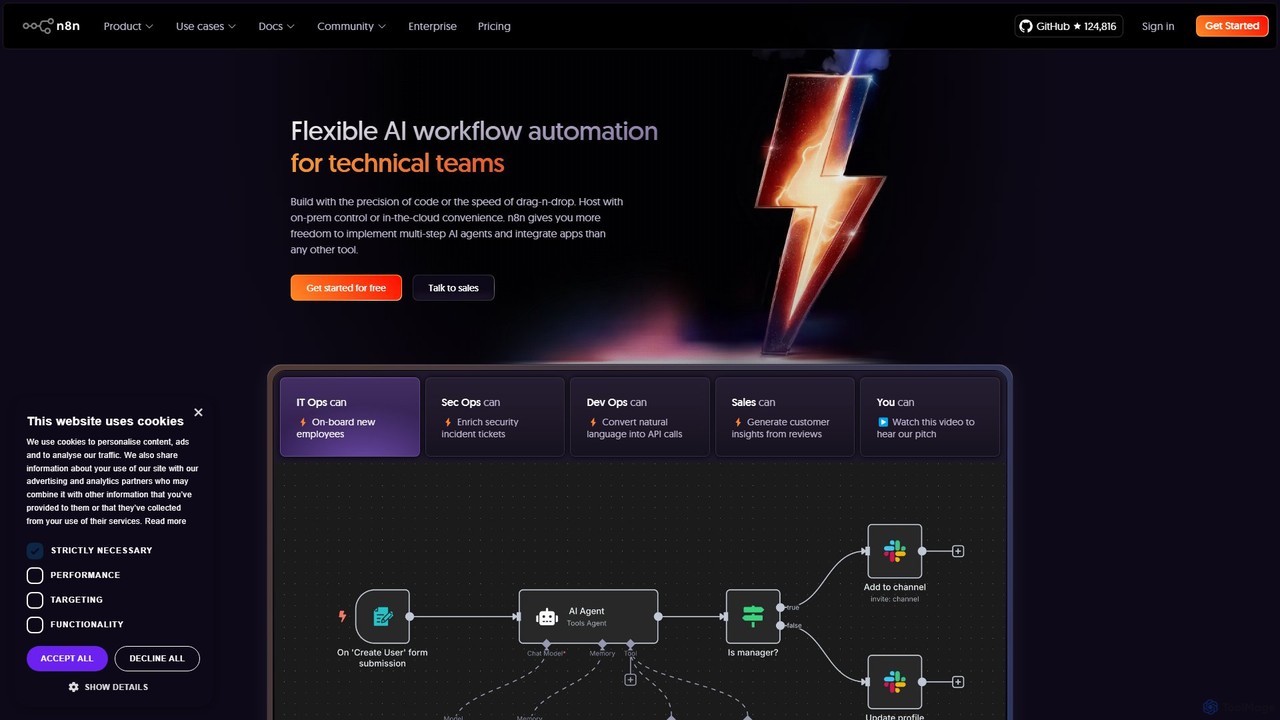
n8n
n8n is a source-available, node-based workflow automation platform designed for both technical and non-technical users. It enables you to connect hundreds of applications and services, including powerful AI models, to automate complex tasks and processes. With options for both cloud hosting and self-hosting, n8n offers unparalleled flexibility, control, and scalability for building everything from simple data syncs to sophisticated AI agents.
Crm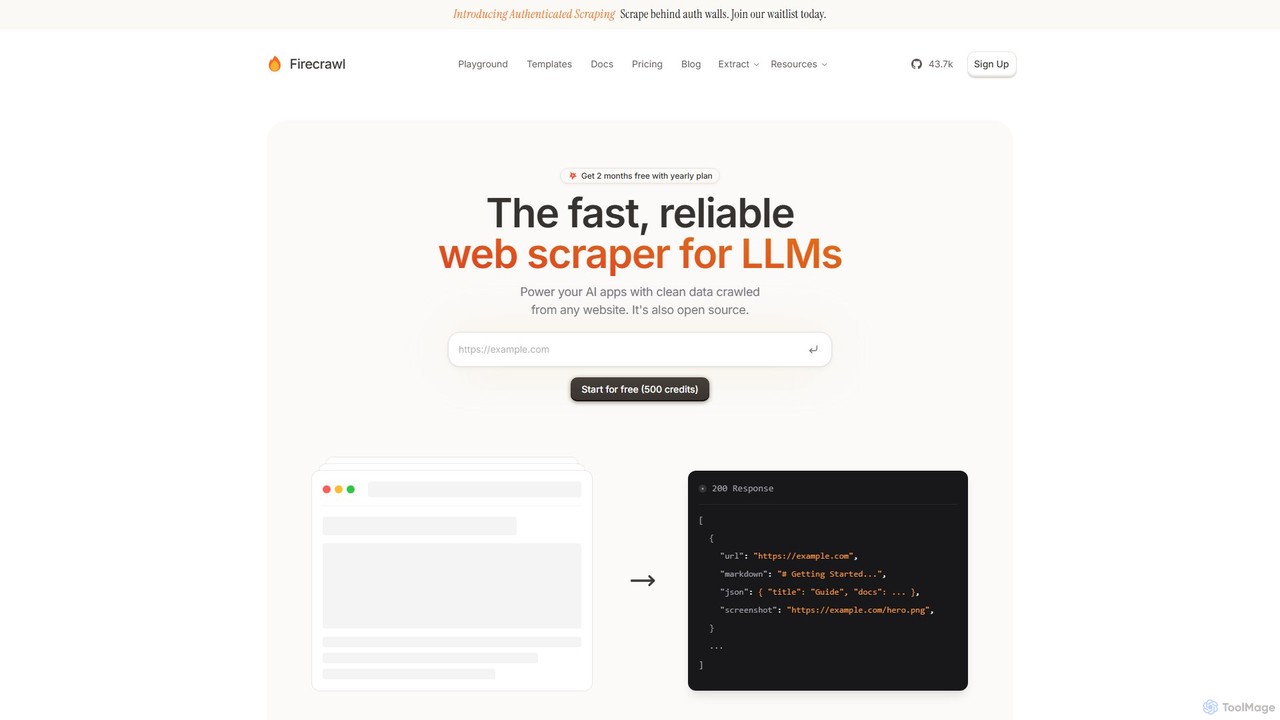
Firecrawl
Firecrawl is an open-source, developer-first API that turns any website into clean, LLM-ready data. It handles all the complexities of web scraping, including JavaScript rendering, proxy rotation, and rate limits, allowing you to power AI applications, agents, and RAG systems with reliable web content. It offers scraping, crawling, and search functionalities through a simple API.
Data Collection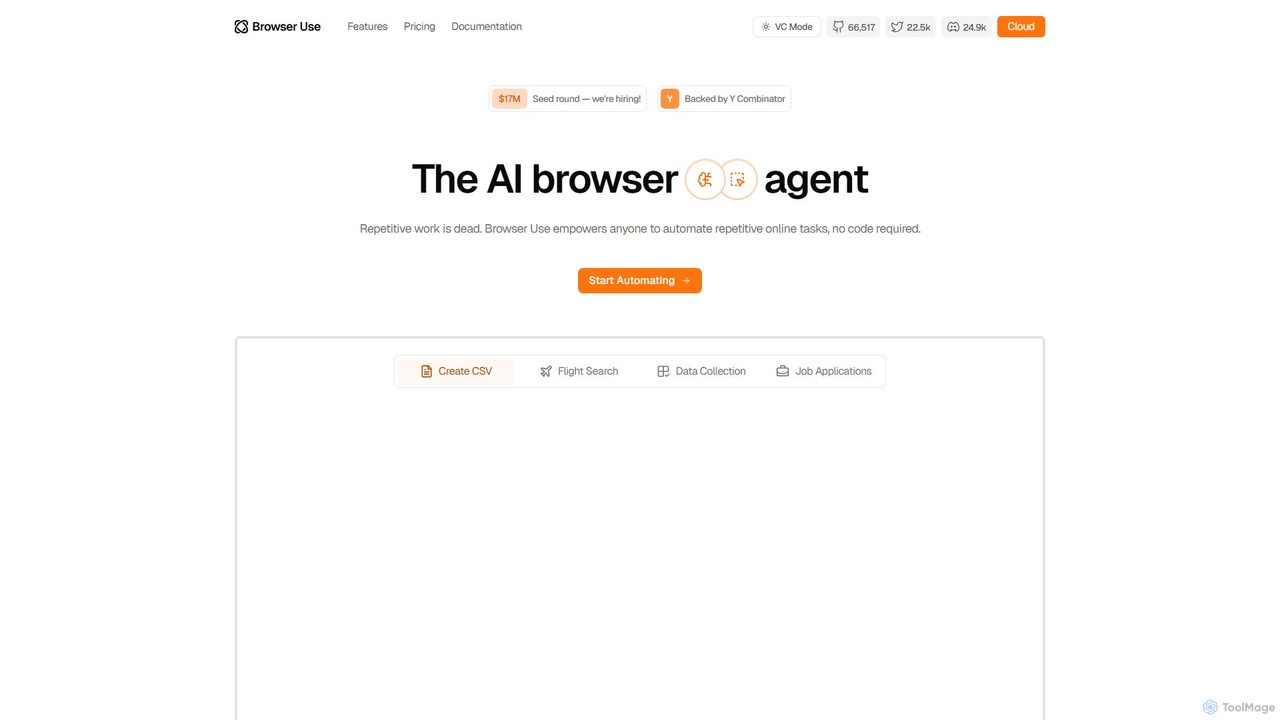
Browser Use
Browser Use is an AI-powered browser agent that automates repetitive online tasks without requiring any code. It can handle complex data scraping, form filling, and other web-based workflows. Backed by Y Combinator, it offers a simple chat interface for users and a powerful API for developers to streamline their online activities.
Data Extraction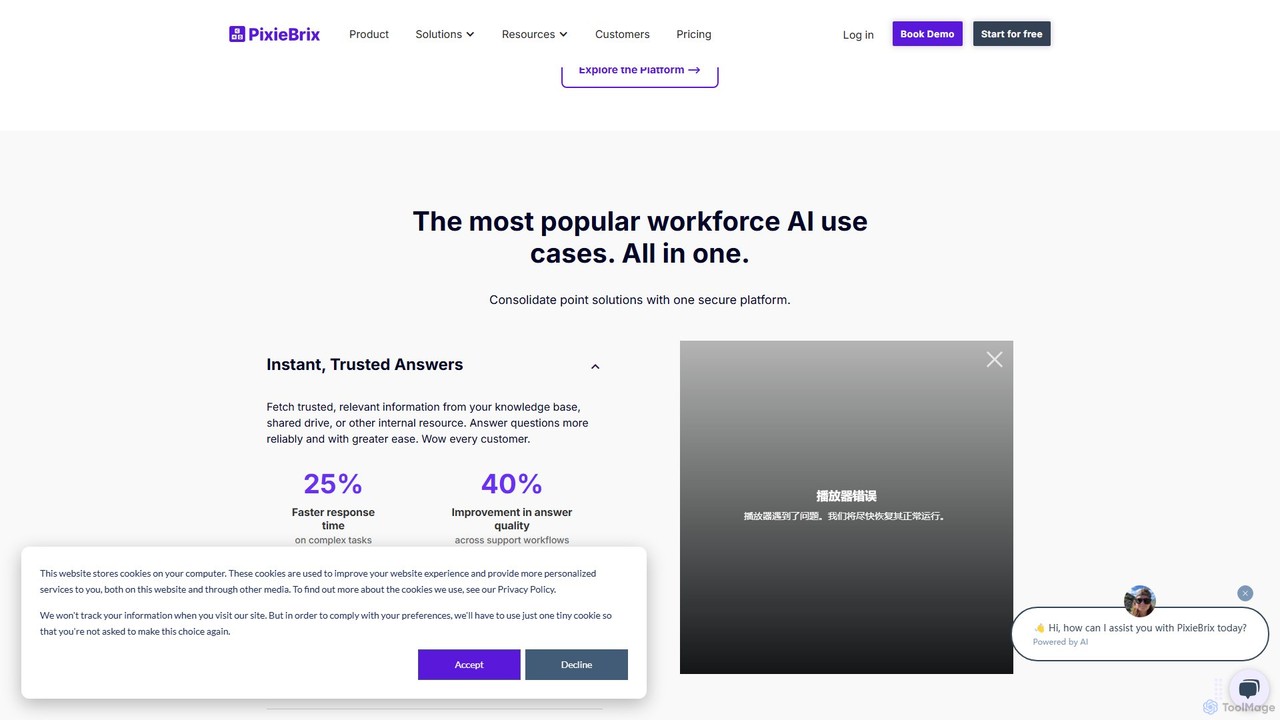
PixieBrix
PixieBrix is a low-code browser extension that allows you to automate tasks, customize any website, and integrate AI tools directly into your workflow. Enhance your productivity by creating custom modifications, or "mods," to streamline processes, eliminate repetitive work, and connect your web applications without writing any code.
Low Code No Code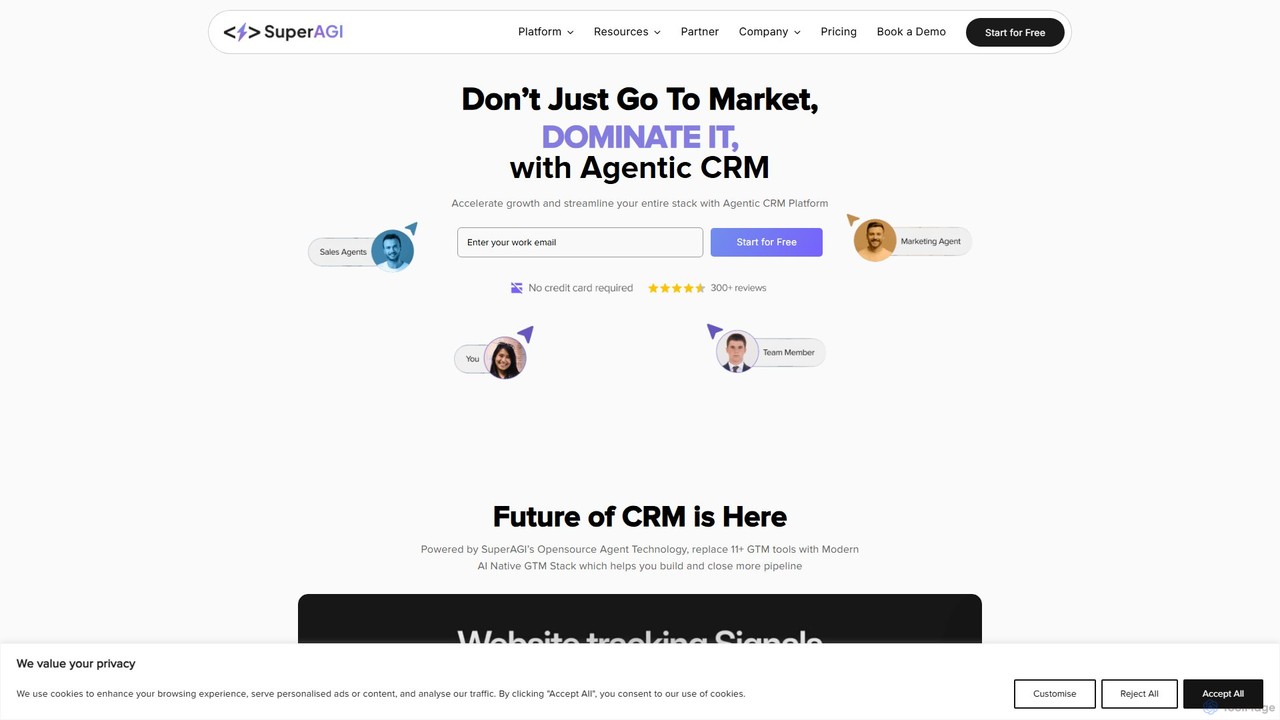
SuperAGI
SuperAGI is an all-in-one Agentic CRM platform that leverages autonomous AI agents to automate sales, marketing, and operational tasks. It combines an open-source framework for building custom agents with a user-friendly cloud platform to streamline lead generation, outreach, and data management, boosting team productivity and efficiency.
Frameworks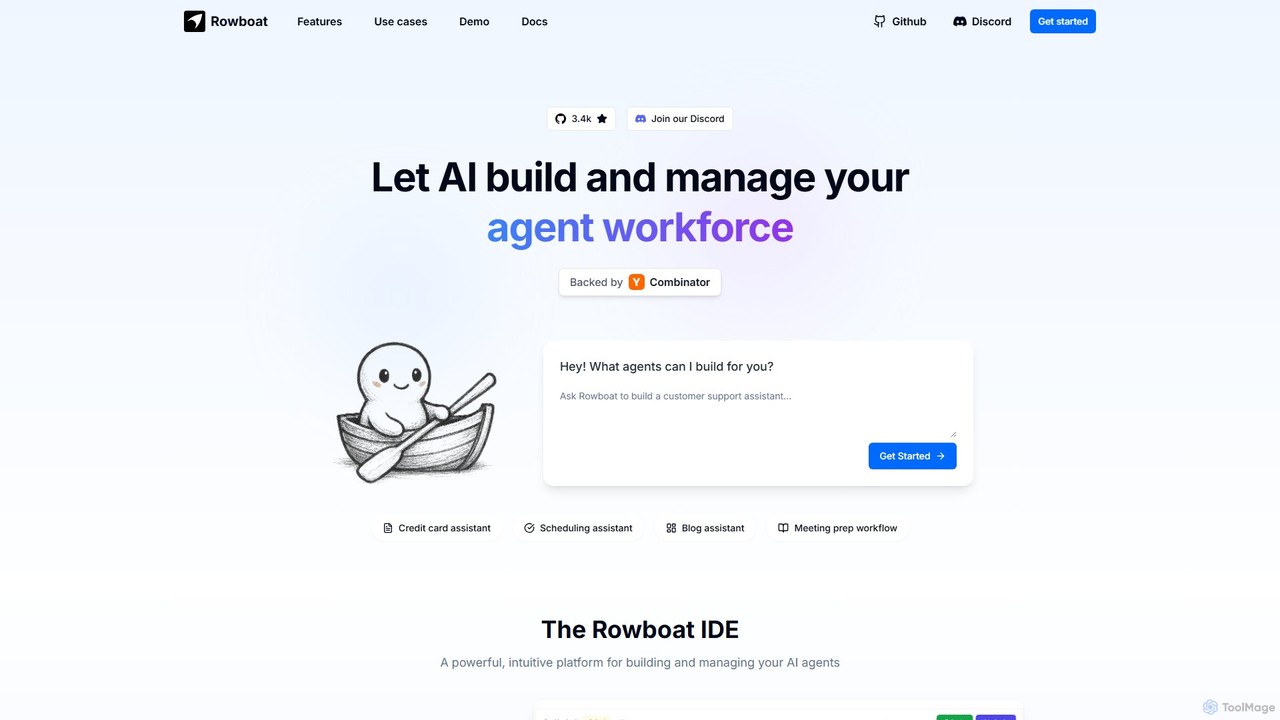
Rowboat
Rowboat is a powerful, AI-powered IDE for building, managing, and deploying complex multi-agent systems. Backed by Y Combinator, it allows users to describe workflows in plain English, and its AI copilot automatically generates the entire agent graph, including roles, prompts, and tool integrations. It's designed to simplify the creation of robust, real-world AI agents for productivity, e-commerce, support, and more, with features like open-source flexibility and support for over 100 LLMs.
Agent Builder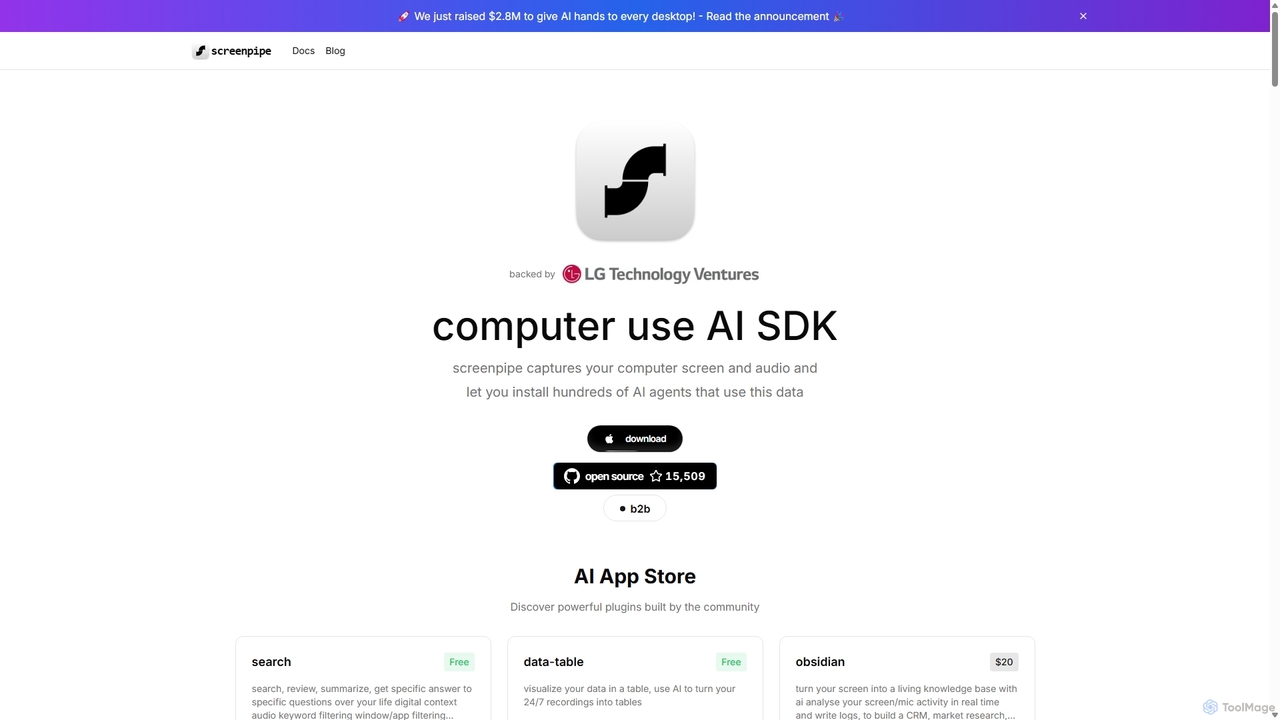
Screenpipe
Screenpipe is an open-source AI SDK that captures your computer's screen and audio 24/7, creating a local, private digital memory. It powers a rich ecosystem of AI agents that can search, summarize, and automate tasks based on your complete digital context, turning your computer usage into a powerful, personalized AI.
Personal Data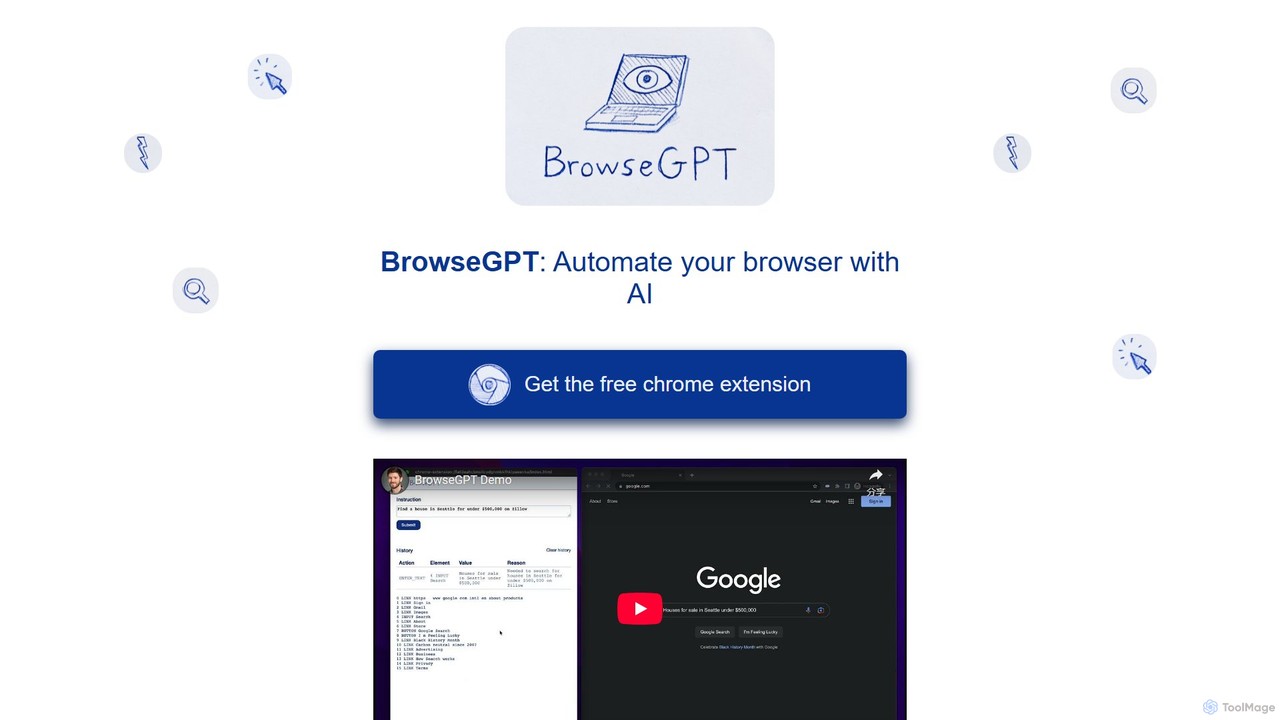
BrowseGPT
BrowseGPT is an experimental AI-powered Chrome extension that automates browser tasks. Simply give it instructions in natural language, and it uses Anthropic's Claude 3.5 Sonnet to interact with websites, performing actions like clicking, typing, and navigating to complete your requests.
Assistants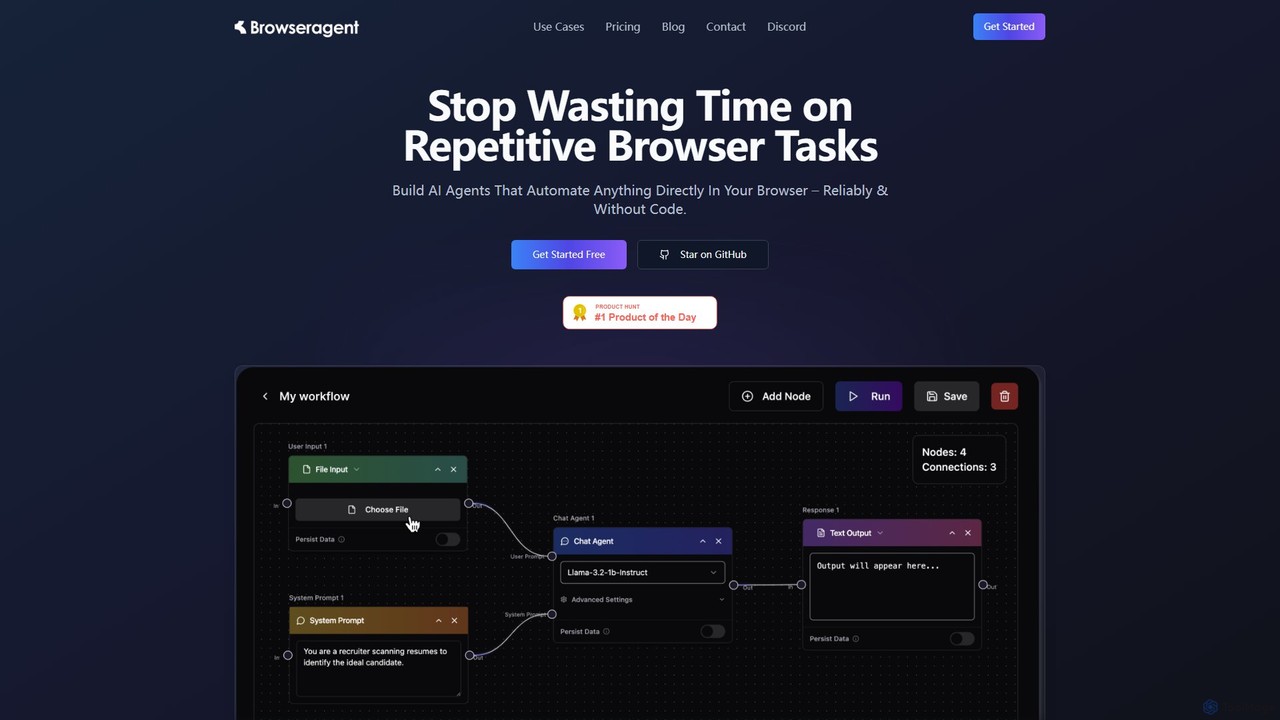
Browseragent
Browseragent is a no-code platform that builds AI agents to automate repetitive browser tasks directly within your browser. It uses a visual workflow builder and natural language commands to create, manage, and execute complex automations reliably and without coding.
Scraping
Jyek
Jyek is an AI agent platform that understands objectives, creates execution plans, uses tools, and delivers verifiable results for complex, multi-step tasks.
Automation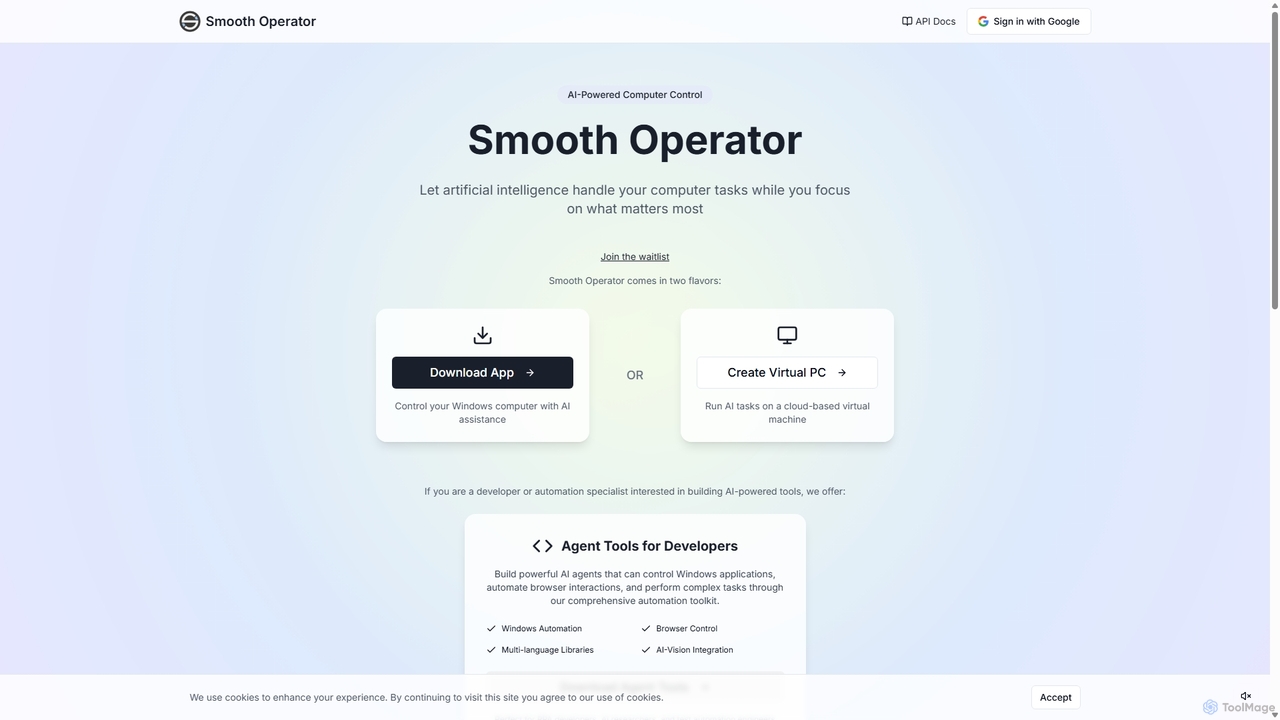
Smooth Operator
Smooth Operator is an AI-powered tool that automates computer tasks on Windows. It allows users to control their computer using natural language, either through a local app or a cloud-based virtual machine. It also provides a comprehensive toolkit for developers to build custom AI agents for advanced automation.
Robotic Process Automation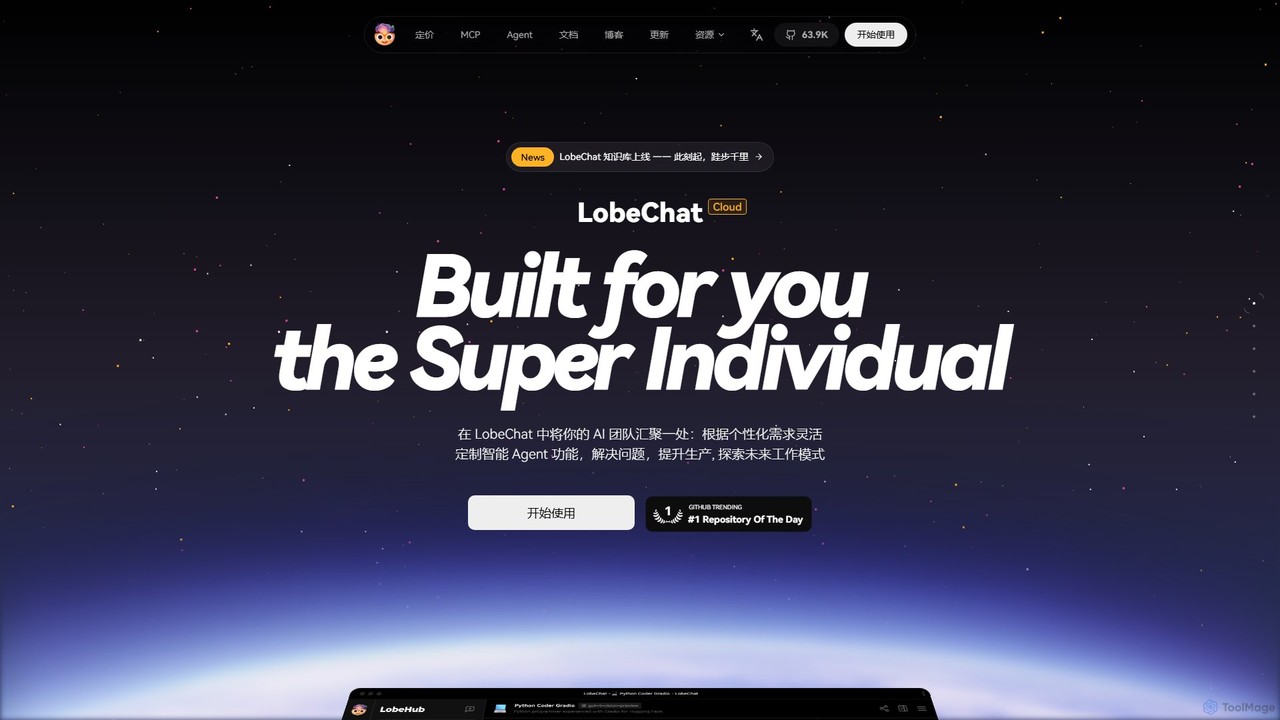
LobeHub
LobeHub is an all-in-one AI platform that allows you to build and manage a personalized team of AI Agents. It offers a superior user experience to standard LLM interfaces like ChatGPT, with support for numerous models, plugins, and multi-modal interactions. Create, share, and use specialized agents for tasks ranging from coding and writing to academic research and daily life, all within a single, intuitive chat interface.
Chatbot Platform
Browser MCP Comments (0)
Sign in to comment.
Sign inNo comments yet.