

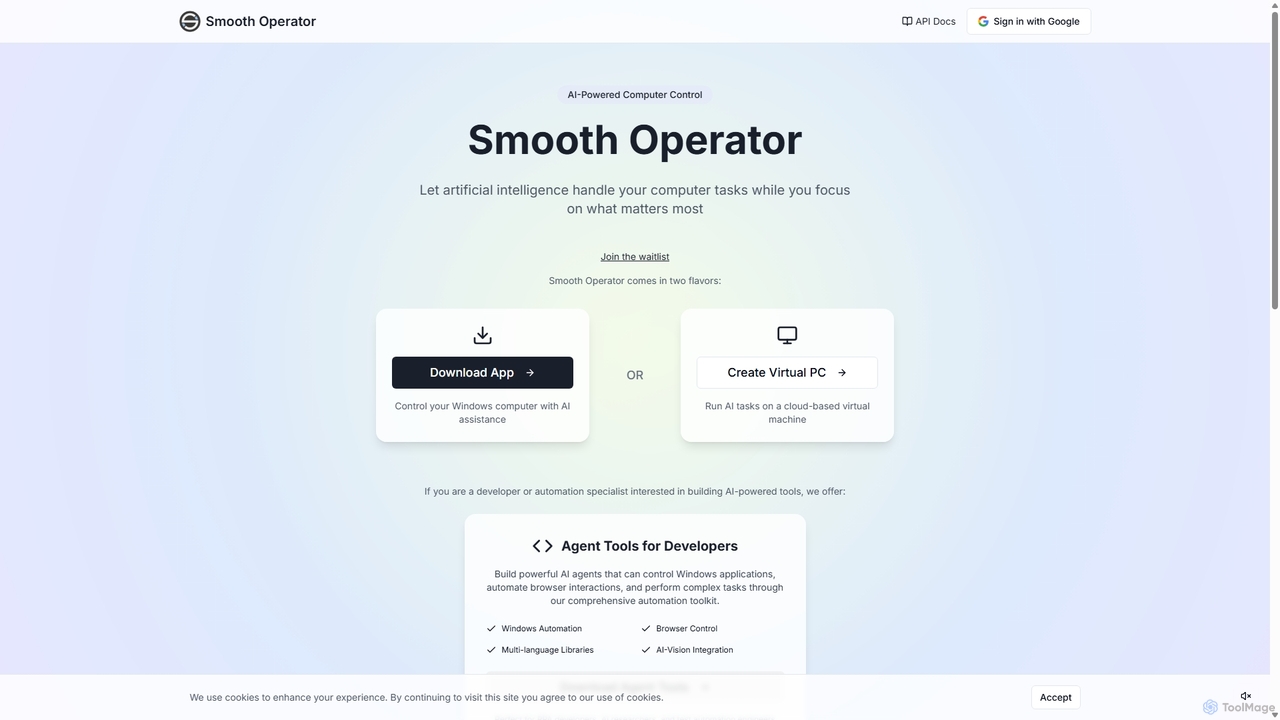
Smooth Operator Overview
Smooth Operator is a cutting-edge AI tool designed to revolutionize how you interact with your computer. It acts as an intelligent assistant, capable of understanding natural language commands to perform a wide range of tasks on your Windows operating system. This allows you to delegate repetitive, complex, or time-consuming activities to an AI, freeing you up to focus on more strategic and creative work. The tool offers a flexible dual-mode operation: you can either download a dedicated application to run the AI agent directly on your local Windows machine or create a secure, cloud-based virtual PC to execute tasks remotely. This makes it suitable for both personal productivity and scalable business automation.
Beyond its user-facing capabilities, Smooth Operator is a powerful platform for developers. It provides a suite of 'Agent Tools' designed for RPA developers, AI researchers, and test automation engineers. This toolkit includes multi-language libraries and robust AI-vision integration, enabling the creation of sophisticated AI agents that can control Windows applications, automate browser interactions, and handle complex workflows with human-like understanding of on-screen elements.
How to use Smooth Operator
Getting started with Smooth Operator is straightforward, catering to both general users and developers:
- Choose Your Environment: Decide whether you want to control your local computer or a cloud-based one. For direct control, download the Windows application. For remote or isolated tasks, opt for creating a virtual PC through their service.
- Join the Waitlist: As the tool is in high demand, you may need to join a waitlist to gain access. Sign up on the official website to be notified.
- Provide Instructions: Once set up, you can start giving commands to the AI in plain English. For example, you could say, "Open my latest sales report, copy the Q4 data, and paste it into a new email to the sales team."
- Let the AI Work: The AI agent, powered by advanced vision models from screengrasp.com, will analyze your screen, identify the relevant elements (buttons, text fields, icons), and execute the steps required to complete your task.
- For Developers: Download the 'Agent Tools'. Use the provided libraries (e.g., Python, JavaScript) to script complex automation sequences. Integrate the AI's vision and control capabilities into your own applications, RPA bots, or testing frameworks.
Core Features of Smooth Operator
- AI-Powered Computer Control: Use natural language to operate your Windows PC, automating tasks across any application or website.
- Dual-Mode Operation: Choose between a downloadable Windows app for local control or a cloud-based virtual machine for remote, scalable operations.
- Advanced AI Vision: Utilizes the leading screengrasp.com model for superior screen understanding, allowing the AI to interact with graphical user interfaces just like a human.
- Comprehensive Developer Toolkit: A full suite of tools for developers to build, test, and deploy their own powerful AI agents.
- Windows & Browser Automation: Seamlessly control native Windows applications and automate complex interactions within any web browser.
- Multi-language Libraries: Provides libraries for popular programming languages, making it easy to integrate into existing development workflows.
- Shared API and Credits: API keys and credits are shared with screengrasp.com, offering added value for Pro and Enterprise users.
Use Cases for Smooth Operator
Smooth Operator is versatile and can be applied in various professional and personal scenarios:
- Robotic Process Automation (RPA): Developers can automate processes in legacy systems that lack APIs by having the AI agent interact directly with the user interface.
- Software Testing: Test automation engineers can create intelligent, vision-based UI tests that are more resilient to minor UI changes.
- Data Entry and Migration: Automate the tedious process of transferring data between different applications, spreadsheets, and web forms.
- Business Intelligence: Program agents to automatically gather data from various sources, compile reports, and distribute them to relevant stakeholders.
- Personal Productivity: Use it as a personal assistant to manage emails, schedule meetings, organize files, or control media playback with simple commands.
Advantages of Smooth Operator
The primary advantage of Smooth Operator is its ability to bridge the gap between human instruction and computer action. It offers immense efficiency gains by automating tasks that were previously manual. Its flexibility to work with any application, regardless of API availability, makes it a universal automation solution. For developers, it provides a powerful, vision-first platform to build the next generation of intelligent agents. The dual-mode approach ensures both security and convenience, catering to a wide range of user needs.
Pricing and Plans
While specific pricing is often finalized after the waitlist period, Smooth Operator is expected to follow a freemium model based on available information:
- Waitlist/Free Tier: Likely offers basic access for early adopters and individuals to explore core features with limited usage.
- Pro Plan: Aimed at professionals and power users, this plan would include higher usage limits, full access to the Agent Tools for Developers, and shared API credits with screengrasp.com.
- Enterprise Plan: Designed for businesses and teams, offering custom usage quotas, dedicated support, team management features, and enhanced security for large-scale automation deployments.
Traffic
Latest traffic
Status
Monthly traffic trend
- 2025-7: 425
- 2025-8: 952
- 2025-9: 1.4K
- 2026-3: 0
- 2026-4: 0
- 2026-5: 78
Top keywords
| Keyword | Cost per click |
|---|---|
| operator free? | $0.00 |
| smooth ai | $0.00 |
| smooth browser | $0.00 |
| smooth operator ai | $0.00 |
| smooth operators | $0.00 |
Smooth Operator Alternatives
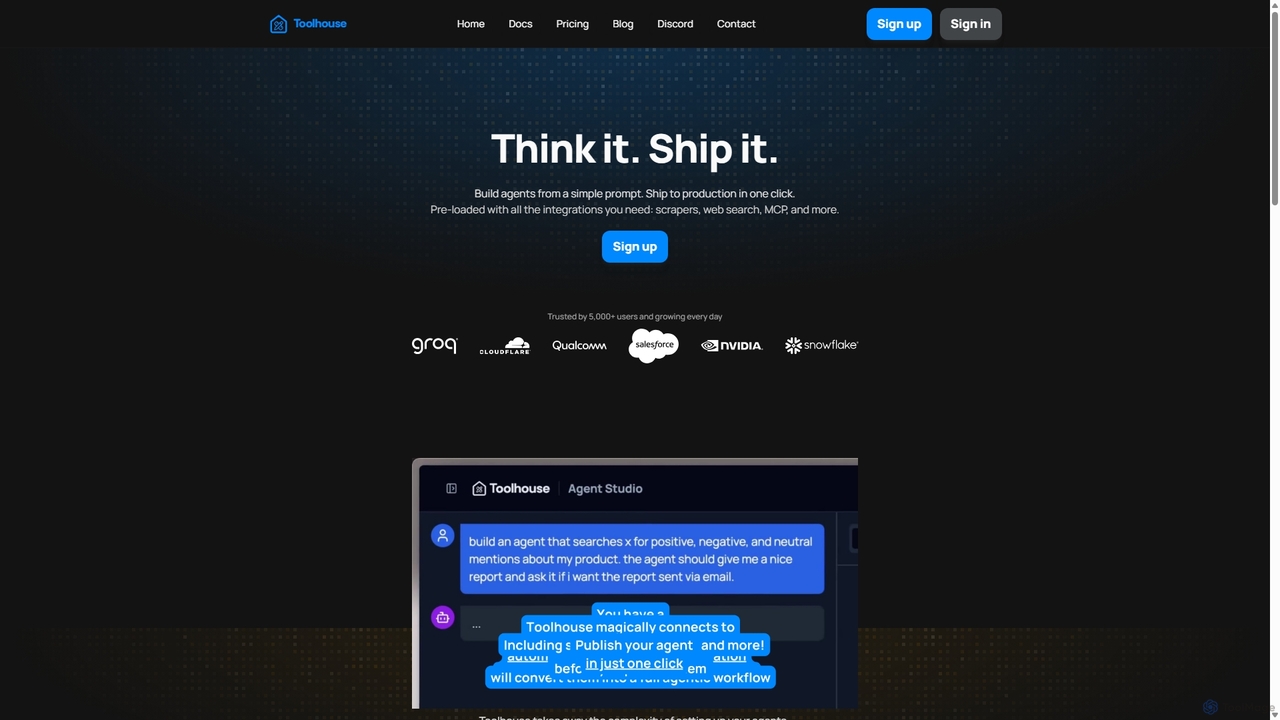
Toolhouse
Toolhouse is a no-code/low-code platform that democratizes AI agent creation. It allows developers to build, deploy, and manage production-grade AI agents from simple prompts. With pre-built integrations for web scraping, search, RAG, and databases, Toolhouse abstracts away the complexity of infrastructure, enabling one-click deployment of agents as scalable APIs. It's designed to empower developers of all skill levels to ship AI-powered applications quickly.
Agent Development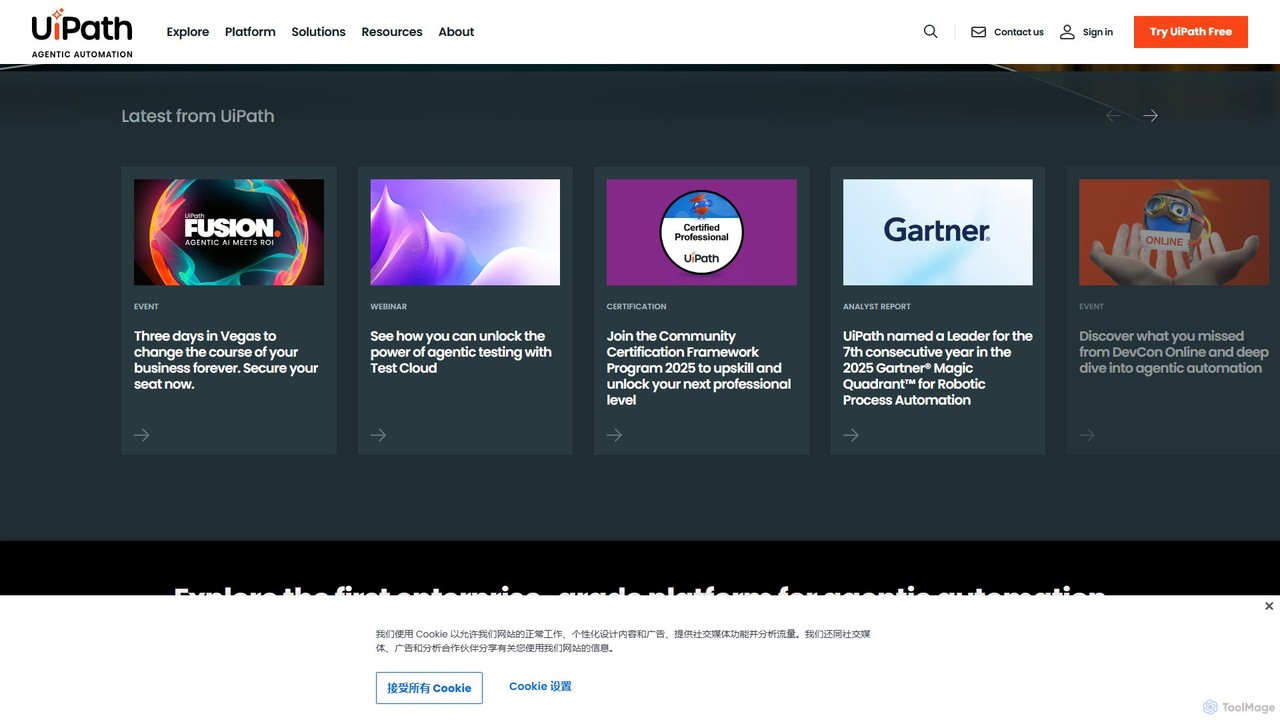
UiPath
UiPath is a leading enterprise automation platform that combines Robotic Process Automation (RPA) with advanced AI capabilities. It enables businesses to build and manage a workforce of software robots that automate repetitive tasks, streamline processes, and drive digital transformation. From finance to healthcare, UiPath empowers organizations to increase efficiency, reduce costs, and improve accuracy by deploying AI-powered agents and automations at scale.
Data Processing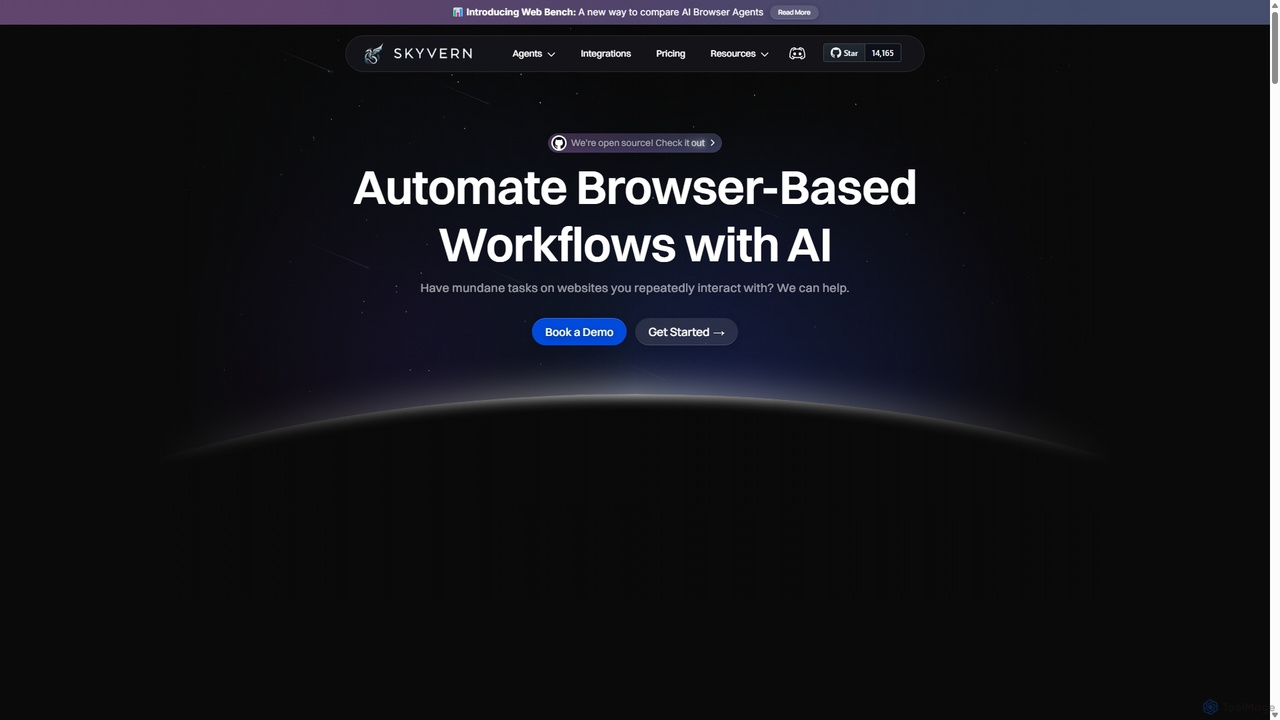
Skyvern
Skyvern is an AI-powered browser automation platform that uses computer vision and natural language to automate complex web workflows. It can handle data extraction, form submissions, invoice retrieval, and more on any website, adapting dynamically to changes without traditional scripting.
Api
runcopycat
runcopycat is an AI-powered browser automation platform that enables users to build and run complex workflows on any website, especially legacy systems without APIs. Using a blend of AI agents and deterministic steps, it automates repetitive tasks like data extraction, form filling, and invoice processing. This no-code tool saves thousands of hours, increases operational efficiency, and turns any website into a functional API, accessible via schedules or direct API calls.
Robotic Process Automation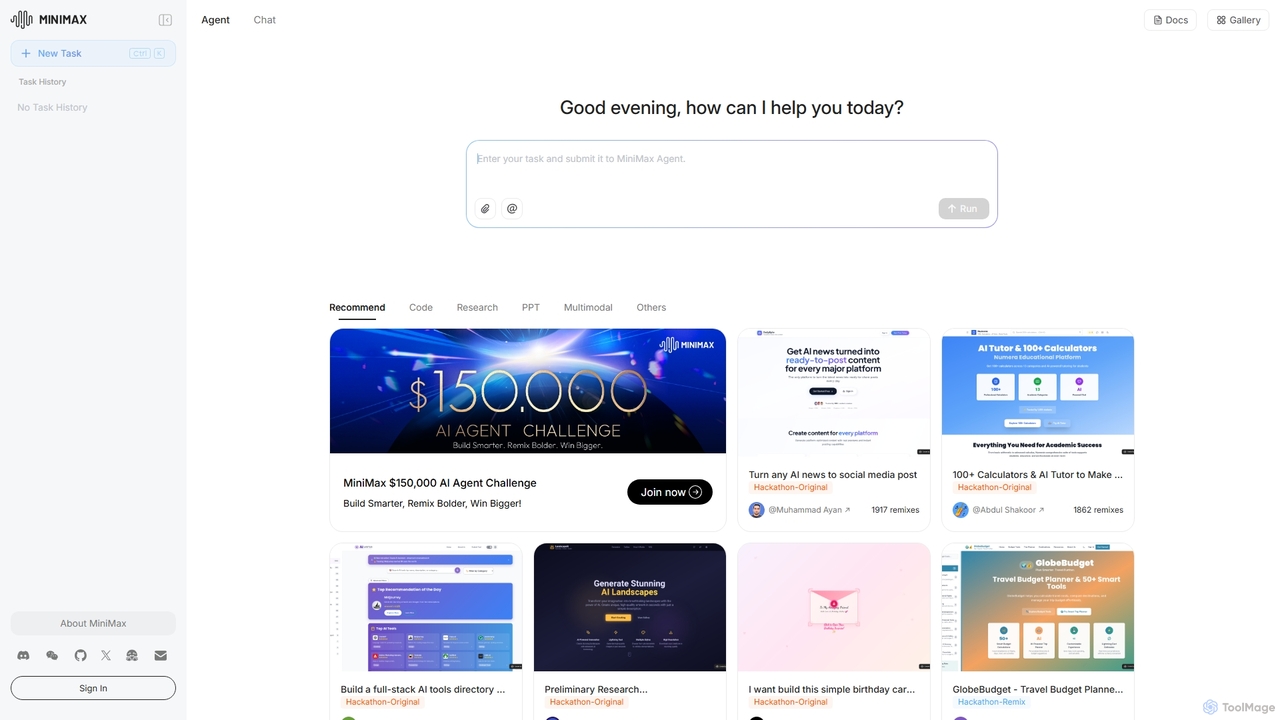
MiniMax Agent
MiniMax Agent is a powerful AI agent platform designed to automate complex tasks, from building full-stack websites and generating presentations to conducting in-depth research. By leveraging natural language prompts, users can minimize effort and maximize intelligence, creating sophisticated digital products and content with unprecedented speed and efficiency. The platform features a collaborative gallery for sharing and remixing projects.
Low Code No CodeSmooth Operator Categories
Smooth Operator Jobs
Smooth Operator Embed Widget
Copy this embed code to place the badge on your blog, article, or product site and send readers directly to this ToolMage detail page.

Related AI tools
Skyvern
Skyvern is an AI-powered browser automation platform that uses computer vision and natural language to automate complex web workflows. It can handle data extraction, form submissions, invoice retrieval, and more on any website, adapting dynamically to changes without traditional scripting.
Api
Gradientj
Gradientj is a powerful platform for developers and businesses to build, test, and deploy autonomous AI agents. It provides a comprehensive suite of tools, including a reasoning engine, pre-built components, and seamless integrations, to transform complex workflows into intelligent, automated processes from prompt to production.
IntelligenceMiniMax Agent
MiniMax Agent is a powerful AI agent platform designed to automate complex tasks, from building full-stack websites and generating presentations to conducting in-depth research. By leveraging natural language prompts, users can minimize effort and maximize intelligence, creating sophisticated digital products and content with unprecedented speed and efficiency. The platform features a collaborative gallery for sharing and remixing projects.
Low Code No Code
Onedollaragent
Onedollaragent is an AI workflow automation platform offering n8n-based agents for rent or ownership. Users can access existing workflows for $1 for 24 hours or remix them for $5 to publish on the marketplace and earn 88% of sales. It covers areas like communication, data, marketing, project management, and intelligent automation.
3D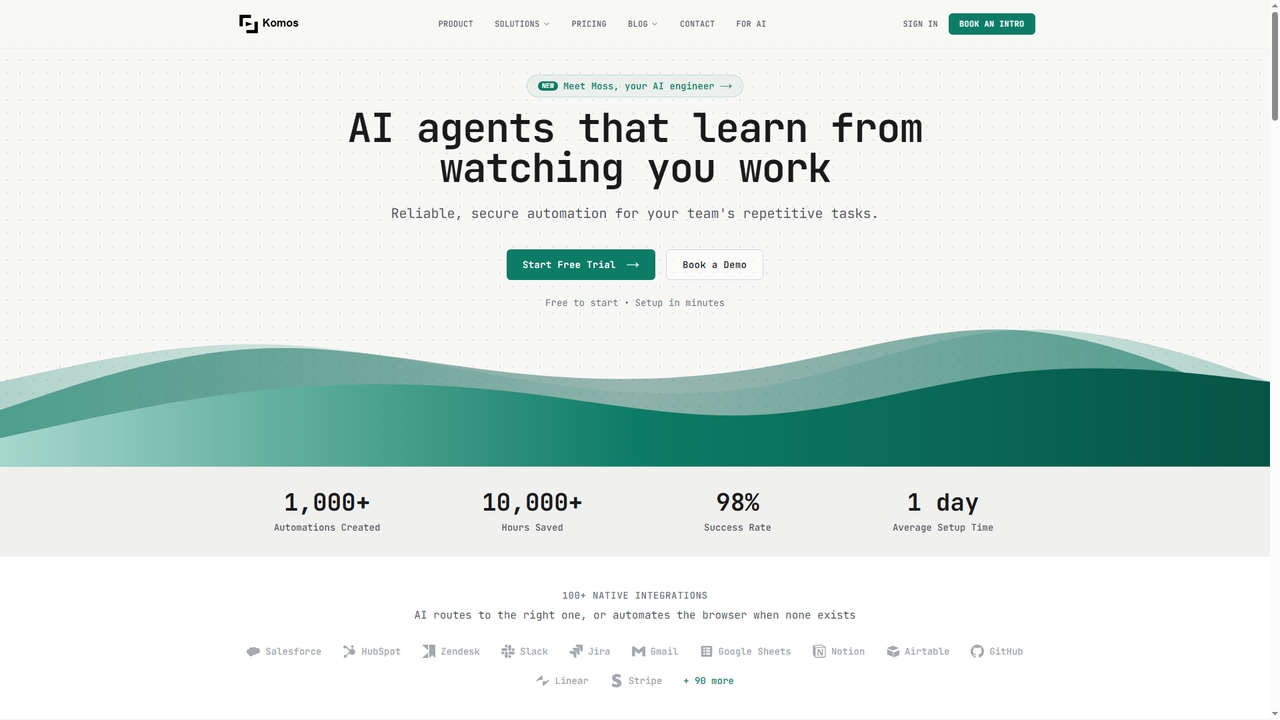
Komos
Komos is an AI-powered automation platform that watches and learns from your manual work to create reliable, visual workflows. It automates repetitive tasks across any website or SaaS tool, even those without APIs, using browser-level AI vision. The platform features Moss, an AI engineer that builds, monitors, and fixes automations.
Operations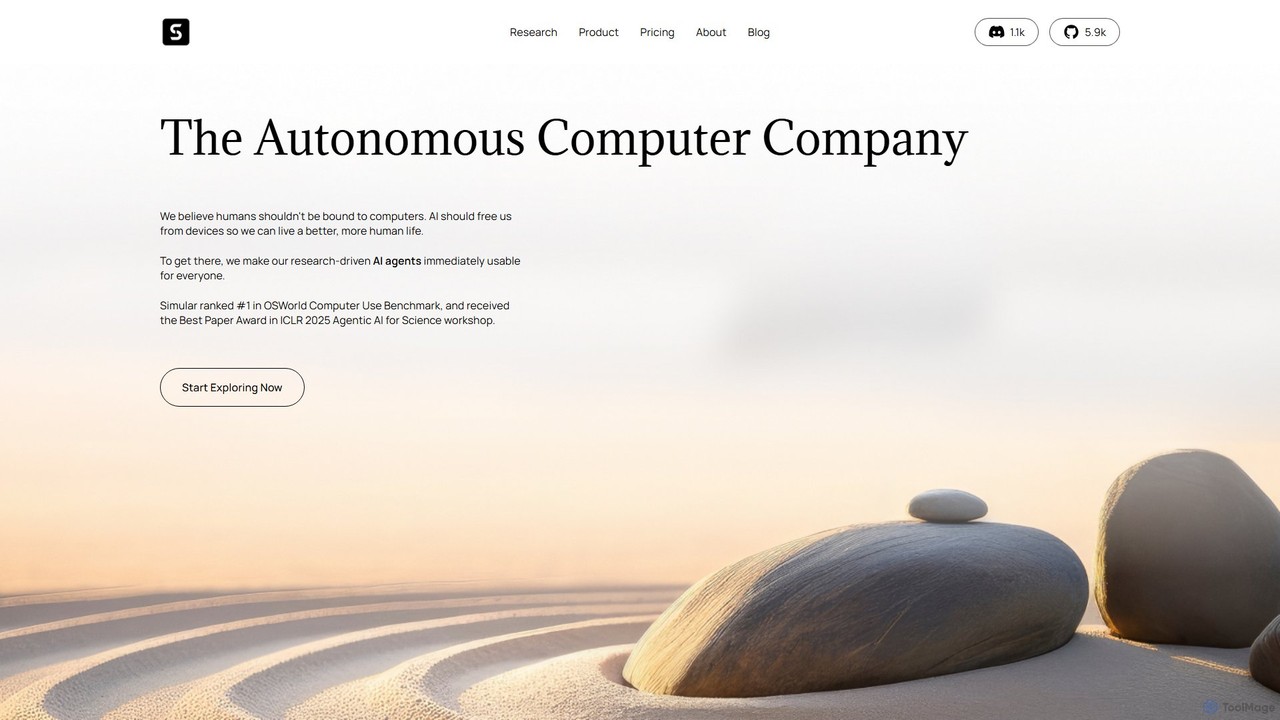
Simular
Simular is an AI-powered platform that creates autonomous agents to operate computers just like humans. It automates complex digital tasks across any application on your desktop, browser, or smartphone. By combining the flexibility of LLMs with the precision of symbolic code, Simular aims to free users from repetitive work, handling everything from data research and content creation to personal task management.
Personal Assistant
Agentic
Agentic is a powerful platform for building, deploying, and managing autonomous AI agents. It enables users to automate complex workflows, conduct in-depth research, and execute multi-step tasks across various applications and data sources. Designed for both developers and businesses, Agentic offers a flexible, no-code/low-code environment to create sophisticated agents that can reason, plan, and act independently to achieve specific goals, significantly boosting productivity and operational efficiency.
Workflow Management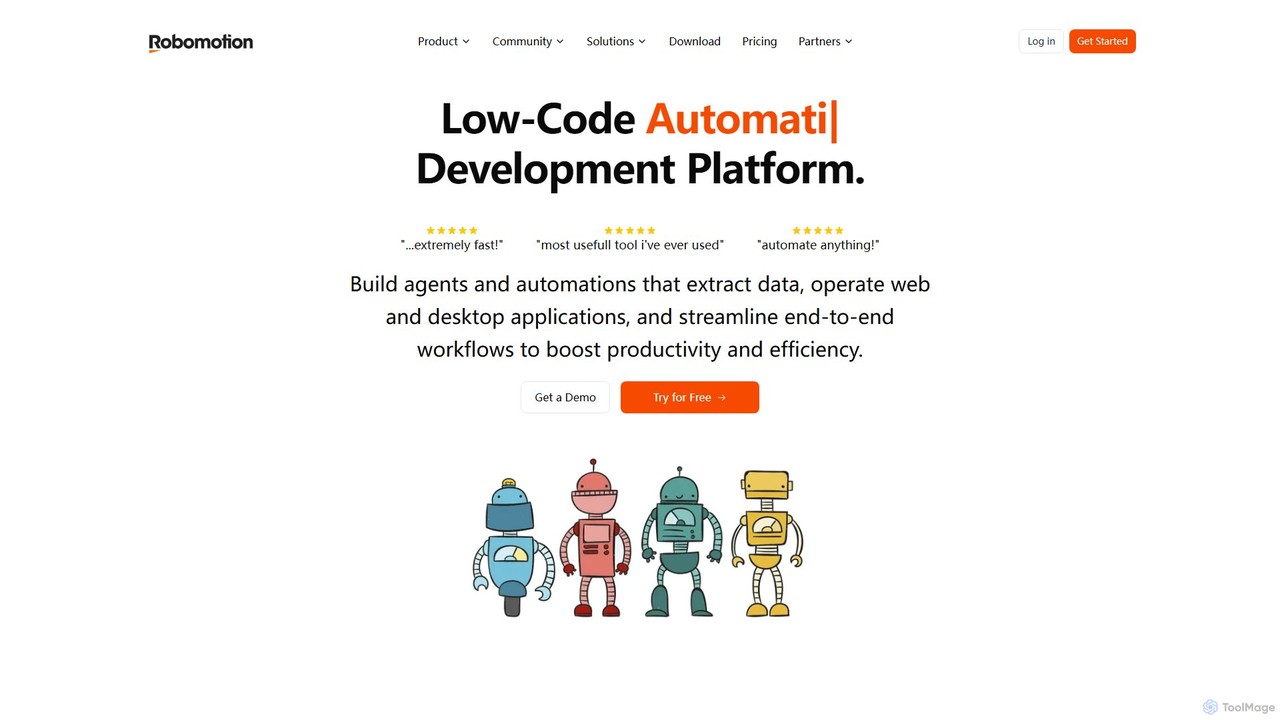
Robomotion
A low-code, cloud-native Robotic Process Automation (RPA) platform designed to automate repetitive tasks. Robomotion uses AI-powered software robots to extract data, operate web and desktop applications, and streamline workflows. It's built for developers, solopreneurs, and businesses of all sizes to boost productivity, reduce errors, and scale operations efficiently.
Workflow Management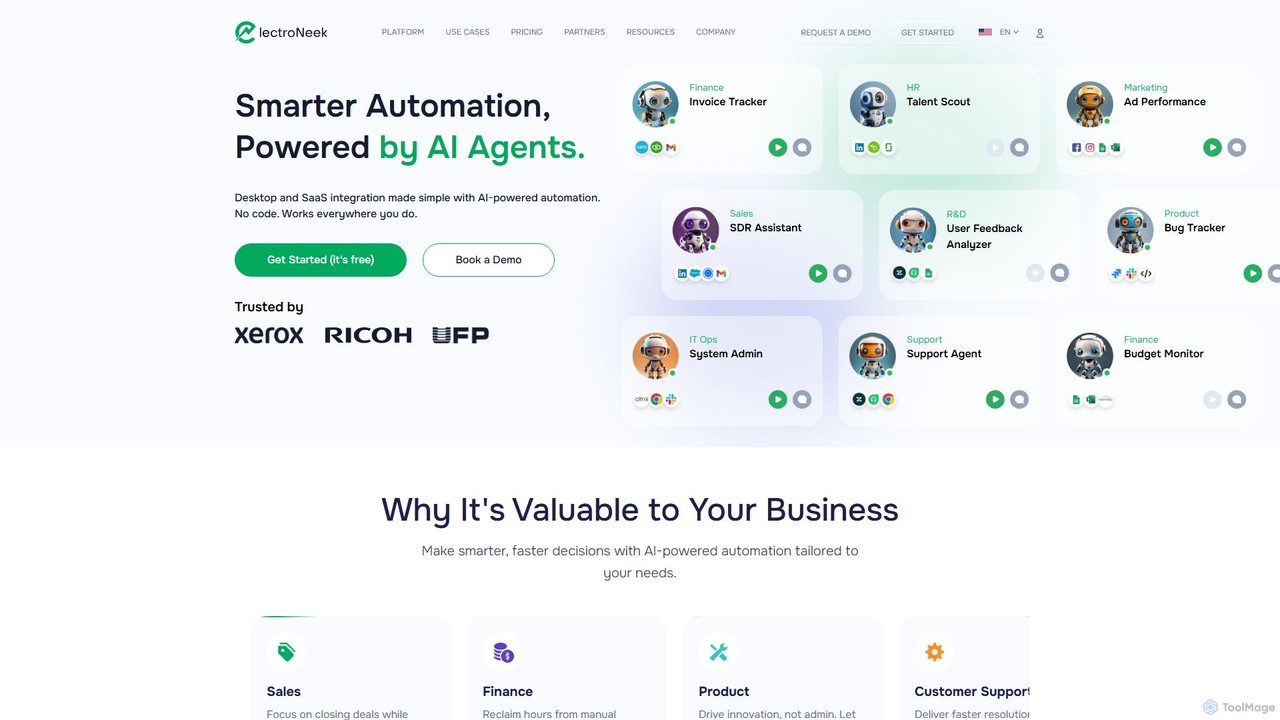
ElectroNeek
ElectroNeek is an AI-powered automation platform that combines Robotic Process Automation (RPA), AI Agents, and Intelligent Document Processing (IDP). It enables businesses to automate complex workflows across desktop and SaaS applications using a low-code/no-code interface, making intelligent automation accessible and affordable for companies of all sizes.
Document Management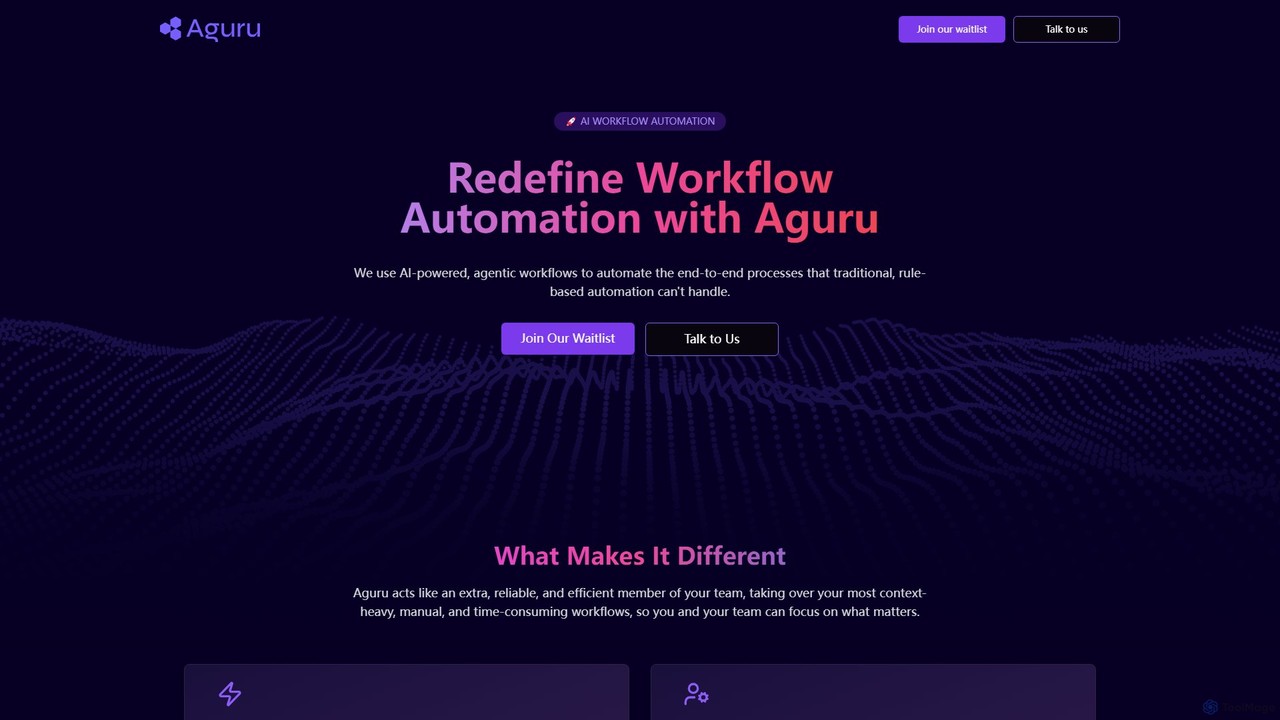
Aguru
Aguru provides AI-powered workflow automation agents that handle complex, end-to-end business processes. Unlike traditional rule-based tools, Aguru's agents understand context, manage exceptions, and integrate across your entire tech stack, acting as an efficient, reliable member of your team.
Workflow Management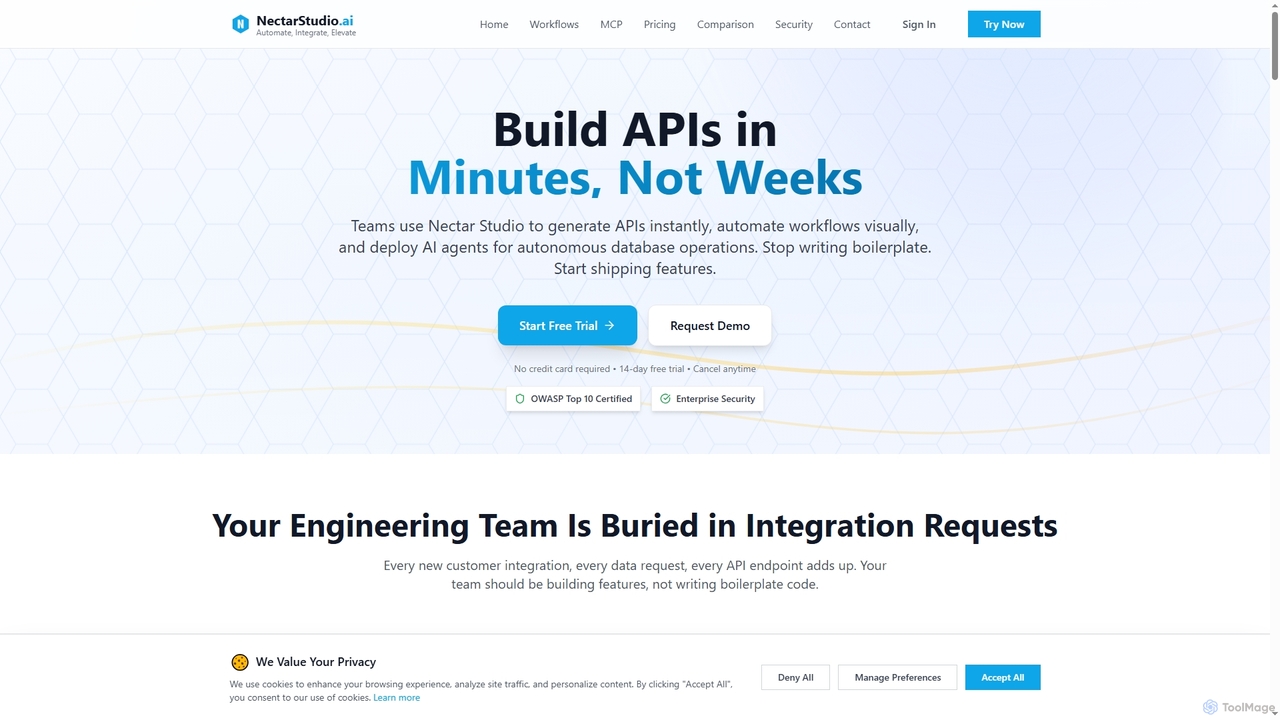
Nectarstudio
Nectarstudio is an AI-powered iPaaS platform designed for engineering teams to instantly generate bulk APIs from databases, automate workflows with a low-code visual builder, and deploy AI agents for autonomous database operations, reducing development time from weeks to minutes.
Business IntelligenceToolhouse
Toolhouse is a no-code/low-code platform that democratizes AI agent creation. It allows developers to build, deploy, and manage production-grade AI agents from simple prompts. With pre-built integrations for web scraping, search, RAG, and databases, Toolhouse abstracts away the complexity of infrastructure, enabling one-click deployment of agents as scalable APIs. It's designed to empower developers of all skill levels to ship AI-powered applications quickly.
Agent Development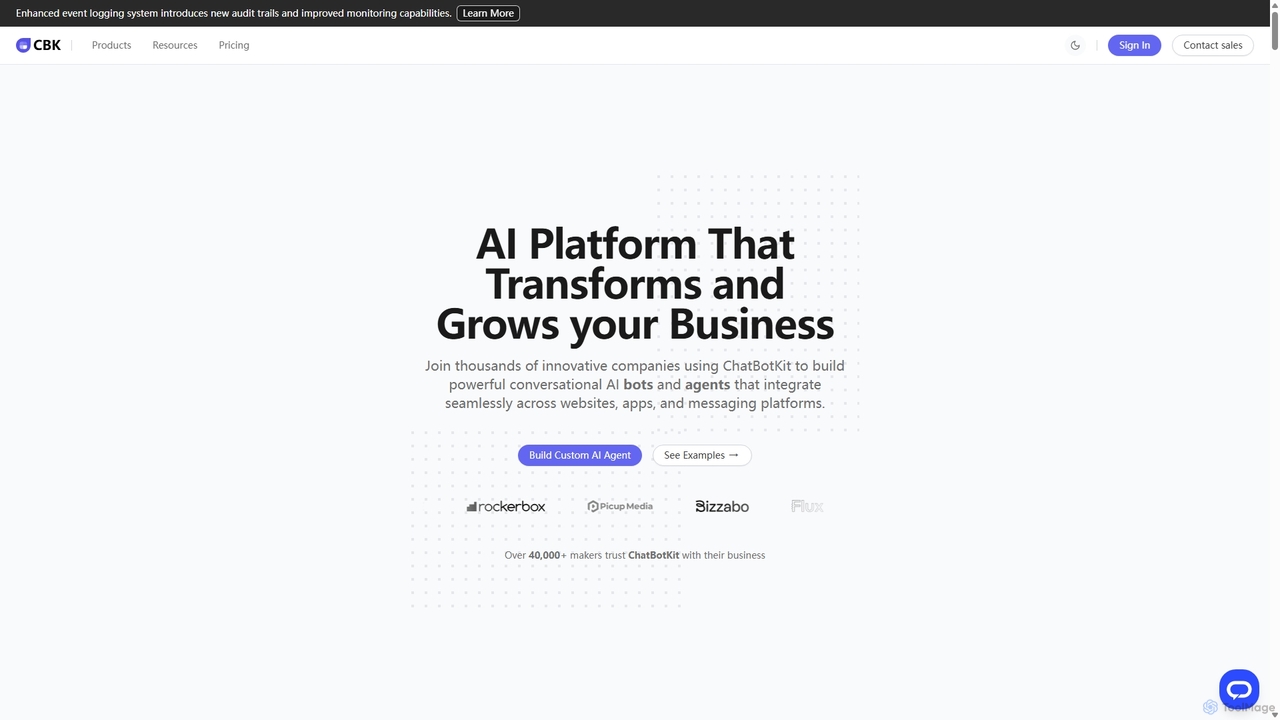
ChatBotKit
ChatBotKit is a comprehensive conversational AI platform for building, deploying, and managing custom AI bots and agents. It offers a suite of modular tools, seamless integrations with websites and messaging apps like Slack and WhatsApp, and intuitive templates for rapid development. Ideal for businesses seeking to enhance customer engagement, automate tasks, and streamline workflows with powerful, customizable AI solutions.
Chatbots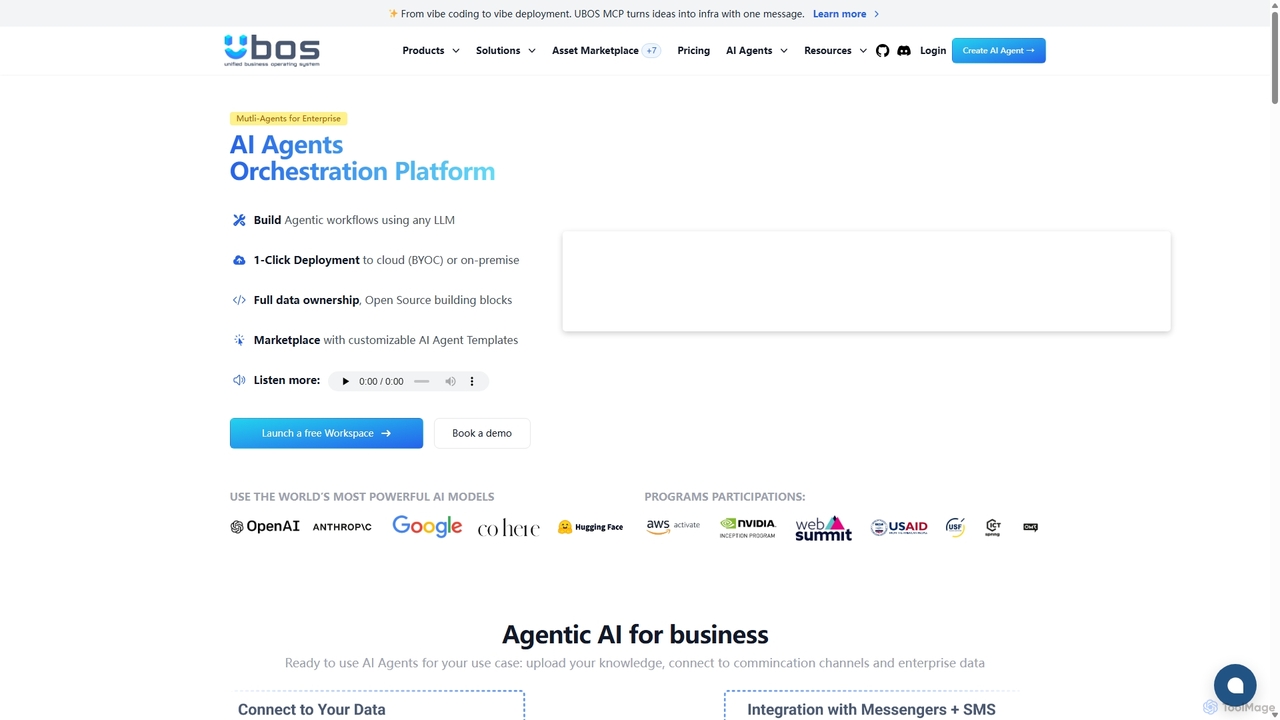
UBOS
UBOS is a low-code AI orchestration platform for enterprises to build, deploy, and scale multi-agent AI workflows. It offers a marketplace of customizable templates, supports any LLM, and enables one-click deployment to cloud or on-premise. UBOS simplifies creating complex AI solutions like chatbots and data analysis tools, empowering businesses to become AI-first organizations with full data ownership.
Orchestration
Jyek
Jyek is an AI agent platform that understands objectives, creates execution plans, uses tools, and delivers verifiable results for complex, multi-step tasks.
Automation
Smooth Operator Comments (0)
Sign in to comment.
Sign inNo comments yet.