Customer Service Best in category 6 results Support Automation AI Tool

Popular AI tools in the Support Automation field of Customer Service include Cotera、Custocom、TalkGenie、Wisfr、Circulos、Automation AI, etc., helping you quickly improve efficiency.

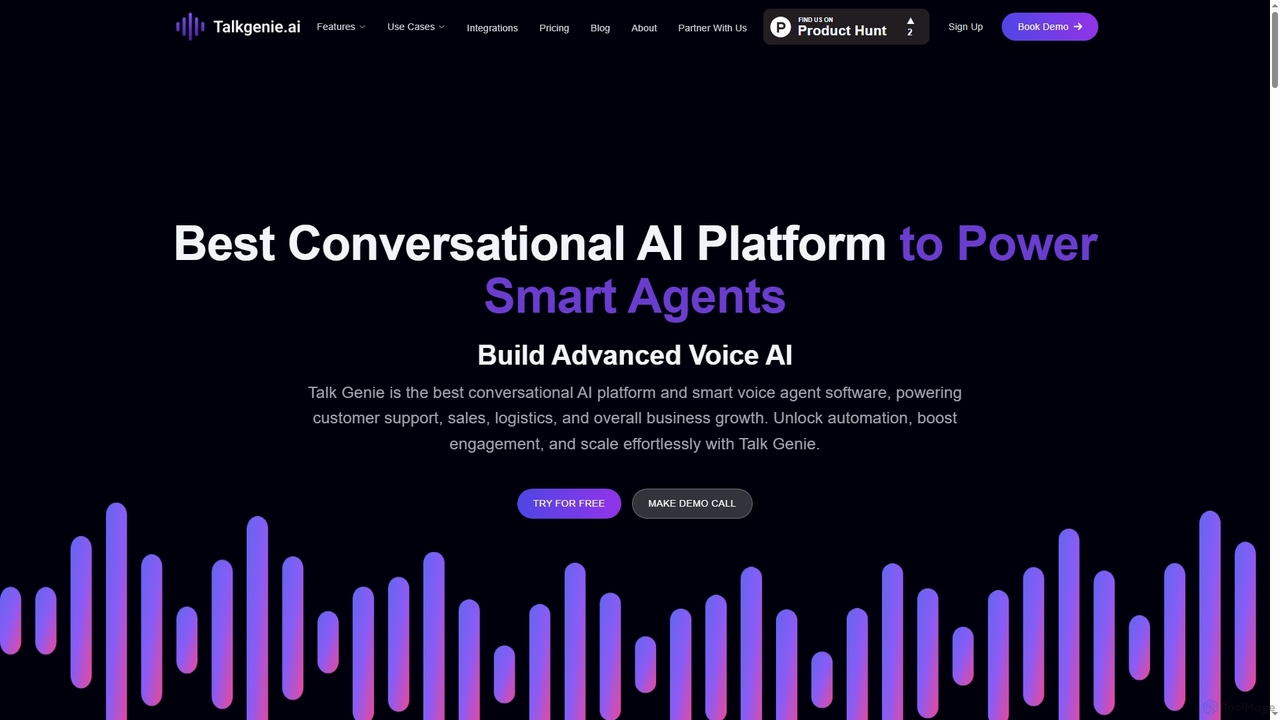
TalkGenie

TalkGenie

TalkGenie is an advanced AI-powered conversational platform that enables businesses to deploy intelligent voice agents for automated customer …

3.8K
Automation AI

Automation AI

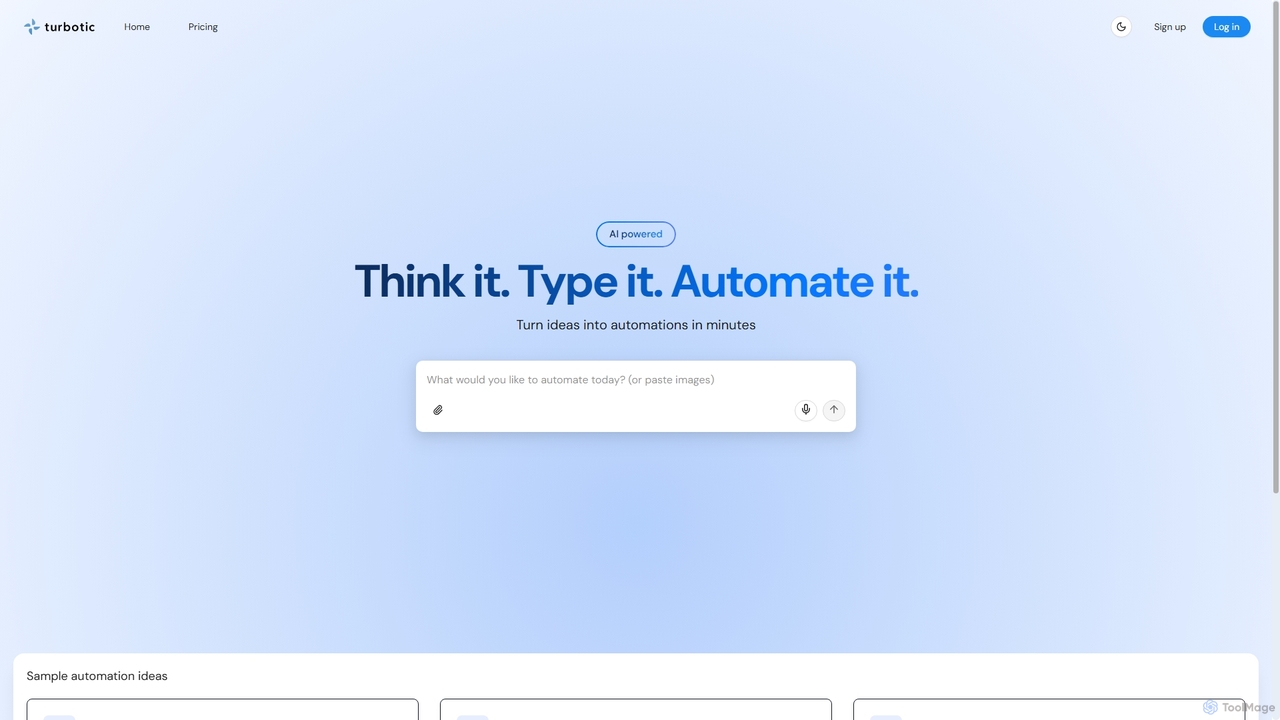
Automation AI is an AI-powered platform that transforms ideas into automated workflows in minutes. It integrates with over …

3.3K
Custocom

Custocom

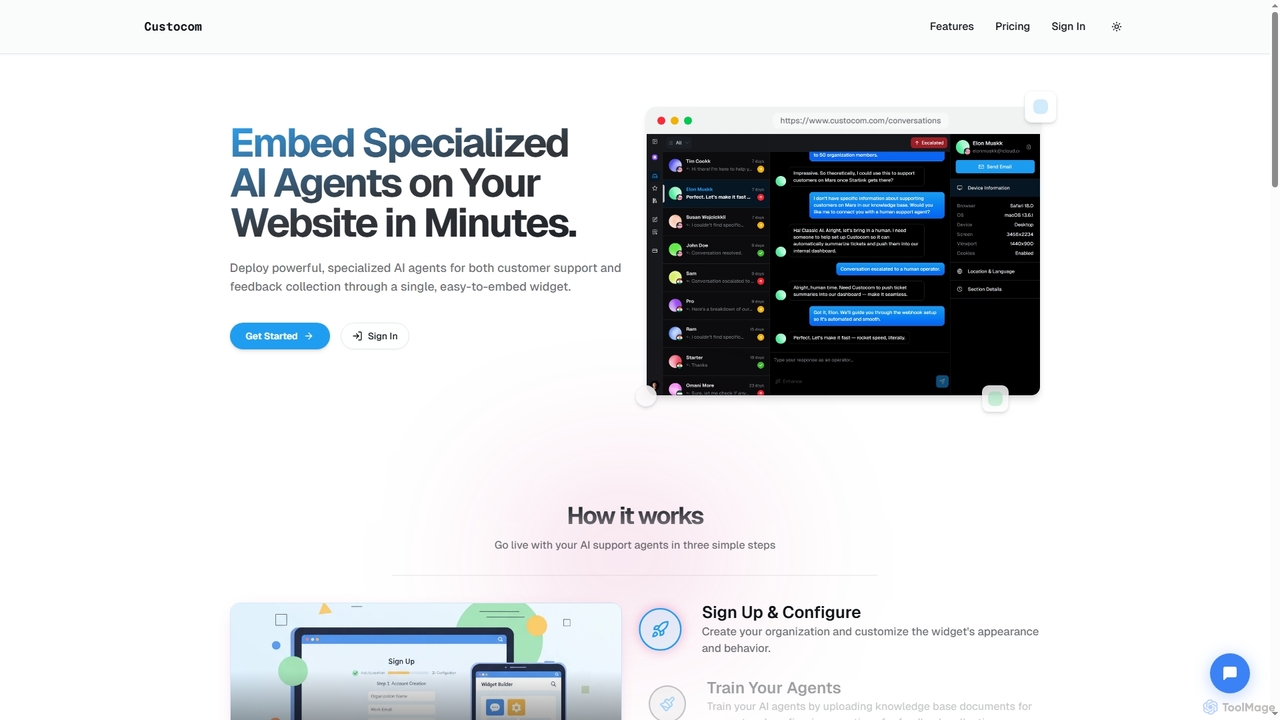
Custocom is an AI-powered B2B SaaS platform that integrates customer support and feedback collection into a single, easy-to-embed …

4.0K
Cotera

Cotera

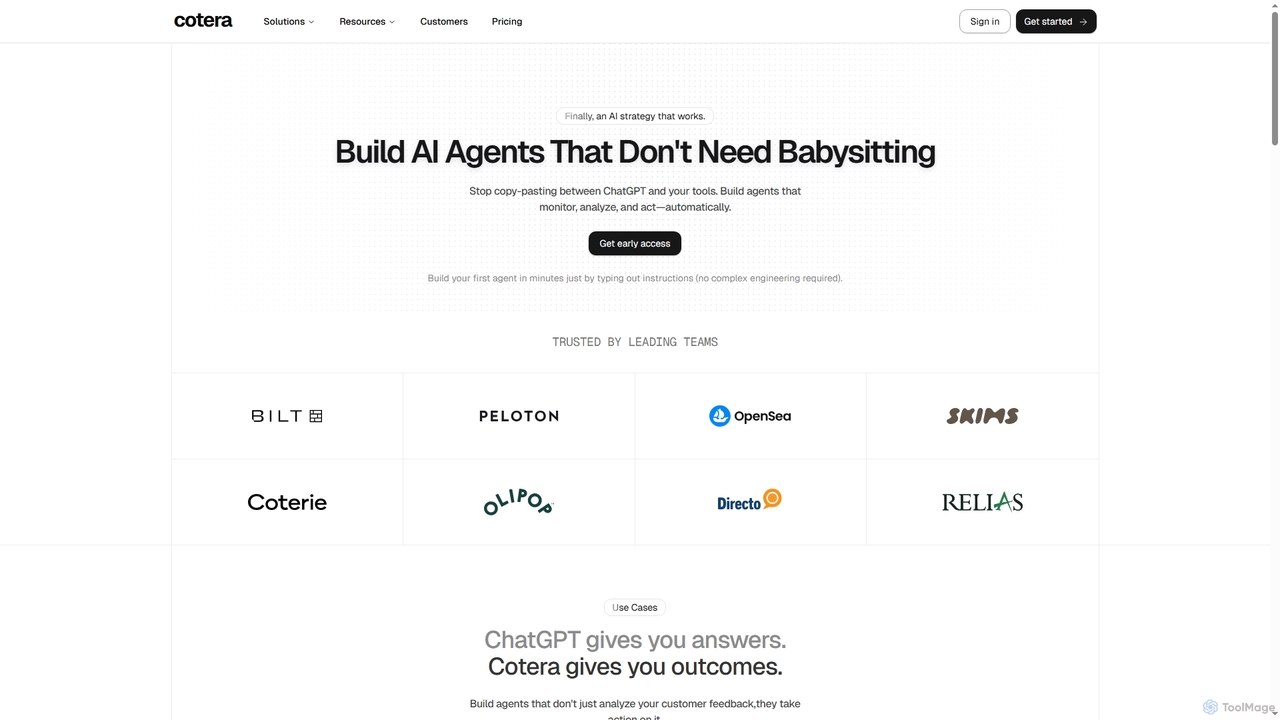
Cotera is an AI platform that empowers businesses to build autonomous AI agents capable of monitoring, analyzing, and …

25.6K
Wisfr

Wisfr

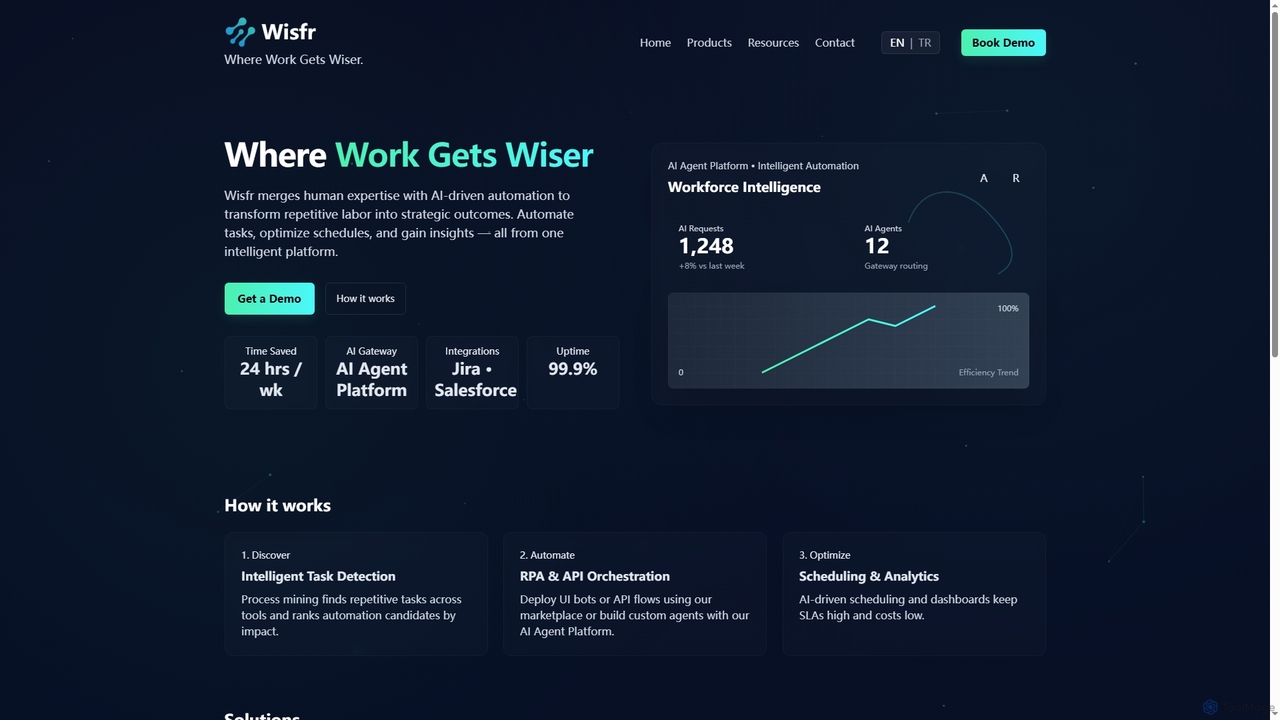
Wisfr is an AI Agent Platform that merges human expertise with AI-driven automation to transform repetitive tasks into …

3.4K
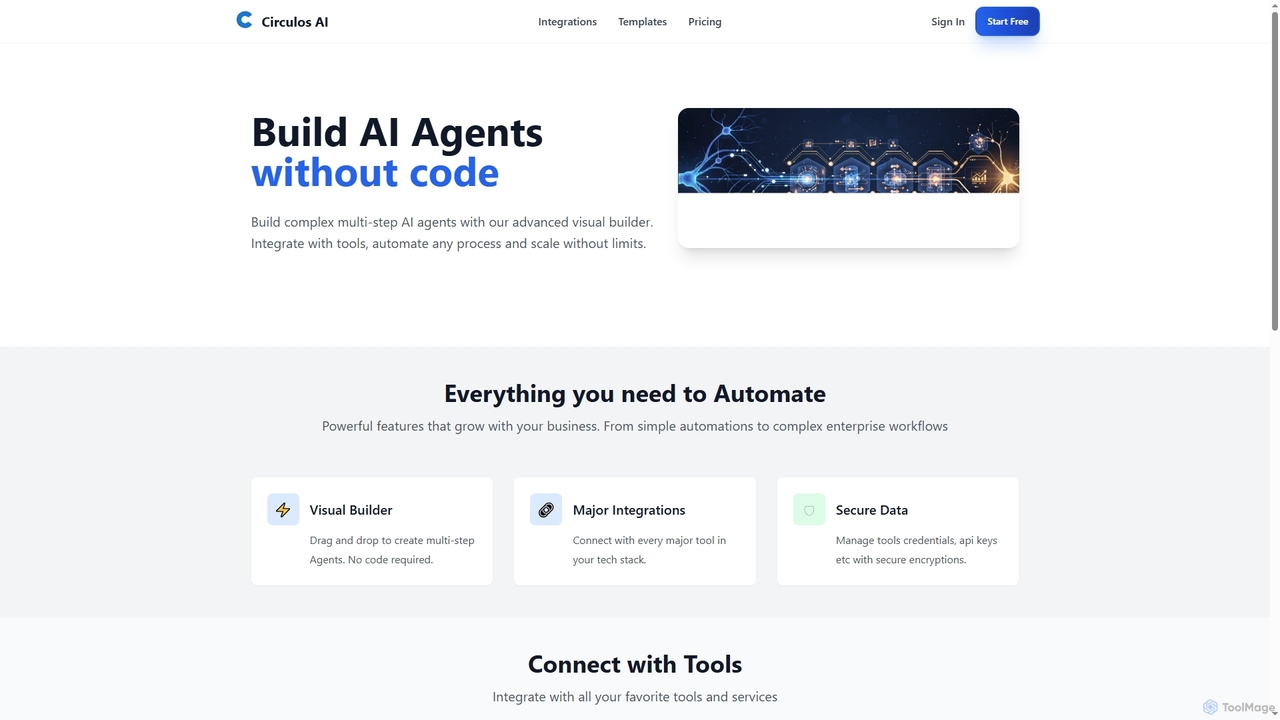
Circulos

Circulos

Circulos is a no-code AI automation platform that empowers businesses to build complex, multi-step AI agents using an …

3.4K

About Support Automation

Support Automation tools are a class of AI-powered software designed to resolve customer inquiries and manage service workflows with minimal human intervention. These tools leverage Natural Language Processing (NLP) and machine learning to understand, categorize, and respond to customer tickets across various channels like email, chat, and social media. Their primary value lies in providing instant, 24/7 responses to common questions, which significantly reduces agent workload and improves customer satisfaction. By handling repetitive tasks, they empower support teams to focus on complex, high-value interactions.

Core Features

  • AI-Powered Chatbots & Voicebots: Provide immediate, automated answers to frequently asked questions on websites, in apps, or over the phone.
  • Automated Ticket Triage & Routing: Intelligently analyze incoming queries to categorize them by topic, urgency, or sentiment and assign them to the appropriate agent or department.
  • Intelligent Self-Service Portals: Proactively suggest relevant knowledge base articles or tutorials to customers, enabling them to find solutions independently.
  • Agent Assist & Response Suggestions: Provide real-time response recommendations and relevant information to human agents during live conversations, speeding up resolution times.

Use Cases

Support Automation is widely adopted in industries with high query volumes, such as e-commerce for handling order tracking and return requests, SaaS for providing first-level technical support and user onboarding, and financial services for answering questions about account balances or transaction history.

How to Choose

When selecting a Support Automation tool, consider its integration capabilities with your existing CRM and helpdesk systems (e.g., Zendesk, Salesforce). Evaluate the sophistication of its AI model—whether it's simple rule-based logic or advanced NLP. Also, assess its channel coverage (web, mobile, social) and its scalability to handle your projected growth in customer inquiries.

Support AutomationUse Cases

1

Automate E-commerce Order Status Inquiries

An e-commerce operations manager implements an AI chatbot on their online store. When customers ask common questions like 'Where is my order?', the bot authenticates the user and uses their order ID to fetch real-time tracking information from the integrated shipping carrier's API. It then provides an instant, detailed update on the package's location and estimated delivery date directly in the chat window. This process deflects over 60% of routine tracking inquiries, freeing up the support team to handle complex issues like returns or damaged goods.

2

Provide 24/7 First-Level IT Helpdesk Support

An IT support team in a large corporation deploys a support automation tool within their internal messaging platform like Slack or Microsoft Teams. When an employee has a common issue, such as needing a password reset or VPN access, they can interact with the IT bot. The bot guides them through troubleshooting steps, provides links to relevant knowledge base articles, or even initiates automated workflows to resolve the issue directly. This provides immediate assistance outside of standard business hours and reduces the number of tickets that require manual intervention from an IT specialist.

3

Triage and Route High-Volume Support Tickets

A customer support manager at a fast-growing SaaS company uses an automation tool to manage their email inbox. The AI analyzes the content of each new email ticket, identifies keywords and intent (e.g., 'billing issue', 'bug report', 'feature request'), and automatically applies the correct tags. Based on these tags, it then routes the ticket to the appropriate team—Finance, Engineering, or Product—and sets a priority level. This eliminates the need for a human to manually read and sort every single ticket, reducing the first response time and ensuring inquiries are handled by the most qualified person.

4

Enable Customer Self-Service with a Smart Knowledge Base

A software company integrates an AI-powered search function into its online help center. When a user types a question like 'how do I export my data?', the system uses Natural Language Understanding to grasp the user's intent, not just match keywords. It then surfaces the most relevant articles, video tutorials, and community forum posts. If the user indicates the results weren't helpful, the system can automatically create a support ticket with the user's query already filled in. This approach increases the self-service resolution rate and gathers valuable data on knowledge base gaps.

5

Automate Social Media Customer Service Responses

A social media manager for a retail brand uses a support automation tool to monitor brand mentions and direct messages on platforms like Twitter and Facebook. The AI identifies common questions, such as 'Do you offer international shipping?' or 'What are your store hours?'. It then automatically posts a pre-approved, standardized reply. For more complex issues or negative sentiment, it flags the conversation and assigns it to a human agent for a personalized response. This ensures rapid, consistent answers to frequent queries while prioritizing human attention for critical interactions.

6

Qualify Inbound Leads via Website Chatbots

A marketing team uses a support automation chatbot on their website's pricing and product pages. The bot proactively engages visitors by asking questions to understand their needs, company size, and role. Based on the visitor's answers, the bot can qualify them as a marketing qualified lead (MQL). For qualified leads, the bot can offer to book a demo directly on a sales representative's calendar or provide them with relevant case studies. This automates the top-of-funnel lead qualification process, ensuring the sales team spends their time on the most promising prospects.

Support AutomationFrequently Asked Questions