
System Best in category 1 results Operating System Control AI Tool

Popular AI tools in the Operating System Control field of System include Smooth Operator, etc., helping you quickly improve efficiency.

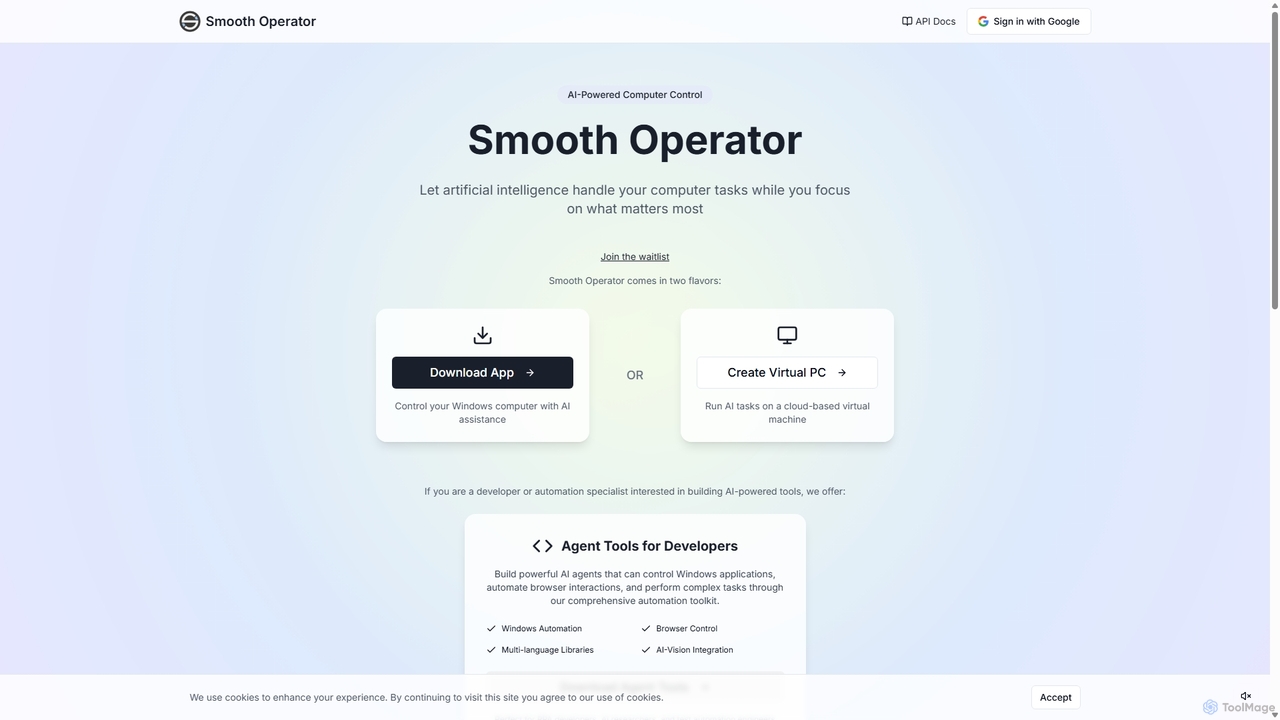
Smooth Operator

Smooth Operator

Smooth Operator is an AI-powered tool that automates computer tasks on Windows. It allows users to control their …

3.6K

About Operating System Control

Operating System Control tools are a class of AI applications that allow you to manage your computer using natural language commands. These tools leverage Large Language Models (LLMs) to interpret conversational requests and translate them into executable system actions, scripts, or API calls. This fundamentally changes how users interact with their devices, enabling complex file management, application control, and workflow automation without needing to write code or navigate complex menus. They act as an intelligent bridge between human language and machine operations, significantly lowering the technical barrier for advanced computing tasks.

Core Features

  • Natural Language Command Execution: Translates plain English instructions into specific system commands for file manipulation, application launching, and settings adjustment.
  • Automated Workflow Generation: Creates and executes multi-step sequences of actions from a single high-level description, such as setting up a new project environment.
  • Context-Aware Interaction: Remembers the context of previous commands to handle follow-up questions and instructions more intelligently.
  • System Query and Reporting: Answers questions about system status, such as disk space, CPU usage, or network information, in an easily understandable format.

Use Cases

These tools are valuable for developers automating environment setups, data analysts organizing large datasets, and business professionals streamlining repetitive daily tasks like opening specific apps and files. They empower non-technical users to perform actions that would typically require command-line knowledge, such as batch renaming files or searching for content within documents across the entire system.

How to Choose

When selecting an Operating System Control tool, consider its compatibility with your OS (Windows, macOS, Linux). Evaluate its security model—whether it processes commands locally or in the cloud. Assess the depth of its integration with third-party applications and its ability to be extended with custom scripts. Finally, test the robustness of its natural language understanding to ensure it can reliably interpret your specific commands.

Operating System ControlUse Cases

1

Automated Development Environment Setup

A software developer starting a new project can issue a single command like, 'Create a new React project named 'WebApp-Alpha', clone the company's UI kit from GitHub into it, run npm install, and open the folder in VS Code.' The AI tool parses this request and executes each step sequentially: creating directories, running git commands, executing package manager instructions, and launching the code editor. This automates a tedious 10-15 minute setup process into a single, conversational instruction, ensuring consistency and reducing manual errors across development teams.

2

Intelligent File Organization for Researchers

A researcher has a cluttered 'Downloads' folder with hundreds of academic papers. They can use a command like: 'Find all PDFs in my Downloads folder from the last month that mention 'quantum computing', move them to the 'Quantum Research' folder, and rename them based on their title and author.' The AI tool scans file metadata and content, identifies the correct files, performs the move operation, and executes a batch renaming process. This saves hours of manual sorting and helps maintain a perfectly organized research library with minimal effort.

3

One-Command Daily Task Automation

An office manager starts their day by opening their email client, a specific project management board in their browser, the company's accounting software, and Slack. Instead of clicking through icons and bookmarks, they create a single custom command: 'Start my workday.' The OS control tool executes this macro, launching all four applications and arranging their windows on the screen as predefined. This simple automation streamlines the beginning of the day, reduces cognitive load, and ensures no critical application is forgotten.

4

Conversational System Diagnostics

When a user's computer starts running slowly, instead of opening complex utilities like Activity Monitor or Task Manager, they can simply ask, 'Why is my Mac running slow? Show me the top 3 apps using the most CPU and close the one using the most.' The tool queries the system, presents a human-readable summary of resource-hogging processes, and, upon confirmation, executes the command to terminate the specified application. This makes basic system troubleshooting accessible to users of all technical levels.

5

Automated Content Backup and Cloud Sync

A video editor wants to back up their daily work. They can issue a command: 'Find all video files in my 'Projects/Current' folder modified today, compress them into a zip file named with today's date, and upload it to my Dropbox 'Daily Backups' folder.' The AI agent performs the file search, runs the compression utility, names the file dynamically, and initiates the cloud upload via API or a local client. This automates a critical, multi-step backup process, reducing the risk of data loss due to human error or forgetfulness.

6

Natural Language Control for Complex Software

A graphic designer using Photoshop can interact with the application via natural language. Instead of navigating complex menus, they can say, 'Select the main subject on the current layer, create a mask from the selection, and apply a 5-pixel Gaussian blur to the background layer.' An integrated OS control tool translates this into a sequence of actions within Photoshop, selecting the subject using AI, creating the layer mask, and applying the specified filter. This allows creatives to stay focused on their work rather than on tool operation.

Operating System ControlFrequently Asked Questions