ToolMage
Sign in

Best 1 Launcher AI tools for System

Popular Launcher AI tools in System include Airlight, helping you work more efficiently.

Airlight
Paid

Airlight

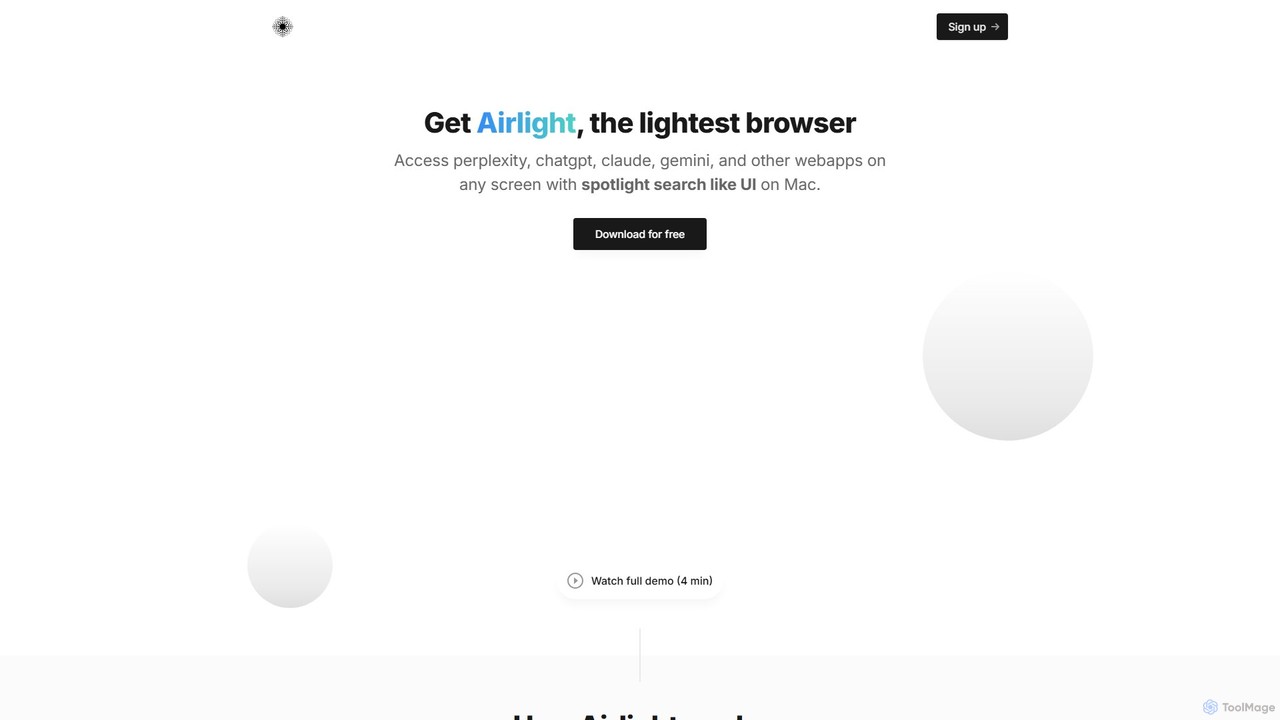
Airlight is a lightweight "superbrowser" for macOS that provides instant access to web apps like ChatGPT, Perplexity, and Claude via a Spotlight-like interface. Activated by a simple shortcut (option + space), it overlays on any screen, eliminating the need for constant tab switching and boosting productivity for developers, writers, and researchers.

Chat
Visits 4.6KFavorites 122Likes 114

About Launcher

AI Launchers are advanced system utilities that provide a centralized, intelligent command bar to search, launch applications, and execute complex actions. They leverage Natural Language Processing (NLP) to understand user intent, transforming plain text commands into immediate results. This significantly streamlines workflows by replacing multiple clicks and window navigation with a single, unified interface. Many modern launchers also feature a rich plugin ecosystem, allowing direct interaction with third-party services without leaving the keyboard.

Core Features

  • Universal Search: Instantly find files, applications, browser history, and contacts from a single search bar.
  • AI-Powered Commands: Execute tasks using natural language, such as "schedule a meeting for tomorrow at 10 am".
  • Extensible Plugin System: Integrate with tools like GitHub, Slack, Spotify, and more to perform actions directly within the launcher.
  • Workflow Automation: Create custom scripts and multi-step actions that can be triggered with a simple command or hotkey.
  • Clipboard Manager & Snippets: Access an extended clipboard history and save frequently used text snippets for quick insertion.

Use Cases

AI Launchers are widely adopted by developers, designers, writers, and power users who want to maximize their productivity. For instance, a developer can use it to open a project, run a build script, and search for documentation simultaneously. A content creator can quickly find assets, manage research notes in the clipboard, and trigger image conversion workflows without manual effort.

How to Choose

When selecting an AI Launcher, consider its performance and resource consumption, as it runs in the background. Evaluate the intelligence of its AI features, particularly the accuracy of its natural language understanding. The breadth and quality of its plugin ecosystem are crucial for integration. Also, assess its customization options, cross-platform availability, and whether its pricing model aligns with your needs.

Featured tool rankings

Launcher use cases

1

Accelerating Developer Workflows

A software developer uses an AI Launcher to streamline their daily tasks. Instead of manually navigating to project folders, they type "open project-phoenix in vscode" to instantly launch their IDE. They can run Git commands like "git pull origin main" or trigger build scripts directly from the command bar. When stuck, they can search Stack Overflow or internal documentation via a plugin without switching context, saving valuable minutes on each task and maintaining focus.

2

Unified Information Retrieval for Researchers

A market researcher needs to gather information from various sources. Using an AI Launcher, they can type a query like "latest trends in renewable energy" and the tool simultaneously searches their local files, browser history, bookmarks, and specific online databases like Google Scholar or Wikipedia via plugins. This creates a unified search experience, consolidating results from disparate locations into one view and significantly reducing the time spent switching between different applications and websites.

3

Natural Language Task Management

An executive assistant manages a busy schedule using natural language commands. Instead of opening a calendar app, they activate the launcher and type "create event 'Budget Review' tomorrow from 2pm to 3pm with the finance team". The launcher's AI parses this sentence, identifies the event title, date, time, and attendees, and creates the calendar entry via an integration. Similarly, they can add tasks to their to-do list app by typing "add task 'prepare weekly report' due Friday", making task management conversational and efficient.

4

Automating Repetitive System Tasks

A graphic designer frequently needs to convert PNG files to JPG and resize them. They create a custom workflow or script within their AI Launcher. Now, they can simply select multiple files in their file explorer, press a hotkey, and type "convert to JPG 800px wide". The launcher executes the pre-configured script, automating a multi-step process that would otherwise require opening an image editor, performing several actions, and saving each file individually. This saves significant time on routine, repetitive work.

5

Efficient Clipboard and Snippet Management

A customer support agent frequently uses standard replies to answer common questions. With an AI Launcher's clipboard manager, they can access a history of copied items, not just the last one. More importantly, they save dozens of standard replies as named snippets. When a customer asks about return policies, the agent types a shortcut like ";ret" in the launcher, and the full, pre-written response is instantly pasted into the chat window. This eliminates manual typing, ensures consistency, and speeds up response times.

6

Controlling Third-Party Apps from One Place

A music enthusiast wants to control their Spotify playback without opening the app. Using an AI Launcher with a Spotify plugin, they can type commands like "play my Discover Weekly playlist" or "next track" directly into the launcher. Similarly, a project manager can use a Slack plugin to quickly send a message to a channel by typing "slack general Project update is live" without ever opening the Slack application. This centralizes control over various applications, reducing the need to constantly switch between different windows and interfaces.

Launcher FAQ

What is an AI Launcher?

An AI Launcher is a desktop application that acts as an intelligent, keyboard-driven command center for your computer. It replaces or enhances standard operating system search functions by integrating artificial intelligence, particularly natural language processing. This allows you to not only find files and launch apps but also execute complex commands, automate workflows, and interact with other applications using simple, conversational text commands. Their primary goal is to minimize mouse usage and context switching, boosting overall productivity.

How do AI Launchers differ from standard OS search (e.g., Spotlight, Windows Search)?

While both can find files and apps, AI Launchers offer significantly more power and flexibility. The key differences are:

  • Intelligence: AI Launchers use advanced NLP to understand complex, natural language commands (e.g., "email the last screenshot to my boss"), whereas OS search is mostly keyword-based.
  • Extensibility: AI Launchers have rich plugin ecosystems that integrate deeply with third-party apps (like Slack, GitHub, Spotify), allowing you to control them directly. Standard search is typically limited to the OS and its native apps.
  • Automation: They enable users to create custom scripts and multi-step workflows, automating repetitive tasks far beyond the capabilities of standard search.
  • Advanced Features: Most AI Launchers include powerful clipboard managers, text snippet expansion, and window management tools not found in native OS search.
How to choose the right AI Launcher?

Selecting the best AI Launcher depends on your specific needs. Consider these factors:

  • Performance: A launcher should be fast and lightweight, as it runs constantly in the background. A slow launcher defeats its purpose of increasing speed.
  • Plugin Ecosystem: Check if it has a wide range of high-quality plugins for the apps and services you use daily. The more integrations, the more powerful it becomes.
  • AI Capabilities: Evaluate how well it understands natural language and provides relevant, predictive suggestions. Some are better at calculations, while others excel at calendar management.
  • Customization: Look for options to customize themes, hotkeys, and workflows to match your personal preferences and habits.
  • Platform Support: Ensure it is compatible with your operating system (macOS, Windows, Linux).
Who can benefit most from using an AI Launcher?

While anyone can benefit from the speed of an AI Launcher, certain user groups find them particularly valuable:

  • Developers and Programmers: They live in the command line and appreciate keyboard-centric workflows for tasks like running scripts, managing Git repositories, and opening projects.
  • Power Users: Individuals who want maximum control and efficiency over their system, using advanced features like window management and custom automation.
  • Writers and Researchers: They benefit from quick access to information, clipboard history for managing notes, and text snippet expansion for repetitive phrases.
  • Designers: Quick file searching, launching apps, and automating simple image processing tasks (like conversions or resizing) can significantly speed up their workflow.

In essence, anyone who wants to reduce their reliance on the mouse and perform actions on their computer more quickly will find an AI Launcher beneficial.

Are AI Launchers secure to use?

Reputable AI Launchers prioritize user security and privacy. Most processing, especially for local file searches and basic commands, happens entirely on your device. When using plugins that connect to online services (like Google Calendar or Slack), they use standard, secure authentication methods (like OAuth) to access your data, and you typically have granular control over permissions. However, it is always important to choose well-known, trusted applications and review their privacy policies to understand how your data is handled, especially for features that rely on cloud-based AI processing.