ToolMage
Sign in

Best 4 Desktop Enhancement AI tools for System

Popular Desktop Enhancement AI tools in System include Haye, Blue, Iris, and unlost.ai, helping you work more efficiently.

Iris
Freemium

Iris

Iris is a seamless AI assistant for macOS, designed to integrate into your workflow. It provides instant access to top AI models like GPT-4o and Claude 3.5, allowing you to chat, capture your screen for context, and get answers without ever leaving your current application. With intuitive gestures and powerful shortcuts, Iris is there when you need it and invisible when you don't.

Coding Assistant
Visits 5.7KFavorites 119Likes 109
unlost.ai
Freemium

unlost.ai

unlost.ai is a powerful AI-driven universal search assistant that helps you find any file, message, or piece of information across all your apps and local storage. Stop wasting time switching tabs and let unlost.ai instantly retrieve what you need with a simple natural language query, centralizing your digital life.

Knowledge Management
Visits 5.4KFavorites 150Likes 130
Haye
Freemium

Haye

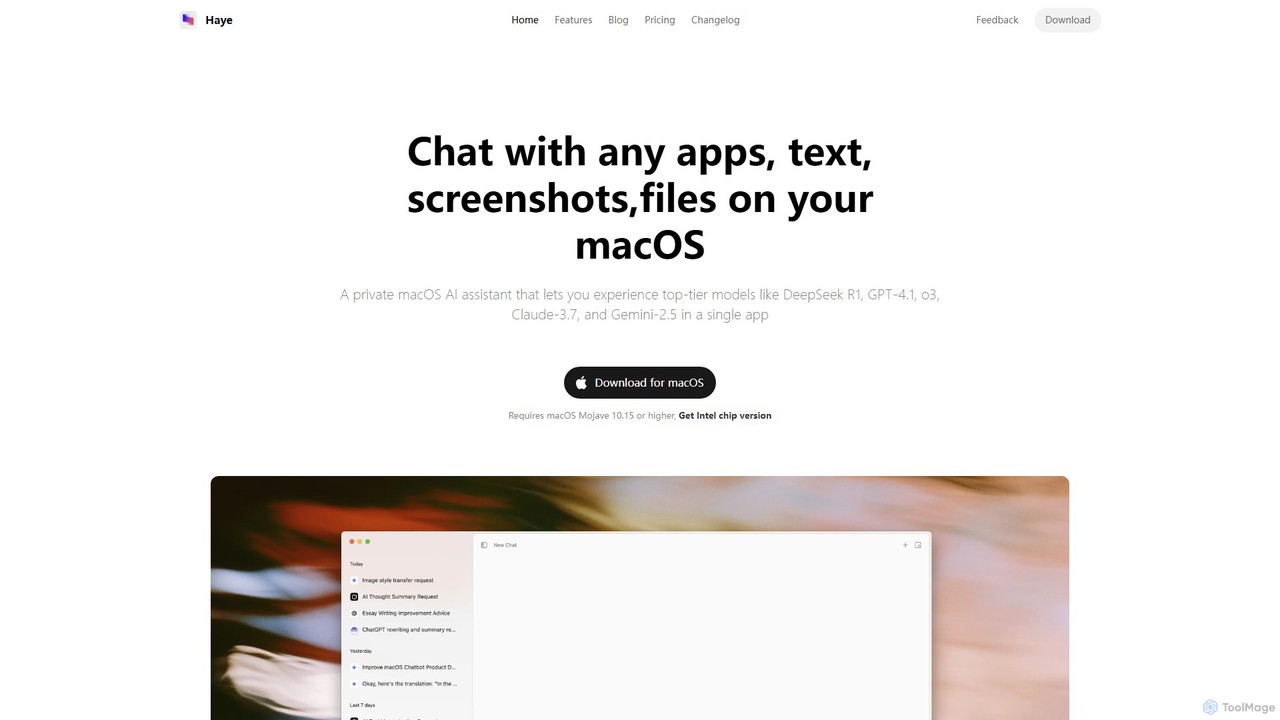
Haye is a powerful, all-in-one AI chat assistant for macOS, integrating top-tier models like GPT-4.1, Claude-3.7, and Gemini-2.5. It allows users to seamlessly interact with any app, text, screenshot, or file on their desktop, boosting productivity with features like AI search, document chat, and advanced customization.

Code Assistant
Visits 7.7KFavorites 135Likes 136
Blue
Freemium

Blue

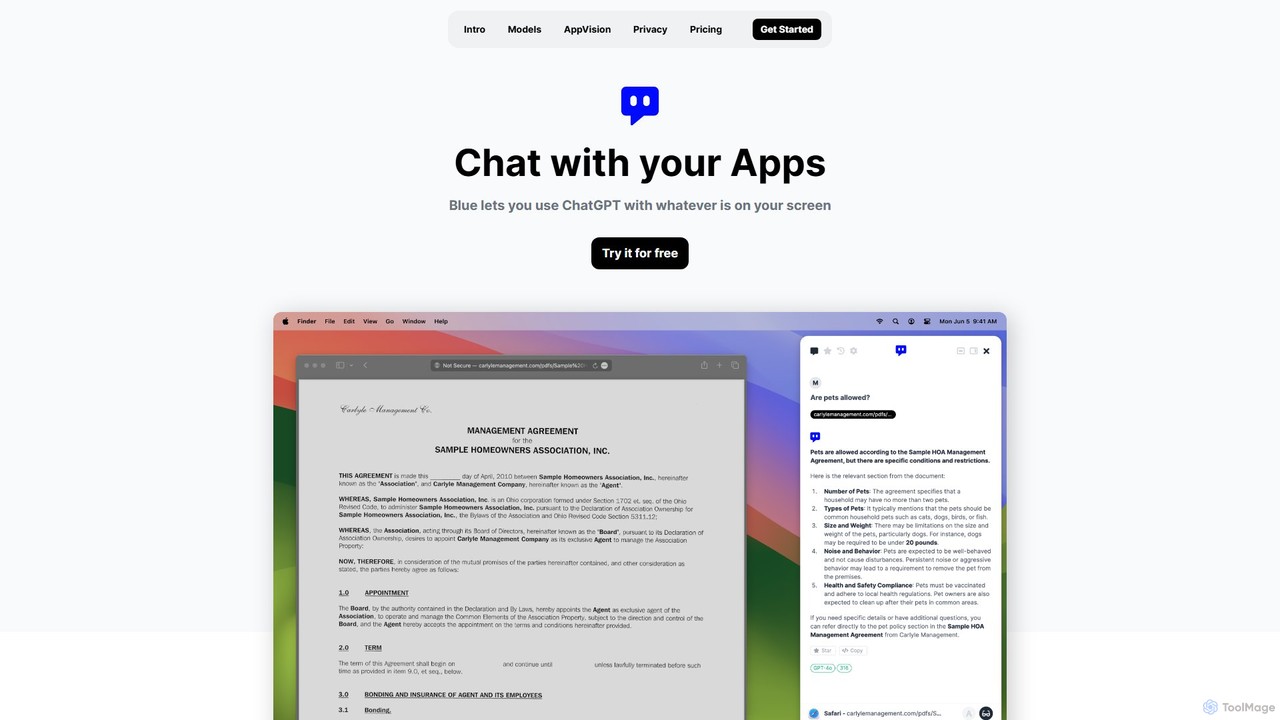
Blue is a native macOS AI assistant that integrates ChatGPT and other advanced AI models directly into your workflow. Featuring unique screen context awareness (AppVision) and a strong focus on privacy, it allows you to analyze, summarize, or create content in any app with a simple keyboard shortcut, boosting productivity for professionals.

Coding Assistant
Visits 6KFavorites 137Likes 117

About Desktop Enhancement

Desktop Enhancement tools are AI-powered applications designed to optimize and personalize your computer's operating environment. These tools leverage artificial intelligence to automate routine tasks, intelligently organize digital assets, and adapt the user interface to individual preferences and workflows. Their primary value lies in boosting productivity, streamlining digital management, and creating a more intuitive and efficient user experience within the broader category of System tools.

Core Features

  • Intelligent File & App Search: AI-driven search capabilities that quickly locate files, applications, and information across your system.
  • Automated Task Execution: Tools that learn user habits to automate repetitive desktop actions, such as launching apps or managing windows.
  • Smart Workspace Organization: AI algorithms that automatically categorize files, manage virtual desktops, and suggest optimal window layouts.
  • Personalized User Interface Adaptation: Dynamic adjustments to desktop elements, notifications, and recommendations based on user behavior and context.

Use Cases

Professionals across various fields, from knowledge workers to content creators, utilize these tools to manage their digital lives more effectively. They are particularly useful for individuals dealing with large volumes of files, frequent application switching, or those seeking to minimize repetitive manual tasks on their computer.

How to Choose

When selecting an AI desktop enhancement tool, consider its compatibility with your operating system and existing software, the specific features offered (e.g., search, automation, organization), its impact on system performance, and the level of data privacy and security provided. Evaluate the user interface for intuitiveness and ease of integration into your daily workflow.

Desktop Enhancement use cases

1

Streamlining Digital File Management

For knowledge workers and researchers, AI desktop enhancement tools automatically categorize and tag documents, images, and other files based on content and usage patterns. This allows users to quickly retrieve specific information without manual sorting, significantly reducing time spent searching and improving overall data accessibility and organization.

2

Automating Repetitive Desktop Tasks

Office professionals often perform routine actions like opening specific applications in a sequence, resizing windows, or copying data between programs. AI tools can learn these patterns and automate them, executing complex sequences with a single command or trigger, thereby minimizing manual effort and reducing the potential for human error in daily operations.

3

Enhancing Information Retrieval

Content creators and developers frequently need to access snippets of code, design assets, or research notes scattered across various applications and web pages. AI desktop enhancement tools provide intelligent search and recall functions that can quickly pull up relevant information from diverse sources, saving valuable time during creative or development processes.

4

Personalizing Workspace Experience

Users who spend extended periods on their computers can benefit from a workspace that adapts to their needs. AI tools can learn preferred window arrangements for different tasks, suggest relevant applications based on the time of day or current activity, and even adjust visual themes, creating a more comfortable and efficient working environment tailored to individual habits.

5

Optimizing Multitasking & Window Management

For users who frequently juggle multiple applications and virtual desktops, AI desktop enhancement tools offer intelligent window snapping, automatic arrangement suggestions, and context-aware switching. This helps maintain focus, reduces visual clutter, and allows for seamless transitions between different projects or tasks, boosting multitasking efficiency.

6

Boosting Productivity for Project Managers

Project managers often deal with numerous documents, communication tools, and planning software. AI desktop enhancement can integrate these elements, providing quick access to project-related files, automating report generation from various data sources, and offering smart reminders for deadlines, thereby centralizing information and streamlining project oversight.

Desktop Enhancement FAQ

What are AI Desktop Enhancement tools?

AI Desktop Enhancement tools are software applications that utilize artificial intelligence to improve the functionality, efficiency, and user experience of your computer's operating system. They aim to automate tasks, intelligently organize digital content, and personalize the desktop environment, making your daily interactions with the computer more intuitive and productive.

How do I choose the best AI desktop enhancement tool?

To choose the best tool, consider your primary needs (e.g., file organization, task automation, search capabilities). Evaluate its compatibility with your OS, ease of integration with existing software, and impact on system resources. Prioritize tools with strong privacy policies and a user-friendly interface that aligns with your workflow preferences.

What specific tasks can AI desktop enhancement tools automate?

These tools can automate a wide range of desktop tasks, including launching specific applications in sequence, managing and organizing files into categories, automatically resizing and arranging windows, creating smart shortcuts based on usage patterns, and even generating quick summaries from open documents or web pages, significantly reducing manual effort.

How do AI desktop enhancement tools improve productivity?

AI desktop enhancement tools boost productivity by minimizing repetitive manual tasks, accelerating information retrieval through intelligent search, and creating a more organized and personalized workspace. By automating routine actions and adapting to user habits, they free up cognitive load, allowing users to focus on more complex and creative work.

What's the difference between AI desktop enhancement and general system utilities?

While both aim to improve system performance, AI desktop enhancement tools specifically leverage artificial intelligence for adaptive learning, personalization, and intelligent automation. General system utilities often focus on maintenance, cleanup, or basic performance optimization without the advanced, context-aware capabilities that AI brings to user interaction and workflow adaptation.