

Blue Overview
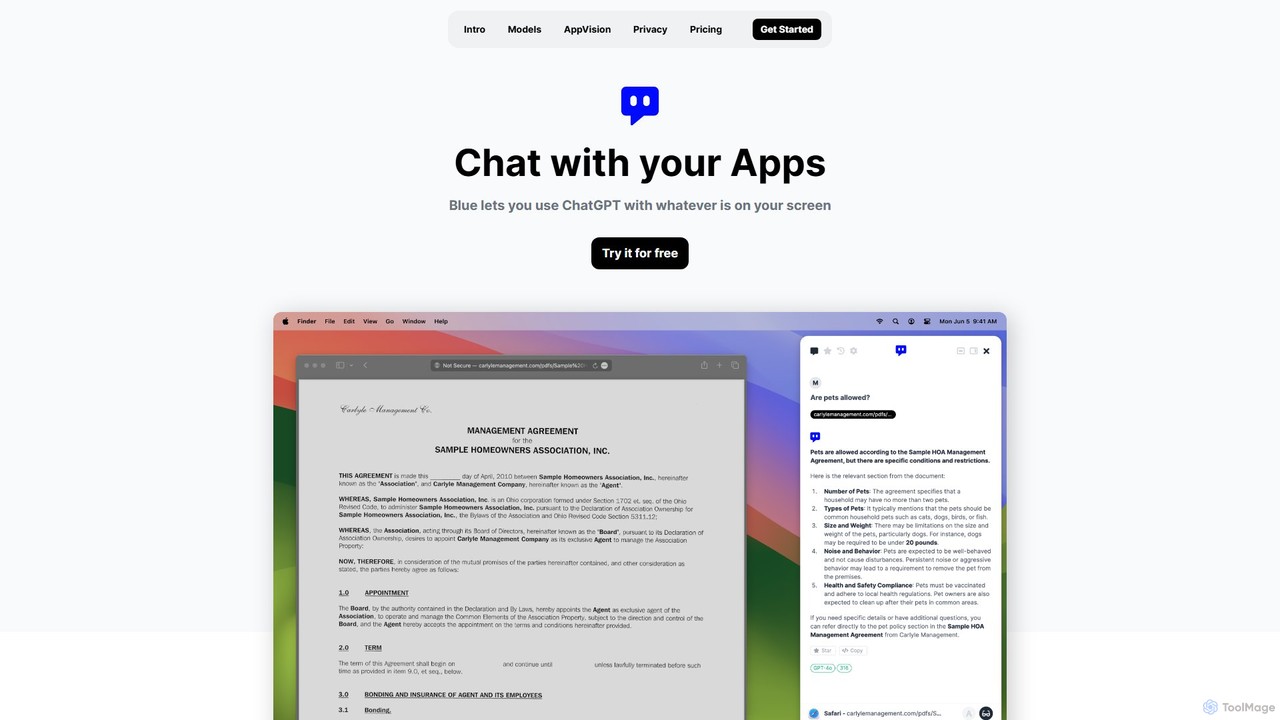
Blue is a sophisticated, privacy-first AI assistant designed specifically for macOS users. It seamlessly integrates the power of advanced AI models like GPT-4o and GPT-3.5 Turbo into your entire operating system, eliminating the need to constantly switch to a browser tab. Built for professionals, Blue prioritizes data security and workflow efficiency, allowing you to interact with an AI that understands the context of your work directly on your screen.
The core of Blue's intelligence lies in its proprietary AppVision technology. This feature allows the AI to 'see' and understand the content currently displayed on your screen, whether it's code in your editor, data in a spreadsheet, or text in a document. This contextual awareness enables Blue to provide highly relevant, accurate, and instant assistance without you needing to copy and paste or manually describe the situation. It's designed to be an ever-present partner that enhances your existing applications with a new layer of intelligence.
How to use Blue
Getting started with Blue is designed to be effortless, integrating directly into your natural workflow. First, download and install the native application on your Mac (requires macOS 12.6 Monterey or later). Once installed, Blue is always just a keypress away. Simply press Option + Space from within any application on your Mac to bring up the Blue chat interface. The AI will automatically have the context of your active window thanks to AppVision. You can then ask it to perform a variety of tasks, such as summarizing the visible text, explaining a complex code block, translating a paragraph, or brainstorming ideas based on your current work. You can toggle AppVision on or off at any time for full control over your data.
Core Features of Blue
- AppVision Technology: Goes beyond text to understand the layout, structure, and visual cues of the content on your screen, providing superior contextual understanding for more accurate AI responses.
- Privacy-First Architecture: All user data, including messages and files, is stored locally on your Mac and encrypted with AES-256 using your Apple ID. Your data is never used for training AI models.
- Native macOS Integration: As a native app, Blue is fast, reliable, and deeply integrated with the OS. It operates seamlessly without the lag or clumsiness of web-based solutions.
- System-Wide Access: The universal Option + Space shortcut makes the AI instantly accessible from any app, at any time, ensuring you stay in your flow state.
- Access to Latest AI Models: Leverages the best models for the job, including the intelligent GPT-4o and the fast GPT-3.5 Turbo, automatically switching between them to optimize for speed and quality.
- GDPR Compliant and Secure: Powered by Microsoft's secure infrastructure, with data centers in the EU for European users, ensuring data never leaves the region and making compliance straightforward.
Use Cases for Blue
Blue is a versatile tool for a wide range of professionals:
- Developers: Debug code, get explanations for unfamiliar functions, or generate boilerplate code directly from their IDE without breaking concentration.
- Writers and Editors: Rephrase sentences, check grammar, polish reports, or overcome writer's block by brainstorming ideas based on their draft.
- Researchers and Students: Instantly summarize academic papers, articles, or long documents on screen to quickly grasp key points.
- Business Analysts: Analyze data or charts displayed in reports or spreadsheets, asking for summaries, insights, or explanations of trends.
- Support Professionals: Quickly draft clear and concise responses to customer queries based on information in a ticketing system or knowledge base.
Advantages of Blue
Blue offers a significant competitive edge by focusing on professional needs. Its main advantages include a massive productivity increase (up to 50% reported), higher quality task output, and reduced fatigue from repetitive tasks. The AppVision feature saves considerable time typically spent on providing context to the AI. Above all, its uncompromising commitment to privacy makes it a safe choice for handling sensitive and proprietary information, a critical differentiator from many consumer-focused AI assistants.
Pricing and Plans
Blue offers a simple pricing structure with a free trial available (no credit card required).
- Starter: $10/month. Ideal for individuals. Includes the Blue application, AppVision, 250k GPT-4o tokens per month, and unlimited GPT-3.5 access.
- Professional: $20/month. For heavy users. Includes everything in Starter, with an increased limit of 1M GPT-4o tokens per month and the option to select EU-only data centers.
- Bring your API: $5/month. For users with their own OpenAI API key. This plan provides the full Blue application and AppVision features, allowing you to use your own token limits.
Traffic
Latest traffic
Status
Monthly traffic trend
- 2025-9: 2.7K
- 2026-1: 117
- 2026-2: 1.6K
- 2026-3: 859
- 2026-4: 885
- 2026-5: 551
Geography
Top 5 countries / regions
- 🇲🇽Mexico75.8%
- 🇵🇱Poland24.2%
Top keywords
| Keyword | Cost per click |
|---|---|
| ai blue | $0.15 |
| blue ai | $0.00 |
| blue circle chatgpt | $0.00 |
| blue gpt | $0.27 |
| get blue | $0.00 |
Blue Alternatives
Iris
Iris is a seamless AI assistant for macOS, designed to integrate into your workflow. It provides instant access to top AI models like GPT-4o and Claude 3.5, allowing you to chat, capture your screen for context, and get answers without ever leaving your current application. With intuitive gestures and powerful shortcuts, Iris is there when you need it and invisible when you don't.
Coding Assistant
anygpt.app
anygpt.app is a powerful desktop utility that allows you to access GPT-4, Claude, and other large language models from any application on your computer. Simply use a keyboard shortcut to instantly get AI assistance for writing, coding, summarizing, and more, seamlessly integrating AI into your daily workflow.
Coding Assistant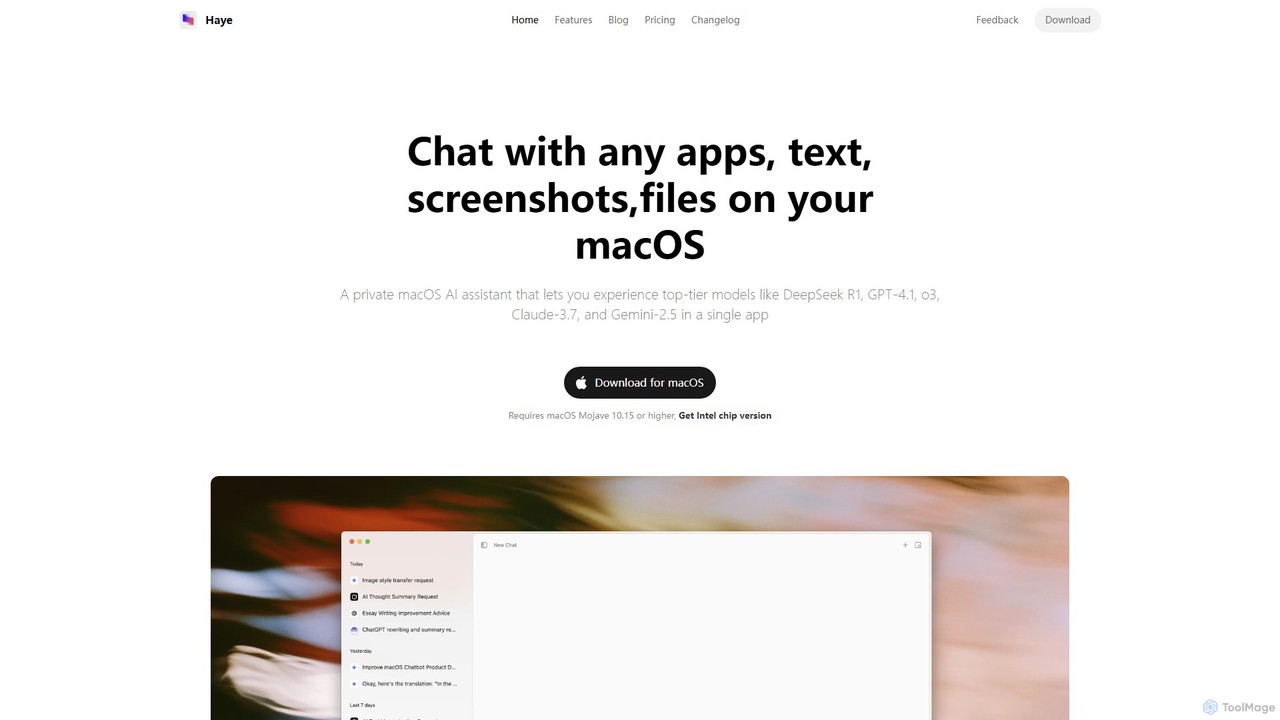
Haye
Haye is a powerful, all-in-one AI chat assistant for macOS, integrating top-tier models like GPT-4.1, Claude-3.7, and Gemini-2.5. It allows users to seamlessly interact with any app, text, screenshot, or file on their desktop, boosting productivity with features like AI search, document chat, and advanced customization.
Code Assistant
Cici
Cici is an intelligent AI assistant designed to enhance your productivity and creativity. It helps with writing, research, coding, and brainstorming through a versatile conversational interface. Seamlessly integrate Cici into your workflow to get instant answers, generate high-quality content, and automate repetitive tasks.
Code Assistant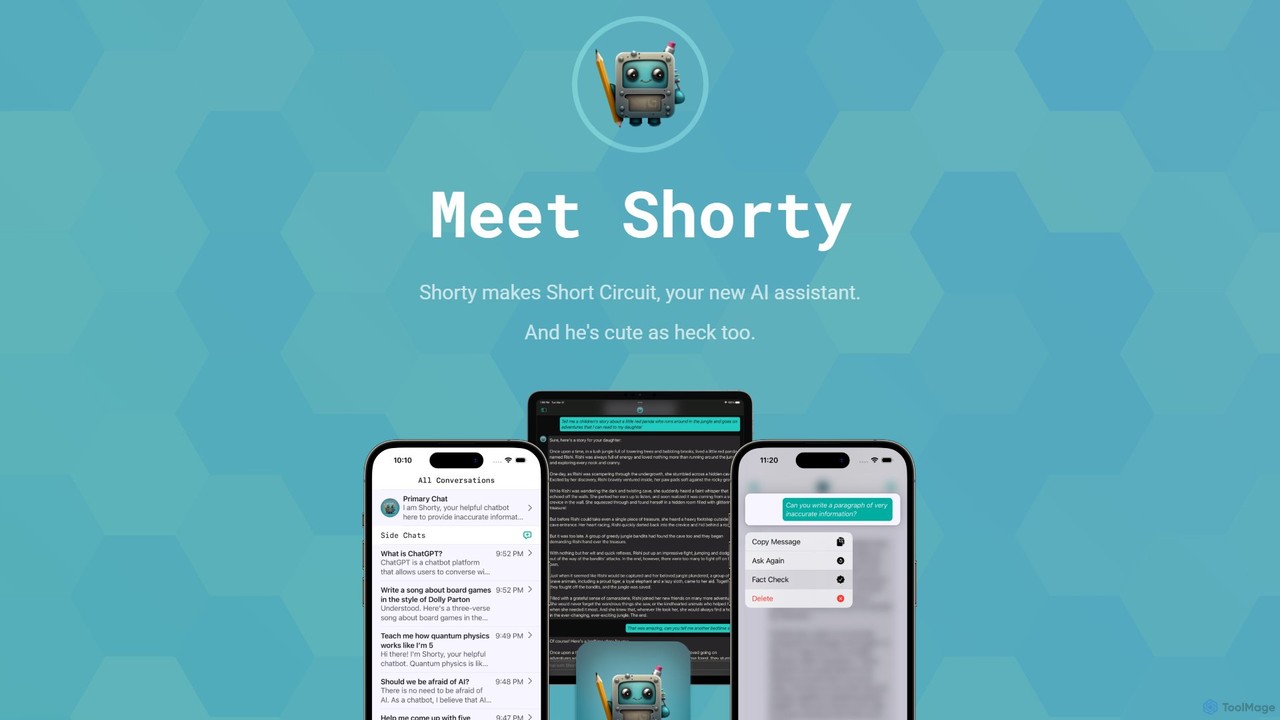
Short Circuit
Short Circuit is a privacy-focused AI assistant for iPhone, iPad, and Mac, powered by ChatGPT & GPT-4. It offers deep integration with the Apple ecosystem, including Siri and Shortcuts. Customize AI personalities for any task, from a math tutor to a code expert. With a strong commitment to privacy and flexible pricing options, including a lifetime unlock with your own API key, Short Circuit provides a premium, secure, and versatile AI experience.
Code AssistantBlue Categories
Blue Embed Widget
Copy this embed code to place the badge on your blog, article, or product site and send readers directly to this ToolMage detail page.

Related AI tools
Short Circuit
Short Circuit is a privacy-focused AI assistant for iPhone, iPad, and Mac, powered by ChatGPT & GPT-4. It offers deep integration with the Apple ecosystem, including Siri and Shortcuts. Customize AI personalities for any task, from a math tutor to a code expert. With a strong commitment to privacy and flexible pricing options, including a lifetime unlock with your own API key, Short Circuit provides a premium, secure, and versatile AI experience.
Code AssistantIris
Iris is a seamless AI assistant for macOS, designed to integrate into your workflow. It provides instant access to top AI models like GPT-4o and Claude 3.5, allowing you to chat, capture your screen for context, and get answers without ever leaving your current application. With intuitive gestures and powerful shortcuts, Iris is there when you need it and invisible when you don't.
Coding Assistant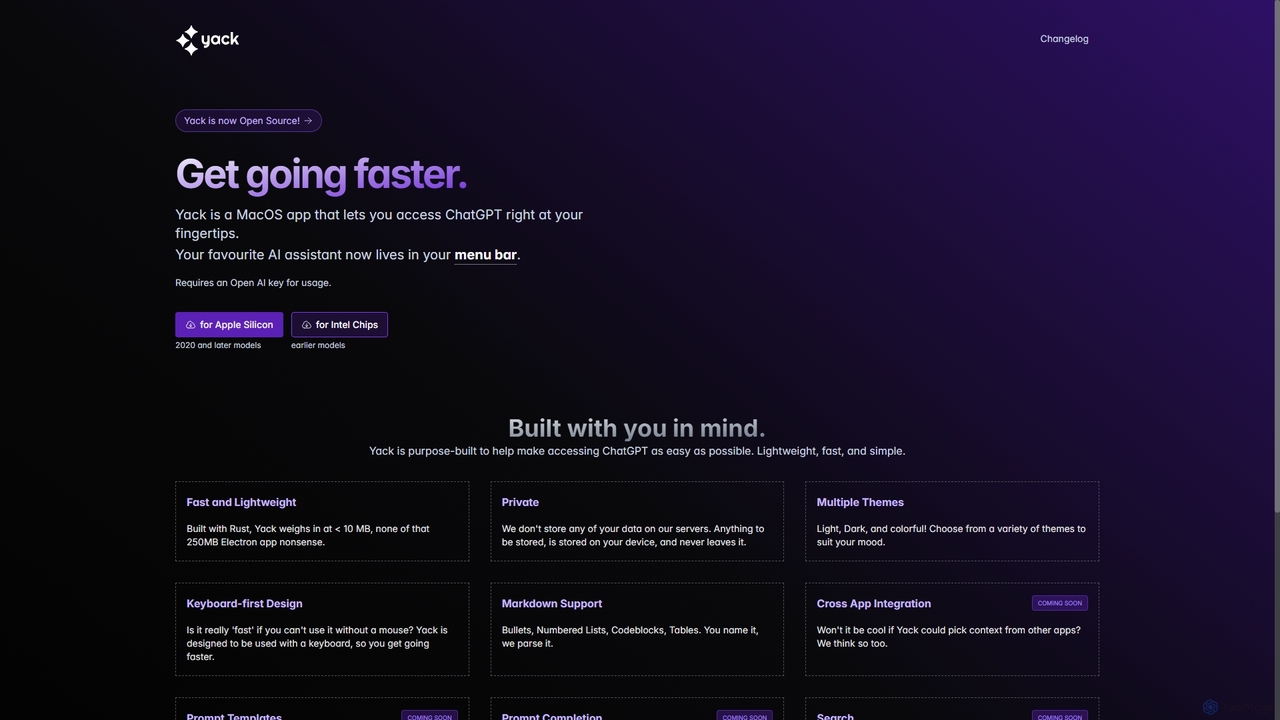
Yack
Yack is a lightweight, fast, and private open-source native macOS application that provides instant access to ChatGPT directly from your menu bar. Built with Rust, it's designed for efficiency with a keyboard-first approach, ensuring you can interact with AI without disrupting your workflow.
Api Clientanygpt.app
anygpt.app is a powerful desktop utility that allows you to access GPT-4, Claude, and other large language models from any application on your computer. Simply use a keyboard shortcut to instantly get AI assistance for writing, coding, summarizing, and more, seamlessly integrating AI into your daily workflow.
Coding Assistant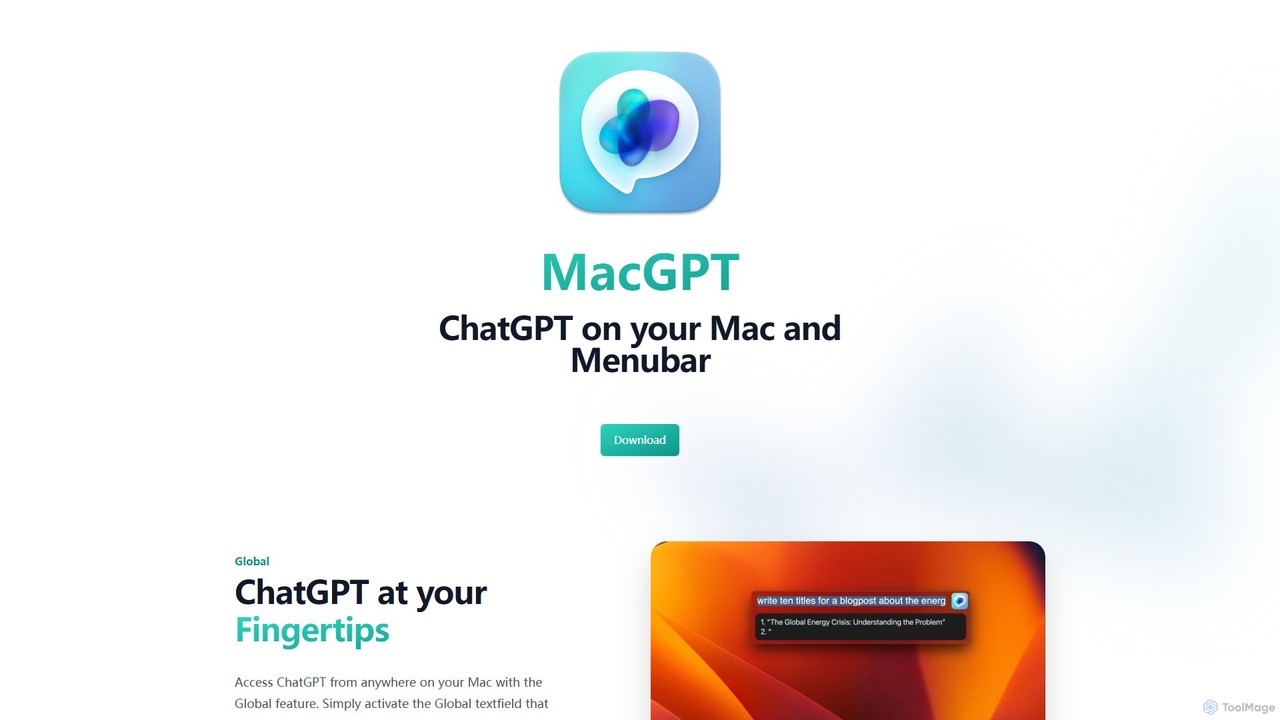
MacGPT
MacGPT brings the power of ChatGPT directly to your macOS desktop. Access OpenAI's models instantly from your menubar, use the Inline feature to write in any application, and switch between a native or web interface for ultimate flexibility and productivity.
Code Assistant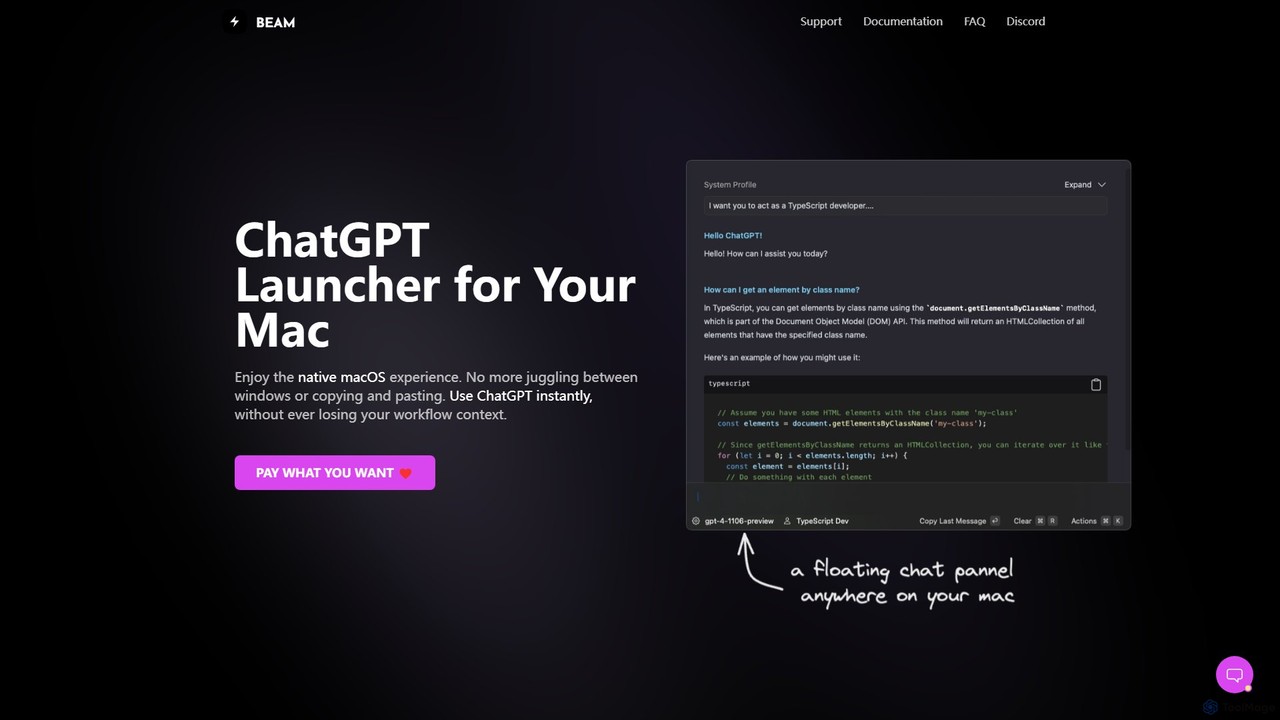
getbeam
A native macOS application that provides instant, system-wide access to ChatGPT. It enhances productivity with features like hotkey activation, contextual chat, screen interaction, and customizable templates. Beam integrates seamlessly into your workflow, allowing you to use AI without switching contexts, all within a secure, fast, and lightweight native interface.
Code Assistant
Halist AI
Halist AI offers a fast, private, and multi-platform AI assistant powered by GPT-4o and Claude 3.5 Sonnet. Access advanced AI capabilities seamlessly across Web, macOS, and a Chrome extension to enhance your productivity, writing, and daily tasks. It provides a unified experience with a focus on speed and user privacy.
Chrome Extensions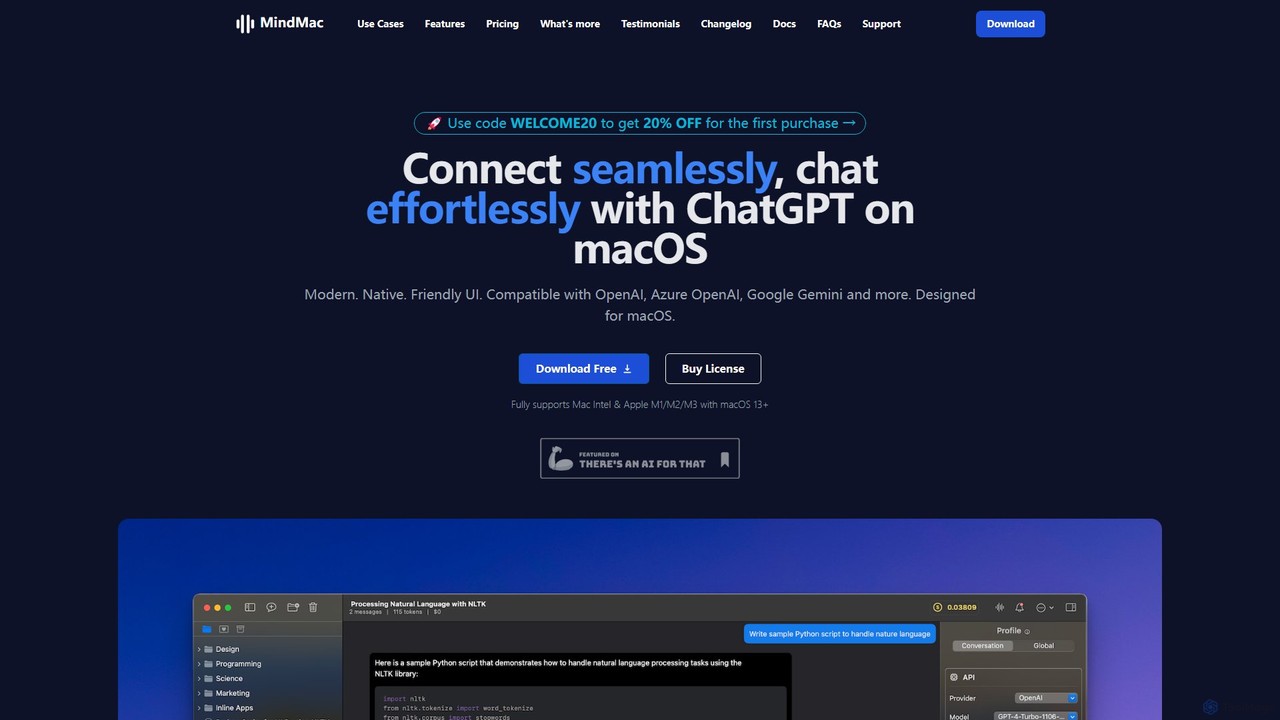
MindMac
MindMac is a powerful, native macOS client that provides a unified interface for interacting with a vast range of AI models, including OpenAI's GPT, Google Gemini, Claude, and local LLMs. It enhances productivity with features like an inline mode for use in any app, a rich prompt library, and extensive customization. It prioritizes privacy and security by storing API keys locally and communicating directly with AI providers.
Macos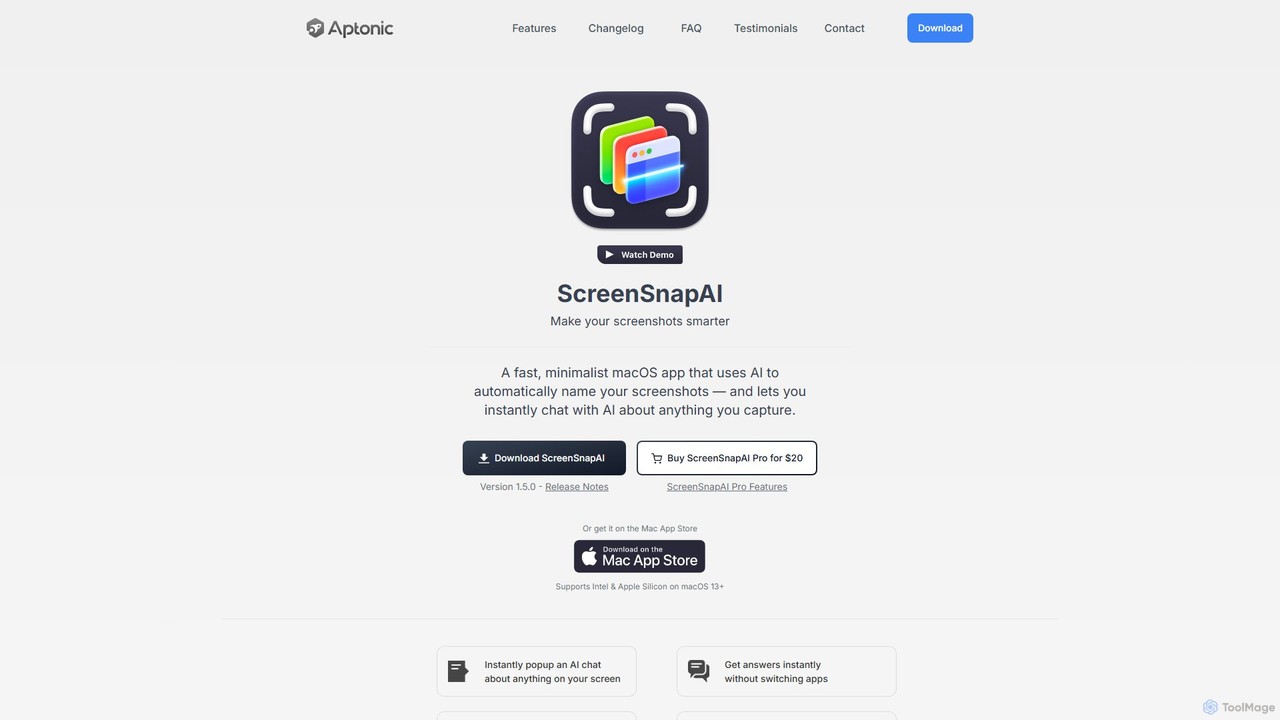
ScreenSnapAI
ScreenSnapAI is a smart macOS application that uses AI to automatically rename, tag, and organize your screenshots. It features an integrated AI assistant that allows you to instantly chat about, translate, or extract text and code from any captured image, dramatically improving productivity and workflow efficiency.
Code Assistant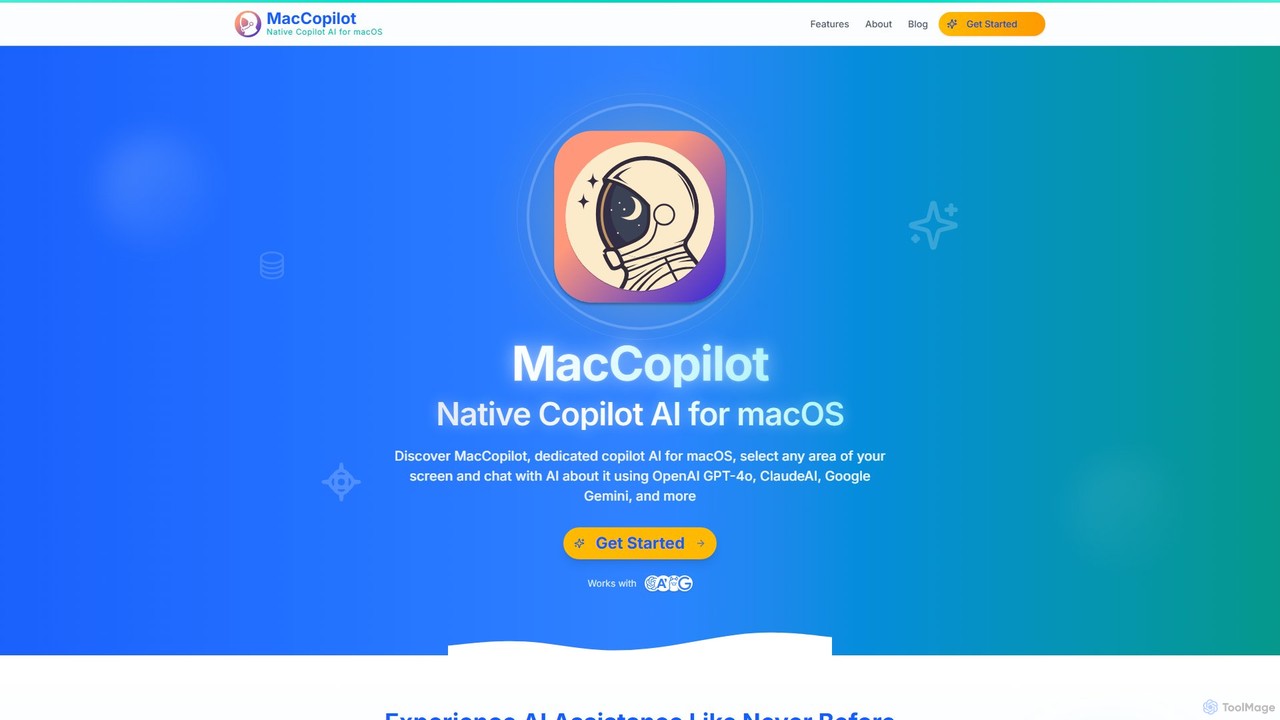
MacCopilot
MacCopilot is a native AI assistant for macOS that revolutionizes productivity. It allows you to select any area of your screen and instantly start a conversation with advanced AI models like GPT-4o, Claude 3.5, and Gemini. Get immediate insights, code explanations, email drafts, and more, without ever leaving your current window. It's a seamless bridge between your screen's content and powerful AI.
Code Assistant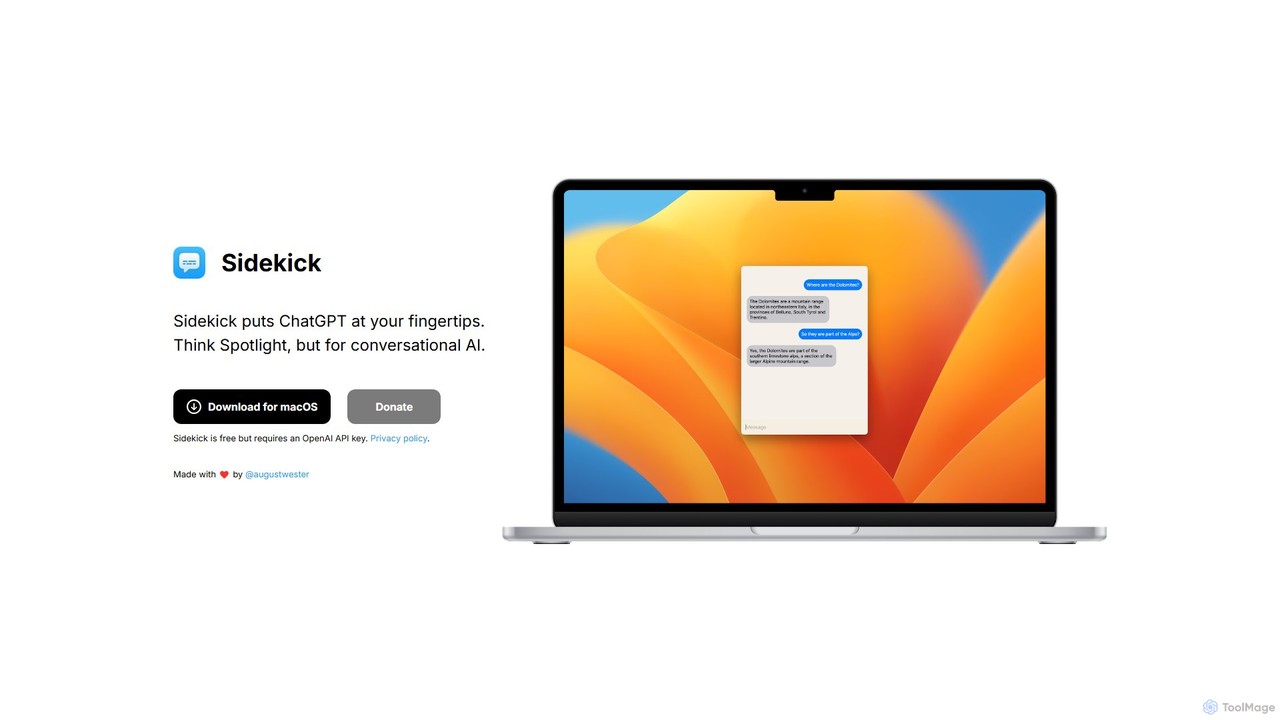
Sidekick
Sidekick is a free macOS application that provides instant access to ChatGPT from anywhere on your desktop. Functioning like Spotlight for conversational AI, it allows users to summon an AI assistant with a simple keyboard shortcut, streamlining workflows and boosting productivity without needing a browser.
Code Assistant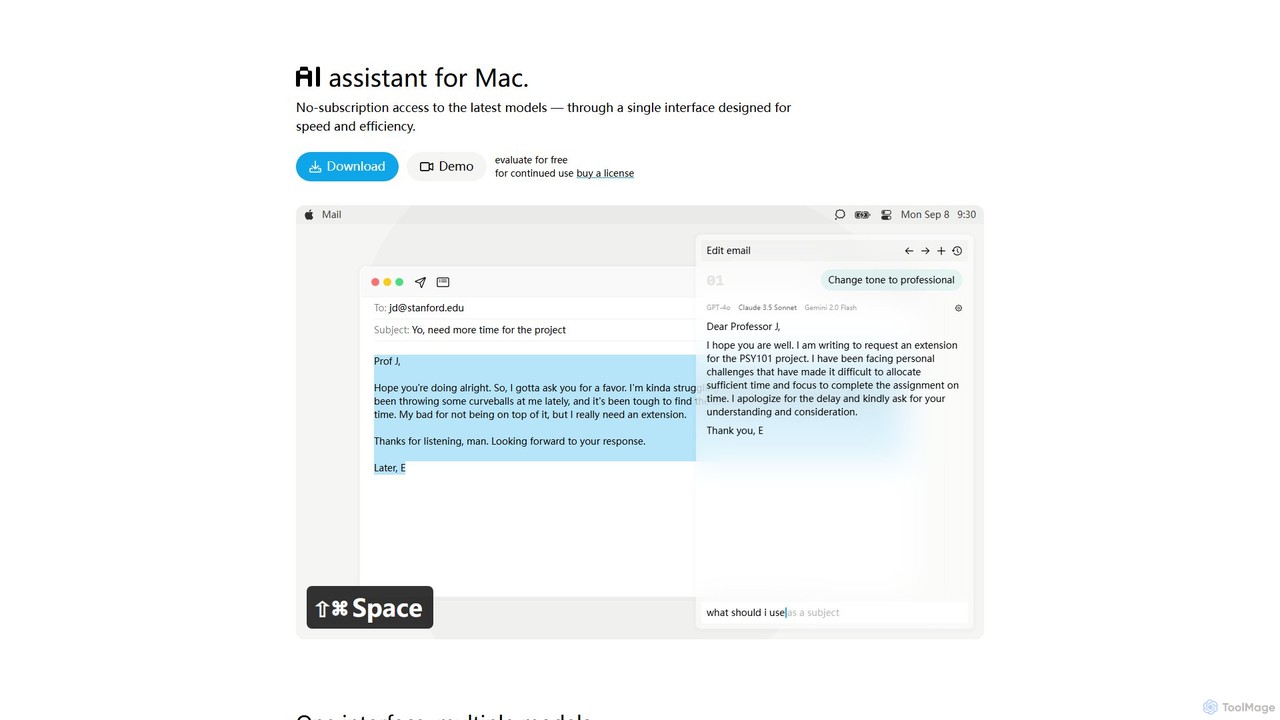
IntelliBar
IntelliBar is a native AI assistant for Mac, providing a unified interface to access the latest large language models like GPT-4o, Claude 3.5, and Gemini, plus local models via Ollama. It focuses on speed, efficiency, and privacy, with a one-time purchase model instead of recurring subscriptions. Compare models, use powerful shortcuts, and keep your data secure on your device.
Api Management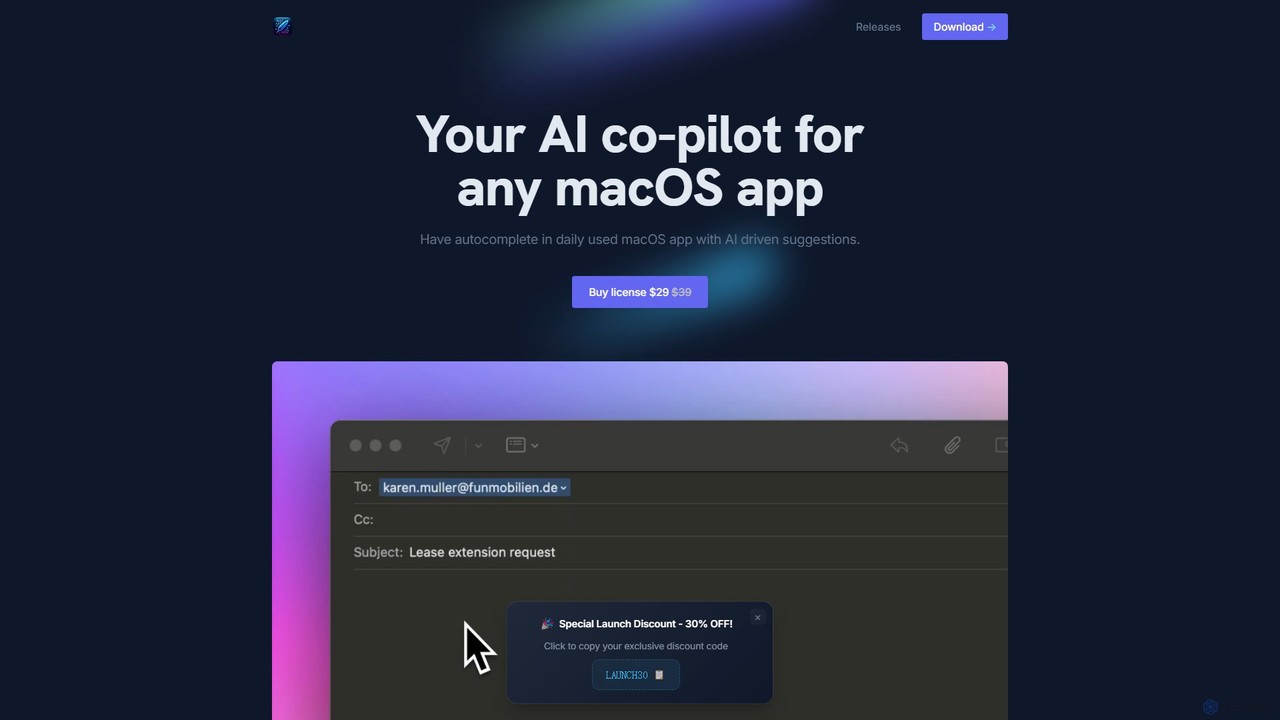
InfinipilotAI
InfinipilotAI is a native macOS AI co-pilot that seamlessly integrates with any application. It boosts productivity with features like AI-driven autocomplete, writing enhancement, translation, and developer utilities. With a strong focus on privacy, it supports local language models via Ollama, ensuring your data stays on your device. It's a lightweight, high-performance tool available for a one-time purchase.
Code AssistantHaye
Haye is a powerful, all-in-one AI chat assistant for macOS, integrating top-tier models like GPT-4.1, Claude-3.7, and Gemini-2.5. It allows users to seamlessly interact with any app, text, screenshot, or file on their desktop, boosting productivity with features like AI search, document chat, and advanced customization.
Code Assistant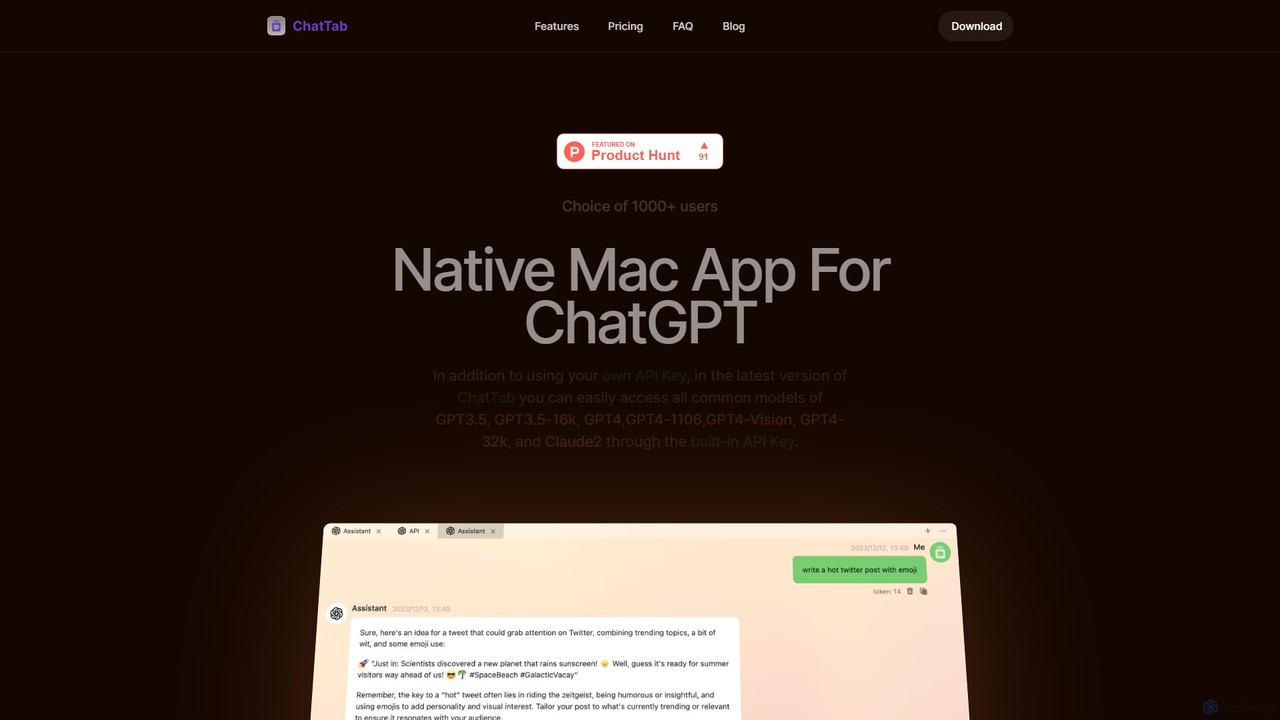
ChatTab
ChatTab is a native macOS desktop application designed to enhance the ChatGPT experience. It offers a fast, lightweight interface with features like multi-tab conversations, shortcut key access, iCloud prompt synchronization, and support for various models including GPT-4 Vision and Claude 2. Users can leverage their own API key or use the built-in one, ensuring a secure and private interaction with advanced AI models directly from their desktop.
Code Assistant
Blue Comments (0)
Sign in to comment.
Sign inNo comments yet.