
Halist AI Overview
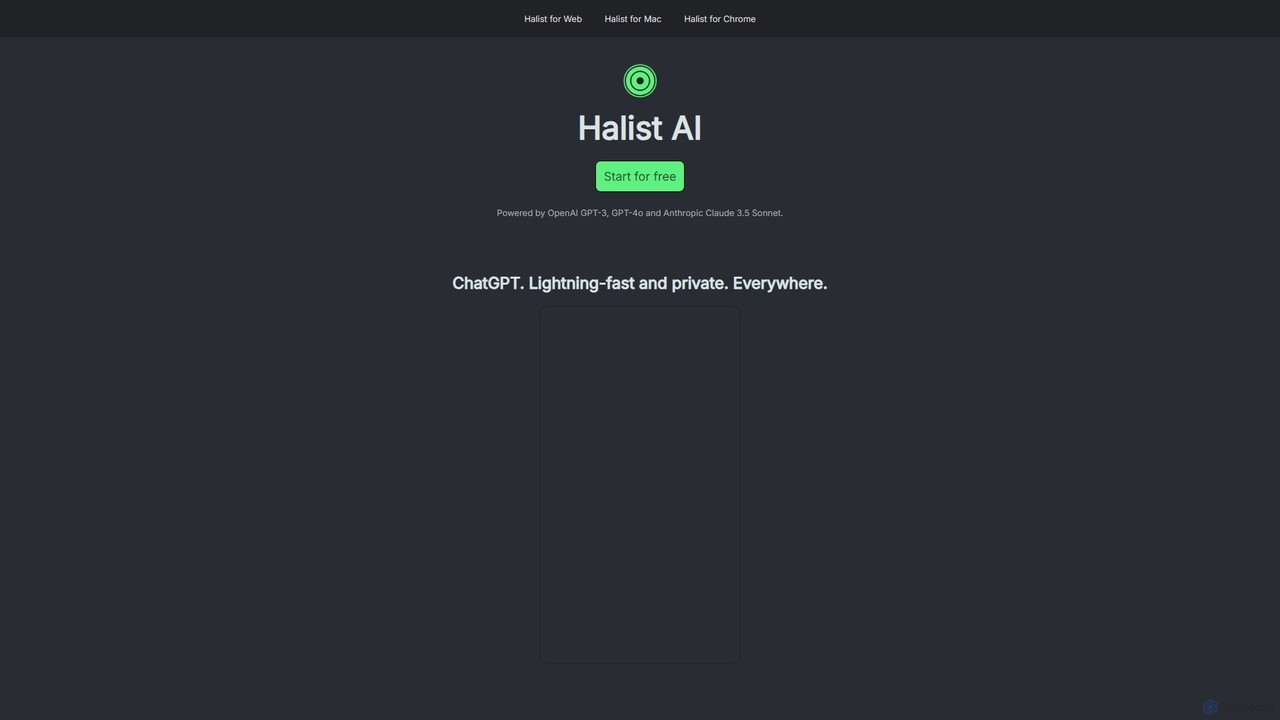
Halist AI is a versatile and powerful AI assistant designed to provide lightning-fast and private access to leading AI models from anywhere. Developed by amix3k, the creator behind Doist (Todoist & Twist), Halist AI integrates top-tier models like OpenAI's GPT-4o and Anthropic's Claude 3.5 Sonnet into a single, streamlined interface. This tool is built for users who demand efficiency, privacy, and flexibility, offering a consistent experience across its Web App, native macOS application, and a convenient Chrome extension.
The core philosophy of Halist AI is to make powerful artificial intelligence an unobtrusive part of your daily workflow. Whether you're drafting an email, writing code, brainstorming ideas, or just need a quick answer, Halist AI is designed to be there exactly when you need it, without the friction of switching between multiple apps or services. Its emphasis on privacy ensures that your conversations and data are handled with care, making it a trustworthy companion for both personal and professional use.
How to use Halist AI
Halist AI is accessible across multiple platforms, ensuring you can use it wherever you work:
- Web App: The most straightforward way to use Halist AI is through its web interface. Simply navigate to the Halist AI website to start chatting with the AI instantly.
- macOS App: For Mac users, a dedicated native desktop app provides a more integrated and seamless experience. You can download it for free from the Halist AI website to have a private AI assistant right on your desktop.
- Chrome Extension: The Chrome extension brings the power of Halist AI to any website. Once installed, you can access the assistant from your browser's toolbar. This is particularly useful for tasks like getting help to swiftly answer emails directly within Gmail or summarizing articles without leaving the page.
- Mobile (PWA): You can install Halist AI on your smartphone for an app-like experience. On iPhone, open the web app in Safari, tap the 'Share' icon, and select 'Add to Home Screen'. On Android, open the website in Chrome, tap the three-dot menu, and select 'Add to Home screen'.
Core Features of Halist AI
- Multi-Model Access: Switch between or utilize the best models for your needs, including OpenAI's GPT-4o, Anthropic's Claude 3.5 Sonnet, and the efficient GPT-3-turbo.
- Cross-Platform Availability: Enjoy a consistent and synchronized experience across the web, a native macOS app, a Chrome extension, and a mobile-optimized PWA.
- Lightning-Fast Performance: The tool is optimized for speed, delivering quick responses to keep your workflow fluid and uninterrupted.
- Privacy-Focused: Built with user privacy as a priority, allowing you to use powerful AI with peace of mind.
- Seamless Workflow Integration: The Chrome extension allows you to use AI contextually on any site, such as drafting email replies in Gmail, enhancing productivity.
- Simple and Transparent Pricing: Clear and affordable pricing tiers, including a free plan to get started.
Use Cases for Halist AI
Halist AI is a versatile tool suitable for a wide range of users and tasks:
- Professionals: Quickly draft professional emails, generate reports, summarize long documents, and prepare for meetings.
- Writers and Content Creators: Brainstorm ideas, overcome writer's block, generate blog posts, and refine marketing copy.
- Developers: Write, debug, and explain code snippets, or learn new programming concepts.
- Students: Research topics, get help with homework, summarize lecture notes, and practice for exams.
- Everyday Users: Get quick answers to questions, plan trips, create recipes, and manage personal tasks more efficiently.
Advantages of Halist AI
Halist AI stands out with several key advantages:
- Unified Experience: One tool and one subscription provide access to top AI models across all your devices.
- Cost-Effective: The Pro plan offers access to premium models like GPT-4o and Claude 3.5 Sonnet at a highly competitive price point.
- Lightweight and Efficient: No bloatware. Halist AI is designed to be fast, responsive, and easy to use.
- Accessibility: The multi-platform approach ensures that your AI assistant is always within reach, whether you are at your desk or on the go.
Pricing and Plans
Halist AI offers a simple pricing structure to suit different needs:
- Free: $0/month. Includes 30 usages per month with the GPT-3-turbo model.
- Starter: $4/month. Includes 300 usages per month with the GPT-3-turbo model.
- Pro: $9/month. Offers unlimited fair usage per month. This plan provides access to the premium GPT-4o and Claude 3.5 Sonnet models for the initial 600,000 tokens per month. After this limit, usage continues on the GPT-3-turbo model.
Halist AI Alternatives
Cmd J AI Assistant
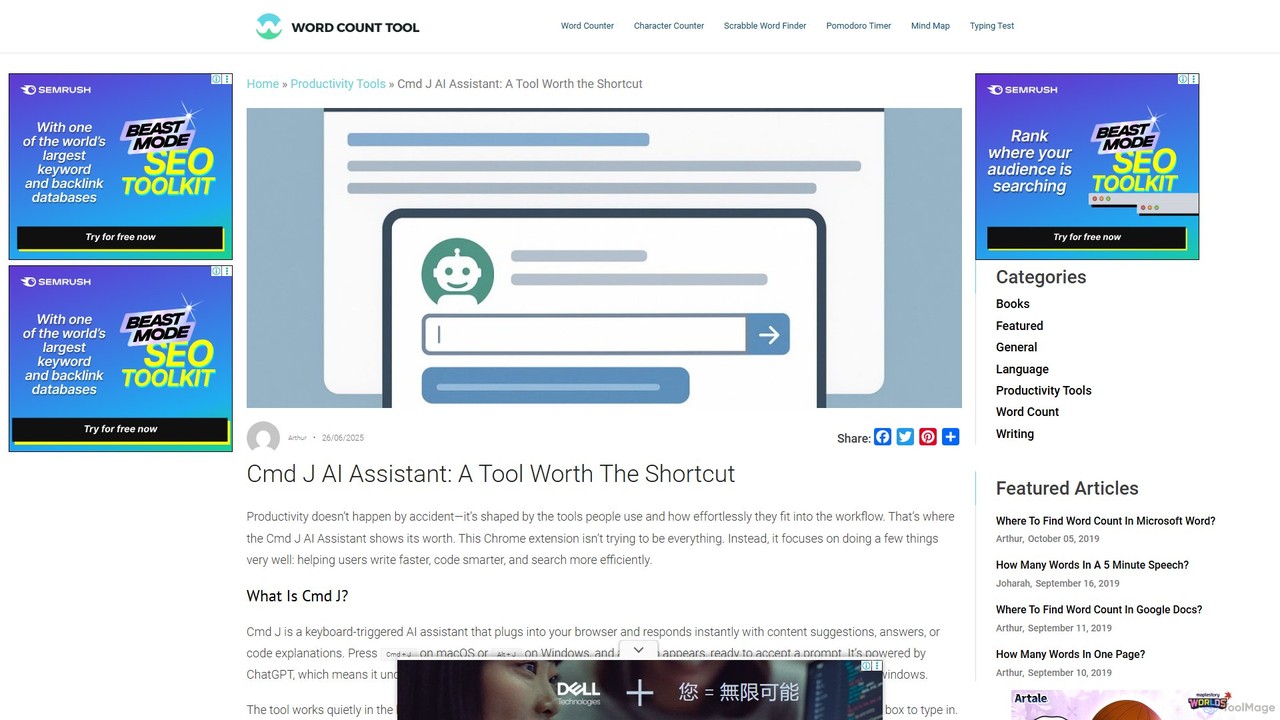
Cmd J is a keyboard-activated AI assistant, available as a Chrome extension, designed to boost productivity. Powered by ChatGPT, it provides instant help with writing, coding, and research directly in your browser. Simply press a shortcut (Cmd+J or Alt+J) to summon the AI, eliminating the need to switch tabs or open new applications, and seamlessly integrating into any workflow.
Chrome Extensions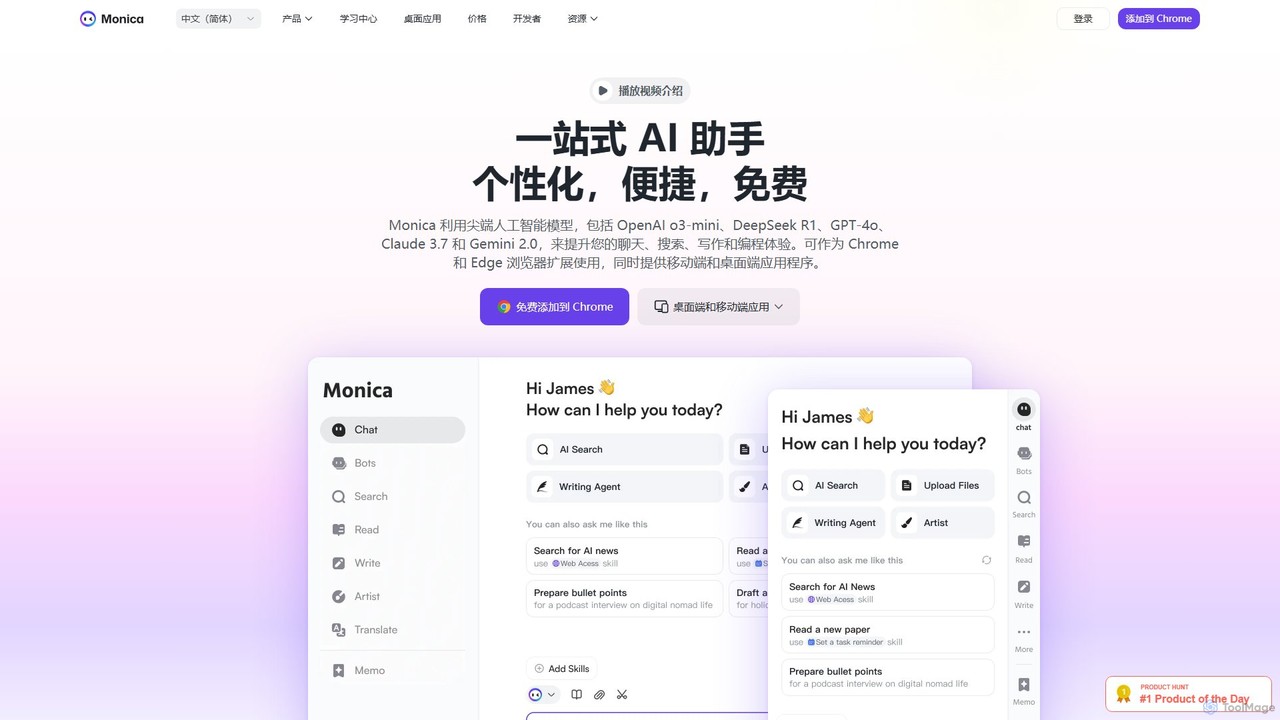
Monica
Monica is an all-in-one AI assistant powered by leading models like GPT-4o, Claude 3.7, and Gemini 1.5. It integrates seamlessly into your workflow as a browser extension, desktop, and mobile app, offering features for chat, search, writing, translation, and image creation to boost productivity.
Chrome Extensions
Lunabot
Lunabot is a versatile, all-in-one AI assistant that works across all your devices. It integrates leading AI models like GPT-4o, Gemini, and Claude into a seamless experience on your browser, desktop, and mobile. Boost your productivity with features like document chat, AI image generation, voice interaction, and customizable shortcut commands, all from a single, budget-friendly platform.
Chat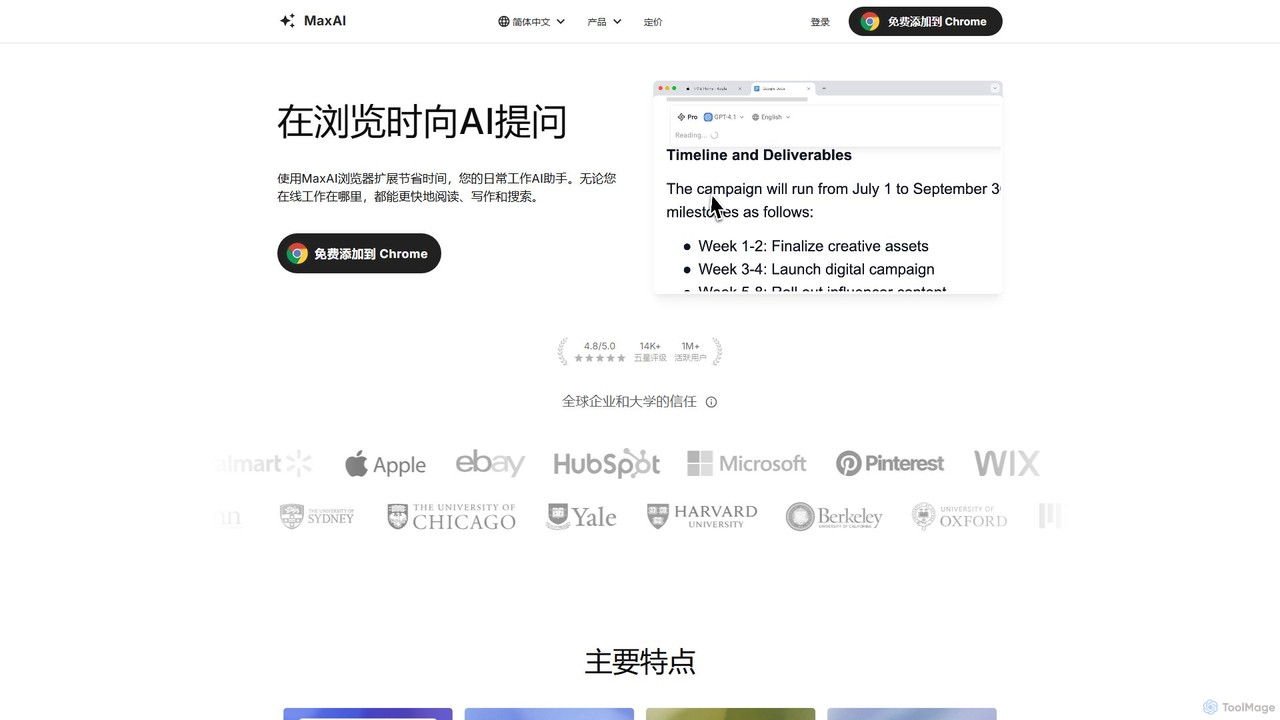
MaxAI
MaxAI is a powerful browser extension that acts as your all-in-one AI assistant. It integrates top AI models like GPT-4o and Claude 3.5 directly into your browser, allowing you to read, write, and research faster. Summarize web pages, improve your writing, translate text, and generate content with a single click, boosting your productivity across all your online activities.
Chrome Extensions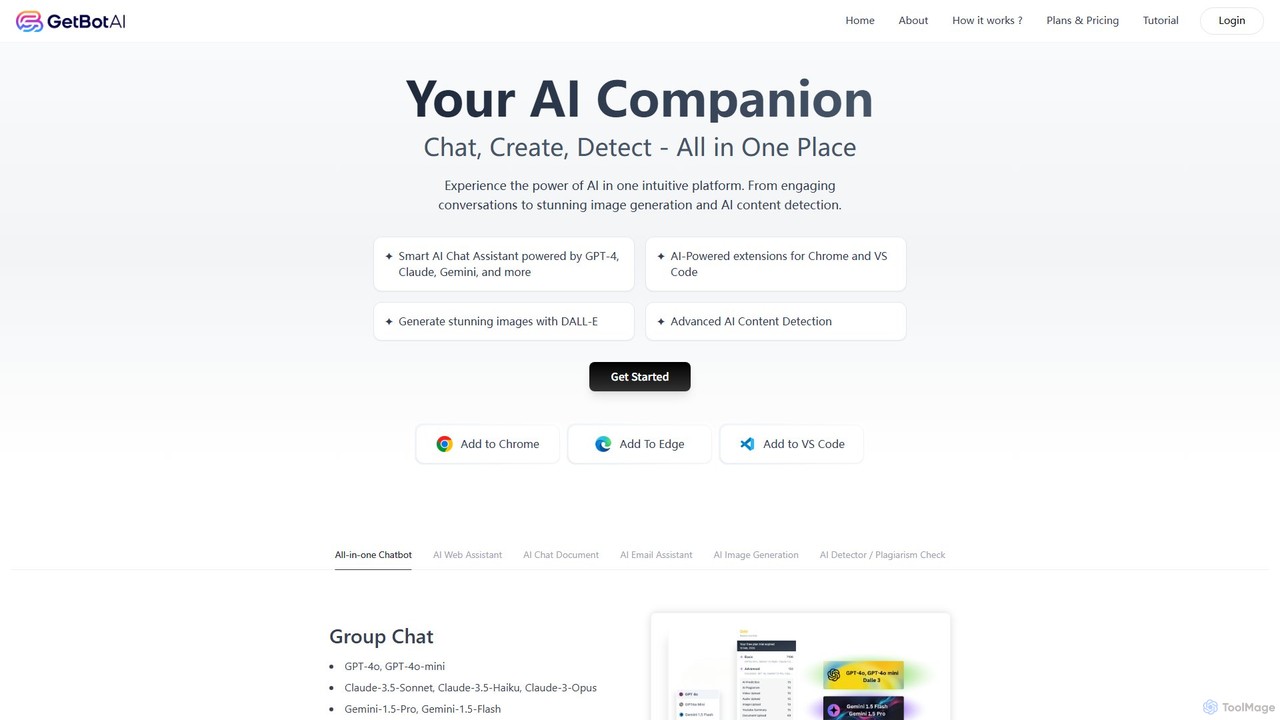
GetBot
GetBot is an all-in-one AI assistant that integrates GPT-4o, Claude 3.5, and Gemini 1.5 into your workflow. As a browser and VS Code extension, it offers AI chat, text-to-image generation, web page and YouTube summarization, AI content detection, and a powerful writing assistant. It streamlines tasks by bringing diverse AI capabilities directly into your browser and code editor, boosting productivity for writers, developers, and general users.
Chrome ExtensionsHalist AI Categories
Halist AI Embed Widget
Copy this embed code to place the badge on your blog, article, or product site and send readers directly to this ToolMage detail page.

Related AI tools
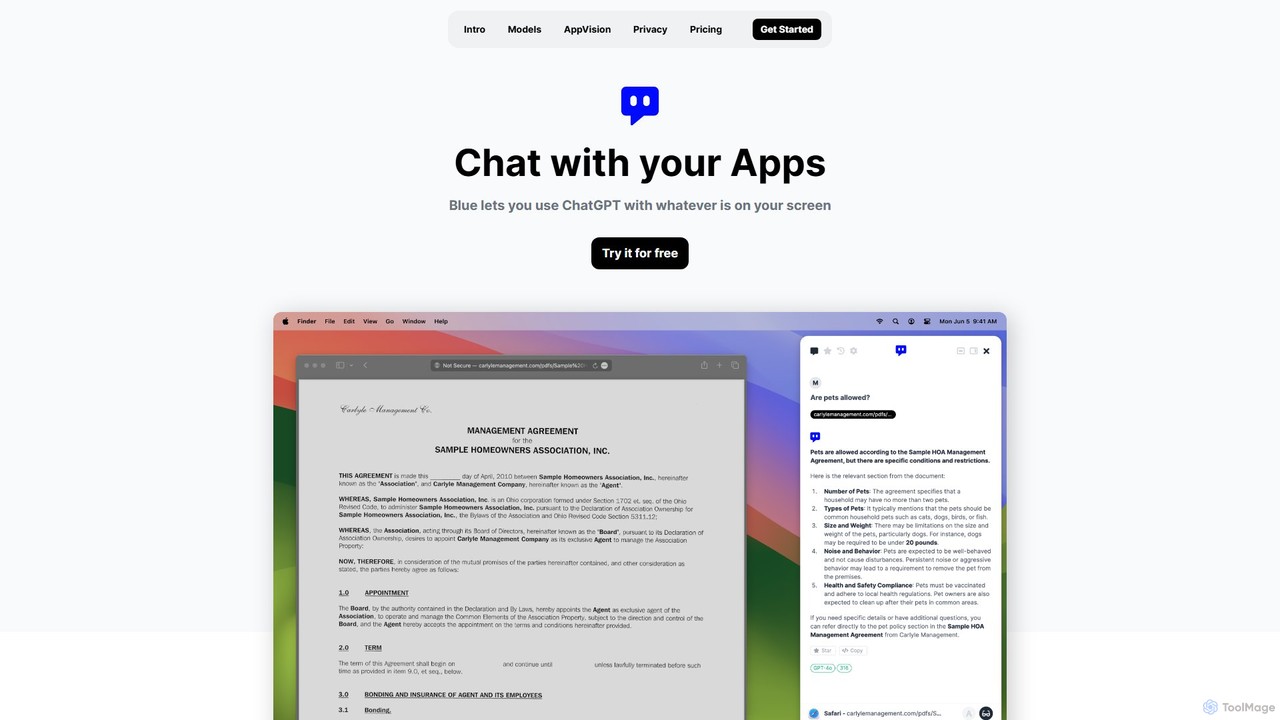
Blue
Blue is a native macOS AI assistant that integrates ChatGPT and other advanced AI models directly into your workflow. Featuring unique screen context awareness (AppVision) and a strong focus on privacy, it allows you to analyze, summarize, or create content in any app with a simple keyboard shortcut, boosting productivity for professionals.
Coding AssistantCmd J AI Assistant
Cmd J is a keyboard-activated AI assistant, available as a Chrome extension, designed to boost productivity. Powered by ChatGPT, it provides instant help with writing, coding, and research directly in your browser. Simply press a shortcut (Cmd+J or Alt+J) to summon the AI, eliminating the need to switch tabs or open new applications, and seamlessly integrating into any workflow.
Chrome Extensions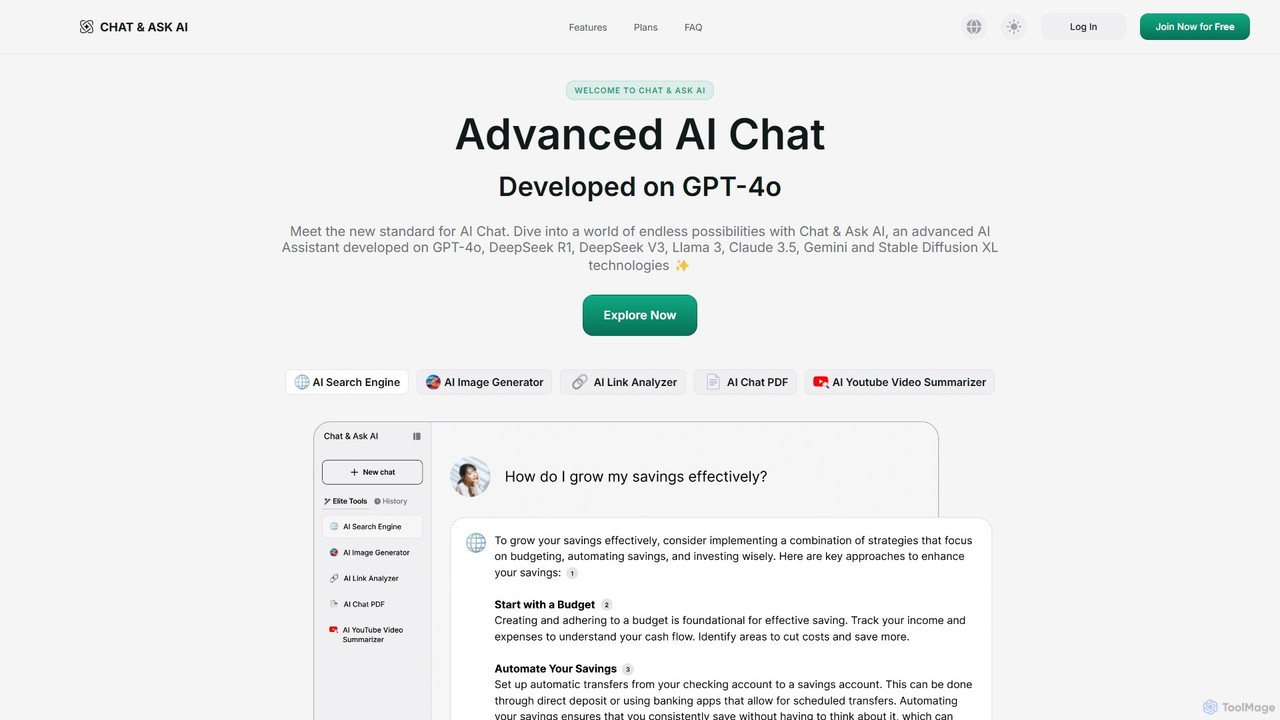
askaichat
askaichat is an all-in-one AI assistant powered by leading models like GPT-4o, Claude 3.5, and Llama 3. It integrates advanced AI chat with powerful tools for image generation, PDF and video summarization, web link analysis, and real-time search. It's designed to boost productivity and creativity for writers, researchers, and professionals by providing a single, versatile platform for diverse tasks.
Image Generator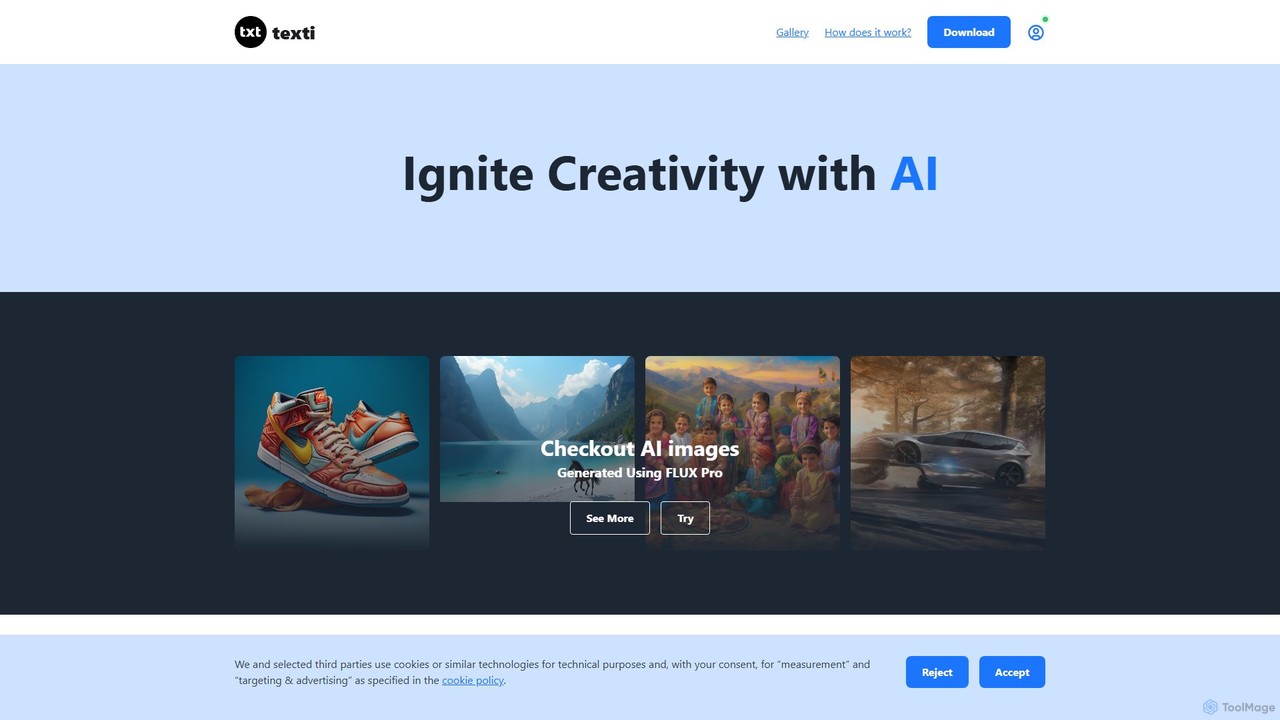
texti.app
texti.app is a versatile AI assistant designed to enhance creativity and productivity. It functions as a multi-purpose chatbot, capable of generating text, brainstorming ideas, answering questions, correcting emails, and even creating AI images. Accessible via a web browser and a convenient Chrome extension, it serves a global audience with extensive multilingual support.
Research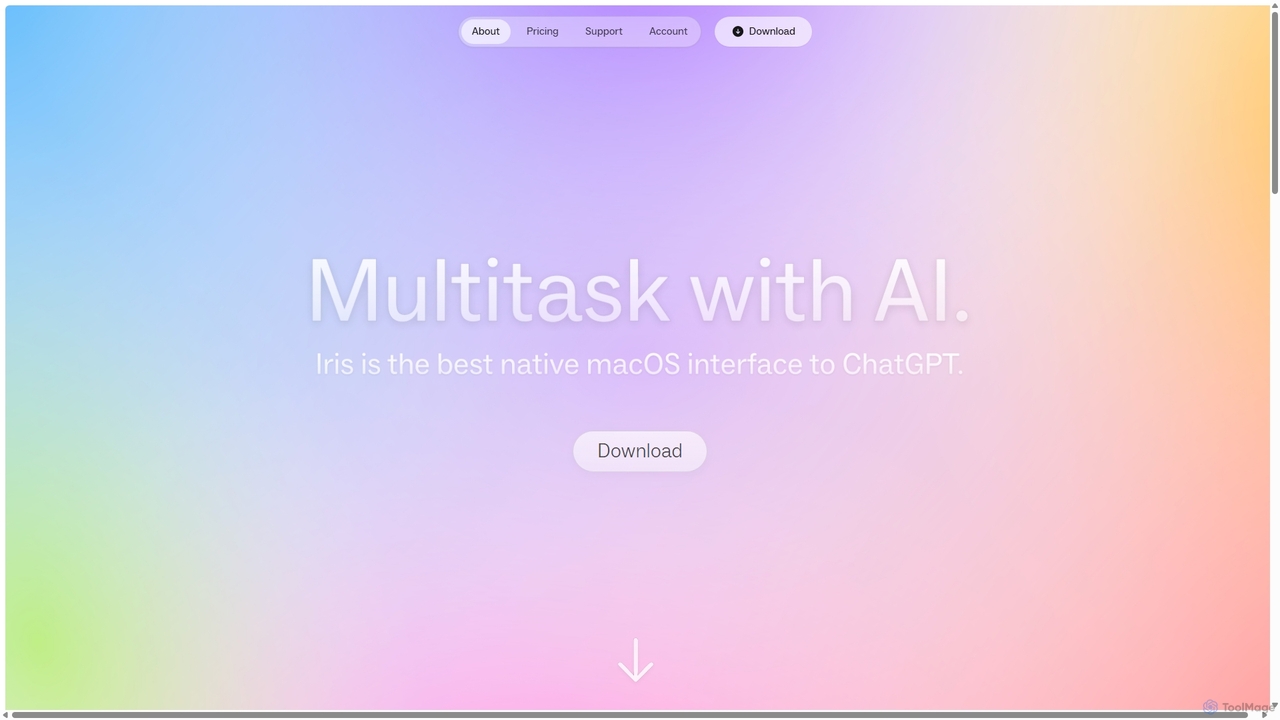
Iris
Iris is a seamless AI assistant for macOS, designed to integrate into your workflow. It provides instant access to top AI models like GPT-4o and Claude 3.5, allowing you to chat, capture your screen for context, and get answers without ever leaving your current application. With intuitive gestures and powerful shortcuts, Iris is there when you need it and invisible when you don't.
Coding Assistant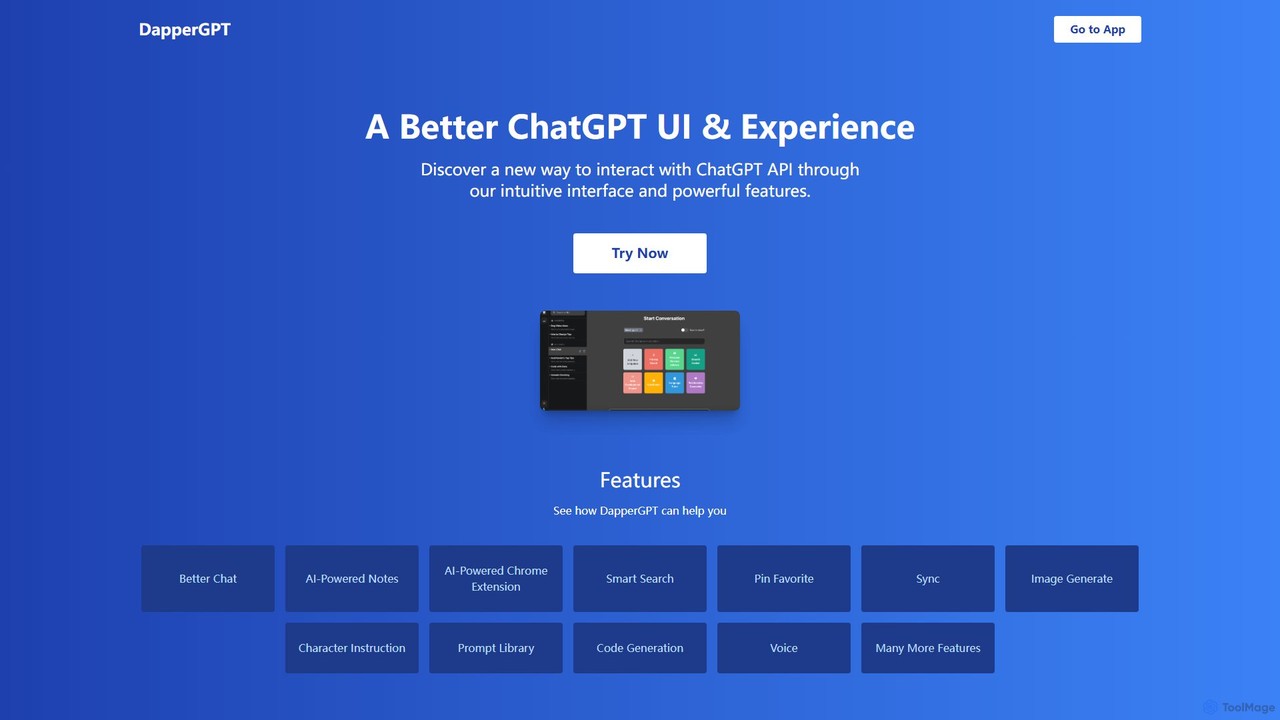
DapperGPT
DapperGPT is an advanced user interface for the ChatGPT API, designed to enhance your interaction with OpenAI's models. It offers a more intuitive and feature-rich experience, including a powerful Chrome extension, AI-powered notes, smart search, voice-to-text, image generation, and a comprehensive prompt library. It operates on a freemium model, requiring your own OpenAI API key for usage, with premium features available through a one-time purchase or team plan.
Code Assistant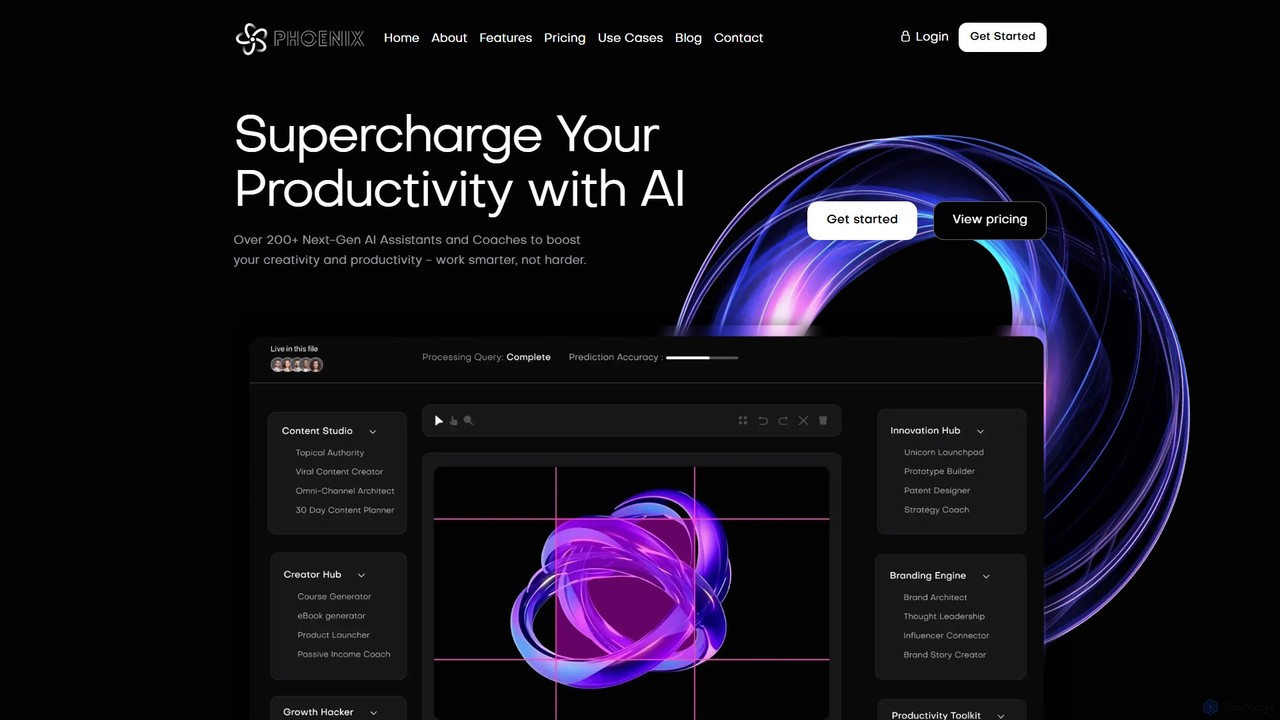
Phoenix
Phoenix is an all-in-one AI platform by LUNARTECH, offering over 200 specialized assistants to boost productivity and creativity. Powered by advanced models like GPT-4o and Claude 3.5, it helps entrepreneurs, marketers, and professionals streamline workflows, generate content, build startups, and innovate without needing technical expertise.
Startup Tools
Jyek
Jyek is an AI agent platform that understands objectives, creates execution plans, uses tools, and delivers verifiable results for complex, multi-step tasks.
Automation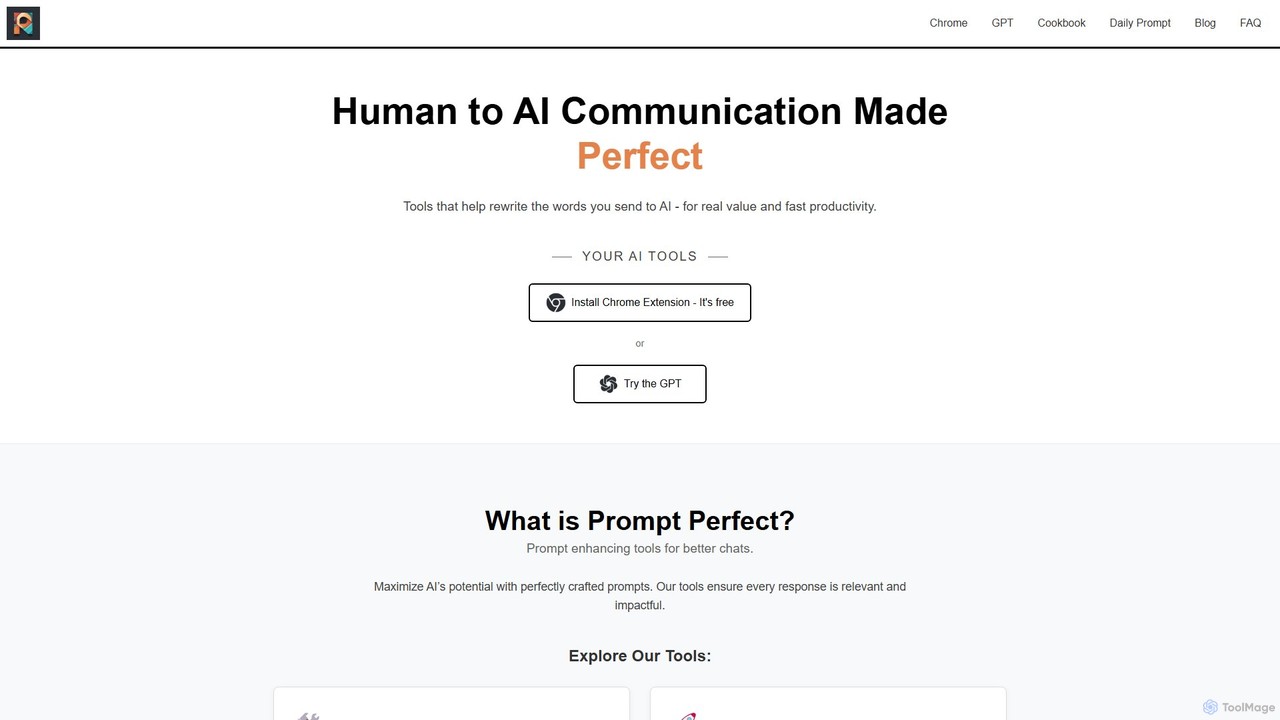
Prompt Perfect
Prompt Perfect is an AI-powered suite, featuring a Chrome Extension and a GPT, designed to optimize your prompts for superior results across major AI platforms like ChatGPT, Gemini, and Claude. It refines, enhances, and manages your prompts to unlock more precise, creative, and effective AI-generated content, boosting productivity for writers, researchers, and professionals.
Research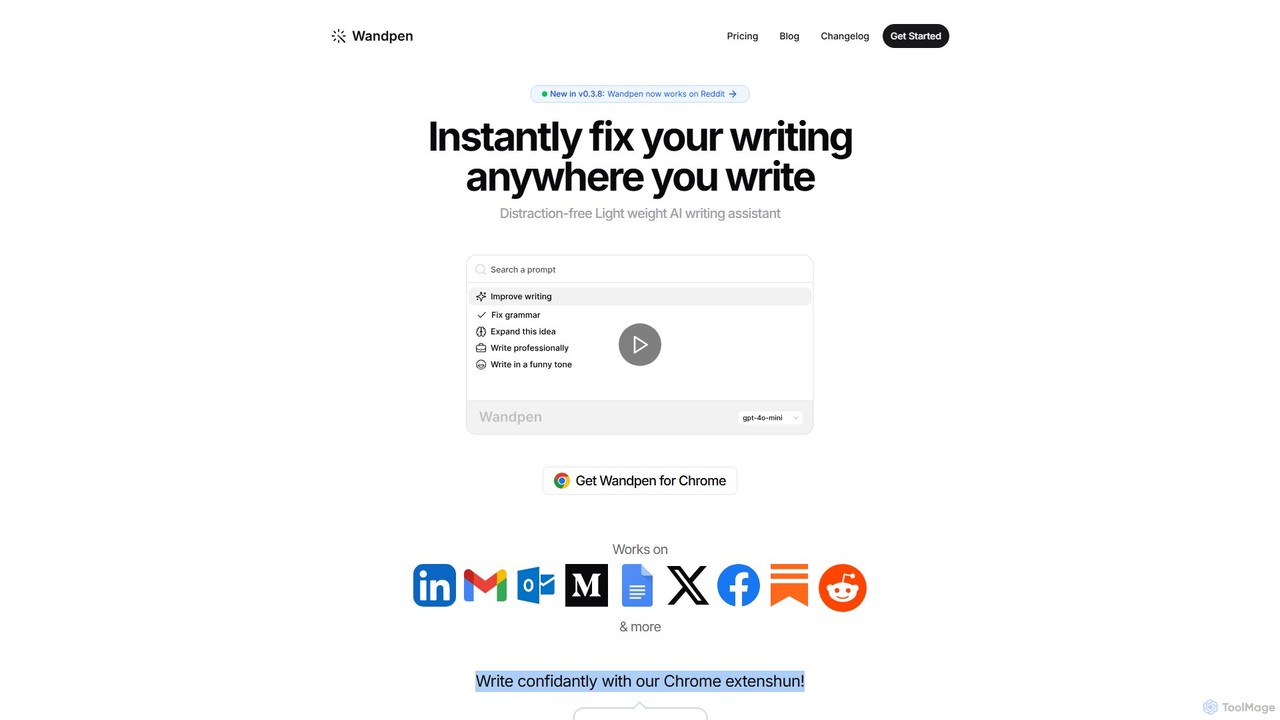
Wandpen
Wandpen is a lightweight AI writing assistant for Chrome that seamlessly integrates into your workflow. It allows you to instantly fix grammar, rewrite text, and brainstorm ideas directly on any website, including Google Docs, Reddit, and LinkedIn. By eliminating the need to switch tabs, Wandpen boosts your productivity and writing confidence using powerful AI models like GPT-4o, Claude 3.5, and Gemini.
Chrome Extensions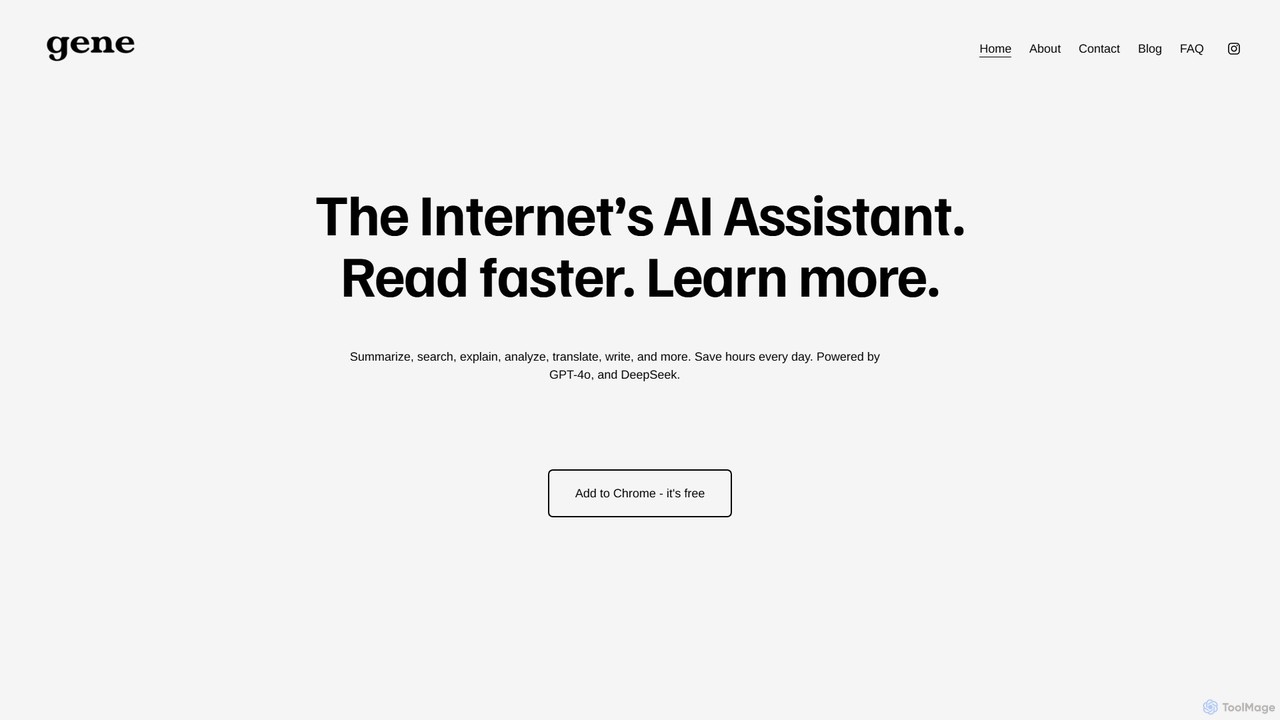
Ask Gene
Ask Gene is a free AI-powered Chrome extension that acts as your personal internet assistant. Powered by GPT-4o and DeepSeek, it allows you to summarize webpages and PDFs, chat with AI without leaving your tab, explain complex text, translate, and assist with writing, all seamlessly integrated into your browser.
Research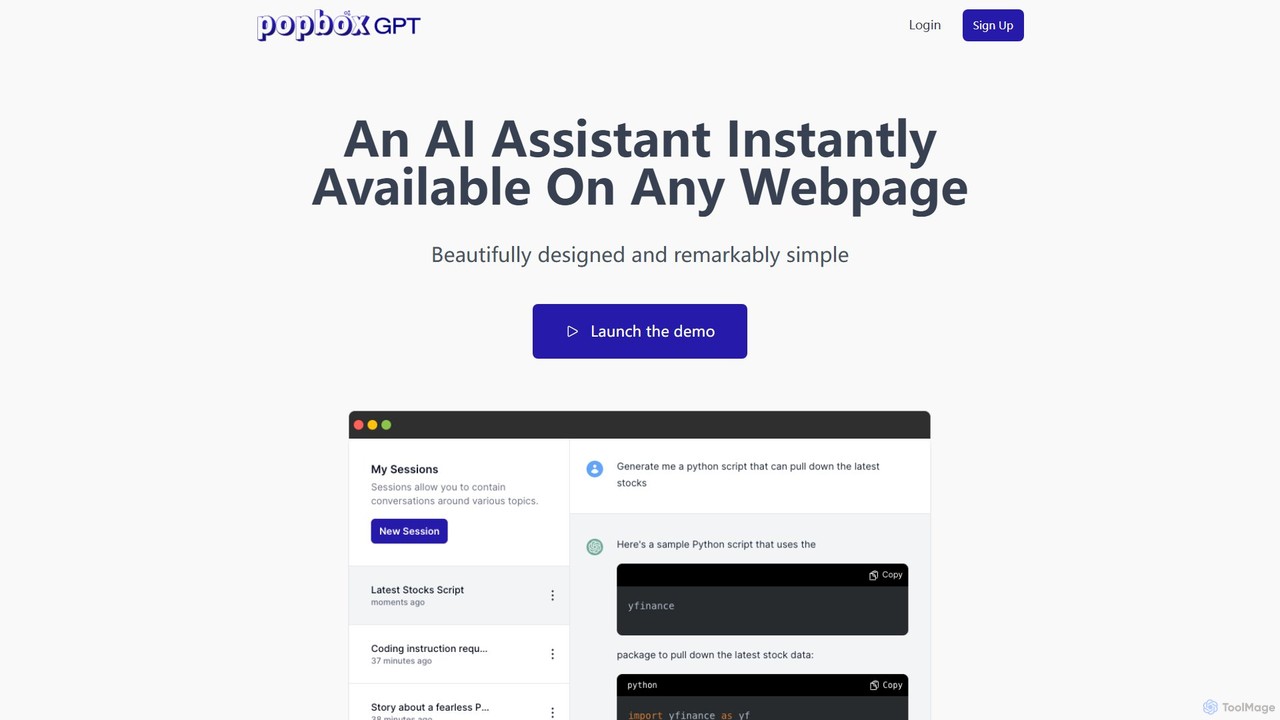
PopboxGPT
PopboxGPT is a powerful AI-powered Chrome extension that provides instant in-browser assistance. It seamlessly integrates the capabilities of GPT-3.5 Turbo into any webpage, allowing you to draft emails, conduct research, and brainstorm ideas without switching tabs. With features like hotkey access, a non-intrusive modal, and long-term session history, PopboxGPT revolutionizes your browsing experience and boosts your productivity.
ChatbotMonica
Monica is an all-in-one AI assistant powered by leading models like GPT-4o, Claude 3.7, and Gemini 1.5. It integrates seamlessly into your workflow as a browser extension, desktop, and mobile app, offering features for chat, search, writing, translation, and image creation to boost productivity.
Chrome ExtensionsLunabot
Lunabot is a versatile, all-in-one AI assistant that works across all your devices. It integrates leading AI models like GPT-4o, Gemini, and Claude into a seamless experience on your browser, desktop, and mobile. Boost your productivity with features like document chat, AI image generation, voice interaction, and customizable shortcut commands, all from a single, budget-friendly platform.
ChatMaxAI
MaxAI is a powerful browser extension that acts as your all-in-one AI assistant. It integrates top AI models like GPT-4o and Claude 3.5 directly into your browser, allowing you to read, write, and research faster. Summarize web pages, improve your writing, translate text, and generate content with a single click, boosting your productivity across all your online activities.
Chrome Extensions
Halist AI Comments (0)
Sign in to comment.
Sign inNo comments yet.