
DapperGPT Overview
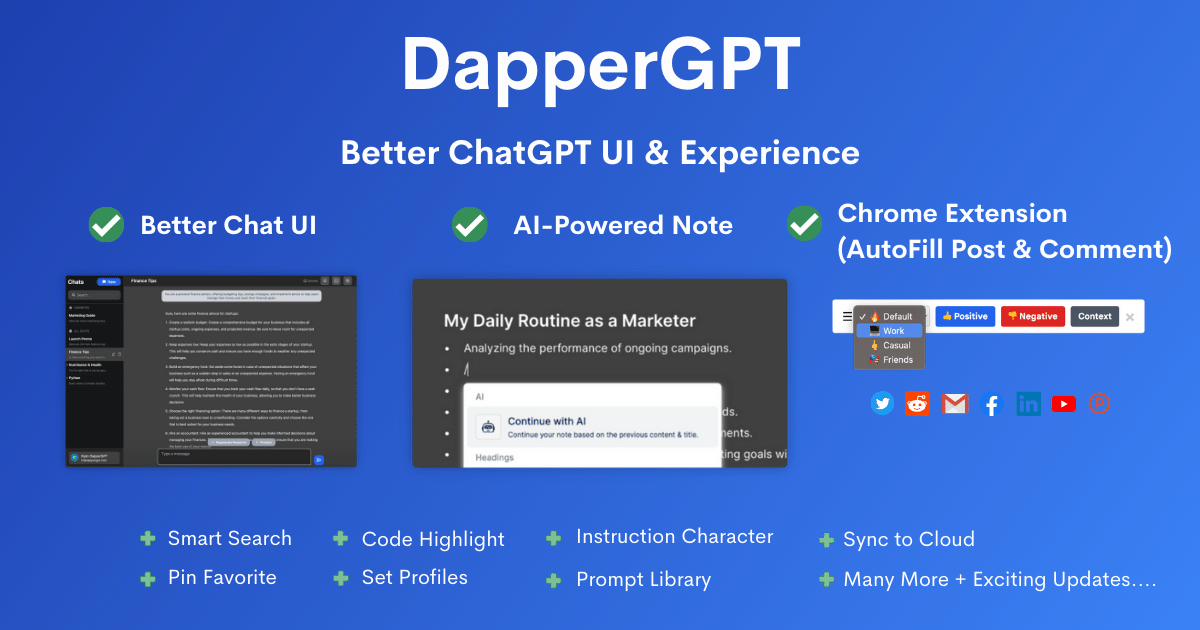
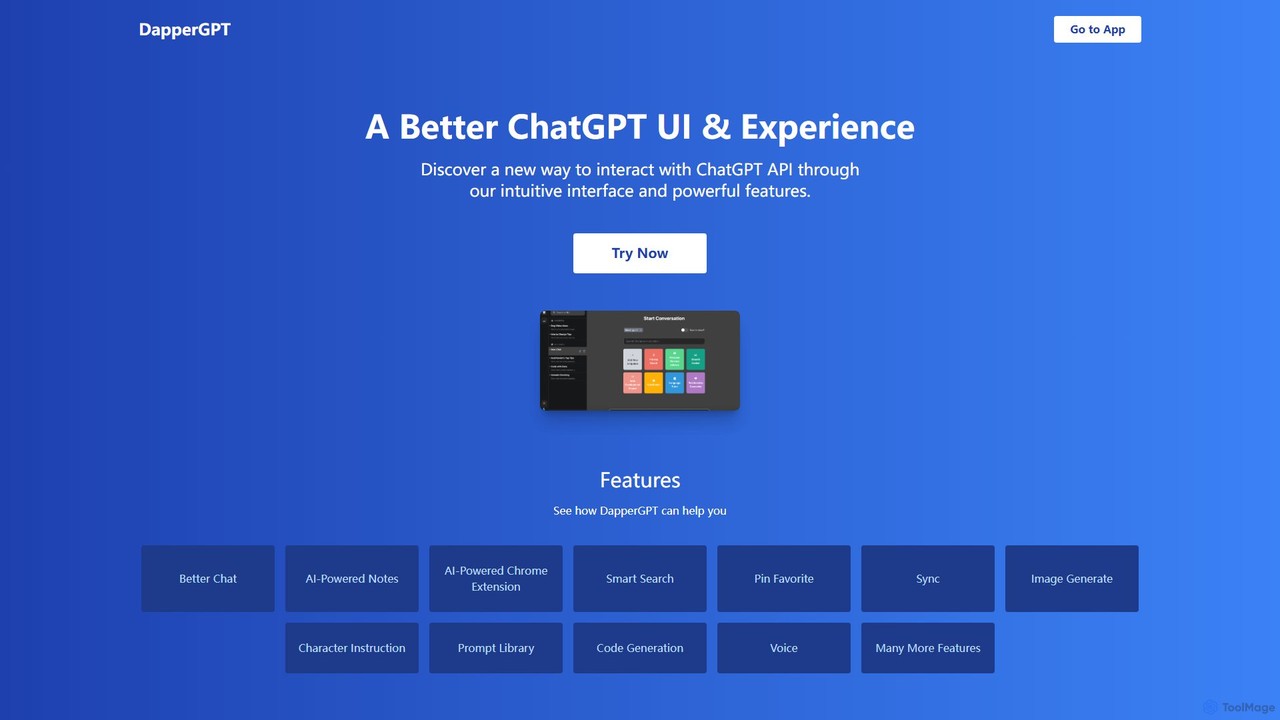
DapperGPT is a sophisticated front-end client designed to serve as a better, more powerful user interface for the OpenAI API. It goes beyond the standard ChatGPT experience by providing a suite of advanced tools that streamline workflows and boost productivity for developers, writers, researchers, and power users. Instead of being a separate language model, DapperGPT acts as a feature-rich wrapper, allowing you to leverage the full potential of OpenAI's models (like GPT-4, GPT-3.5) through a more intuitive and organized environment. It requires users to bring their own OpenAI API key, ensuring that usage costs are paid directly to OpenAI, while offering its unique interface and features on a freemium basis.
How to use DapperGPT
Getting started with DapperGPT is a straightforward process designed to get you up and running quickly:
- Sign Up: Visit the DapperGPT website and create an account.
- Obtain OpenAI API Key: If you don't already have one, sign up at platform.openai.com to get your personal API key.
- Connect Your Key: Navigate to the settings within DapperGPT and enter your OpenAI API key. For security, the key is stored locally in your browser by default, unless you opt-in for cloud sync.
- Start Interacting: Begin using the enhanced chat interface. You can organize conversations, use custom instructions, and explore the built-in prompt library for inspiration.
- Install the Chrome Extension: To maximize productivity, install the DapperGPT Chrome extension. This allows you to use its AI capabilities, such as summarizing, rephrasing, or generating content, directly on any website.
- Utilize Advanced Features: Explore features like AI-Powered Notes for brainstorming, Smart Search to find past conversations, and Voice-to-Text for hands-free input.
- Upgrade for More Power: Consider upgrading to a premium plan to unlock features like cloud sync across devices, advanced customization, and team collaboration tools.
Core Features of DapperGPT
- Enhanced Chat Interface: A clean, customizable, and organized interface for all your AI conversations.
- AI-Powered Notes: A dedicated space to create, manage, and enhance notes with AI assistance, perfect for brainstorming and knowledge management.
- Chrome Extension: Integrate DapperGPT's power into your web browsing. Use it to autofill forms, draft emails, summarize articles, and generate content on popular sites.
- Smart Search: A spotlight-style search function that lets you instantly find specific information within your entire chat history and notes.
- Pin & Favorite: Easily bookmark and access your most important conversations or frequently used prompts.
- Image Generation: Create images from text descriptions directly within the interface by leveraging OpenAI's DALL-E models via the API.
- Prompt Library & Character Instruction: Access a library of pre-built, effective prompts and set up custom 'characters' or personas for the AI to maintain a consistent tone and style.
- Code Generation: A developer-friendly environment with features like syntax highlighting and better formatting to assist with writing, debugging, and understanding code.
- Voice-to-Text & Text-to-Voice: Interact with the AI using your voice for input and listen to its responses, enabling a more accessible and hands-free experience.
- Cloud Sync (Premium): Securely sync your chats, notes, and preferences across all your devices.
Use Cases for DapperGPT
DapperGPT is a versatile tool suitable for a wide range of professionals:
- Developers: Can use the advanced code generation, prompt library, and smart search to accelerate development, debug code, and generate documentation.
- Writers and Marketers: Can leverage the Chrome extension to draft blog posts, social media updates, and marketing copy directly on platforms like WordPress or Twitter. The AI notes feature is ideal for outlining content and brainstorming ideas.
- Students and Researchers: Can use the tool to summarize academic papers, organize research notes, and quickly find information from past sessions using smart search.
- Business Professionals: Can streamline daily tasks like drafting emails, preparing meeting agendas, and generating reports, all from a single, unified interface.
Advantages of DapperGPT
Compared to the standard ChatGPT interface, DapperGPT offers significant advantages:
- Productivity Boost: Features like the Chrome extension and smart search eliminate context switching and save valuable time.
- Cost-Effective Model: By using your own API key, you only pay OpenAI for what you use, with a one-time fee for premium individual features rather than a recurring subscription.
- Enhanced Organization: Superior tools for managing, searching, and pinning conversations and notes prevent important information from getting lost.
- Greater Control & Customization: Tailor the AI's behavior with character instructions and customize the interface to fit your workflow.
- Security Focused: Prioritizes user security by storing API keys locally by default, giving you full control over your credentials.
Pricing and Plans
DapperGPT operates on a freemium model:
- Free Plan: Includes all basic features. Users must provide their own OpenAI API Key, and usage costs are billed directly by OpenAI.
- Premium Plan (One-Time Purchase): A single payment unlocks premium features for individual users, including cloud sync, image generation, more customization, and all future updates.
- Team Plan (Yearly): A subscription-based plan for teams that includes all premium features plus team management, collaborative tools, and the option for a custom domain.
Traffic
Latest traffic
Status
Monthly traffic trend
- 2025-7: 2.1K
- 2025-8: 1.2K
- 2025-9: 941
- 2026-3: 0
- 2026-4: 0
- 2026-5: 142
Geography
Top 5 countries / regions
- 🇹🇷Türkiye100.0%
Top keywords
| Keyword | Cost per click |
|---|---|
| antrhopic test apikey | $0.00 |
| chat dpt | $0.17 |
| chatgpt api key free | $0.45 |
| claude health check | $0.00 |
| find anthropic api key | $0.00 |
DapperGPT Alternatives
Cmd J AI Assistant
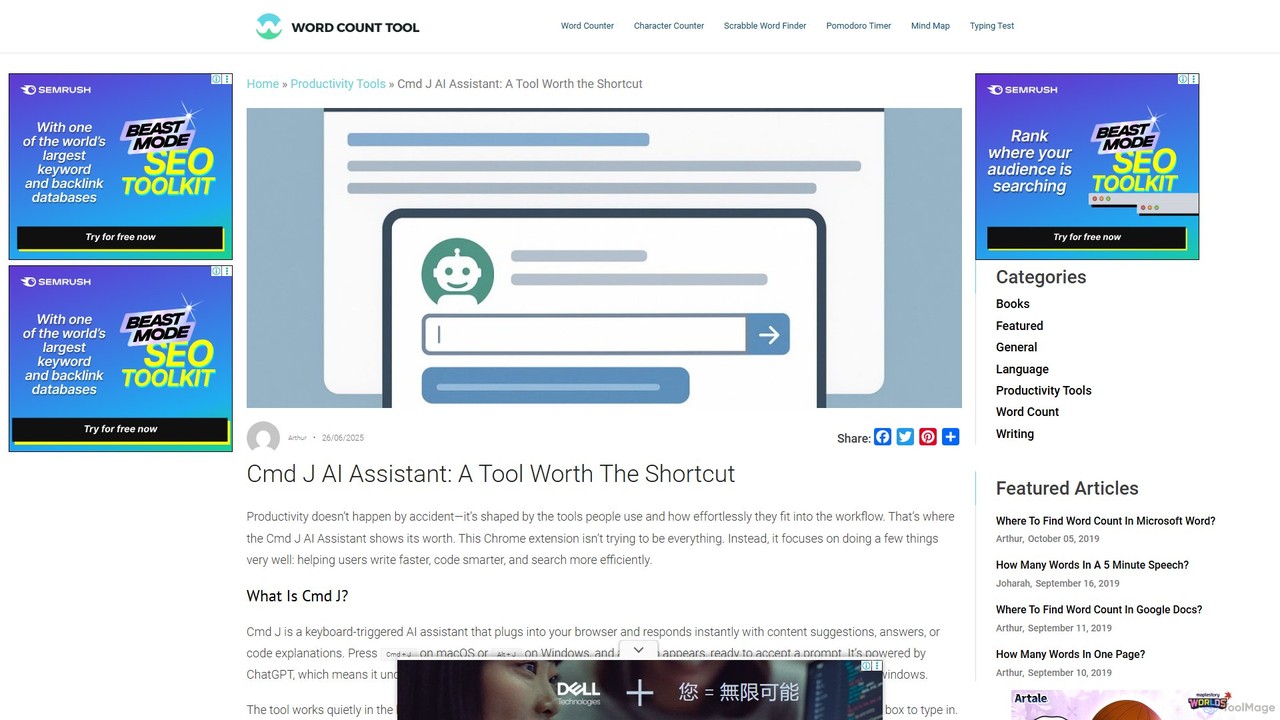
Cmd J is a keyboard-activated AI assistant, available as a Chrome extension, designed to boost productivity. Powered by ChatGPT, it provides instant help with writing, coding, and research directly in your browser. Simply press a shortcut (Cmd+J or Alt+J) to summon the AI, eliminating the need to switch tabs or open new applications, and seamlessly integrating into any workflow.
Chrome Extensions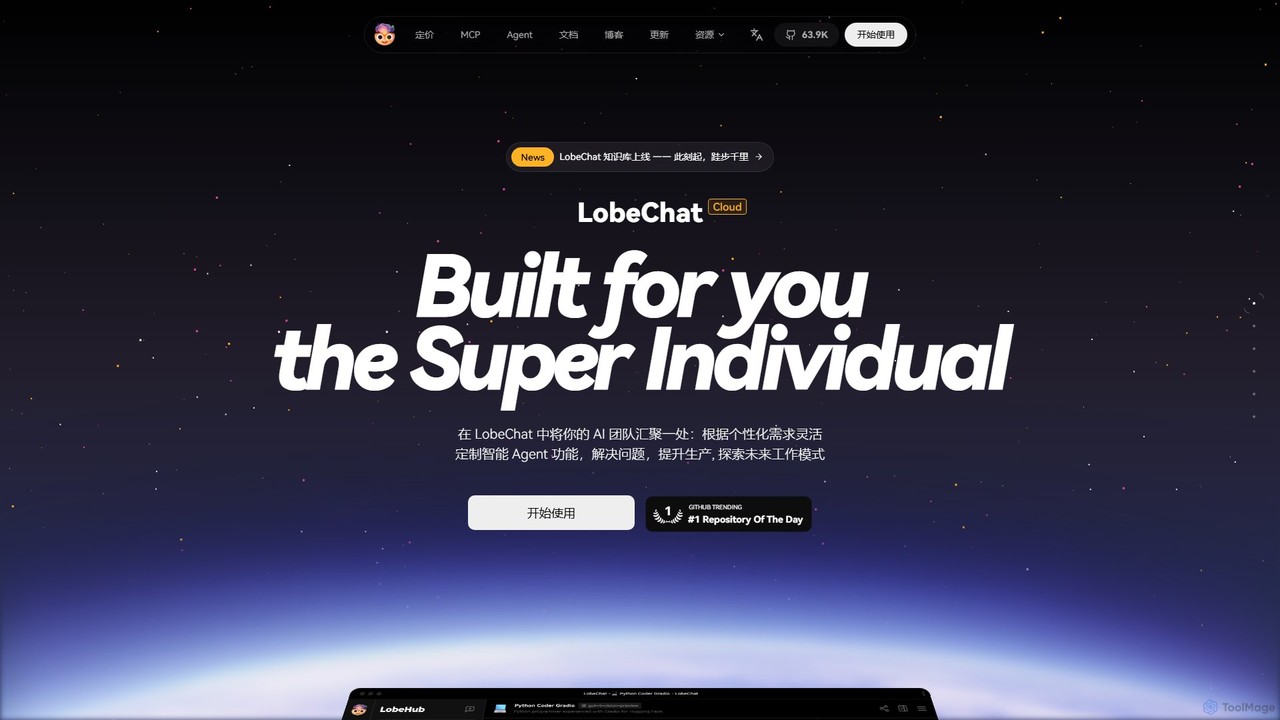
LobeHub
LobeHub is an all-in-one AI platform that allows you to build and manage a personalized team of AI Agents. It offers a superior user experience to standard LLM interfaces like ChatGPT, with support for numerous models, plugins, and multi-modal interactions. Create, share, and use specialized agents for tasks ranging from coding and writing to academic research and daily life, all within a single, intuitive chat interface.
Chatbot Platform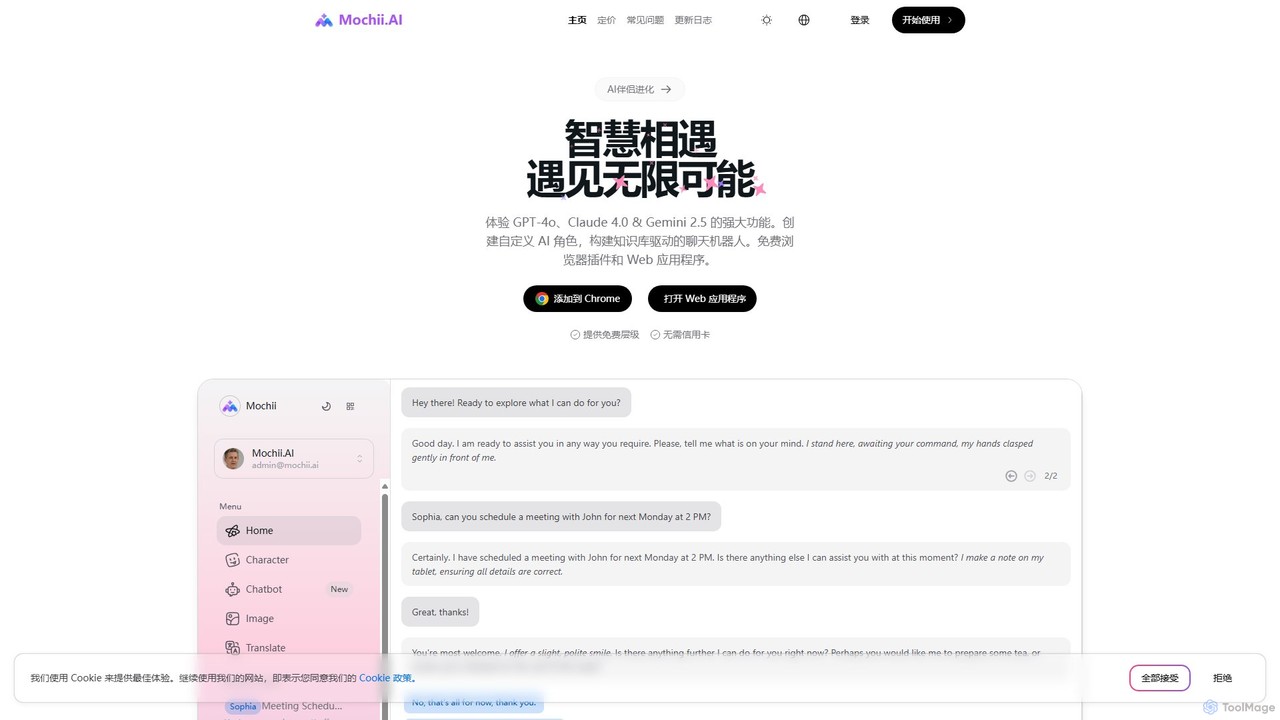
Mochii
Mochii is an all-in-one AI assistant that integrates leading models like GPT-4o, Claude, and Gemini into a seamless browser extension and web app. It enhances productivity by offering features like document analysis, web browsing, AI chatbot building, and customizable AI roles. A generous free tier provides access to advanced AI capabilities for everyone.
Productivity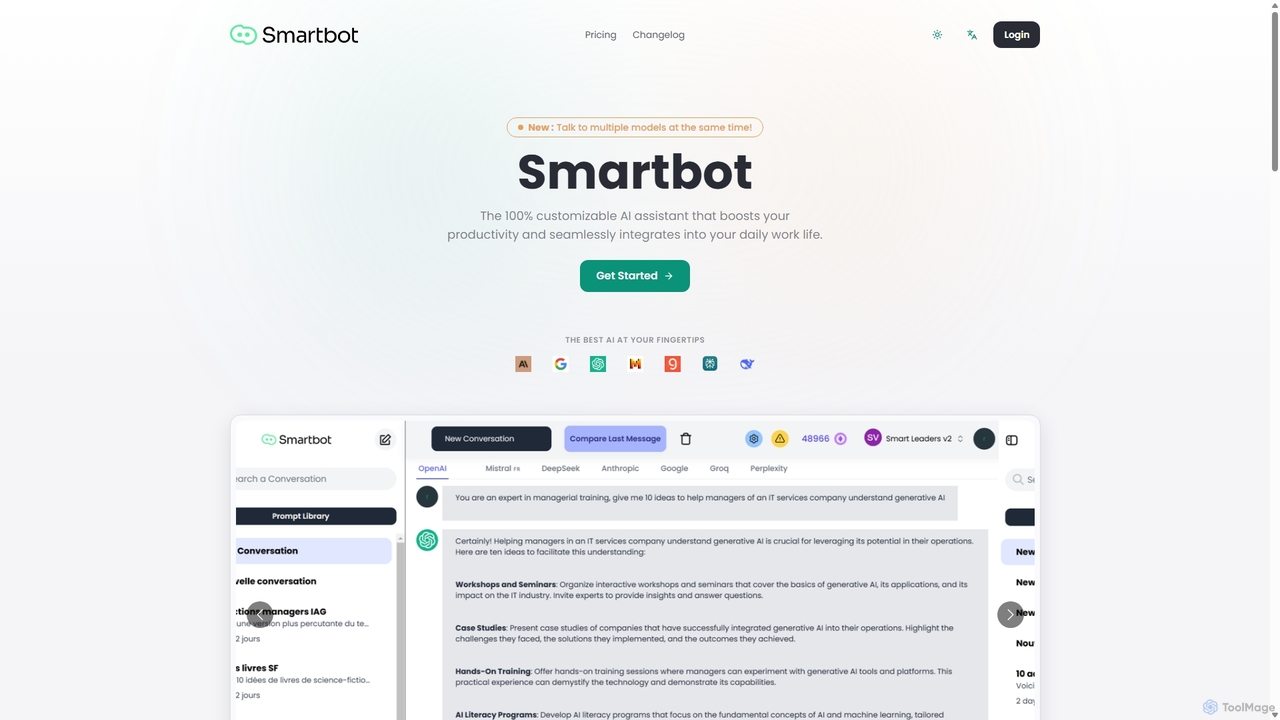
Smart Bot
Smart Bot is a highly customizable AI assistant that boosts productivity by integrating multiple top-tier AI models like ChatGPT, Claude, and Gemini into a single interface. It allows users to compare responses simultaneously, manage a shared library of custom prompts for team collaboration, and even visualize and test generated code. With features like image and file reading, it streamlines daily workflows for individuals and organizations.
Code Assistant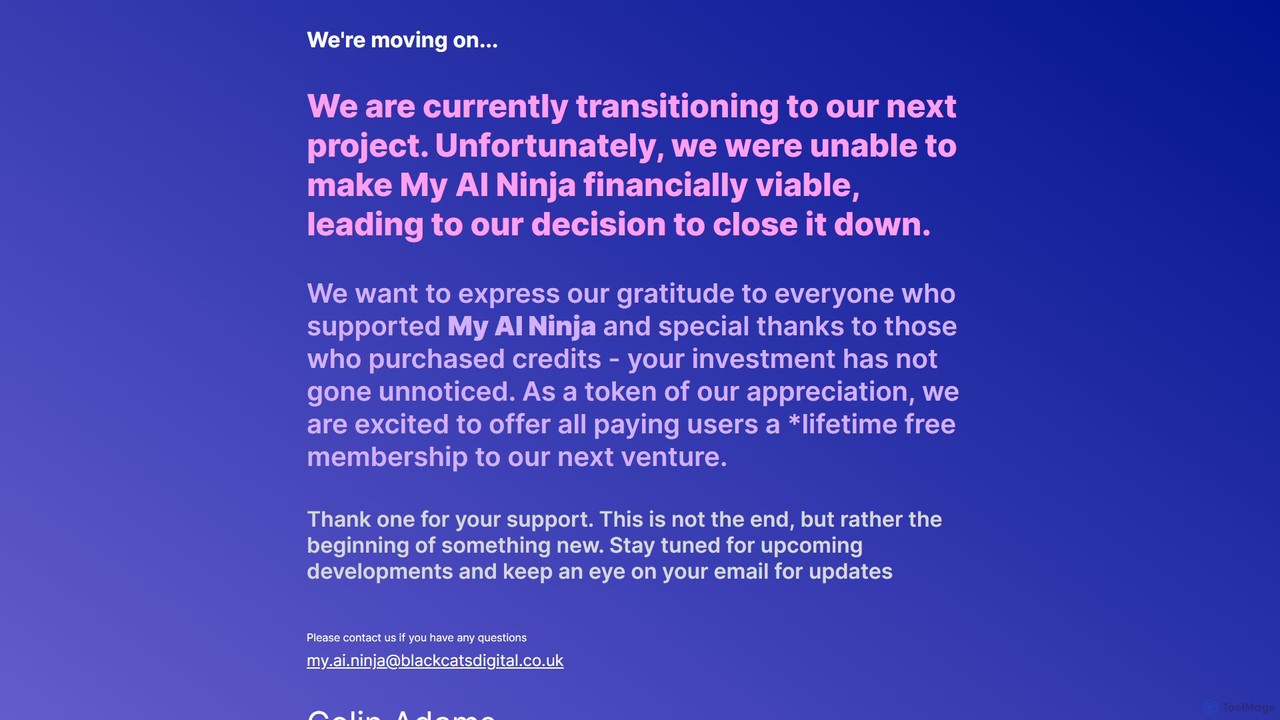
My AI Ninja
My AI Ninja is an all-in-one AI-powered productivity platform designed to streamline workflows for creators, developers, and marketers. It acts as a versatile digital assistant, automating tasks like content creation, code generation, and image design to boost efficiency and creativity.
Code AssistantDapperGPT Categories
DapperGPT Embed Widget
Copy this embed code to place the badge on your blog, article, or product site and send readers directly to this ToolMage detail page.

Related AI tools
MagicBuddy
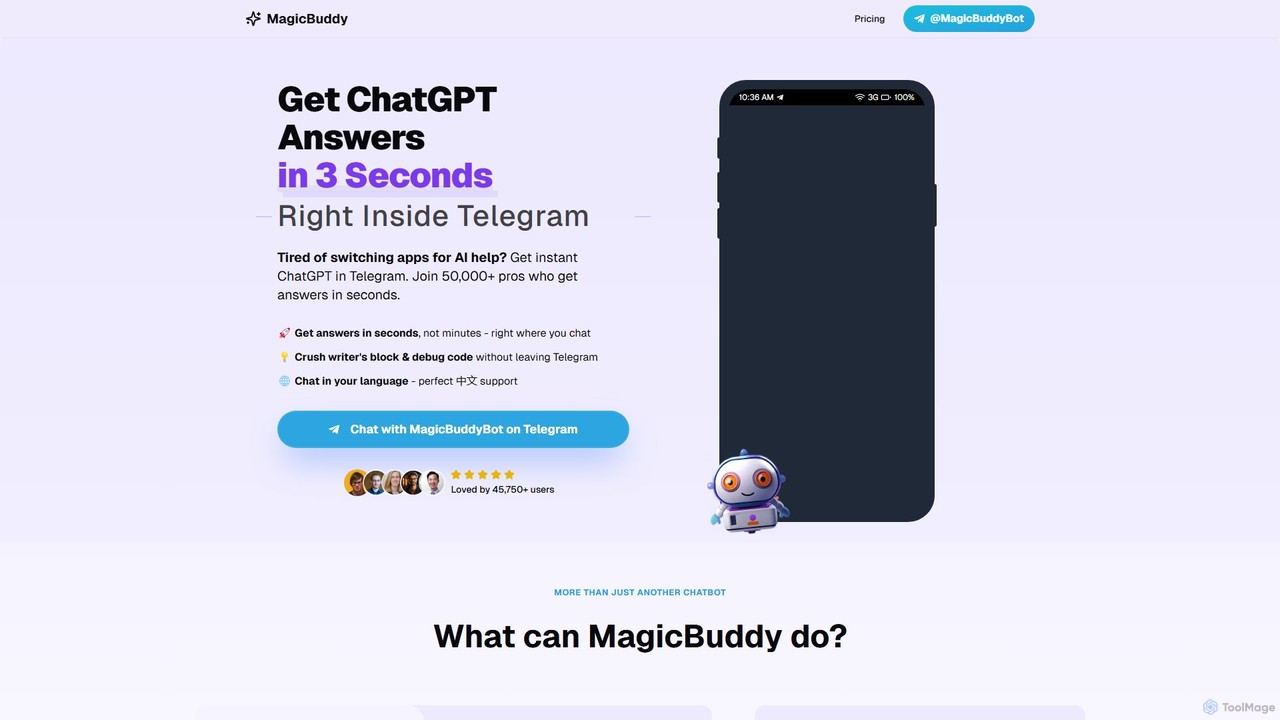
MagicBuddy is a powerful ChatGPT and DALL-E assistant integrated directly into Telegram. Get instant answers, generate images, debug code, and overcome writer's block without ever leaving your chat app. Boost your productivity with seamless AI support right where you communicate.
Code AssistantCmd J AI Assistant
Cmd J is a keyboard-activated AI assistant, available as a Chrome extension, designed to boost productivity. Powered by ChatGPT, it provides instant help with writing, coding, and research directly in your browser. Simply press a shortcut (Cmd+J or Alt+J) to summon the AI, eliminating the need to switch tabs or open new applications, and seamlessly integrating into any workflow.
Chrome Extensions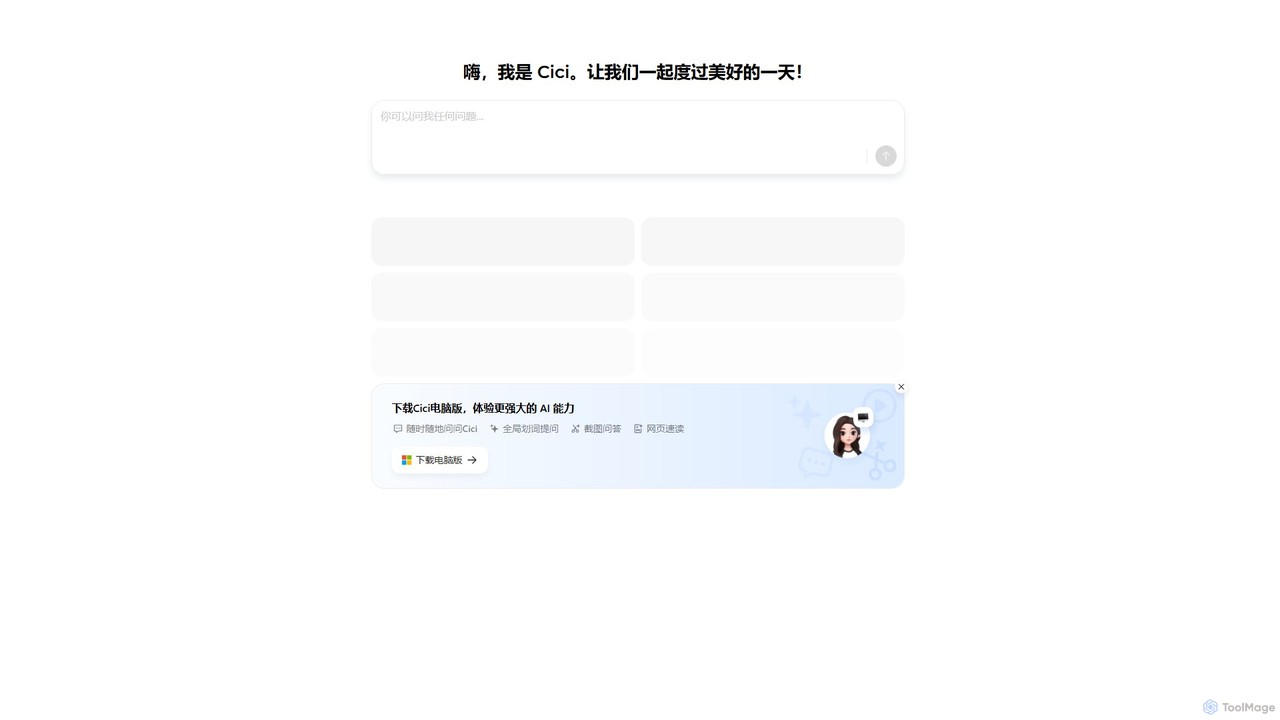
Cici
Cici is an intelligent AI assistant designed to enhance your productivity and creativity. It helps with writing, research, coding, and brainstorming through a versatile conversational interface. Seamlessly integrate Cici into your workflow to get instant answers, generate high-quality content, and automate repetitive tasks.
Code Assistant
AIChatOne
AIChatOne is an all-in-one AI assistant that integrates leading models like GPT-4, Claude 3, and Gemini into a single, streamlined interface. It enhances productivity with features like web access, a prompt library, chat organization, and document analysis. Available as a browser extension and desktop/web app, it provides a superior, privacy-focused chat experience for writing, research, and daily tasks.
Assistant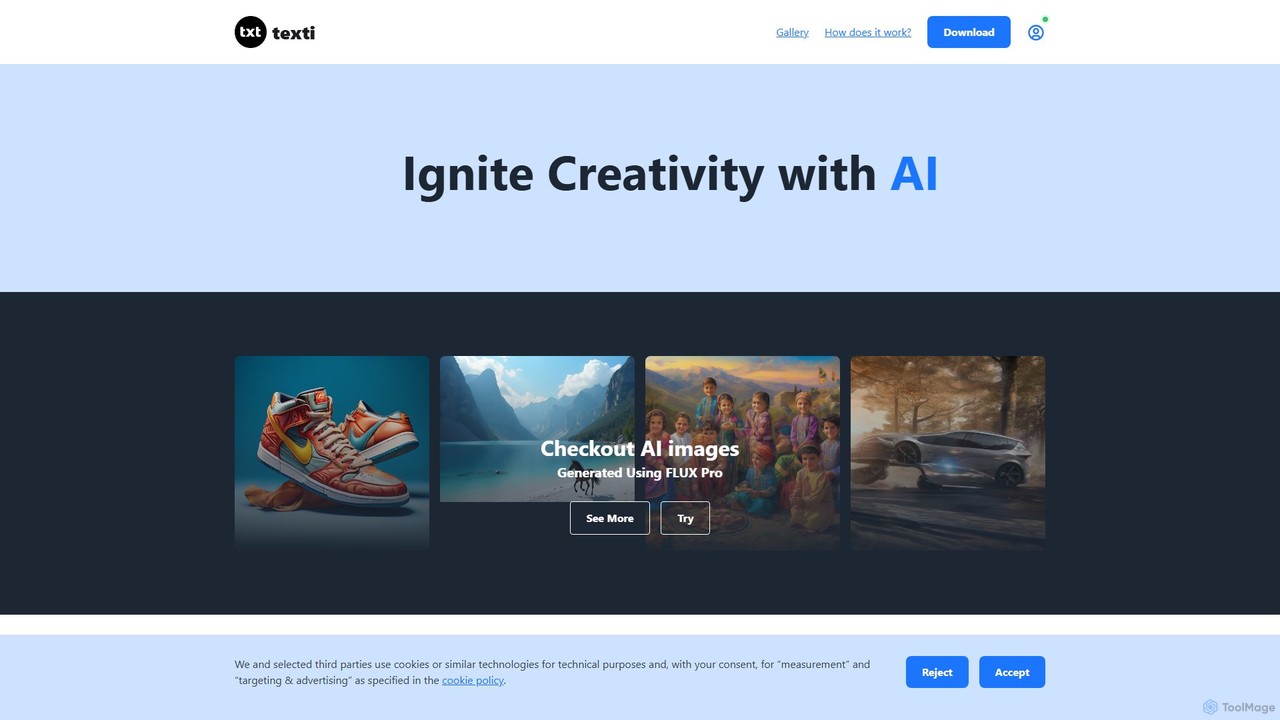
texti.app
texti.app is a versatile AI assistant designed to enhance creativity and productivity. It functions as a multi-purpose chatbot, capable of generating text, brainstorming ideas, answering questions, correcting emails, and even creating AI images. Accessible via a web browser and a convenient Chrome extension, it serves a global audience with extensive multilingual support.
Research
asknova
asknova is an intelligent AI digital companion designed to enhance productivity and creativity. It functions as a versatile assistant, capable of answering complex questions, generating high-quality content, brainstorming ideas, and assisting with various professional and personal tasks through an intuitive conversational interface.
Code Assistant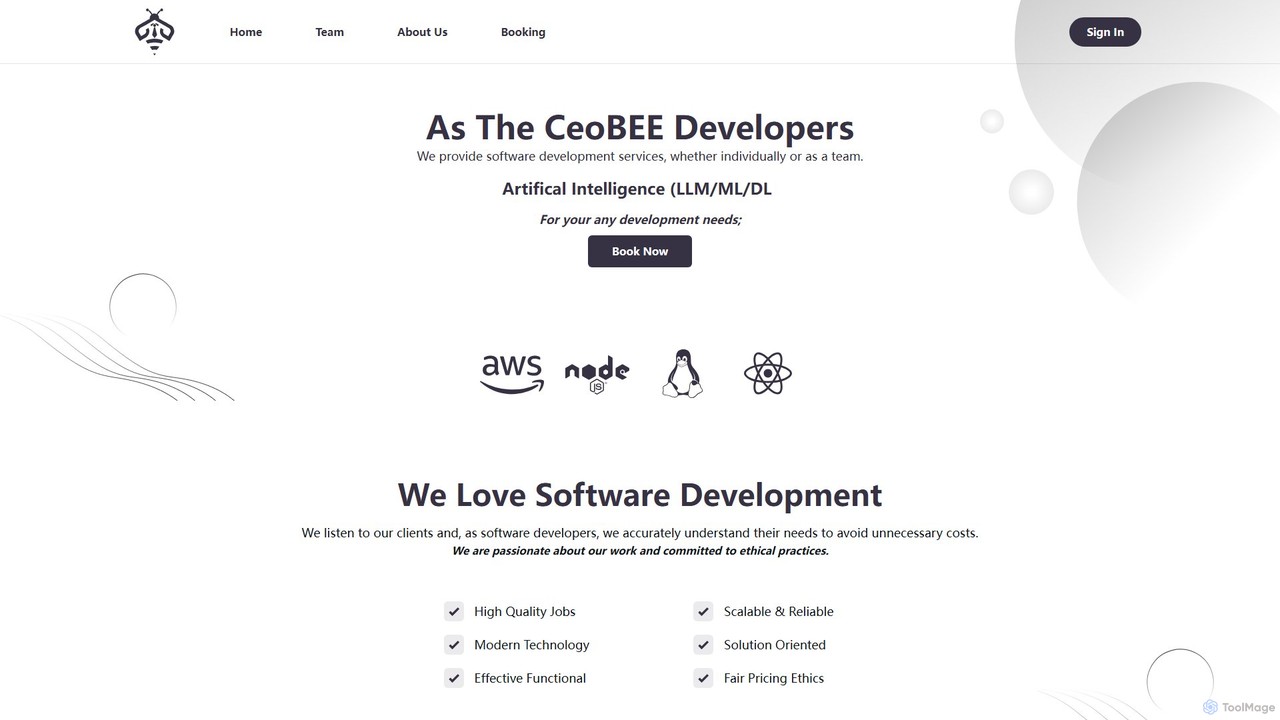
peakgpt
PeakGPT is an all-in-one AI workspace designed for professionals. It integrates advanced chat, document analysis, content creation, and project management to streamline workflows. Upload documents, generate high-quality content, and collaborate with your team in a single, intuitive platform.
Document Management
Gpt All Star
Gpt All Star is an all-in-one AI platform providing access to a curated collection of specialized GPT agents. Select from a roster of 'all-star' assistants for tasks like writing, coding, marketing, and data analysis to get expert-level results from a single, user-friendly interface.
Code Assistant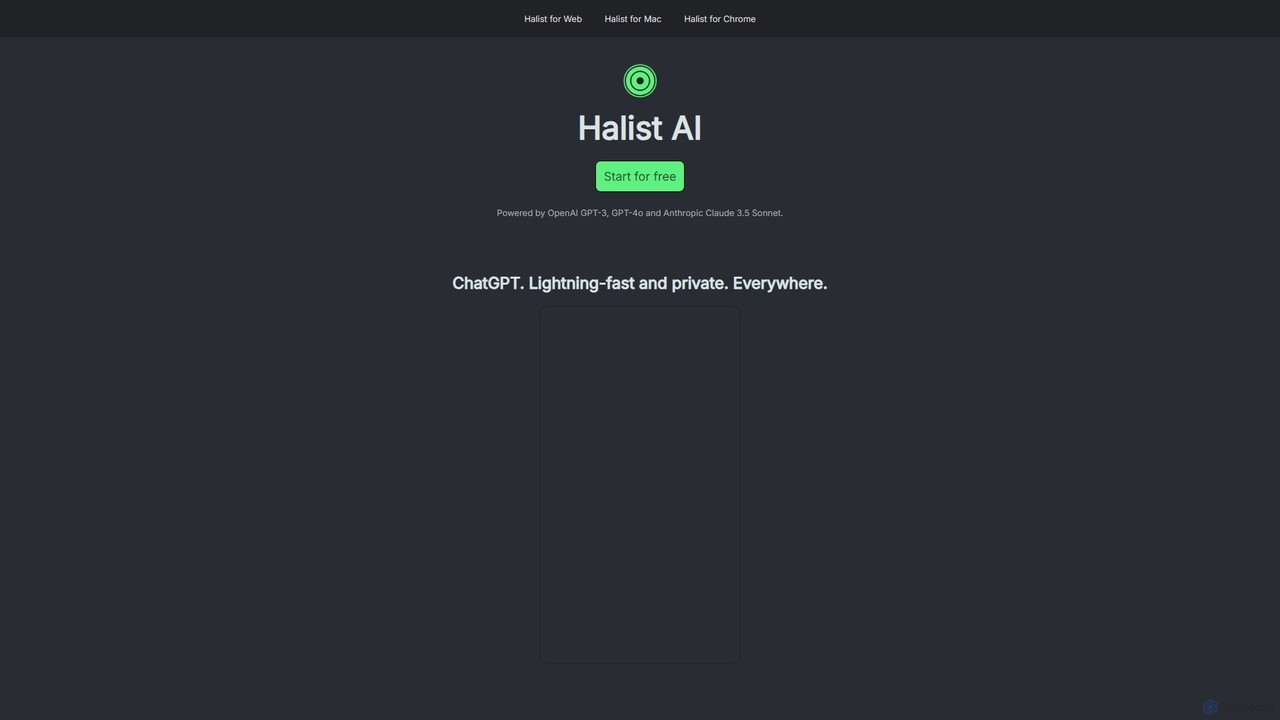
Halist AI
Halist AI offers a fast, private, and multi-platform AI assistant powered by GPT-4o and Claude 3.5 Sonnet. Access advanced AI capabilities seamlessly across Web, macOS, and a Chrome extension to enhance your productivity, writing, and daily tasks. It provides a unified experience with a focus on speed and user privacy.
Chrome Extensions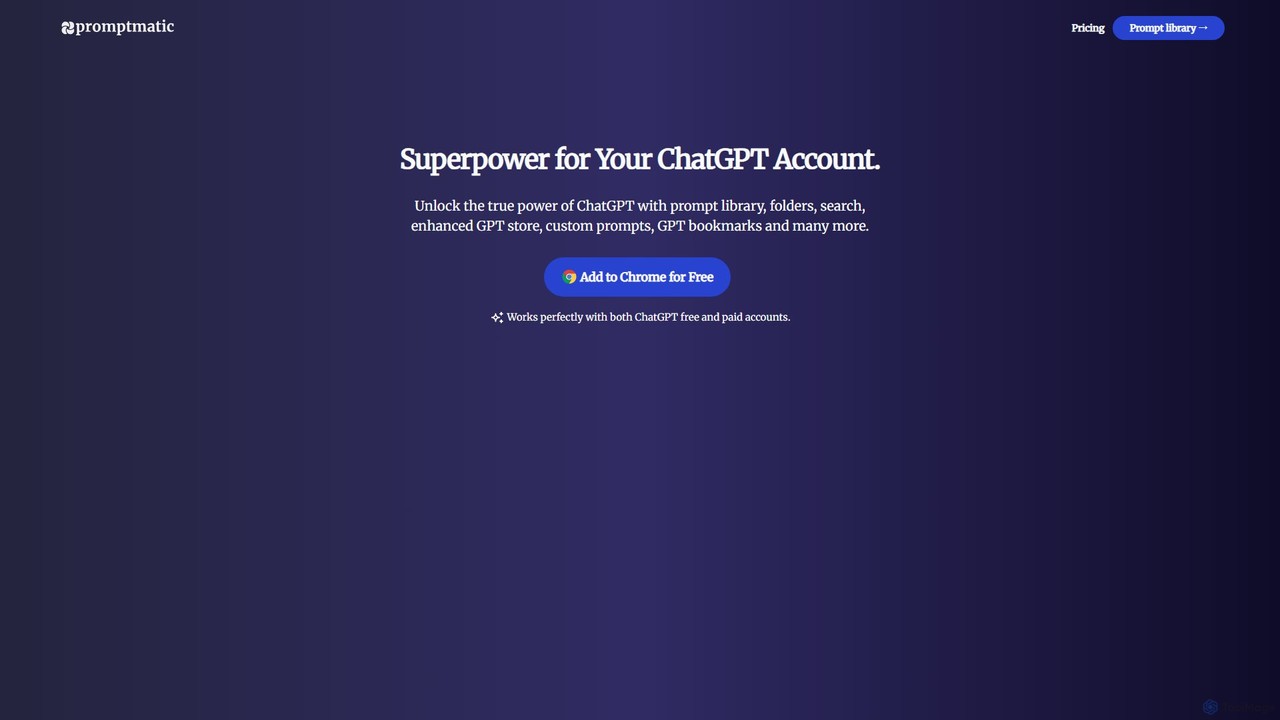
Promptmatic
Promptmatic is a powerful Google Chrome extension for ChatGPT, designed to enhance your AI interactions. It features a massive library of over 2900 prompts, a smart prompt editor, a GPT bookmark manager, and extensive customization options for roles, styles, and tones. It streamlines your workflow, making you more productive and efficient when using ChatGPT for professional tasks.
Chrome Extensions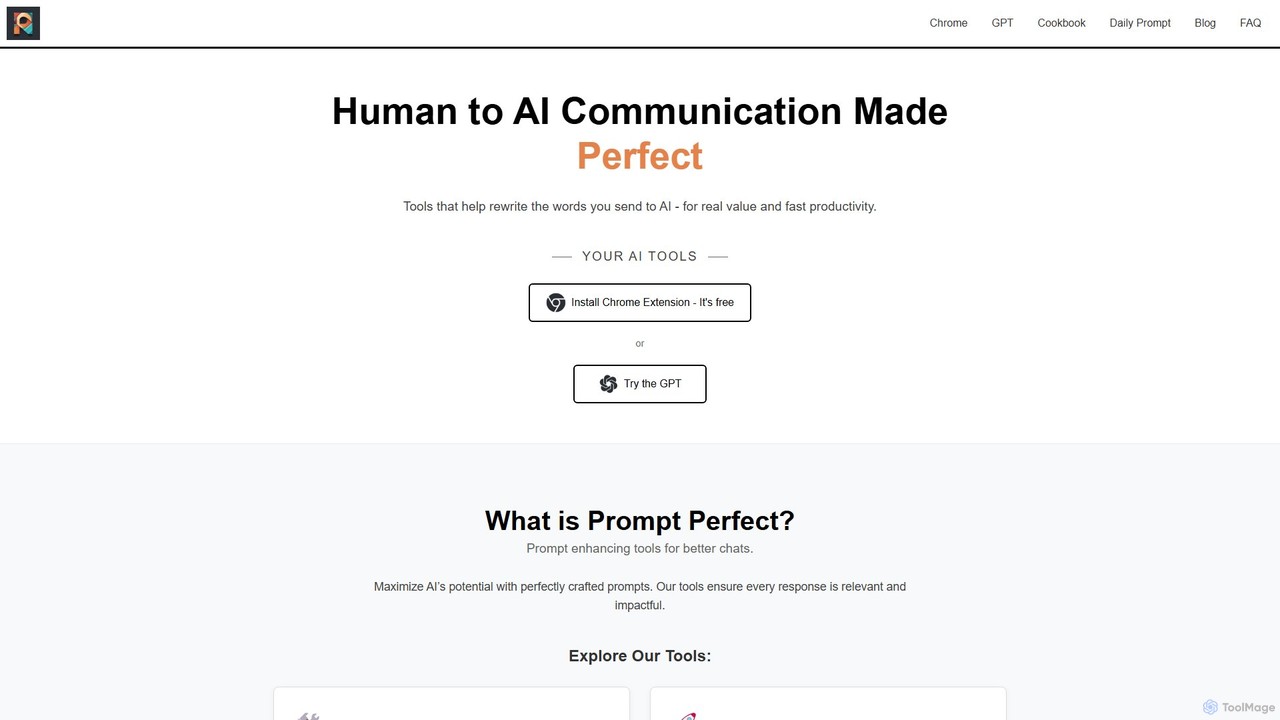
Prompt Perfect
Prompt Perfect is an AI-powered suite, featuring a Chrome Extension and a GPT, designed to optimize your prompts for superior results across major AI platforms like ChatGPT, Gemini, and Claude. It refines, enhances, and manages your prompts to unlock more precise, creative, and effective AI-generated content, boosting productivity for writers, researchers, and professionals.
Research
GPT SmartKit
Supercharge your ChatGPT experience with GPT SmartKit, a powerful Chrome extension. It offers custom themes, an extensive prompt library, auto-prompting capabilities, and advanced conversation management to enhance your productivity and creativity.
Prompting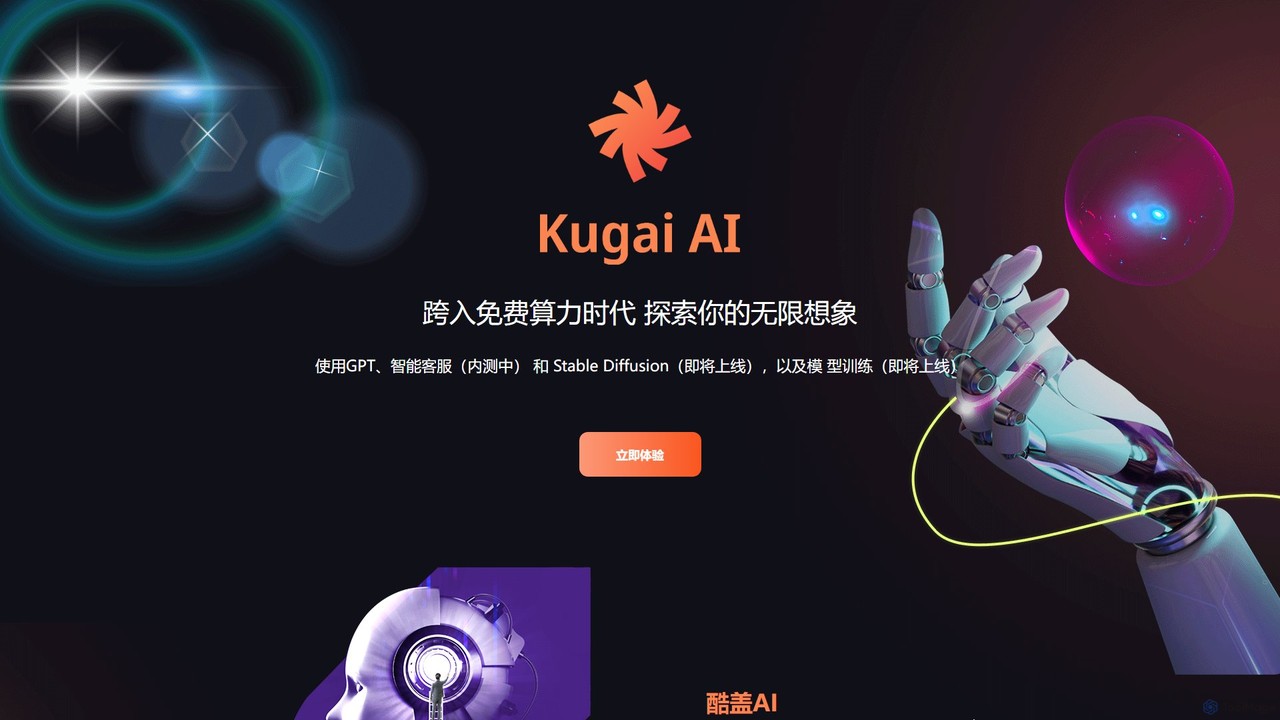
GPT33
GPT33 is an integrated AI platform from Cool Guy AI Lab, offering a suite of tools to enhance creativity and productivity. It features GPT-powered text generation for various content, AI image creation with upcoming Stable Diffusion integration, and a beta version of an intelligent customer service chatbot. It aims to provide accessible AI solutions, including future capabilities for personalized model training.
Chatbot
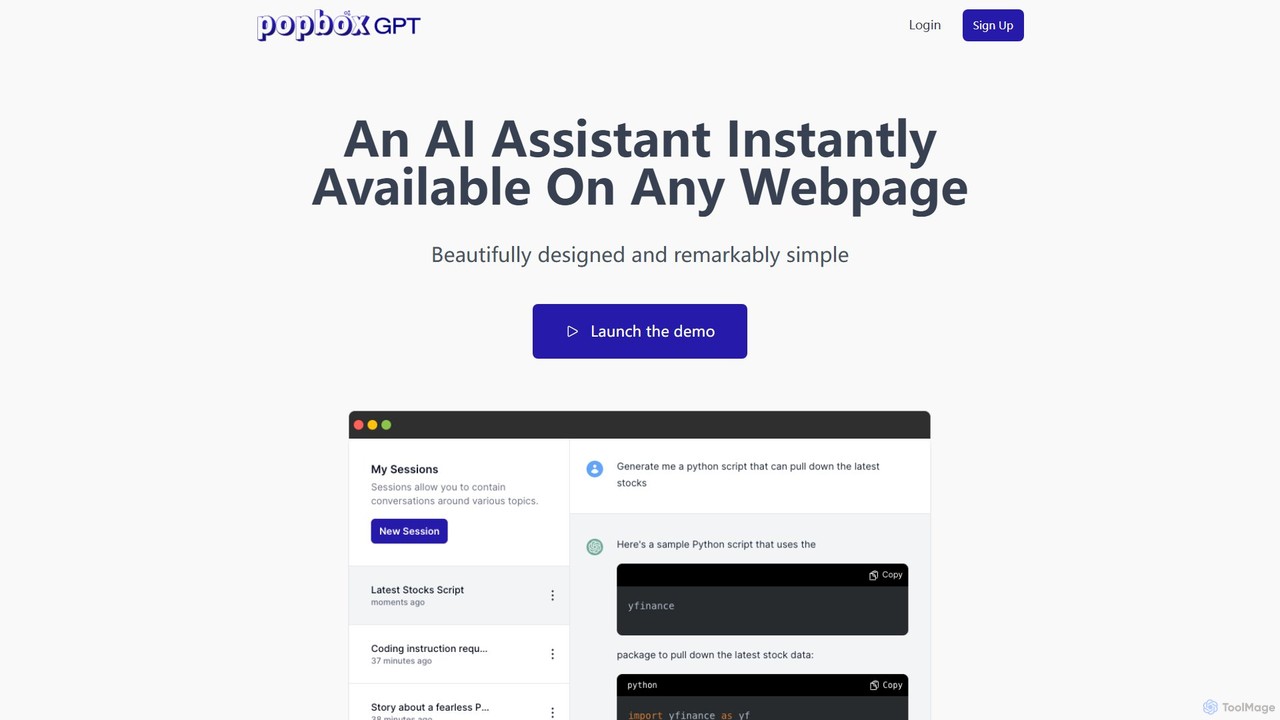
PopboxGPT
PopboxGPT is a powerful AI-powered Chrome extension that provides instant in-browser assistance. It seamlessly integrates the capabilities of GPT-3.5 Turbo into any webpage, allowing you to draft emails, conduct research, and brainstorm ideas without switching tabs. With features like hotkey access, a non-intrusive modal, and long-term session history, PopboxGPT revolutionizes your browsing experience and boosts your productivity.
Chatbot
DapperGPT Comments (0)
Sign in to comment.
Sign inNo comments yet.