


GPT SmartKit Overview
GPT SmartKit is an essential Chrome extension designed for avid ChatGPT users who want to unlock a new level of efficiency and personalization. Developed by Mudasir Fayaz, this tool directly addresses the limitations of the standard ChatGPT interface by introducing a suite of powerful features. Whether you're a developer, a writer, a marketer, or a student, GPT SmartKit transforms your interaction with the AI, making it more streamlined, visually appealing, and productive. It eliminates the need for repetitive typing, helps you organize your best prompts, and provides a more comfortable user experience for extended sessions. By integrating seamlessly into the ChatGPT web UI, it feels like a native upgrade, empowering users to focus on generating high-quality content and solutions without being hindered by the interface.
How to use GPT SmartKit
Getting started with GPT SmartKit is simple and takes only a minute. Follow these steps to upgrade your ChatGPT workflow:
- Installation: Navigate to the Google Chrome Web Store and search for "GPT SmartKit". Click the "Add to Chrome" button to install the extension.
- Activation: Once installed, simply open or refresh the ChatGPT website (chat.openai.com). The extension activates automatically, and you will see new icons and options integrated into the interface.
- Customization: Explore the new theme options. Click on the theme switcher to choose from various pre-designed themes (e.g., Dark, Light, Solarized) or create your own to reduce eye strain and match your personal aesthetic.
- Using the Prompt Library: Access the built-in prompt library. You can browse through hundreds of curated prompts categorized by profession or task (e.g., coding, marketing, academic writing). Click a prompt to instantly use it. You can also add your own frequently used prompts to the library for quick access.
- Auto-Prompting: Configure the auto-prompt feature for repetitive tasks. Create templates that can be inserted with a simple command, saving you from typing the same instructions repeatedly.
Core Features of GPT SmartKit
- Extensive Theme Library: Personalize your ChatGPT workspace with a wide selection of themes. Choose from dark, light, and other visually appealing options to create a more comfortable and focused environment.
- Powerful Prompt Library: Access a vast, searchable collection of expertly crafted prompts. Save your own custom prompts, organize them with tags, and share them with your team to ensure consistency and quality.
- Auto-Prompting and Snippets: Automate your workflow by creating snippets or templates for your most common queries. This feature is a massive time-saver for users who perform repetitive tasks.
- Advanced Conversation Management: Go beyond the default history. GPT SmartKit provides enhanced tools to search, categorize, and export your conversations, making it easy to find important information later.
- Cloud Sync with Supabase: Your custom prompts, settings, and preferences are securely synced across your devices using a Supabase backend. Log in on any computer with Chrome and have your personalized environment ready to go.
- Enhanced Editor Features: The extension often includes small but significant improvements like a word and character counter, copy-to-markdown buttons, and better code block formatting.
Use Cases for GPT SmartKit
GPT SmartKit is a versatile tool that benefits a wide range of professionals:
- Software Developers: Quickly access prompts for generating boilerplate code, writing unit tests, debugging complex functions, or explaining code snippets in plain language.
- Marketers and SEO Specialists: Use the prompt library to generate creative ad copy, social media content calendars, blog post ideas, meta descriptions, and compelling email marketing campaigns.
- Writers and Content Creators: Overcome writer's block with brainstorming prompts, create detailed article outlines, rephrase paragraphs for different tones, and ensure a consistent style using saved prompt templates.
- Students and Academics: Utilize prompts for summarizing research papers, explaining complex scientific concepts, drafting essays, and preparing for exams by generating practice questions.
- Business Professionals: Streamline the creation of reports, presentations, business plans, and professional emails by using a curated set of business-oriented prompts.
Advantages of GPT SmartKit
The primary advantage of GPT SmartKit is the significant boost in productivity it provides. By reducing manual effort and organizing resources, it allows users to accomplish more in less time. The customizable interface leads to a more enjoyable and less fatiguing user experience, which is crucial for those who spend hours working with ChatGPT. Furthermore, the prompt library acts as both a repository and a source of inspiration, helping users to improve the quality of their AI interactions and discover new ways to leverage the technology. The seamless integration and cloud sync make it a reliable companion for any serious ChatGPT user.
Pricing and Plans
GPT SmartKit operates on a freemium model, making it accessible to everyone. The free version typically includes core features like a limited selection of themes and basic prompt library access. For power users, a Pro plan is often available via a subscription, which unlocks the full potential of the tool, including unlimited custom prompts, the entire theme library, advanced features like cloud synchronization, and priority customer support. This model allows users to try the tool before committing to a purchase.
Traffic
Latest traffic
Status
Monthly traffic trend
- 2025-9: 1.9K
- 2026-1: 1.5K
- 2026-2: 1.7K
- 2026-3: 1.4K
- 2026-4: 941
- 2026-5: 2.3K
Geography
Top 5 countries / regions
- 🇺🇸United States89.2%
- 🇮🇳India10.8%
Top keywords
| Keyword | Cost per click |
|---|---|
| hex to rgba | $0.30 |
| html minifier | $3.88 |
| json path finder | $4.92 |
| markdown viewer | $2.45 |
| text behind image | $0.53 |
GPT SmartKit Alternatives
Cmd J AI Assistant
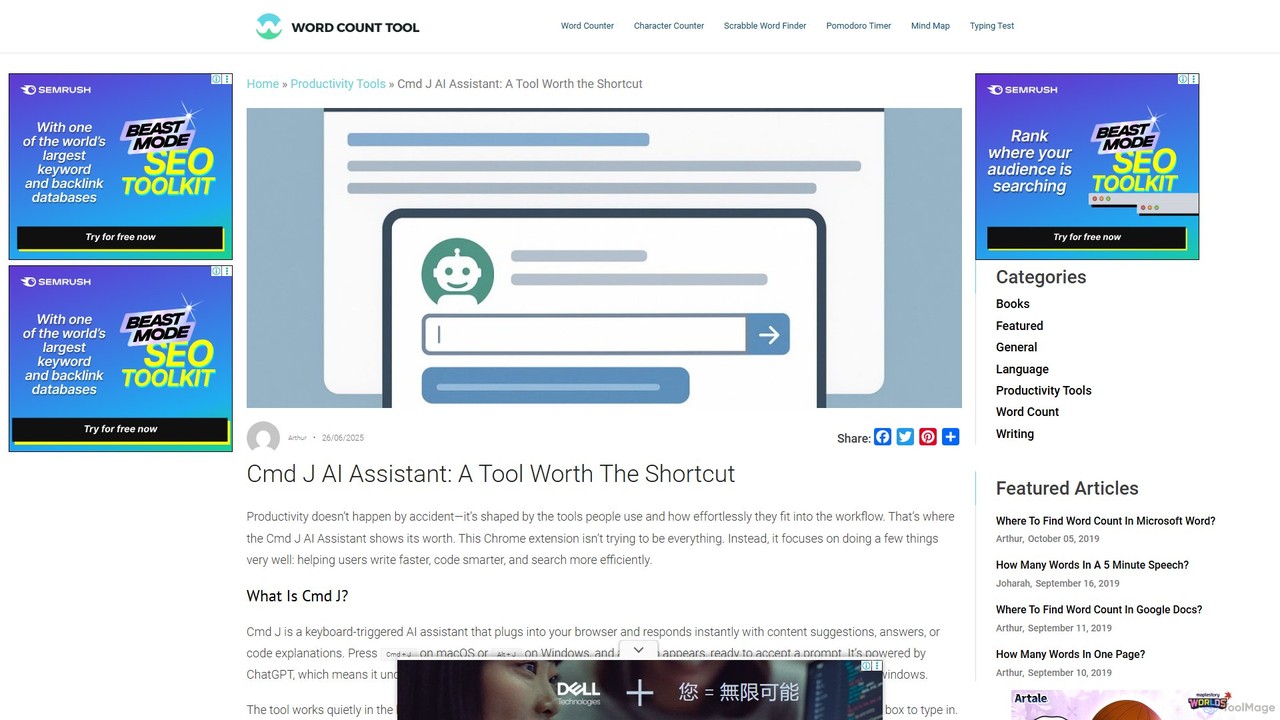
Cmd J is a keyboard-activated AI assistant, available as a Chrome extension, designed to boost productivity. Powered by ChatGPT, it provides instant help with writing, coding, and research directly in your browser. Simply press a shortcut (Cmd+J or Alt+J) to summon the AI, eliminating the need to switch tabs or open new applications, and seamlessly integrating into any workflow.
Chrome Extensions
chrome_ai
An all-in-one AI assistant integrated into your Chrome browser. Summarize web pages and YouTube videos, enhance your writing, explain complex topics, and chat with advanced AI models without leaving your current tab. Boost your productivity with seamless AI power.
Chrome Extensions
Merlin AI
Merlin is an all-in-one AI assistant, available as a browser extension and app, that integrates top AI models like GPT-4, Claude 3, and Gemini. It allows you to research, write, summarize content, generate images, and code with a single click on any website, streamlining your workflow and boosting productivity without switching tabs.
Chrome Extensions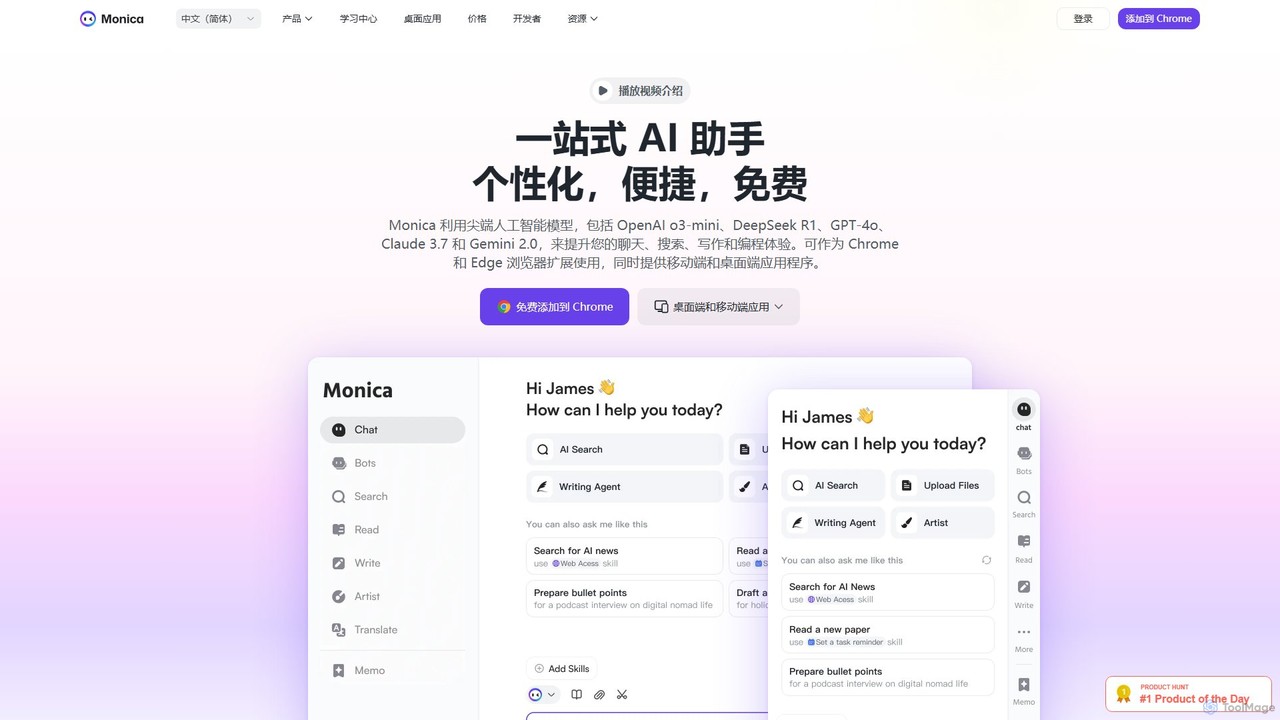
Monica
Monica is an all-in-one AI assistant powered by leading models like GPT-4o, Claude 3.7, and Gemini 1.5. It integrates seamlessly into your workflow as a browser extension, desktop, and mobile app, offering features for chat, search, writing, translation, and image creation to boost productivity.
Chrome Extensions
getmerlin
getmerlin is a versatile AI assistant powered by top models like GPT-4o and Claude 3.5. Available as a browser extension and app, it integrates seamlessly into your workflow to summarize content, draft emails, generate text and images, and enhance research on any website. It acts as an all-in-one productivity tool, saving time and money by consolidating multiple AI services into a single subscription.
Chrome ExtensionsGPT SmartKit Categories
GPT SmartKit Embed Widget
Copy this embed code to place the badge on your blog, article, or product site and send readers directly to this ToolMage detail page.

Related AI tools
Promptmatic
Promptmatic is a powerful Google Chrome extension for ChatGPT, designed to enhance your AI interactions. It features a massive library of over 2900 prompts, a smart prompt editor, a GPT bookmark manager, and extensive customization options for roles, styles, and tones. It streamlines your workflow, making you more productive and efficient when using ChatGPT for professional tasks.
Chrome Extensions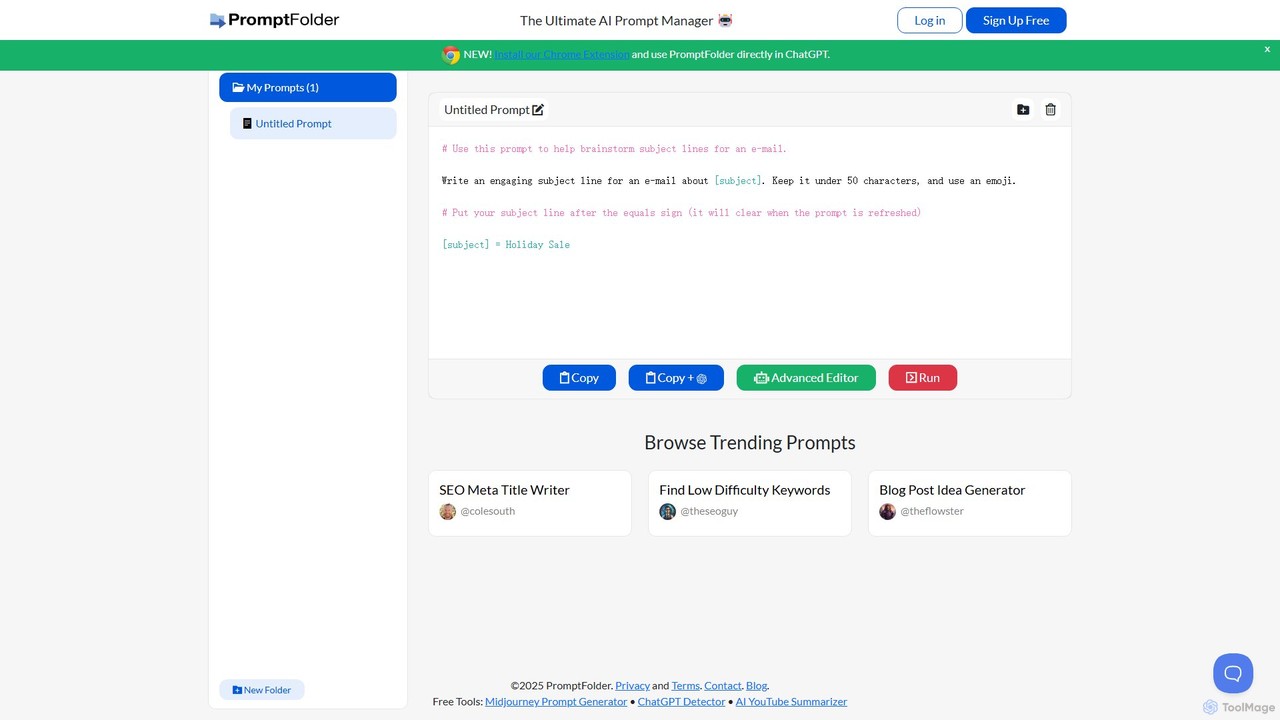
PromptFolder
PromptFolder is a powerful AI prompt manager for ChatGPT, Midjourney, and other AI tools. It allows you to save, organize, and reuse your best prompts with features like folders, variables, and a dedicated Midjourney prompt builder. With its Chrome extension, you can access your entire prompt library directly within the ChatGPT interface, streamlining your workflow and boosting productivity.
Image Generation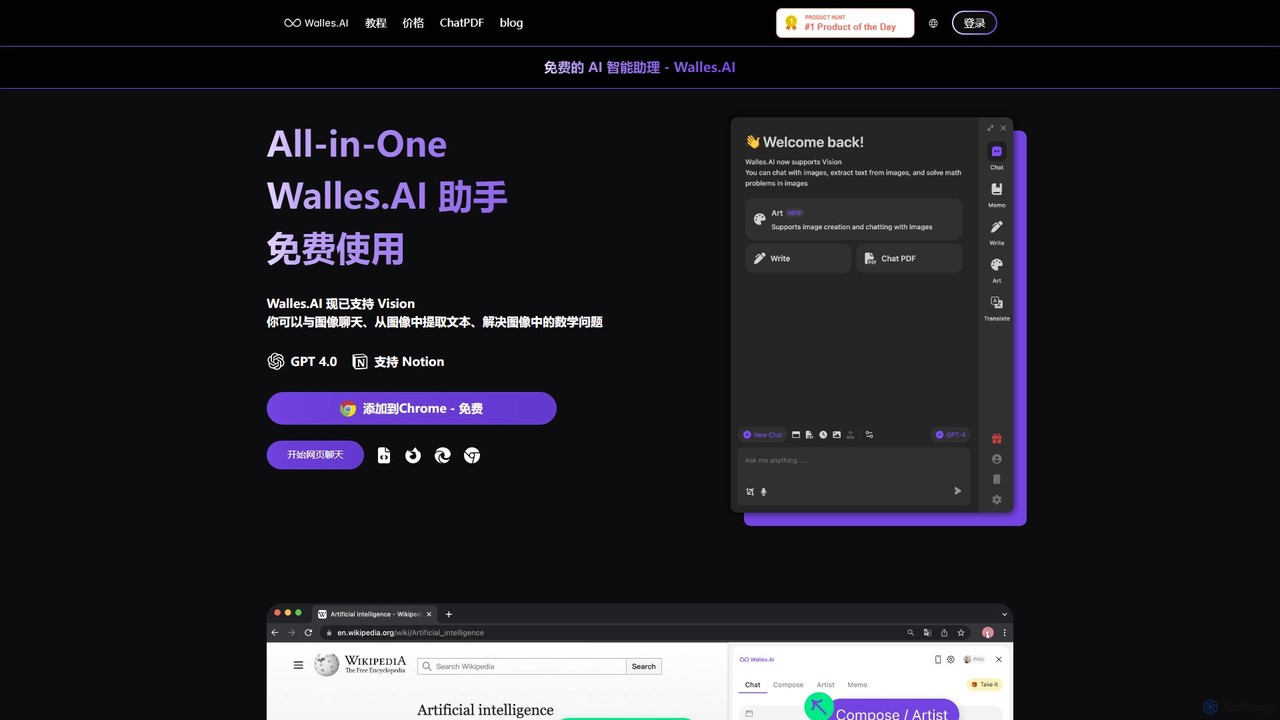
Walles.AI
Walles.AI is an all-in-one AI assistant integrated as a Chrome extension. Powered by GPT-4, it allows you to chat with webpages, PDFs, YouTube videos, and even images. Boost your productivity with instant summarization, translation, text analysis, and seamless integration with Notion.
Study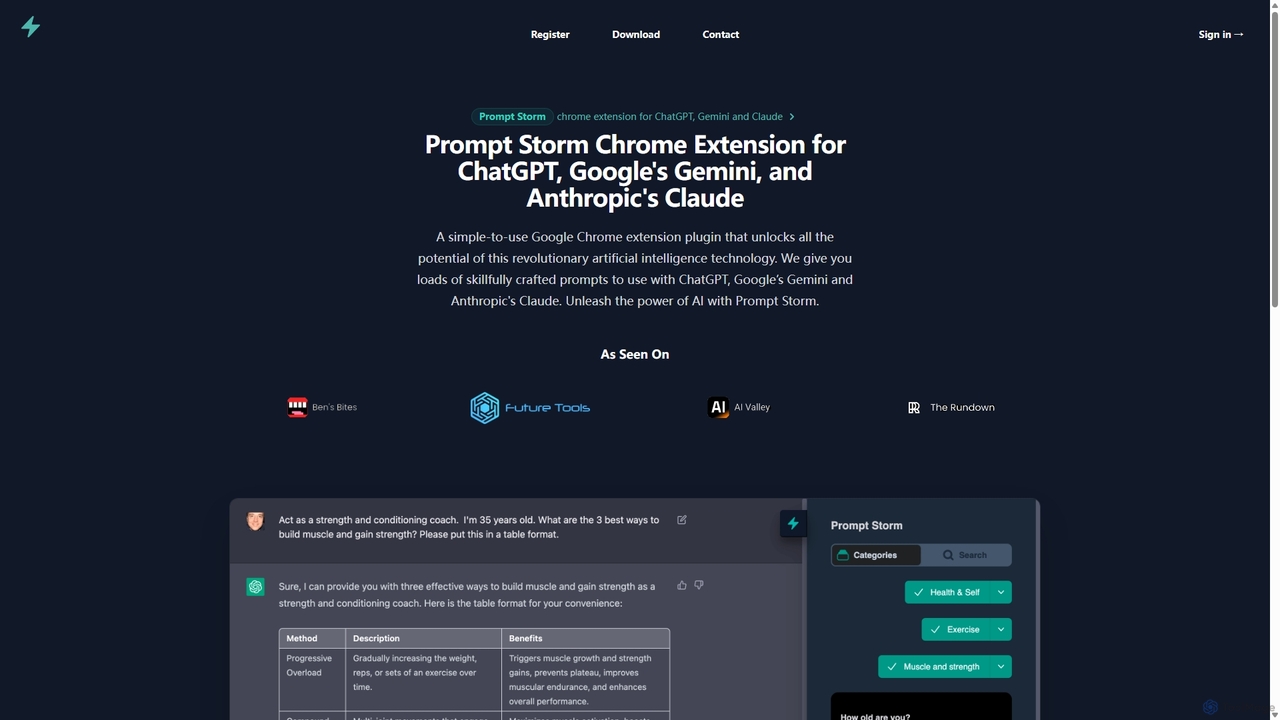
Prompt Storm
Prompt Storm is a powerful Chrome extension that enhances your interactions with ChatGPT, Google Gemini, and Anthropic's Claude. It provides a vast library of expertly crafted prompts, enabling users to unlock the full potential of AI for tasks like content creation, marketing, coding, and learning. Boost your productivity and get higher-quality AI responses with just a few clicks.
Code GenerationCmd J AI Assistant
Cmd J is a keyboard-activated AI assistant, available as a Chrome extension, designed to boost productivity. Powered by ChatGPT, it provides instant help with writing, coding, and research directly in your browser. Simply press a shortcut (Cmd+J or Alt+J) to summon the AI, eliminating the need to switch tabs or open new applications, and seamlessly integrating into any workflow.
Chrome Extensionschrome_ai
An all-in-one AI assistant integrated into your Chrome browser. Summarize web pages and YouTube videos, enhance your writing, explain complex topics, and chat with advanced AI models without leaving your current tab. Boost your productivity with seamless AI power.
Chrome ExtensionsMerlin AI
Merlin is an all-in-one AI assistant, available as a browser extension and app, that integrates top AI models like GPT-4, Claude 3, and Gemini. It allows you to research, write, summarize content, generate images, and code with a single click on any website, streamlining your workflow and boosting productivity without switching tabs.
Chrome Extensions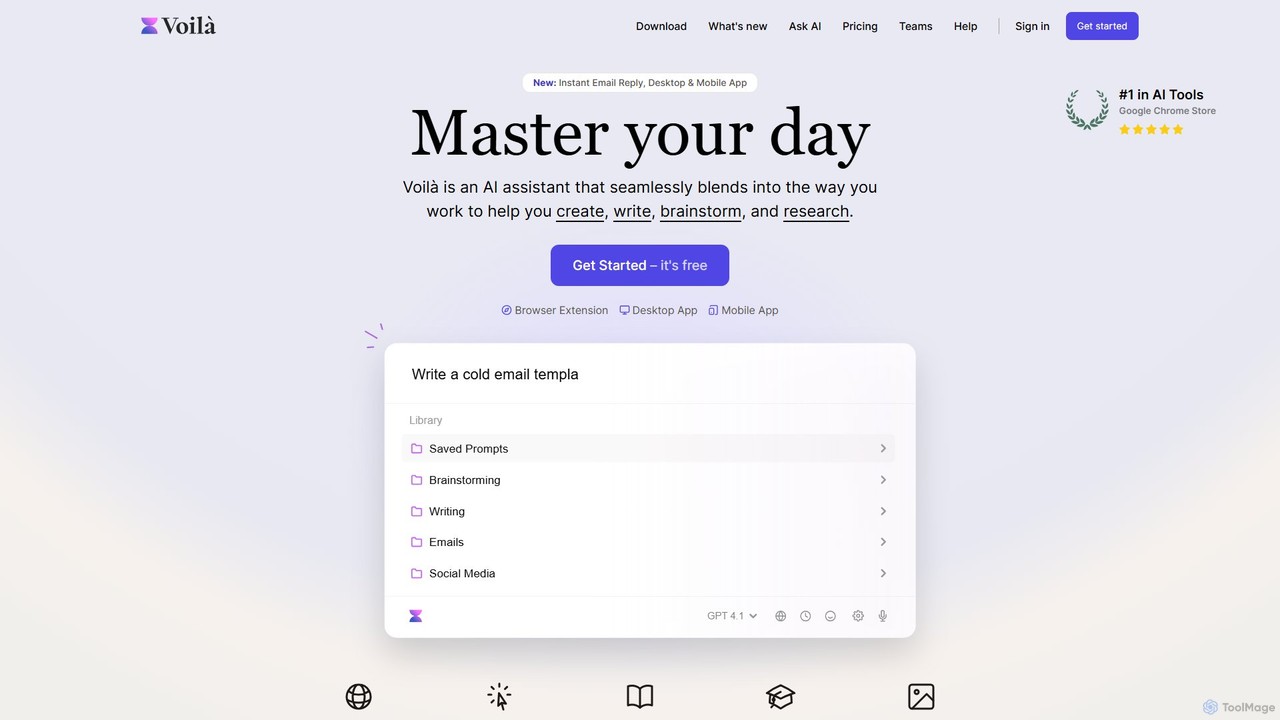
Voilà
Voilà is an all-in-one AI assistant designed to maximize productivity. It functions as a browser extension, desktop, and mobile app, seamlessly integrating into your workflow to help with writing, brainstorming, research, and content creation. It works on any website or app, understanding the context to provide relevant assistance.
Content Creation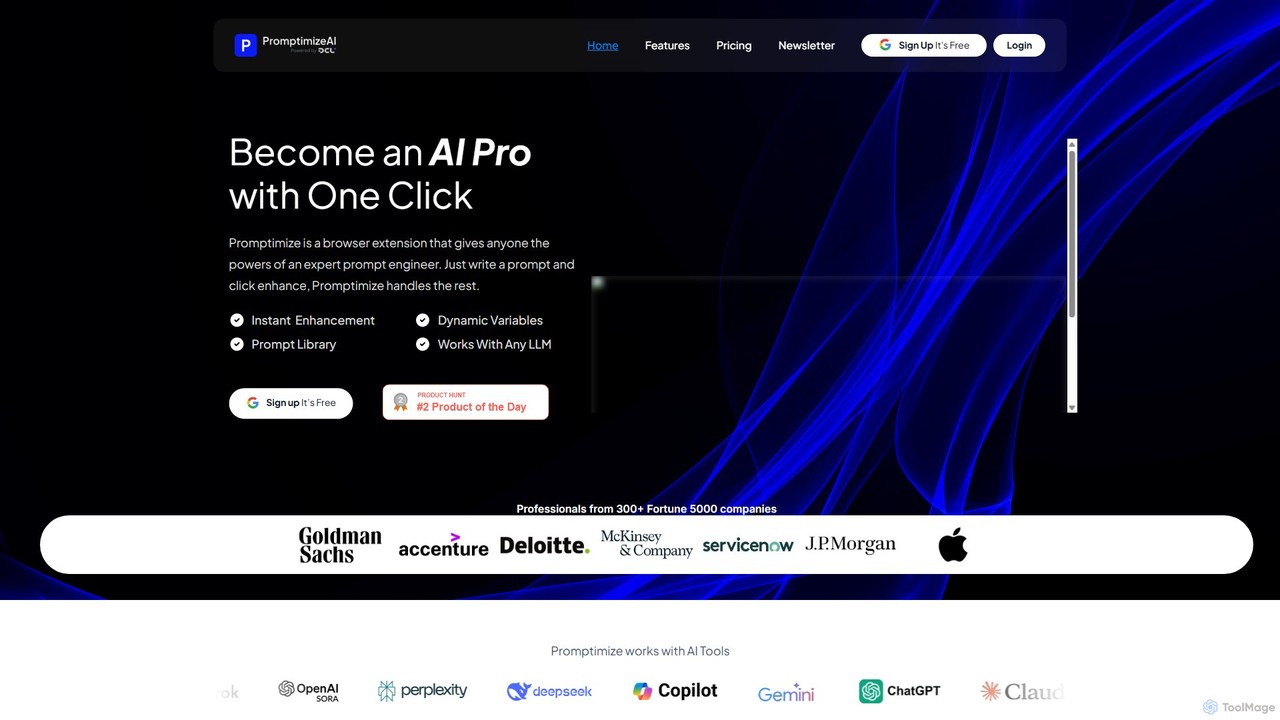
Promptimize AI
Promptimize AI is a browser extension that acts as a 'Grammarly for prompts.' It enhances your AI prompts with a single click, transforming simple queries into detailed, effective instructions for any LLM like ChatGPT, Gemini, or Claude. It helps users get better, more accurate, and on-brand AI-generated content, boosting productivity without needing expert prompt engineering skills.
Chrome Extensions
AIChatOne
AIChatOne is an all-in-one AI assistant that integrates leading models like GPT-4, Claude 3, and Gemini into a single, streamlined interface. It enhances productivity with features like web access, a prompt library, chat organization, and document analysis. Available as a browser extension and desktop/web app, it provides a superior, privacy-focused chat experience for writing, research, and daily tasks.
Assistant
SummifyAI
SummifyAI is a powerful Chrome extension that uses AI to summarize YouTube videos in seconds. It helps users save time by providing quick insights, summarizing specific timestamps, and allowing custom questions about the video content. Ideal for students, professionals, and researchers, it transforms videos into a searchable knowledge base.
Chrome Extensions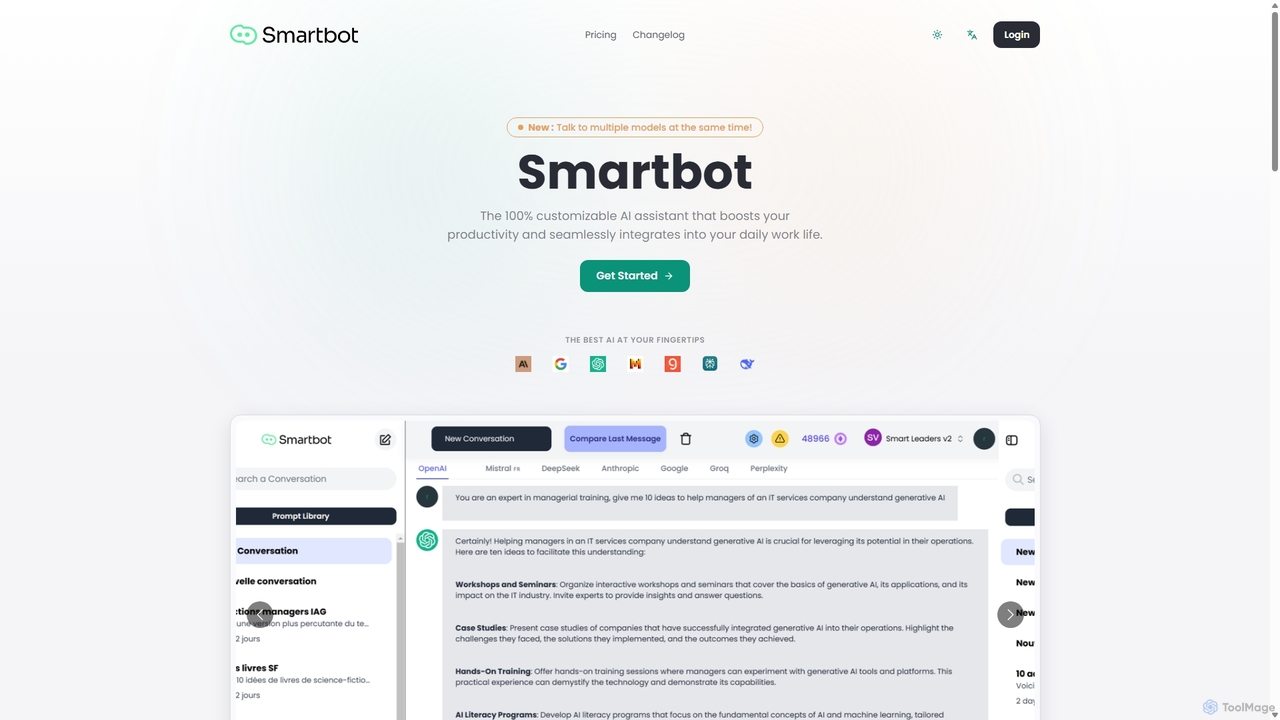
Smart Bot
Smart Bot is a highly customizable AI assistant that boosts productivity by integrating multiple top-tier AI models like ChatGPT, Claude, and Gemini into a single interface. It allows users to compare responses simultaneously, manage a shared library of custom prompts for team collaboration, and even visualize and test generated code. With features like image and file reading, it streamlines daily workflows for individuals and organizations.
Code Assistant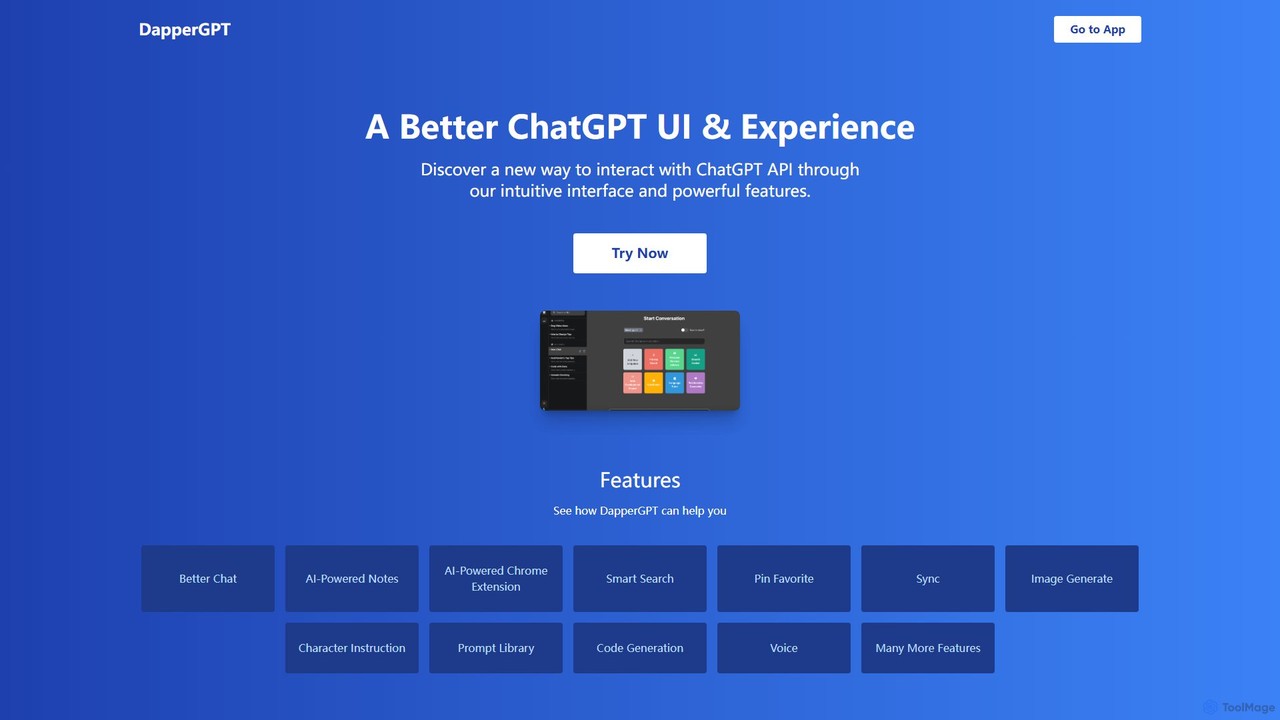
DapperGPT
DapperGPT is an advanced user interface for the ChatGPT API, designed to enhance your interaction with OpenAI's models. It offers a more intuitive and feature-rich experience, including a powerful Chrome extension, AI-powered notes, smart search, voice-to-text, image generation, and a comprehensive prompt library. It operates on a freemium model, requiring your own OpenAI API key for usage, with premium features available through a one-time purchase or team plan.
Code Assistant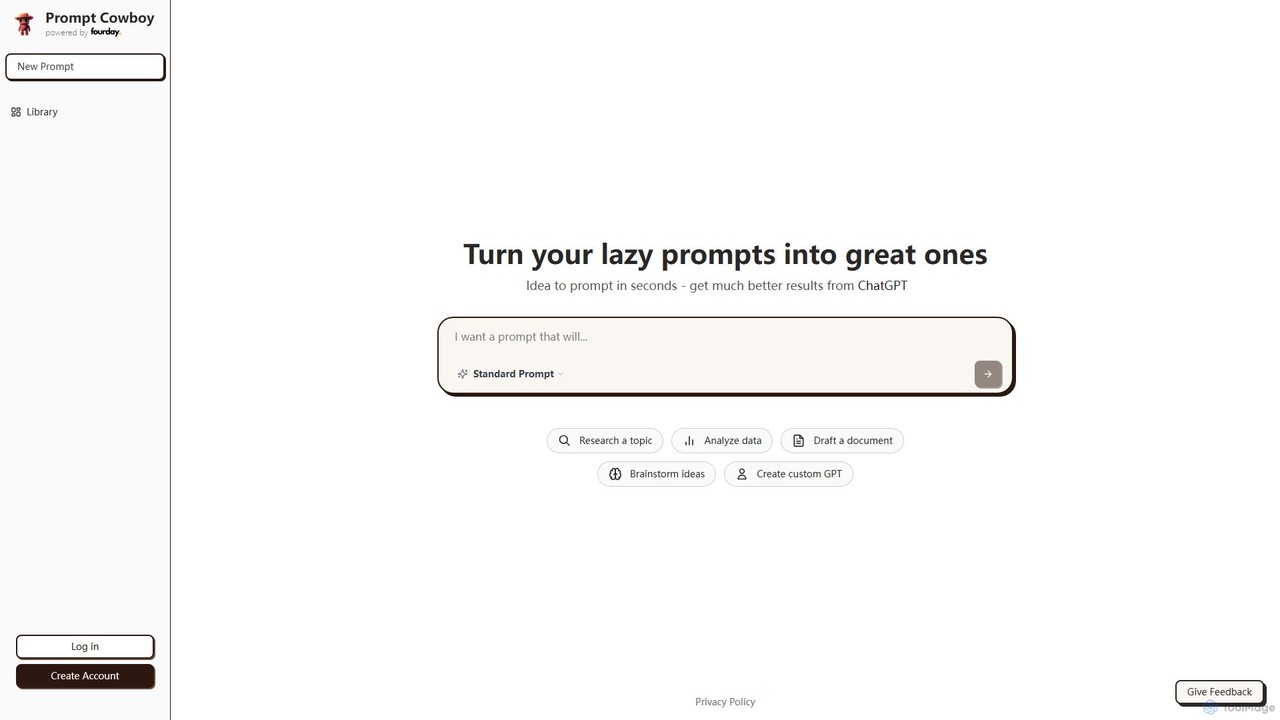
Prompt Cowboy
Prompt Cowboy is an AI-powered prompt generator that transforms simple ideas into highly effective, structured prompts for models like ChatGPT, OpenAI o3, and VEO-3. It offers specialized templates for various tasks, including reasoning, deep research, and custom GPT creation, helping users achieve significantly better results from their AI interactions.
Ai Integration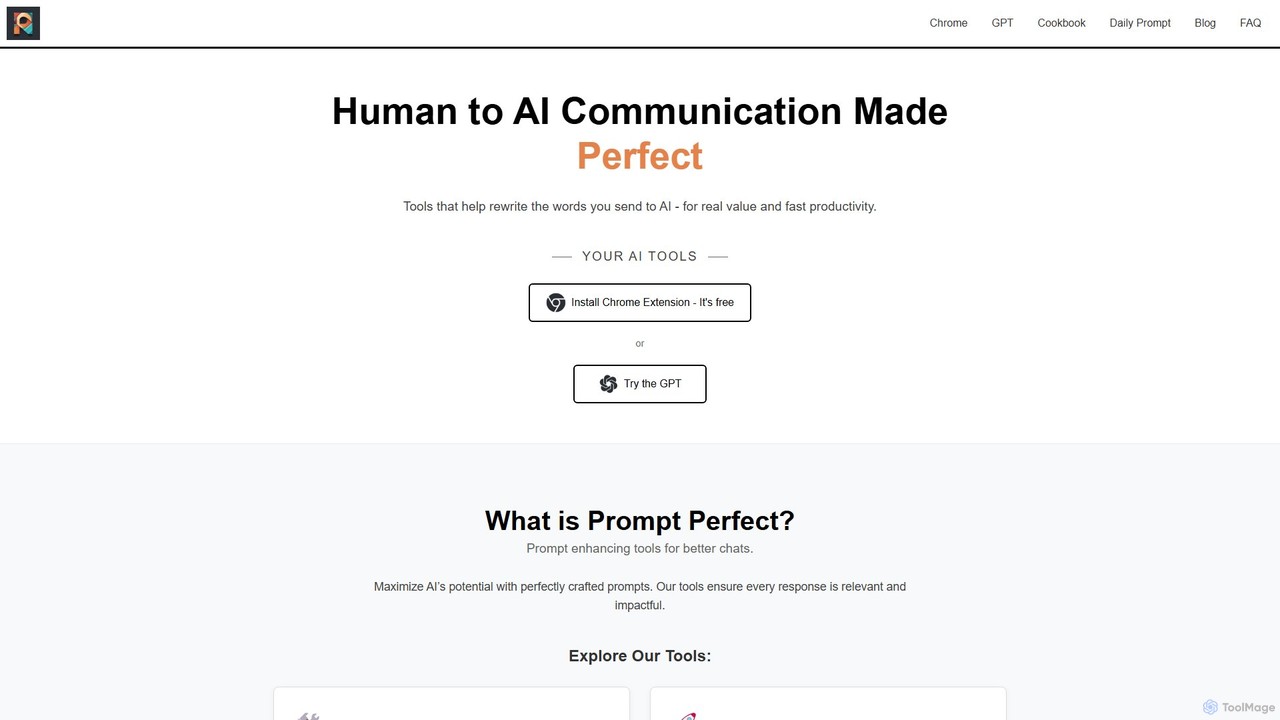
Prompt Perfect
Prompt Perfect is an AI-powered suite, featuring a Chrome Extension and a GPT, designed to optimize your prompts for superior results across major AI platforms like ChatGPT, Gemini, and Claude. It refines, enhances, and manages your prompts to unlock more precise, creative, and effective AI-generated content, boosting productivity for writers, researchers, and professionals.
Research
GPT SmartKit Comments (0)
Sign in to comment.
Sign inNo comments yet.