

chrome_ai Overview
chrome_ai is a powerful and versatile AI-powered Chrome extension designed to be your ultimate digital co-pilot. It seamlessly integrates advanced artificial intelligence into your browsing experience, transforming how you consume information, write content, and interact with the web. By embedding an intelligent assistant directly into your browser, chrome_ai eliminates the need to constantly switch between tabs, allowing you to work smarter and faster. Whether you're a student, a professional, a writer, or a curious learner, this tool provides a comprehensive suite of features to enhance your online productivity and understanding.
The core of chrome_ai is its ability to understand the context of the page you are on. This allows it to provide highly relevant summaries, explanations, and suggestions. It's like having an expert by your side, ready to help you digest dense articles, decipher complex code, or craft the perfect email. With support for leading AI models, you can trust that the responses are accurate, coherent, and up-to-date.
How to use chrome_ai
Getting started with chrome_ai is incredibly simple and designed for immediate productivity:
- Installation: Find chrome_ai on the Chrome Web Store and click "Add to Chrome". The installation process takes just a few seconds.
- Pin for Easy Access: After installation, click the puzzle icon in your Chrome toolbar and pin the chrome_ai icon to keep it visible.
- Activate the AI Assistant: You can activate the assistant in multiple ways. Click the pinned icon to open the AI Chat sidebar, or use the default keyboard shortcut (e.g., Ctrl+M) for instant access.
- Use Contextual Tools: Simply select any text on a webpage. A small chrome_ai icon will pop up, offering a menu of quick actions like 'Summarize', 'Explain', 'Rewrite', or 'Translate'.
- Summarize Content: When you're on an article or a YouTube video page, look for the 'Summarize with AI' button that appears, and get a concise summary with a single click.
- Customize Your Experience: Access the extension's settings to choose your preferred AI model, set the output language, and customize shortcuts to fit your workflow.
Core Features of chrome_ai
- AI Sidebar Chat: A persistent chat interface that allows you to ask questions, brainstorm ideas, or get information without leaving your current webpage. It supports multiple advanced AI models like GPT-4 and Claude 3.
- Web & YouTube Summarizer: Instantly generate concise, easy-to-read summaries of long articles, research papers, and YouTube videos. It extracts key points and can even provide timestamps for video summaries.
- Contextual Quick Actions: Highlight any text on any site to immediately translate, explain, summarize, or rephrase it. This feature is perfect for quick lookups and content refinement.
- AI-Powered Writing Assistant: Elevate your writing directly within Gmail, Google Docs, LinkedIn, and other platforms. Get help with drafting emails, generating social media posts, correcting grammar, and adjusting the tone of your text.
- Search Engine Enhancement: Receive intelligent, direct answers from AI alongside your regular search results on Google and Bing, saving you from clicking through multiple links.
- Prompt Library: Access a rich library of expertly crafted prompts for various tasks, including marketing, software development, academic writing, and content creation.
Use Cases for chrome_ai
chrome_ai is designed for a wide array of users:
- For Students & Researchers: Quickly digest dense academic papers, get clear explanations of complex theories, and receive assistance in writing essays and reports.
- For Content Creators & Marketers: Brainstorm blog post ideas, generate engaging social media copy, rewrite content for different audiences, and optimize text for SEO.
- For Professionals: Draft professional and effective emails in seconds, summarize long business reports or news articles, and prepare for meetings by quickly gathering information.
- For Developers: Understand unfamiliar code snippets, debug errors, translate code between languages, and generate boilerplate code without leaving GitHub or Stack Overflow.
Advantages of chrome_ai
The primary advantage of chrome_ai is its seamless integration and efficiency. By bringing AI capabilities directly into the browser, it creates a fluid, uninterrupted workflow. It acts as a single, multi-functional tool, replacing the need for separate apps for summarization, translation, and writing assistance. Its context-aware nature ensures that the help you receive is always relevant, significantly boosting productivity and comprehension. The support for multiple AI models gives users the flexibility to choose the best intelligence for their specific task.
Pricing and Plans
chrome_ai operates on a freemium model to make AI accessible to everyone:
- Free Plan: Perfect for casual users, this plan includes a limited number of daily AI queries, access to standard AI models, and core features like text selection tools.
- Pro Plan ($10/month): Aimed at power users and professionals, this plan offers significantly higher usage limits, access to the most advanced AI models (GPT-4, Claude 3, etc.), priority support, and premium features like the YouTube summarizer and search engine enhancement.
- Business Plan (Custom Pricing): Designed for teams and organizations, this plan includes all Pro features plus centralized billing, team management features, unlimited usage quotas, and dedicated onboarding and support.
chrome_ai Alternatives
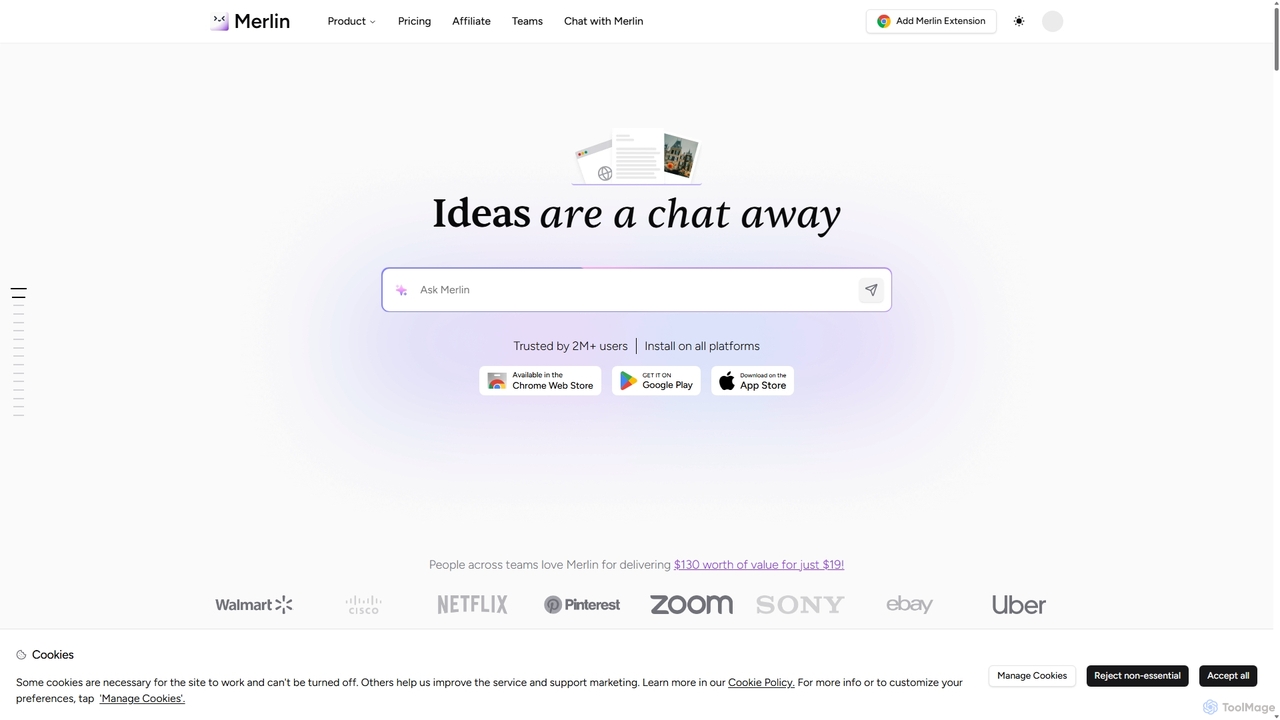
Merlin AI
Merlin is an all-in-one AI assistant, available as a browser extension and app, that integrates top AI models like GPT-4, Claude 3, and Gemini. It allows you to research, write, summarize content, generate images, and code with a single click on any website, streamlining your workflow and boosting productivity without switching tabs.
Chrome Extensions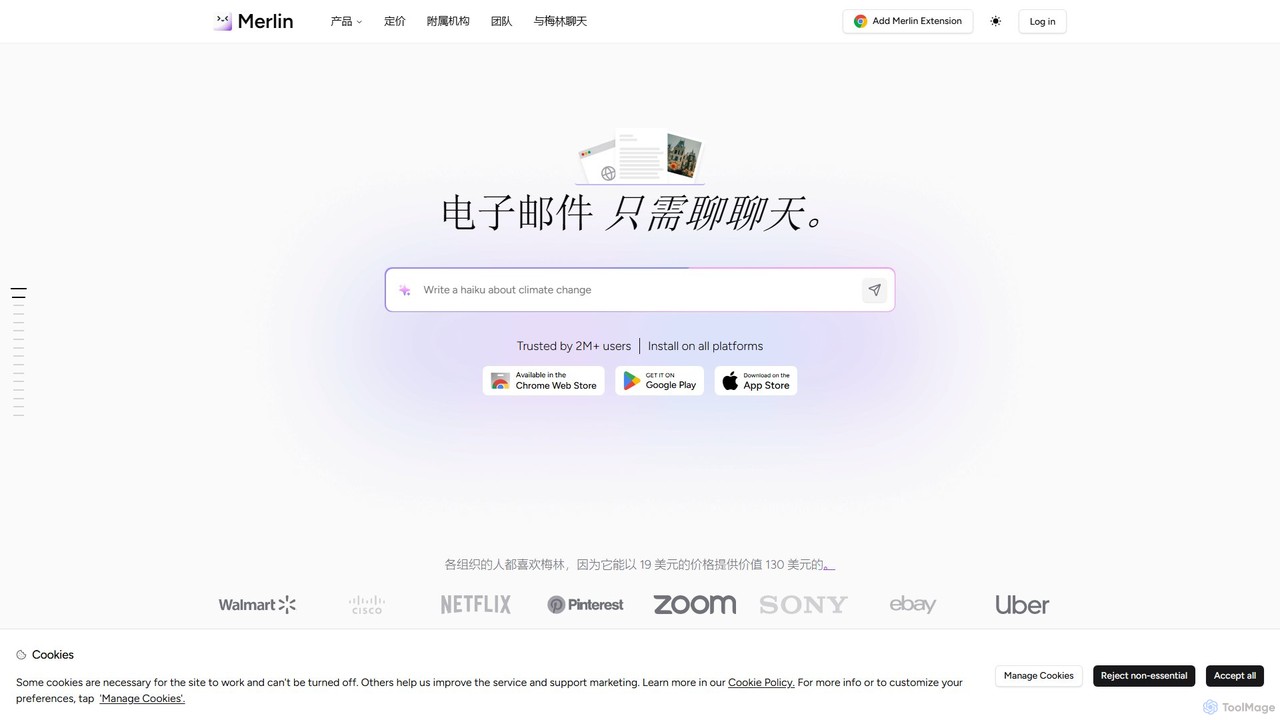
getmerlin
getmerlin is a versatile AI assistant powered by top models like GPT-4o and Claude 3.5. Available as a browser extension and app, it integrates seamlessly into your workflow to summarize content, draft emails, generate text and images, and enhance research on any website. It acts as an all-in-one productivity tool, saving time and money by consolidating multiple AI services into a single subscription.
Chrome Extensions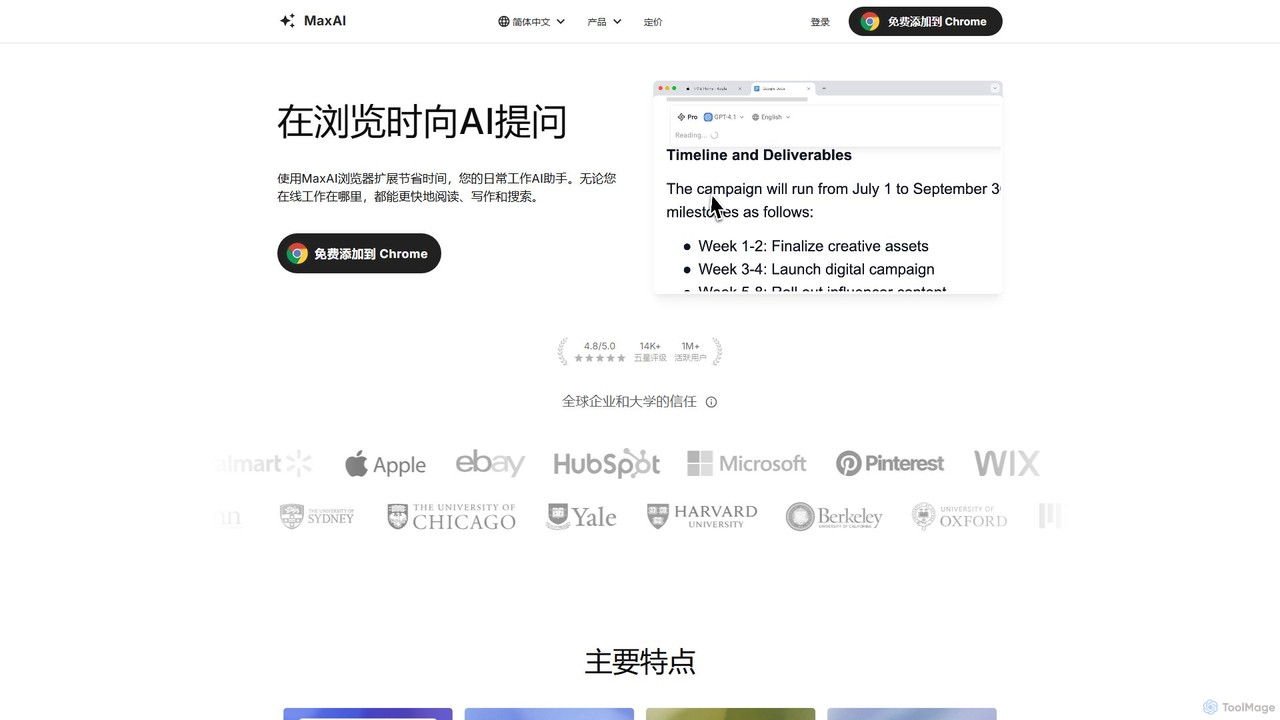
MaxAI
MaxAI is a powerful browser extension that acts as your all-in-one AI assistant. It integrates top AI models like GPT-4o and Claude 3.5 directly into your browser, allowing you to read, write, and research faster. Summarize web pages, improve your writing, translate text, and generate content with a single click, boosting your productivity across all your online activities.
Chrome Extensions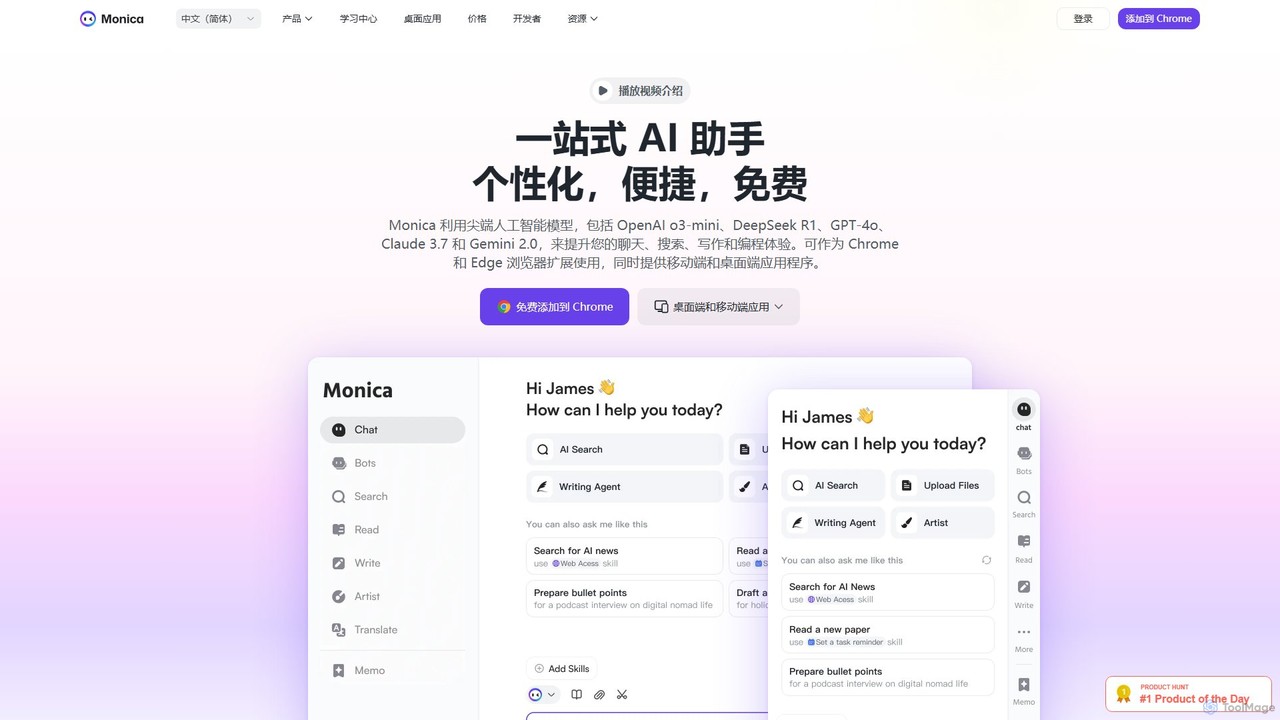
Monica
Monica is an all-in-one AI assistant powered by leading models like GPT-4o, Claude 3.7, and Gemini 1.5. It integrates seamlessly into your workflow as a browser extension, desktop, and mobile app, offering features for chat, search, writing, translation, and image creation to boost productivity.
Chrome Extensions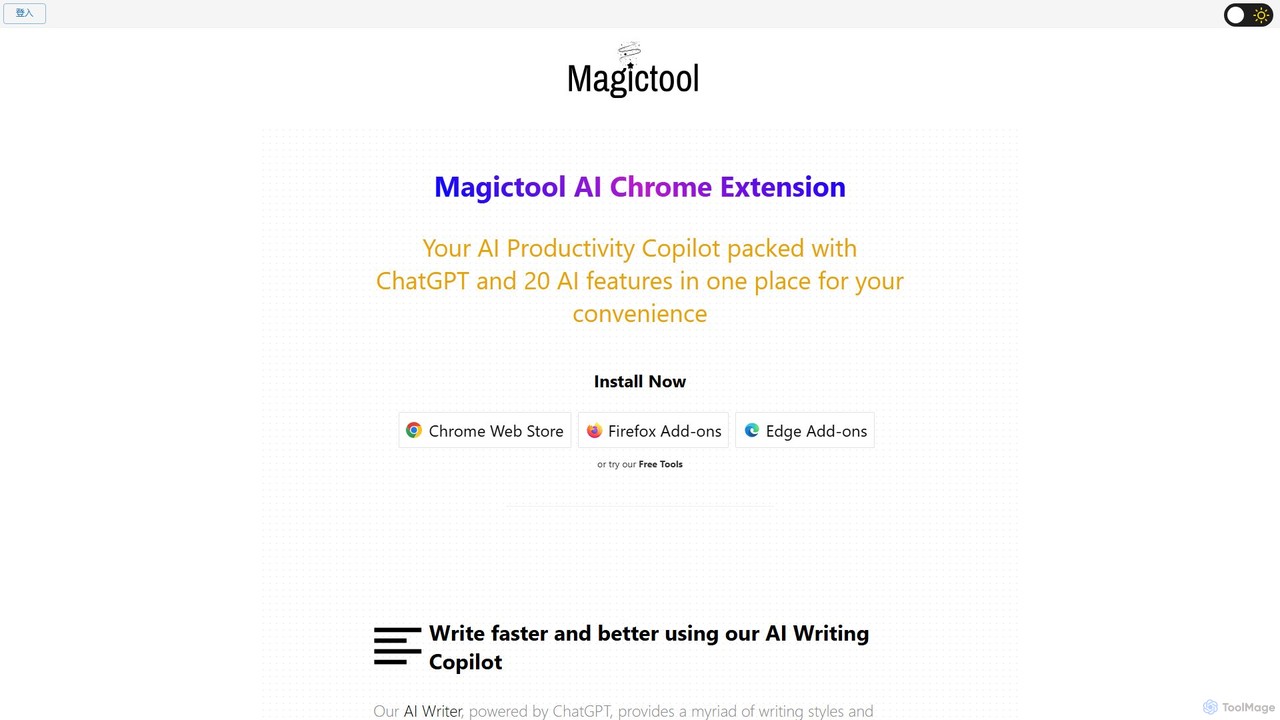
Magictool AI
Magictool AI is an all-in-one productivity hub integrated into a browser extension. It packs over 20 AI features, including a ChatGPT-powered writer, YouTube video summarizer, PDF chat, data scraper, and AI image generator. It's designed to streamline your workflow, enhance your writing, and boost your research capabilities directly within your browser.
Chrome Extensionschrome_ai Categories
chrome_ai Embed Widget
Copy this embed code to place the badge on your blog, article, or product site and send readers directly to this ToolMage detail page.

Related AI tools
Merlin AI
Merlin is an all-in-one AI assistant, available as a browser extension and app, that integrates top AI models like GPT-4, Claude 3, and Gemini. It allows you to research, write, summarize content, generate images, and code with a single click on any website, streamlining your workflow and boosting productivity without switching tabs.
Chrome Extensions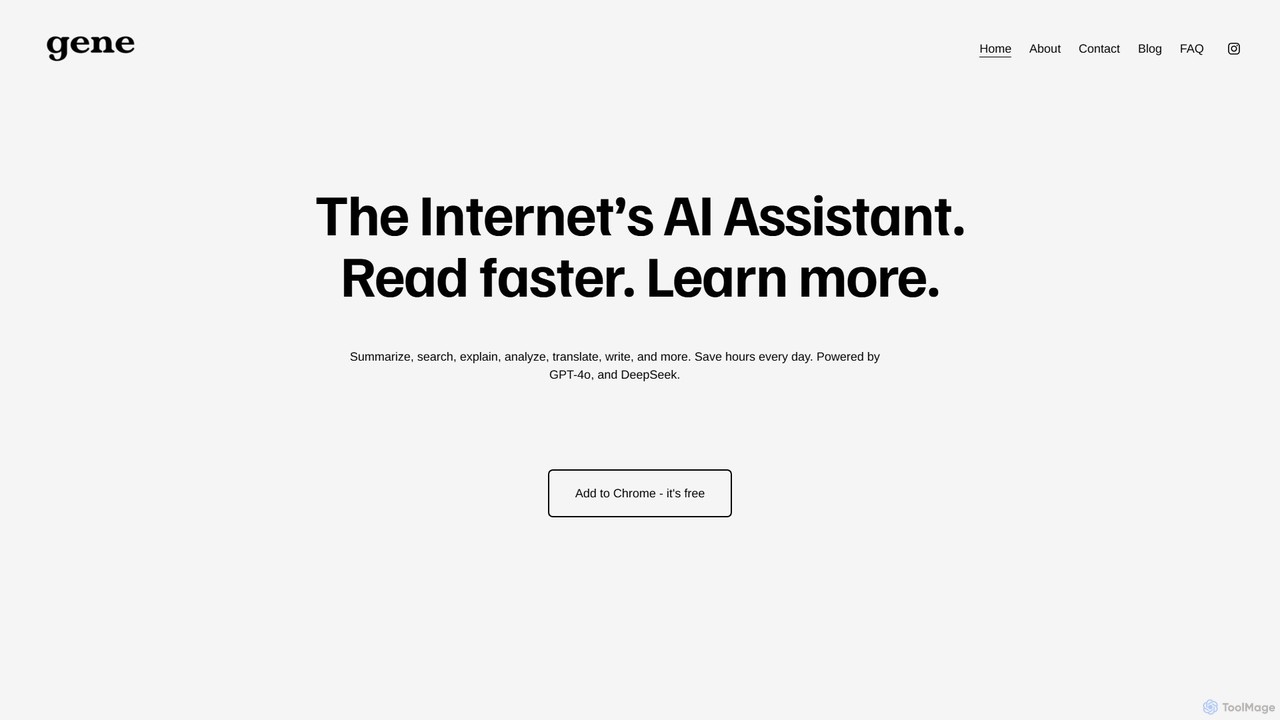
Ask Gene
Ask Gene is a free AI-powered Chrome extension that acts as your personal internet assistant. Powered by GPT-4o and DeepSeek, it allows you to summarize webpages and PDFs, chat with AI without leaving your tab, explain complex text, translate, and assist with writing, all seamlessly integrated into your browser.
Researchgetmerlin
getmerlin is a versatile AI assistant powered by top models like GPT-4o and Claude 3.5. Available as a browser extension and app, it integrates seamlessly into your workflow to summarize content, draft emails, generate text and images, and enhance research on any website. It acts as an all-in-one productivity tool, saving time and money by consolidating multiple AI services into a single subscription.
Chrome Extensions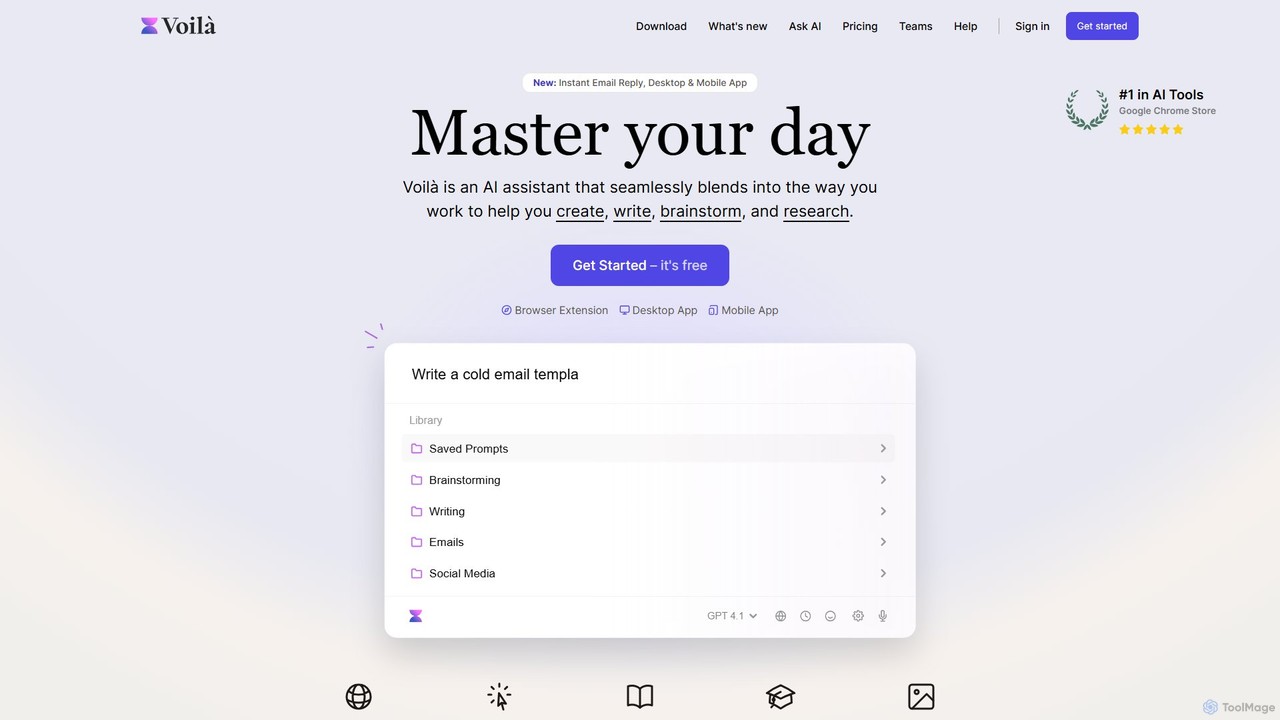
Voilà
Voilà is an all-in-one AI assistant designed to maximize productivity. It functions as a browser extension, desktop, and mobile app, seamlessly integrating into your workflow to help with writing, brainstorming, research, and content creation. It works on any website or app, understanding the context to provide relevant assistance.
Content Creation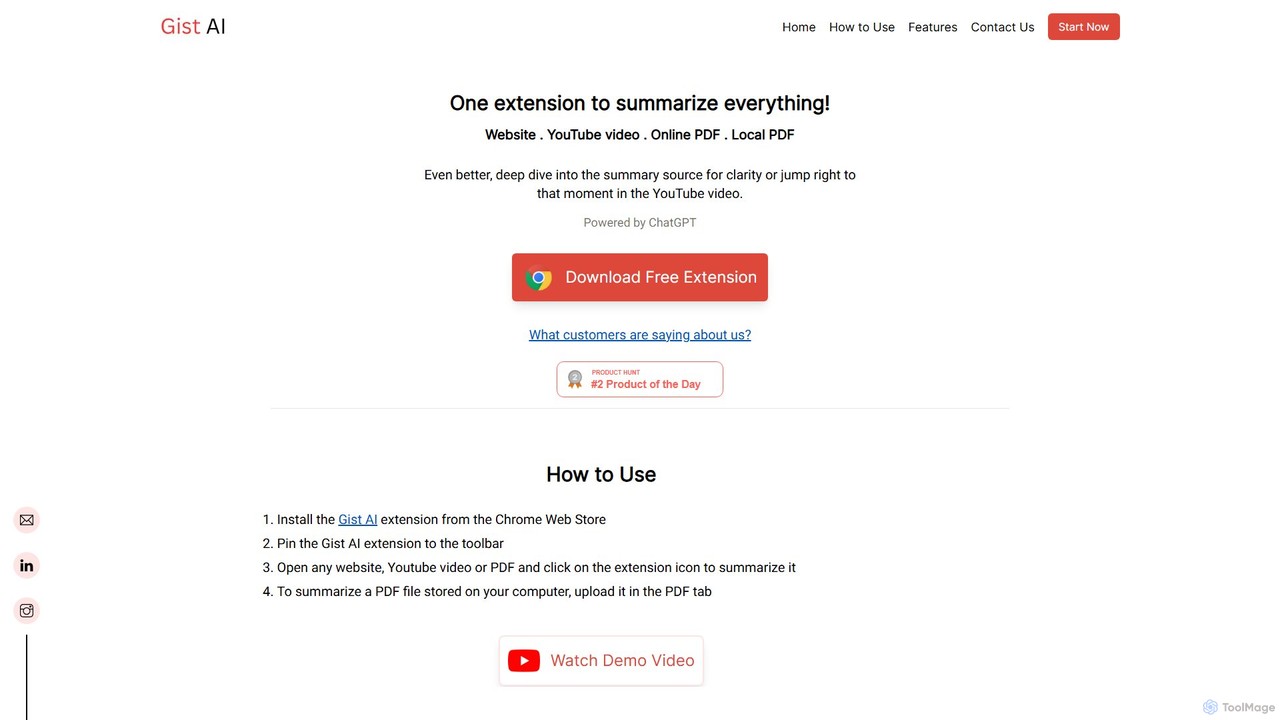
Gist AI
Gist AI is a free, ChatGPT-powered Chrome extension that instantly summarizes websites, YouTube videos, and both online and local PDFs. It helps you save time, improve comprehension, and quickly access the most important information from long-form content with a single click.
Chrome Extensions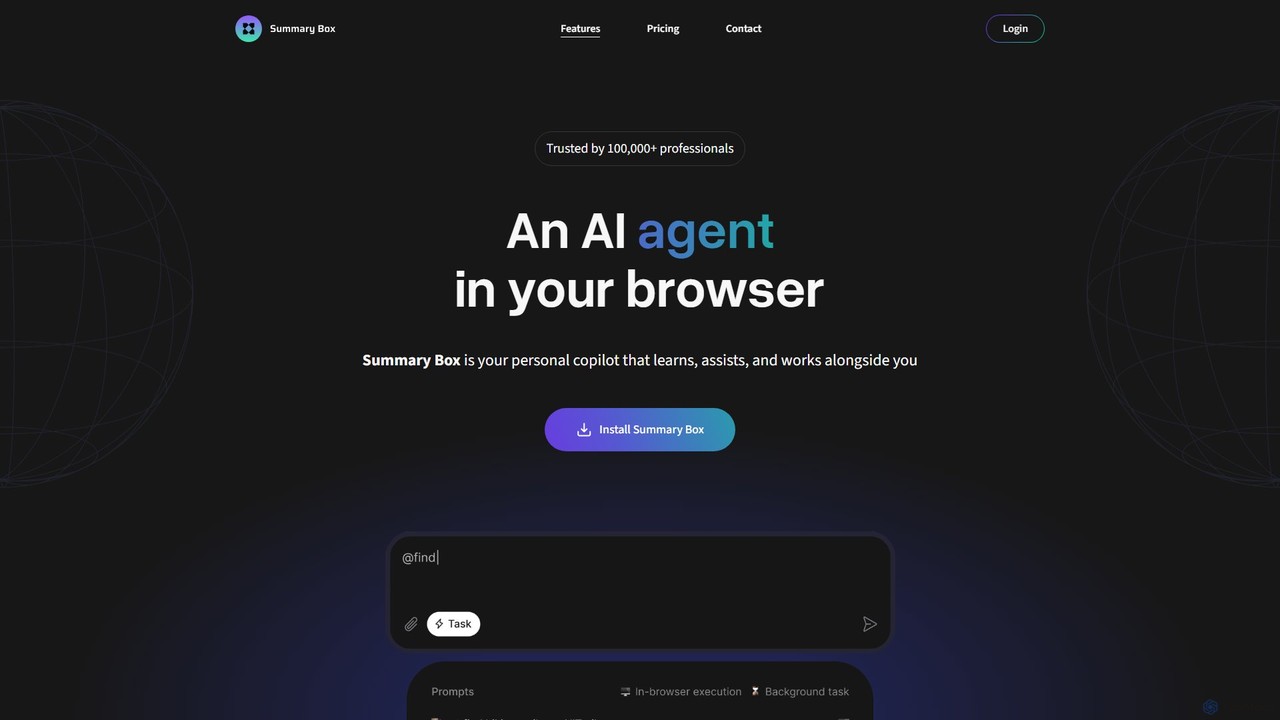
Summary Box
Summary Box is an AI-powered browser extension that acts as your personal copilot for the web. It generates high-quality, abstractive summaries of articles, PDFs, Google Docs, YouTube videos, and even audio. It's designed to save you time, enhance comprehension, and boost productivity by distilling long content into concise, key points.
Chrome Extensions
Sider
Sider is an all-in-one AI assistant integrated as a browser sidebar and cross-platform app. It combines chat with models like GPT-4 and Claude 3.5, a powerful "Deep Research" agent, a personal knowledge base called "Wisebase," and a suite of tools for summarizing, translating, writing, and image editing to enhance productivity and learning.
Assistant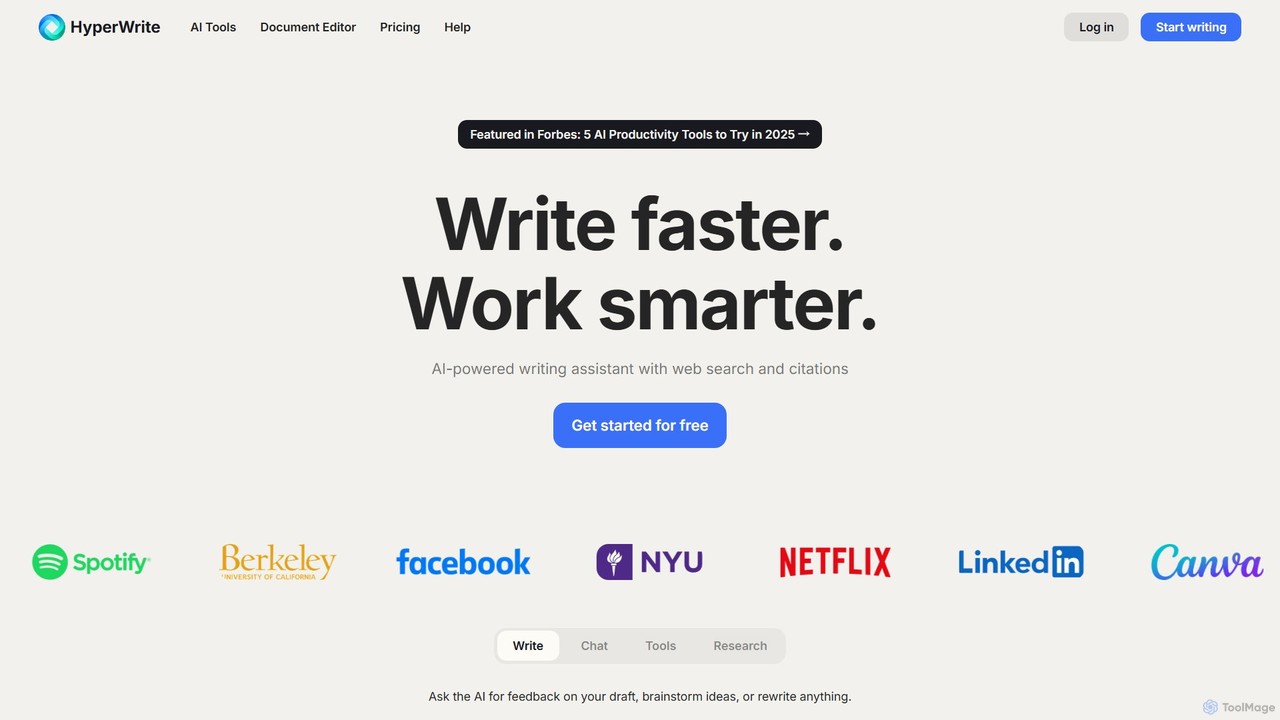
HyperWrite
HyperWrite is an advanced AI writing assistant designed to enhance productivity for students, marketers, and professionals. It offers hundreds of tools for writing, research, summarization, and content creation. Key features include real-time academic research with citations, customizable 'Personas' to match your writing style, and a seamless Chrome extension for workflow integration.
Research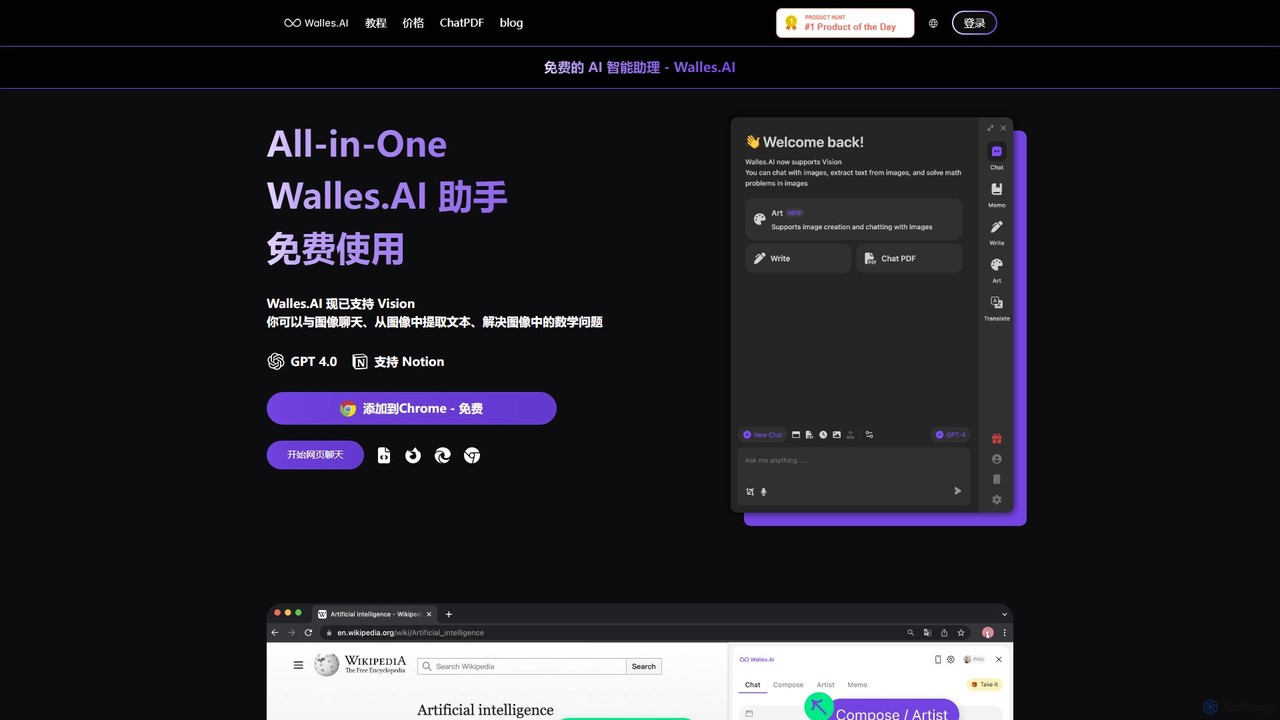
Walles.AI
Walles.AI is an all-in-one AI assistant integrated as a Chrome extension. Powered by GPT-4, it allows you to chat with webpages, PDFs, YouTube videos, and even images. Boost your productivity with instant summarization, translation, text analysis, and seamless integration with Notion.
Study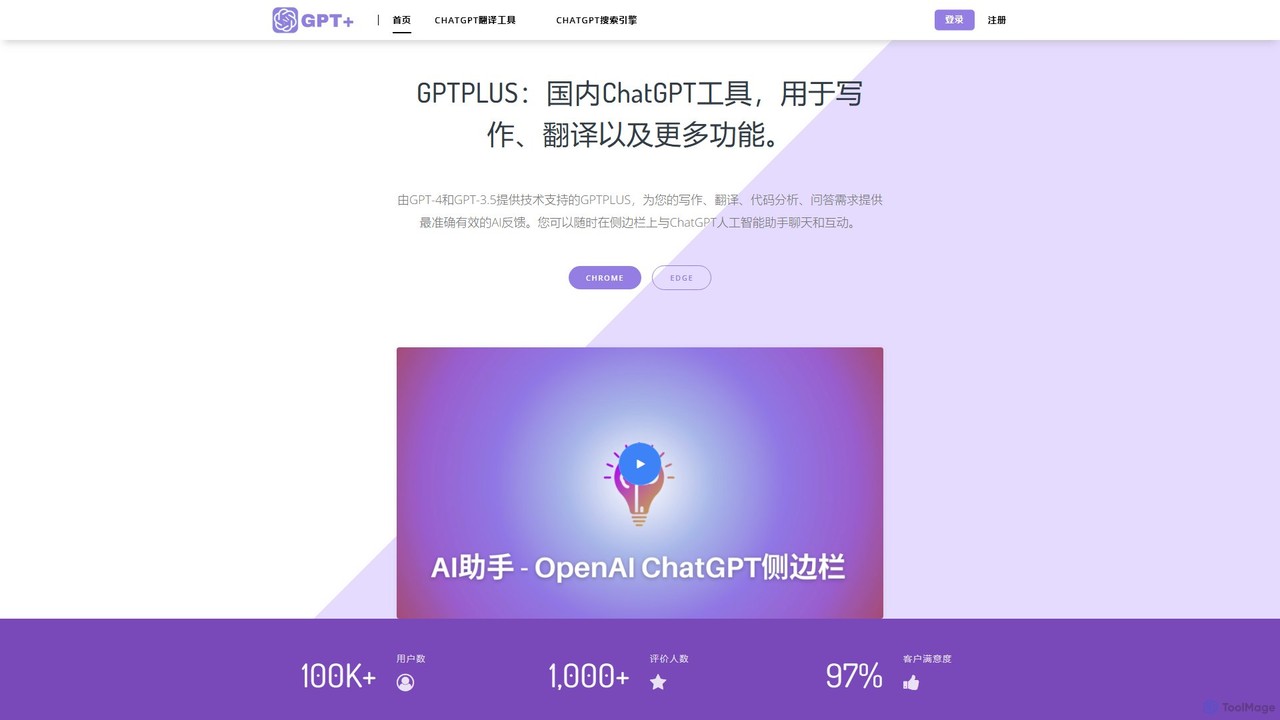
GPTPLUS
GPTPLUS is a powerful browser extension that integrates ChatGPT as a convenient sidebar. It offers one-click text processing, a rich library of prompt templates, and advanced AI assistance for writing, translation, and research directly within your browser, boosting productivity and streamlining your workflow.
Browser Extensions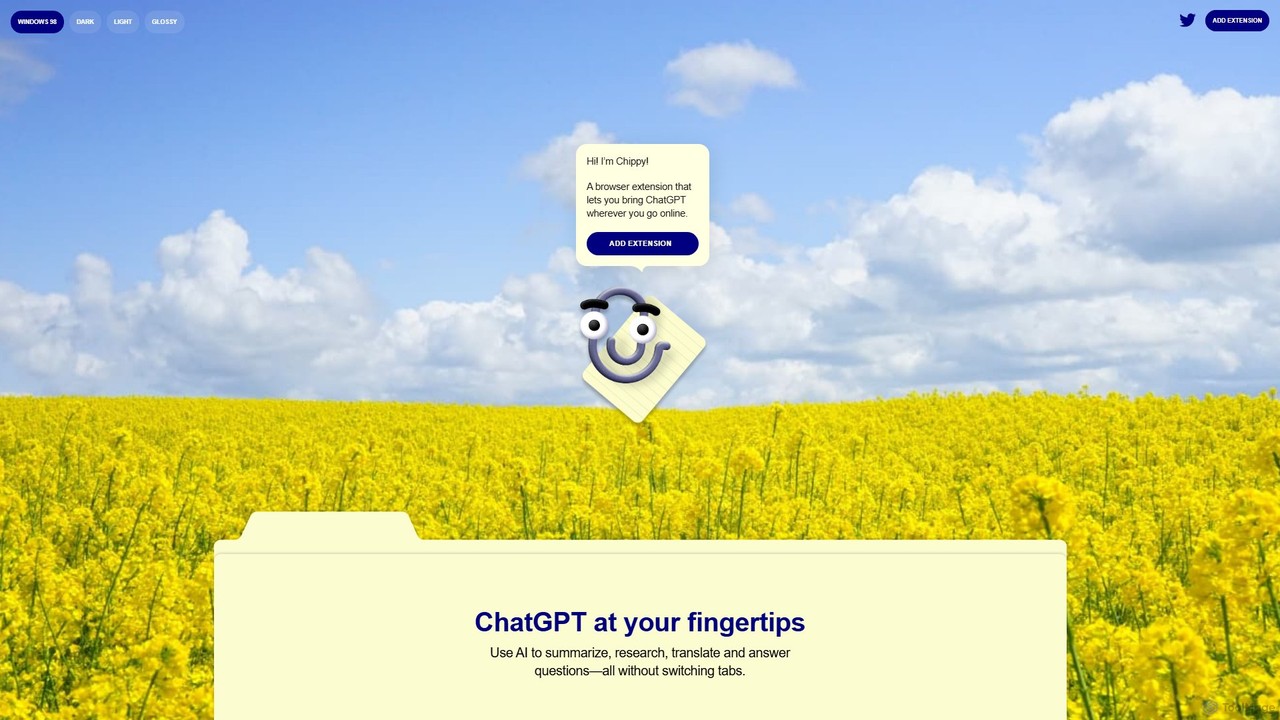
Chippy
Chippy is a smart ChatGPT-powered Chrome extension that acts as your AI assistant across the web. Seamlessly summarize articles, translate text, research topics, and draft emails without ever leaving your current tab. It offers context-aware answers by focusing on the page you're viewing, overcoming ChatGPT's knowledge limitations. With a generous free tier and a focus on user privacy, Chippy enhances your browsing productivity by putting the power of AI at your fingertips.
Search Assistant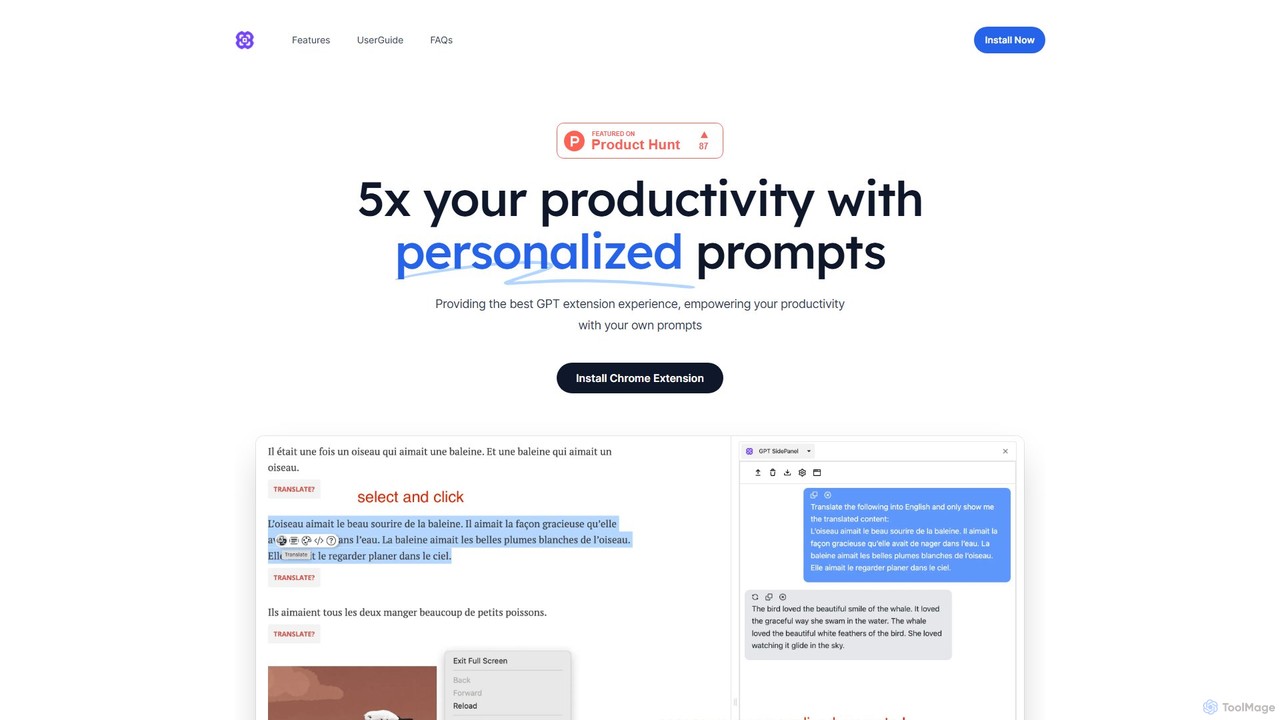
GPTSidePanel
GPTSidePanel is a powerful AI browser extension that integrates a GPT-powered sidebar into your browsing experience. Boost your productivity by summarizing articles, translating text, polishing writing, and using custom prompts directly on any webpage. Eliminate tab-switching and keep your workflow seamless with this intuitive AI assistant.
Browser Extension
Sider
Sider is a powerful AI copilot integrated into your browser sidebar. It brings ChatGPT, GPT-4, Claude 3, and Gemini to any webpage, allowing you to seamlessly summarize content, enhance your writing, explain complex topics, and chat with documents or videos. It streamlines your workflow by eliminating the need to switch between tabs, boosting your overall productivity and creativity.
LearningMaxAI
MaxAI is a powerful browser extension that acts as your all-in-one AI assistant. It integrates top AI models like GPT-4o and Claude 3.5 directly into your browser, allowing you to read, write, and research faster. Summarize web pages, improve your writing, translate text, and generate content with a single click, boosting your productivity across all your online activities.
Chrome Extensions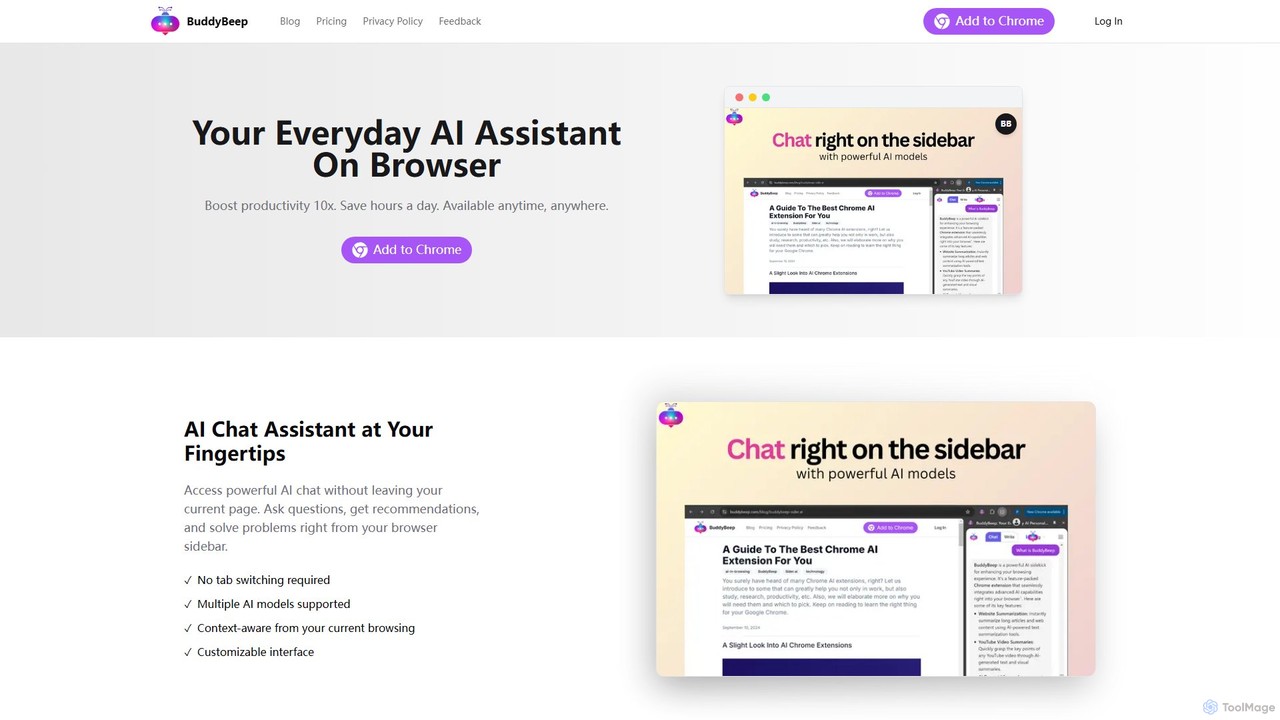
BuddyBeep
BuddyBeep is an AI-powered Chrome extension that acts as your personal browsing assistant. It boosts productivity by offering an in-page AI chat, one-click summarization for articles and YouTube videos, and a smart knowledge repository to build your "second brain". Capture, organize, and retrieve information effortlessly without switching tabs, transforming your browsing into a more efficient and insightful experience.
Browser Extension
chrome_ai Comments (0)
Sign in to comment.
Sign inNo comments yet.