

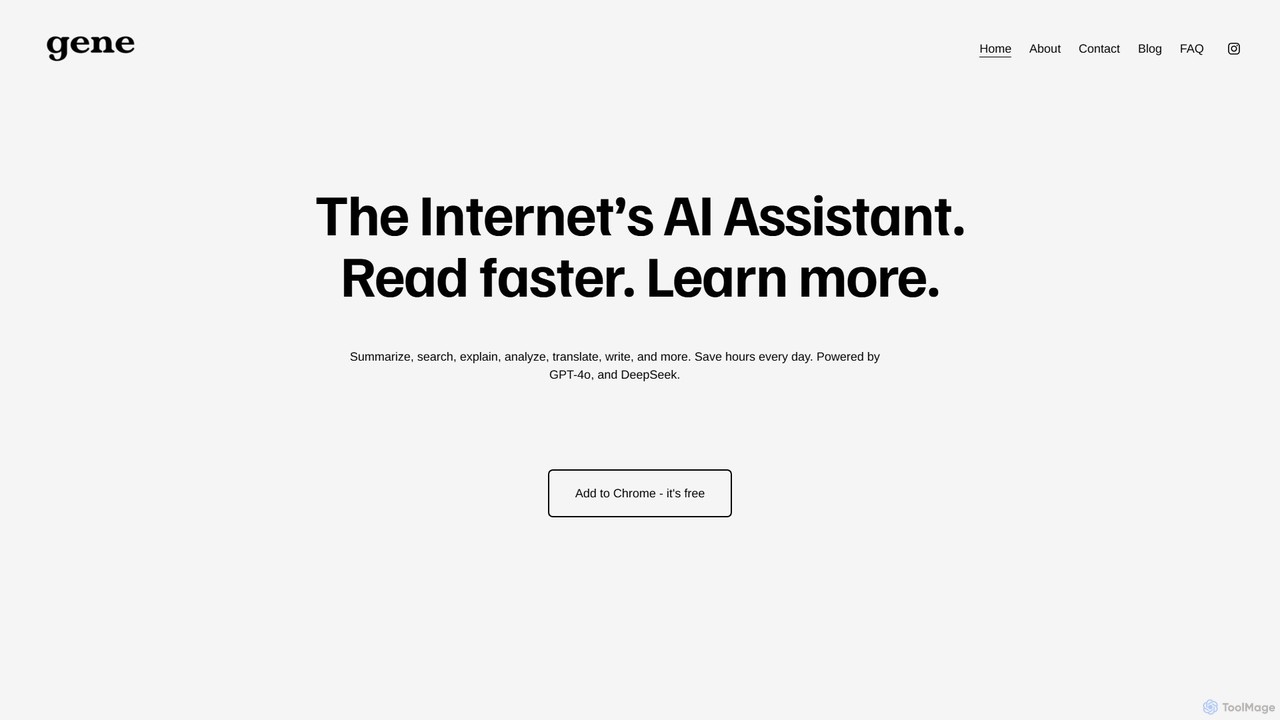
Ask Gene Overview
Ask Gene is a versatile and powerful AI virtual assistant designed as a Chrome extension to revolutionize how you interact with online content. Positioned as 'The Internet’s AI Assistant,' it integrates state-of-the-art language models like GPT-4o and DeepSeek directly into your browser, aiming to make you read faster, learn more, and save hours every day. Whether you're a student, a professional, or a curious learner, Ask Gene acts like a knowledgeable professor by your side, ready to assist with a wide range of tasks without ever needing to switch tabs.
The extension is built for seamless integration and efficiency. With a simple keyboard shortcut, you can summon an AI chat, get summaries of lengthy articles, or gain a deeper understanding of any text you highlight. It works flawlessly across various platforms, including standard webpages, online and local PDFs, and even Google Docs, making it an indispensable tool for research, writing, and daily productivity.
How to use Ask Gene
Getting started with Ask Gene is straightforward and designed for immediate use:
- Installation: Find and add the 'Ask Gene' extension from the Chrome Web Store.
- Pin for Access: Pin the extension to your Chrome toolbar for easy access.
- Activate AI Chat: Use the default shortcut Ctrl+Q to open the AI chat window anytime, on any page. You can ask questions, brainstorm ideas, or get explanations on any topic.
- Highlight to Understand: Simply highlight any text on a webpage, PDF, or Google Doc. Ask Gene will provide options to summarize, explain, or translate the selected content.
- Summarize Webpages: Use the '/webpage' command within the chat to get a concise summary of the current page you are on, or ask specific questions about its content.
- Work with PDFs: Open any PDF in your Chrome browser (both online links and local files). You can then chat with the PDF to get summaries, find key information, or have complex sections explained. To use it on local PDF files, ensure you enable the 'Allow access to file URLs' option in the extension's settings.
Core Features of Ask Gene
- AI Chat: Instantly access a powerful chat interface powered by GPT-4o and DeepSeek with a simple shortcut (Ctrl+Q), eliminating the need to open new tabs for AI interaction.
- Webpage & PDF Summarization: Quickly generate concise summaries of long articles, reports, and PDF documents to grasp key insights in seconds.
- Highlight & Learn: Select any text online to get instant explanations, translations, or rephrasing, making it easier to understand complex or unfamiliar content.
- Smart Search Agent: Gene can intelligently search the web on your behalf to find accurate and relevant answers to your questions, consolidating information for you.
- AI Writing Assistant: Overcome writer's block by using Gene to generate structured outlines, draft paragraphs, or refine your writing for emails, essays, and reports.
- Instant Translation: Seamlessly translate text on any webpage into your preferred language, breaking down language barriers.
- Math & Code Solutions: Get step-by-step breakdowns for complex math problems and receive assistance with coding challenges and debugging.
- Google Docs & PDF Integration: Works directly within Google Docs and supports both online and local PDFs, allowing you to analyze and interact with documents effortlessly.
Use Cases for Ask Gene
Ask Gene is designed for a wide array of users:
- For Students: Summarize dense academic papers, get explanations for difficult concepts while studying for exams, solve math homework, and improve research efficiency.
- For Professionals: Quickly digest long industry reports, draft professional emails and presentations, translate communications from international clients, and conduct market research without leaving a webpage.
- For Writers and Content Creators: Brainstorm ideas, create content outlines, rephrase sentences for better clarity, and check for grammatical consistency.
- For Developers: Understand code snippets from documentation or forums, debug code, and get quick explanations of programming concepts.
- For Everyday Users: Get quick answers to questions, translate foreign websites, and learn more about topics of interest while browsing.
Advantages of Ask Gene
Ask Gene stands out with several key benefits:
- Completely Free: All features are available at no cost, with no hidden fees, subscriptions, or paywalled premium tiers.
- Superior AI Models: Utilizes the power of leading models like GPT-4o, ensuring high-quality, accurate, and context-aware responses.
- Seamless Workflow Integration: As a browser extension, it works where you work, eliminating context switching and boosting productivity.
- No Account Required: You can use all of Gene's features without needing to create or log in to a separate OpenAI or other AI service account.
- High Versatility: Supports a wide range of content types, including webpages, PDFs, and Google Docs, making it a truly all-in-one assistant.
- User-Centric Design: Features like a simple shortcut and customizable UI (ability to hide the icon) ensure the tool is helpful but never intrusive.
Pricing and Plans
Ask Gene is completely free to use. According to the official FAQ, there are no hidden costs, subscriptions, or premium features behind a paywall. All functionalities, including access to GPT-4o, are provided to users for free.
Traffic
Latest traffic
Status
Monthly traffic trend
- 2025-9: 2.6K
- 2026-1: 4.7K
- 2026-2: 2.9K
- 2026-3: 6.6K
- 2026-4: 5.2K
- 2026-5: 3.9K
Geography
Top 5 countries / regions
- 🇺🇸United States80.7%
- 🇮🇩Indonesia10.4%
- 🇪🇸Spain7.5%
- 🇮🇳India1.5%
Top keywords
| Keyword | Cost per click |
|---|---|
| ask gene | $0.00 |
| askgene | $0.00 |
| citas ai | $0.00 |
| extension traductor | $0.20 |
| live ai solver | $0.00 |
Ask Gene Alternatives
chrome_ai
An all-in-one AI assistant integrated into your Chrome browser. Summarize web pages and YouTube videos, enhance your writing, explain complex topics, and chat with advanced AI models without leaving your current tab. Boost your productivity with seamless AI power.
Chrome Extensions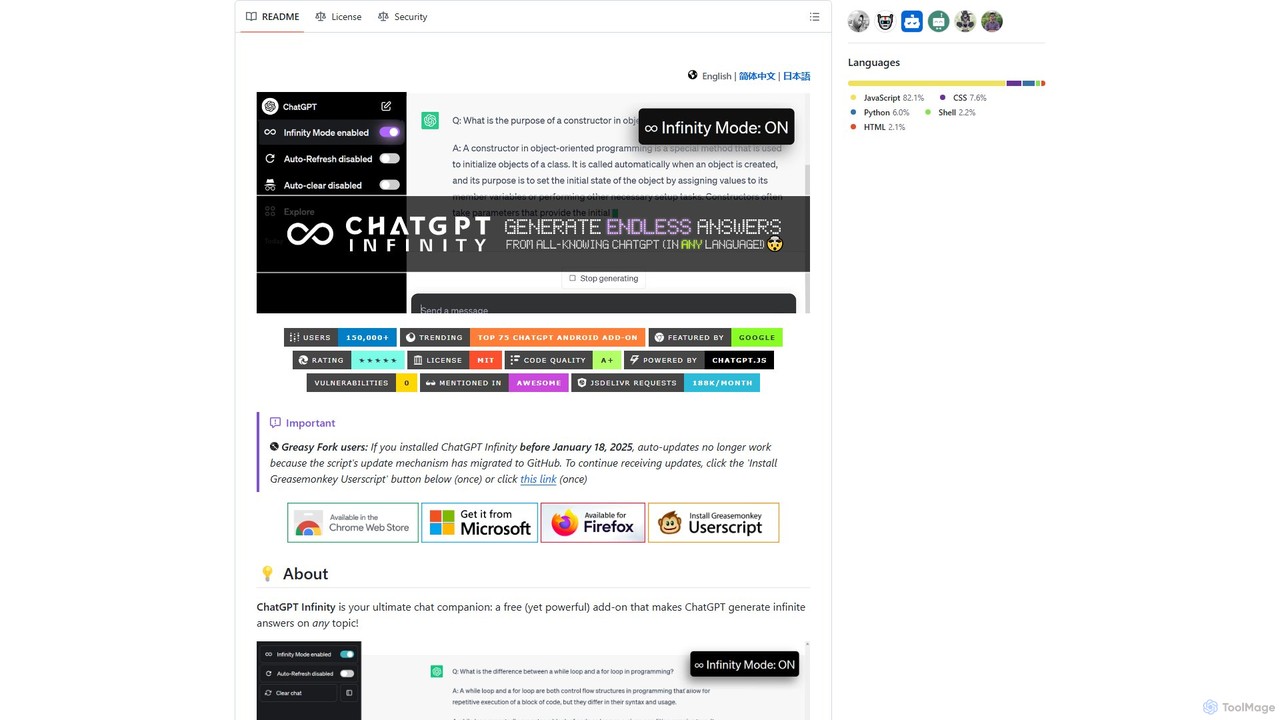
chatgpt-infinity
ChatGPT Infinity is a powerful browser extension that enables ChatGPT to generate endless, continuous answers on any topic you choose. It offers features like customizable topics, multilingual output, adjustable response speed, and auto-scrolling for a seamless, in-depth exploration experience. Ideal for researchers, writers, and learners.
Research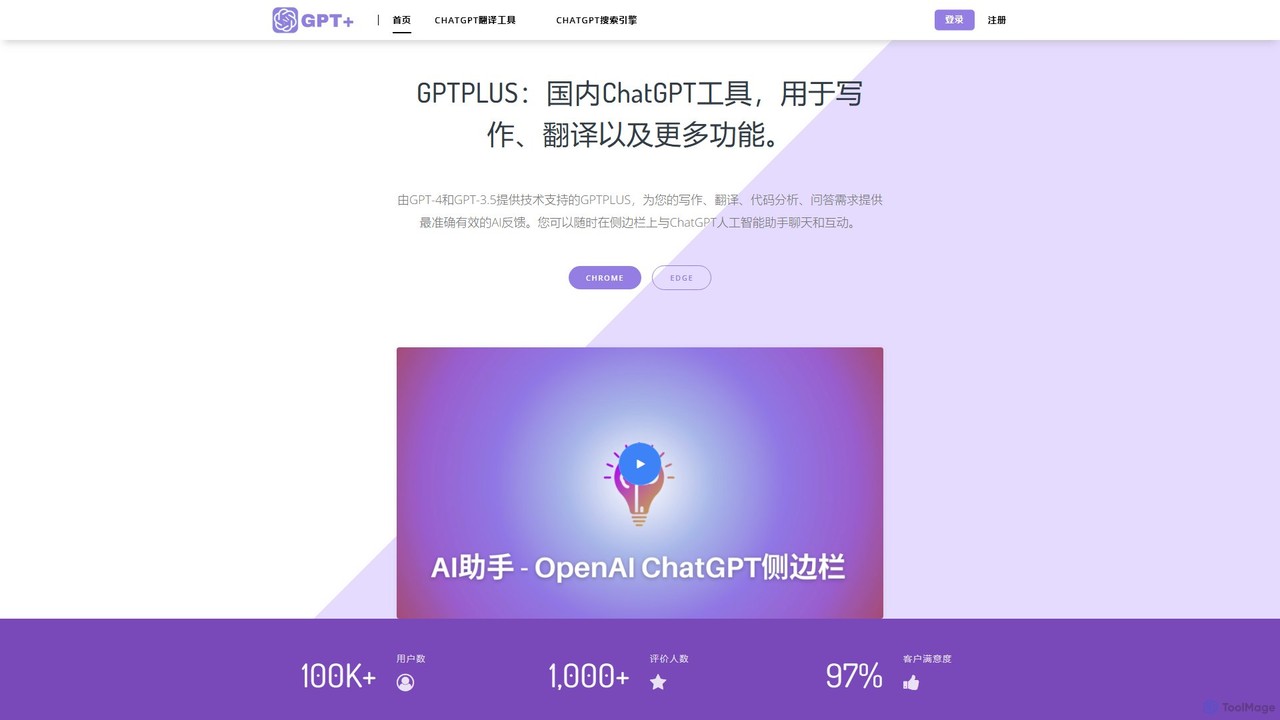
GPTPLUS
GPTPLUS is a powerful browser extension that integrates ChatGPT as a convenient sidebar. It offers one-click text processing, a rich library of prompt templates, and advanced AI assistance for writing, translation, and research directly within your browser, boosting productivity and streamlining your workflow.
Browser Extensions
FineChat
FineChat offers free, no-login access to OpenAI's advanced GPT-4o model. This powerful web-based tool allows users to generate high-quality content, analyze text, images, and documents (PDFs, Word), and leverage state-of-the-art AI for a wide range of tasks. It features multi-modal capabilities, an extended context window, and API access for developers, making it a versatile solution for productivity, creativity, and development.
Api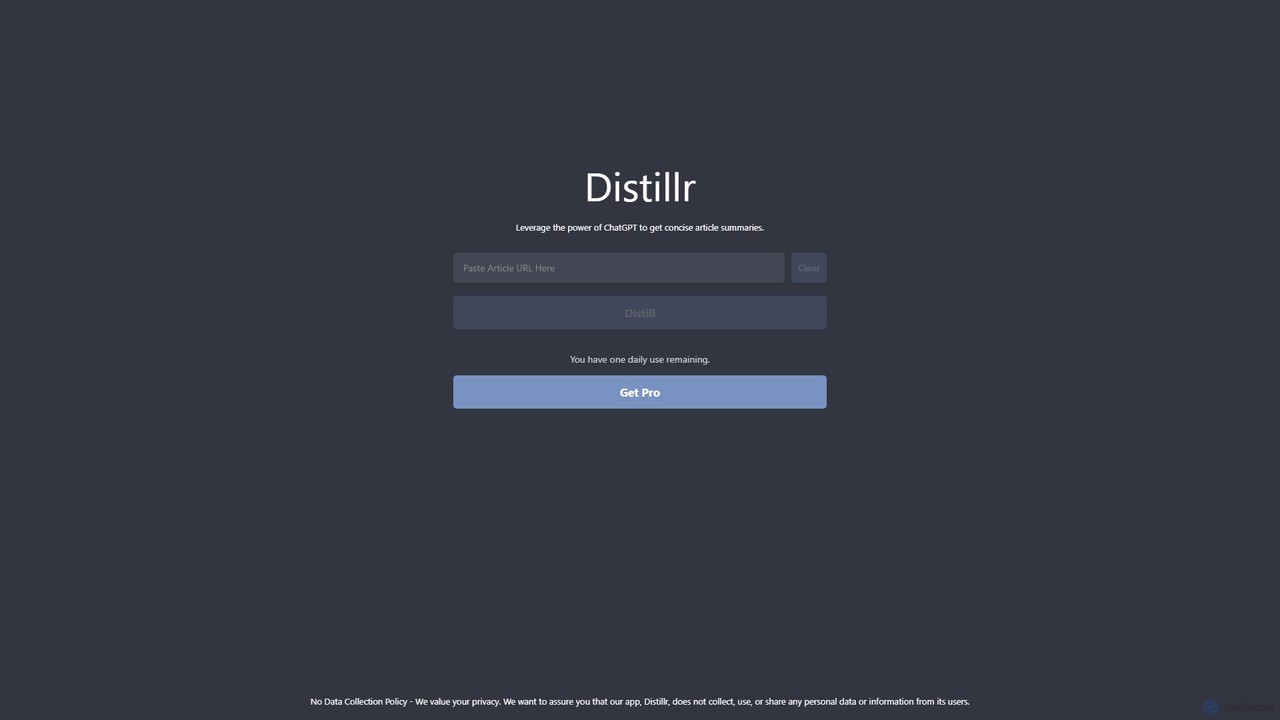
Distillr
Distillr is a privacy-focused AI tool that leverages the power of ChatGPT to generate concise and accurate summaries of articles and long texts. Simply paste text or a URL to quickly extract key insights, saving you valuable reading time and boosting productivity. It offers a free daily usage tier and a Pro plan for unlimited access.
ResearchAsk Gene Categories
Ask Gene Embed Widget
Copy this embed code to place the badge on your blog, article, or product site and send readers directly to this ToolMage detail page.

Related AI tools
chrome_ai
An all-in-one AI assistant integrated into your Chrome browser. Summarize web pages and YouTube videos, enhance your writing, explain complex topics, and chat with advanced AI models without leaving your current tab. Boost your productivity with seamless AI power.
Chrome Extensions
askaichat
askaichat is an all-in-one AI assistant powered by leading models like GPT-4o, Claude 3.5, and Llama 3. It integrates advanced AI chat with powerful tools for image generation, PDF and video summarization, web link analysis, and real-time search. It's designed to boost productivity and creativity for writers, researchers, and professionals by providing a single, versatile platform for diverse tasks.
Image Generator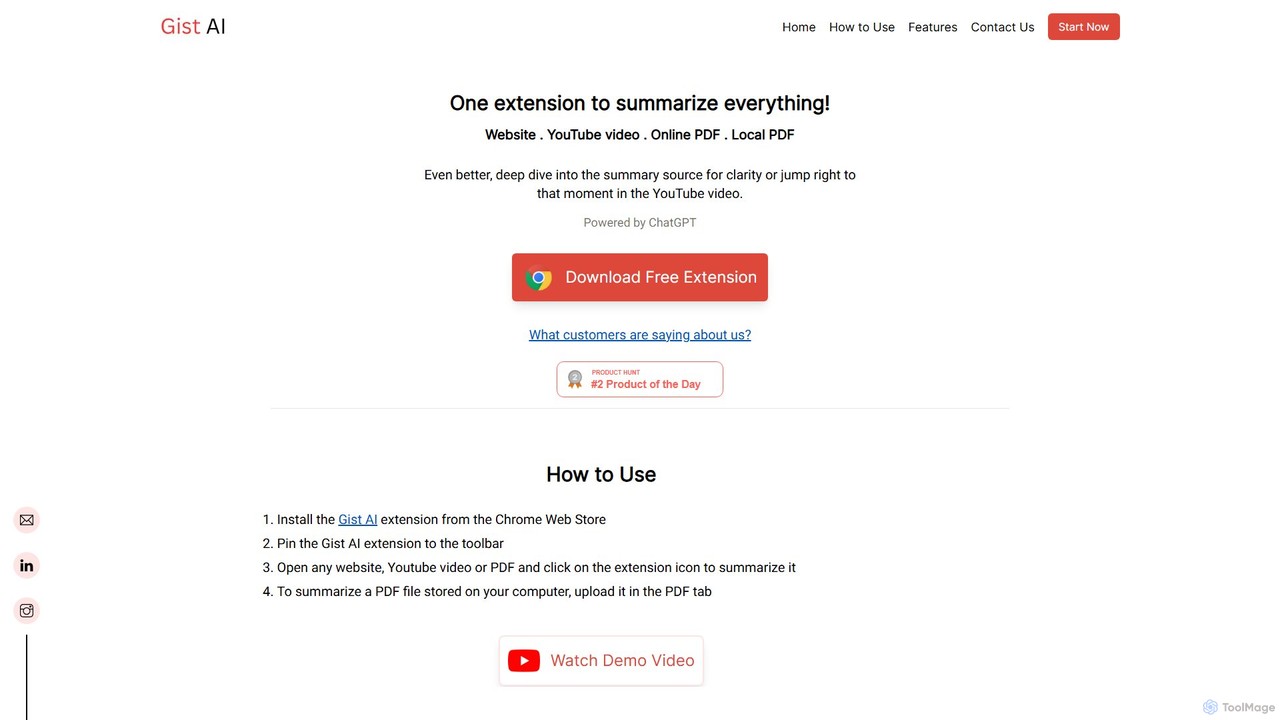
Gist AI
Gist AI is a free, ChatGPT-powered Chrome extension that instantly summarizes websites, YouTube videos, and both online and local PDFs. It helps you save time, improve comprehension, and quickly access the most important information from long-form content with a single click.
Chrome Extensions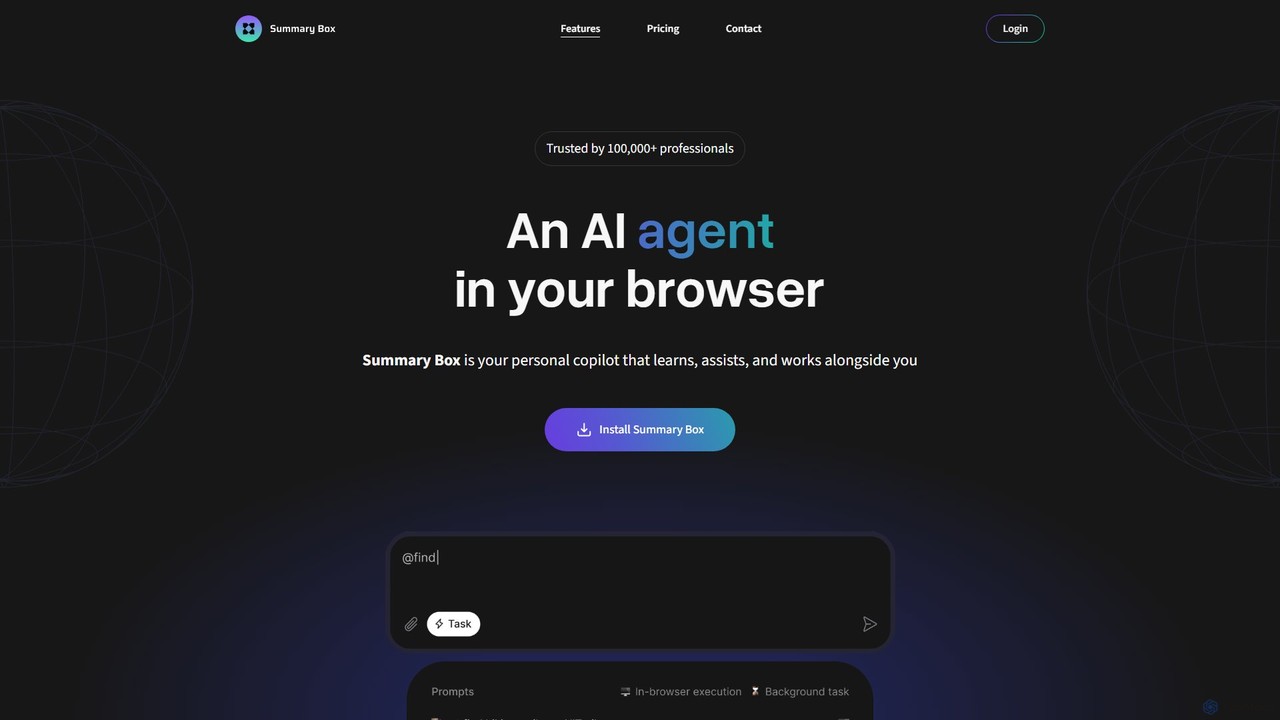
Summary Box
Summary Box is an AI-powered browser extension that acts as your personal copilot for the web. It generates high-quality, abstractive summaries of articles, PDFs, Google Docs, YouTube videos, and even audio. It's designed to save you time, enhance comprehension, and boost productivity by distilling long content into concise, key points.
Chrome Extensions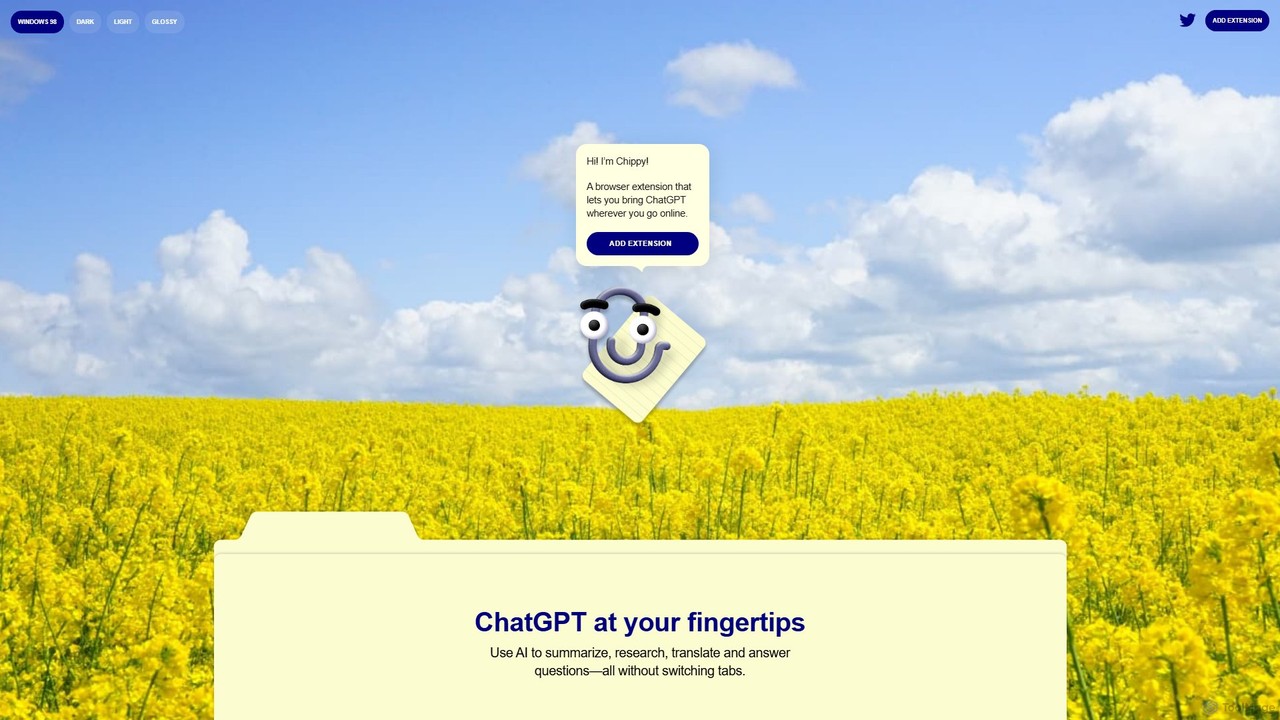
Chippy
Chippy is a smart ChatGPT-powered Chrome extension that acts as your AI assistant across the web. Seamlessly summarize articles, translate text, research topics, and draft emails without ever leaving your current tab. It offers context-aware answers by focusing on the page you're viewing, overcoming ChatGPT's knowledge limitations. With a generous free tier and a focus on user privacy, Chippy enhances your browsing productivity by putting the power of AI at your fingertips.
Search Assistant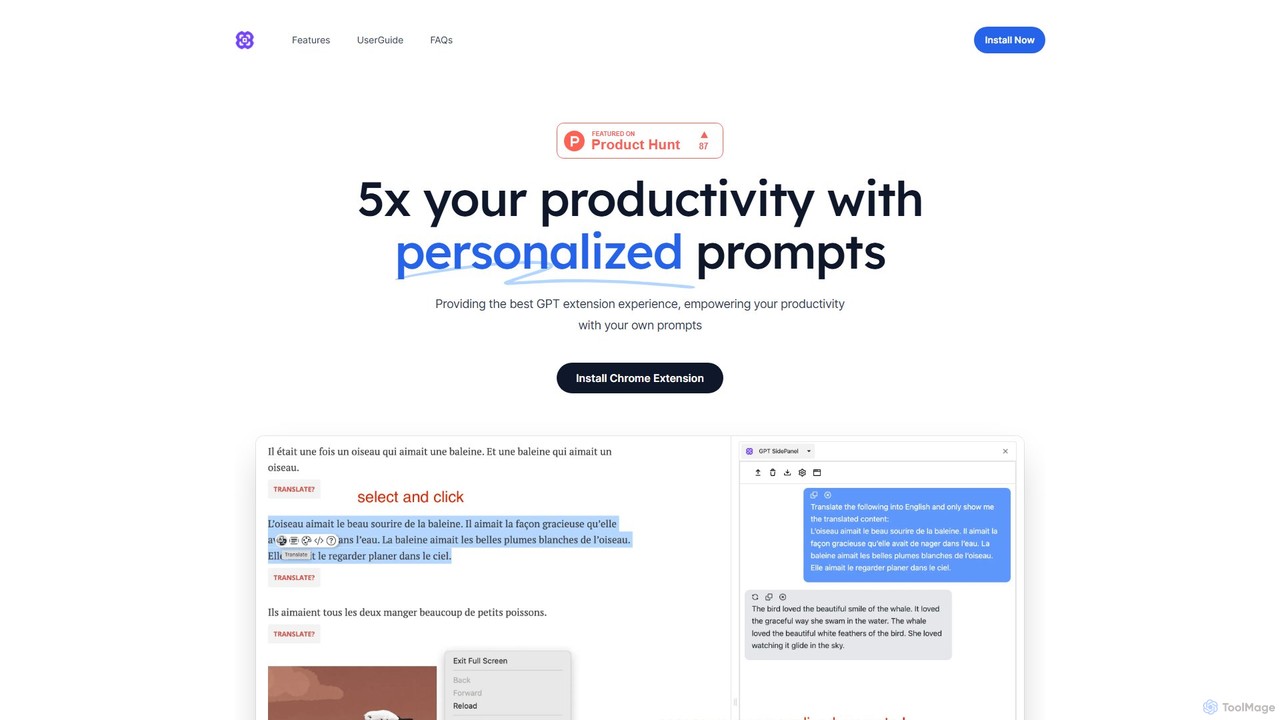
GPTSidePanel
GPTSidePanel is a powerful AI browser extension that integrates a GPT-powered sidebar into your browsing experience. Boost your productivity by summarizing articles, translating text, polishing writing, and using custom prompts directly on any webpage. Eliminate tab-switching and keep your workflow seamless with this intuitive AI assistant.
Browser Extension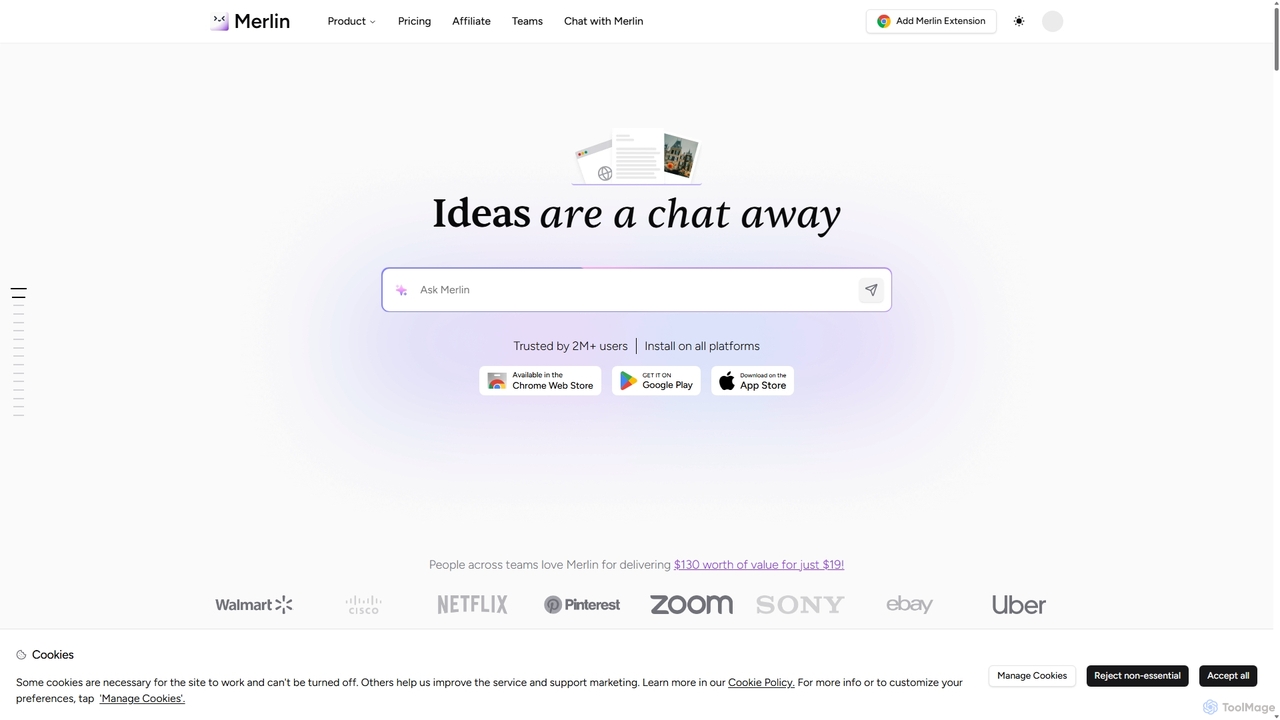
Merlin AI
Merlin is an all-in-one AI assistant, available as a browser extension and app, that integrates top AI models like GPT-4, Claude 3, and Gemini. It allows you to research, write, summarize content, generate images, and code with a single click on any website, streamlining your workflow and boosting productivity without switching tabs.
Chrome Extensions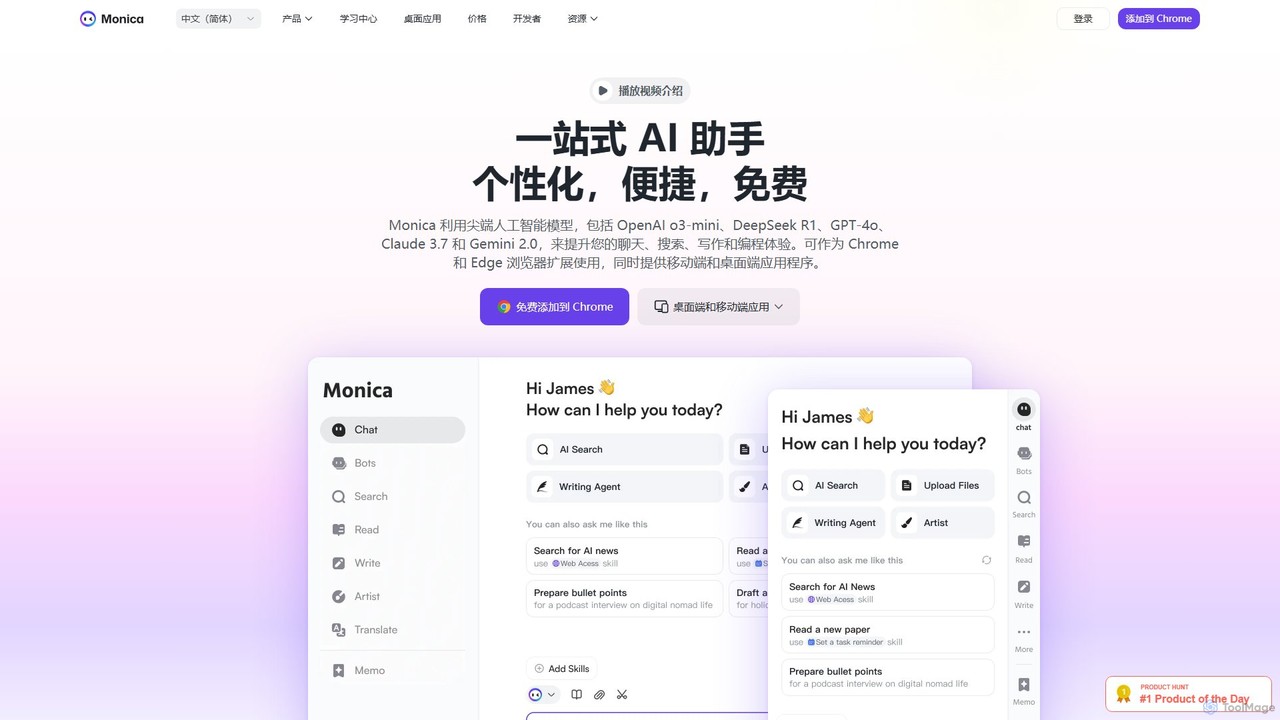
Monica
Monica is an all-in-one AI assistant powered by leading models like GPT-4o, Claude 3.7, and Gemini 1.5. It integrates seamlessly into your workflow as a browser extension, desktop, and mobile app, offering features for chat, search, writing, translation, and image creation to boost productivity.
Chrome Extensions
Lilys AI
Lilys AI is a powerful knowledge assistant that instantly summarizes diverse content formats, including YouTube videos, audio files, PDFs, websites, and Excel sheets. It extracts key insights, creates structured notes, and allows you to build a searchable personal knowledge base. Ideal for students, researchers, and professionals looking to save time and accelerate learning by quickly grasping the core ideas from lengthy materials.
Research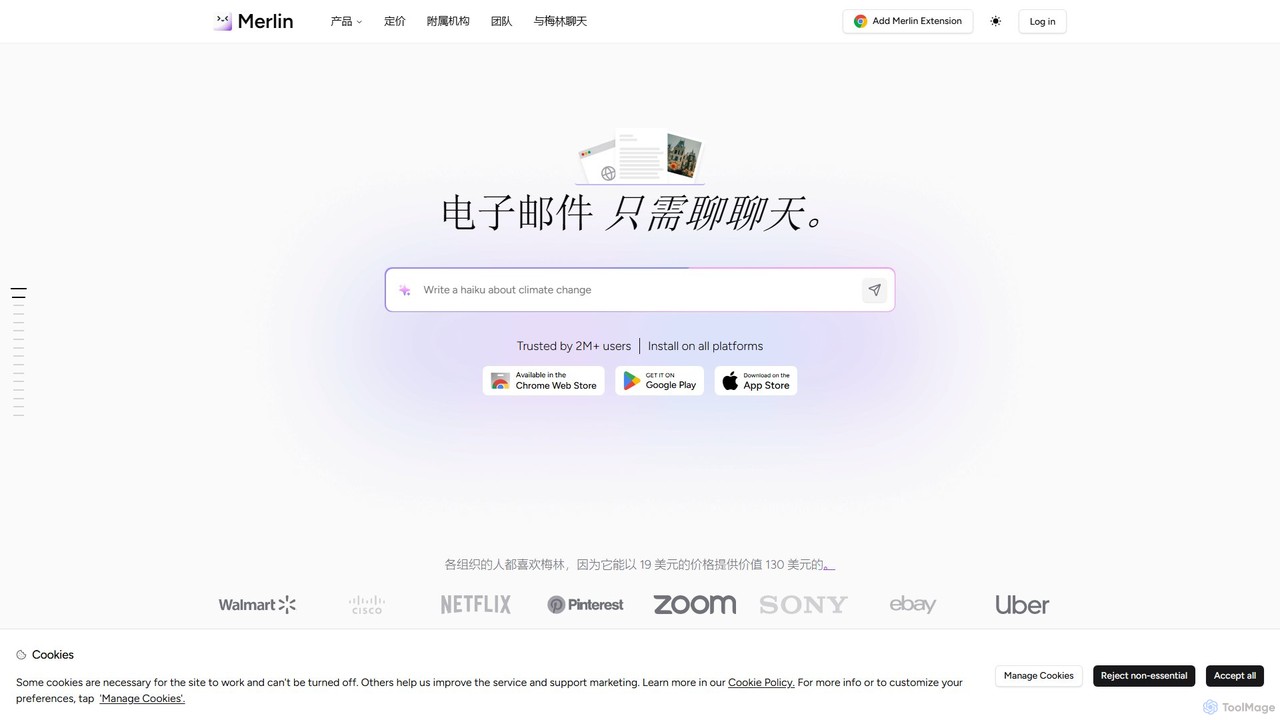
getmerlin
getmerlin is a versatile AI assistant powered by top models like GPT-4o and Claude 3.5. Available as a browser extension and app, it integrates seamlessly into your workflow to summarize content, draft emails, generate text and images, and enhance research on any website. It acts as an all-in-one productivity tool, saving time and money by consolidating multiple AI services into a single subscription.
Chrome Extensions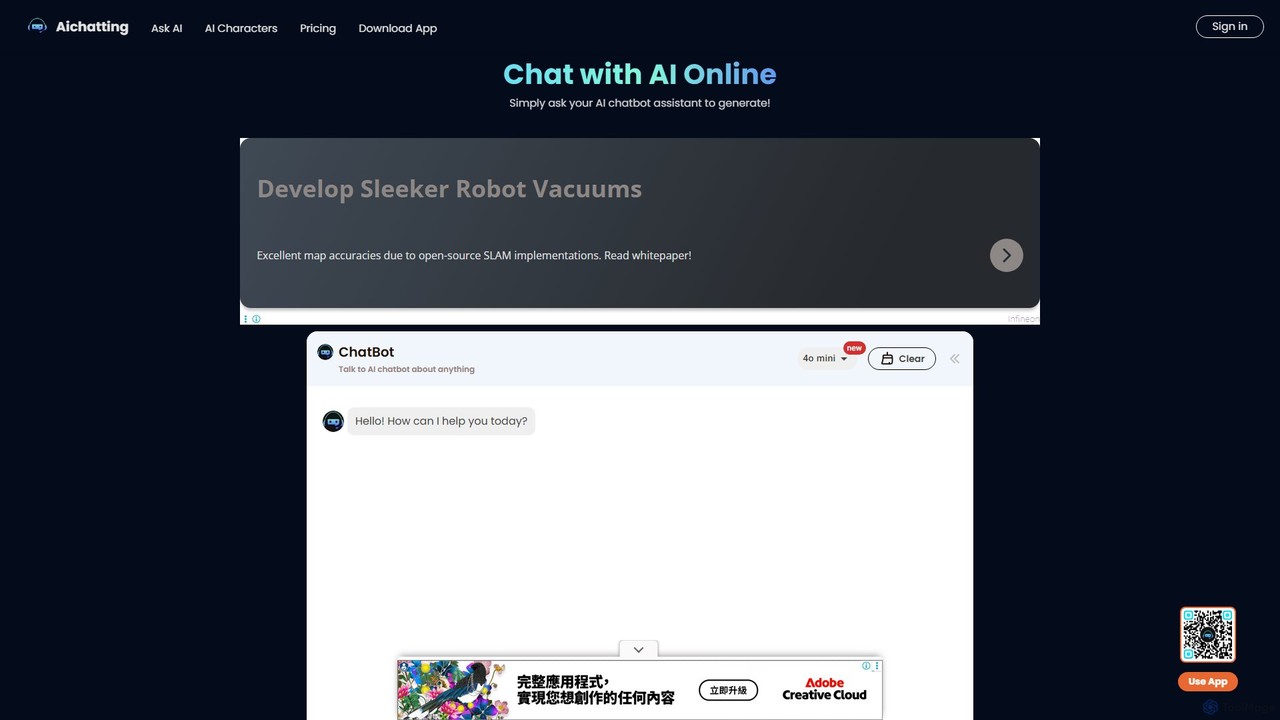
aichatting
aichatting is a versatile AI chatbot platform powered by advanced GPT models. Engage in natural conversations, ask any question, or interact with specialized AI characters for expert advice. It also functions as a powerful writing assistant, helping you generate emails, articles, and creative content 10x faster. Available online and via a mobile app, it's a free and user-friendly tool for productivity, learning, and creativity.
Learning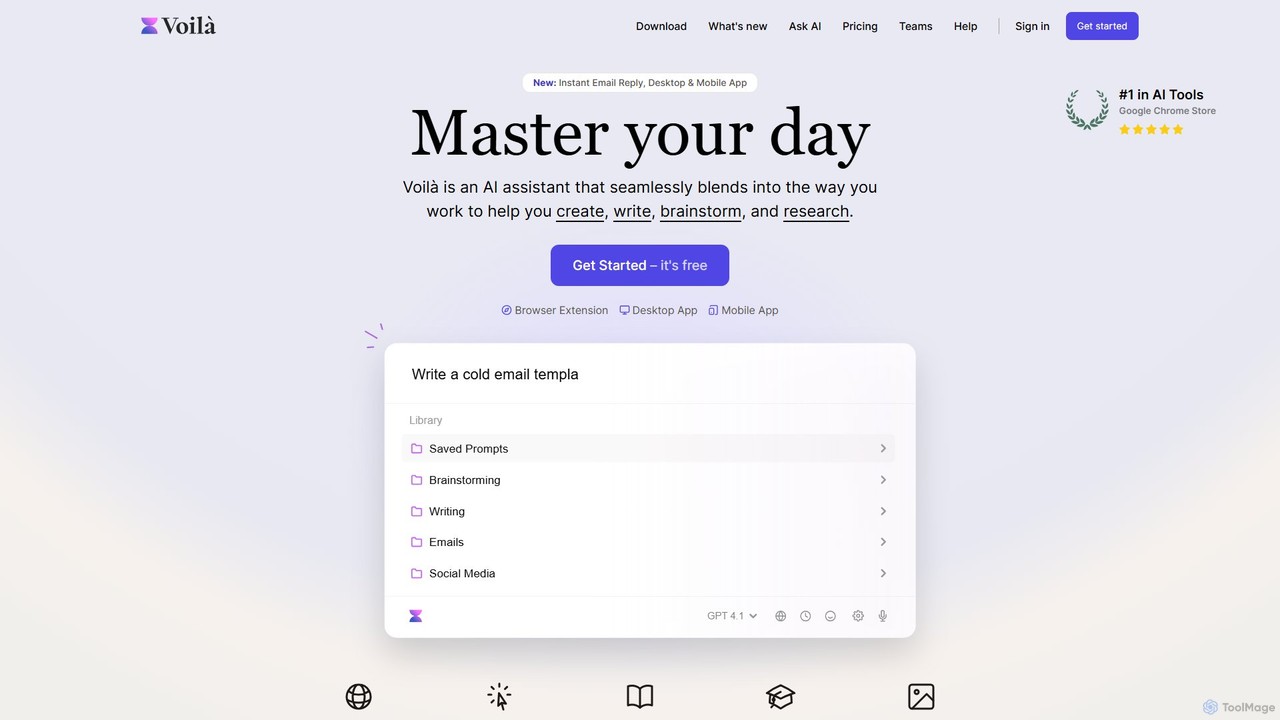
Voilà
Voilà is an all-in-one AI assistant designed to maximize productivity. It functions as a browser extension, desktop, and mobile app, seamlessly integrating into your workflow to help with writing, brainstorming, research, and content creation. It works on any website or app, understanding the context to provide relevant assistance.
Content Creation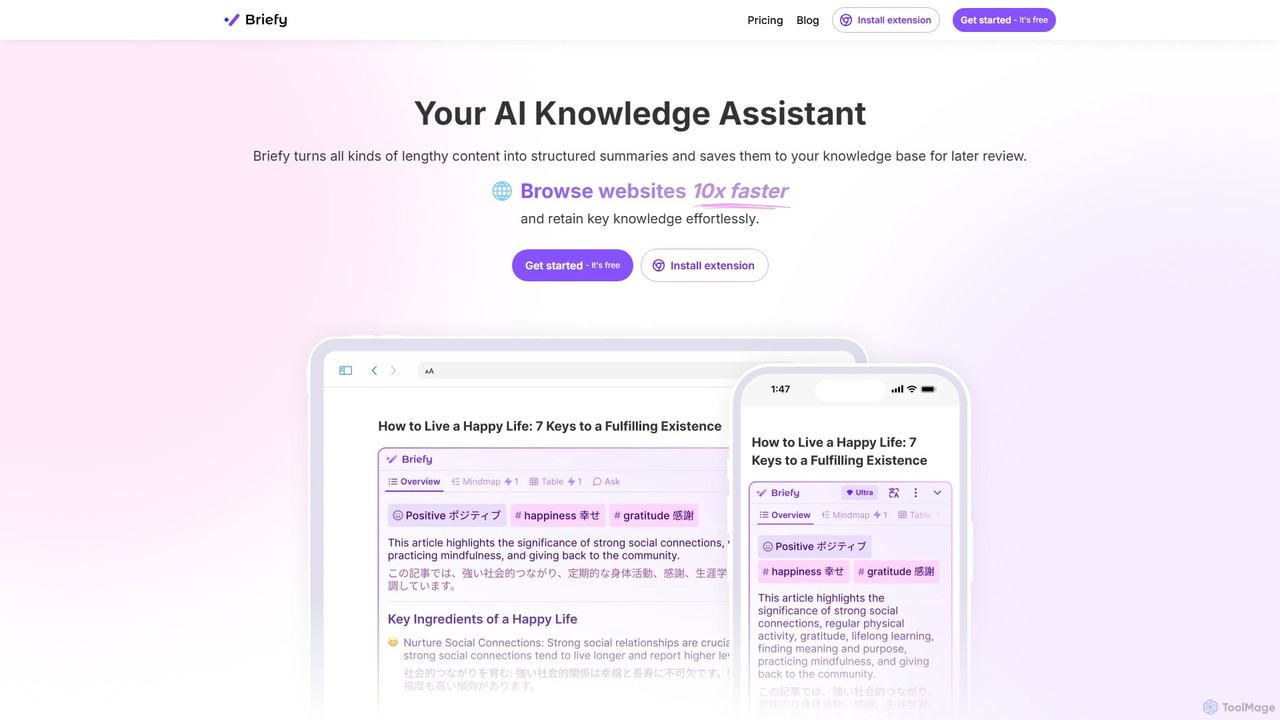
Briefy
Briefy is an AI-powered knowledge assistant that transforms lengthy content like articles, videos, and PDFs into structured summaries. It helps you conduct research 10x faster, retain key knowledge, and build a personal, searchable knowledge base for later review and interaction.
Research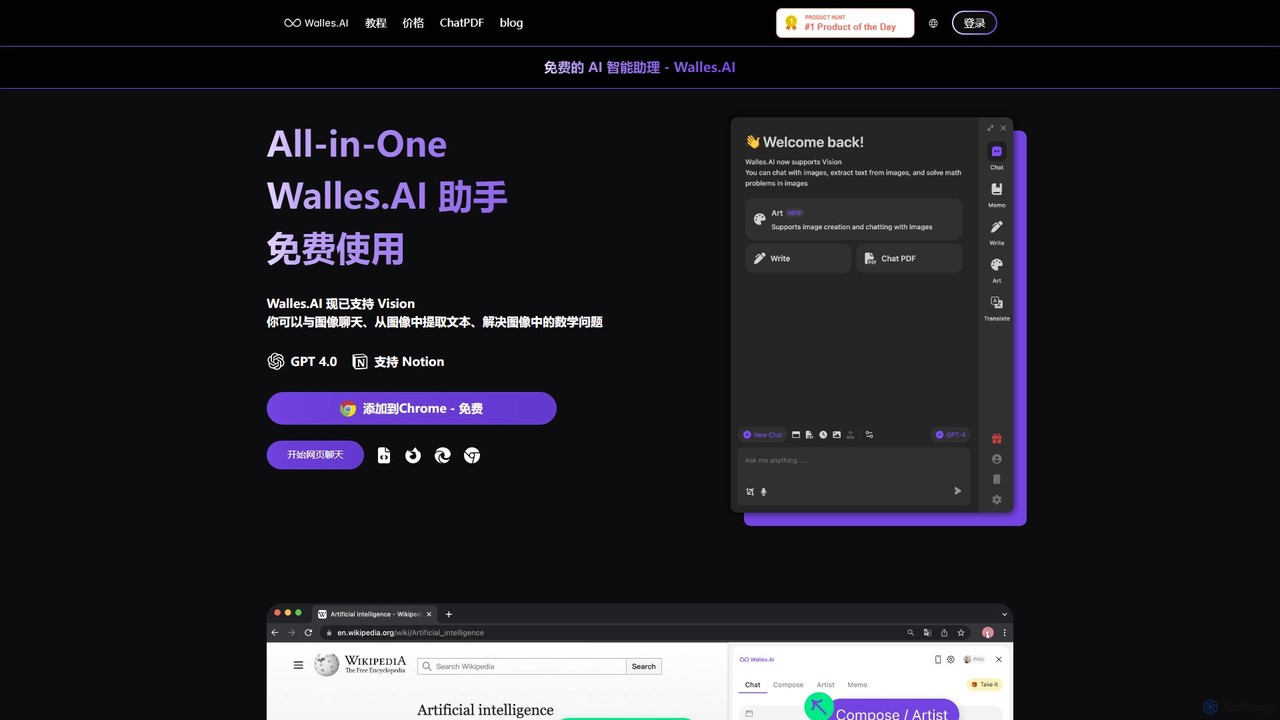
Walles.AI
Walles.AI is an all-in-one AI assistant integrated as a Chrome extension. Powered by GPT-4, it allows you to chat with webpages, PDFs, YouTube videos, and even images. Boost your productivity with instant summarization, translation, text analysis, and seamless integration with Notion.
Study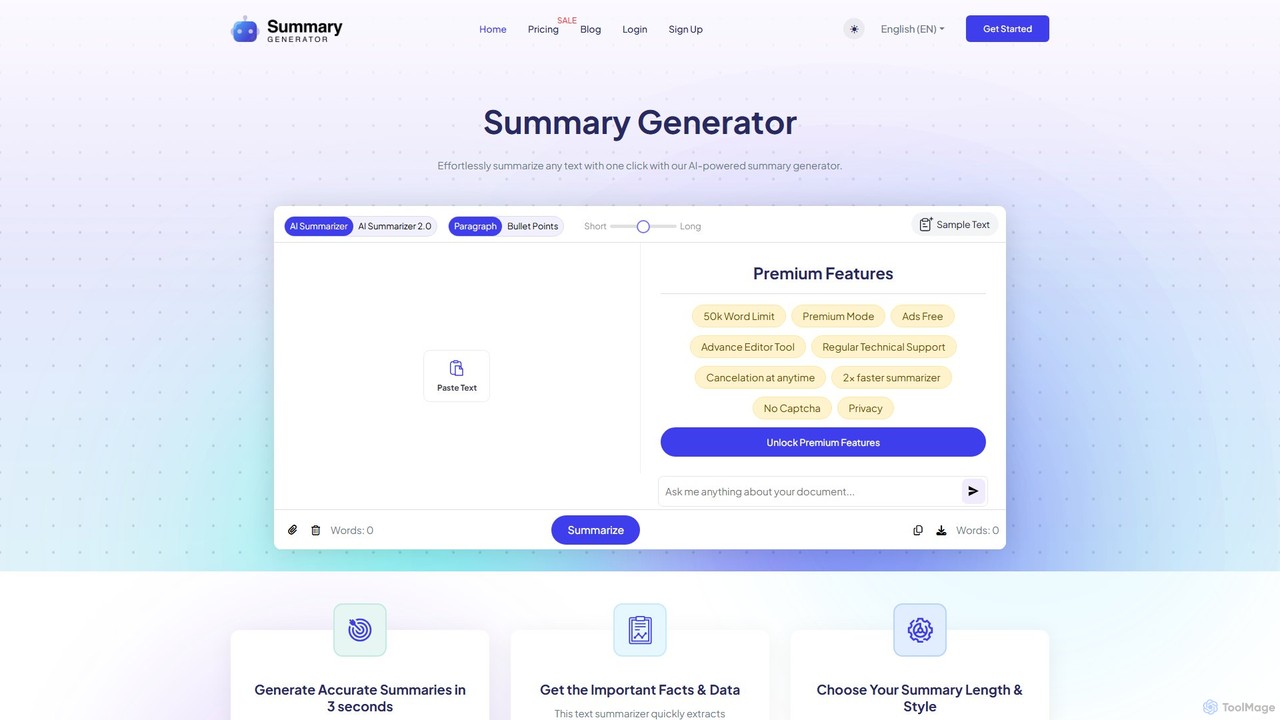
SummaryGenerator.io
An AI-powered tool that condenses long texts, articles, and documents into concise summaries in seconds. Customize summary length and format (paragraph or bullet points) to quickly extract key information and improve comprehension. Supports text input and file uploads (PDF, DOC).
Document Management
Ask Gene Comments (0)
Sign in to comment.
Sign inNo comments yet.