
chatgpt-infinity Overview
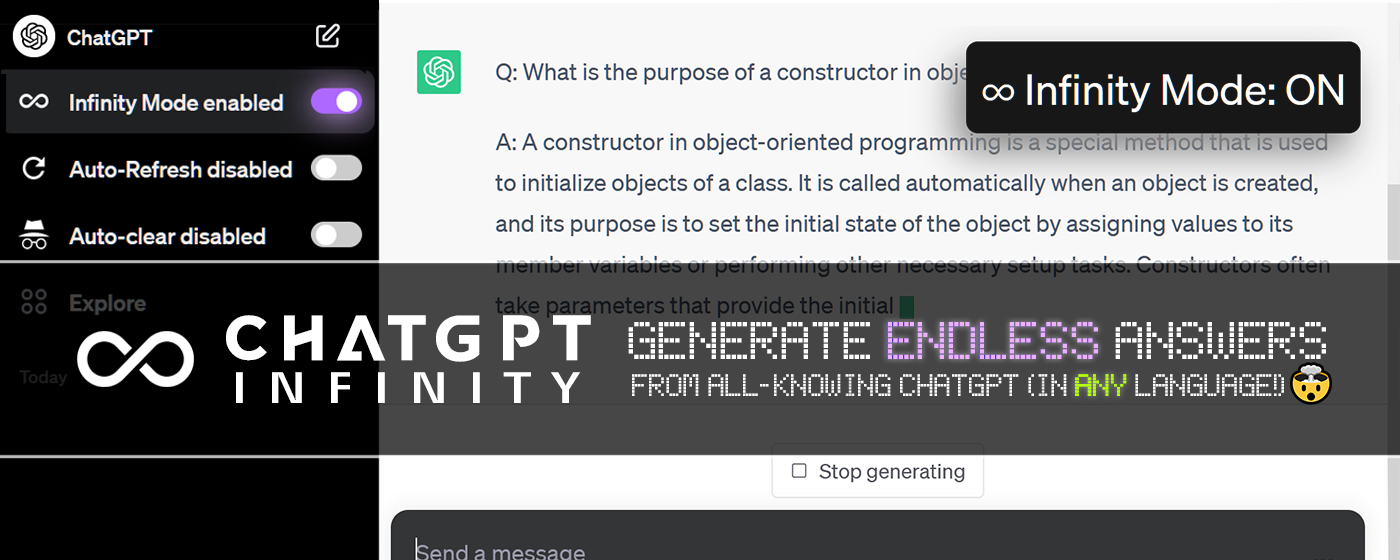
ChatGPT Infinity is a free and powerful browser extension designed to unlock the full potential of ChatGPT by enabling it to generate continuous, uninterrupted streams of responses. This tool acts as your ultimate chat companion, allowing you to delve deep into any subject without the need for constant manual prompts. By automating the generation process, it transforms ChatGPT into an endless source of information, ideas, and content, perfect for users who require in-depth knowledge or extensive text on a specific topic.
Developed by Adam Lui, this open-source project enhances the standard ChatGPT interface with a simple yet effective toggle. Once activated, the extension takes over, prompting the AI to continue elaborating on your chosen subject indefinitely. This functionality is invaluable for researchers gathering comprehensive data, writers brainstorming complex narratives, students studying intricate subjects, or anyone with a curiosity that can't be satisfied by a single answer. Its broad browser compatibility and reliance on the robust chatgpt.js library ensure a stable and reliable user experience.
How to use chatgpt-infinity
Using ChatGPT Infinity is straightforward and can be done in two primary ways:
1. Browser Extension Installation (Recommended):
- Navigate to the official extension store for your browser (Chrome Web Store, Firefox Add-ons, Microsoft Edge Add-ons).
- Search for "ChatGPT Infinity" and install the extension.
- Once installed, visit the ChatGPT website (chatgpt.com). You will see a new "Infinity" toggle switch appear in the sidebar and the toolbar menu.
- To start generating endless answers, simply begin a conversation with ChatGPT and then activate the toggle.
2. Greasemonkey Userscript Installation:
- First, install a userscript manager in your browser, such as Tampermonkey, Violentmonkey, or ScriptCat.
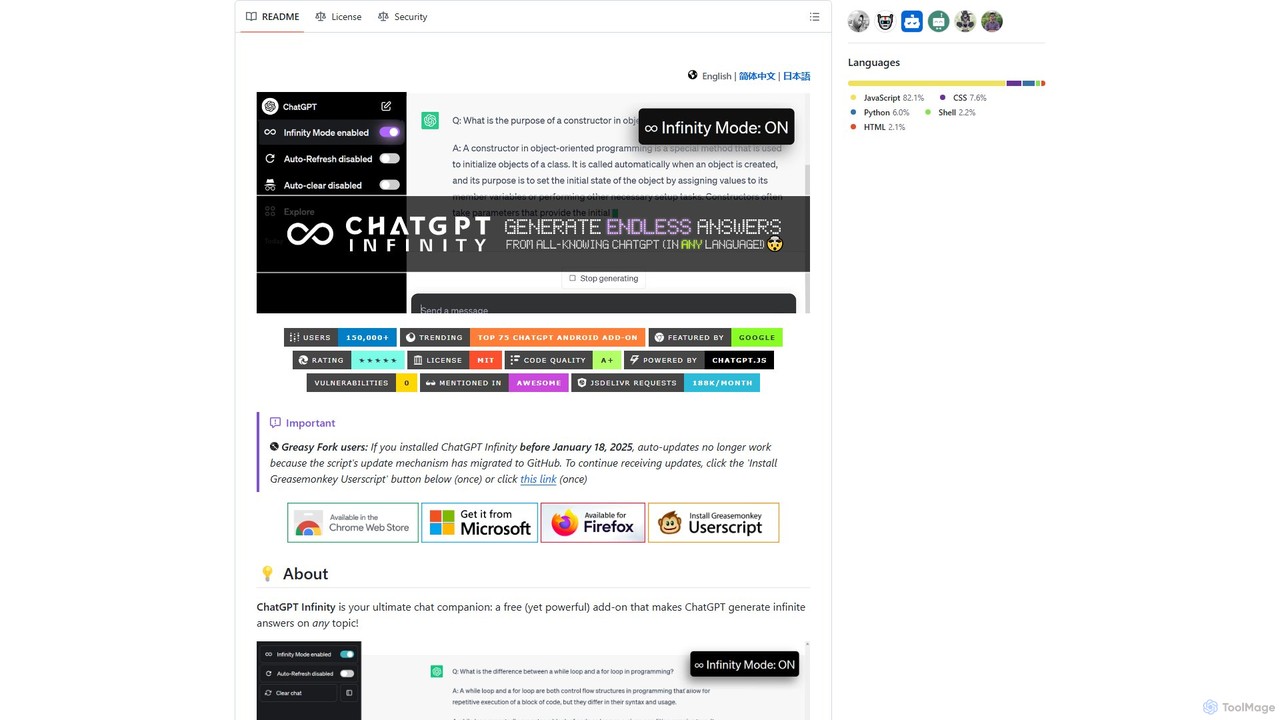
- Visit the ChatGPT Infinity GitHub page or its Greasy Fork page and click the installation link for the userscript. Your manager will automatically detect and prompt you to install it.
- After installation, go to chatgpt.com. The "Infinity" toggle will be available in the sidebar, ready for use.
Once active, you can access additional settings, such as response interval and language, through the extension's options or the userscript manager's menu.
Core Features of chatgpt-infinity
- Endless Answer Generation: The primary feature, allowing ChatGPT to continuously generate text on a given topic without stopping.
- Customizable Topic Selection: You have full control to define the exact topic you want the AI to explore, ensuring the generated content remains relevant.
- Multilingual Support: Select any reply language for the responses, making it a versatile tool for multilingual users, translators, and language learners.
- Adjustable Response Interval: Fine-tune the speed of ChatGPT's replies by setting the time interval between each generated response, matching your reading pace or processing needs.
- Auto-Scroll: The page automatically scrolls down as new content is generated, providing a seamless and hands-free viewing experience.
- Seamless Integration: The tool integrates directly into the ChatGPT interface with a simple toggle, making it feel like a native feature.
- Broad Browser Compatibility: Works across a wide range of desktop browsers, including Chrome, Firefox, Edge, Opera, Brave, and more.
Use Cases for chatgpt-infinity
In-depth Research: Researchers can use it to compile exhaustive information on scientific, historical, or technical subjects, letting the AI generate a continuous flow of data, explanations, and perspectives.
Content Creation and Brainstorming: Writers, marketers, and creators can generate vast amounts of text for articles, blog posts, scripts, or social media campaigns. It's also an excellent tool for brainstorming, producing an endless stream of ideas, plot points, or marketing angles.
Learning and Education: Students can use it to get detailed, chapter-length explanations of complex topics, creating their own personalized study guides. Language learners can generate continuous stories or dialogues in their target language for immersive practice.
Technical Documentation: Developers can prompt the AI to write extensive code explanations, documentation, or tutorials on a specific programming concept or library.
Advantages of chatgpt-infinity
Uninterrupted Workflow: Eliminates the need to repeatedly type "continue" or other prompts, saving time and maintaining focus during deep work sessions.
Deep Topic Exploration: Goes far beyond surface-level answers, allowing for a truly comprehensive and nuanced understanding of any subject.
High Customization: Gives users significant control over the output, including the topic, language, and generation speed, tailoring the experience to their specific needs.
Free and Open Source: The tool is completely free to use, and its open-source nature on GitHub ensures transparency and allows for community contributions.
Pricing and Plans
ChatGPT Infinity is a completely free and open-source project. There are no subscription fees, hidden costs, or premium versions. The developer supports the project through community contributions and sponsorships via platforms like Ko-fi and GitHub Sponsors.
chatgpt-infinity Alternatives
Ask Gene
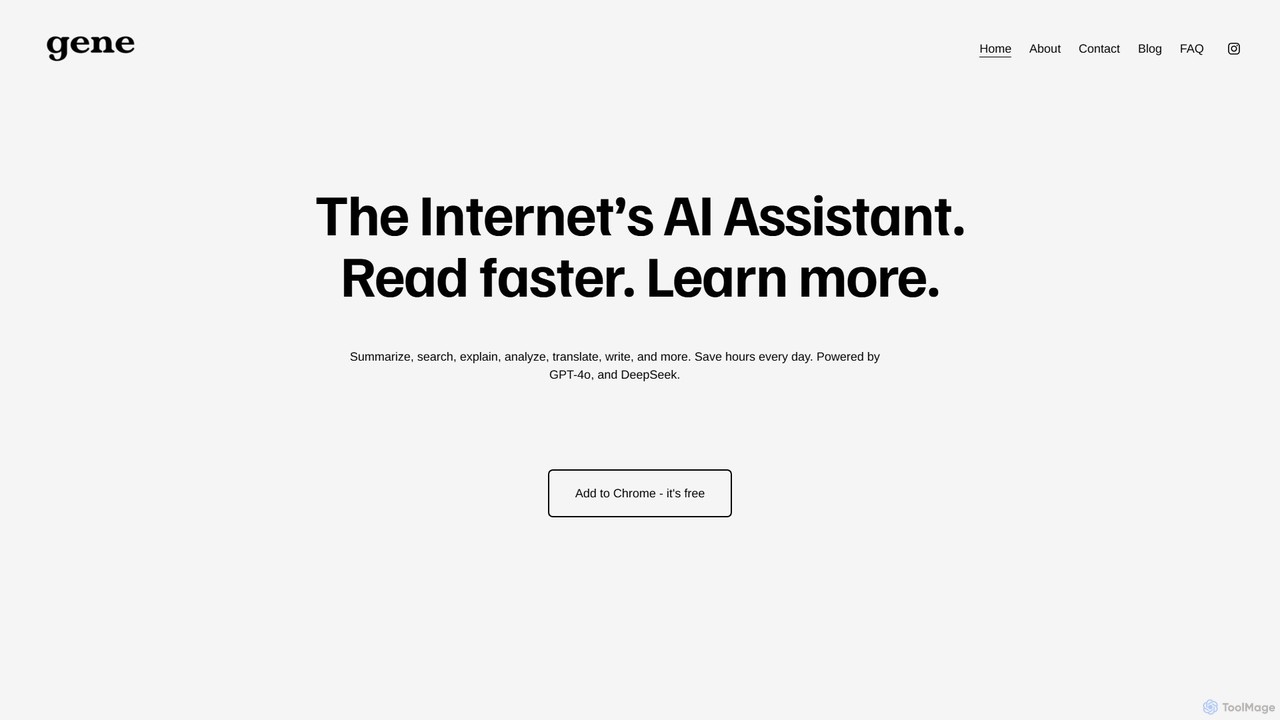
Ask Gene is a free AI-powered Chrome extension that acts as your personal internet assistant. Powered by GPT-4o and DeepSeek, it allows you to summarize webpages and PDFs, chat with AI without leaving your tab, explain complex text, translate, and assist with writing, all seamlessly integrated into your browser.
Research
Yuanbao
Yuanbao is a powerful AI assistant from Tencent, built on the Hunyuan Large Language Model. It's designed to enhance productivity and enrich daily life by excelling at long-document analysis, intelligent search, and high-quality content creation, making it an indispensable partner for complex tasks.
Document Analysis
SnapGPT AI
SnapGPT AI is a powerful browser extension that integrates GPT's capabilities directly into your workflow. Instantly summarize articles, rewrite sentences, compose emails, or get explanations for complex topics on any webpage with a simple right-click or keyboard shortcut. Boost your productivity and streamline your online tasks.
Research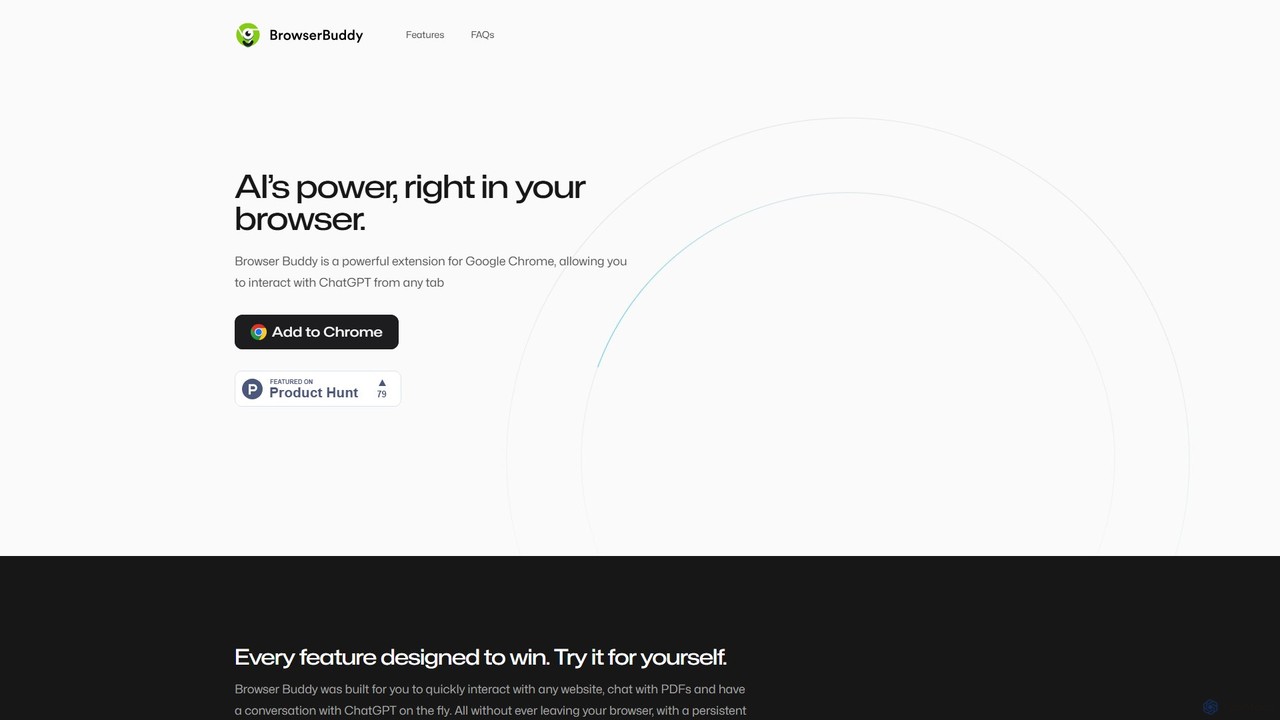
Browser Buddy
Browser Buddy is a powerful Chrome extension that integrates ChatGPT directly into your browser. It acts as a persistent AI sidebar, allowing you to chat with websites and PDFs, access your conversation history, and leverage AI's power on any tab. Enhance your productivity with contextual interactions, all while ensuring your data remains private and stored locally.
Research
getmax.ai
getmax.ai is an AI-powered browser extension that acts as your copilot for the web. It seamlessly integrates into your workflow, allowing you to summarize content, write emails, generate articles, and get instant answers from advanced AI models like GPT-4 and Claude, all without leaving your current tab.
Researchchatgpt-infinity Categories
chatgpt-infinity Embed Widget
Copy this embed code to place the badge on your blog, article, or product site and send readers directly to this ToolMage detail page.

Related AI tools
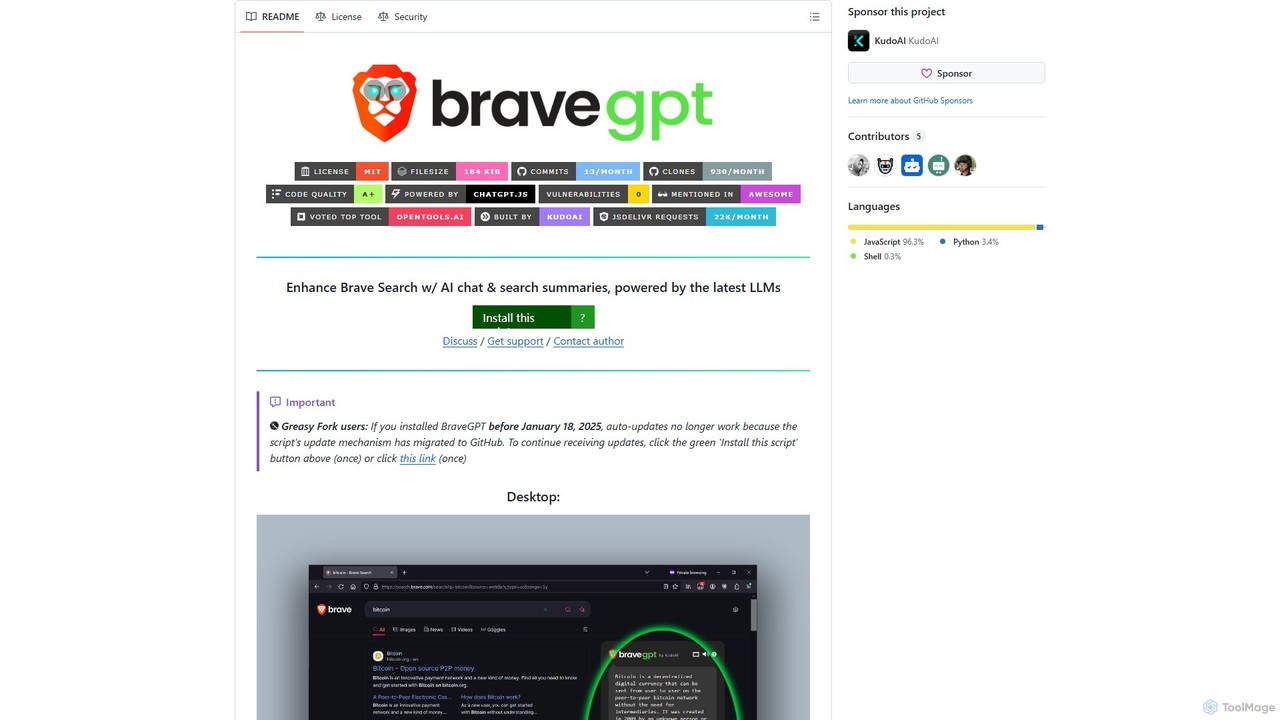
bravegpt
A powerful userscript that enhances Brave Search with AI chat and search summaries, powered by the latest LLMs like GPT-4o. Get instant answers and engage in conversations directly on your search results page.
Chrome Extensions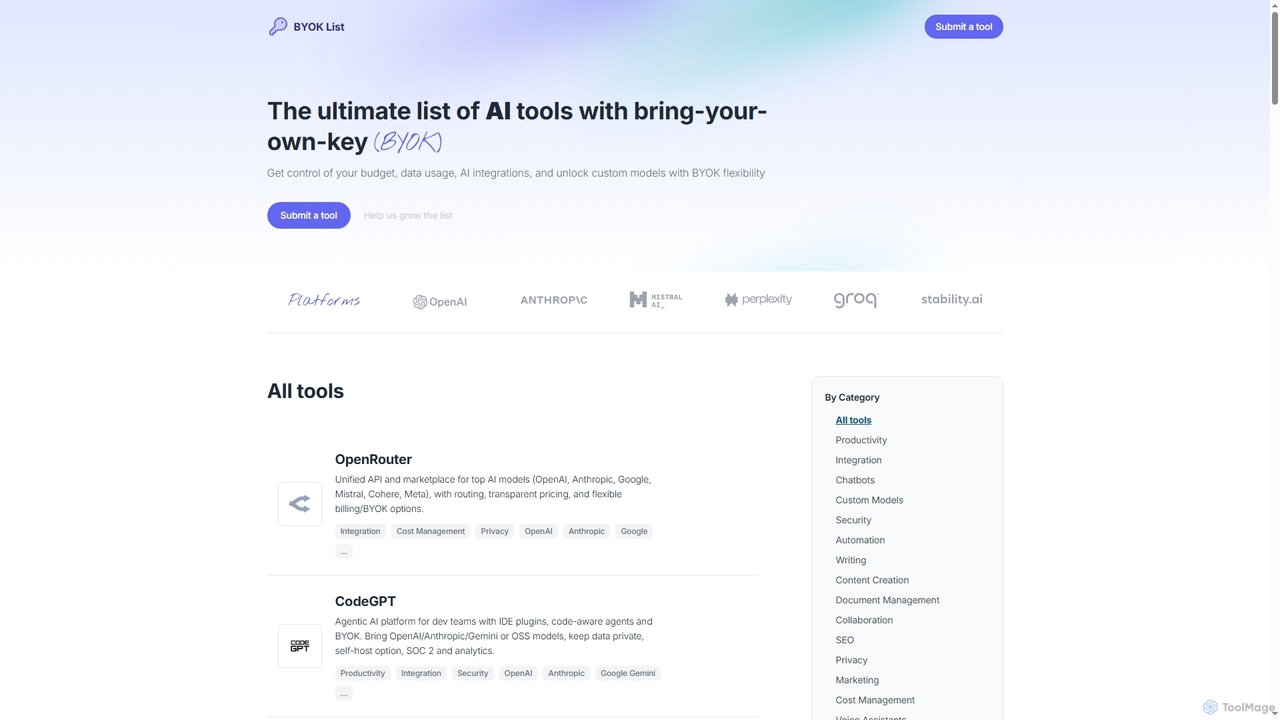
BYOKList
BYOKList is the ultimate directory for discovering AI tools that support Bring-Your-Own-Key (BYOK) functionality. It empowers users to manage their budget, data usage, and AI integrations, while also enabling access to custom models with enhanced flexibility.
Ai Resource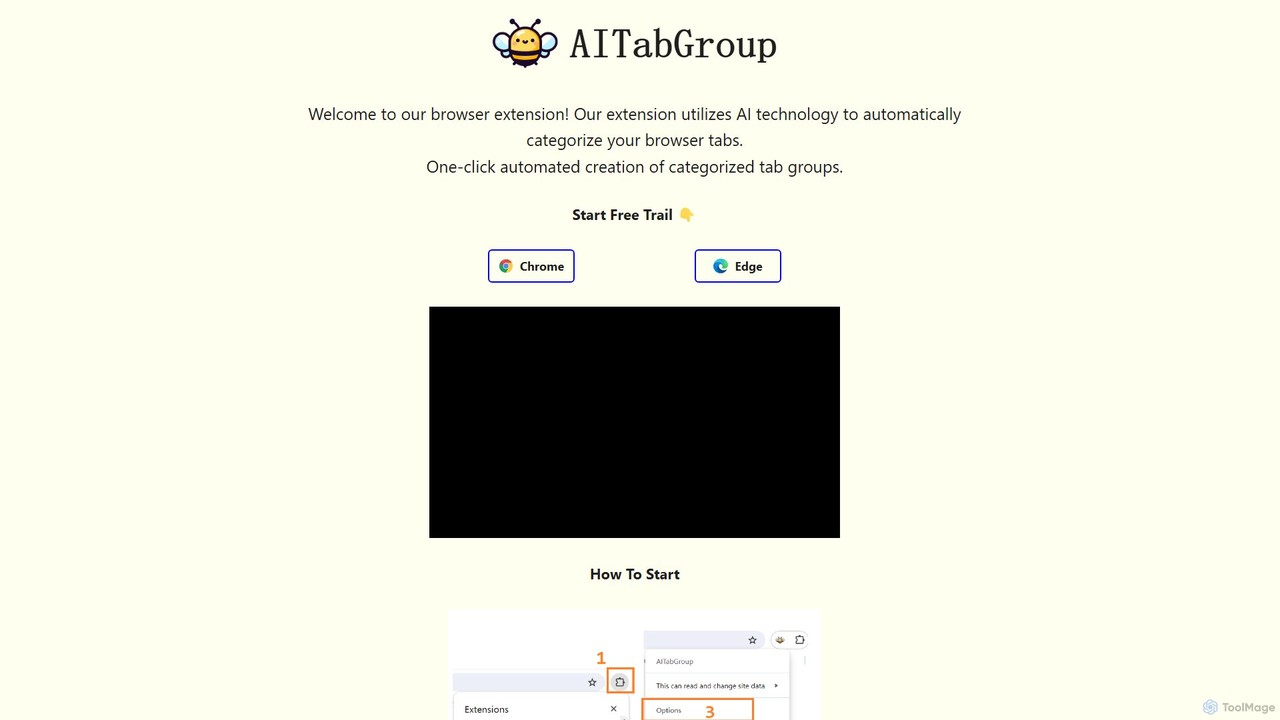
AI Tab Group
AI Tab Group is an intelligent browser extension for Chrome and Edge that uses AI to automatically categorize and group your open tabs. With a single click, it eliminates tab clutter, organizes your workspace, and boosts productivity. Pro features include hierarchical views and exporting sessions to Markdown or bookmarks.
Browser Extension
Lunabot
Lunabot is a versatile, all-in-one AI assistant that works across all your devices. It integrates leading AI models like GPT-4o, Gemini, and Claude into a seamless experience on your browser, desktop, and mobile. Boost your productivity with features like document chat, AI image generation, voice interaction, and customizable shortcut commands, all from a single, budget-friendly platform.
Chat
Studio Global
Studio Global is an all-in-one AI productivity platform that empowers users to build no-code AI agents and workflows. It automates complex tasks like content creation, deep research, and customer outreach, integrating advanced AI chat, a powerful editor, and brand voice features to streamline your work.
Research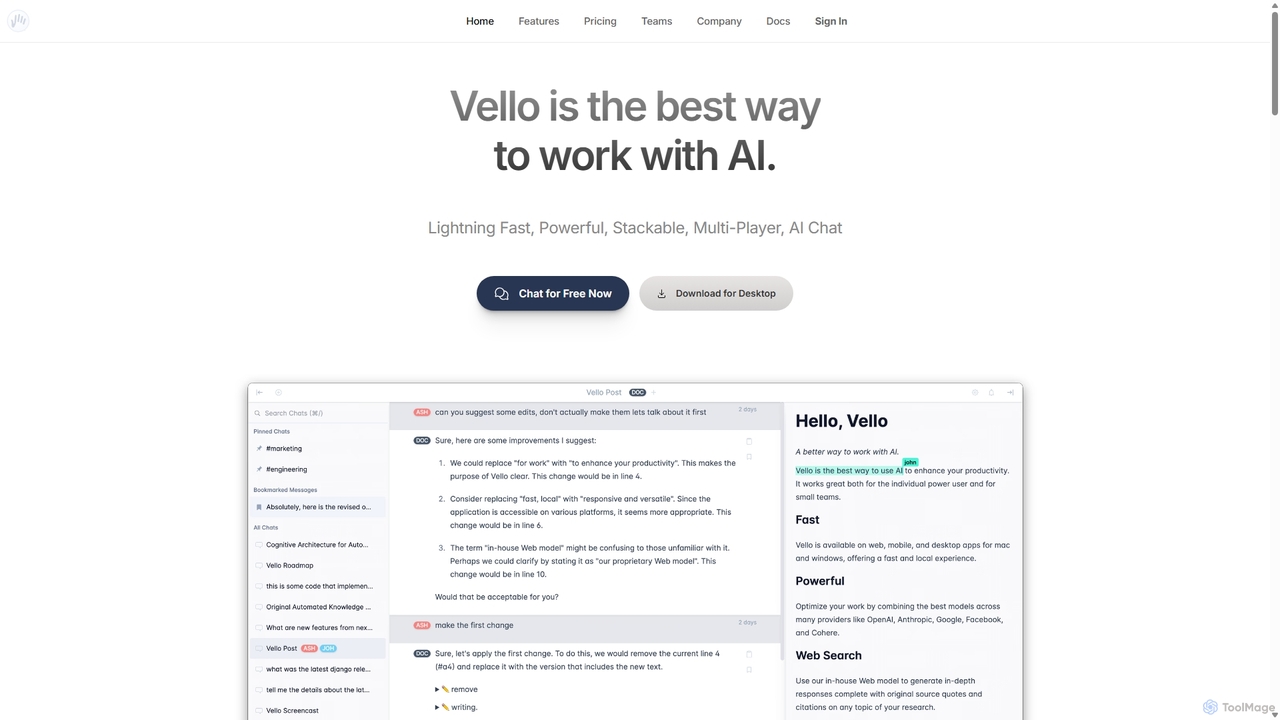
Vello
Vello is a powerful, collaborative AI platform that centralizes top models from OpenAI, Anthropic, and Google. It enables teams to work together with AI in real-time, create custom AI personas, conduct cited research, and edit documents seamlessly across web, desktop, and mobile apps.
Teamwork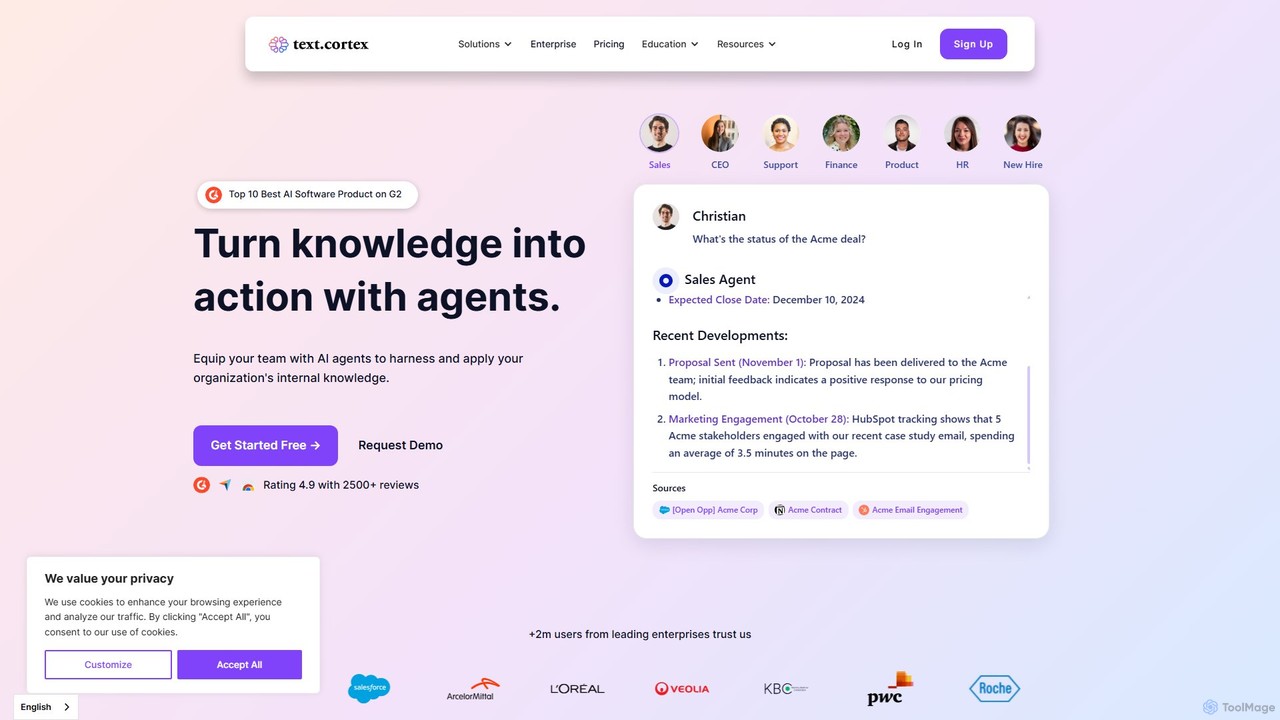
TextCortex
TextCortex is an enterprise-grade AI platform that transforms your company's internal knowledge into actionable insights. It enables teams to build custom AI agents, automate workflows, and enhance productivity with a highly personalized AI copilot that integrates across 30,000+ applications.
Knowledge Management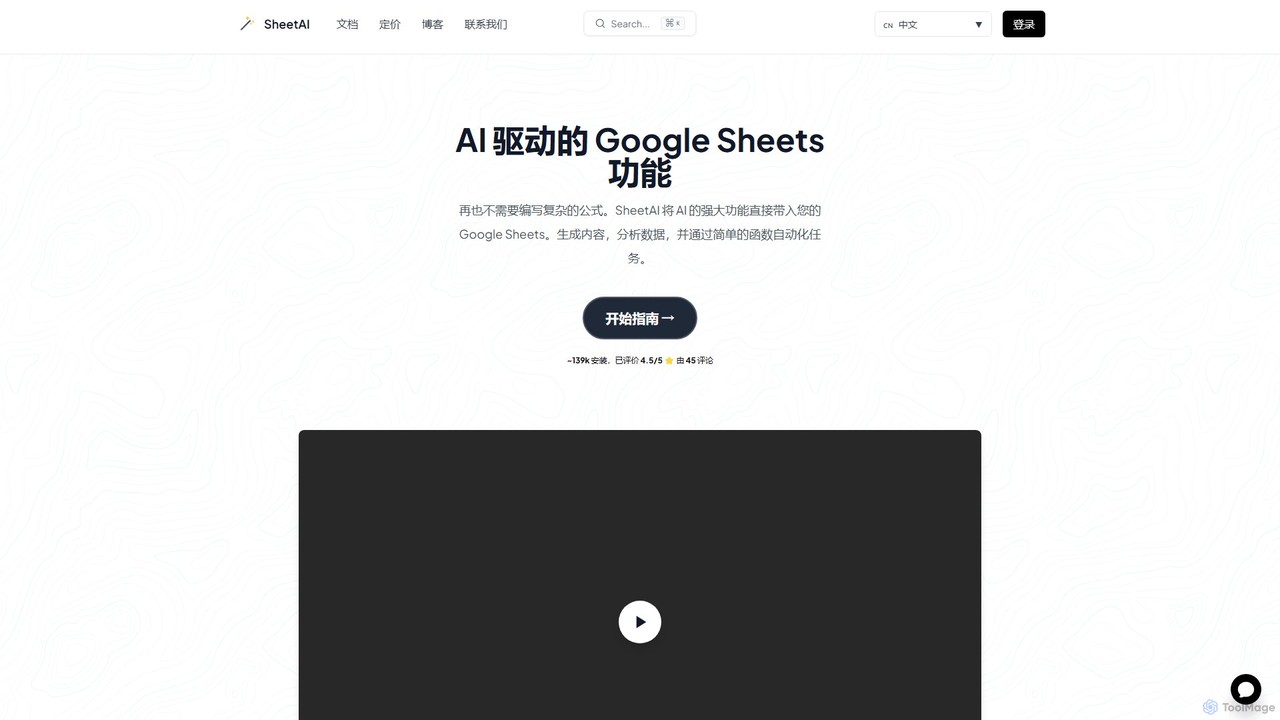
SheetAI
SheetAI integrates the power of AI directly into Google Sheets, allowing users to generate content, analyze data, and automate tasks using simple functions. It eliminates the need for complex formulas, making spreadsheet management more efficient and intuitive for everyone.
No Code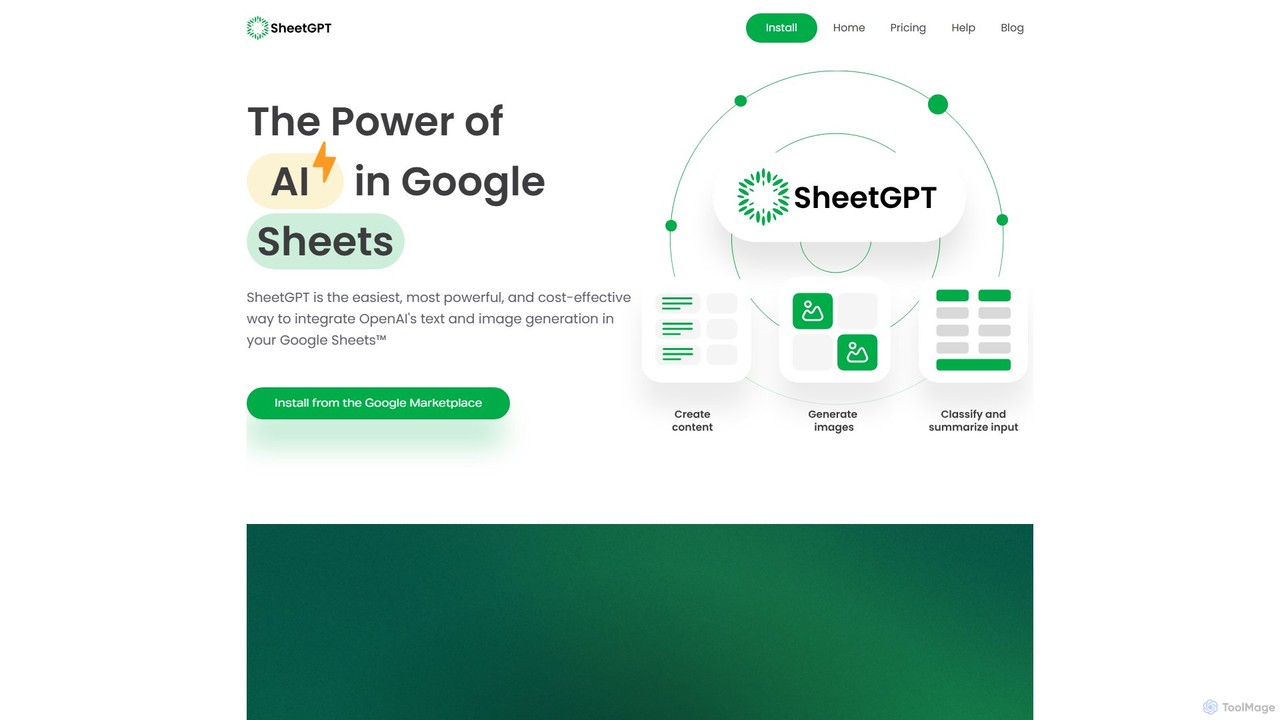
SheetGPT
SheetGPT is a powerful Google Sheets™ add-on that integrates OpenAI's GPT technology directly into your spreadsheets. It allows users to generate text and images, analyze data, create content, and automate workflows using simple functions, without needing API keys. It's designed for individuals and teams to enhance productivity in marketing, research, and content creation.
Seo
filliny
filliny is an AI-powered assistant designed to automate the tedious task of filling information. From web forms and applications to generating content for emails and documents, filliny intelligently completes fields and text, saving you time and reducing manual errors. It learns from your input to provide increasingly accurate and personalized suggestions.
Form Filler
SamurAI
SamurAI is a powerful, multi-functional AI assistant designed for Discord. It enhances server engagement and productivity by offering advanced conversational AI, automated moderation, content generation, and utility tools. Seamlessly integrated into your Discord server, SamurAI acts as a community manager, content creator, and support agent, all in one.
Text Generation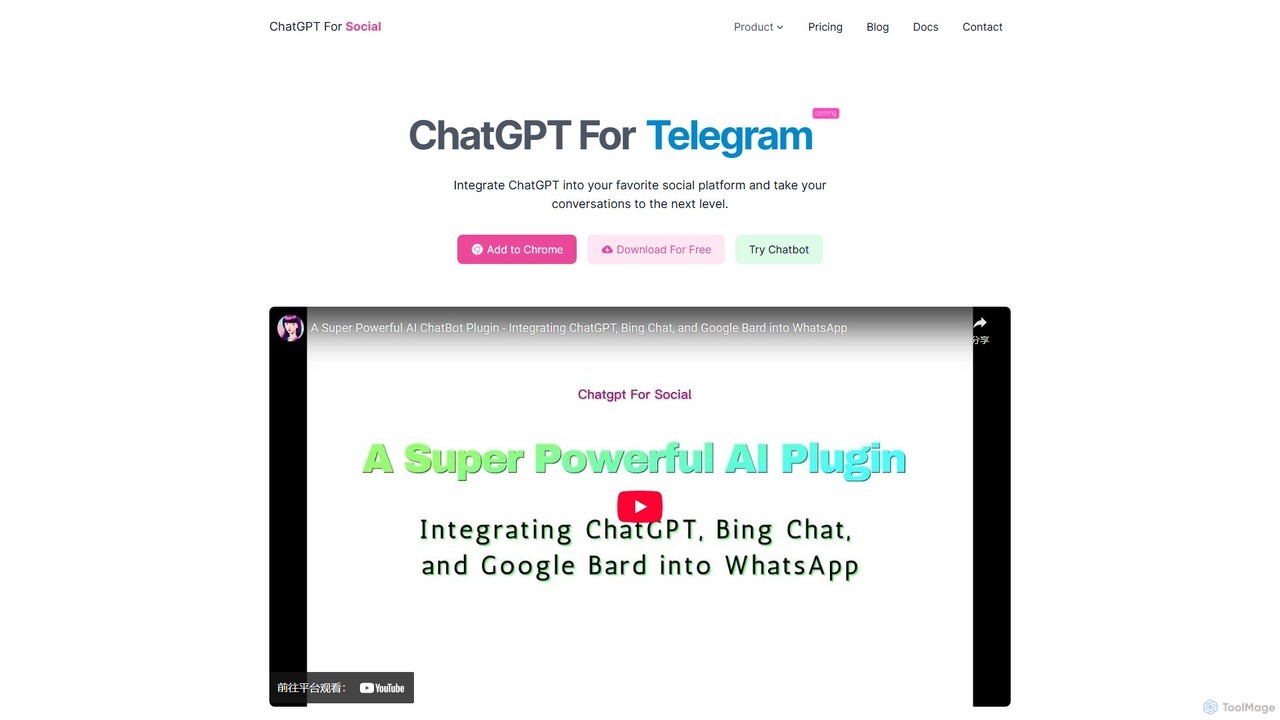
ChatGPT For Social
A browser extension that integrates powerful AI models like ChatGPT, Google Bard, and Bing Chat directly into your favorite social media platforms such as WhatsApp and WeChat. Enhance your conversations, automate responses, and boost productivity without leaving your chat window.
Communication
getmagicmate
getmagicmate is an all-in-one AI-powered assistant designed to boost productivity and creativity. It helps users with content creation, code generation, brainstorming, and task automation, acting as a versatile digital partner for professionals, developers, and creators.
Code AssistantYuanbao
Yuanbao is a powerful AI assistant from Tencent, built on the Hunyuan Large Language Model. It's designed to enhance productivity and enrich daily life by excelling at long-document analysis, intelligent search, and high-quality content creation, making it an indispensable partner for complex tasks.
Document AnalysisSnapGPT AI
SnapGPT AI is a powerful browser extension that integrates GPT's capabilities directly into your workflow. Instantly summarize articles, rewrite sentences, compose emails, or get explanations for complex topics on any webpage with a simple right-click or keyboard shortcut. Boost your productivity and streamline your online tasks.
Research
chatgpt-infinity Comments (0)
Sign in to comment.
Sign inNo comments yet.