
bravegpt Overview
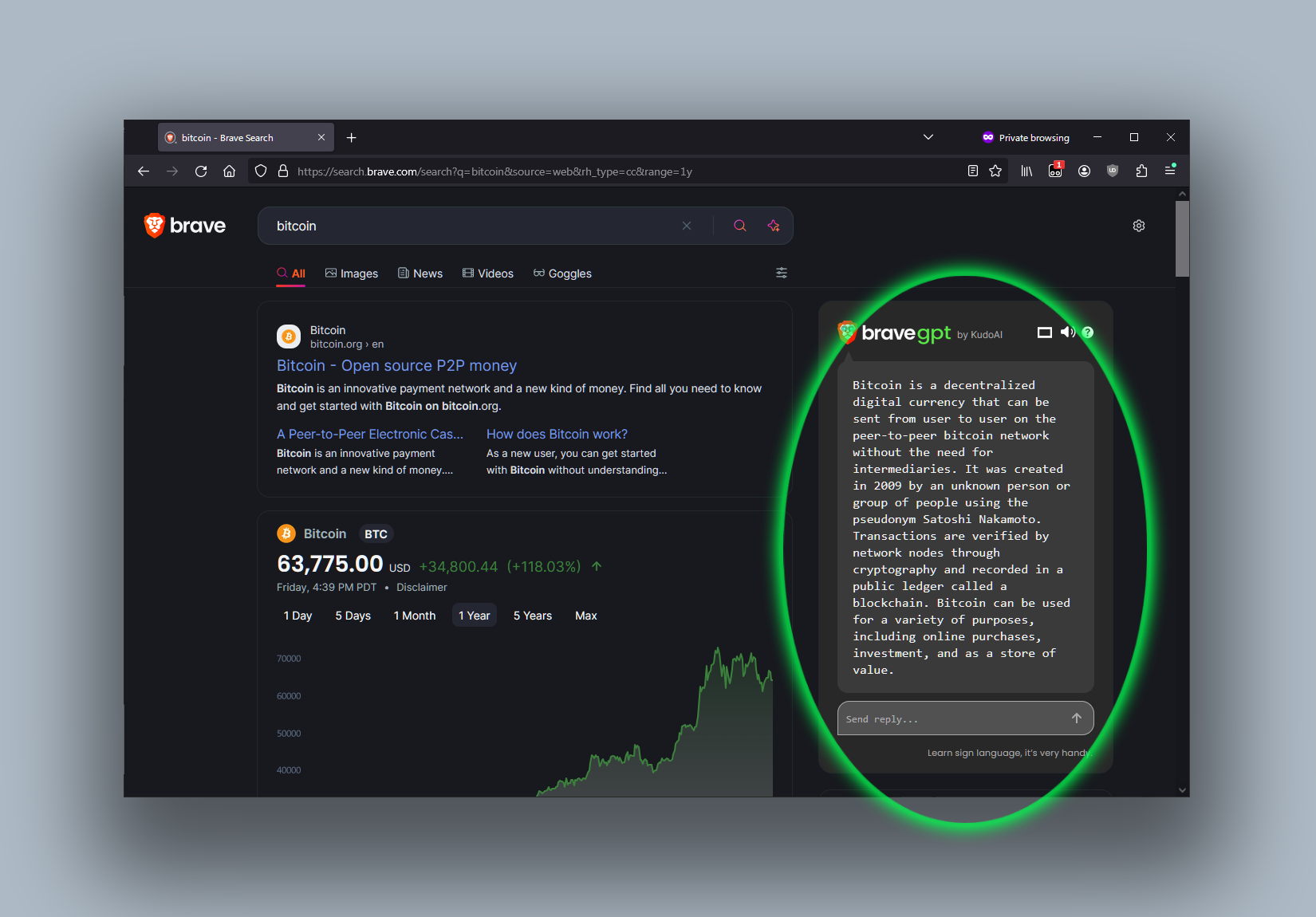
BraveGPT is a free, open-source userscript designed to seamlessly integrate the power of advanced AI into the Brave Search engine. Developed by KudoAI, this tool supercharges your search experience by providing direct AI-powered summaries and an interactive chat interface alongside your regular search results. It leverages the capabilities of the latest Large Language Models (LLMs), including OpenAI's GPT-4o, to deliver concise, accurate, and context-aware responses, transforming how you find information online.
How to use bravegpt
Getting started with BraveGPT is a straightforward process that requires a userscript manager. Here’s a step-by-step guide:
- Install a Userscript Manager: First, you need a userscript manager for your browser. Popular choices include Tampermonkey, ScriptCat, or Violentmonkey, which are available for most major browsers like Chrome, Firefox, Edge, and Safari.
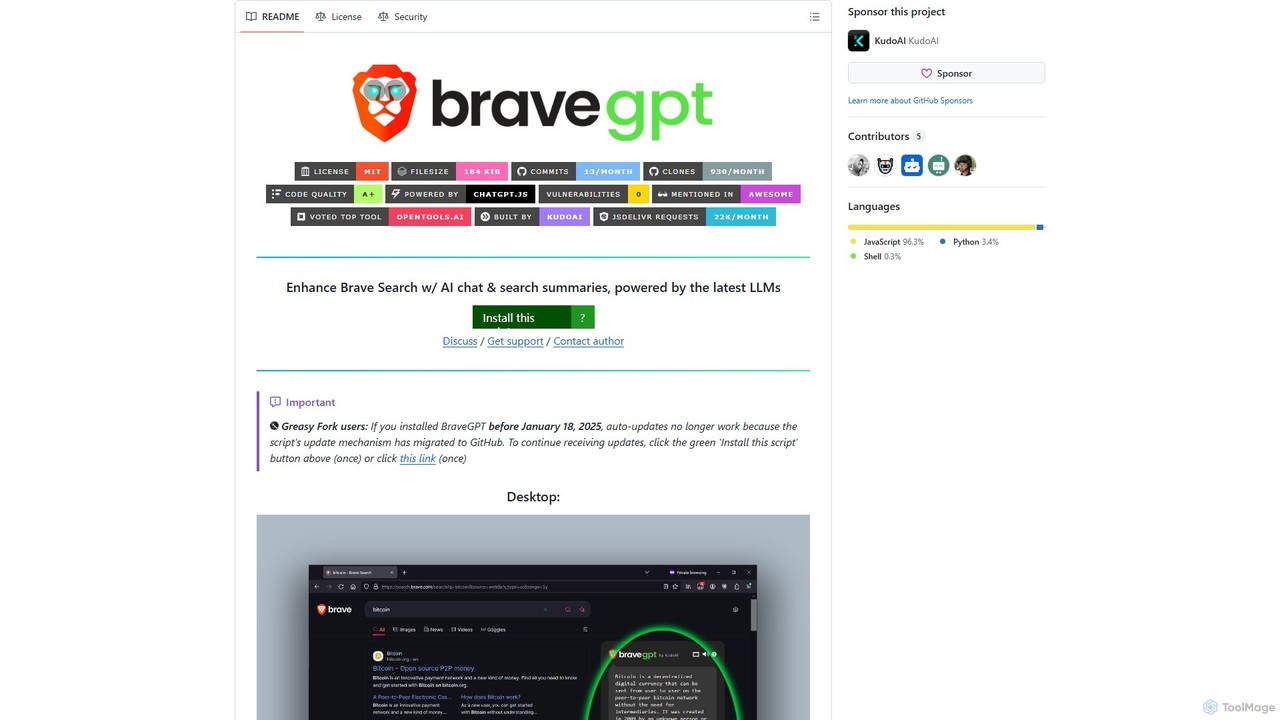
- Install the BraveGPT Script: Once the manager is installed, navigate to the BraveGPT installation page (typically found on its GitHub repository or Greasy Fork). Click the 'Install this script' button. The userscript manager will automatically detect and prompt you to install it.
- Start Searching: Simply go to search.brave.com and perform any search. The BraveGPT interface, featuring AI summaries and a chat window, will appear on the results page, ready for you to use.
Core Features of bravegpt
- AI Search Summaries: Automatically get concise, AI-generated summaries for your search queries, displayed conveniently next to the traditional search results.
- Integrated AI Chat: Engage in a dynamic conversation with an AI directly on the search page. Ask follow-up questions, refine your query, or explore topics in greater depth without opening new tabs.
- Powered by GPT-4o: Utilizes the cutting-edge GPT-4o model from OpenAI, ensuring high-quality, fast, and intelligent responses.
- Proxy API Mode: A unique feature that allows users to receive AI responses without needing their own ChatGPT/OpenAI account. This mode enhances accessibility for all users.
- High Browser Compatibility: Works across a wide range of desktop and mobile browsers, including Chrome, Firefox, Edge, and Safari, as long as a compatible userscript manager is installed.
- Open Source and Free: As a transparent, open-source project, BraveGPT is completely free to use and is actively maintained by the community.
Use Cases for bravegpt
BraveGPT is a versatile tool that can enhance various online activities:
- Efficient Research: Students and researchers can quickly gather key information and summaries on complex topics, accelerating their workflow.
- Quick Fact-Checking: Get immediate answers to questions without having to sift through multiple articles.
- Developer Assistance: Programmers can ask for code snippets, debug solutions, or get explanations for technical concepts directly in their search results.
- Content Creation: Writers and marketers can use the chat feature to brainstorm ideas, generate outlines, or rephrase sentences.
Advantages of bravegpt
The primary advantage of BraveGPT is its ability to create a more efficient and intelligent search workflow. By integrating AI directly into the search results page, it saves users significant time and effort. The Proxy Mode is a major benefit, democratizing access to powerful AI models. Being open-source provides transparency and trust, while its extensive browser compatibility ensures that a wide audience can benefit from its features. It effectively combines the utility of a search engine with the conversational power of an AI chatbot into one seamless experience.
Pricing and Plans
BraveGPT is a completely free and open-source tool. It is available as a userscript that can be installed at no cost. While the standard mode may require a user's own ChatGPT account for fetching responses, the tool offers a 'Proxy Mode' which provides access without an account, generously funded by serverless computing sponsors. There are no paid plans or subscription fees associated with the BraveGPT script itself.
bravegpt Alternatives
Lunabot
Lunabot is a versatile, all-in-one AI assistant that works across all your devices. It integrates leading AI models like GPT-4o, Gemini, and Claude into a seamless experience on your browser, desktop, and mobile. Boost your productivity with features like document chat, AI image generation, voice interaction, and customizable shortcut commands, all from a single, budget-friendly platform.
Chat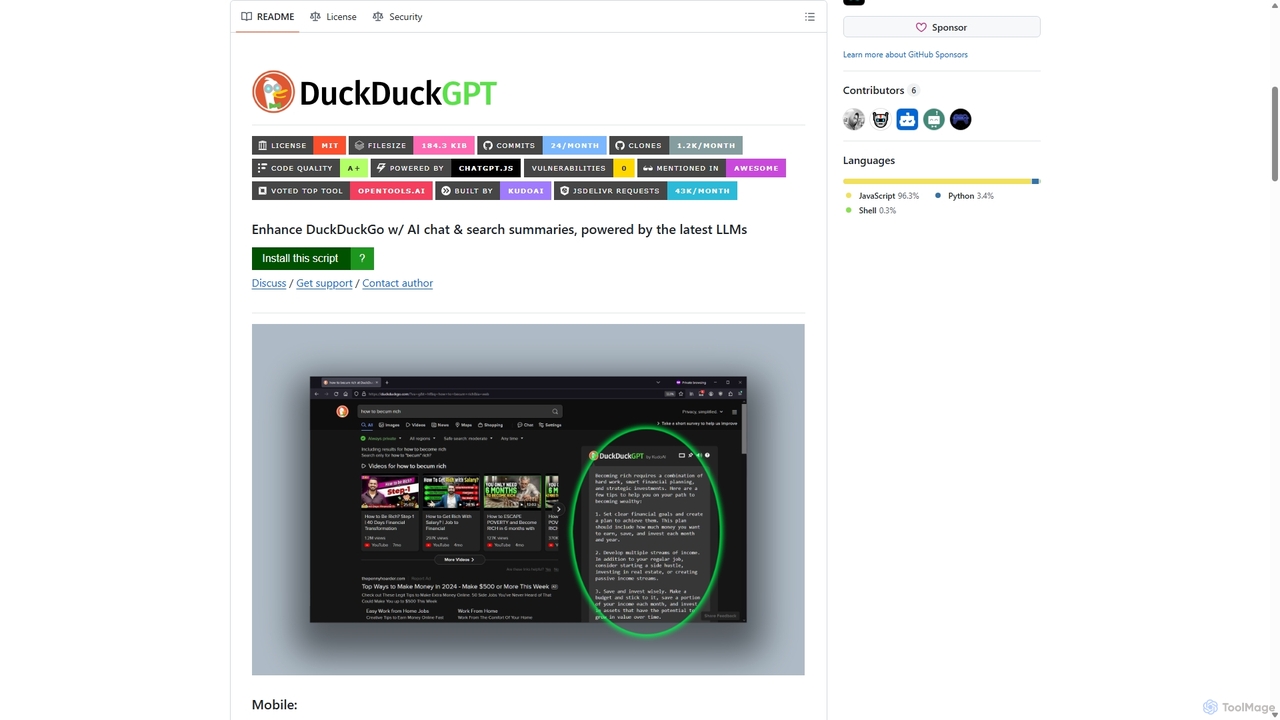
Duckduckgpt
A powerful browser extension that supercharges the DuckDuckGo search engine with AI chat and search summaries. It seamlessly integrates responses from the latest LLMs like GPT-4o directly into your search results, providing instant, intelligent answers while maintaining your privacy.
Browser Extensions
Recap
Recap is a free, open-source Chrome extension that uses ChatGPT to intelligently summarize web content. Its unique "Smart Split" feature breaks down long articles into manageable passages, allowing users to summarize entire pages, specific sections, or selected text with high precision.
Chrome Extensions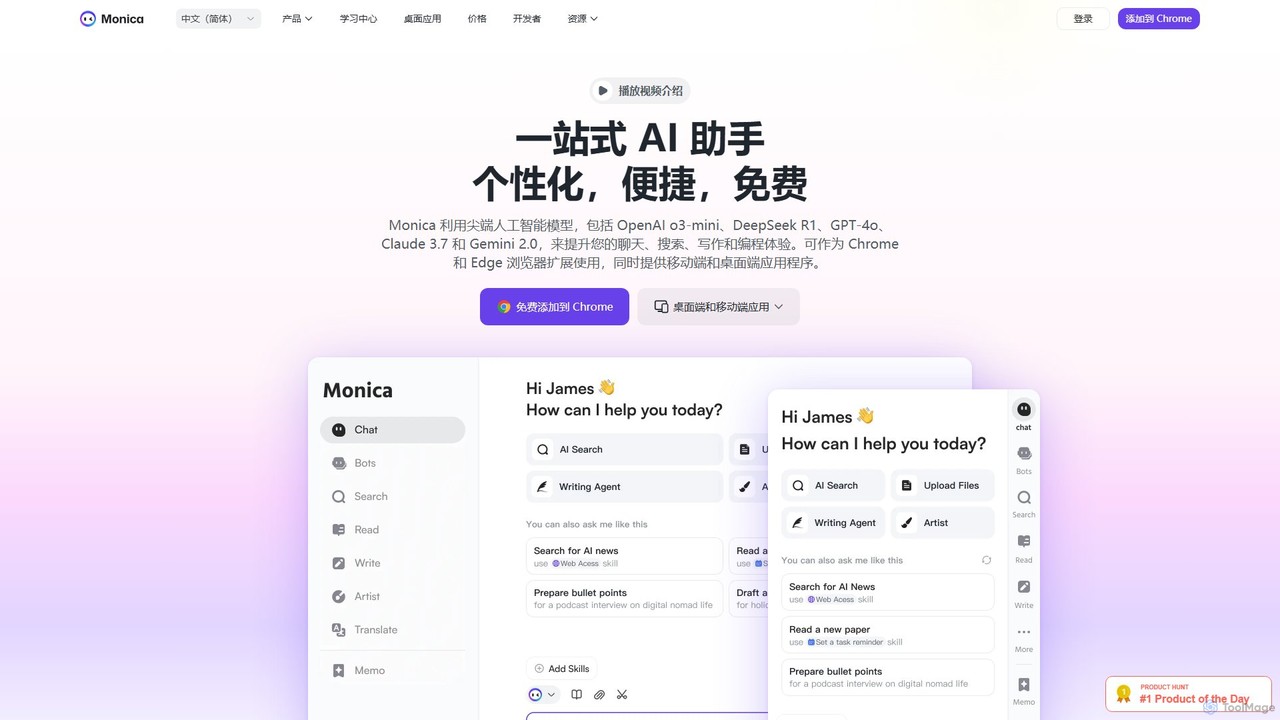
Monica
Monica is an all-in-one AI assistant powered by leading models like GPT-4o, Claude 3.7, and Gemini 1.5. It integrates seamlessly into your workflow as a browser extension, desktop, and mobile app, offering features for chat, search, writing, translation, and image creation to boost productivity.
Chrome Extensions
getmerlin
getmerlin is a versatile AI assistant powered by top models like GPT-4o and Claude 3.5. Available as a browser extension and app, it integrates seamlessly into your workflow to summarize content, draft emails, generate text and images, and enhance research on any website. It acts as an all-in-one productivity tool, saving time and money by consolidating multiple AI services into a single subscription.
Chrome Extensionsbravegpt Categories
bravegpt Embed Widget
Copy this embed code to place the badge on your blog, article, or product site and send readers directly to this ToolMage detail page.

Related AI tools
Duckduckgpt
A powerful browser extension that supercharges the DuckDuckGo search engine with AI chat and search summaries. It seamlessly integrates responses from the latest LLMs like GPT-4o directly into your search results, providing instant, intelligent answers while maintaining your privacy.
Browser Extensions
duckduckgpt
A free, open-source browser extension that enhances DuckDuckGo search with AI-powered chat and summaries. It integrates seamlessly, providing instant answers and concise summaries from the latest LLMs like GPT-4o, right alongside your search results.
Browser Extension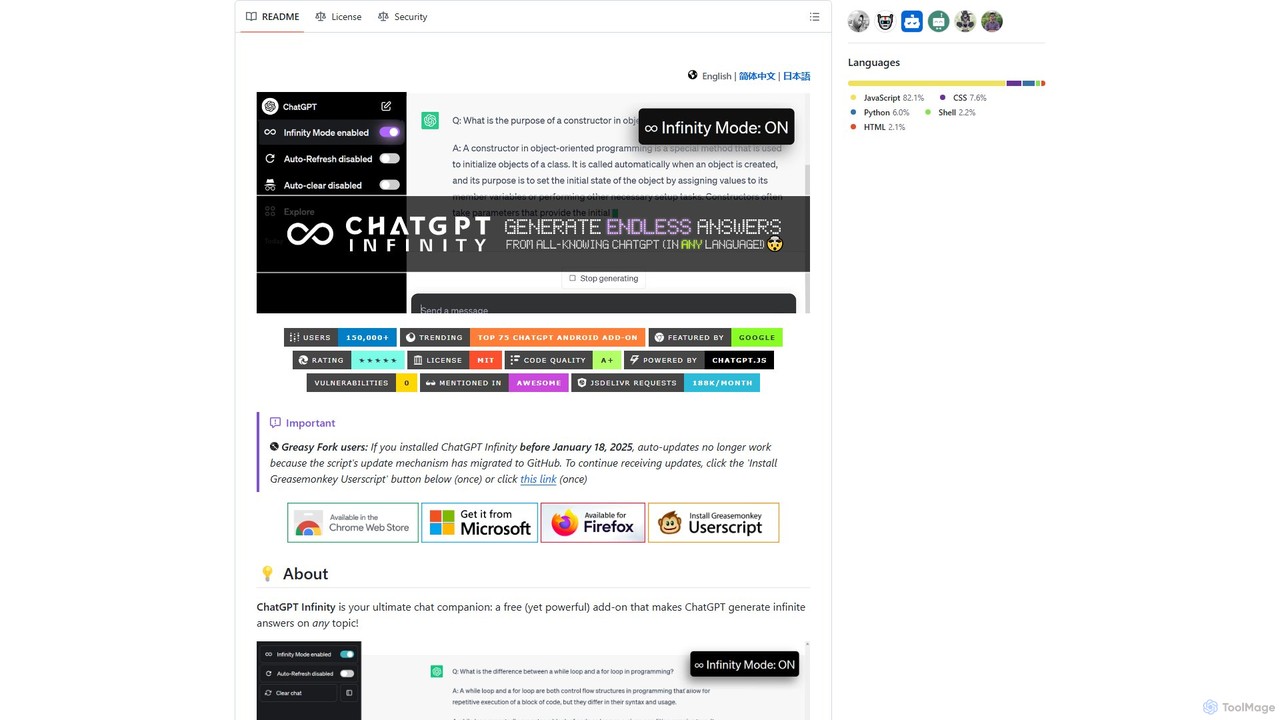
chatgpt-infinity
ChatGPT Infinity is a powerful browser extension that enables ChatGPT to generate endless, continuous answers on any topic you choose. It offers features like customizable topics, multilingual output, adjustable response speed, and auto-scrolling for a seamless, in-depth exploration experience. Ideal for researchers, writers, and learners.
ResearchLunabot
Lunabot is a versatile, all-in-one AI assistant that works across all your devices. It integrates leading AI models like GPT-4o, Gemini, and Claude into a seamless experience on your browser, desktop, and mobile. Boost your productivity with features like document chat, AI image generation, voice interaction, and customizable shortcut commands, all from a single, budget-friendly platform.
ChatRecap
Recap is a free, open-source Chrome extension that uses ChatGPT to intelligently summarize web content. Its unique "Smart Split" feature breaks down long articles into manageable passages, allowing users to summarize entire pages, specific sections, or selected text with high precision.
Chrome Extensions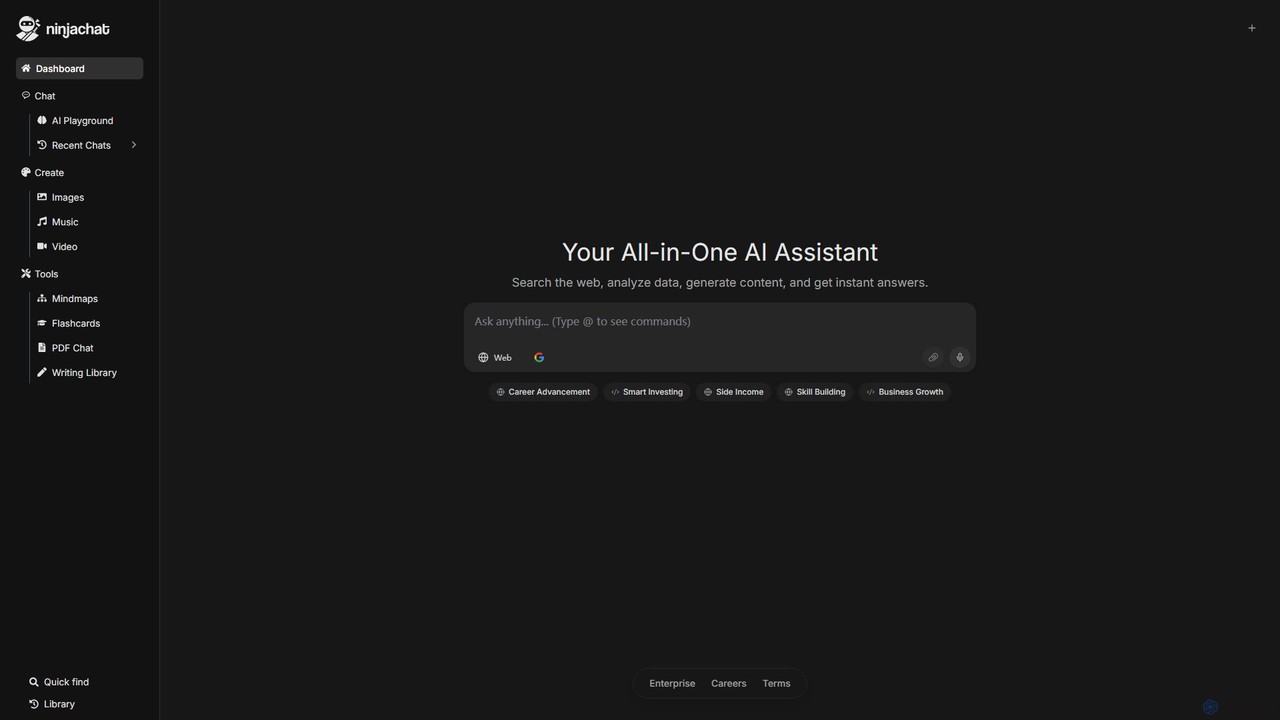
Ninjachat
Ninjachat is an all-in-one AI assistant that provides access to a wide range of leading large language models (LLMs) through a single, unified interface. Compare outputs from models like GPT-4o, Gemini 1.5 Pro, Claude 3.7 Sonnet, and Llama 4 to find the best results for any task, from content creation and coding to complex research.
Code Assistant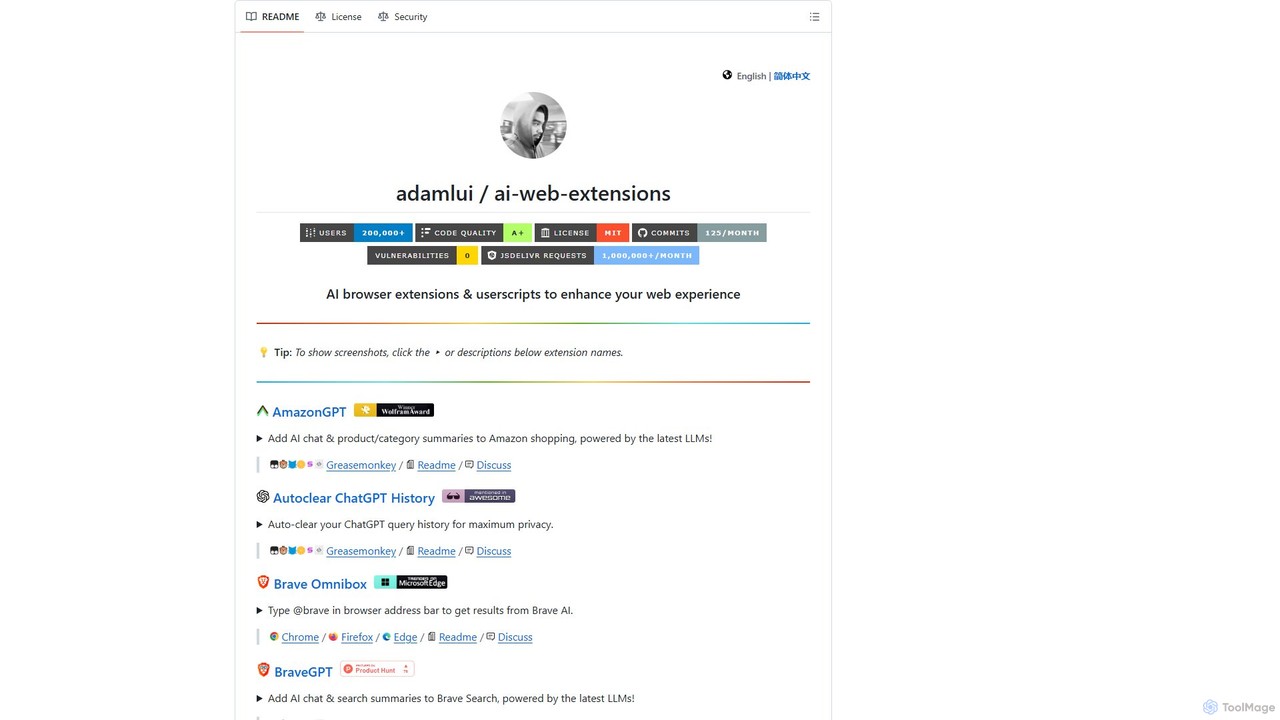
ChatGPT EVO
ChatGPT EVO is a powerful suite of open-source browser extensions and userscripts designed to augment your web experience. It seamlessly integrates AI functionalities from models like ChatGPT into your daily browsing, including search engines, e-commerce sites, and the browser's address bar, boosting productivity and providing instant information.
Code Assistant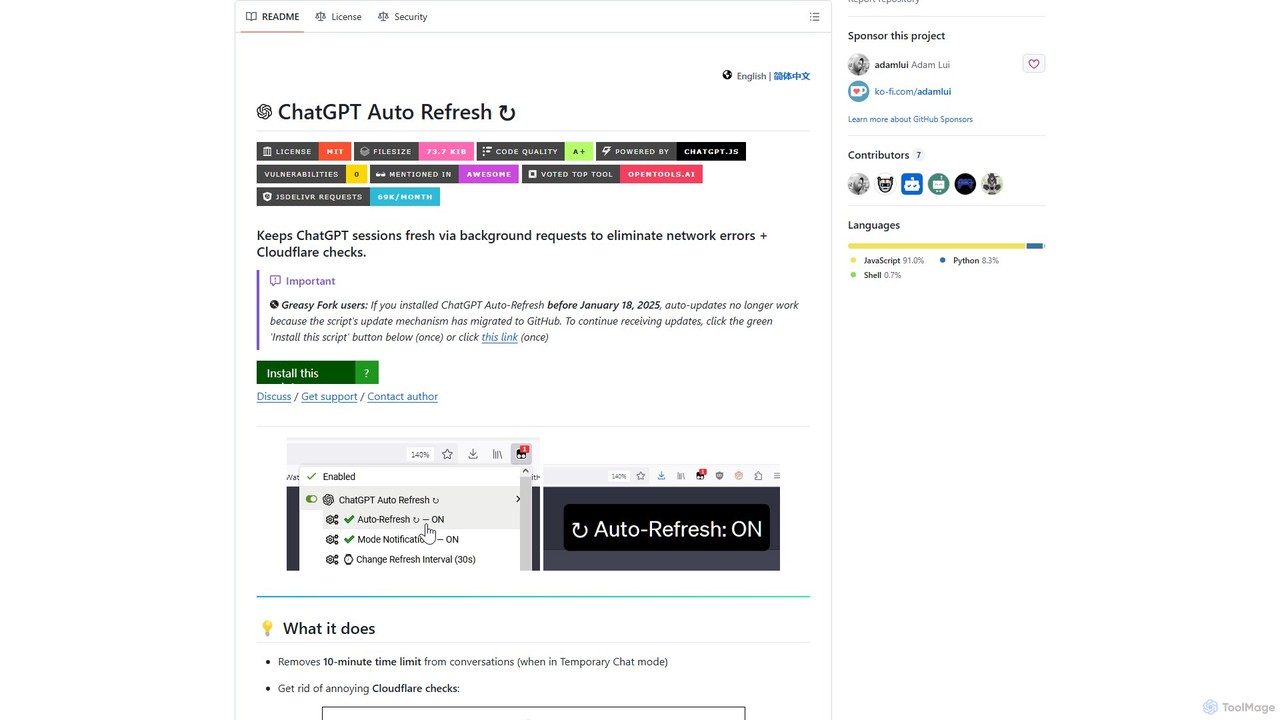
ChatGPT Auto Refresh
ChatGPT Auto Refresh is a free userscript that keeps your ChatGPT sessions active. It prevents timeouts, network errors, and annoying Cloudflare checks by automatically refreshing the session in the background, ensuring a smooth and uninterrupted chat experience.
Chat Assistant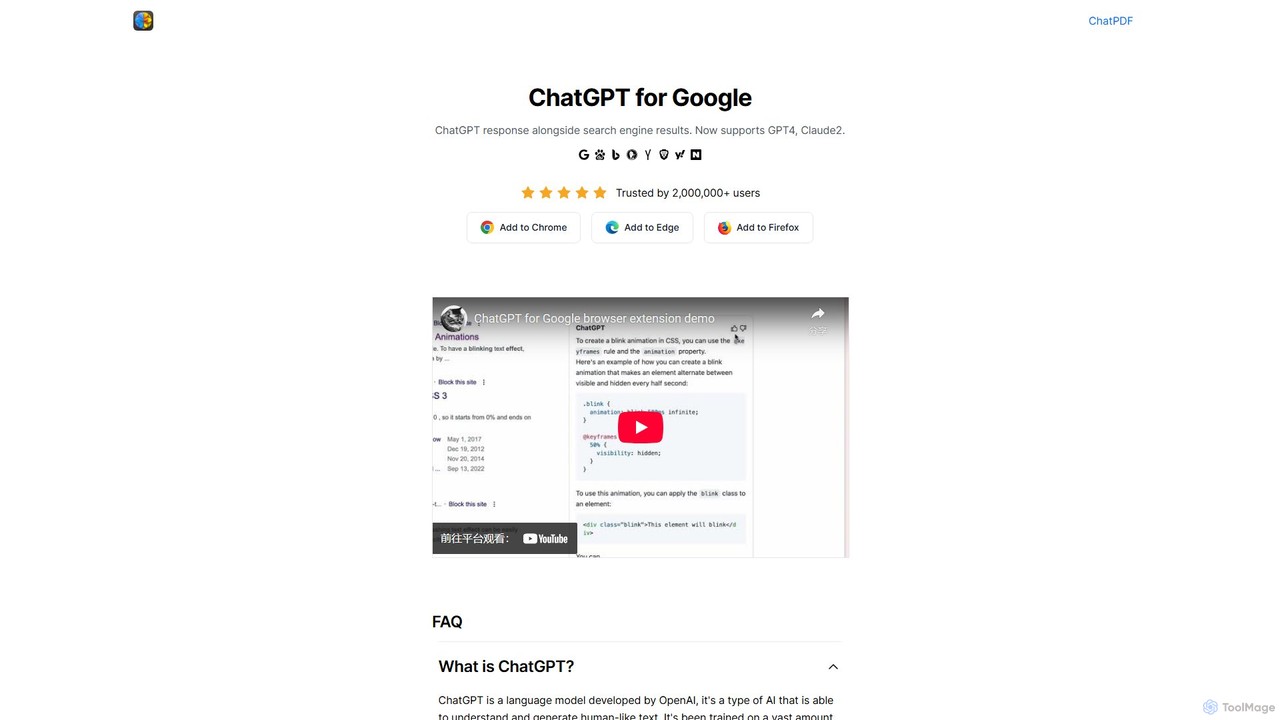
ChatGPT for Google
A browser extension that enhances search engines by displaying AI responses from ChatGPT, GPT-4, Claude, and Gemini (Bard) directly alongside traditional search results, streamlining information gathering and research.
Search Assistant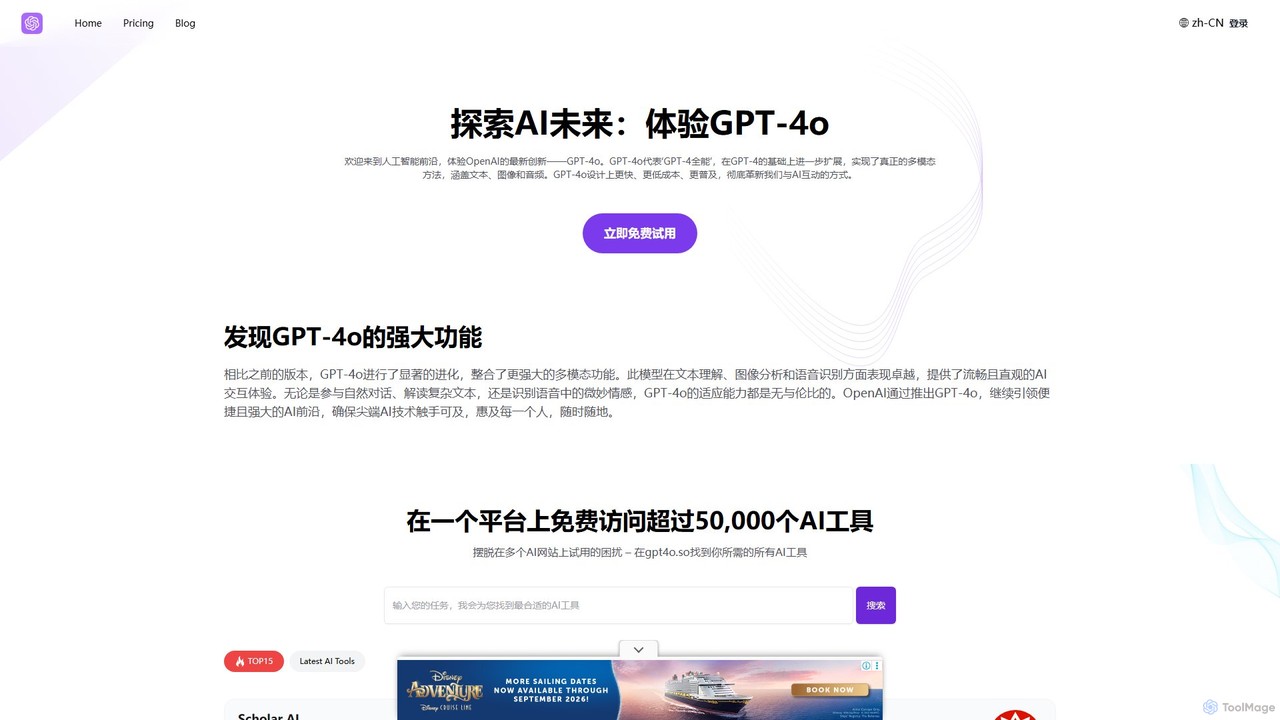
GPT-4o.so
GPT-4o.so is a comprehensive AI platform offering free access to OpenAI's advanced multimodal model, GPT-4o. It allows users to interact with AI through text, image, and audio. Beyond a simple chat interface, the platform aggregates over 50,000 other AI tools and provides specialized utilities like citation generators. It operates on a freemium model, providing a gateway for both casual users and professionals to leverage cutting-edge AI.
Multimodal Chat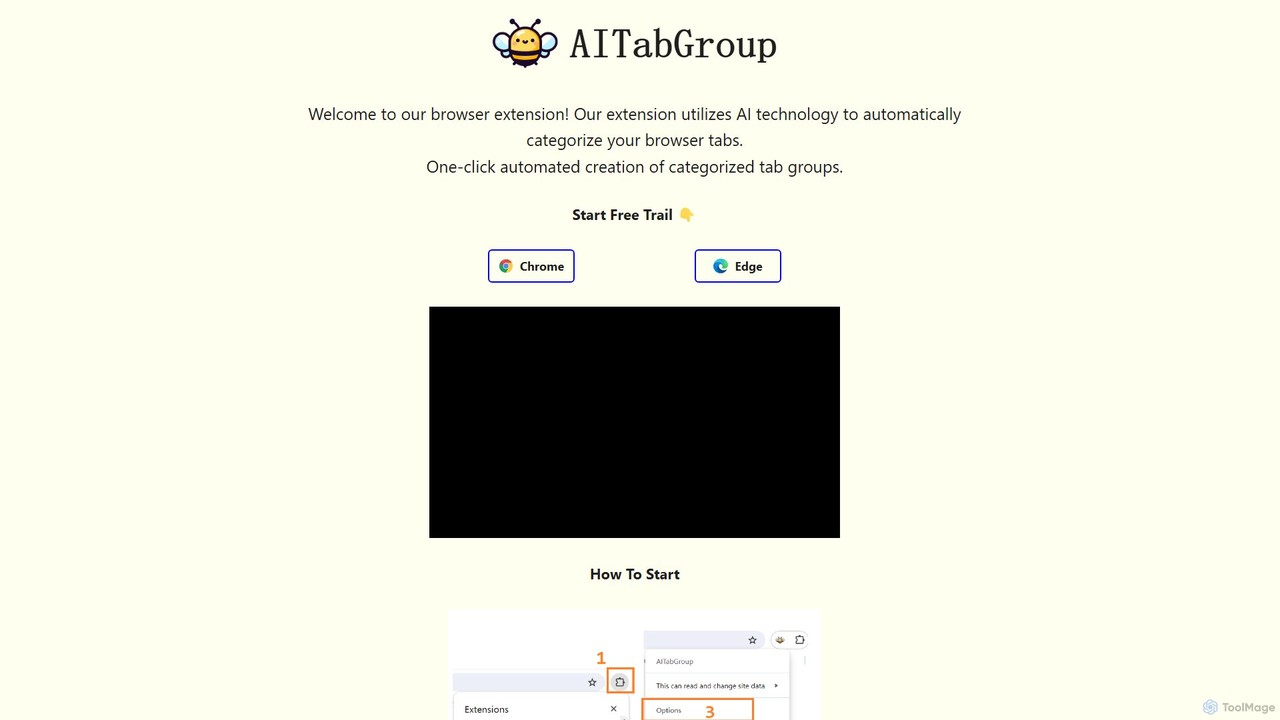
AI Tab Group
AI Tab Group is an intelligent browser extension for Chrome and Edge that uses AI to automatically categorize and group your open tabs. With a single click, it eliminates tab clutter, organizes your workspace, and boosts productivity. Pro features include hierarchical views and exporting sessions to Markdown or bookmarks.
Browser Extension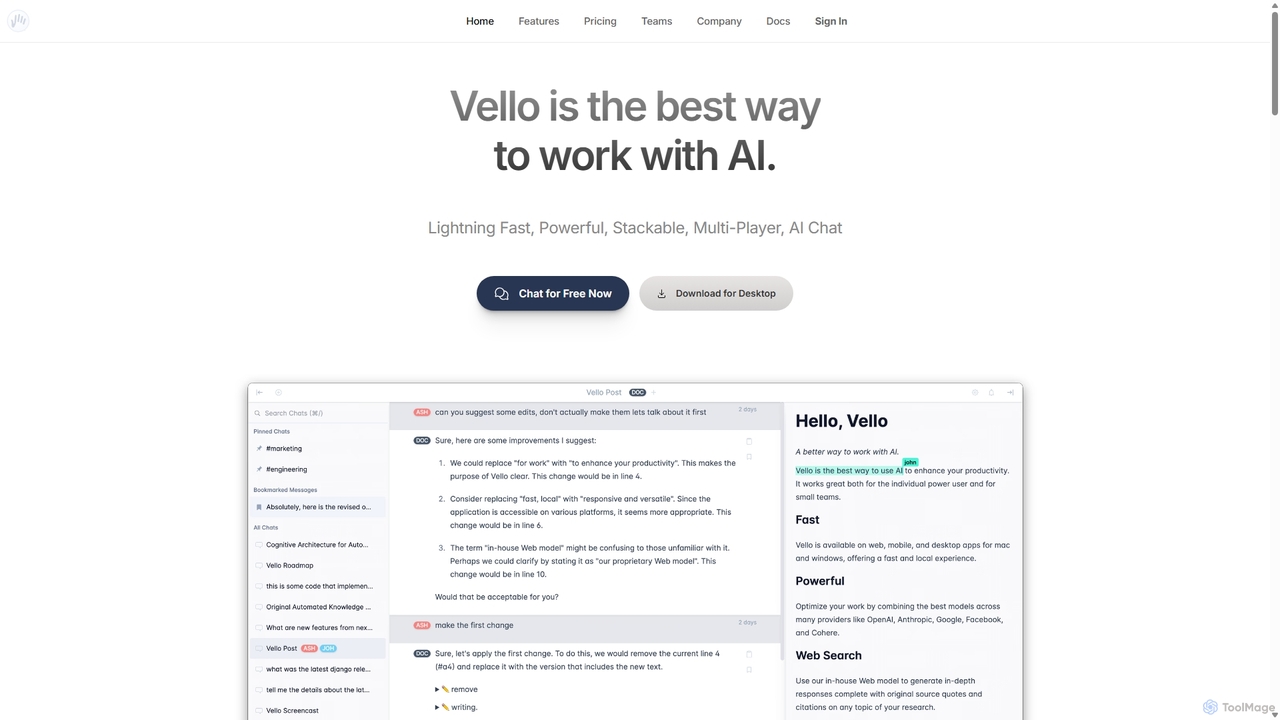
Vello
Vello is a powerful, collaborative AI platform that centralizes top models from OpenAI, Anthropic, and Google. It enables teams to work together with AI in real-time, create custom AI personas, conduct cited research, and edit documents seamlessly across web, desktop, and mobile apps.
Teamwork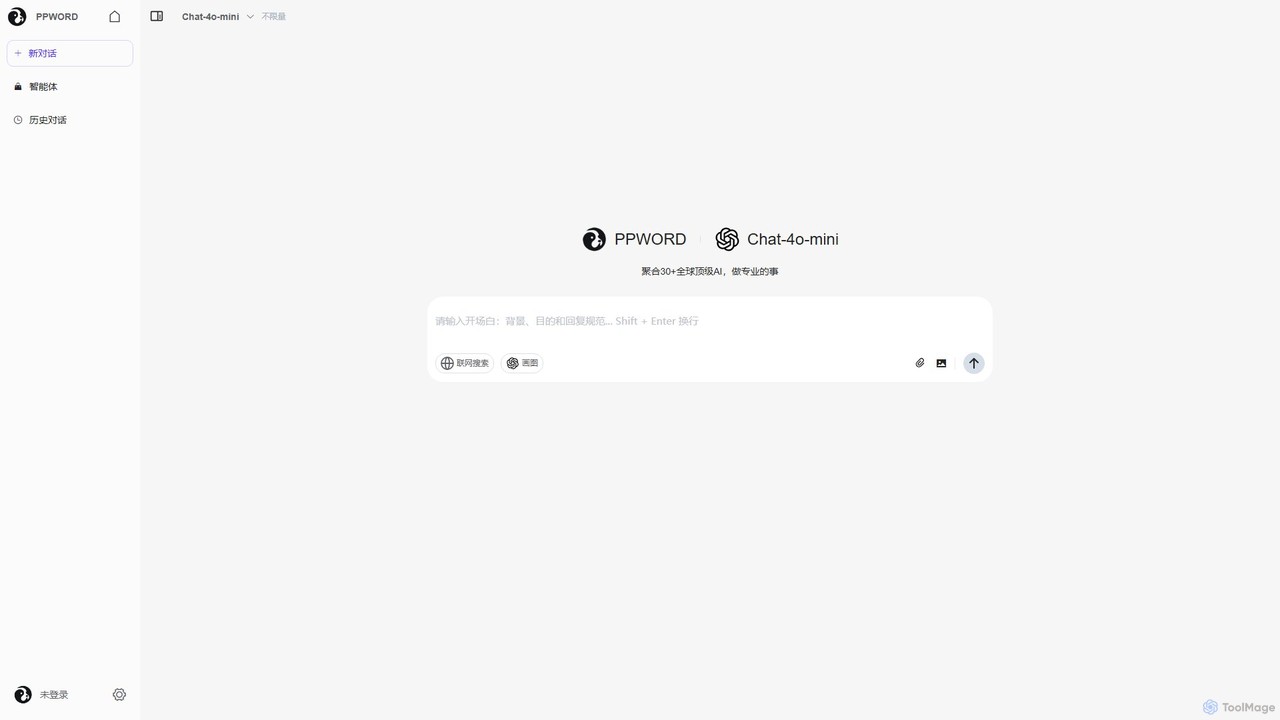
ppword
ppword is an AI aggregator platform that integrates over 30 top-tier global AI models, including GPT-4o, into a single, unified interface. It offers functionalities like advanced chat, real-time web search, and AI image generation, designed for professional tasks and creative endeavors.
Code Assistant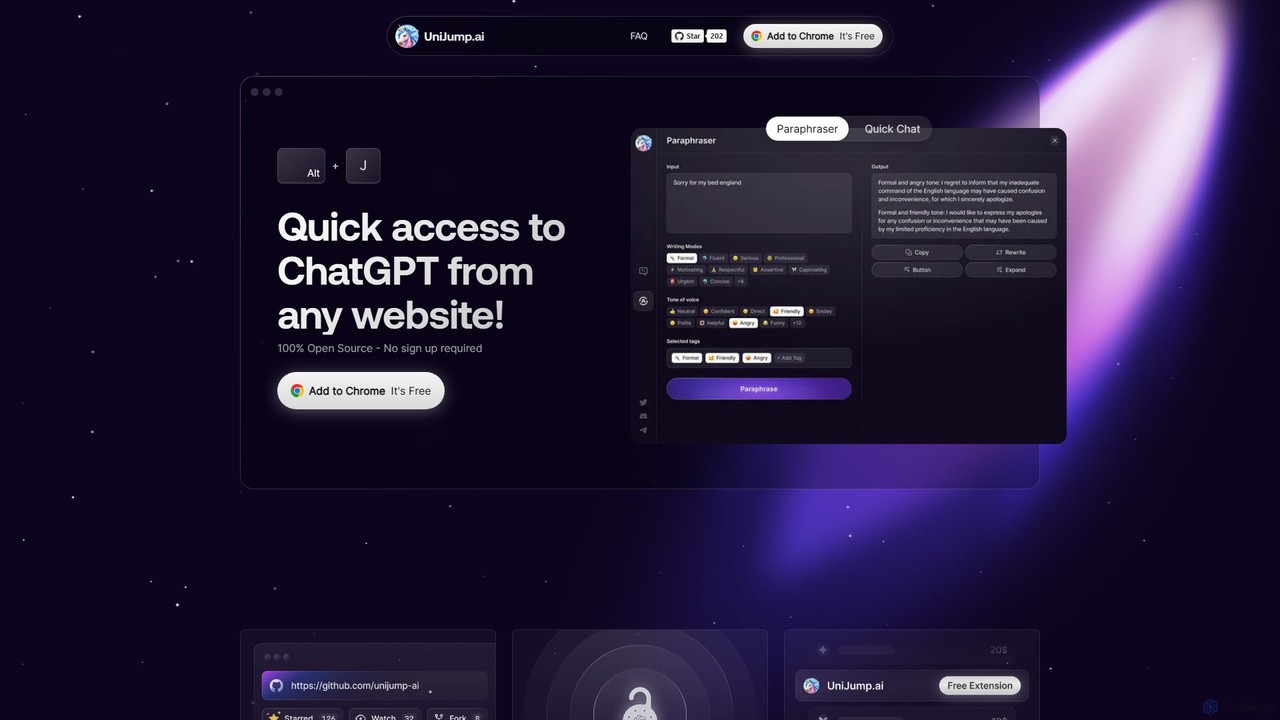
unijump
UniJump is a free, open-source browser extension that provides quick access to ChatGPT on any website. Improve your writing, get instant answers, and boost productivity without switching tabs. No sign-up required, ensuring a secure and seamless AI experience.
Research AssistantMonica
Monica is an all-in-one AI assistant powered by leading models like GPT-4o, Claude 3.7, and Gemini 1.5. It integrates seamlessly into your workflow as a browser extension, desktop, and mobile app, offering features for chat, search, writing, translation, and image creation to boost productivity.
Chrome Extensions
bravegpt Comments (0)
Sign in to comment.
Sign inNo comments yet.