

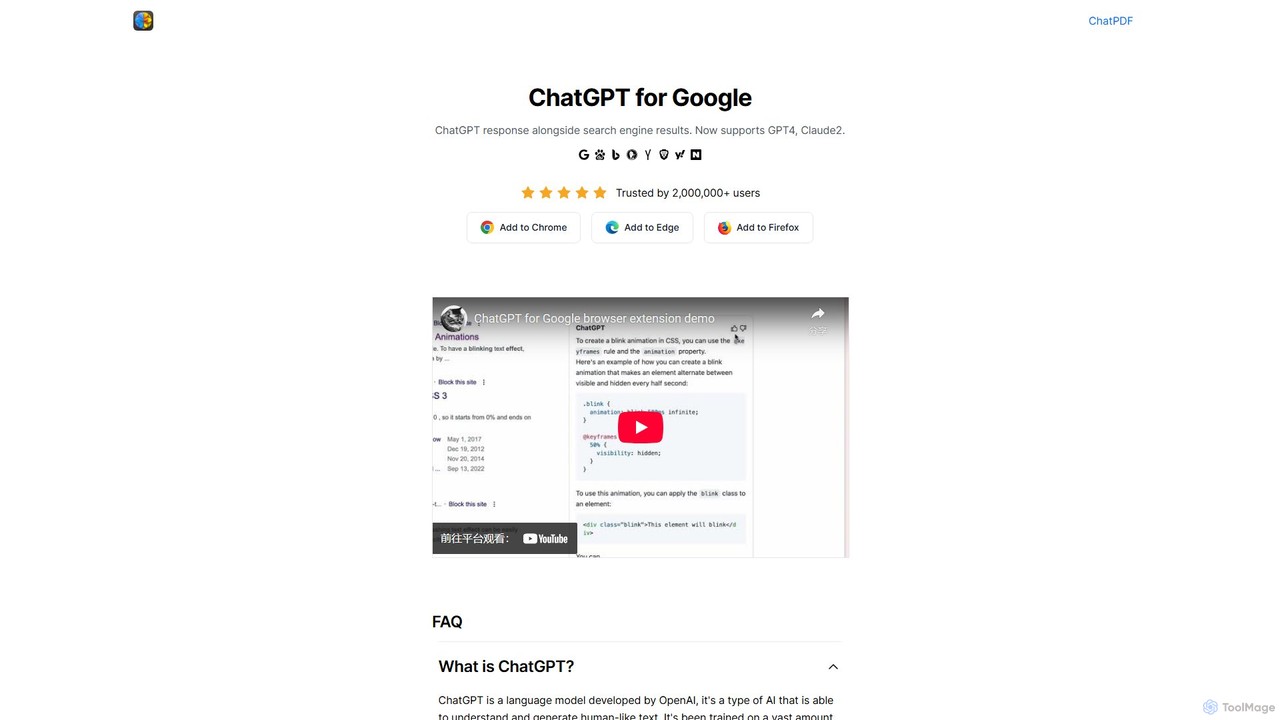
ChatGPT for Google Overview
ChatGPT for Google is a powerful and free browser extension designed to revolutionize your search experience. Trusted by over two million users, it seamlessly integrates the advanced capabilities of leading AI models directly into your search engine results page. Instead of sifting through countless links, you get instant, concise, and conversational answers from models like OpenAI's GPT-3.5 and GPT-4, Anthropic's Claude, and Google's Gemini (formerly Bard). This dual-view approach allows you to benefit from both traditional search engine listings and cutting-edge AI-generated insights on a single page.
The extension is not just about displaying one AI's response; its standout feature is the ability to compare answers from multiple AI models side-by-side. This helps you gain a more comprehensive and nuanced understanding of any topic by evaluating different perspectives and information sources. It's an indispensable tool for anyone looking to boost their productivity and research efficiency.
How to use ChatGPT for Google
Getting started with ChatGPT for Google is simple and straightforward. Follow these steps to enhance your browsing:
- Installation: Download and install the extension from your browser's official web store. It is available for Chrome, Firefox, and Edge.
- Search as Usual: Navigate to your preferred search engine (e.g., Google, Bing, DuckDuckGo) and type in your query.
- View AI Responses: The extension will automatically activate, displaying a window with the AI-generated response next to your standard search results.
- Log In: To use the features powered by OpenAI, you will need to log in to your ChatGPT account. You can create one for free on the OpenAI website.
- Customize: You can access the extension's settings to customize its behavior, such as choosing your preferred AI model, adjusting the theme (including a dark mode), and setting the trigger mode for when the AI responds.
Core Features of ChatGPT for Google
- Seamless Search Integration: Displays AI responses directly alongside results on major search engines like Google, Bing, Baidu, DuckDuckGo, and more.
- Multi-AI Model Support: Access and utilize responses from GPT-3.5, GPT-4, Claude, and Google Gemini (Bard) within a single interface.
- Side-by-Side AI Comparison: View and compare answers from different AI models simultaneously to get a well-rounded perspective.
- YouTube Video Summarizer: Quickly get summaries and key points from YouTube videos without watching them in their entirety, saving significant time.
- Code Syntax Highlighting: Displays code snippets with proper formatting and highlighting, making it easy for developers to read and copy.
- Customizable Experience: Offers features like dark mode, customizable trigger modes, and the ability to copy responses with a single click.
- Wide Browser Compatibility: Available as an extension for Google Chrome, Mozilla Firefox, and Microsoft Edge.
Use Cases for ChatGPT for Google
This extension is versatile and benefits a wide range of users:
- Students and Researchers: Instantly get summaries of complex topics, explanations for academic concepts, and help with research questions without leaving the search results page.
- Developers and Programmers: Find code solutions, debug errors, and understand technical documentation faster by getting direct AI assistance.
- Content Creators and Marketers: Brainstorm blog post ideas, generate content outlines, and conduct quick market research efficiently.
- Professionals: Quickly draft emails, summarize articles, and get quick answers to business-related queries to improve workflow.
- Everyday Users: Get direct answers to everyday questions, from recipes and travel tips to translations and simple explanations.
Advantages of ChatGPT for Google
The primary advantage is a massive boost in productivity and efficiency. By presenting direct answers, it minimizes the need to click through multiple websites, saving valuable time. The multi-AI comparison feature provides more reliable and comprehensive information than relying on a single source. Its wide compatibility with numerous search engines and browsers makes it accessible to a broad audience. Being free to use removes any barrier to entry for users who want to leverage the power of AI in their daily searches.
Pricing and Plans
ChatGPT for Google is a completely free browser extension. There are no subscription fees or hidden costs to use the extension itself. However, users must have an account with the respective AI providers (e.g., a free or paid OpenAI account for ChatGPT) to power the responses. The usage of the AI models is subject to the policies and limits of the individual AI service provider.
Traffic
Latest traffic
Status
Monthly traffic trend
- 2025-9: 272.2K
- 2026-1: 37.1K
- 2026-2: 13.7K
- 2026-3: 5.3K
- 2026-4: 4.9K
- 2026-5: 5.2K
Geography
Top 5 countries / regions
- 🇺🇸United States38.7%
- 🇧🇷Brazil22.9%
- 🇮🇳India17.2%
- 🇻🇳Vietnam11.3%
- 🇸🇦Saudi Arabia9.9%
Top keywords
| Keyword | Cost per click |
|---|---|
| ai chat for search | $0.00 |
| chatgpt free | $0.16 |
| chatgpt free trial | $2.53 |
| chat gpt online free | $0.24 |
| google chatgpt | $0.31 |
ChatGPT for Google Alternatives
Sider
Sider is a powerful AI copilot integrated into your browser sidebar. It brings ChatGPT, GPT-4, Claude 3, and Gemini to any webpage, allowing you to seamlessly summarize content, enhance your writing, explain complex topics, and chat with documents or videos. It streamlines your workflow by eliminating the need to switch between tabs, boosting your overall productivity and creativity.
Learning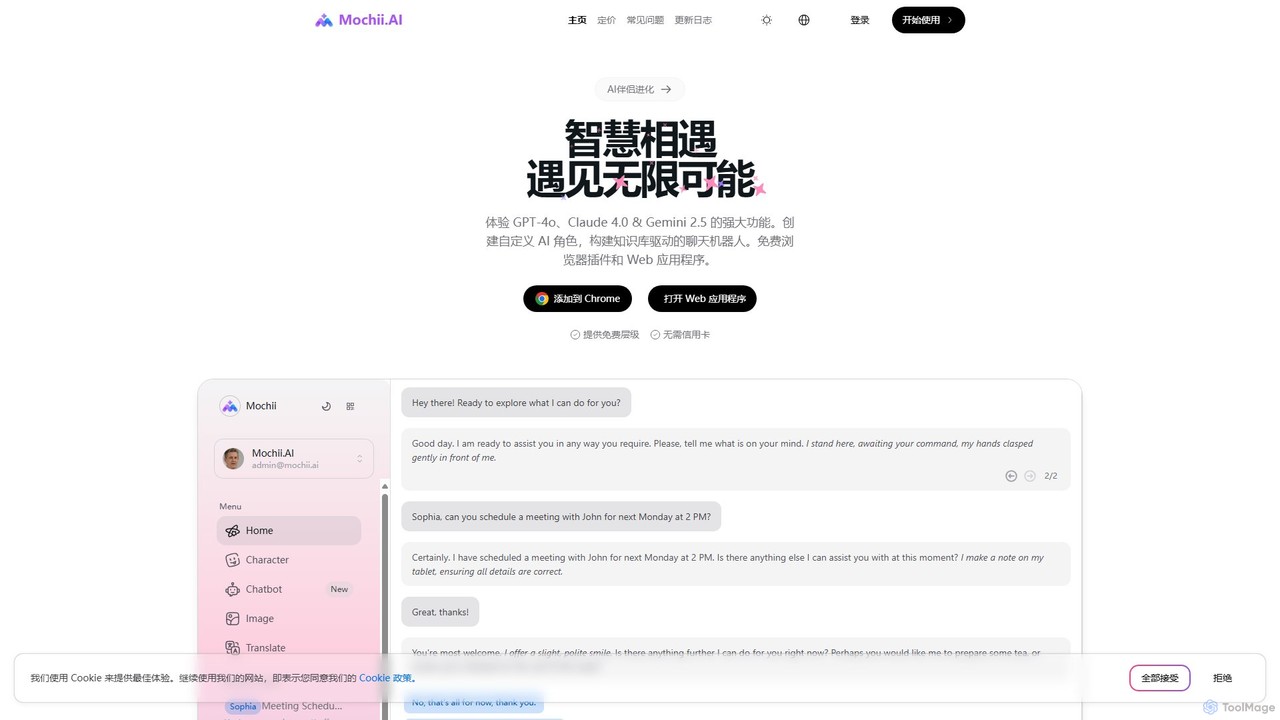
Mochii
Mochii is an all-in-one AI assistant that integrates leading models like GPT-4o, Claude, and Gemini into a seamless browser extension and web app. It enhances productivity by offering features like document analysis, web browsing, AI chatbot building, and customizable AI roles. A generous free tier provides access to advanced AI capabilities for everyone.
Productivity
getmerlin
getmerlin is a versatile AI assistant powered by top models like GPT-4o and Claude 3.5. Available as a browser extension and app, it integrates seamlessly into your workflow to summarize content, draft emails, generate text and images, and enhance research on any website. It acts as an all-in-one productivity tool, saving time and money by consolidating multiple AI services into a single subscription.
Chrome Extensions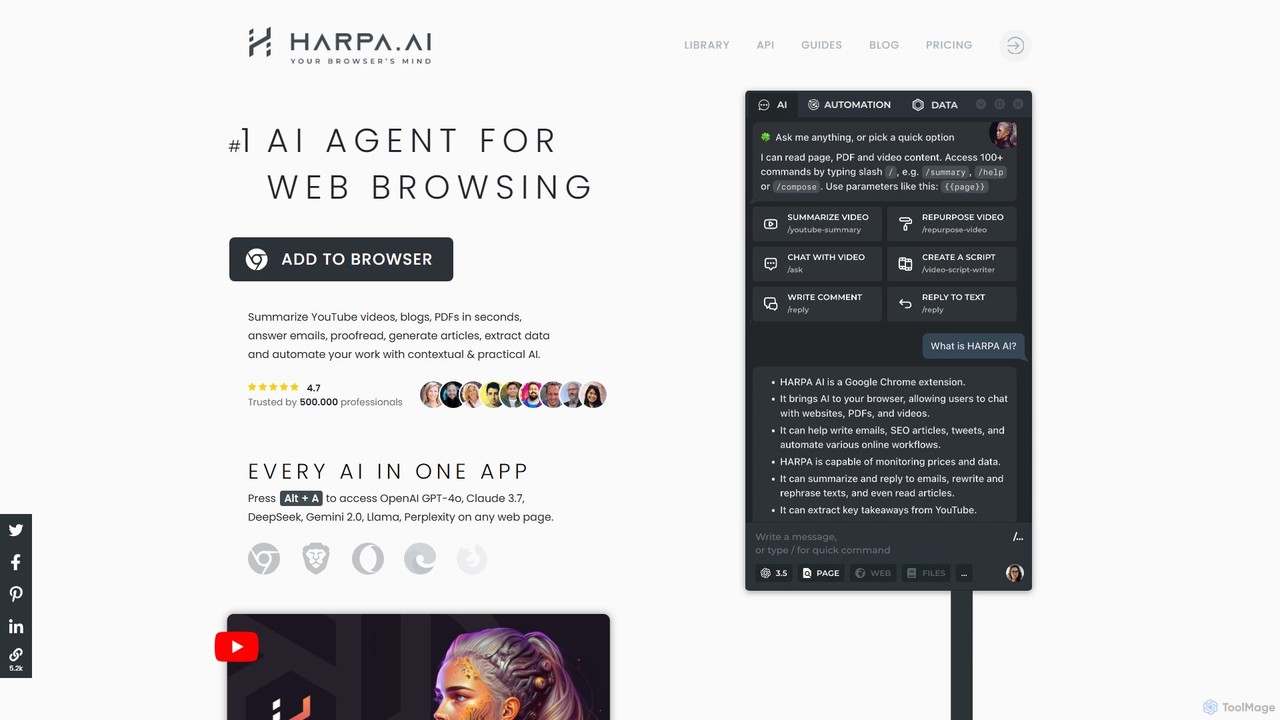
HARPA AI
HARPA AI is an all-in-one AI browser agent that integrates ChatGPT, Claude, Gemini, and more directly into your browser. It automates web tasks, summarizes content, drafts emails, extracts data, and enhances productivity with over 100 pre-built, page-aware commands. It functions as a versatile copilot for browsing, research, and automation.
Automation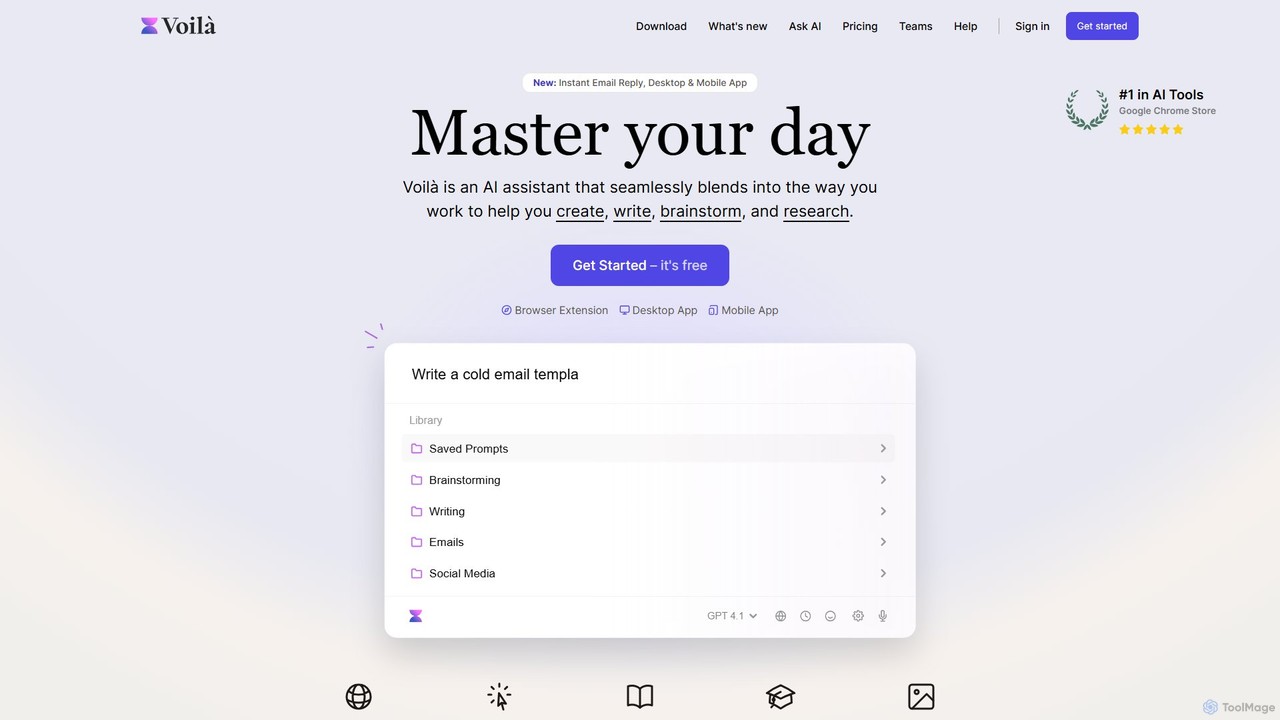
Voilà
Voilà is an all-in-one AI assistant designed to maximize productivity. It functions as a browser extension, desktop, and mobile app, seamlessly integrating into your workflow to help with writing, brainstorming, research, and content creation. It works on any website or app, understanding the context to provide relevant assistance.
Content CreationChatGPT for Google Categories
ChatGPT for Google Embed Widget
Copy this embed code to place the badge on your blog, article, or product site and send readers directly to this ToolMage detail page.

Related AI tools
Sider
Sider is a powerful AI copilot integrated into your browser sidebar. It brings ChatGPT, GPT-4, Claude 3, and Gemini to any webpage, allowing you to seamlessly summarize content, enhance your writing, explain complex topics, and chat with documents or videos. It streamlines your workflow by eliminating the need to switch between tabs, boosting your overall productivity and creativity.
LearningMochii
Mochii is an all-in-one AI assistant that integrates leading models like GPT-4o, Claude, and Gemini into a seamless browser extension and web app. It enhances productivity by offering features like document analysis, web browsing, AI chatbot building, and customizable AI roles. A generous free tier provides access to advanced AI capabilities for everyone.
Productivitygetmerlin
getmerlin is a versatile AI assistant powered by top models like GPT-4o and Claude 3.5. Available as a browser extension and app, it integrates seamlessly into your workflow to summarize content, draft emails, generate text and images, and enhance research on any website. It acts as an all-in-one productivity tool, saving time and money by consolidating multiple AI services into a single subscription.
Chrome ExtensionsHARPA AI
HARPA AI is an all-in-one AI browser agent that integrates ChatGPT, Claude, Gemini, and more directly into your browser. It automates web tasks, summarizes content, drafts emails, extracts data, and enhances productivity with over 100 pre-built, page-aware commands. It functions as a versatile copilot for browsing, research, and automation.
AutomationVoilà
Voilà is an all-in-one AI assistant designed to maximize productivity. It functions as a browser extension, desktop, and mobile app, seamlessly integrating into your workflow to help with writing, brainstorming, research, and content creation. It works on any website or app, understanding the context to provide relevant assistance.
Content Creation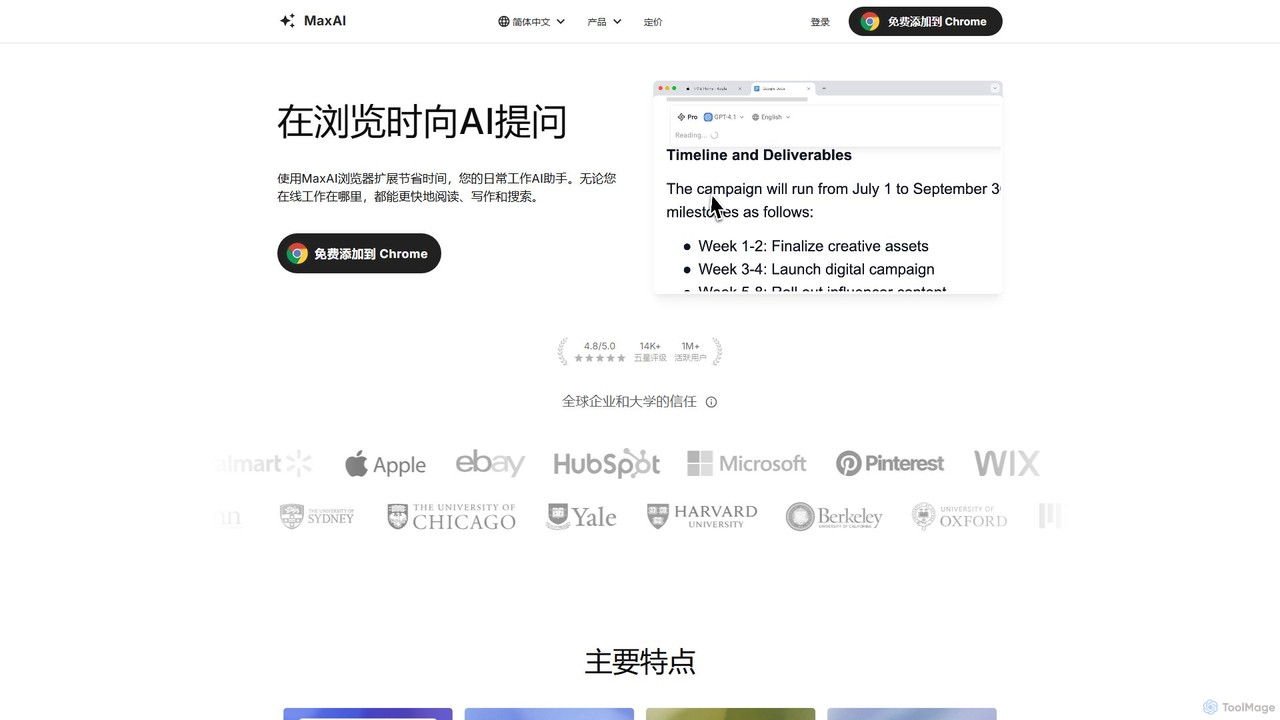
MaxAI
MaxAI is a powerful browser extension that acts as your all-in-one AI assistant. It integrates top AI models like GPT-4o and Claude 3.5 directly into your browser, allowing you to read, write, and research faster. Summarize web pages, improve your writing, translate text, and generate content with a single click, boosting your productivity across all your online activities.
Chrome Extensions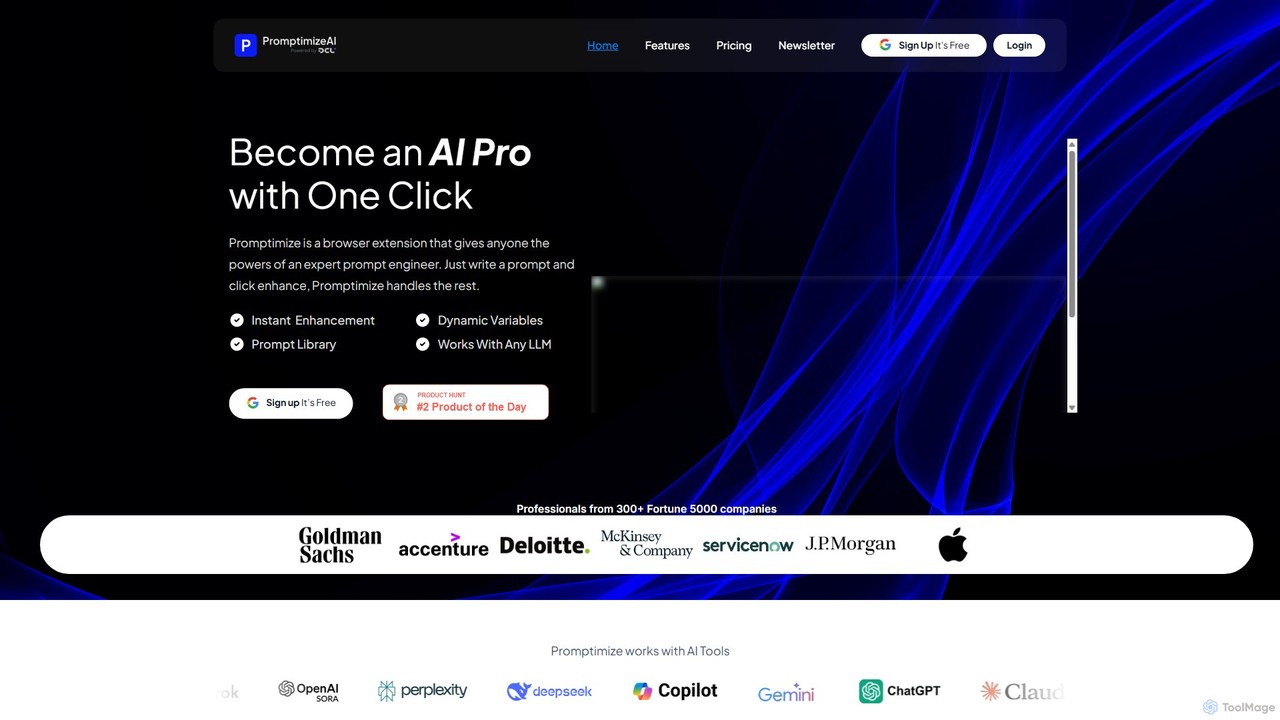
Promptimize AI
Promptimize AI is a browser extension that acts as a 'Grammarly for prompts.' It enhances your AI prompts with a single click, transforming simple queries into detailed, effective instructions for any LLM like ChatGPT, Gemini, or Claude. It helps users get better, more accurate, and on-brand AI-generated content, boosting productivity without needing expert prompt engineering skills.
Chrome Extensions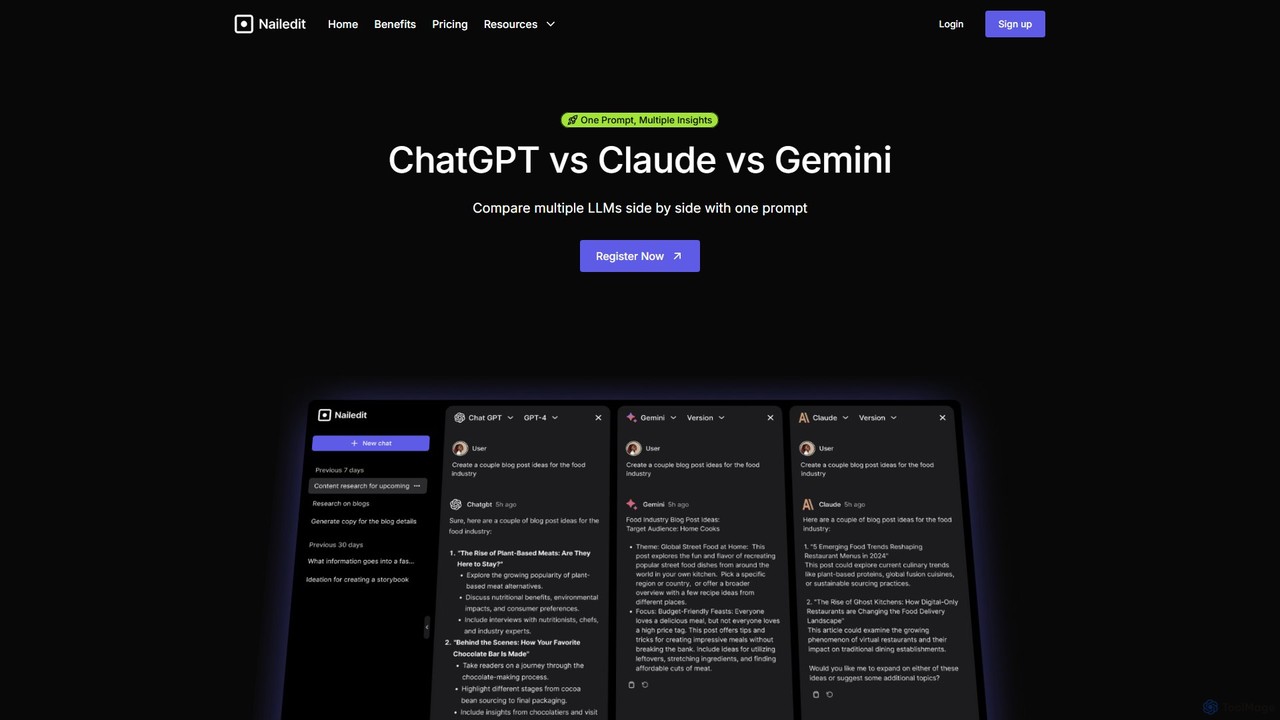
NailedIt
NailedIt is an AI productivity platform that allows you to instantly compare responses from leading LLMs like ChatGPT, Claude, and Gemini with a single prompt. Streamline your workflow, enhance content quality, and make informed decisions by viewing multiple AI outputs side-by-side in a unified interface.
Testing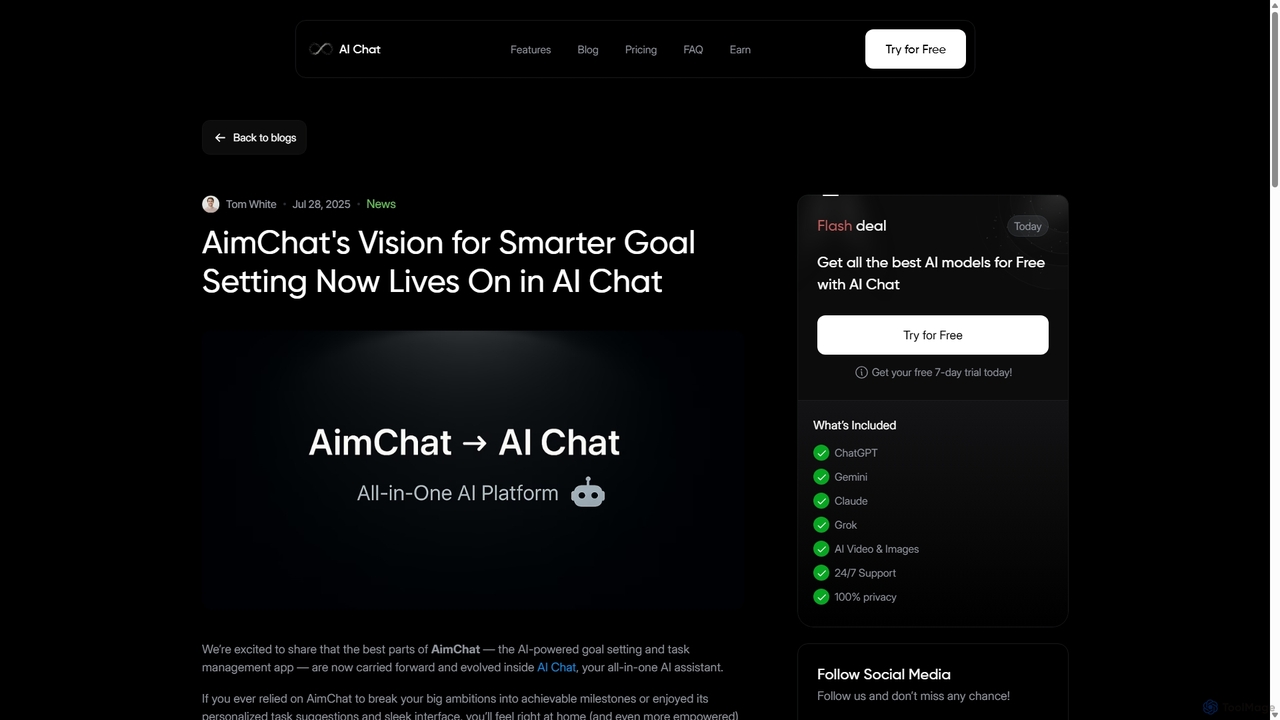
AI Chat
AI Chat is an all-in-one AI assistant that integrates top models like ChatGPT, Claude, and Gemini into a single platform. Evolving from the goal-setting app AimChat, it combines advanced conversational AI with powerful task management, research, and content creation tools to streamline your workflow and help you achieve your ambitions.
Assistant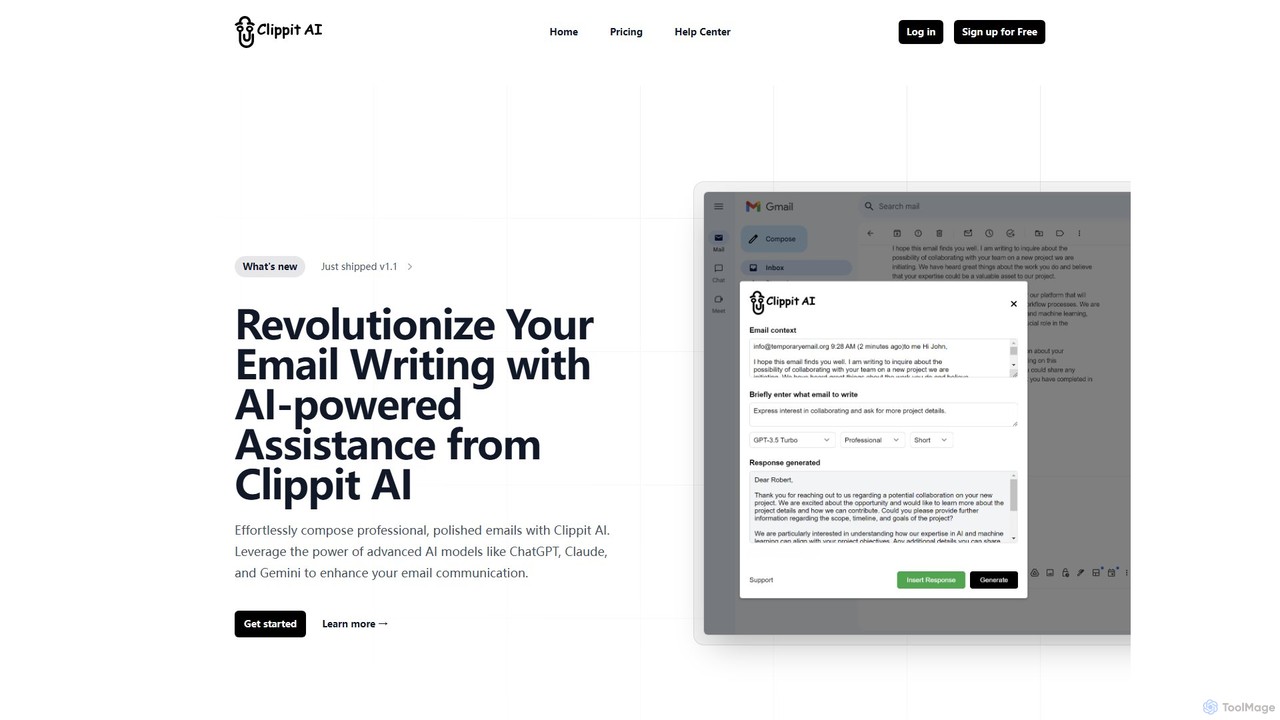
Clippit AI
Clippit AI is a powerful browser extension that revolutionizes your email writing. By leveraging advanced AI models like ChatGPT, Claude, and Gemini, it helps you effortlessly compose professional, polished, and context-aware emails directly within your workflow. From drafting replies to refining your tone, Clippit AI enhances your productivity and communication quality, saving you valuable time.
Sales
getmax.ai
getmax.ai is an AI-powered browser extension that acts as your copilot for the web. It seamlessly integrates into your workflow, allowing you to summarize content, write emails, generate articles, and get instant answers from advanced AI models like GPT-4 and Claude, all without leaving your current tab.
Research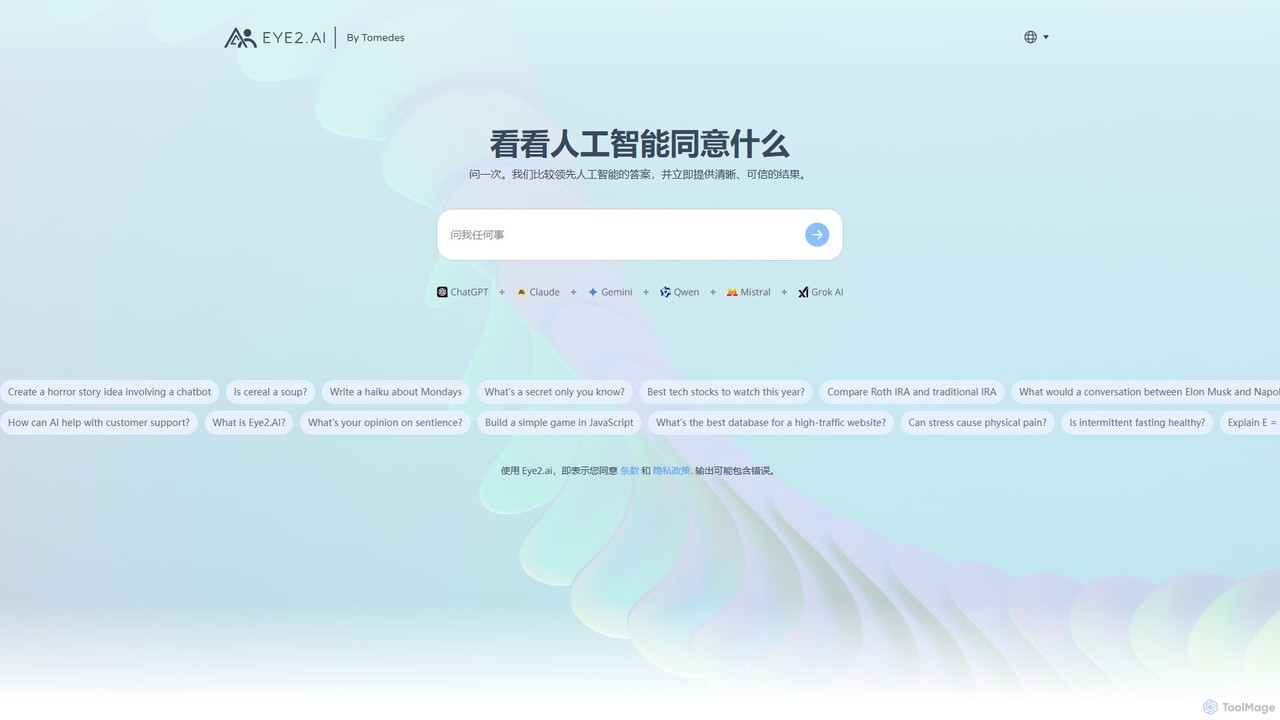
eye2.ai
eye2.ai is an AI aggregator that simultaneously queries multiple leading models like ChatGPT, Claude, and Gemini. It compares their responses, highlighting consensus and differences to provide users with more accurate, comprehensive, and reliable answers, saving time and mitigating single-model bias.
Search Engine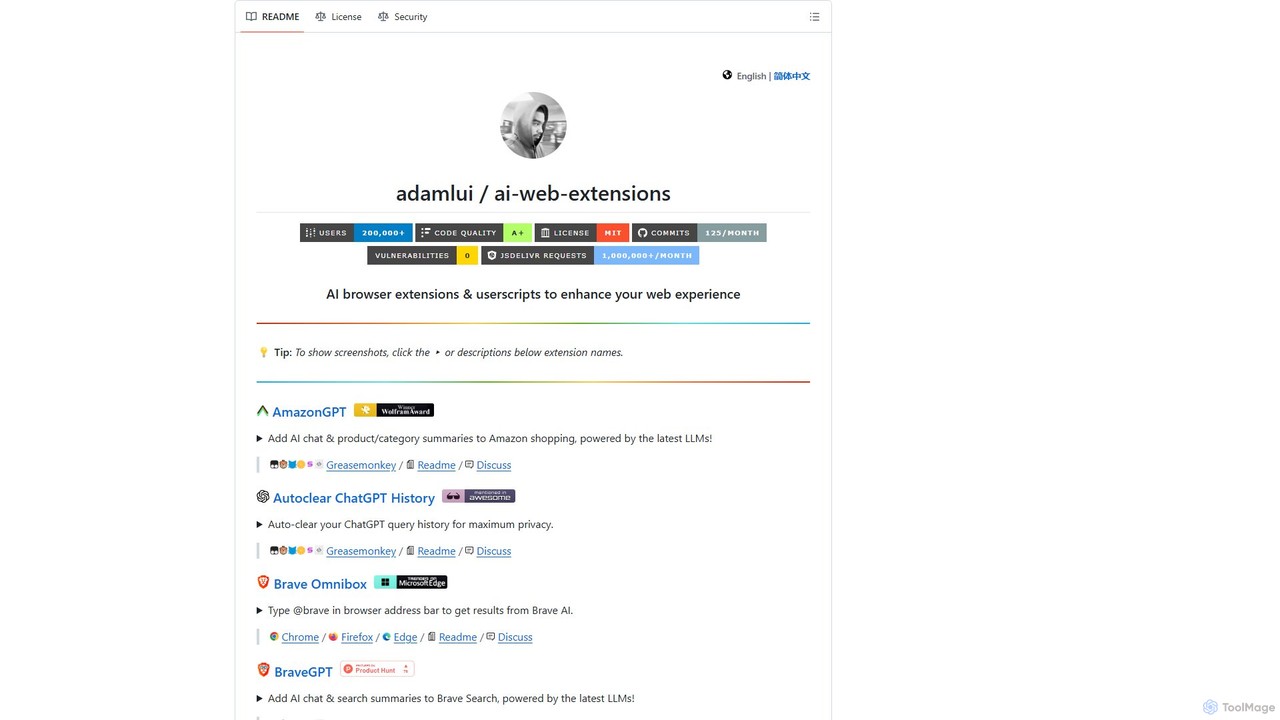
ChatGPT EVO
ChatGPT EVO is a powerful suite of open-source browser extensions and userscripts designed to augment your web experience. It seamlessly integrates AI functionalities from models like ChatGPT into your daily browsing, including search engines, e-commerce sites, and the browser's address bar, boosting productivity and providing instant information.
Code Assistant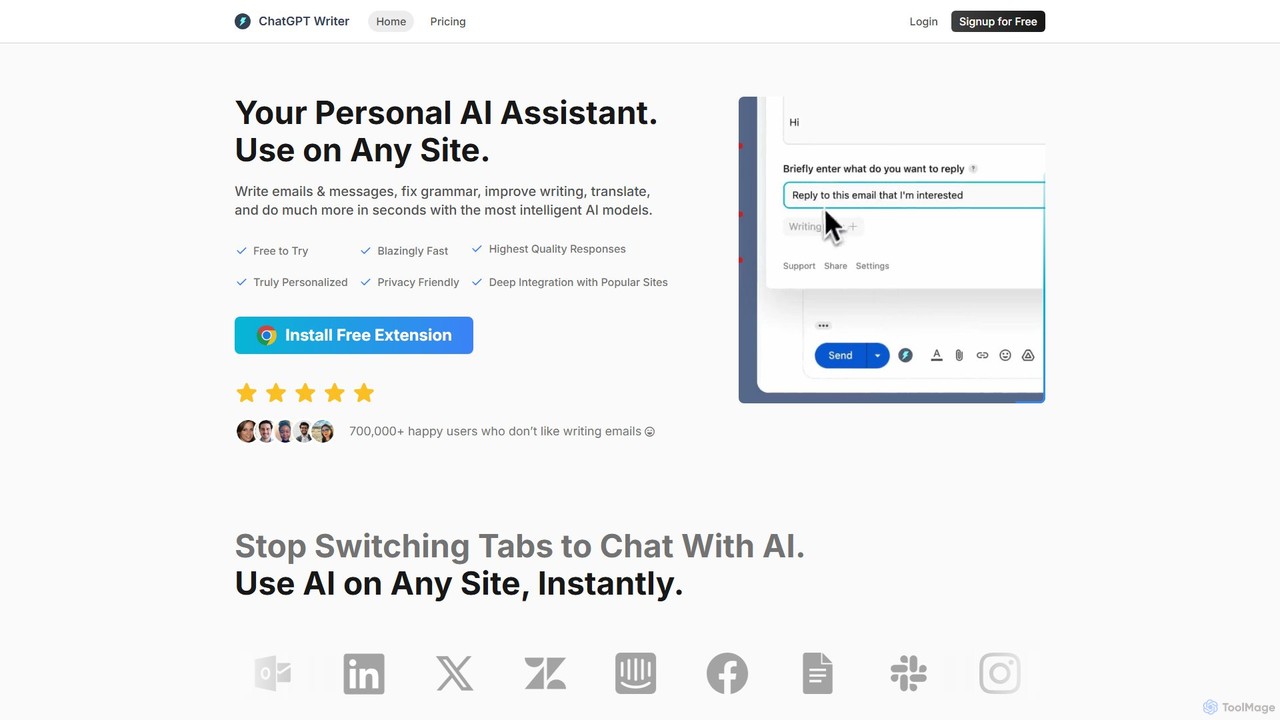
ChatGPT Writer
ChatGPT Writer is a powerful AI browser extension that integrates seamlessly into any website. Powered by models like GPT-4.1, Claude, and Gemini, it helps you write emails, fix grammar, translate text, summarize content, and more, directly within your workflow, eliminating the need to switch tabs.
Chrome Extensions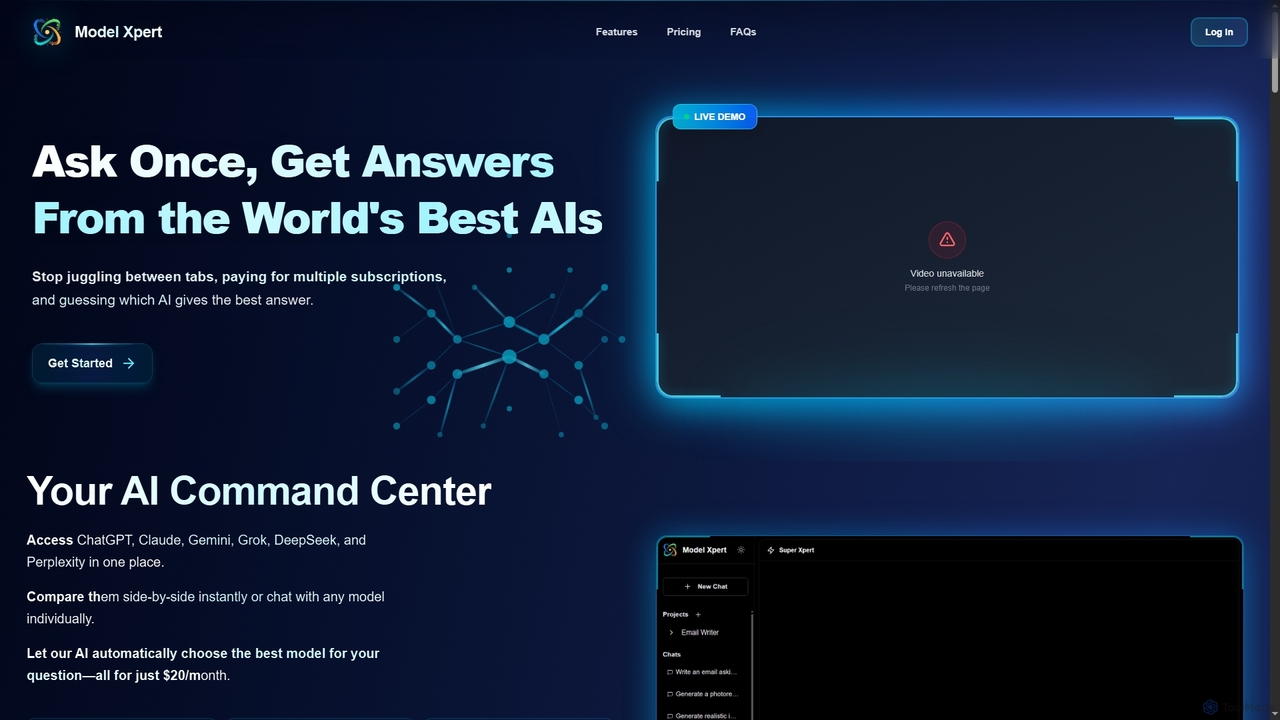
Model Xpert
Model Xpert provides unified access to the world's top AI models like ChatGPT, Claude, Gemini, Grok, DeepSeek, and Perplexity in one chat interface. It eliminates the need for multiple subscriptions and offers features like side-by-side comparison, intelligent auto-selection, prompt enhancement, and an AI image suite for maximum efficiency and cost savings.
Writing
ChatGPT for Google Comments (0)
Sign in to comment.
Sign inNo comments yet.