ToolMage
Sign in

Best 1 Scripts AI tools for Developer Tools

Popular Scripts AI tools in Developer Tools include bravegpt, helping you work more efficiently.

bravegpt
Free

bravegpt

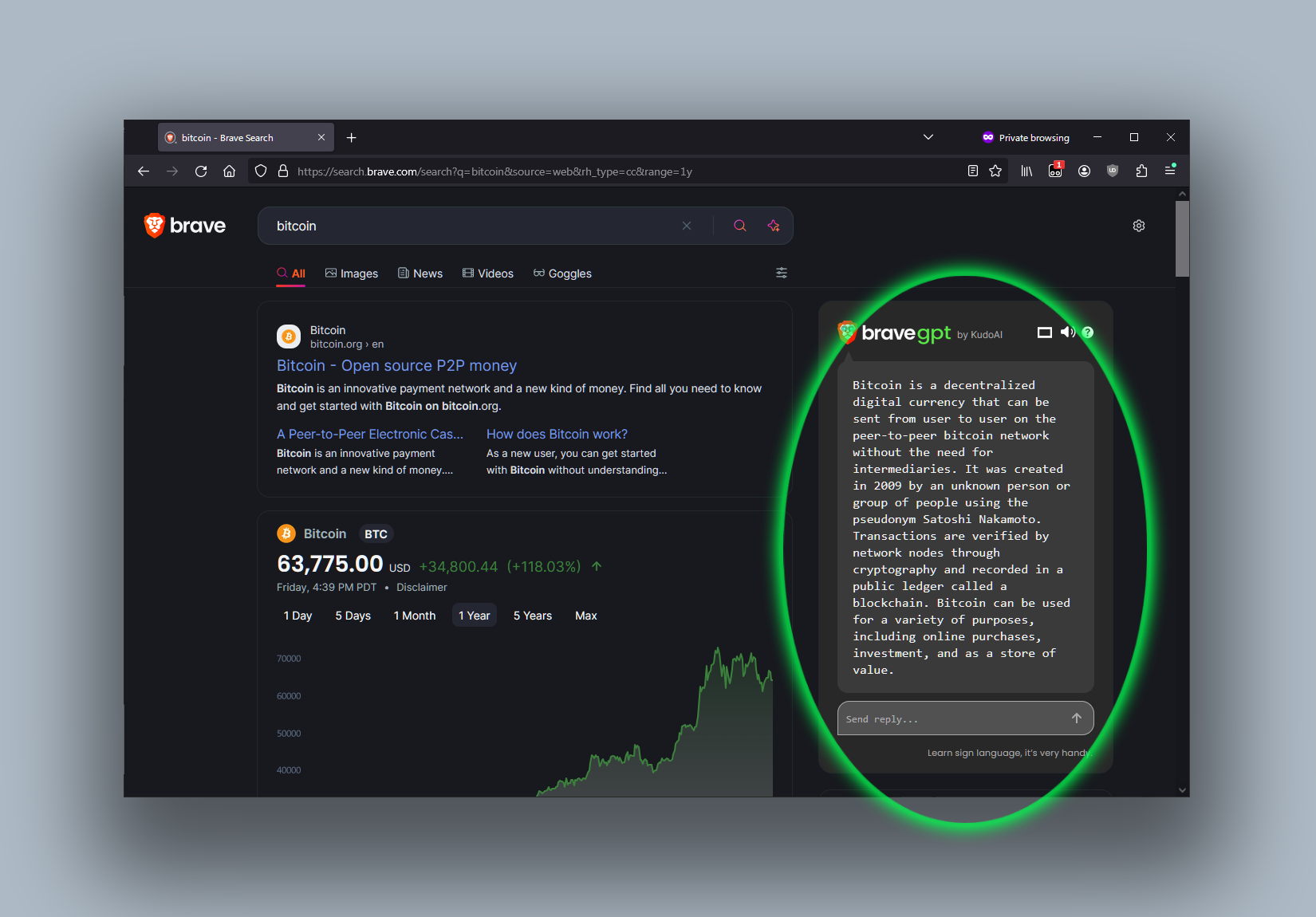
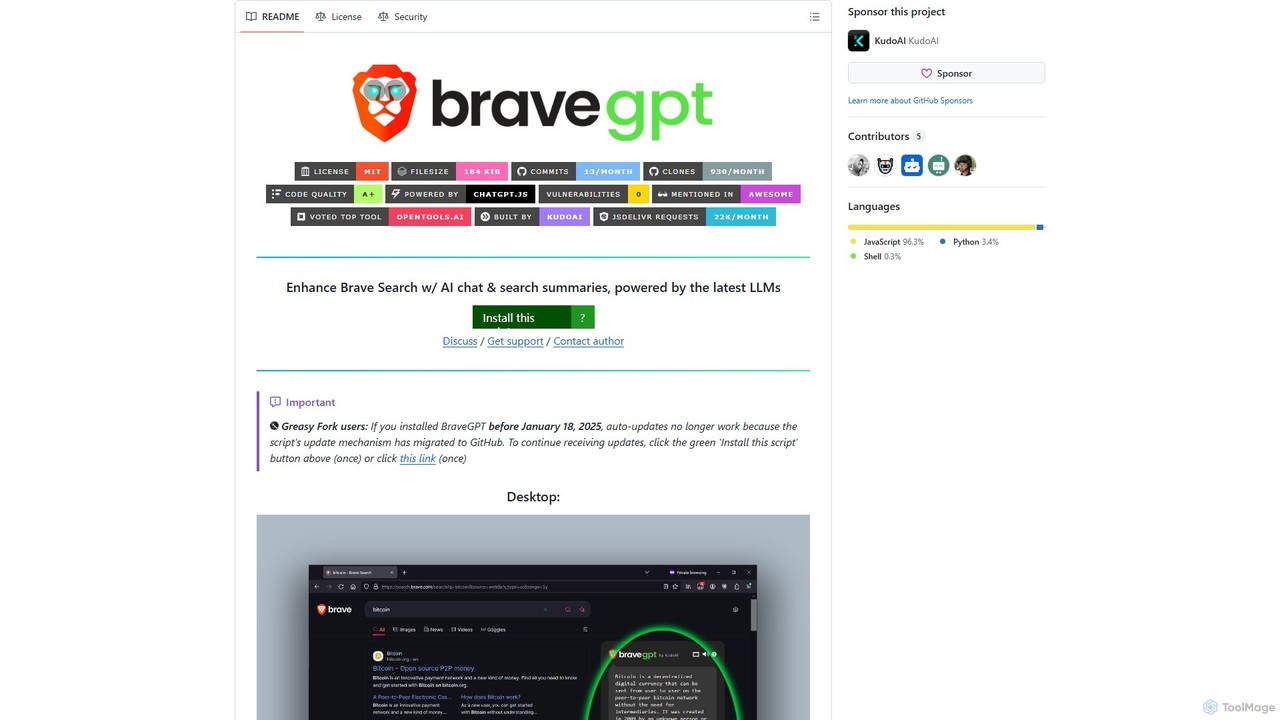
A powerful userscript that enhances Brave Search with AI chat and search summaries, powered by the latest LLMs like GPT-4o. Get instant answers and engage in conversations directly on your search results page.

Chrome Extensions
Visits 56.5KFavorites 107Likes 107

About Scripts

AI Scripts are tools that generate, explain, or optimize code snippets and command-line instructions from natural language prompts. They leverage large language models (LLMs) trained on vast codebases to understand user intent and produce functional code in various programming languages. These tools significantly accelerate development and automation tasks by translating plain English into executable scripts, reducing the need for manual coding and syntax memorization. They are particularly useful for developers, DevOps engineers, and system administrators for rapid prototyping and task automation.

Core Features

  • Natural Language to Code: Generate functional scripts in languages like Python, Bash, or SQL from simple text descriptions.
  • Command-Line Generation: Convert plain English requests into complex shell commands for tools like Git, Docker, or AWS CLI.
  • Script Debugging & Optimization: Analyze existing scripts to identify errors, suggest fixes, and recommend performance improvements.
  • Code Explanation: Provide clear, human-readable explanations for complex or unfamiliar code snippets to aid understanding.

Use Cases

AI Script tools are primarily used by software developers, DevOps engineers, data scientists, and system administrators. For instance, a developer can generate a Python script to parse a CSV file, or a DevOps engineer can create a complex Bash script for server deployment simply by describing the required steps. They are ideal for automating repetitive tasks and accelerating learning for new command-line tools.

How to Choose

When selecting an AI Script tool, consider the supported programming languages and shell environments. Evaluate its integration capabilities with your existing workflow, such as IDE or terminal plugins. Assess the accuracy and complexity of the code it can generate, and check if it offers features like debugging or context awareness from your project files.

Featured tool rankings

Scripts use cases

1

Automating Data Processing Tasks

A data analyst needs to clean and transform a large CSV file daily. Instead of writing a Python script from scratch, they provide a prompt like 'Read data.csv, remove rows with missing values in the email column, convert the date column to datetime objects, and save to clean_data.csv'. The AI tool generates a functional Python script using the Pandas library, saving significant time and reducing the chance of syntax errors.

2

Generating Complex Shell Commands

A DevOps engineer needs to find all Docker containers running a specific image and restart them. Instead of searching for the correct syntax involving multiple commands, they type 'find and restart all docker containers using the nginx:latest image'. The AI tool produces the precise one-liner command, such as `docker restart $(docker ps -q --filter ancestor=nginx:latest)`, preventing errors and saving time spent on documentation lookups.

3

Rapid Prototyping for Web Scraping

A developer needs to quickly extract data from a website for a proof-of-concept project. They describe the target elements, such as 'Get all product titles and prices from the product list on this URL', and provide the URL. The tool generates a ready-to-use Python script with libraries like BeautifulSoup or Scrapy, allowing the developer to gather the necessary data in minutes instead of hours.

4

Creating Database Migration Scripts

A database administrator needs to write a SQL script to add a new column to a table and populate it based on values from another table. They provide the logic in plain English, such as 'Add a column named 'category_name' to the 'products' table. Then, update this column with the 'name' from the 'categories' table based on a join on 'category_id''. The AI tool generates a syntactically correct SQL script, reducing the risk of manual errors in critical database operations.

5

Learning a New Command-Line Tool

A junior developer is unfamiliar with the Kubernetes command-line tool, `kubectl`. Instead of constantly referring to documentation, they use an AI script tool as a learning aid. They can ask questions like 'how do I show the logs for the 'api-gateway' pod in the 'production' namespace?' The tool translates this into the correct command: `kubectl logs api-gateway -n production`, accelerating their learning process and improving productivity.

6

Generating Git Command Sequences

A developer needs to perform a complex Git operation, like cherry-picking multiple commits from another branch and squashing them into a single commit on their current branch. Describing this workflow to an AI script tool, such as 'cherry-pick commits A, B, and C from the 'feature' branch to my current branch as a single commit', yields the precise sequence of `git` commands. This helps avoid mistakes in repository history and ensures complex operations are performed correctly.

Scripts FAQ

What are AI Scripts tools?

AI Scripts tools are specialized applications that translate natural language prompts into executable code. They are designed to generate specific code snippets, shell commands, or scripts for tasks like data manipulation, system administration, or web scraping. Unlike general-purpose chatbots, they are fine-tuned on code and developer workflows to produce accurate and functional scripts, acting as an intelligent assistant for developers and power users.

How do AI Scripts differ from AI Code Assistants like GitHub Copilot?

The primary difference lies in their scope and interaction model. AI Code Assistants typically integrate into an IDE to suggest code completions line-by-line as you type. AI Scripts tools, on the other hand, are often standalone applications or CLIs focused on generating a complete, self-contained script or command from a single, high-level prompt. The former assists in the process of writing code, while the latter automates the creation of entire functional scripts for a specific task.

How to choose the right AI Script generator?

Consider these key factors when selecting a tool:

  • Language Support: Ensure it supports the languages and shells you use most, such as Bash, Python, PowerShell, or SQL.
  • Integration: Look for plugins for your terminal, IDE (like VS Code), or other applications to fit seamlessly into your workflow.
  • Accuracy & Complexity: Test its ability to handle multi-step logic and generate correct code for non-trivial tasks.
  • Context Awareness: Advanced tools can use the context of your current project files or command history to provide more relevant suggestions.
What are the main benefits of using AI for scripting?

The primary benefits are speed and accessibility. AI script generators drastically reduce the time spent on writing boilerplate code or looking up syntax for command-line tools. They also lower the barrier to entry for complex automation tasks, allowing users with less coding experience to accomplish more. This leads to increased productivity for experienced developers and empowers a wider range of users to leverage scripting for their tasks.

Are the scripts generated by AI always correct and secure?

Not always. While highly accurate, AI-generated scripts should always be reviewed by a human before execution, especially in production environments. Treat the output as a highly-skilled first draft. The user is ultimately responsible for verifying its correctness, security implications (e.g., command injection risks), and adherence to best practices. Never run a script you don't fully understand.