

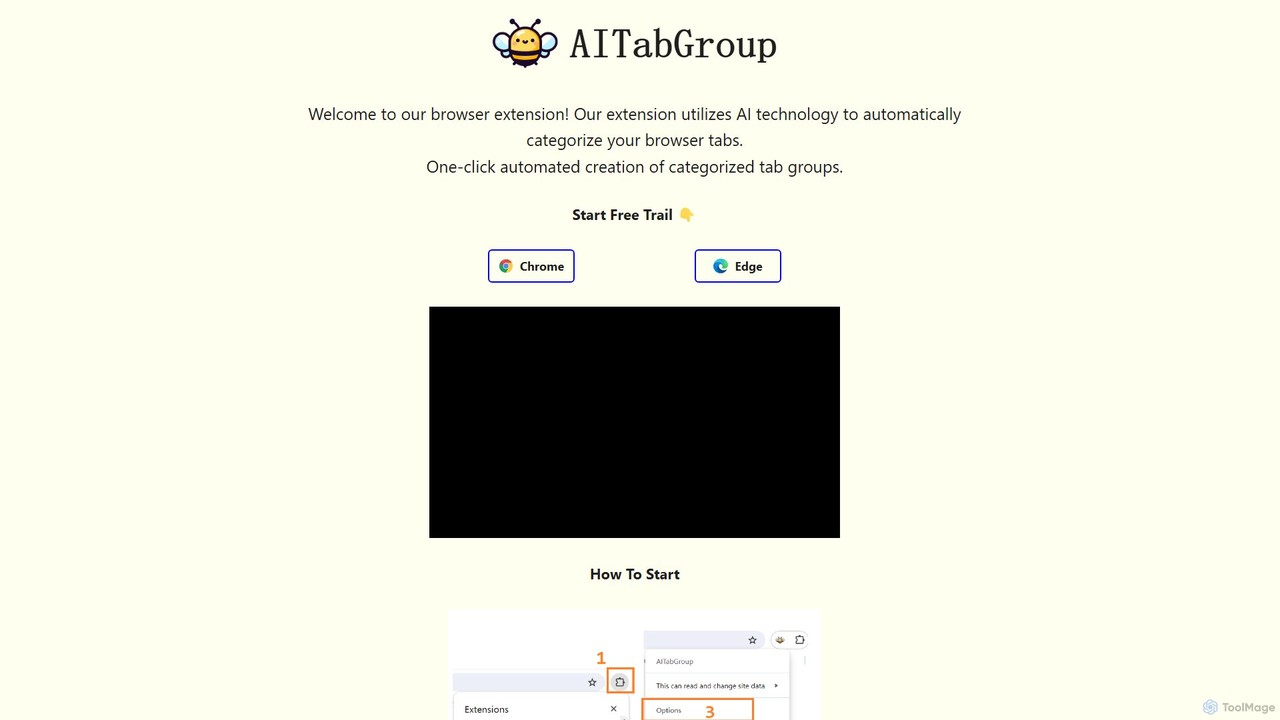
AI Tab Group Overview
AI Tab Group is a powerful browser extension designed to tackle the common problem of tab overload. By leveraging the intelligence of OpenAI's API, this tool automatically analyzes your open tabs and organizes them into neat, categorized groups with just a single click. It's the perfect solution for anyone who frequently finds themselves with dozens of tabs open, from researchers and students to developers and online shoppers. By instantly creating a structured workspace, AI Tab Group helps you reduce mental clutter, stay focused, and significantly enhance your browsing productivity.
The extension is built for simplicity and efficiency. Once installed on Chrome or Edge, it integrates seamlessly into your browser. The core functionality is accessible to everyone, allowing for instant organization. For power users, the Pro version unlocks advanced features that transform it from a simple organizer into a comprehensive session management tool, enabling you to save, document, and revisit your browsing sessions with ease.
How to use AI Tab Group
Getting started with AI Tab Group is a straightforward process designed to be quick and easy:
- Install the Extension: Add AI Tab Group to your browser from the Chrome Web Store or Microsoft Edge Add-ons.
- Pin the Icon: After installation, click the extensions icon (puzzle piece) in your browser's toolbar and click the "Pin" icon next to AI Tab Group for easy access.
- Configure the API Key: Right-click the AI Tab Group icon and select "Options". In the options page, you will need to enter your personal OpenAI API key. This ensures that your tab data is processed through your own account, giving you control over usage and privacy.
- Organize with One Click: With your tabs open, simply click the AI Tab Group icon in your toolbar. The extension will instantly analyze the content of your tabs and arrange them into logically named groups (e.g., "Research," "Social Media," "Shopping").
Core Features of AI Tab Group
- AI-Powered Automatic Categorization: Utilizes advanced AI to understand the content and context of each tab, grouping them intelligently and accurately.
- One-Click Organization: Cleans up a cluttered browser window with a single click, saving you the time and effort of manual sorting.
- Hierarchical Tab View (Pro): Pro users can view their tab groups in a structured, hierarchical layout on a single page, making it easy to navigate complex research sessions.
- Save as Markdown (Pro): Export your entire tab group structure into a clean Markdown file. This is perfect for documenting research, creating meeting notes, or sharing resources.
- Save as Bookmarks (Pro): Save an entire organized tab group as a folder of bookmarks, allowing you to close the tabs and easily reopen the entire session later.
- Cross-Browser Support: Fully compatible with both Google Chrome and Microsoft Edge.
Use Cases for AI Tab Group
AI Tab Group is versatile and benefits a wide range of users:
- Researchers & Academics: Instantly group dozens of articles, source materials, and reference pages into topics like "Literature Review," "Data Analysis," and "Methodology."
- Students: Organize tabs for different courses, assignments, and online learning platforms to keep study sessions focused and efficient.
- Developers & IT Professionals: Separate tabs for documentation, Stack Overflow threads, project management boards, and code repositories.
- Content Creators & Marketers: Group tabs for brainstorming, competitor analysis, social media management, and content sources.
- Online Shoppers: Automatically group product comparisons, reviews, and different e-commerce sites when making a purchasing decision.
Advantages of AI Tab Group
The primary advantage of AI Tab Group is its ability to bring order to chaos effortlessly. It saves significant time compared to manual tab management. By reducing visual clutter, it lowers cognitive load, allowing you to focus better on the task at hand. The Pro features for exporting to Markdown and bookmarks add a layer of powerful session management, turning transient browsing sessions into permanent, organized assets. Furthermore, by using your own OpenAI key, you maintain control over your data and API usage.
Pricing and Plans
AI Tab Group offers a flexible freemium model to suit different needs:
- Free Plan ($0.00): Includes the core feature of automatic tab categorization. It also comes with a 5-day free trial of all premium features.
- Monthly Plan ($1.99/month): Unlocks all features, including automatic categorization, hierarchical tab views, and the ability to save sessions as Markdown files or bookmarks.
- Annual Plan ($17.91/year): Offers the best value with a discount over the monthly price. It includes all the same premium features as the Monthly Plan.
Traffic
Latest traffic
Status
Monthly traffic trend
- 2025-9: 415
- 2026-1: 0
- 2026-2: 0
- 2026-3: 183
- 2026-4: 202
- 2026-5: 1.4K
Geography
Top 5 countries / regions
- 🇨🇦Canada100.0%
Top keywords
| Keyword | Cost per click |
|---|---|
| senbetsu (ai tab manager & group organizer) | $0.00 |
AI Tab Group Alternatives
Side Space
Side Space is an AI-powered vertical tabs manager for your browser. It transforms your tab chaos into organized 'Spaces' within a side panel, using AI to automatically group tabs, save memory, and sync your workflow across devices for a focused and productive browsing experience.
Browser Extension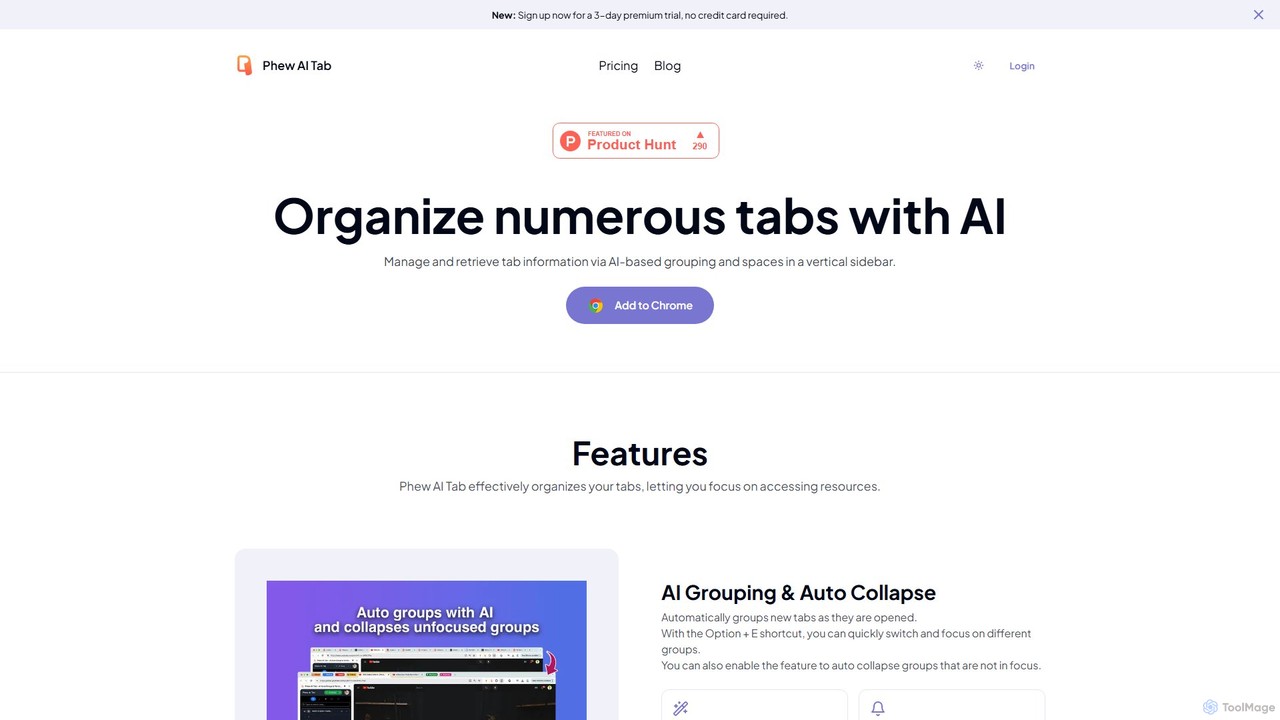
Phew AI Tab
Phew AI Tab is an intelligent browser extension that revolutionizes tab management. It uses AI to automatically group, analyze, and summarize your tabs, transforming them into a searchable knowledge base. With features like cloud-synced "Spaces," vertical tabs, and robust privacy protection including local encryption and self-hosting options, Phew AI Tab helps you stay focused, organized, and productive across all your devices.
Personal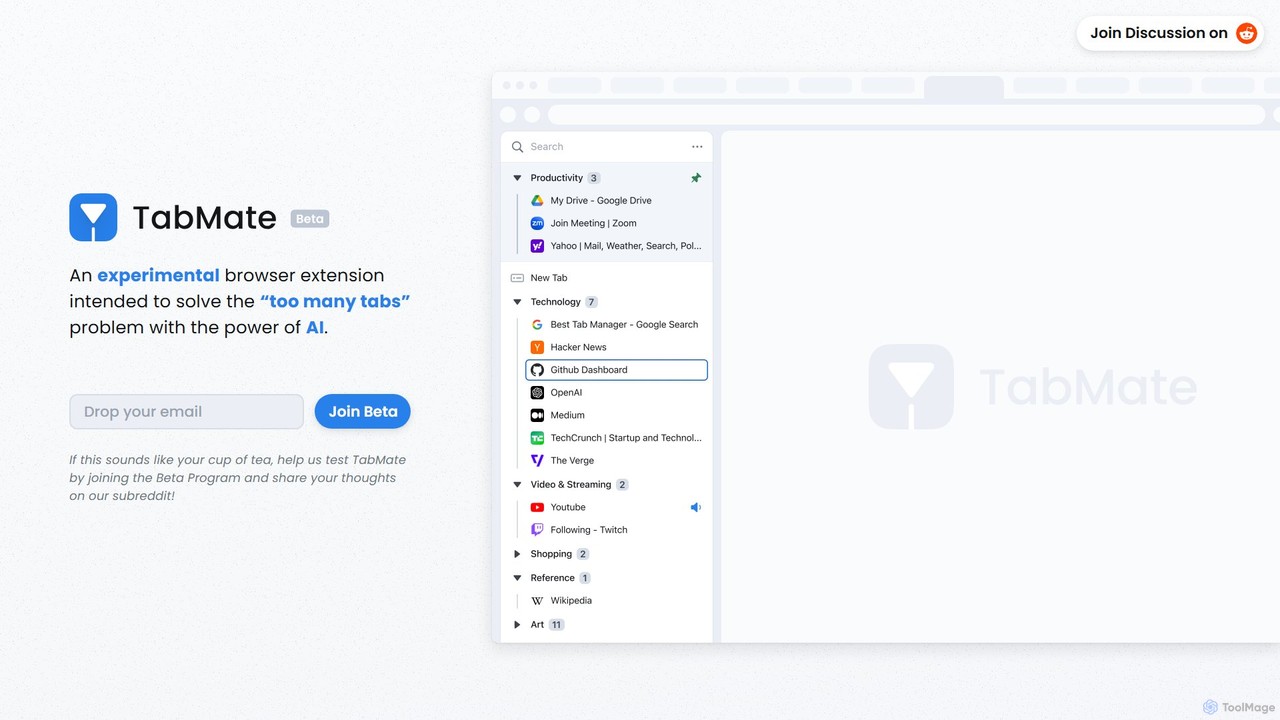
TabMate
TabMate is an experimental browser extension that uses AI to automatically categorize and manage your browser tabs. It's designed to solve the "too many tabs" problem, helping you stay organized, focused, and productive by intelligently grouping your tabs without manual effort.
Browser Extensions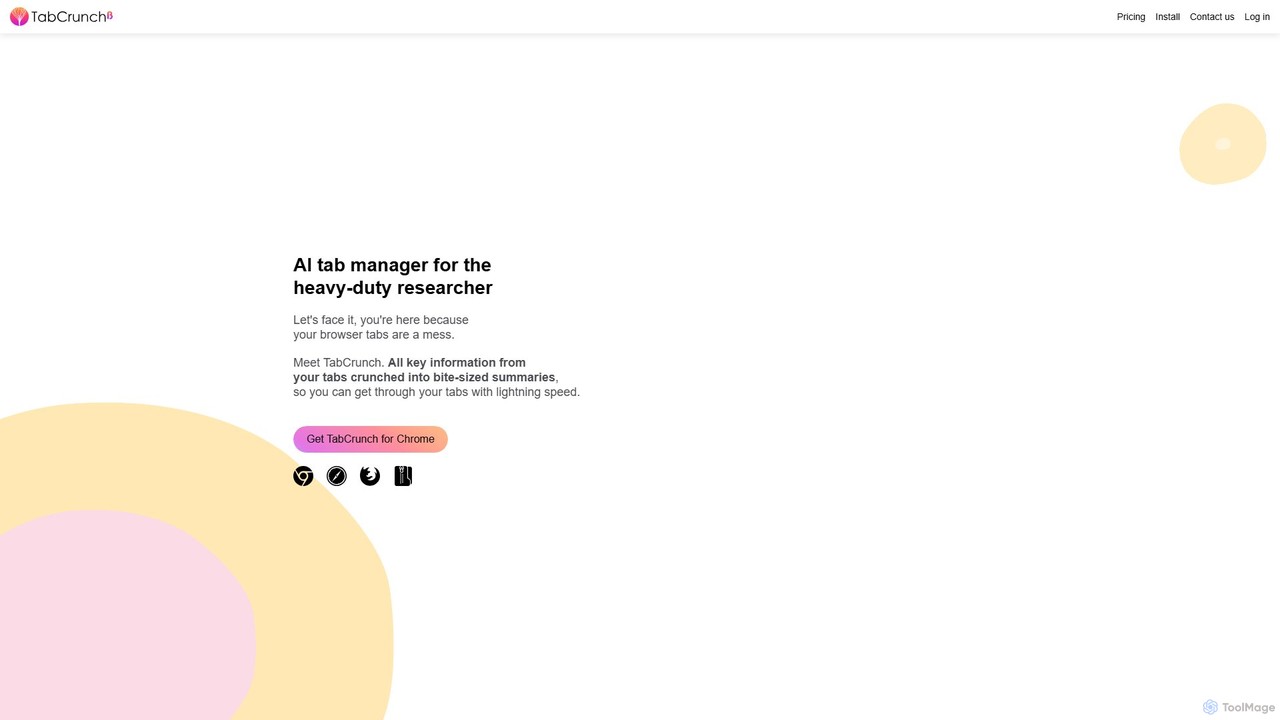
TabCrunch
TabCrunch is an AI-powered browser extension designed for heavy-duty researchers and professionals. It automatically organizes messy browser tabs into relevant groups, provides concise summaries for each tab and group, extracts key information, and helps you navigate your research with lightning speed.
Browser Extensions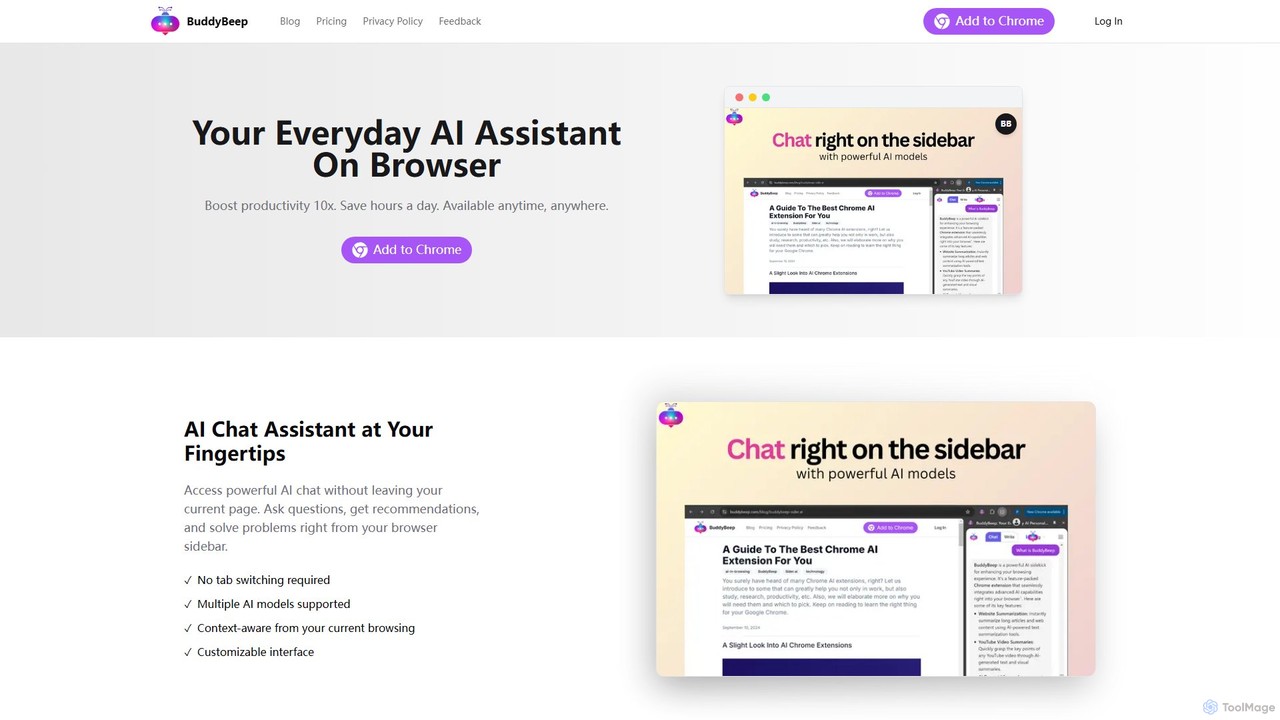
BuddyBeep
BuddyBeep is an AI-powered Chrome extension that acts as your personal browsing assistant. It boosts productivity by offering an in-page AI chat, one-click summarization for articles and YouTube videos, and a smart knowledge repository to build your "second brain". Capture, organize, and retrieve information effortlessly without switching tabs, transforming your browsing into a more efficient and insightful experience.
Browser ExtensionAI Tab Group Categories
AI Tab Group Embed Widget
Copy this embed code to place the badge on your blog, article, or product site and send readers directly to this ToolMage detail page.

Related AI tools
TabMate
TabMate is an experimental browser extension that uses AI to automatically categorize and manage your browser tabs. It's designed to solve the "too many tabs" problem, helping you stay organized, focused, and productive by intelligently grouping your tabs without manual effort.
Browser ExtensionsSide Space
Side Space is an AI-powered vertical tabs manager for your browser. It transforms your tab chaos into organized 'Spaces' within a side panel, using AI to automatically group tabs, save memory, and sync your workflow across devices for a focused and productive browsing experience.
Browser Extension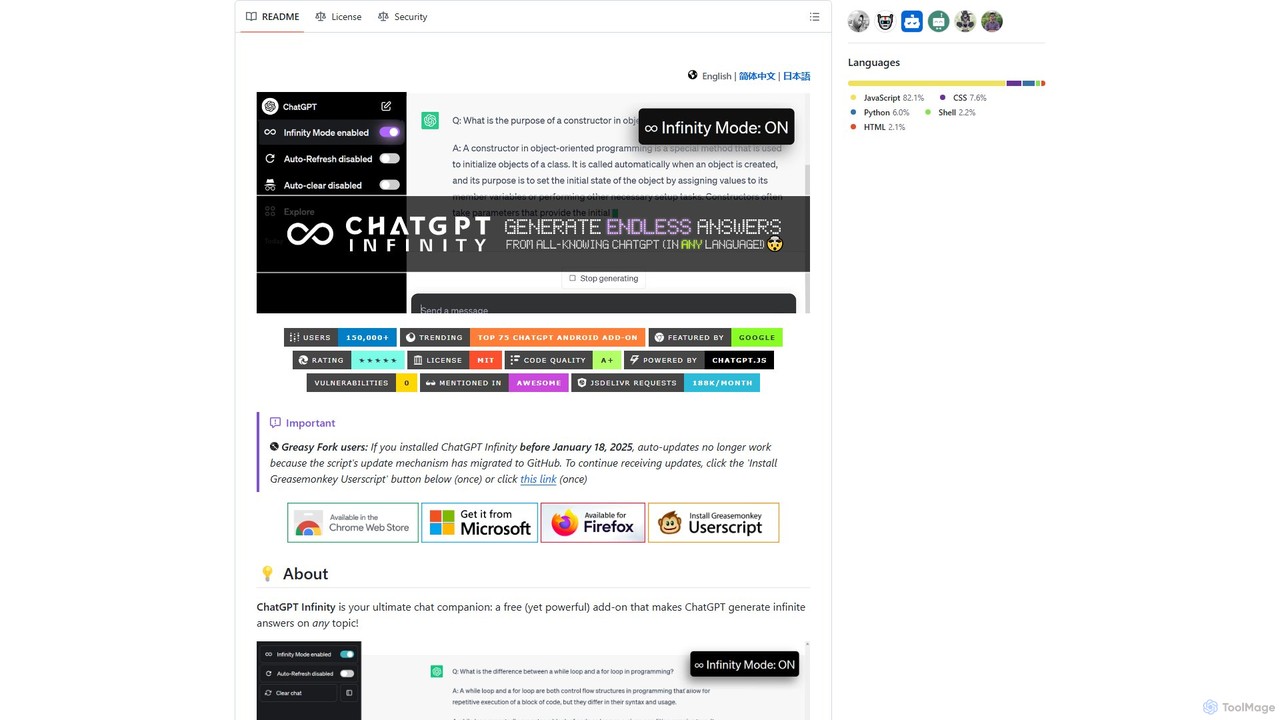
chatgpt-infinity
ChatGPT Infinity is a powerful browser extension that enables ChatGPT to generate endless, continuous answers on any topic you choose. It offers features like customizable topics, multilingual output, adjustable response speed, and auto-scrolling for a seamless, in-depth exploration experience. Ideal for researchers, writers, and learners.
ResearchPhew AI Tab
Phew AI Tab is an intelligent browser extension that revolutionizes tab management. It uses AI to automatically group, analyze, and summarize your tabs, transforming them into a searchable knowledge base. With features like cloud-synced "Spaces," vertical tabs, and robust privacy protection including local encryption and self-hosting options, Phew AI Tab helps you stay focused, organized, and productive across all your devices.
PersonalTabCrunch
TabCrunch is an AI-powered browser extension designed for heavy-duty researchers and professionals. It automatically organizes messy browser tabs into relevant groups, provides concise summaries for each tab and group, extracts key information, and helps you navigate your research with lightning speed.
Browser ExtensionsBuddyBeep
BuddyBeep is an AI-powered Chrome extension that acts as your personal browsing assistant. It boosts productivity by offering an in-page AI chat, one-click summarization for articles and YouTube videos, and a smart knowledge repository to build your "second brain". Capture, organize, and retrieve information effortlessly without switching tabs, transforming your browsing into a more efficient and insightful experience.
Browser Extension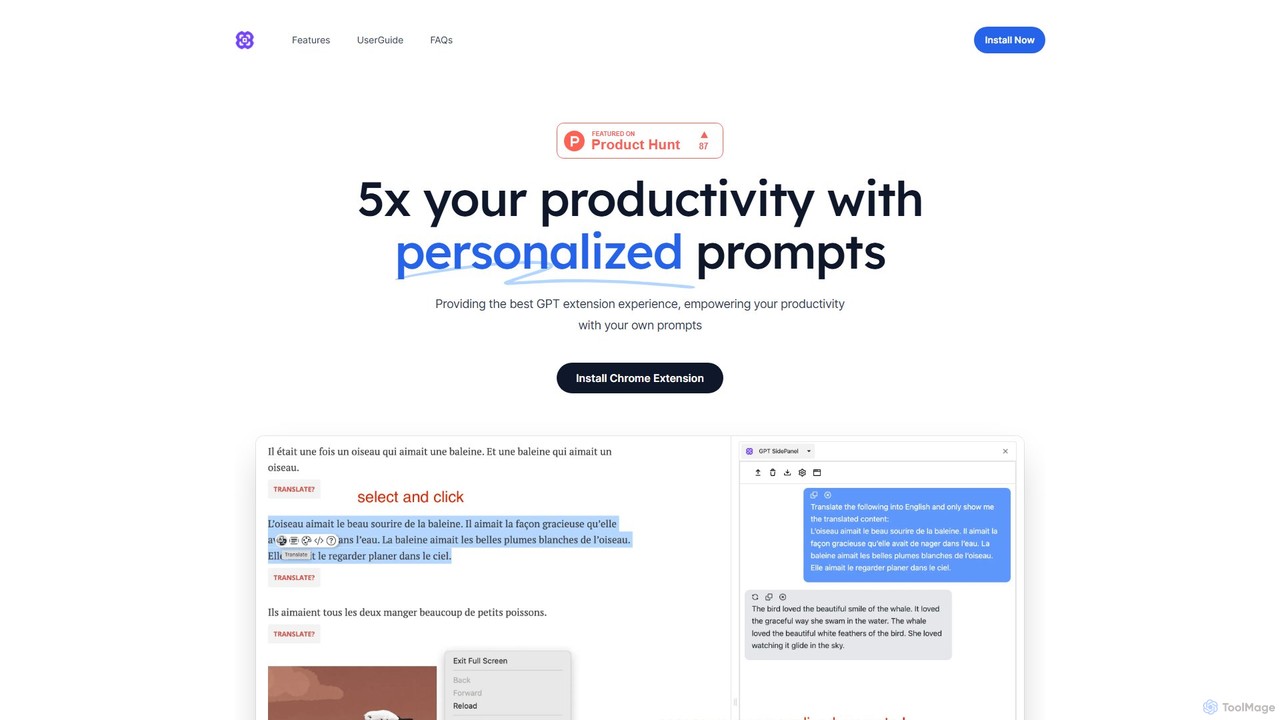
GPTSidePanel
GPTSidePanel is a powerful AI browser extension that integrates a GPT-powered sidebar into your browsing experience. Boost your productivity by summarizing articles, translating text, polishing writing, and using custom prompts directly on any webpage. Eliminate tab-switching and keep your workflow seamless with this intuitive AI assistant.
Browser Extension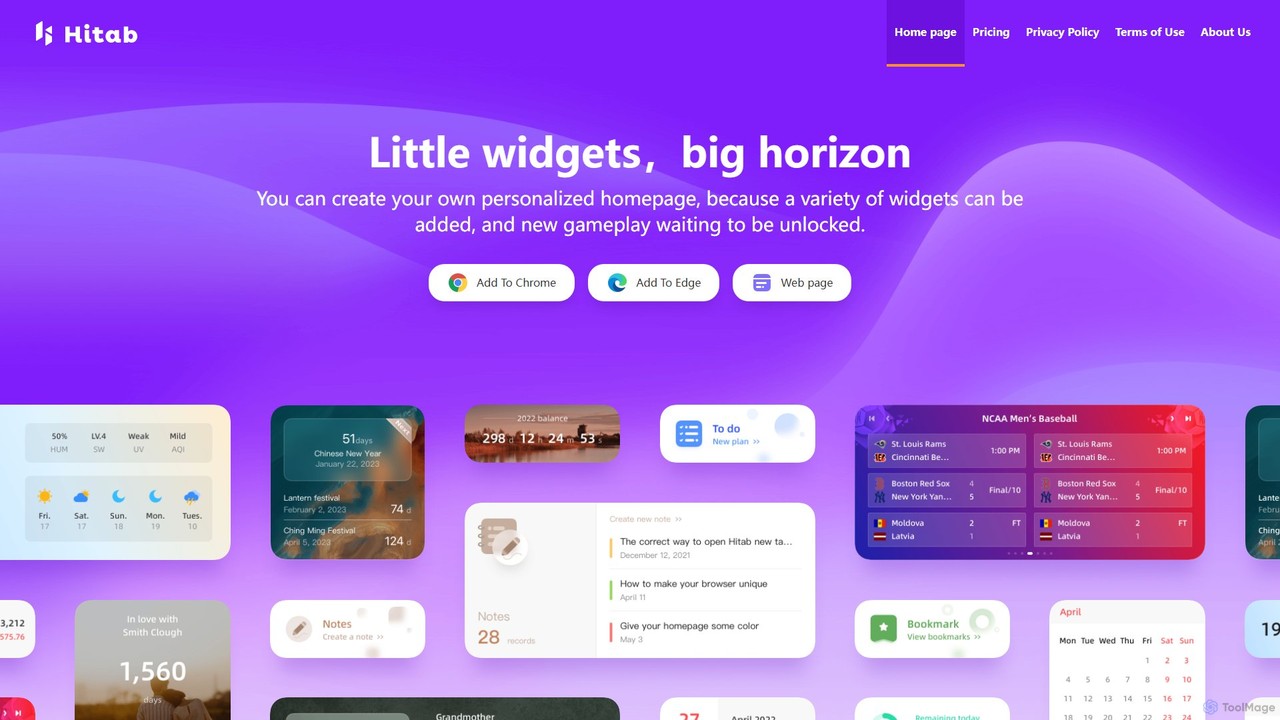
Hitab
Hitab is a powerful browser extension that transforms your new tab page into a personalized and productive dashboard. It allows users to add a variety of widgets like notes, to-do lists, weather, and countdowns. With extensive customization options, including drag-and-drop widgets, custom icons, and a vast library of HD wallpapers, Hitab helps you create a beautiful, efficient, and unique homepage tailored to your needs.
Homepage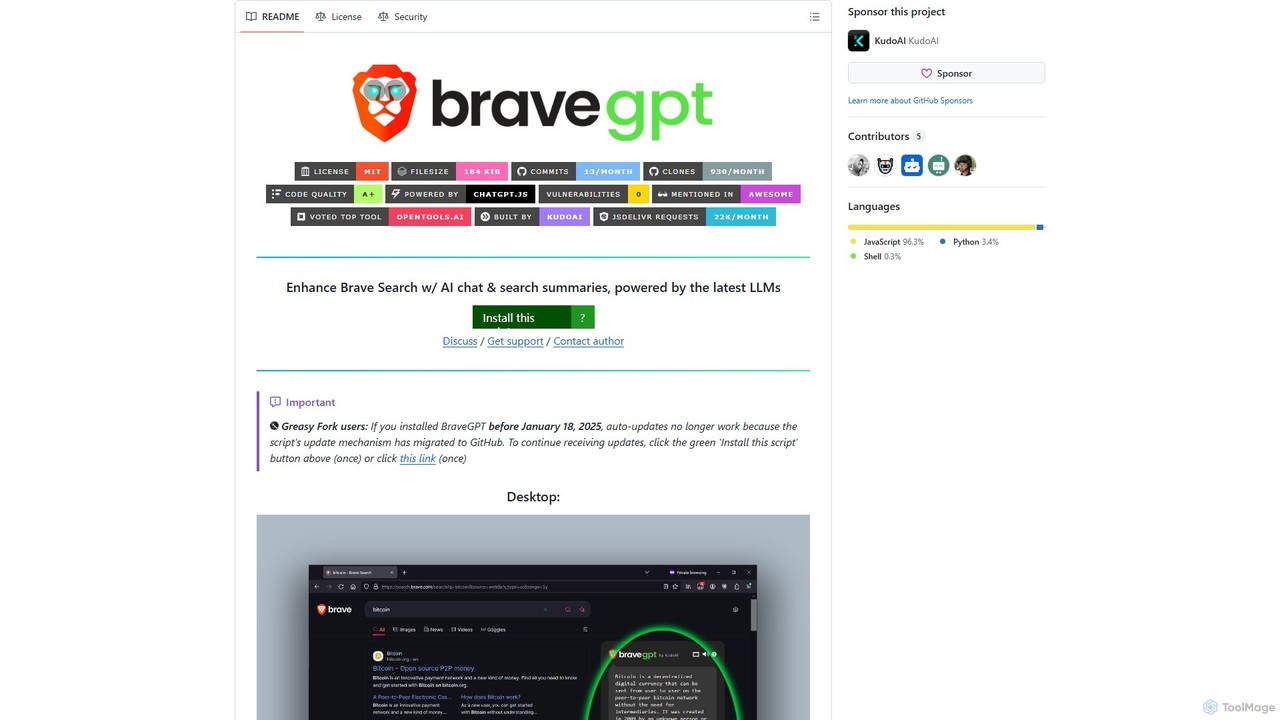
bravegpt
A powerful userscript that enhances Brave Search with AI chat and search summaries, powered by the latest LLMs like GPT-4o. Get instant answers and engage in conversations directly on your search results page.
Chrome Extensions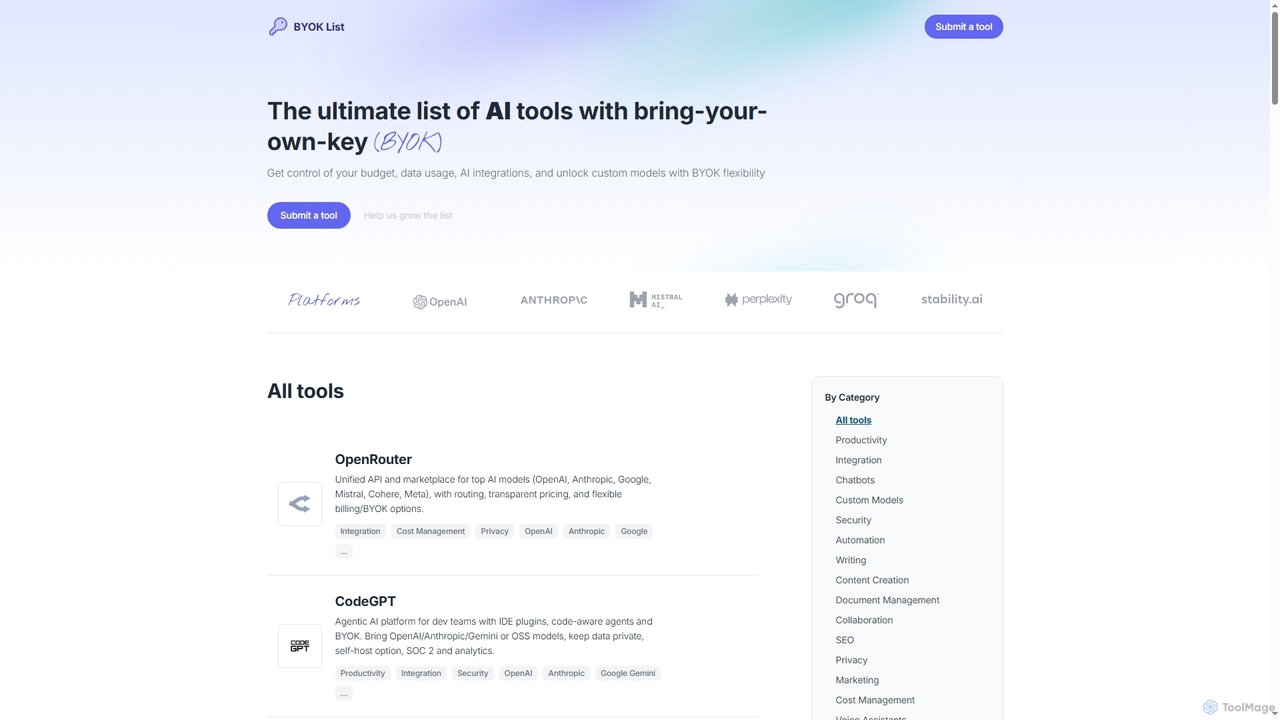
BYOKList
BYOKList is the ultimate directory for discovering AI tools that support Bring-Your-Own-Key (BYOK) functionality. It empowers users to manage their budget, data usage, and AI integrations, while also enabling access to custom models with enhanced flexibility.
Ai Resource
GPTPLUS
GPTPLUS is a powerful browser extension that integrates ChatGPT as a convenient sidebar. It offers one-click text processing, a rich library of prompt templates, and advanced AI assistance for writing, translation, and research directly within your browser, boosting productivity and streamlining your workflow.
Browser Extensions
Nekton
Nekton is an AI-powered automation platform that transforms plain English descriptions into cloud-based workflows. It integrates with thousands of apps, allowing users to automate tasks in marketing, software development, and sales without writing code. Powered by OpenAI, it features an interactive chat for refining automations, scheduled runs, and sharable workflows.
No Code
Pinbot
Pinbot is a privacy-focused, AI-powered bookmark manager that works as a Chrome extension. It automatically summarizes web pages, suggests relevant tags, and allows you to search your bookmarks using natural language. All data is stored and processed locally on your device, ensuring complete privacy.
Chrome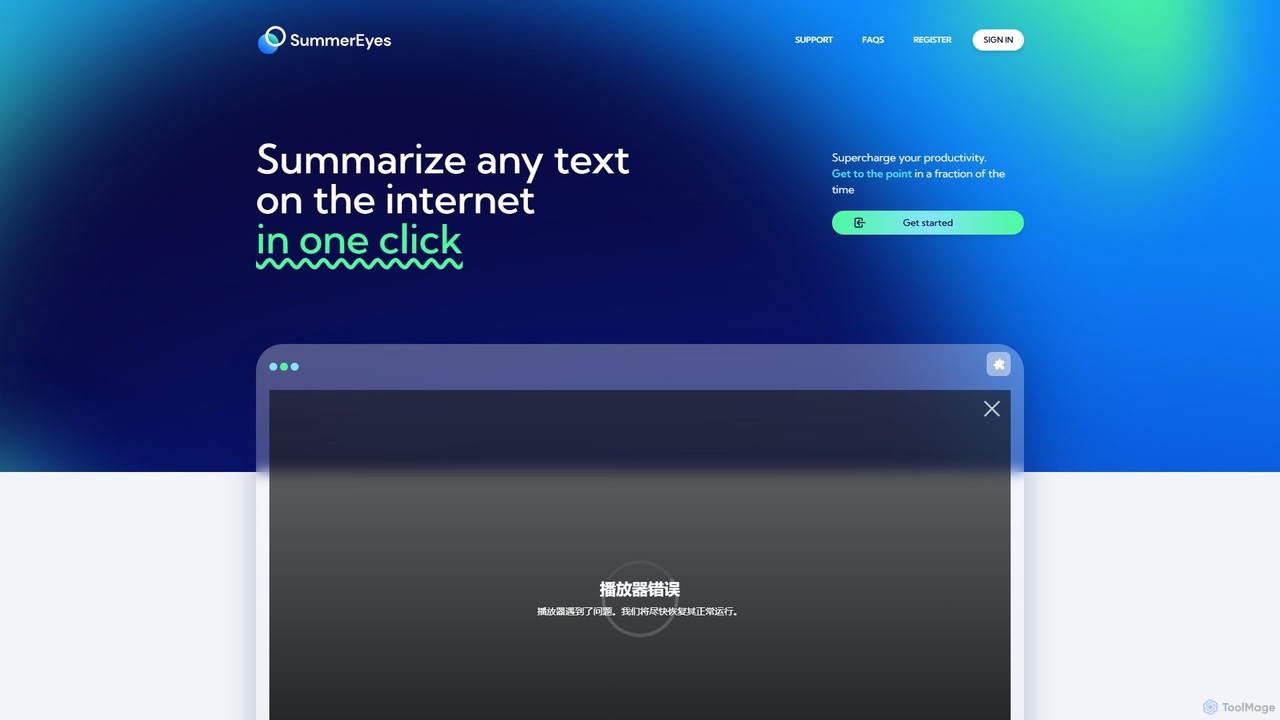
SummerEyes
SummerEyes is an AI-powered browser extension that summarizes any online text in a single click. It helps users quickly grasp the main points of articles, emails, and reports, significantly boosting reading speed and productivity. By integrating directly into your browser, it eliminates the need for copy-pasting, offering a seamless way to combat information overload.
Chrome Extensions
Recap
Recap is a free, open-source Chrome extension that uses ChatGPT to intelligently summarize web content. Its unique "Smart Split" feature breaks down long articles into manageable passages, allowing users to summarize entire pages, specific sections, or selected text with high precision.
Chrome Extensions
AI Tab Group Comments (0)
Sign in to comment.
Sign inNo comments yet.