

Side Space Overview
Side Space is a sophisticated browser extension designed to revolutionize your web browsing by tackling the pervasive issue of tab clutter. It functions as an AI-powered vertical tabs manager, neatly organizing all your open tabs into a dedicated side panel. This approach, inspired by the efficiency of browsers like Arc and Microsoft Edge, frees up horizontal screen space and provides a clear, manageable overview of your browsing session. The core concept revolves around 'Spaces'—distinct, customizable categories for different aspects of your life, such as work, personal projects, research, or hobbies. This compartmentalization allows you to focus on one context at a time, significantly reducing distractions and boosting productivity.
The standout feature of Side Space is its intelligent, AI-driven tab grouping. Instead of manually sorting through dozens of tabs, you can let the AI analyze your open pages and automatically organize them into relevant groups based on content or domain. This not only cleans up your workspace in seconds but also helps you discover connections between your browsing activities. Furthermore, Side Space is built for the modern user, offering seamless cloud synchronization. Your carefully curated Spaces and tabs are automatically saved and synced across all your Chrome browsers, ensuring you can pick up right where you left off on any device.
How to use Side Space
Getting started with Side Space is straightforward. First, you need to install the browser extension from the Chrome Web Store. Once installed, a side panel will appear in your browser (its position can be customized to the left or right in Chrome's settings). You can immediately begin organizing your current tabs. Use the 'Group by AI' feature to let the extension automatically sort your open tabs into logical groups. You can then create 'Spaces' to house these groups. For example, create a 'Work' space for all your job-related tabs and a 'Shopping' space for e-commerce sites. Switching between these Spaces is seamless, allowing you to change your focus with a single click or a two-finger swipe. The dedicated 'Spaces Management' page provides a centralized hub to rename, reorder, customize icons and themes, or delete your Spaces. You can also drag and drop tab groups or individual tabs between different Spaces to refine your organization.
Core Features of Side Space
- AI-Powered Tab Grouping: Automatically organizes open tabs into logical groups based on content or custom categories, eliminating manual sorting.
- Spaces for Organization: Create separate, self-contained workspaces (Spaces) for different projects or contexts like work, life, and hobbies to maintain focus.
- Vertical Tab Management: Displays tabs vertically in a side panel, making them easier to navigate and manage, especially with a large number of tabs.
- Cross-Device Sync: Automatically saves and syncs all your Spaces and tabs across any Chrome browser where you're logged in, ensuring your setup is always accessible.
- Memory Management: Includes a feature to suspend inactive tabs, freeing up system memory and improving browser performance.
- De-duplicate Tabs: Automatically detects and closes duplicate tabs to keep your workspace clean and efficient.
- Advanced Management Tools: Features include a powerful fuzzy search to find any tab or space, the ability to pin important tabs, save/restore tab groups, and customize themes, including a dark mode.
- Group Guard Settings: Allows users to create custom URL grouping rules for more precise and personalized tab organization, complementing the AI grouping.
Use Cases for Side Space
Side Space is ideal for anyone who regularly finds themselves overwhelmed by too many browser tabs. This includes students conducting research across multiple sources, professionals managing various projects simultaneously, and developers who need to keep documentation, forums, and development environments open. For users who admire the organizational structure of the Arc browser but prefer to stay within the Chrome ecosystem, Side Space serves as an excellent replacement. It's also perfect for 'serial multi-tabbers' who need an efficient way to save and restore entire browsing sessions without losing their workflow. By creating distinct Spaces, a user can dedicate one to 'Morning News', another to a 'Q3 Marketing Project', and a third to 'Vacation Planning', keeping each context separate and focused.
Advantages of Side Space
The primary advantage of Side Space is its ability to bring order to chaos, transforming a cluttered tab bar into a streamlined, productive workspace. The vertical layout is inherently more scalable than a traditional horizontal tab bar, preventing tab titles from becoming unreadably small. Its AI grouping feature is a significant time-saver, performing organizational tasks that would be tedious to do manually. Unlike some native browser solutions, Side Space offers robust cross-device synchronization, a critical feature for users who work on multiple computers. The ability to suspend tabs directly addresses browser performance issues, making it a practical tool for users on less powerful hardware. Finally, its freemium model with a generous free tier and an affordable lifetime deal makes powerful tab management accessible to everyone.
Pricing and Plans
Side Space offers a simple and transparent pricing structure:
- Free Plan: This plan is available at no cost and is perfect for getting started. It includes the ability to create up to 5 Spaces with cloud sync, AI grouping for up to 1000 URLs, and basic support.
- Lifetime Plan: For power users and 'tab hoarders', this is a one-time payment of $39. It unlocks unlimited Spaces, unlimited AI grouping, all advanced features like Tab Group Guarding and Space Management, lifetime premium support, and all future updates.
Traffic
Latest traffic
Status
Monthly traffic trend
- 2025-9: 22.0K
- 2026-1: 37.2K
- 2026-2: 29.3K
- 2026-3: 25.3K
- 2026-4: 24.6K
- 2026-5: 12.0K
Geography
Top 5 countries / regions
- 🇺🇸United States37.8%
- 🇮🇳India17.9%
- 🇳🇱Netherlands16.1%
- 🇦🇺Australia14.4%
- 🇩🇪Germany13.8%
Top keywords
| Keyword | Cost per click |
|---|---|
| brave vertical tabs reddit | $0.00 |
| chrome vertical tabs | $1.36 |
| side space | $0.00 |
| sidespace ai | $0.00 |
| vertical tabs brave | $0.00 |
Side Space Alternatives
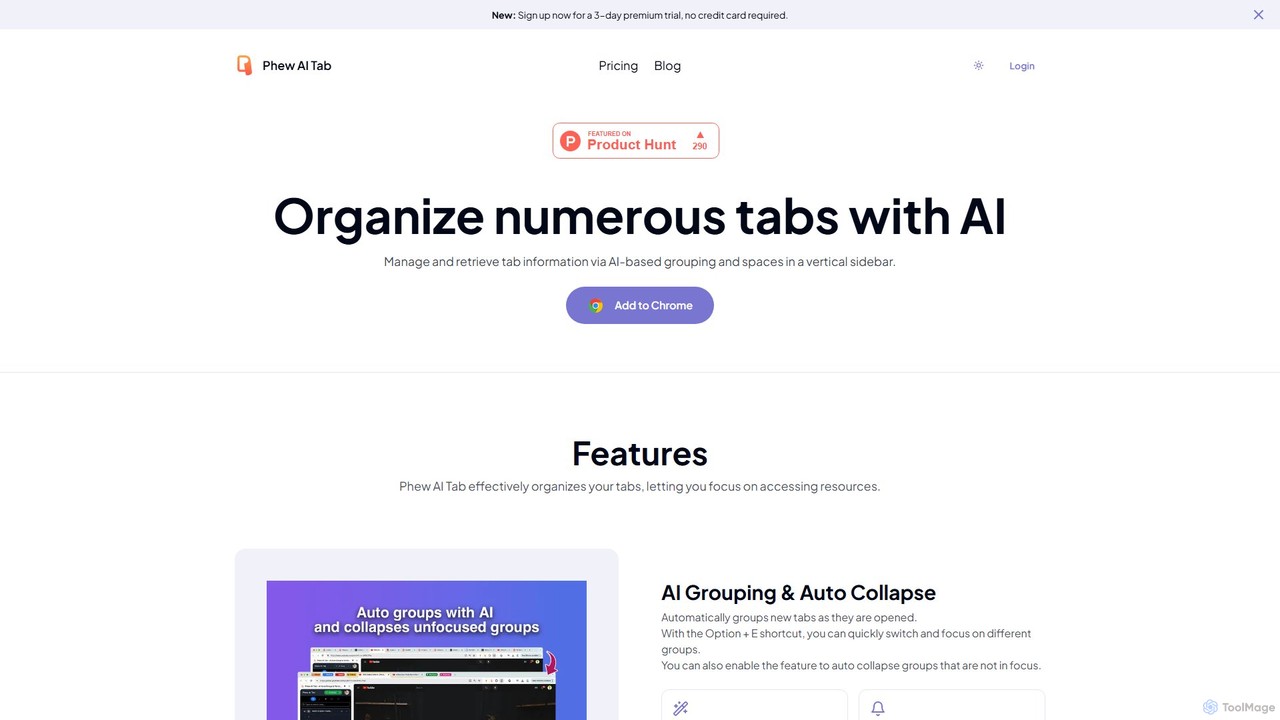
Phew AI Tab
Phew AI Tab is an intelligent browser extension that revolutionizes tab management. It uses AI to automatically group, analyze, and summarize your tabs, transforming them into a searchable knowledge base. With features like cloud-synced "Spaces," vertical tabs, and robust privacy protection including local encryption and self-hosting options, Phew AI Tab helps you stay focused, organized, and productive across all your devices.
Personal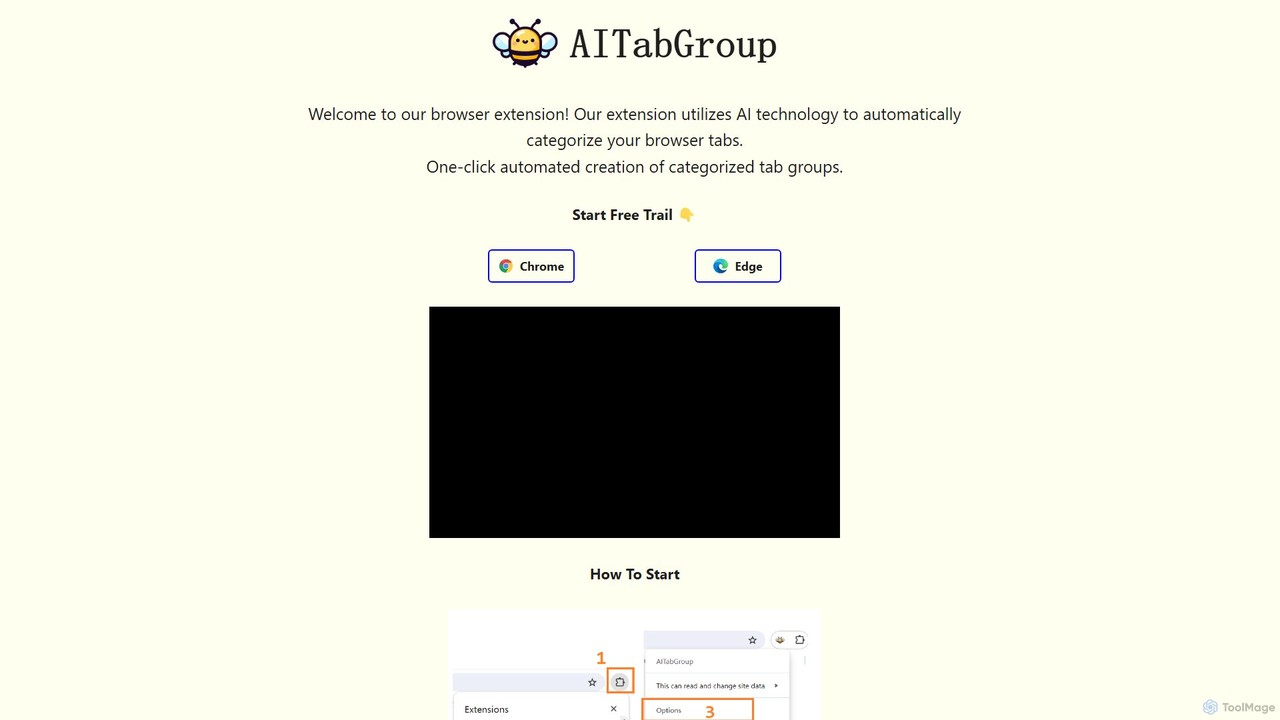
AI Tab Group
AI Tab Group is an intelligent browser extension for Chrome and Edge that uses AI to automatically categorize and group your open tabs. With a single click, it eliminates tab clutter, organizes your workspace, and boosts productivity. Pro features include hierarchical views and exporting sessions to Markdown or bookmarks.
Browser Extension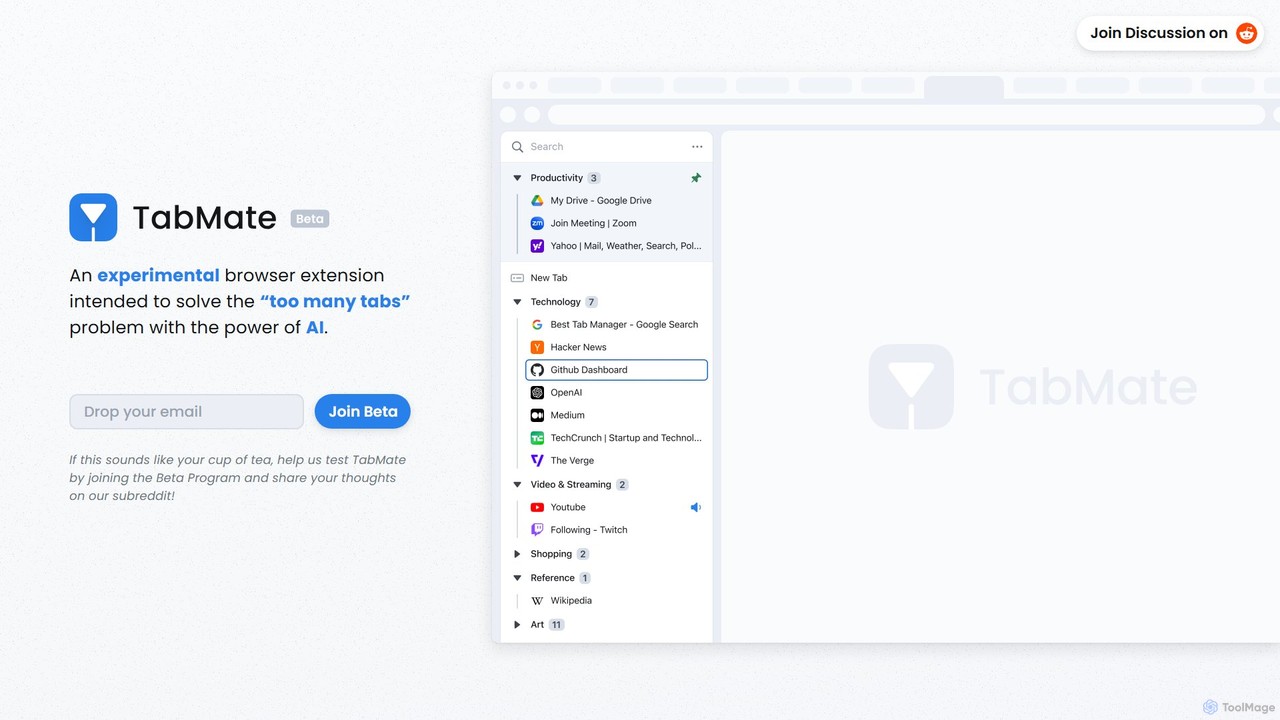
TabMate
TabMate is an experimental browser extension that uses AI to automatically categorize and manage your browser tabs. It's designed to solve the "too many tabs" problem, helping you stay organized, focused, and productive by intelligently grouping your tabs without manual effort.
Browser Extensions
Twos
Twos is an all-in-one productivity app powered by AI that helps you organize notes, to-dos, reminders, lists, and calendar events in one simple place. Capture thoughts quickly as "things" and let the AI assistant, PALs, provide smart suggestions to help you stay organized and productive across all your devices.
Note Taking
Familyshub
Familyshub is a modern, AI-powered family organizer designed to keep families connected. It simplifies managing events, to-do lists, groceries, birthdays, and meal planning through a collaborative, real-time platform. It's free to use and easy to set up.
FamilySide Space Categories
Side Space Embed Widget
Copy this embed code to place the badge on your blog, article, or product site and send readers directly to this ToolMage detail page.

Related AI tools
Phew AI Tab
Phew AI Tab is an intelligent browser extension that revolutionizes tab management. It uses AI to automatically group, analyze, and summarize your tabs, transforming them into a searchable knowledge base. With features like cloud-synced "Spaces," vertical tabs, and robust privacy protection including local encryption and self-hosting options, Phew AI Tab helps you stay focused, organized, and productive across all your devices.
PersonalTabMate
TabMate is an experimental browser extension that uses AI to automatically categorize and manage your browser tabs. It's designed to solve the "too many tabs" problem, helping you stay organized, focused, and productive by intelligently grouping your tabs without manual effort.
Browser ExtensionsAI Tab Group
AI Tab Group is an intelligent browser extension for Chrome and Edge that uses AI to automatically categorize and group your open tabs. With a single click, it eliminates tab clutter, organizes your workspace, and boosts productivity. Pro features include hierarchical views and exporting sessions to Markdown or bookmarks.
Browser Extension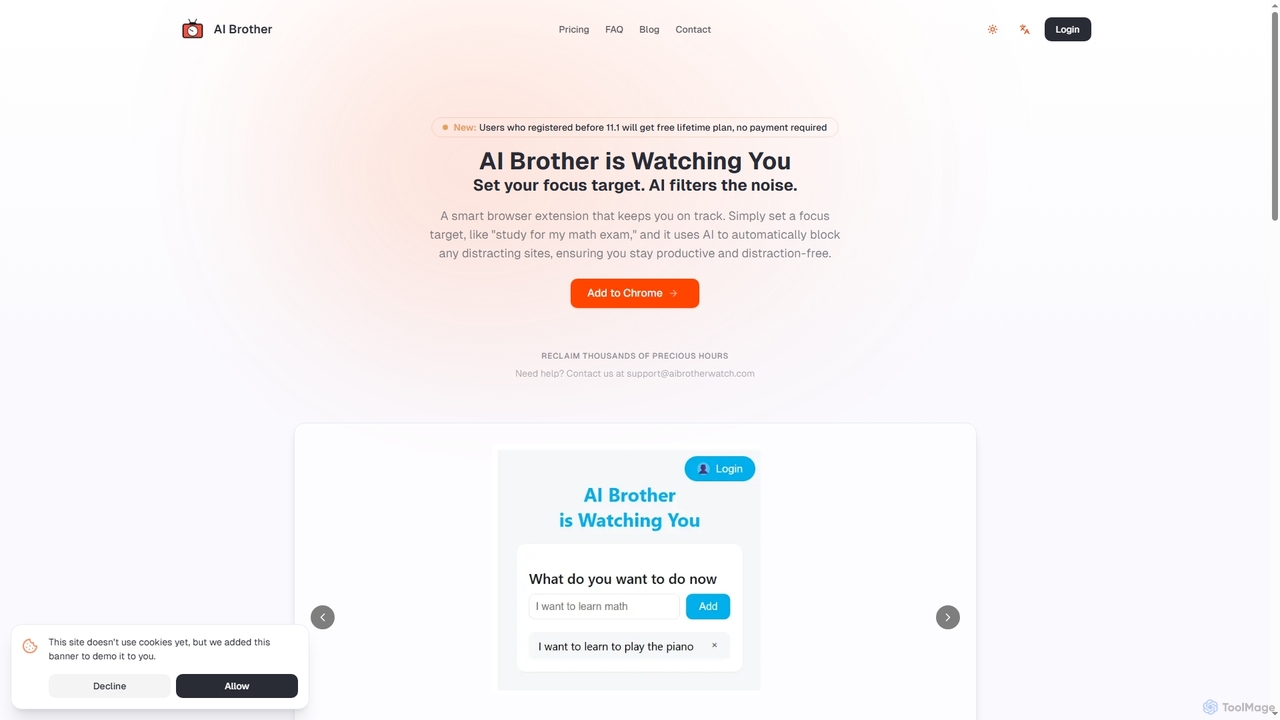
AI Brother
AI Brother is a smart browser extension that leverages artificial intelligence to eliminate online distractions and enhance productivity. By understanding your specific focus targets, it intelligently blocks irrelevant websites in real-time, ensuring you stay on track whether you're studying, working, or researching.
Productivity
Focus Patrol
Focus Patrol is a privacy-first Chrome extension that uses on-device AI to intelligently monitor your browsing habits. It helps you maintain focus by identifying and categorizing distractions without your data ever leaving your computer.
Focus
beedone
beedone is an AI-powered daily planner and task management game designed to make productivity fun and engaging. It helps users overcome procrastination and build lasting habits by combining smart to-do lists, gamified elements, and personalized routines. Elevate your efficiency and conquer your goals with this personal task wizard.
Goal Setting
Kumo Study
Kumo Study is the ultimate study tool specifically designed for students with ADHD. This Chrome extension helps improve focus, organization, and motivation through features like a task planner, a customizable timer, a site blocker, and a unique collaborative support system. It's built on neurodesign principles to combat executive dysfunction and boost academic success.
Study Tools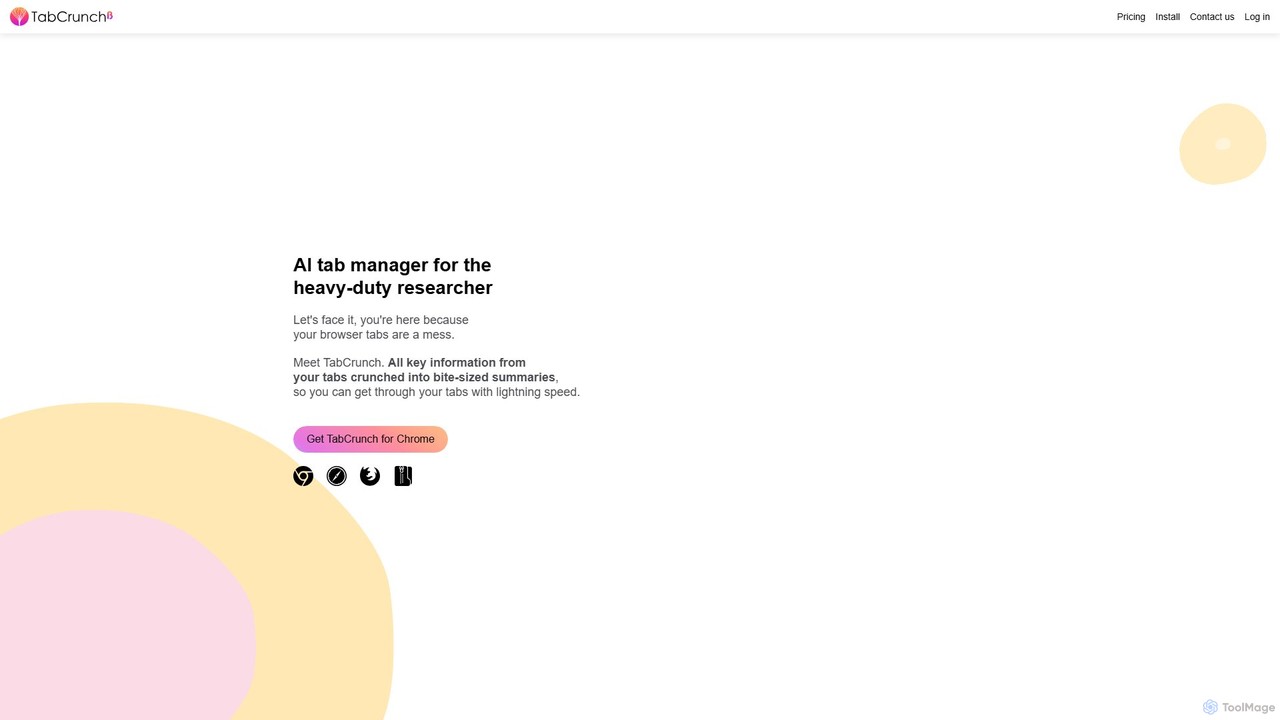
TabCrunch
TabCrunch is an AI-powered browser extension designed for heavy-duty researchers and professionals. It automatically organizes messy browser tabs into relevant groups, provides concise summaries for each tab and group, extracts key information, and helps you navigate your research with lightning speed.
Browser Extensions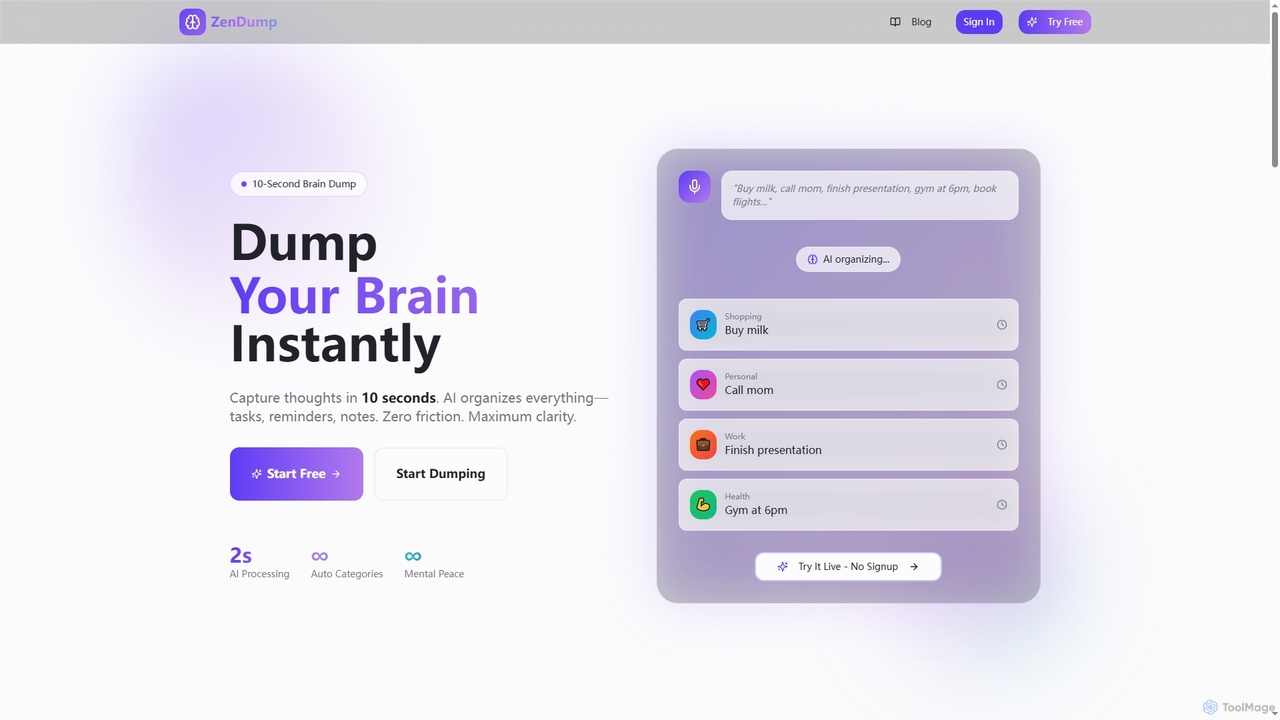
ZenDump
ZenDump is an AI-powered brain dump and task manager designed to transform mental chaos into organized clarity. Capture thoughts in 10 seconds, get instant AI categorization, smart prioritization, and multi-channel reminders to boost your productivity effortlessly.
Collaboration
AI Toolbar
AI Toolbar is a powerful Chrome extension that acts as your personal virtual assistant. It integrates AI directly into your browser, allowing you to respond to emails, summarize and translate text, generate content, and use voice commands on any webpage with a single click. Trusted by over 70,000 professionals, it's designed to dramatically boost your productivity and streamline your workflow.
Paraphraser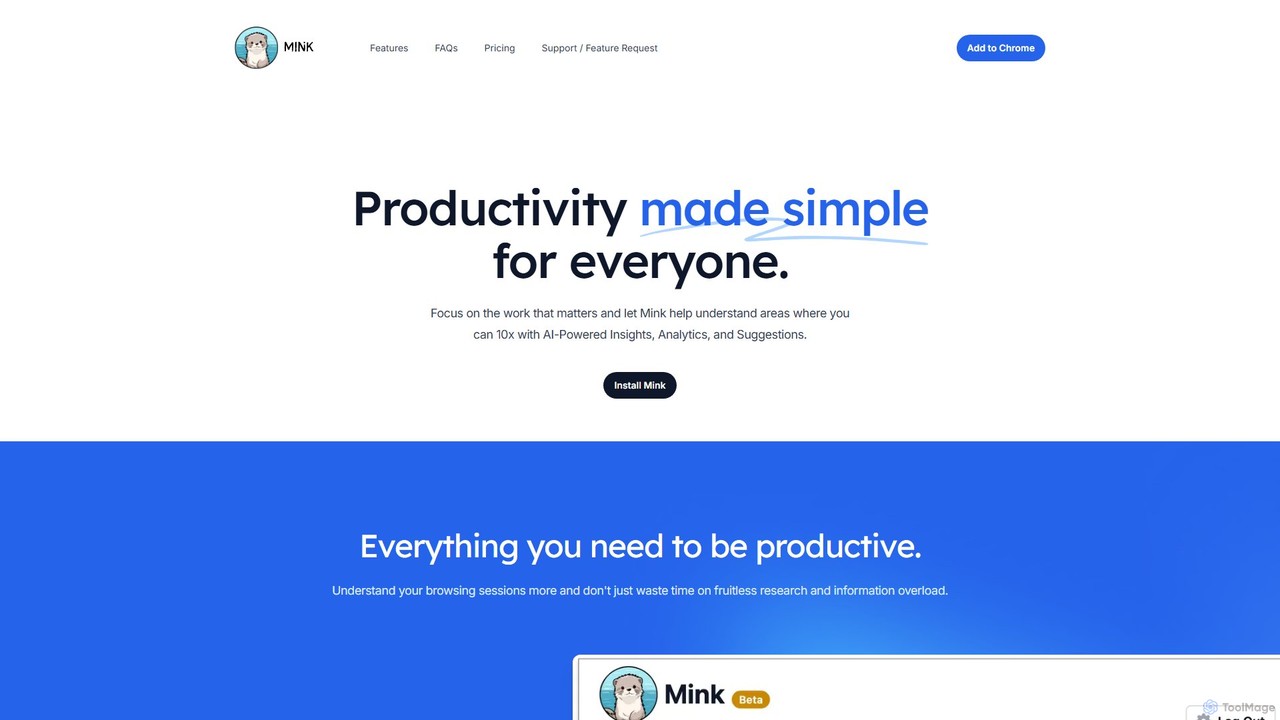
Mink
Mink is an AI-powered browser co-pilot designed to enhance your productivity. It analyzes your browsing patterns to provide actionable insights, detailed analytics, and personalized suggestions. By understanding how you spend your time online, Mink helps you eliminate distractions, focus on important tasks, and optimize your workflow, all while ensuring your data remains private and stored locally on your device.
Browser Extension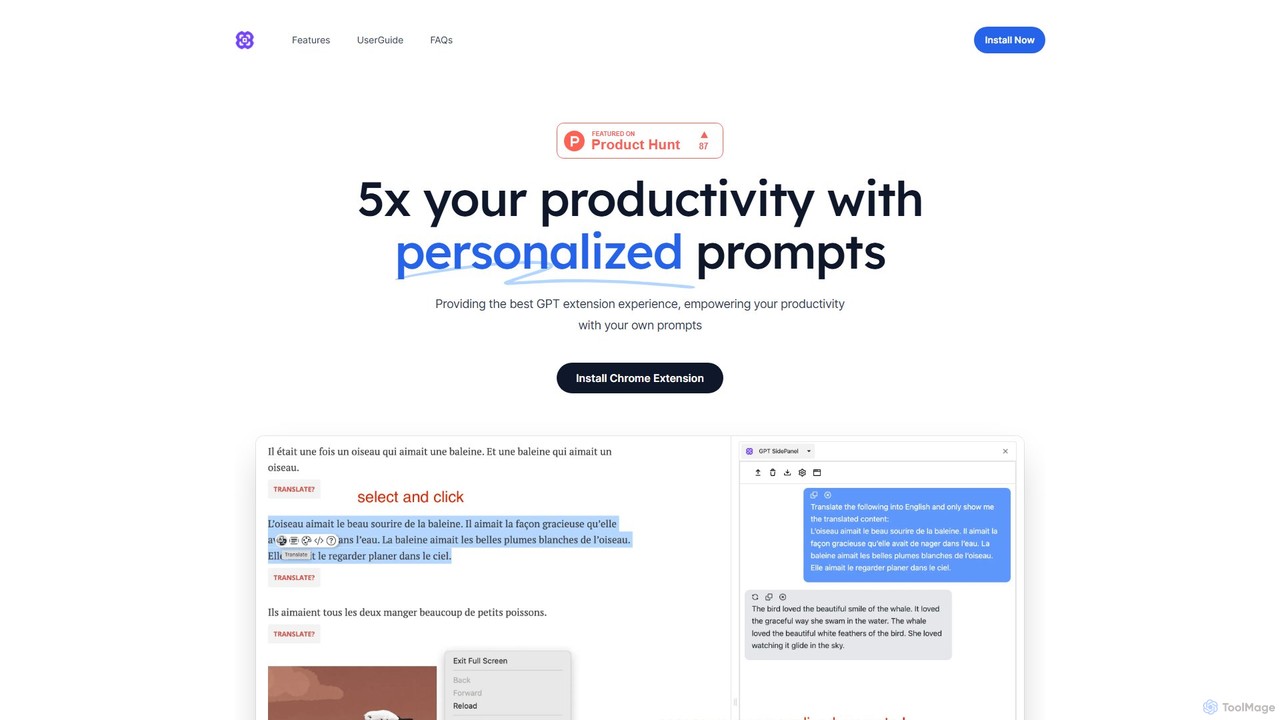
GPTSidePanel
GPTSidePanel is a powerful AI browser extension that integrates a GPT-powered sidebar into your browsing experience. Boost your productivity by summarizing articles, translating text, polishing writing, and using custom prompts directly on any webpage. Eliminate tab-switching and keep your workflow seamless with this intuitive AI assistant.
Browser Extension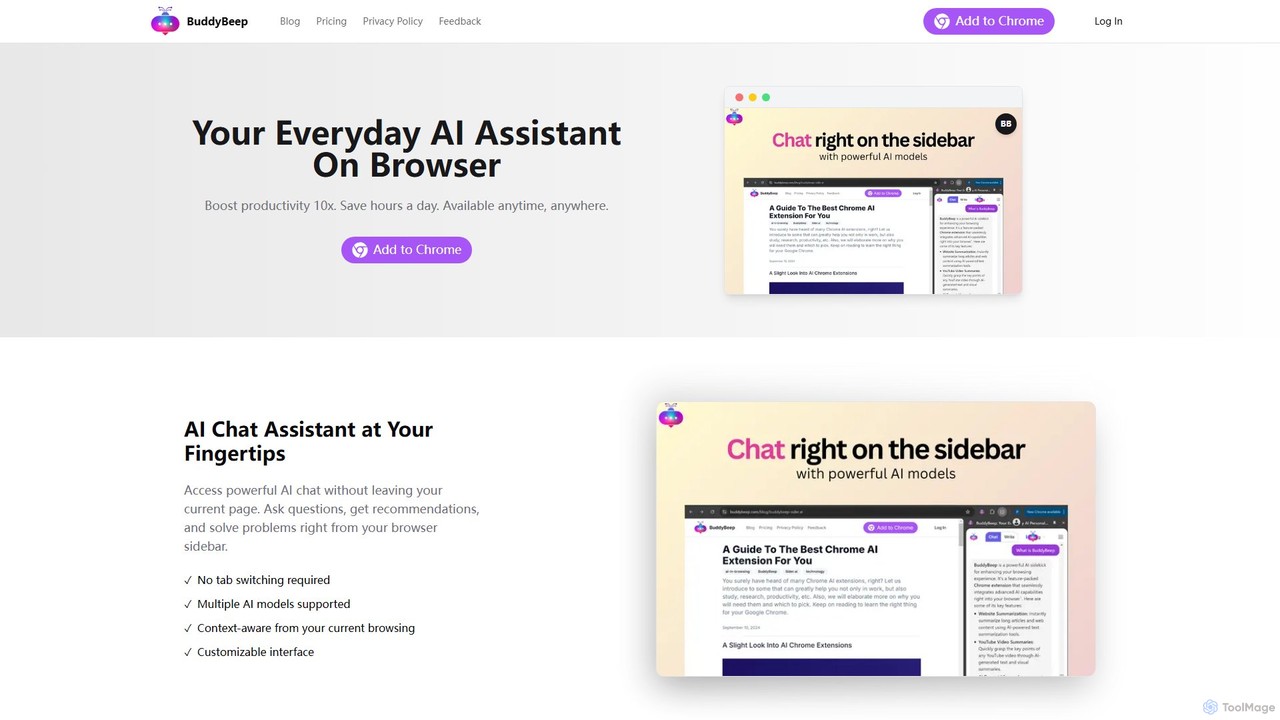
BuddyBeep
BuddyBeep is an AI-powered Chrome extension that acts as your personal browsing assistant. It boosts productivity by offering an in-page AI chat, one-click summarization for articles and YouTube videos, and a smart knowledge repository to build your "second brain". Capture, organize, and retrieve information effortlessly without switching tabs, transforming your browsing into a more efficient and insightful experience.
Browser Extension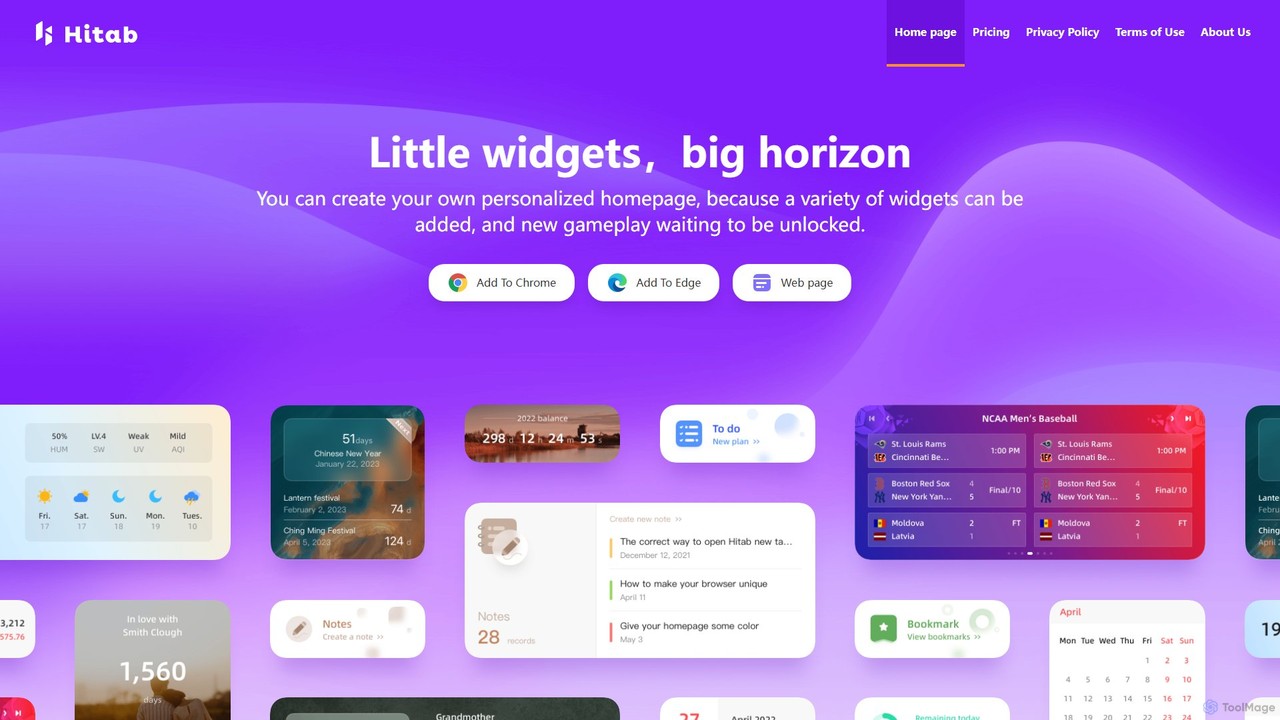
Hitab
Hitab is a powerful browser extension that transforms your new tab page into a personalized and productive dashboard. It allows users to add a variety of widgets like notes, to-do lists, weather, and countdowns. With extensive customization options, including drag-and-drop widgets, custom icons, and a vast library of HD wallpapers, Hitab helps you create a beautiful, efficient, and unique homepage tailored to your needs.
Homepage
TiimoAI
TiimoAI is an AI-powered Chrome extension designed to enhance productivity by intelligently tracking time, organizing browser tabs, and fostering deep focus. It provides detailed analytics on work patterns, helping users understand and optimize their daily output and achieve long-term goals.
Productivity Tracking
Side Space Comments (0)
Sign in to comment.
Sign inNo comments yet.