Sidekic
Sidekic is an AI-powered personal search engine that acts as your 'second brain'. It connects to all your …
Sidekic is an AI-powered personal search engine that acts as your 'second brain'. It connects to all your apps and knowledge sources, allowing you to search for anything in one central hub. Save, organize, and share information effortlessly to boost your productivity and streamline collaboration.
Phew AI Tab
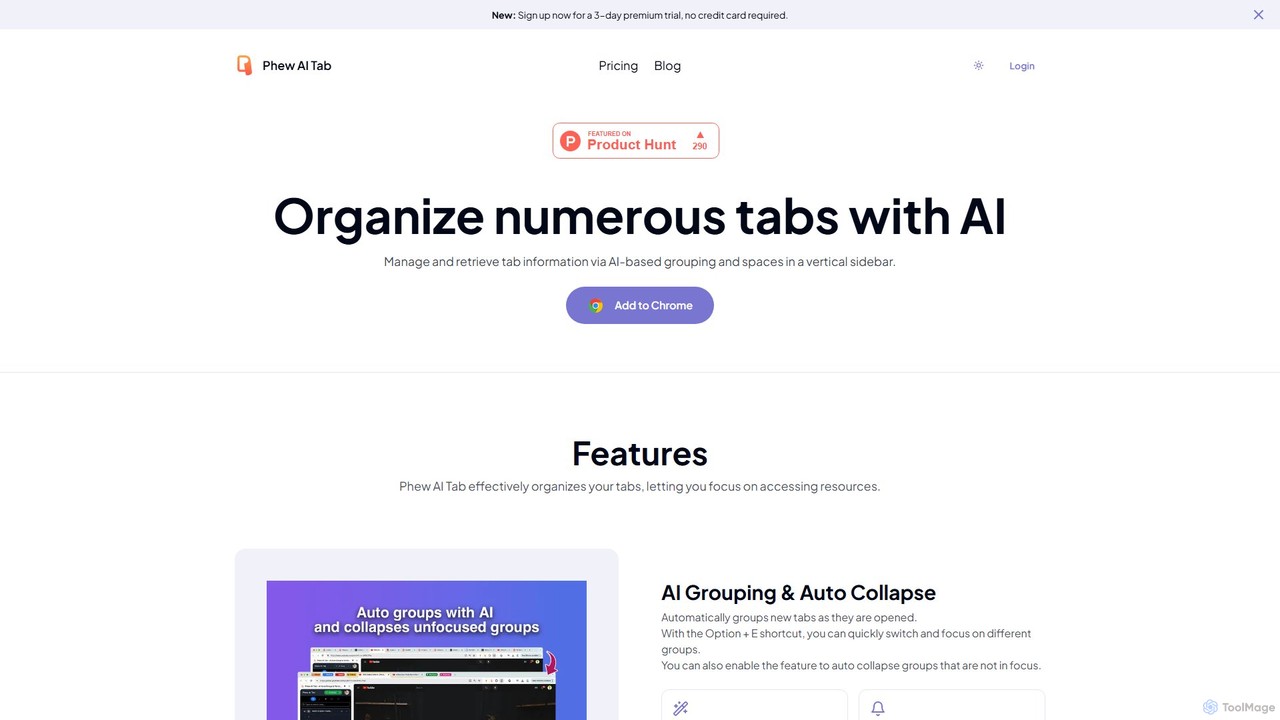
Phew AI Tab is an intelligent browser extension that revolutionizes tab management. It uses AI to automatically group, …
Phew AI Tab is an intelligent browser extension that revolutionizes tab management. It uses AI to automatically group, analyze, and summarize your tabs, transforming them into a searchable knowledge base. With features like cloud-synced "Spaces," vertical tabs, and robust privacy protection including local encryption and self-hosting options, Phew AI Tab helps you stay focused, organized, and productive across all your devices.
Pinbot
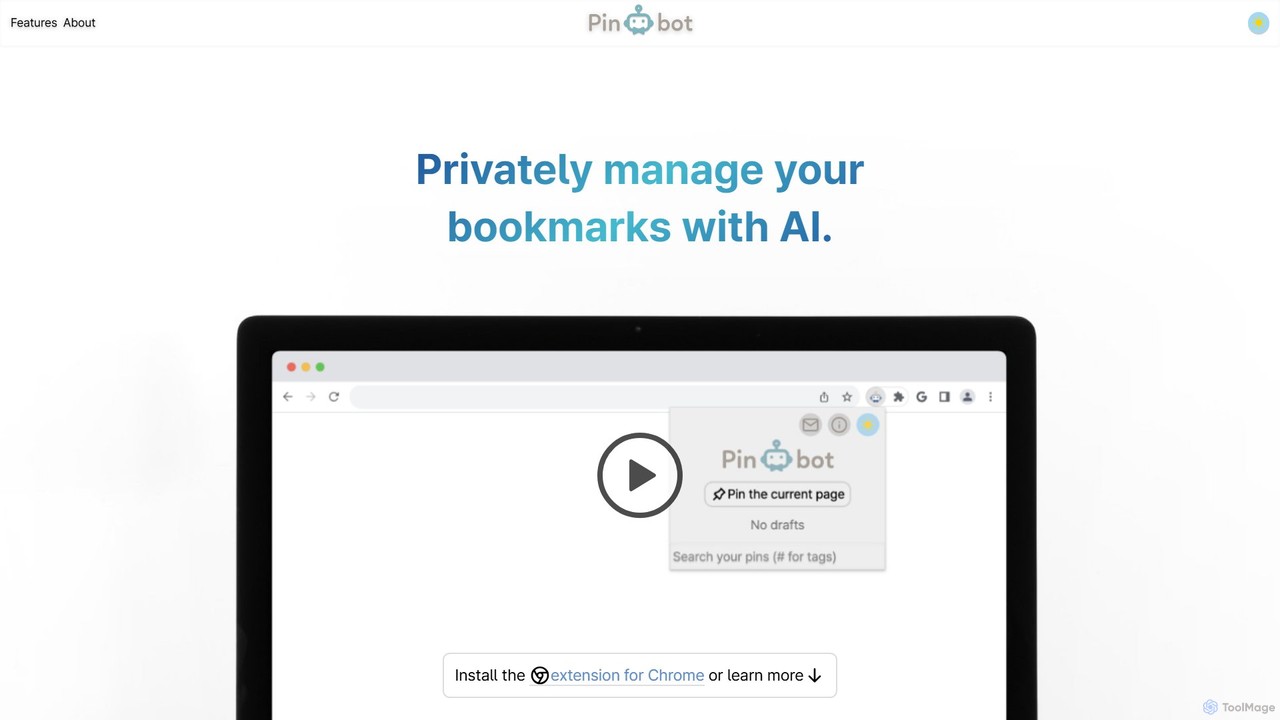
Pinbot is a privacy-focused, AI-powered bookmark manager that works as a Chrome extension. It automatically summarizes web pages, …
Pinbot is a privacy-focused, AI-powered bookmark manager that works as a Chrome extension. It automatically summarizes web pages, suggests relevant tags, and allows you to search your bookmarks using natural language. All data is stored and processed locally on your device, ensuring complete privacy.
Ubblu
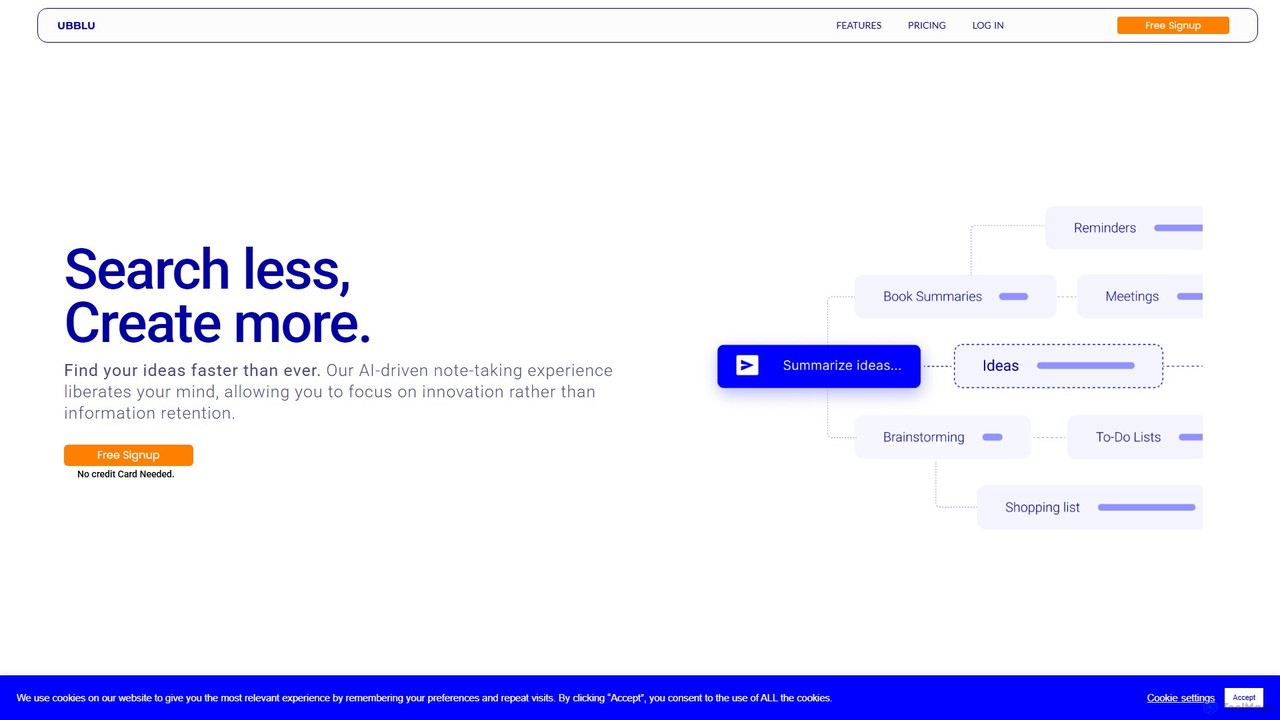
Ubblu is an AI-powered research and creation platform designed to help users 'Search Less, Create More.' It streamlines …
Ubblu is an AI-powered research and creation platform designed to help users 'Search Less, Create More.' It streamlines workflows by unifying intelligent search, knowledge management, and content generation, enabling professionals to quickly turn scattered information into structured insights and actionable drafts.
Curiosity
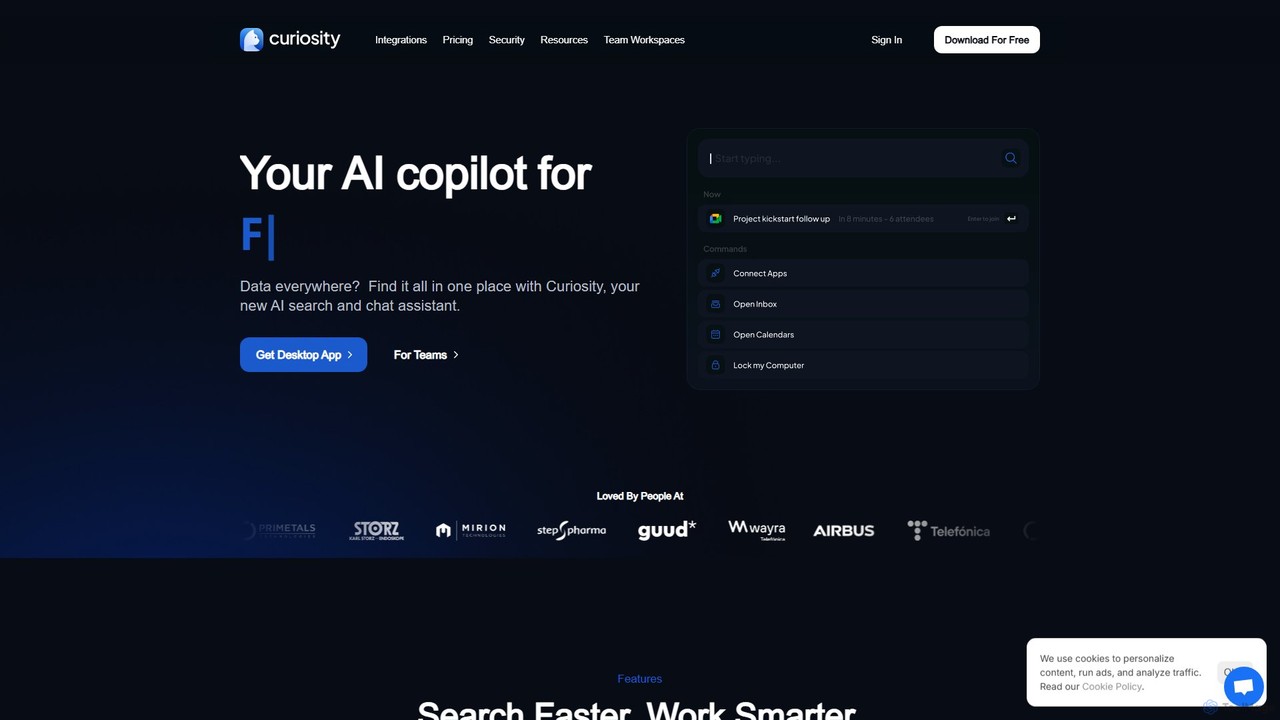
Curiosity is an AI-powered search app that unifies all your local files and cloud apps into one searchable …
Curiosity is an AI-powered search app that unifies all your local files and cloud apps into one searchable interface. It acts as a smart command bar, allowing you to instantly find documents, chat with your files using AI, launch applications, and manage emails and calendars, all with a simple keyboard shortcut. It prioritizes privacy by processing your data locally.
Quillow
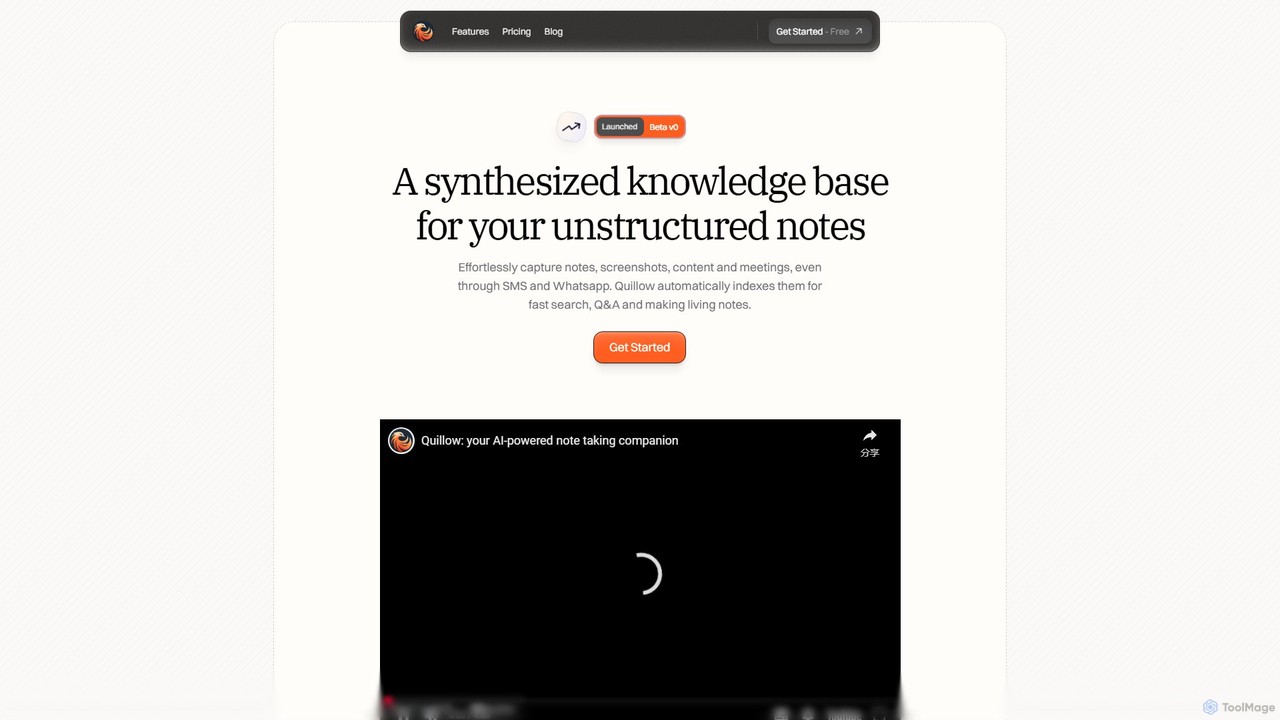
Quillow is an AI-powered note-taking app that functions as your second brain. It effortlessly captures unstructured notes, screenshots, …
Quillow is an AI-powered note-taking app that functions as your second brain. It effortlessly captures unstructured notes, screenshots, and content from various sources, including SMS and WhatsApp, and automatically organizes them into a searchable, queryable knowledge base. Ask questions to your notes and let AI synthesize the answers.
cognizise
Cognizise is an AI-powered learning and knowledge synthesis platform designed to help students, educators, and professionals understand complex …
Cognizise is an AI-powered learning and knowledge synthesis platform designed to help students, educators, and professionals understand complex information faster. It transforms documents, articles, and notes into interactive learning materials, including summaries, mind maps, and quizzes, accelerating comprehension and retention.
About Personal
Personal knowledge management (PKM) tools are designed to help individuals build a 'second brain' for capturing, connecting, and cultivating ideas. Unlike team-oriented systems, these tools focus on non-linear thinking through features like bi-directional linking, allowing users to create a web of interconnected notes. This approach transforms a simple collection of information into a dynamic, personal knowledge base that grows over time. The primary value lies in enhancing long-term memory, fostering creativity, and facilitating deeper insights from accumulated learning.
Core Features
- Bi-Directional Linking: Automatically create two-way links between notes to build a network of related ideas without manual effort.
- Graph View: Visualize the entire knowledge base as a network of nodes and connections, revealing patterns and relationships.
- Flexible Organization: Utilize tags, nested pages, and backlinks for organization, moving beyond rigid folder structures.
- Content Embedding: Seamlessly embed various media types like images, PDFs, videos, and even other notes directly within a document.
- Markdown Support: Write and format notes efficiently using a clean, plain-text syntax that is portable and future-proof.
Use Cases
These tools are widely adopted by academics for research, writers for organizing complex narratives, and developers for managing code snippets and project documentation. Lifelong learners also use them to create 'digital gardens' where they synthesize knowledge from various sources like books, articles, and courses, fostering continuous personal growth.
How to Choose
When selecting a personal knowledge management tool, consider data ownership (local-first vs. cloud-based), the robustness of its linking and backlinking capabilities, and cross-platform availability. Also evaluate the learning curve, as some tools are more complex than others, and check the availability of a plugin ecosystem, which can significantly extend functionality.
PersonalUse Cases
Building a Digital Garden for Lifelong Learning
A professional or student aiming for continuous growth uses a personal knowledge management tool to create a 'digital garden'. They capture key insights, quotes, and summaries from books, articles, podcasts, and online courses. Each piece of information is a separate note, linked to related concepts using bi-directional links. Over time, this creates a rich, interconnected web of knowledge that is personally meaningful. Unlike linear notes, this system allows them to discover novel connections between different topics, sparking new ideas and reinforcing learning by revisiting information in various contexts.
Managing Research for an Academic Paper
A researcher uses a PKM tool to manage the entire lifecycle of a research paper. They clip articles and PDFs into their knowledge base, creating literature notes for each source. As they read, they create concept notes (e.g., 'Quantum Entanglement', 'Bell's Theorem') and link them back to the source literature notes. This creates a network of evidence and ideas. When writing, they can pull these interconnected concept notes into an outline, ensuring a logical flow supported by easily traceable sources. The graph view helps visualize the argument's structure and identify any missing links in their reasoning.
Outlining and Writing a Novel
A novelist uses a PKM tool to manage the complex world of their story. They create individual notes for characters, locations, plot points, and themes. A character's note can be linked to specific scenes they appear in, locations they visit, and other characters they interact with. A plot point note can be linked to the preceding and succeeding events, creating a clear narrative timeline. This networked approach allows the author to easily navigate their story's universe, check for consistency, and visualize character arcs and plot threads using the graph view, ensuring a coherent and richly detailed narrative.
Creating a Personal Wiki for a Hobby
An enthusiast learning a new skill, such as woodworking or coding, uses a PKM tool to build a personal wiki. They create pages for fundamental concepts, specific techniques, tools, and projects. For example, a woodworking wiki might have a page for 'Types of Wood Joints' that links to individual pages for 'Dovetail Joint' and 'Mortise and Tenon'. Each project page can then link back to the techniques and tools used. This creates a practical, personalized reference manual that is easy to search and navigate, accelerating the learning process and documenting their journey of mastery.
Daily Journaling and Idea Incubation
A creative professional, like a designer or strategist, uses a PKM tool for daily journaling. Each day, they create a new note to capture thoughts, observations, and fleeting ideas. They tag these entries with relevant keywords (e.g., creativity, project-alpha, reflection). When an idea seems promising, they create a dedicated note for it and link back to all the daily entries that contributed to its formation. This process allows ideas to emerge organically from daily reflections. Over weeks and months, they can trace the evolution of a concept and incubate it until it's ready for development.
Organizing Meeting Notes and Action Items
A project manager or team lead uses a PKM tool to create a contextual hub for all project-related information. They create a main page for each project. During meetings, they take notes on a daily note page and link mentions of specific projects back to the main project page. Action items are tagged and linked to the responsible person's dedicated page. This creates a centralized, interconnected system where they can view a project's page and see all related meeting notes and decisions, or view a person's page and see all their assigned action items across different projects, improving clarity and accountability.