

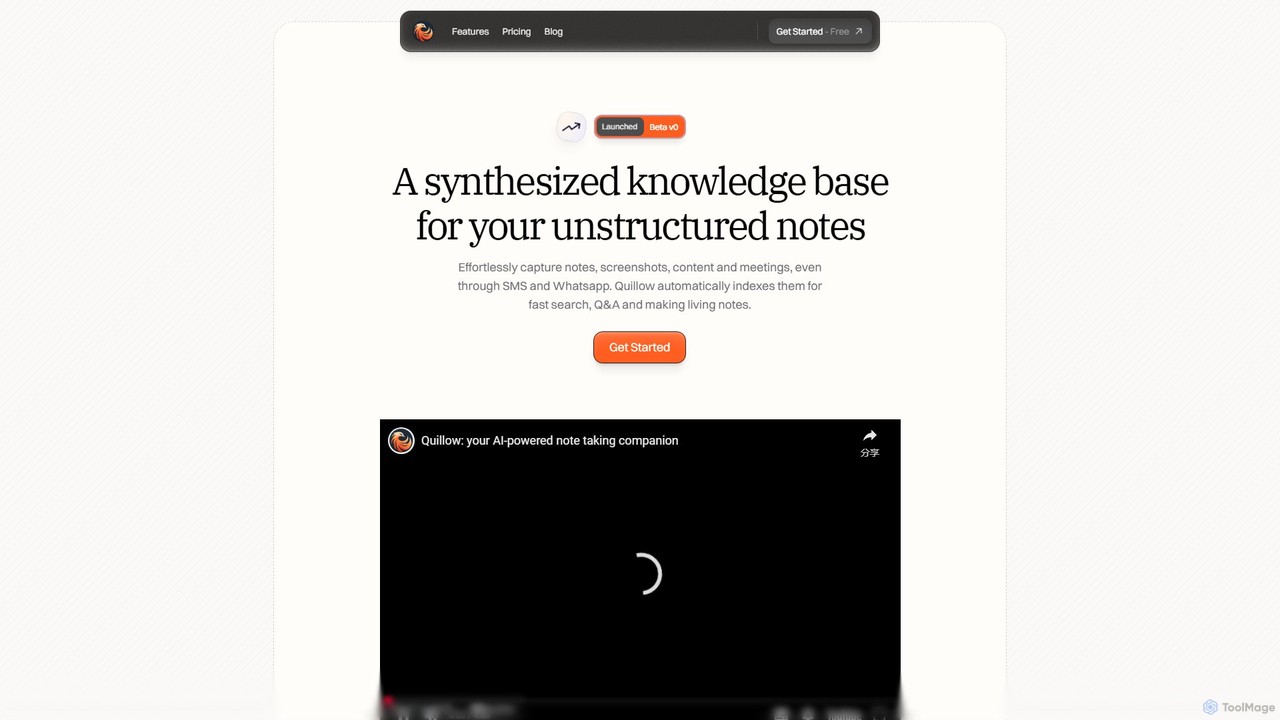
Quillow Overview
Quillow is an intelligent note-taking application designed to serve as your personal AI-powered second brain. It tackles the common problem of scattered, unstructured notes by providing a unified system to capture, organize, and retrieve information effortlessly. Whether it's a fleeting idea, a screenshot, content from the web, or notes from a meeting, Quillow centralizes your knowledge. The core philosophy is to let users focus on capturing their thoughts without worrying about complex organizational structures, as the AI handles the heavy lifting of indexing, tagging, and summarizing.
By transforming your collection of unstructured thoughts into a dynamic and intelligent knowledge base, Quillow allows you to not only store information but also interact with it. You can ask direct questions to your entire note repository, and the AI will synthesize answers, helping you connect dots and uncover insights you might have missed. It's designed for anyone looking to augment their mind and make their knowledge work for them, from professionals and founders to students and creatives.
How to use Quillow
Getting started with Quillow is simple and intuitive. First, sign up for an account to access your personal workspace. You can begin capturing notes immediately using the clean, distraction-free editor. For capturing on the go, connect your SMS or WhatsApp account to send notes directly to your Quillow knowledge base. As you add notes, you can guide the AI using simple commands. For instance, type '#tag' followed by a prompt to have the AI automatically tag your note, or use the 'card' command to generate a concise summary. To retrieve information, use the fast and smart search function or, more powerfully, ask a question in natural language. Quillow will search across all your notes and provide a synthesized answer, which you can then save as a new 'AI Page' for future reference. For focused writing sessions, activate the 'Focus Mode', which includes a smart timer that only ticks when you're distracted.
Core Features of Quillow
- AI-Powered Organization: Automatically tags, categorizes, and summarizes your unstructured notes, creating order from chaos.
- Conversational Q&A: Ask questions directly to your notes in plain English and receive AI-synthesized answers, turning your notes into an interactive database.
- Multi-Platform Capture: Effortlessly save notes, content, and screenshots through the web editor, SMS, and WhatsApp.
- Living Notes & AI Pages: Save answers from your Q&A sessions as new, dynamic notes, continuously growing your knowledge base.
- Customizable AI: Teach Quillow how to organize your notes by providing custom prompts for tagging and summarization.
- Focus Mode: A distraction-free writing environment with a smart timer that helps you maintain concentration.
- Seamless Integrations: Connect with messaging platforms like SMS and WhatsApp, with Slack and Zapier integrations coming soon for enhanced workflow automation.
- Advanced Editor: A clean interface with powerful keyboard shortcuts (⌘ ⇧ P, ⌘ ⇧ F) and in-editor AI commands using '/'.
Use Cases for Quillow
Quillow is ideal for a wide range of users who need to manage information and ideas. Founders and Entrepreneurs can use it to capture meeting minutes, market research, and strategic ideas, then query their knowledge base to inform decisions. Students and Researchers can consolidate lecture notes, article summaries, and research findings, then ask complex questions to prepare for exams or papers. Writers and Creatives can use it as a digital scrapbook for inspiration, plot points, and random thoughts, letting the AI help them find connections and themes. Professionals in any field can use it to build a personal knowledge management (PKM) system, keeping track of project details, learnings, and contacts in one intelligent, searchable place.
Advantages of Quillow
The primary advantage of Quillow is its simplicity in capturing and intelligence in organizing. Unlike rigid note-taking systems, it embraces unstructured thought, reducing the friction of getting ideas down. The AI-driven Q&A feature is a game-changer, transforming a static archive of notes into a dynamic conversational partner that helps you think better. It saves significant time that would otherwise be spent on manual tagging and folder management. Furthermore, its ability to create a 'living' knowledge base that grows and becomes more intelligent with each note makes it a powerful tool for long-term personal and professional growth.
Pricing and Plans
Quillow offers plans tailored for different needs, ensuring accessibility for everyone from casual users to power users.
Free Plan: $0/month. This plan is great for getting started and includes a 1000-word capacity, automatic AI organization (tagging, categorizing, summarizing), Q&A with your notes, the advanced editor with focus mode, and email support. You can delete pages to free up capacity.
Orange Plan (Popular): $15/month. This plan includes everything in the Free plan but with unlimited words, the ability to save notes via SMS, and priority email and video call support.
Black Plan: $30/month (Coming Soon). This plan will include all features of the Orange plan plus advanced features that will be announced in the future.
Quillow Alternatives
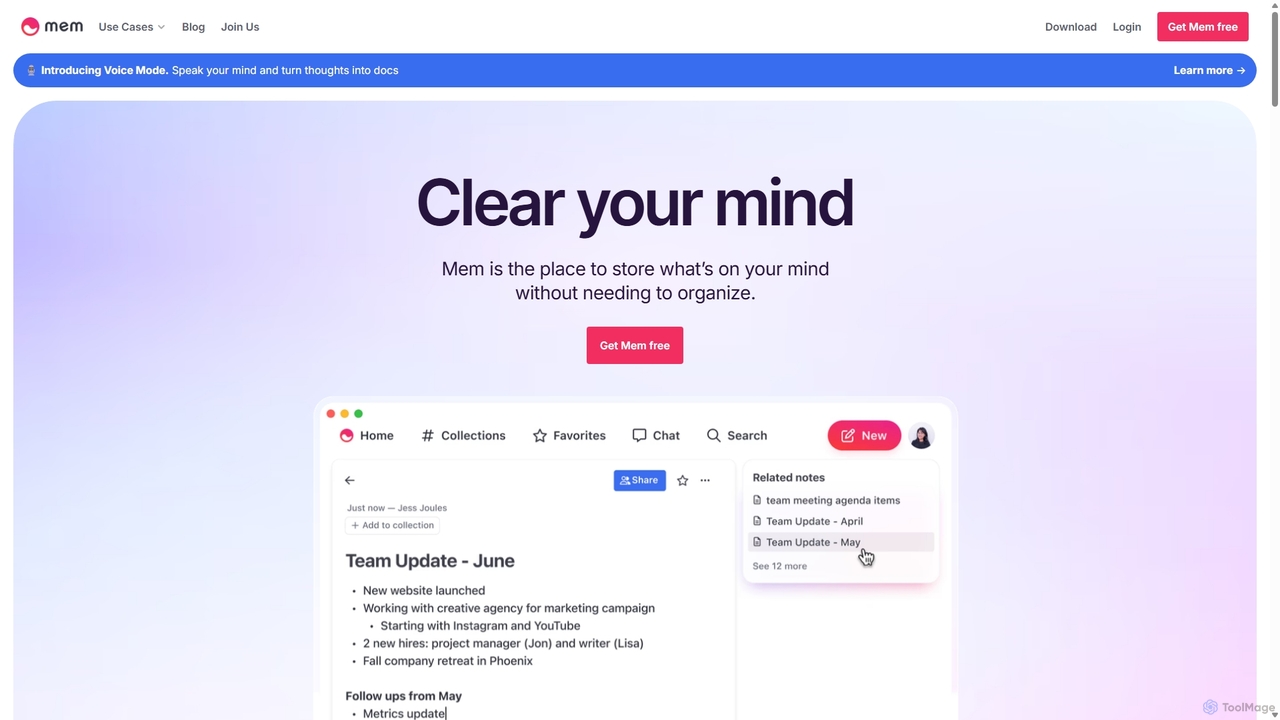
Mem
Mem is a self-organizing workspace powered by AI, designed to act as your personal second brain. It captures, connects, and resurfaces your notes automatically, eliminating the need for manual organization. With its integrated AI chat, you can search, summarize, and generate content from your own knowledge base.
Personal Assistant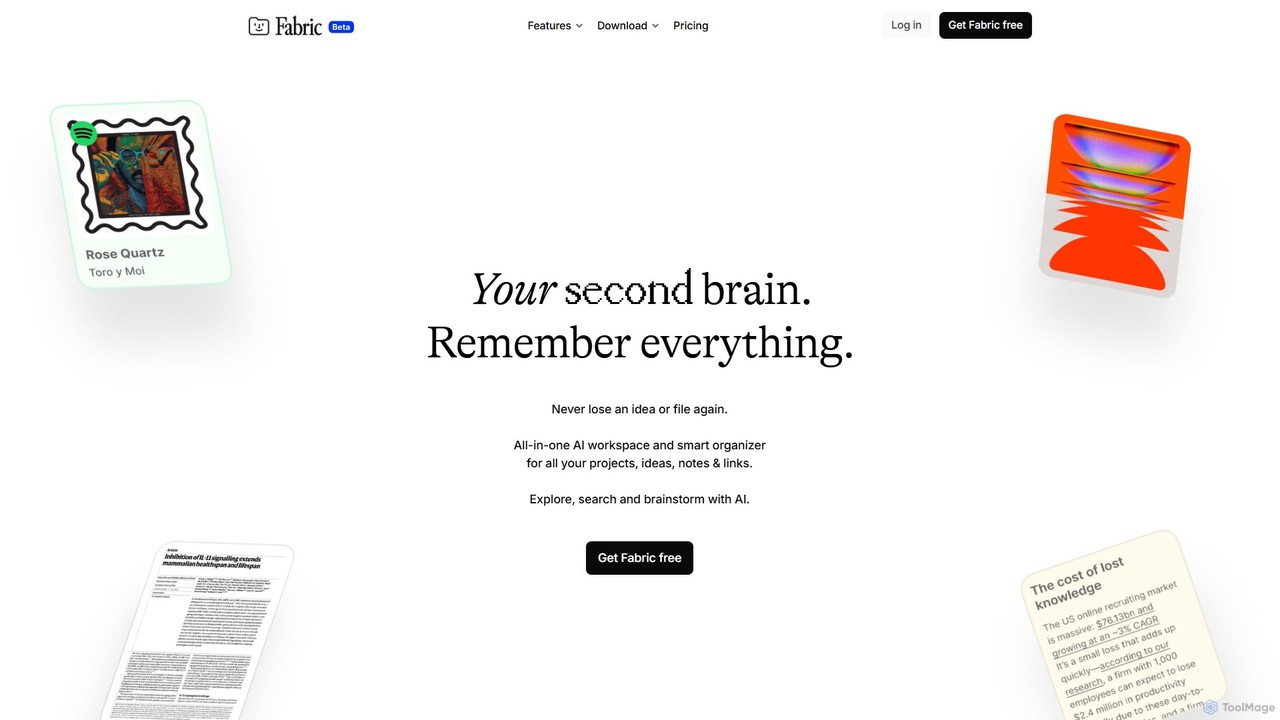
Fabric
Fabric is an AI-powered workspace and smart organizer that acts as your second brain. It automatically centralizes and connects all your notes, files, links, and ideas, eliminating the need for manual organization. Search your entire digital library with natural language and collaborate with an intelligent AI partner.
Personal Assistant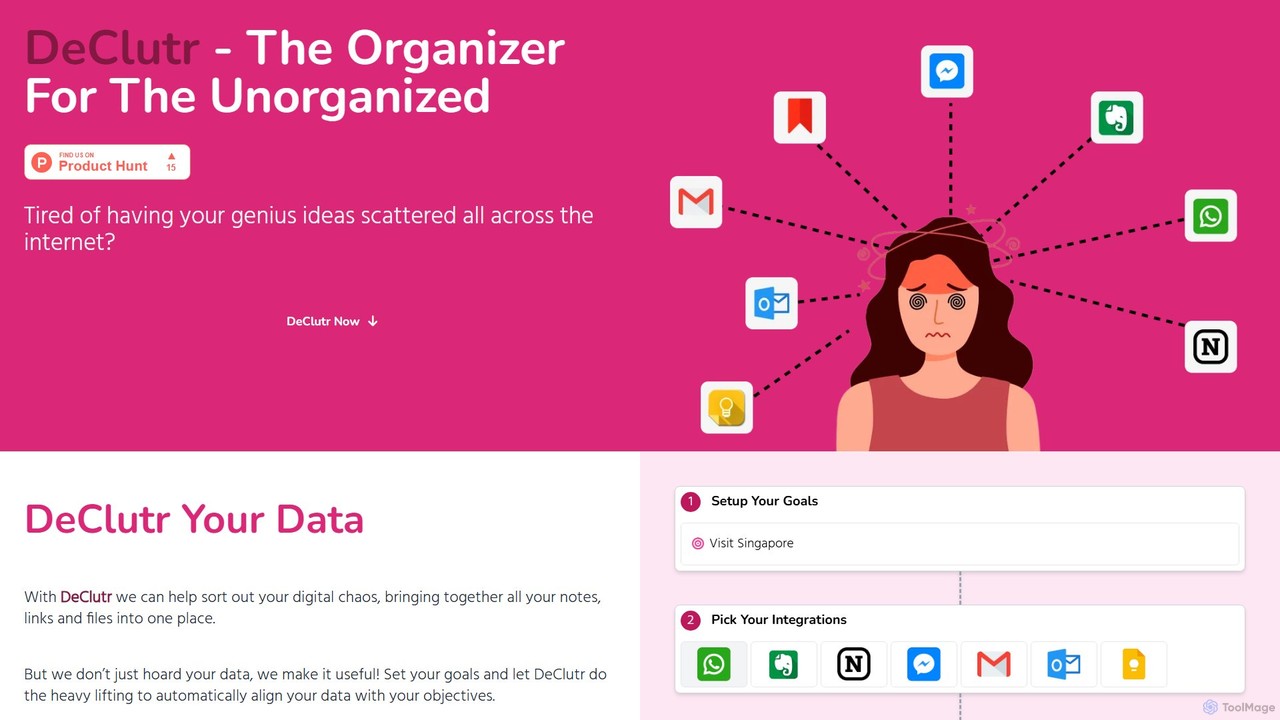
DeClutr
DeClutr is an AI-powered organizer designed for the unorganized. It centralizes your scattered notes, links, and files into a single, intelligent workspace. The platform not only aggregates your data but also uses AI to align it with your goals, providing actionable insights and tasks to help you achieve your objectives.
Knowledge Management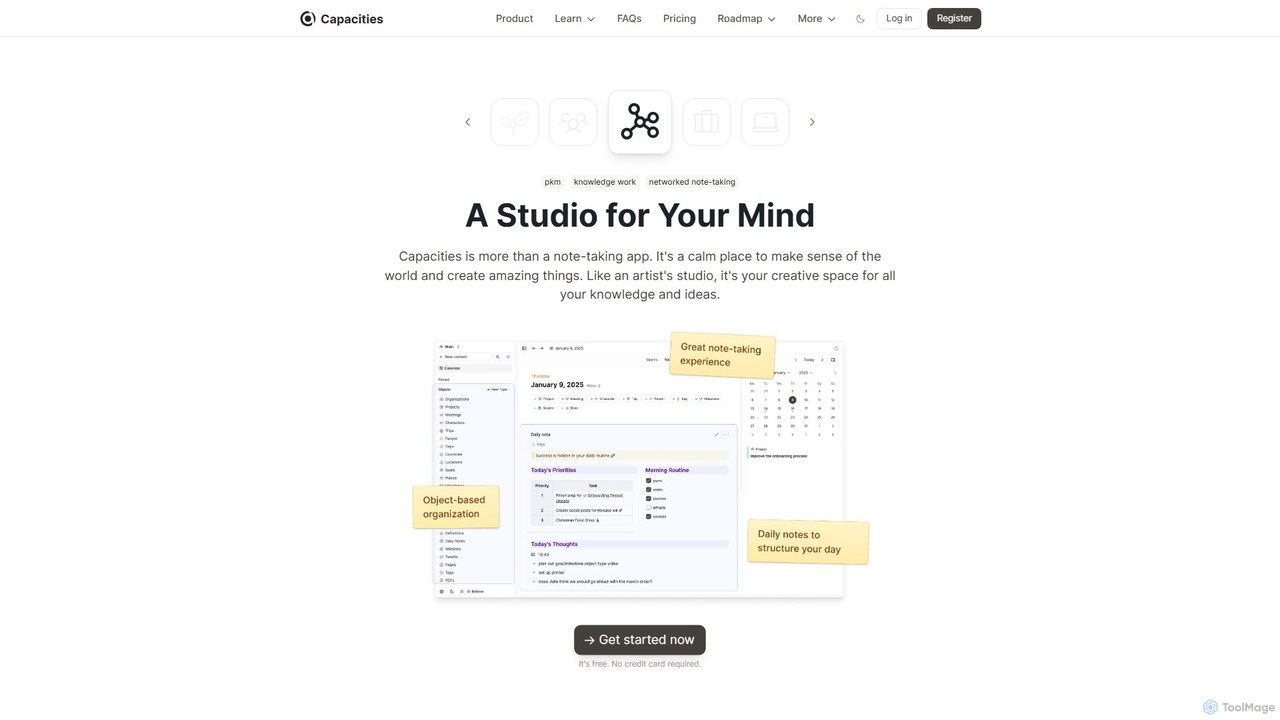
Capacities
Capacities is a next-generation note-taking and knowledge management tool designed as a "studio for your mind." It replaces traditional folders with a flexible, object-based network, allowing you to connect ideas naturally. Features include an integrated AI assistant, powerful linking, custom content types, and cross-platform availability, making it ideal for building a personal knowledge base or "second brain."
Second Brain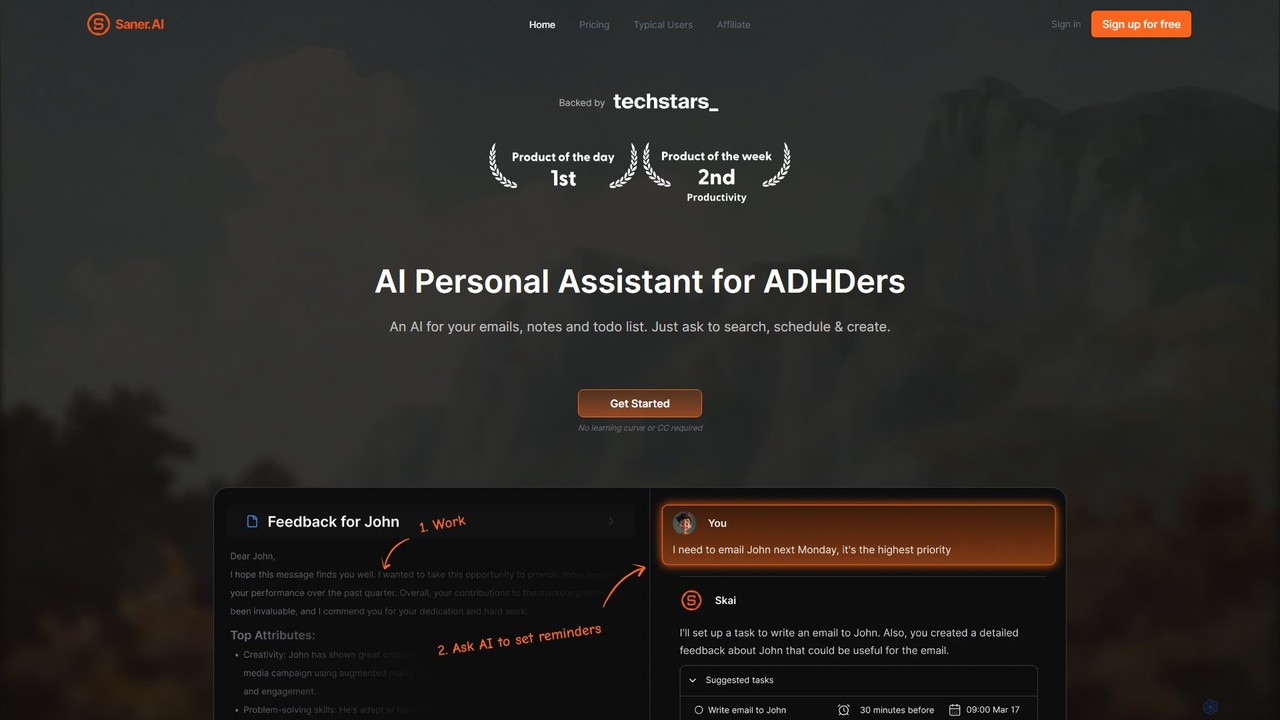
Saner.AI
Saner.AI is an AI personal assistant designed to help users, especially those with ADHD, manage notes, emails, and to-do lists. It acts as a unified workspace to capture, organize, and synthesize information, reducing cognitive load and context switching. With its AI assistant, Skai, it automates task planning, prioritization, and knowledge connection, creating a calmer, more productive workflow.
Second BrainQuillow Categories
Quillow Embed Widget
Copy this embed code to place the badge on your blog, article, or product site and send readers directly to this ToolMage detail page.

Related AI tools
Mem
Mem is a self-organizing workspace powered by AI, designed to act as your personal second brain. It captures, connects, and resurfaces your notes automatically, eliminating the need for manual organization. With its integrated AI chat, you can search, summarize, and generate content from your own knowledge base.
Personal AssistantFabric
Fabric is an AI-powered workspace and smart organizer that acts as your second brain. It automatically centralizes and connects all your notes, files, links, and ideas, eliminating the need for manual organization. Search your entire digital library with natural language and collaborate with an intelligent AI partner.
Personal AssistantDeClutr
DeClutr is an AI-powered organizer designed for the unorganized. It centralizes your scattered notes, links, and files into a single, intelligent workspace. The platform not only aggregates your data but also uses AI to align it with your goals, providing actionable insights and tasks to help you achieve your objectives.
Knowledge ManagementCapacities
Capacities is a next-generation note-taking and knowledge management tool designed as a "studio for your mind." It replaces traditional folders with a flexible, object-based network, allowing you to connect ideas naturally. Features include an integrated AI assistant, powerful linking, custom content types, and cross-platform availability, making it ideal for building a personal knowledge base or "second brain."
Second BrainSaner.AI
Saner.AI is an AI personal assistant designed to help users, especially those with ADHD, manage notes, emails, and to-do lists. It acts as a unified workspace to capture, organize, and synthesize information, reducing cognitive load and context switching. With its AI assistant, Skai, it automates task planning, prioritization, and knowledge connection, creating a calmer, more productive workflow.
Second Brain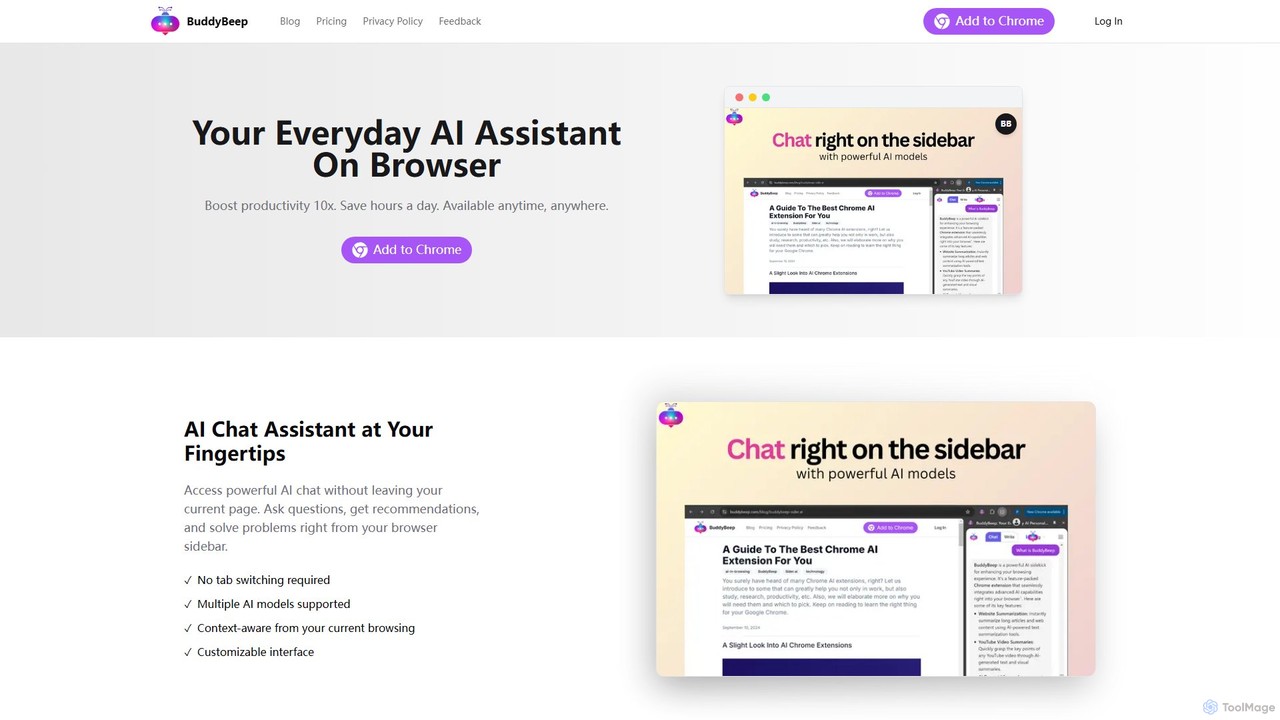
BuddyBeep
BuddyBeep is an AI-powered Chrome extension that acts as your personal browsing assistant. It boosts productivity by offering an in-page AI chat, one-click summarization for articles and YouTube videos, and a smart knowledge repository to build your "second brain". Capture, organize, and retrieve information effortlessly without switching tabs, transforming your browsing into a more efficient and insightful experience.
Browser Extension
Findr
Findr is an AI-powered second brain for personal and enterprise knowledge management. It unifies all your information—from apps like Google Drive, Notion, and Slack, to documents, notes, and bookmarks—into a single, searchable workspace. Ask questions in natural language to get context-aware answers from your own data, streamline research, and never lose an idea again.
Knowledge Management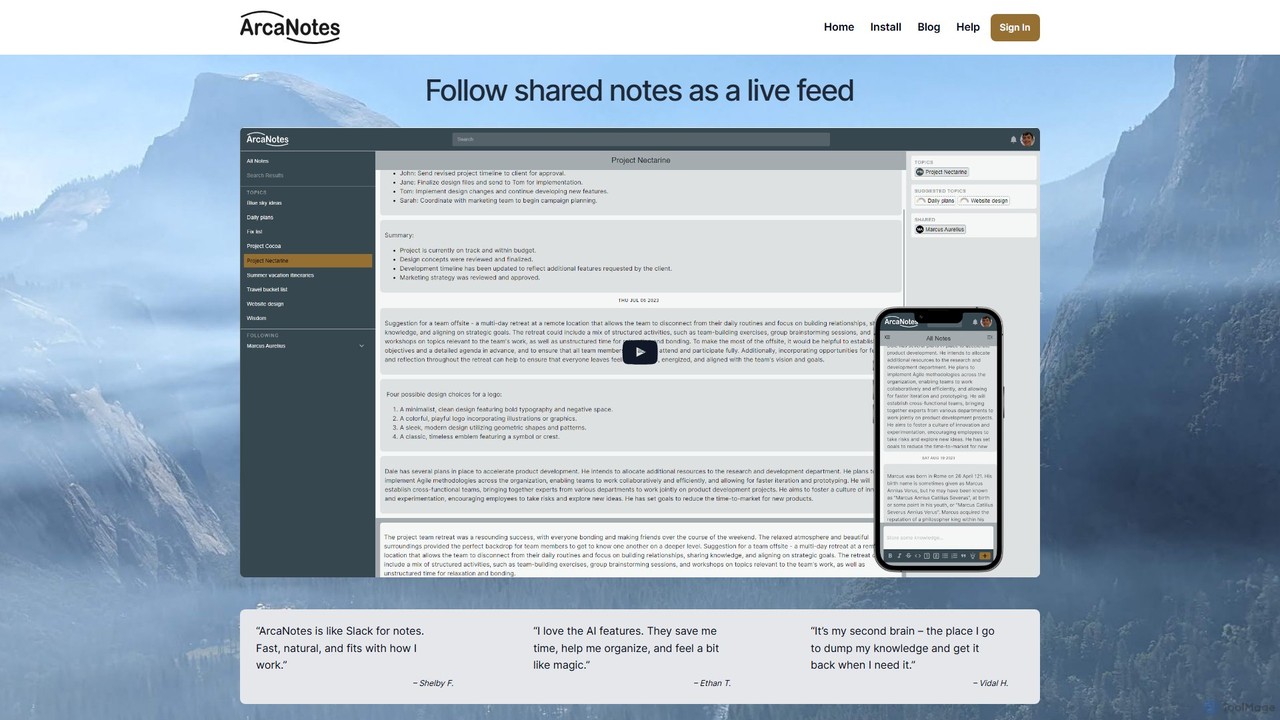
ArcaNotes
ArcaNotes is an AI-enhanced micro-note app designed for elevated productivity and knowledge management. It acts as your second brain, allowing you to quickly capture, organize, and retrieve information. With on-device AI, it offers intelligent topic suggestions, natural language Q&A with your notes, and collaborative sharing features, all while prioritizing user privacy with robust encryption.
Personal Assistant
Jyek
Jyek is an AI agent platform that understands objectives, creates execution plans, uses tools, and delivers verifiable results for complex, multi-step tasks.
Automation
Horsy.ai
Horsy.ai is an AI-powered Chrome extension that acts as a productivity layer for the web. It summarizes web pages and YouTube videos, allows you to chat with content, fact-checks information, and organizes your bookmarks into a searchable knowledge base. It's designed to help users save time, learn faster, and enhance their online research.
Learning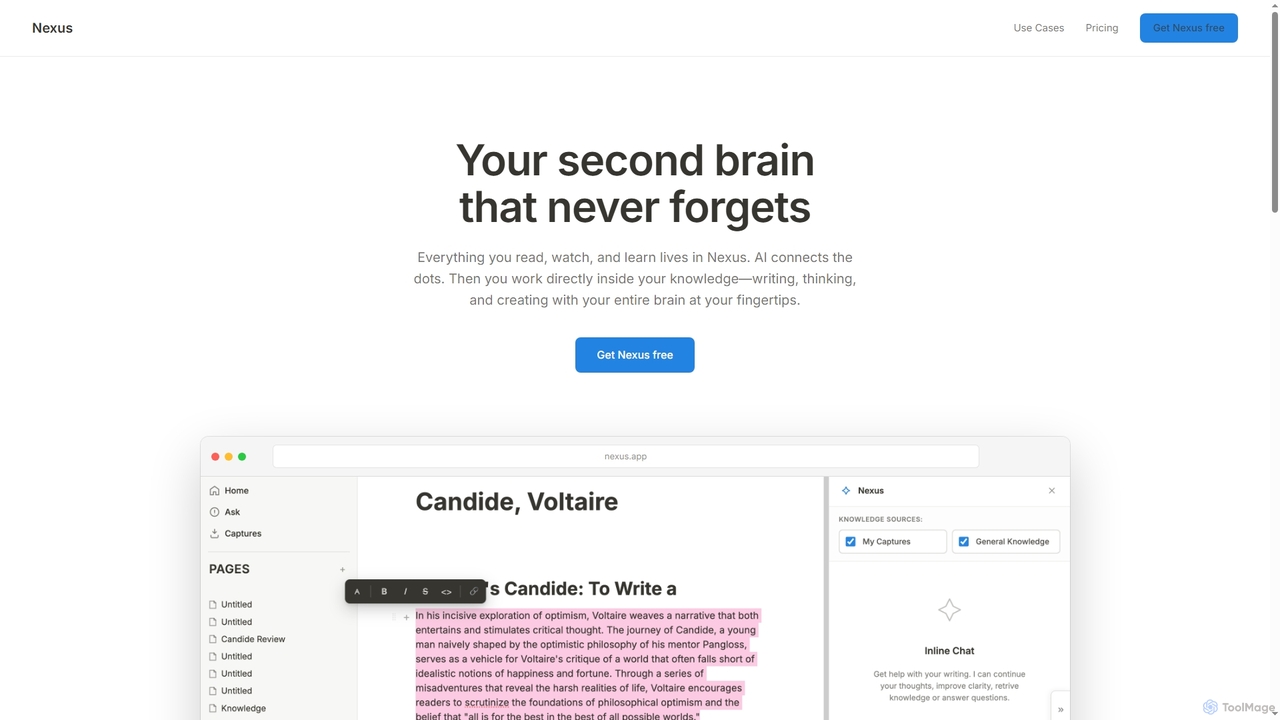
Orma
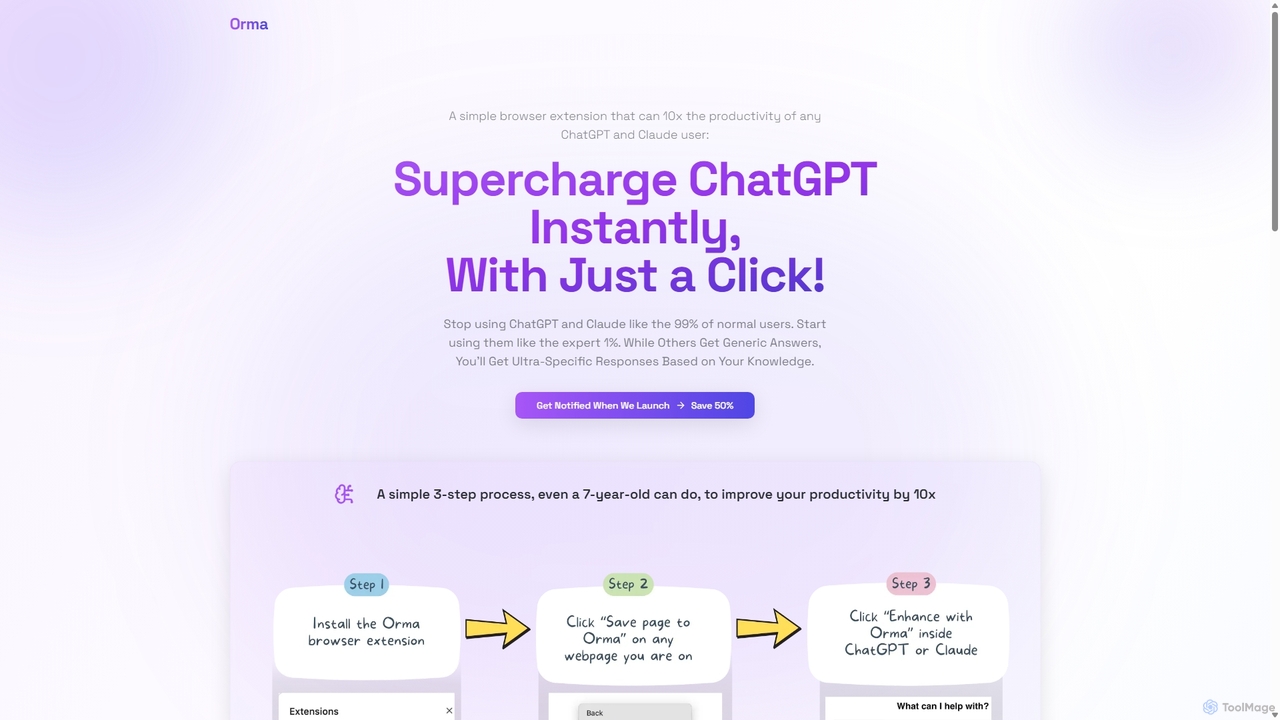
Orma is a browser extension that transforms your web browsing into a personal knowledge base, or 'digital memory layer'. It allows you to intelligently capture web content and seamlessly integrate it with AI models like ChatGPT and Claude. This turns generic AI responses into highly specific, personalized insights based on your own curated knowledge, boosting productivity by up to 10x.
Search Tools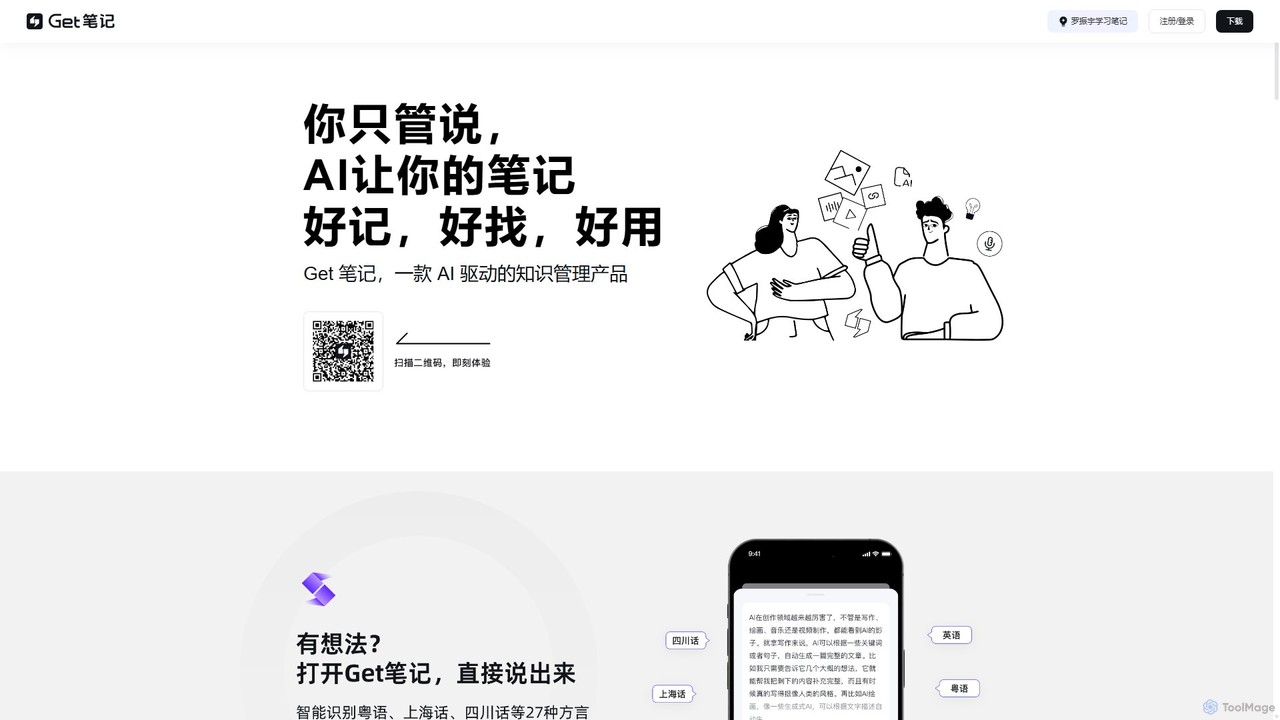
biji
biji is an AI-driven knowledge management app that transforms your spoken ideas into structured, searchable, and usable notes. Just talk, and biji's AI will handle transcription, summarization, and organization, making it effortless to capture and manage your thoughts, meetings, and learnings.
Transcription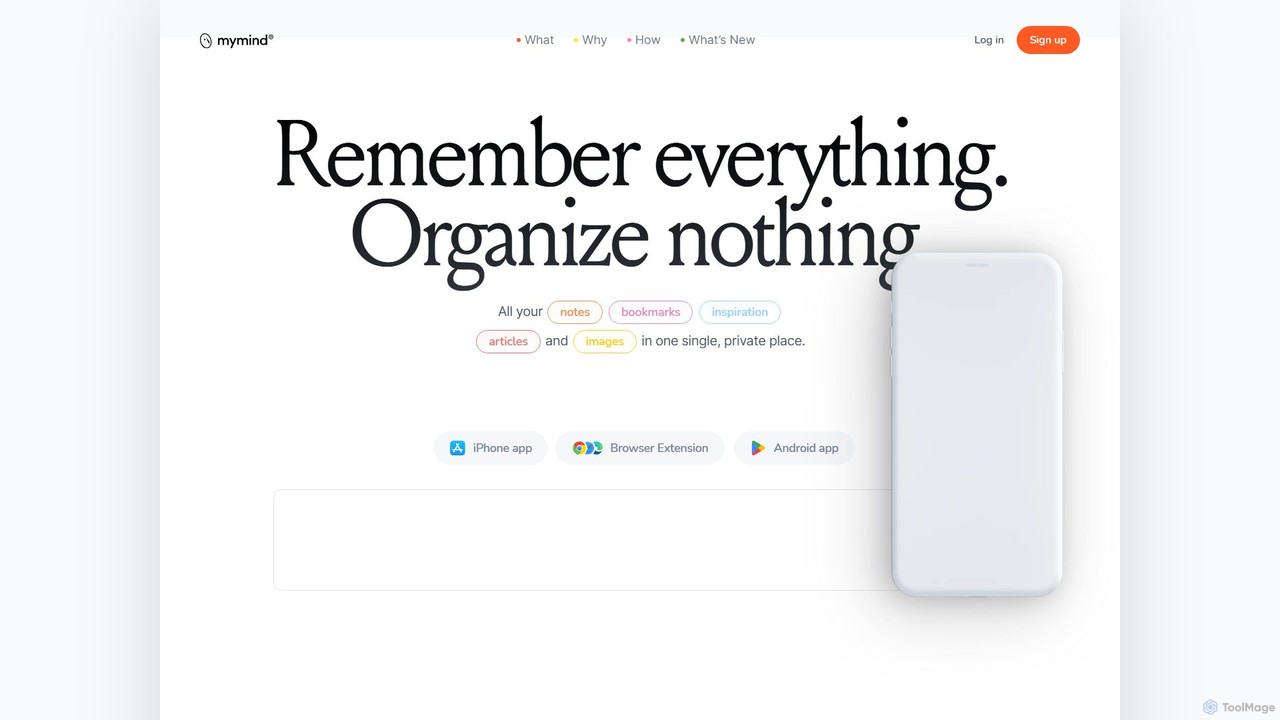
mymind
mymind is a private, AI-powered second brain designed to remember everything without the need for manual organization. It acts as an extension of your mind, capturing notes, bookmarks, images, and articles in a single, searchable space, prioritizing privacy and a clutter-free experience.
Bookmarking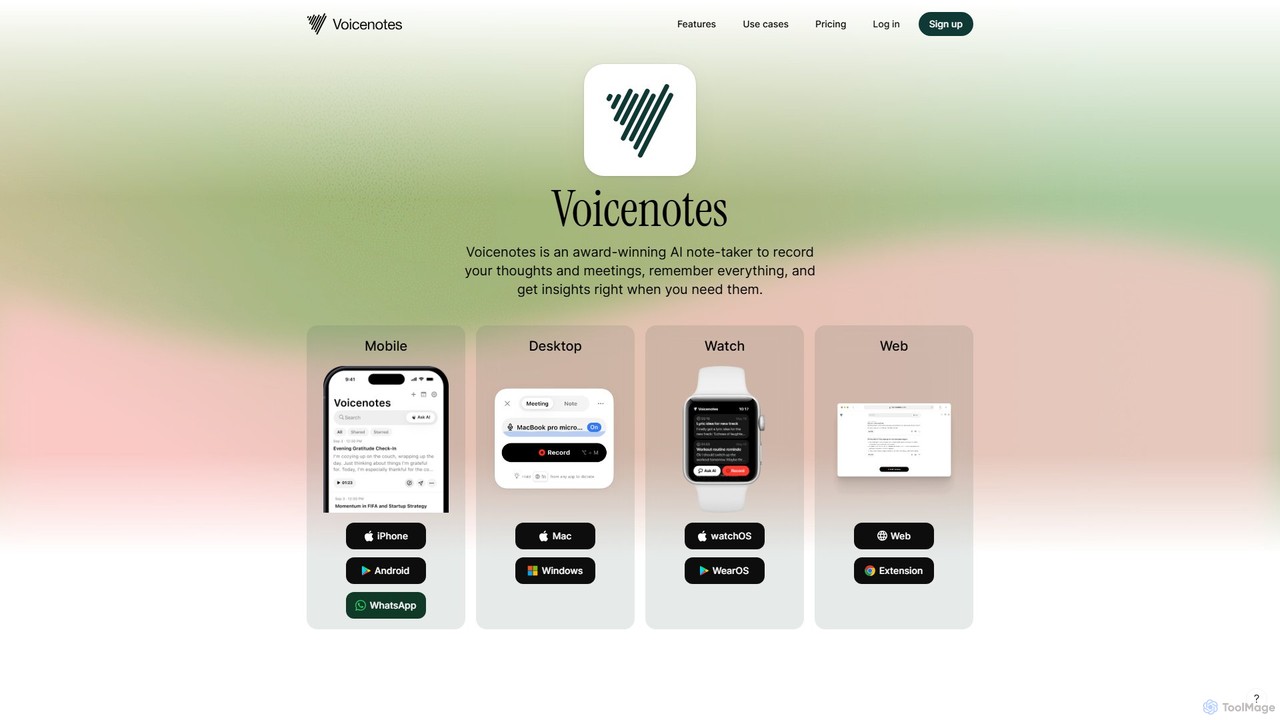
Voicenotes
Voicenotes is an award-winning AI note-taker that records your thoughts and meetings, transcribes them with high accuracy, and turns your voice memos into a searchable second brain. It supports over 100 languages and integrates seamlessly across mobile, desktop, and web platforms, including WhatsApp.
Meeting Assistant
Quillow Comments (0)
Sign in to comment.
Sign inNo comments yet.