

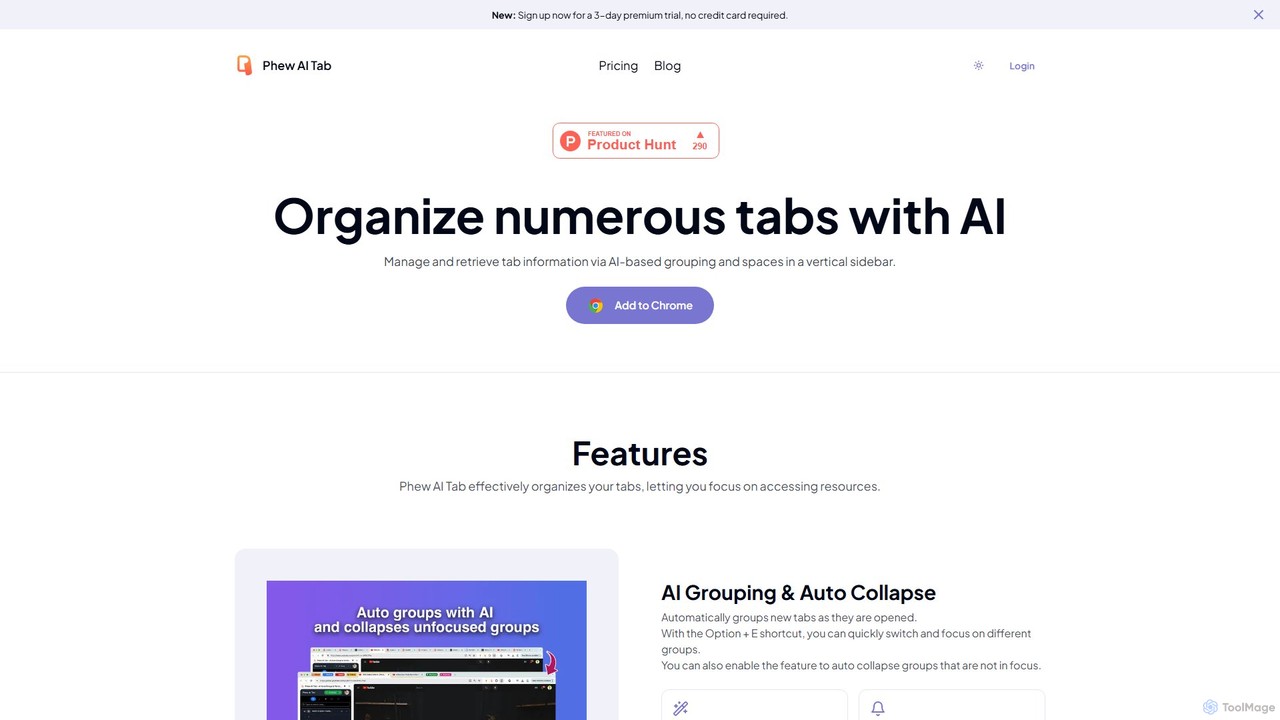
Phew AI Tab Overview
Phew AI Tab is a sophisticated browser extension designed to combat tab overload and enhance productivity through artificial intelligence. It moves beyond simple tab organization by creating an intelligent, dynamic workspace within your browser. By automatically grouping related tabs, analyzing webpage content, and enabling powerful search capabilities, Phew AI Tab transforms your chaotic browsing sessions into a structured and valuable knowledge repository.
The tool is built for professionals, researchers, students, and anyone who frequently juggles multiple tasks and information sources online. It aims to reduce mental clutter, save time spent searching for previously viewed pages, and ensure that your digital workspace is consistent and accessible across all your computers.
How to use Phew AI Tab
Getting started with Phew AI Tab is straightforward and designed for a seamless user experience:
- Installation: Install the Phew AI Tab extension from your browser's official extension store.
- Automatic Grouping: As you open new tabs, the AI will automatically analyze and group them by topic or domain. You don't need to do anything manually; the organization happens in the background.
- Switching Groups: Use the keyboard shortcut Option + E to quickly cycle through your different tab groups, allowing for rapid context switching without using your mouse.
- Maintaining Focus: Enable the 'Auto Collapse' feature in the settings. This will automatically collapse tab groups that are not currently in focus, keeping your view clean and centered on the task at hand.
- Knowledge Search: Instead of trying to remember a page title or URL, use the global search bar. You can type in concepts, phrases, or knowledge points from the page's content, and Phew AI Tab will find the exact tab for you.
- Creating Spaces: For larger projects, create distinct 'Spaces'. For example, a 'Work Project' Space can contain all your work-related tab groups, while a 'Vacation Planning' Space holds all your travel research. This keeps different life areas completely separate.
- Cloud Sync & Access: Once you log in, all your Spaces, groups, and tabs are securely synchronized to the cloud. You can install Phew AI Tab on another computer, log in, and your entire workspace will be there waiting for you.
- Advanced Configuration: For maximum control and privacy, paid users can navigate to the settings to configure their own OpenAI API key for AI processing and set up their own Supabase instance for data storage (LTD plan).
Core Features of Phew AI Tab
- AI Tab Grouping: Leverages AI models like GPT-3.5 or GPT-4o to intelligently categorize and group tabs based on their content and context, far beyond simple domain-based grouping.
- AI Content Analysis & Search: Analyzes the full text of each webpage you visit and saves the insights locally. This enables you to search across all your open and suspended tabs by their actual content, not just titles.
- AI-Powered Summarization: Quickly generate summaries of tab content, allowing you to grasp the essence of a page without reading it in full.
- Spaces & Cloud Sync: Organize tab groups into distinct, theme-based 'Spaces'. All your Spaces and their contents are encrypted and synchronized across your devices for a consistent workflow.
- Vertical Tab Management: Displays your tabs in a clear, vertical list for easier navigation and management, complete with drag-and-drop functionality for both tabs and groups.
- Magic Tab Suspension: Automatically detects and suspends inactive tabs to free up memory and CPU resources, ensuring your browser remains fast and responsive. A whitelist is available to prevent essential tabs from being suspended.
- Military-Grade Privacy & Security: All your Space data is encrypted locally with AES-256 before being synced. The private key never leaves your device, ensuring no one else can access your data.
- Self-Hosted Deployment: Lifetime Deal (LTD) users have the unique ability to deploy and sync their data to their own Supabase instance, offering unparalleled data privacy and ownership.
Use Cases for Phew AI Tab
Phew AI Tab is versatile and benefits a wide range of users:
- Researchers & Academics: Group tabs for different research papers, datasets, and online libraries. Use content search to instantly find specific quotes or data points across dozens of opened articles.
- Software Developers & Designers: Maintain separate 'Spaces' for each client project, keeping documentation, issue trackers, design inspirations, and communication platforms neatly organized and isolated.
- Project Managers: Oversee multiple projects by assigning each to its own Space. Keep all related tabs for planning tools, reports, and team communications in one place for easy access and review.
- Students: Organize tabs by course or assignment. Group research sources, online textbooks, and lecture notes, and use the AI summary feature to quickly review materials.
- Content Creators & Marketers: Manage research for multiple articles or campaigns simultaneously. Group competitor analysis, keyword research tools, and source materials, and easily switch between contexts.
Advantages of Phew AI Tab
The key advantages of using Phew AI Tab include:
- Enhanced Productivity: Dramatically reduces the time and mental energy spent on managing tabs, allowing you to focus on your actual work.
- Knowledge Transformation: Turns your passive browsing activity into a valuable, personal, and searchable knowledge base.
- Seamless Cross-Device Workflow: Your entire browsing context is synchronized, allowing you to pick up exactly where you left off on any device.
- Privacy by Design: With strong local encryption and a unique self-hosting option, it offers a level of privacy and data control that is rare in cloud-based tools.
- System Resource Optimization: The automatic tab suspension feature keeps your browser running smoothly, even with a large number of tabs open.
Pricing and Plans
Phew AI Tab offers a flexible pricing structure to suit different needs:
- Free Plan: Provides access to core non-AI features, including auto tab grouping by domain, vertical tab management, up to 3 local Spaces, and manual tab suspension. Ideal for basic organization.
- Pro Plan ($9.90/month): Unlocks all AI features powered by GPT-3.5 Turbo. This includes unlimited AI-based auto-grouping, multi-window content search, tab summarization, cloud sync, and the ability to use a custom OpenAI key.
- Premium Plan ($13.90/month): Includes all features of the Pro plan but supercharges the AI capabilities with GPT-4o, offering higher accuracy and performance for grouping, tagging, and summarization.
- Lifetime Plan ($139.00): A one-time payment for lifetime access to all features and future upgrades. This plan's standout feature is the ability to configure a private deployment using your own Supabase and OpenAI accounts for complete data sovereignty.
Traffic
Latest traffic
Status
Monthly traffic trend
- 2025-8: 2.0K
- 2025-9: 1.3K
- 2026-2: 454
- 2026-3: 0
- 2026-4: 370
- 2026-5: 1.1K
Geography
Top 5 countries / regions
- 🇺🇸United States100.0%
Top keywords
| Keyword | Cost per click |
|---|---|
| ai tab manager | $0.00 |
| ai tab organizer | $0.00 |
| phew | $0.00 |
| phew ai tab | $0.00 |
| tab ai | $0.00 |
Phew AI Tab Alternatives
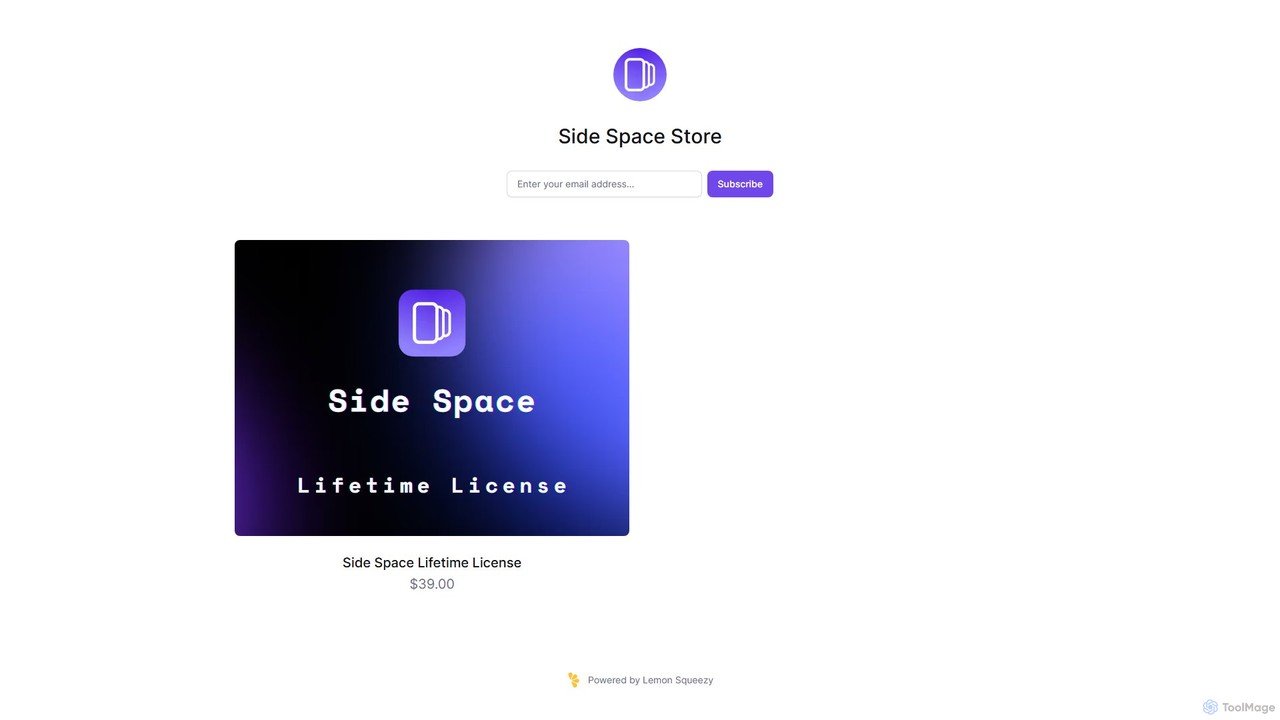
Side Space
Side Space is an AI-powered vertical tabs manager for your browser. It transforms your tab chaos into organized 'Spaces' within a side panel, using AI to automatically group tabs, save memory, and sync your workflow across devices for a focused and productive browsing experience.
Browser Extension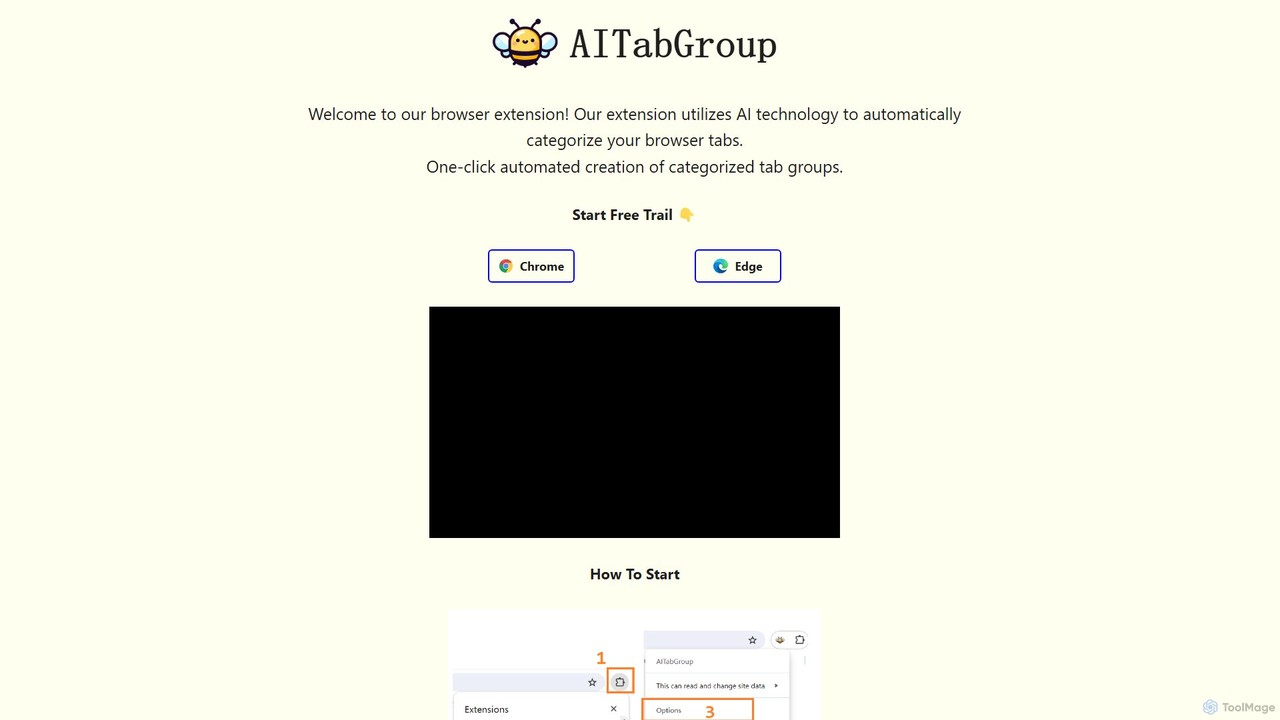
AI Tab Group
AI Tab Group is an intelligent browser extension for Chrome and Edge that uses AI to automatically categorize and group your open tabs. With a single click, it eliminates tab clutter, organizes your workspace, and boosts productivity. Pro features include hierarchical views and exporting sessions to Markdown or bookmarks.
Browser Extension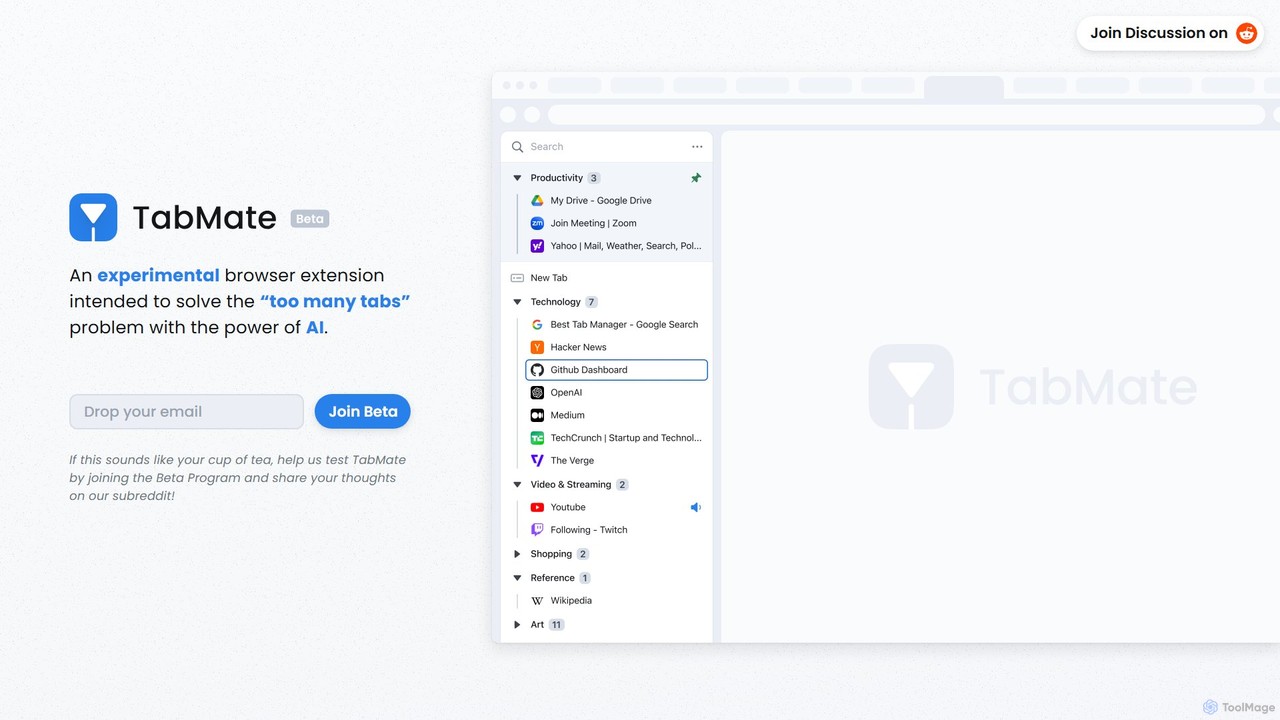
TabMate
TabMate is an experimental browser extension that uses AI to automatically categorize and manage your browser tabs. It's designed to solve the "too many tabs" problem, helping you stay organized, focused, and productive by intelligently grouping your tabs without manual effort.
Browser Extensions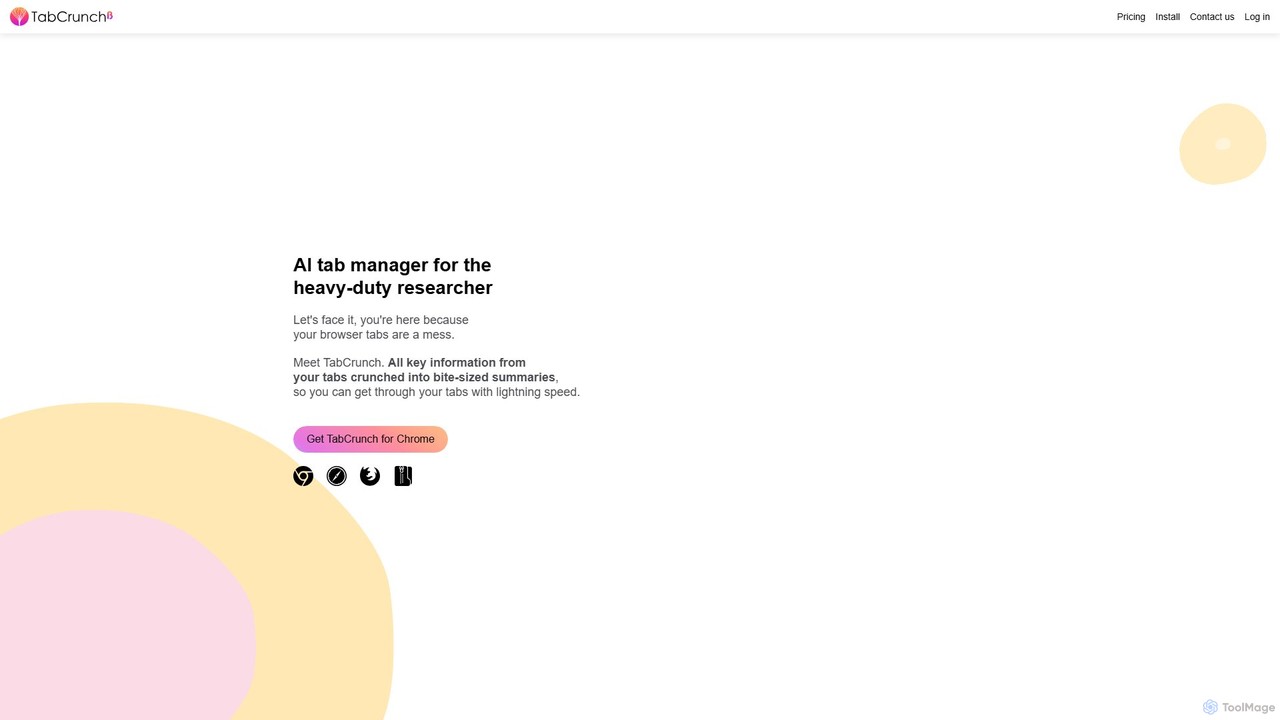
TabCrunch
TabCrunch is an AI-powered browser extension designed for heavy-duty researchers and professionals. It automatically organizes messy browser tabs into relevant groups, provides concise summaries for each tab and group, extracts key information, and helps you navigate your research with lightning speed.
Browser Extensions
duckduckgpt
A free, open-source browser extension that enhances DuckDuckGo search with AI-powered chat and summaries. It integrates seamlessly, providing instant answers and concise summaries from the latest LLMs like GPT-4o, right alongside your search results.
Browser ExtensionPhew AI Tab Categories
Phew AI Tab Embed Widget
Copy this embed code to place the badge on your blog, article, or product site and send readers directly to this ToolMage detail page.

Related AI tools
Side Space
Side Space is an AI-powered vertical tabs manager for your browser. It transforms your tab chaos into organized 'Spaces' within a side panel, using AI to automatically group tabs, save memory, and sync your workflow across devices for a focused and productive browsing experience.
Browser Extension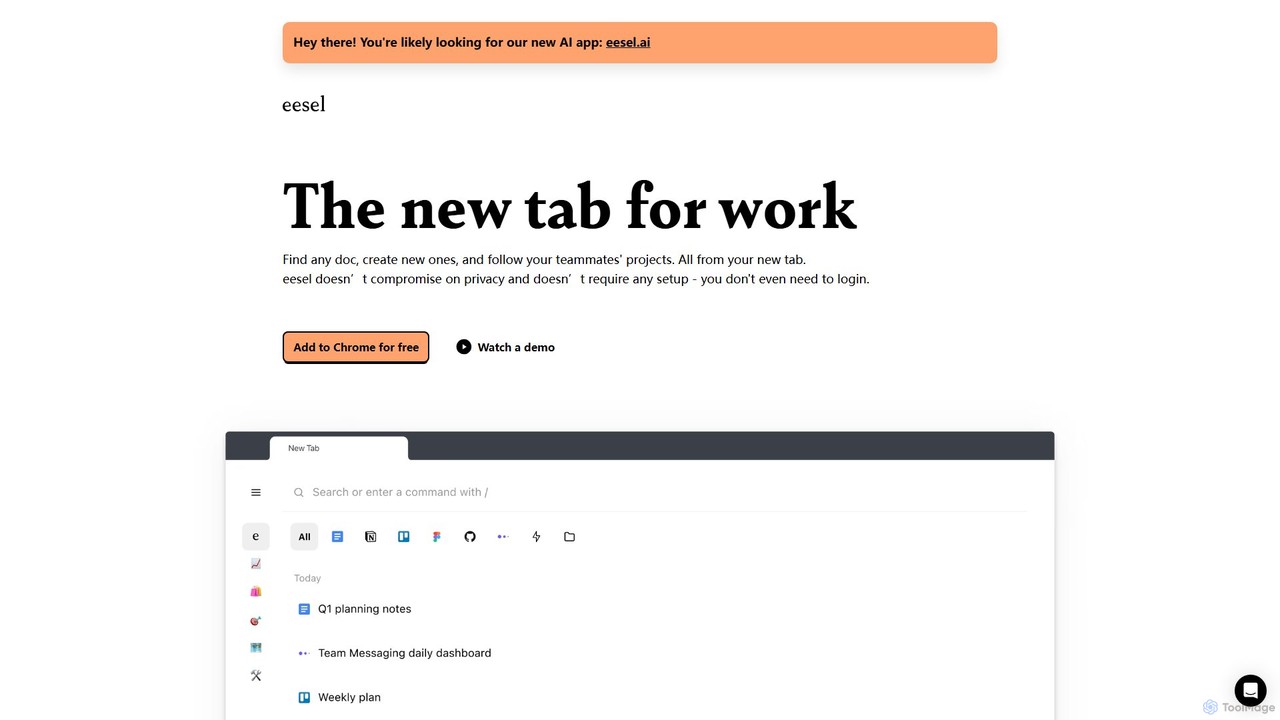
eesel
eesel is a smart browser extension that transforms your new tab into a productivity hub. It automatically organizes your work from all your apps (Google Docs, Notion, Figma, etc.), making every document instantly searchable. With a strong focus on privacy, eesel works locally on your computer, requires no setup, and helps you and your team stay organized and in sync without effort.
New TabAI Tab Group
AI Tab Group is an intelligent browser extension for Chrome and Edge that uses AI to automatically categorize and group your open tabs. With a single click, it eliminates tab clutter, organizes your workspace, and boosts productivity. Pro features include hierarchical views and exporting sessions to Markdown or bookmarks.
Browser ExtensionTabMate
TabMate is an experimental browser extension that uses AI to automatically categorize and manage your browser tabs. It's designed to solve the "too many tabs" problem, helping you stay organized, focused, and productive by intelligently grouping your tabs without manual effort.
Browser ExtensionsTabCrunch
TabCrunch is an AI-powered browser extension designed for heavy-duty researchers and professionals. It automatically organizes messy browser tabs into relevant groups, provides concise summaries for each tab and group, extracts key information, and helps you navigate your research with lightning speed.
Browser Extensions
Arc
Arc is a revolutionary browser by The Browser Company, designed to be a smart, organized, and private alternative to Chrome. It integrates AI features to enhance productivity, offers unique organization tools like Spaces and Split View, and provides a seamless, ad-free experience across desktop and mobile.
Search Assistant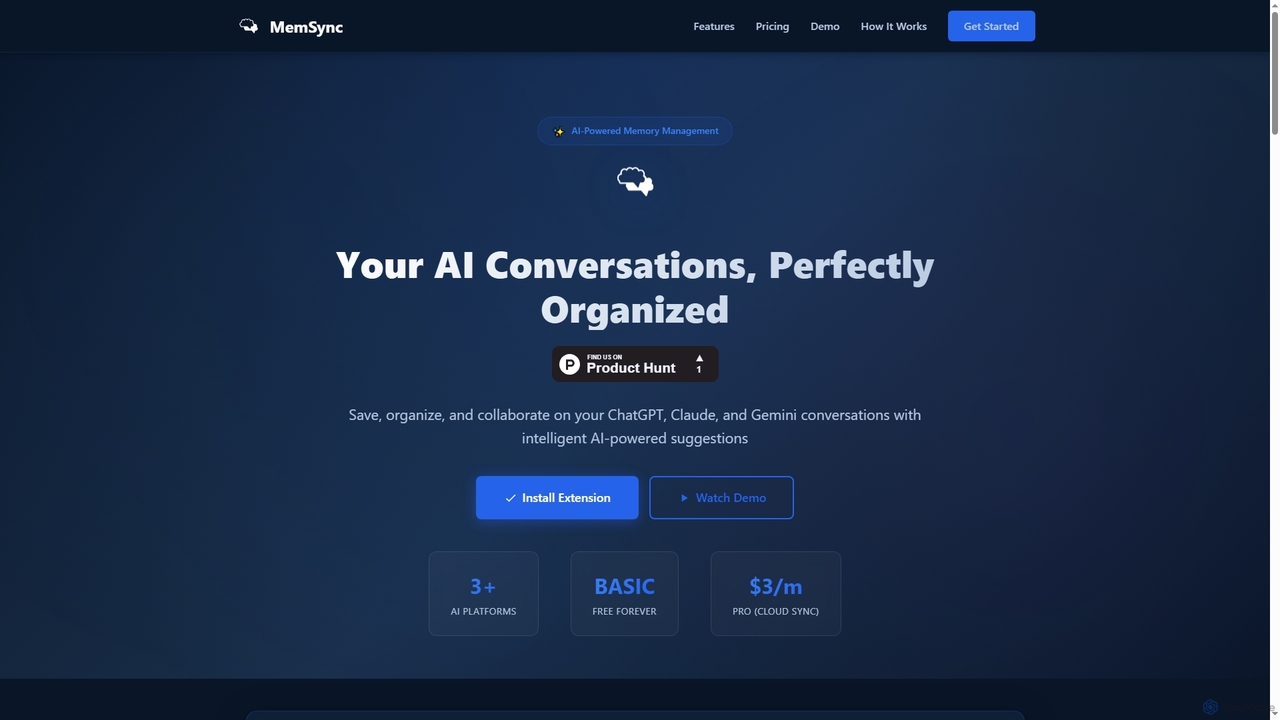
MemSync
MemSync is an AI-powered browser extension designed to effortlessly save, organize, and collaborate on your AI conversations from platforms like ChatGPT, Claude, and Gemini. It offers smart memory saving, AI-driven organization suggestions, and seamless cloud synchronization.
Conversation Tools
Camp
Camp is an intelligent screenshot management tool for macOS and iOS. It uses AI to automatically title and tag your screenshots, transforming your cluttered capture folder into a searchable, organized library. It's built for privacy with all data stored locally.
Inspirationduckduckgpt
A free, open-source browser extension that enhances DuckDuckGo search with AI-powered chat and summaries. It integrates seamlessly, providing instant answers and concise summaries from the latest LLMs like GPT-4o, right alongside your search results.
Browser Extension
Horsy.ai
Horsy.ai is an AI-powered Chrome extension that acts as a productivity layer for the web. It summarizes web pages and YouTube videos, allows you to chat with content, fact-checks information, and organizes your bookmarks into a searchable knowledge base. It's designed to help users save time, learn faster, and enhance their online research.
Learning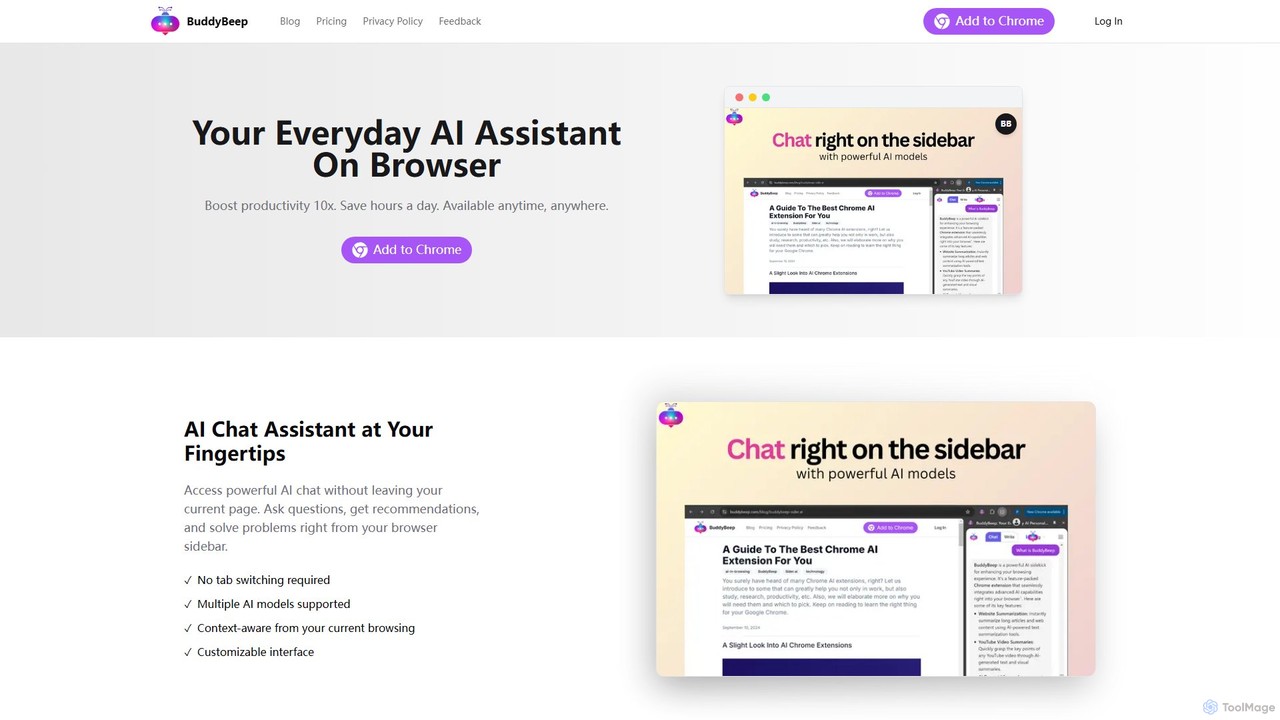
BuddyBeep
BuddyBeep is an AI-powered Chrome extension that acts as your personal browsing assistant. It boosts productivity by offering an in-page AI chat, one-click summarization for articles and YouTube videos, and a smart knowledge repository to build your "second brain". Capture, organize, and retrieve information effortlessly without switching tabs, transforming your browsing into a more efficient and insightful experience.
Browser Extension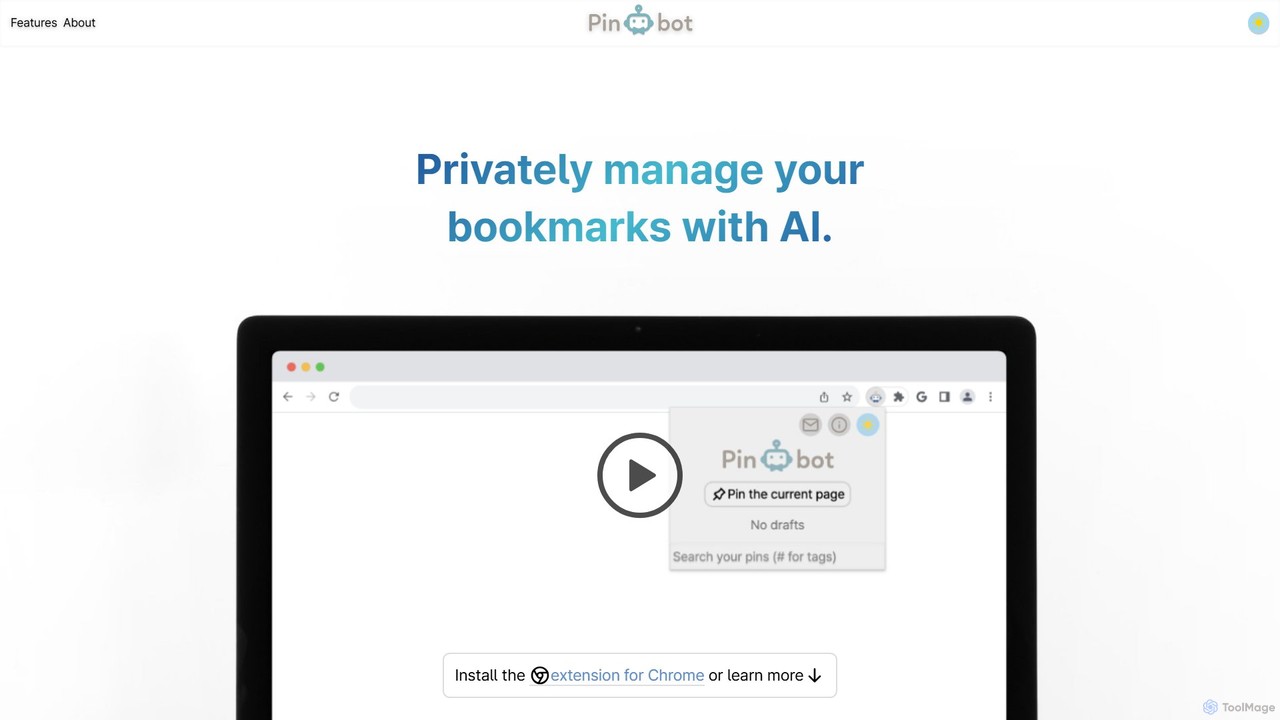
Pinbot
Pinbot is a privacy-focused, AI-powered bookmark manager that works as a Chrome extension. It automatically summarizes web pages, suggests relevant tags, and allows you to search your bookmarks using natural language. All data is stored and processed locally on your device, ensuring complete privacy.
Chrome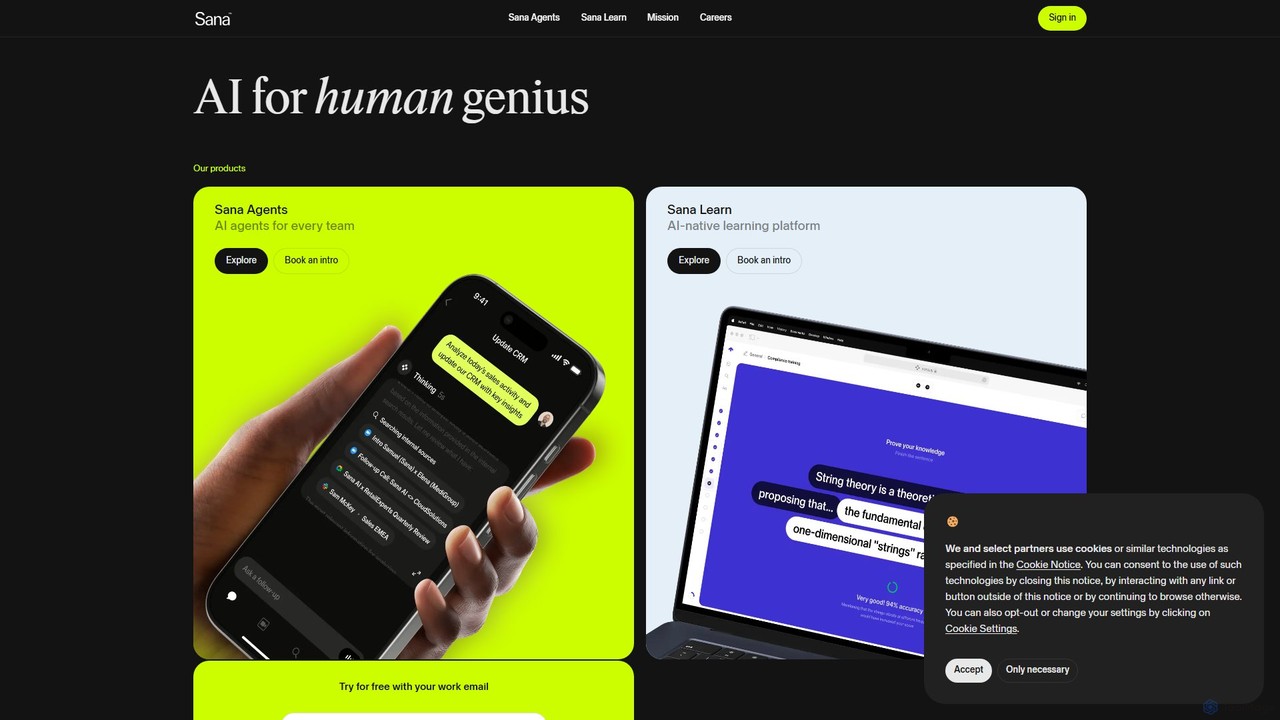
Sana
Sana is an all-in-one AI platform designed for the workplace. It combines a powerful knowledge assistant with an AI-native learning platform, enabling teams to find information, automate tasks, and accelerate learning. By connecting to all your company's apps, Sana acts as a central intelligence layer to unlock your organization's collective genius.
Ai Assistant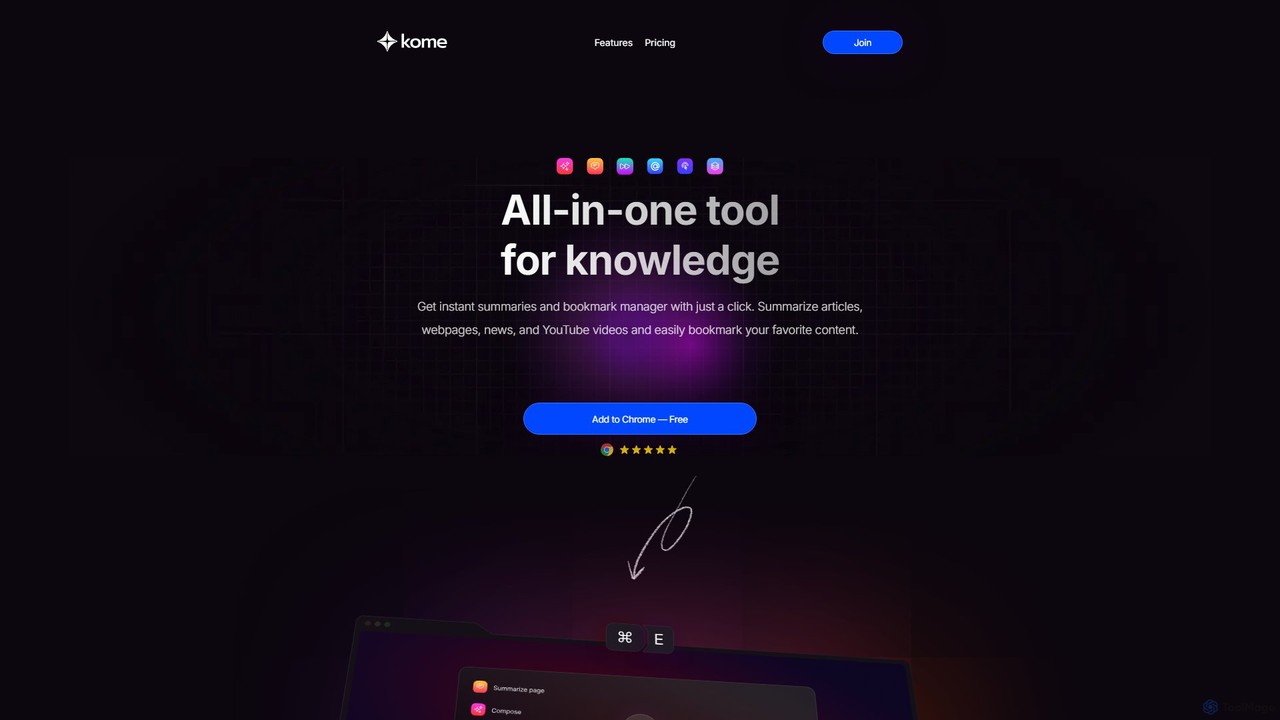
Kome
Kome is an all-in-one AI browser extension that supercharges your productivity. It offers instant summarization for articles, YouTube videos, and PDFs, a smart bookmark manager that organizes content automatically, and a unique compose feature to turn your saved bookmarks into emails, tweets, or blog posts. It's your personal knowledge assistant, right in your browser.
Bookmarking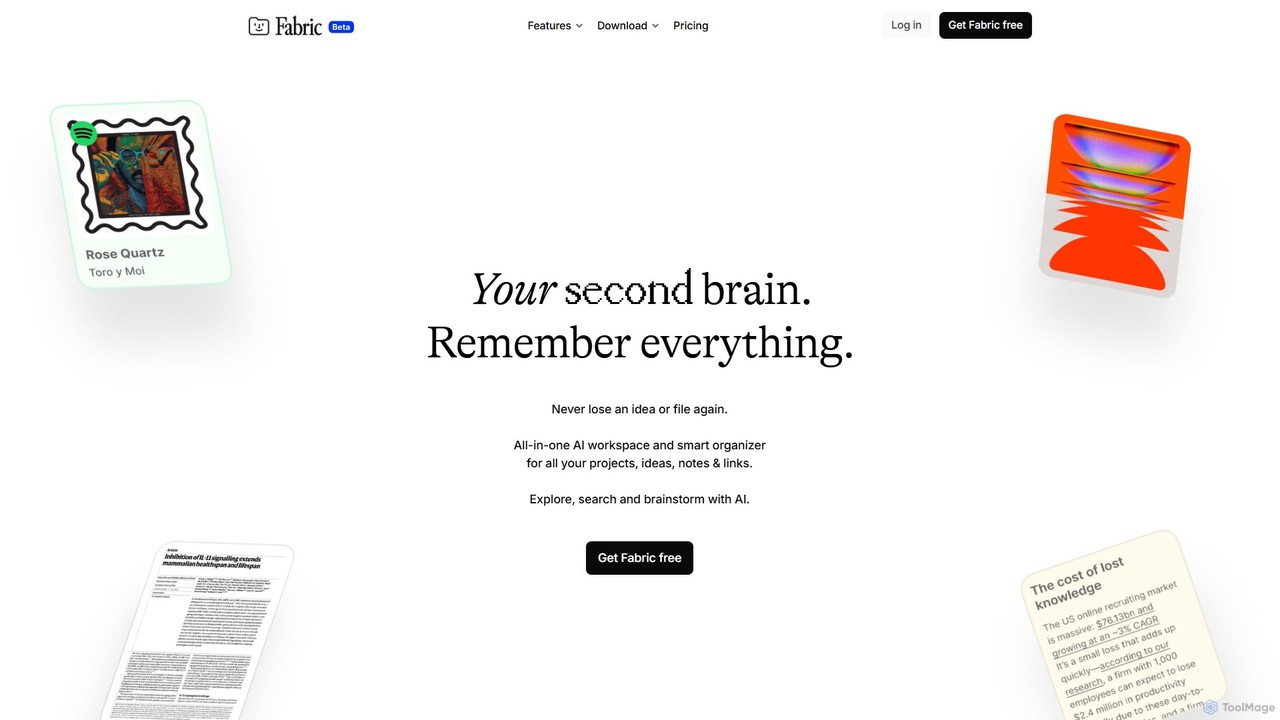
Fabric
Fabric is an AI-powered workspace and smart organizer that acts as your second brain. It automatically centralizes and connects all your notes, files, links, and ideas, eliminating the need for manual organization. Search your entire digital library with natural language and collaborate with an intelligent AI partner.
Personal Assistant
Phew AI Tab Comments (0)
Sign in to comment.
Sign inNo comments yet.