
eesel Overview
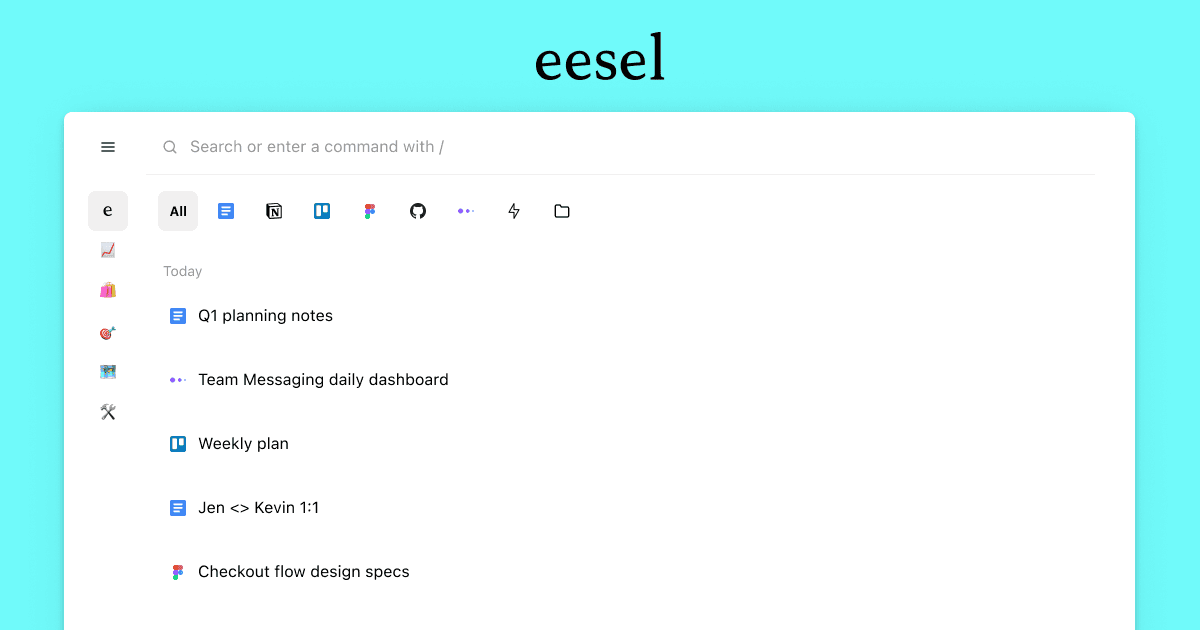
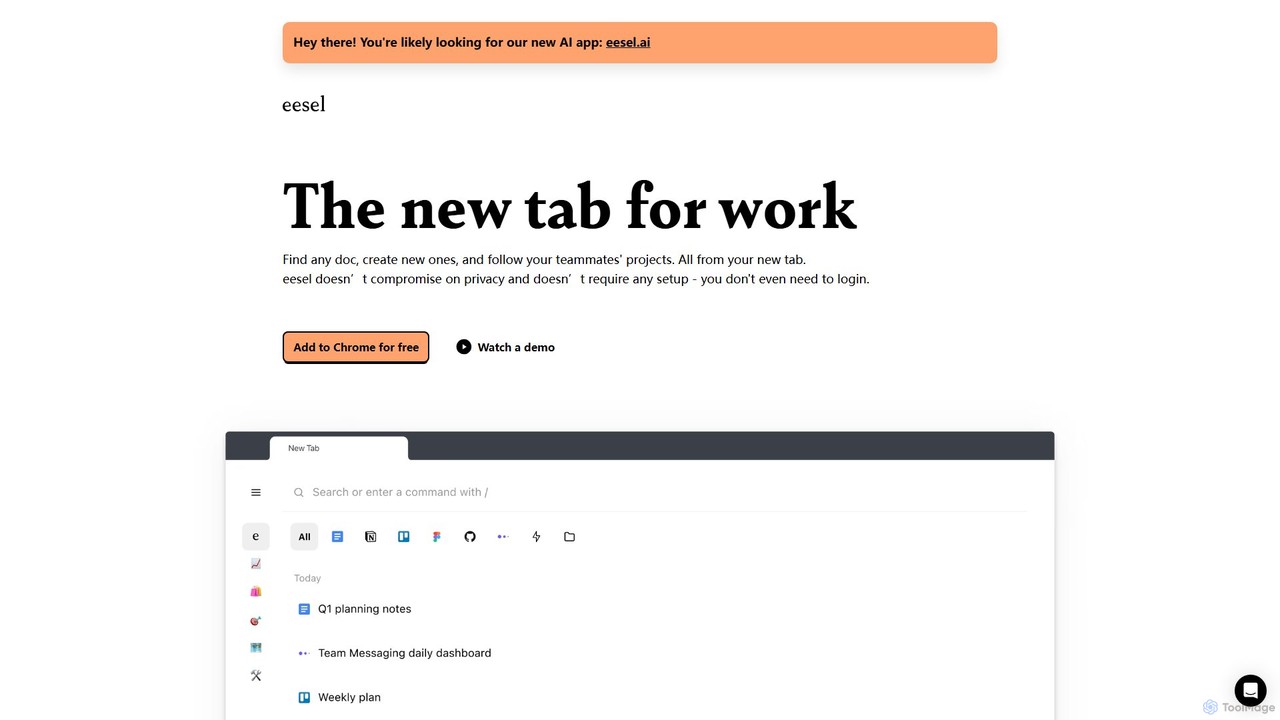
eesel is a powerful browser extension designed to serve as the new home for all your work-related documents and links. It fundamentally changes how you interact with your digital workspace by transforming your browser's new tab page into an intelligent, centralized hub. Instead of manually organizing bookmarks or endlessly searching through browser history, eesel automatically filters and organizes your work from various applications like Google Docs, Notion, Figma, Slack, and even old company intranets. This ensures that any document you need is always just a few keystrokes away.
The core philosophy behind eesel is to streamline workflows and eliminate the friction of finding information. It operates on the principle of 'effortless organization'. By intelligently analyzing your browsing patterns, it groups related pages into self-organized Folders for specific projects, clients, or tasks. This allows users to maintain a clear overview of their work without the tedious manual effort of creating and maintaining folder structures. Furthermore, eesel introduces a collaborative dimension with its 'feed' feature, enabling users to follow their teammates' projects and see new documents they create, fostering seamless alignment and reducing the need for constant status updates on communication platforms.
How to use eesel
Getting started with eesel is designed to be incredibly simple and frictionless. Here’s a typical workflow:
- Installation: Add the eesel extension to your browser of choice (supports Chrome, Firefox, Brave, and Edge). The process is quick and requires no special permissions beyond what's necessary for its function.
- Zero Setup: Once installed, eesel starts working immediately. There is no need to create an account, log in, or manually connect your various work applications. It automatically begins to index your browser history locally.
- Access Your Hub: Simply open a new tab in your browser. You will be greeted by the eesel dashboard, which displays your recently accessed documents and automatically generated project folders.
- Unified Search: Use the prominent search bar (often accessible with a keyboard shortcut like Cmd/Ctrl + E) to instantly find any document, page, or link. The search is performed locally and returns results instantly, without waiting for a server response.
- Navigate Projects: Browse the automatically created Folders to quickly access all relevant materials for a specific project or client.
- Collaborate: For teams, you can follow specific projects or teammates to get a feed of their relevant work directly in your new tab, keeping you in the loop effortlessly.
- Quick Actions: Use eesel to create new documents in your connected services (e.g., a new Google Doc or Notion page) directly from the new tab interface, saving time and clicks.
Core Features of eesel
- Unified Document Search: A single search bar to find any document, presentation, or link across all your cloud applications and browser history.
- Automatic Organization: AI-powered technology that automatically groups your pages into logical 'Folders' based on project or context, eliminating manual organization.
- Productivity New Tab: Replaces your browser's standard new tab with a dynamic dashboard showing your recent work, project folders, and a feed of your team's activities.
- Privacy-First Architecture: All your data, including the content of your pages, is processed and stored exclusively on your local machine. Nothing is sent to the cloud by default, ensuring maximum privacy and security.
- Zero-Configuration Setup: Works instantly after installation without requiring user accounts, logins, or manual integration of apps.
- Team Activity Feed: Stay informed about your team's progress by following their projects and seeing a curated feed of their work, reducing the need for meetings and status pings.
- Cross-Application Compatibility: Functions seamlessly with any web-based application or tool you use in your browser, from modern SaaS products to legacy internal systems.
Use Cases for eesel
eesel is versatile and provides significant value to various roles:
- Project Managers: Maintain a complete and automatically updated overview of all documents, roadmaps, and assets related to their projects.
- Engineers and Developers: Instantly locate technical documentation, design specs, pull requests, and internal wikis without leaving their workflow.
- Product Designers: Quickly access all Figma files, user research notes, and mood boards for a specific feature or product.
- Sales and Marketing Teams: Organize all client-related documents, campaign assets, and performance reports into neat, accessible folders.
- Knowledge Workers: Anyone who feels overwhelmed by browser tabs and struggles to keep track of information across multiple platforms can use eesel to create a single source of truth for their work.
Advantages of eesel
The primary advantage of eesel is the massive productivity gain it offers. By centralizing search and automating organization, it saves users countless hours that would otherwise be spent hunting for information. Its privacy-first, local-only approach is a significant differentiator, appealing to individuals and organizations with strict data security requirements. The zero-setup nature removes any barrier to adoption, allowing users to experience its benefits immediately. Finally, its ability to bring order to the chaos of modern digital work makes it an indispensable tool for focused and efficient teams.
Pricing and Plans
eesel operates on a freemium model. There is a robust free version that is fully functional for individual use, providing all the core features of local search and automatic organization. For teams requiring enhanced collaboration features, such as shared folders and advanced team management capabilities, there are typically paid plans available. Specific details on team pricing can be found on their official website.
Traffic
Latest traffic
Status
Monthly traffic trend
- 2025-9: 9.7K
- 2026-1: 11.5K
- 2026-2: 14.0K
- 2026-3: 13.0K
- 2026-4: 13.8K
- 2026-5: 11.3K
Geography
Top 5 countries / regions
- 🇺🇸United States40.4%
- 🇮🇳India18.9%
- 🇪🇸Spain16.7%
- 🇵🇰Pakistan12.6%
- 🇩🇪Germany11.4%
Top keywords
| Keyword | Cost per click |
|---|---|
| eesel | $0.67 |
| eesel ai | $8.96 |
| eesel ai blog writer | $0.00 |
| esel | $0.87 |
| essel | $0.77 |
eesel Alternatives
Sense
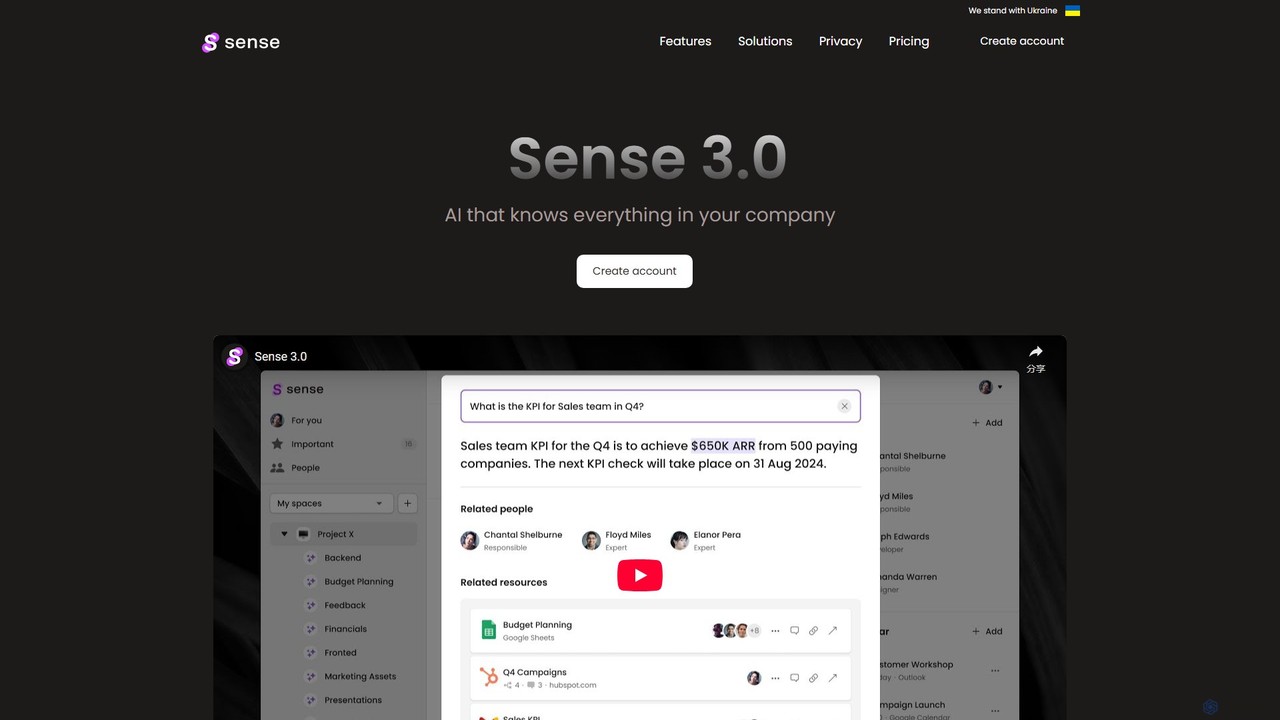
Sense is an AI-powered knowledge hub that integrates with all your company's applications to create a single, searchable source of truth. It automatically organizes data, provides intelligent answers to your questions, and delivers personalized updates to enhance team productivity and collaboration.
Collaboration
Ayraa
Ayraa is an AI-powered knowledge assistant for workspaces. It integrates with tools like Slack and your browser to centralize information, providing instant answers, summaries, and insights. It acts as a unified search engine for all your company's knowledge, boosting team productivity and collaboration.
Collaboration
unlost.ai
unlost.ai is a powerful AI-driven universal search assistant that helps you find any file, message, or piece of information across all your apps and local storage. Stop wasting time switching tabs and let unlost.ai instantly retrieve what you need with a simple natural language query, centralizing your digital life.
Knowledge Management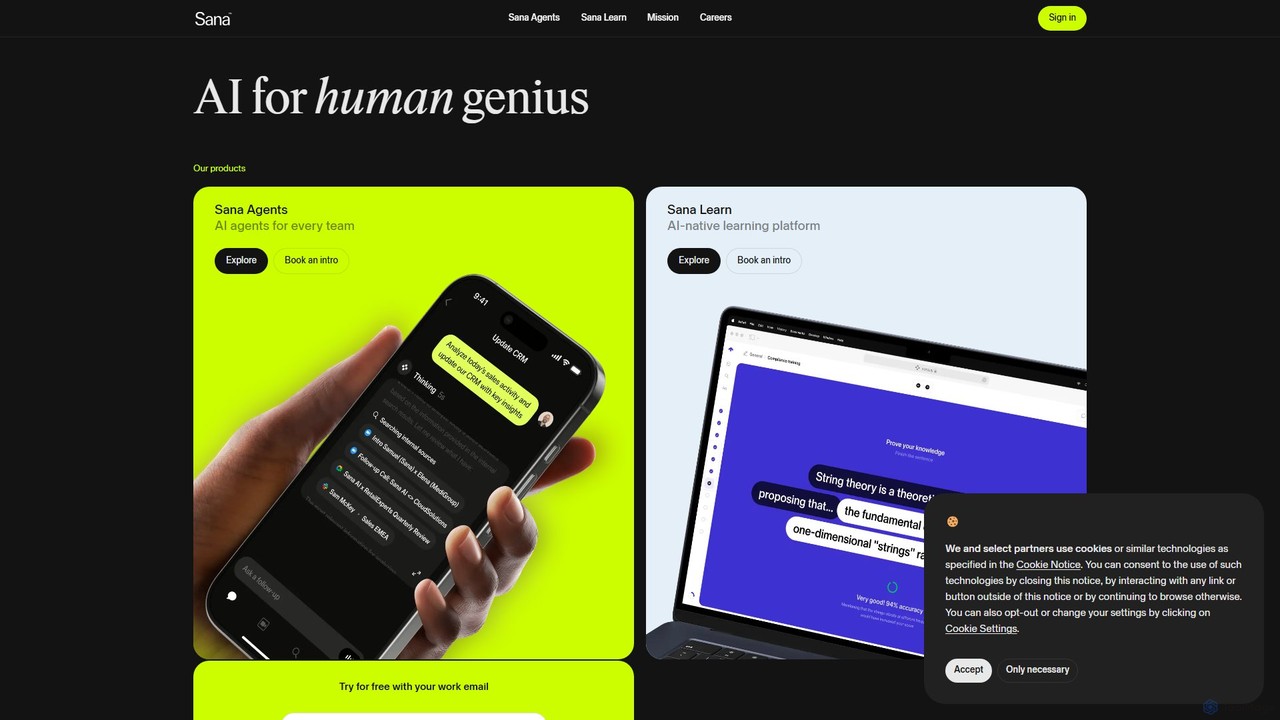
Sana
Sana is an all-in-one AI platform designed for the workplace. It combines a powerful knowledge assistant with an AI-native learning platform, enabling teams to find information, automate tasks, and accelerate learning. By connecting to all your company's apps, Sana acts as a central intelligence layer to unlock your organization's collective genius.
Ai Assistant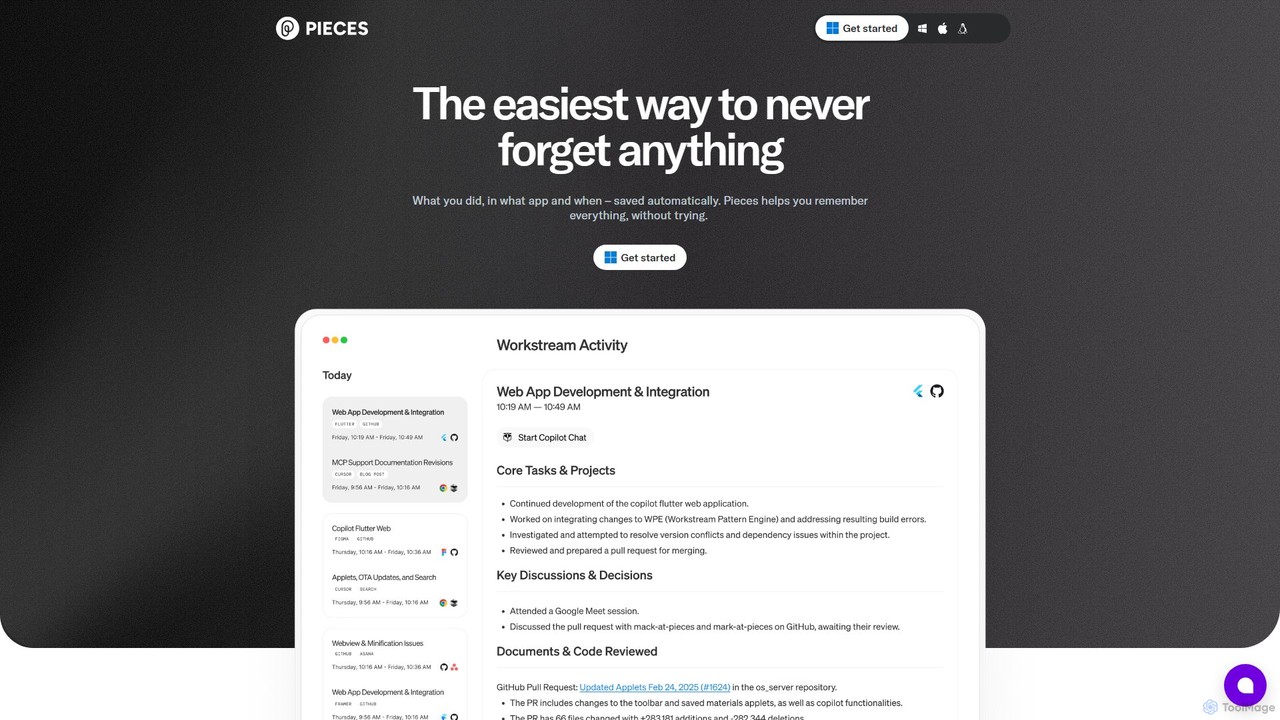
Pieces
Pieces is an on-device AI assistant designed for developers, acting as a long-term memory for your entire workflow. It automatically captures, enriches, and organizes code snippets, links, and other contextual information from all your applications, ensuring you never lose valuable work or context. With powerful local search and seamless integration with your favorite tools, Pieces boosts productivity and preserves your mental energy.
Personal Assistanteesel Categories
eesel Embed Widget
Copy this embed code to place the badge on your blog, article, or product site and send readers directly to this ToolMage detail page.

Related AI tools
Phew AI Tab
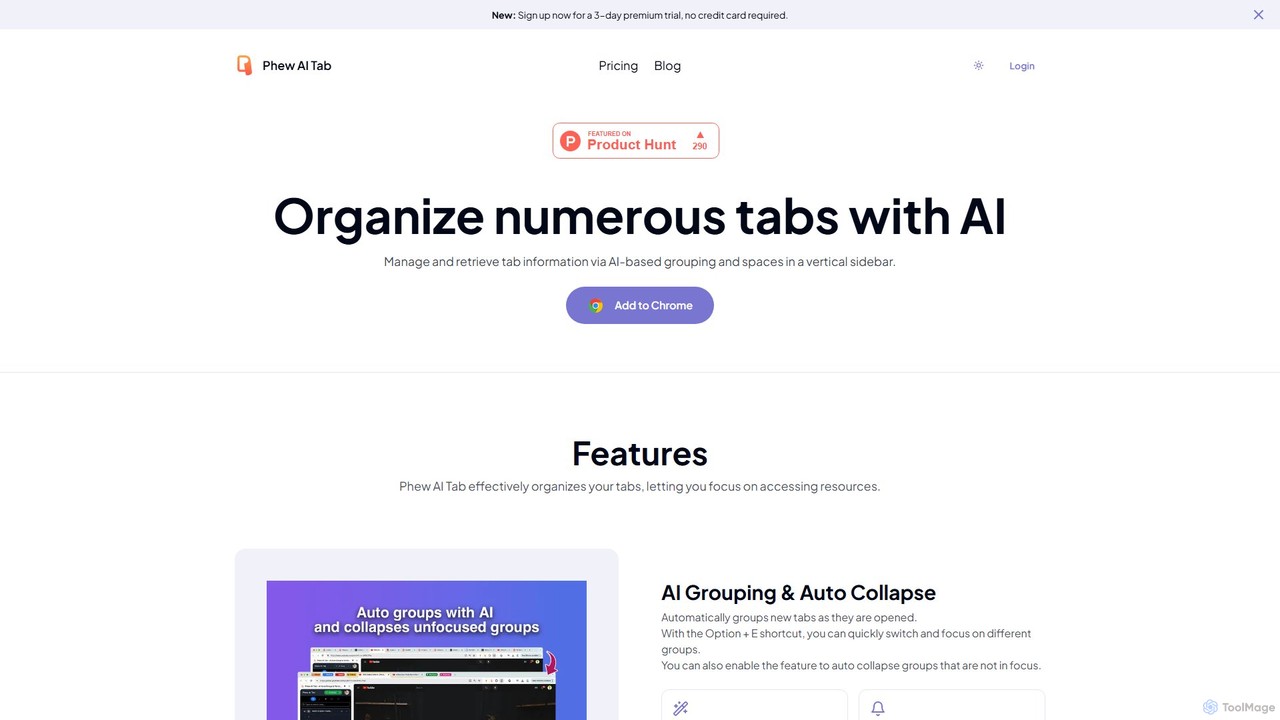
Phew AI Tab is an intelligent browser extension that revolutionizes tab management. It uses AI to automatically group, analyze, and summarize your tabs, transforming them into a searchable knowledge base. With features like cloud-synced "Spaces," vertical tabs, and robust privacy protection including local encryption and self-hosting options, Phew AI Tab helps you stay focused, organized, and productive across all your devices.
PersonalSana
Sana is an all-in-one AI platform designed for the workplace. It combines a powerful knowledge assistant with an AI-native learning platform, enabling teams to find information, automate tasks, and accelerate learning. By connecting to all your company's apps, Sana acts as a central intelligence layer to unlock your organization's collective genius.
Ai AssistantPieces
Pieces is an on-device AI assistant designed for developers, acting as a long-term memory for your entire workflow. It automatically captures, enriches, and organizes code snippets, links, and other contextual information from all your applications, ensuring you never lose valuable work or context. With powerful local search and seamless integration with your favorite tools, Pieces boosts productivity and preserves your mental energy.
Personal Assistant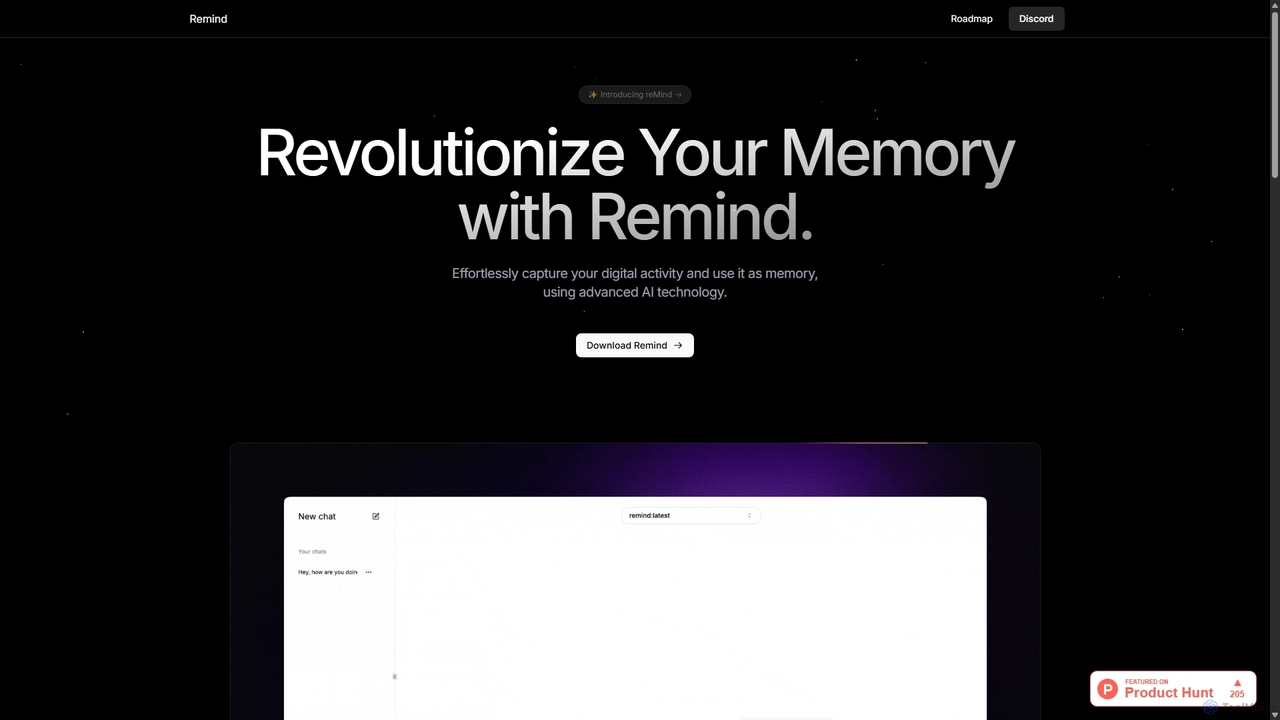
ReMind
reMind is an open-source, privacy-first AI tool that acts as your personal memory. It captures your digital activity locally, allowing you to search and recall anything you've seen or done on your computer using natural language. It runs entirely on your machine for maximum security.
Utilities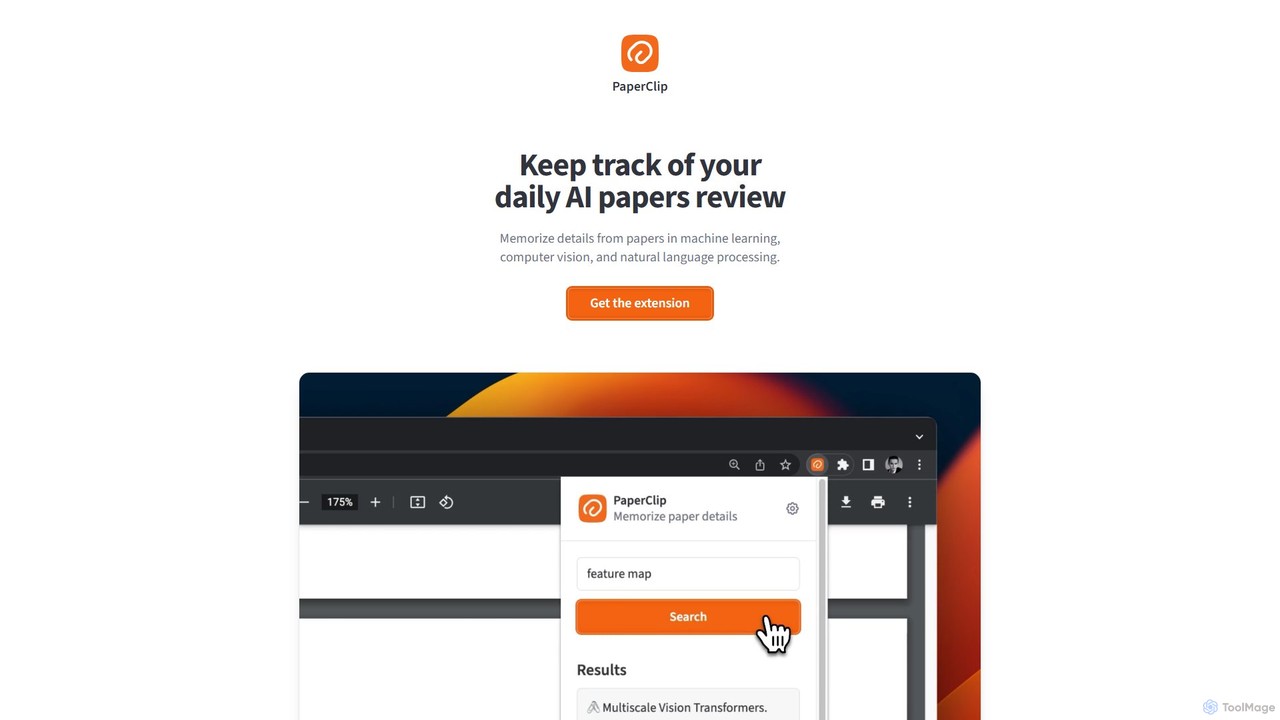
PaperClip
PaperClip is a privacy-focused browser extension that uses on-device AI to help you memorize and recall details from AI research papers, ML blogs, and news. All data is stored and processed locally, ensuring complete privacy and offline access.
Search Tools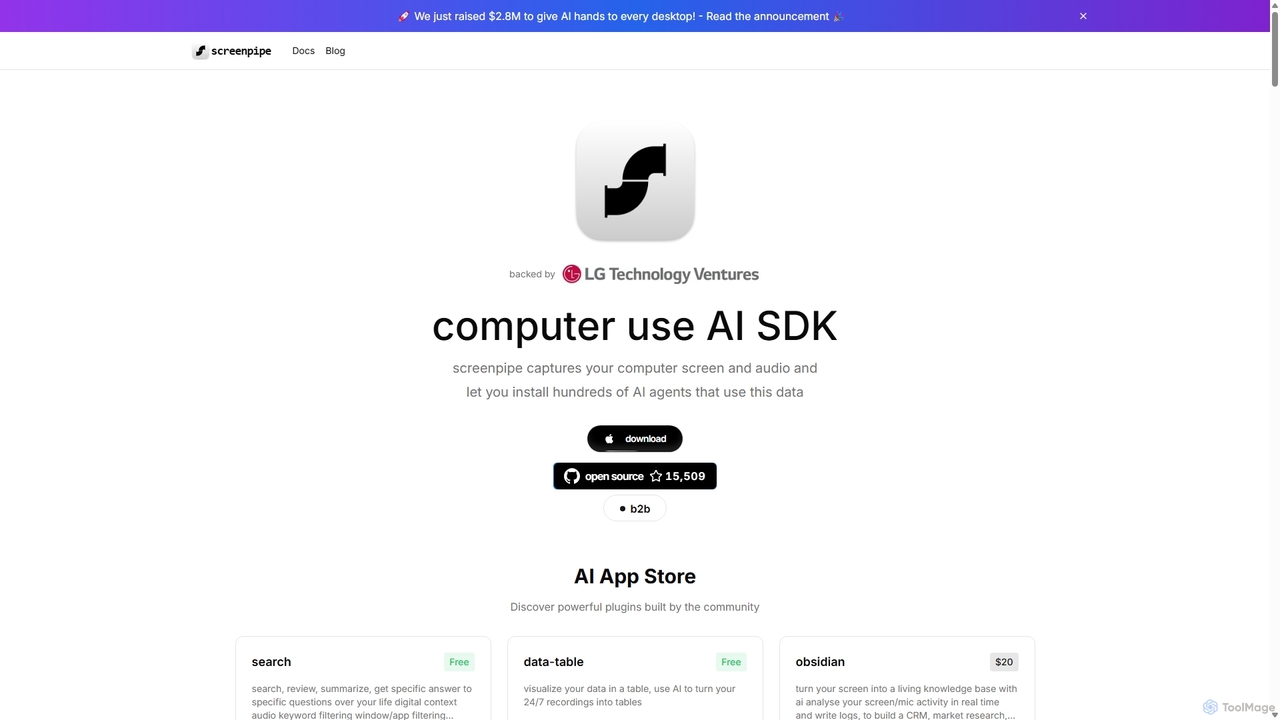
Screenpipe
Screenpipe is an open-source AI SDK that captures your computer's screen and audio 24/7, creating a local, private digital memory. It powers a rich ecosystem of AI agents that can search, summarize, and automate tasks based on your complete digital context, turning your computer usage into a powerful, personalized AI.
Personal Data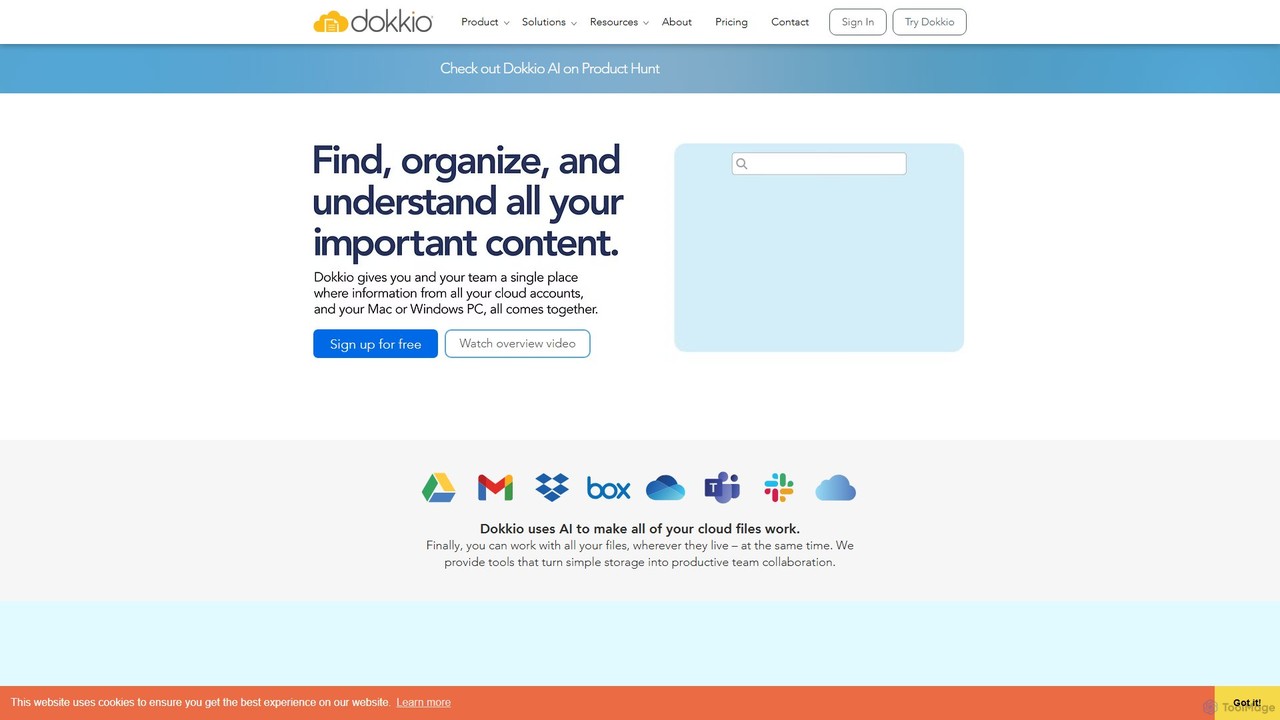
Dokkio
Dokkio is an AI-powered platform that unifies all your files from various cloud services like Google Drive, Dropbox, and Slack. It intelligently finds, organizes, and helps you understand your content, transforming scattered files into a centralized, searchable knowledge base for enhanced productivity and team collaboration.
Teamwork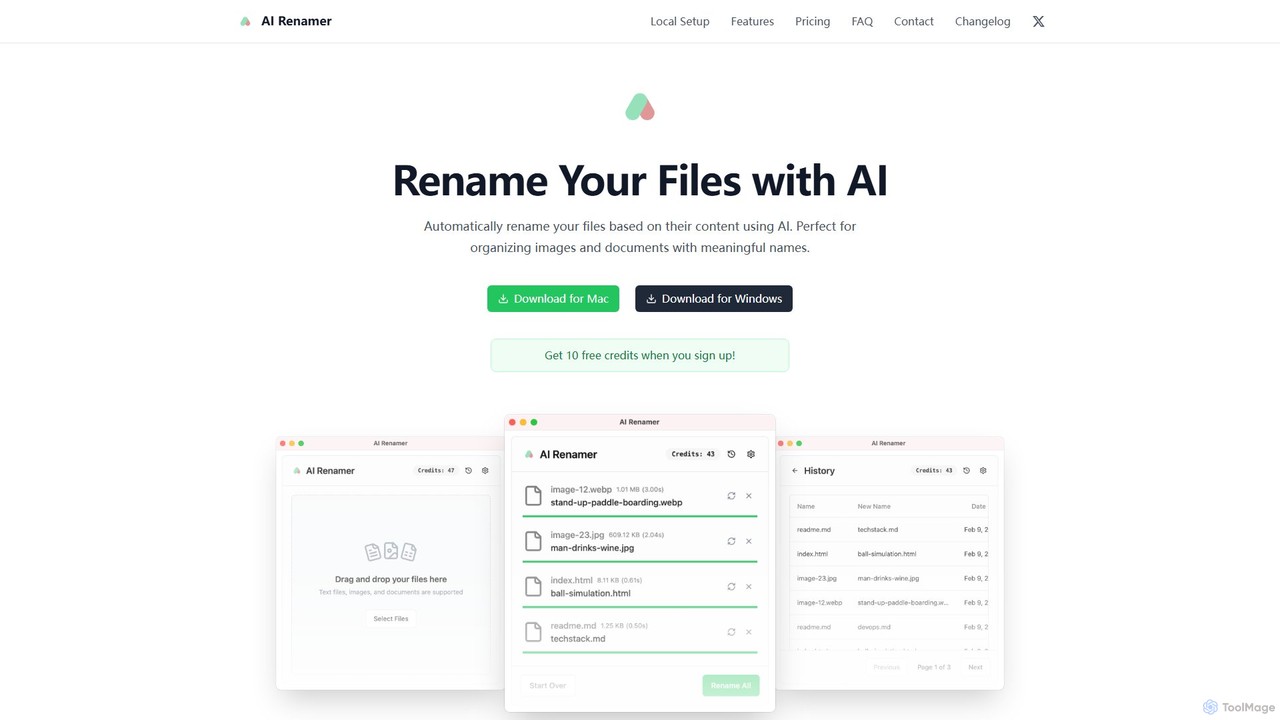
AI Renamer
AI Renamer is a smart desktop application for Mac and Windows that automatically renames files based on their content. It analyzes images and documents to generate descriptive, meaningful names, helping you organize your digital life effortlessly. It supports batch processing, custom naming rules, and offers both a private, offline Local Mode and a convenient Cloud Mode.
Document Management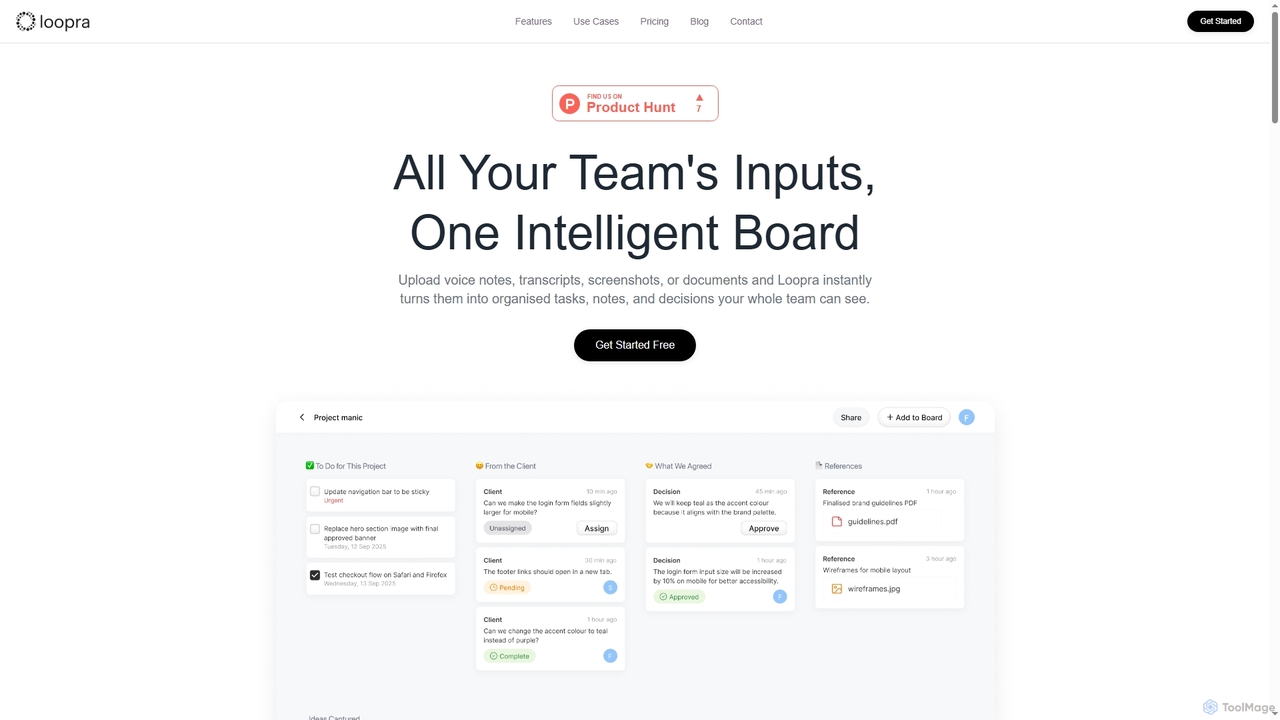
Loopra
Loopra is an intelligent AI workspace that transforms unstructured team inputs like voice notes, documents, and screenshots into organized tasks, notes, decisions, and references. It acts as a living memory for teams, streamlining collaboration and ensuring no critical information is lost, saving time and boosting productivity.
Content Organization
Camp
Camp is an intelligent screenshot management tool for macOS and iOS. It uses AI to automatically title and tag your screenshots, transforming your cluttered capture folder into a searchable, organized library. It's built for privacy with all data stored locally.
InspirationSense
Sense is an AI-powered knowledge hub that integrates with all your company's applications to create a single, searchable source of truth. It automatically organizes data, provides intelligent answers to your questions, and delivers personalized updates to enhance team productivity and collaboration.
Collaboration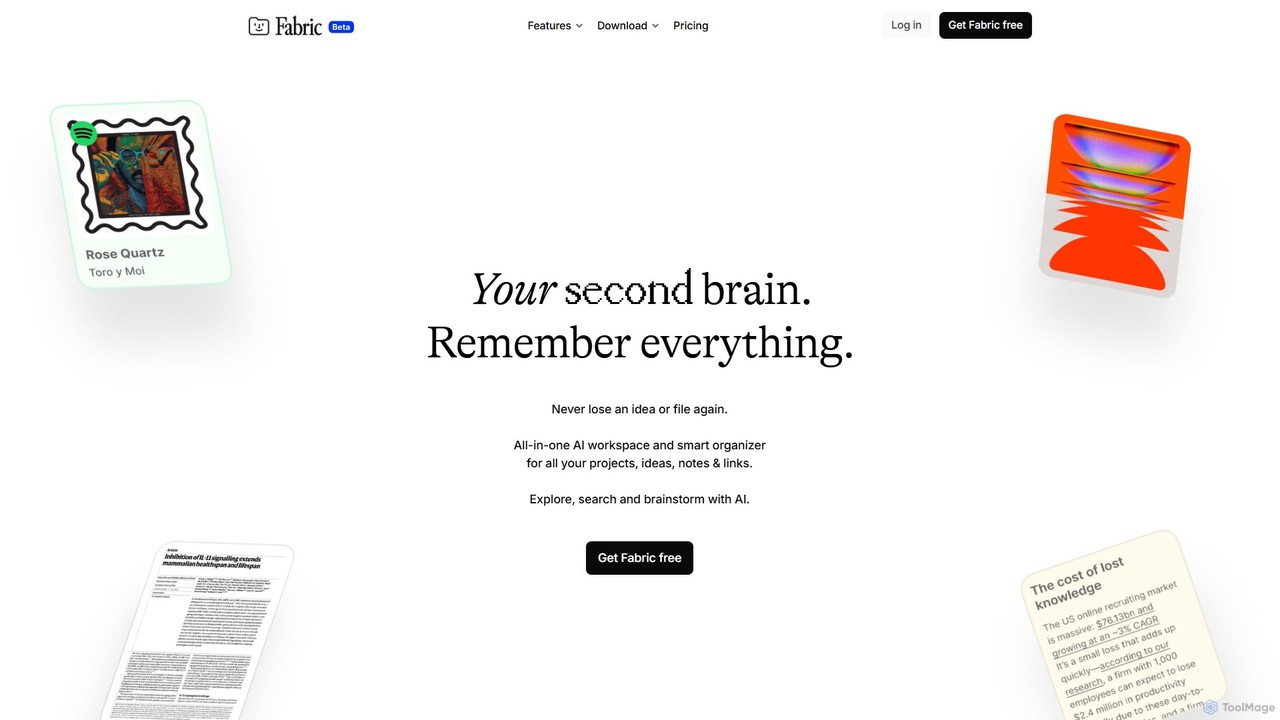
Fabric
Fabric is an AI-powered workspace and smart organizer that acts as your second brain. It automatically centralizes and connects all your notes, files, links, and ideas, eliminating the need for manual organization. Search your entire digital library with natural language and collaborate with an intelligent AI partner.
Personal Assistant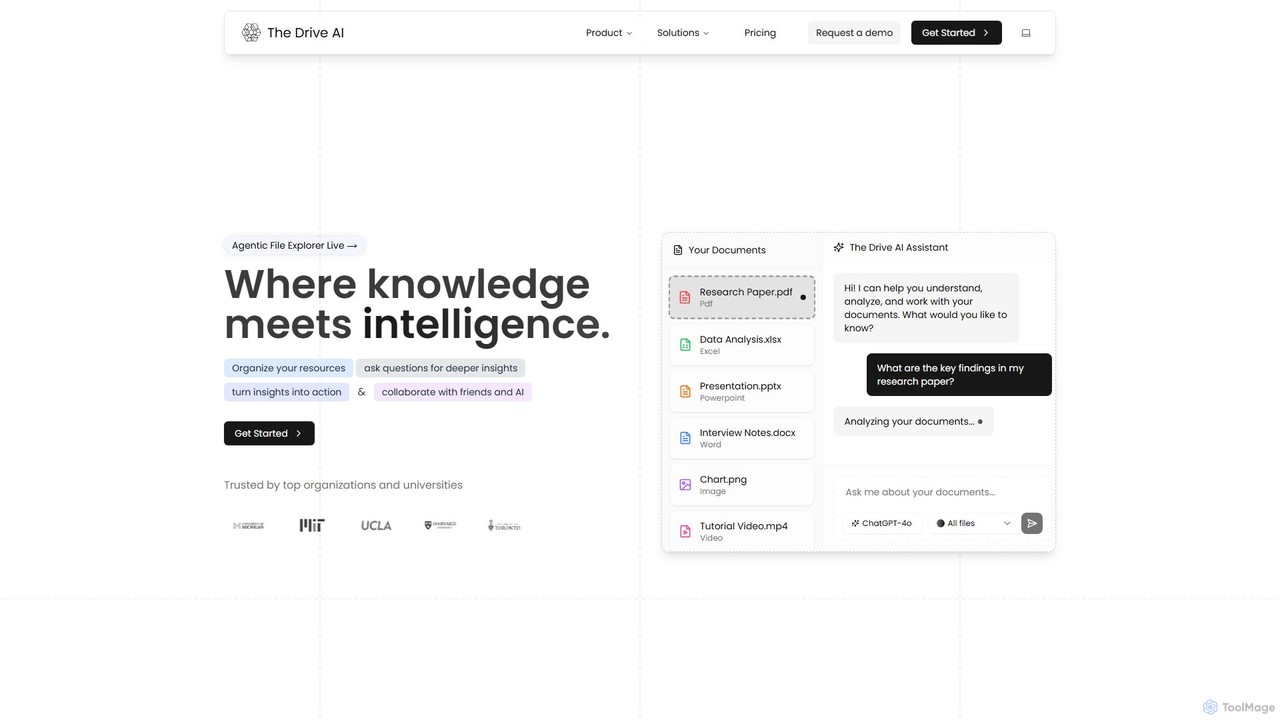
The Drive AI
The Drive AI is an all-in-one AI-powered workspace that combines file management, document analysis, team collaboration, and content creation. Upload any file type, ask questions to get instant insights with cited sources, and collaborate with your team in real-time. It's designed to replace multiple tools, streamlining your workflow and boosting productivity for individuals and teams across various industries.
Analysis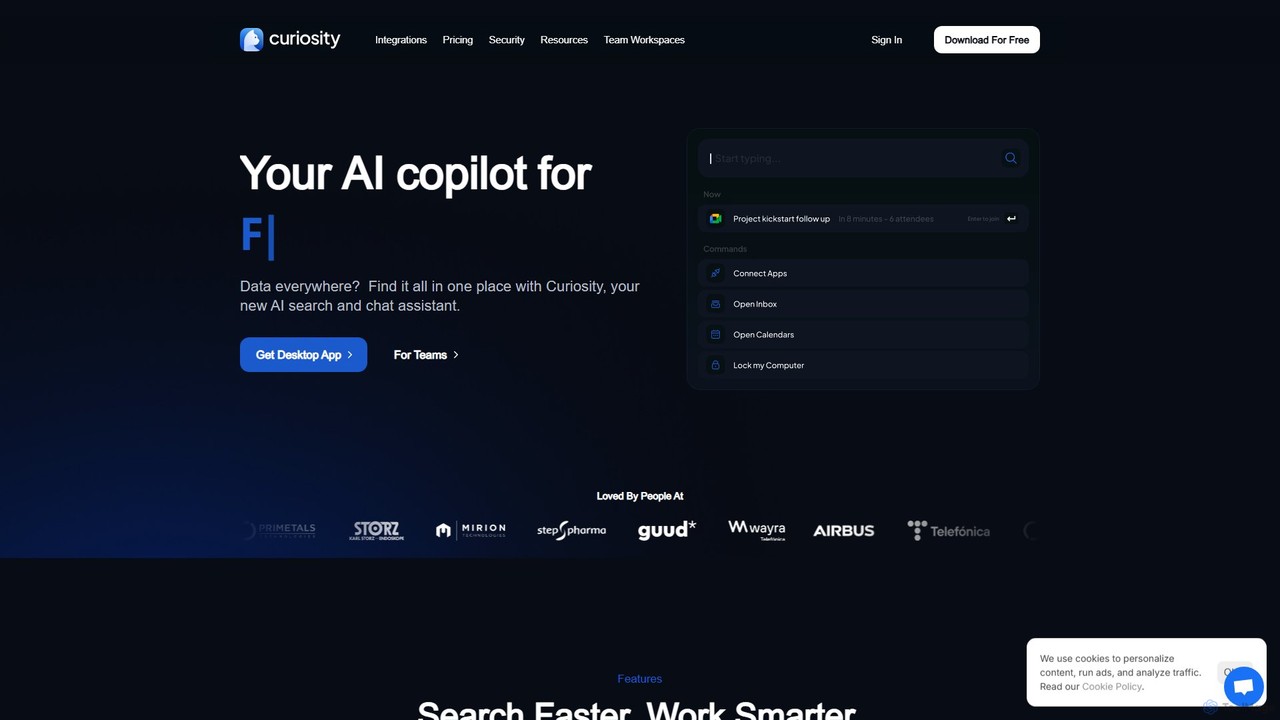
Curiosity
Curiosity is an AI-powered search app that unifies all your local files and cloud apps into one searchable interface. It acts as a smart command bar, allowing you to instantly find documents, chat with your files using AI, launch applications, and manage emails and calendars, all with a simple keyboard shortcut. It prioritizes privacy by processing your data locally.
Launcher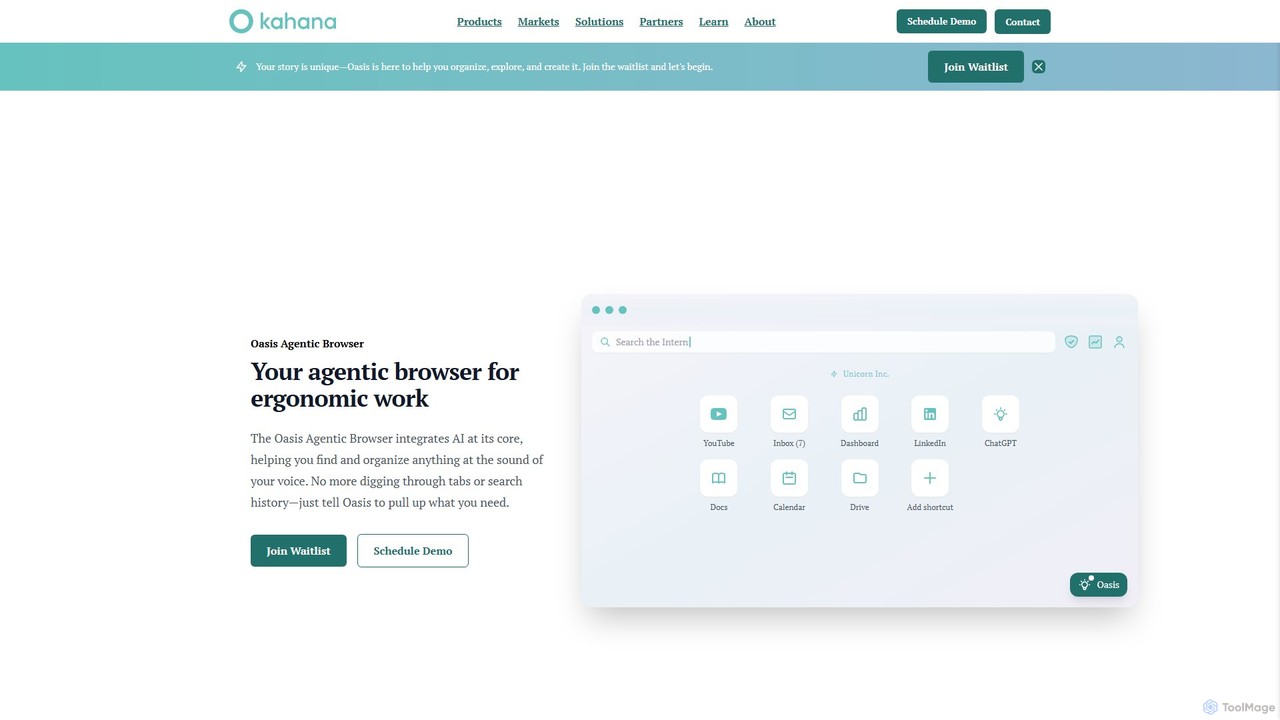
Kahana
Kahana is an AI-powered agentic browser designed to enhance productivity, organization, and security. It replaces the chaos of modern browsing with an intelligent, voice-controlled workspace. Automate workflows, organize ideas into focused hubs, and collaborate securely, all within a browser that acts as your personal productivity companion.
Browser
eesel Comments (0)
Sign in to comment.
Sign inNo comments yet.