
Curiosity Overview
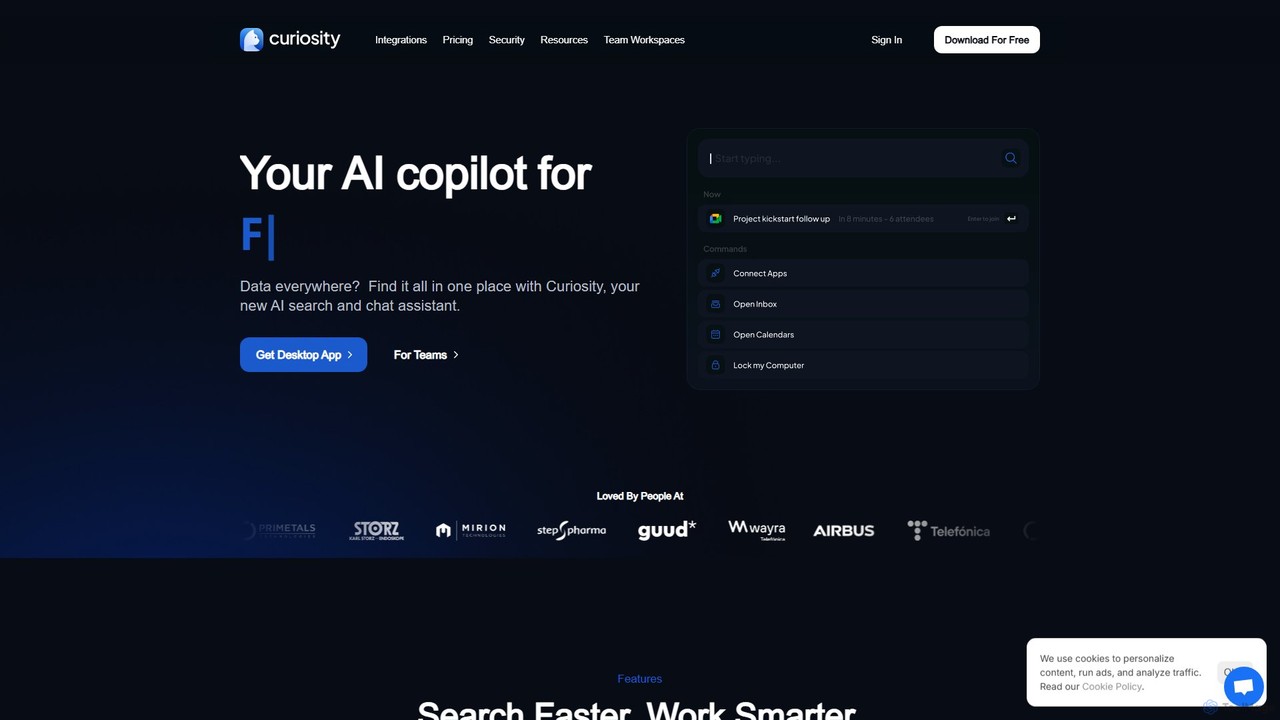
Curiosity is a powerful AI copilot designed to streamline your workflow by creating a single, unified search experience for all your digital information. In today's fragmented digital environment, files, messages, and important data are scattered across numerous local folders and cloud applications like Slack, Gmail, and Dropbox. Curiosity tackles this problem head-on by connecting to all your data sources and providing a blazingly fast search engine that lets you find anything in an instant. It's more than just a search tool; it's a comprehensive productivity suite that lives on your desktop.
At its core, Curiosity indexes all your information locally on your computer, ensuring your data remains private and secure. This 'secure by default' approach is a key differentiator, giving users peace of mind that their sensitive information isn't being uploaded to the cloud. With a simple keyboard shortcut (Alt + Space), you can summon the Curiosity command bar, which serves as your central hub for action. From here, you can perform natural language searches, find files based on their content (even in scans), and access information from all connected apps without ever needing to switch windows.
How to use Curiosity
Getting started with Curiosity is straightforward. First, you download and install the desktop application on your Mac or Windows computer. Upon launching, you'll be prompted to connect your various accounts and local folders. This includes email accounts (Gmail, Outlook), cloud storage (Dropbox, Google Drive), and collaboration tools (Slack, Notion, etc.). Curiosity then begins the indexing process in the background, building a local search index. Once indexed, you can press 'Alt + Space' at any time to open the search bar. Simply start typing to find files, contacts, or app content. You can also use it to launch applications on your computer or join scheduled meetings directly. To leverage the AI features, you can select a document from the search results and ask questions, request a summary, or have it translated.
Core Features of Curiosity
- Unified Search: Connects to all your local folders and cloud apps, providing one search bar to find everything. It supports content search within documents, including scanned PDFs.
- AI Assistant: Interact with your documents through a chat interface. Ask questions, get summaries, translate text, and even get AI-generated replies for your emails. It offers the flexibility of using cloud AI or a local LLM for enhanced privacy.
- Command Bar & Launcher: More than just search, use it as a powerful command bar to launch applications, join meetings with a shortcut, and search specific websites like Google Maps or Wikipedia.
- Email and Calendar Integration: Consolidate all your email accounts into a single inbox within the app. Search, reply, and forward emails directly. View and join events from all your calendars.
- Spaces for Organization: Create virtual 'Spaces' to group related files, messages, and contacts without moving or duplicating the original items. This is perfect for organizing project-specific information.
- Secure and Private: All your data is stored and processed on your own computer. Curiosity does not upload your content to its servers, ensuring maximum privacy and security.
- Extensive Integrations: Works with a vast ecosystem of popular applications, allowing you to get productive immediately without changing your existing tools.
Use Cases for Curiosity
Curiosity is ideal for professionals, researchers, and anyone who deals with a large volume of digital information. For a project manager, it can instantly pull up a specific client email, a relevant Slack discussion, and the latest project plan from Dropbox with a single query. A researcher can use it to find specific passages within hundreds of research papers and then use the AI assistant to summarize key findings. For teams, the 'Workspaces' feature allows for a shared search across common resources, breaking down information silos and boosting collective productivity.
Advantages of Curiosity
The primary advantage of Curiosity is the immense time savings it offers. By eliminating the need to manually search through different applications, it is estimated to save users up to 20% of their time. Its speed is consistently praised by users. The focus on privacy with local data processing is a significant benefit for individuals and organizations concerned with data security. Furthermore, its multi-functional nature as a search tool, AI assistant, and app launcher consolidates several productivity tools into one, reducing clutter and context-switching.
Pricing and Plans
Curiosity offers a flexible pricing structure to suit different needs:
- Free Plan: €0/month. This plan is great for getting started and includes connections for up to 5 apps, search across apps and folders, and the app/meeting launcher.
- Pro Plan: €8/month (billed annually at €96). This popular plan unlocks the full power of the tool, offering unlimited app connections, the advanced AI Assistant, and deep file content search. It comes with a 14-day free trial.
- Workspaces Plan: Starting at €10/user/month (for 5+ users). Designed for teams, this plan includes all Pro features plus shared search across sources, centralized user management and billing, cloud storage, and priority support.
Traffic
Latest traffic
Status
Monthly traffic trend
- 2025-9: 43.6K
- 2026-1: 43.3K
- 2026-2: 27.7K
- 2026-3: 21.7K
- 2026-4: 21.7K
- 2026-5: 22.8K
Geography
Top 5 countries / regions
- 🇺🇸United States45.8%
- 🇮🇳India16.3%
- 🇻🇳Vietnam15.8%
- 🇮🇩Indonesia11.6%
- 🇬🇧United Kingdom10.6%
Top keywords
| Keyword | Cost per click |
|---|---|
| curiosities ai | $0.00 |
| curiosity | $1.98 |
| curiosity ai tool | $0.00 |
| curiosity startup | $0.00 |
| search curiosity index | $0.00 |
Curiosity Alternatives
Sidekic
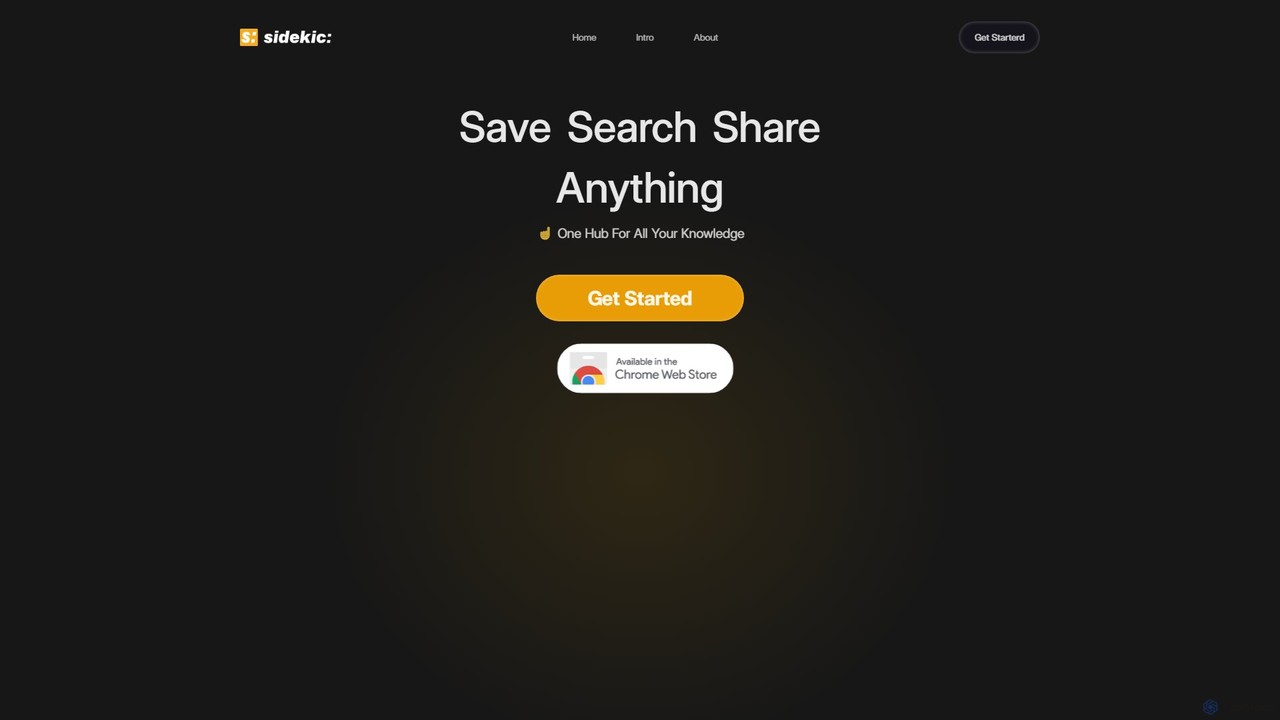
Sidekic is an AI-powered personal search engine that acts as your 'second brain'. It connects to all your apps and knowledge sources, allowing you to search for anything in one central hub. Save, organize, and share information effortlessly to boost your productivity and streamline collaboration.
Team Tools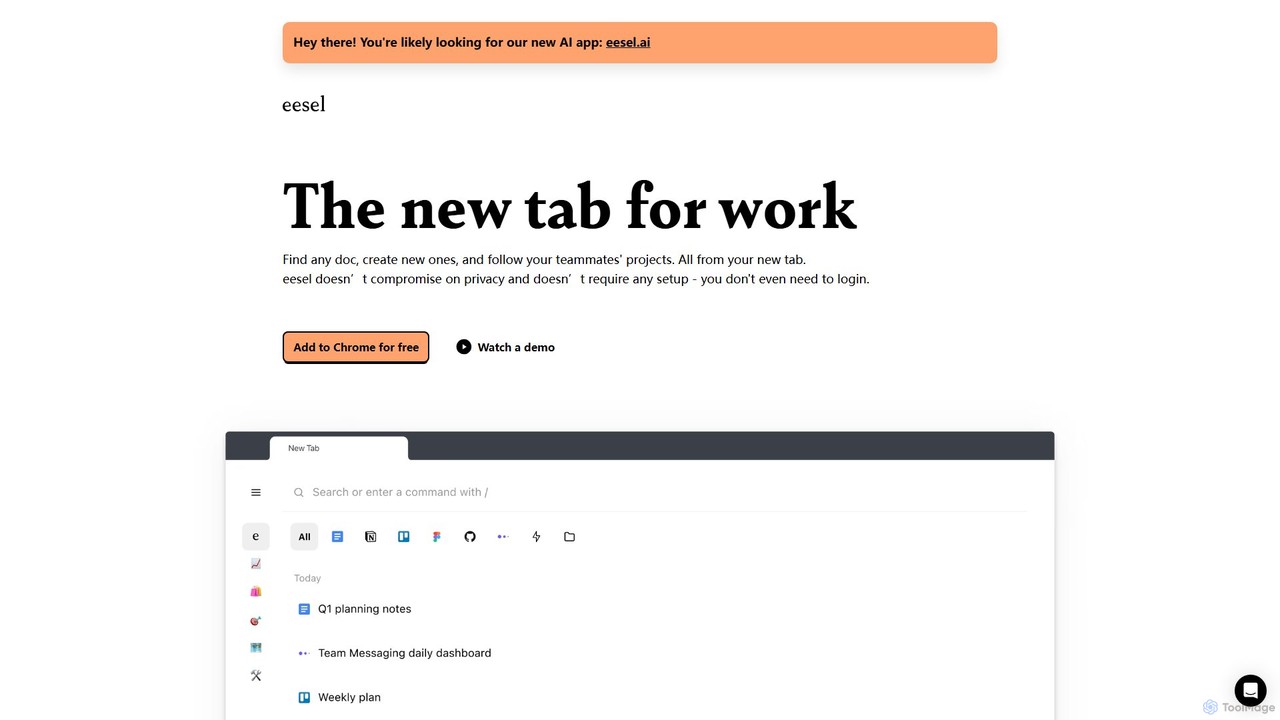
eesel
eesel is a smart browser extension that transforms your new tab into a productivity hub. It automatically organizes your work from all your apps (Google Docs, Notion, Figma, etc.), making every document instantly searchable. With a strong focus on privacy, eesel works locally on your computer, requires no setup, and helps you and your team stay organized and in sync without effort.
New Tab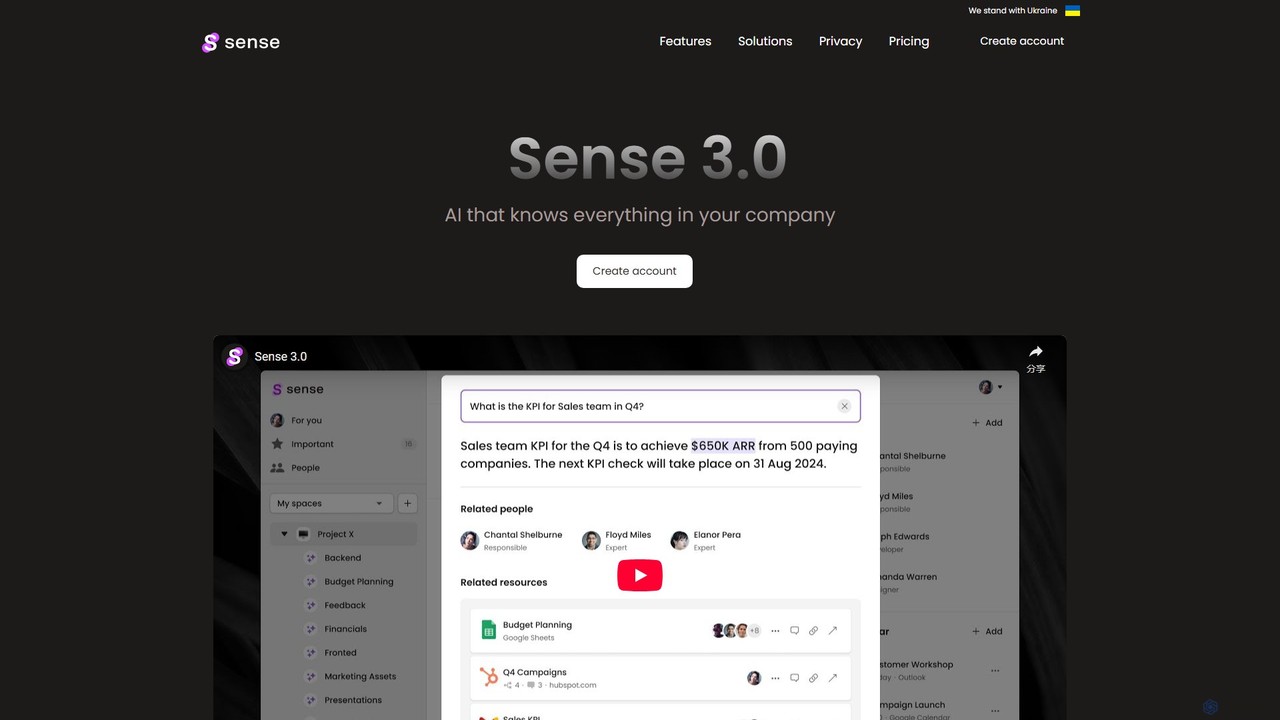
Sense
Sense is an AI-powered knowledge hub that integrates with all your company's applications to create a single, searchable source of truth. It automatically organizes data, provides intelligent answers to your questions, and delivers personalized updates to enhance team productivity and collaboration.
Collaboration
unlost.ai
unlost.ai is a powerful AI-driven universal search assistant that helps you find any file, message, or piece of information across all your apps and local storage. Stop wasting time switching tabs and let unlost.ai instantly retrieve what you need with a simple natural language query, centralizing your digital life.
Knowledge Management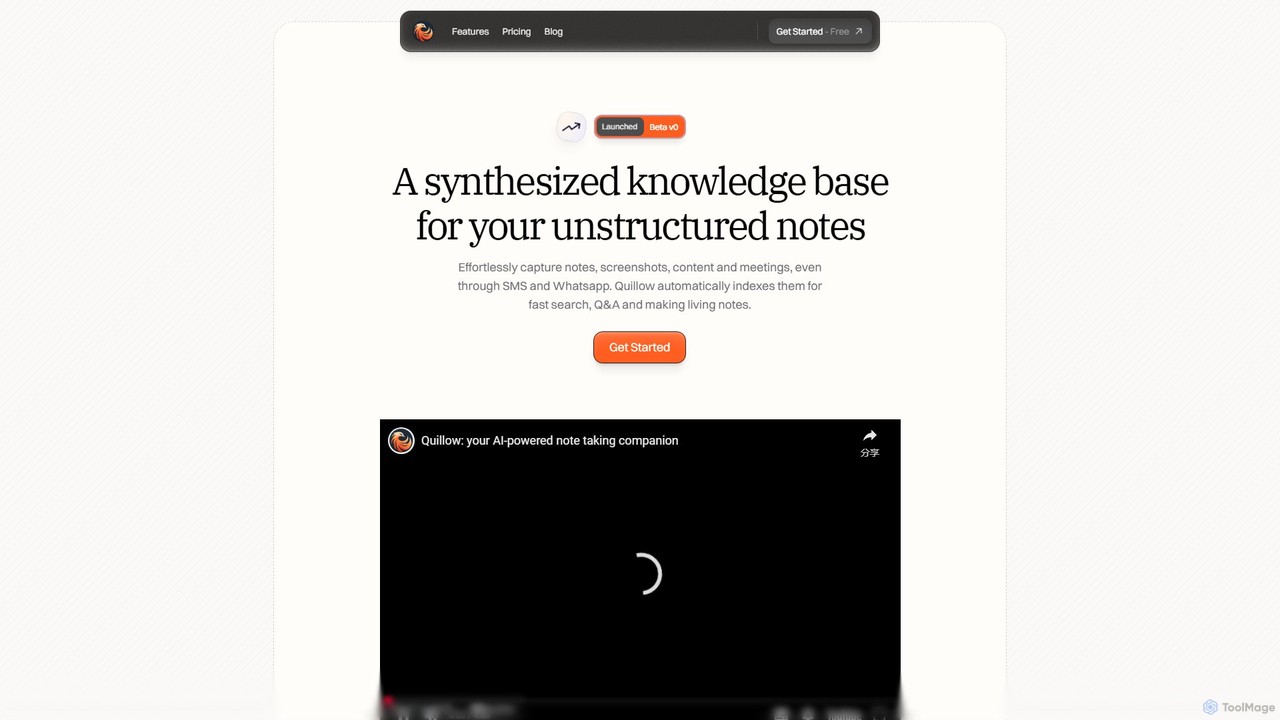
Quillow
Quillow is an AI-powered note-taking app that functions as your second brain. It effortlessly captures unstructured notes, screenshots, and content from various sources, including SMS and WhatsApp, and automatically organizes them into a searchable, queryable knowledge base. Ask questions to your notes and let AI synthesize the answers.
PersonalCuriosity Categories
Curiosity Embed Widget
Copy this embed code to place the badge on your blog, article, or product site and send readers directly to this ToolMage detail page.

Related AI tools
Waylight
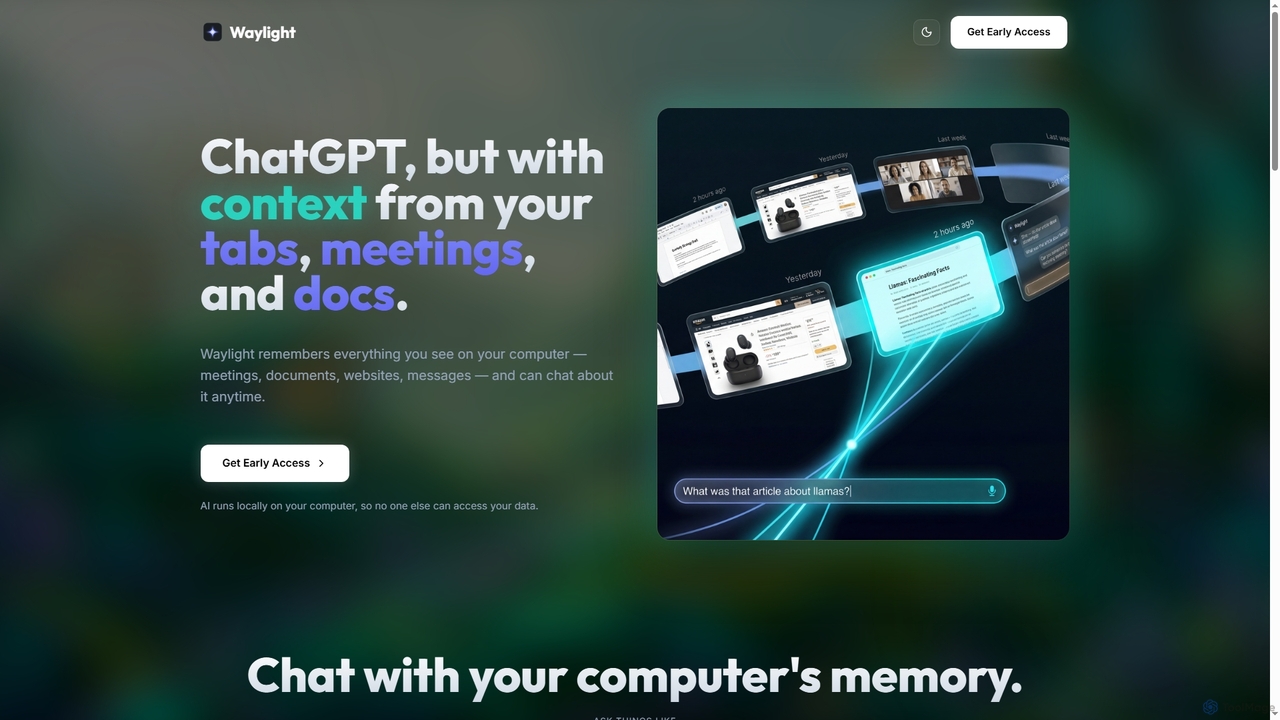
Waylight is a privacy-first AI assistant that runs locally on your computer. It remembers everything you see—meetings, documents, and websites—creating a searchable memory you can chat with, without ever uploading your data to the cloud.
Desktop Assistant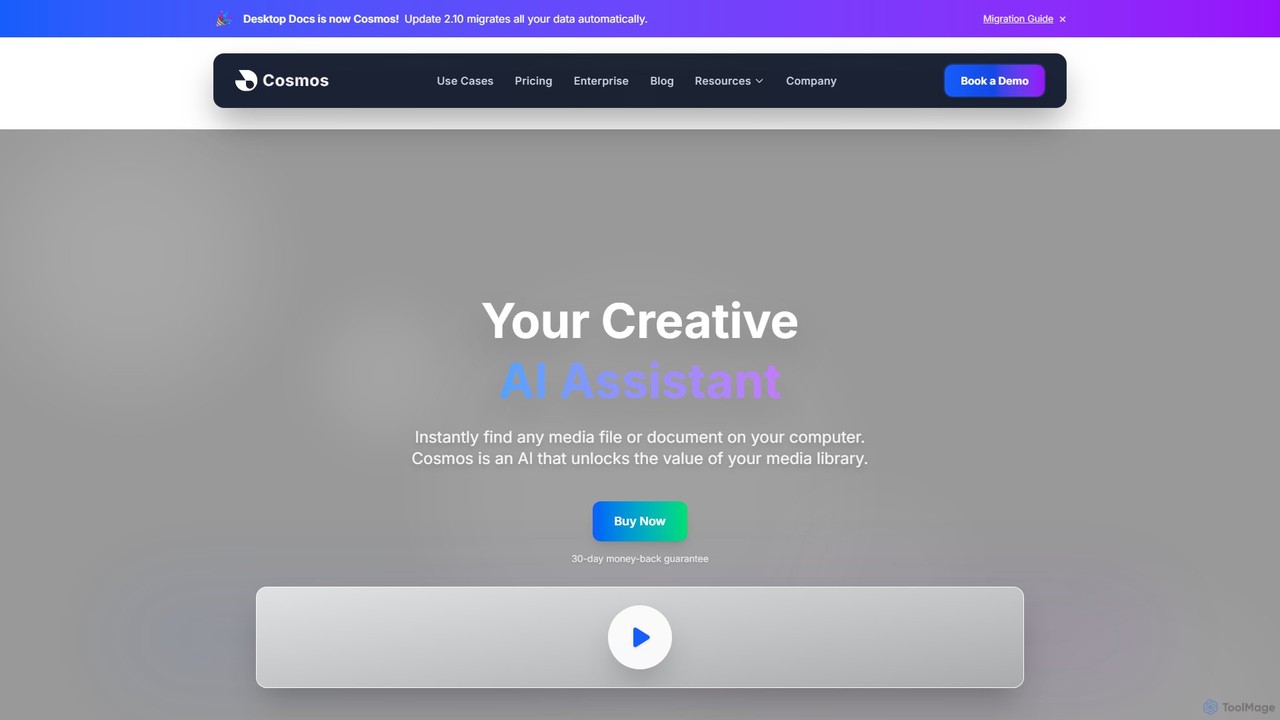
Cosmos
Cosmos is an AI-powered desktop assistant that revolutionizes how you find files. It runs locally on your computer, indexing your media and documents to enable natural language search. Instead of remembering file names, you can search for content like "photo of a red car" or "presentation with charts." Designed for creative professionals and teams, it ensures 100% privacy, works offline, and dramatically speeds up your workflow by eliminating the hunt for files.
Asset Management
Findr
Findr is an AI-powered second brain for personal and enterprise knowledge management. It unifies all your information—from apps like Google Drive, Notion, and Slack, to documents, notes, and bookmarks—into a single, searchable workspace. Ask questions in natural language to get context-aware answers from your own data, streamline research, and never lose an idea again.
Knowledge Managementeesel
eesel is a smart browser extension that transforms your new tab into a productivity hub. It automatically organizes your work from all your apps (Google Docs, Notion, Figma, etc.), making every document instantly searchable. With a strong focus on privacy, eesel works locally on your computer, requires no setup, and helps you and your team stay organized and in sync without effort.
New TabSense
Sense is an AI-powered knowledge hub that integrates with all your company's applications to create a single, searchable source of truth. It automatically organizes data, provides intelligent answers to your questions, and delivers personalized updates to enhance team productivity and collaboration.
Collaborationunlost.ai
unlost.ai is a powerful AI-driven universal search assistant that helps you find any file, message, or piece of information across all your apps and local storage. Stop wasting time switching tabs and let unlost.ai instantly retrieve what you need with a simple natural language query, centralizing your digital life.
Knowledge ManagementQuillow
Quillow is an AI-powered note-taking app that functions as your second brain. It effortlessly captures unstructured notes, screenshots, and content from various sources, including SMS and WhatsApp, and automatically organizes them into a searchable, queryable knowledge base. Ask questions to your notes and let AI synthesize the answers.
Personal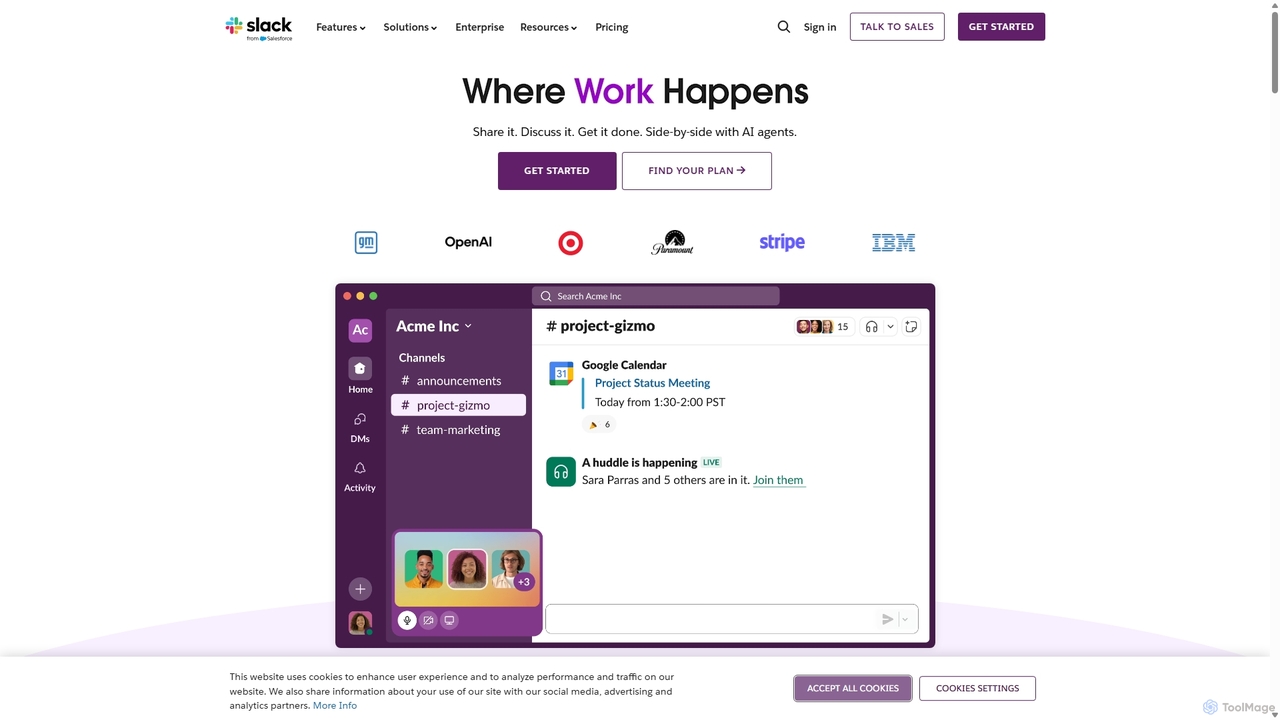
Slack
Slack is an AI-powered collaboration hub that connects your people, partners, and tools. It replaces email with faster, better-organized communication through channels. With integrated AI, workflow automation, and thousands of apps, Slack centralizes your work to boost productivity and streamline project management.
Project Management
Lilys AI
Lilys AI is a powerful knowledge assistant that instantly summarizes diverse content formats, including YouTube videos, audio files, PDFs, websites, and Excel sheets. It extracts key insights, creates structured notes, and allows you to build a searchable personal knowledge base. Ideal for students, researchers, and professionals looking to save time and accelerate learning by quickly grasping the core ideas from lengthy materials.
Research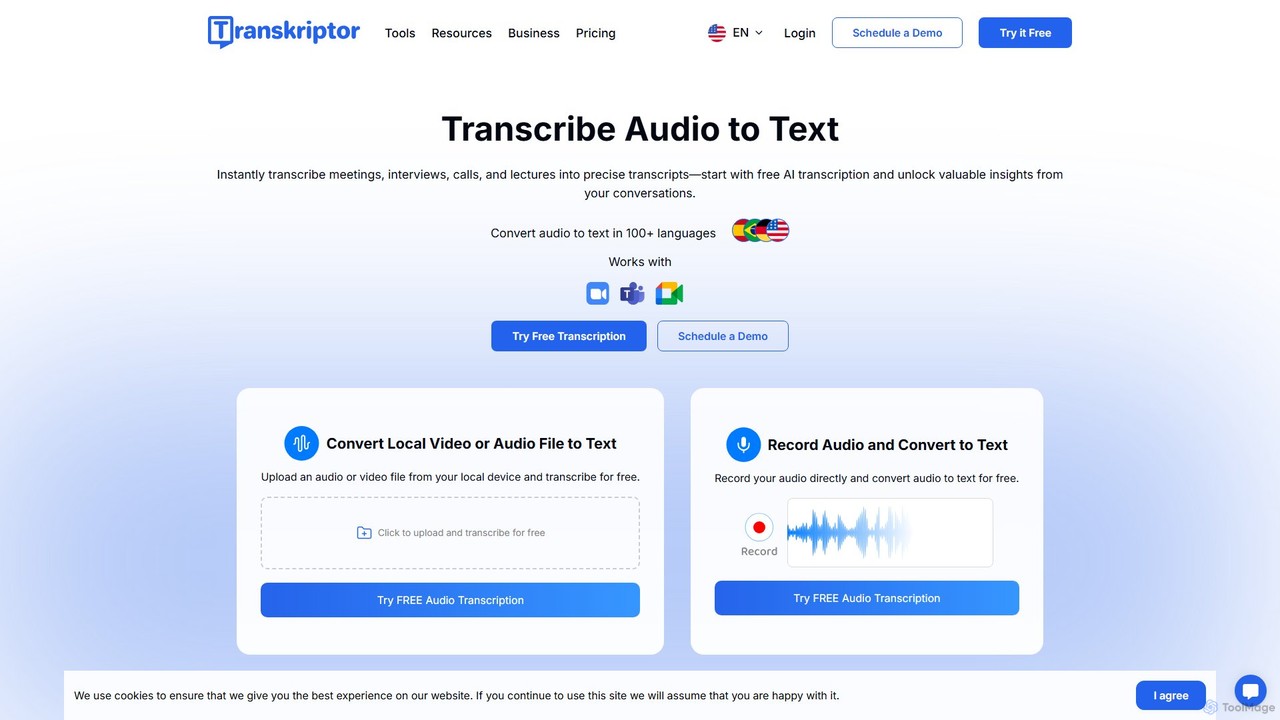
Transkriptor
Transkriptor is an AI-powered transcription service that converts audio and video files into accurate, editable text in over 100 languages. It features an AI assistant for summarizing content, identifying speakers, and extracting action items. Ideal for meetings, interviews, lectures, and content creation, it offers up to 99% accuracy and integrates with platforms like Zoom, Google Meet, and Microsoft Teams. Available as a web app, mobile app, and Chrome extension, it streamlines note-taking and creates a searchable knowledge base from your conversations.
Speech To Text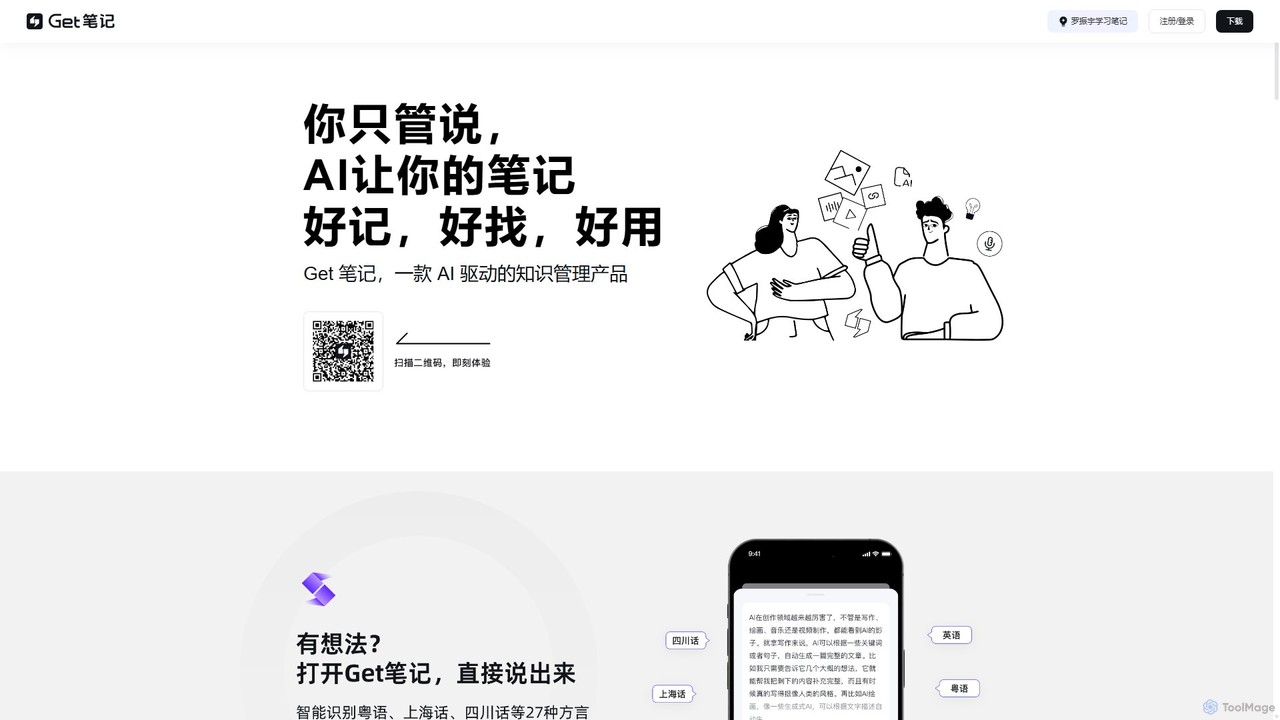
biji
biji is an AI-driven knowledge management app that transforms your spoken ideas into structured, searchable, and usable notes. Just talk, and biji's AI will handle transcription, summarization, and organization, making it effortless to capture and manage your thoughts, meetings, and learnings.
Transcription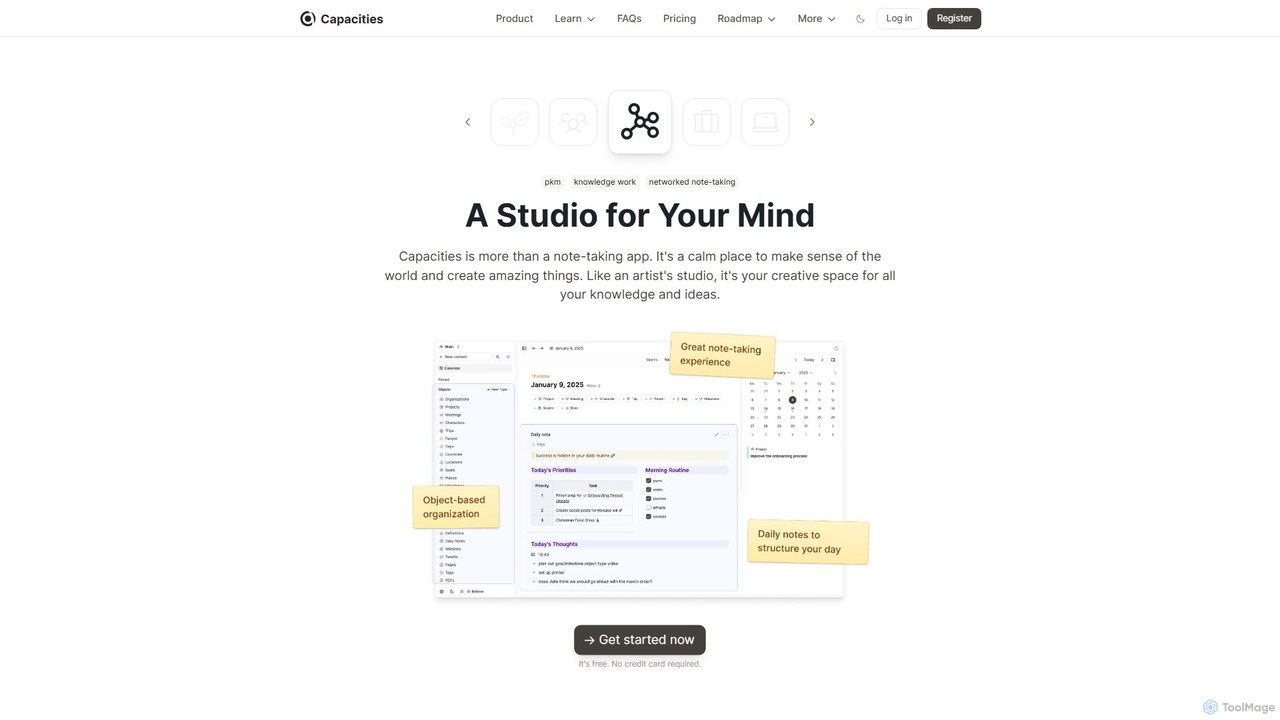
Capacities
Capacities is a next-generation note-taking and knowledge management tool designed as a "studio for your mind." It replaces traditional folders with a flexible, object-based network, allowing you to connect ideas naturally. Features include an integrated AI assistant, powerful linking, custom content types, and cross-platform availability, making it ideal for building a personal knowledge base or "second brain."
Second Brain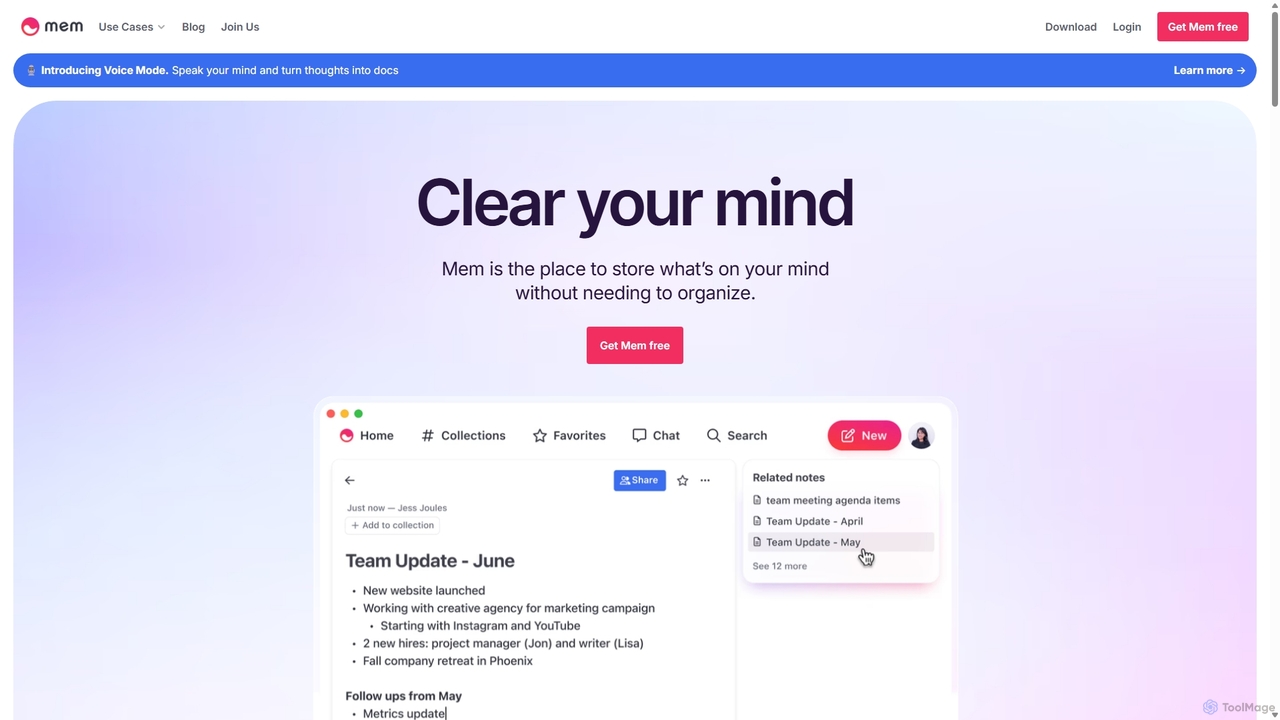
Mem
Mem is a self-organizing workspace powered by AI, designed to act as your personal second brain. It captures, connects, and resurfaces your notes automatically, eliminating the need for manual organization. With its integrated AI chat, you can search, summarize, and generate content from your own knowledge base.
Personal Assistant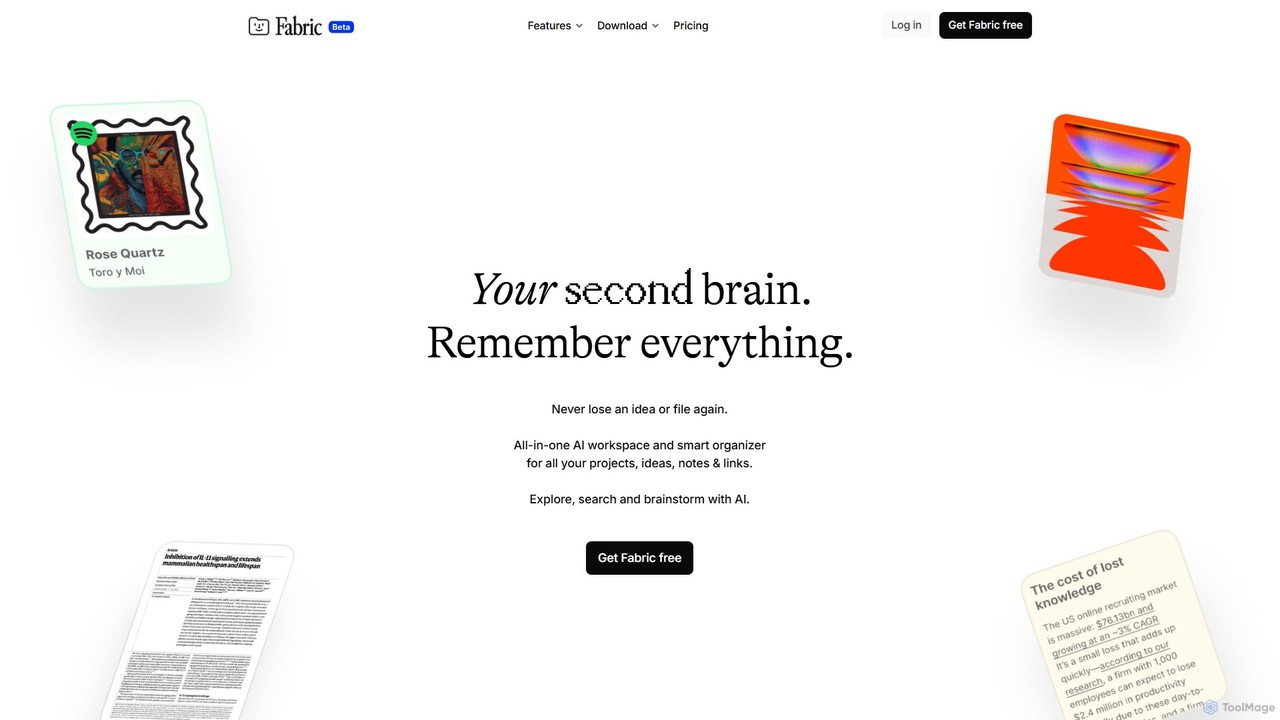
Fabric
Fabric is an AI-powered workspace and smart organizer that acts as your second brain. It automatically centralizes and connects all your notes, files, links, and ideas, eliminating the need for manual organization. Search your entire digital library with natural language and collaborate with an intelligent AI partner.
Personal Assistant
Curiosity Comments (0)
Sign in to comment.
Sign inNo comments yet.