

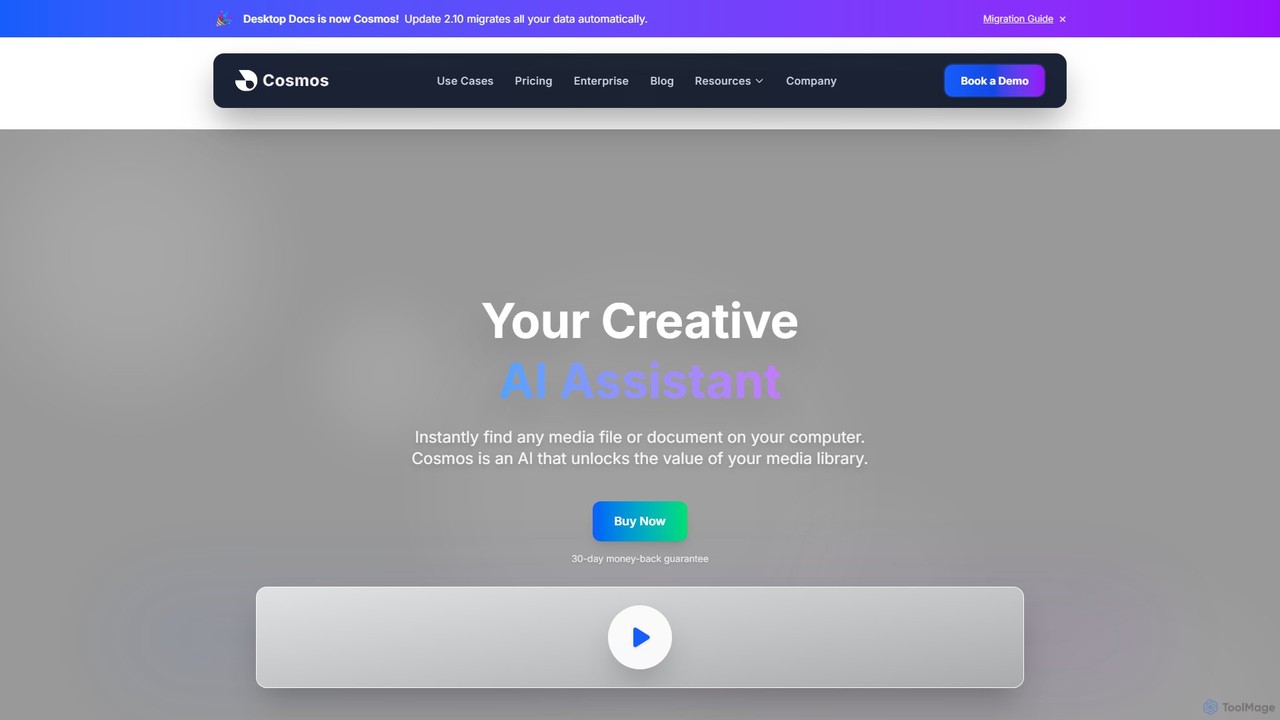
Cosmos Overview
Cosmos (formerly Desktop Docs) is a revolutionary AI-powered creative assistant designed to transform how you interact with your local files. It addresses a universal pain point for creators and professionals alike: the time-consuming and often frustrating task of locating specific media files and documents. By running entirely on your computer, Cosmos builds a private, intelligent index of your content, allowing you to search your entire library using simple, natural language. You no longer need to remember complex folder structures or exact file names; just describe what you're looking for, and Cosmos finds it in seconds.
The core philosophy of Cosmos is built on privacy and efficiency. Unlike cloud-based solutions, your files are never uploaded or shared. All AI processing happens locally on your machine, ensuring your data remains 100% private and secure. This makes it an ideal tool for handling sensitive or proprietary content. It works completely offline, giving you uninterrupted access to your files regardless of your internet connection.
How to use Cosmos
Getting started with Cosmos is a straightforward, three-step process designed to get you up and running in minutes:
- Download and Install: After purchasing, you'll receive a download link. The installation process is guided and typically takes about 5 minutes to set up the local AI models on your computer.
- Analyze Your Content: Select the folders, drives, or even external hard drives you want Cosmos to index. The application will then analyze the content, making your entire library searchable. This is a one-time process for new content, and Cosmos will keep the index updated.
- Find and Export: Once indexed, you can start searching. Use intuitive, descriptive prompts like "guitar solo in an audio file," "video of a sunset over the ocean," or "design inspiration with a blue color palette." Cosmos understands context and meaning, not just keywords. Once you locate the file you need, you can easily export it or open it in your favorite creative software.
Core Features of Cosmos
- AI-Powered Natural Language Search: Search your files by describing their content, context, or visual elements. The AI understands complex queries and delivers accurate results instantly.
- 100% Private and Local: All data and AI processing remain on your device. No cloud uploads, no third-party access, and it works entirely offline. You own and control your data.
- Comprehensive File Support: Cosmos indexes and searches a wide range of formats, including videos, images, audio files, podcasts, and documents.
- Team Collaboration (Enterprise Plan): Share AI libraries across your team, allowing for seamless asset discovery and collaboration. Eliminate redundant work and ensure everyone can find the latest project files.
- Visual Search: Use a reference image to find visually similar photos within your collection, perfect for photographers and designers looking for specific aesthetics.
- Workflow Integration: Designed for creators, Cosmos makes it easy to find frames, B-roll, or assets and export them directly into tools like Adobe Premiere, Photoshop, and more, keeping your creative momentum.
Use Cases for Cosmos
Cosmos is built to supercharge any workflow that relies on digital assets:
- Video Editors: Instantly locate specific scenes, B-roll footage, or audio clips by searching for descriptions like "drone shot of a forest" or "dialogue about startups," saving hours of manual scrubbing.
- Photographers: Search massive photo libraries with queries like "portrait shot with soft lighting" or "photo of a red car at sunset." Use visual search to find shots with a similar mood or composition.
- Audio Producers & Podcasters: Find sound effects, music tracks, or specific spoken phrases within hours of audio content in seconds.
- Design Teams: Organize and discover brand assets, inspirational images, and design files across all team projects, ensuring consistency and speeding up the creative process.
- Researchers & Students: Quickly find information within documents and presentations by searching for concepts, charts, or specific text, even if you don't remember the file name.
Advantages of Cosmos
The primary advantage of Cosmos is the massive boost in productivity. By saving hours each week that would otherwise be spent searching for files, it allows you to focus on creating. Its commitment to privacy is a significant differentiator, providing a secure environment for your most valuable assets. The intuitive, human-like search capability makes it accessible to everyone, regardless of technical skill, and ultimately unlocks the full potential of your entire media library.
Pricing and Plans
Cosmos offers clear and straightforward pricing:
- Cosmos Creator: A one-time payment of $99. This is an annual license that includes one year of feature updates and priority support. After the first year, you can continue to use your version of the software forever. A 30-day money-back guarantee is included.
- Cosmos Enterprise: Custom pricing for teams and organizations. This plan includes volume discounts, shared AI libraries, advanced collaboration features, custom integrations (e.g., with existing MAM/DAM systems), and a dedicated success manager.
Traffic
Latest traffic
Status
Monthly traffic trend
- 2025-9: 767
- 2026-1: 3.3K
- 2026-2: 3.8K
- 2026-3: 3.7K
- 2026-4: 3.7K
- 2026-5: 4.4K
Geography
Top 5 countries / regions
- 🇺🇸United States82.7%
- 🇲🇽Mexico13.0%
- 🇵🇭Philippines4.2%
Top keywords
| Keyword | Cost per click |
|---|---|
| cosmos | $0.61 |
| cosmos ai | $3.66 |
| cosmos.so | $0.00 |
| cosmos transcrivber | $0.00 |
| meetcosmos | $0.00 |
Cosmos Alternatives
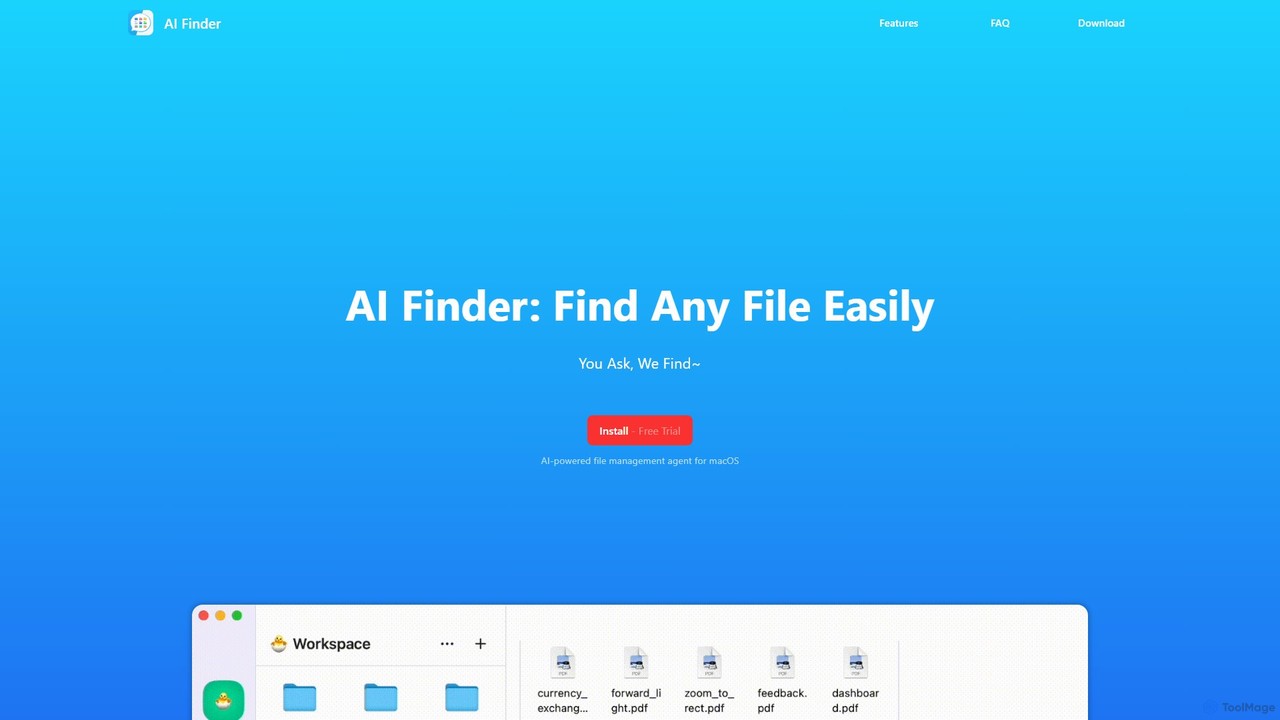
AI Finder
AI Finder is an intelligent file management agent for macOS that revolutionizes how you find files. Using natural language, you can search files by content, creation date, or even vague descriptions. It also features a 'Talk to PDF' function, allowing you to chat with, summarize, and extract key insights from your documents. All processing is done locally, ensuring your data remains private and secure.
Analysis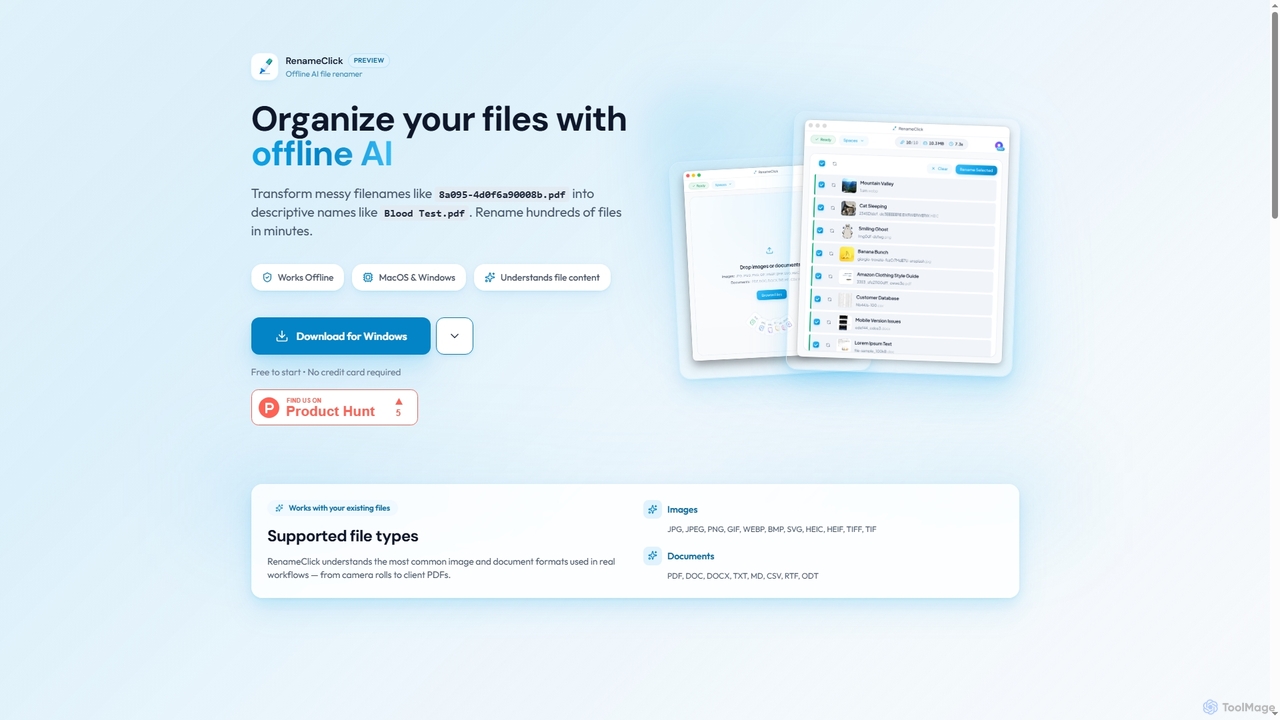
RenameClick
RenameClick is an offline AI file renamer for Mac and Windows that intelligently transforms messy, unorganized filenames into descriptive, clean labels. It leverages local AI to understand file content, enabling efficient batch renaming of hundreds of images and documents while ensuring complete privacy.
Offline Processing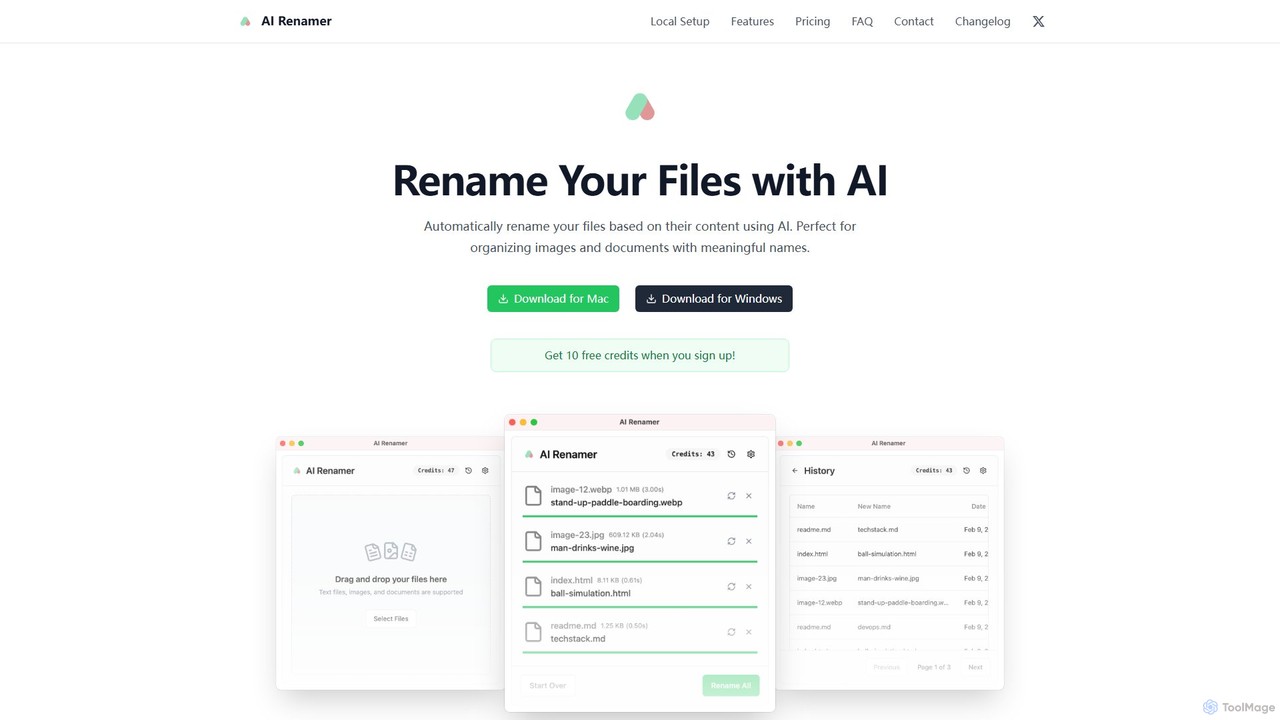
AI Renamer
AI Renamer is a smart desktop application for Mac and Windows that automatically renames files based on their content. It analyzes images and documents to generate descriptive, meaningful names, helping you organize your digital life effortlessly. It supports batch processing, custom naming rules, and offers both a private, offline Local Mode and a convenient Cloud Mode.
Document Management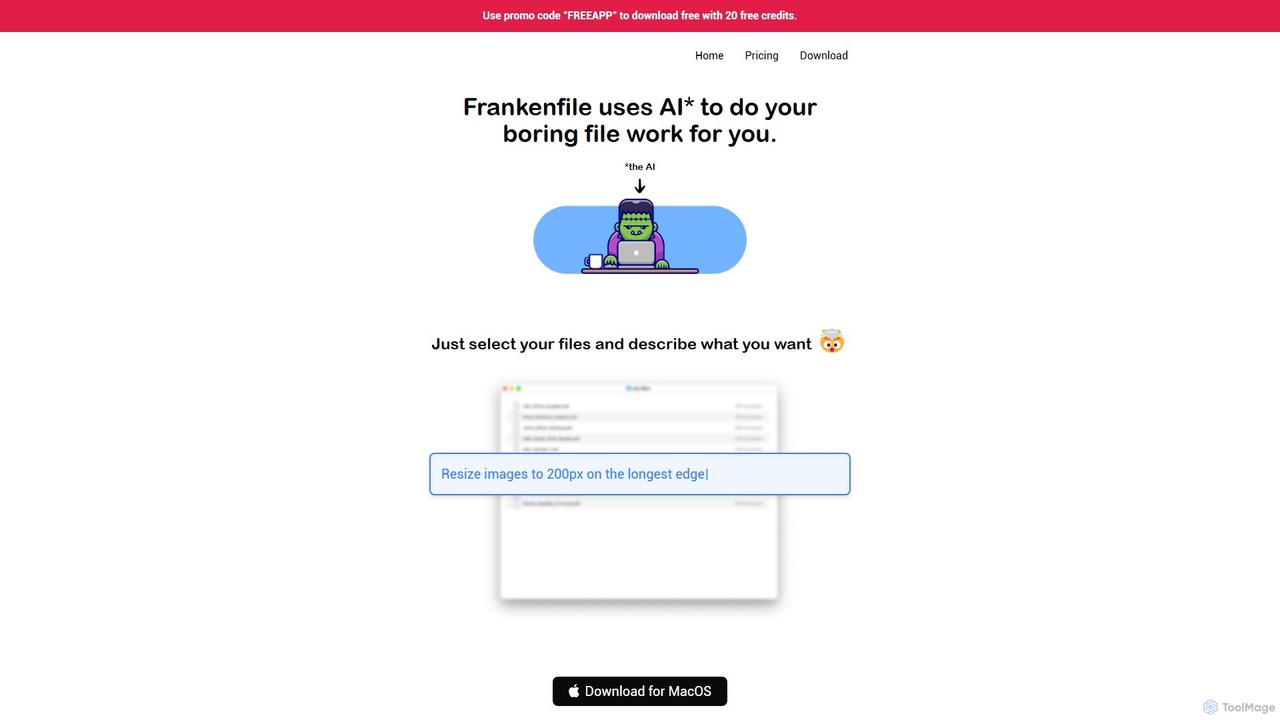
Frankenfile
Frankenfile is an AI-powered assistant for MacOS that automates your file management tasks. Simply describe what you want to do in plain English, and the app handles complex operations on images, videos, audio, and PDFs. It runs entirely locally, ensuring your files remain private and secure.
Task Automation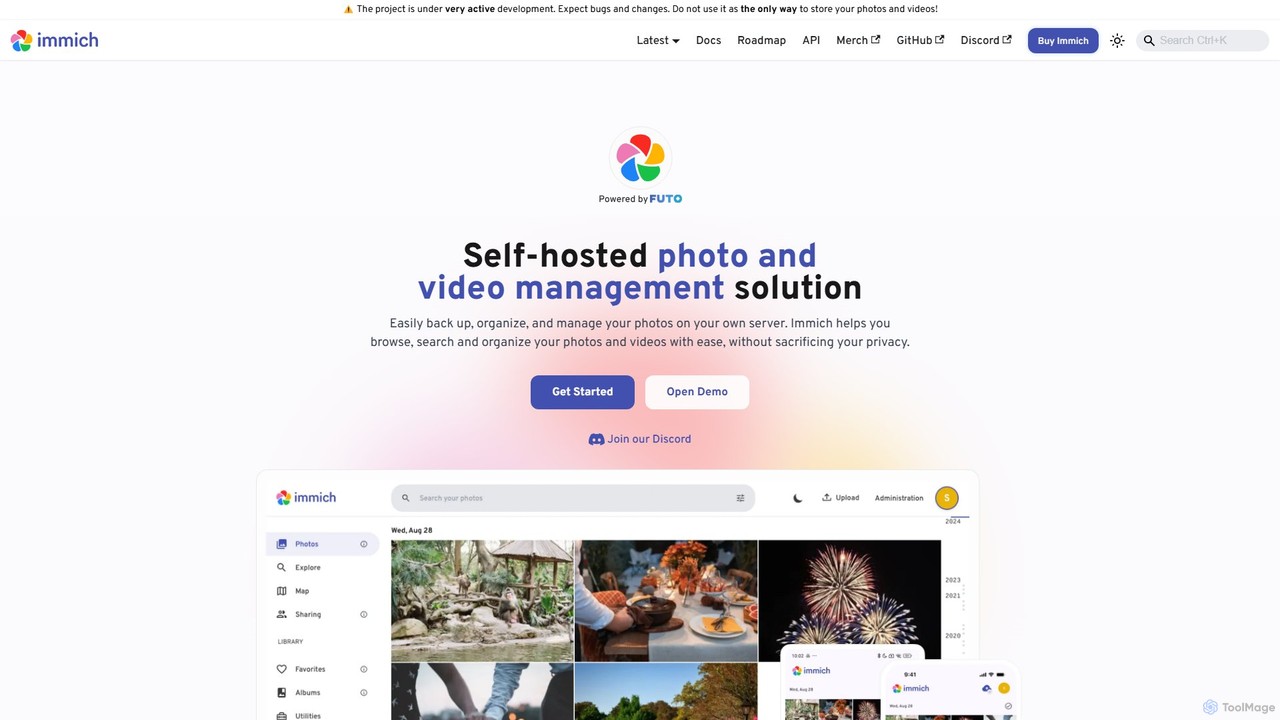
Immich
Immich is a high-performance, open-source, self-hosted photo and video backup solution. It serves as a private, feature-rich alternative to cloud services like Google Photos, offering AI-powered features such as facial recognition, object detection, and semantic search, all while ensuring you retain full control and ownership of your personal media.
Self HostedCosmos Categories
Cosmos Embed Widget
Copy this embed code to place the badge on your blog, article, or product site and send readers directly to this ToolMage detail page.

Related AI tools
Curiosity
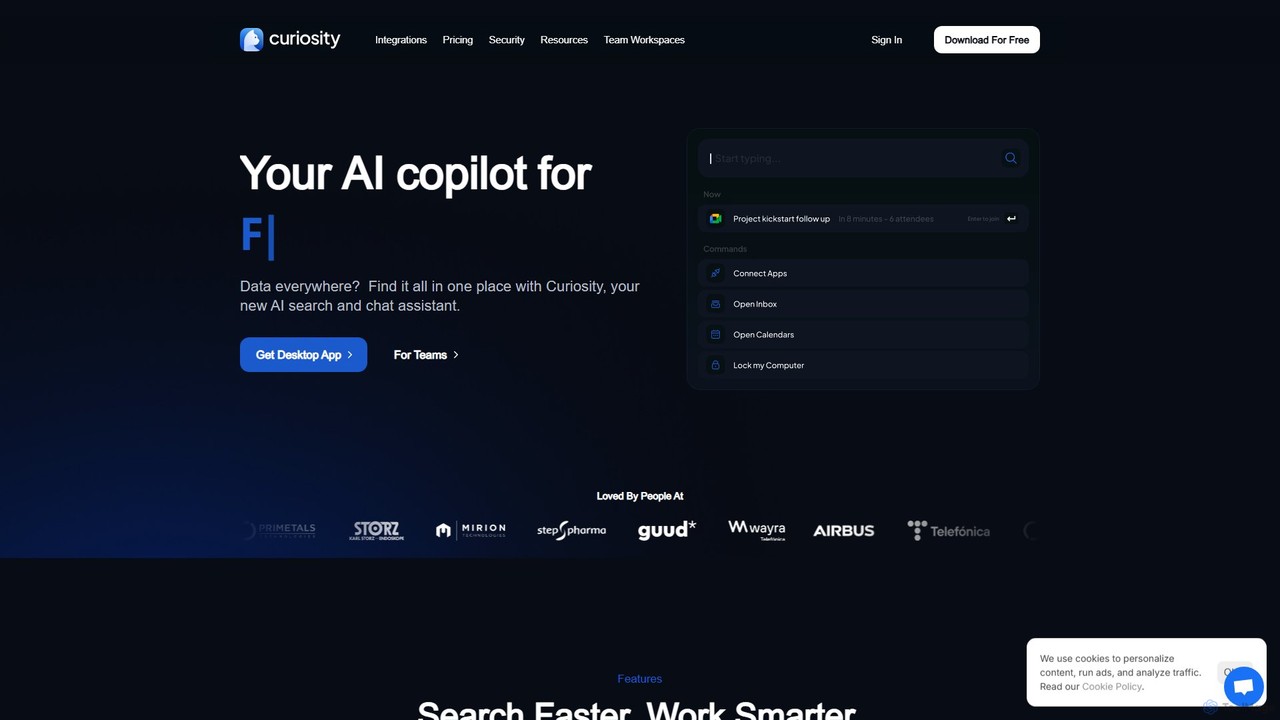
Curiosity is an AI-powered search app that unifies all your local files and cloud apps into one searchable interface. It acts as a smart command bar, allowing you to instantly find documents, chat with your files using AI, launch applications, and manage emails and calendars, all with a simple keyboard shortcut. It prioritizes privacy by processing your data locally.
LauncherAI Finder
AI Finder is an intelligent file management agent for macOS that revolutionizes how you find files. Using natural language, you can search files by content, creation date, or even vague descriptions. It also features a 'Talk to PDF' function, allowing you to chat with, summarize, and extract key insights from your documents. All processing is done locally, ensuring your data remains private and secure.
Analysis
Jumper
Jumper is an AI-powered video editing assistant that integrates with professional editing software. It enables editors to instantly search through hours of footage for any visual or spoken content, all locally on their device. By eliminating cloud uploads, Jumper offers unparalleled speed, privacy, and a streamlined workflow, saving countless hours on every project.
Transcription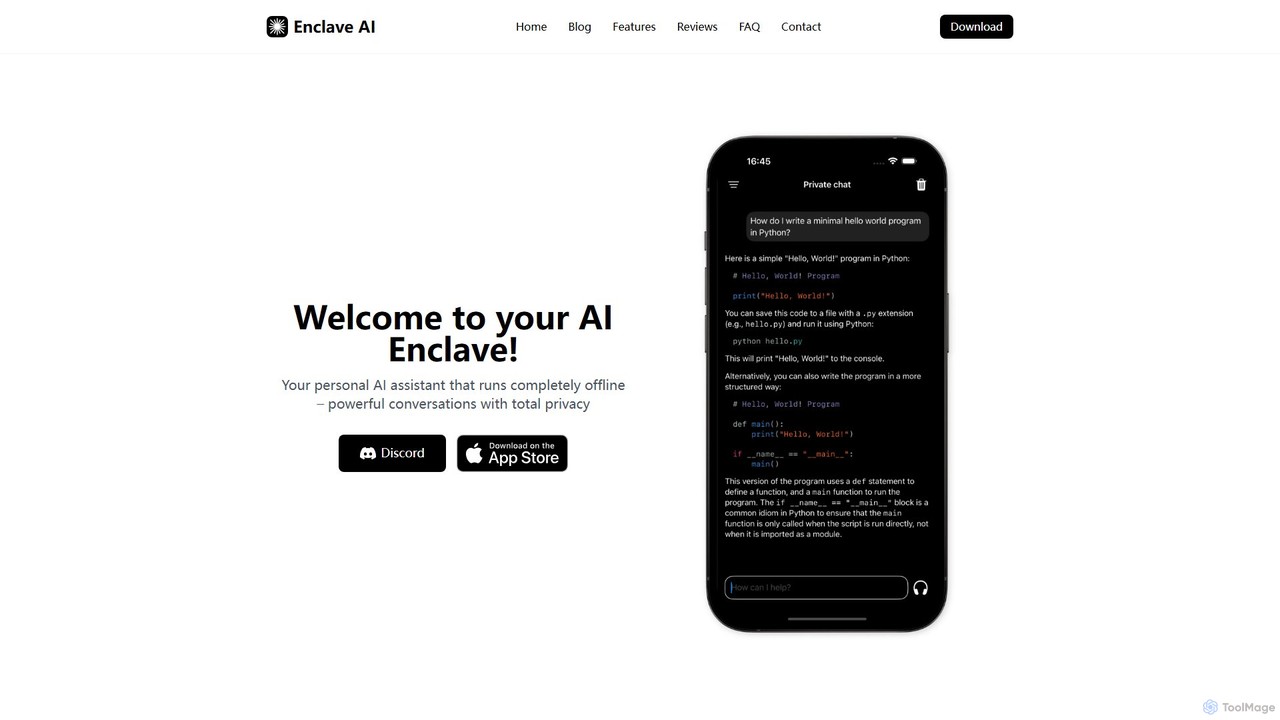
Enclave AI
Enclave AI is a private, local, and offline AI assistant for macOS and iOS. It runs powerful open-source models directly on your device, ensuring your conversations, documents, and data remain 100% private and secure, with no internet connection required.
Local Models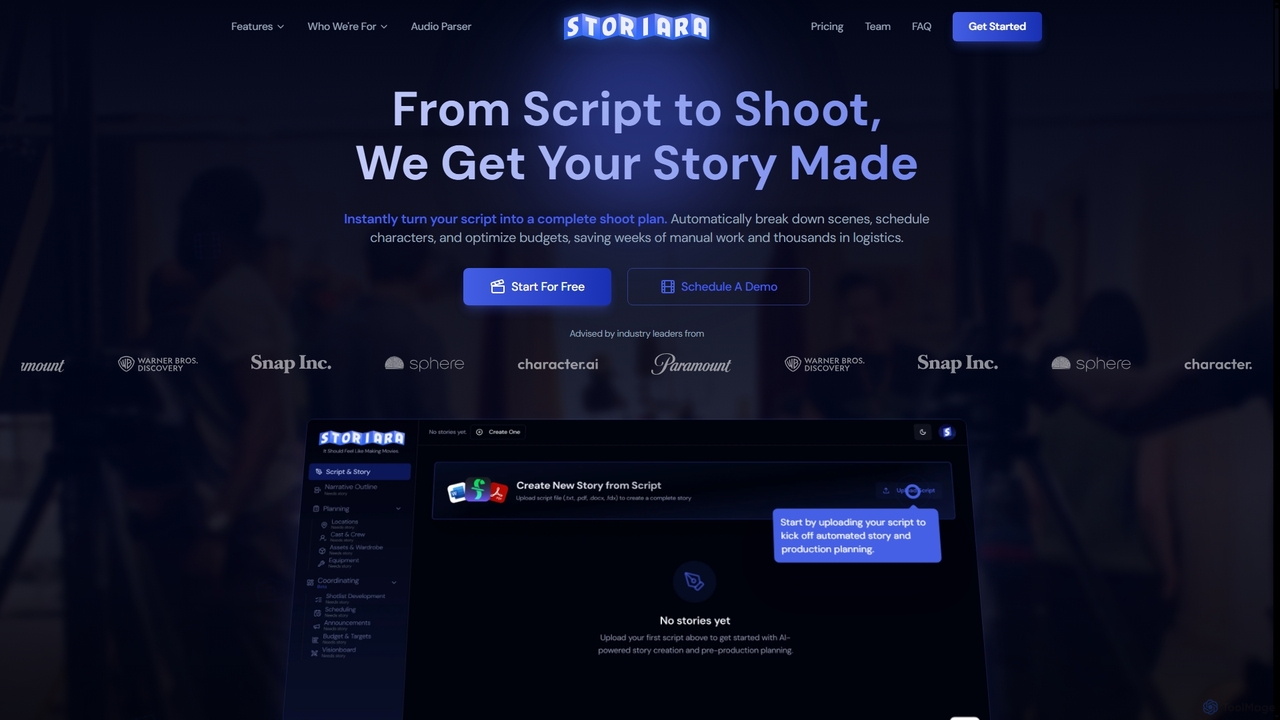
Storiara
Storiara is an AI-powered production platform that transforms scripts into complete shoot plans, automating pre-production tasks like scheduling, budgeting, storyboarding, and call sheet generation. It helps filmmakers save weeks of manual work and thousands in logistics, getting stories made faster and more efficiently.
Cost Management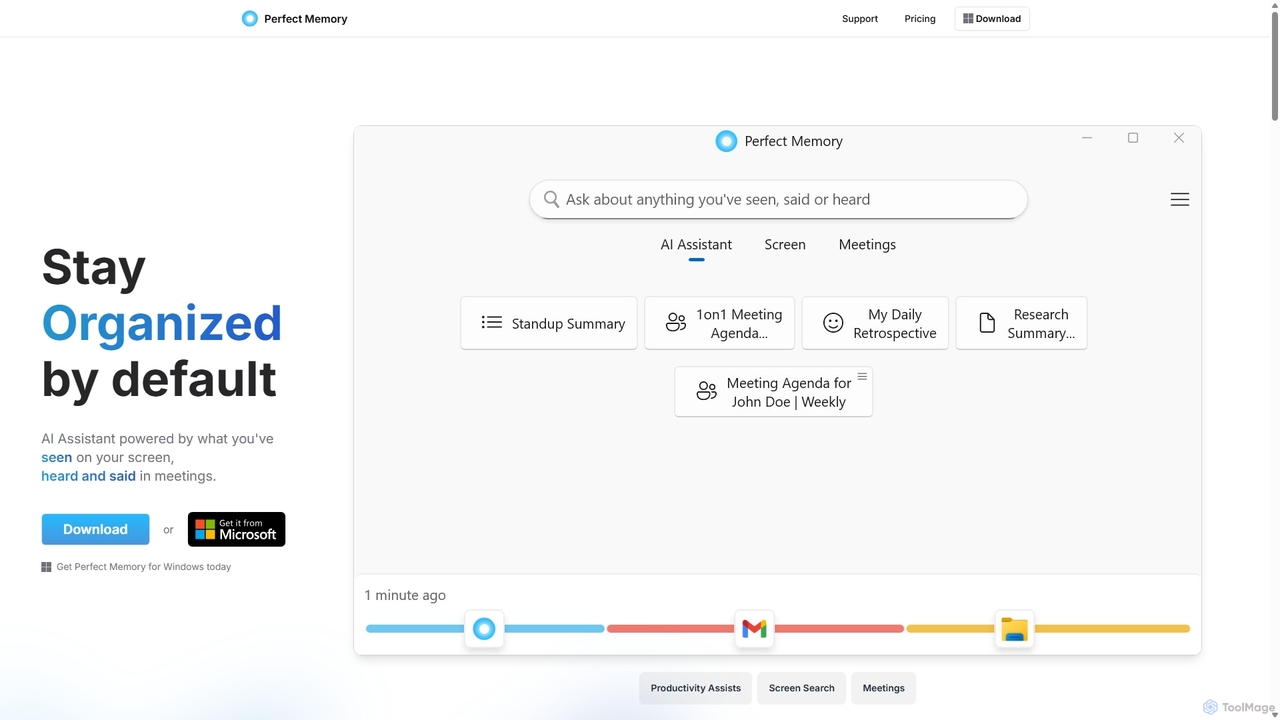
Perfect Memory AI
Perfect Memory AI is a privacy-focused productivity assistant that acts as your second brain. It records your screen activity and meetings, making everything you've seen or heard fully searchable. With a powerful AI assistant, it helps you recall information, summarize research, and prepare for meetings, all while keeping your data securely on your local device.
Local Processing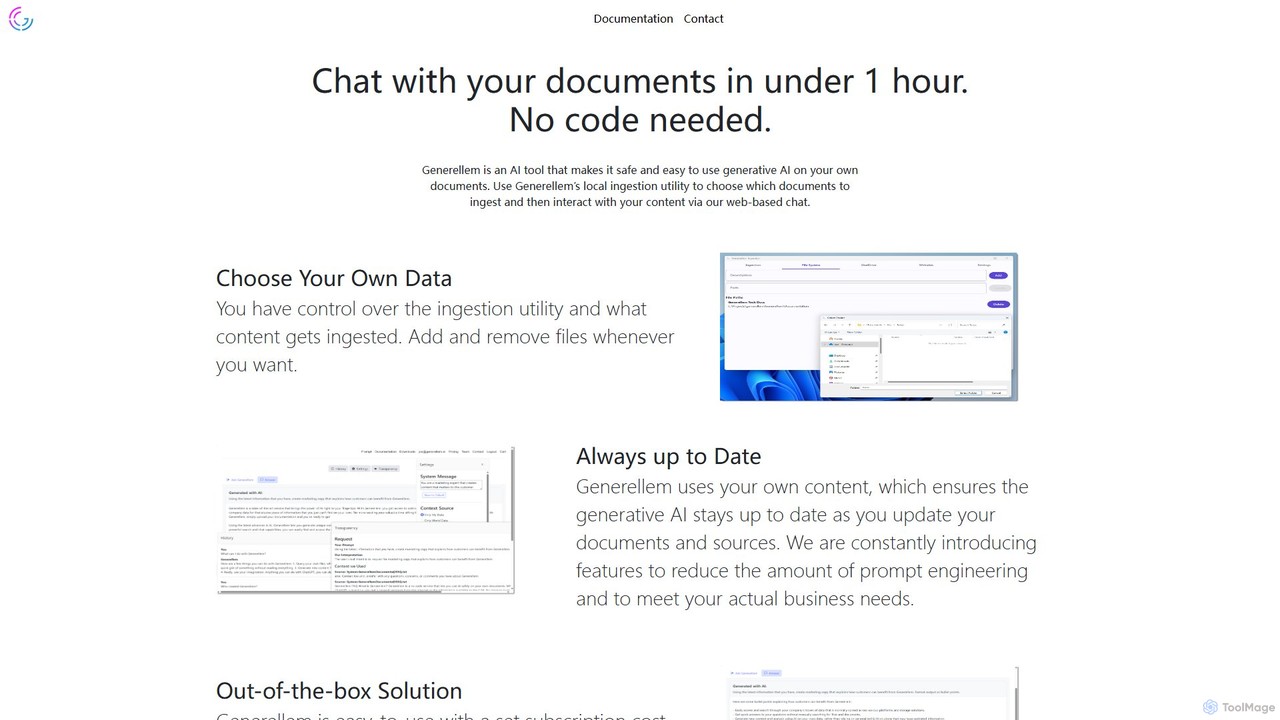
Generellem
Generellem is a secure, no-code AI tool that allows you to chat with your own documents. It uses a local ingestion utility to create a private knowledge base, enabling you to get instant, accurate answers from your data via a web-based chat interface.
Knowledge Management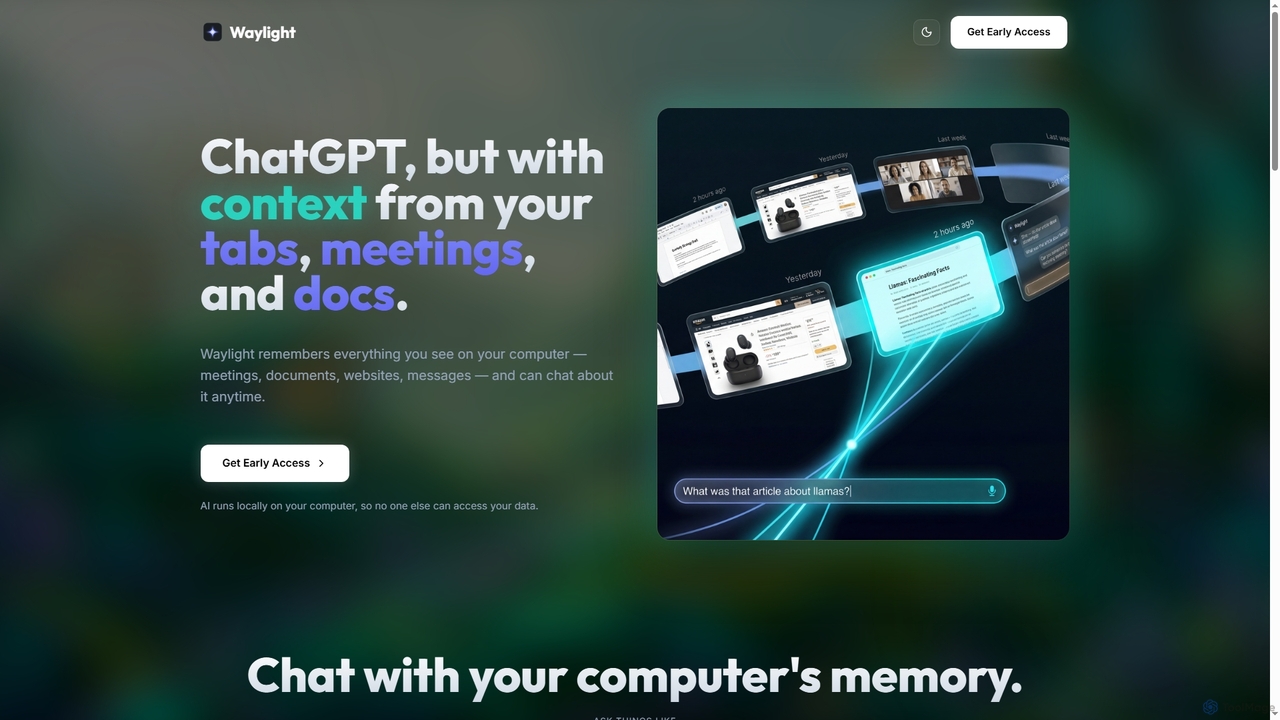
Waylight
Waylight is a privacy-first AI assistant that runs locally on your computer. It remembers everything you see—meetings, documents, and websites—creating a searchable memory you can chat with, without ever uploading your data to the cloud.
Desktop AssistantRenameClick
RenameClick is an offline AI file renamer for Mac and Windows that intelligently transforms messy, unorganized filenames into descriptive, clean labels. It leverages local AI to understand file content, enabling efficient batch renaming of hundreds of images and documents while ensuring complete privacy.
Offline ProcessingAI Renamer
AI Renamer is a smart desktop application for Mac and Windows that automatically renames files based on their content. It analyzes images and documents to generate descriptive, meaningful names, helping you organize your digital life effortlessly. It supports batch processing, custom naming rules, and offers both a private, offline Local Mode and a convenient Cloud Mode.
Document ManagementFrankenfile
Frankenfile is an AI-powered assistant for MacOS that automates your file management tasks. Simply describe what you want to do in plain English, and the app handles complex operations on images, videos, audio, and PDFs. It runs entirely locally, ensuring your files remain private and secure.
Task Automation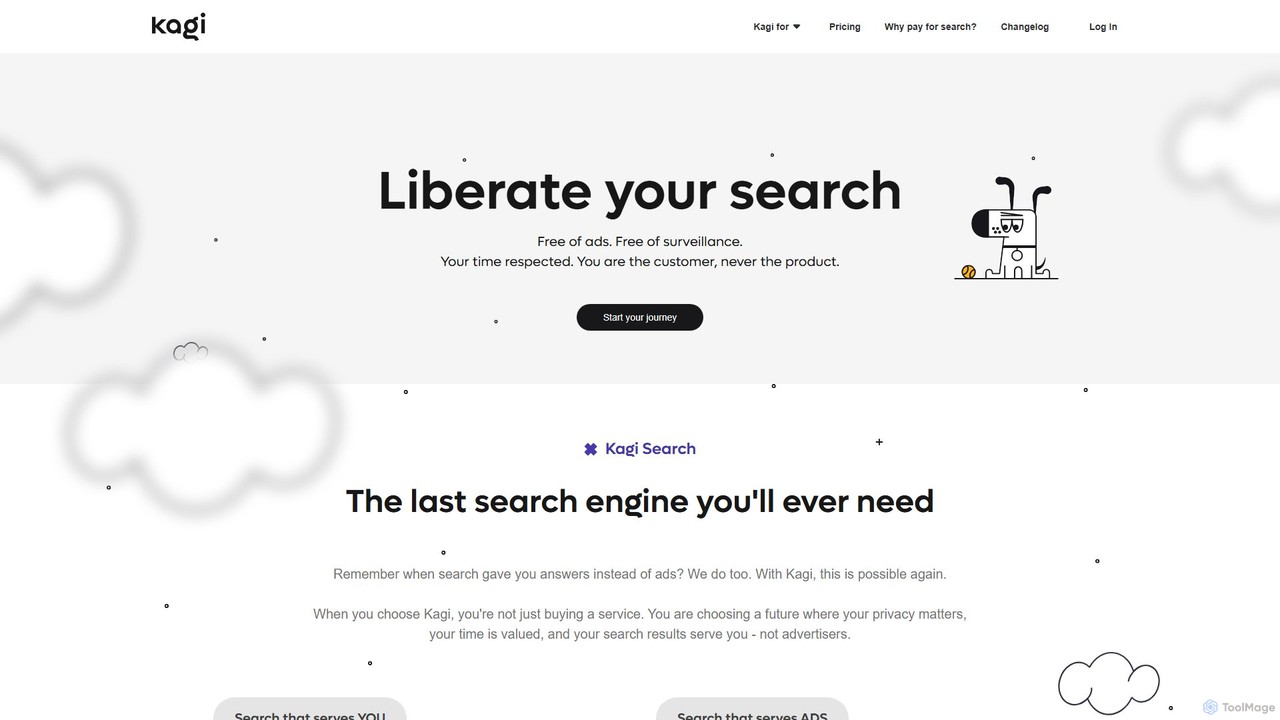
Kagi
Kagi is a premium, user-funded search engine that provides a 100% ad-free, private, and customizable search experience. It enhances productivity with high-quality, unbiased results and an integrated AI Assistant powered by leading large language models. Kagi puts users in control, allowing them to personalize search results and ensuring their data is never sold or used for advertising.
Ai Assistant
Chatbox AI
Chatbox AI is a powerful, cross-platform AI client for desktop and mobile. It integrates chat with documents, images, and code, offers real-time web search, AI image generation, and prioritizes user privacy with local data storage. Use your own API keys or subscribe to their all-in-one service.
Writing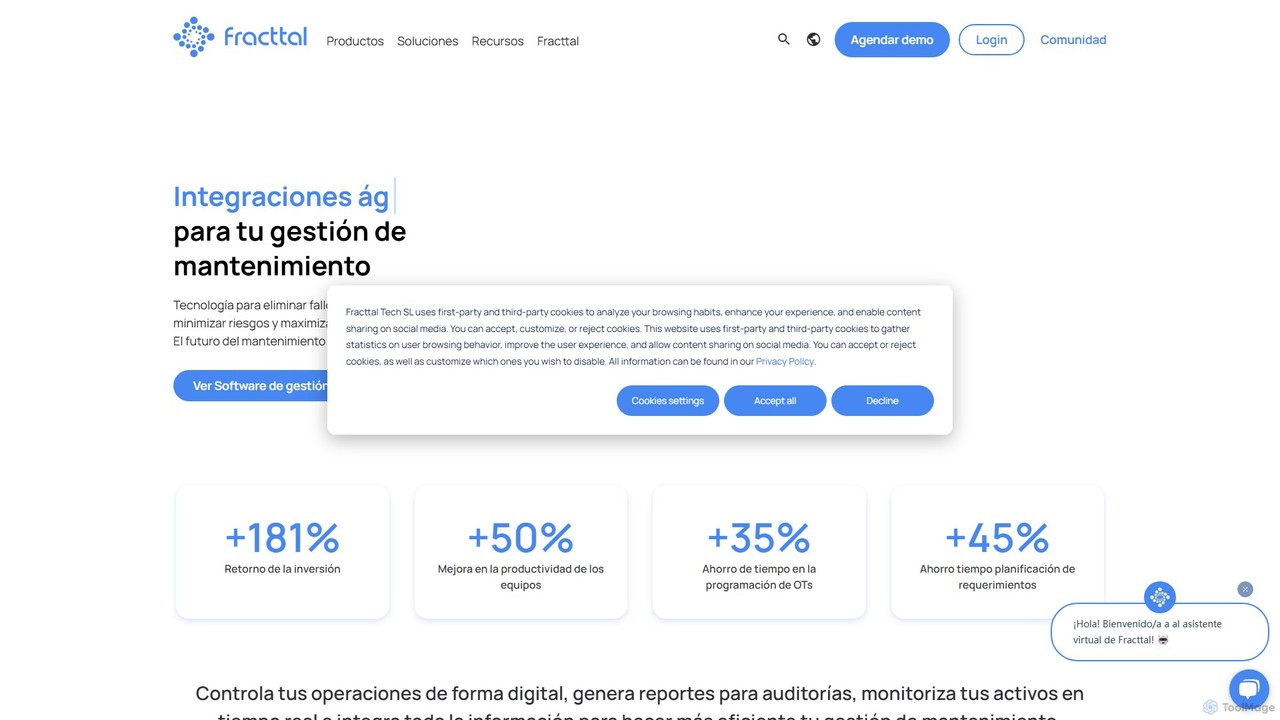
Fracttal
Fracttal is an AI-powered maintenance management platform (CMMS/EAM) designed to optimize asset performance and operational efficiency. It combines predictive maintenance, IoT device integration, and an AI assistant to help businesses reduce failures, cut costs, and maximize asset uptime across various industries.
Maintenance Management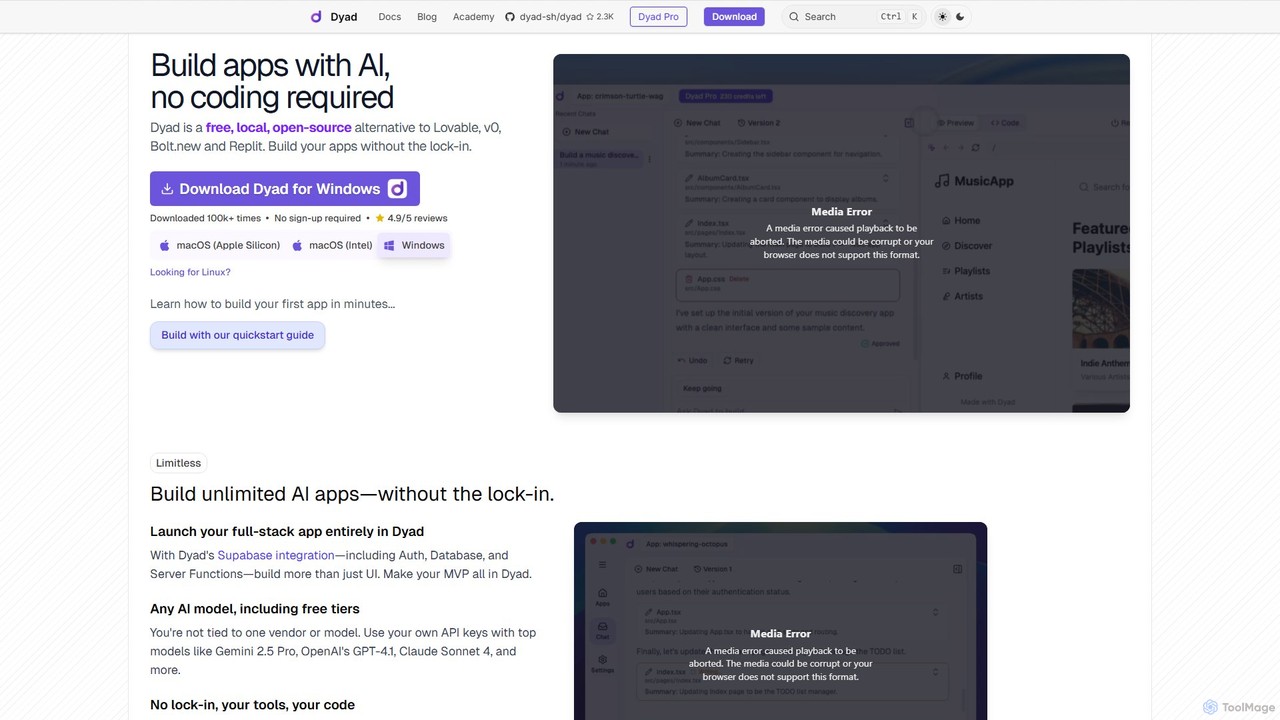
Dyad
Dyad is a free, local, and open-source AI app builder that allows you to create full-stack applications without coding. It runs directly on your machine, ensuring privacy and no vendor lock-in, while supporting various AI models like GPT-4, Gemini, and local models via Ollama.
Low Code No Code
Cosmos Comments (0)
Sign in to comment.
Sign inNo comments yet.