
Dyad Overview
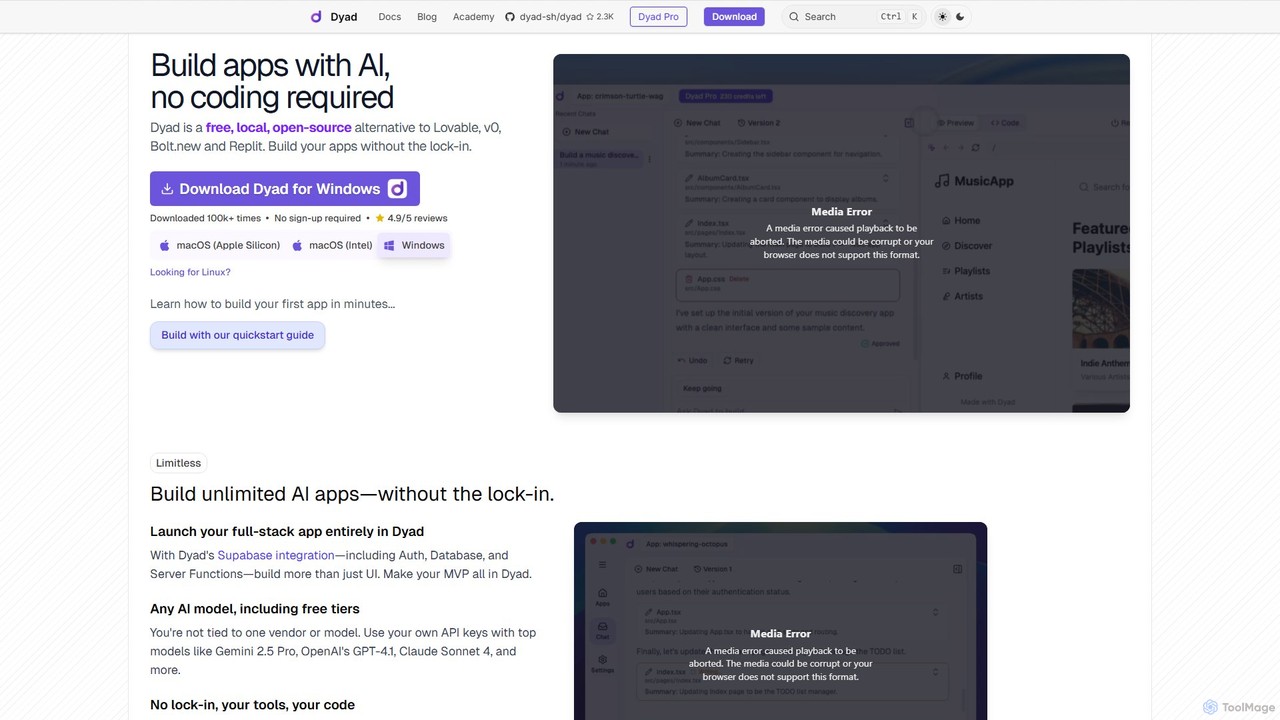
Dyad is a revolutionary AI-powered application builder designed for developers and creators who value privacy, ownership, and flexibility. As a free, local, and open-source alternative to cloud-based platforms like Lovable and v0, Dyad empowers you to build unlimited full-stack applications directly on your computer. This local-first approach eliminates vendor lock-in and ensures that your source code and data remain private and secure on your machine.
With Dyad, the app creation process is as simple as having a conversation. You describe the application you want to build in a chat interface, and Dyad's AI engine generates the necessary code. You can then preview the changes in real-time, approve the code, and see your app come to life. This seamless workflow makes it an ideal tool for rapid prototyping, building Minimum Viable Products (MVPs), and creating custom internal tools without writing a single line of code.
How to use Dyad
Getting started with Dyad is a straightforward process designed to get you building in minutes:
- Download and Install: Download the Dyad application for your operating system (macOS or Windows) from the official website.
- Initial Setup: The app will guide you through two essential setup steps: installing Node.js (the JavaScript runtime for your apps) and setting up AI access.
- Connect AI Models: Provide your own API keys for leading AI models like Google's Gemini, OpenAI's GPT-4, or Anthropic's Claude. Dyad also supports local models through Ollama for complete offline functionality and data privacy.
- Start Building: In the chat input, describe the app or feature you want to create. For example, 'Create a to-do list app with a button to add new tasks.'
- Review and Approve: Dyad's AI will generate the code. Once you approve it, the code is saved to your local machine, and a live preview of your application appears instantly.
- Iterate and Refine: Continue chatting with the AI to add more features, modify the design, or debug issues. You can also open the source code in your favorite IDE (like VS Code) for advanced customization.
- Deploy: Once your app is ready, you can use the provided guides to publish it using services like GitHub and Vercel.
Core Features of Dyad
- Local & Open-Source: Runs entirely on your machine, giving you full control, privacy, and speed. The open-source nature ensures transparency and community-driven development.
- No-Code AI App Generation: Build applications by describing them in natural language through a chat interface.
- Full-Stack Capabilities: Integrates seamlessly with Supabase for backend features like authentication, databases, and server functions, allowing you to build more than just UIs.
- AI Model Flexibility: Bring your own API keys for popular models (Gemini, GPT-4, Claude) or connect to local models via Ollama. You are never tied to a single AI vendor.
- Complete Code Ownership: All generated source code is stored locally on your computer. You own it and can modify it with your preferred tools.
- Real-Time Preview: Instantly see the results of your prompts and edits in a live preview panel.
- Cross-Platform: Available for both Windows and macOS (Apple Silicon and Intel).
- Active Community: Strong support and engagement through Reddit and GitHub, where user feedback directly influences the product roadmap.
Use Cases for Dyad
Dyad is versatile and can be used by a wide range of users, from non-developers to seasoned programmers:
- Rapid Prototyping: Quickly build and visualize UI/UX concepts for web applications.
- MVP Development: Create and launch a fully functional Minimum Viable Product (MVP) for your startup idea, complete with a backend and database.
- Internal Tools: Develop custom applications for your business, such as dashboards, data entry forms, or internal portals.
- Personal Projects: Build fun and useful apps, like the poker game mentioned by a user, or a personal finance tracker.
- Learning and Experimentation: An excellent tool for those new to development to understand how applications are built by observing the AI-generated code.
Advantages of Dyad
Dyad stands out from other AI builders due to its core principles:
- No Vendor Lock-In: As an open-source, local tool, you are free to use, modify, and move your projects without being tied to a proprietary platform.
- Enhanced Privacy and Security: Since everything runs locally, your sensitive data and proprietary code never leave your machine.
- Unmatched Speed and Responsiveness: The local environment eliminates network latency, providing an instant and fluid user experience.
- Cost-Effective: The generous free plan and the ability to use free tiers of AI models make it highly accessible. You only pay for what you use.
- True Ownership: You are not 'renting' a platform; you are the true owner of the builder and the code it produces.
Pricing and Plans
Dyad offers flexible plans to suit different needs, with a commitment to keeping the core product free and open-source.
- Dyad Free: Perfect for getting started. It includes the full local, open-source AI App Builder, is downloadable for macOS & Windows, requires no sign-up, and allows you to bring your own API key. Support is available through the community.
- Dyad Pro ($30/month): Unlocks powerful features for professional builders. Includes everything in the Free plan, plus exclusive AI Pro modes, 300 AI credits per month, direct support from the creator, and full access to the Dyad Academy.
- Dyad Max ($79/month): Designed for building large, complex applications. Includes everything in the Pro plan, but with 900 AI credits per month (a 12% saving compared to Pro) and the ability to reload credits at any time.
Traffic
Latest traffic
Status
Monthly traffic trend
- 2025-9: 276.9K
- 2026-1: 325.6K
- 2026-2: 238.3K
- 2026-3: 248.3K
- 2026-4: 250.2K
- 2026-5: 245.1K
Geography
Top 5 countries / regions
- 🇺🇸United States27.7%
- 🇮🇳India23.0%
- 🇧🇷Brazil21.5%
- 🇬🇧United Kingdom17.3%
- 🇮🇹Italy10.5%
Traffic sources
| Source type | Percentage |
|---|---|
Direct | 86.1% |
Referral | 13.0% |
Email | 0.9% |
Top keywords
| Keyword | Cost per click |
|---|---|
| ai app builder open source | $0.00 |
| dayad | $0.00 |
| dyad | $3.29 |
| dyad ai | $2.75 |
| free software builder ai | $0.00 |
Dyad Videos on YouTube

Dyad


Coders Academy

WorldofAI
Codedigipt


Design and Engineering Software
Dyad Alternatives
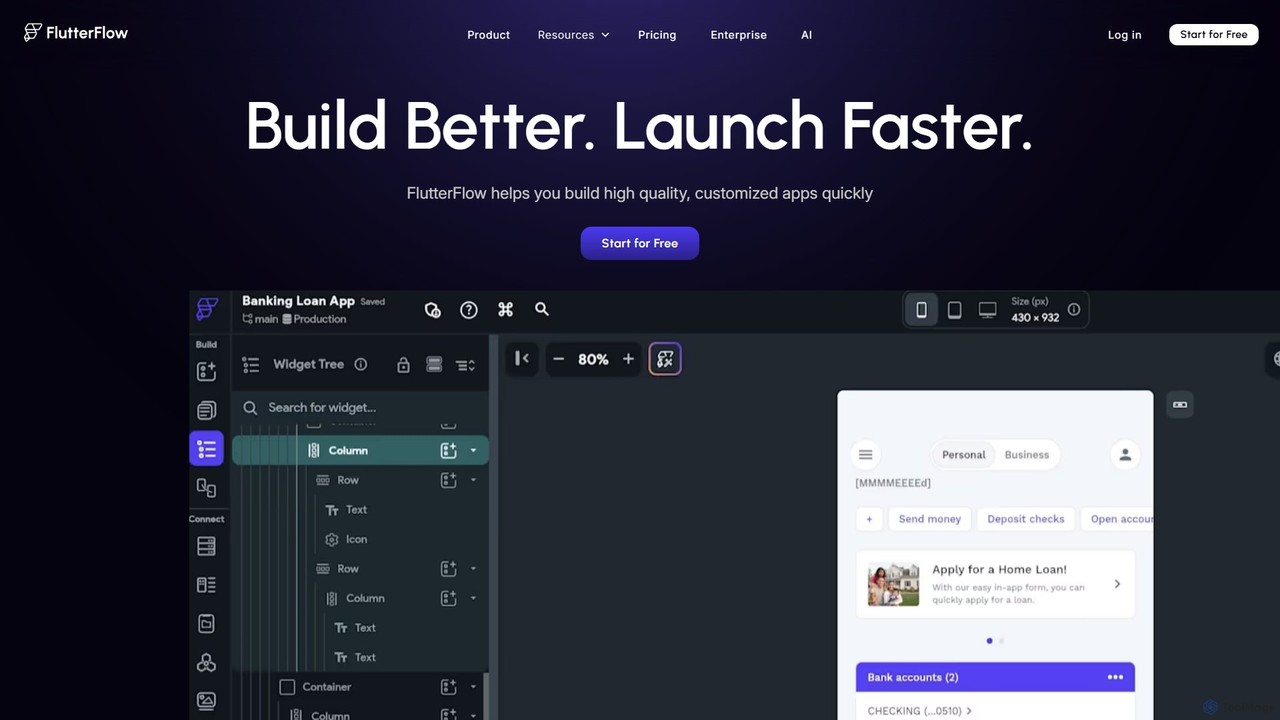
FlutterFlow
FlutterFlow is a low-code platform for visually building native mobile, web, and desktop applications. It empowers developers and non-developers to create high-quality, customized apps with a drag-and-drop interface, pre-built components, and powerful integrations like Firebase and Supabase, significantly accelerating the development process.
Low Code No Code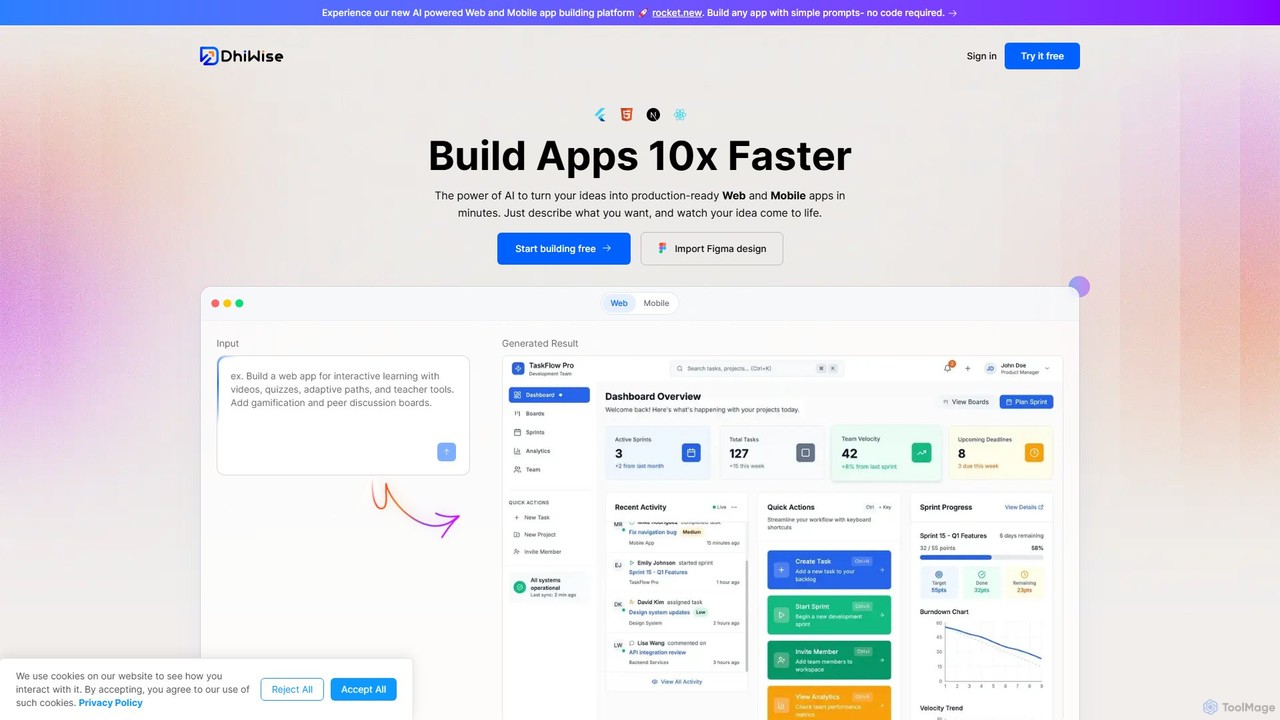
DhiWise
DhiWise is an AI-powered development platform that accelerates the creation of web and mobile applications. It transforms your ideas, natural language prompts, or Figma designs into high-quality, production-ready code in minutes. Supporting frameworks like Flutter and modern web technologies, DhiWise automates boilerplate tasks, enabling developers to build and deploy apps 10x faster.
Design To Code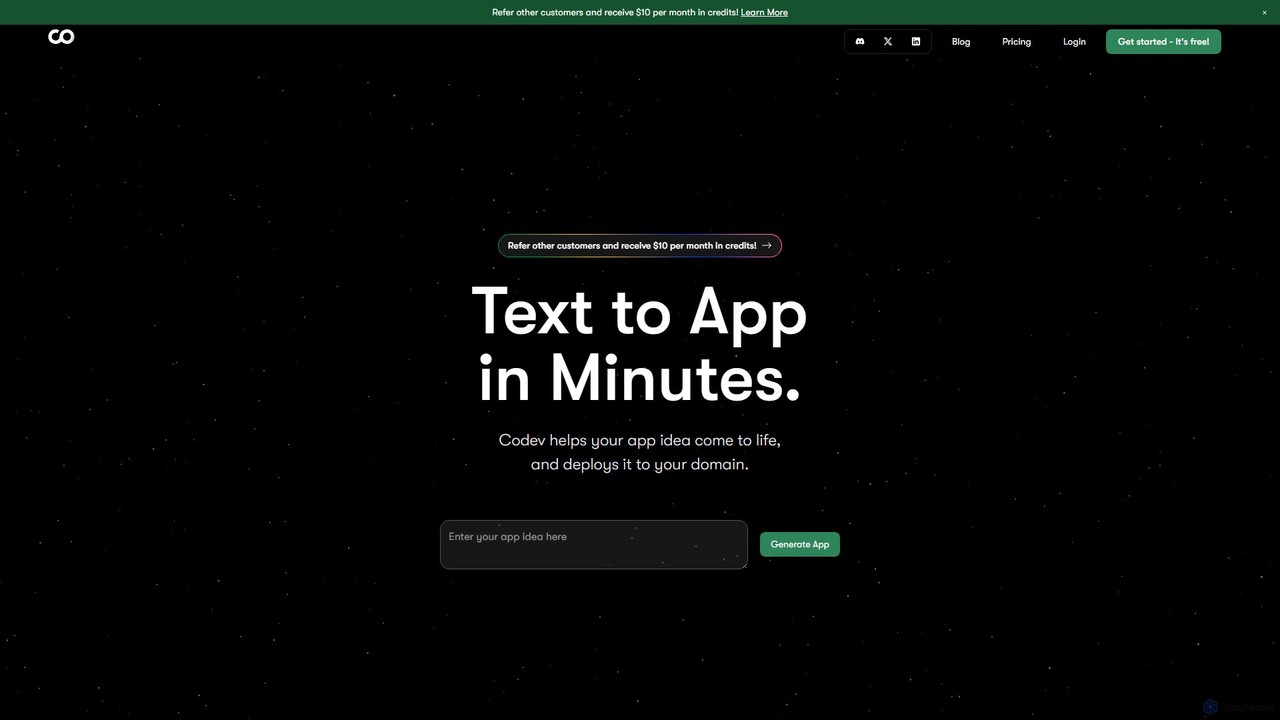
Codev
Codev is an AI-powered platform that transforms text descriptions into full-stack web applications in minutes. It generates production-ready code using Next.js and Supabase, allowing both developers and non-developers to build and deploy their ideas with full source code ownership.
Low Code No Code
Noodl
Noodl is an AI-powered low-code platform designed for creating sophisticated web and mobile applications. It combines a visual, node-based editor with an AI assistant that generates code, making it ideal for both non-coders and experienced developers. Build everything from simple prototypes to full-stack applications with unprecedented speed and flexibility.
Code Generation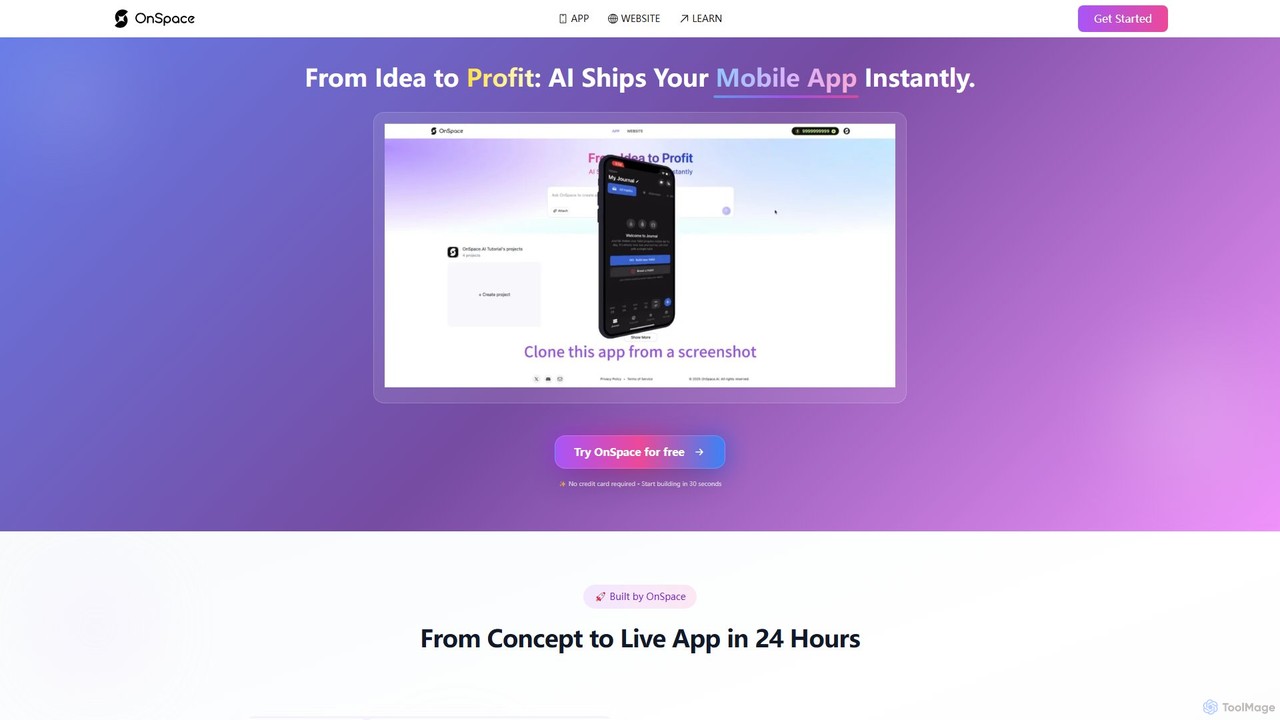
OnSpace.ai
OnSpace.ai is a leading no-code AI platform that instantly transforms your ideas, screenshots, or Figma designs into full-stack, monetizable mobile and web applications. Built for speed and accessibility, it allows anyone to launch a functional app for iOS, Android, and the web in as little as 24 hours, without writing a single line of code.
No CodeDyad Categories
Dyad Embed Widget
Copy this embed code to place the badge on your blog, article, or product site and send readers directly to this ToolMage detail page.

Related AI tools
Codev
Codev is an AI-powered platform that transforms text descriptions into full-stack web applications in minutes. It generates production-ready code using Next.js and Supabase, allowing both developers and non-developers to build and deploy their ideas with full source code ownership.
Low Code No CodeNoodl
Noodl is an AI-powered low-code platform designed for creating sophisticated web and mobile applications. It combines a visual, node-based editor with an AI assistant that generates code, making it ideal for both non-coders and experienced developers. Build everything from simple prototypes to full-stack applications with unprecedented speed and flexibility.
Code GenerationFlutterFlow
FlutterFlow is a low-code platform for visually building native mobile, web, and desktop applications. It empowers developers and non-developers to create high-quality, customized apps with a drag-and-drop interface, pre-built components, and powerful integrations like Firebase and Supabase, significantly accelerating the development process.
Low Code No CodeDhiWise
DhiWise is an AI-powered development platform that accelerates the creation of web and mobile applications. It transforms your ideas, natural language prompts, or Figma designs into high-quality, production-ready code in minutes. Supporting frameworks like Flutter and modern web technologies, DhiWise automates boilerplate tasks, enabling developers to build and deploy apps 10x faster.
Design To CodeOnSpace.ai
OnSpace.ai is a leading no-code AI platform that instantly transforms your ideas, screenshots, or Figma designs into full-stack, monetizable mobile and web applications. Built for speed and accessibility, it allows anyone to launch a functional app for iOS, Android, and the web in as little as 24 hours, without writing a single line of code.
No Code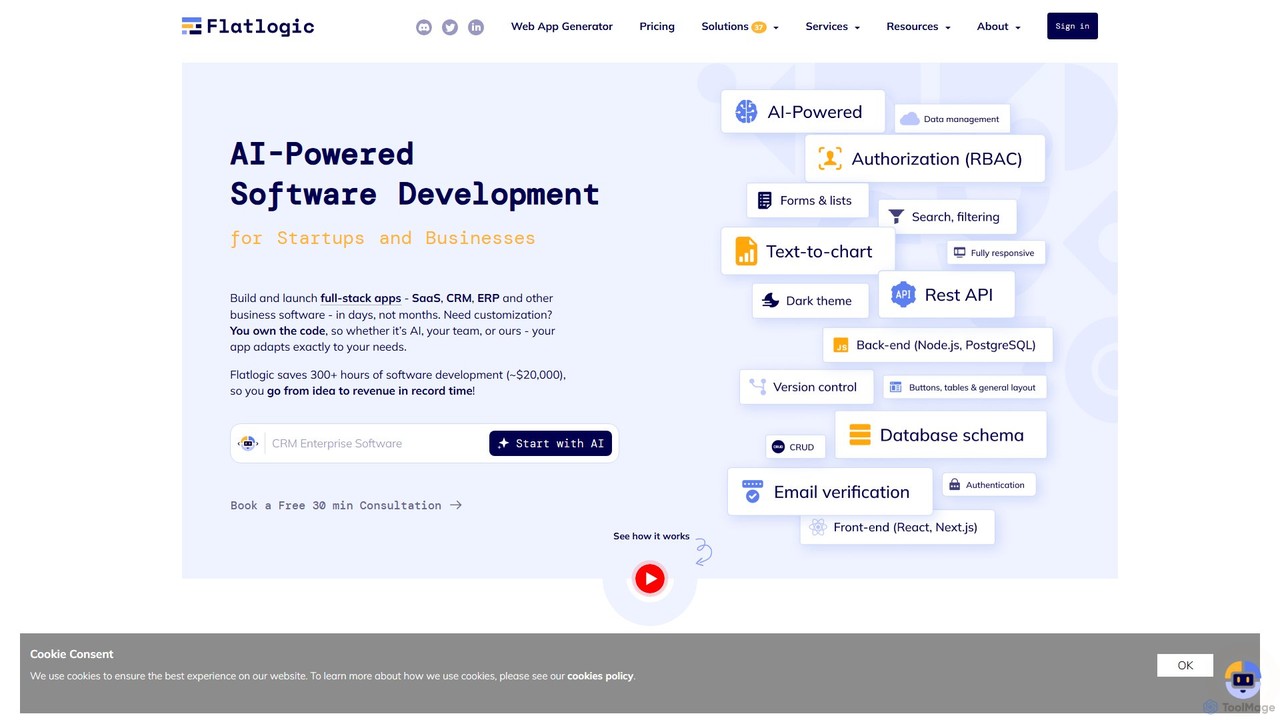
Flatlogic
Flatlogic is an AI-powered platform that accelerates web application development for startups and businesses. It generates full-stack applications (SaaS, CRM, ERP) with clean, production-ready code in days, not months. Users own the source code, ensuring full customization and avoiding vendor lock-in, while benefiting from one-click deployment and a modern tech stack.
Application Builder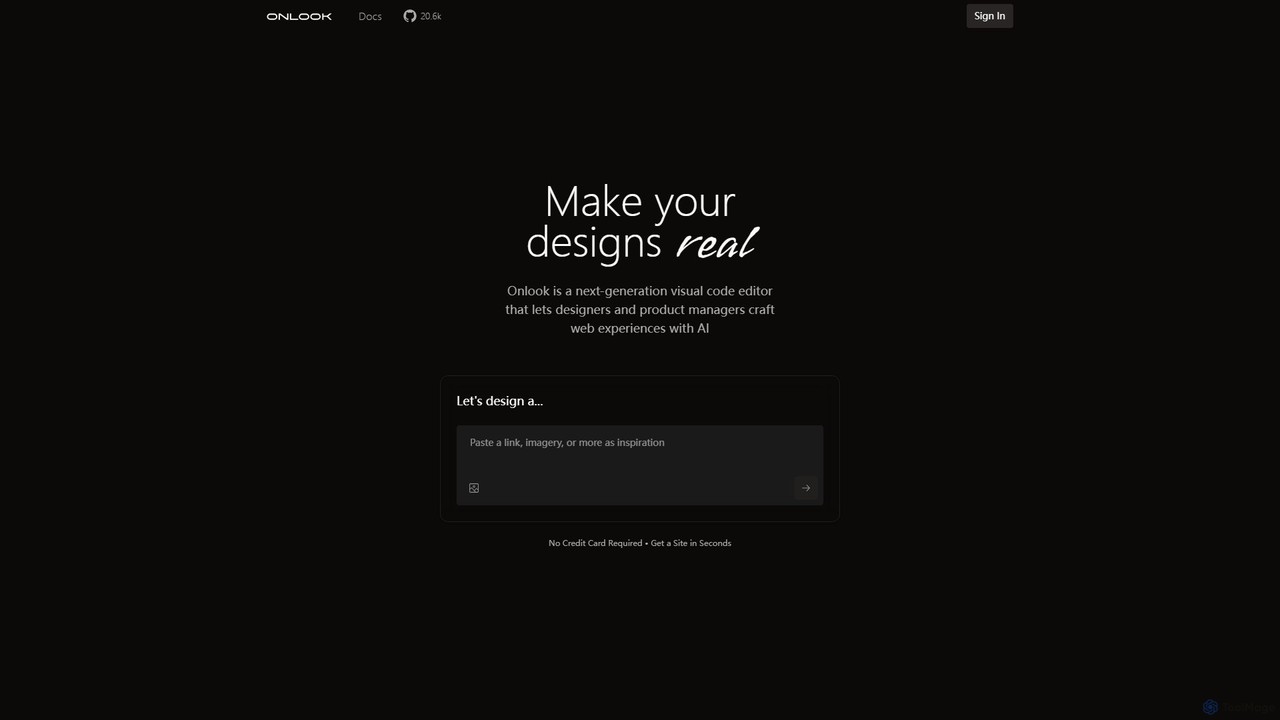
Onlook
Onlook is a next-generation, AI-powered visual code editor that allows designers, product managers, and developers to build and edit web experiences directly on live React/Next.js code. It bridges the gap between design and implementation, offering a Figma-like interface with AI chat, direct manipulation, and seamless integration with existing codebases.
Ui Ux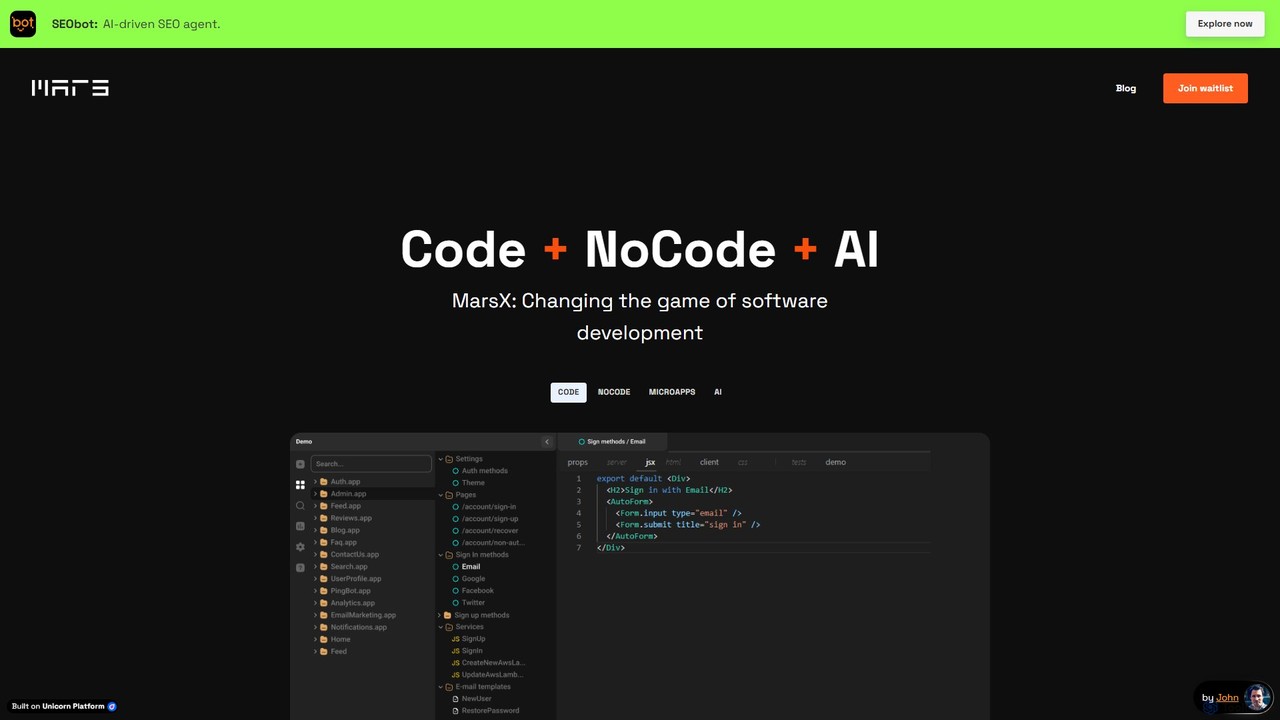
MarsX
MarsX is an integrated development platform that unifies AI, No-Code, and traditional coding. It empowers developers and entrepreneurs to rapidly build, test, and launch sophisticated web applications, micro-apps, and AI-powered tools, significantly reducing development time and costs.
Ai App Building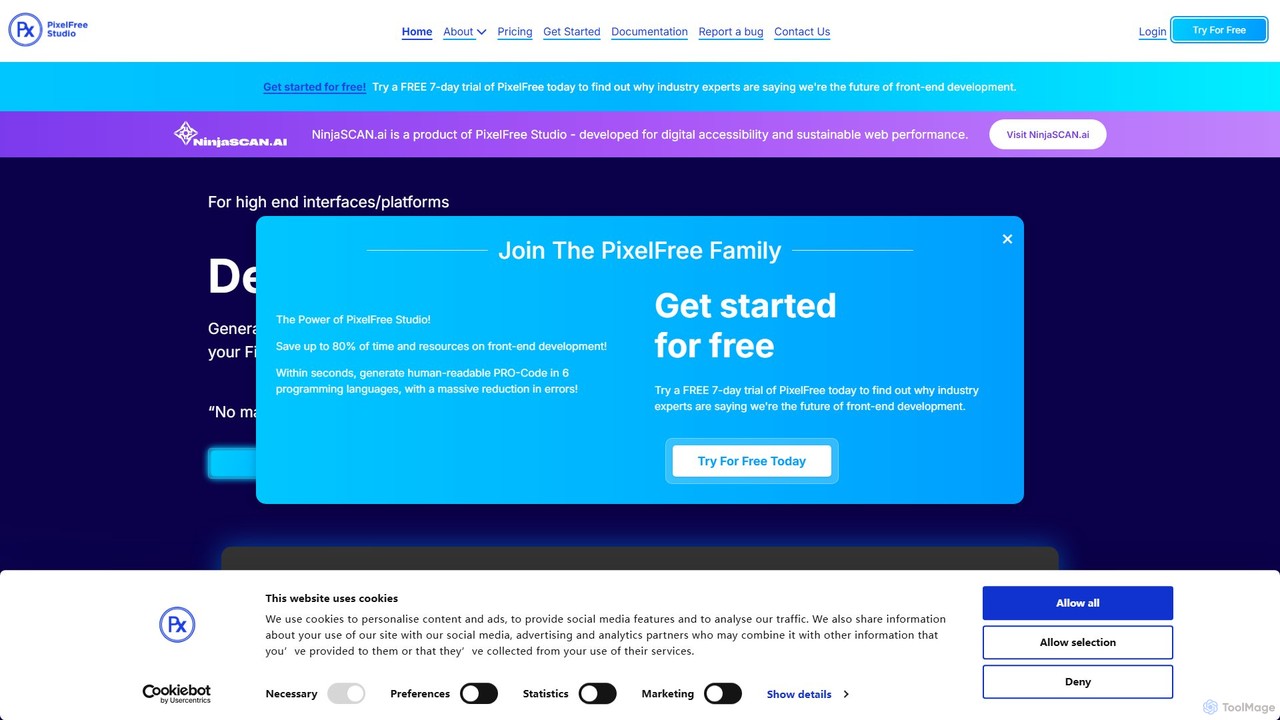
PixelFree Studio
PixelFree Studio is a low-code application builder that transforms UI designs into clean, production-ready code. It specializes in importing Figma designs and exporting them to multiple frameworks like React, Vue, Angular, and C#, streamlining the design-to-development workflow and accelerating app creation.
Design To Code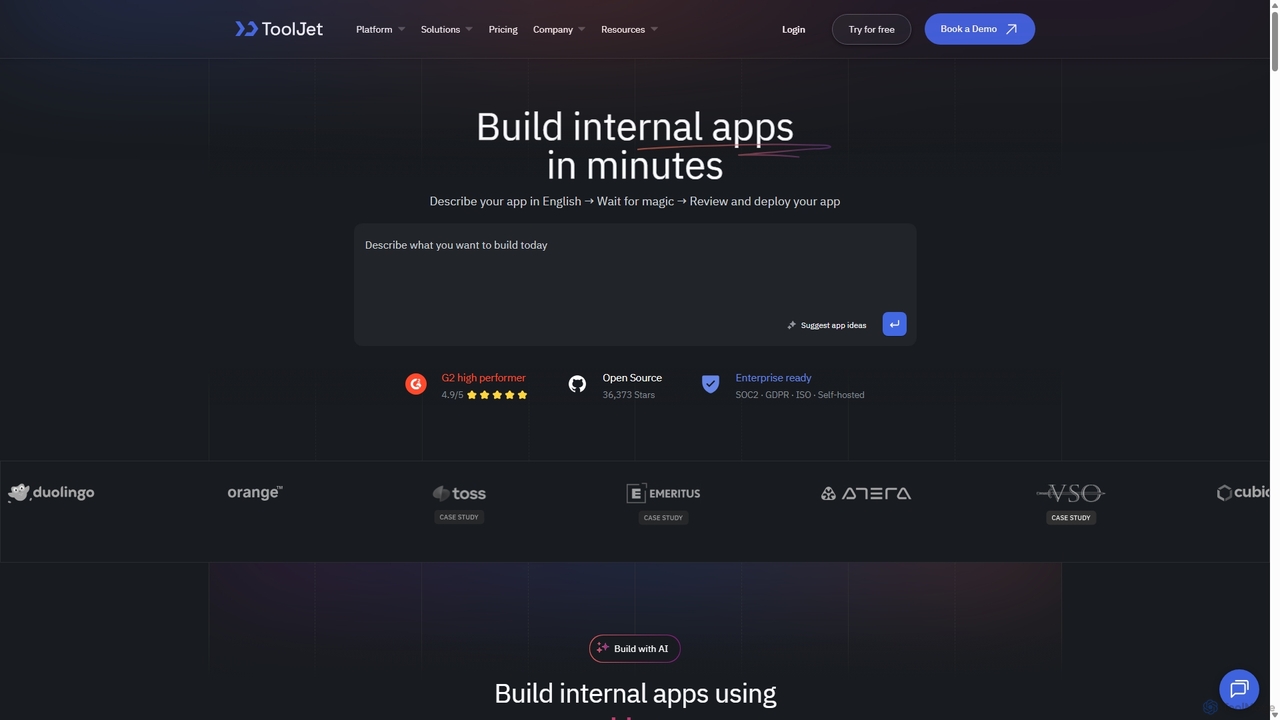
ToolJet
ToolJet is an AI-native, open-source low-code platform for developers to build and deploy internal tools rapidly. It integrates with numerous datasources, APIs, and AI models, allowing users to create complex applications using natural language prompts, a visual builder, and custom code.
Internal Tools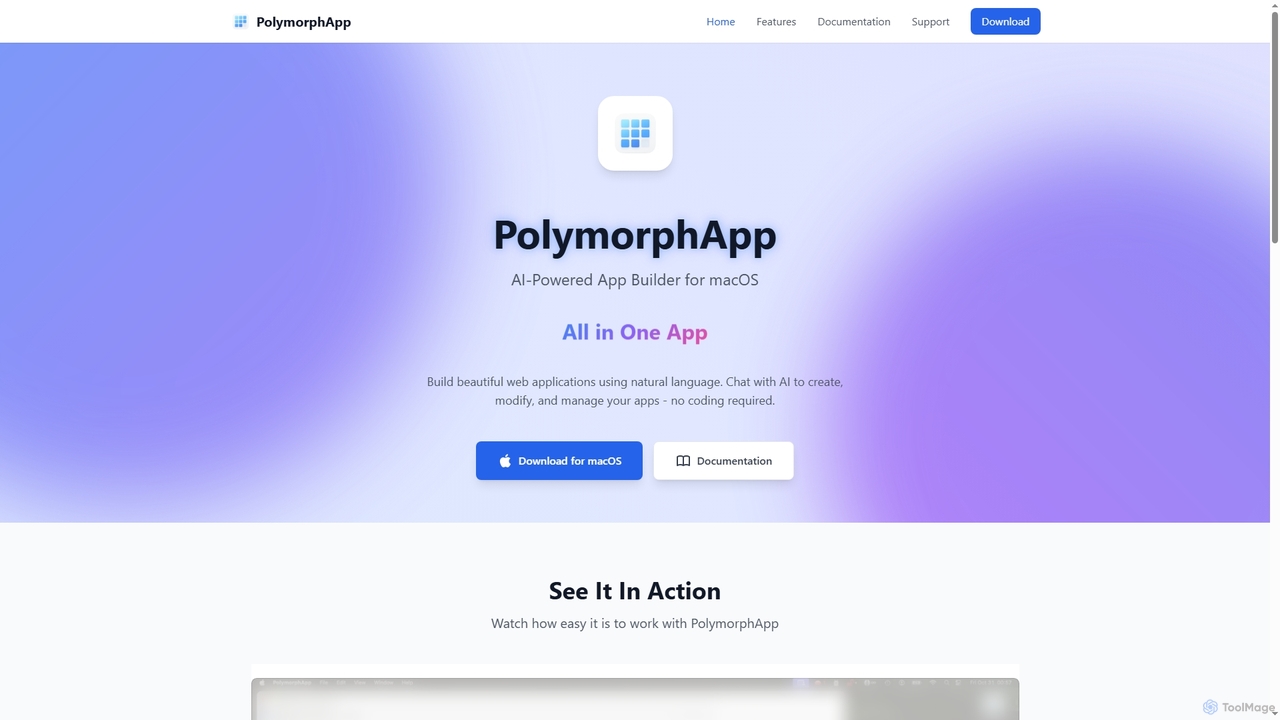
PolymorphApp
PolymorphApp is an AI-powered application builder for macOS that enables users to create web apps, Node.js backends, Python desktop GUIs, and CLI tools using natural language. No coding is required; simply chat with the AI to build, modify, and manage your projects.
Low Code No Code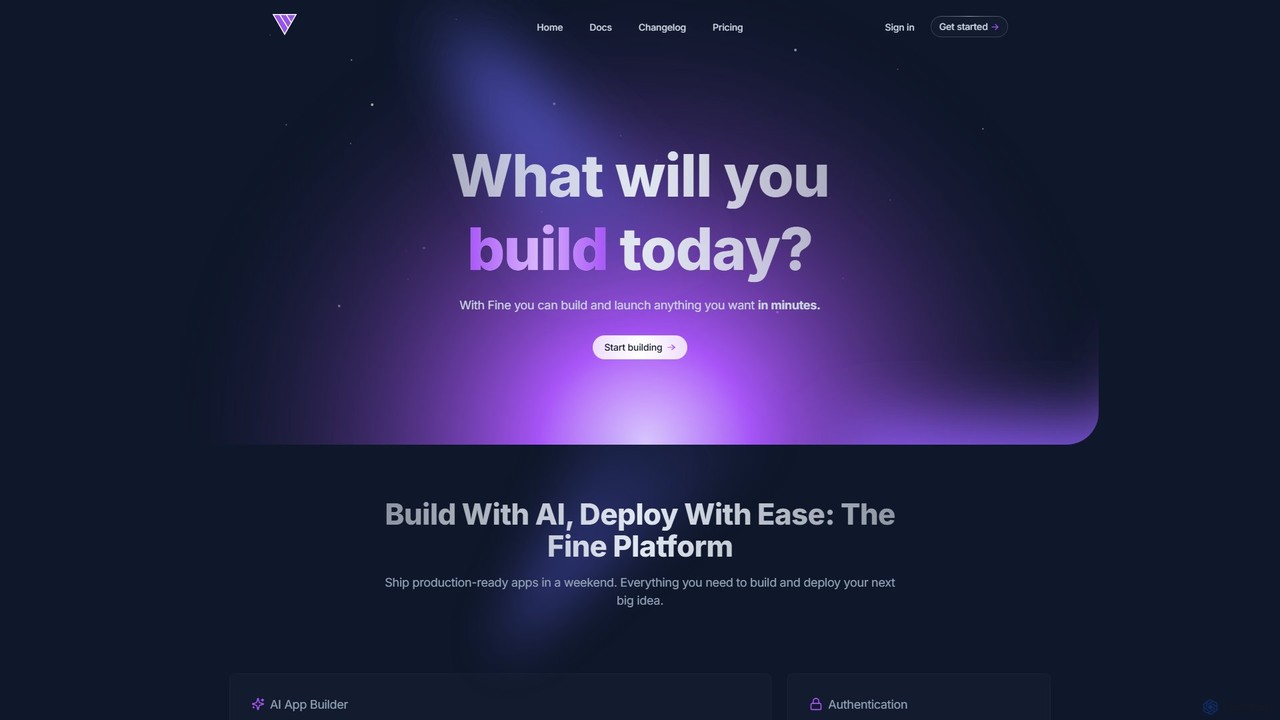
Fine
Fine is an AI-powered software development platform that enables anyone to build and deploy full-stack web applications using natural language. It leverages autonomous AI agents to handle everything from frontend UI to backend logic, database, and deployment, turning ideas into production-ready apps in minutes.
Ai Agent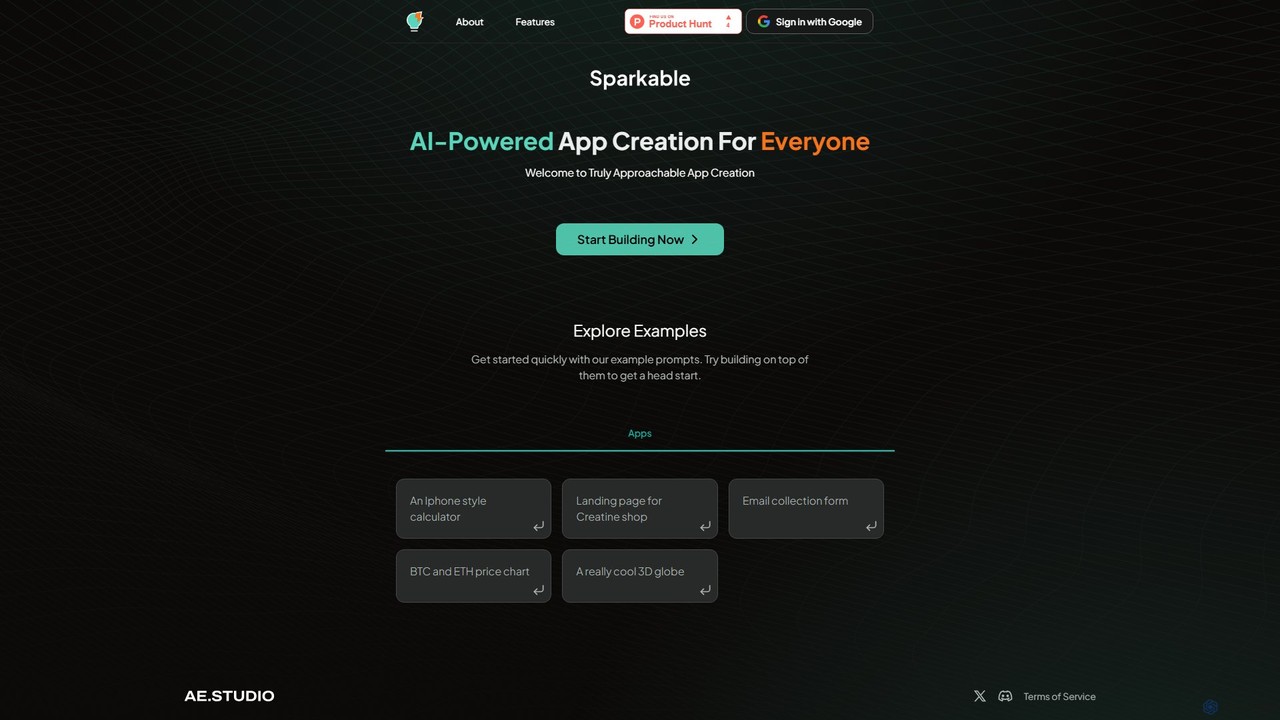
Sparkable
An AI-powered platform that enables anyone to create web applications and components using simple text prompts. It translates natural language descriptions into functional code, making app development accessible, fast, and intuitive for both beginners and developers.
Low Code No Code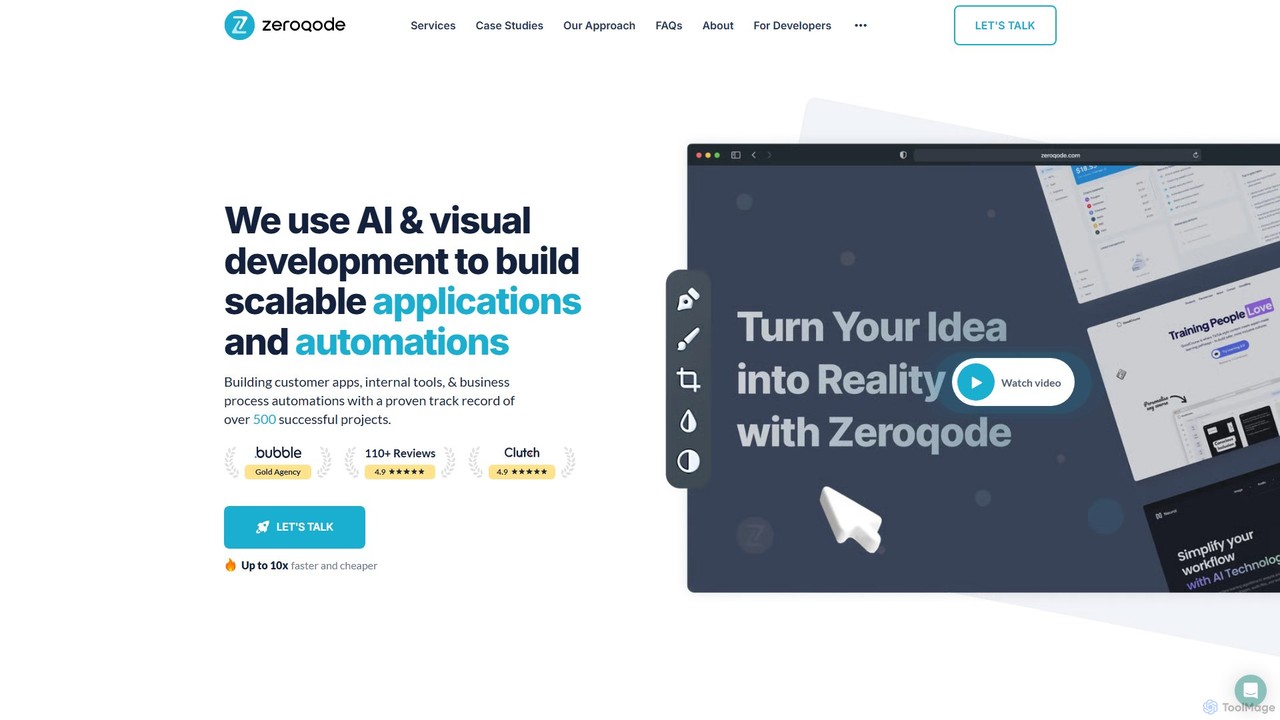
Zeroqode
Zeroqode is a leading no-code and AI development agency that builds scalable web and mobile applications, SaaS products, and business automations. As a Bubble.io Gold Tier Agency, they offer a faster, more cost-effective alternative to traditional coding, delivering custom solutions up to 10x quicker. They provide end-to-end services, from MVP development to complex enterprise-grade systems, supported by the largest library of Bubble plugins.
Agency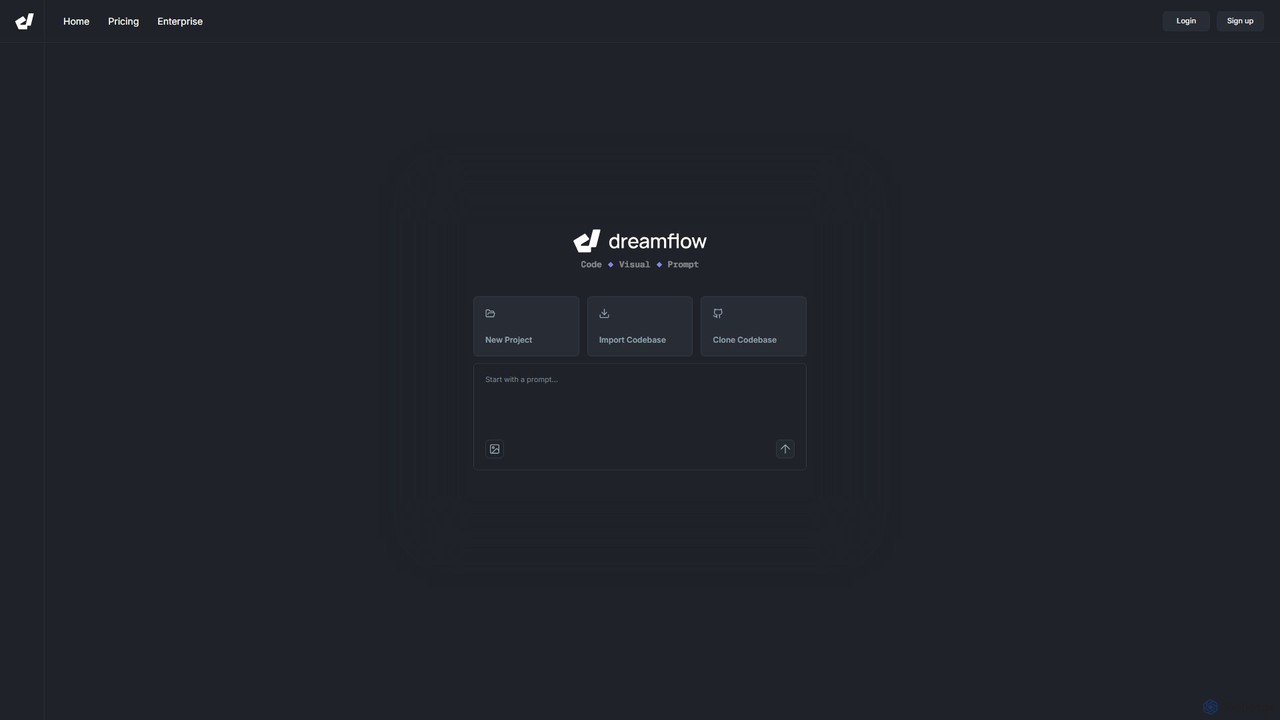
DreamFlow
DreamFlow is an AI-first development environment that transforms app creation. Build full-stack, production-ready mobile and desktop applications directly from text prompts. It combines a powerful AI agent, a visual UI editor, and a traditional code editor in a single, browser-based platform built on Flutter. Write, run, and deploy to iOS, Android, Web, and desktop seamlessly, accelerating your development workflow from idea to launch.
Mobile App Builder
Dyad Comments (0)
Sign in to comment.
Sign inNo comments yet.