ToolMage
Sign in

Best 71 No Code AI tools for Development

Popular No Code AI tools in Development include Wix Studio, Perchance, Webflow, welovenocode, Glide, Softr, OnSpace.ai, Crocoblock, Appy Pie, and Sleek, helping you work more efficiently.

Nodewave

Nodewave

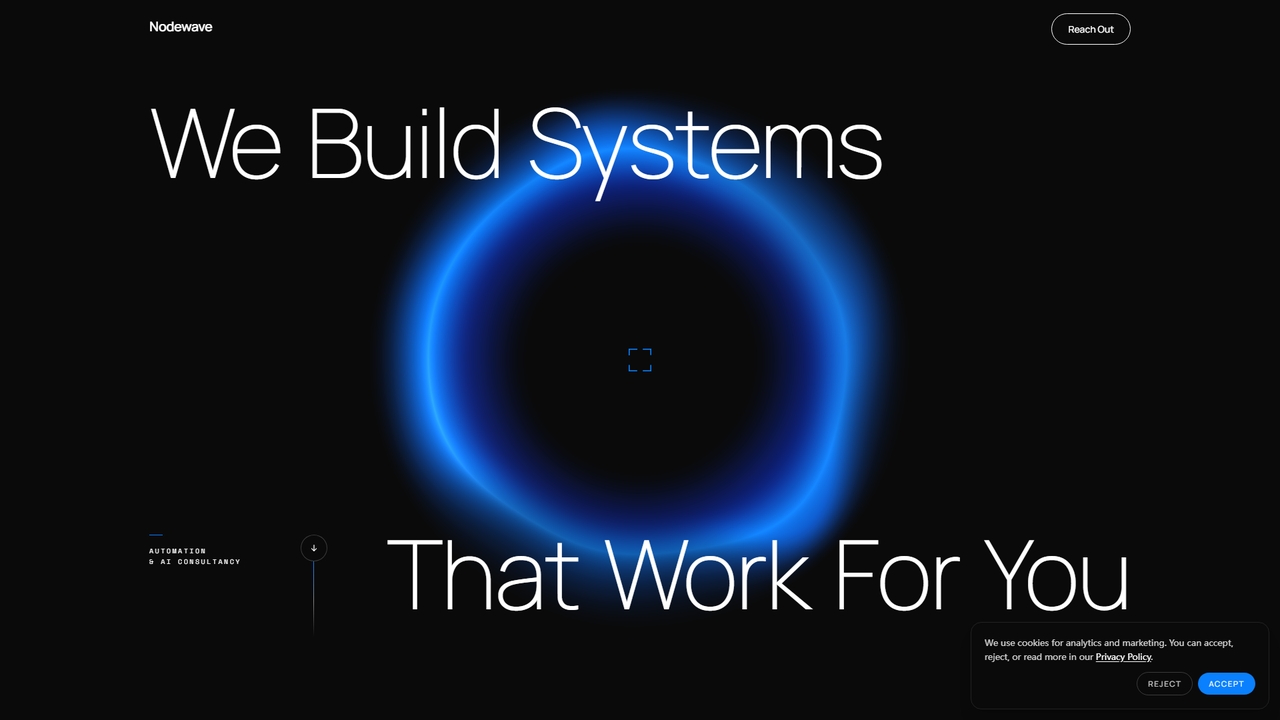
A consultancy specializing in custom AI automation, web apps, and workflow solutions for businesses. They build bespoke systems that integrate AI into real workflows to save time and boost efficiency.

Consulting
Visits 8.2KFavorites 26Likes 27
Tandem

Tandem

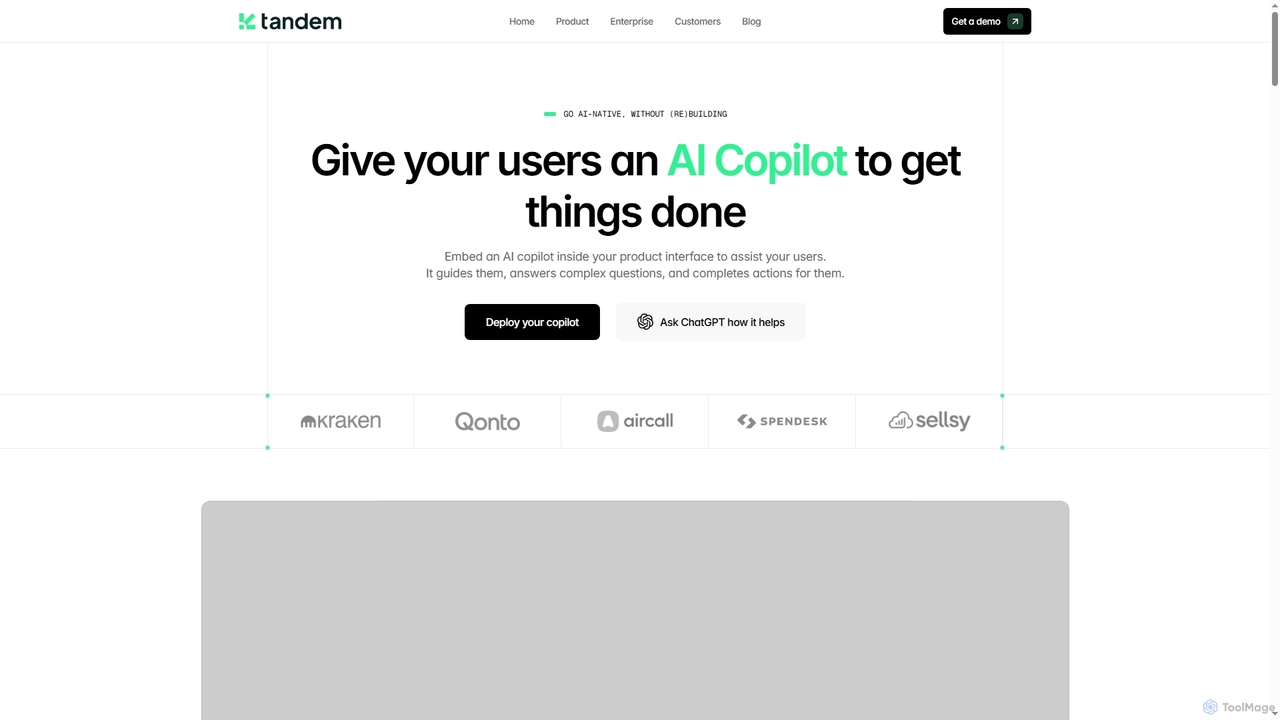
Tandem provides an AI Copilot solution designed to be embedded directly into customer-facing products and internal tools. It guides users, answers complex questions, and completes actions within the product interface, enhancing user experience, boosting product adoption, and reducing support load without requiring extensive engineering effort.

Customer Support
Visits 13.3KFavorites 66Likes 59
Sleek
Freemium

Sleek

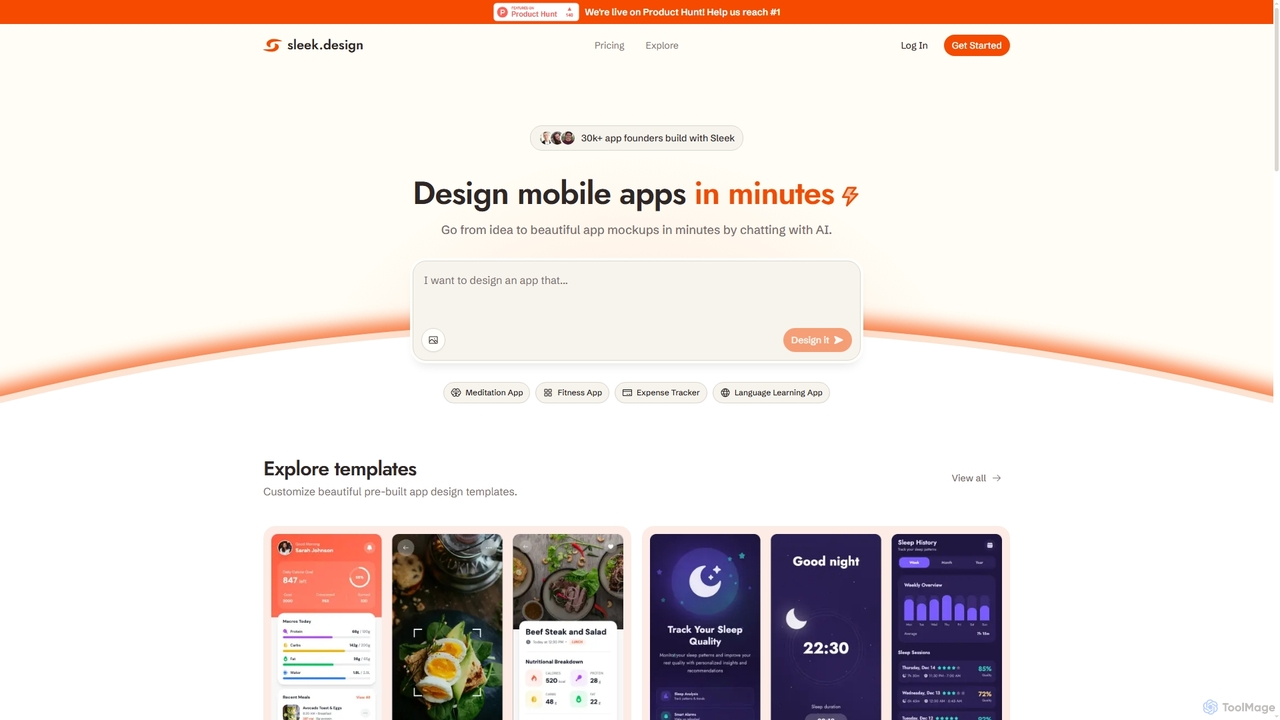
Sleek is an AI-powered mobile app designer that enables founders and entrepreneurs to create professional app mockups in minutes. It transforms ideas into beautiful designs through conversational AI, offering customizable templates and export options to Figma or code, making app design accessible to everyone.

Design
Visits 164.6KFavorites 139Likes 138
AskYura
Freemium

AskYura

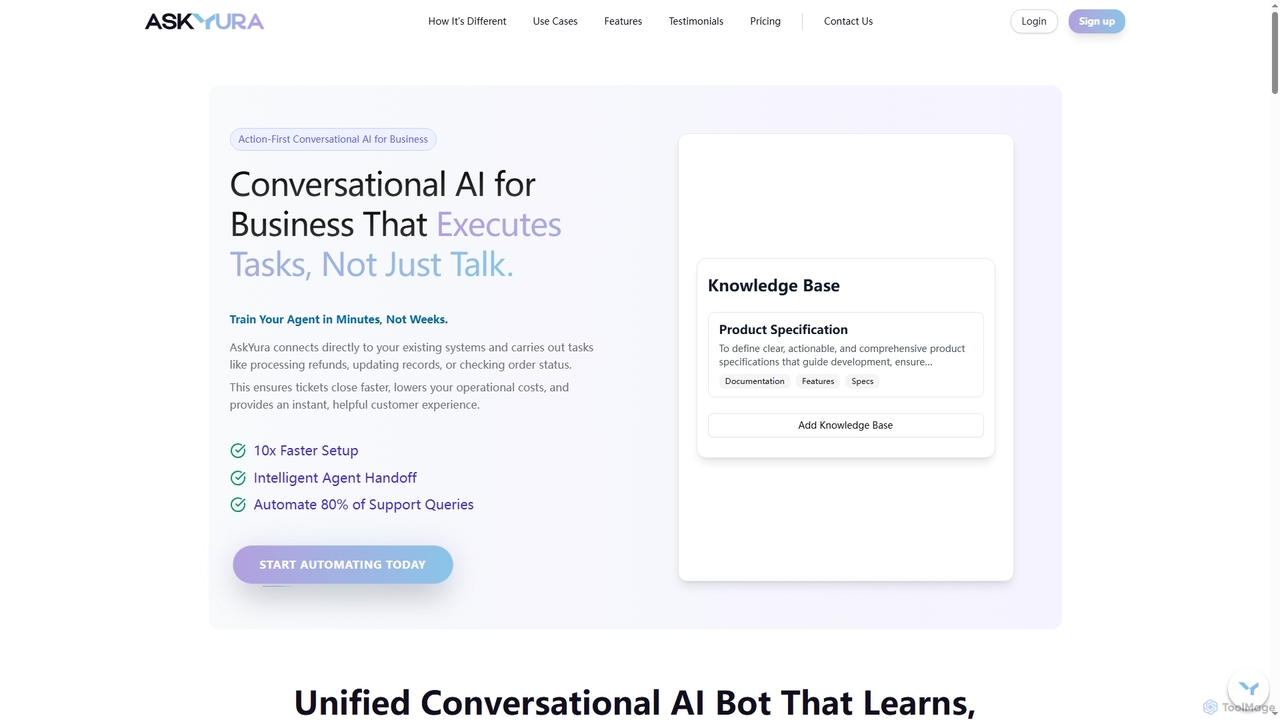
AskYura is an action-first conversational AI platform designed for businesses to automate tasks and enhance customer experience. It connects to existing systems, processes requests like refunds and order updates, and can be trained in minutes without coding. By automating up to 80% of support queries, AskYura significantly reduces operational costs and ensures instant, personalized customer interactions across various industries.

Chatbot
Visits 6.4KFavorites 113Likes 108
Vectense
Freemium

Vectense

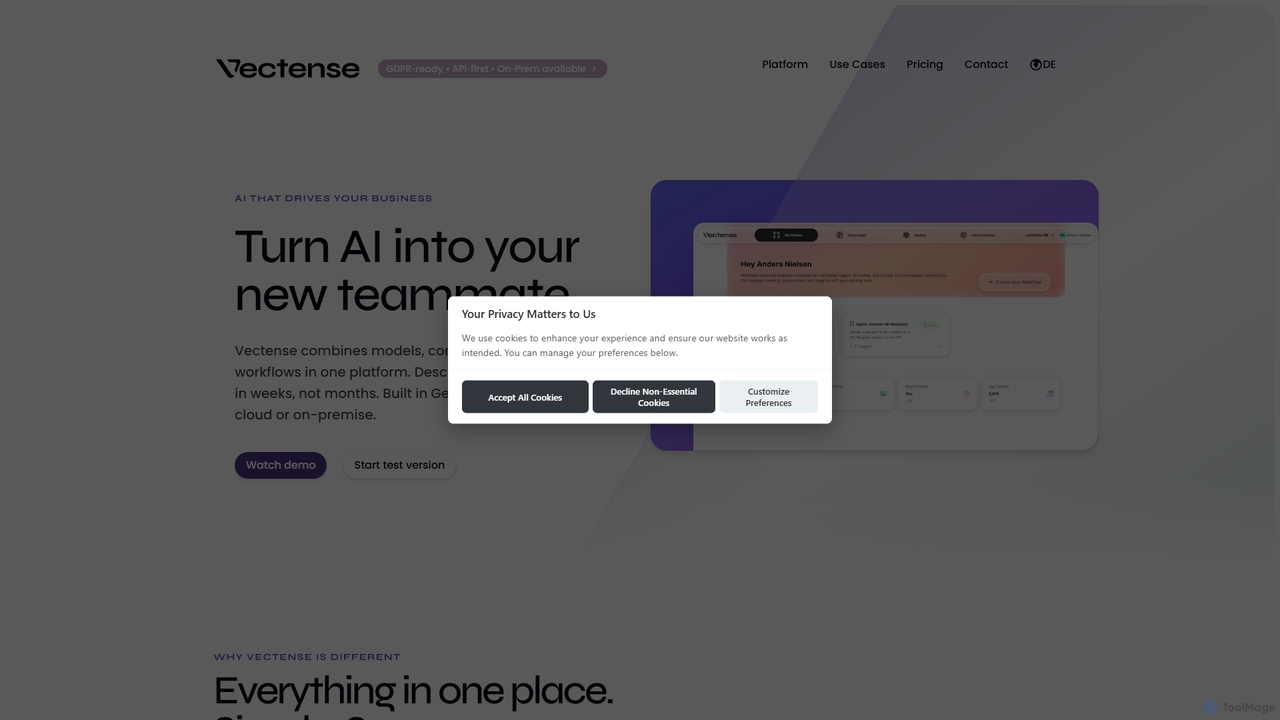
Vectense is an all-in-one AI platform designed to boost business efficiency by automating workflows. It combines AI models, company knowledge, and existing processes, allowing users to describe automation in plain language without coding. With flexible deployment options (cloud or on-premise) and a strong focus on data privacy, Vectense helps SMBs streamline operations and achieve measurable outcomes.

3D
Visits 6.3KFavorites 146Likes 136
Shinkai
Free

Shinkai

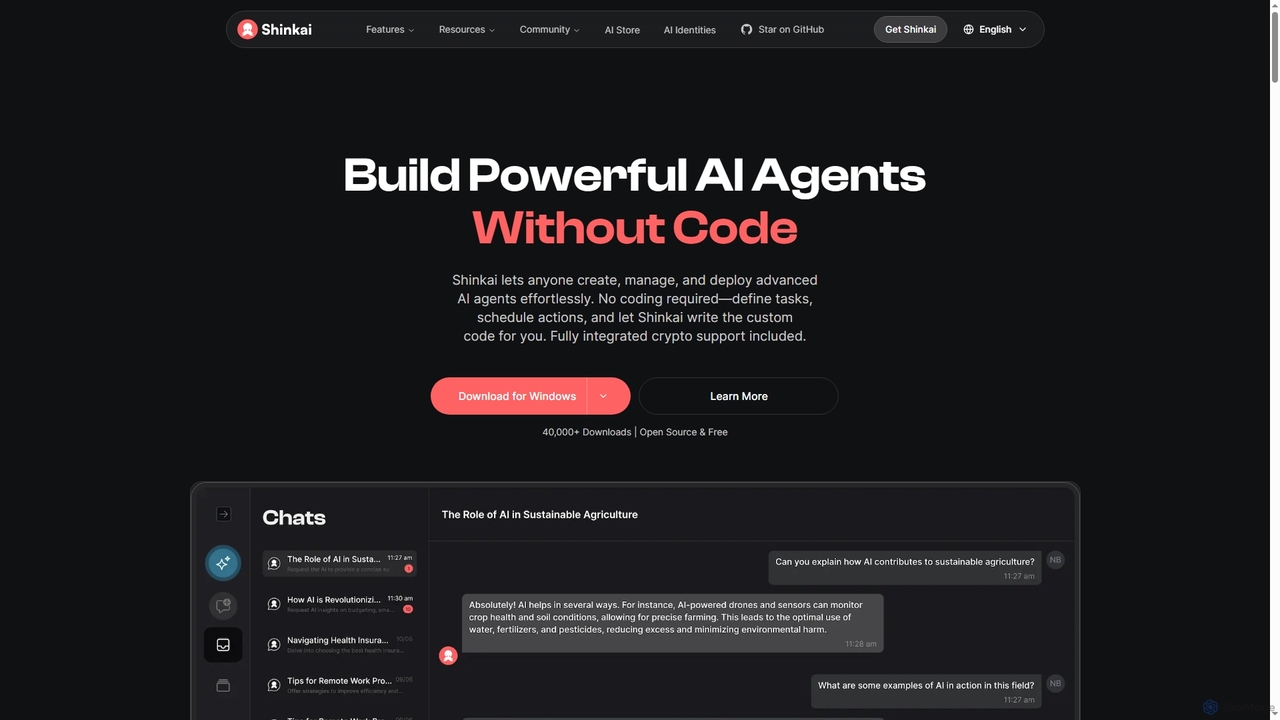
Shinkai is an open-source, no-code platform that empowers users to create, manage, and deploy powerful AI agents locally. It supports both cloud and local AI models, offers integrated crypto functionalities, and enables secure, decentralized peer-to-peer interactions, making advanced AI automation accessible to everyone.

Ai Agents
Visits 11.2KFavorites 141Likes 138
E-Virtual
Freemium

E-Virtual

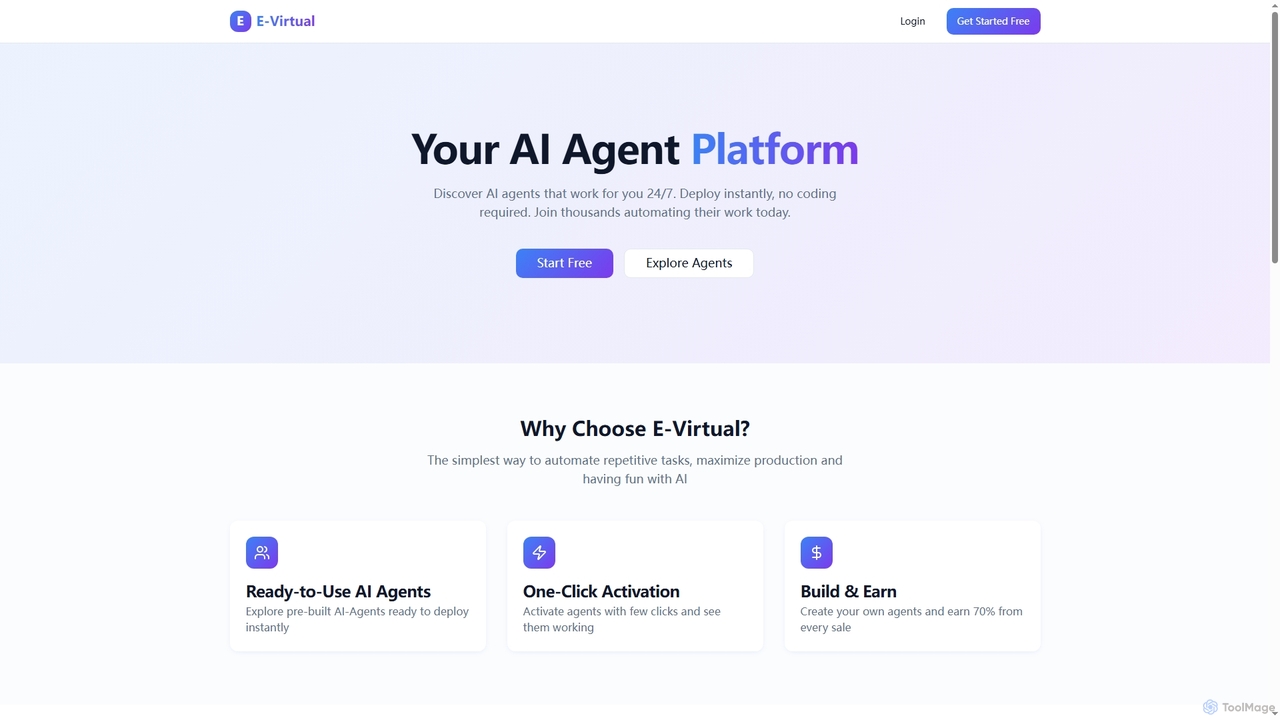
E-Virtual is an AI agent platform that empowers users to instantly deploy pre-built AI agents without coding, automating repetitive tasks 24/7. It offers a marketplace for ready-to-use agents and allows creators to build and earn from their own AI solutions, simplifying workflow automation for individuals and power users alike.

Workflow Automation
Visits 7KFavorites 132Likes 138
Askblake
Paid

Askblake

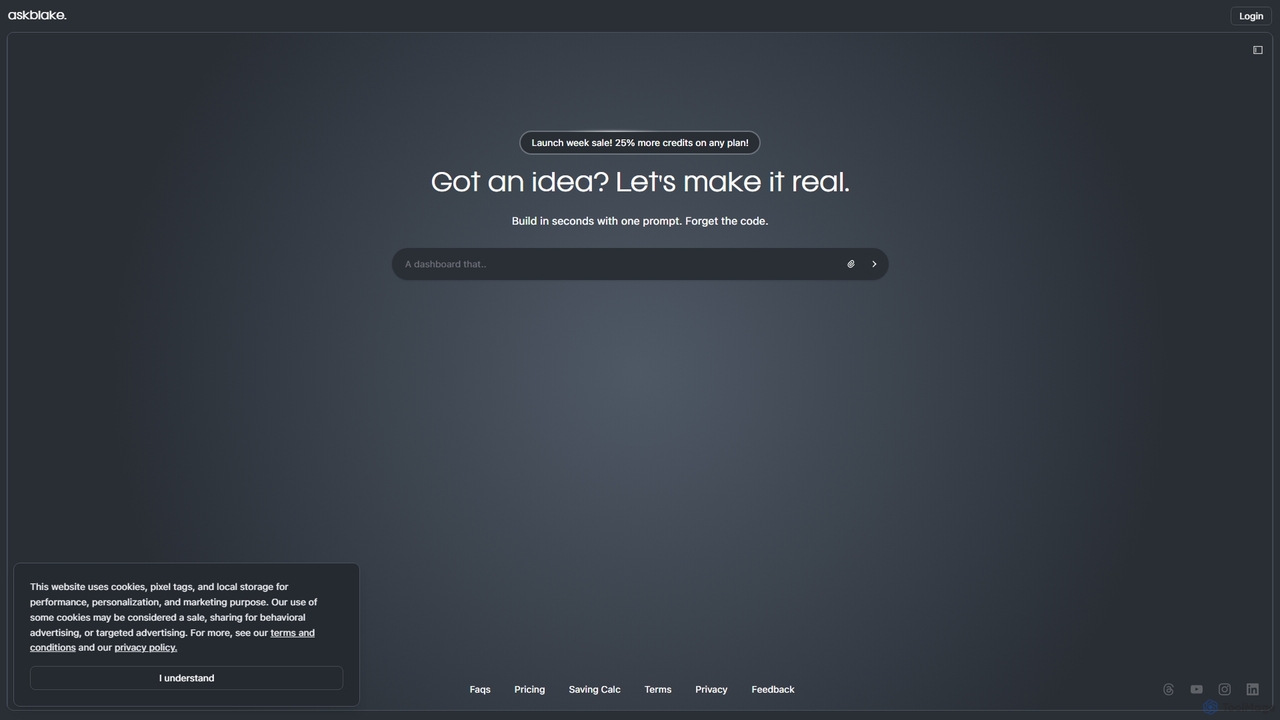
Askblake is an AI-powered no-code development platform that transforms ideas into functional applications using a single prompt. Build projects in seconds without writing any code, streamlining the creation process for entrepreneurs and developers.

No Code
Visits 6.4KFavorites 137Likes 142
RAGcanvas
Freemium

RAGcanvas

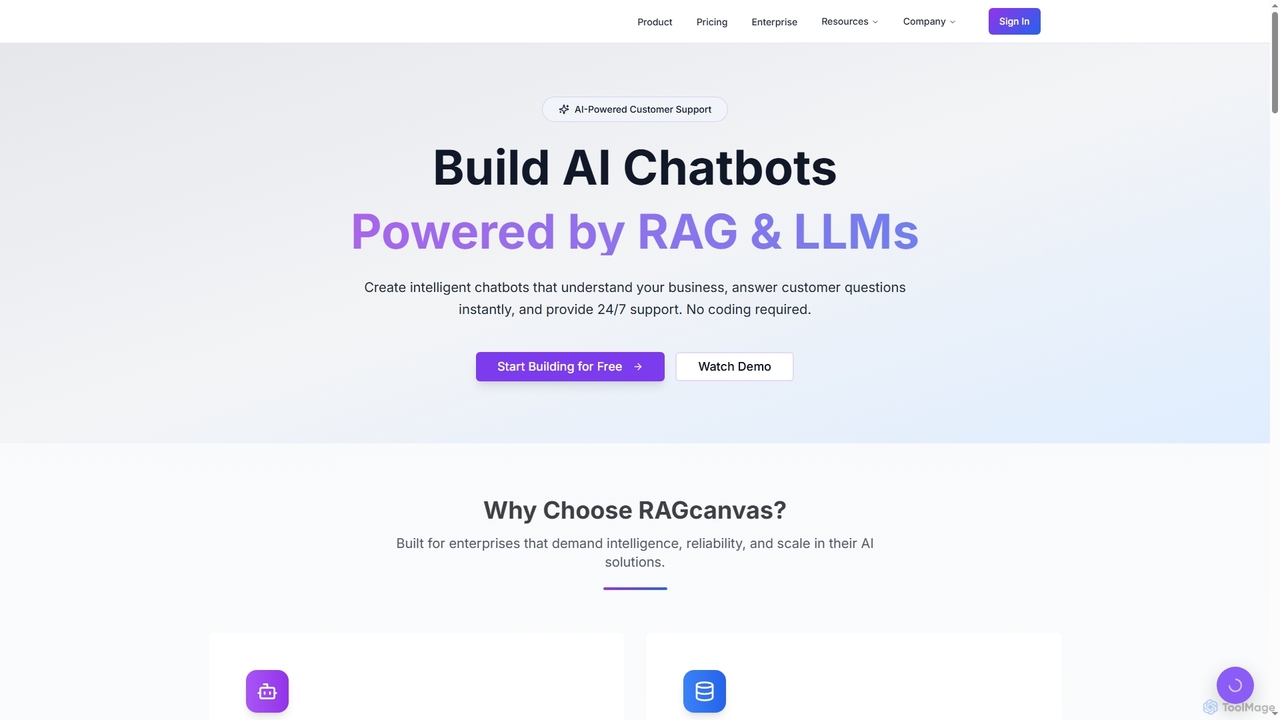
RAGcanvas is an advanced AI-powered chatbot builder designed for businesses to create intelligent, context-aware customer support and sales automation agents without requiring any coding. By leveraging Retrieval-Augmented Generation (RAG) and leading Large Language Models (LLMs), it instantly answers customer questions, automates workflows, and provides 24/7 support. It offers enterprise-grade security, lightning-fast performance, and seamless integration across various platforms, effectively transforming website visitors into engaged customers.

Sales & Marketing
Visits 6.2KFavorites 127Likes 139
Circulos
Paid

Circulos

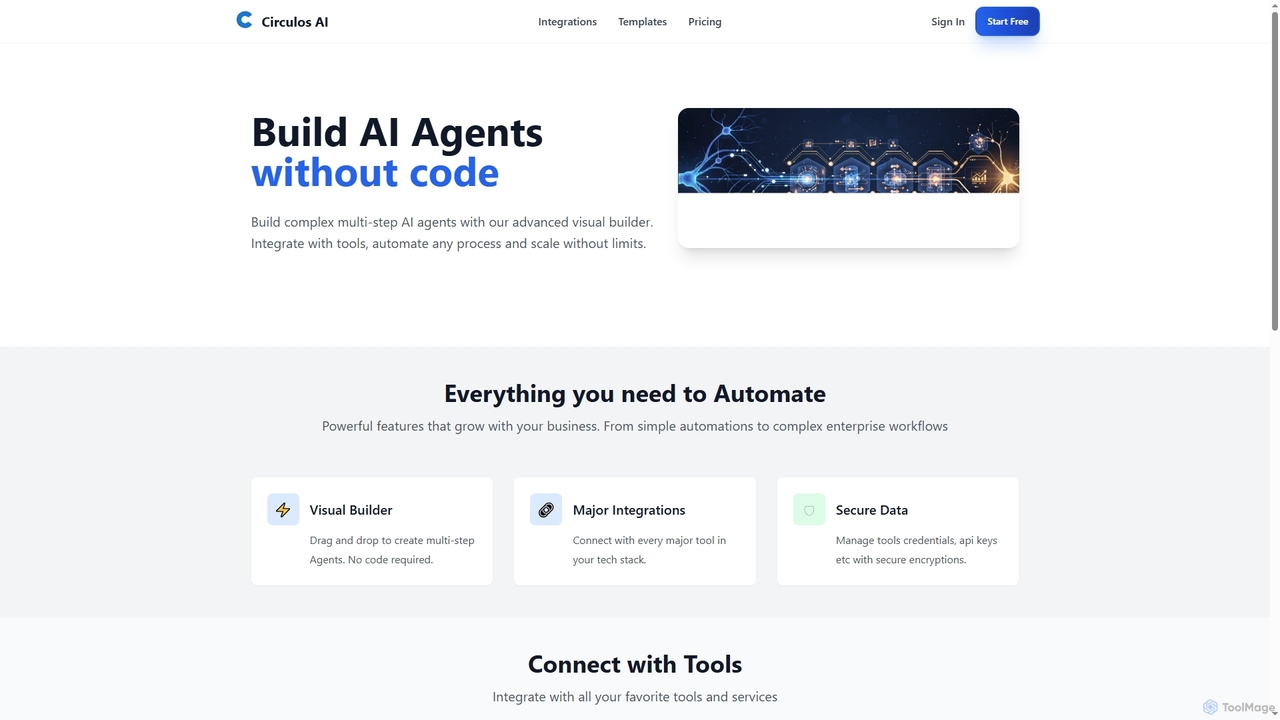
Circulos is a no-code AI automation platform that empowers businesses to build complex, multi-step AI agents using an intuitive visual builder. It integrates with over 100 popular tools, automates diverse workflows, and offers scalable solutions for various business needs, from lead qualification to social media publishing.

Ai Automation
Visits 6.3KFavorites 146Likes 149
Whisp
Paid

Whisp

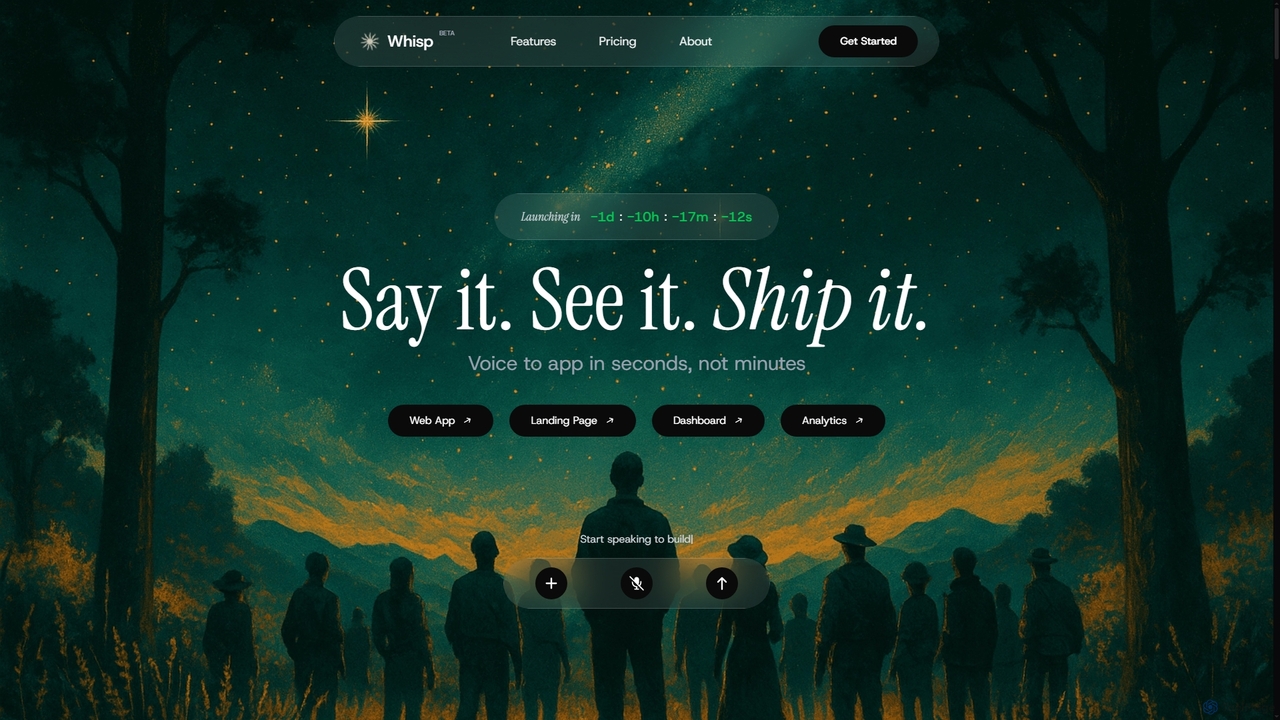
Whisp is a voice-first AI development platform that transforms spoken ideas into fully functional web applications, dashboards, and landing pages in seconds. No coding required—just describe your vision, and Whisp generates production-ready code with a complete backend, database schemas, and integrations.

Code Generation
Visits 9.7KFavorites 141Likes 114
App2
Freemium

App2

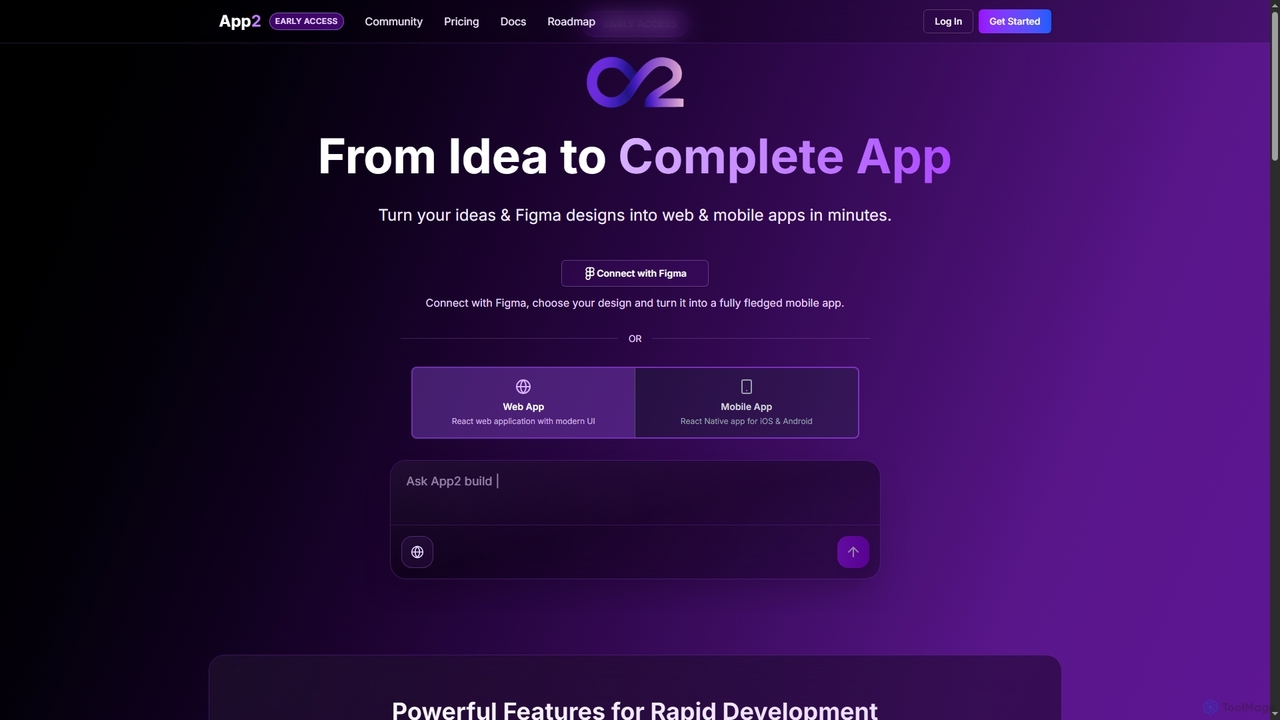
App2 is an AI-powered platform that transforms ideas and Figma designs into production-ready web and mobile applications without code. Build, debug, and deploy React and React Native apps through conversational prompts, leveraging models like GPT-4, Claude, and Gemini.

Design To Code
Visits 6.5KFavorites 151Likes 145
CryptoDo
Freemium

CryptoDo

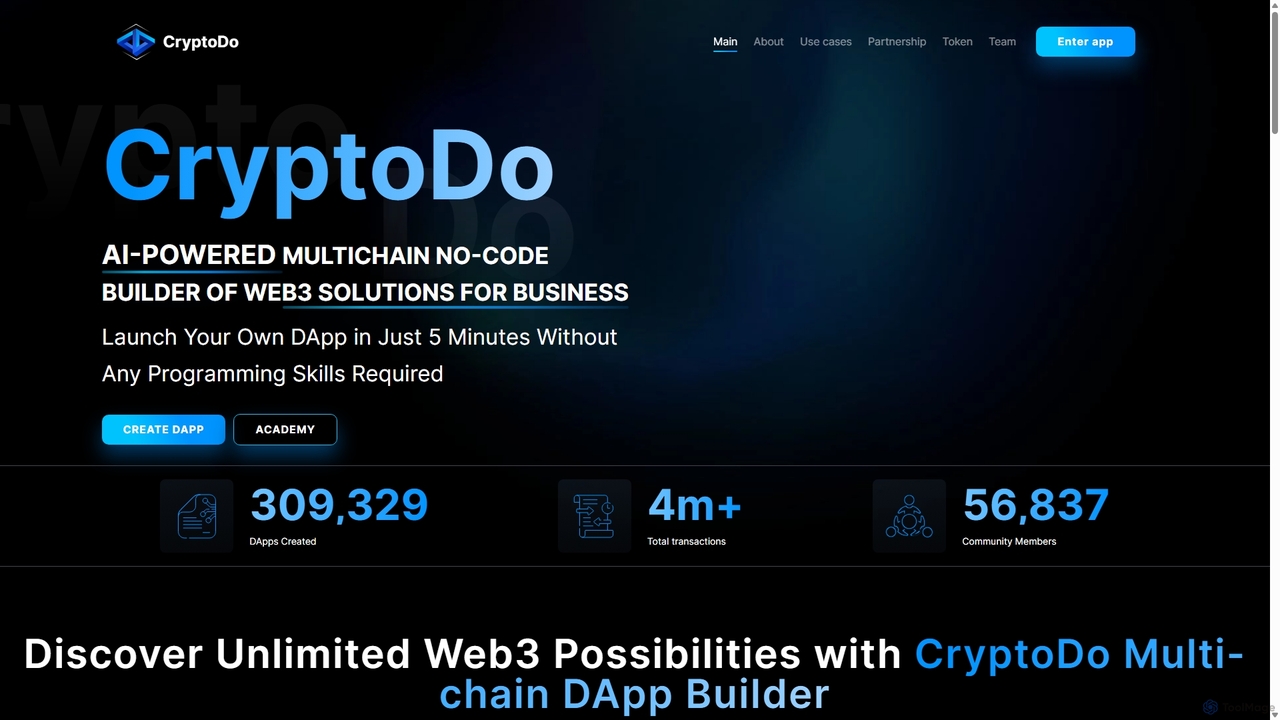
CryptoDo is an AI-powered, multi-chain, no-code platform for building Web3 solutions. It enables users to create and deploy secure DApps and smart contracts, such as ERC-20 tokens, NFTs, and DAOs, in just minutes without any programming skills. The platform features a visual builder, pre-audited templates, and an AI module for advanced customization, making blockchain development accessible, fast, and cost-effective for businesses and individuals.

Blockchain
Visits 6.3KFavorites 134Likes 129
Momen
Freemium

Momen

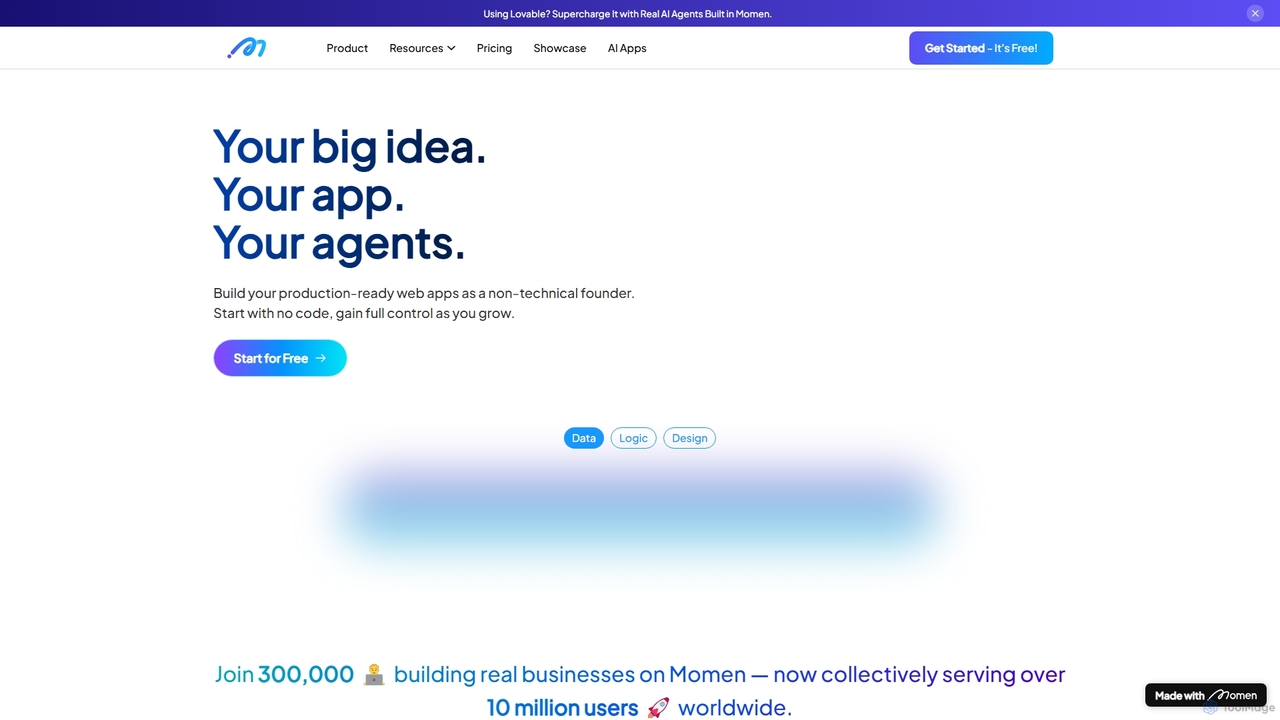
Momen is a powerful no-code platform for building, launching, and scaling production-ready web applications and AI agents. It empowers non-technical founders and developers with a visual interface, AI workflow automation, robust scalability for millions of users, and built-in monetization tools. Momen offers the flexibility to start without code and later integrate custom JavaScript or React components, making it an ideal solution for projects of any size, from MVPs to complex business applications.

Ai App Builders
Visits 56.5KFavorites 117Likes 132
Webflow
Freemium

Webflow

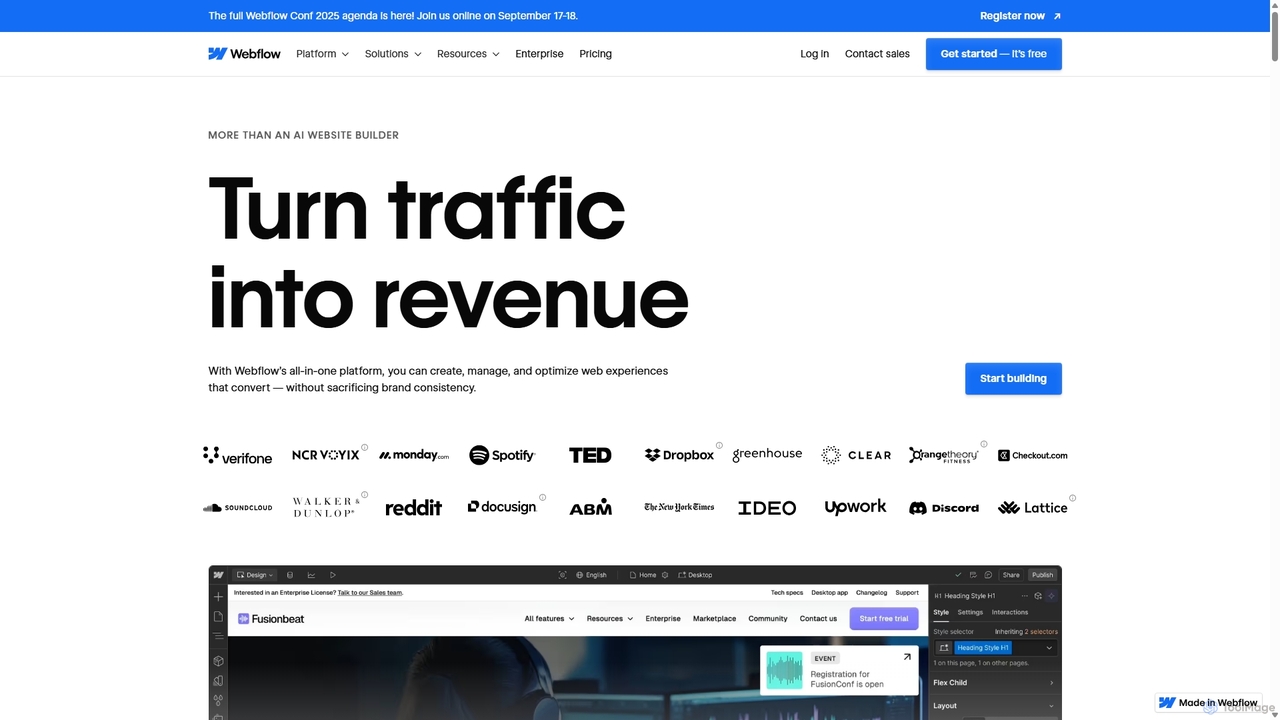
Webflow is a visual development platform that empowers users to design, build, and launch professional, custom websites without writing code. It combines a powerful visual designer, a flexible CMS, and high-performance hosting into a single platform, enhanced with AI features for faster creation and optimization.

Web Design
Visits 6.4MFavorites 130Likes 151
Monyble

Monyble

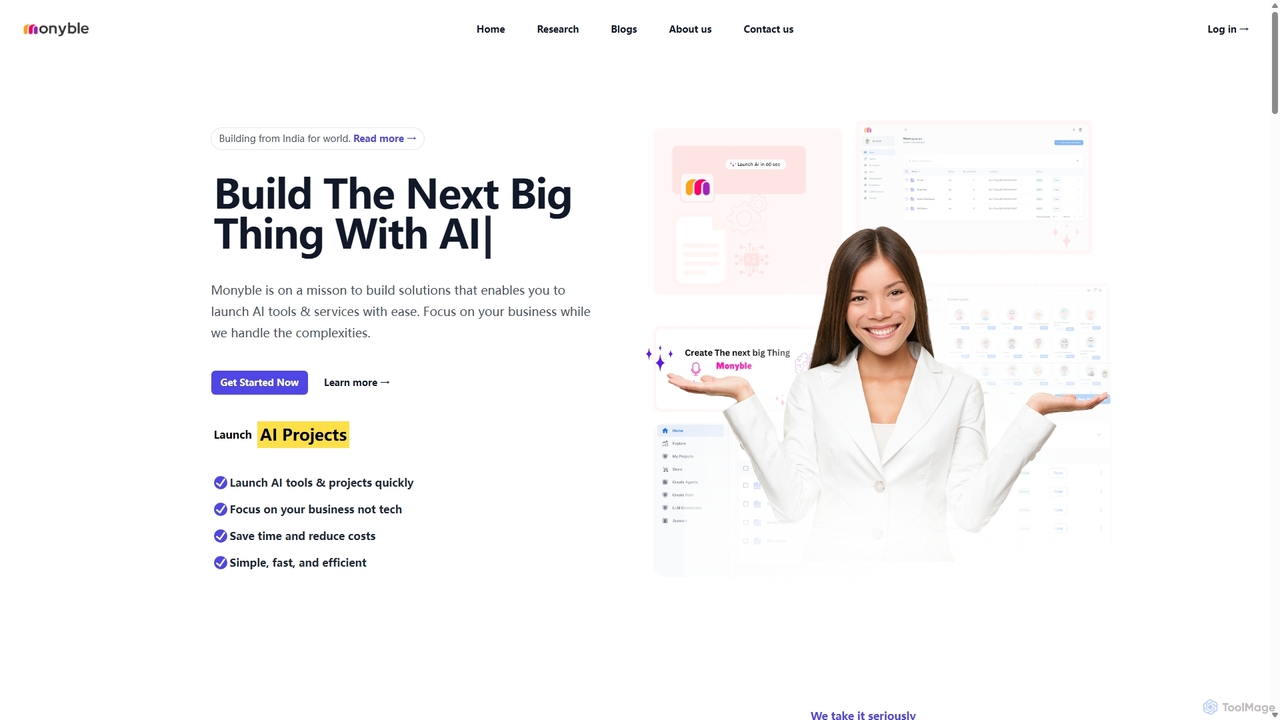
Monyble is a no-code AI platform designed to empower businesses and individuals to build and launch sophisticated AI tools and services with ease. It simplifies the complexities of AI development, enabling users to focus on business growth while leveraging cutting-edge technology for marketing, customer support, HR, and more.

Ai Solutions
Visits 6.4KFavorites 159Likes 153
framify
Freemium

framify

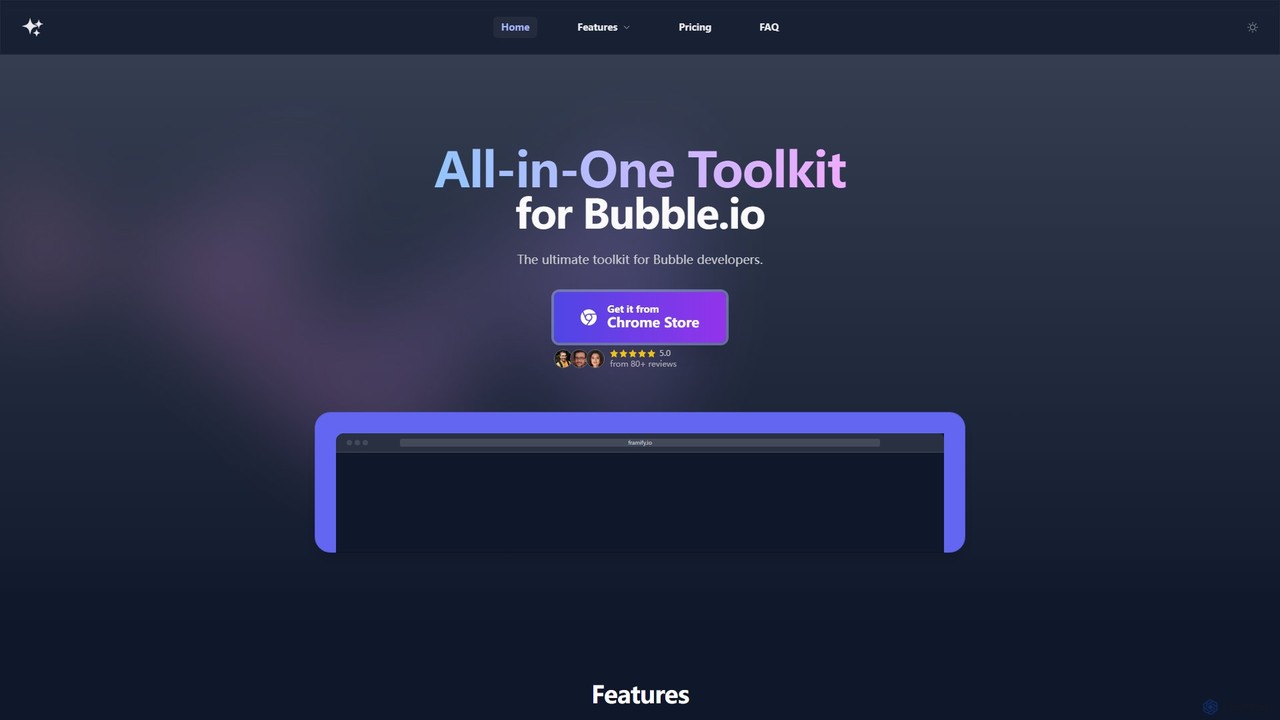
Framify is an all-in-one AI-powered toolkit and component library for Bubble.io and Webflow developers. It accelerates web development with a vast library of UI components, a Figma to Bubble converter, an AI site builder, and various productivity tools. It's designed to streamline workflows, enhance design, and reduce development time significantly.

Website Builder
Visits 12.1KFavorites 141Likes 136
Tile
Freemium

Tile

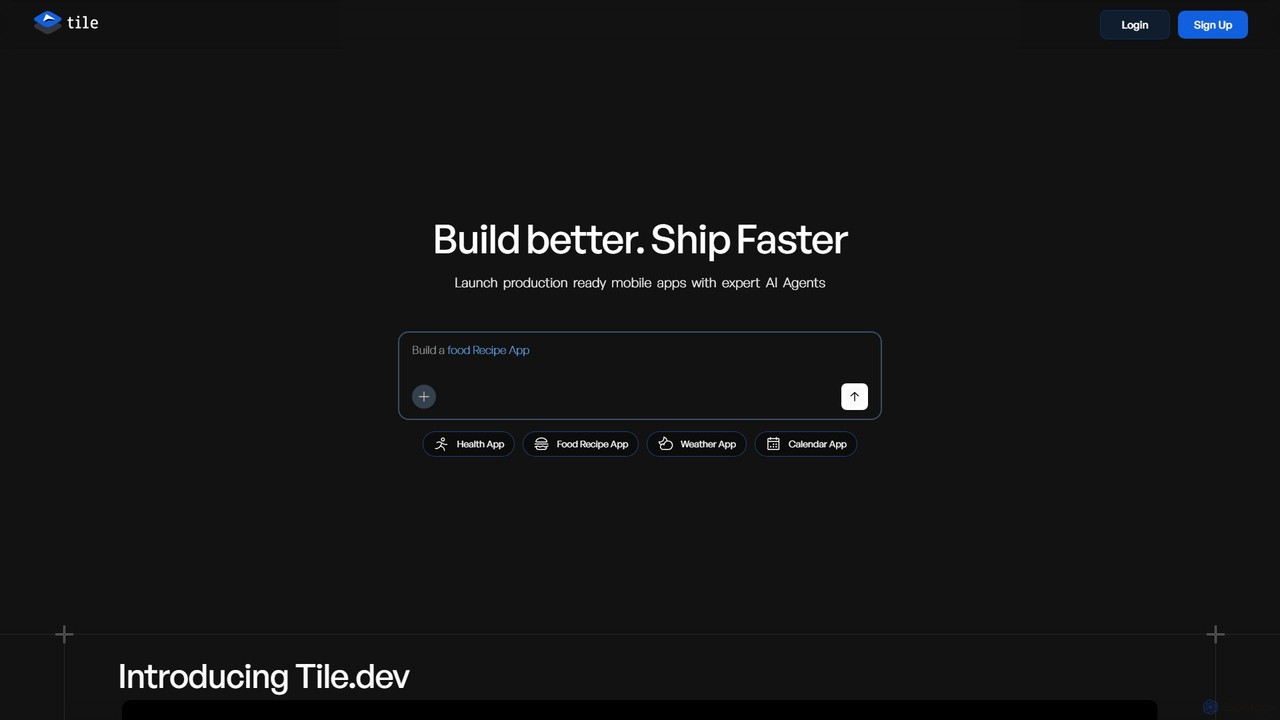
Tile is an AI-powered mobile app builder that transforms your ideas into production-ready iOS and Android applications. Describe your app concept using text or visuals, and specialized AI agents will build it. You can then refine the app with a powerful no-code visual editor and publish it directly to the App Store and Play Store. It's designed for founders, developers, and creators to ship apps faster.

Generative
Visits 34.5KFavorites 109Likes 99
Aii.cx
Freemium

Aii.cx

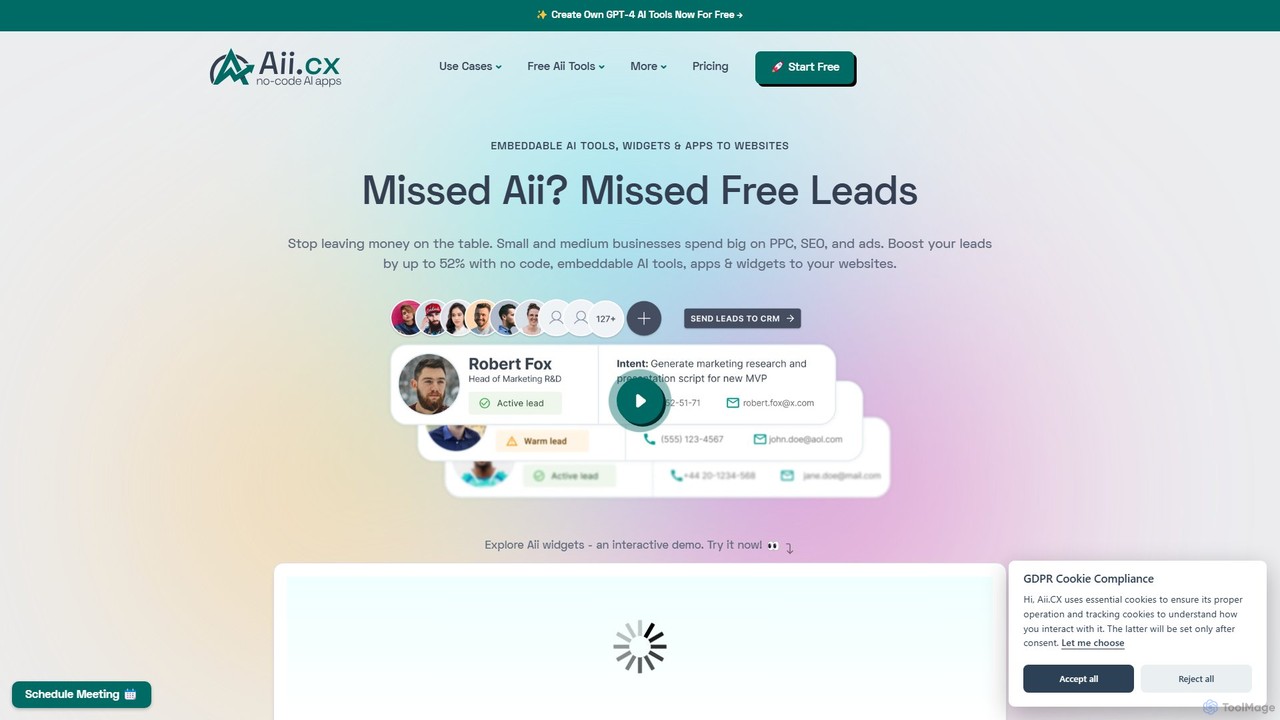
Aii.cx is a no-code platform designed for non-technical professionals to easily create and embed custom AI tools and widgets on their websites. It features a drag-and-drop builder, one-click customization, and is powered by advanced models like GPT-4 to enhance lead generation and user engagement.

Engagement
Visits 6.4KFavorites 148Likes 152
InteraxAI
Freemium

InteraxAI

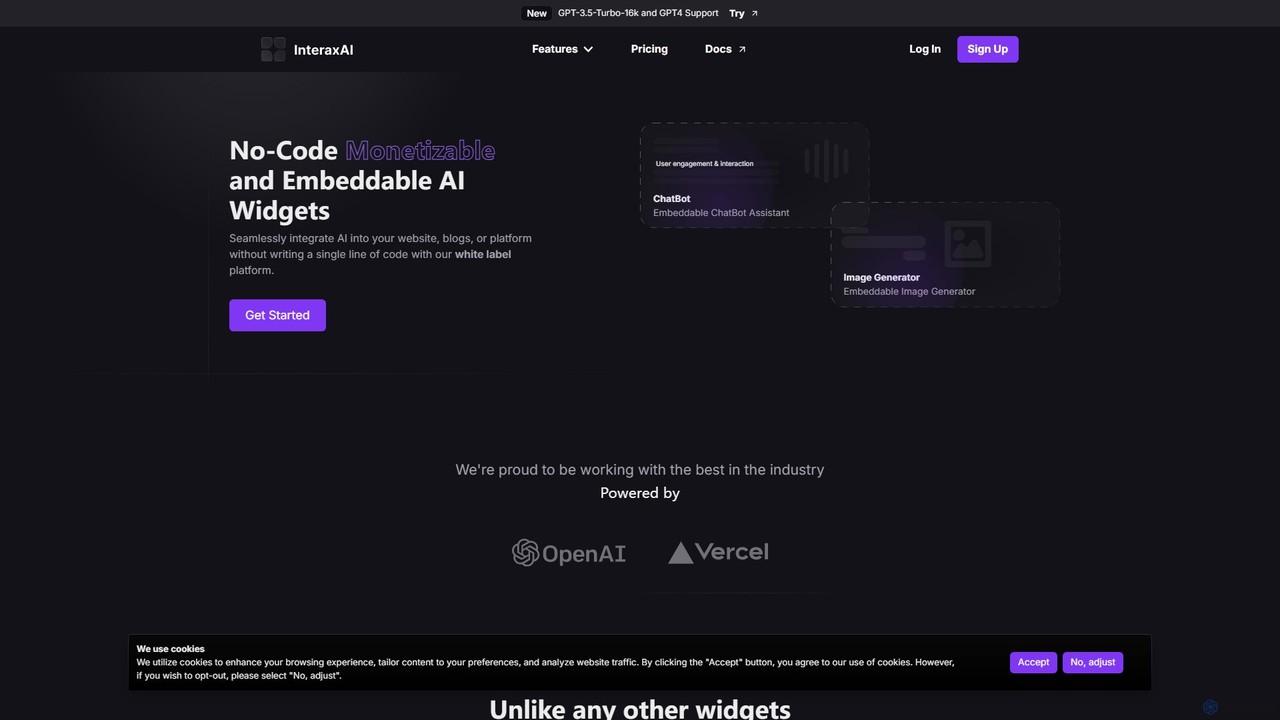
InteraxAI is a no-code platform that allows you to seamlessly create and embed monetizable, white-label AI widgets into your website, blog, or platform. Easily integrate tools like chatbots and image generators without writing a single line of code, enhancing user engagement and creating new revenue streams. Powered by GPT-4 and GPT-3.5-Turbo-16k.

Chatbot
Visits 7.7KFavorites 152Likes 144
Crocoblock
Paid

Crocoblock

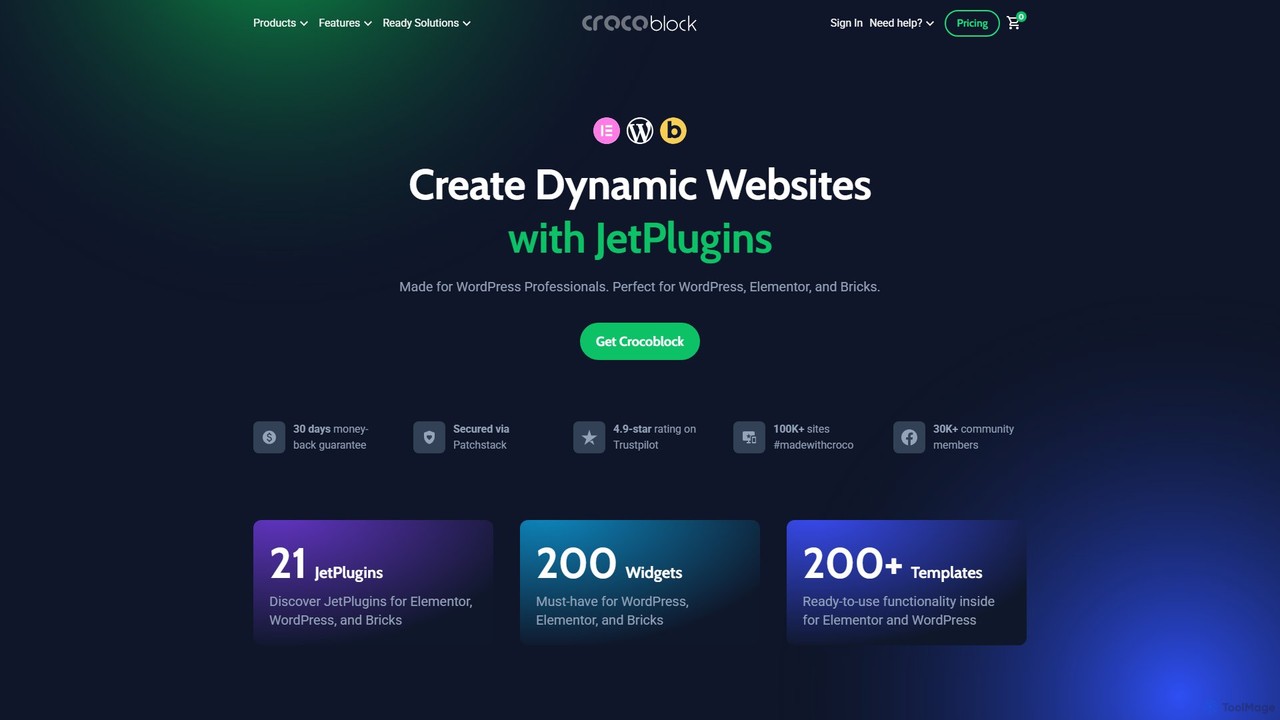
Crocoblock is a comprehensive toolkit of plugins for WordPress, Elementor, and Bricks, designed for professionals to build dynamic, feature-rich websites without coding. It specializes in dynamic content, e-commerce, booking systems, and advanced forms. Recently, it has integrated powerful AI features to accelerate development, allowing users to generate website structures, SQL queries, and forms from simple text prompts, making complex website creation faster and more efficient.

No Code
Visits 301.7KFavorites 148Likes 141
Takomo

Takomo

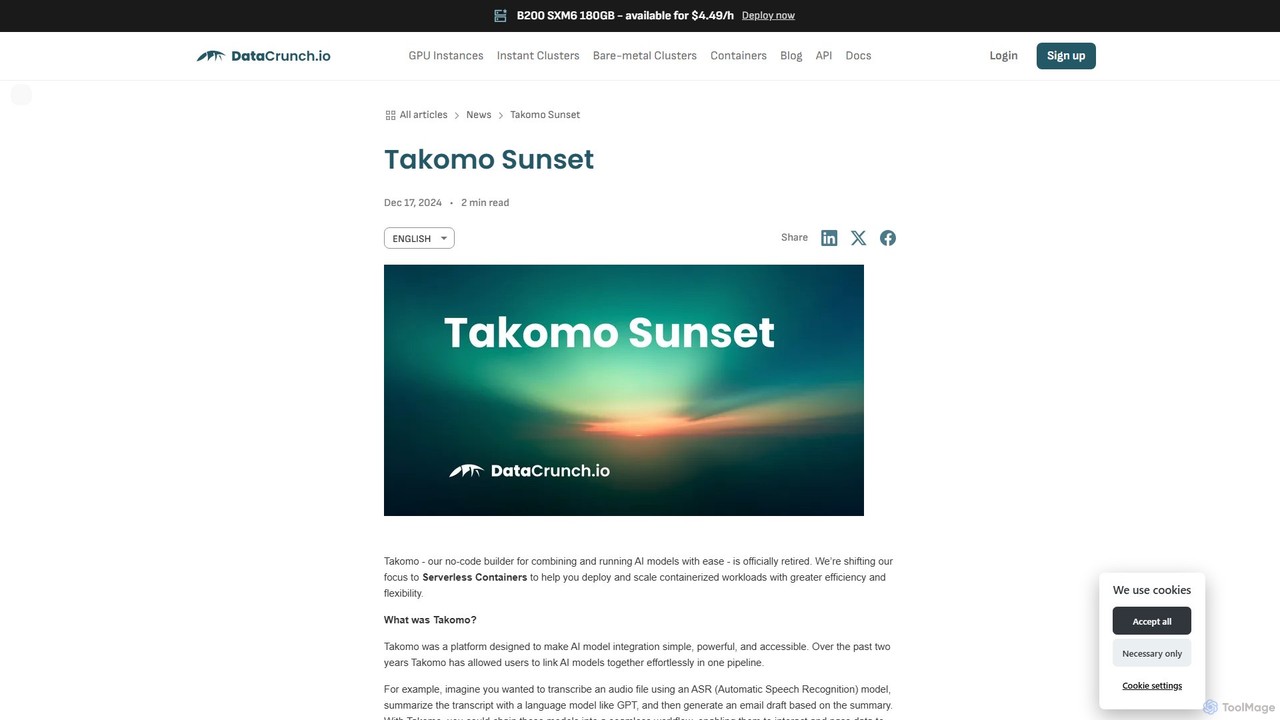
Takomo was a no-code platform by DataCrunch for building and running AI model pipelines. It allowed users to visually connect different AI models, such as ASR and GPT, to create complex automated workflows. The service has been officially retired and is no longer available, with the company now focusing on its Serverless Containers service.

Model Deployment
Visits 8.1KFavorites 124Likes 110
BuildAI
Freemium

BuildAI

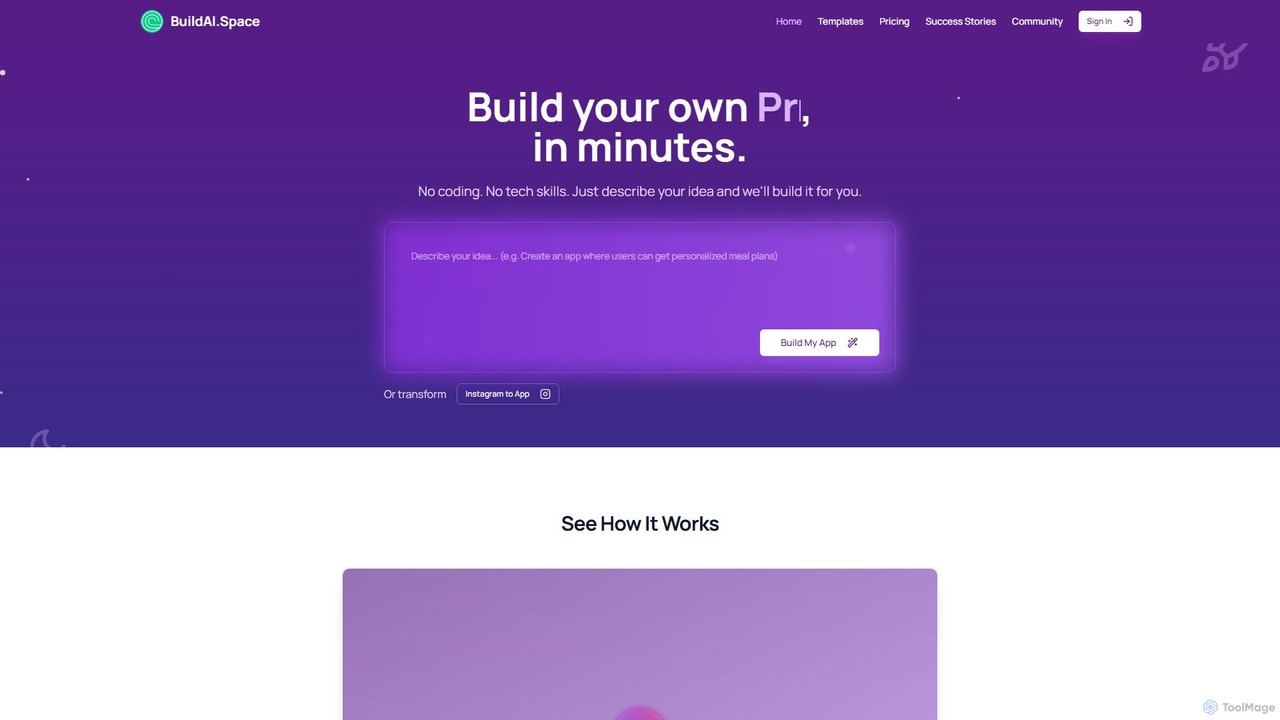
BuildAI is a no-code platform that empowers entrepreneurs and creators to build and launch custom AI-powered applications in minutes. Simply describe your idea in plain language, and the platform generates a fully functional app with features like user management, subscription payments, and personalized AI experiences. No technical skills are required, making it ideal for turning expertise into a scalable online business.

Saas
Visits 65.1KFavorites 111Likes 106
Formwise
Freemium

Formwise

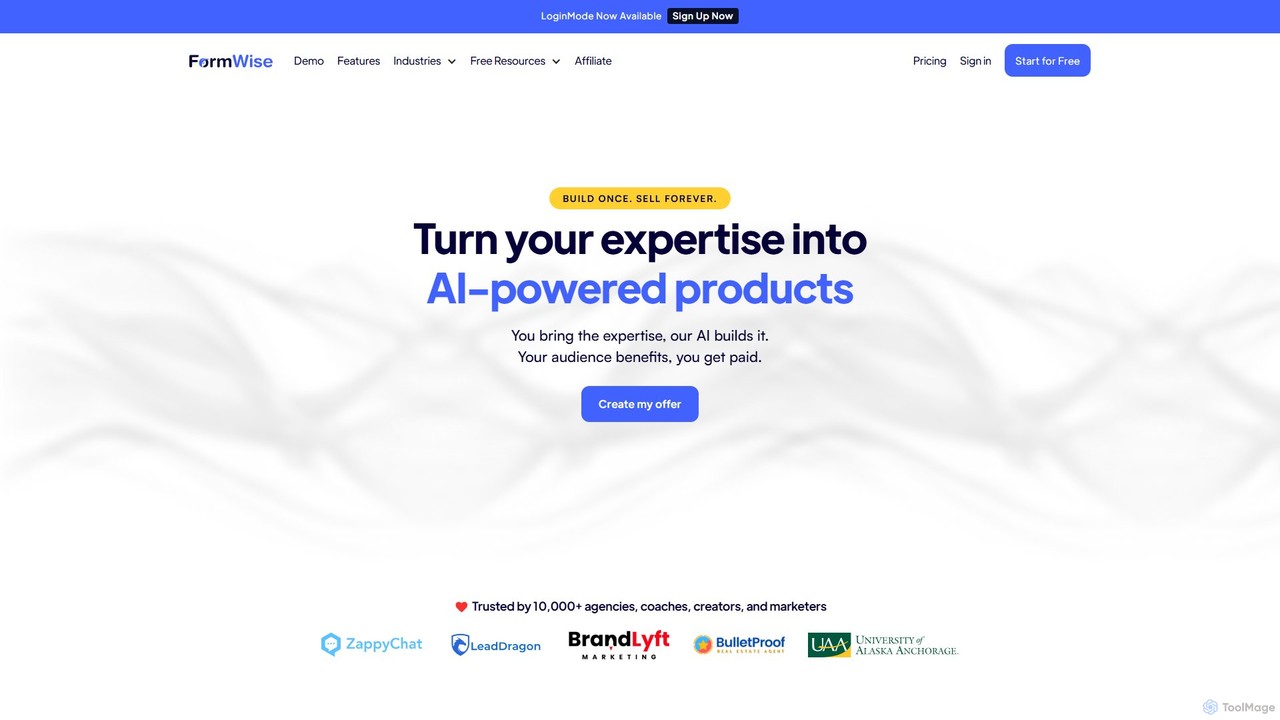
Formwise is a no-code platform that empowers creators, agencies, and entrepreneurs to transform their expertise and prompts into monetizable, white-label AI tools. Build custom AI-powered forms, copilots, and entire toolsets without writing a single line of code, and seamlessly embed them into any website or CRM.

Saas
Visits 15.4KFavorites 110Likes 83

About No Code

No-code tools are development platforms that enable users to create applications and automate workflows without writing any code. They utilize visual, drag-and-drop interfaces and pre-built components to abstract away complex programming. This approach empowers non-technical users, such as marketers and business analysts, to build functional software solutions quickly. It significantly lowers the barrier to entry for software development, allowing for rapid prototyping and deployment of digital products.

Core Features

  • Visual Interface Builder: Design user interfaces for web and mobile apps by dragging and dropping elements.
  • Workflow Automation: Create complex business logic and data flows using visual, logic-based editors.
  • Pre-built Templates & Components: Start projects with ready-to-use building blocks for common functionalities.
  • Integrated Database: Manage application data within the platform without needing to configure a separate database.
  • API Integration Connectors: Easily connect applications to third-party services like Stripe, Google Maps, or Slack.

Use Cases

No-code platforms are ideal for startups building Minimum Viable Products (MVPs), marketing teams creating interactive landing pages, and operations departments automating internal processes like approval workflows or data entry. They are also used by small businesses to build custom internal tools and client portals without hiring developers.

How to Choose

When selecting a no-code tool, consider the platform's scalability for future growth, the breadth of its integration library, and its data handling capabilities. Also, evaluate the learning curve, the quality of community support and documentation, and whether the pricing model aligns with your budget and expected usage.

Featured tool rankings

No Code use cases

1

Build a Custom CRM for a Small Business

A sales manager at a small business, without any coding skills, needs a tool to track leads and deals. Using a no-code platform, they visually design a custom CRM. They drag and drop fields for contacts, deal stages, and communication logs. They then create an automation where a new lead from a web form automatically creates a contact record and assigns it to a sales representative. This results in a tailored CRM, built in days instead of months, that perfectly fits their sales process and improves team efficiency.

2

Automate Employee Onboarding Workflow

An HR manager wants to streamline the onboarding process for new hires. Using a no-code automation tool, they design a workflow that triggers when a new employee is added to the HR system. The workflow automatically sends a welcome email, creates user accounts in Slack and Asana, assigns introductory training modules, and schedules a check-in meeting with their manager. This automation reduces manual administrative work, prevents errors, and ensures every new hire receives a consistent and welcoming experience.

3

Develop a Minimum Viable Product (MVP)

An entrepreneur has an idea for a new mobile app but lacks the budget for a development team. They use a no-code app builder to create a functional MVP. They design the user interface, set up a user database for sign-ups and logins, and implement core features like posting content and user profiles. This allows them to launch a working version of their app in a few weeks, gather real user feedback, and validate their business idea before seeking investment for a full-scale build.

4

Create a Client Portal for a Service Agency

A design agency wants to provide clients with a secure area to track project progress and exchange files. Using a no-code platform, they build a client portal. They create a database of clients and projects, then build a front-end with a login system. Once logged in, clients can view a dashboard with project timelines, access shared documents, and use a built-in form to submit feedback. This portal, built without a developer, enhances client communication and provides a more professional service experience.

5

Launch an Interactive Marketing Campaign

A marketing team needs to create an engaging landing page for a new product launch that includes a quiz to recommend the right product variant to customers. Instead of waiting for the development team, a marketer uses a no-code website builder. They design the page, embed a quiz created with another no-code tool, and set up logic to display different results based on the user's answers. The page is built and launched in a single day, allowing the team to be more agile and responsive to market opportunities.

6

Build a Simple E-commerce Store

A local artist wants to sell their artwork online but has no technical background. They use a no-code e-commerce platform to build their online store. They choose a design template, upload product photos and descriptions, set prices, and configure payment processing by connecting their Stripe account. The platform also handles inventory management and order notifications automatically. Within a weekend, the artist has a fully functional e-commerce site ready to take orders, without writing a single line of code.

No Code FAQ

What are no-code tools?

No-code tools are software development platforms that allow users to build applications using graphical user interfaces instead of writing code. They use visual, drag-and-drop components to assemble functional applications, websites, and automations. This approach empowers individuals without technical backgrounds, often called 'citizen developers', to create their own digital solutions quickly and cost-effectively.

What is the difference between no-code and low-code?

The main difference is the target audience and the requirement for coding. No-code platforms are designed for non-technical users (e.g., marketers, business analysts) and require zero coding. Low-code platforms are for professional developers to accelerate their work; they offer visual tools but still allow or require custom code for complex logic and integrations. In short, no-code prioritizes simplicity and speed for business users, while low-code offers greater flexibility and power for developers.

Who is best suited to use no-code platforms?

No-code platforms are ideal for a wide range of users who need to build digital solutions without coding. This includes:

  • Entrepreneurs who want to quickly build and test a Minimum Viable Product (MVP).
  • Marketers creating landing pages, forms, and campaign-specific microsites.
  • Business Analysts and Operations Managers automating internal workflows and building departmental tools.
  • Small Business Owners who need a website, CRM, or internal management system without a large budget.
What are the main limitations of no-code tools?

While powerful, no-code tools have some limitations. Scalability can be a concern for applications with very high traffic or complex processing needs. Customization is often restricted to the platform's available components, making highly unique features difficult to implement. There is also a risk of 'vendor lock-in', as migrating a complex application built on one no-code platform to another system can be challenging or impossible.

How do I choose the right no-code tool?

To choose the right tool, first clearly define your project's requirements. Then, evaluate platforms based on these key factors:

  • Functionality: Does it support the core features you need (e.g., database, user authentication, payments)?
  • Integrations: Can it connect with the other software you already use (e.g., Slack, Mailchimp, Google Sheets)?
  • Scalability: Can the platform handle your expected user growth and data volume?
  • Pricing: Does the pricing model fit your budget as your application grows?
  • Learning Curve: How intuitive is the platform, and what support resources (documentation, tutorials, community) are available?