ToolMage
Sign in

Best 71 No Code AI tools for Development

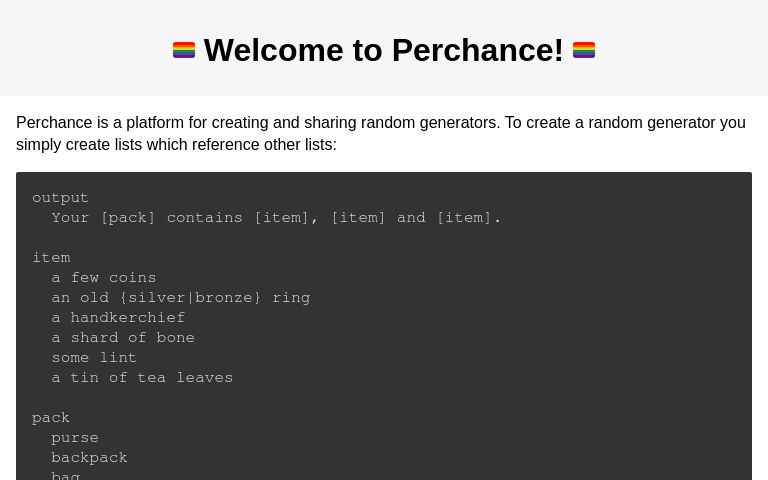
Popular No Code AI tools in Development include Wix Studio, Perchance, Webflow, welovenocode, Glide, Softr, OnSpace.ai, Crocoblock, Appy Pie, and Sleek, helping you work more efficiently.

Gracker
Freemium

Gracker

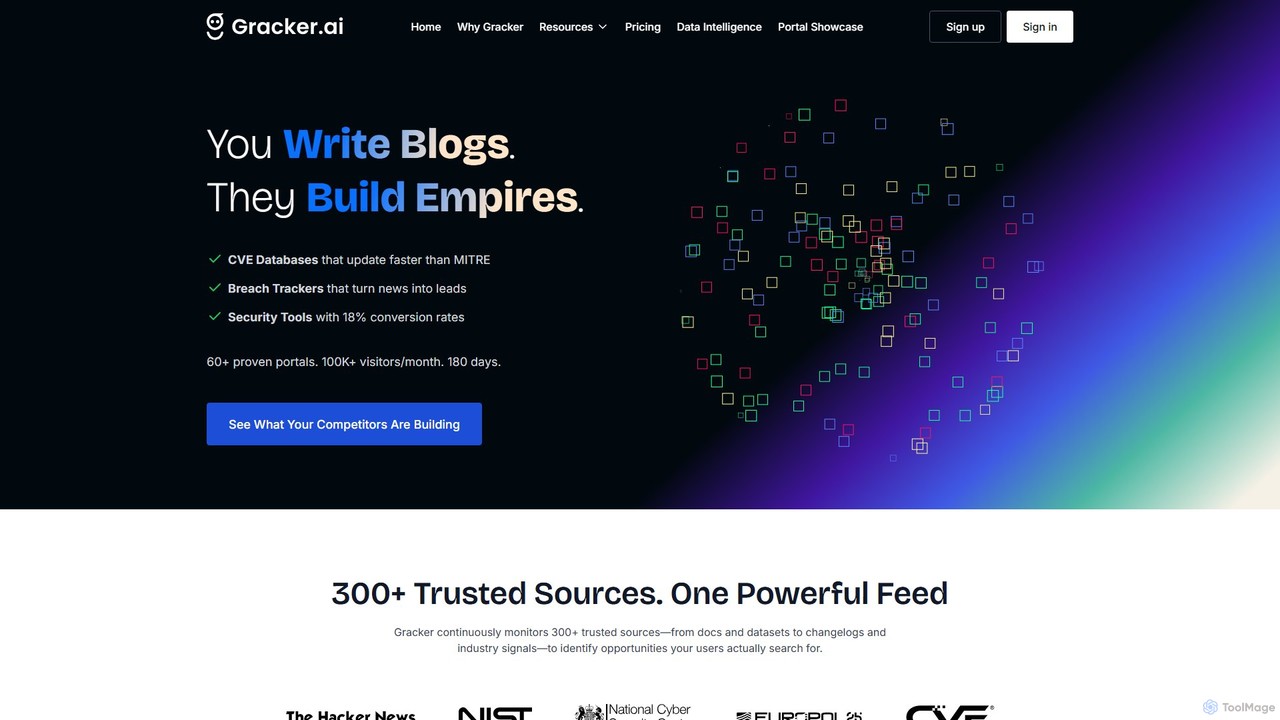
Gracker is an AI-powered programmatic SEO (pSEO) platform designed for B2B growth, especially in technical industries like cybersecurity. It automates the creation of high-utility content such as interactive tools, directories, and data-driven portals, transforming your product data into search-dominating assets. Gracker handles everything from idea generation to deployment and continuous optimization, enabling teams to scale content and drive high-intent traffic without manual writing or coding.

No Code
Visits 103.4KFavorites 115Likes 106
a0.dev
Freemium

a0.dev

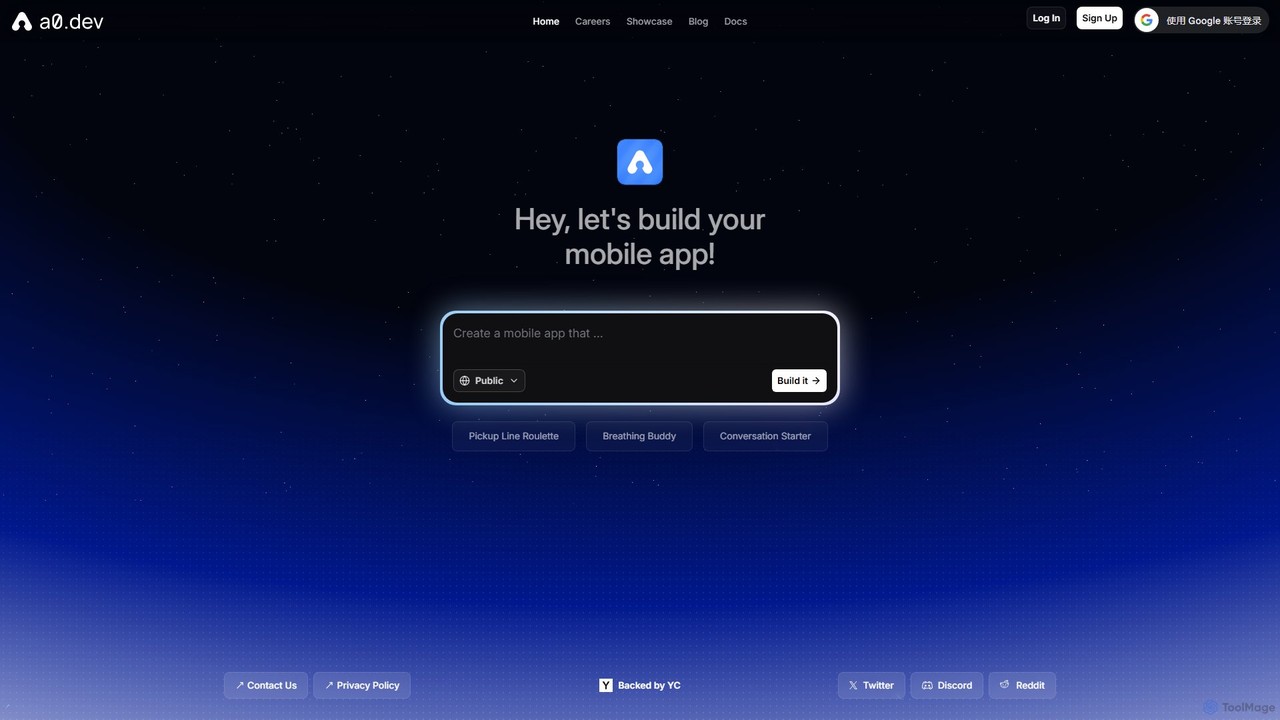
a0.dev is a revolutionary AI-powered platform that enables anyone to build native mobile apps for iOS and Android using simple text prompts. Describe your app idea in natural language, and the AI will generate, iterate, and help you publish it directly to the app stores, no coding required.

Text To App
Visits 90.2KFavorites 107Likes 123
dotapp
Freemium

dotapp

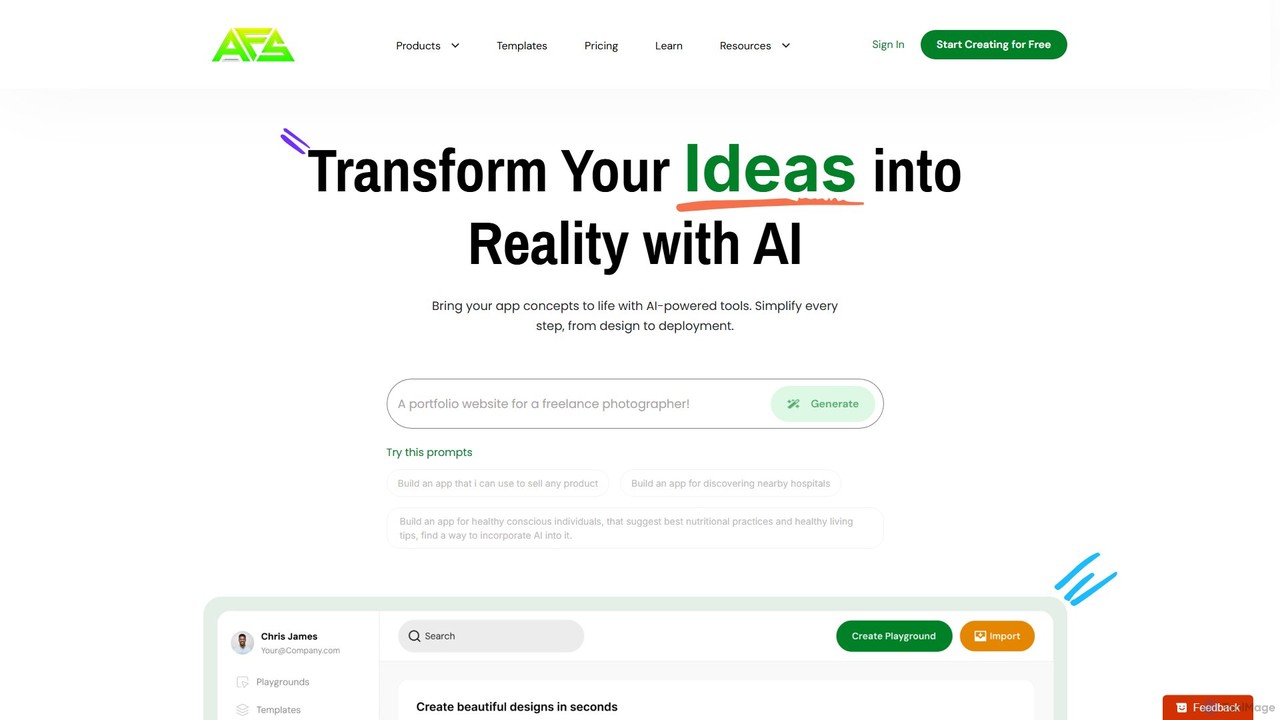
dotapp is an AI-powered no-code platform that enables users to build fully functional web and mobile applications simply by describing their ideas in natural language. It automates design, development, and deployment, making app creation accessible to everyone.

App Builder
Visits 4.6KFavorites 140Likes 142
Typeblock
Freemium

Typeblock

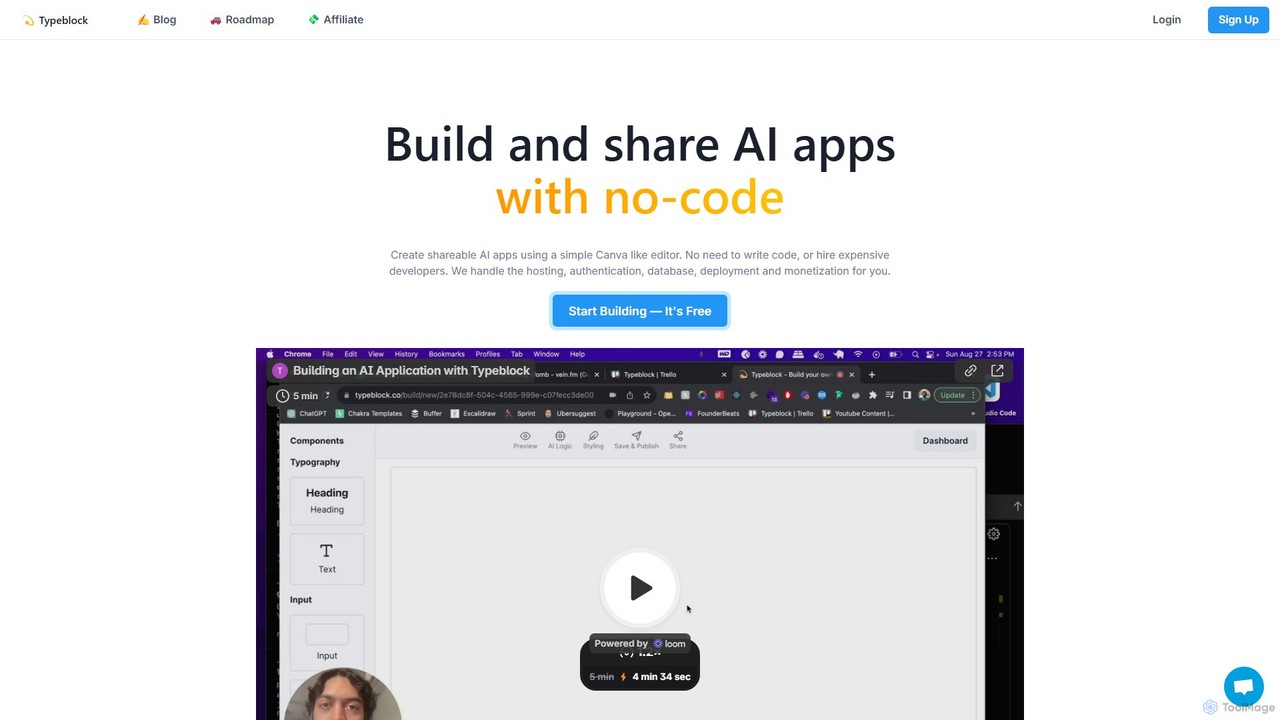
Typeblock is an intuitive no-code platform that allows users to build and share custom AI applications. Using a simple, Canva-like visual editor, anyone can create powerful AI tools for marketing, content creation, business automation, and more, without writing any code.

Internal Tools
Visits 4.8KFavorites 149Likes 143
365mvps
Freemium

365mvps

365mvps is an AI-powered platform designed for rapid Minimum Viable Product (MVP) development. It enables entrepreneurs and developers to transform ideas into functional applications using natural language prompts and a low-code interface, drastically reducing development time and costs.

No Code
Visits 4.6KFavorites 138Likes 133
bricabrac
Freemium

bricabrac

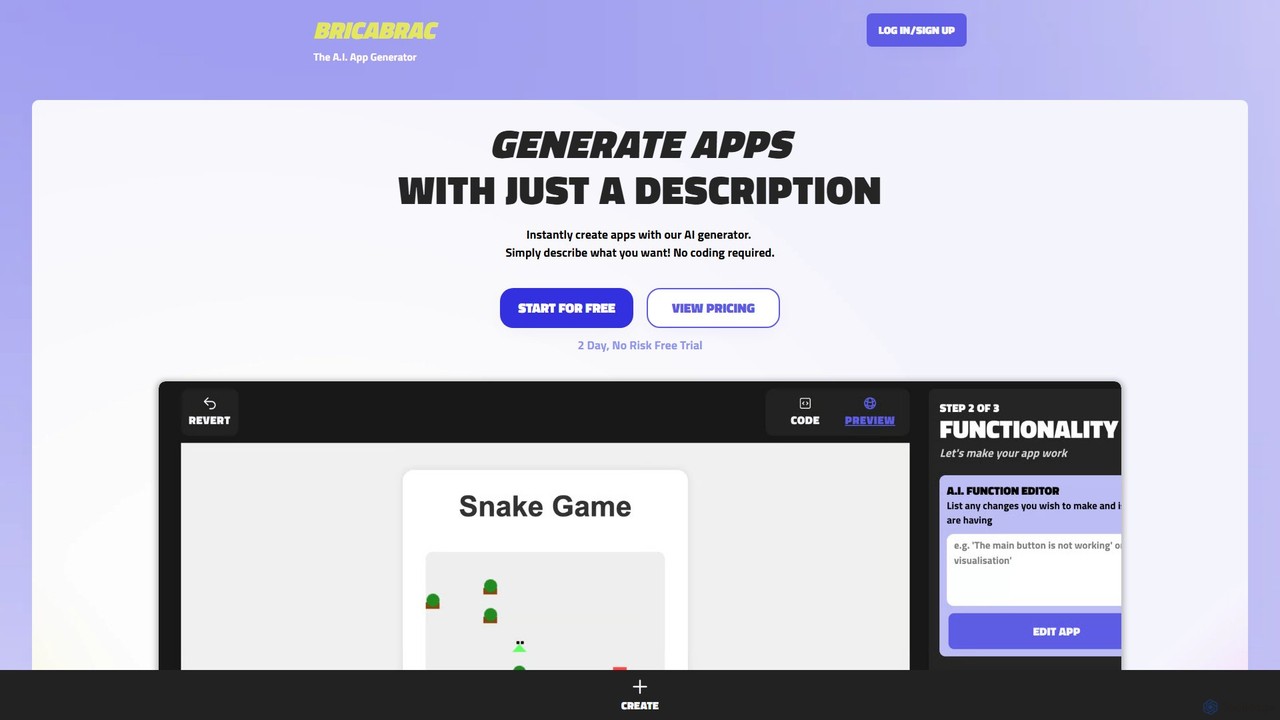
Bricabrac is an AI-powered app generator that transforms text descriptions into fully functional web applications. Powered by GPT-4, it allows users to create, customize, and deploy web tools and games in minutes without writing a single line of code. It features a no-code editor, free hosting, and full code export.

No Code
Visits 4.8KFavorites 127Likes 127
Pico
Freemium

Pico

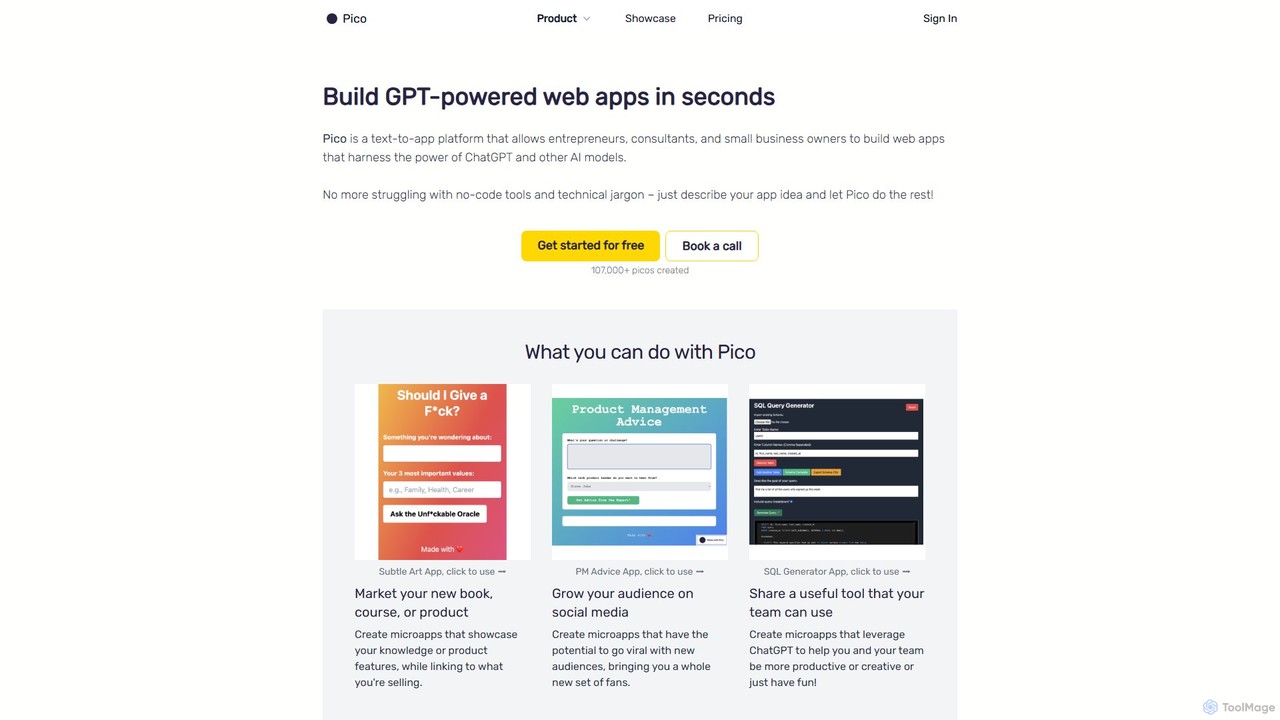
Pico is a text-to-app platform that empowers users to build GPT-powered web applications in seconds using simple natural language descriptions. Ideal for entrepreneurs, consultants, and small businesses, Pico eliminates the need for coding, allowing anyone to create, iterate, and deploy functional web apps effortlessly.

No Code
Visits 8.3KFavorites 109Likes 106
Toolbuilder
Freemium

Toolbuilder

Toolbuilder is a no-code platform that empowers users to create and deploy custom AI applications, chatbots, and automated workflows without writing a single line of code. Connect to top AI models, integrate your own data, and build specialized tools for your business needs in minutes.

Workflow Management
Visits 4.6KFavorites 132Likes 154
OnSpace.ai
Freemium

OnSpace.ai

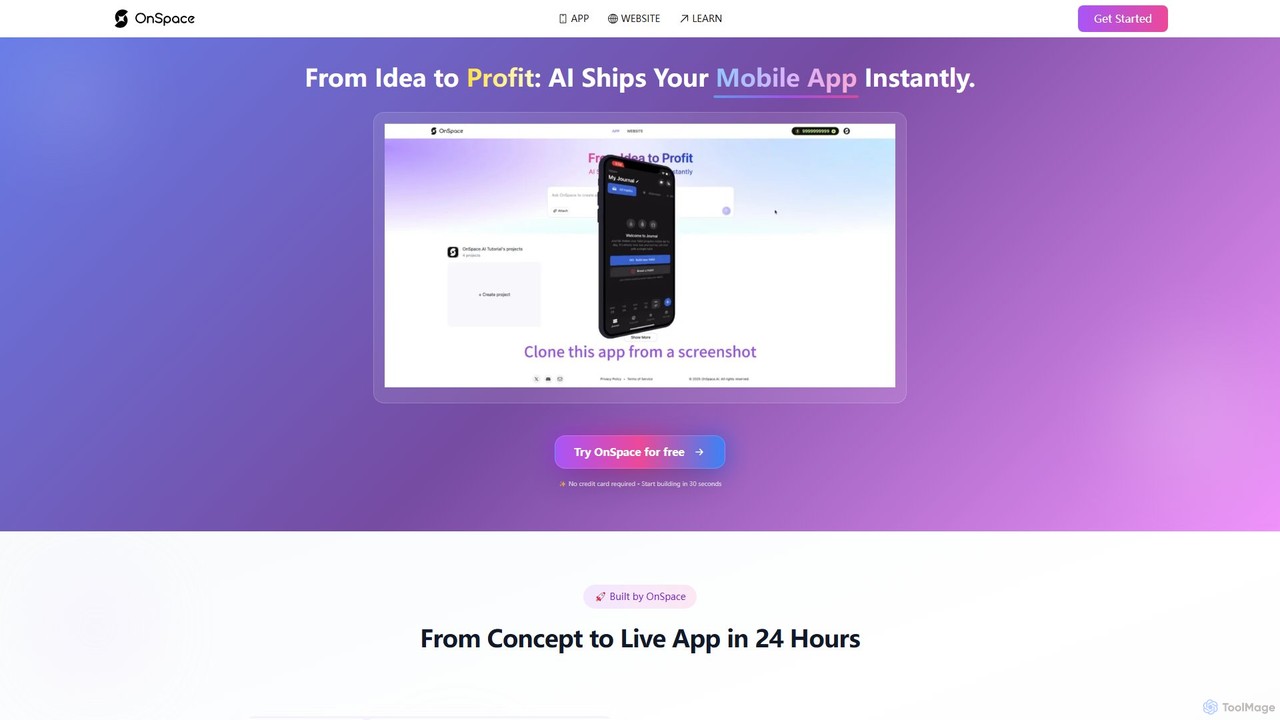
OnSpace.ai is a leading no-code AI platform that instantly transforms your ideas, screenshots, or Figma designs into full-stack, monetizable mobile and web applications. Built for speed and accessibility, it allows anyone to launch a functional app for iOS, Android, and the web in as little as 24 hours, without writing a single line of code.

No Code
Visits 399KFavorites 121Likes 130
Drafter AI
Paid

Drafter AI

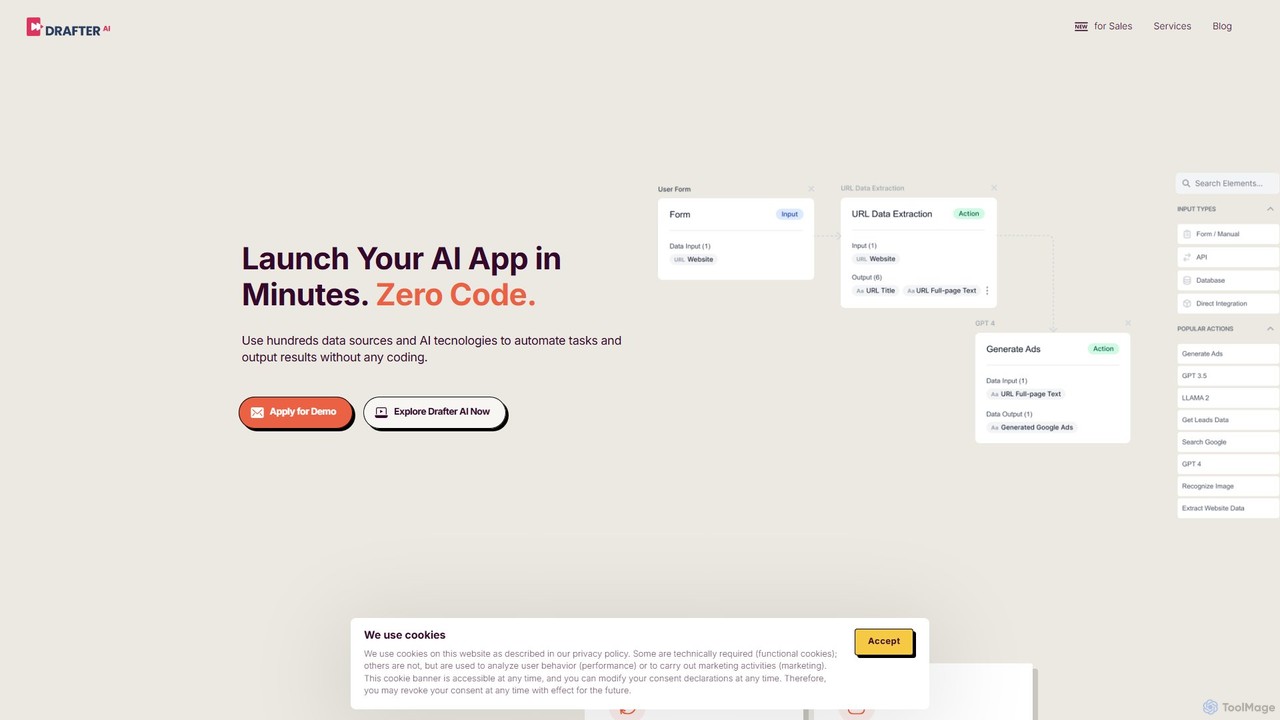
Drafter AI is a no-code platform that empowers businesses to build and deploy custom AI applications and automate complex workflows. It allows users to connect hundreds of data sources, integrate internal knowledge, and leverage a wide range of AI technologies without writing a single line of code, primarily focusing on sales, marketing, and operational efficiency.

No Code
Visits 7.1KFavorites 121Likes 119
welovenocode
Paid

welovenocode

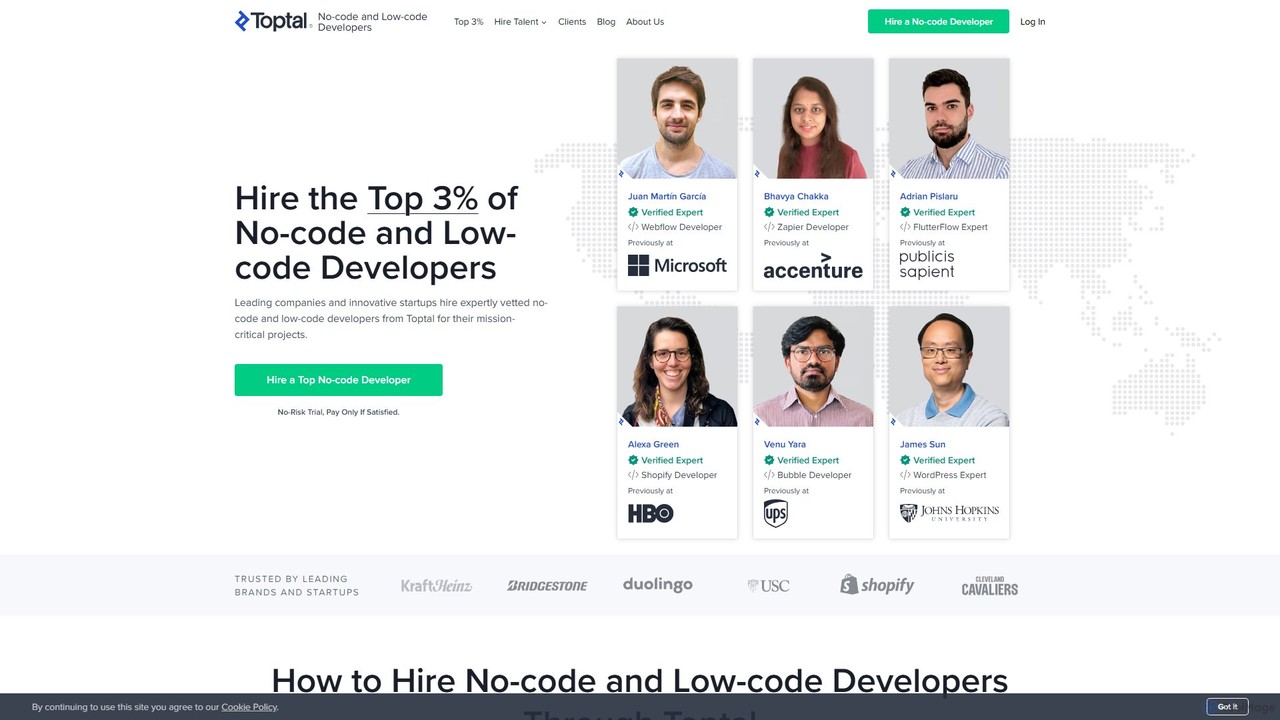
A premier platform for hiring the top 3% of vetted no-code and low-code developers. Build and launch web apps, mobile apps, and automations quickly and cost-effectively with elite, on-demand talent.

Freelance Platforms
Visits 2.1MFavorites 114Likes 117
Literally Anything
Free

Literally Anything

Literally Anything is an AI-powered platform that lets you build functional web apps, games, and widgets for free using only text prompts. Describe your idea in plain English, and the AI will generate, host, and deploy it instantly. No coding skills required.

Web App Builder
Visits 5.4KFavorites 114Likes 112
Softgen
Freemium

Softgen

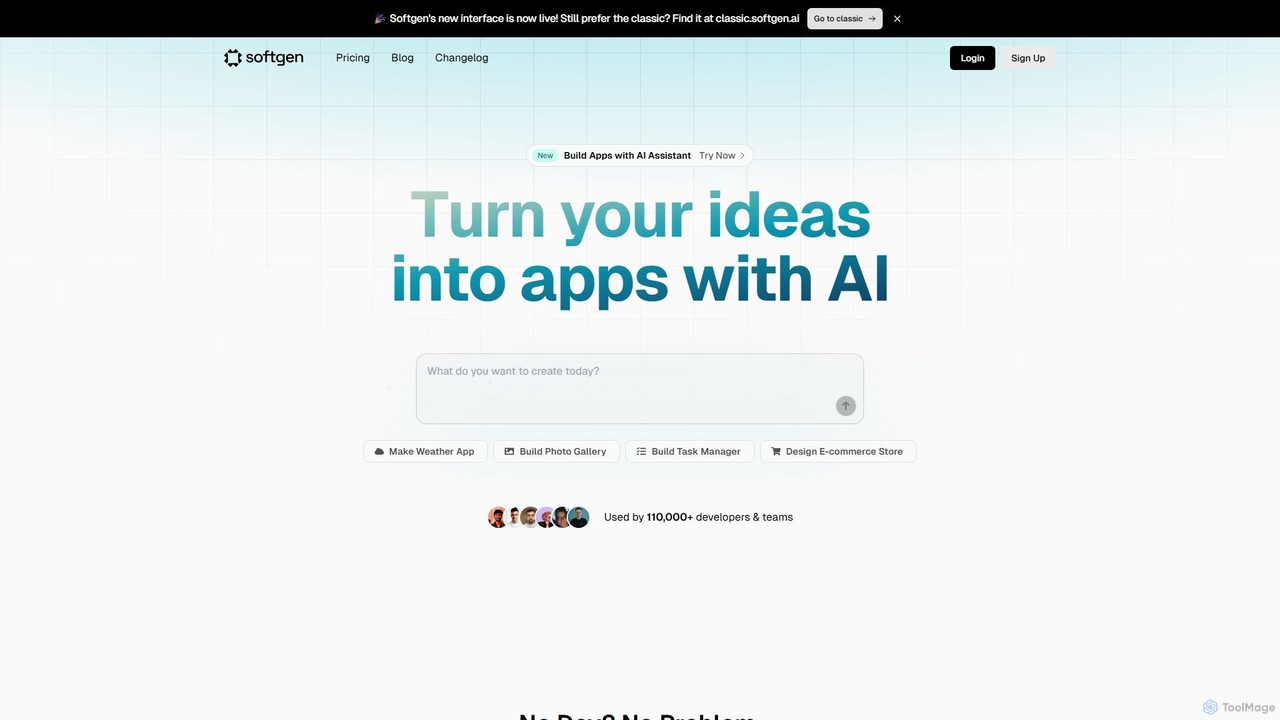
Softgen is an AI-powered web app builder that transforms your ideas into production-ready, full-stack applications. Simply describe what you want to build in natural language, and the AI assistant generates the code, database, and integrations, enabling both developers and non-coders to launch complex web apps quickly.

No Code
Visits 107.3KFavorites 104Likes 98
Appified.ai
Freemium

Appified.ai

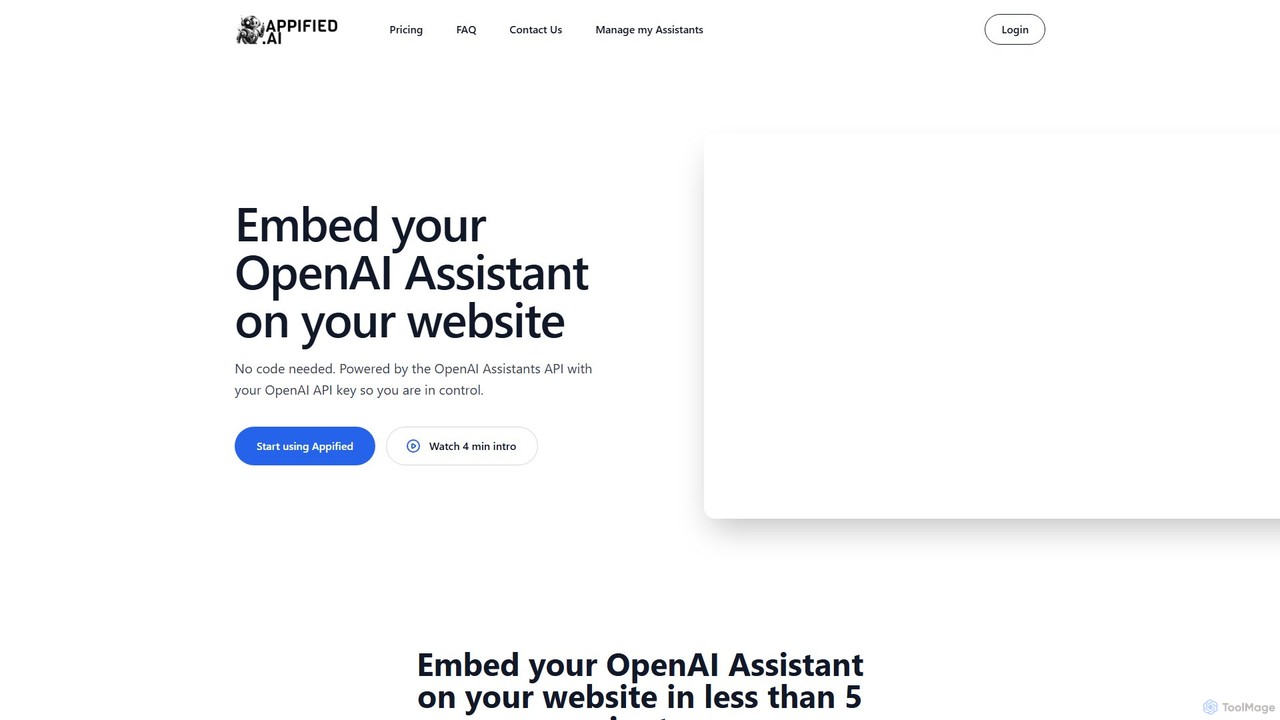
Appified.ai is a no-code platform that allows you to turn your OpenAI Assistant into a fully functional web app. Embed your AI assistant on any website in minutes, with options to monetize access using Stripe, connect to external APIs through function calling, and monitor usage with built-in analytics.

Builder
Visits 4.6KFavorites 131Likes 132
Bravo Studio
Freemium

Bravo Studio

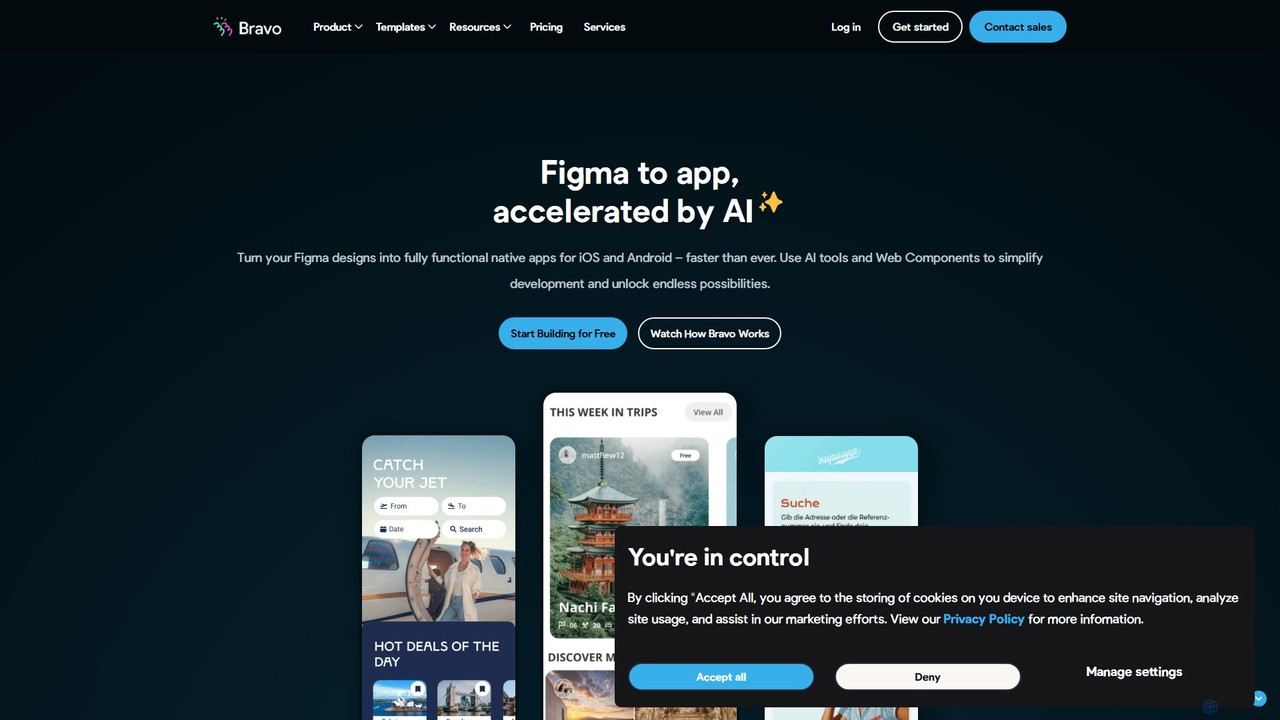
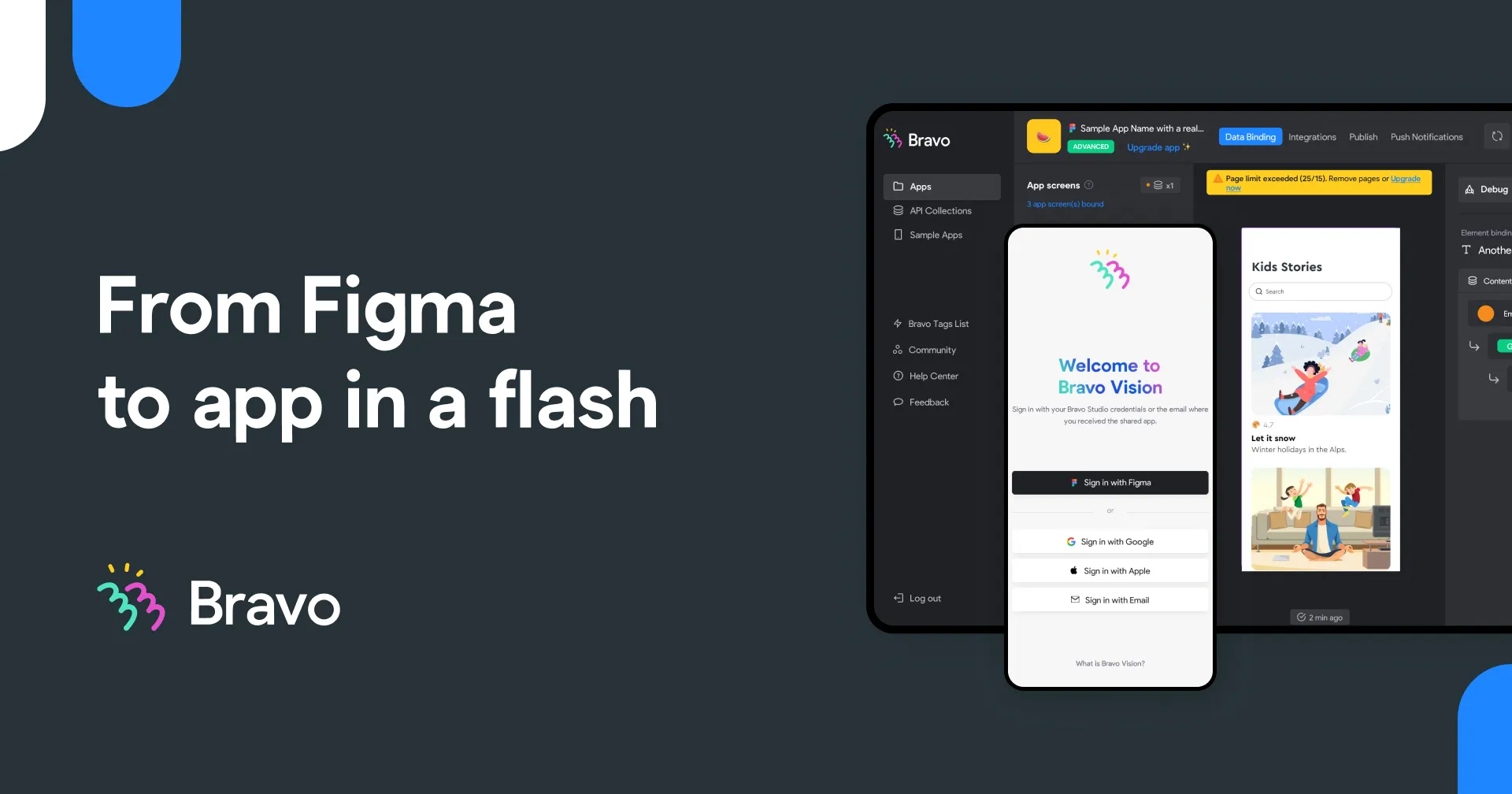
Bravo Studio is a design-first, no-code platform that transforms your Figma or Adobe XD designs into fully native mobile apps for iOS and Android. It empowers designers, creators, and entrepreneurs to build and launch sophisticated, data-driven applications without writing any code, connecting designs to any API or third-party service.

Prototyping
Visits 34.5KFavorites 150Likes 148
WindyFlo
Freemium

WindyFlo

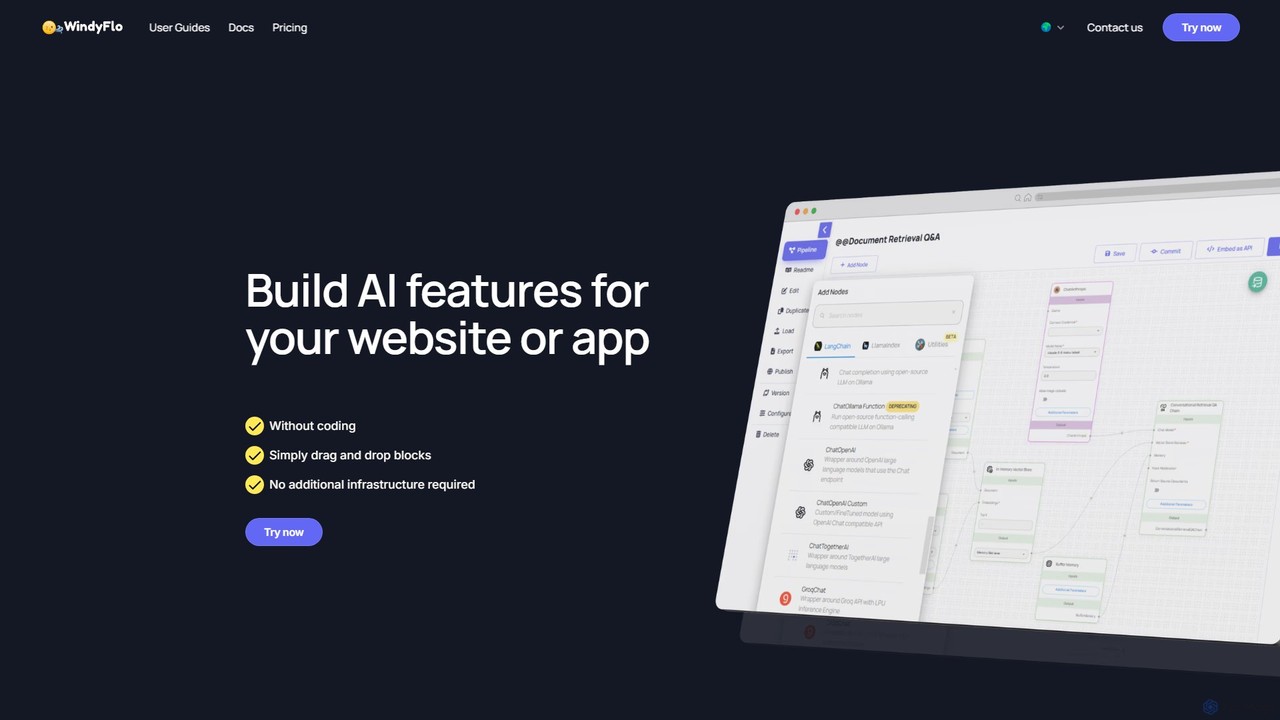
WindyFlo is a no-code AI pipeline engineering platform that enables users to build, customize, and deploy AI features for websites and apps. Through a simple drag-and-drop interface, you can visually design complex AI workflows, connect to global LLMs like ChatGPT and Claude, and integrate your creations via a single API call or as a shareable chatbot, all without writing code or managing infrastructure.

Chatbot Builder
Visits 5.9KFavorites 103Likes 97
Blocs
Freemium

Blocs

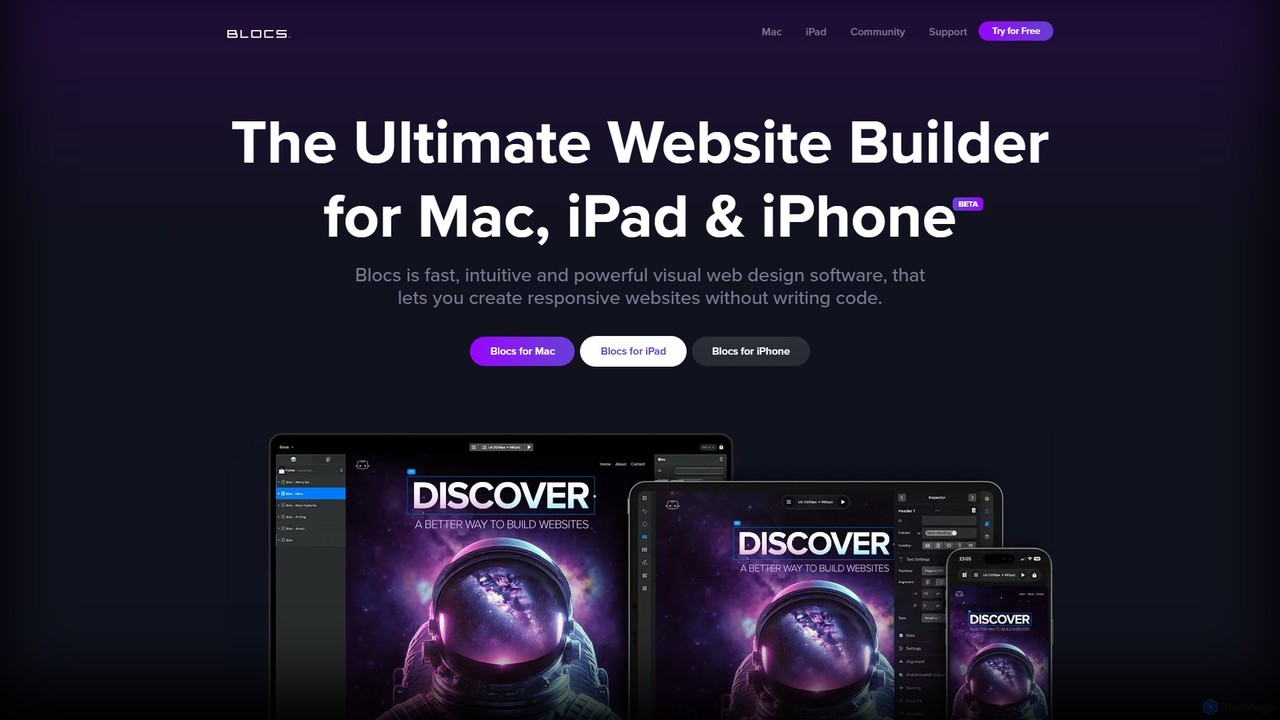
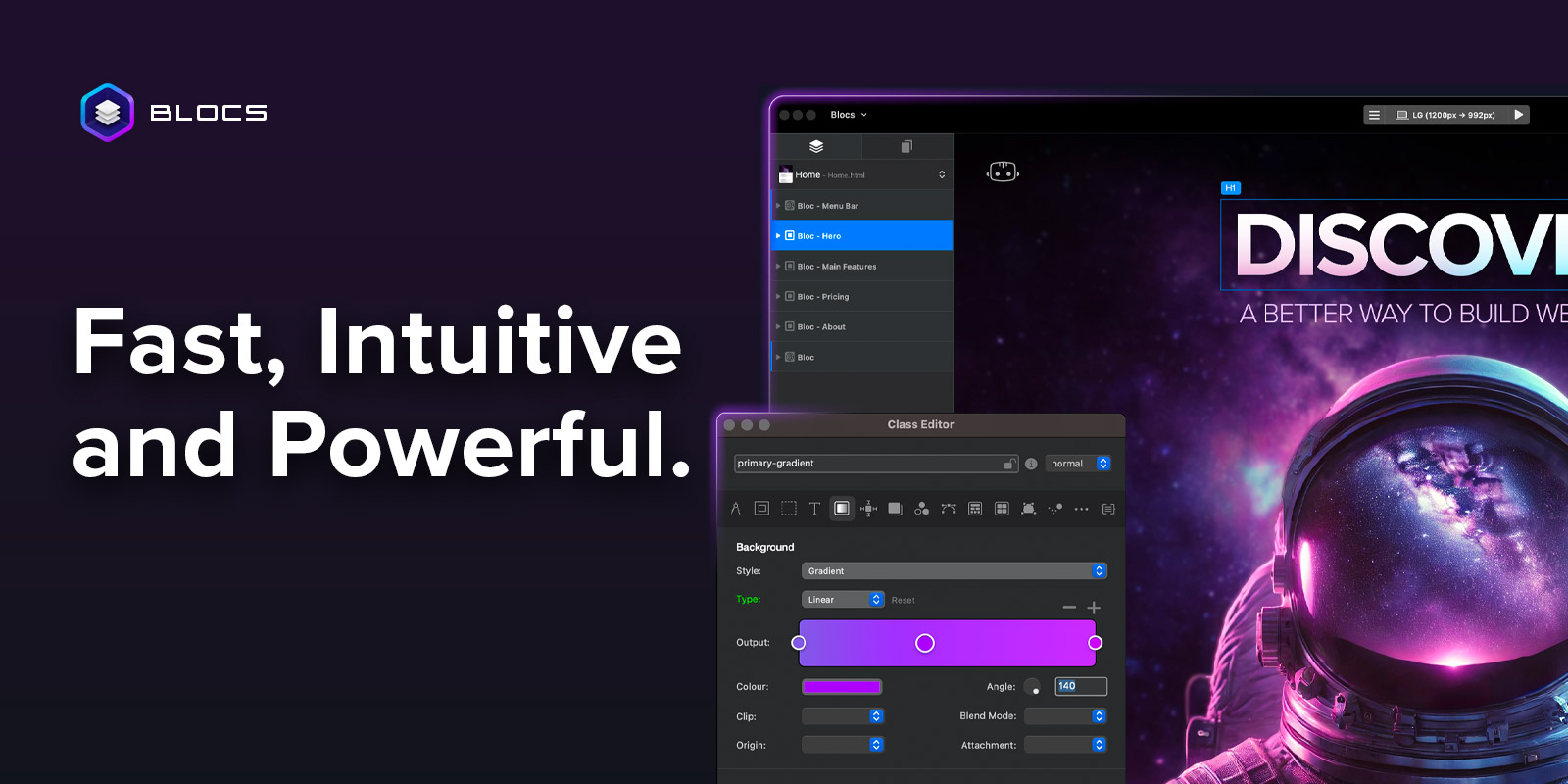
Blocs is a fast, intuitive, and powerful visual web design application for Mac, iPad, and iPhone. It enables designers, developers, and entrepreneurs to create professional, responsive websites and WordPress themes without writing a single line of code, using a clean, visual interface and a one-time purchase model.

Web Design
Visits 49.4KFavorites 148Likes 149
nocodelife
Freemium

nocodelife

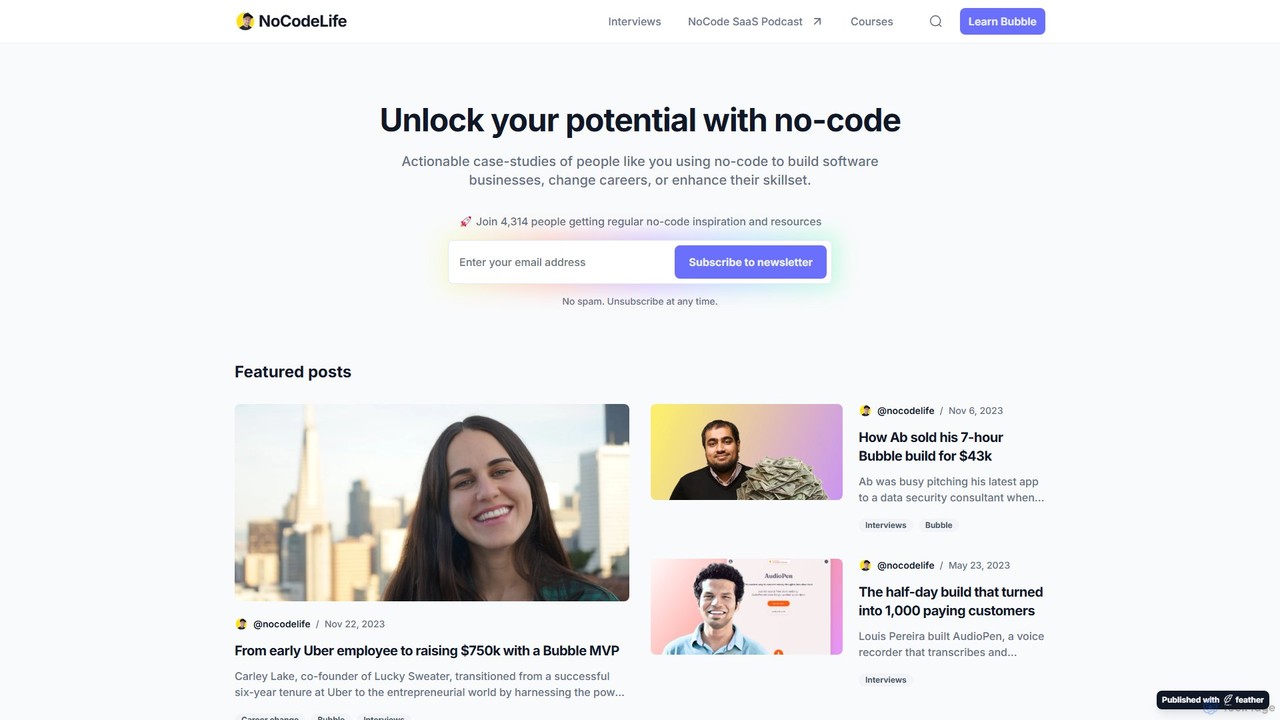
nocodelife is an educational platform dedicated to the no-code movement, offering actionable case studies, interviews, and comprehensive online courses. It primarily focuses on the Bubble.io platform, empowering aspiring entrepreneurs and career changers to build software businesses and applications without writing a single line of code.

Entrepreneurship
Visits 9.7KFavorites 129Likes 122
Liner.ai
Free

Liner.ai

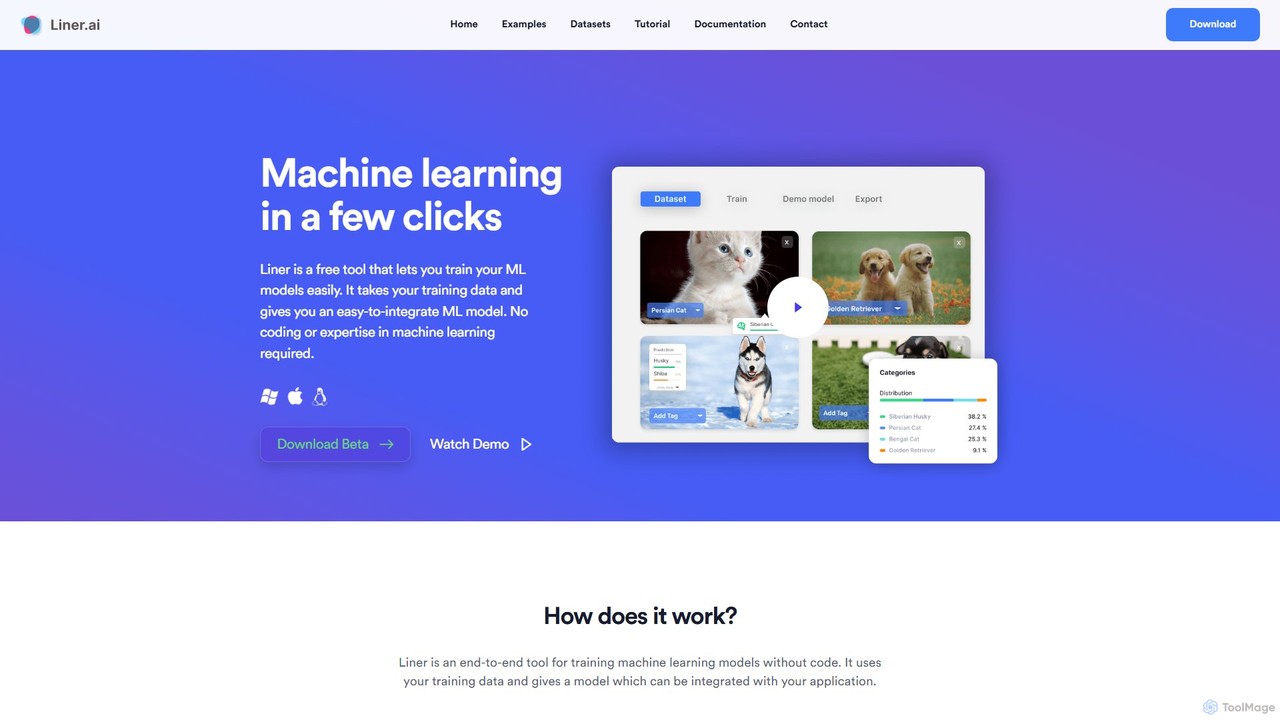
Liner.ai is a free, no-code desktop application for Windows and Mac that allows users to easily train and deploy machine learning models. It simplifies the entire ML workflow, from data import to model deployment, without requiring any coding or deep learning expertise. It's designed for creating applications in image, text, audio, and video classification, object detection, and more, with a focus on speed, accuracy, and data privacy.

Machine Learning
Visits 17.7KFavorites 125Likes 120
Softr
Freemium

Softr

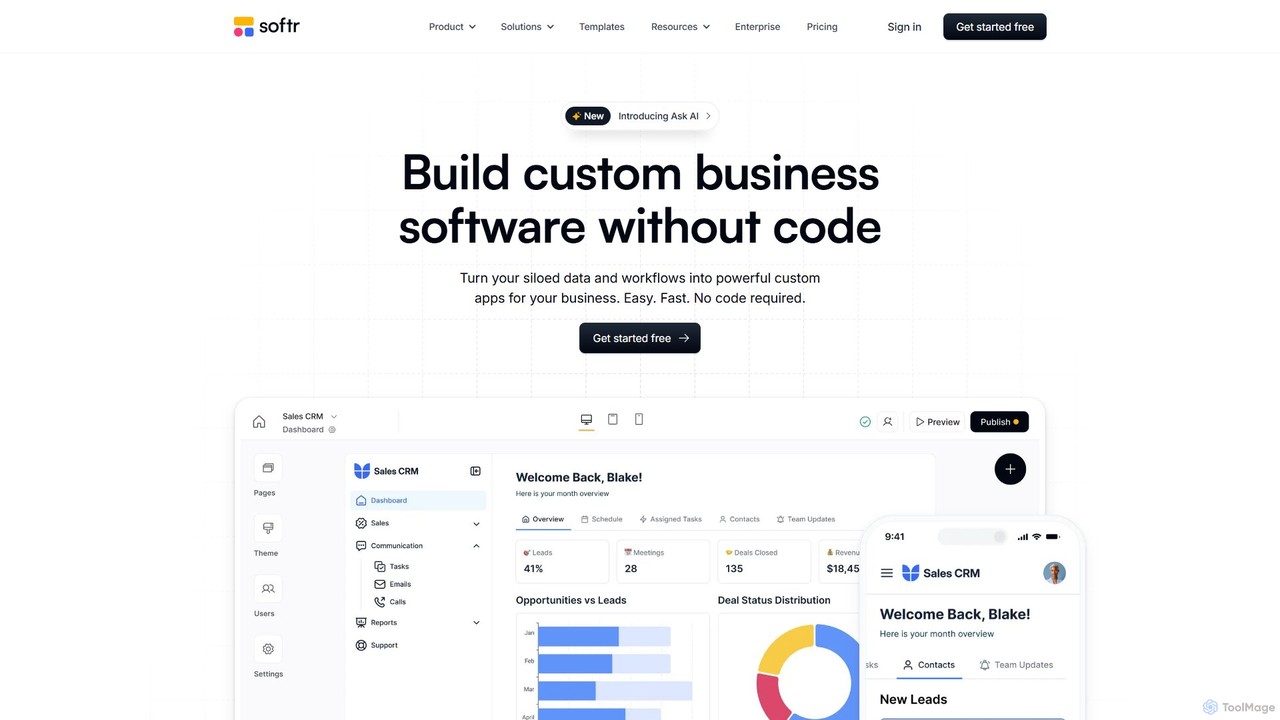
Softr is a leading no-code platform that empowers users to build custom business applications, client portals, and internal tools without writing a single line of code. It transforms existing data from sources like Airtable, Google Sheets, and HubSpot into powerful, interactive web apps. With its new AI-powered builder, you can generate applications even faster, streamlining workflows and boosting productivity.

Internal Tools
Visits 650KFavorites 130Likes 126
AppForceStudio
Freemium

AppForceStudio

AppForceStudio is a next-generation, AI-powered platform that transforms your app ideas into reality. It simplifies the entire app creation process, from design and storyboarding to code generation and deployment. Ideal for solo founders, small businesses, and development teams, it enables users to build professional, market-ready iOS and Android apps with or without coding experience.

Ui Ux
Visits 6.7KFavorites 136Likes 116
Macaly
Freemium

Macaly

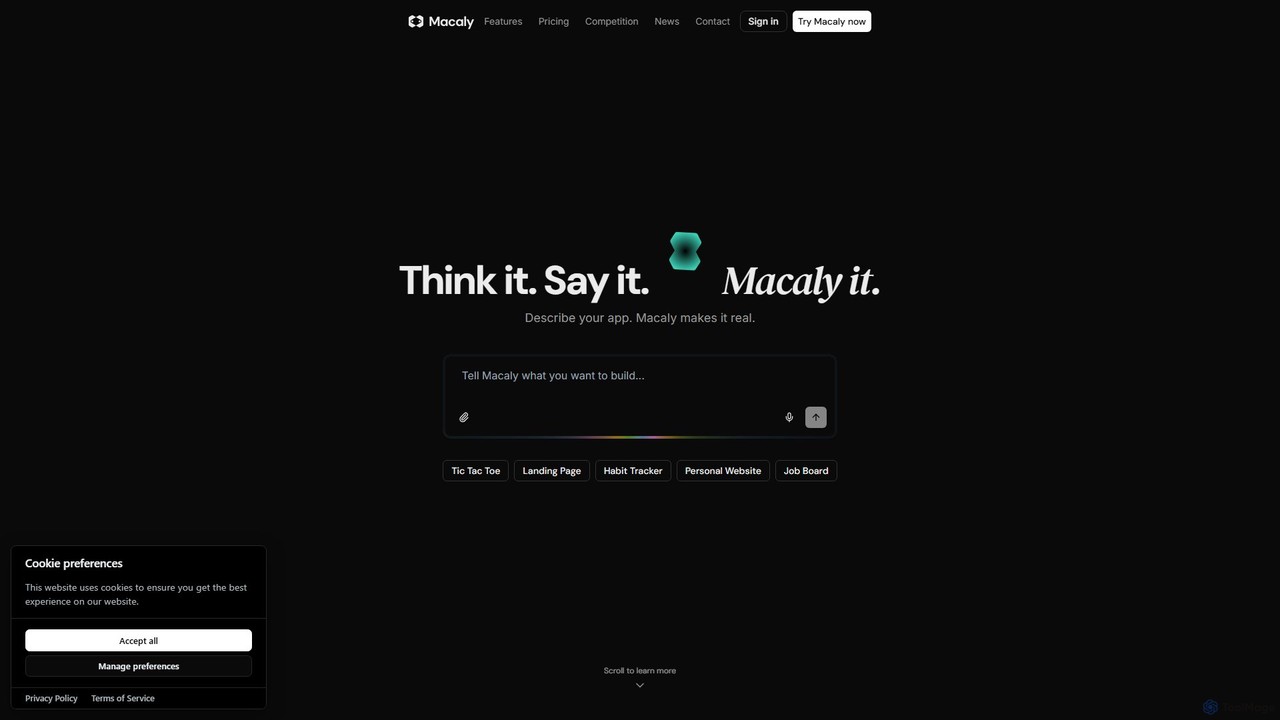
Macaly is an AI-powered platform that transforms your ideas into functional web apps and websites using natural language. No coding required. Simply describe what you want, and Macaly's AI agent builds it instantly, making it perfect for entrepreneurs, marketers, and non-developers to rapidly prototype and launch projects.

No Code
Visits 52.2KFavorites 148Likes 150
Surfsite
Paid

Surfsite

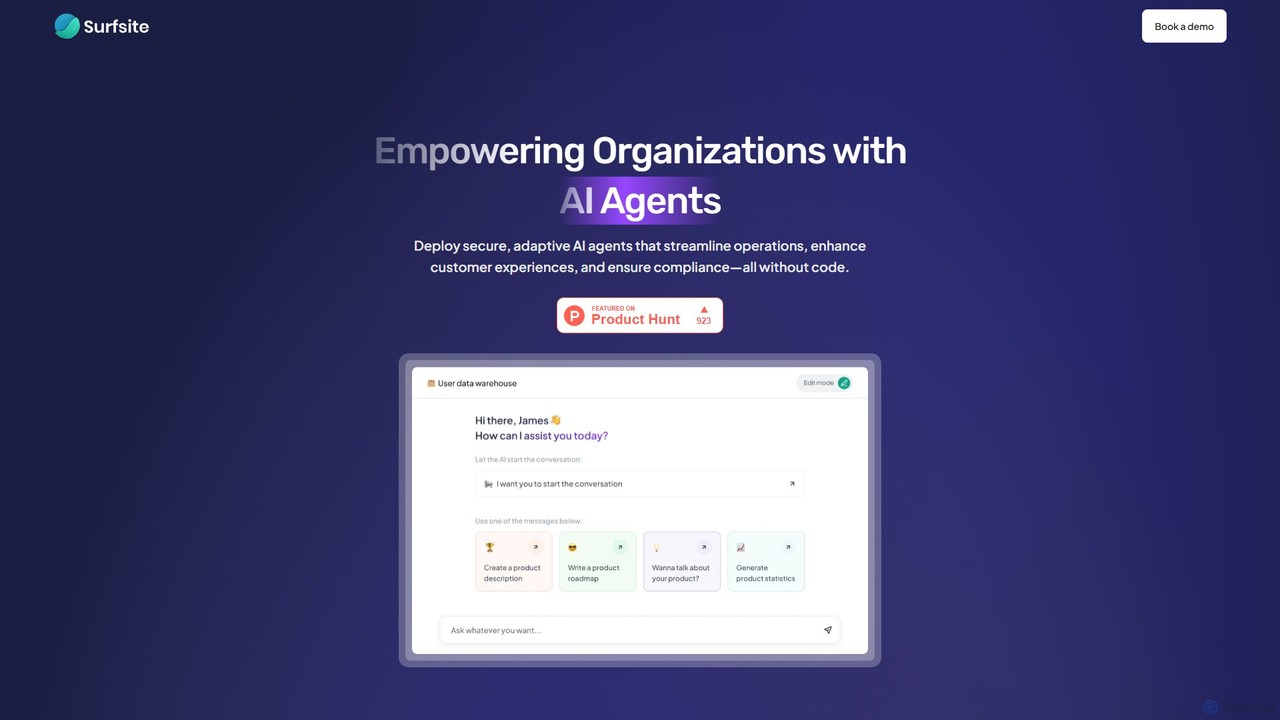
Surfsite is a no-code platform that empowers organizations to build and deploy secure, adaptive AI agents. These agents integrate with your existing tools and data, streamlining operations, enhancing customer experiences, and providing real-time analytics. It's designed for product managers, marketers, and founders to automate workflows and make data-driven decisions without writing any code.

Customer Support
Visits 4.6KFavorites 154Likes 163

About No Code

No-code tools are development platforms that enable users to create applications and automate workflows without writing any code. They utilize visual, drag-and-drop interfaces and pre-built components to abstract away complex programming. This approach empowers non-technical users, such as marketers and business analysts, to build functional software solutions quickly. It significantly lowers the barrier to entry for software development, allowing for rapid prototyping and deployment of digital products.

Core Features

  • Visual Interface Builder: Design user interfaces for web and mobile apps by dragging and dropping elements.
  • Workflow Automation: Create complex business logic and data flows using visual, logic-based editors.
  • Pre-built Templates & Components: Start projects with ready-to-use building blocks for common functionalities.
  • Integrated Database: Manage application data within the platform without needing to configure a separate database.
  • API Integration Connectors: Easily connect applications to third-party services like Stripe, Google Maps, or Slack.

Use Cases

No-code platforms are ideal for startups building Minimum Viable Products (MVPs), marketing teams creating interactive landing pages, and operations departments automating internal processes like approval workflows or data entry. They are also used by small businesses to build custom internal tools and client portals without hiring developers.

How to Choose

When selecting a no-code tool, consider the platform's scalability for future growth, the breadth of its integration library, and its data handling capabilities. Also, evaluate the learning curve, the quality of community support and documentation, and whether the pricing model aligns with your budget and expected usage.

Featured tool rankings

No Code use cases

1

Build a Custom CRM for a Small Business

A sales manager at a small business, without any coding skills, needs a tool to track leads and deals. Using a no-code platform, they visually design a custom CRM. They drag and drop fields for contacts, deal stages, and communication logs. They then create an automation where a new lead from a web form automatically creates a contact record and assigns it to a sales representative. This results in a tailored CRM, built in days instead of months, that perfectly fits their sales process and improves team efficiency.

2

Automate Employee Onboarding Workflow

An HR manager wants to streamline the onboarding process for new hires. Using a no-code automation tool, they design a workflow that triggers when a new employee is added to the HR system. The workflow automatically sends a welcome email, creates user accounts in Slack and Asana, assigns introductory training modules, and schedules a check-in meeting with their manager. This automation reduces manual administrative work, prevents errors, and ensures every new hire receives a consistent and welcoming experience.

3

Develop a Minimum Viable Product (MVP)

An entrepreneur has an idea for a new mobile app but lacks the budget for a development team. They use a no-code app builder to create a functional MVP. They design the user interface, set up a user database for sign-ups and logins, and implement core features like posting content and user profiles. This allows them to launch a working version of their app in a few weeks, gather real user feedback, and validate their business idea before seeking investment for a full-scale build.

4

Create a Client Portal for a Service Agency

A design agency wants to provide clients with a secure area to track project progress and exchange files. Using a no-code platform, they build a client portal. They create a database of clients and projects, then build a front-end with a login system. Once logged in, clients can view a dashboard with project timelines, access shared documents, and use a built-in form to submit feedback. This portal, built without a developer, enhances client communication and provides a more professional service experience.

5

Launch an Interactive Marketing Campaign

A marketing team needs to create an engaging landing page for a new product launch that includes a quiz to recommend the right product variant to customers. Instead of waiting for the development team, a marketer uses a no-code website builder. They design the page, embed a quiz created with another no-code tool, and set up logic to display different results based on the user's answers. The page is built and launched in a single day, allowing the team to be more agile and responsive to market opportunities.

6

Build a Simple E-commerce Store

A local artist wants to sell their artwork online but has no technical background. They use a no-code e-commerce platform to build their online store. They choose a design template, upload product photos and descriptions, set prices, and configure payment processing by connecting their Stripe account. The platform also handles inventory management and order notifications automatically. Within a weekend, the artist has a fully functional e-commerce site ready to take orders, without writing a single line of code.

No Code FAQ

What are no-code tools?

No-code tools are software development platforms that allow users to build applications using graphical user interfaces instead of writing code. They use visual, drag-and-drop components to assemble functional applications, websites, and automations. This approach empowers individuals without technical backgrounds, often called 'citizen developers', to create their own digital solutions quickly and cost-effectively.

What is the difference between no-code and low-code?

The main difference is the target audience and the requirement for coding. No-code platforms are designed for non-technical users (e.g., marketers, business analysts) and require zero coding. Low-code platforms are for professional developers to accelerate their work; they offer visual tools but still allow or require custom code for complex logic and integrations. In short, no-code prioritizes simplicity and speed for business users, while low-code offers greater flexibility and power for developers.

Who is best suited to use no-code platforms?

No-code platforms are ideal for a wide range of users who need to build digital solutions without coding. This includes:

  • Entrepreneurs who want to quickly build and test a Minimum Viable Product (MVP).
  • Marketers creating landing pages, forms, and campaign-specific microsites.
  • Business Analysts and Operations Managers automating internal workflows and building departmental tools.
  • Small Business Owners who need a website, CRM, or internal management system without a large budget.
What are the main limitations of no-code tools?

While powerful, no-code tools have some limitations. Scalability can be a concern for applications with very high traffic or complex processing needs. Customization is often restricted to the platform's available components, making highly unique features difficult to implement. There is also a risk of 'vendor lock-in', as migrating a complex application built on one no-code platform to another system can be challenging or impossible.

How do I choose the right no-code tool?

To choose the right tool, first clearly define your project's requirements. Then, evaluate platforms based on these key factors:

  • Functionality: Does it support the core features you need (e.g., database, user authentication, payments)?
  • Integrations: Can it connect with the other software you already use (e.g., Slack, Mailchimp, Google Sheets)?
  • Scalability: Can the platform handle your expected user growth and data volume?
  • Pricing: Does the pricing model fit your budget as your application grows?
  • Learning Curve: How intuitive is the platform, and what support resources (documentation, tutorials, community) are available?