

Toolbuilder Overview
Toolbuilder is a revolutionary no-code platform designed to democratize AI development. It provides an intuitive, visual interface that allows anyone, from entrepreneurs and marketers to developers and business analysts, to build powerful, custom AI-powered tools. Instead of relying on generic AI solutions, Toolbuilder enables you to create applications tailored specifically to your unique data, workflows, and business objectives. The platform serves as a bridge between complex AI models and practical business applications, removing the technical barriers traditionally associated with AI development.
With Toolbuilder, you can transform your ideas into functional AI applications rapidly. Whether you need a customer support chatbot trained on your company's knowledge base, a content generator that matches your brand's voice, or an internal tool to automate data analysis, the platform provides all the necessary components to bring your vision to life. It's built for speed, flexibility, and scalability, allowing you to prototype, test, and deploy AI solutions in a fraction of the time and cost it would take with traditional methods.
How to use Toolbuilder
Using Toolbuilder is a straightforward, step-by-step process designed for clarity and efficiency:
- Define Your Goal: Start by clearly defining what you want your AI tool to accomplish. For example, 'Summarize customer reviews' or 'Generate social media posts from a blog article'.
- Select an AI Model: Choose from a variety of leading AI models (like GPT-4, Claude, etc.) that best suit your task's complexity and creative needs.
- Provide Context with Data: Upload your own data to give the AI context. This can be in the form of documents (PDFs, TXT), website content, or direct text input. This step is crucial for creating a tool that understands your specific domain.
- Design the Workflow: Use the visual, drag-and-drop editor to build your tool's logic. You can chain multiple steps together, such as 'Extract keywords from text', then 'Use keywords to search a database', and finally 'Generate a report based on the findings'.
- Create the User Interface: Customize the input and output fields for your tool. Create a simple, user-friendly interface for anyone to use your new application.
- Test and Deploy: Test your tool within the platform to ensure it works as expected. Once you're satisfied, you can deploy it and share it with others via a unique link, embed it on your website, or integrate it into other systems using an API.
Core Features of Toolbuilder
- No-Code Visual Builder: An intuitive drag-and-drop interface for building complex AI workflows without any programming.
- Multi-Model Integration: Access to a wide range of state-of-the-art Large Language Models (LLMs) to power your applications.
- Custom Data Sources: Train your AI tools on your own data by uploading documents, scraping websites, or connecting to databases for highly relevant and accurate outputs.
- Workflow Automation: Chain multiple AI prompts and actions together to create sophisticated, multi-step automations.
- Instant Deployment & Sharing: Generate a shareable web app for your tool with a single click, or embed it directly into your existing websites and platforms.
- API Access: For advanced users, Toolbuilder provides API access to integrate your custom-built tools into other software and services.
- Team Collaboration: Work with your team to build, manage, and improve AI tools in a shared workspace.
Use Cases for Toolbuilder
Toolbuilder is versatile and can be applied across various industries and functions:
- Marketing: Create tools for generating ad copy, writing SEO-optimized blog posts, creating social media calendars, or personalizing email campaigns.
- Customer Support: Build custom chatbots trained on your product documentation and FAQs to provide instant, accurate answers to customer queries 24/7.
- Human Resources: Develop tools to screen resumes, generate job descriptions, or create onboarding materials for new hires.
- Operations: Automate the process of summarizing reports, extracting key information from contracts and legal documents, or analyzing customer feedback.
- Sales: Build a tool to generate personalized sales pitches, research potential leads, or summarize call transcripts.
Advantages of Toolbuilder
The primary advantage of Toolbuilder is its ability to empower non-technical users to build sophisticated AI. This leads to several key benefits:
- Speed to Market: Go from idea to a functional AI application in hours, not months.
- Cost-Effective: Drastically reduces the development costs associated with hiring specialized AI engineers and developers.
- Hyper-Customization: Create tools that are perfectly aligned with your specific workflows, data, and brand voice, which off-the-shelf solutions cannot offer.
- Democratization of AI: Enables teams across your organization to leverage AI, fostering innovation and improving efficiency without needing a centralized development team.
- Scalability: Start with a simple tool and easily scale its complexity and usage as your business needs grow.
Pricing and Plans
Toolbuilder offers a flexible pricing structure to suit different needs, from individual creators to large enterprises.
- Free Plan: Perfect for exploring the platform. Includes a limited number of tool runs per month, access to basic AI models, and the ability to build and test a few tools.
- Pro Plan (approx. $29/month): Ideal for professionals and small businesses. Offers a significantly higher number of tool runs, access to premium AI models, the ability to build more tools, and standard support.
- Business Plan (Custom Pricing): Designed for teams and enterprises. Includes unlimited tool creation, high-volume usage, advanced features like API access, team collaboration, dedicated support, and enhanced security.
Toolbuilder Alternatives
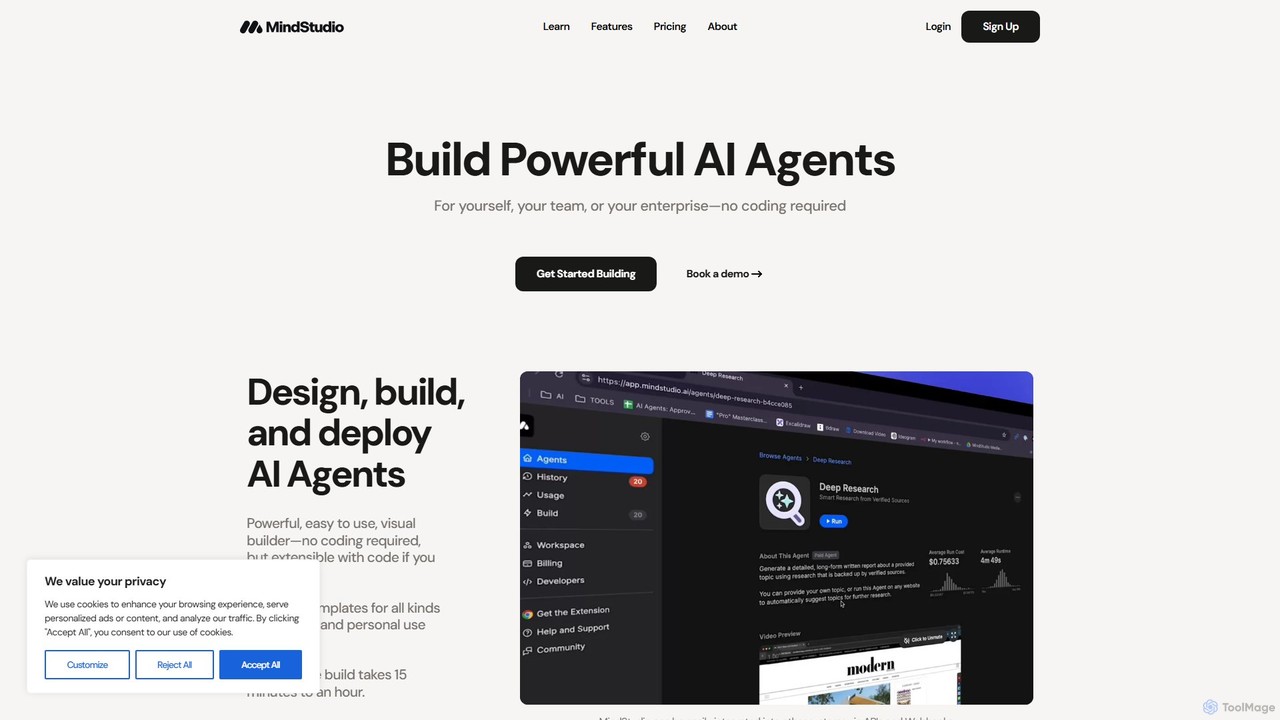
MindStudio
MindStudio is a powerful no-code platform for designing, building, and deploying custom AI agents. It enables users to create AI-powered web apps, automations, and extensions for personal, team, or enterprise use through an intuitive visual builder, without needing to write any code.
Workflow Management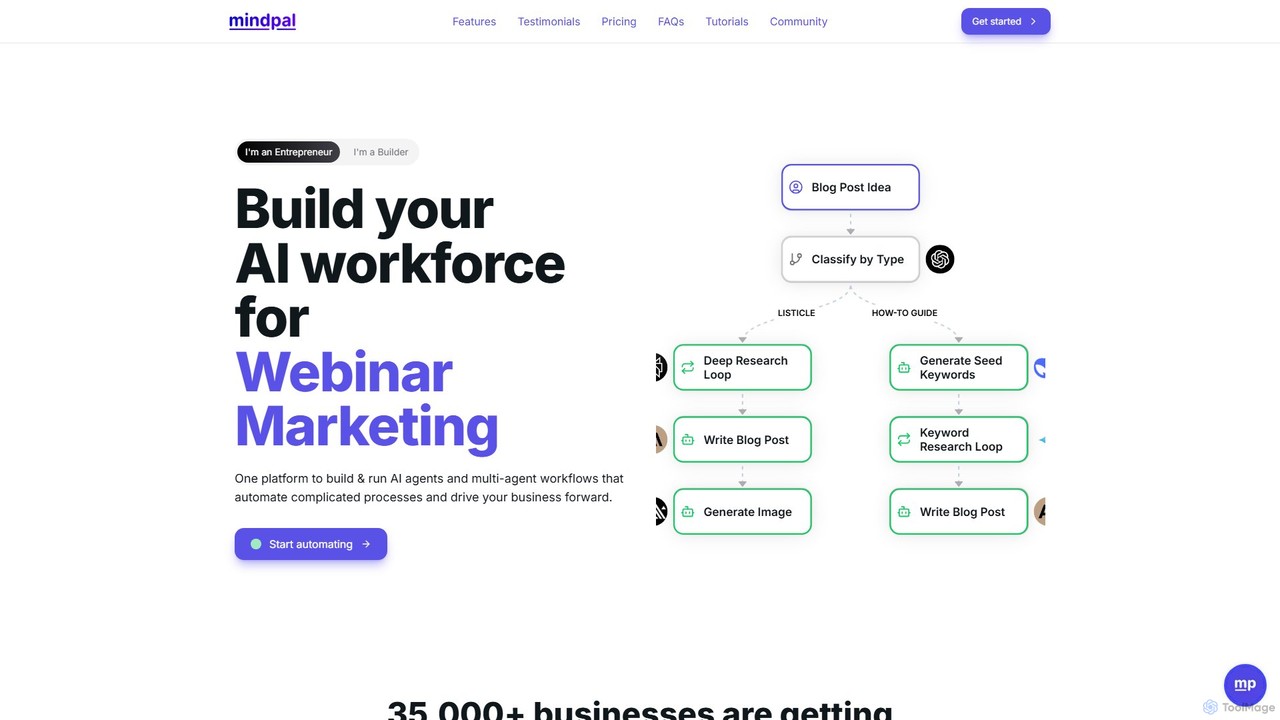
MindPal
MindPal is a powerful no-code platform for building and deploying an AI workforce. It enables users to create specialized AI agents and connect them into multi-agent workflows to automate complex business processes like marketing, sales, and research. By integrating with top LLMs and your existing tools, MindPal helps businesses increase productivity by over 25x, saving time and scaling operations effortlessly.
Workflow Management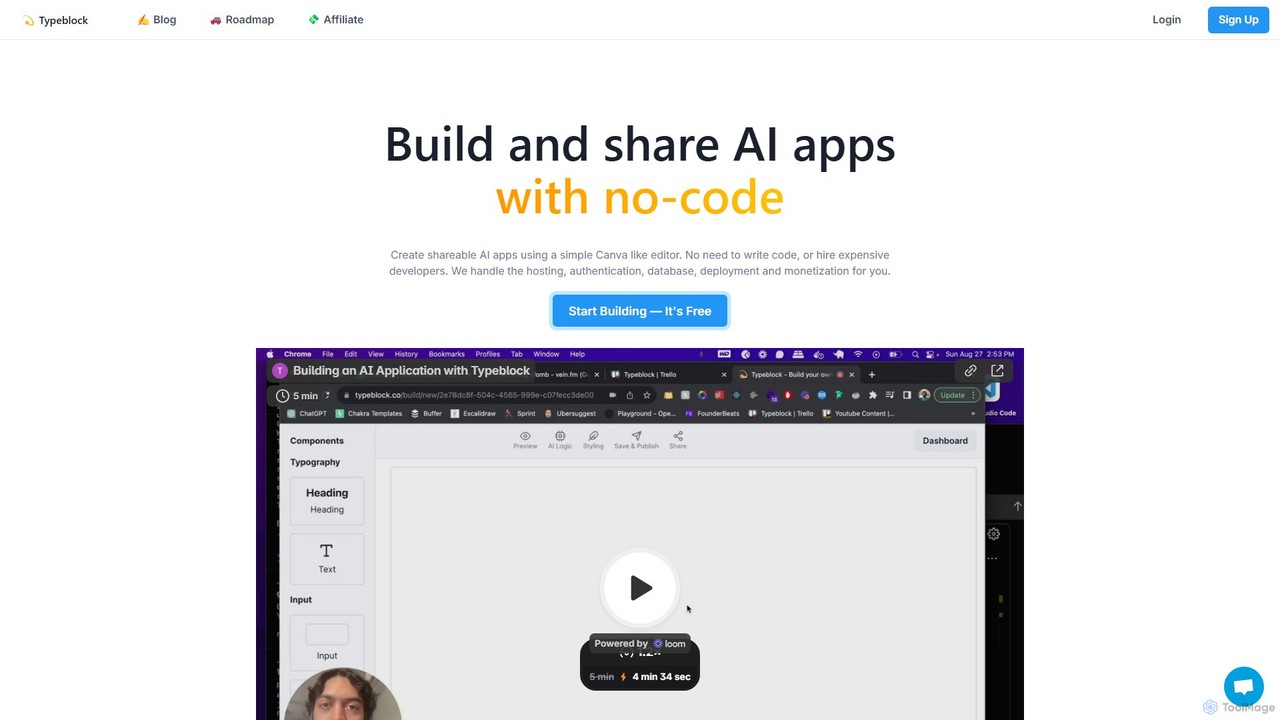
Typeblock
Typeblock is an intuitive no-code platform that allows users to build and share custom AI applications. Using a simple, Canva-like visual editor, anyone can create powerful AI tools for marketing, content creation, business automation, and more, without writing any code.
Internal Tools
Playnode
Playnode is a visual, node-based platform for building and automating custom AI workflows. It allows users to connect various AI models (like GPT and Claude) and data sources (text, images, web pages) through an intuitive drag-and-drop interface. Create powerful automations for content creation, research, and data analysis without writing any code. Ideal for both technical and non-technical users.
No Code & Low Code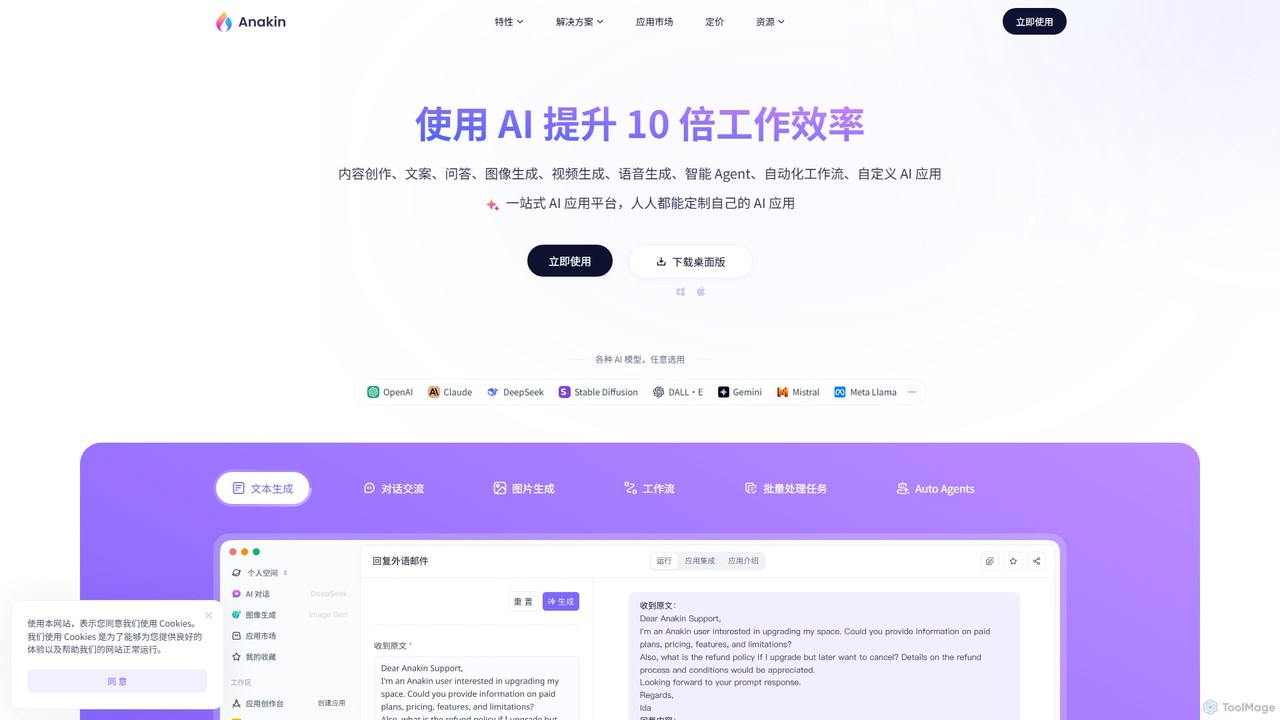
Anakin.ai
Anakin.ai is an all-in-one, no-code AI platform designed to boost productivity. It allows users to build custom AI applications, automate workflows, and perform tasks like content creation, image generation, and data analysis. By integrating major AI models like GPT-4, Claude 3, and Stable Diffusion, Anakin.ai provides a vast library of pre-built apps and a powerful visual editor, making advanced AI accessible to everyone, from individuals to teams, without needing to code.
No CodeToolbuilder Categories
Toolbuilder Embed Widget
Copy this embed code to place the badge on your blog, article, or product site and send readers directly to this ToolMage detail page.

Related AI tools
MindStudio
MindStudio is a powerful no-code platform for designing, building, and deploying custom AI agents. It enables users to create AI-powered web apps, automations, and extensions for personal, team, or enterprise use through an intuitive visual builder, without needing to write any code.
Workflow ManagementPlaynode
Playnode is a visual, node-based platform for building and automating custom AI workflows. It allows users to connect various AI models (like GPT and Claude) and data sources (text, images, web pages) through an intuitive drag-and-drop interface. Create powerful automations for content creation, research, and data analysis without writing any code. Ideal for both technical and non-technical users.
No Code & Low Code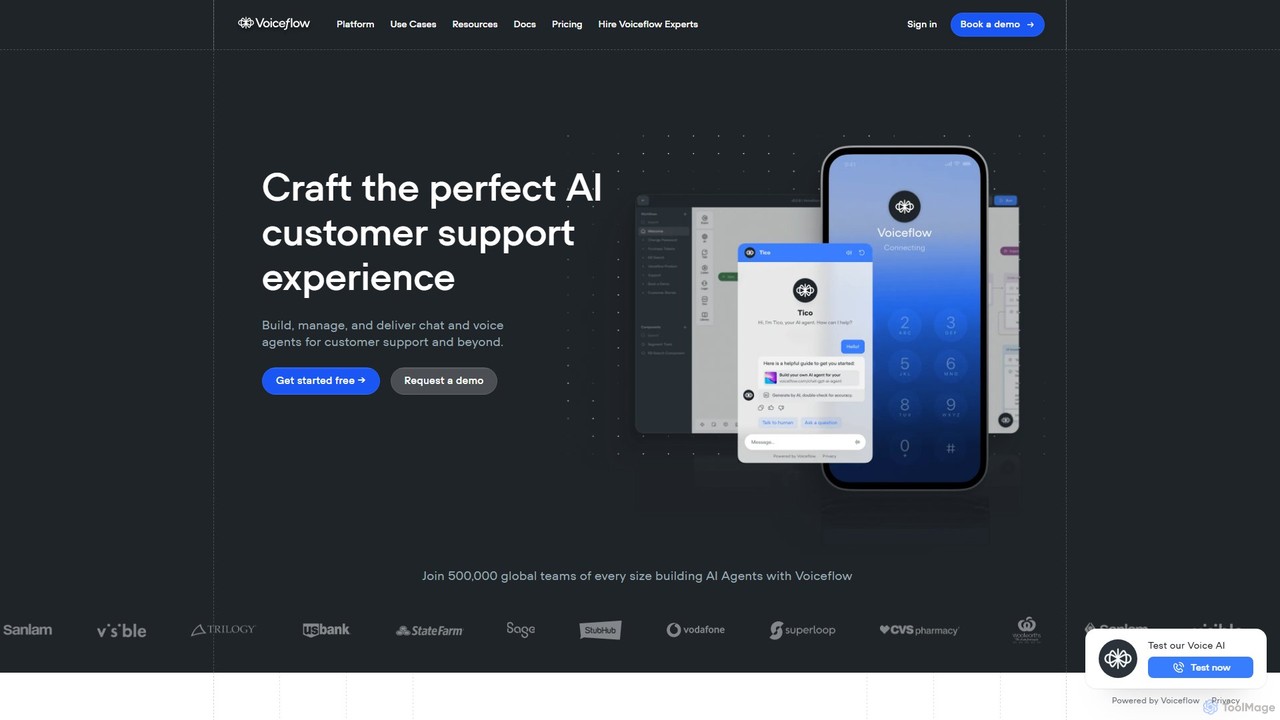
Voiceflow
Voiceflow is a collaborative platform for product teams to design, build, and deploy advanced AI agents. Create human-like voice and chat experiences for customer support and beyond, with full control, scalability, and integration capabilities, independent of any single LLM vendor.
Chatbot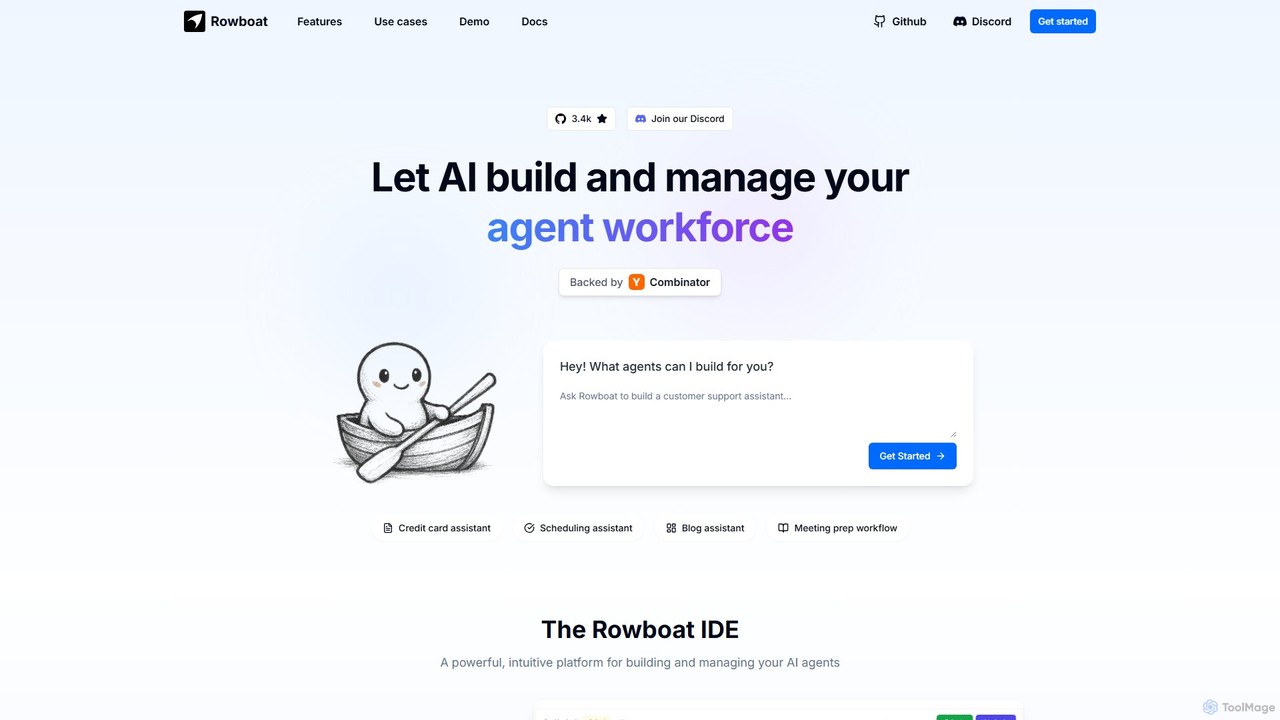
Rowboat
Rowboat is a powerful, AI-powered IDE for building, managing, and deploying complex multi-agent systems. Backed by Y Combinator, it allows users to describe workflows in plain English, and its AI copilot automatically generates the entire agent graph, including roles, prompts, and tool integrations. It's designed to simplify the creation of robust, real-world AI agents for productivity, e-commerce, support, and more, with features like open-source flexibility and support for over 100 LLMs.
Agent Builder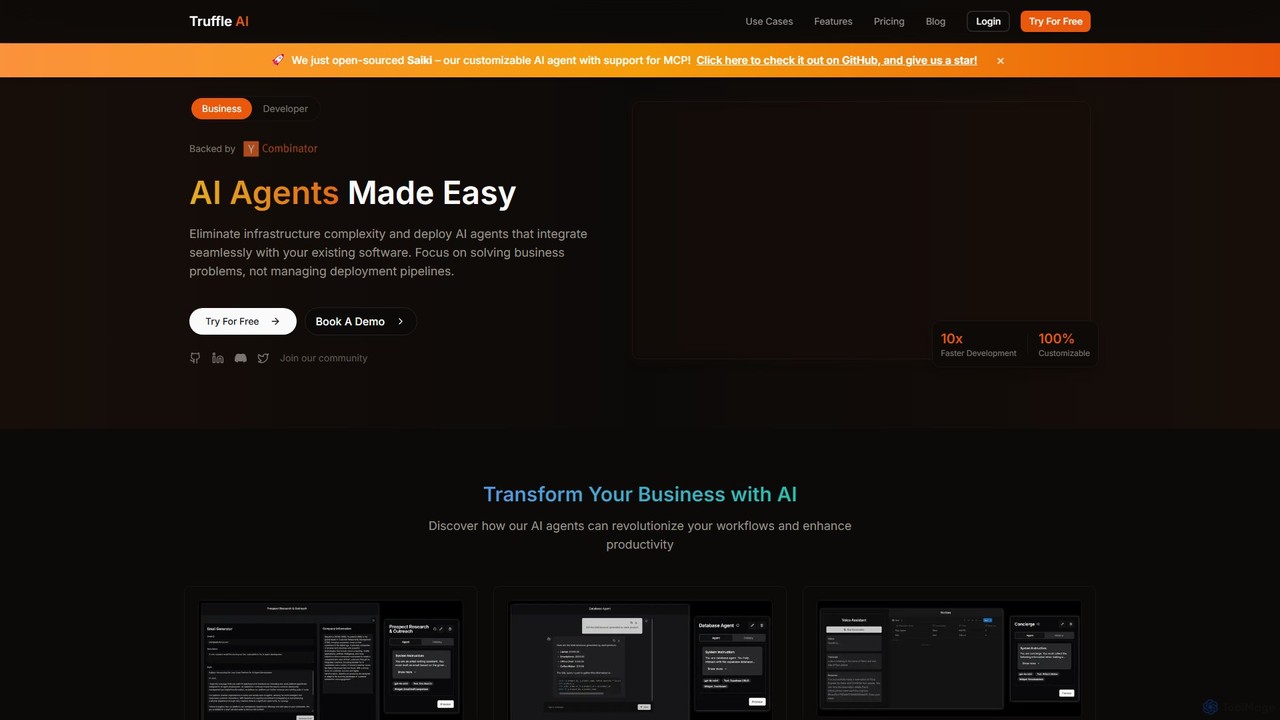
Truffle AI
Truffle AI is a developer-focused platform for building, deploying, and scaling serverless AI agents. It provides a user-friendly SDK, built-in RAG capabilities, and serverless deployment to help developers create powerful, customized AI solutions for automation, data interaction, customer service, and more, without managing complex infrastructure.
Chatbots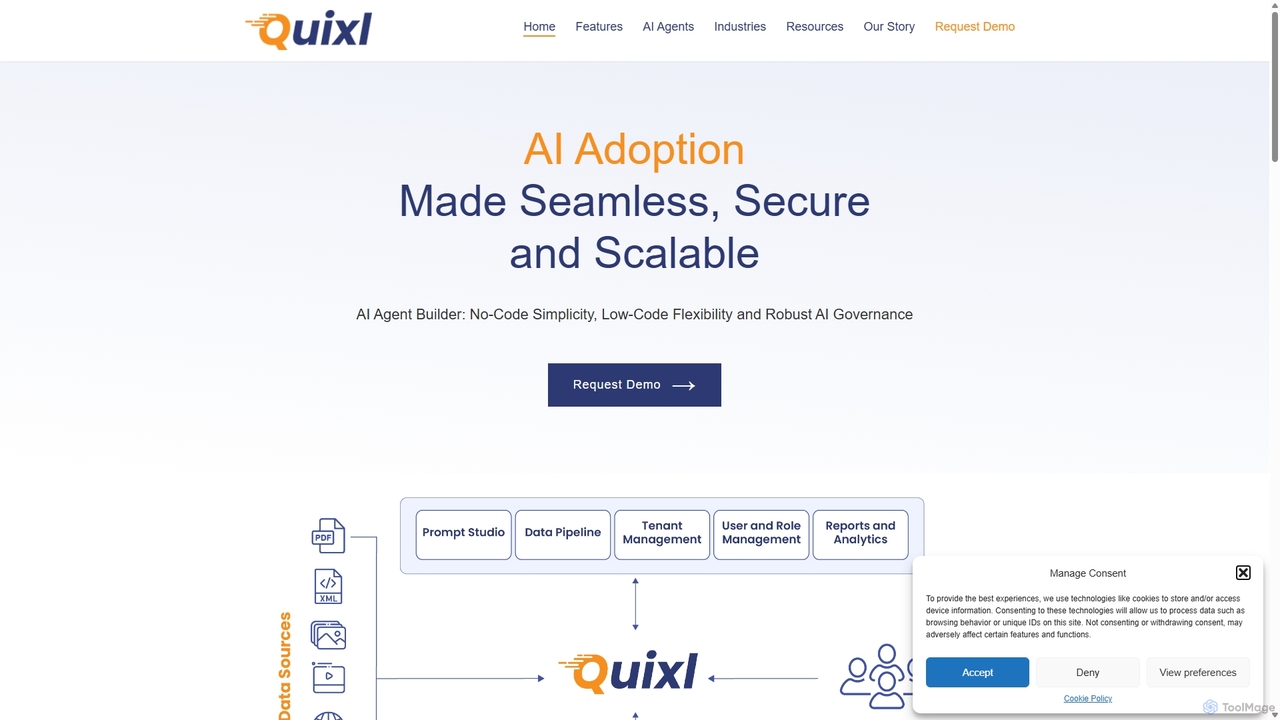
Quixl
Quixl is an enterprise-grade, no-code platform for developing and deploying custom AI agents. It accelerates AI adoption by enabling businesses to build secure, scalable agents with support for multiple LLMs (OpenAI, Google AI, Anthropic), flexible on-premises or cloud deployment, and advanced features like RAG and prompt chaining.
Enterprise Software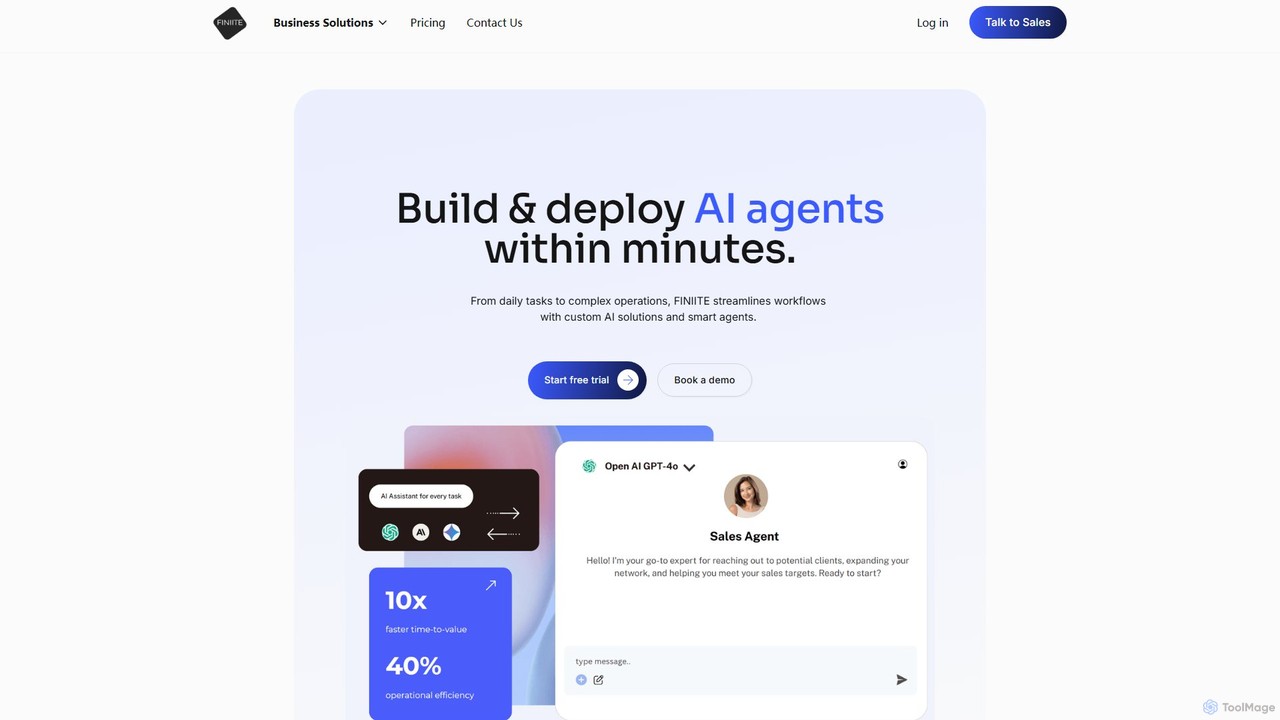
finiite
finiite is an agentic AI platform that enables users to build and deploy custom AI agents in minutes. It connects to various LLMs like OpenAI, Anthropic, and Gemini, allowing you to train agents on your own data (documents, websites) to automate tasks, enhance customer support with intelligent chatbots, collect leads, and streamline complex business workflows without vendor lock-in.
Chatbot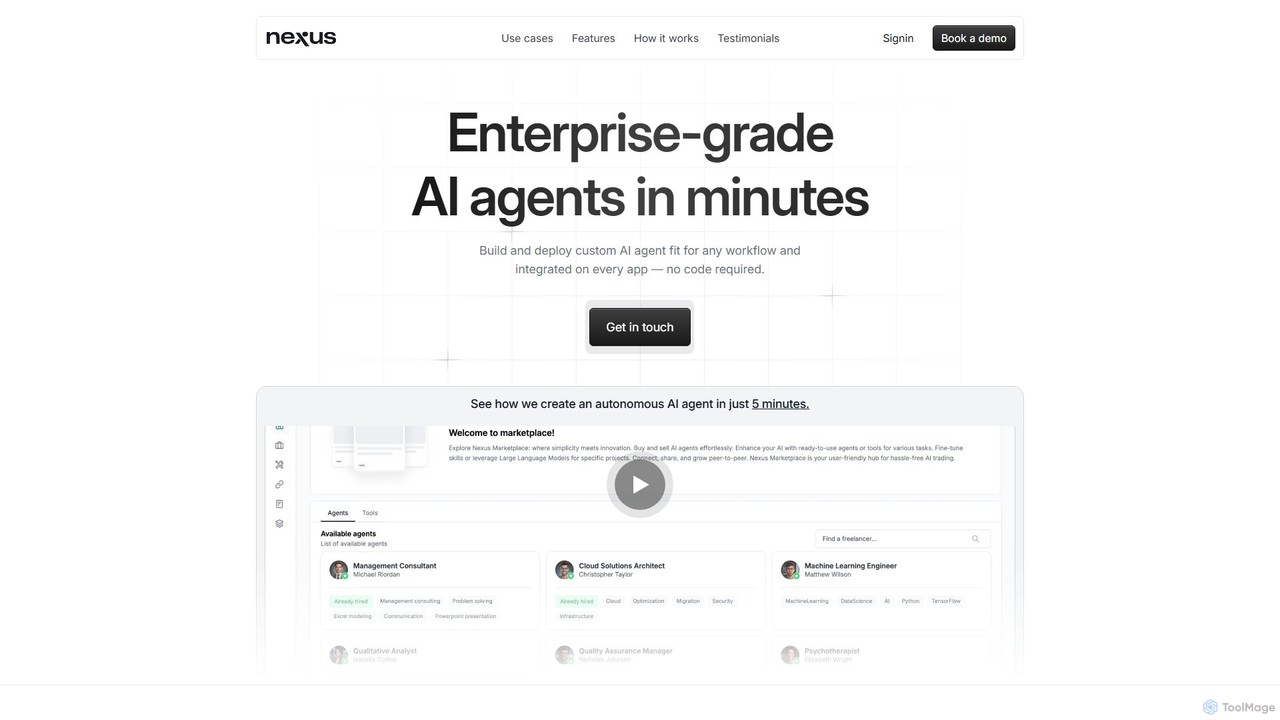
NexusGPT
A no-code platform for building and deploying enterprise-grade, autonomous AI agents. Integrate custom knowledge, connect to over 1500 tools, and deploy agents across any app, from your website to Microsoft Office, to automate complex workflows.
Customer Support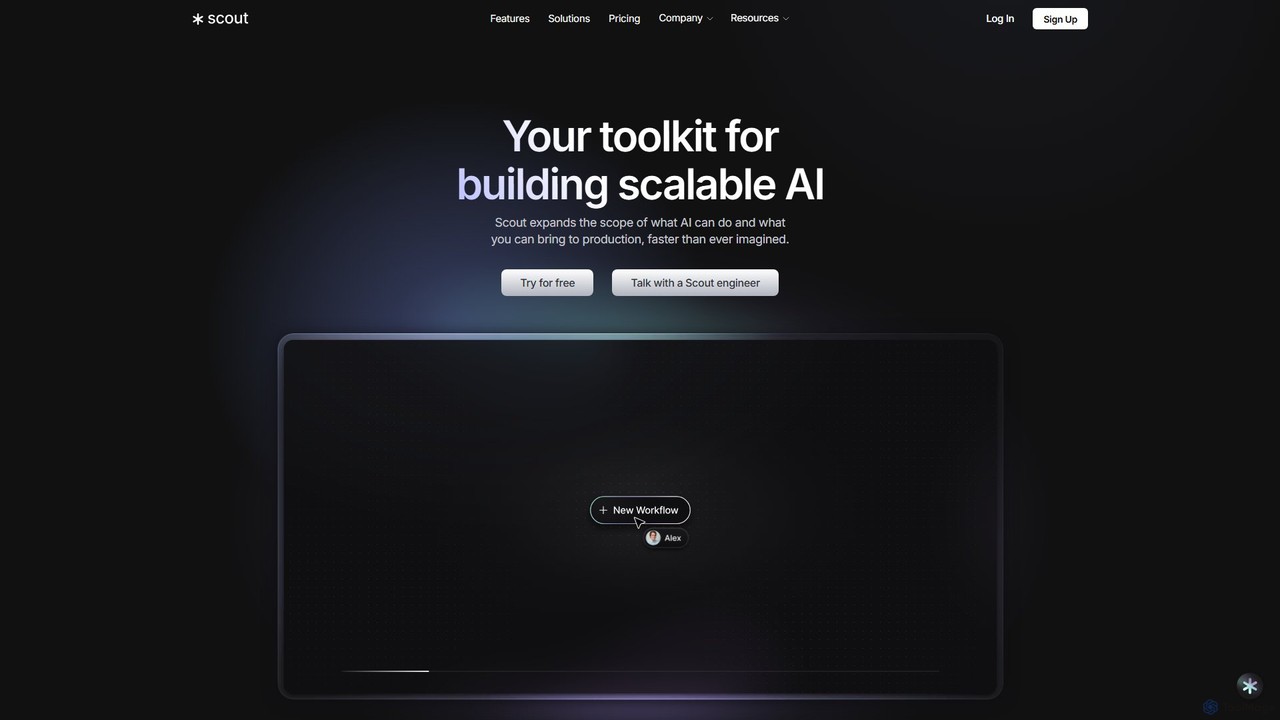
scoutos
ScoutOS is an end-to-end platform for building, launching, and scaling custom AI solutions. It provides a comprehensive toolkit, including a no-code workflow builder, data ingestion, and multi-channel deployment options like website copilots and Slack bots. Ideal for developers and businesses looking to rapidly deploy and manage AI-powered applications for customer support, sales, marketing, and internal operations.
Ai AgentAnakin.ai
Anakin.ai is an all-in-one, no-code AI platform designed to boost productivity. It allows users to build custom AI applications, automate workflows, and perform tasks like content creation, image generation, and data analysis. By integrating major AI models like GPT-4, Claude 3, and Stable Diffusion, Anakin.ai provides a vast library of pre-built apps and a powerful visual editor, making advanced AI accessible to everyone, from individuals to teams, without needing to code.
No Code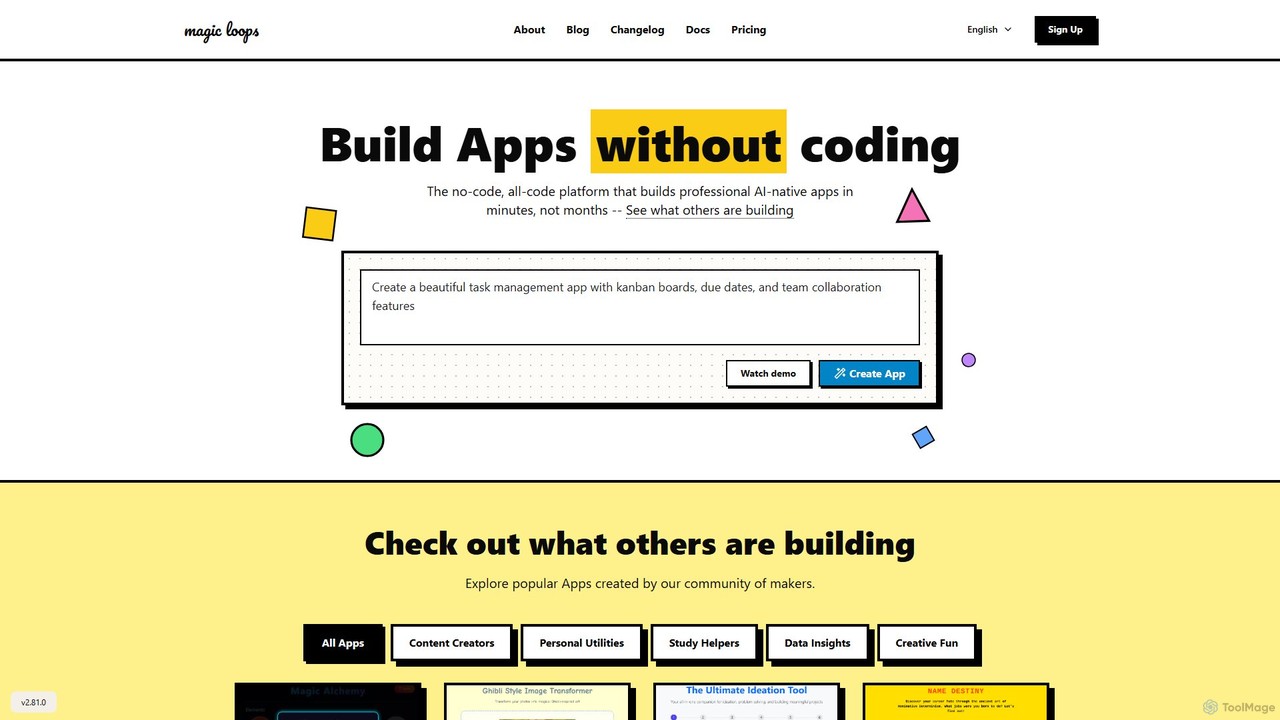
Magic Loops
Magic Loops is a no-code/low-code platform that empowers you to build professional, AI-native applications in minutes. Simply describe your idea in plain English, and Magic Loops generates the underlying workflow and user interface. It's perfect for creators, developers, and businesses looking to rapidly prototype and deploy AI-powered tools, automations, and utilities without extensive coding.
Builders
Aify
Aify is a no-code AI platform that empowers users to build custom AI-powered applications and automate complex workflows. Integrate top AI models through a visual drag-and-drop interface to create tools for content generation, data analysis, and process automation without writing any code.
Workflow Management
langsaas
A no-code platform for building, deploying, and managing custom AI applications powered by Large Language Models (LLMs). Effortlessly create chatbots, content generators, and automation workflows with a visual interface, multi-LLM support, and knowledge base integration.
Chatbots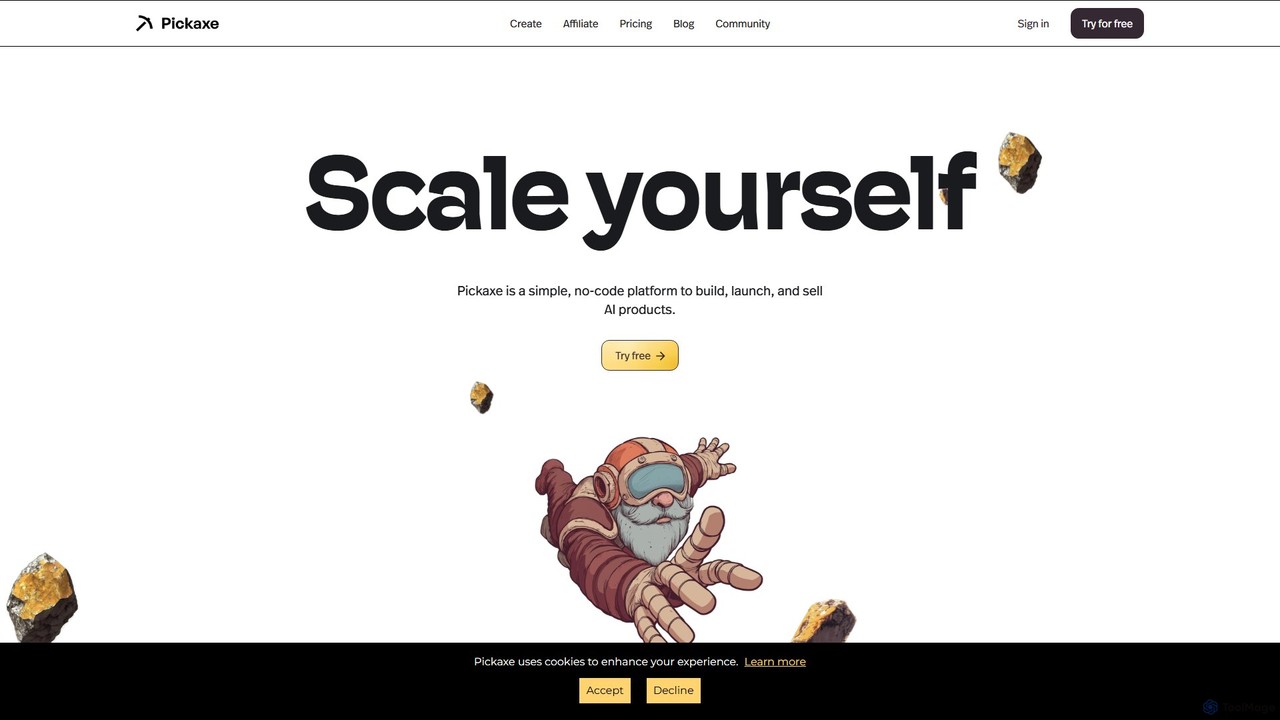
Pickaxe
Pickaxe is a simple, no-code platform designed for creators and entrepreneurs to build, deploy, and monetize custom AI agents. Train AI on your own data, expertise, and documents to create personalized tools, chatbots, and automated workflows that you can embed anywhere or sell as a service.
Chatbot Builder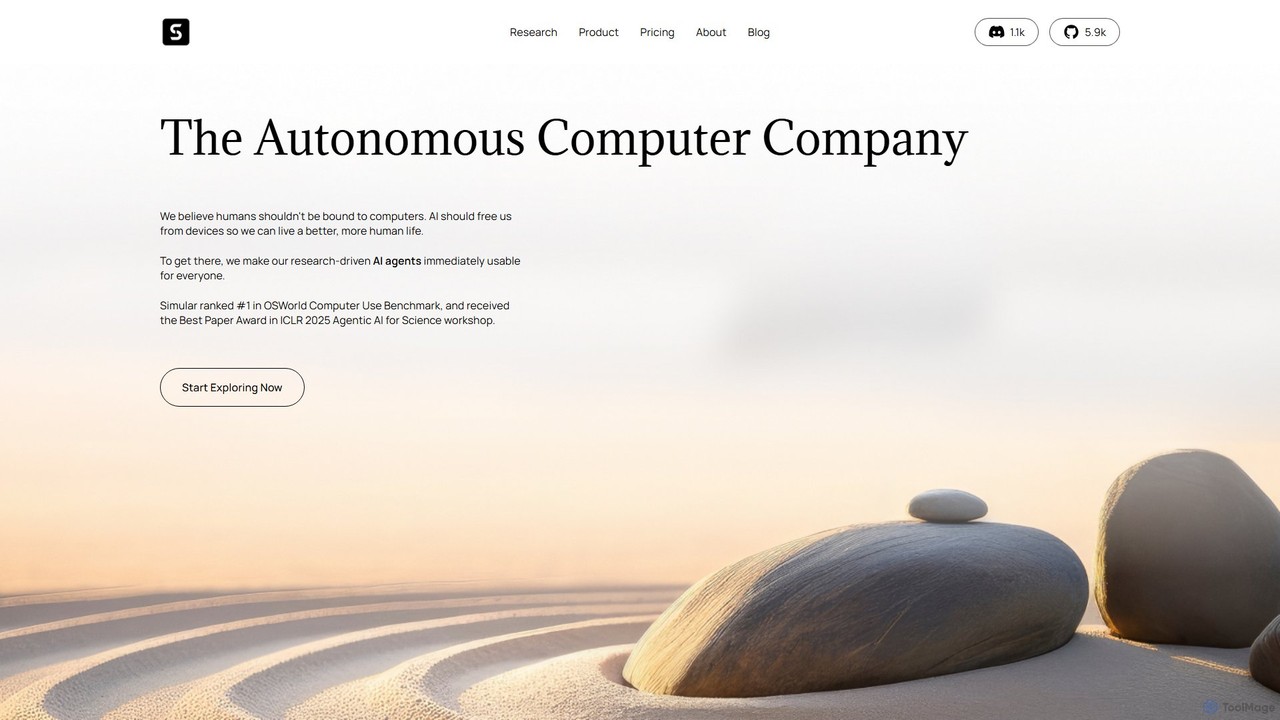
Simular
Simular is an AI-powered platform that creates autonomous agents to operate computers just like humans. It automates complex digital tasks across any application on your desktop, browser, or smartphone. By combining the flexibility of LLMs with the precision of symbolic code, Simular aims to free users from repetitive work, handling everything from data research and content creation to personal task management.
Personal Assistant
Toolbuilder Comments (0)
Sign in to comment.
Sign inNo comments yet.