

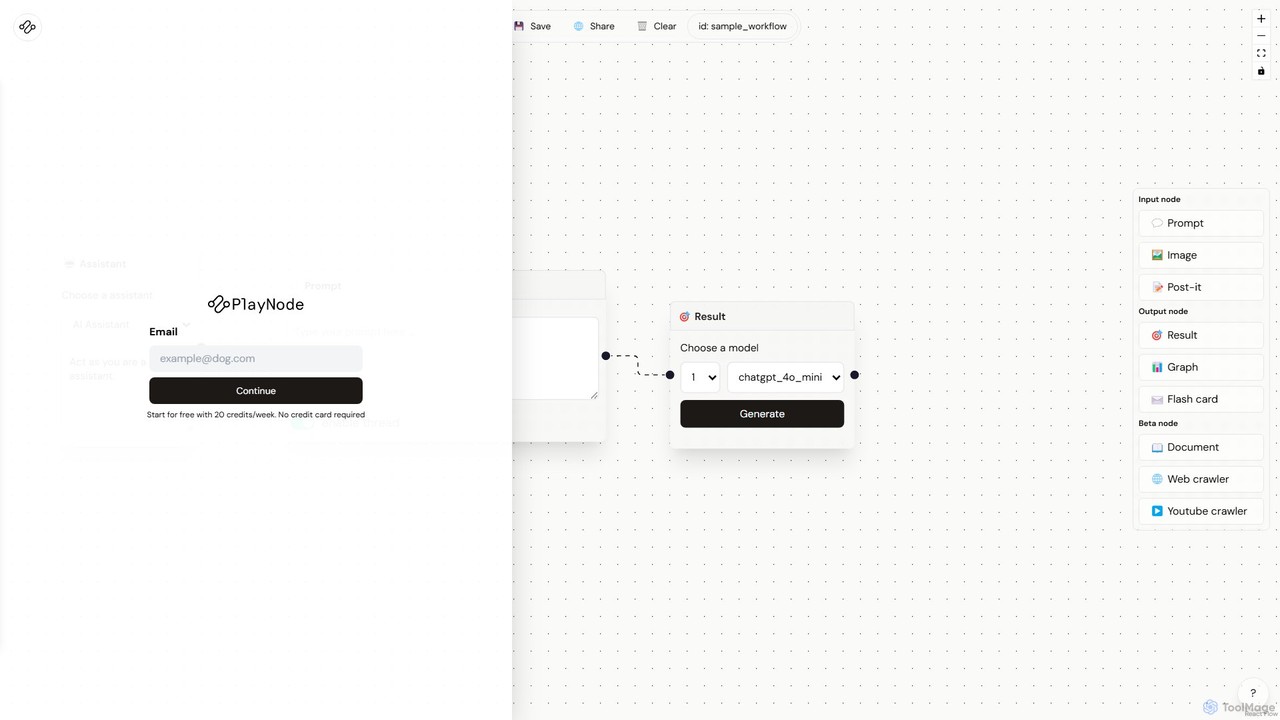
Playnode Overview
Playnode is an innovative, no-code platform designed to democratize AI by allowing anyone to build, automate, and share complex AI workflows through a simple visual interface. At its core, Playnode functions as a digital canvas where users can connect different functional blocks, or 'nodes', to create a logical flow for data processing. This approach removes the barrier of complex programming, empowering marketers, researchers, developers, and creators to harness the power of leading AI models like GPT-4o, Claude Haiku, and Gemini Flash for their specific needs.
The platform is built on the concept of modularity. You start with an input, which could be a simple text prompt, an image, a document, or even live data scraped from a website or a YouTube video. You then chain this input to one or more processing nodes, where you can instruct the AI to perform tasks such as summarization, translation, data extraction, or creative writing. Finally, you direct the processed information to an output node, which can present the result as plain text, a structured graph, or a set of flashcards. This entire process is as simple as drawing a flowchart, making AI automation accessible to everyone.
How to use Playnode
Getting started with Playnode is straightforward and intuitive, designed to get you building powerful workflows in minutes.
- Choose a Starting Point: Begin by creating a new workflow on your personal 'Board'. You can start from a blank canvas or select a pre-configured 'Assistant' template tailored for roles like Product Designer, Web Developer, or Journalist to get a head start.
- Add Input Nodes: Drag and drop your desired input nodes onto the canvas. Use the 'Prompt' node for text instructions, the 'Image' node for visual input, the 'Web Crawler' node to fetch content from a URL, or the 'Document' node to upload files.
- Configure AI Processing: Add a processing node and connect it to your input. In this node, you'll write the prompt that tells the AI what to do. For example, you could instruct it to 'Summarize the text from the web crawler' or 'Generate five marketing slogans based on this product description'.
- Select an AI Model: For each processing step, choose the most suitable AI model from the available options (e.g., chatgpt_4o_mini for speed and cost-efficiency, or a more powerful model for complex tasks).
- Define the Output: Add an output node to determine the final format of your result. The 'Result' node displays text, the 'Graph' node visualizes data, and the 'Flash Card' node creates study materials.
- Run and Iterate: Click the 'Generate' button to execute the workflow. Review the output and easily tweak any node's configuration to refine the results.
- Save and Share: Once you're satisfied, save your workflow for future use or share it with colleagues and the community.
Core Features of Playnode
- Visual Workflow Builder: An intuitive drag-and-drop, node-based interface that makes building complex AI automations as easy as creating a flowchart.
- Multi-Model Integration: Seamlessly switch between various state-of-the-art AI models from providers like OpenAI, Anthropic, and Google to balance cost, speed, and capability.
- Diverse Data Inputs: Natively supports a wide range of data sources, including text prompts, images, post-it notes, documents (beta), web pages (beta), and YouTube videos (beta).
- Versatile Output Formats: Generate outputs in multiple formats, including raw text, structured graphs for data visualization, and flashcards for educational purposes.
- Pre-built Assistant Templates: Jumpstart your projects with ready-to-use workflow templates designed for specific professional use cases.
- Full Customization: Go beyond templates and build entirely custom GPTs and workflows tailored to your unique challenges.
- Workflow Management: Easily save, manage, and share your created workflows on your personal board, fostering collaboration and reusability.
Use Cases for Playnode
Playnode's flexibility makes it suitable for a vast array of applications across different industries.
- Content Creators & Marketers: Automate the process of generating blog post outlines from a keyword, summarizing articles for newsletters, creating social media posts from a web link, or drafting multiple versions of ad copy for A/B testing.
- Researchers & Academics: Use the web and document crawlers to gather information from multiple sources, automatically summarize research papers, extract key data points into a structured format, and generate graphs to visualize findings.
- Students & Educators: Transform lecture notes or textbook chapters into comprehensive study guides or flashcards. Summarize long YouTube educational videos to capture key concepts quickly.
- Developers & Product Managers: Brainstorm new features, generate user stories from a high-level concept, create technical documentation outlines, or analyze user feedback by feeding it into a sentiment analysis workflow.
Advantages of Playnode
Playnode offers a distinct edge over traditional methods of interacting with AI.
- No-Code Accessibility: It empowers non-technical users to build sophisticated AI solutions without writing a single line of code.
- Unmatched Flexibility: The ability to chain multiple steps and mix different AI models within a single workflow allows for highly customized and powerful automations that are not possible with single-prompt interfaces.
- Enhanced Efficiency: Automate repetitive and time-consuming tasks, freeing up valuable time for more strategic and creative work.
- Cost-Effective: The freemium model provides a generous starting point, and the ability to choose less expensive models for simpler tasks allows users to optimize their spending.
- Fosters Innovation: The visual playground environment encourages experimentation, enabling users to discover new and innovative ways to apply AI to their personal and professional lives.
Pricing and Plans
Playnode operates on a freemium model, making it accessible to everyone.
- Free Plan: Ideal for individuals and casual users, this plan offers 20 free credits per week to explore the platform's core features and build basic workflows. No credit card is required to sign up.
- Pro Plan (Inferred): For professionals and power users, a future Pro plan would likely offer a significantly higher number of monthly credits, access to premium and more powerful AI models, and advanced features like the ability to use beta nodes without restriction.
- Team/Enterprise Plan (Inferred): A potential plan for businesses and teams would likely include unlimited credits, collaborative workflow boards, centralized billing, priority support, and potentially API access for integrating Playnode workflows into other business systems.
For the most current and detailed pricing information, please visit the official Playnode website.
Playnode Alternatives

Toolbuilder
Toolbuilder is a no-code platform that empowers users to create and deploy custom AI applications, chatbots, and automated workflows without writing a single line of code. Connect to top AI models, integrate your own data, and build specialized tools for your business needs in minutes.
Workflow Management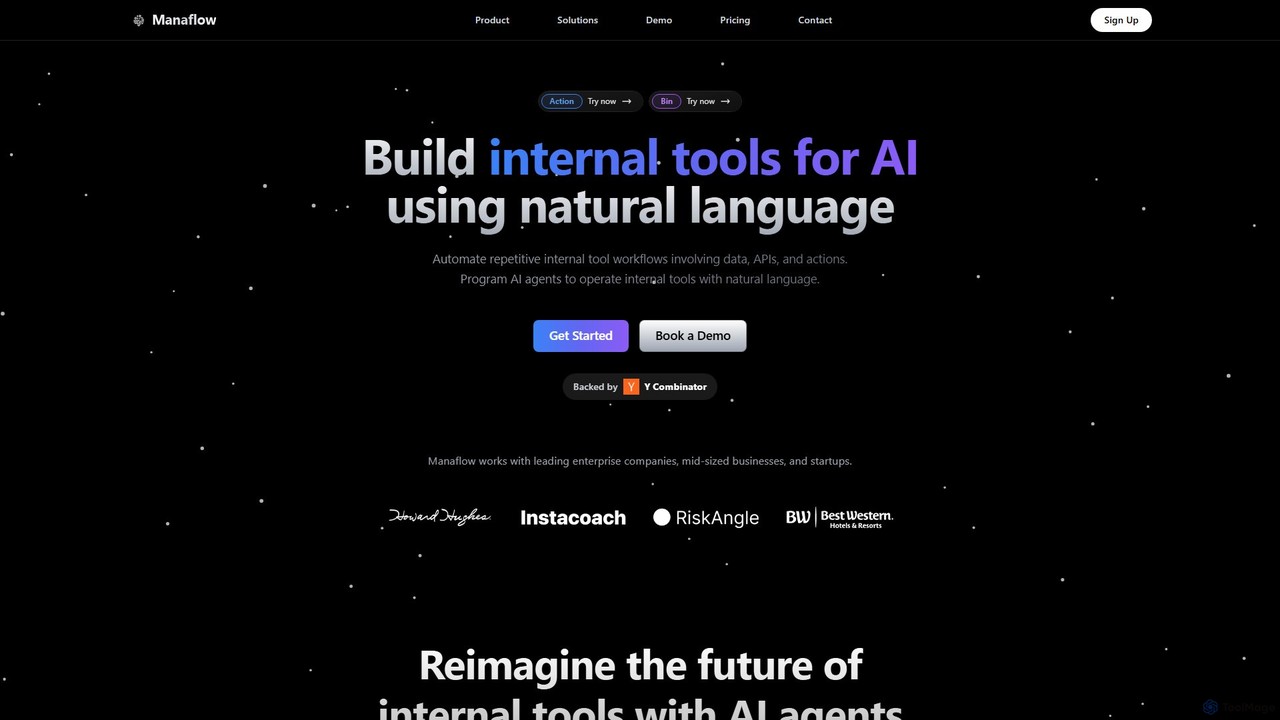
Manaflow
Manaflow is a no-code platform that enables businesses to build internal tools and automate complex workflows using natural language. Program AI agents to operate tools, connect to data sources and APIs, and streamline operations in sales, research, and more, freeing up valuable engineering resources.
Operations Management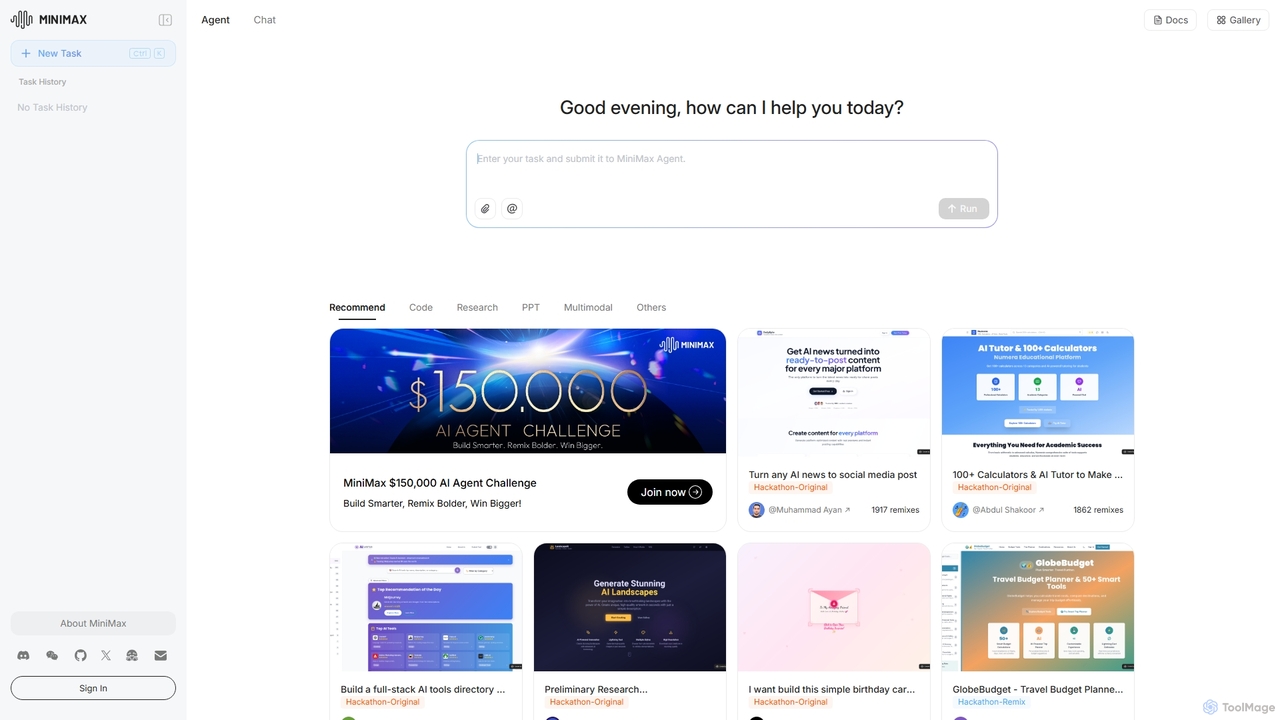
MiniMax Agent
MiniMax Agent is a powerful AI agent platform designed to automate complex tasks, from building full-stack websites and generating presentations to conducting in-depth research. By leveraging natural language prompts, users can minimize effort and maximize intelligence, creating sophisticated digital products and content with unprecedented speed and efficiency. The platform features a collaborative gallery for sharing and remixing projects.
Low Code No Code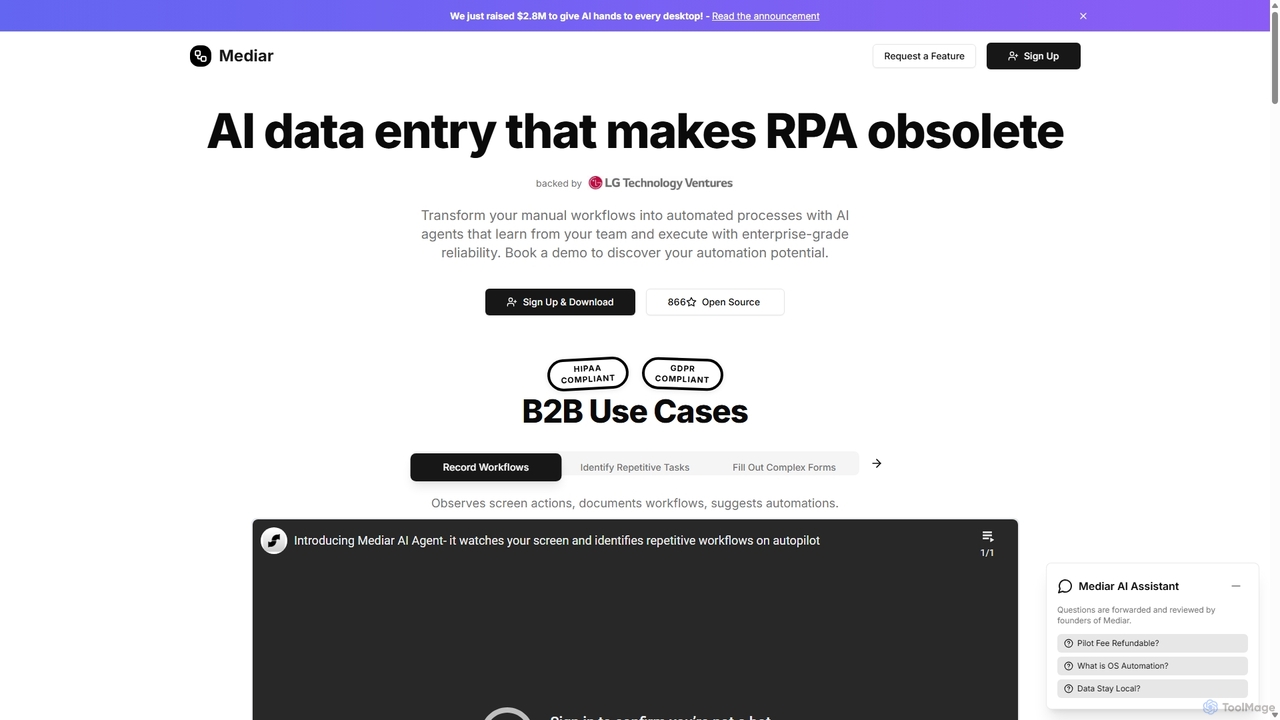
Mediar
Mediar is an AI-native automation platform designed to replace traditional RPA and manual data entry. It employs AI agents that learn directly from your team's screen actions to automate complex, repetitive workflows across any desktop application. Mediar offers enterprise-grade reliability, rapid 24-48 hour deployment, and significant cost savings by turning manual processes into self-healing, intelligent automations.
Data Entry
Pulze.ai
Pulze.ai is a no-code AI workspace that enables teams to build, deploy, and manage custom AI agents without developers. It provides access to over 50 top AI models, automates repetitive tasks, and centralizes control over data and usage. Ideal for sales, support, and marketing teams looking to streamline workflows, reduce costs, and enhance collaboration in a secure, privacy-first environment.
Ai AgentPlaynode Categories
Playnode Embed Widget
Copy this embed code to place the badge on your blog, article, or product site and send readers directly to this ToolMage detail page.

Related AI tools
Freeflo
Freeflo is a visual, node-based platform for building, testing, and deploying complex AI workflows. It allows users to connect various AI models (like GPT, Claude, Stable Diffusion) and tools without writing code, automating intricate tasks through a drag-and-drop interface.
Workflow BuilderToolbuilder
Toolbuilder is a no-code platform that empowers users to create and deploy custom AI applications, chatbots, and automated workflows without writing a single line of code. Connect to top AI models, integrate your own data, and build specialized tools for your business needs in minutes.
Workflow Management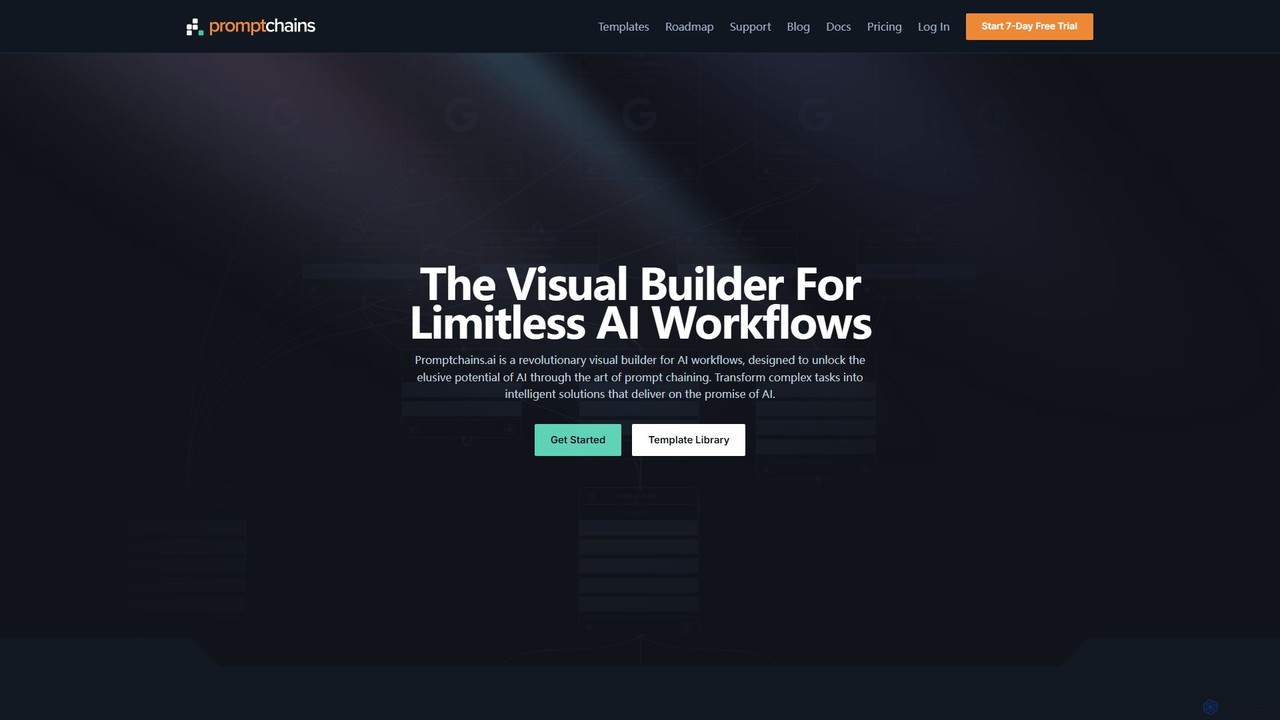
Promptchains
Promptchains is a revolutionary no-code, visual builder for creating sophisticated AI workflows. It enables users to chain prompts, integrate search engines, and use variables to transform complex tasks into reliable, repeatable, and high-quality automated solutions, overcoming the limitations of single-prompt interactions.
No Code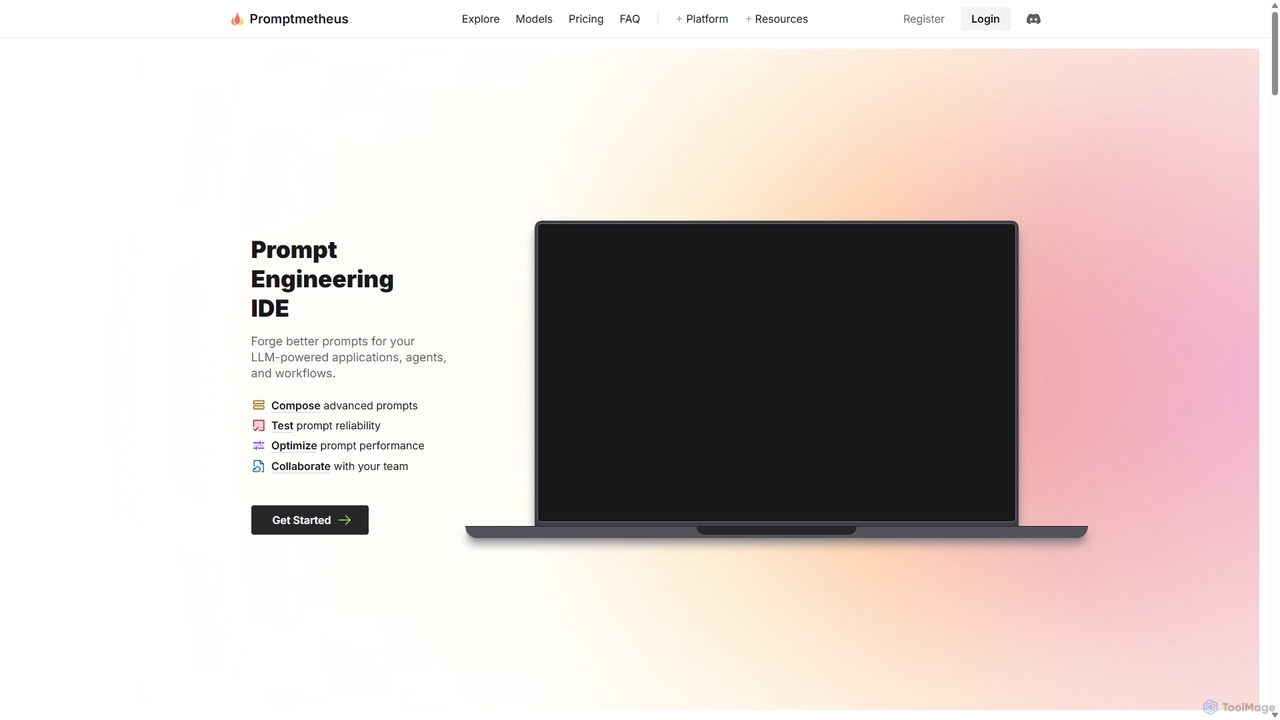
Promptmetheus
Promptmetheus is a professional Prompt Engineering IDE designed for developers and teams to build, test, and optimize high-quality prompts for LLM-powered applications. It supports over 100 LLMs, offers advanced composition tools, reliability testing, performance optimization, and real-time team collaboration, enabling a systematic and efficient approach to prompt design.
Model Management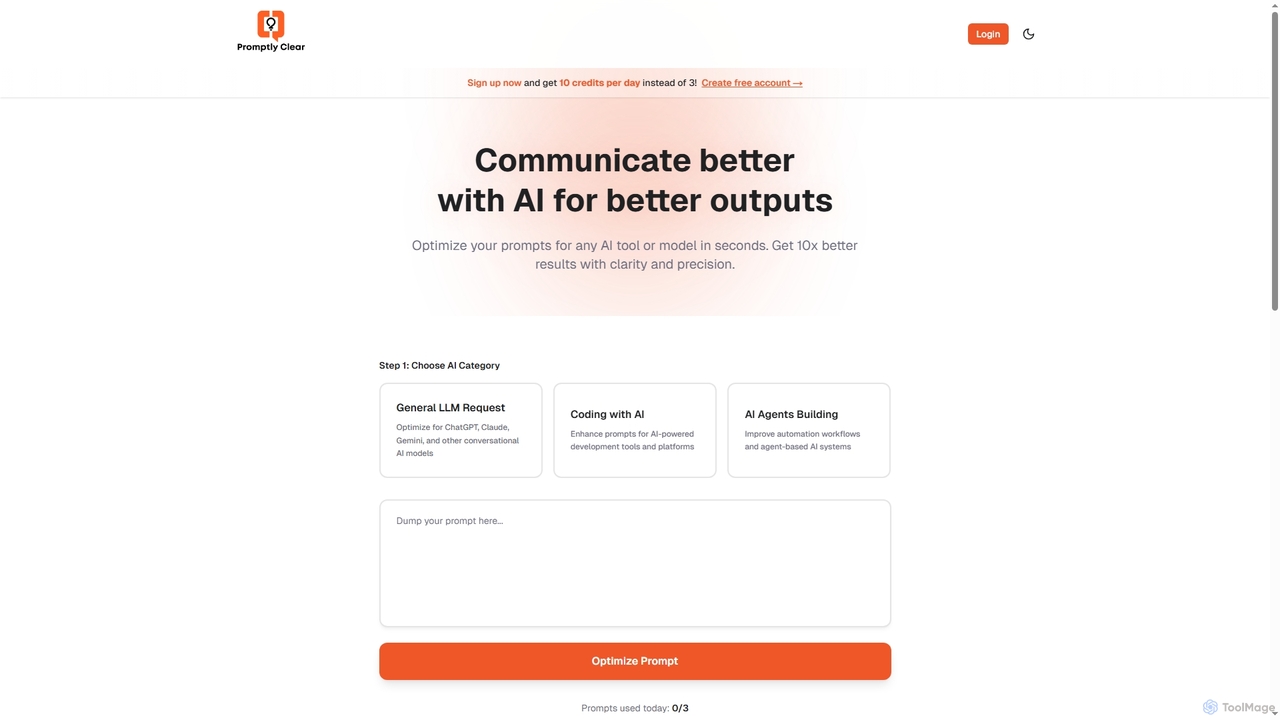
PromptlyClear
PromptlyClear is an AI prompt optimizer designed to refine user inputs for large language models like ChatGPT, Claude, and Gemini. It enhances clarity and precision, enabling users to achieve significantly better and more detailed AI outputs across various applications, from business research to coding.
Research AssistantManaflow
Manaflow is a no-code platform that enables businesses to build internal tools and automate complex workflows using natural language. Program AI agents to operate tools, connect to data sources and APIs, and streamline operations in sales, research, and more, freeing up valuable engineering resources.
Operations Management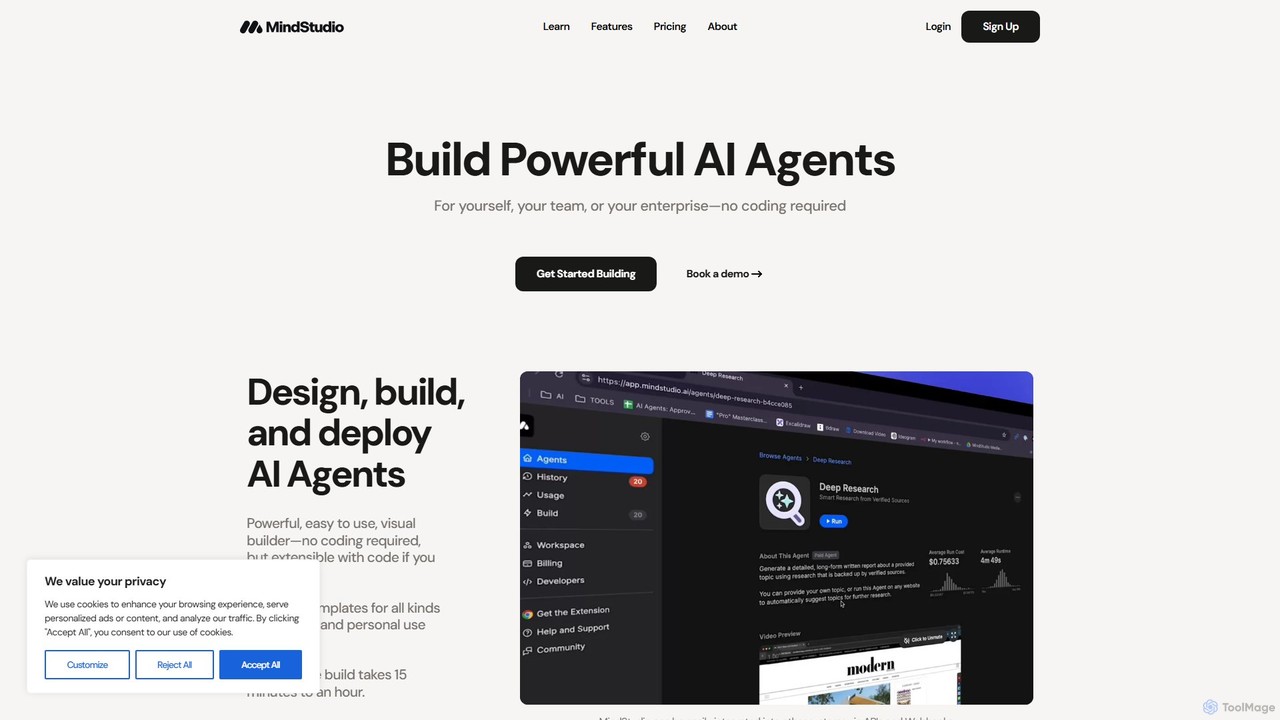
MindStudio
MindStudio is a powerful no-code platform for designing, building, and deploying custom AI agents. It enables users to create AI-powered web apps, automations, and extensions for personal, team, or enterprise use through an intuitive visual builder, without needing to write any code.
Workflow Management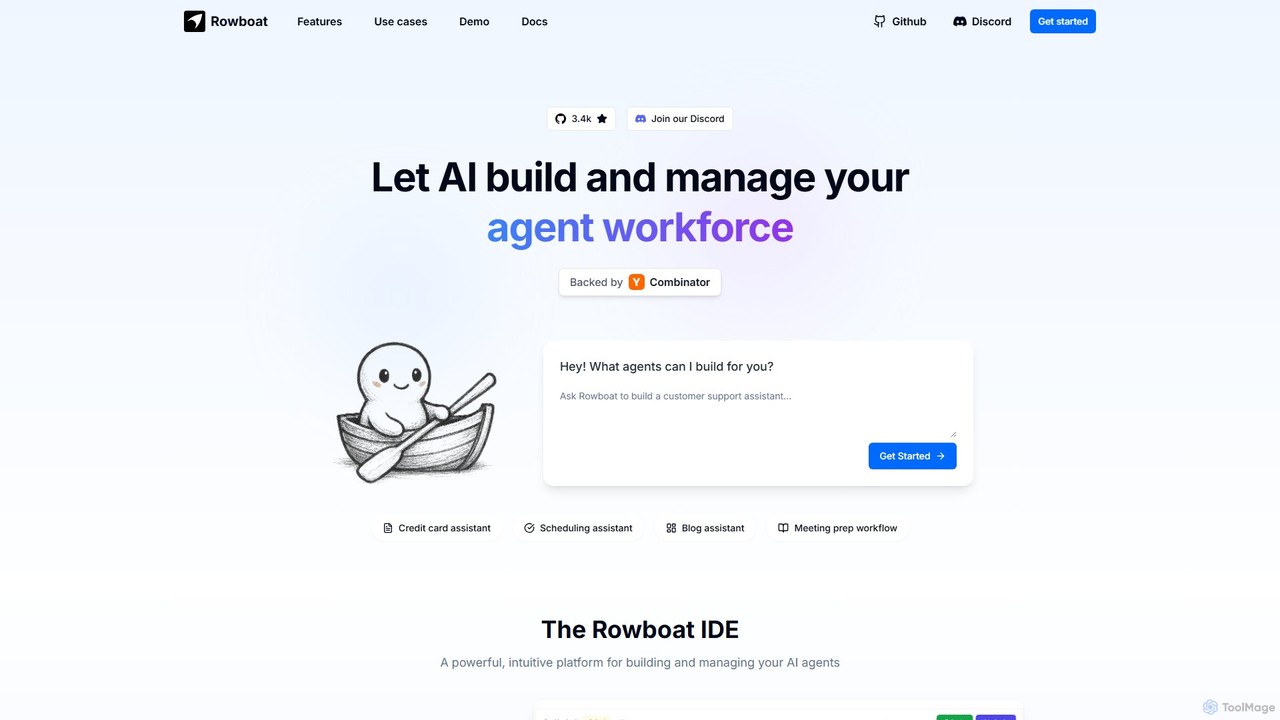
Rowboat
Rowboat is a powerful, AI-powered IDE for building, managing, and deploying complex multi-agent systems. Backed by Y Combinator, it allows users to describe workflows in plain English, and its AI copilot automatically generates the entire agent graph, including roles, prompts, and tool integrations. It's designed to simplify the creation of robust, real-world AI agents for productivity, e-commerce, support, and more, with features like open-source flexibility and support for over 100 LLMs.
Agent Builder
Allganize
Allganize is an enterprise AI platform that enables businesses to build custom Large Language Model (LLM) applications. It specializes in secure, accurate knowledge retrieval from internal data using its advanced Agentic RAG technology. With a no-code app builder, 100+ data integrations, and flexible deployment options (cloud/on-premise), Allganize helps companies automate workflows, boost productivity, and unlock the value of their proprietary information without hallucinations.
Knowledge Management
promptmate.io
promptmate.io is a no-code platform for building custom AI-powered applications and automating workflows. It integrates leading AI models like GPT, Gemini, and Claude, allowing users to create sophisticated tools for marketing, SEO, and data analysis without writing any code.
No Code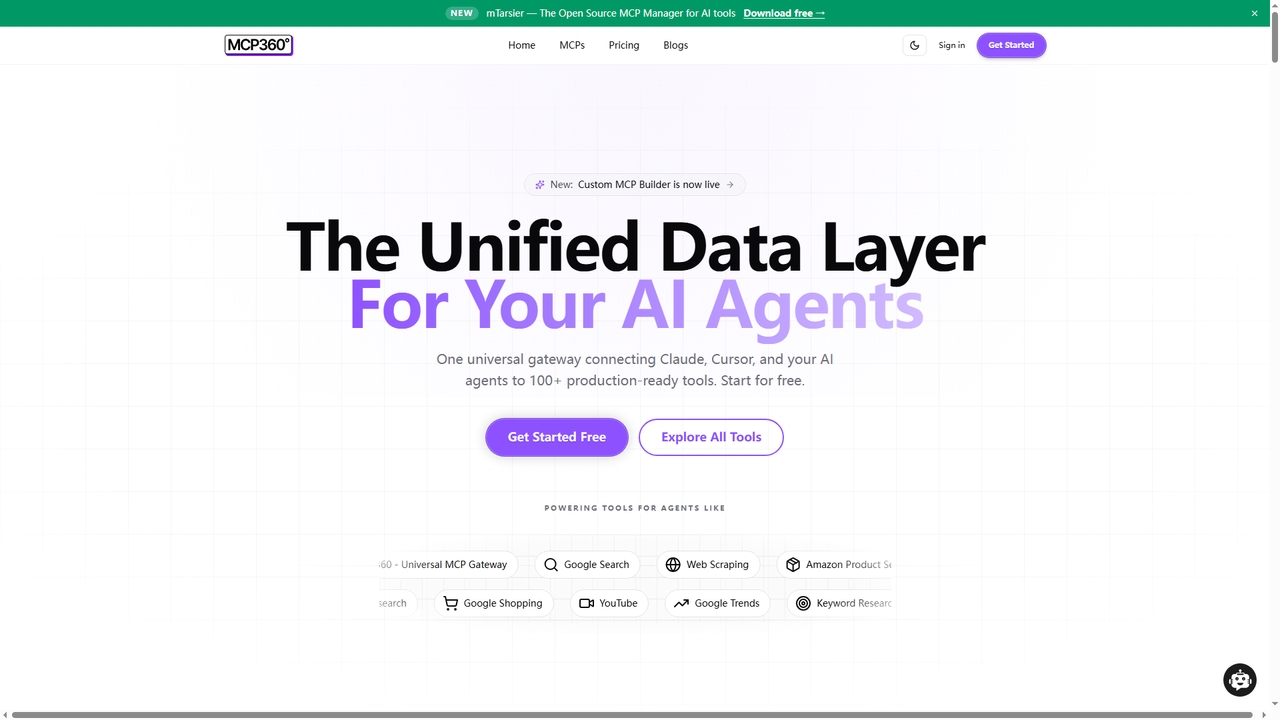
MCP360
MCP360 is a unified gateway for connecting AI agents like Claude and Cursor to over 100+ production-ready tools via the Model Context Protocol (MCP). It simplifies integration with a single subscription, offers a no-code custom MCP builder, and provides an interactive chat playground for real-time testing, accelerating AI workflow development.
Data & Research
Intervo
Intervo is an open-source platform for businesses to build and deploy intelligent voice and chat AI agents. It automates customer interactions, streamlines workflows, and enhances lead qualification, customer support, and internal operations with advanced conversational AI.
Chatbot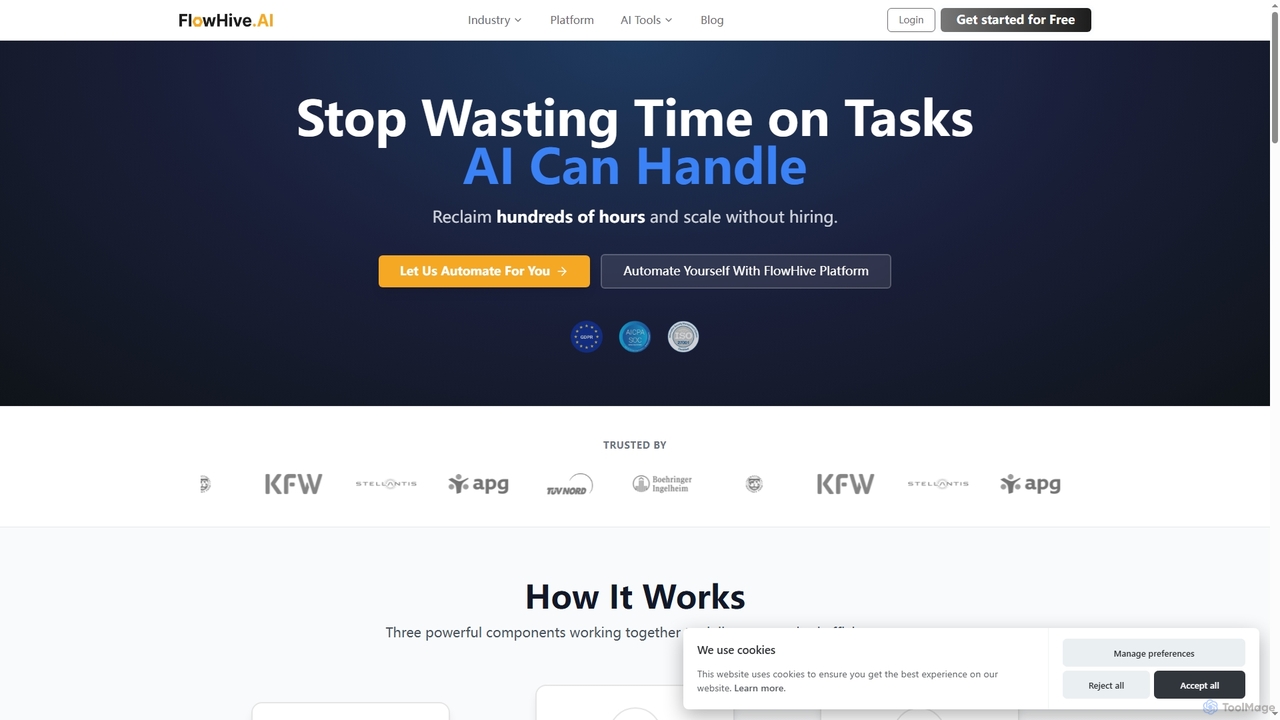
Flowhive
Flowhive is an AI workflow automation platform that integrates multiple AI models like GPT and Gemini, your company's knowledge bases, and existing tools. It allows you to build your own automated workflows or have their expert team build them for you, aiming to increase efficiency by 50% and reduce manual work.
Multi Model Platform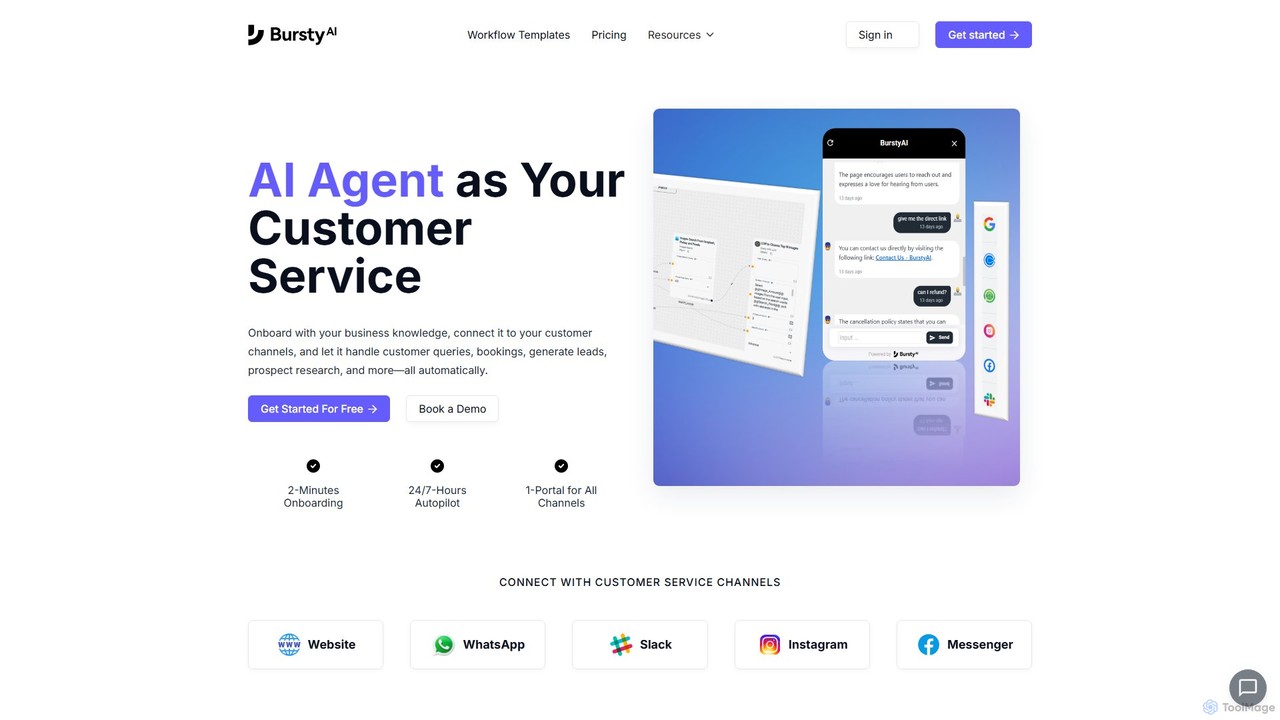
burstyai
BurstyAI is a no-code platform for building and deploying autonomous AI agents, or "AI workers." It's designed for SMBs to automate tasks like customer service, SEO content creation, lead generation, and data research. Users can create custom workflows or use pre-built templates to handle inbound support and growth activities, integrating with tools like WhatsApp, Slack, and WordPress.
Chatbot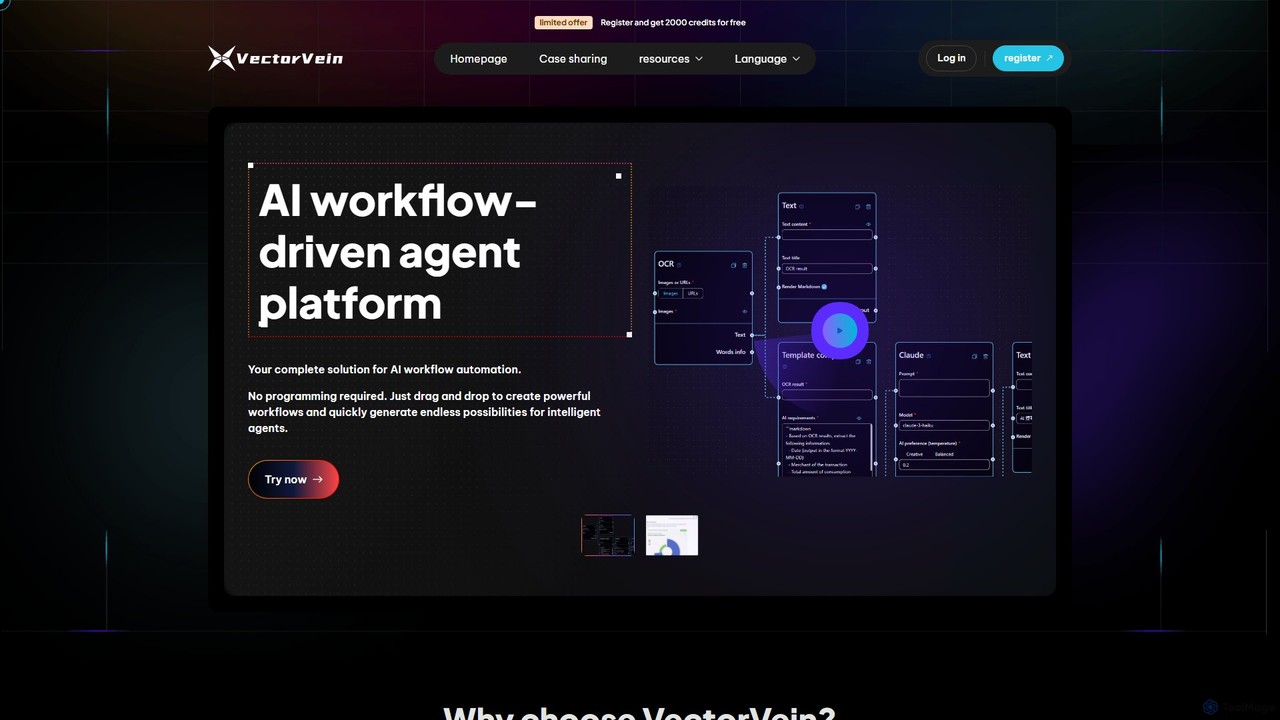
VectorVein
VectorVein is a no-code/low-code AI workflow automation platform. It allows users to build, manage, and share complex AI-powered applications using a visual drag-and-drop interface. Create intelligent agents that can chat and execute tasks, automating everything from data processing and content creation to multimedia production.
Chatbot Builder
Playnode Comments (0)
Sign in to comment.
Sign inNo comments yet.