
Bravo Studio Overview
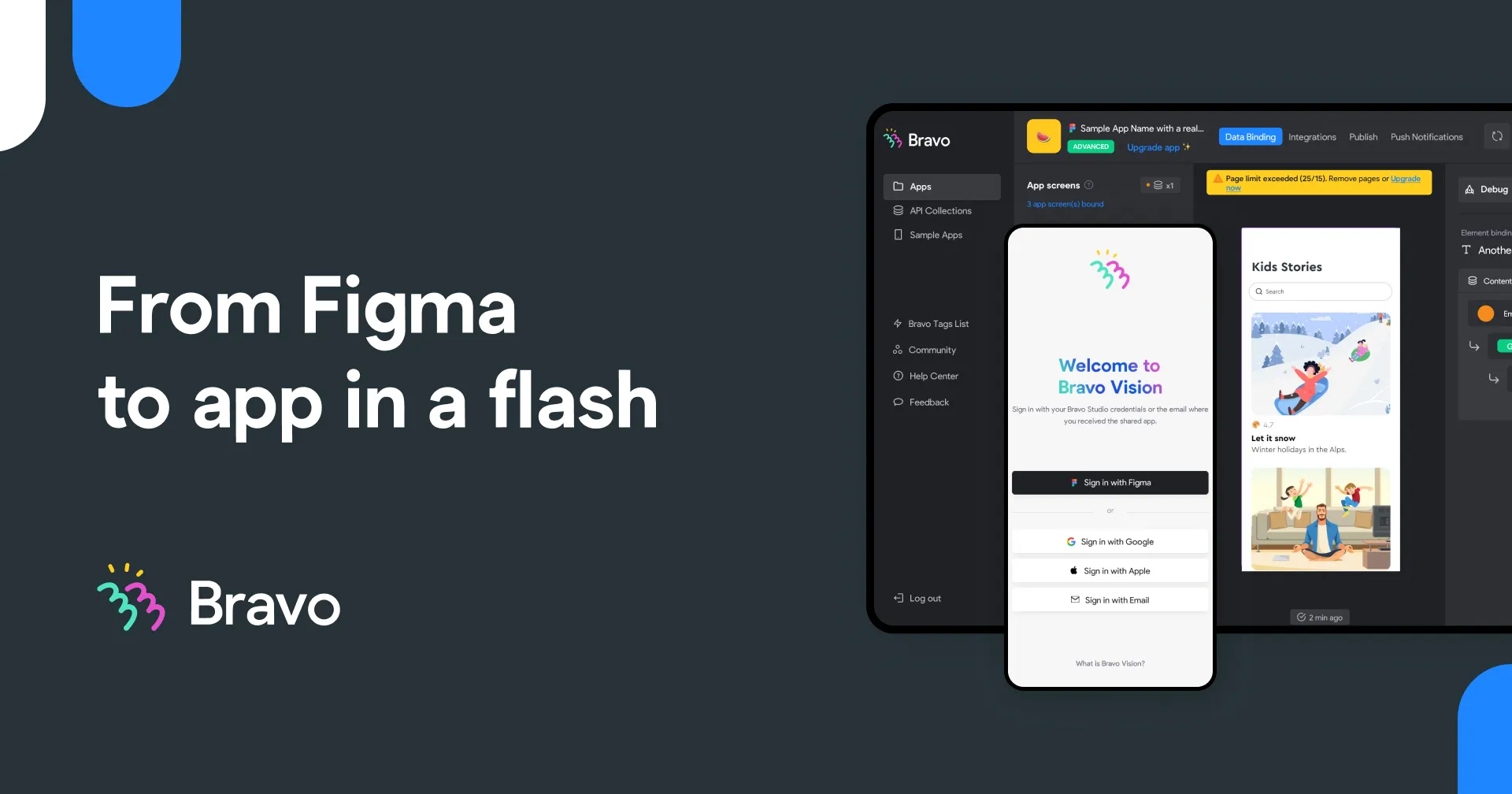
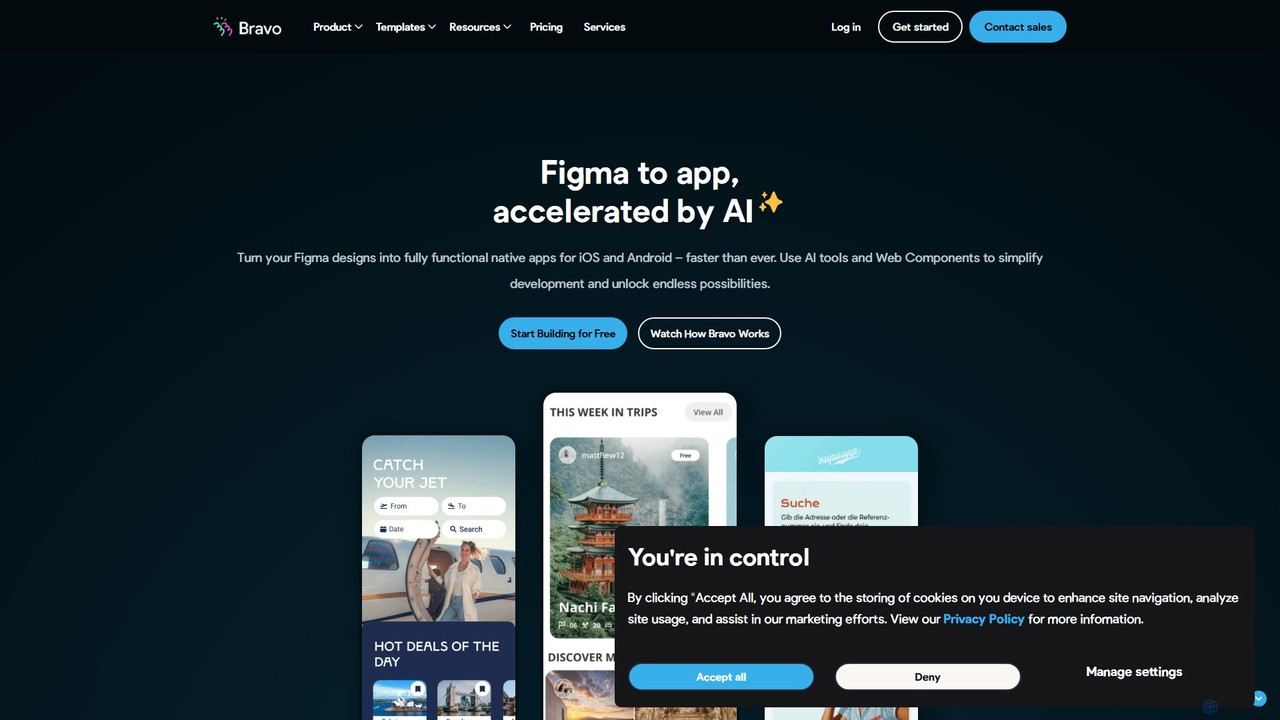
Bravo Studio is a revolutionary no-code development platform that bridges the gap between design and development. It enables users to convert their high-fidelity designs from tools like Figma and Adobe XD into fully functional, native mobile applications for both iOS and Android. The platform's 'design-first' approach ensures that the final product is pixel-perfect and maintains the integrity of the original design, offering a seamless user experience with the performance of a native app.
By connecting your app's frontend design to any backend with a REST API, Bravo Studio allows for the creation of dynamic, data-driven applications. Whether you're building a simple prototype, a content-rich app, or a complex Minimum Viable Product (MVP), Bravo Studio provides the tools to bring your vision to life quickly and cost-effectively.
How to use Bravo Studio
The workflow in Bravo Studio is intuitive and designed for speed, typically following three main steps:
- Design Your App: Create all your app screens in your preferred design tool, such as Figma. You have complete creative freedom over the UI/UX.
- Connect and Enhance: Import your design into Bravo Studio. Use 'Bravo Tags' to turn static design elements into interactive, native components (like video players, sliders, and maps). Then, connect your app to real data by integrating with any REST API, such as Airtable, Google Sheets, or your own custom backend.
- Test and Publish: Use the Bravo Vision companion app to instantly preview and test your application on a real mobile device. Once you are satisfied with the result, you can request the build files (IPA for iOS and AAB for Android) and publish your app directly to the Apple App Store and Google Play Store.
Core Features of Bravo Studio
- Figma & Adobe XD Integration: Seamlessly import your designs and keep them synced.
- Native App Creation: Builds true native apps, not web wrappers, ensuring high performance and access to device features.
- Bravo Tags: A powerful system to add native functionality and animations to your design layers without code.
- API & Data Integration: Connect to any REST API to populate your app with dynamic content from any data source.
- Real-time Preview: Instantly test and interact with your app on your phone using the Bravo Vision app.
- App Store Publishing: Generate the necessary build packages to publish on both the Apple App Store and Google Play Store.
- Native Features: Supports features like push notifications, user authentication, in-app purchases, geolocation, camera access, and more.
- Versioning: Manage different versions of your app, which is crucial for iteration and updates.
Use Cases for Bravo Studio
Bravo Studio is versatile and suitable for a wide range of projects, including:
- Minimum Viable Products (MVPs): Quickly build and launch a functional version of your app idea to test the market and gather user feedback.
- High-Fidelity Prototypes: Create fully interactive prototypes that look and feel like a real app for user testing, demos, or securing investment.
- Content-Driven Apps: Develop apps for blogs, news portals, event guides, and directories that pull data from a CMS or database.
- Internal Business Tools: Build custom apps for internal teams to manage workflows, access data, or streamline operations.
- Small Business Apps: Create a mobile presence for a small business, such as a restaurant, gym, or local service.
Advantages of Bravo Studio
Using Bravo Studio offers significant benefits:
- Speed to Market: Drastically reduces development time from months to weeks or even days.
- Cost Efficiency: Eliminates the need to hire expensive mobile development teams.
- Design Freedom: Ensures your app's final look and feel is exactly as you designed it, without technical compromises.
- High Performance: Delivers the speed and responsiveness of a true native application.
- Empowerment: Enables non-technical individuals like designers, marketers, and founders to build and launch their own apps.
Pricing and Plans
Bravo Studio offers a freemium model with plans for individuals and teams, available monthly or annually (with a discount).
- Bravo Starter (Free): Ideal for getting started. Includes unlimited app projects and up to 15 app screens per project.
- Bravo Solo (from $21/month): For individuals looking to publish. Unlocks more features, up to 30 app screens, and the ability to publish to app stores (with Bravo branding).
- Bravo Team (from $45/month per seat): Designed for collaboration. Includes up to 10 collaborators, 50 app screens, priority support, team onboarding, and advanced analytics.
- Add-ons: For more advanced needs, Bravo offers 'Advanced App+' (from $83/month) and 'Business App+' (from $185/month) which provide features like removing Bravo branding, more screens, AdMob integration, real-time chat, and in-app purchases.
*Prices are based on USD and may vary. Please check the official website for the most current pricing.
Traffic
Latest traffic
Status
Monthly traffic trend
- 2025-9: 64.0K
- 2026-1: 62.4K
- 2026-2: 34.7K
- 2026-3: 42.7K
- 2026-4: 36.5K
- 2026-5: 29.9K
Geography
Top 5 countries / regions
- 🇺🇸United States34.3%
- 🇮🇳India28.6%
- 🇻🇳Vietnam17.6%
- 🇫🇷France11.1%
- 🇵🇭Philippines8.4%
Traffic sources
| Source type | Percentage |
|---|---|
Referral | 74.8% |
Direct | 22.7% |
Email | 2.5% |
Top keywords
| Keyword | Cost per click |
|---|---|
| adobe xd search filter | $0.00 |
| bravo | $1.10 |
| bravo app | $3.41 |
| bravo studio | $7.90 |
| bravostudio | $0.00 |
Bravo Studio Alternatives

swiftspeed
Swiftspeed is an AI-powered, no-code app builder that enables users to create native Android and iOS applications without writing a single line of code. It specializes in converting existing websites into fully functional mobile apps in minutes. The platform offers extensive customization, real-time editing, and a wide range of features, including e-commerce integration, push notifications, and monetization options, making it ideal for businesses, agencies, and individuals.
No Code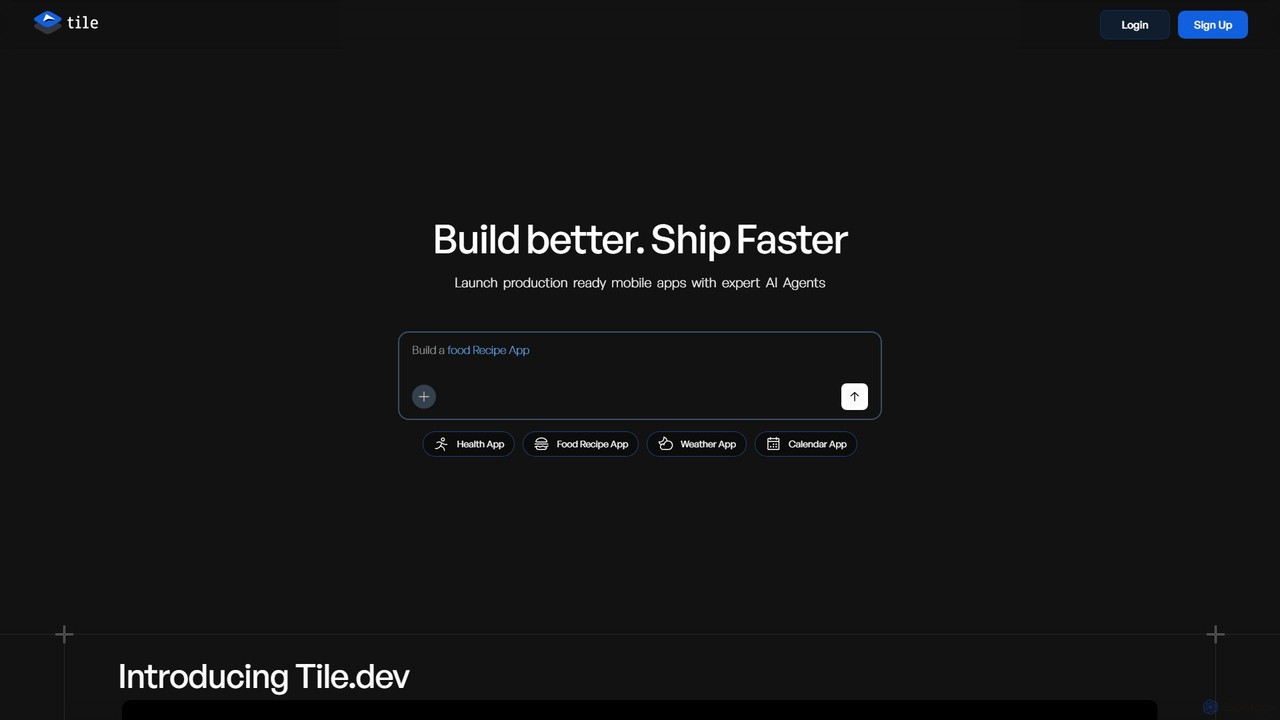
Tile
Tile is an AI-powered mobile app builder that transforms your ideas into production-ready iOS and Android applications. Describe your app concept using text or visuals, and specialized AI agents will build it. You can then refine the app with a powerful no-code visual editor and publish it directly to the App Store and Play Store. It's designed for founders, developers, and creators to ship apps faster.
Generative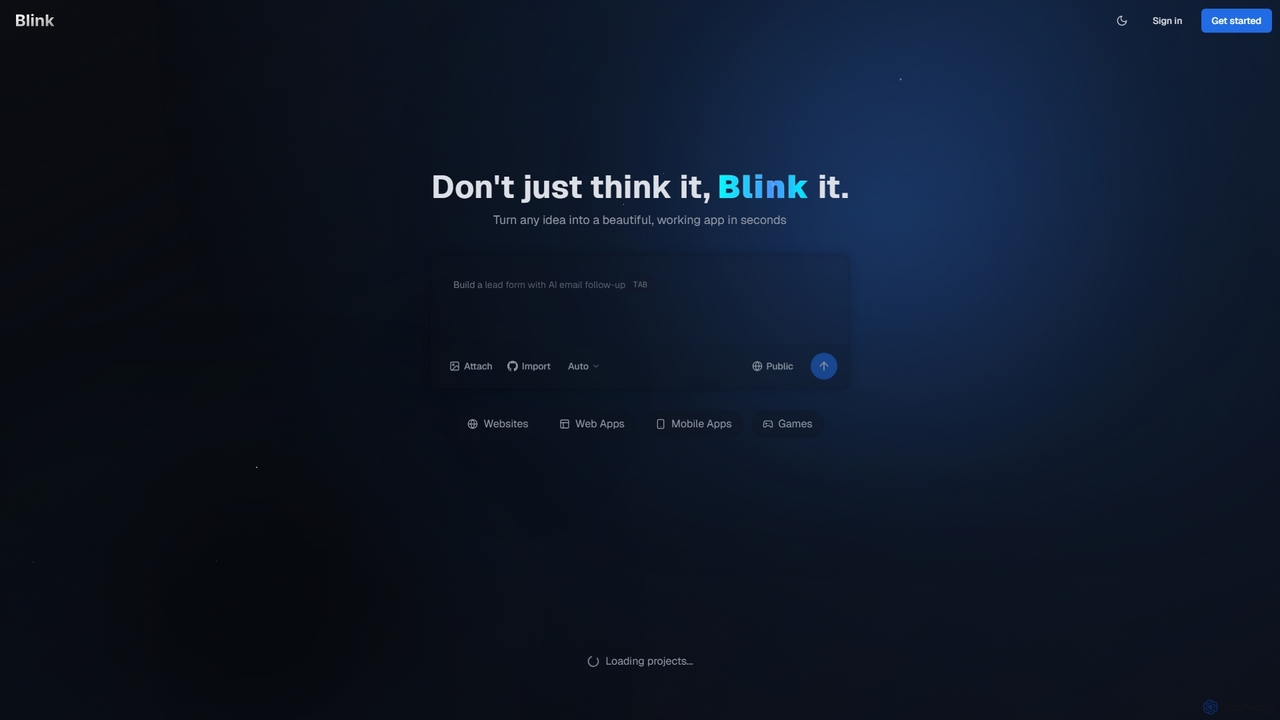
Blink
Blink is an AI-powered app developer that allows you to build websites, web apps, and mobile applications using plain English. No coding required. Simply describe your idea, and Blink's AI agent writes the code, sets up databases, and deploys your project automatically. It's designed for entrepreneurs and businesses to launch their ideas quickly and affordably.
No Code & Low Code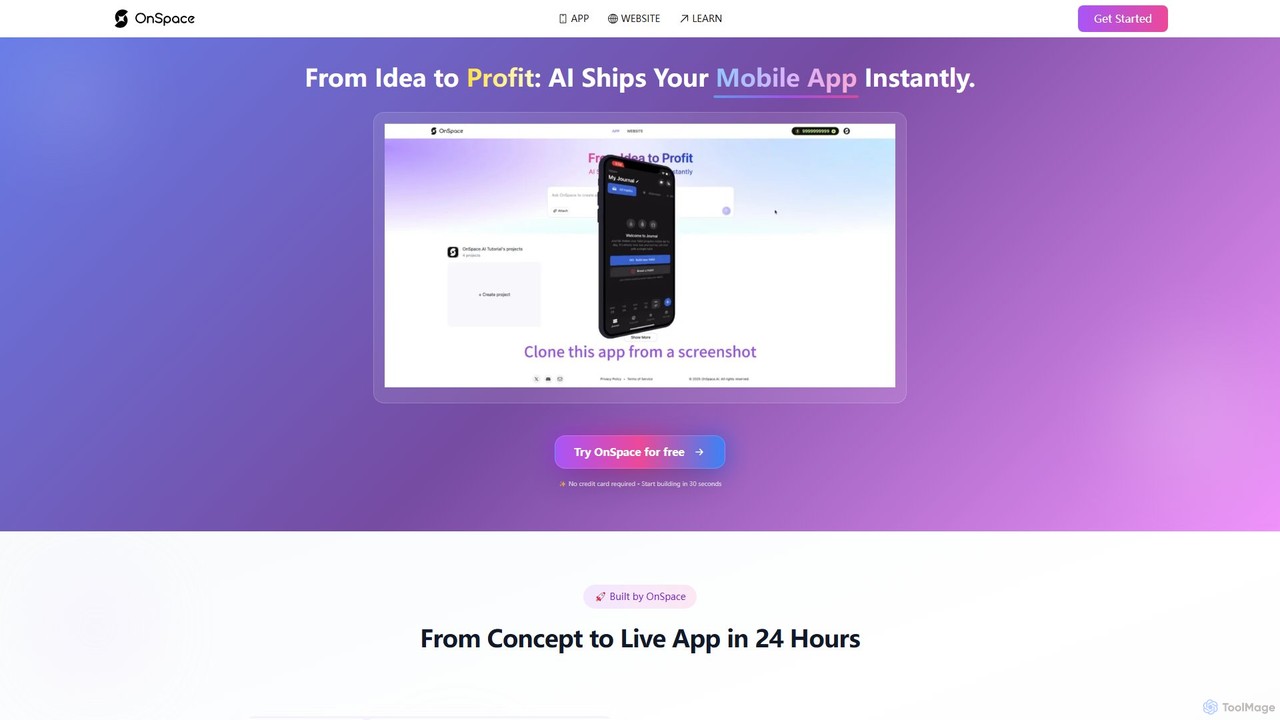
OnSpace.ai
OnSpace.ai is a leading no-code AI platform that instantly transforms your ideas, screenshots, or Figma designs into full-stack, monetizable mobile and web applications. Built for speed and accessibility, it allows anyone to launch a functional app for iOS, Android, and the web in as little as 24 hours, without writing a single line of code.
No Code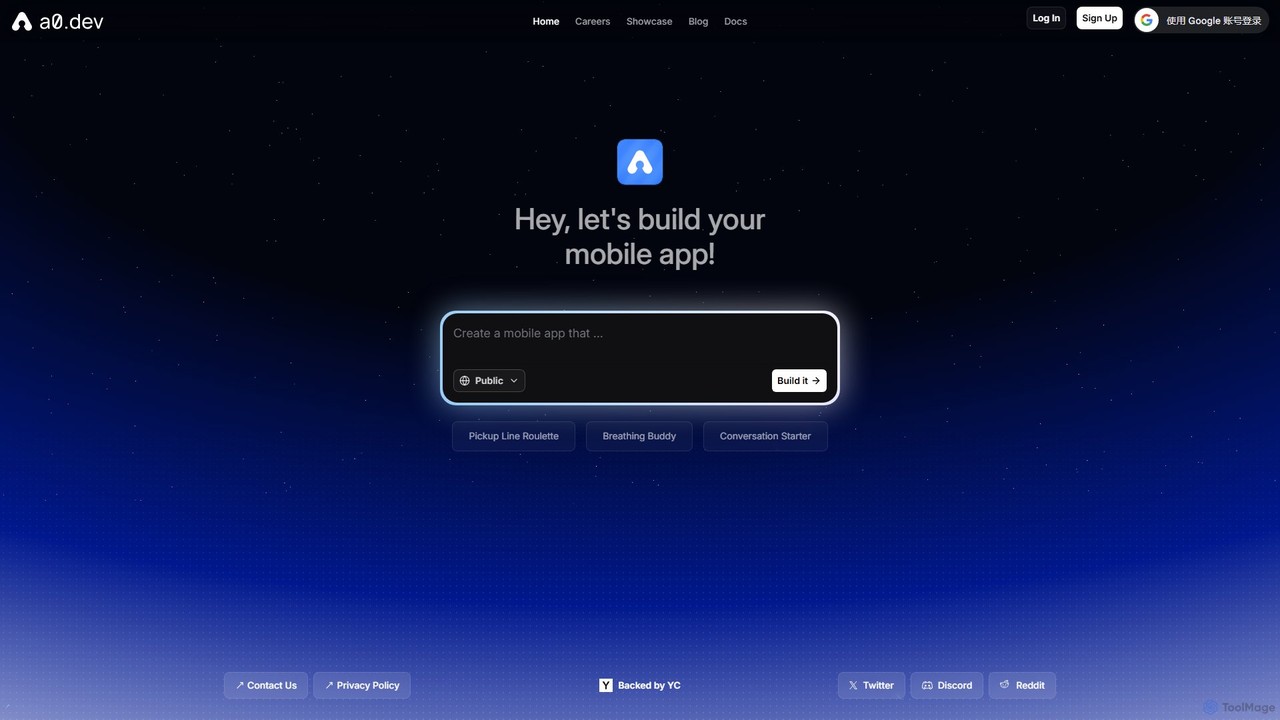
a0.dev
a0.dev is a revolutionary AI-powered platform that enables anyone to build native mobile apps for iOS and Android using simple text prompts. Describe your app idea in natural language, and the AI will generate, iterate, and help you publish it directly to the app stores, no coding required.
Text To AppBravo Studio Categories
Bravo Studio Embed Widget
Copy this embed code to place the badge on your blog, article, or product site and send readers directly to this ToolMage detail page.

Related AI tools
Blink
Blink is an AI-powered app developer that allows you to build websites, web apps, and mobile applications using plain English. No coding required. Simply describe your idea, and Blink's AI agent writes the code, sets up databases, and deploys your project automatically. It's designed for entrepreneurs and businesses to launch their ideas quickly and affordably.
No Code & Low Code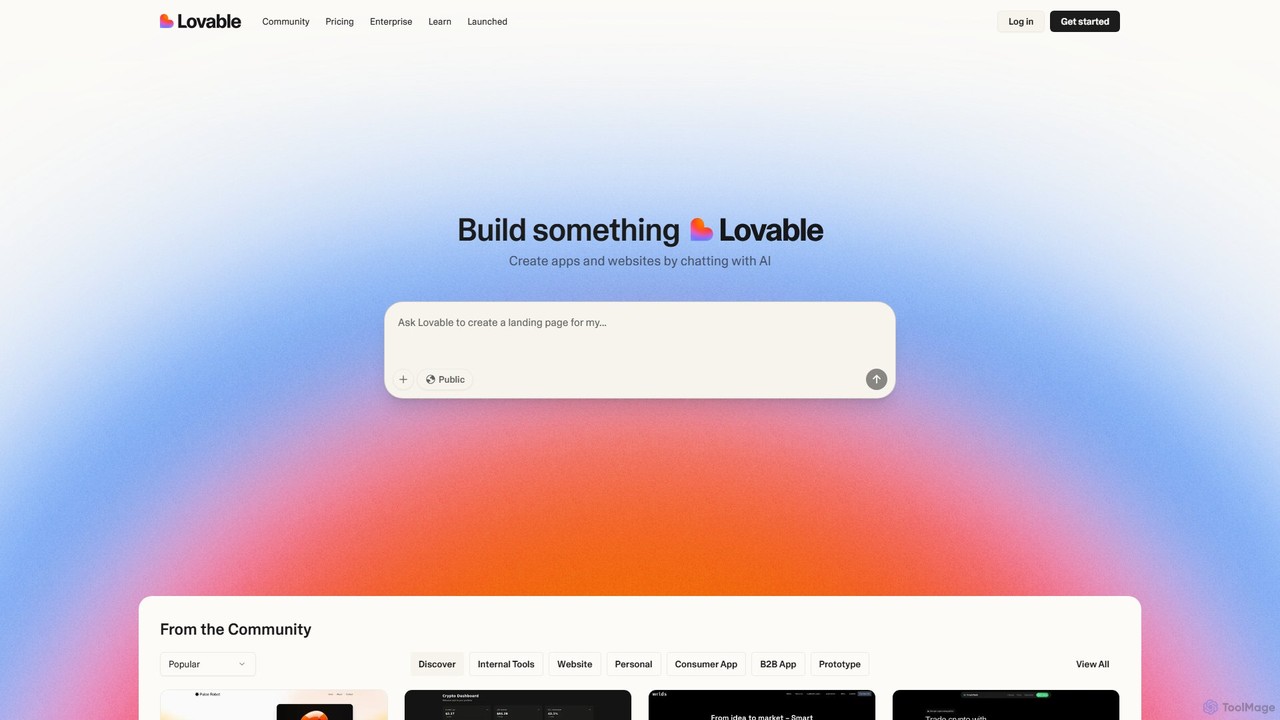
Lovable
Lovable is an AI-powered development platform that allows you to build web applications and websites through a simple conversational interface. Describe your idea in plain English, and the AI will generate the full-stack application, enabling rapid prototyping and development for both technical and non-technical users.
Low Code No Code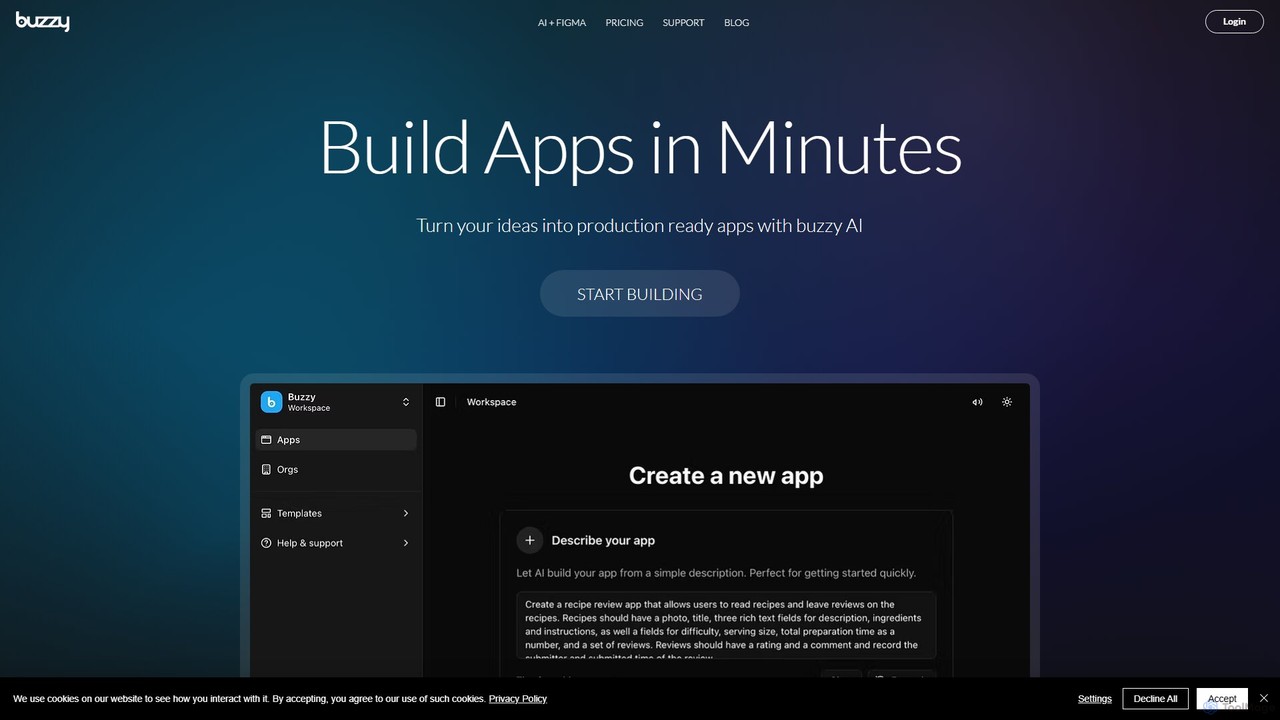
Buzzy
Buzzy is an AI-powered no-code platform that transforms your ideas into fully functional web and mobile applications in minutes. By simply describing your concept or importing a Figma design, Buzzy leverages AI to generate the entire application, from frontend to backend. It's ideal for entrepreneurs, designers, and businesses looking to rapidly prototype and launch custom software, including AI chatbots and data-driven tools, without writing a single line of code.
App Builder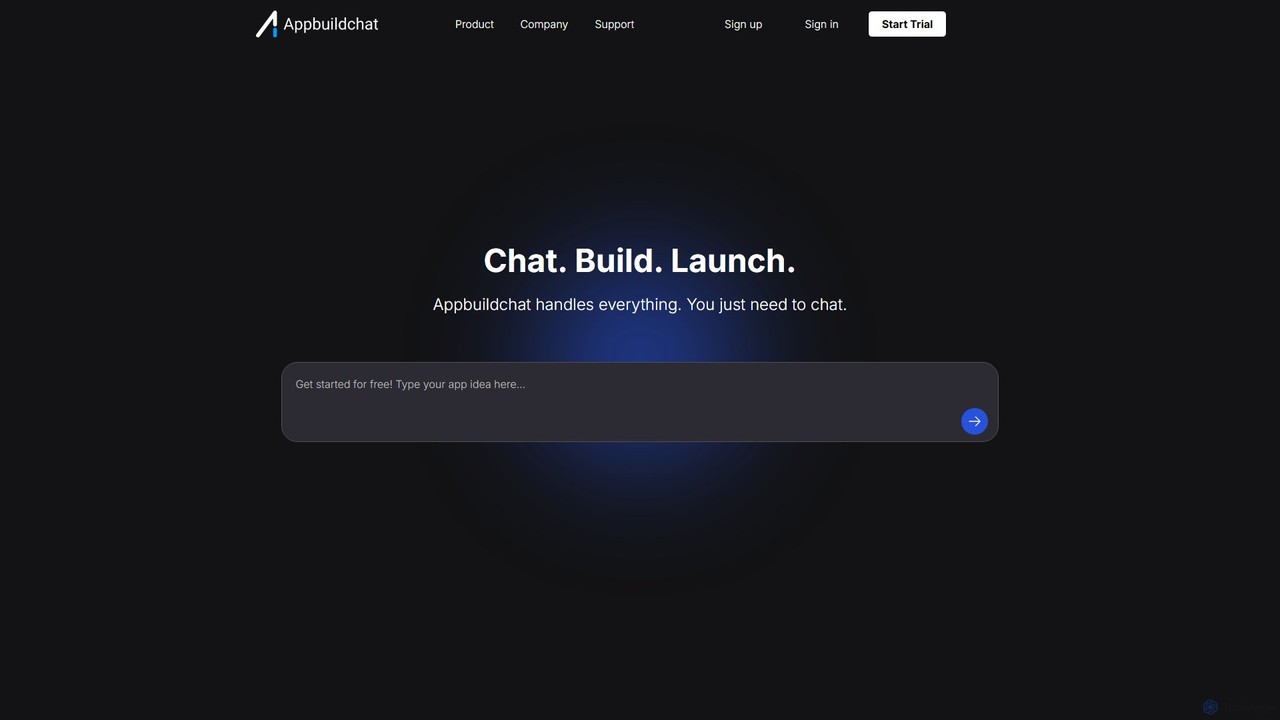
appbuildchat
appbuildchat is a no-code AI application builder designed for startups and entrepreneurs. It empowers users to design, build, and launch sophisticated AI-powered web applications without writing a single line of code. Integrate powerful features like AI chatbots, image generation, user authentication, and more through an intuitive visual interface, dramatically accelerating the journey from idea to a market-ready product.
Startup Tools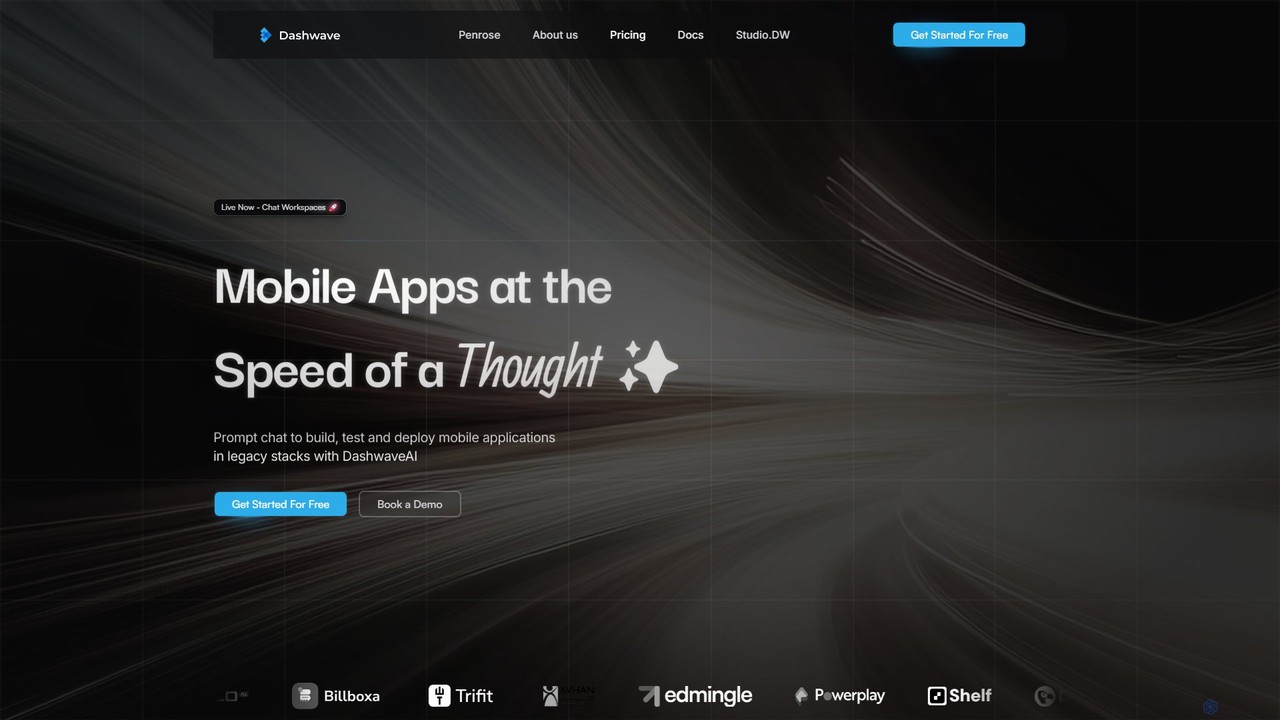
Dashwave
Dashwave is an AI-powered platform that accelerates mobile app development. It enables users to build, test, and deploy applications for iOS and Android using natural language prompts. Supporting frameworks like Kotlin, React Native, and Flutter, it transforms ideas and Figma designs into production-ready code, streamlining the entire development lifecycle for developers, designers, and founders.
Design To Code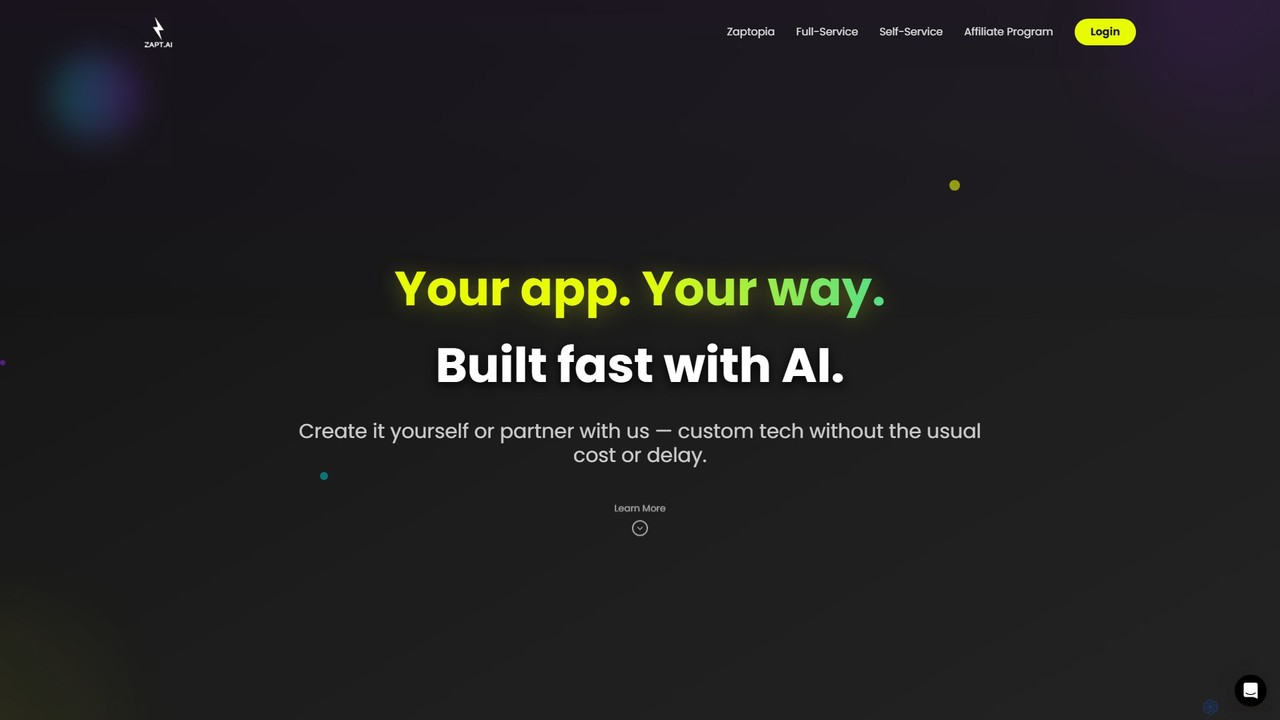
ZAPT
ZAPT is an AI-powered platform that enables anyone to build custom applications without writing a single line of code. Whether you have an idea for a business tool, a community app, or a personal project, ZAPT provides the tools to bring it to life quickly and affordably. You can build it yourself with the AI-assisted self-serve platform or partner with their expert team for a full-service development experience.
Ai App Builderswiftspeed
Swiftspeed is an AI-powered, no-code app builder that enables users to create native Android and iOS applications without writing a single line of code. It specializes in converting existing websites into fully functional mobile apps in minutes. The platform offers extensive customization, real-time editing, and a wide range of features, including e-commerce integration, push notifications, and monetization options, making it ideal for businesses, agencies, and individuals.
No CodeTile
Tile is an AI-powered mobile app builder that transforms your ideas into production-ready iOS and Android applications. Describe your app concept using text or visuals, and specialized AI agents will build it. You can then refine the app with a powerful no-code visual editor and publish it directly to the App Store and Play Store. It's designed for founders, developers, and creators to ship apps faster.
Generative
Jyek
Jyek is an AI agent platform that understands objectives, creates execution plans, uses tools, and delivers verifiable results for complex, multi-step tasks.
Automation
AppForceStudio
AppForceStudio is a next-generation, AI-powered platform that transforms your app ideas into reality. It simplifies the entire app creation process, from design and storyboarding to code generation and deployment. Ideal for solo founders, small businesses, and development teams, it enables users to build professional, market-ready iOS and Android apps with or without coding experience.
Ui Ux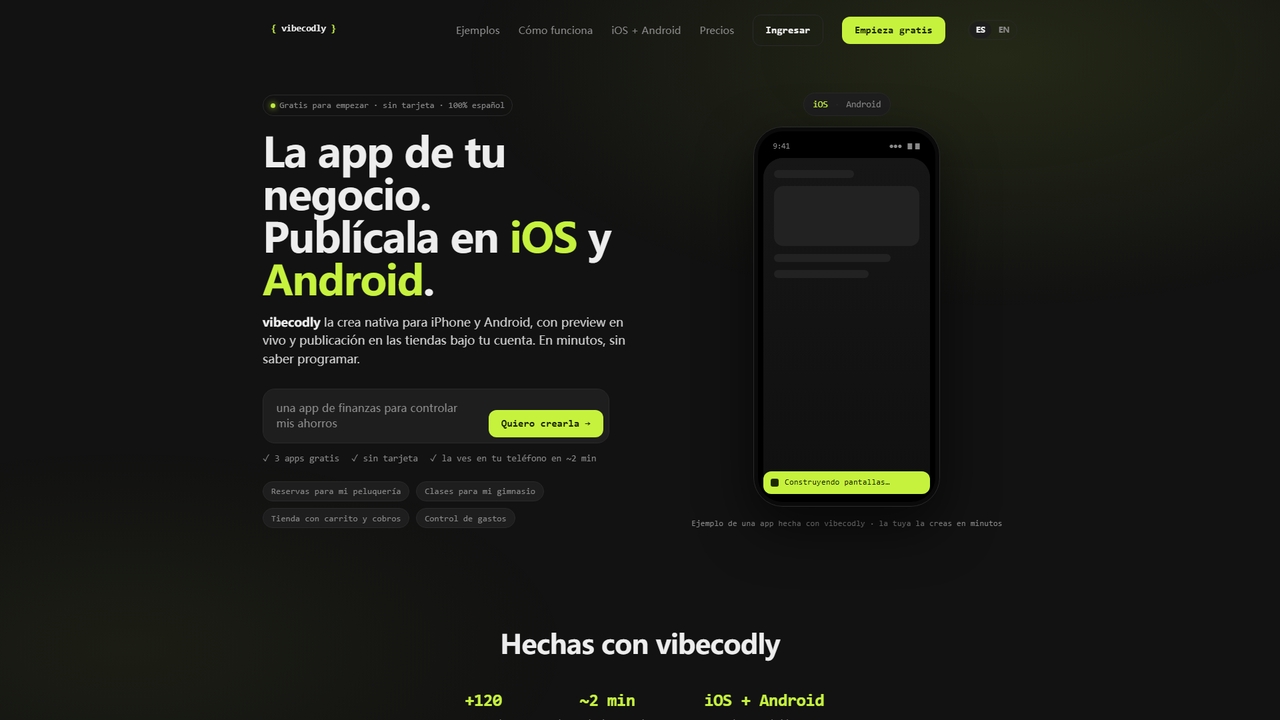
Vibecodly
Vibecodly is a no-code platform that turns your ideas into native iOS and Android apps in minutes. Describe your app in plain language, preview it live on your phone, and publish to the App Store and Google Play — no programming required. Free to start, no credit card needed.
Mobile Commerce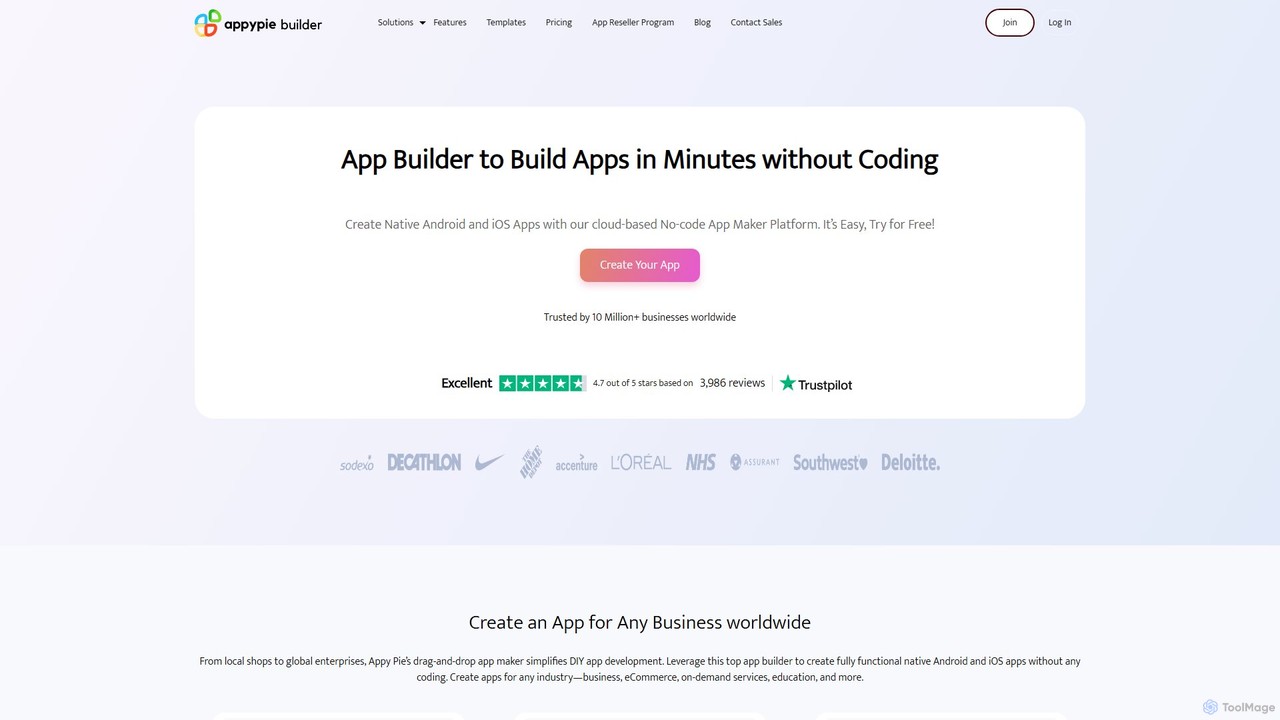
Appy Pie App Maker
An AI-powered, no-code app development platform that allows users to create native Android and iOS mobile apps using a simple drag-and-drop interface. Build professional apps for any industry—eCommerce, restaurants, churches, and more—without writing a single line of code. Trusted by over 10 million businesses worldwide.
App Builder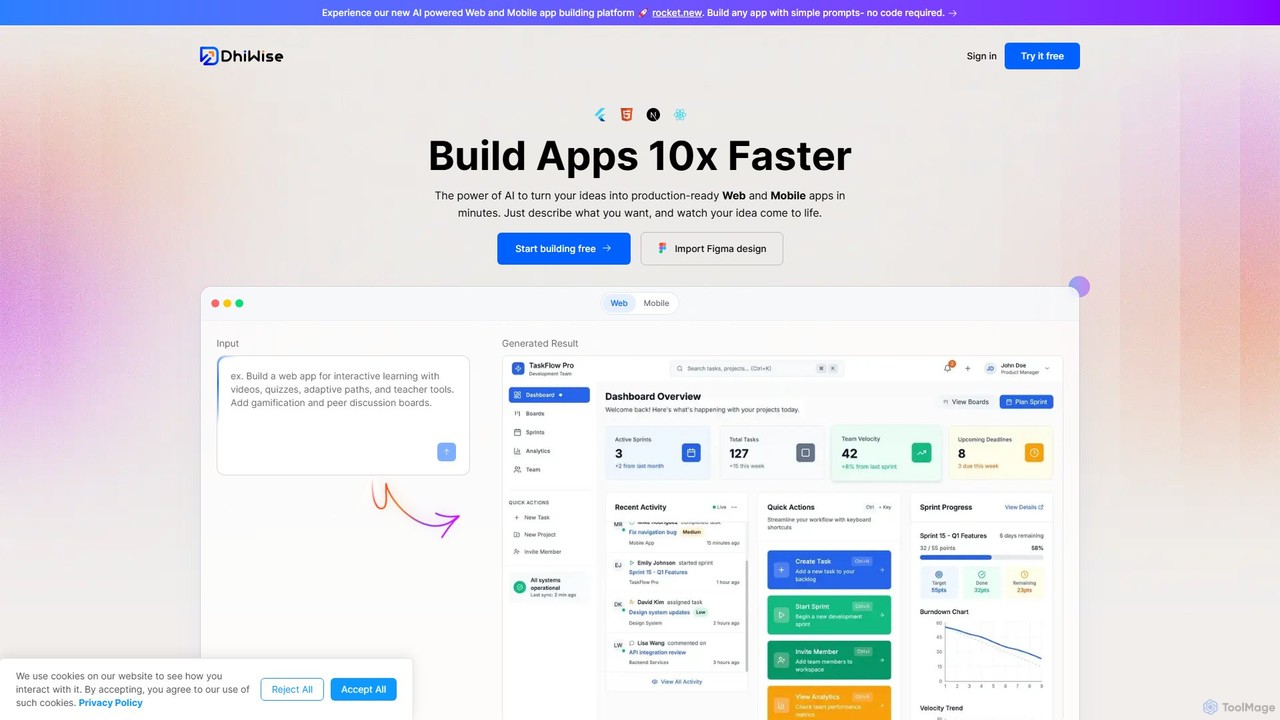
DhiWise
DhiWise is an AI-powered development platform that accelerates the creation of web and mobile applications. It transforms your ideas, natural language prompts, or Figma designs into high-quality, production-ready code in minutes. Supporting frameworks like Flutter and modern web technologies, DhiWise automates boilerplate tasks, enabling developers to build and deploy apps 10x faster.
Design To Code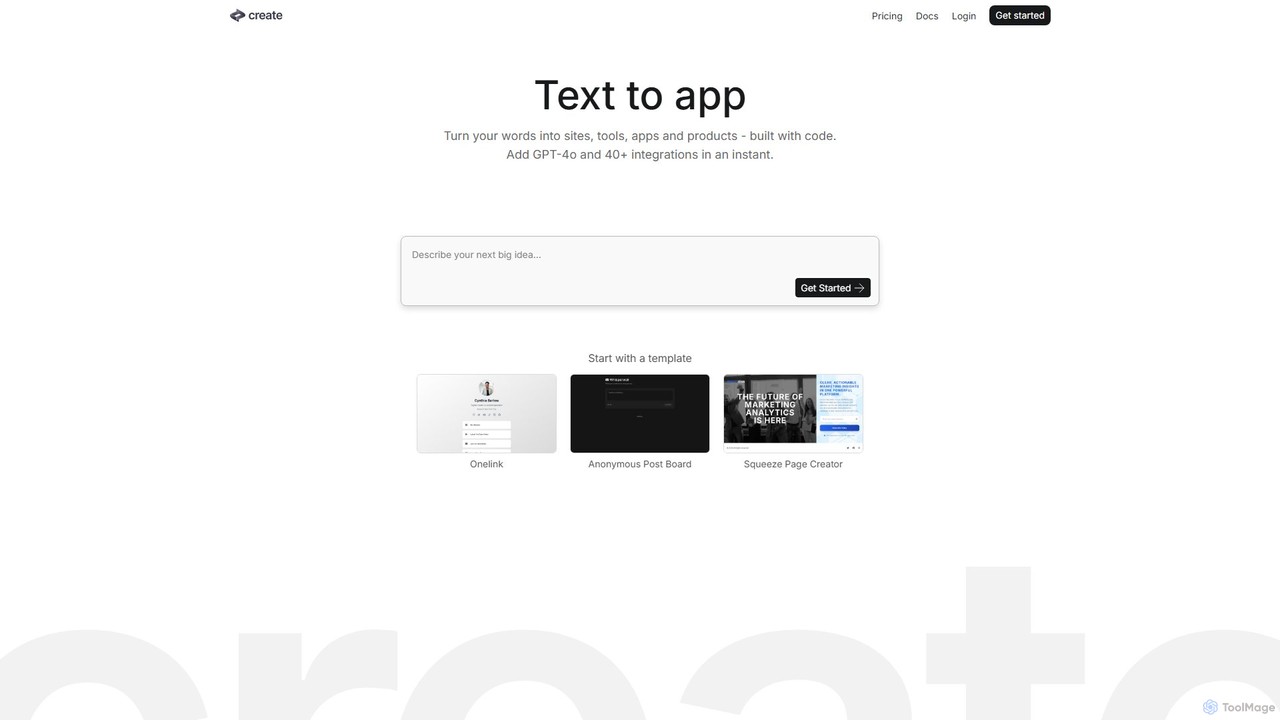
Create
Create is a no-code AI application builder that transforms your text descriptions into functional websites, tools, and apps. Integrate powerful AI models like GPT-4o and Claude 3.5, connect to any API, and launch your project without writing a single line of code. Ideal for building prototypes, internal tools, and AI-powered products quickly.
No Code & Low Code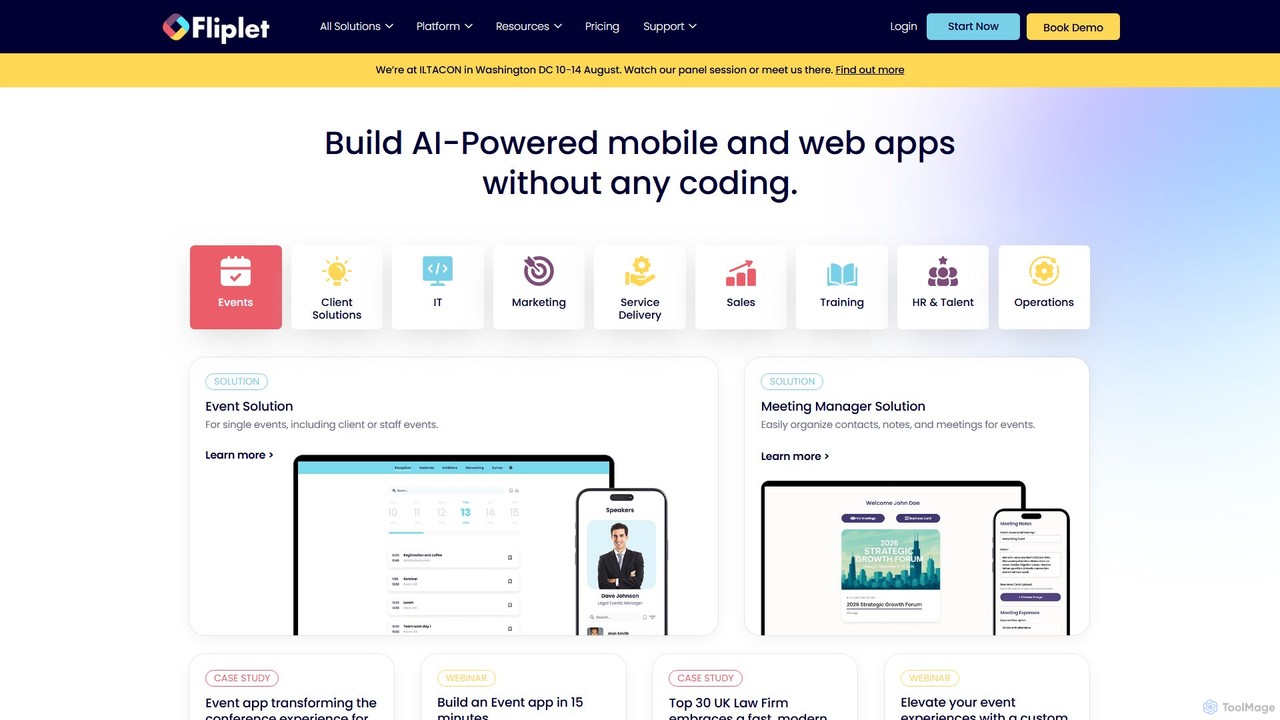
Fliplet
Fliplet is an AI-powered no-code and low-code platform that enables organizations to build custom mobile and web applications. It simplifies app creation with a drag-and-drop interface while offering full code control for advanced customization. Fliplet focuses on enterprise-grade security, seamless integrations, and powerful AI features to enhance user experience and productivity.
Chatbot Builder
Bravo Studio Comments (0)
Sign in to comment.
Sign inNo comments yet.