
Dashwave Overview
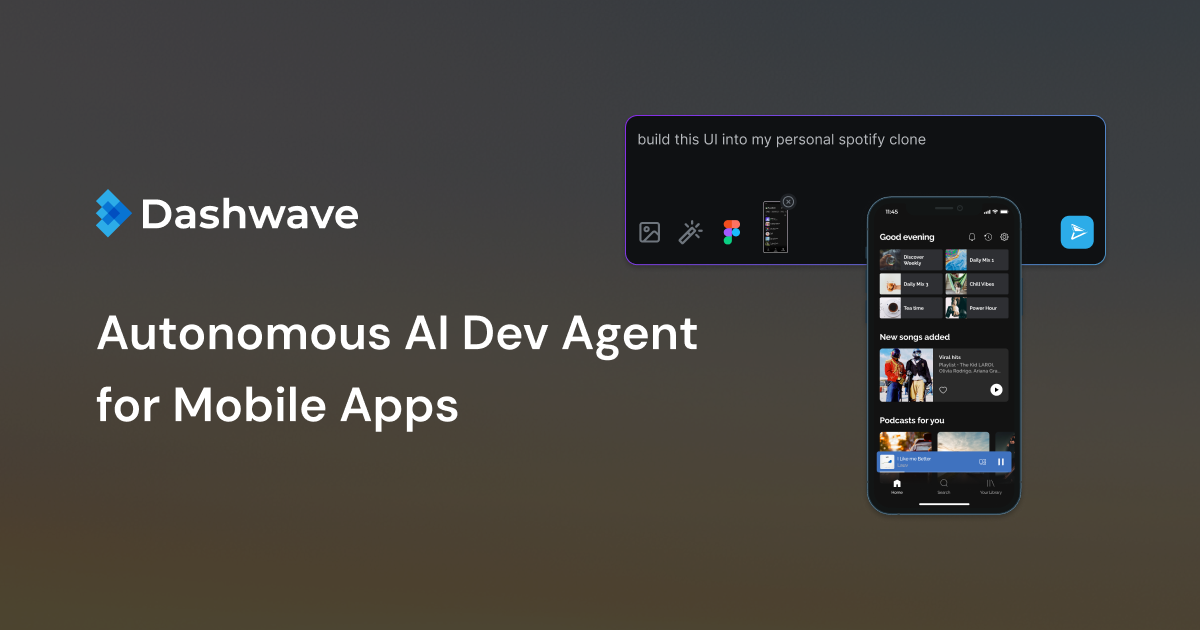
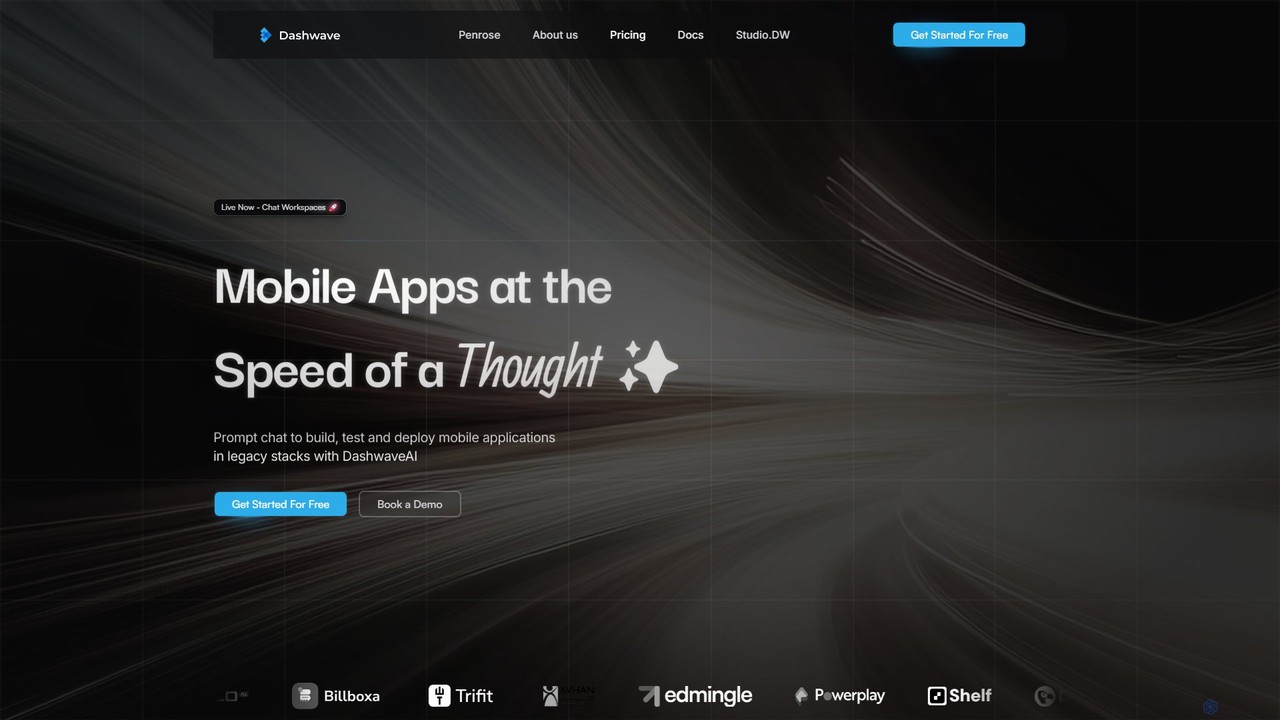
Dashwave is a revolutionary all-in-one platform designed to democratize mobile app development, making it faster, more intuitive, and accessible to everyone, regardless of their technical expertise. It empowers users to transform an idea into a fully functional mobile application at the speed of thought. By leveraging advanced AI, Dashwave streamlines the entire development process, from initial concept and design to building, testing, and deployment. The platform is built to support both new projects from scratch and existing legacy applications, making it a versatile solution for a wide range of users.
At its core, Dashwave features an innovative chat-based workspace where users can prompt an AI to build UI components, screens, or even entire applications without writing a single line of code. This text-to-app capability significantly reduces development time and lowers the barrier to entry for non-developers. The platform is engineered for high-speed performance, utilizing a distributed cache and selectively burstable compute to create the fastest possible environment for both AI and human developers to build and iterate.
How to use Dashwave
Using Dashwave is a straightforward, conversational process designed for maximum efficiency:
- Describe Your Idea: Start by describing your app idea or the feature you want to build in plain English within the chat workspace. You can be as simple or as detailed as you like.
- AI-Powered Generation: Dashwave's AI interprets your prompt and generates the first version of your application or component. This includes generating the necessary code for frameworks like Kotlin, React Native, Flutter, or native iOS.
- Iterate and Refine: Review the generated output. You can continue to refine the app by sending more prompts, asking for changes, adding new features, or fixing bugs. For more granular control, you can directly edit the codebase using the integrated browser-based IDE.
- Figma to Code: If you have a design in Figma, you can use Dashwave to instantly convert your Figma components into clean, production-ready code, eliminating tedious developer handoffs.
- Sync and Deploy: Once you are satisfied with your application, you can sync the code with your GitHub repository or use Dashwave's built-in CI/CD pipelines to seamlessly build, sign, and deploy your app to the Google Play Store or Apple App Store.
Core Features of Dashwave
- Text-to-App Chat Workspaces: Use natural language prompts to generate mobile app components, screens, and full applications.
- Multi-Stack Support: Works with popular mobile development frameworks including Kotlin, React Native, Flutter, and native iOS.
- Figma to Code Conversion: Instantly turns Figma designs into production-ready code, accelerating the design-to-development workflow.
- High-Speed Build and Execution Runtime: A powerful backend built on distributed cache and burstable compute ensures incredibly fast build and iteration cycles.
- Integrated Distribution Pipelines: Pre-built workflows simplify the app distribution process with built-in keystore management and code signing.
- AI-Powered Debugging: Leverages AI to help you find and squash bugs at lightning speed, improving code quality and stability.
- Efficient RAG and Code Retrieval: Utilizes code-aware embedding and advanced algorithms to efficiently retrieve context from large codebases, ensuring the AI has the right information to perform tasks.
- Penrose AI Agent (Coming Soon): A future headless AI agent capable of handling asynchronous jobs like fixing tickets, implementing performance upgrades, and incremental feature development.
- Enterprise-Grade Security: Protects your intellectual property with industry-standard data encryption in transit and at rest, secure access controls, and robust infrastructure.
Use Cases for Dashwave
Dashwave is designed for a diverse set of users involved in the app creation process:
- Founders, CEOs, and CTOs: Rapidly prototype and launch MVPs, scaling mobile development efforts without scaling headcount, leading to significant cost savings.
- Product Managers and Designers: Independently bring ideas to life by converting concepts and Figma designs directly into functional code, reducing dependency on engineering teams.
- Developers and Freelancers: Accelerate development workflows, automate repetitive coding tasks, and spend less time on debugging, allowing them to focus on building core features.
- QA Engineers: Utilize AI-powered debugging tools to identify and resolve bugs more efficiently, ensuring a higher quality product before it reaches users.
Advantages of Dashwave
Dashwave offers a competitive edge by focusing on speed, accessibility, and efficiency. It drastically reduces the time from idea to market. By automating code generation and simplifying deployment, it allows for more product development with less payroll. The platform's mission to democratize app development empowers a new generation of innovators, while its robust security measures ensure that user data and intellectual property are always protected. The combination of a powerful AI, a high-speed runtime, and an intuitive interface makes it a game-changer in the mobile development industry.
Pricing and Plans
Dashwave offers flexible pricing to suit different needs:
- Free: $0/month. Ideal for indie developers and hobbyists. Includes Flutter & React Native workspaces, 50 messages/month, VS Code access, Git support, Figma integration, and Discord support.
- Starter: $20/month. For solo developers and side hustlers. Includes everything in Free, plus 100 messages/month, Kotlin/Java workspaces, Android Studio access, Play Store deployments, and email support. On-demand iOS builders and App Store deployments are available.
- Team: $100/month. For development teams building production apps. Includes everything in Starter, plus 500 messages/month, up to 3 team members ($20/additional user), and Slack support.
- Enterprise: Custom pricing. For large organizations. Offers custom integrations, fine-tuning, enterprise security (SSO/SAML), on-premise support, and dedicated support.
Traffic
Latest traffic
Status
Monthly traffic trend
- 2025-9: 4.8K
- 2026-1: 2.4K
- 2026-2: 1.5K
- 2026-3: 1.2K
- 2026-4: 2.1K
- 2026-5: 2.2K
Geography
Top 5 countries / regions
- 🇮🇳India100.0%
Top keywords
| Keyword | Cost per click |
|---|---|
| android scheduling tasks | $0.00 |
| dashwave | $0.00 |
| how in my app find bootelneck itd android studio | $0.00 |
| how to sniff api calls from an android app | $0.00 |
| jetpack compose declarative ui | $0.00 |
Dashwave Alternatives

Locofy.ai
Locofy.ai is an AI-powered platform that accelerates frontend development by converting designs from Figma, Adobe XD, and Penpot into high-quality, production-ready code. It supports a wide range of frameworks like React, React Native, Vue, and HTML/CSS, helping teams build UI 10x faster and significantly reducing the design-to-code workflow.
Design To Code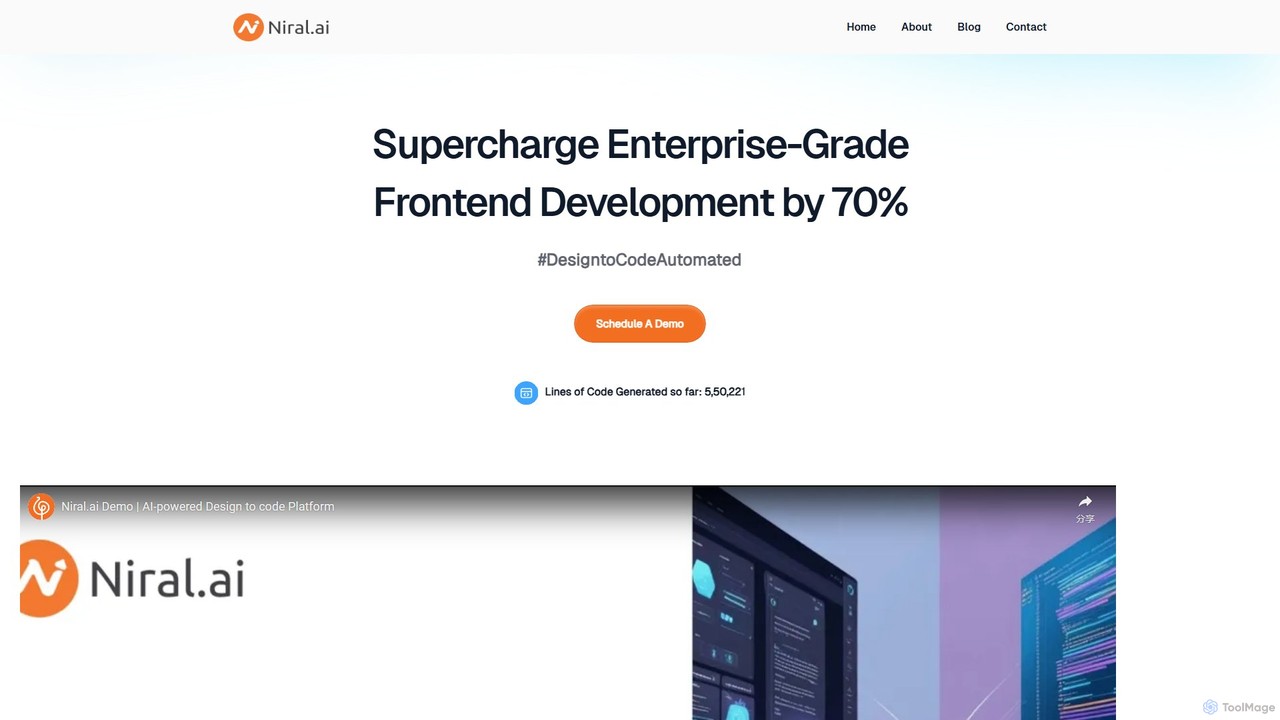
Niral.ai
Niral.ai is an AI-powered platform that converts Figma designs into high-quality, production-ready front-end code. It streamlines the design-to-development workflow, enabling teams to build user interfaces faster with full code ownership and Git integration.
Design To Code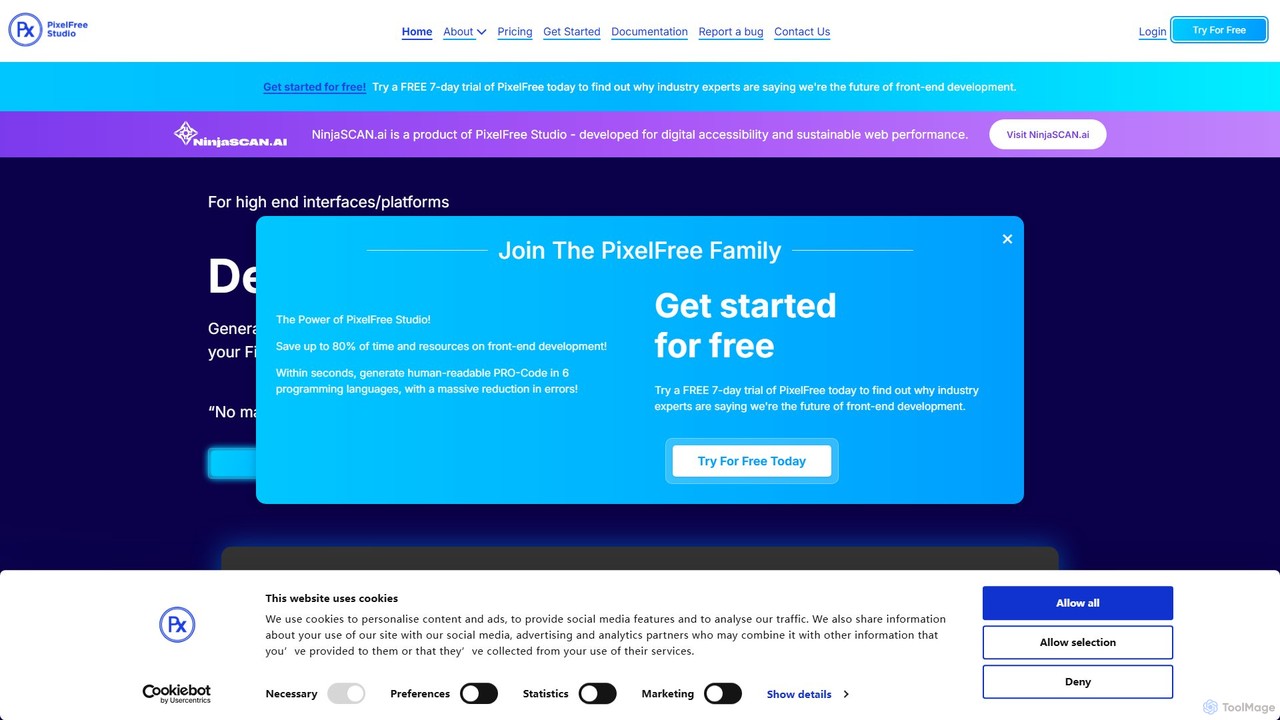
PixelFree Studio
PixelFree Studio is a low-code application builder that transforms UI designs into clean, production-ready code. It specializes in importing Figma designs and exporting them to multiple frameworks like React, Vue, Angular, and C#, streamlining the design-to-development workflow and accelerating app creation.
Design To Code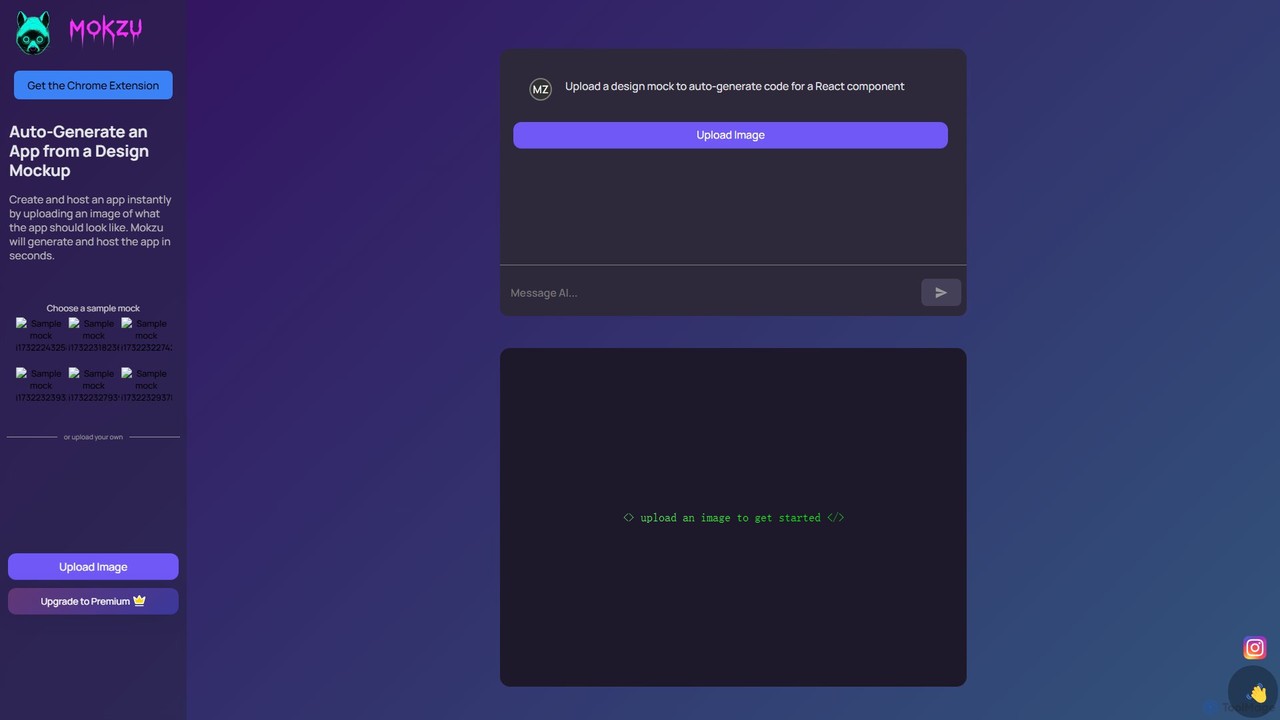
Mokzu
Mokzu is an AI-powered tool that instantly transforms design mockups into functional, production-ready web applications. By simply uploading an image of your UI design, Mokzu generates clean React component code and hosts the app in seconds. It's designed to accelerate the development workflow, bridge the gap between design and code, and enable rapid prototyping for developers, designers, and product teams.
Design To Code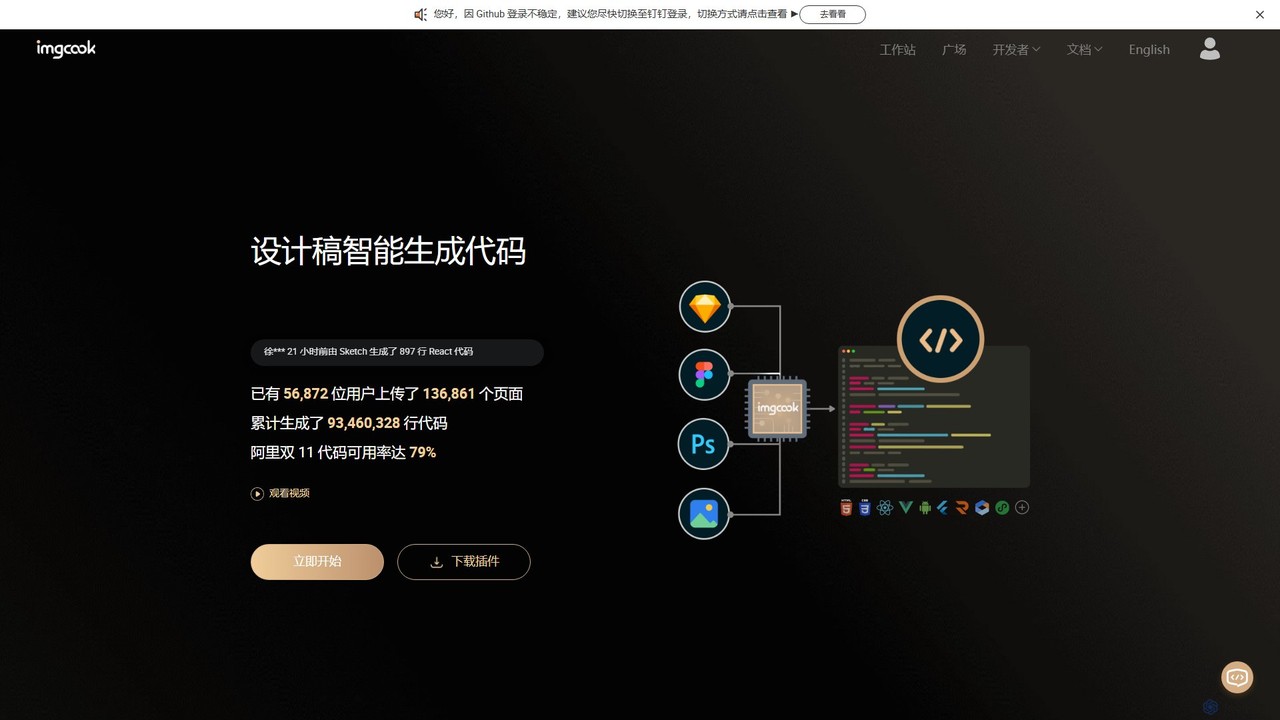
imgcook
imgcook is an intelligent Design-to-Code (D2C) platform that uses AI to automatically convert design drafts from Sketch, Figma, and Photoshop into high-quality, maintainable front-end code for React, Vue, Mini Programs, and more, significantly boosting development efficiency.
Design To CodeDashwave Categories
Dashwave Embed Widget
Copy this embed code to place the badge on your blog, article, or product site and send readers directly to this ToolMage detail page.

Related AI tools
Locofy.ai
Locofy.ai is an AI-powered platform that accelerates frontend development by converting designs from Figma, Adobe XD, and Penpot into high-quality, production-ready code. It supports a wide range of frameworks like React, React Native, Vue, and HTML/CSS, helping teams build UI 10x faster and significantly reducing the design-to-code workflow.
Design To CodeNiral.ai
Niral.ai is an AI-powered platform that converts Figma designs into high-quality, production-ready front-end code. It streamlines the design-to-development workflow, enabling teams to build user interfaces faster with full code ownership and Git integration.
Design To Code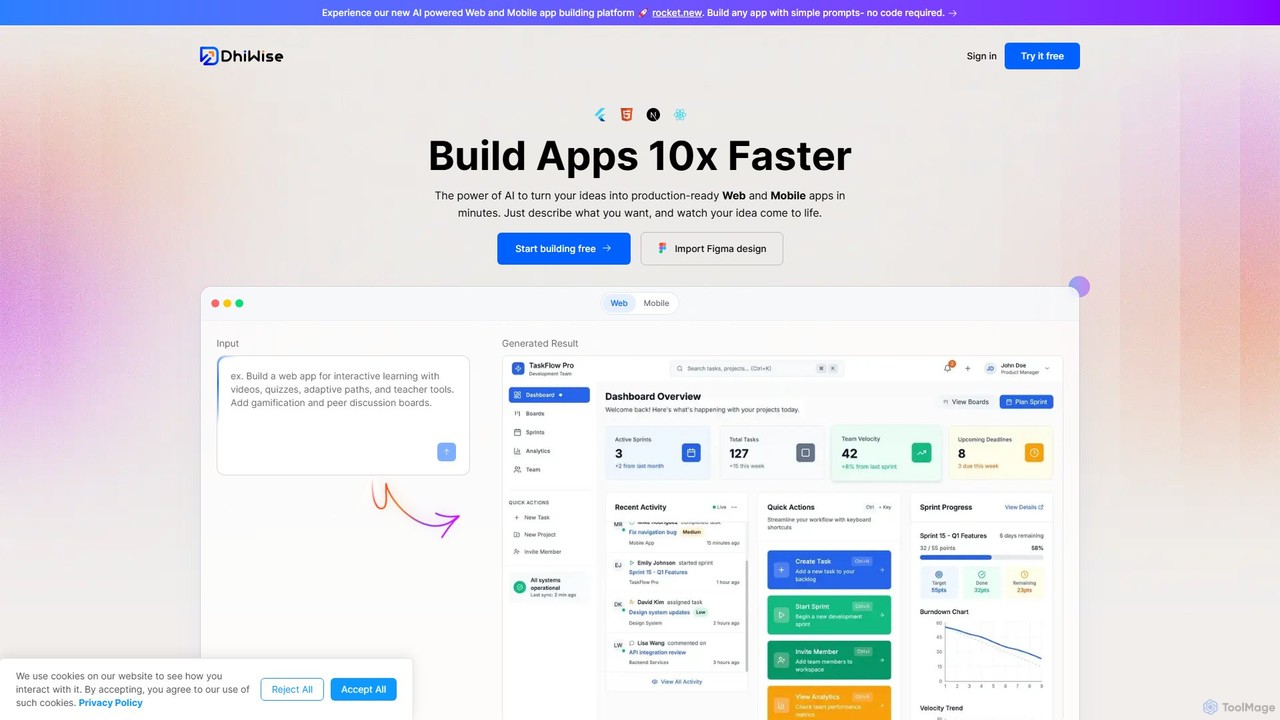
DhiWise
DhiWise is an AI-powered development platform that accelerates the creation of web and mobile applications. It transforms your ideas, natural language prompts, or Figma designs into high-quality, production-ready code in minutes. Supporting frameworks like Flutter and modern web technologies, DhiWise automates boilerplate tasks, enabling developers to build and deploy apps 10x faster.
Design To Code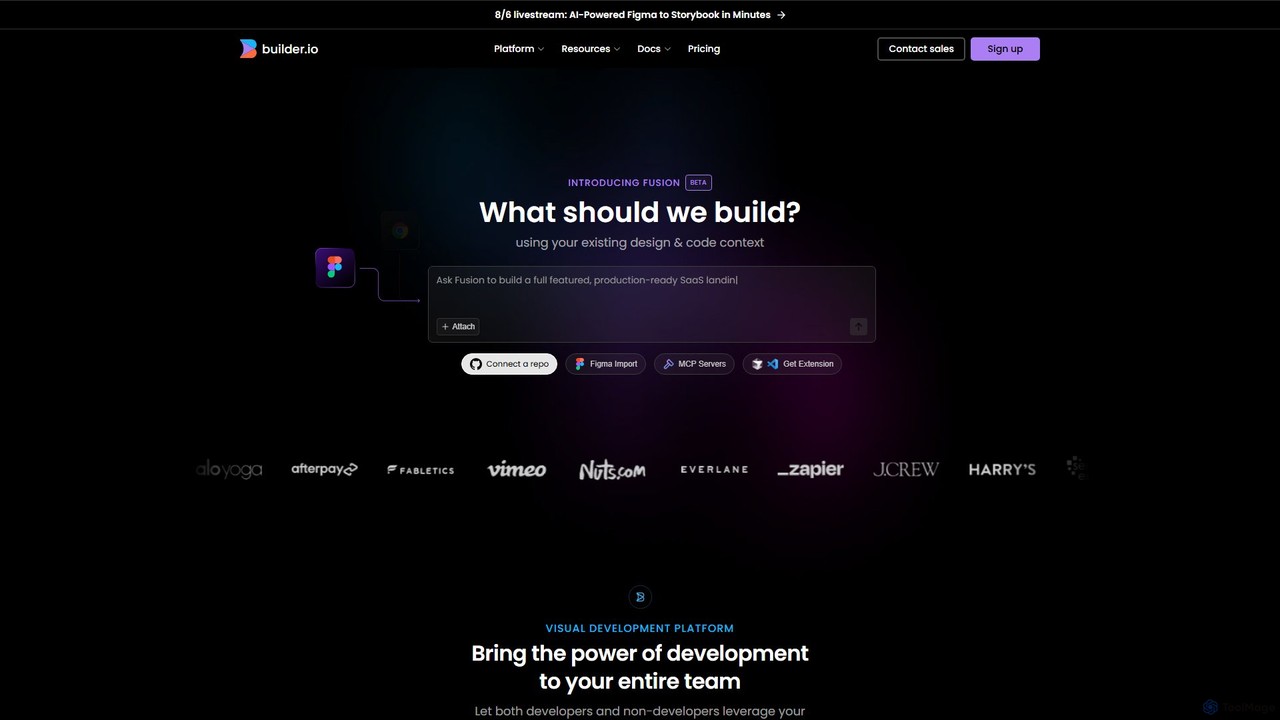
Builder.io
Builder.io is an AI-powered visual development platform that transforms Figma designs into production-ready code. It enables teams to build, edit, and publish web pages and UIs with unprecedented speed, integrating seamlessly with existing codebases, design systems, and headless CMS workflows.
Design To Code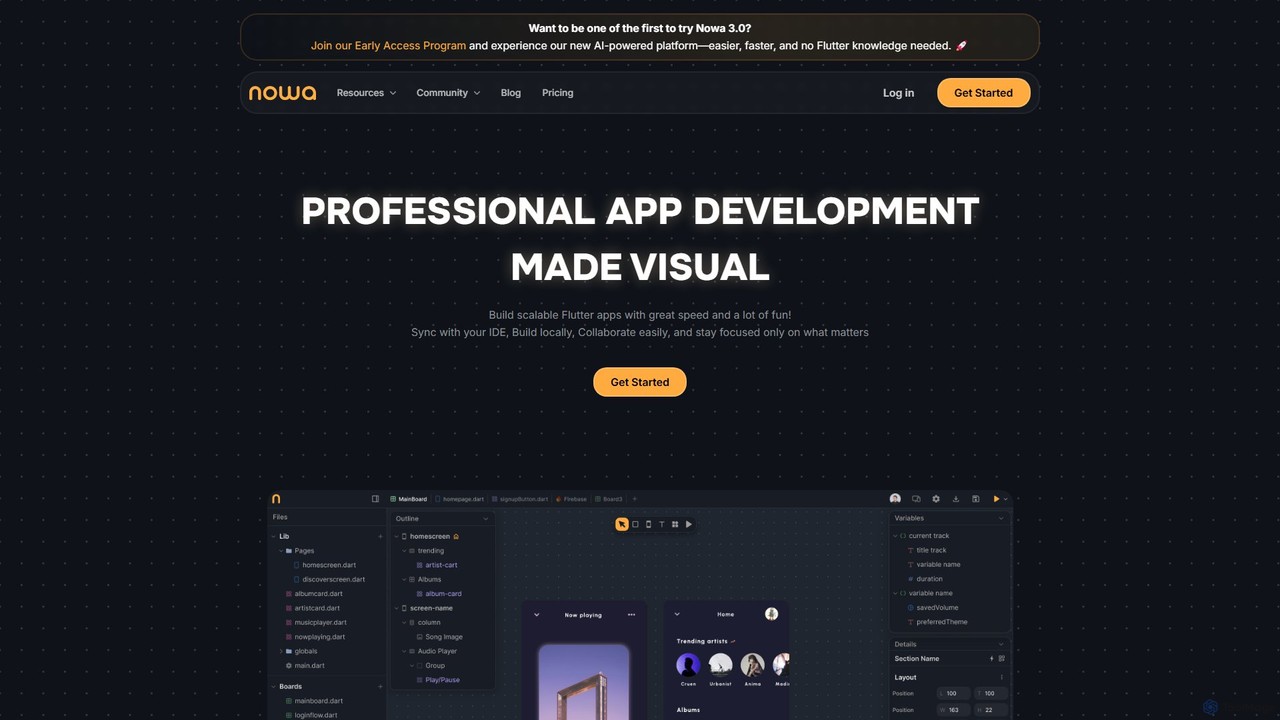
nowa
nowa is a visual, AI-powered Flutter app builder for professional development. It enables developers and designers to build scalable, high-quality applications with incredible speed, combining visual design, logic building, and seamless IDE integration without vendor lock-in.
Low Code No Code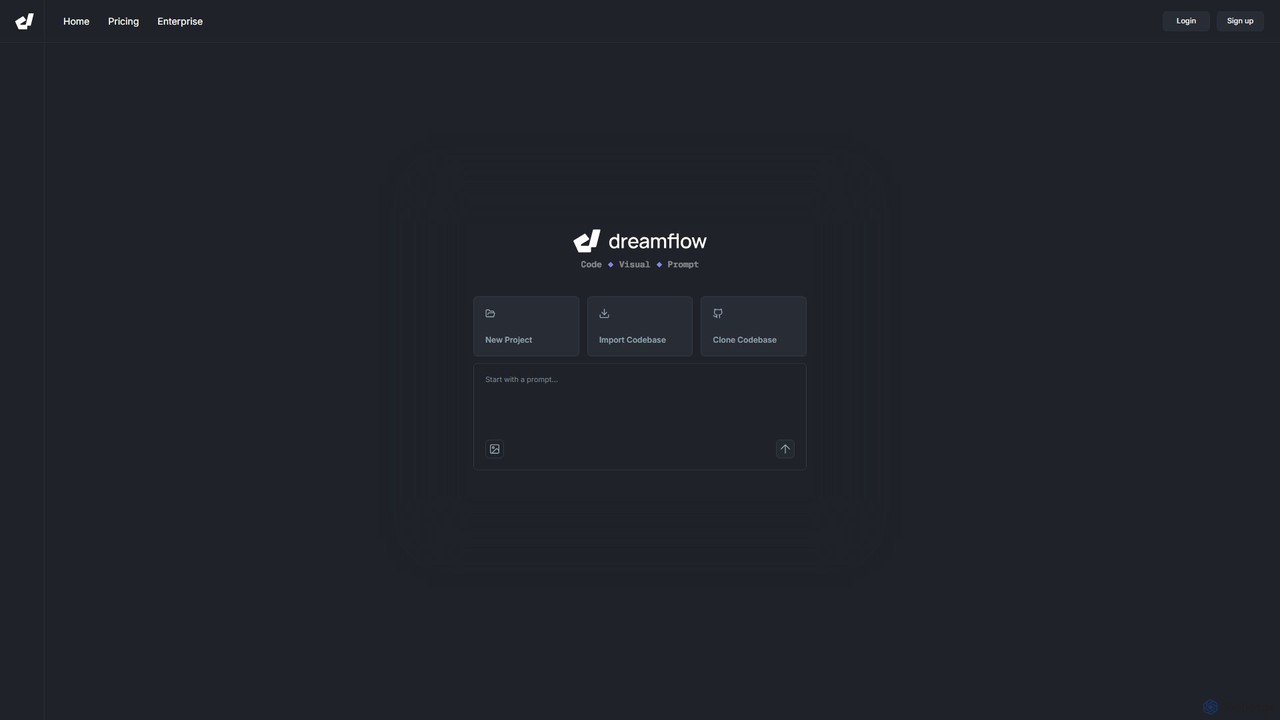
DreamFlow
DreamFlow is an AI-first development environment that transforms app creation. Build full-stack, production-ready mobile and desktop applications directly from text prompts. It combines a powerful AI agent, a visual UI editor, and a traditional code editor in a single, browser-based platform built on Flutter. Write, run, and deploy to iOS, Android, Web, and desktop seamlessly, accelerating your development workflow from idea to launch.
Mobile App BuilderPixelFree Studio
PixelFree Studio is a low-code application builder that transforms UI designs into clean, production-ready code. It specializes in importing Figma designs and exporting them to multiple frameworks like React, Vue, Angular, and C#, streamlining the design-to-development workflow and accelerating app creation.
Design To Code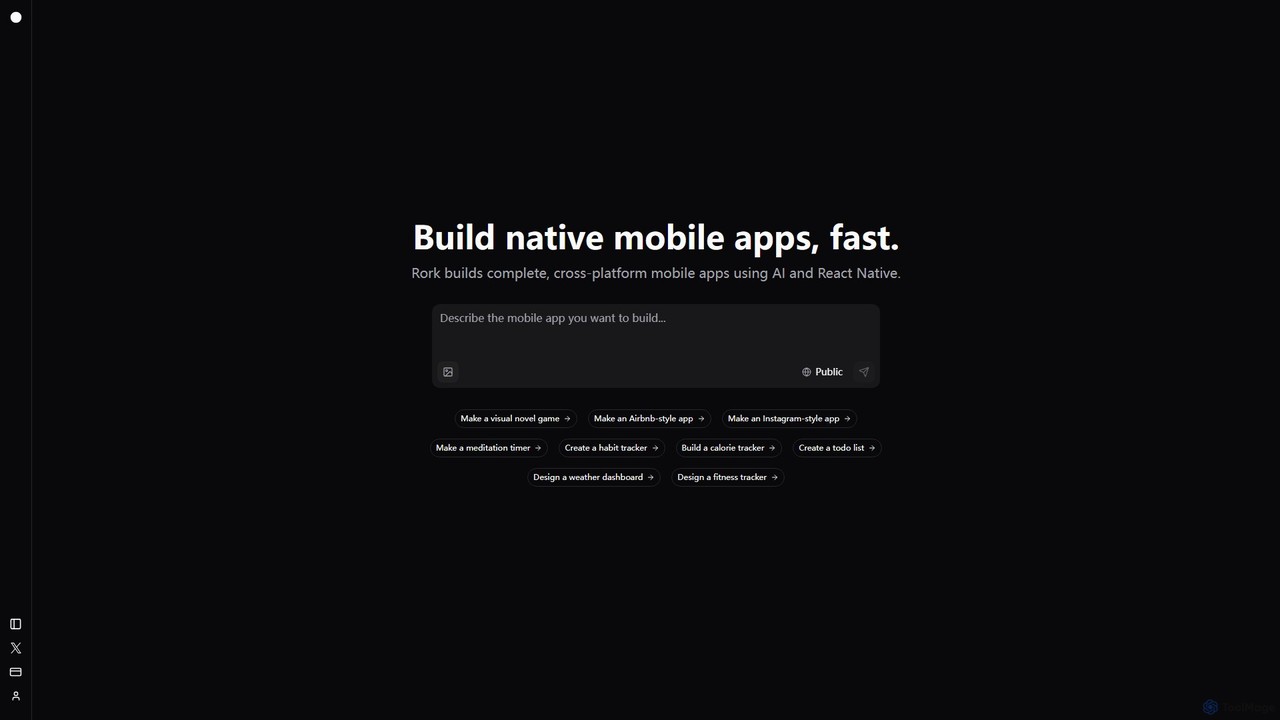
Rork
Rork is an AI-powered development platform that transforms simple text prompts into complete, native, cross-platform mobile apps in minutes. Using React Native, it allows users to "vibe code" their ideas, generating functional applications for iOS and Android without writing a single line of code. Ideal for rapid prototyping, MVPs, and accelerating development, Rork makes app creation accessible to everyone, from entrepreneurs to seasoned developers.
Mobile App Building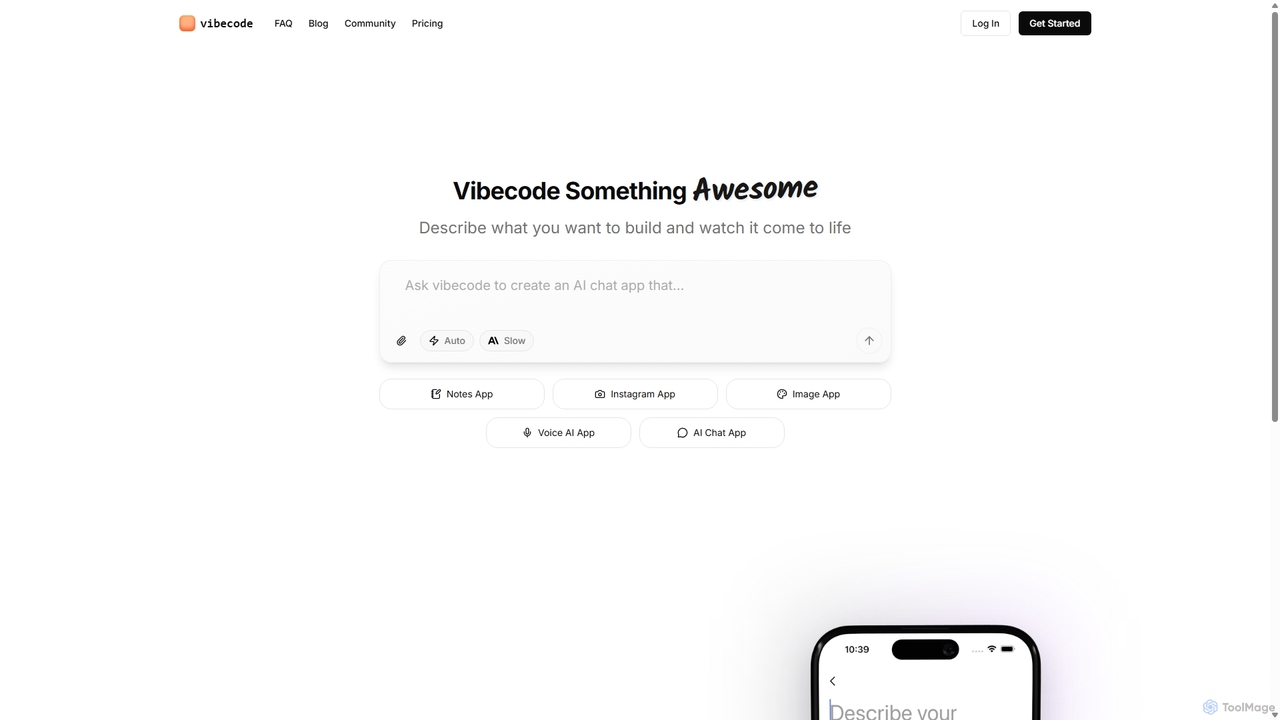
Vibecode
Vibecode is an AI-powered mobile app builder that transforms text descriptions into functional, native React Native applications. It enables users, from non-technical creators to professional developers, to rapidly prototype, test via App Clips, and deploy mobile apps without writing code from scratch.
Mobile App Building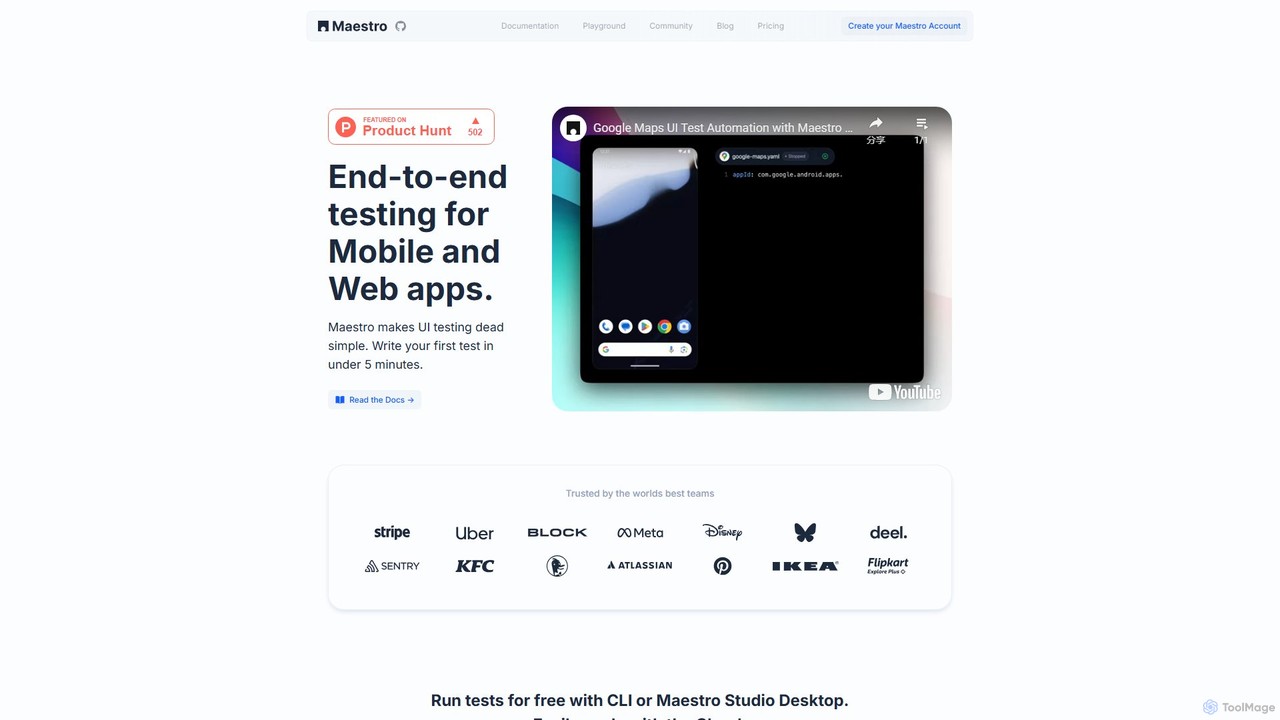
Maestro
Maestro is an AI-powered, end-to-end UI testing framework that simplifies testing for mobile and web applications. With its intuitive syntax, visual test creation via Maestro Studio, and an AI assistant (MaestroGPT), it enables developers and testers to write reliable tests in minutes. It supports a wide range of frameworks like iOS, Android, React Native, and Flutter, offering both a free local environment and a scalable cloud platform for CI/CD integration.
Automation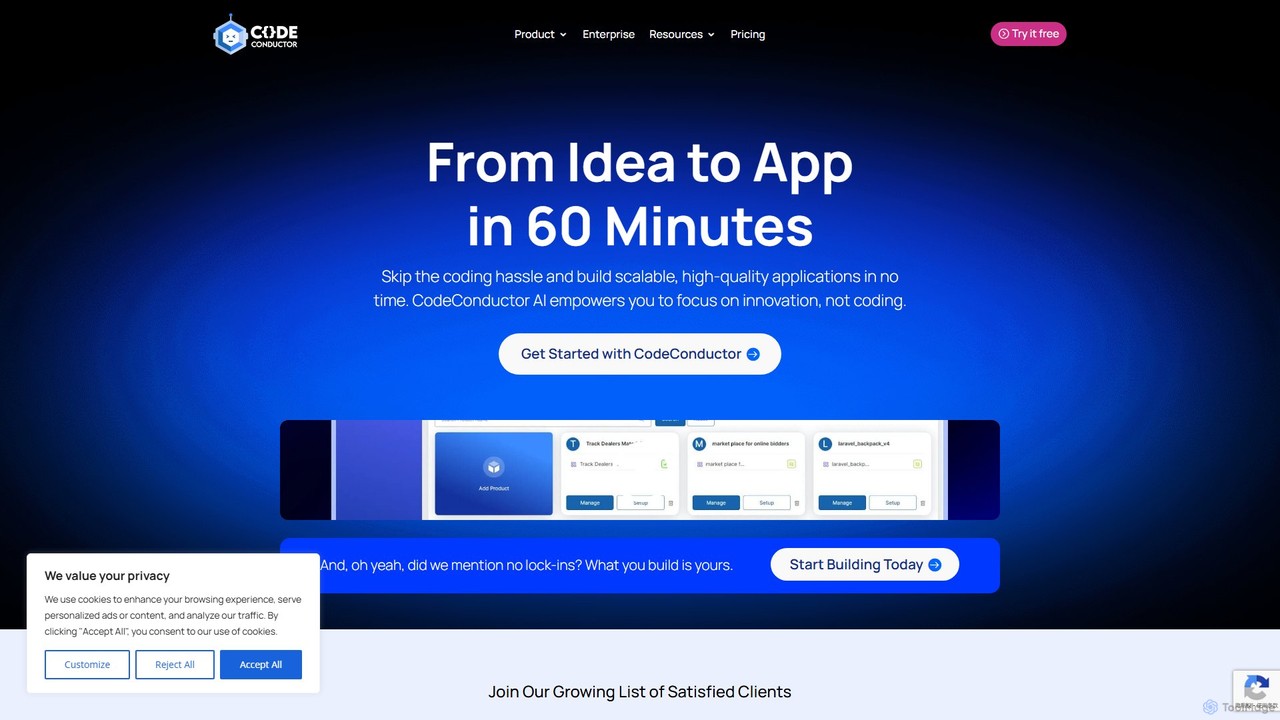
CodeConductor
CodeConductor is an AI-powered software development platform that transforms natural language prompts into scalable, production-ready full-stack applications. It enables users to build, deploy, and scale web and mobile apps in minutes, offering full code ownership and eliminating vendor lock-in. Designed for startups and enterprises, it accelerates development, from MVPs to complex internal tools.
Application Builder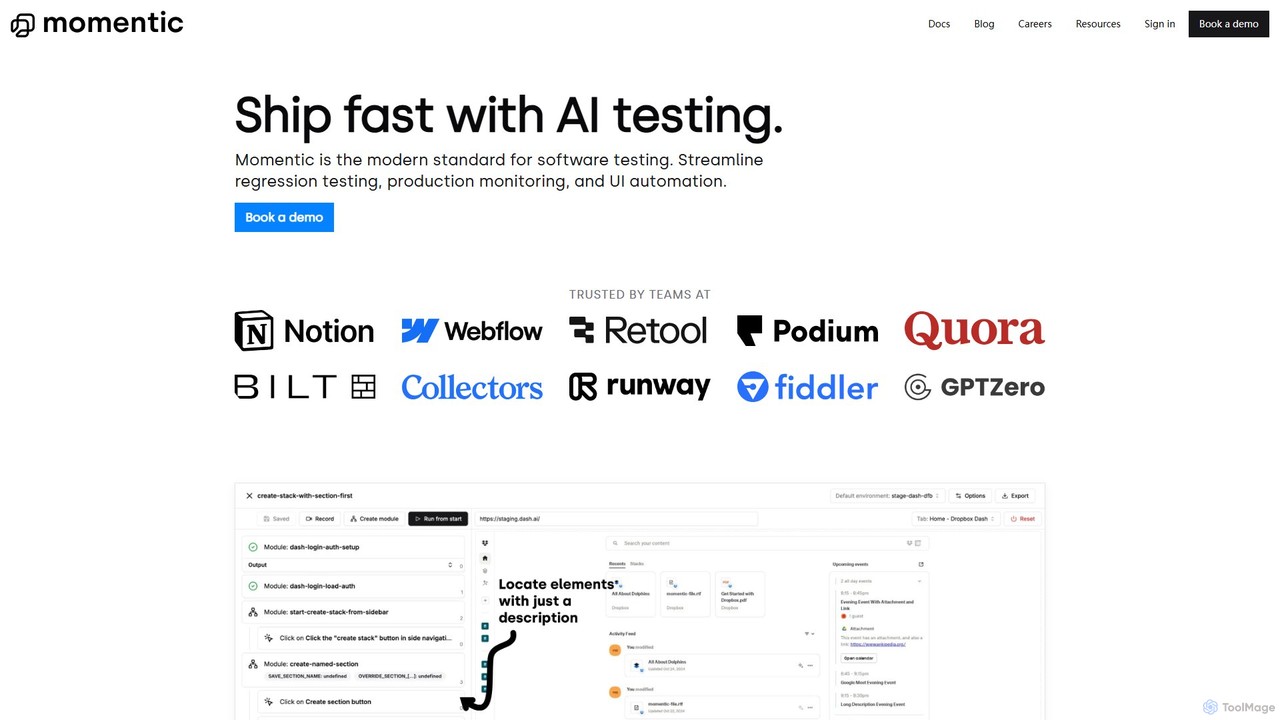
Momentic
Momentic is an AI-powered software testing platform that accelerates development cycles. It enables teams to create, run, and maintain robust end-to-end tests using natural language, eliminating flaky scripts and reducing manual QA overhead. It features a low-code editor, auto-healing locators, and seamless CI/CD integration.
No Code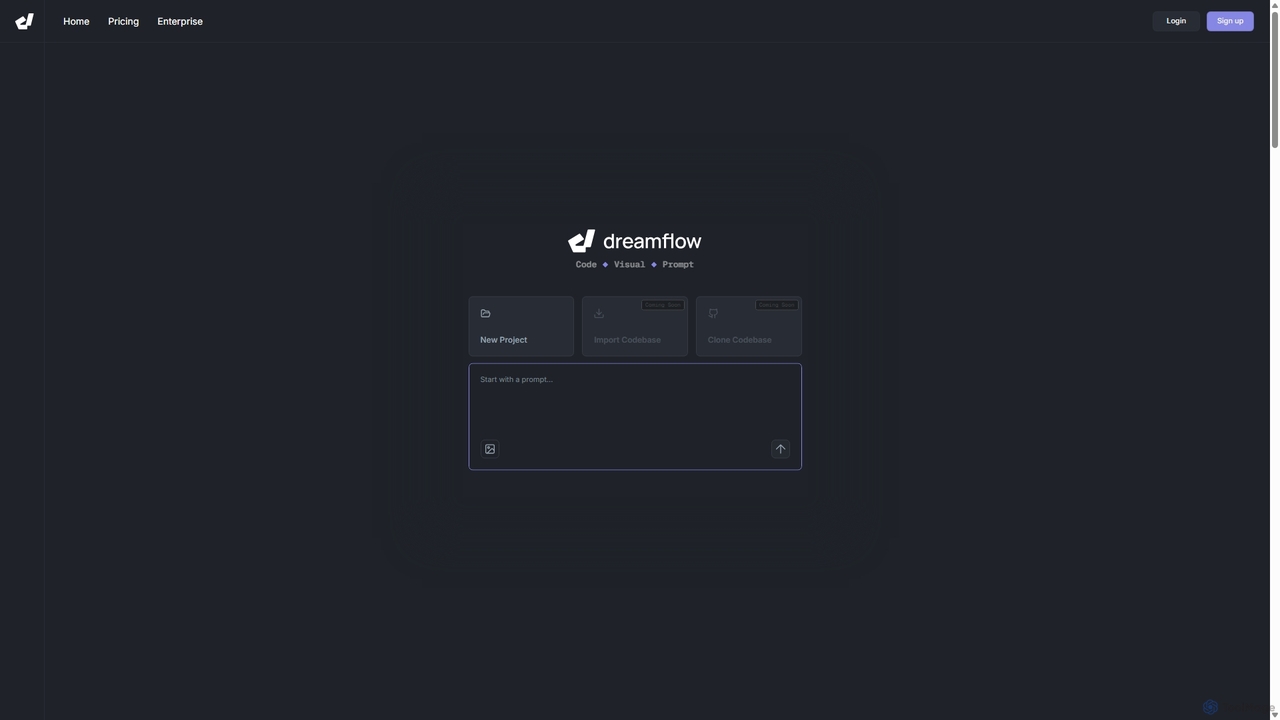
DreamFlow
DreamFlow is an AI-first development environment that transforms text prompts into cross-platform mobile applications. It integrates AI-powered code generation, a visual UI builder, and a full-featured code editor to accelerate the entire app development lifecycle for Flutter, from idea to deployment.
Code Generation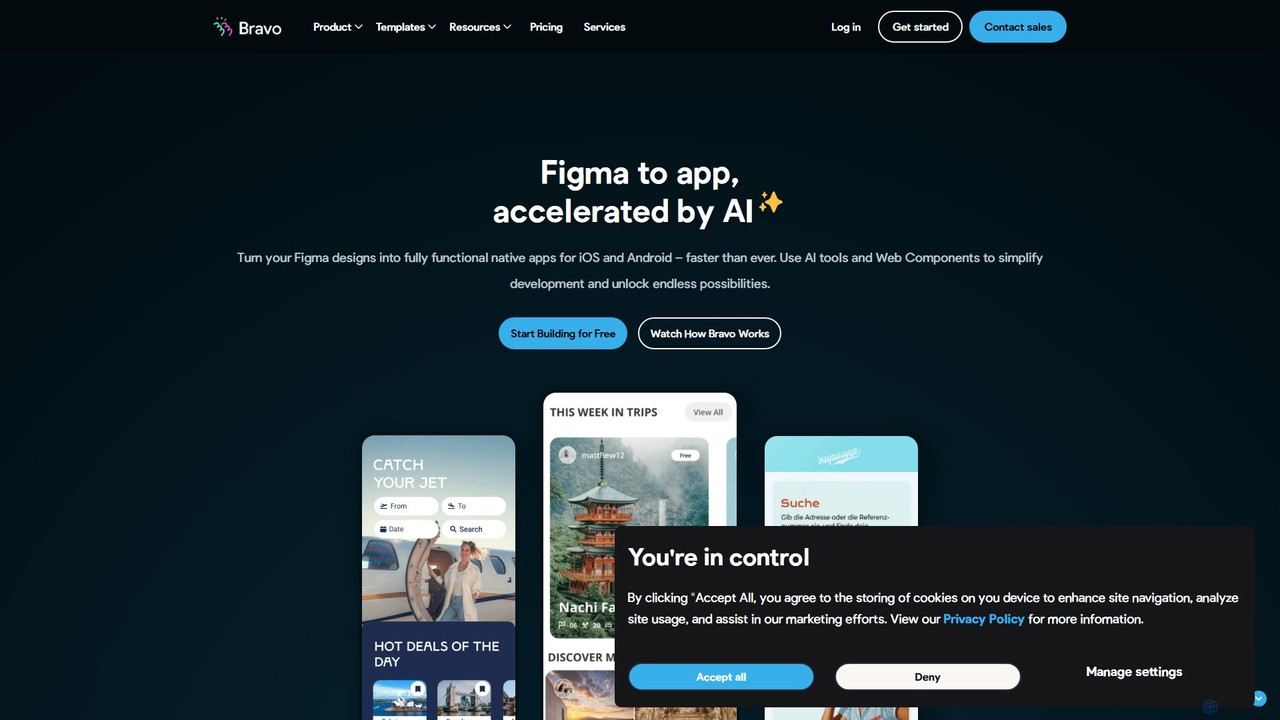
Bravo Studio
Bravo Studio is a design-first, no-code platform that transforms your Figma or Adobe XD designs into fully native mobile apps for iOS and Android. It empowers designers, creators, and entrepreneurs to build and launch sophisticated, data-driven applications without writing any code, connecting designs to any API or third-party service.
Prototyping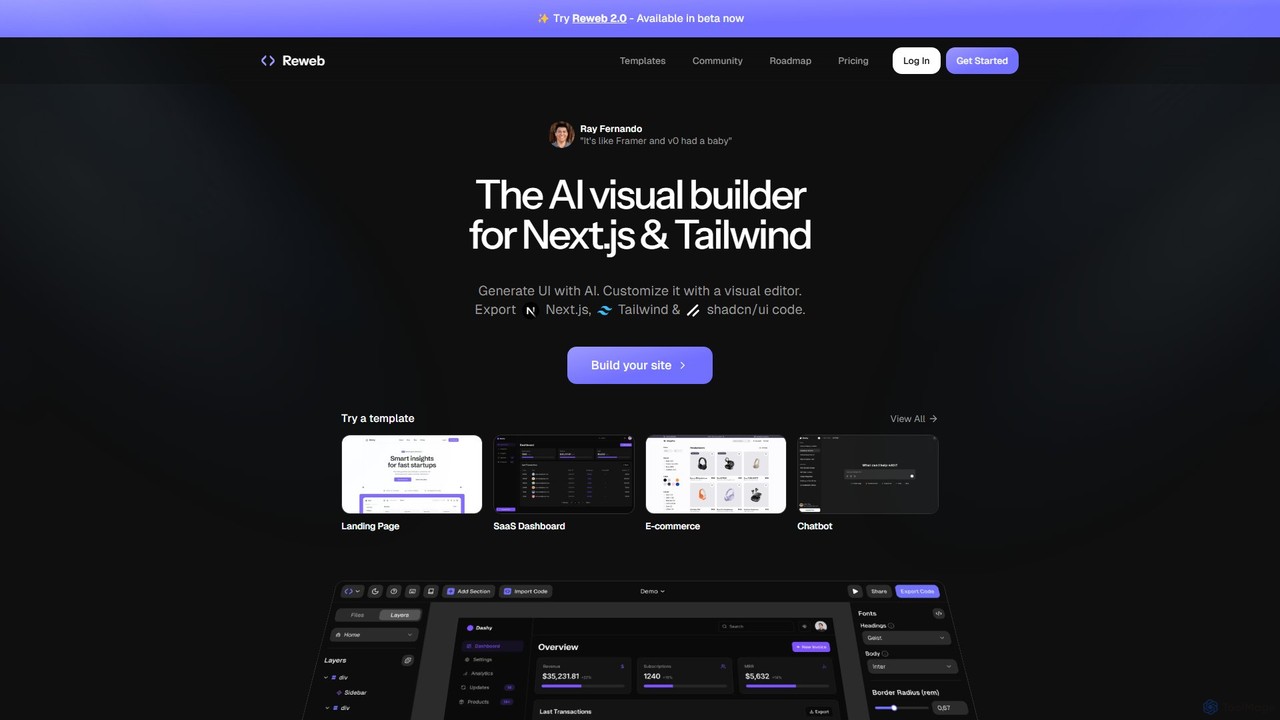
Reweb
Reweb is an AI-powered visual builder designed for developers. It enables users to generate UI components using AI from text prompts or images, customize them with a sophisticated visual editor, and export high-quality, production-ready code for Next.js, Tailwind CSS, and shadcn/ui. It bridges the gap between no-code platforms and traditional coding, accelerating the development workflow without sacrificing code quality or flexibility.
Ui Ux
Dashwave Comments (0)
Sign in to comment.
Sign inNo comments yet.