

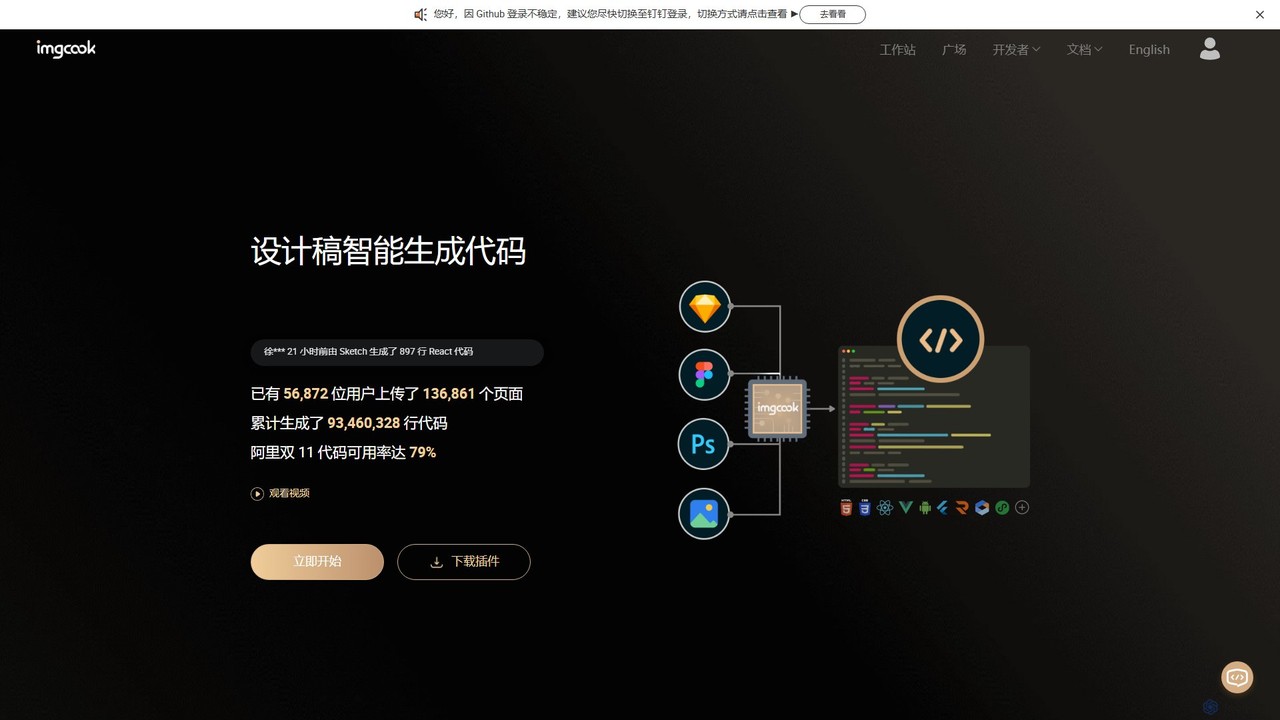
imgcook Overview
imgcook is a powerful Design-to-Code (D2C) platform developed by Alibaba, designed to intelligently transform design mockups into production-ready front-end code. By leveraging advanced technologies like computer vision and deep learning, imgcook bridges the gap between designers and developers, automating the tedious process of manual UI coding. It supports a wide range of design sources, including Sketch, Figma, Photoshop, and even static images, and can generate code for various popular frameworks such as React, Vue, Rax, and Mini Programs. The platform is engineered to produce clean, semantic, and maintainable code, featuring logical DOM structures, relative positioning, and automated loop detection for recurring elements. Trusted and battle-tested by large-scale teams at Alibaba for critical events like the Double 11 shopping festival, imgcook has proven to dramatically increase development efficiency and ensure consistency between design and implementation.
How to use imgcook
The workflow for using imgcook is streamlined to integrate seamlessly into existing development processes:
- Import Design: Start by installing the imgcook plugin for your preferred design tool (Sketch, Figma, or Photoshop). With the plugin, you can select artboards or layers and export them directly to the imgcook platform. Alternatively, you can upload design files or image files directly in the imgcook web editor.
- Intelligent Processing: Once imported, imgcook's AI engine analyzes the design. It interprets the layout, text, images, and repeating structures, converting the visual information into a structured JSON Schema.
- Visualize and Refine: In the imgcook visual editor, you can review the generated schema. This interface allows you to make adjustments, correct component recognition, modify styles, and fine-tune the layout to ensure the output perfectly matches your requirements. You can also bind data fields and configure component properties.
- Select Code Output (DSL): Choose your target front-end framework from a list of over 10 supported DSLs (Domain-Specific Languages), including React, Vue, and various Mini Program syntaxes. Developers can also create their own custom DSLs to generate code that adheres to specific team standards or frameworks.
- Export and Integrate: Generate the final code. You can then use the imgcook CLI tool to pull the code directly into your local project repository or use the VS Code extension to manage the process within your IDE. This ensures a smooth handoff from design to development.
Core Features of imgcook
- AI-Powered Code Generation: Utilizes computer vision and deep learning to accurately convert visual designs into logical, well-structured code.
- Multi-Platform Design Support: Natively integrates with Sketch, Figma, and Photoshop via plugins, and also supports direct uploads of design files and images.
- Diverse Framework Output: Officially supports over 10 types of code generation, including React, Vue, Rax, and various Mini Programs (WeChat, Alipay, etc.).
- Extensive Customization: Offers a powerful customization ecosystem, including custom DSLs for tailored code output, custom plugins for processing code (e.g., uploading images to a CDN, transforming file structures), and support for proprietary component libraries.
- Seamless Workflow Integration: Provides a command-line interface (CLI) and a VS Code extension to embed the D2C process directly into your development pipeline.
- Visual Online Editor: A web-based editor that allows for real-time preview and modification of the generated UI, ensuring the final code is pixel-perfect and functional.
- Proven at Scale: Battle-tested in high-stakes environments like Alibaba's Tmall and Taobao, achieving up to 79% code reusability and significantly boosting team productivity.
Use Cases for imgcook
imgcook is versatile and has been adopted by various teams to solve different challenges:
- Rapid Prototyping and MVP Development: Quickly turn design ideas into functional front-end prototypes, accelerating the feedback loop and time-to-market.
- Large-Scale E-commerce Platforms: As demonstrated by Alibaba's Double 11 festival, imgcook can handle the rapid creation of thousands of promotional modules and pages with high efficiency and code quality.
- Enterprise Application Development: Teams like HaoMo Technology have used imgcook to develop over 2000 modules across 60+ projects, achieving a 40% increase in development efficiency.
- Improving Design-Dev Collaboration: Designers can use imgcook to ensure their vision is accurately translated into code, reducing communication overhead and endless back-and-forth adjustments with developers.
- Building Internal Platforms: Companies like Alimama and Youku have integrated imgcook's core D2C capabilities into their own internal low-code and content generation platforms.
Advantages of imgcook
The primary advantage of imgcook is the massive boost in development efficiency. By automating the conversion of designs to code, it frees up developers to focus on business logic and complex functionalities. It ensures visual consistency, reduces human error, and standardizes the front-end codebase. Its high degree of customization through DSLs and plugins means it can be adapted to almost any front-end stack or workflow, making it a flexible and powerful tool for modern development teams.
Pricing and Plans
imgcook operates on a freemium model, allowing individual developers and small teams to get started for free and utilize its core code generation features. For larger teams and enterprises requiring advanced features like enhanced collaboration, private deployments, dedicated support, and deeper integration, custom enterprise plans are available. Users are encouraged to sign up to explore the free tier, and detailed pricing for premium features can be found within the user dashboard or by contacting the sales team.
Traffic
Latest traffic
Status
Monthly traffic trend
- 2025-7: 4.3K
- 2025-8: 3.4K
- 2025-9: 4.3K
- 2026-3: 0
- 2026-4: 0
- 2026-5: 728
Geography
Top 5 countries / regions
- 🇮🇳India100.0%
Top keywords
| Keyword | Cost per click |
|---|---|
| imgcoo | $0.00 |
| imgcook | $0.00 |
| pipboard | $0.00 |
| 像素大厨 | $0.00 |
| 淘稿网 (taogao) | $0.00 |
imgcook Alternatives

Locofy.ai
Locofy.ai is an AI-powered platform that accelerates frontend development by converting designs from Figma, Adobe XD, and Penpot into high-quality, production-ready code. It supports a wide range of frameworks like React, React Native, Vue, and HTML/CSS, helping teams build UI 10x faster and significantly reducing the design-to-code workflow.
Design To Code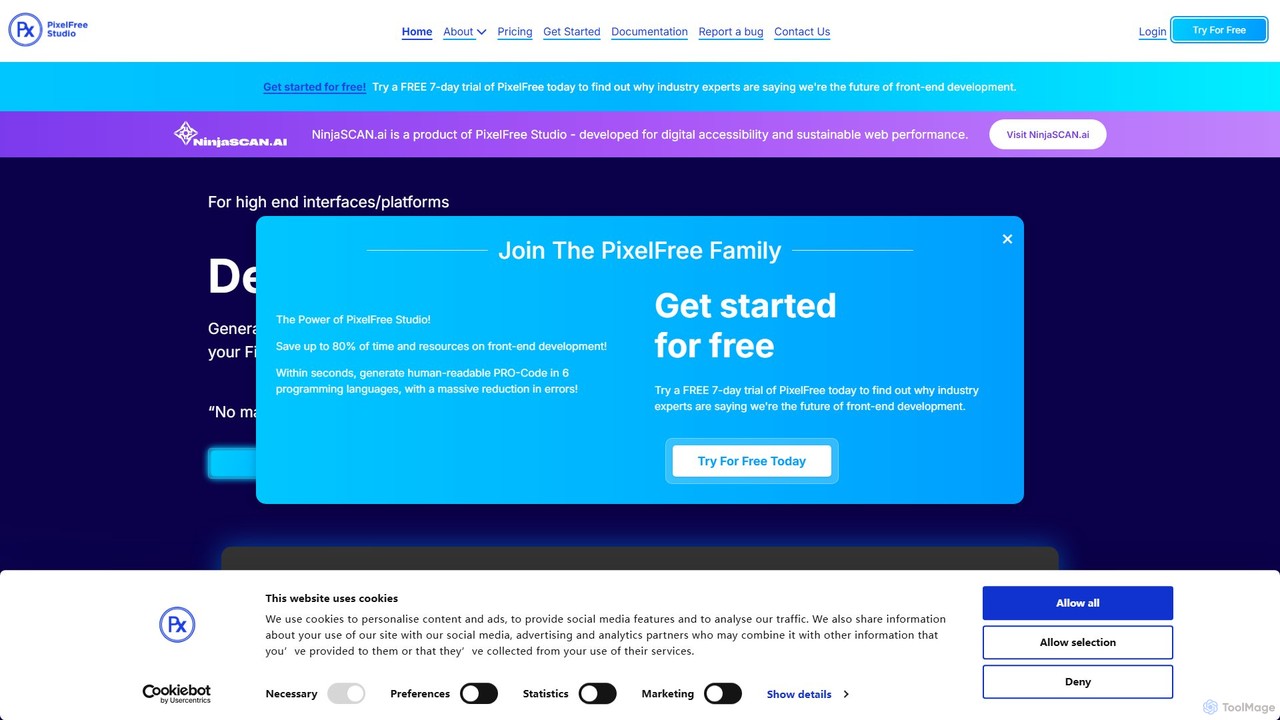
PixelFree Studio
PixelFree Studio is a low-code application builder that transforms UI designs into clean, production-ready code. It specializes in importing Figma designs and exporting them to multiple frameworks like React, Vue, Angular, and C#, streamlining the design-to-development workflow and accelerating app creation.
Design To Code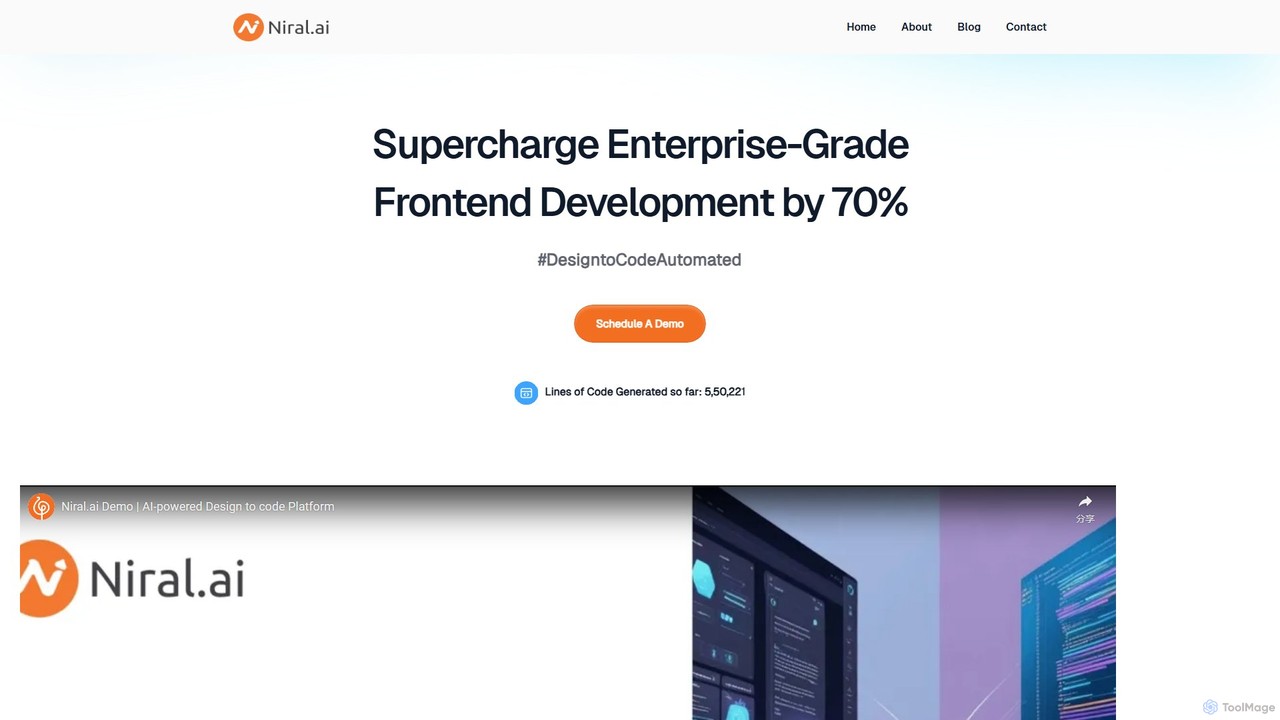
Niral.ai
Niral.ai is an AI-powered platform that converts Figma designs into high-quality, production-ready front-end code. It streamlines the design-to-development workflow, enabling teams to build user interfaces faster with full code ownership and Git integration.
Design To Code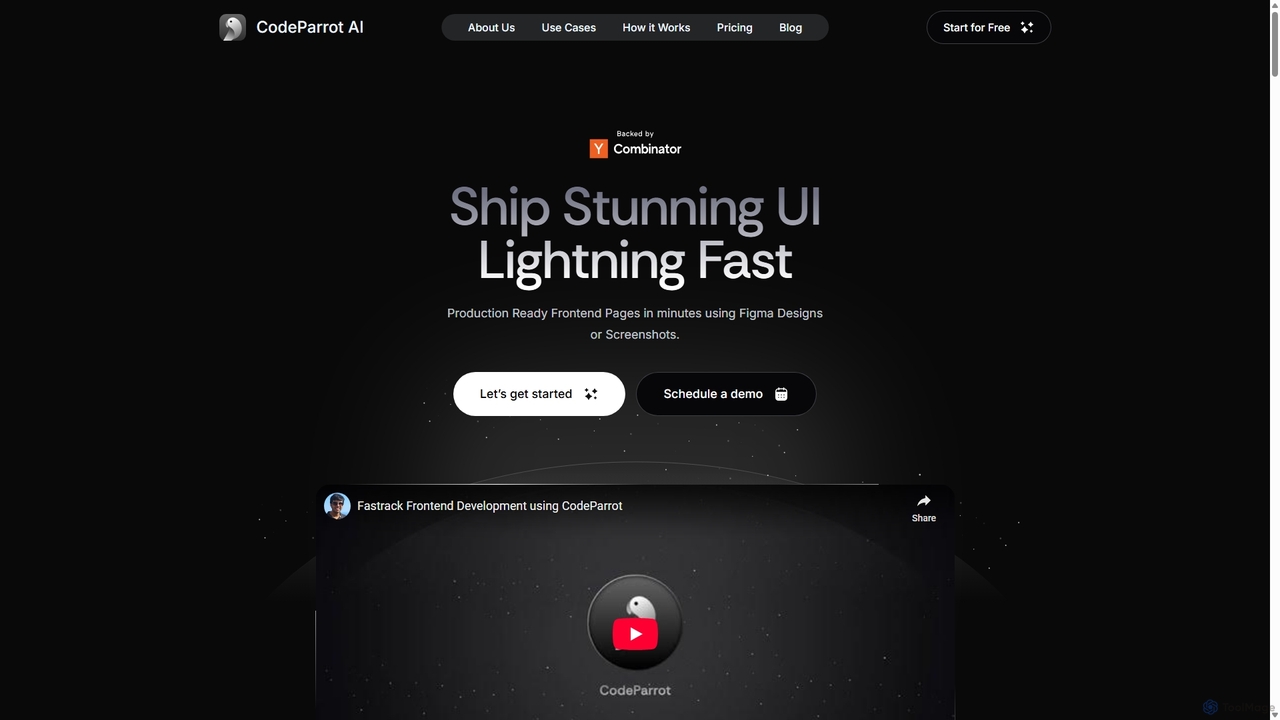
CodeParrot
CodeParrot is an AI-powered copilot that transforms Figma designs and screenshots into production-ready frontend code. It intelligently understands your existing codebase, reuses components, and adheres to your coding standards, dramatically accelerating UI development for frameworks like React, Vue, and Angular.
Design To Code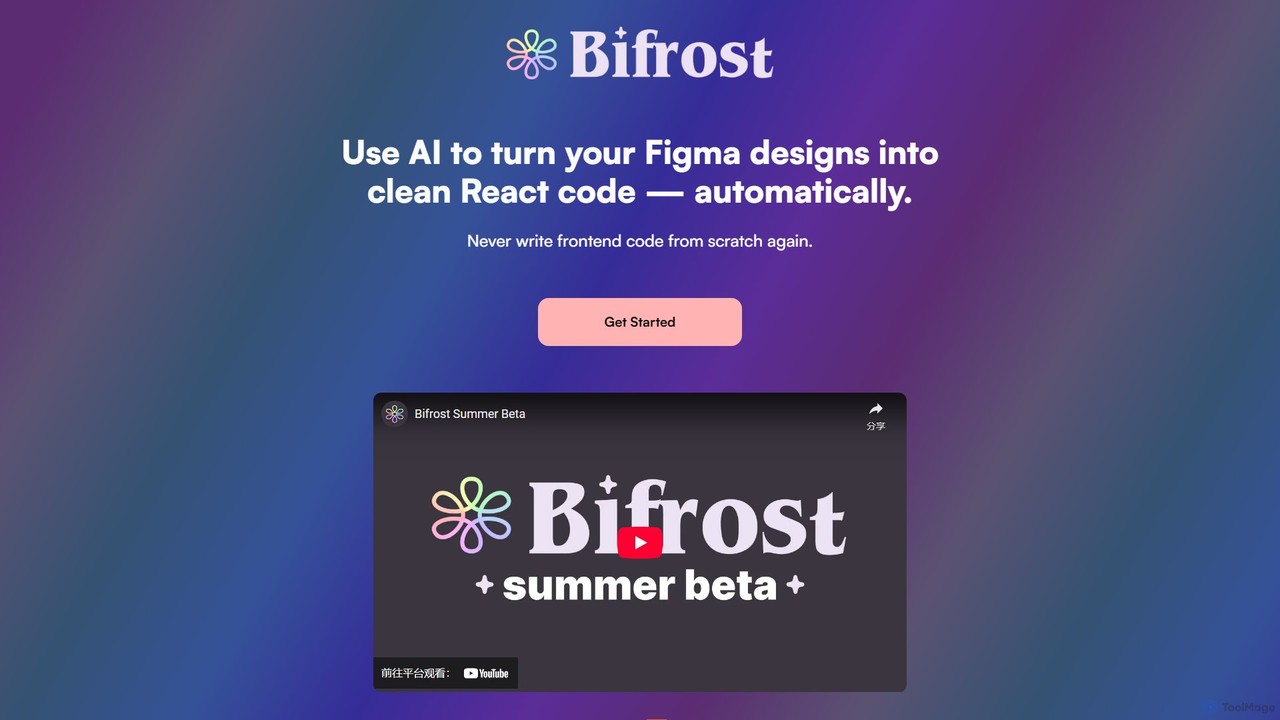
Bifrost
Bifrost is an AI-powered tool that automatically converts Figma designs into clean, production-ready React code. It streamlines the design-to-development workflow, saving significant engineering time and empowering teams to build and iterate on UIs faster than ever before.
Design To Codeimgcook Categories
imgcook Embed Widget
Copy this embed code to place the badge on your blog, article, or product site and send readers directly to this ToolMage detail page.

Related AI tools
CodeParrot
CodeParrot is an AI-powered copilot that transforms Figma designs and screenshots into production-ready frontend code. It intelligently understands your existing codebase, reuses components, and adheres to your coding standards, dramatically accelerating UI development for frameworks like React, Vue, and Angular.
Design To CodeLocofy.ai
Locofy.ai is an AI-powered platform that accelerates frontend development by converting designs from Figma, Adobe XD, and Penpot into high-quality, production-ready code. It supports a wide range of frameworks like React, React Native, Vue, and HTML/CSS, helping teams build UI 10x faster and significantly reducing the design-to-code workflow.
Design To CodePixelFree Studio
PixelFree Studio is a low-code application builder that transforms UI designs into clean, production-ready code. It specializes in importing Figma designs and exporting them to multiple frameworks like React, Vue, Angular, and C#, streamlining the design-to-development workflow and accelerating app creation.
Design To CodeNiral.ai
Niral.ai is an AI-powered platform that converts Figma designs into high-quality, production-ready front-end code. It streamlines the design-to-development workflow, enabling teams to build user interfaces faster with full code ownership and Git integration.
Design To Code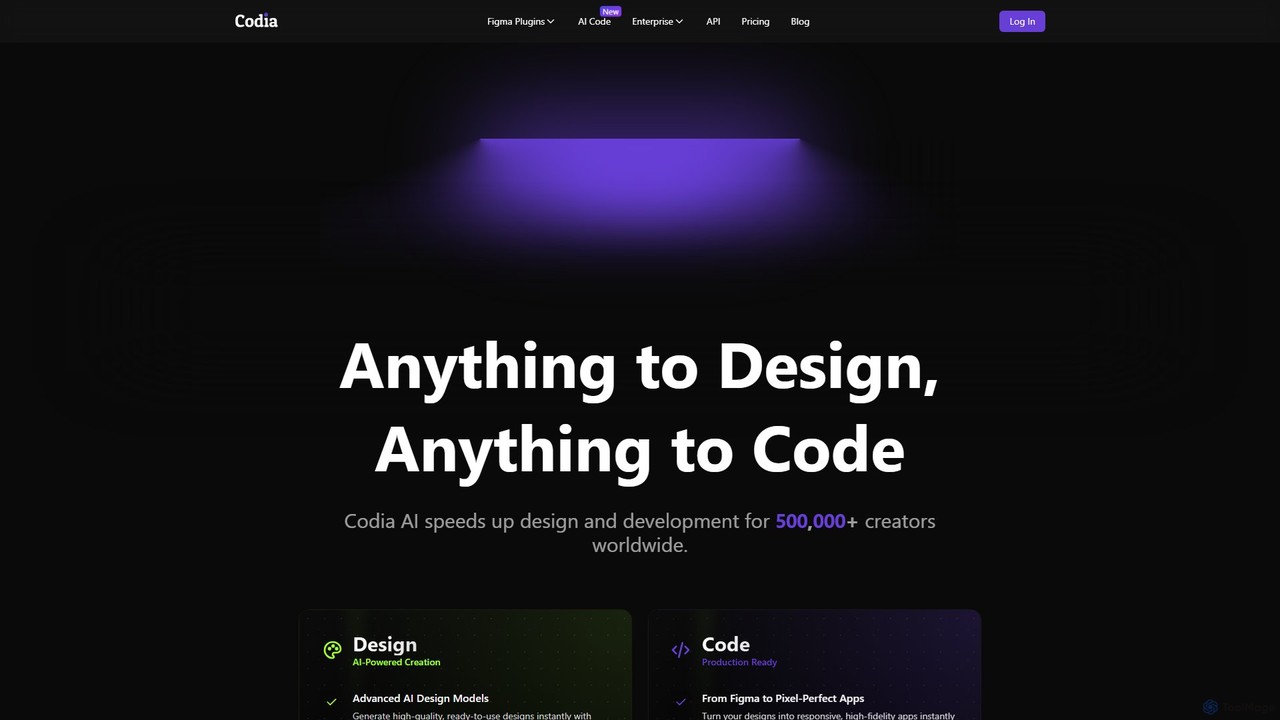
Codia
Codia is a leading AI-powered platform that automates the design-to-development workflow. It instantly converts designs from Figma, screenshots, PSD, and more into high-quality, production-ready code for various frameworks like React, Vue, and SwiftUI. It also features AI tools to generate editable UI from text prompts or transform static images into scalable vector graphics, dramatically accelerating the entire product creation process for developers and designers.
Ui Ux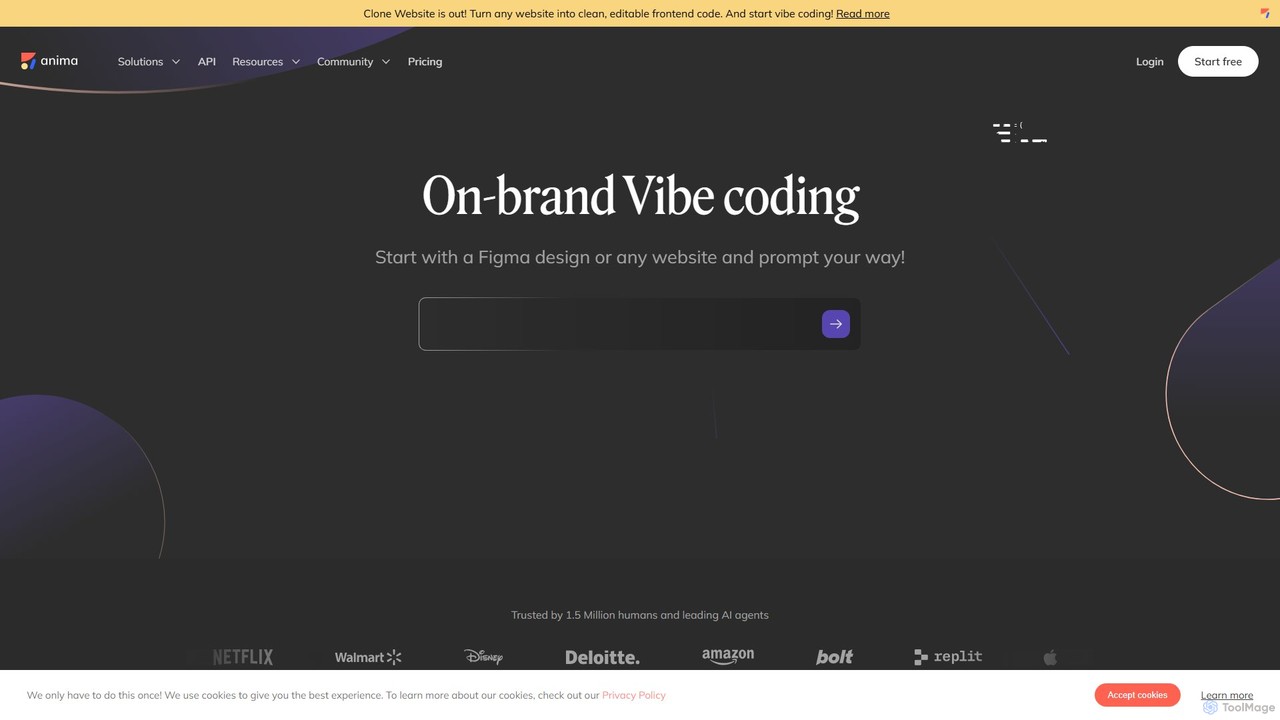
Anima
Anima is an AI-powered design-to-code platform that automates frontend development. It transforms designs from Figma, Adobe XD, and Sketch into clean, production-ready React, Vue, and HTML code. Featuring AI-driven iteration and website cloning, it empowers designers, developers, and founders to build and launch web applications and prototypes up to 10x faster.
Design To CodeBifrost
Bifrost is an AI-powered tool that automatically converts Figma designs into clean, production-ready React code. It streamlines the design-to-development workflow, saving significant engineering time and empowering teams to build and iterate on UIs faster than ever before.
Design To Code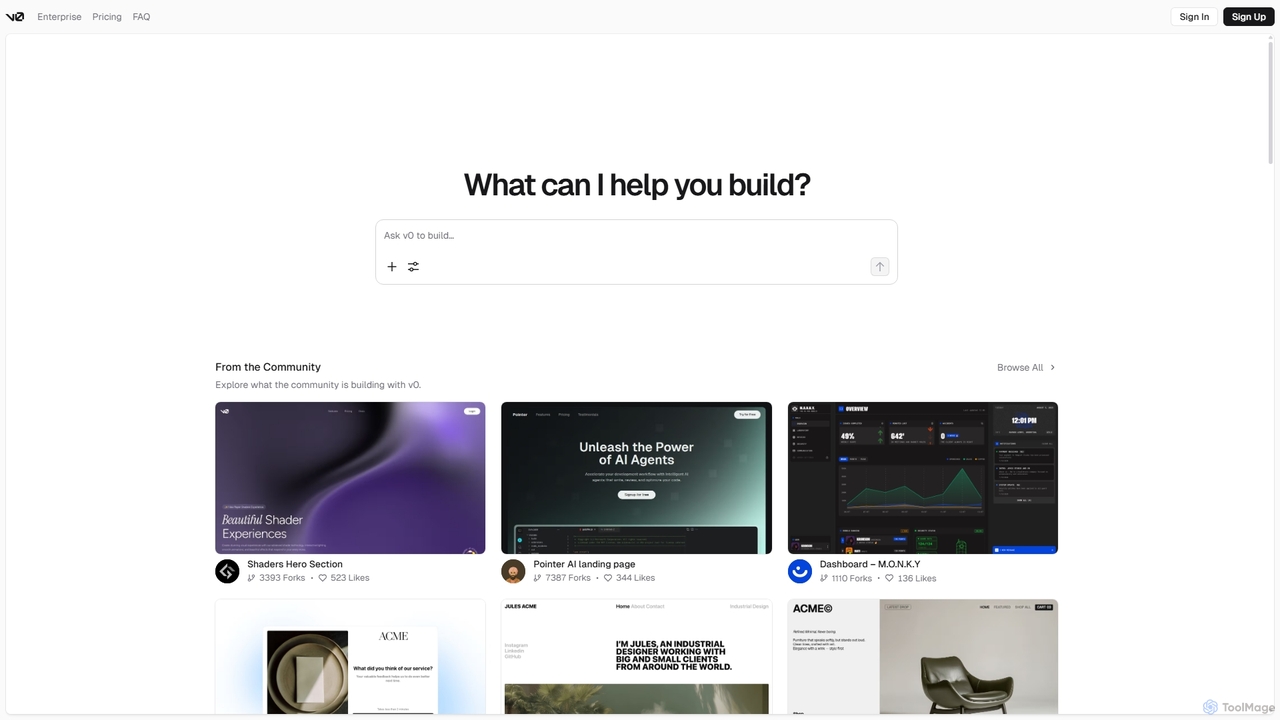
V0
V0 by Vercel is a generative AI platform that transforms text prompts, screenshots, and Figma designs into production-ready frontend code. It acts as an AI pair-programmer, enabling users to rapidly build and iterate on UI components and full-stack applications using React, Svelte, and Vue. With its chat-based interface, it accelerates the development workflow for engineers, designers, and product managers, allowing for seamless deployment to the Vercel platform.
Ui Ux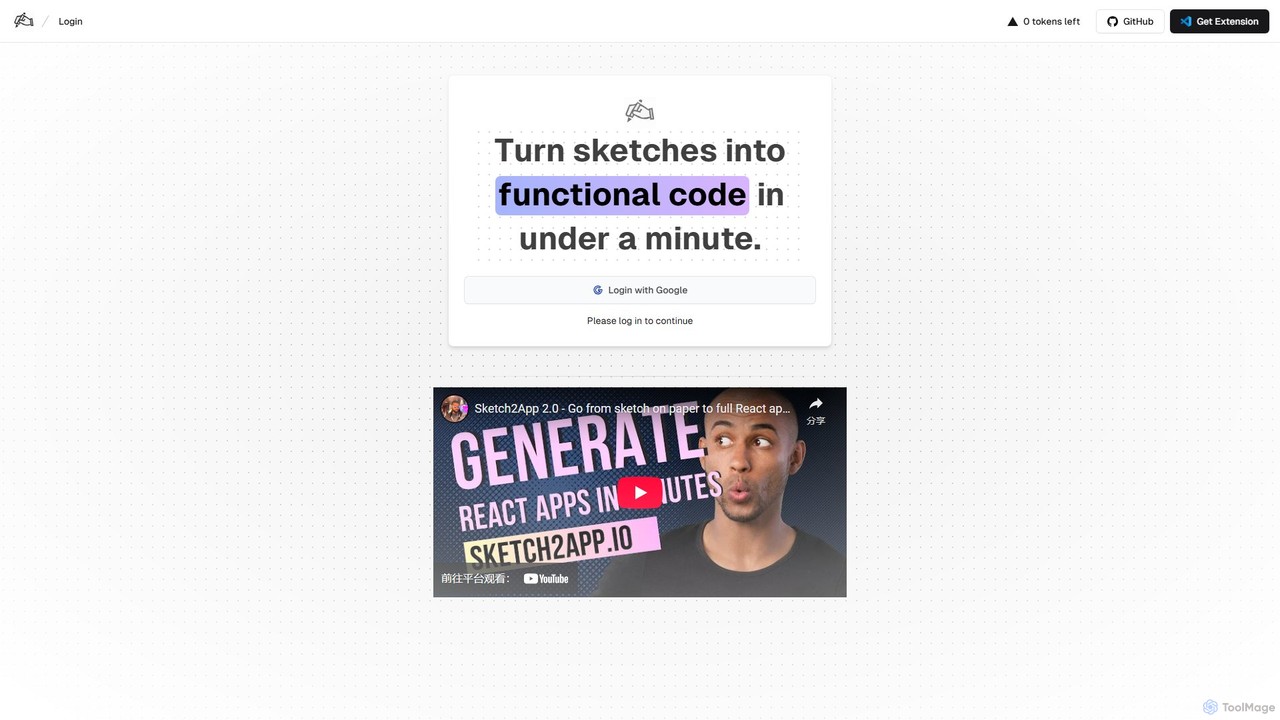
Sketch2App
Sketch2App is an AI-powered tool that transforms hand-drawn sketches and wireframes into functional, clean front-end code in under a minute. It accelerates the development process by automating the conversion of visual ideas into interactive prototypes and application skeletons, supporting popular frameworks.
Prototyping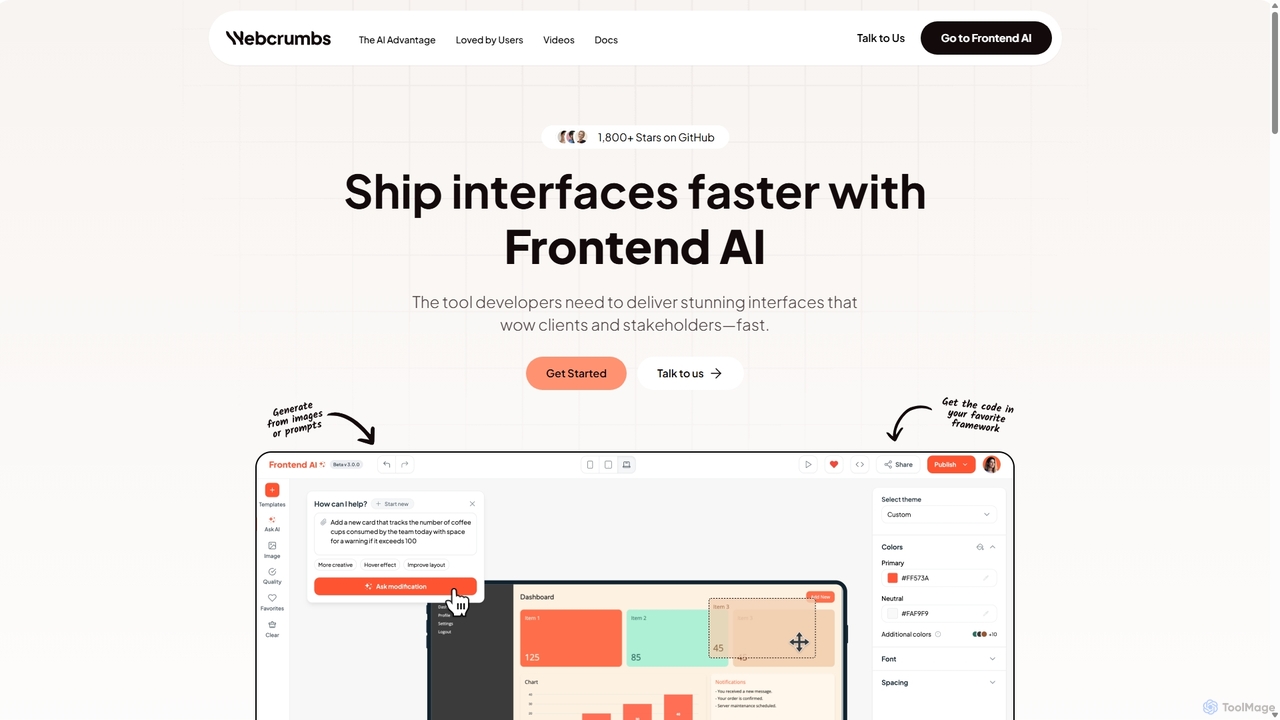
Webcrumbs
Webcrumbs is an AI-powered frontend development platform designed to accelerate UI creation. It combines a powerful prompt-to-code engine with a visual editor, enabling developers and designers to rapidly build, refine, and ship high-quality interface components. By translating natural language or images into clean, production-ready code, Webcrumbs streamlines the workflow, enhances collaboration, and ensures design consistency across projects.
Ui Ux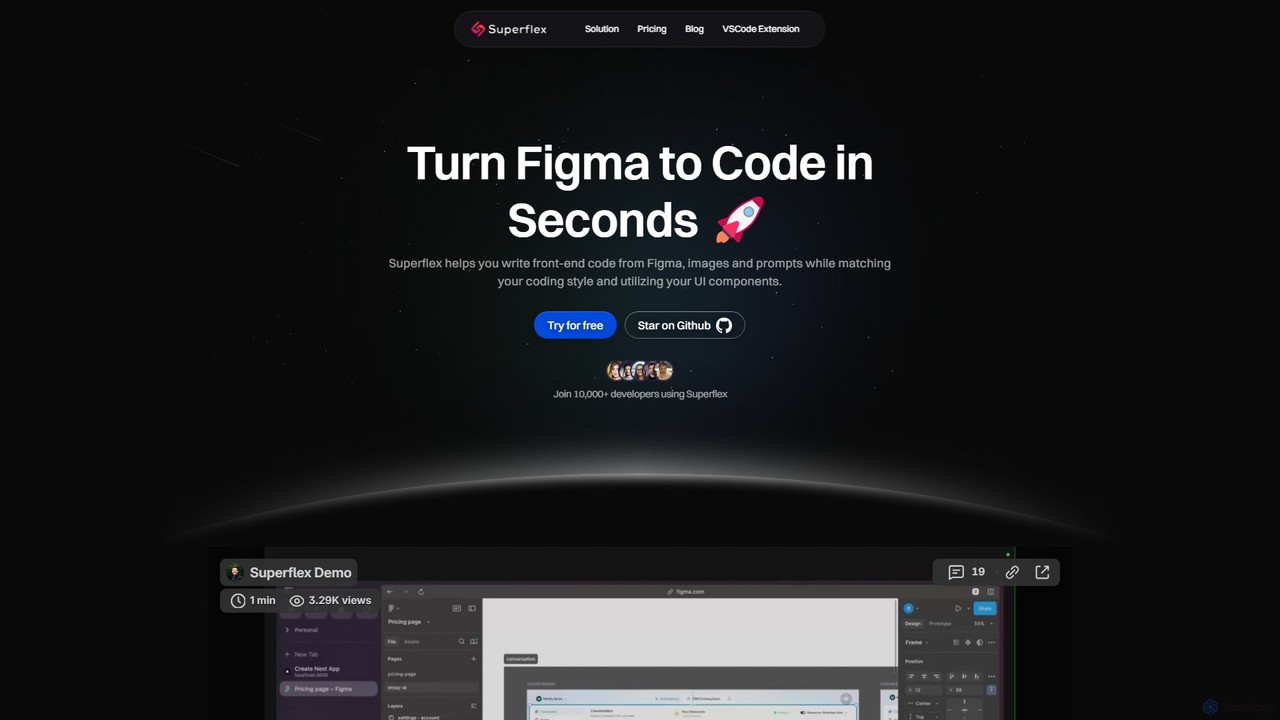
Superflex
Superflex is an AI-powered tool that transforms Figma designs, images, and text prompts into production-ready front-end code in seconds. It accelerates development by analyzing your existing codebase to reuse UI components and adapting to your unique coding style. Ideal for developers and teams looking to boost productivity and bridge the gap between design and implementation.
Design To Code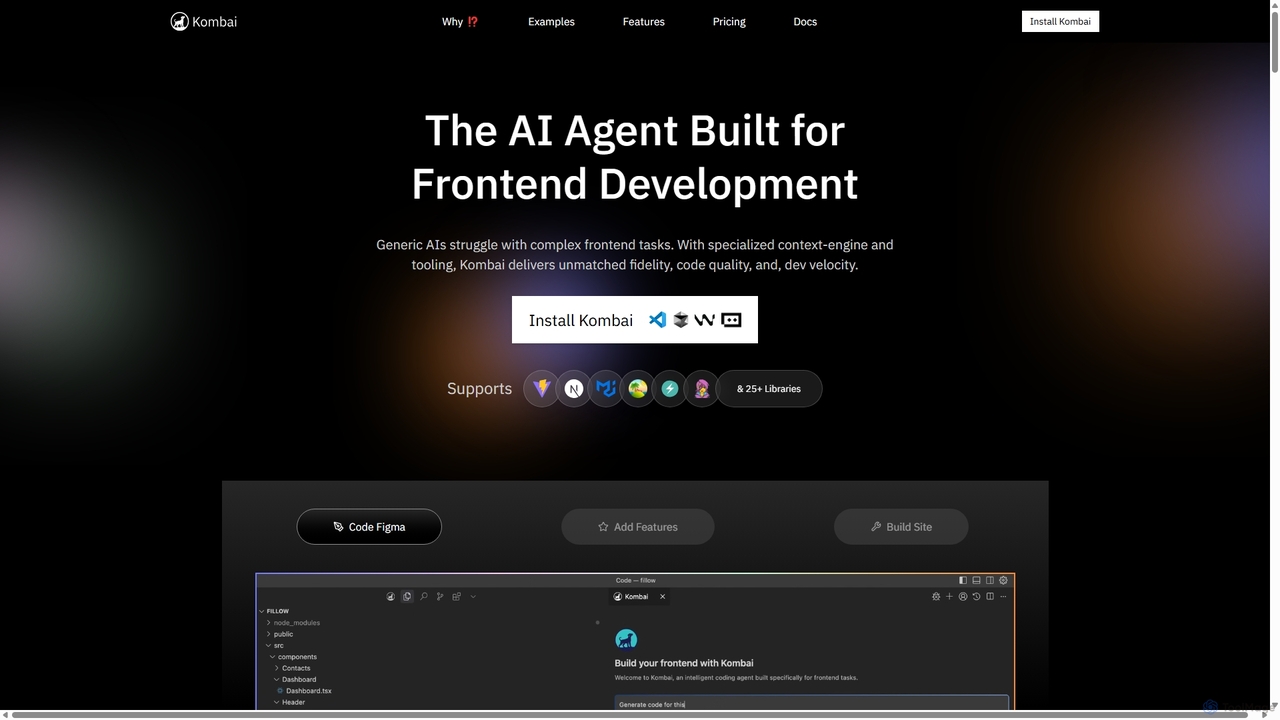
Kombai
Kombai is a specialized AI agent for frontend development that transforms Figma designs, images, and text prompts into high-fidelity, production-ready code. It understands your existing codebase, supports 25+ libraries, and integrates directly into your IDE to accelerate development velocity.
Code Generation
Jyek
Jyek is an AI agent platform that understands objectives, creates execution plans, uses tools, and delivers verifiable results for complex, multi-step tasks.
Automation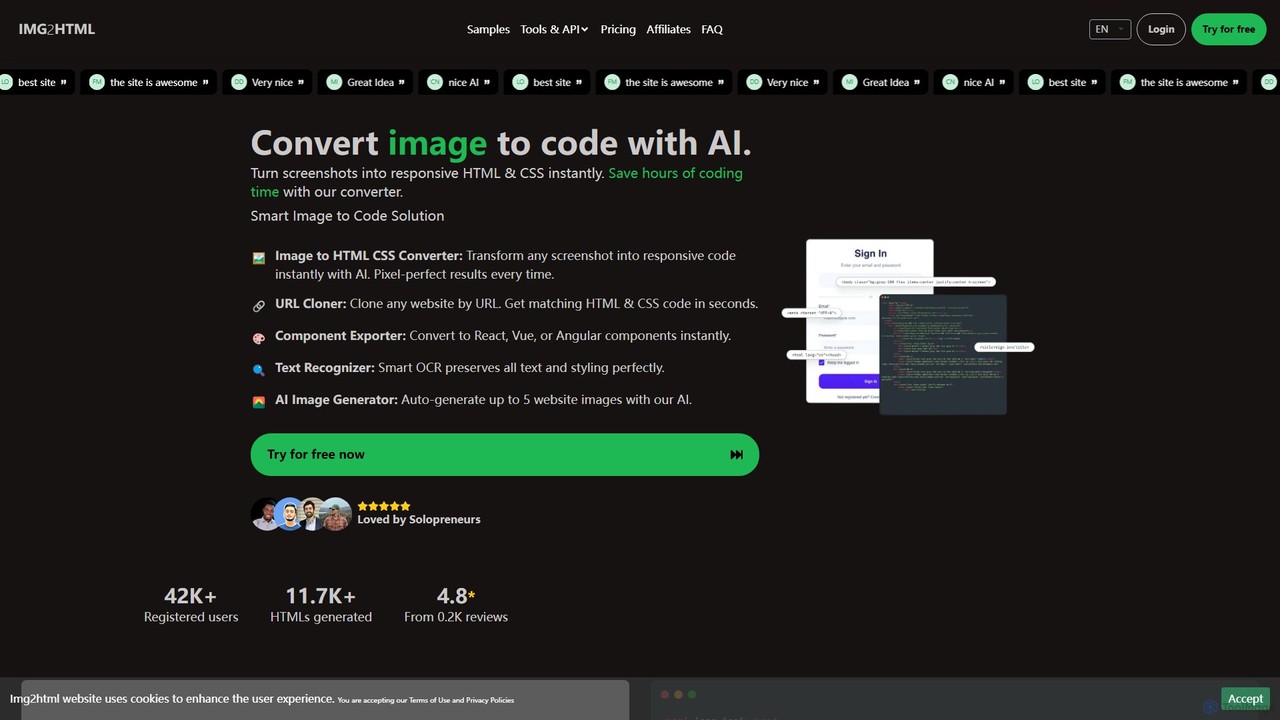
img2html
img2html is an AI-powered tool that instantly converts images, screenshots, and design mockups into clean, responsive HTML, CSS, and modern framework code like React, Vue, and Angular. It streamlines the front-end development workflow, saving developers hours of manual coding.
Design To Code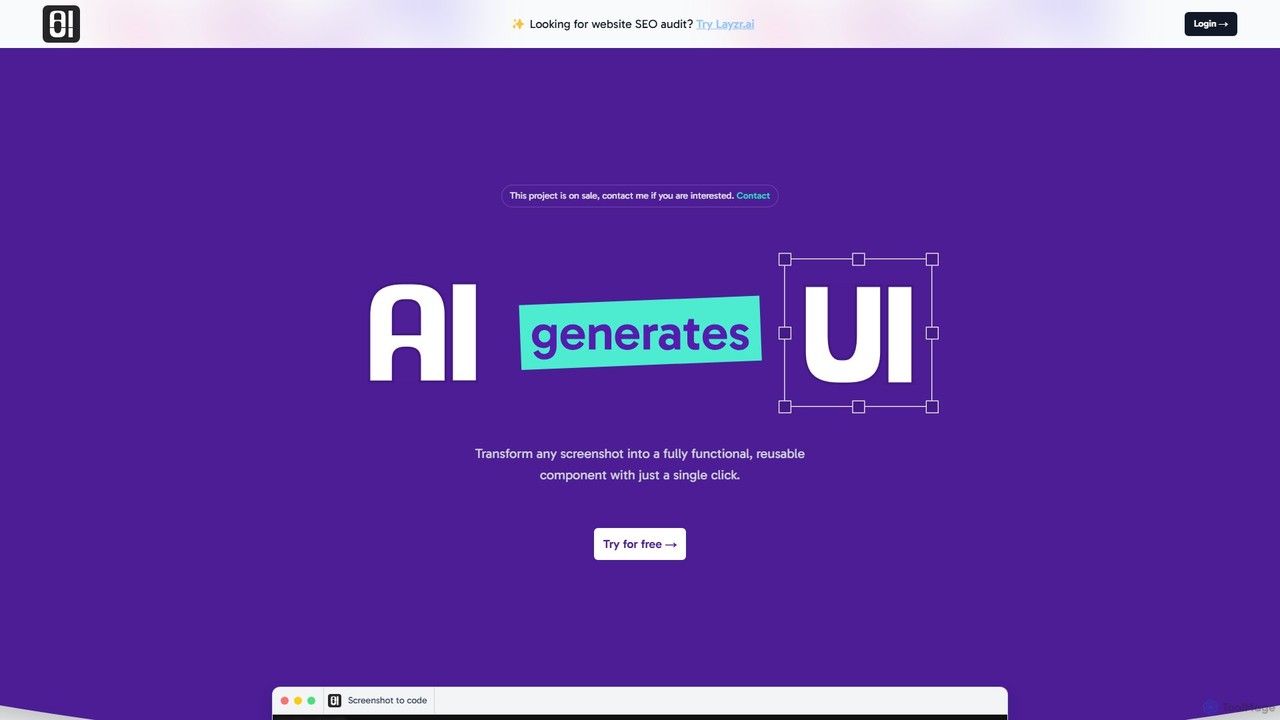
AIUI.me
AIUI.me is an AI-powered tool that transforms UI screenshots into clean, reusable code. With a single click, developers and designers can convert any design image into fully functional React.js and TailwindCSS components. This streamlines the frontend development workflow, saving hours of manual coding and accelerating project delivery from prototype to production.
Ui Ux
imgcook Comments (0)
Sign in to comment.
Sign inNo comments yet.