

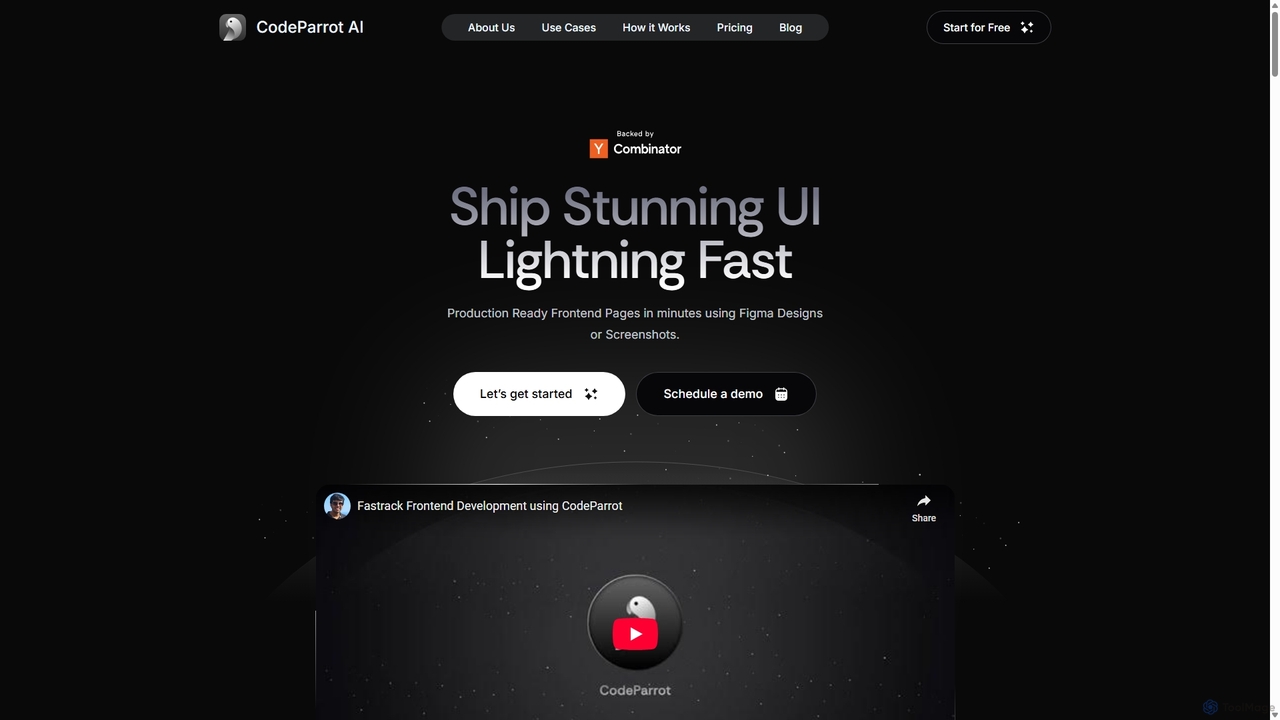
CodeParrot Overview
CodeParrot is a revolutionary AI tool designed for frontend developers, full-stack engineers, and founders, positioning itself as the offspring of Figma and Github Copilot. Its primary function is to bridge the gap between design and development by converting visual designs from Figma or simple screenshots into high-quality, production-ready frontend code. Unlike other code generation tools, CodeParrot's key differentiator is its ability to understand and integrate with your existing codebase. This means it can reuse your custom components, apply your project's themes, and follow your established coding standards, ensuring that the generated code is not just functional but also consistent and maintainable.
The platform supports a wide array of modern tech stacks, including React, Vue, Angular, React Native, and Flutter, making it a versatile solution for various development needs. By automating the mundane and time-consuming task of translating UI designs into code, CodeParrot allows developers to focus on more complex logic and creative problem-solving, significantly boosting productivity and enabling teams to ship stunning user interfaces at lightning speed.
How to use CodeParrot
Getting started with CodeParrot is designed to be a seamless integration into your existing workflow. The process is straightforward:
- Install the IDE Plugin: Begin by installing the CodeParrot plugin from the VS Code marketplace. This brings the tool's power directly into your development environment, eliminating the need for context switching.
- Login and Connect: You can log in using your Figma or GitHub account. Logging in with Figma is recommended as it allows you to directly browse and select components from your Figma files within VS Code.
- Select Your Design: Once logged in, you can either provide a link to a Figma design or use a screenshot of the UI you want to build. The tool will display a preview of the selected component.
- Configure Generation Settings: Click the settings icon to configure the output. You can choose your desired framework (e.g., React, Vue), language (e.g., TypeScript, JavaScript), and styling conventions (e.g., SCSS). Advanced settings allow for finer control to ensure the generated code matches your project's architecture.
- Generate and Iterate: With the design selected and settings configured, instruct CodeParrot to generate the code. You can use natural language prompts in the AI chat to refine the output, for example, by telling it to "Use the MUI table component" or reference a custom component file with "Use @filename". The code is generated in the panel, ready to be reviewed, iterated upon, and copied into your project.
- Handle Assets: The tool automatically identifies images and vector assets, but it's important to note that you'll need to download them and update the placeholder paths to match your project's asset structure.
Core Features of CodeParrot
- Figma to Code: Directly convert Figma designs into clean, production-ready code for various frontend frameworks.
- Screenshot to Code: Generate UI components from a simple screenshot, perfect for quick prototyping or building from visual references.
- Codebase Awareness: Intelligently analyzes your existing project to reuse custom components, themes, and utility classes, ensuring consistency.
- Adherence to Coding Standards: Follows your project's established coding conventions and patterns to produce code that feels hand-written by your team.
- Multi-Framework Support: Works with your favorite tech stacks, including React, Vue, Angular, React Native, Flutter, and more.
- IDE Integration: A dedicated VS Code plugin provides a seamless experience within the developer's primary environment.
- AI Chat Assistant: An interactive chat allows for iterative refinement of the generated code using natural language prompts.
- Enterprise-Ready Security: Offers on-premise deployment and a zero data retention policy for enterprise clients, ensuring maximum privacy and data security.
Use Cases for CodeParrot
CodeParrot is valuable for a range of professionals and scenarios:
- Frontend & Full-Stack Developers: Drastically reduce the time spent on building UI components from scratch, allowing them to focus on business logic and application state management.
- Founders & Startups: Rapidly build MVPs (Minimum Viable Products) and functional prototypes with high-fidelity UIs without a large frontend team.
- UI/UX Designers: Facilitate a smoother handoff process to developers, ensuring the final product more accurately reflects their design vision.
- Development Agencies: Accelerate project timelines for clients, improve consistency across projects, and increase overall team efficiency.
Advantages of CodeParrot
The primary advantage of CodeParrot is its ability to generate context-aware code. By understanding your project's unique structure, it produces code that is immediately useful and requires minimal refactoring. This leads to significant time savings (building UIs in minutes, not days), improved code quality and consistency, and a more streamlined workflow. It empowers developers to build better products faster, raising the standard of user experiences they can deliver.
Pricing and Plans
CodeParrot offers a freemium model with a 14-day free trial that doesn't require a credit card.
- Pro Plan: $19 per seat/month ($15.2/month with annual billing). Ideal for individuals and small teams. Includes Figma to code, screenshot to code, codebase reuse, support for public component libraries, and an AI chat assistant.
- Team Plan: $39 per seat/month. Designed for larger projects. Includes all Pro features plus deep integration with your project's private themes, components, and coding standards.
- Enterprise Plan: Custom pricing. Tailored for large companies with strict data security requirements. Includes all Team features, on-premise deployment, and a zero data retention policy.
Traffic
Latest traffic
Status
Monthly traffic trend
- 2025-9: 154.1K
- 2026-1: 151.5K
- 2026-2: 122.1K
- 2026-3: 109.3K
- 2026-4: 31.1K
- 2026-5: 3.5K
Geography
Top 5 countries / regions
- 🇮🇳India39.5%
- 🇺🇸United States28.0%
- 🇮🇩Indonesia16.2%
- 🇩🇪Germany8.4%
- 🇵🇹Portugal8.0%
Top keywords
| Keyword | Cost per click |
|---|---|
| codeparrot | $0.00 |
| magic patterns | $6.32 |
| react vite advantages | $0.00 |
| what is codeparrot | $0.00 |
| zustand store | $0.00 |
CodeParrot Alternatives
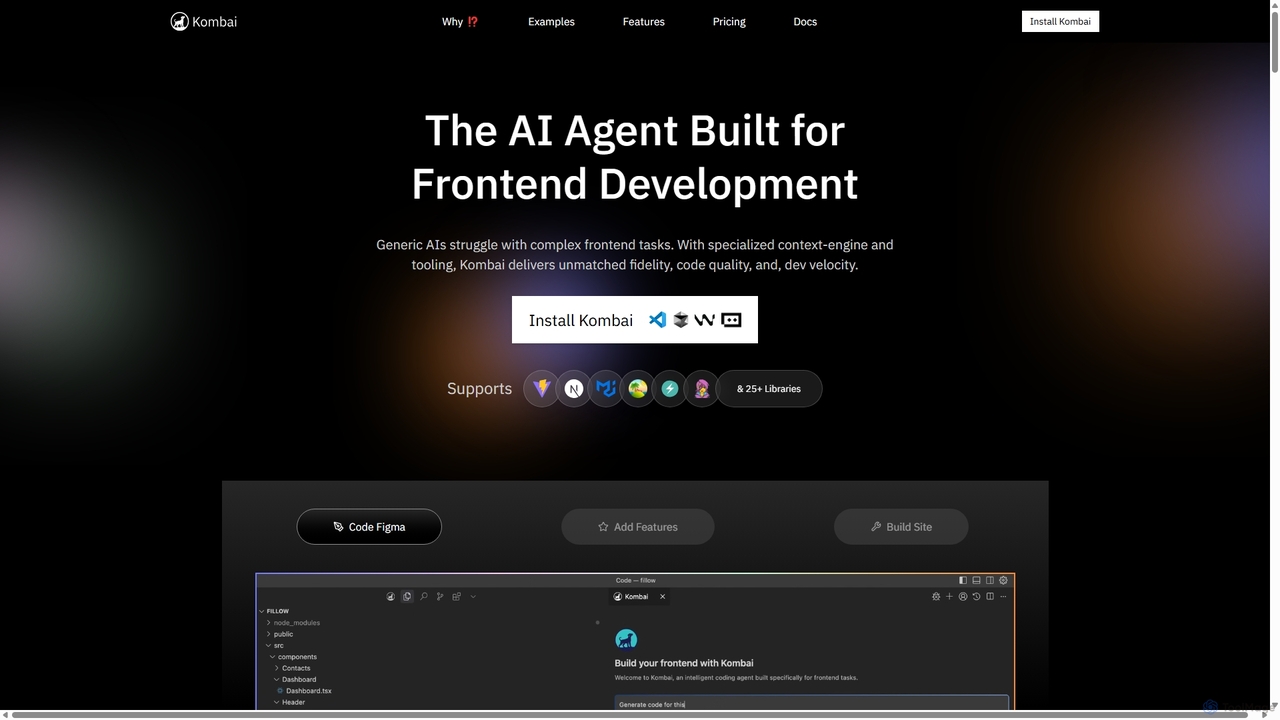
Kombai
Kombai is a specialized AI agent for frontend development that transforms Figma designs, images, and text prompts into high-fidelity, production-ready code. It understands your existing codebase, supports 25+ libraries, and integrates directly into your IDE to accelerate development velocity.
Code Generation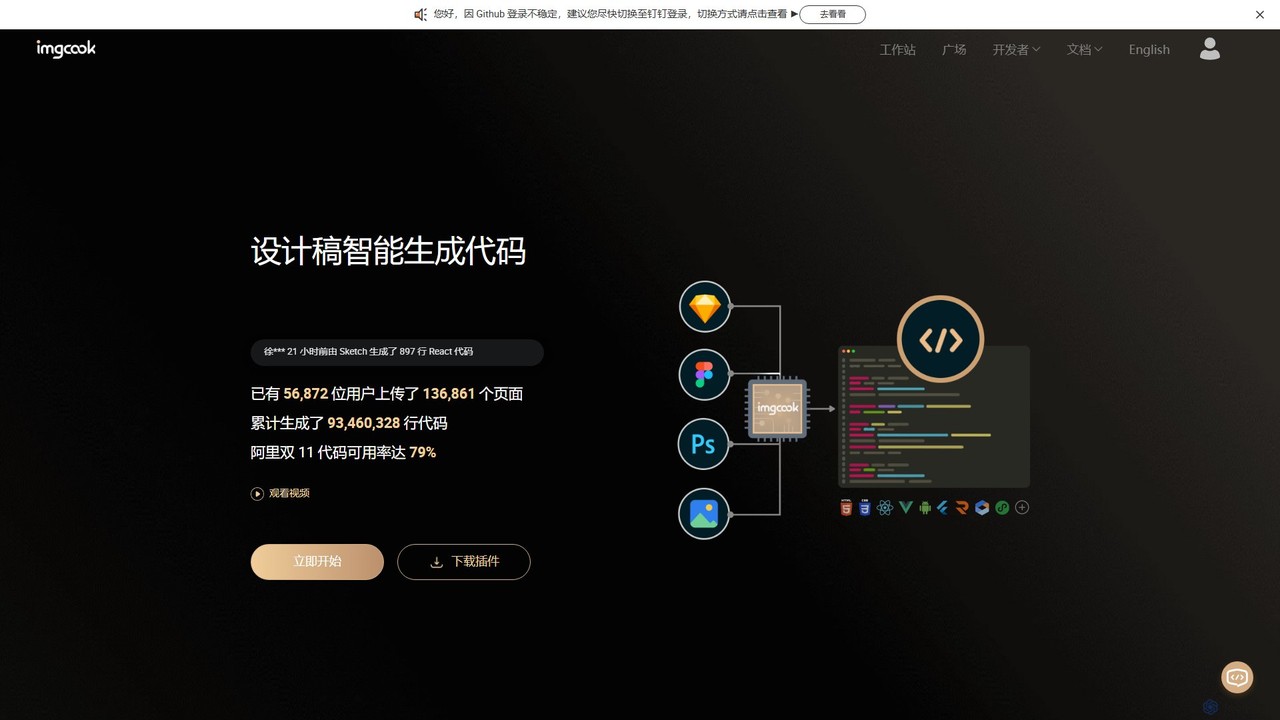
imgcook
imgcook is an intelligent Design-to-Code (D2C) platform that uses AI to automatically convert design drafts from Sketch, Figma, and Photoshop into high-quality, maintainable front-end code for React, Vue, Mini Programs, and more, significantly boosting development efficiency.
Design To Code
PixelFree Studio
PixelFree Studio is a low-code application builder that transforms UI designs into clean, production-ready code. It specializes in importing Figma designs and exporting them to multiple frameworks like React, Vue, Angular, and C#, streamlining the design-to-development workflow and accelerating app creation.
Design To Code
Locofy.ai
Locofy.ai is an AI-powered platform that accelerates frontend development by converting designs from Figma, Adobe XD, and Penpot into high-quality, production-ready code. It supports a wide range of frameworks like React, React Native, Vue, and HTML/CSS, helping teams build UI 10x faster and significantly reducing the design-to-code workflow.
Design To Code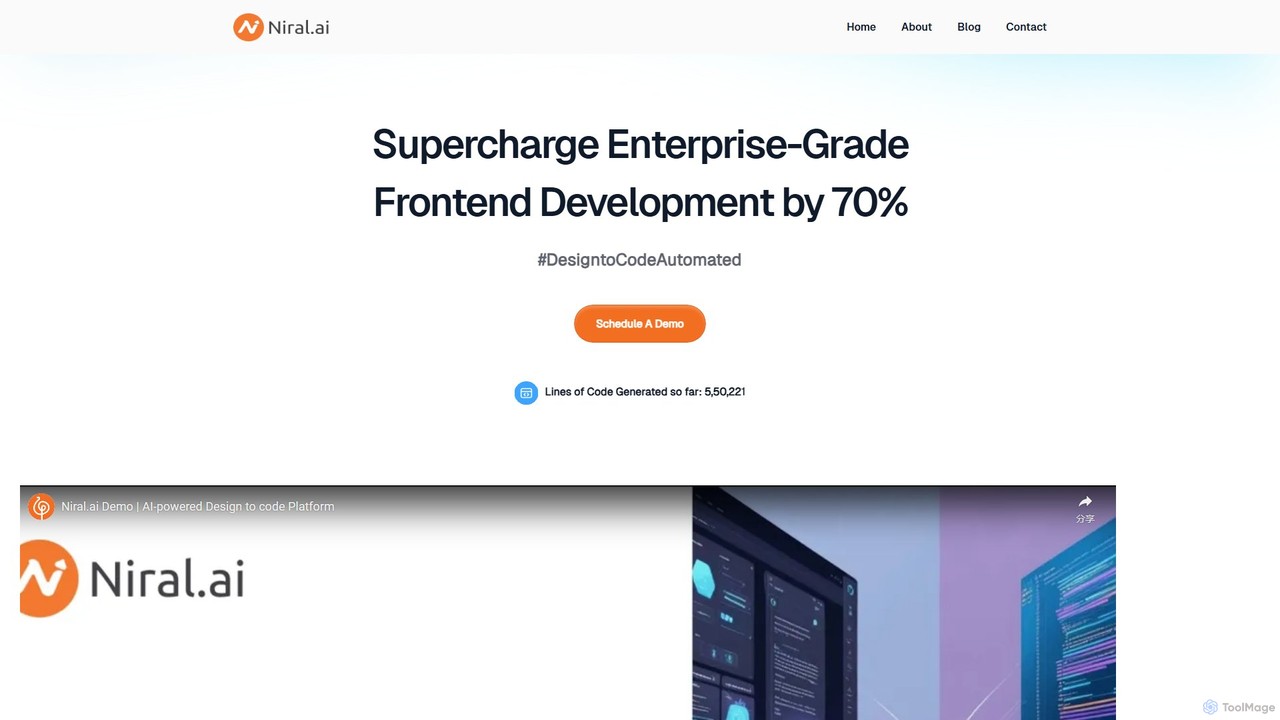
Niral.ai
Niral.ai is an AI-powered platform that converts Figma designs into high-quality, production-ready front-end code. It streamlines the design-to-development workflow, enabling teams to build user interfaces faster with full code ownership and Git integration.
Design To CodeCodeParrot Categories
CodeParrot Jobs
CodeParrot Embed Widget
Copy this embed code to place the badge on your blog, article, or product site and send readers directly to this ToolMage detail page.

Related AI tools
Kombai
Kombai is a specialized AI agent for frontend development that transforms Figma designs, images, and text prompts into high-fidelity, production-ready code. It understands your existing codebase, supports 25+ libraries, and integrates directly into your IDE to accelerate development velocity.
Code Generationimgcook
imgcook is an intelligent Design-to-Code (D2C) platform that uses AI to automatically convert design drafts from Sketch, Figma, and Photoshop into high-quality, maintainable front-end code for React, Vue, Mini Programs, and more, significantly boosting development efficiency.
Design To CodePixelFree Studio
PixelFree Studio is a low-code application builder that transforms UI designs into clean, production-ready code. It specializes in importing Figma designs and exporting them to multiple frameworks like React, Vue, Angular, and C#, streamlining the design-to-development workflow and accelerating app creation.
Design To Code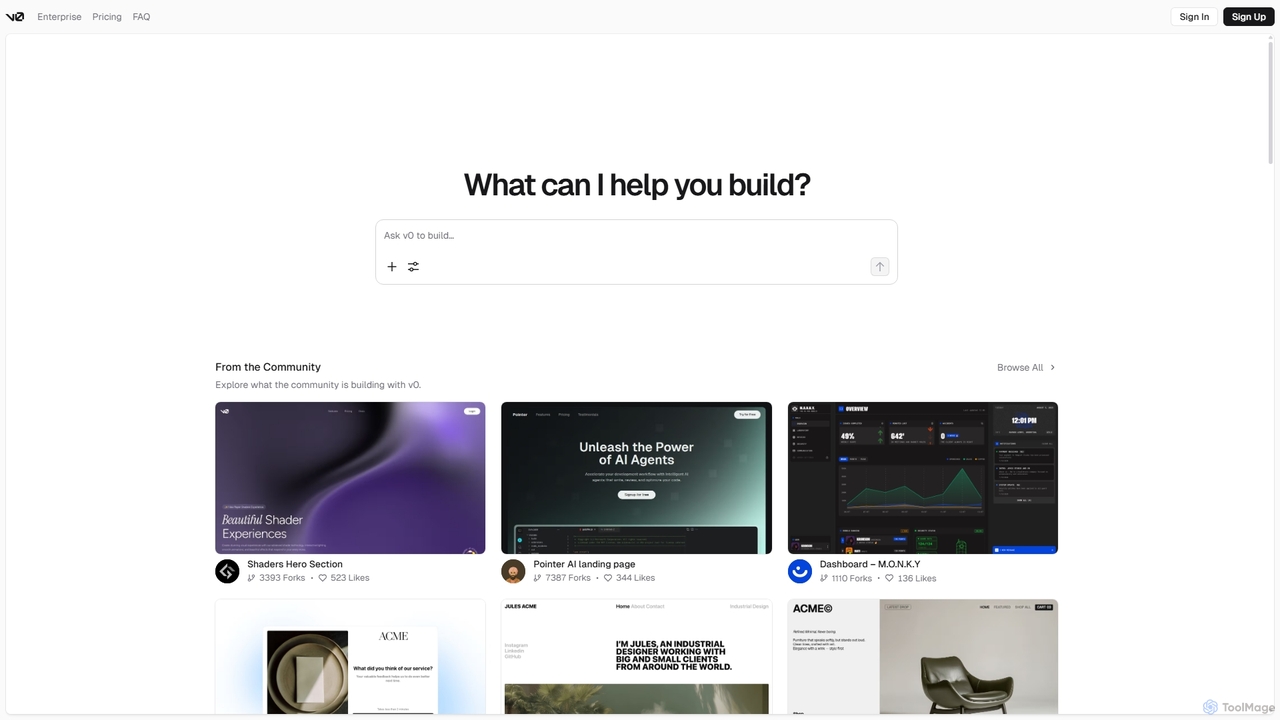
V0
V0 by Vercel is a generative AI platform that transforms text prompts, screenshots, and Figma designs into production-ready frontend code. It acts as an AI pair-programmer, enabling users to rapidly build and iterate on UI components and full-stack applications using React, Svelte, and Vue. With its chat-based interface, it accelerates the development workflow for engineers, designers, and product managers, allowing for seamless deployment to the Vercel platform.
Ui Ux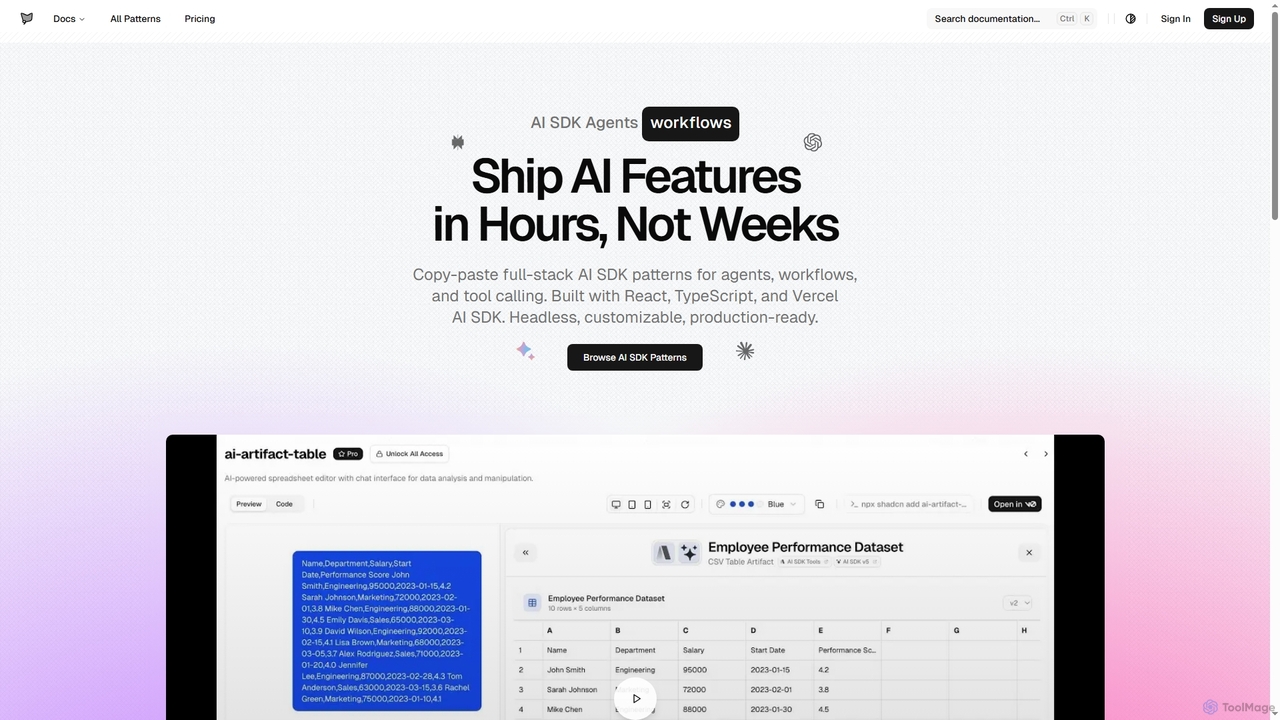
AI SDK Agents
AI SDK Agents provides production-ready React components for rapidly building AI applications. Leverage copy-paste patterns for agents, workflows, tool calling, and streaming responses, built with React, TypeScript, and Vercel AI SDK. Accelerate your AI feature development from weeks to hours, ensuring customizable and headless integration into your projects.
Ui Components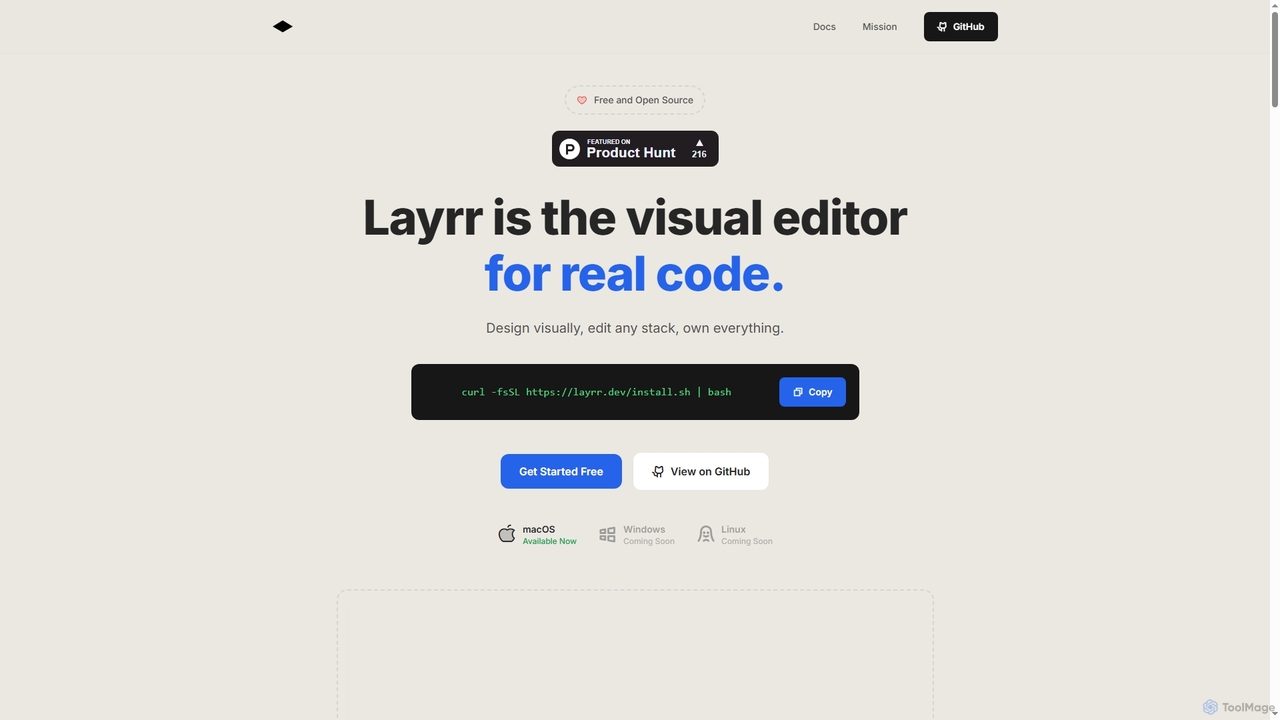
Layrr
Layrr is a free and open-source visual editor that allows developers and designers to create and edit real code directly. It combines the intuitive drag-and-drop interface of design tools like Figma with the flexibility and ownership of traditional coding, supporting any tech stack and leveraging AI for design-to-code conversion and natural language interface generation.
Code Generation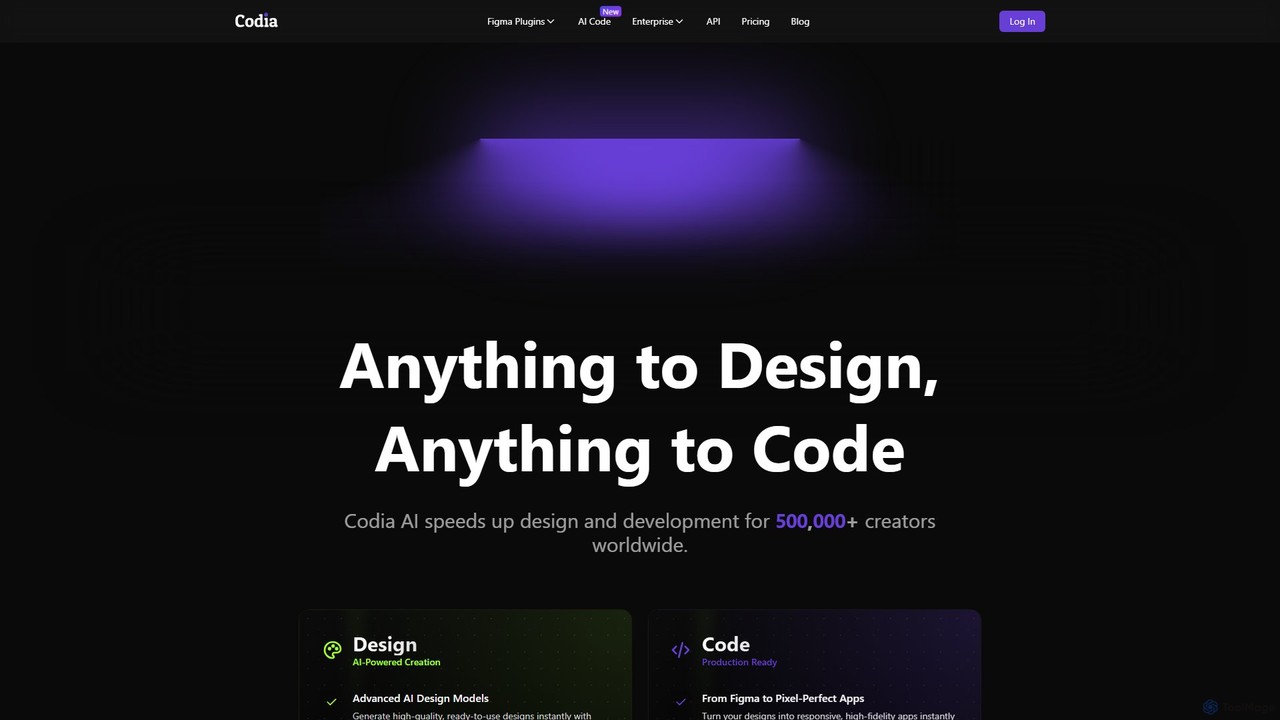
Codia
Codia is a leading AI-powered platform that automates the design-to-development workflow. It instantly converts designs from Figma, screenshots, PSD, and more into high-quality, production-ready code for various frameworks like React, Vue, and SwiftUI. It also features AI tools to generate editable UI from text prompts or transform static images into scalable vector graphics, dramatically accelerating the entire product creation process for developers and designers.
Ui UxLocofy.ai
Locofy.ai is an AI-powered platform that accelerates frontend development by converting designs from Figma, Adobe XD, and Penpot into high-quality, production-ready code. It supports a wide range of frameworks like React, React Native, Vue, and HTML/CSS, helping teams build UI 10x faster and significantly reducing the design-to-code workflow.
Design To Code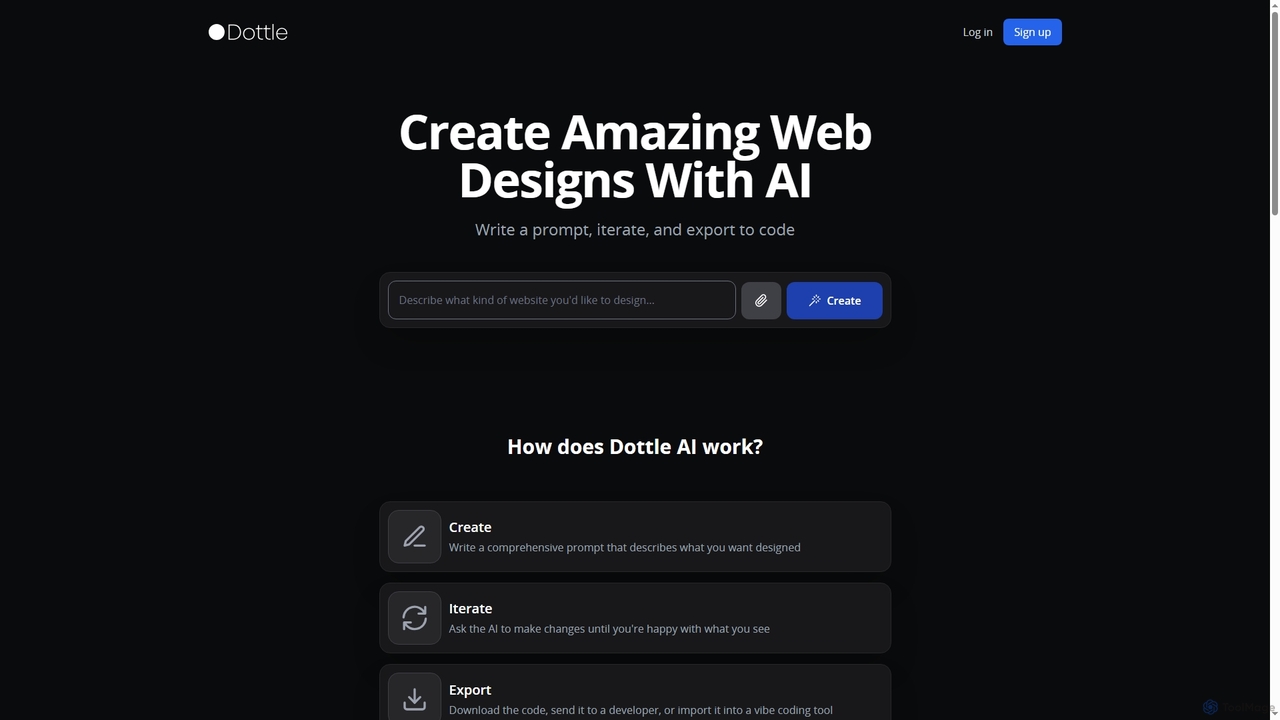
Dottle
Dottle is an AI-powered web design tool that transforms text prompts into professional web designs and code. It enables users to quickly generate, iterate, and export high-quality HTML/CSS, React, Vue, or Angular code, eliminating the need for traditional design tools or extensive coding knowledge.
Web DesignNiral.ai
Niral.ai is an AI-powered platform that converts Figma designs into high-quality, production-ready front-end code. It streamlines the design-to-development workflow, enabling teams to build user interfaces faster with full code ownership and Git integration.
Design To Code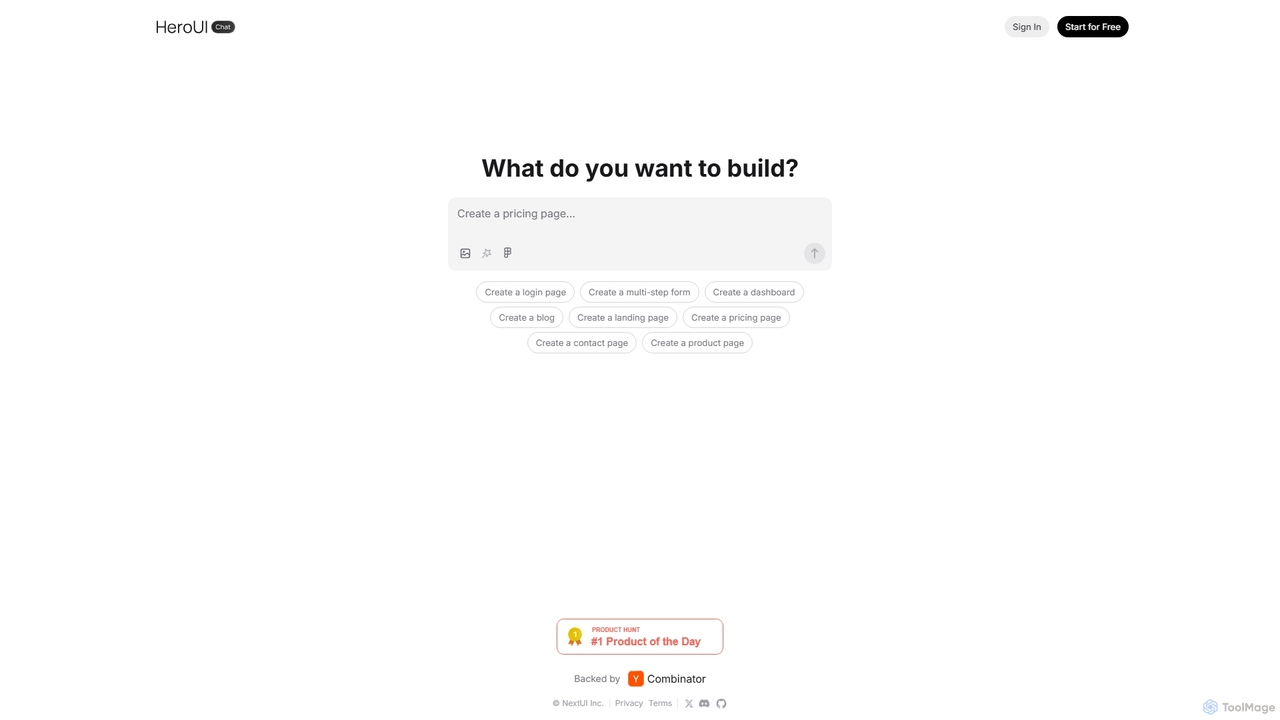
HeroUI Chat
HeroUI Chat is an AI-powered tool that generates UI components and pages from simple text prompts. Built on NextUI and Tailwind CSS, it allows developers and designers to rapidly create beautiful, responsive, and accessible user interfaces by describing them in natural language, significantly accelerating the prototyping and development workflow.
Ui Ux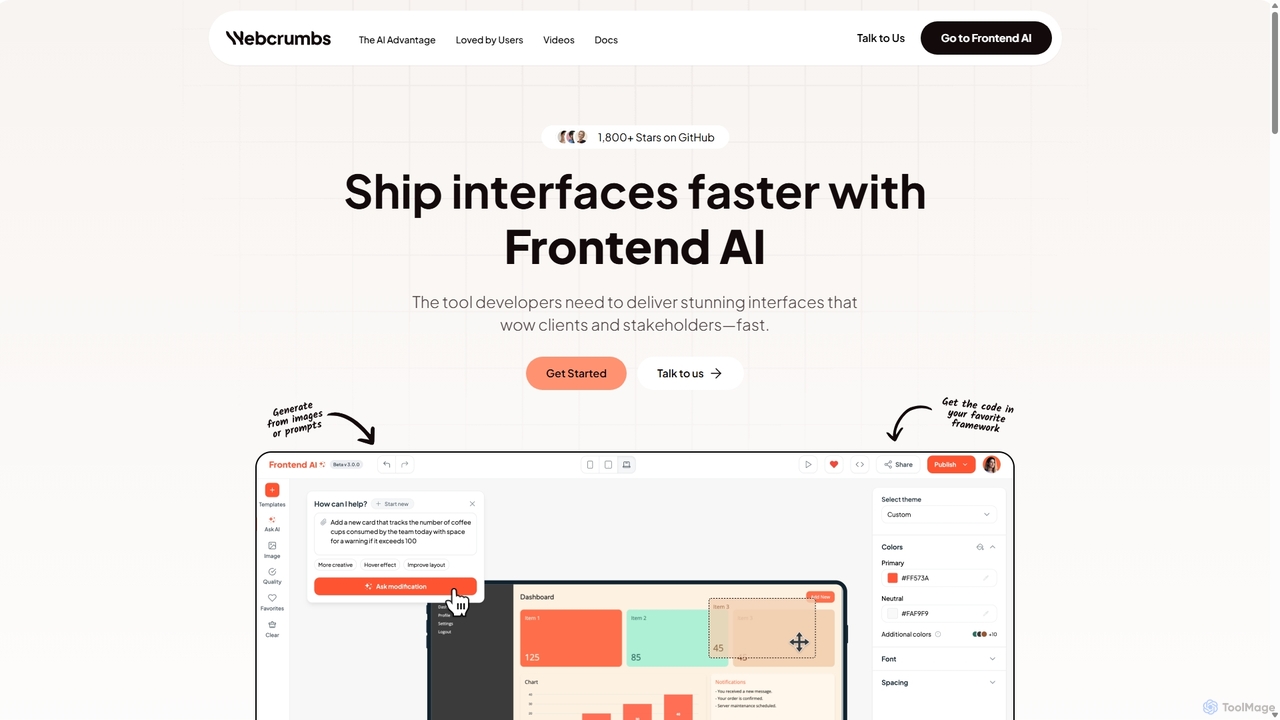
Webcrumbs
Webcrumbs is an AI-powered frontend development platform designed to accelerate UI creation. It combines a powerful prompt-to-code engine with a visual editor, enabling developers and designers to rapidly build, refine, and ship high-quality interface components. By translating natural language or images into clean, production-ready code, Webcrumbs streamlines the workflow, enhances collaboration, and ensures design consistency across projects.
Ui Ux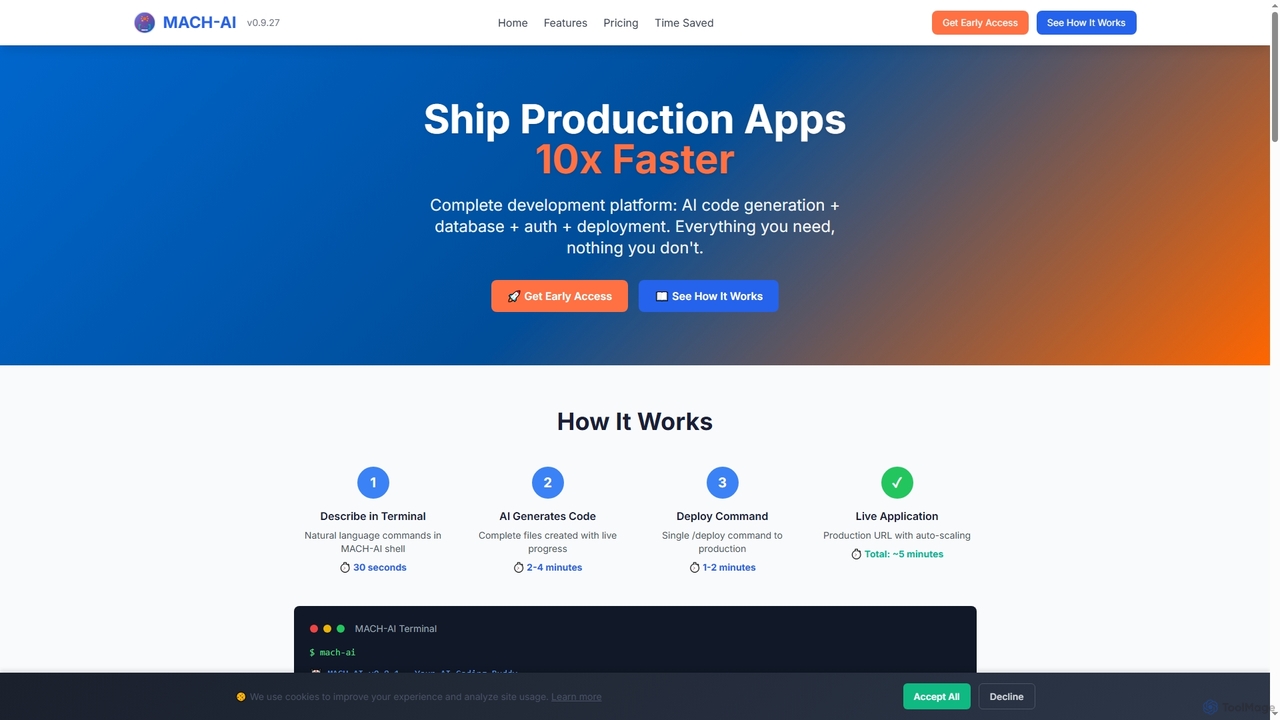
MACH-AI
MACH-AI is an AI coding assistant and complete development platform that transforms concepts into production-ready cloud applications in minutes. It integrates AI code generation, built-in database, authentication, and one-command deployment, enabling developers to build and launch scalable web applications 10x faster across Python, JavaScript, and TypeScript.
Application Deployment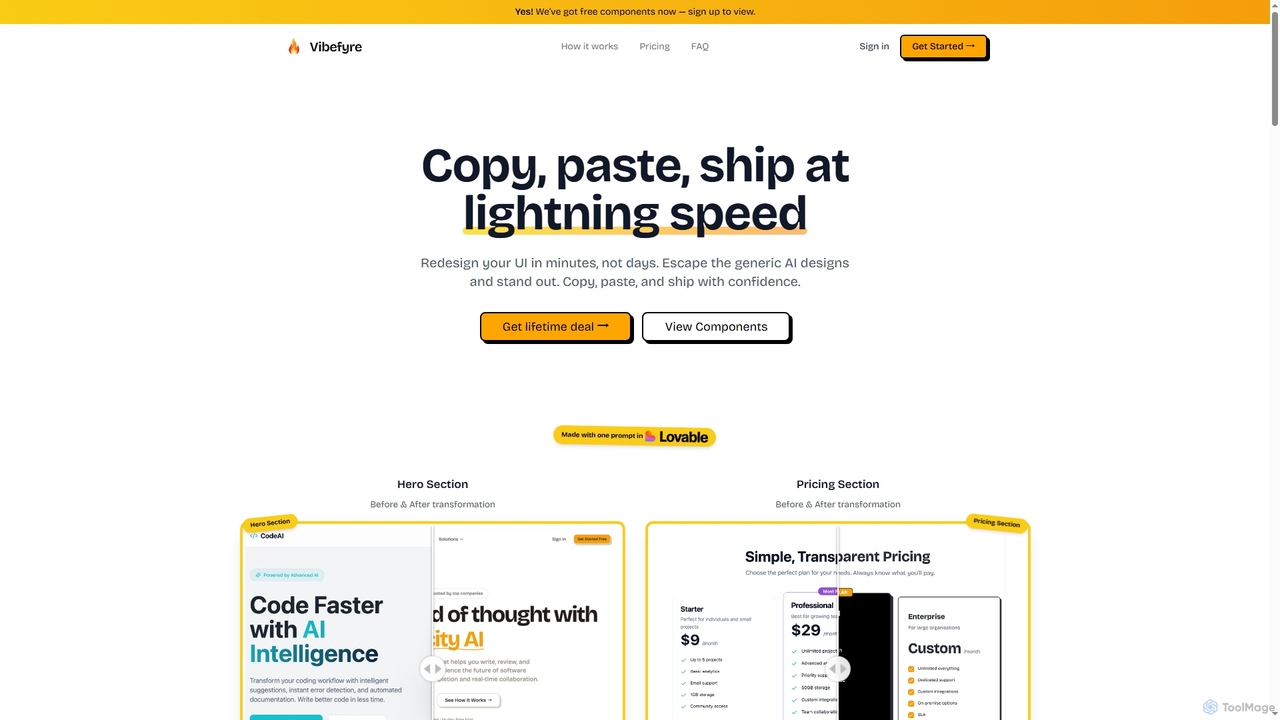
Vibefyre
Vibefyre is an AI-powered UI kit designed to accelerate web development by providing high-quality, pre-designed components and prompts. It enables developers to quickly generate unique and consistent user interfaces using their favorite AI coding tools, significantly reducing design and development time for React/TSX applications.
Web Design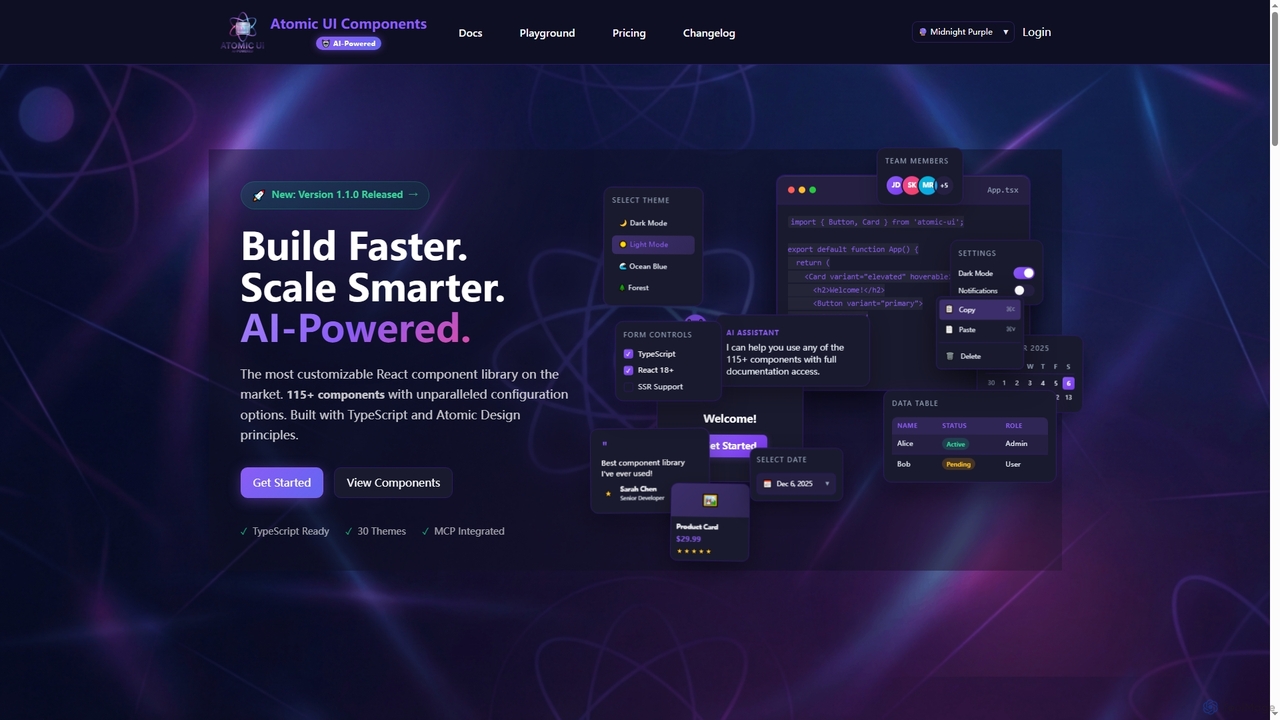
AtomicComponents
AtomicComponents is an AI-powered React component library designed for building modern, scalable, and accessible user interfaces faster. It offers over 115 highly customizable components, 30 built-in themes, and seamless integration with AI assistants like Claude and GitHub Copilot via its Model Context Protocol (MCP) server.
Design Systems
CodeParrot Comments (0)
Sign in to comment.
Sign inNo comments yet.