

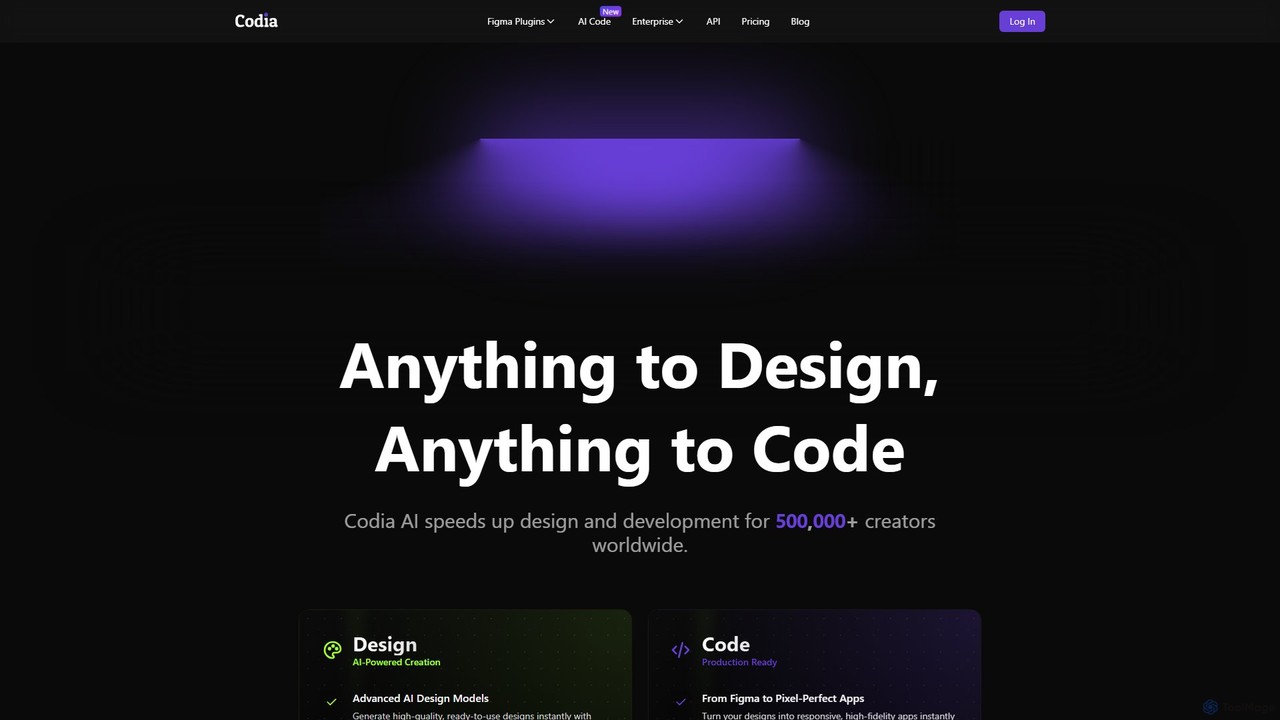
Codia Overview
Codia is a pioneering AI-driven platform designed to fundamentally transform the design and development landscape. With its core mission to make "Anything to Design, Anything to Code" a reality, Codia bridges the gap between creative vision and technical execution. It empowers over 300,000 creators worldwide, from individual developers and designers to large enterprises, by automating tedious manual processes and accelerating the entire workflow. The platform leverages a sophisticated combination of advanced Visual AI, powerful Large Language Models (LLMs), and custom-trained AI models to deliver unprecedented accuracy in design recognition and code generation.
How to use Codia
Using Codia is an intuitive process tailored to different creative and development needs:
- Design-to-Code Conversion: Users can upload or link a design file from various sources like Figma, Adobe Photoshop (PSD), PDF, or even a simple screenshot. Codia's AI analyzes the design's structure, layout, and styling. The user then selects their desired output framework (e.g., React, Vue, HTML/CSS, SwiftUI, React Native). With a single click, Codia generates clean, maintainable, and pixel-perfect code that developers can immediately use and integrate into their projects.
- AI-Powered Design Generation: For rapid ideation, users can leverage the "Prompt to Design" feature. By simply typing a text description of a desired UI component (e.g., "a login form with a social media button"), Codia's AI generates a fully editable UI design in Figma. Alternatively, the "Screenshot to Design" tool can transform any static screenshot of a website or app into a structured, editable Figma file, eliminating the need to recreate designs from scratch.
- Asset and File Conversion: Codia simplifies cross-platform workflows. Designers can effortlessly convert files from Canva, Adobe Illustrator, or even Office documents into fully editable Figma layers. The "Image to Vector" tool (VectorMagic) can also convert raster images like JPEGs and PNGs into scalable SVG graphics with high precision.
Core Features of Codia
- AI Design to Code: Converts designs from Figma, screenshots, PSD, PDF, and websites into production-ready code for React, Vue.js, HTML/CSS, SwiftUI, React Native, and Android (Jetpack Compose).
- AI Design Generation: Creates fully editable UI components and designs from simple text prompts.
- Screenshot to Editable Design: Transforms static screenshots into structured and editable Figma designs.
- Multi-Format Asset Conversion: Seamlessly converts files between different design tools, including PSD to Figma, Canva to Figma, Illustrator to Figma, and PDF to Figma.
- Image to Vector Conversion: Transforms bitmap images into high-quality, scalable vector graphics (SVG).
- LLM-Powered Development: Enables users to build features through a chat-based interface without writing code manually.
- Enterprise-Grade Solutions: Offers a robust API for workflow integration, large-scale legacy asset migration, and dedicated enterprise support with enhanced security (SOC 2, GDPR, ISO 27001 compliant).
- High-Fidelity Output: Generates clean, optimized, and maintainable code that adheres to best practices.
Use Cases for Codia
Codia is versatile and serves a wide range of professionals:
- Frontend Developers: Can instantly generate boilerplate code from Figma designs, cutting development time by up to 40% and allowing them to focus on logic and functionality.
- UI/UX Designers: Can quickly turn wireframes, ideas, or existing app screenshots into interactive, editable prototypes in Figma, facilitating rapid iteration and validation.
- Product Teams and Agencies: Accelerate the entire product lifecycle, from ideation to launch, by fostering seamless collaboration between design and development teams.
- Enterprises: Can automate the migration of thousands of legacy design assets (e.g., Photoshop files) to modern platforms like Figma and integrate Codia's AI capabilities into their internal development pipelines via API.
Advantages of Codia
The primary advantages of using Codia include:
- Massive Time Savings: Automates the most time-consuming parts of frontend development and design conversion.
- Enhanced Productivity: Streamlines the workflow, allowing teams to build and ship products faster.
- Unmatched Accuracy: Utilizes advanced AI to achieve high-fidelity, pixel-perfect conversions from design to code.
- Increased Collaboration: Breaks down silos between designers and developers by providing a common, automated bridge.
- Scalability: Offers flexible plans and powerful enterprise solutions that grow with your team's needs.
- Creative Empowerment: AI tools like prompt-to-design unlock new possibilities for rapid ideation and creativity.
Pricing and Plans
Codia offers a flexible, transparent pricing model based on usage, with different plans for its various products (e.g., Figma to Code, Screenshot to Design).
- Free Plan: A generous free-forever tier is available for all products, providing a set number of monthly credits. It's perfect for students, educators, freelancers, and for exploring the platform's capabilities. No credit card is required.
- Starter Plan: Priced per developer/month (e.g., $29/mo for Figma to Code, $49/mo for Screenshot to Design), this plan offers a significantly higher number of monthly credits, priority support, and advanced features like higher resolution limits and the option to opt out of data training.
- Pro Plan: Designed for professional developers and teams, this plan provides even more credits (e.g., 1000/mo for Figma to Code) and all the benefits of the Starter plan, catering to higher-volume needs.
- Enterprise Plan: A custom-priced solution for organizations with specific requirements. It includes full API access, custom feature development, dedicated infrastructure, priority support, and Service Level Agreements (SLAs).
Users can choose between monthly and annual billing, with the annual option offering a 20% discount.
Traffic
Latest traffic
Status
Monthly traffic trend
- 2025-9: 167.8K
- 2026-1: 322.2K
- 2026-2: 316.3K
- 2026-3: 289.9K
- 2026-4: 221.1K
- 2026-5: 236.5K
Geography
Top 5 countries / regions
- 🇮🇳India25.1%
- 🇹🇭Thailand22.1%
- 🇮🇩Indonesia20.1%
- 🇹🇼Taiwan17.7%
- 🇺🇸United States15.0%
Traffic sources
| Source type | Percentage |
|---|---|
Direct | 56.5% |
Referral | 41.9% |
Email | 1.6% |
Top keywords
| Keyword | Cost per click |
|---|---|
| codia | $1.10 |
| codia ai | $0.61 |
| codia ai design | $0.00 |
| html to figma | $1.95 |
| noteslide | $0.51 |
Codia Videos on YouTube

Cédric GIRARD - SEO, IA & dev

Ali Ahmed's AI Lab
Codia Alternatives
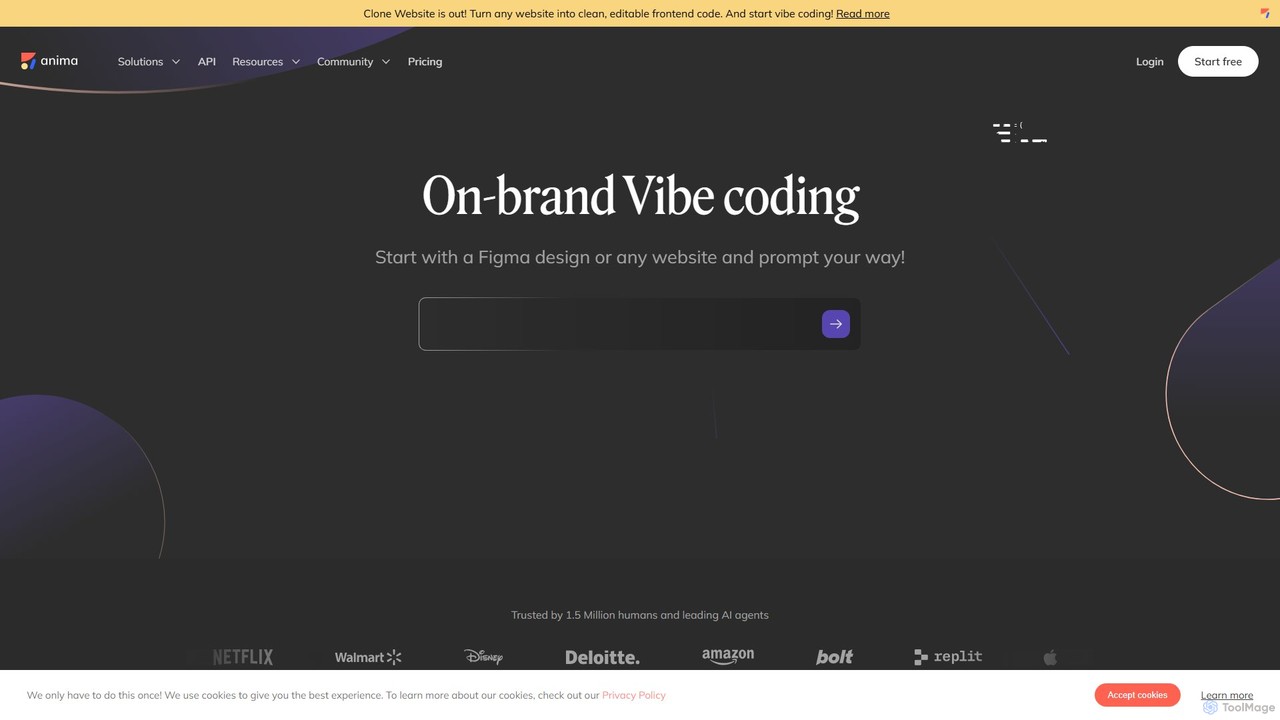
Anima
Anima is an AI-powered design-to-code platform that automates frontend development. It transforms designs from Figma, Adobe XD, and Sketch into clean, production-ready React, Vue, and HTML code. Featuring AI-driven iteration and website cloning, it empowers designers, developers, and founders to build and launch web applications and prototypes up to 10x faster.
Design To Code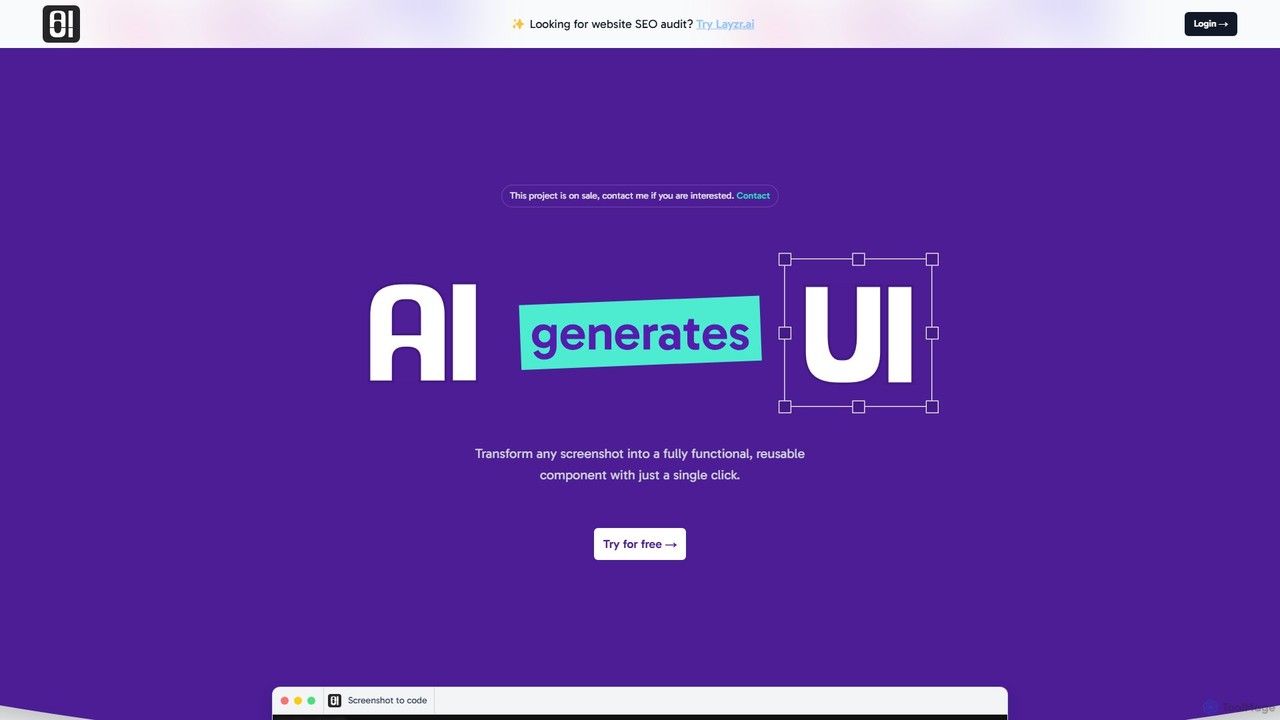
AIUI.me
AIUI.me is an AI-powered tool that transforms UI screenshots into clean, reusable code. With a single click, developers and designers can convert any design image into fully functional React.js and TailwindCSS components. This streamlines the frontend development workflow, saving hours of manual coding and accelerating project delivery from prototype to production.
Ui Ux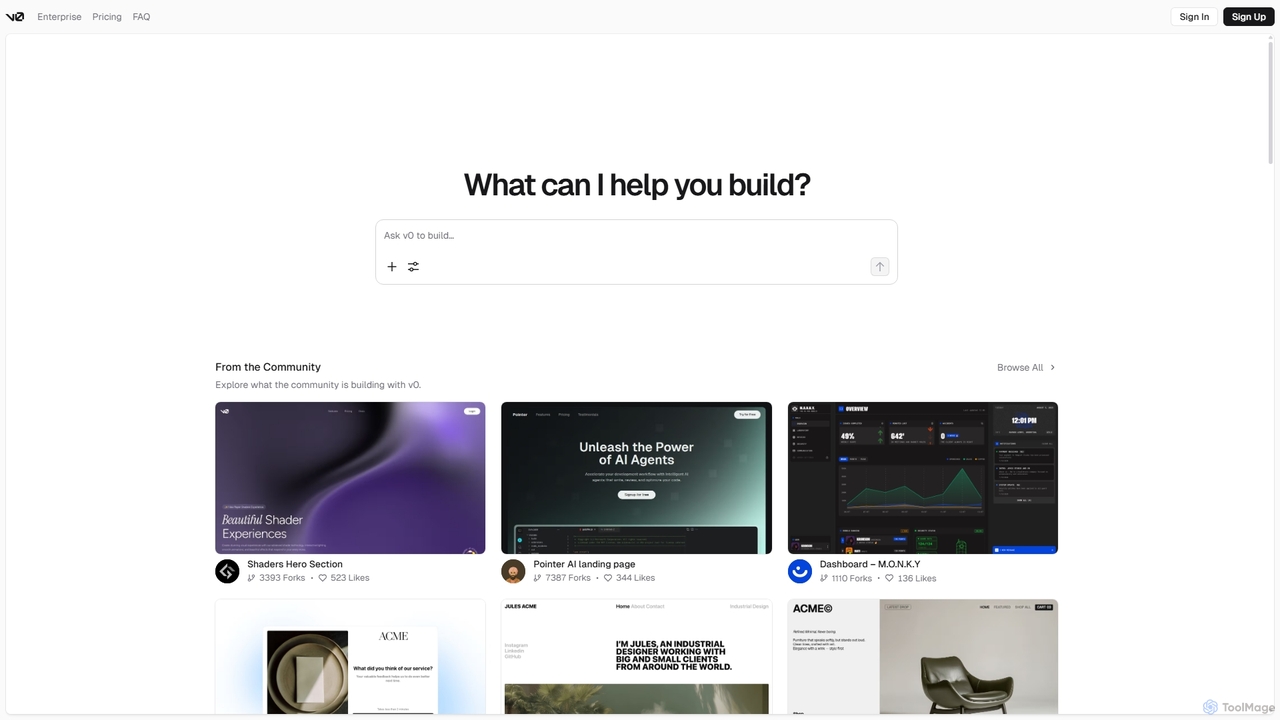
V0
V0 by Vercel is a generative AI platform that transforms text prompts, screenshots, and Figma designs into production-ready frontend code. It acts as an AI pair-programmer, enabling users to rapidly build and iterate on UI components and full-stack applications using React, Svelte, and Vue. With its chat-based interface, it accelerates the development workflow for engineers, designers, and product managers, allowing for seamless deployment to the Vercel platform.
Ui Ux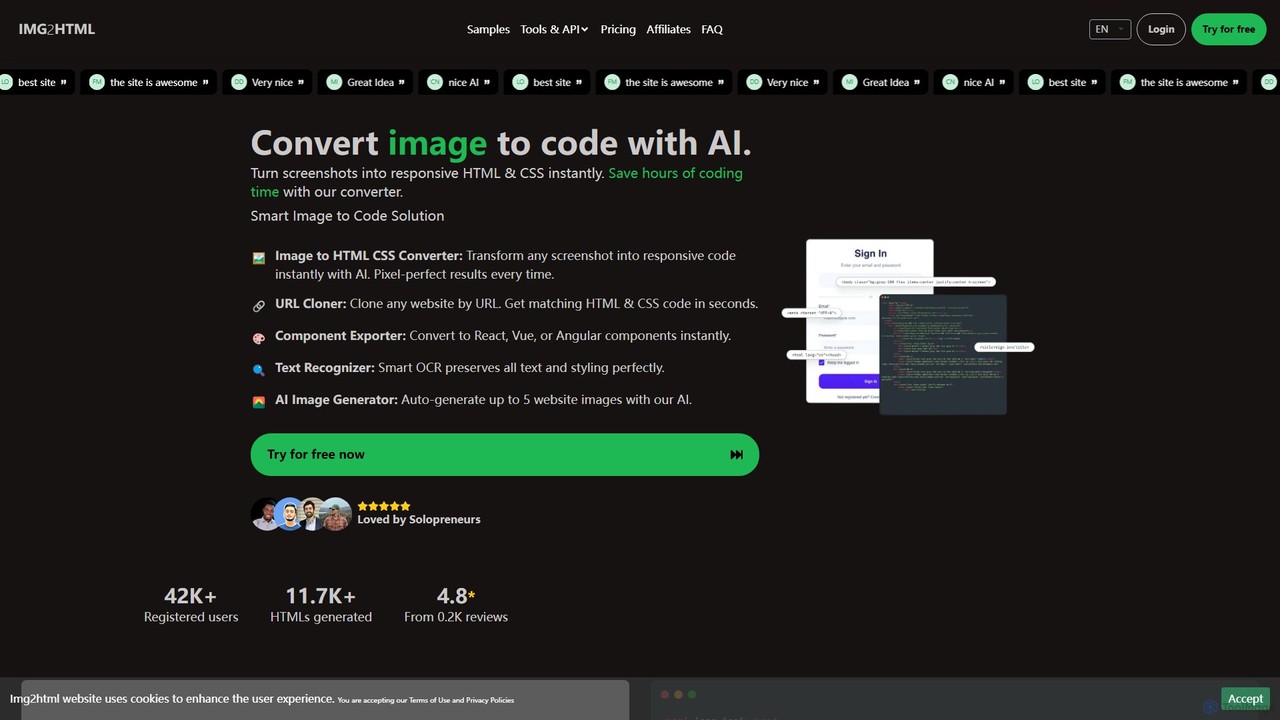
img2html
img2html is an AI-powered tool that instantly converts images, screenshots, and design mockups into clean, responsive HTML, CSS, and modern framework code like React, Vue, and Angular. It streamlines the front-end development workflow, saving developers hours of manual coding.
Design To Code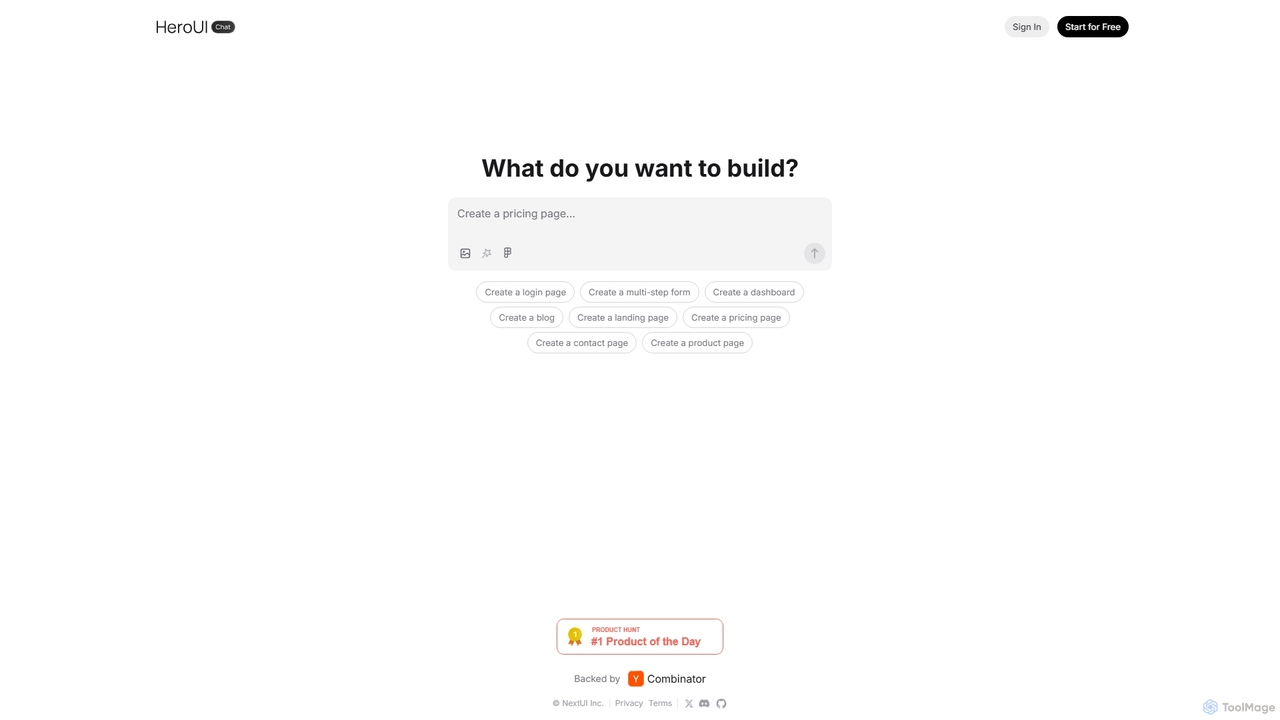
HeroUI Chat
HeroUI Chat is an AI-powered tool that generates UI components and pages from simple text prompts. Built on NextUI and Tailwind CSS, it allows developers and designers to rapidly create beautiful, responsive, and accessible user interfaces by describing them in natural language, significantly accelerating the prototyping and development workflow.
Ui UxCodia Categories
Codia Embed Widget
Copy this embed code to place the badge on your blog, article, or product site and send readers directly to this ToolMage detail page.

Related AI tools
Anima
Anima is an AI-powered design-to-code platform that automates frontend development. It transforms designs from Figma, Adobe XD, and Sketch into clean, production-ready React, Vue, and HTML code. Featuring AI-driven iteration and website cloning, it empowers designers, developers, and founders to build and launch web applications and prototypes up to 10x faster.
Design To CodeAIUI.me
AIUI.me is an AI-powered tool that transforms UI screenshots into clean, reusable code. With a single click, developers and designers can convert any design image into fully functional React.js and TailwindCSS components. This streamlines the frontend development workflow, saving hours of manual coding and accelerating project delivery from prototype to production.
Ui Ux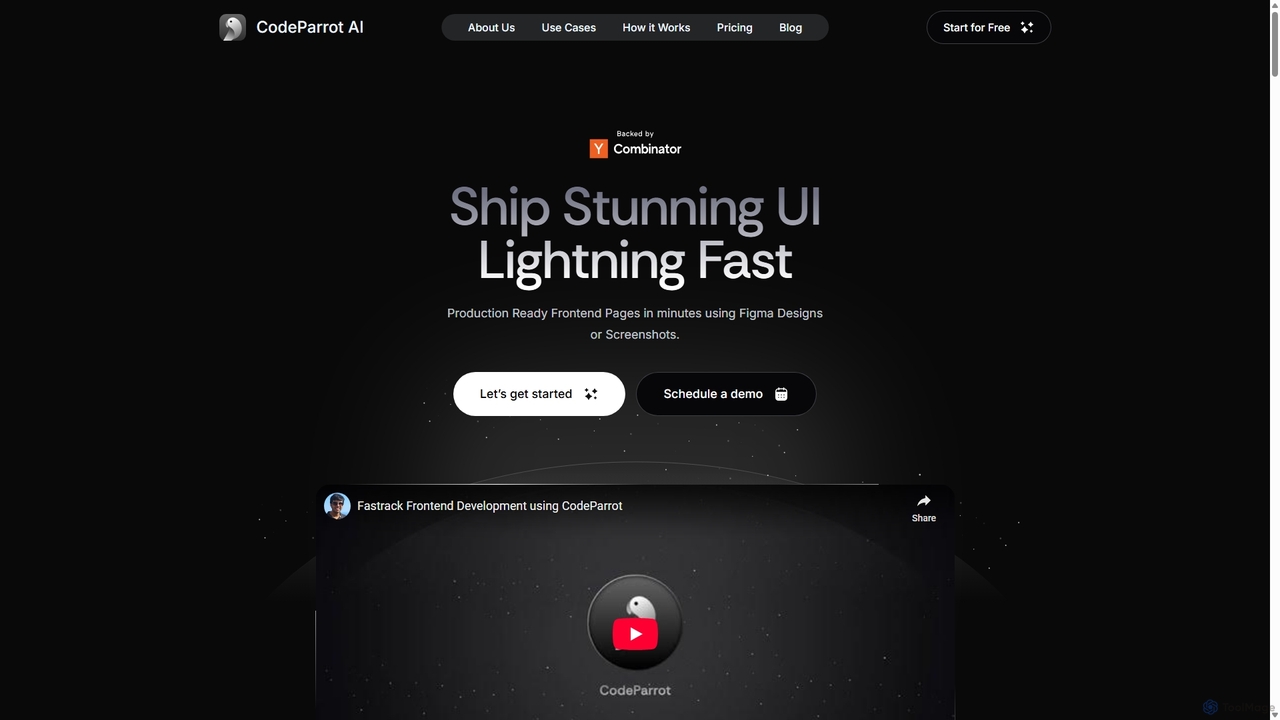
CodeParrot
CodeParrot is an AI-powered copilot that transforms Figma designs and screenshots into production-ready frontend code. It intelligently understands your existing codebase, reuses components, and adheres to your coding standards, dramatically accelerating UI development for frameworks like React, Vue, and Angular.
Design To Code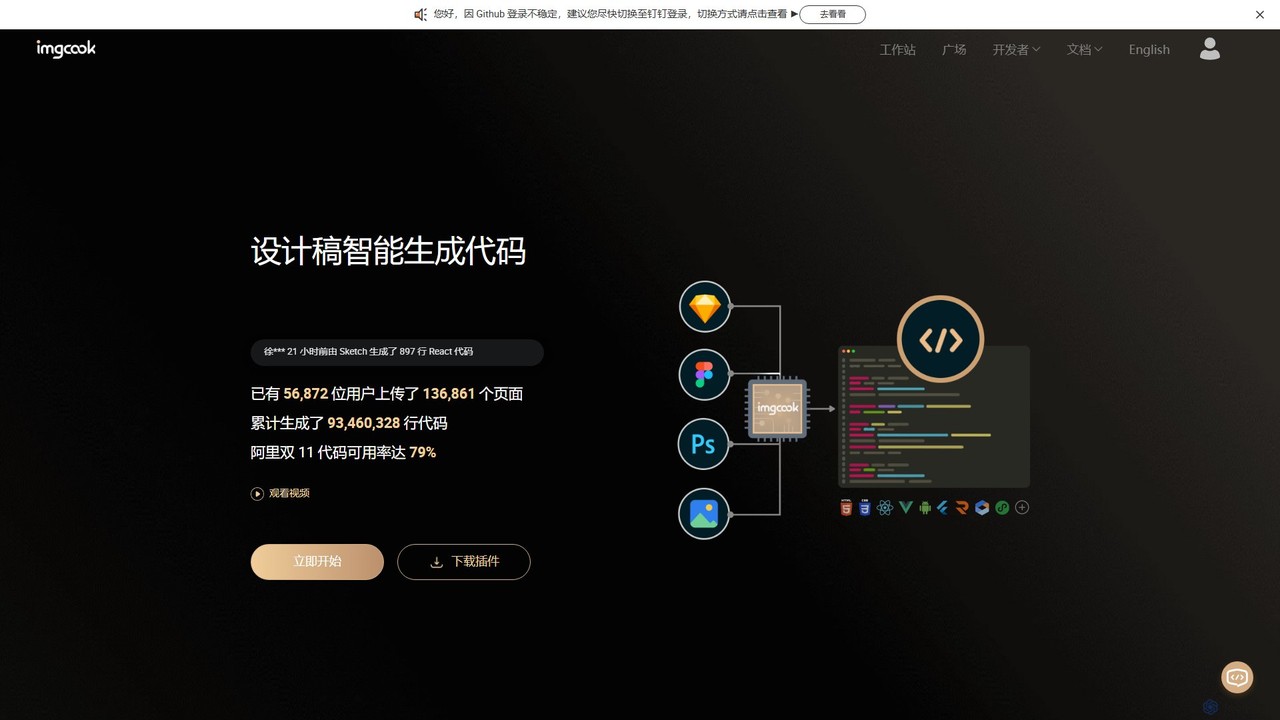
imgcook
imgcook is an intelligent Design-to-Code (D2C) platform that uses AI to automatically convert design drafts from Sketch, Figma, and Photoshop into high-quality, maintainable front-end code for React, Vue, Mini Programs, and more, significantly boosting development efficiency.
Design To CodeV0
V0 by Vercel is a generative AI platform that transforms text prompts, screenshots, and Figma designs into production-ready frontend code. It acts as an AI pair-programmer, enabling users to rapidly build and iterate on UI components and full-stack applications using React, Svelte, and Vue. With its chat-based interface, it accelerates the development workflow for engineers, designers, and product managers, allowing for seamless deployment to the Vercel platform.
Ui Uximg2html
img2html is an AI-powered tool that instantly converts images, screenshots, and design mockups into clean, responsive HTML, CSS, and modern framework code like React, Vue, and Angular. It streamlines the front-end development workflow, saving developers hours of manual coding.
Design To Code
Locofy.ai
Locofy.ai is an AI-powered platform that accelerates frontend development by converting designs from Figma, Adobe XD, and Penpot into high-quality, production-ready code. It supports a wide range of frameworks like React, React Native, Vue, and HTML/CSS, helping teams build UI 10x faster and significantly reducing the design-to-code workflow.
Design To Code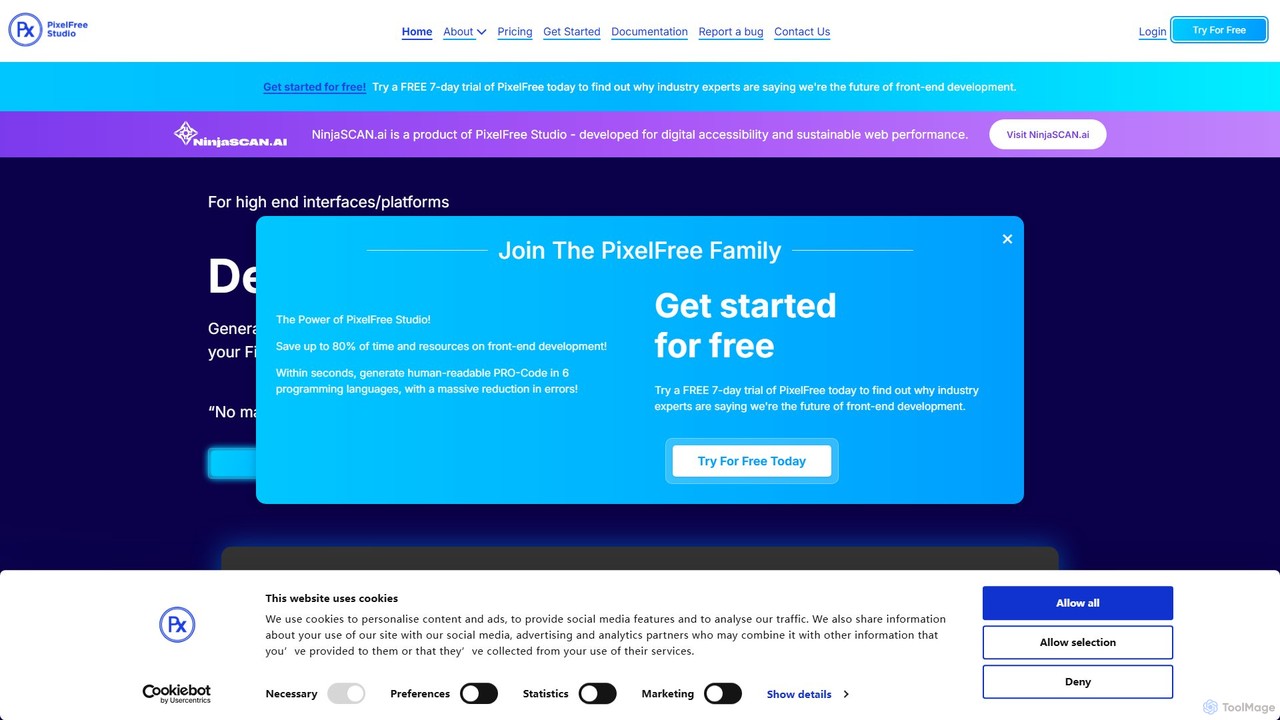
PixelFree Studio
PixelFree Studio is a low-code application builder that transforms UI designs into clean, production-ready code. It specializes in importing Figma designs and exporting them to multiple frameworks like React, Vue, Angular, and C#, streamlining the design-to-development workflow and accelerating app creation.
Design To Code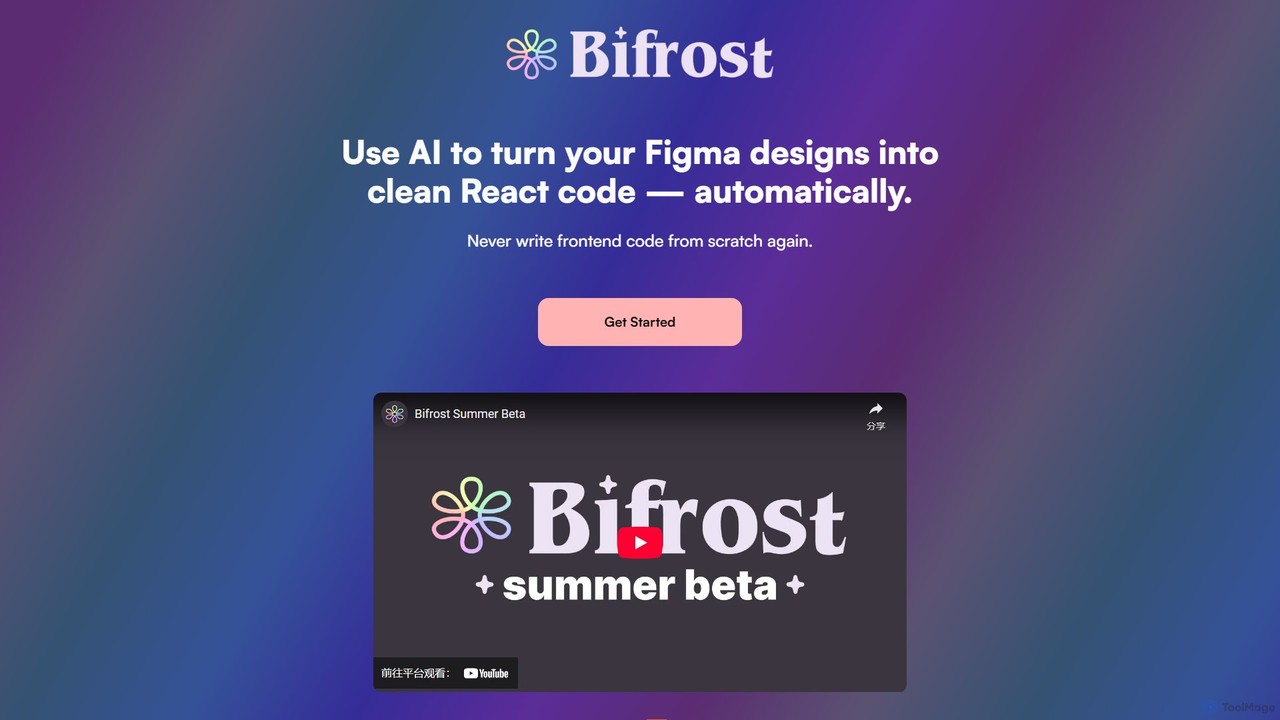
Bifrost
Bifrost is an AI-powered tool that automatically converts Figma designs into clean, production-ready React code. It streamlines the design-to-development workflow, saving significant engineering time and empowering teams to build and iterate on UIs faster than ever before.
Design To CodeHeroUI Chat
HeroUI Chat is an AI-powered tool that generates UI components and pages from simple text prompts. Built on NextUI and Tailwind CSS, it allows developers and designers to rapidly create beautiful, responsive, and accessible user interfaces by describing them in natural language, significantly accelerating the prototyping and development workflow.
Ui Ux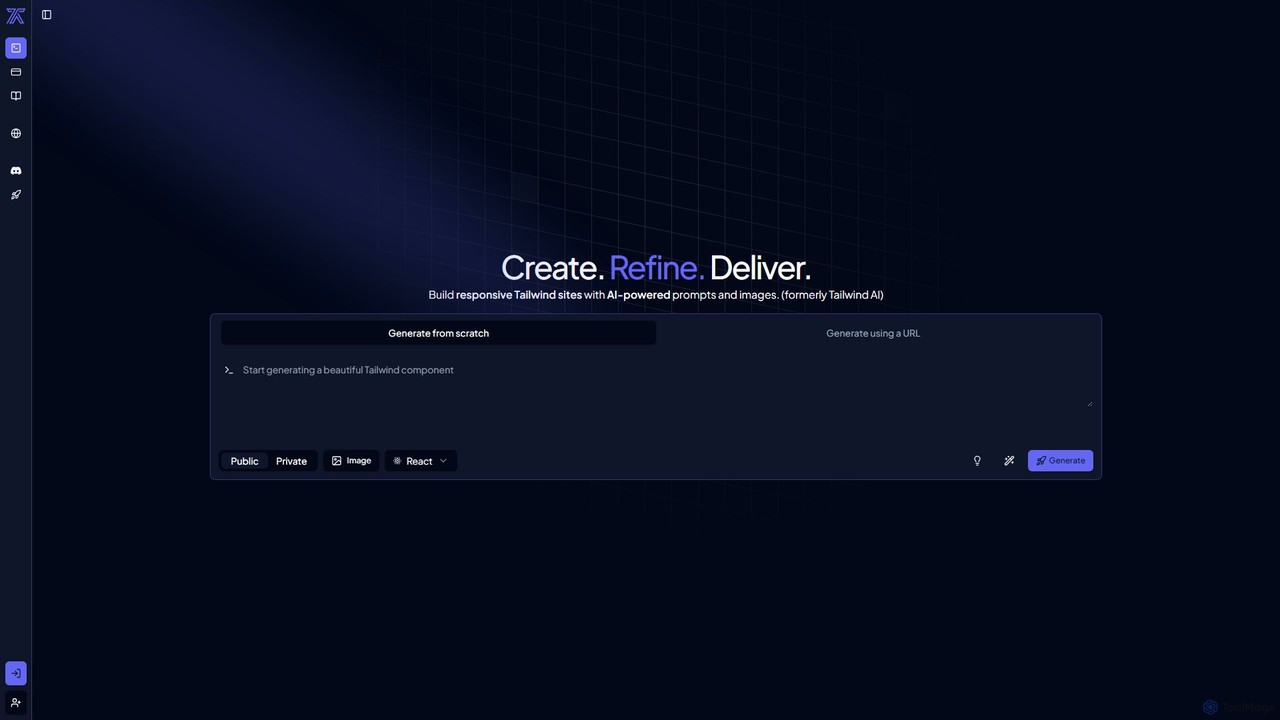
CodeRocket
CodeRocket is an AI-powered development tool that generates responsive websites and components using Tailwind CSS. Simply provide a text prompt, an image, or a URL, and CodeRocket will generate clean, ready-to-use code for HTML, React, and Vue.js. It's designed to accelerate frontend development, from rapid prototyping to building complete user interfaces.
Ui Ux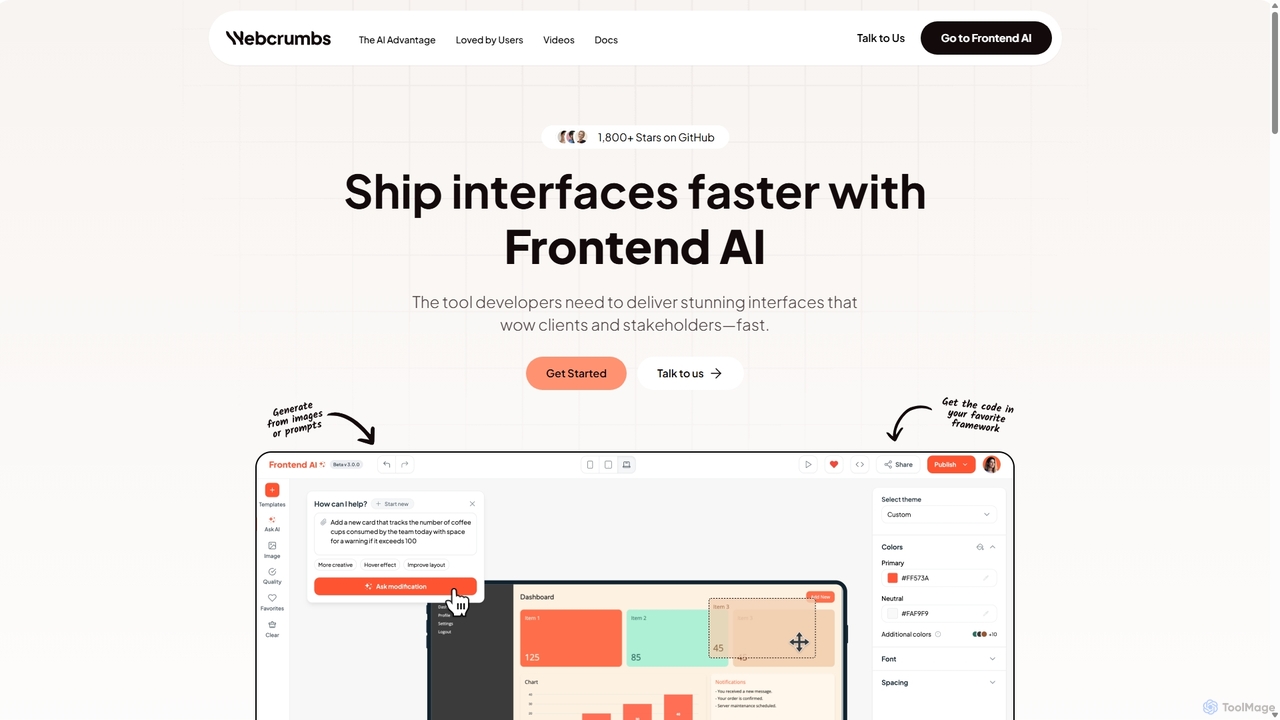
Webcrumbs
Webcrumbs is an AI-powered frontend development platform designed to accelerate UI creation. It combines a powerful prompt-to-code engine with a visual editor, enabling developers and designers to rapidly build, refine, and ship high-quality interface components. By translating natural language or images into clean, production-ready code, Webcrumbs streamlines the workflow, enhances collaboration, and ensures design consistency across projects.
Ui Ux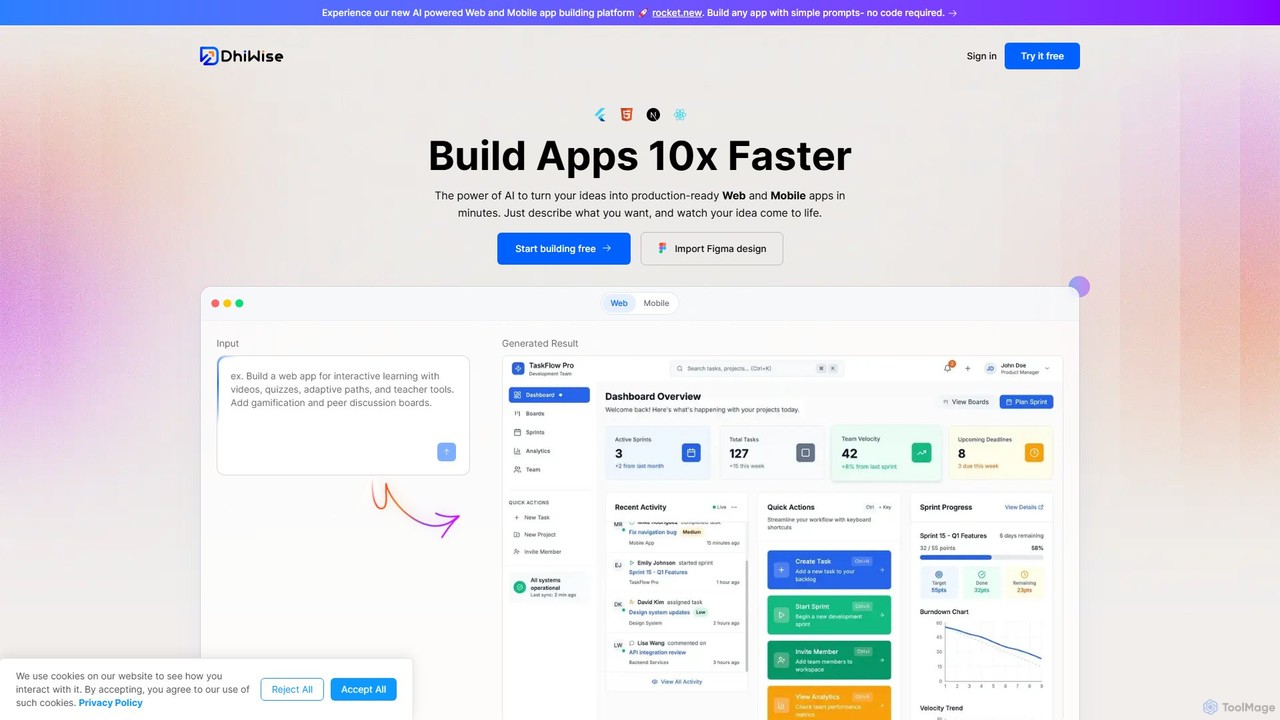
DhiWise
DhiWise is an AI-powered development platform that accelerates the creation of web and mobile applications. It transforms your ideas, natural language prompts, or Figma designs into high-quality, production-ready code in minutes. Supporting frameworks like Flutter and modern web technologies, DhiWise automates boilerplate tasks, enabling developers to build and deploy apps 10x faster.
Design To Code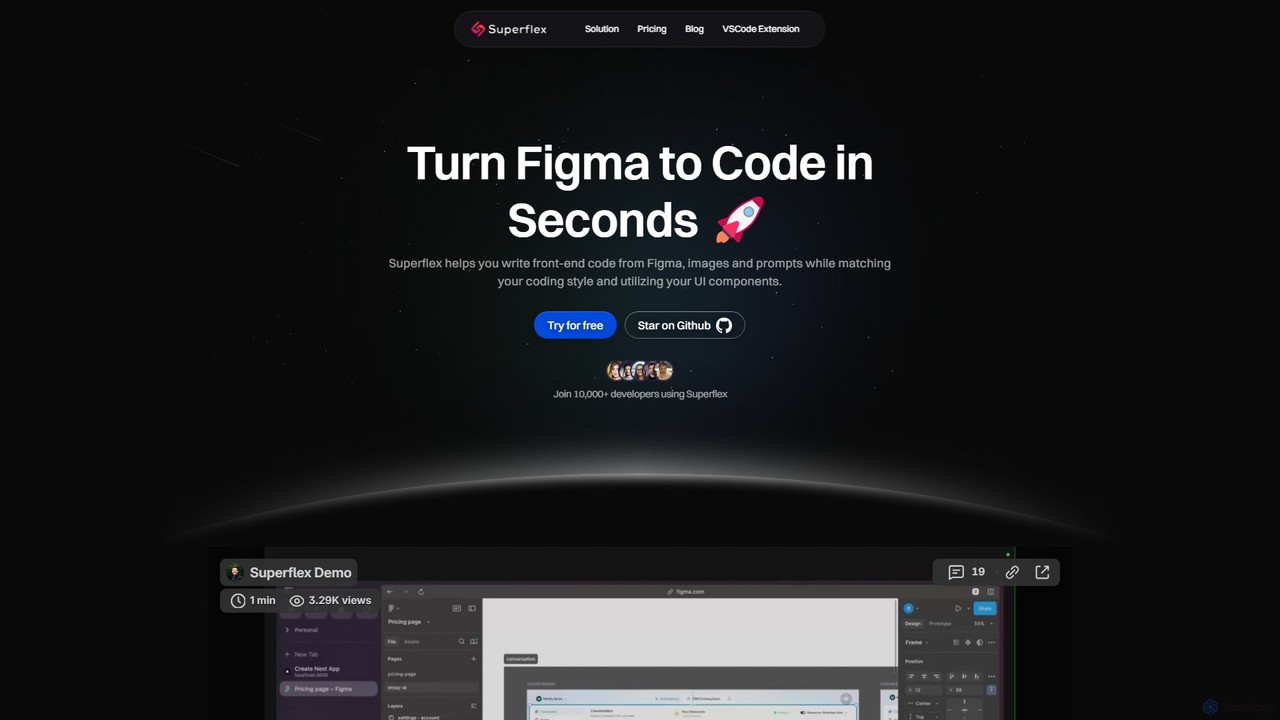
Superflex
Superflex is an AI-powered tool that transforms Figma designs, images, and text prompts into production-ready front-end code in seconds. It accelerates development by analyzing your existing codebase to reuse UI components and adapting to your unique coding style. Ideal for developers and teams looking to boost productivity and bridge the gap between design and implementation.
Design To Code
Jyek
Jyek is an AI agent platform that understands objectives, creates execution plans, uses tools, and delivers verifiable results for complex, multi-step tasks.
Automation
Codia Comments (0)
Sign in to comment.
Sign inNo comments yet.