Development Best in category 2 results Frontend AI Tool

Popular AI tools in the Frontend field of Development include Codia、Thesys, etc., helping you quickly improve efficiency.

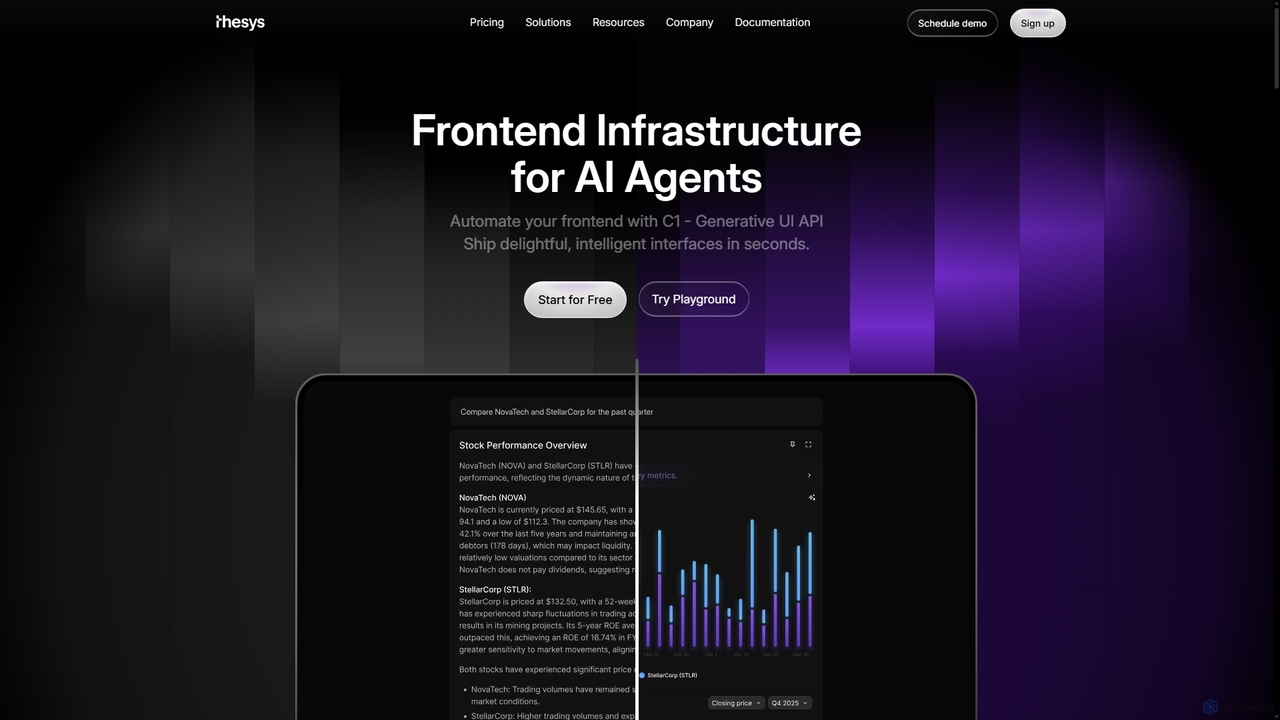
Thesys

Thesys

Thesys provides C1, a Generative UI API that transforms LLM responses into dynamic, interactive user interfaces in real-time. …

207.6K
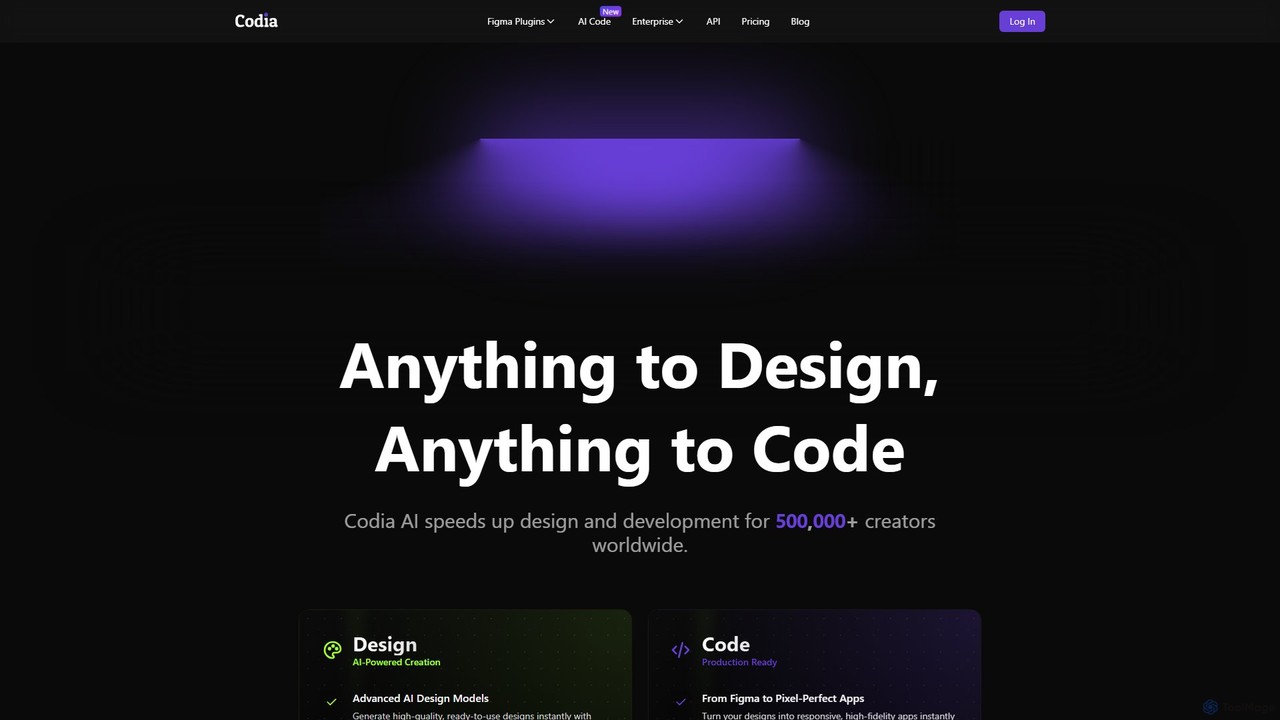
Codia

Codia

Codia is a leading AI-powered platform that automates the design-to-development workflow. It instantly converts designs from Figma, screenshots, …

223.5K

About Frontend

AI Frontend tools are a class of development utilities that use artificial intelligence to automate and accelerate the creation of user interfaces. These tools leverage large language models (LLMs) and computer vision to translate natural language prompts or design files into clean, functional code. They empower developers to build UIs faster, generate component variations, and automate repetitive coding tasks. This approach significantly speeds up the prototyping and development process, allowing teams to focus more on complex logic and user experience architecture.

Core Features

  • Design-to-Code Conversion: Automatically generates HTML, CSS, and JavaScript/TypeScript code from design files like Figma, Sketch, or Adobe XD.
  • Prompt-Based UI Generation: Creates UI components or entire layouts from simple text descriptions or natural language commands.
  • Code Refactoring & Optimization: Analyzes existing frontend code and suggests improvements for performance, readability, and modern best practices.
  • Automated Responsive Design: Generates CSS and layout structures that adapt seamlessly across different screen sizes and devices.
  • Component Creation & Management: Assists in building, documenting, and maintaining reusable UI components for design systems.

Use Cases

AI Frontend tools are widely used by web developers, UI/UX designers, and product teams. They are particularly effective for rapid prototyping, where ideas can be turned into interactive mockups in minutes. They also excel in building and scaling design systems by ensuring consistency and automating the creation of new components. Startups and agencies use them to accelerate project delivery and reduce development costs.

How to Choose

When selecting an AI Frontend tool, consider its integration capabilities with your existing design and development workflow (e.g., Figma, VS Code). Evaluate the quality and customizability of the generated code to ensure it meets your team's standards. Also, assess the supported frameworks (like React, Vue, Svelte) and the tool's ability to understand complex UI requirements. Finally, consider the learning curve and the quality of its documentation and community support.

FrontendUse Cases

1

Accelerate Prototyping from Figma Designs

A UI/UX designer finalizes a high-fidelity landing page design in Figma. Instead of waiting for a developer to manually code it, they use an AI Frontend tool. The tool analyzes the Figma file, identifies components, layout, and styling, and generates a complete, responsive React project within minutes. The designer can immediately deploy this interactive prototype for user testing, gathering feedback days or weeks earlier than with a traditional workflow. This drastically shortens the design-to-feedback loop.

2

Generate UI Component Variations for A/B Testing

A marketing team wants to test different versions of a call-to-action (CTA) section on their website. A developer uses an AI Frontend tool and provides the existing component's code. They then issue prompts like: 'Create a version with a blue gradient button and larger text,' or 'Generate a layout with the image on the right and add a customer testimonial.' The AI quickly produces the code for multiple variations, which can be integrated into an A/B testing platform. This allows for rapid experimentation without extensive manual coding for each variant.

3

Automate Responsive CSS Implementation

A frontend developer has built a complex dashboard layout for desktop view. Instead of manually writing dozens of media queries to make it responsive for tablet and mobile, they use an AI tool. They can either provide the existing HTML/CSS and ask the AI to 'make this responsive,' or describe the desired behavior: 'On mobile, the sidebar should become a bottom navigation bar, and the data cards should stack vertically.' The AI generates the necessary CSS media queries and flexbox/grid adjustments, saving hours of tedious work and ensuring a consistent user experience across all devices.

4

Refactor Legacy Code to Modern Frameworks

A development team is tasked with modernizing an old web application built with jQuery. Manually rewriting thousands of lines of code into a modern framework like React or Vue is a daunting task. They use an AI Frontend tool that specializes in code migration. By feeding the tool chunks of legacy jQuery code, it analyzes the logic and DOM manipulation, then outputs equivalent components written in modern, functional React with Hooks. This accelerates the migration process, reduces human error, and allows the team to focus on architectural improvements rather than line-by-line translation.

5

Intelligent Code Completion and Debugging

A junior developer is working on a complex data visualization component using D3.js within a React application. They encounter a bug where the chart doesn't update correctly. Instead of spending hours searching Stack Overflow, they use an AI assistant integrated into their IDE. They describe the problem in natural language, and the AI analyzes the code context, identifies the state management issue, and suggests the correct way to use the `useEffect` hook to trigger re-renders. The AI also provides intelligent, multi-line code completions that anticipate the developer's intent, significantly boosting productivity.

6

Create Accessible and Internationalized Components

A developer is building a new set of UI components for a global application. They use an AI tool to ensure best practices for accessibility (a11y) and internationalization (i18n). By providing a basic component structure, they can prompt the AI: 'Add the necessary ARIA attributes for a modal dialog' or 'Refactor this component to use a translation library for all text strings.' The AI automatically adds roles, properties, and state attributes for screen readers and wraps text content in translation functions, ensuring the components are usable by a wider audience from the start.

FrontendFrequently Asked Questions