

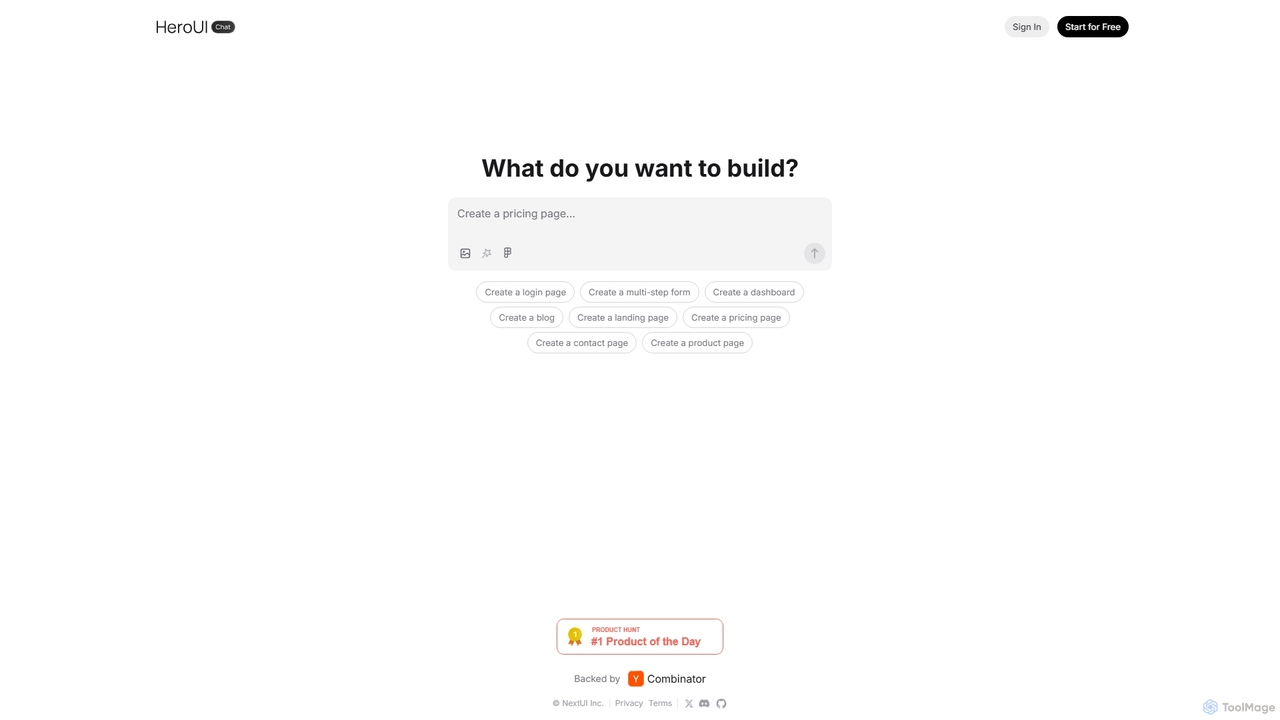
HeroUI Chat Overview
HeroUI Chat is a revolutionary AI-powered development assistant designed to streamline the process of creating user interfaces. Backed by Y Combinator and developed by the team behind NextUI, this tool leverages advanced AI models to translate natural language prompts into high-quality, production-ready UI code. By simply describing the desired component or page layout in a chat interface, users can instantly generate code built with the popular NextUI React library and styled with Tailwind CSS. This approach dramatically reduces the time and effort required for front-end development, allowing teams to move from idea to functional prototype in minutes.
The platform is engineered for both speed and quality. It understands a wide range of UI requests, from simple elements like buttons and forms to complex layouts like dashboards, pricing pages, and multi-step wizards. The generated code is not only visually appealing but also adheres to modern web standards, ensuring responsiveness, accessibility, and easy integration into existing React projects. HeroUI Chat serves as an invaluable co-pilot for developers, a rapid prototyping tool for designers, and a powerful learning resource for those new to NextUI and Tailwind CSS.
How to use HeroUI Chat
Using HeroUI Chat is designed to be an intuitive and straightforward process, mimicking a conversation with a skilled front-end developer:
- Visit the Website: Navigate to the HeroUI Chat homepage.
- Describe Your UI: In the chat input field, type a clear description of the UI component or page you want to build. For example, you could type "Create a login page with email and password fields, a 'Forgot Password' link, and a social login option with Google and GitHub," or "Generate a three-tier pricing page with a toggle for monthly/annual billing."
- Generate and Preview: The AI will process your request and generate the UI component in real-time, displaying a live preview directly in the interface.
- Inspect and Copy the Code: Once you are satisfied with the preview, you can access the underlying code. The tool provides clean, well-structured React (JSX) code using NextUI components and Tailwind CSS utility classes.
- Integrate into Your Project: Copy the generated code and paste it into your development environment. You can then customize it further to match your project's specific requirements and logic.
Core Features of HeroUI Chat
- Natural Language to UI Generation: The core functionality allows users to generate complex UI components simply by describing them in plain English.
- NextUI & Tailwind CSS Foundation: All generated components are built using NextUI, a modern and beautiful React UI library, and styled with the highly efficient Tailwind CSS, ensuring high-quality, consistent, and customizable results.
- Wide Range of Components: Capable of creating everything from basic elements (buttons, inputs) to complete page layouts (dashboards, landing pages, contact forms, product pages).
- Live Interactive Previews: Instantly visualize the generated UI, allowing for quick iteration and feedback without needing to run the code locally.
- Production-Ready Code: The output is clean, readable, and structured for easy integration into professional development workflows.
- Accelerated Prototyping: Enables designers and product managers to create high-fidelity, interactive prototypes without writing a single line of code.
Use Cases for HeroUI Chat
HeroUI Chat is a versatile tool suitable for various professionals and scenarios:
- Front-End Developers: To rapidly scaffold UI components, eliminate boilerplate code, and focus on complex application logic.
- UI/UX Designers: To quickly turn wireframes and mockups into interactive prototypes for user testing and stakeholder presentations.
- Product Managers: To create functional mockups to better communicate feature requirements to the development team.
- Startup Founders: To build landing pages, pricing tables, and initial product UIs quickly and with minimal resources.
- Students and Learners: To understand how to build modern UIs with best-in-class tools like NextUI and Tailwind CSS by seeing practical examples generated from prompts.
Advantages of HeroUI Chat
The primary advantage of HeroUI Chat is its incredible speed and efficiency. It can reduce the time spent on UI development by up to 90%, freeing up valuable resources. The tool democratizes UI creation, making it accessible to individuals with varying levels of coding expertise. By building on the robust foundation of NextUI, it guarantees that the output is not just fast but also high-quality, accessible, and follows a consistent design system. The conversational interface makes the development process more natural and enjoyable.
Pricing and Plans
HeroUI Chat operates on a freemium model, making it accessible to everyone.
- Free Plan: Users can generate a limited number of UI components per month at no cost. This is ideal for students, hobbyists, or professionals who want to evaluate the tool's capabilities.
- Pro Plan: For a monthly subscription, users gain access to significantly higher or unlimited generation limits, priority support, and potentially advanced features like team collaboration or API access. This plan is designed for professional developers, agencies, and businesses that rely on rapid UI development.
Traffic
Latest traffic
Status
Monthly traffic trend
- 2025-9: 59.4K
- 2026-1: 44.3K
- 2026-2: 34.8K
- 2026-3: 39.6K
- 2026-4: 33.2K
- 2026-5: 30.9K
Geography
Top 5 countries / regions
- 🇻🇳Vietnam28.5%
- 🇺🇸United States23.2%
- 🇮🇳India20.1%
- 🇩🇪Germany14.4%
- 🇧🇷Brazil13.9%
Top keywords
| Keyword | Cost per click |
|---|---|
| heroi pro chat | $0.00 |
| hero ui | $3.80 |
| heroui | $3.27 |
| hero ui pro chat design | $0.00 |
| hero ui sign up page | $0.00 |
HeroUI Chat Videos on YouTube


HeroUI Chat Alternatives
V0
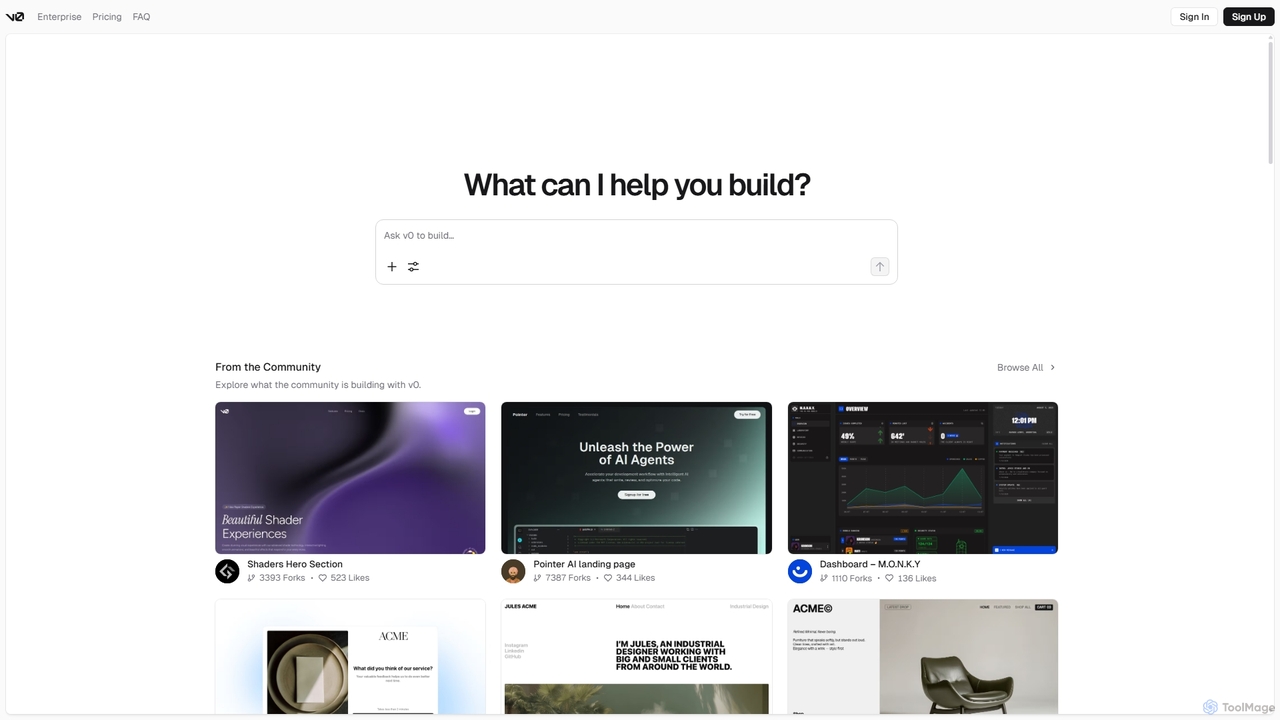
V0 by Vercel is a generative AI platform that transforms text prompts, screenshots, and Figma designs into production-ready frontend code. It acts as an AI pair-programmer, enabling users to rapidly build and iterate on UI components and full-stack applications using React, Svelte, and Vue. With its chat-based interface, it accelerates the development workflow for engineers, designers, and product managers, allowing for seamless deployment to the Vercel platform.
Ui Ux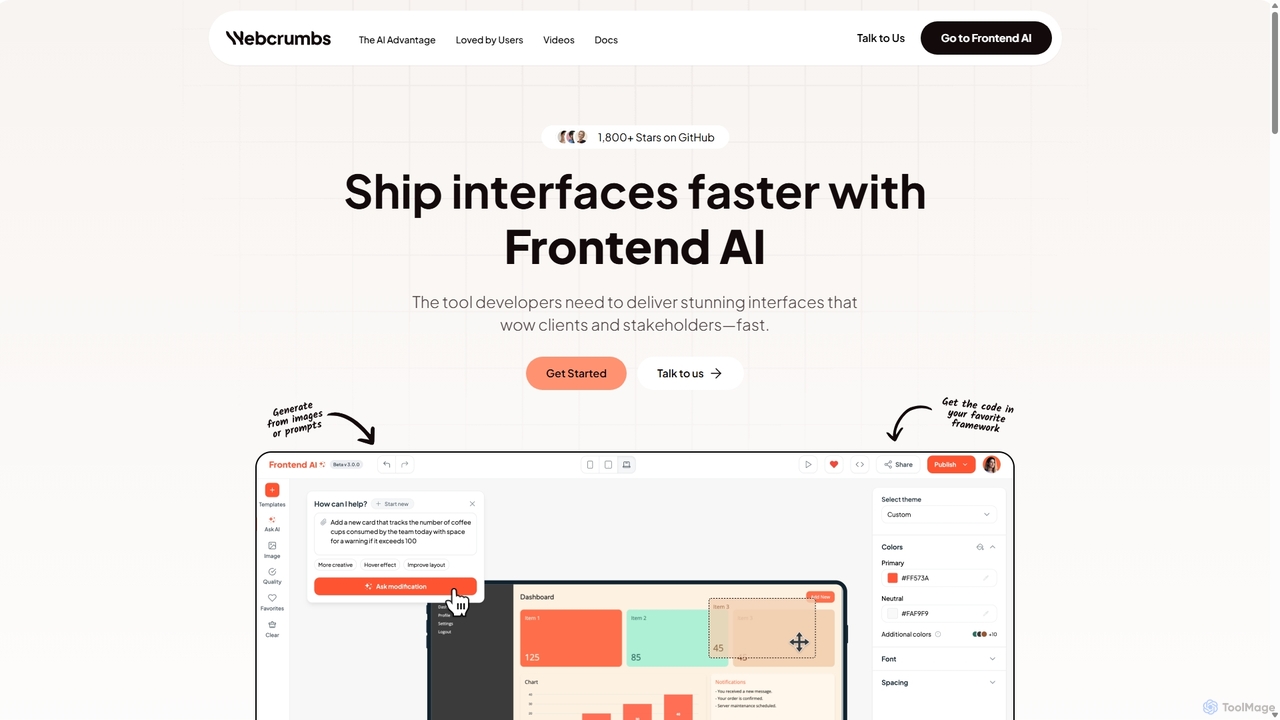
Webcrumbs
Webcrumbs is an AI-powered frontend development platform designed to accelerate UI creation. It combines a powerful prompt-to-code engine with a visual editor, enabling developers and designers to rapidly build, refine, and ship high-quality interface components. By translating natural language or images into clean, production-ready code, Webcrumbs streamlines the workflow, enhances collaboration, and ensures design consistency across projects.
Ui Ux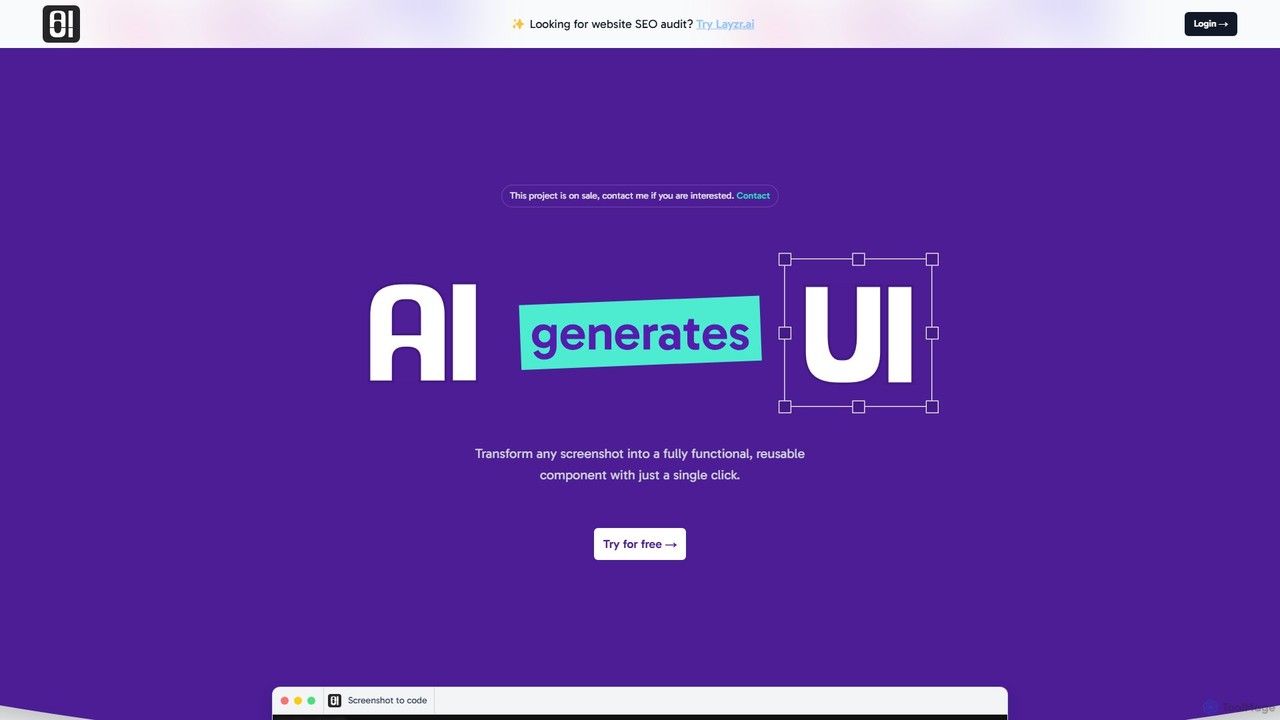
AIUI.me
AIUI.me is an AI-powered tool that transforms UI screenshots into clean, reusable code. With a single click, developers and designers can convert any design image into fully functional React.js and TailwindCSS components. This streamlines the frontend development workflow, saving hours of manual coding and accelerating project delivery from prototype to production.
Ui Ux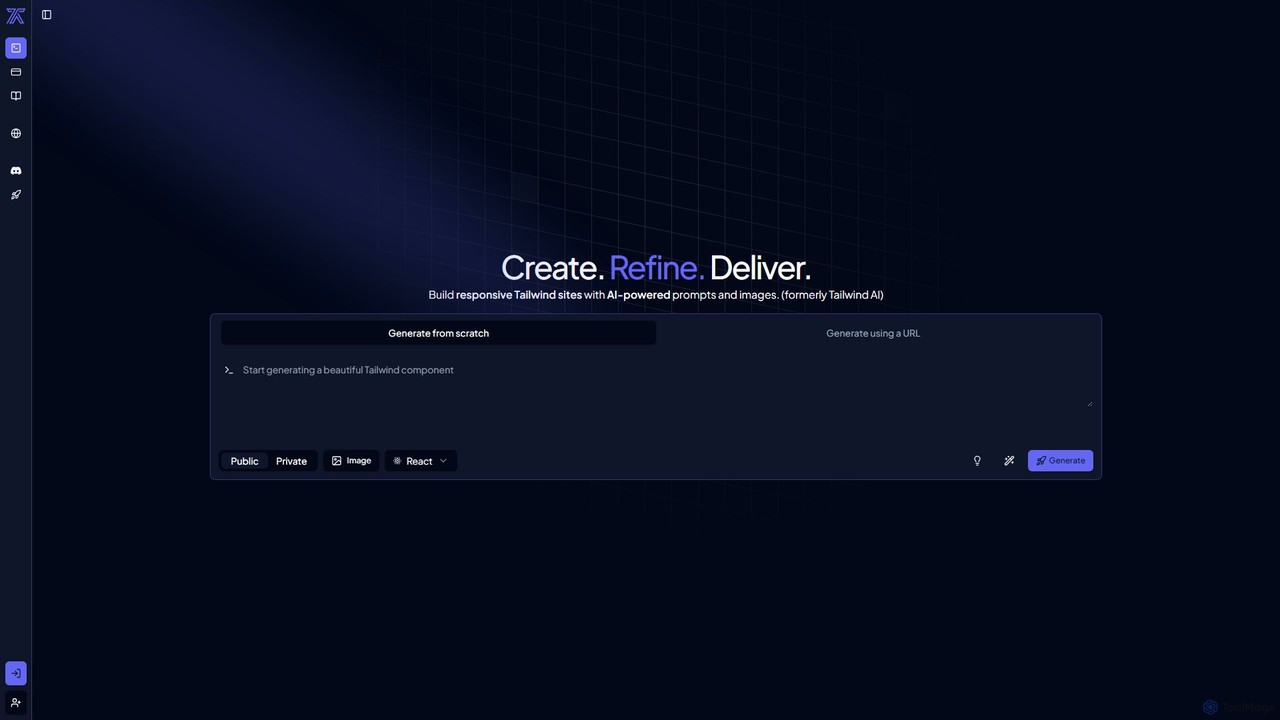
CodeRocket
CodeRocket is an AI-powered development tool that generates responsive websites and components using Tailwind CSS. Simply provide a text prompt, an image, or a URL, and CodeRocket will generate clean, ready-to-use code for HTML, React, and Vue.js. It's designed to accelerate frontend development, from rapid prototyping to building complete user interfaces.
Ui Ux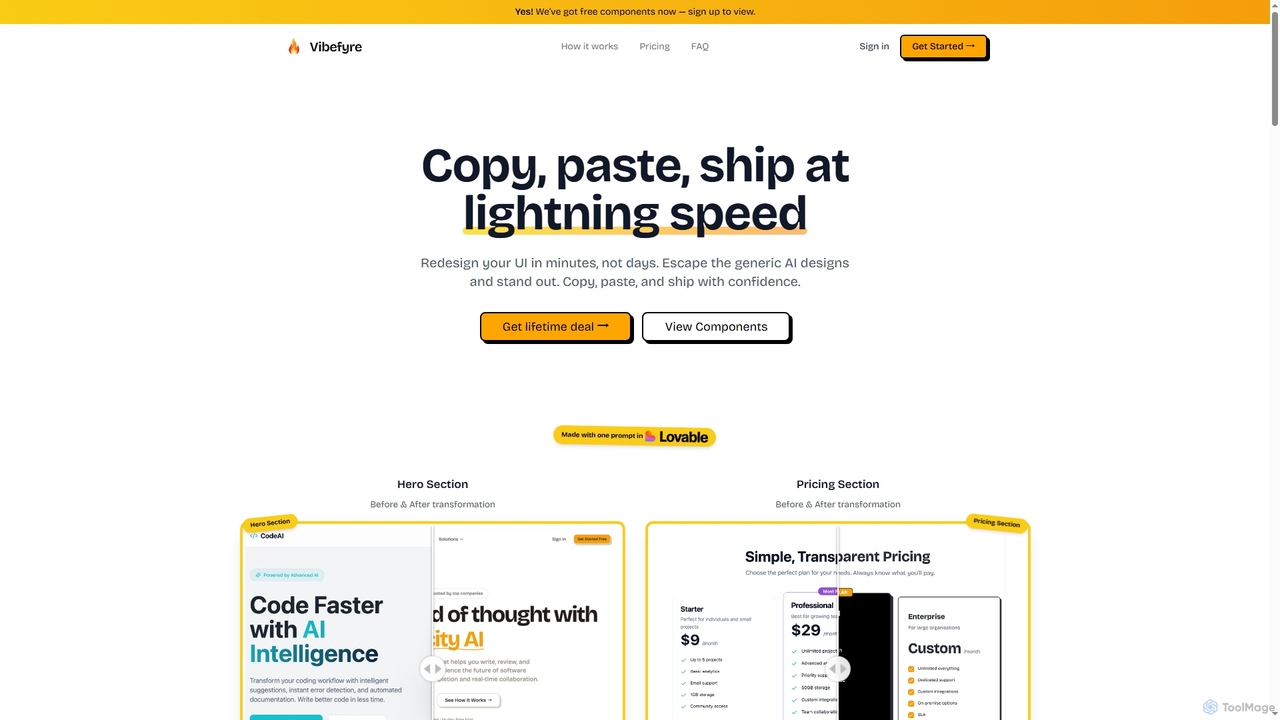
Vibefyre
Vibefyre is an AI-powered UI kit designed to accelerate web development by providing high-quality, pre-designed components and prompts. It enables developers to quickly generate unique and consistent user interfaces using their favorite AI coding tools, significantly reducing design and development time for React/TSX applications.
Web DesignHeroUI Chat Categories
HeroUI Chat Jobs
HeroUI Chat Embed Widget
Copy this embed code to place the badge on your blog, article, or product site and send readers directly to this ToolMage detail page.

Related AI tools
V0
V0 by Vercel is a generative AI platform that transforms text prompts, screenshots, and Figma designs into production-ready frontend code. It acts as an AI pair-programmer, enabling users to rapidly build and iterate on UI components and full-stack applications using React, Svelte, and Vue. With its chat-based interface, it accelerates the development workflow for engineers, designers, and product managers, allowing for seamless deployment to the Vercel platform.
Ui UxWebcrumbs
Webcrumbs is an AI-powered frontend development platform designed to accelerate UI creation. It combines a powerful prompt-to-code engine with a visual editor, enabling developers and designers to rapidly build, refine, and ship high-quality interface components. By translating natural language or images into clean, production-ready code, Webcrumbs streamlines the workflow, enhances collaboration, and ensures design consistency across projects.
Ui Ux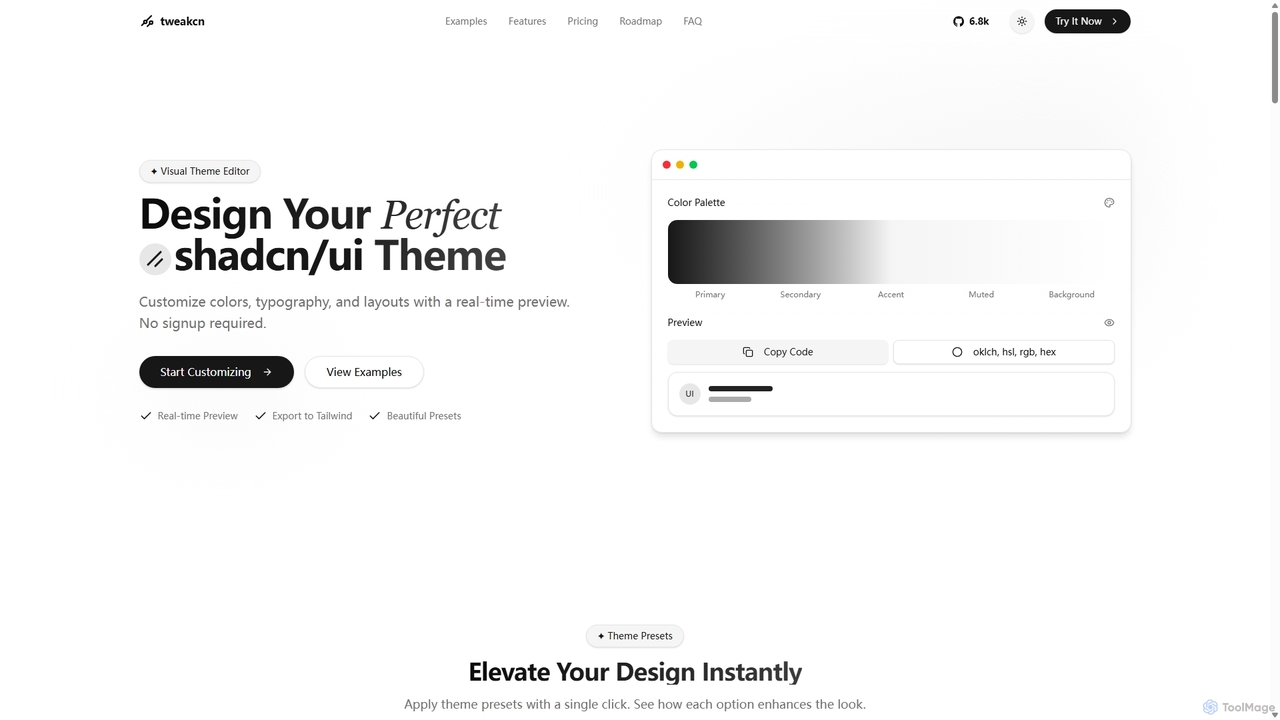
Tweakcn
Tweakcn is a visual theme editor and AI-powered generator for shadcn/ui and Tailwind CSS. It allows developers and designers to create, customize, and preview beautiful, accessible themes in real-time. Features include AI theme generation from text or images, a vast library of presets, and direct code export for seamless integration.
Ui KitCodeRocket
CodeRocket is an AI-powered development tool that generates responsive websites and components using Tailwind CSS. Simply provide a text prompt, an image, or a URL, and CodeRocket will generate clean, ready-to-use code for HTML, React, and Vue.js. It's designed to accelerate frontend development, from rapid prototyping to building complete user interfaces.
Ui Ux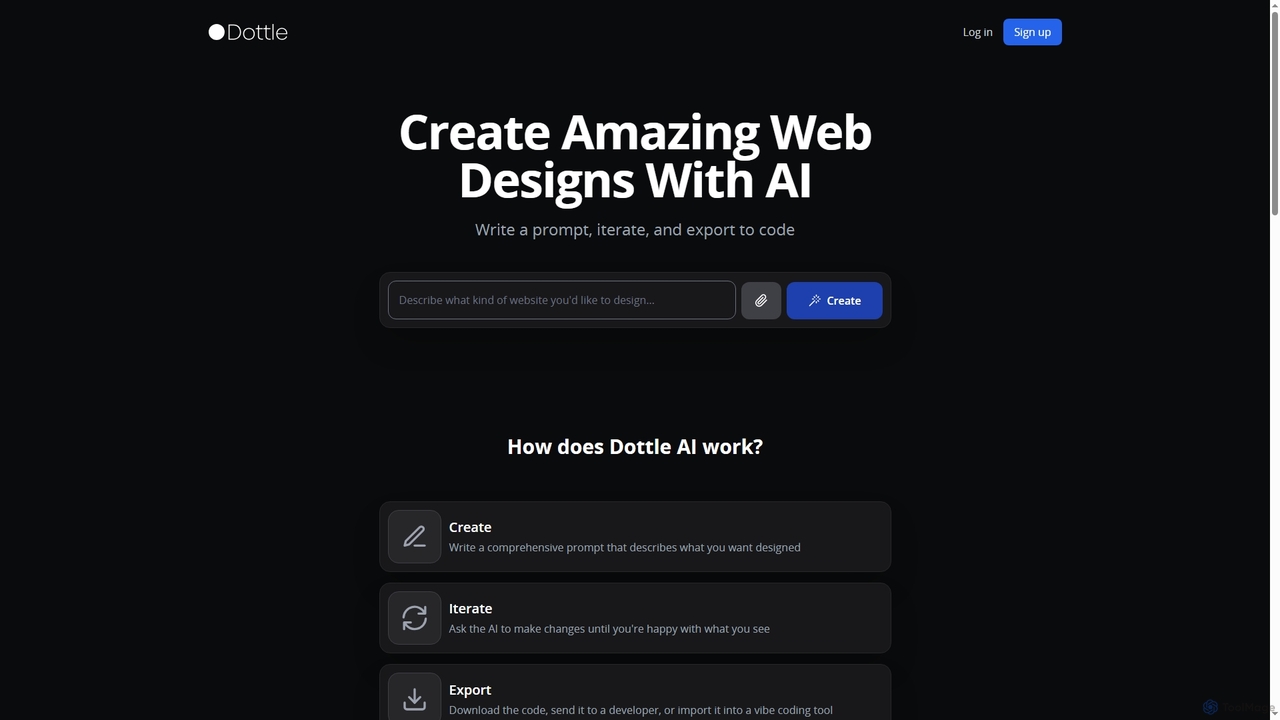
Dottle
Dottle is an AI-powered web design tool that transforms text prompts into professional web designs and code. It enables users to quickly generate, iterate, and export high-quality HTML/CSS, React, Vue, or Angular code, eliminating the need for traditional design tools or extensive coding knowledge.
Web Design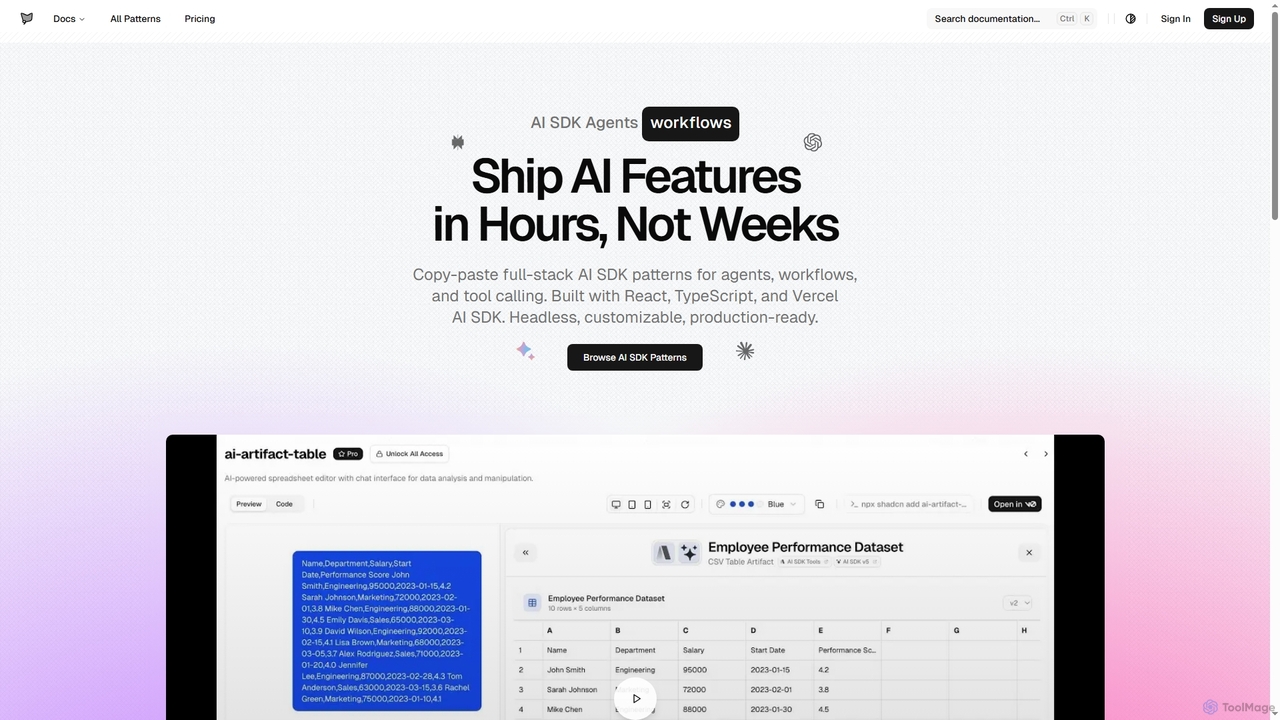
AI SDK Agents
AI SDK Agents provides production-ready React components for rapidly building AI applications. Leverage copy-paste patterns for agents, workflows, tool calling, and streaming responses, built with React, TypeScript, and Vercel AI SDK. Accelerate your AI feature development from weeks to hours, ensuring customizable and headless integration into your projects.
Ui Components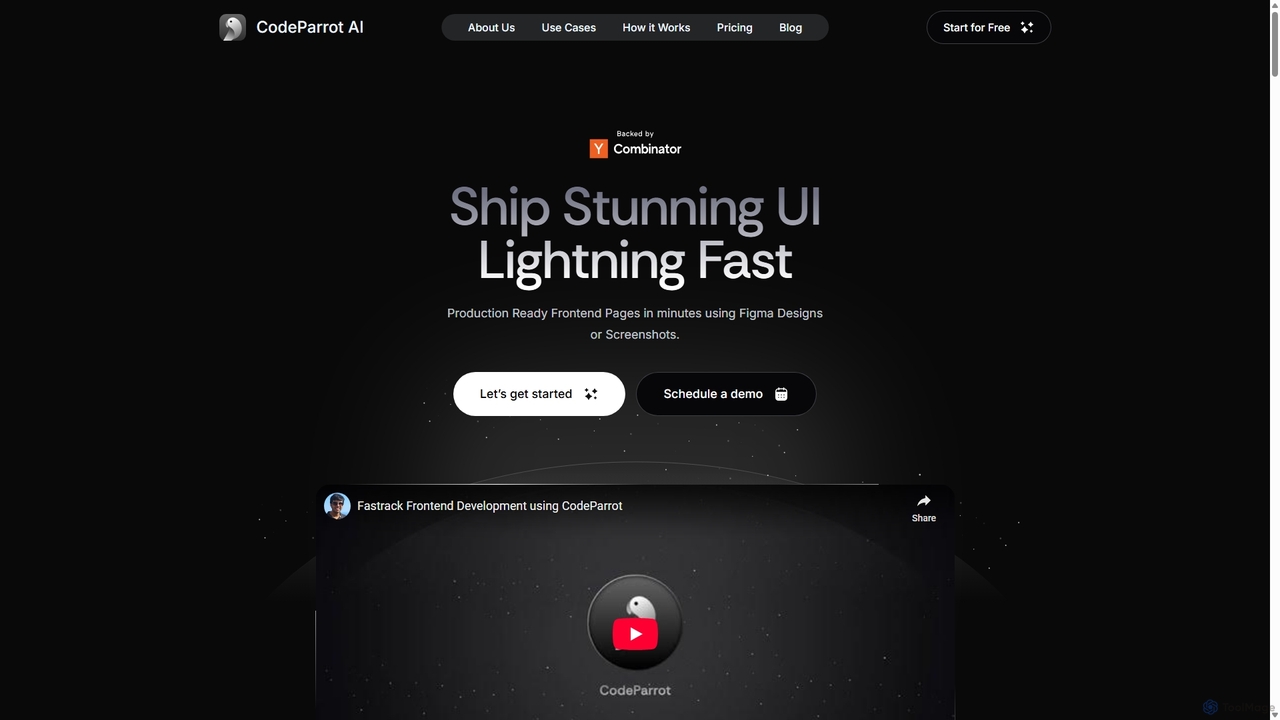
CodeParrot
CodeParrot is an AI-powered copilot that transforms Figma designs and screenshots into production-ready frontend code. It intelligently understands your existing codebase, reuses components, and adheres to your coding standards, dramatically accelerating UI development for frameworks like React, Vue, and Angular.
Design To Code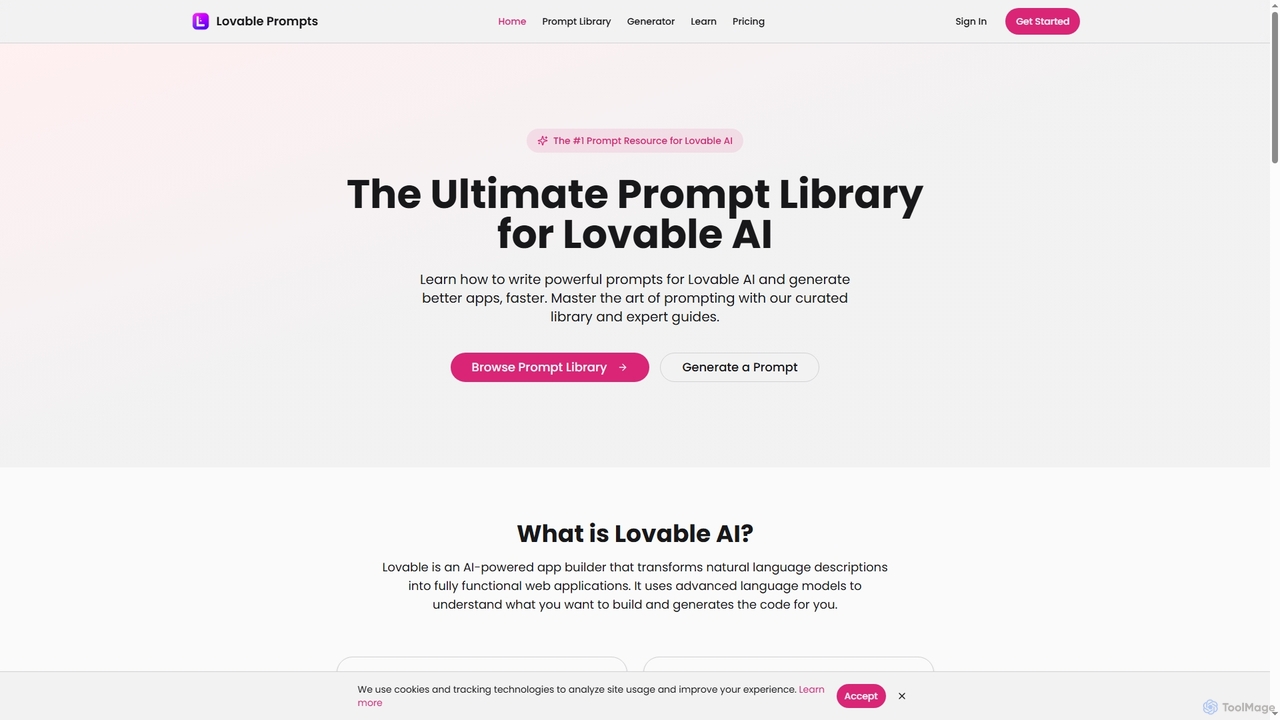
Lovable Prompts
Lovable Prompts is the premier resource for crafting effective prompts for Lovable AI, an advanced AI app builder. It offers a comprehensive library of curated prompts and an AI-powered generator to help users quickly create functional web applications in React, TypeScript, and Tailwind CSS. Master prompt engineering to accelerate app development and achieve superior results.
Code Generation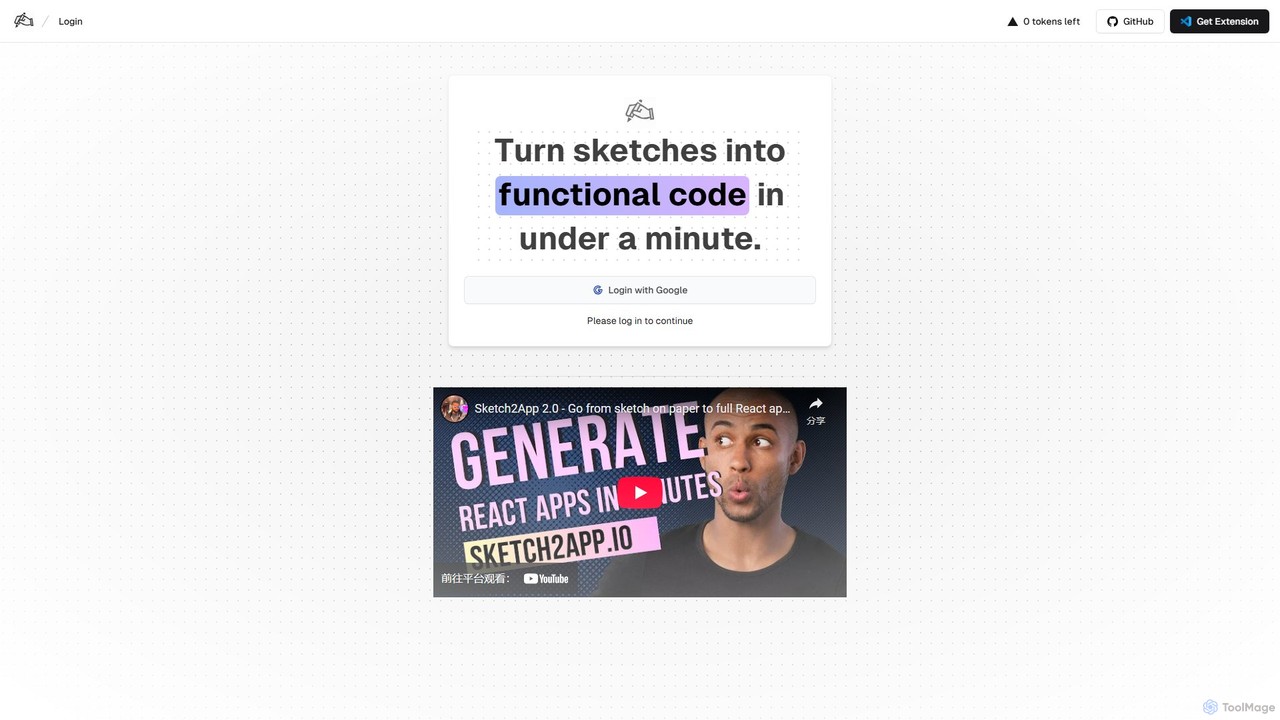
Sketch2App
Sketch2App is an AI-powered tool that transforms hand-drawn sketches and wireframes into functional, clean front-end code in under a minute. It accelerates the development process by automating the conversion of visual ideas into interactive prototypes and application skeletons, supporting popular frameworks.
PrototypingAIUI.me
AIUI.me is an AI-powered tool that transforms UI screenshots into clean, reusable code. With a single click, developers and designers can convert any design image into fully functional React.js and TailwindCSS components. This streamlines the frontend development workflow, saving hours of manual coding and accelerating project delivery from prototype to production.
Ui Ux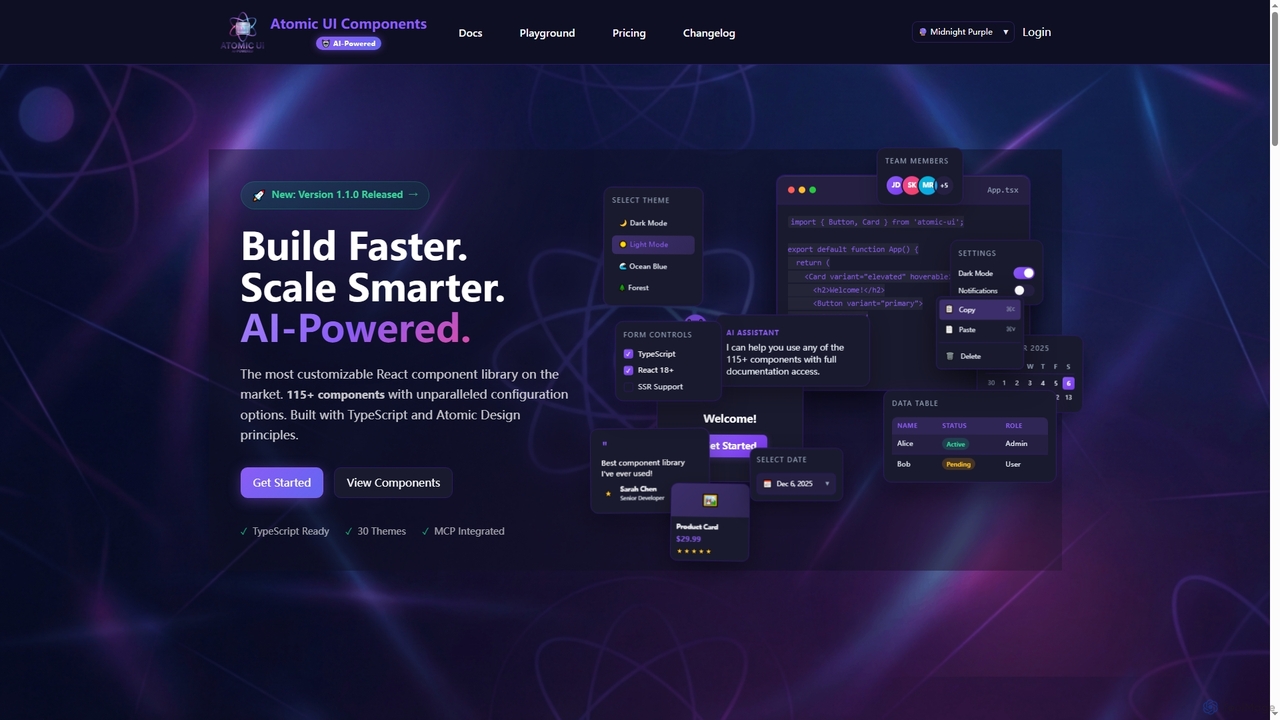
AtomicComponents
AtomicComponents is an AI-powered React component library designed for building modern, scalable, and accessible user interfaces faster. It offers over 115 highly customizable components, 30 built-in themes, and seamless integration with AI assistants like Claude and GitHub Copilot via its Model Context Protocol (MCP) server.
Design Systems
Magic Patterns
Magic Patterns is an AI-powered prototyping platform for product teams, designers, and developers. It accelerates UI creation by generating interactive prototypes and production-ready code (React, Tailwind CSS) from text prompts, screenshots, or existing websites. It helps teams iterate faster, gather user feedback, and make data-driven decisions.
Prototyping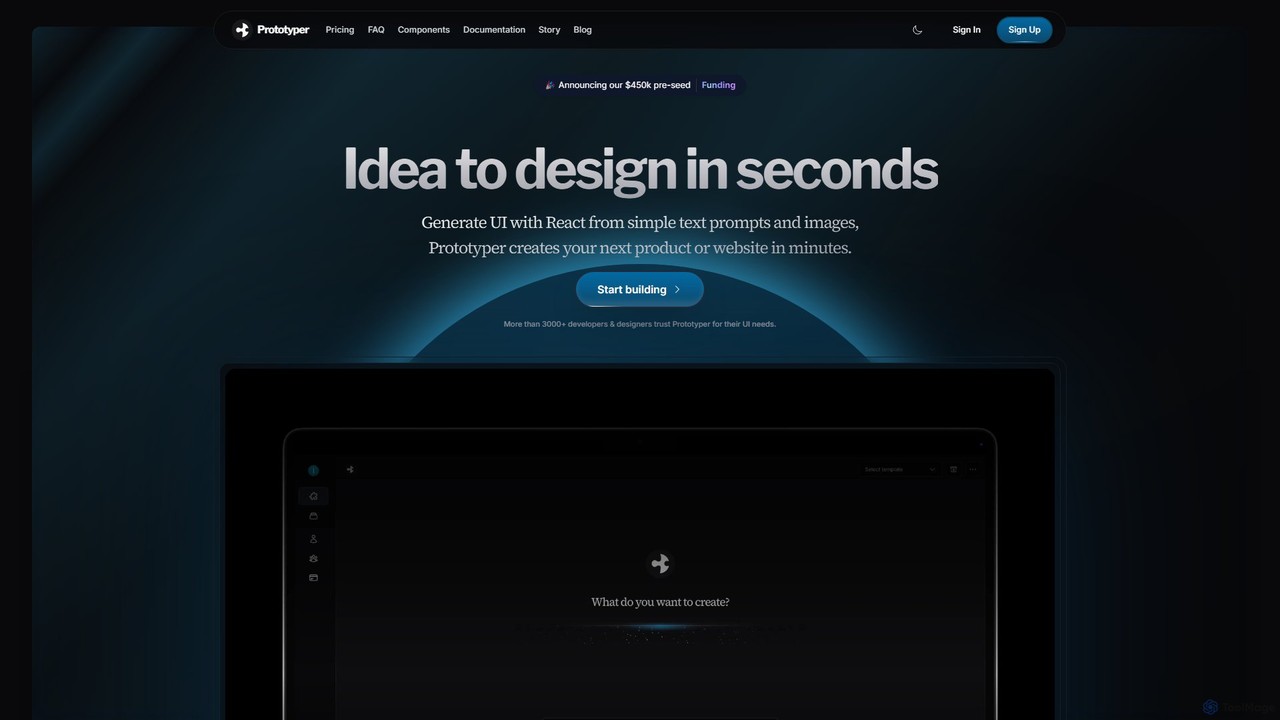
getaprototype
getaprototype is an AI-powered UI design and prototyping tool that transforms text prompts and images into production-ready React and Tailwind CSS code. It enables developers and designers to rapidly generate, test, and iterate on user interfaces, significantly accelerating the development workflow from idea to deployment.
UiVibefyre
Vibefyre is an AI-powered UI kit designed to accelerate web development by providing high-quality, pre-designed components and prompts. It enables developers to quickly generate unique and consistent user interfaces using their favorite AI coding tools, significantly reducing design and development time for React/TSX applications.
Web Design
Relume
Relume is an AI-powered platform that accelerates the website design and building process. It enables users to generate sitemaps and wireframes from a simple prompt, create comprehensive style guides, and access a vast library of over 1000+ components. With seamless export to Figma, Webflow, and React, Relume streamlines the entire workflow for designers, developers, and agencies, turning ideas into high-fidelity designs in minutes.
Website Builder
HeroUI Chat Comments (0)
Sign in to comment.
Sign inNo comments yet.