Plugly Link
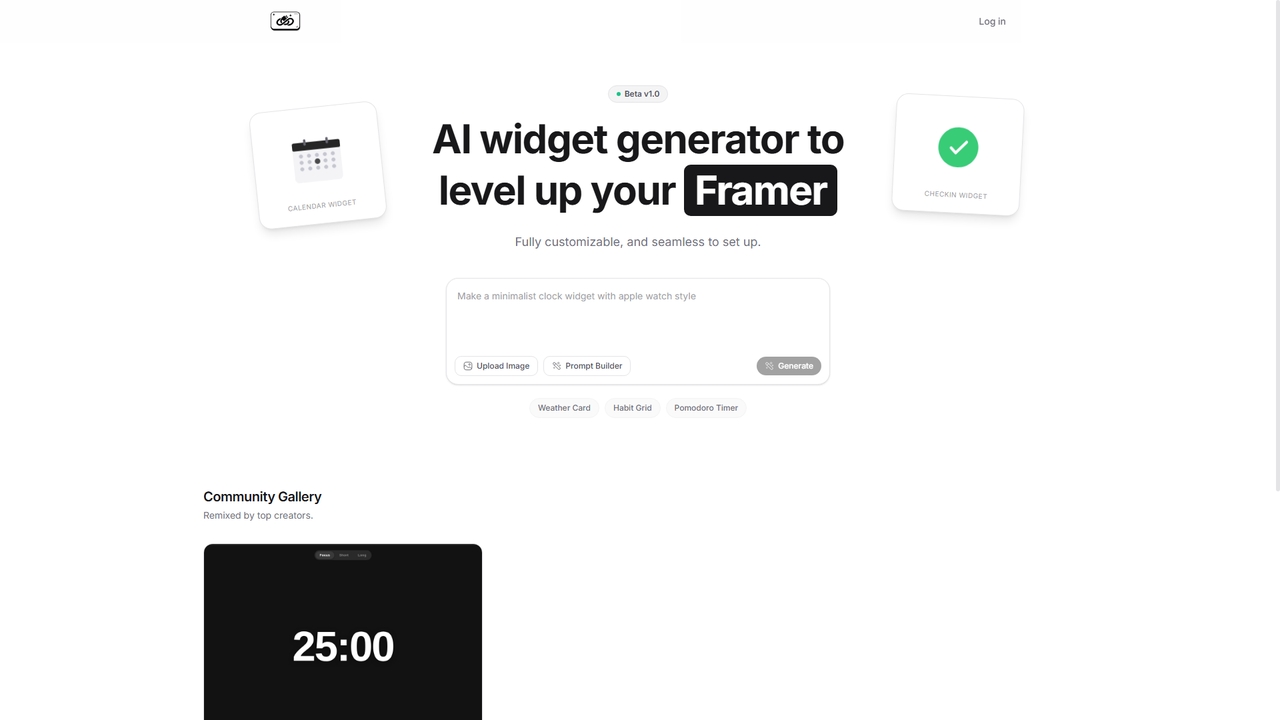
Plugly Link is an AI-powered widget generator designed to enhance Framer websites. It allows users to create and …
Plugly Link is an AI-powered widget generator designed to enhance Framer websites. It allows users to create and embed custom, interactive widgets such as calendars, check-in forms, weather cards, habit trackers, and productivity timers without coding. The tool offers a prompt-based builder for personalized widget creation and features a community gallery for inspiration.
AI SDK Agents
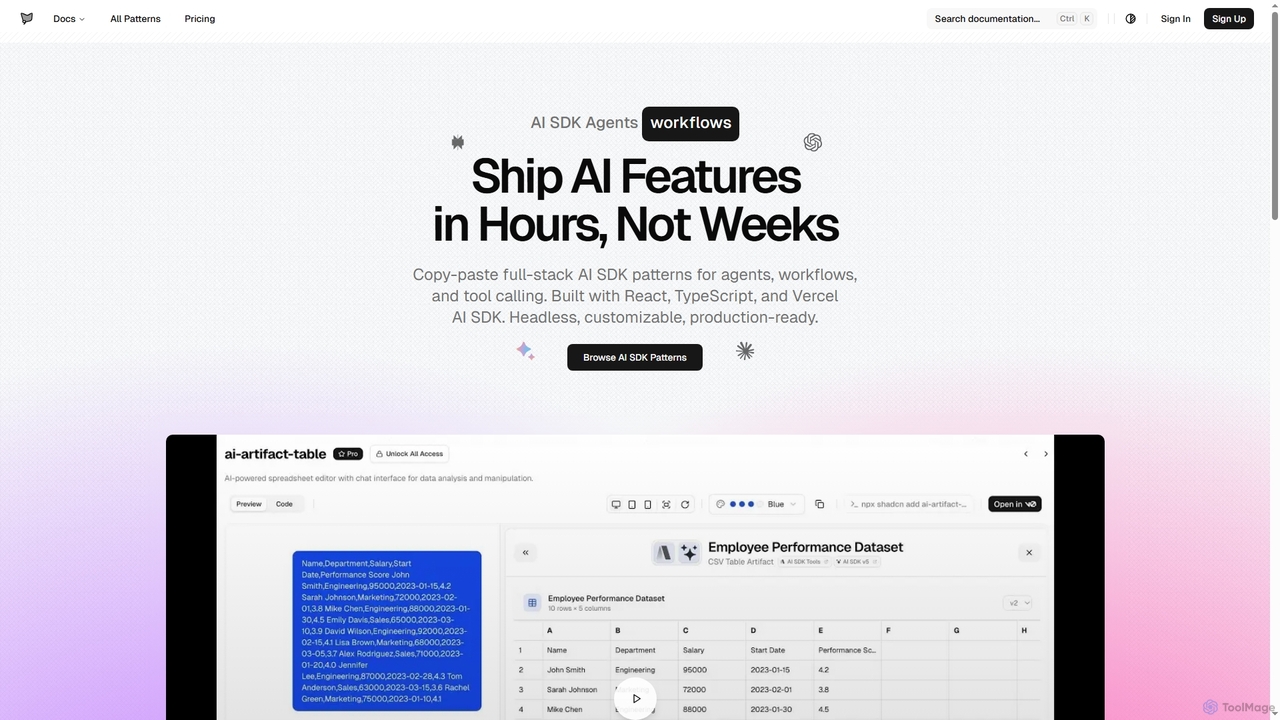
AI SDK Agents provides production-ready React components for rapidly building AI applications. Leverage copy-paste patterns for agents, workflows, …
AI SDK Agents provides production-ready React components for rapidly building AI applications. Leverage copy-paste patterns for agents, workflows, tool calling, and streaming responses, built with React, TypeScript, and Vercel AI SDK. Accelerate your AI feature development from weeks to hours, ensuring customizable and headless integration into your projects.
About Ui Components
AI UI Components are tools that automatically generate user interface elements from text prompts, sketches, or design system rules. These tools leverage machine learning models trained on vast datasets of design patterns and code to interpret user requests and produce ready-to-use assets. They significantly accelerate the design and development workflow by instantly creating everything from simple buttons to complex data tables. This allows teams to move from idea to interactive prototype or production-ready code in a fraction of the time.
Core Features
- Prompt-Based Generation: Creates UI elements from natural language descriptions (e.g., "a dark-themed login form").
- Image-to-Code Conversion: Transforms wireframes, sketches, or screenshots into functional code components.
- Design System Adherence: Generates components that automatically conform to predefined brand guidelines and styles.
- Multi-Framework Export: Provides code output compatible with popular frameworks like React, Vue, Svelte, and HTML/CSS.
- Iterative Refinement: Allows users to modify and improve generated components with follow-up prompts.
Use Cases
AI UI Component tools are primarily used by front-end developers, UI/UX designers, and product managers. They are invaluable for rapid prototyping, allowing teams to quickly build and test different interface ideas. Developers use them to eliminate boilerplate code and accelerate the creation of component libraries, while designers can use them to quickly generate design variations consistent with their system.
How to Choose
When selecting an AI UI Component tool, consider the output format; ensure it supports your target framework (e.g., React, Vue) or design tool (e.g., Figma). Evaluate the quality and cleanliness of the generated code or design. Assess its integration capabilities with your existing design system and development workflow. Finally, test the AI's ability to understand complex and nuanced prompts accurately.
Ui ComponentsUse Cases
Rapid Prototyping for a New App Feature
A product manager needs to visualize a new user onboarding flow. Instead of waiting for design mockups, they use an AI UI Component tool. They input prompts like "Create a welcome screen with a logo, a headline 'Welcome to MyApp', and a 'Get Started' button." followed by "Design a three-step progress indicator." The tool generates the components instantly, allowing the manager to assemble a clickable prototype in a tool like Figma, gather early feedback, and validate the user journey within hours, not days.
Accelerating Front-End Development
A front-end developer is tasked with building a new settings page. They take a screenshot of the Figma design and upload it to an image-to-code AI tool. The tool analyzes the image and generates the corresponding React components with HTML structure and CSS styling. While the generated code may require minor adjustments for state management and API integration, it saves the developer approximately 60-70% of the time they would have spent on writing boilerplate UI code, allowing them to focus on complex application logic.
Maintaining Design System Consistency
A design team manages a large design system for their company. When a new component variant is requested, such as a 'destructive action button with an icon', they use their AI component tool which is integrated with their system. They input the prompt, and the AI generates the new button variant, automatically applying the correct brand colors, typography, spacing, and accessibility attributes defined in their design tokens. This ensures consistency and significantly reduces the manual effort of creating and documenting new variants.
Building Internal Dashboards Quickly
An operations team needs a simple dashboard to track daily metrics, but developer resources are limited. A tech-savvy team member uses a no-code platform with an integrated AI UI component generator. They describe the needed components: "A data table with columns for Date, Metric A, and Metric B," and "A line chart showing Metric A over time." The AI generates these components, which they can then connect to a data source (like a Google Sheet) to create a functional, customized internal tool in an afternoon.
Creating Marketing Landing Pages
A marketer needs to launch a campaign with a new landing page quickly. Using an AI UI component tool, they generate sections by describing them: "A hero section with a large headline, a short paragraph, and a call-to-action button," "A three-column feature list with icons and descriptions," and "A simple contact form with name, email, and message fields." They assemble these generated components in a page builder, update the text and images, and publish the page in under an hour, allowing for rapid A/B testing of different layouts.
Converting Legacy Designs to Modern Frameworks
A development team is tasked with modernizing an old web application built with outdated technology. Instead of manually recreating each UI element in a new framework like Vue.js, they use an AI tool. They take screenshots of the old application's components—buttons, forms, navigation bars—and feed them into the AI. The tool generates the equivalent Vue.js components, preserving the visual style. This process drastically reduces the time needed for the UI portion of the migration, allowing the team to focus on backend and logic updates.