
Reweb Overview
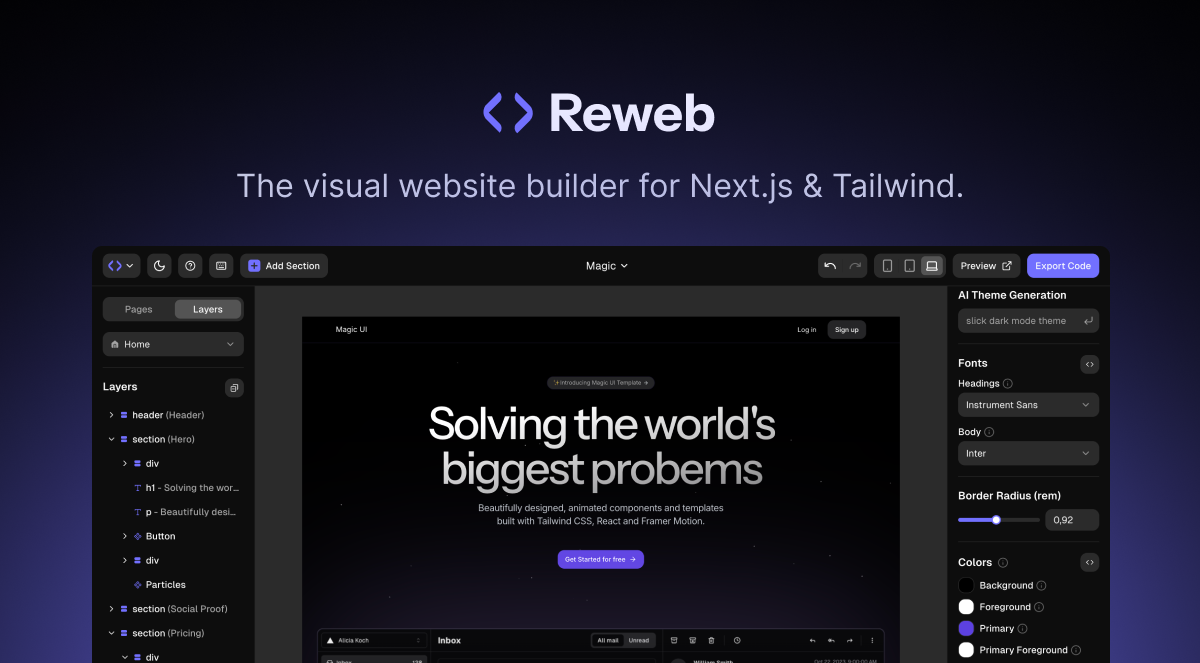
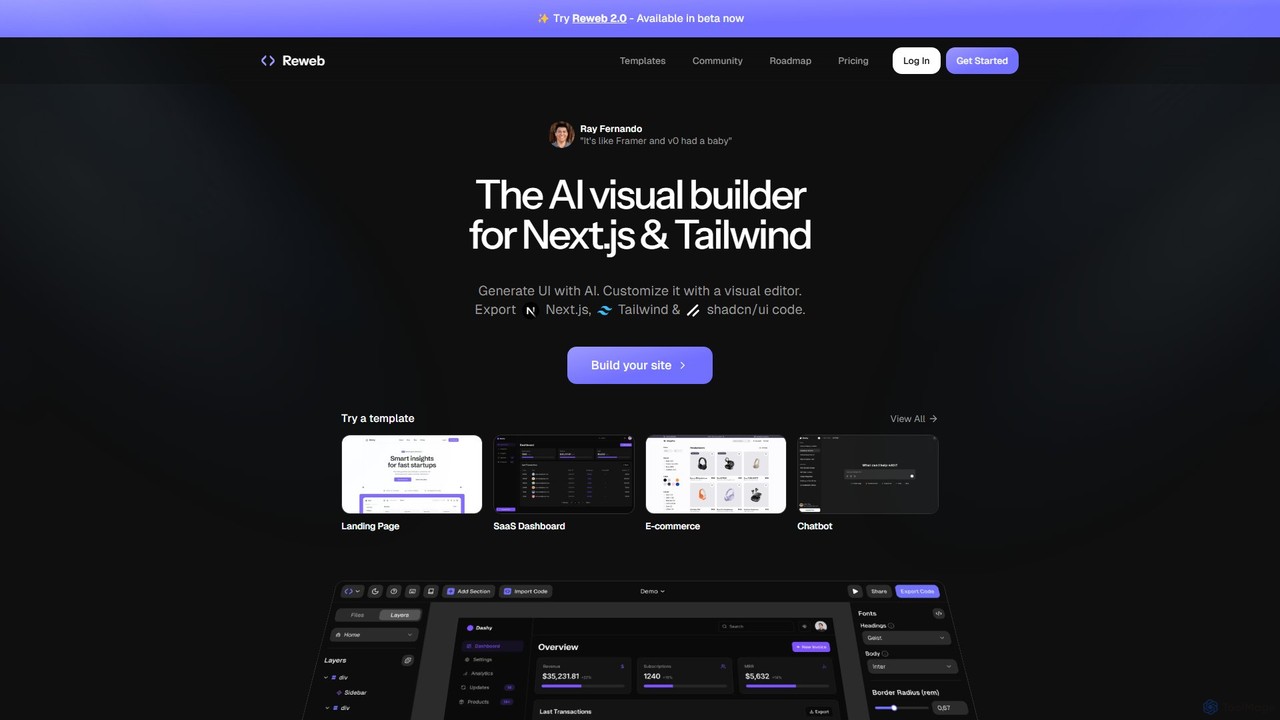
Reweb is a revolutionary AI visual builder crafted specifically for developers working with modern web technologies. It aims to streamline the entire frontend development process by merging the speed of visual editing with the power and flexibility of code. Trusted by over 20,000 developers, Reweb is often described as the perfect hybrid of tools like Framer and AI code generators like v0, offering the best of both worlds.
The platform's core philosophy is to supercharge your development workflow. Instead of starting from a blank screen, you can leverage AI to generate complex UI components and even entire page layouts from simple text prompts or by uploading an image. This generated UI serves as a high-quality starting point, which can then be infinitely customized. The exported code is not a black box; it's clean, readable, and idiomatic Next.js, Tailwind CSS, and shadcn/ui code that developers can easily understand, extend, and host anywhere.
How to use Reweb
The workflow in Reweb is designed to be intuitive and efficient for developers:
- Generate with AI: Start your project by describing the UI you want in a text prompt or by uploading a design image. Reweb's AI will generate the corresponding components with Next.js and Tailwind CSS.
- Customize Visually: Use the powerful visual editor, which is finely tuned for Tailwind CSS and shadcn/ui. You can adjust styles, layout, and properties using intuitive controls. For non-developers or for quick edits, no-code controls are available to style components without writing any CSS classes.
- Import from Figma: Seamlessly import your existing designs from Figma. Reweb will convert them into components that you can then customize and prepare for code export.
- Build with Reusable Components: Just like in a React project, you can create your own custom, reusable UI components directly within the editor, ensuring consistency and speeding up future development.
- Export High-Quality Code: Once you are satisfied with your design, export the project. You will receive clean, production-grade code built with Next.js, Tailwind CSS, and shadcn/ui. You can use the CLI for even more streamlined exporting.
Core Features of Reweb
- Generative UI: Create components and layouts from text prompts or images, eliminating the blank-canvas problem.
- Tailwind Visual Editor: A best-in-class visual editor designed specifically for the nuances of Tailwind CSS and shadcn/ui.
- High-Quality Code Export: Get clean, maintainable, and production-ready Next.js code that you can own and host anywhere.
- Templates & Sections: Kickstart your project with a library of beautifully designed and fully customizable templates for landing pages, SaaS dashboards, e-commerce sites, and more.
- Custom Components: Build your own reusable components visually, mirroring the component-based architecture of React.
- Figma Import: Convert your Figma designs into functional code with ease.
- Themes Library: Choose from a set of pre-built themes or use AI to generate a custom color palette and style for your project.
- No-Code Controls: An accessible way for anyone on the team to make stylistic changes without needing to know Tailwind CSS.
Use Cases for Reweb
Reweb is versatile and ideal for a variety of projects, including:
- Rapid Prototyping: Quickly build and iterate on UI concepts and present functional prototypes.
- Landing Page Development: Effortlessly create stunning and responsive landing pages with custom designs.
- SaaS Application Dashboards: Build complex dashboards and internal tools with pre-built components and templates.
- E-commerce Sites: Design and develop user interfaces for online stores.
- Component Libraries: Create and manage a consistent set of UI components for your team or project.
Advantages of Reweb
Reweb stands out by offering a unique combination of speed and control. Unlike traditional no-code builders like Webflow or Framer, Reweb provides full code ownership, allowing you to export and customize without limits. Compared to pure AI code generators, its powerful visual editor provides a much-needed layer of granular control and customization. This developer-first approach ensures that the final output is not just visually appealing but also technically sound and easy to maintain.
Pricing and Plans
Reweb offers a flexible pricing structure to suit different needs:
- Hobby (Free): Perfect for exploring the platform. Includes 1 user, 2 projects, 5 code exports, and limited access to Reweb AI.
- Pro ($12/month): Designed for solo developers and designers. Includes everything in Hobby, plus unlimited projects, 10x higher AI limits, unlimited code exports, CLI export, and no Reweb branding.
- Team ($20/month per user): Ideal for collaborative teams. Includes all Pro features, plus team member invitations, even higher AI limits, priority support, and centralized billing.
A 30% discount is available for annual subscriptions.
Traffic
Latest traffic
Status
Monthly traffic trend
- 2025-9: 10.4K
- 2026-1: 6.5K
- 2026-2: 5.0K
- 2026-3: 6.3K
- 2026-4: 4.2K
- 2026-5: 2.9K
Geography
Top 5 countries / regions
- 🇺🇸United States78.2%
- 🇩🇪Germany21.8%
Top keywords
| Keyword | Cost per click |
|---|---|
| reweb | $4.05 |
| reweb builder | $0.00 |
| reweb io | $0.00 |
Reweb Alternatives
Windframe
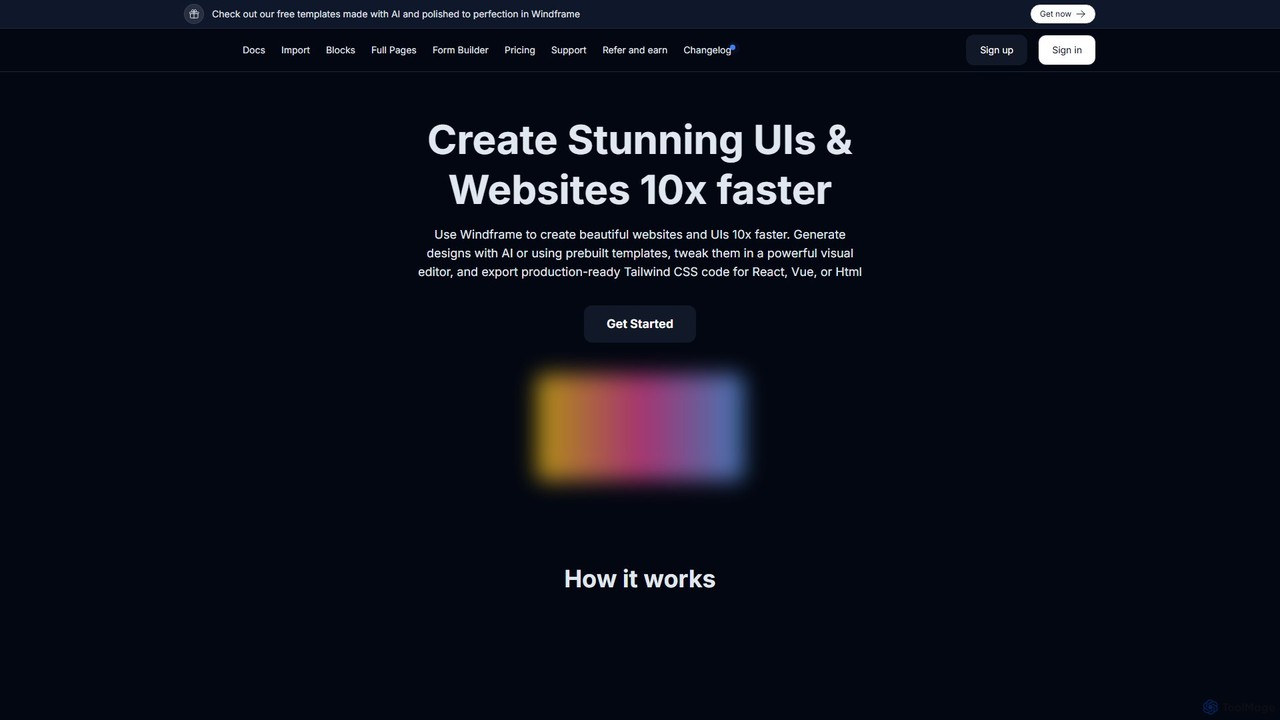
Windframe is an AI-powered visual editor and builder for Tailwind CSS, designed to accelerate UI and website development. It allows users to generate designs with AI prompts, utilize over 1000 pre-built templates, and visually edit projects in real-time. Export production-ready code for React, Vue, HTML, and more, streamlining the workflow for developers, designers, and teams.
Ui Ux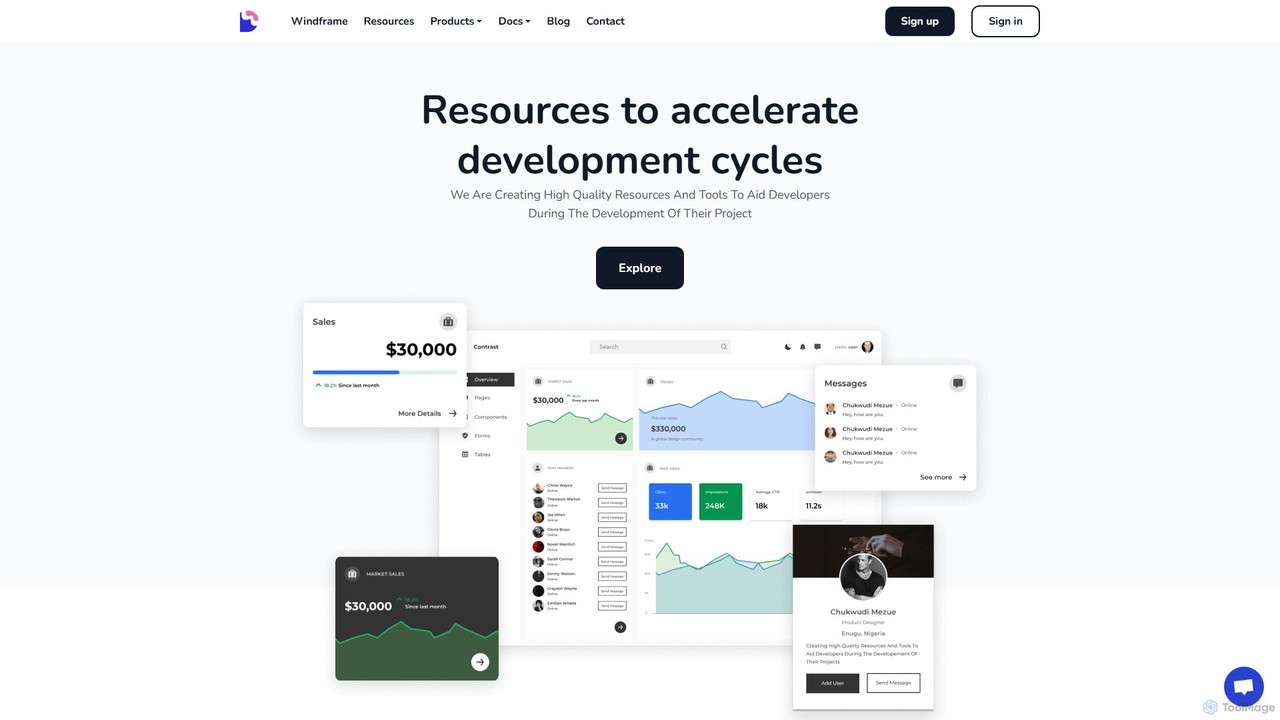
Devwares
Devwares is a comprehensive platform offering tools and resources for developers and designers. Its flagship product, Windframe, is an AI-powered visual builder for Tailwind CSS that accelerates UI and website creation by 10x. Generate designs with AI prompts, use a drag-and-drop editor, and access a vast library of templates to build and export production-ready code for React, Vue, and more.
Ui Ux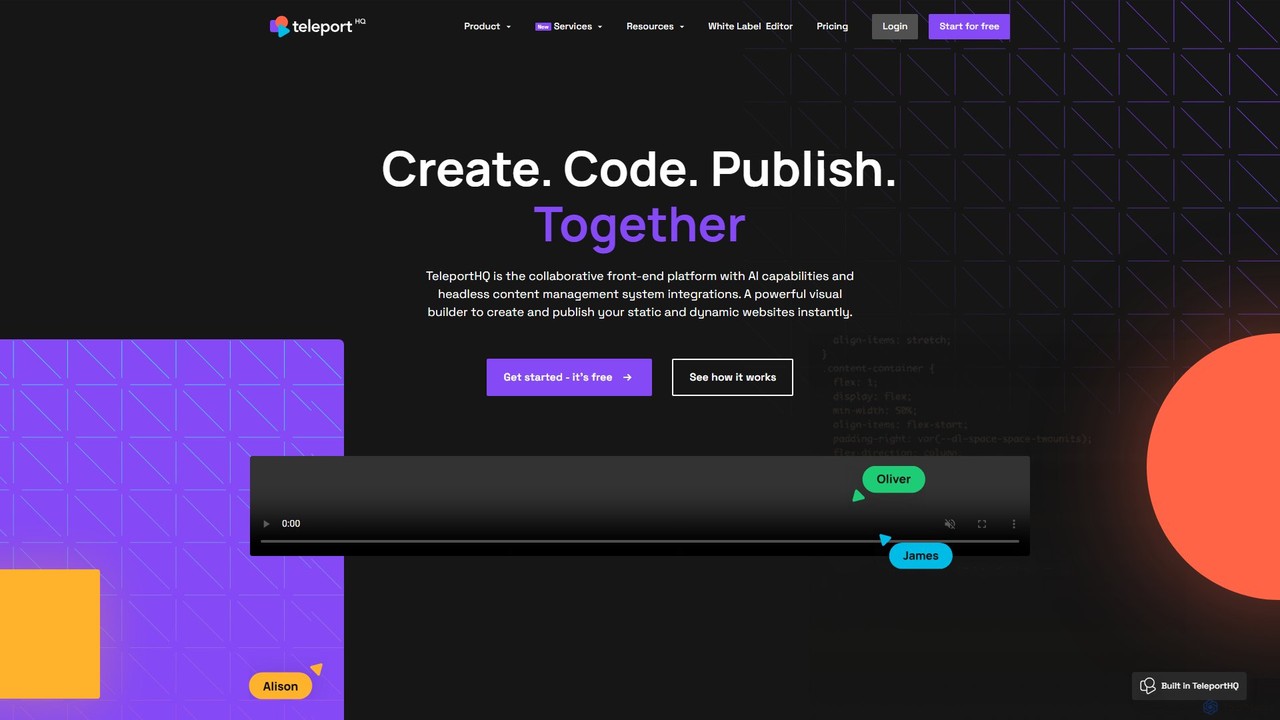
TeleportHQ
TeleportHQ is a collaborative low-code platform that streamlines front-end development. It features an AI website builder, Figma to code conversion, and real-time collaboration tools. Users can visually build responsive websites and UIs, generate clean code for multiple frameworks (React, Vue, etc.), and deploy seamlessly.
Ui Ux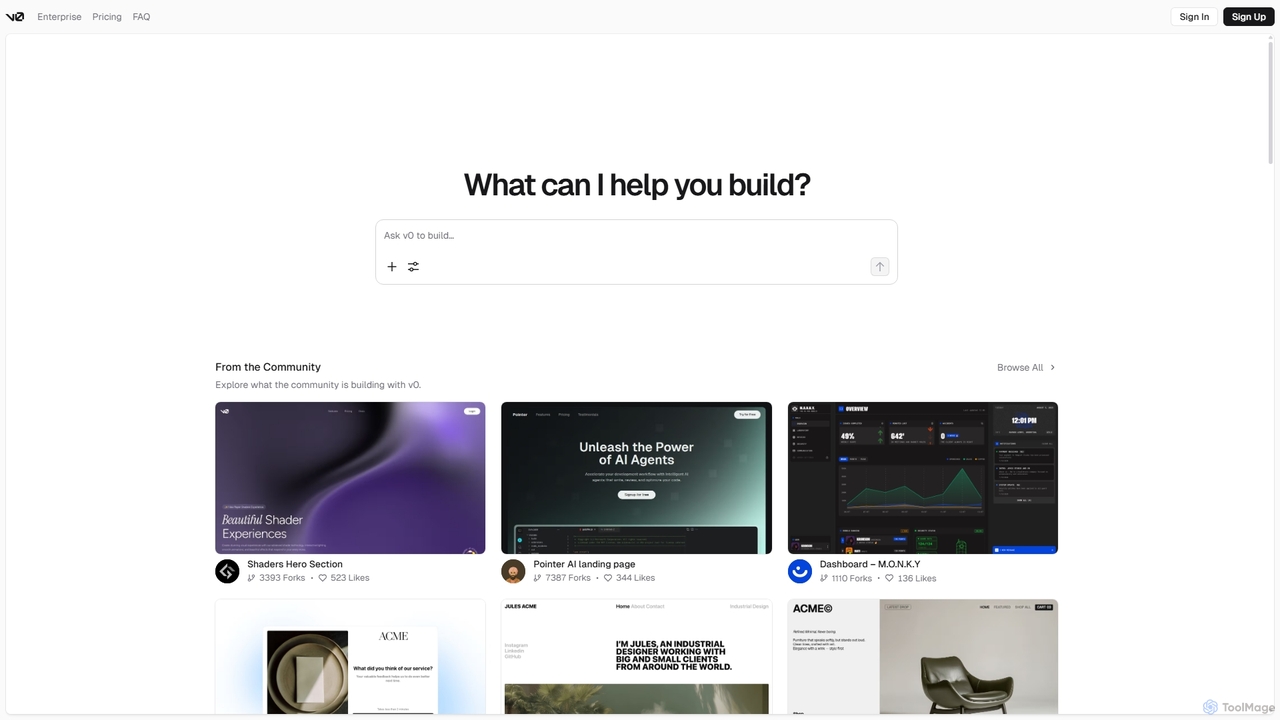
V0
V0 by Vercel is a generative AI platform that transforms text prompts, screenshots, and Figma designs into production-ready frontend code. It acts as an AI pair-programmer, enabling users to rapidly build and iterate on UI components and full-stack applications using React, Svelte, and Vue. With its chat-based interface, it accelerates the development workflow for engineers, designers, and product managers, allowing for seamless deployment to the Vercel platform.
Ui Ux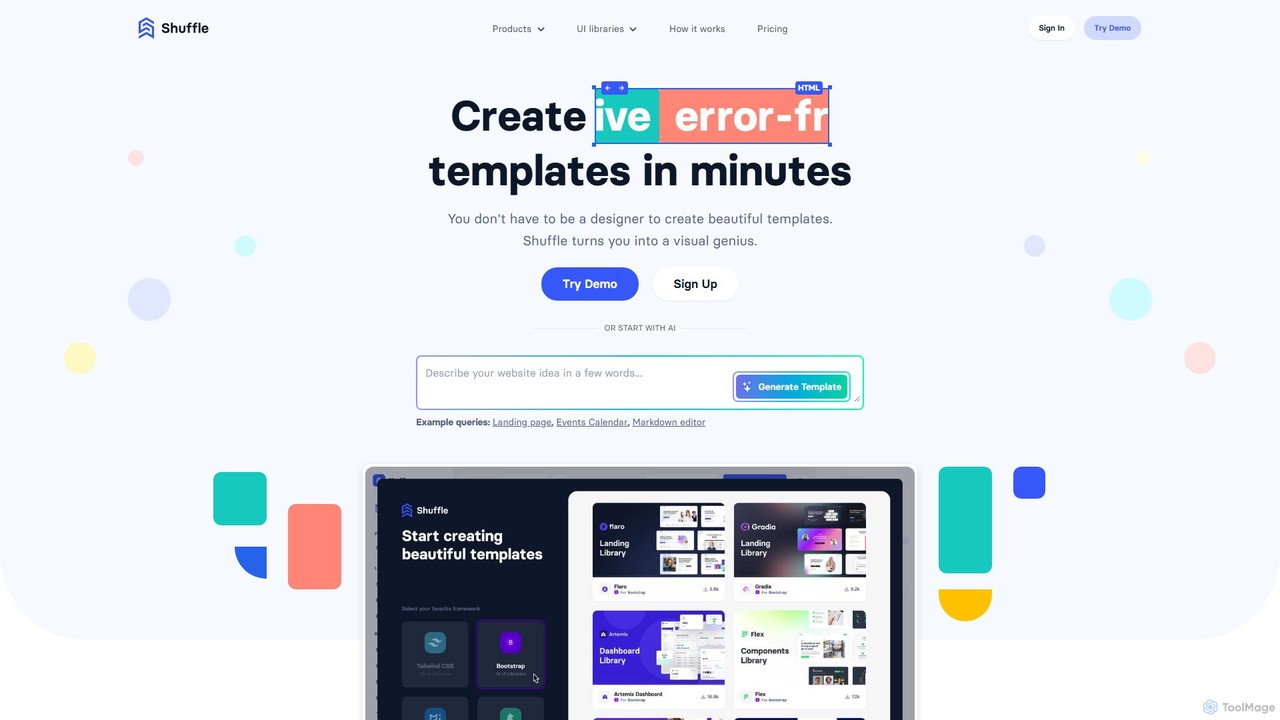
Shuffle
Shuffle is an AI-powered online editor for developers, designed to accelerate UI development. It features a visual drag-and-drop interface, extensive component libraries for Tailwind CSS, Bootstrap, Material-UI, and Bulma, and an AI Assistant that builds layouts from chat commands. Export clean, production-ready code, including React JSX, in seconds.
Ui UxReweb Categories
Reweb Embed Widget
Copy this embed code to place the badge on your blog, article, or product site and send readers directly to this ToolMage detail page.

Related AI tools
Windframe
Windframe is an AI-powered visual editor and builder for Tailwind CSS, designed to accelerate UI and website development. It allows users to generate designs with AI prompts, utilize over 1000 pre-built templates, and visually edit projects in real-time. Export production-ready code for React, Vue, HTML, and more, streamlining the workflow for developers, designers, and teams.
Ui UxV0
V0 by Vercel is a generative AI platform that transforms text prompts, screenshots, and Figma designs into production-ready frontend code. It acts as an AI pair-programmer, enabling users to rapidly build and iterate on UI components and full-stack applications using React, Svelte, and Vue. With its chat-based interface, it accelerates the development workflow for engineers, designers, and product managers, allowing for seamless deployment to the Vercel platform.
Ui Ux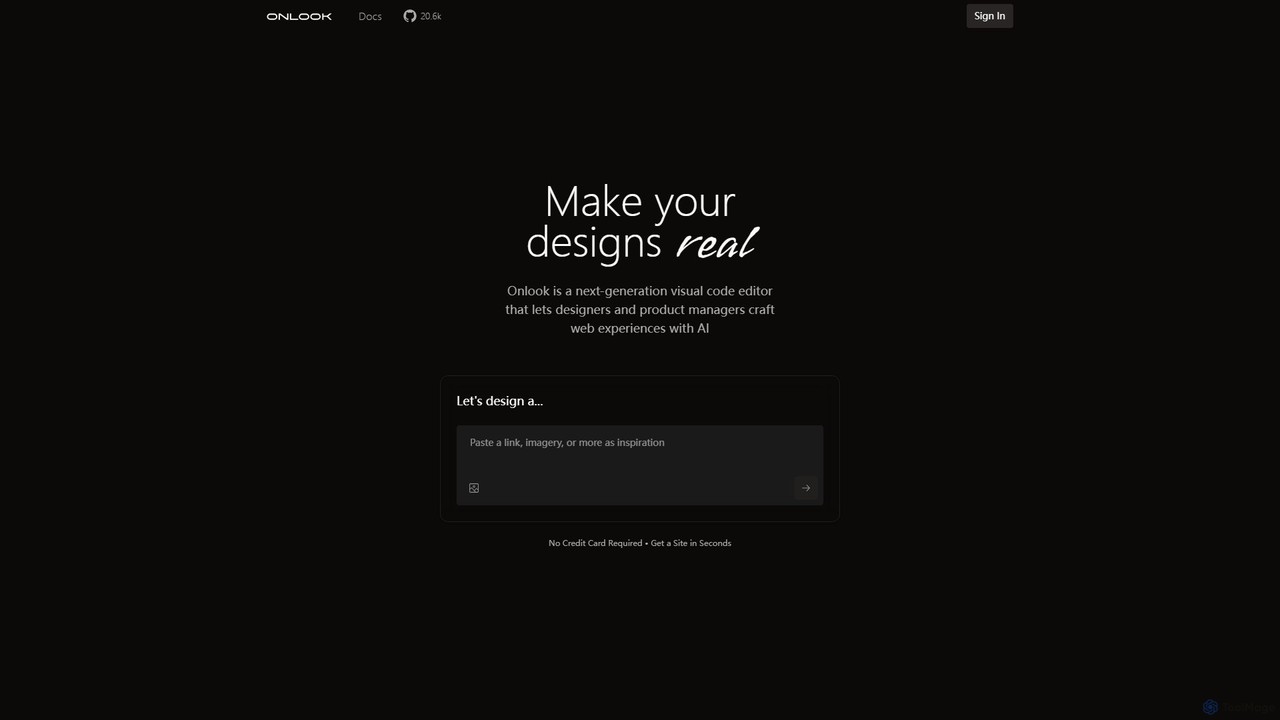
Onlook
Onlook is a next-generation, AI-powered visual code editor that allows designers, product managers, and developers to build and edit web experiences directly on live React/Next.js code. It bridges the gap between design and implementation, offering a Figma-like interface with AI chat, direct manipulation, and seamless integration with existing codebases.
Ui Ux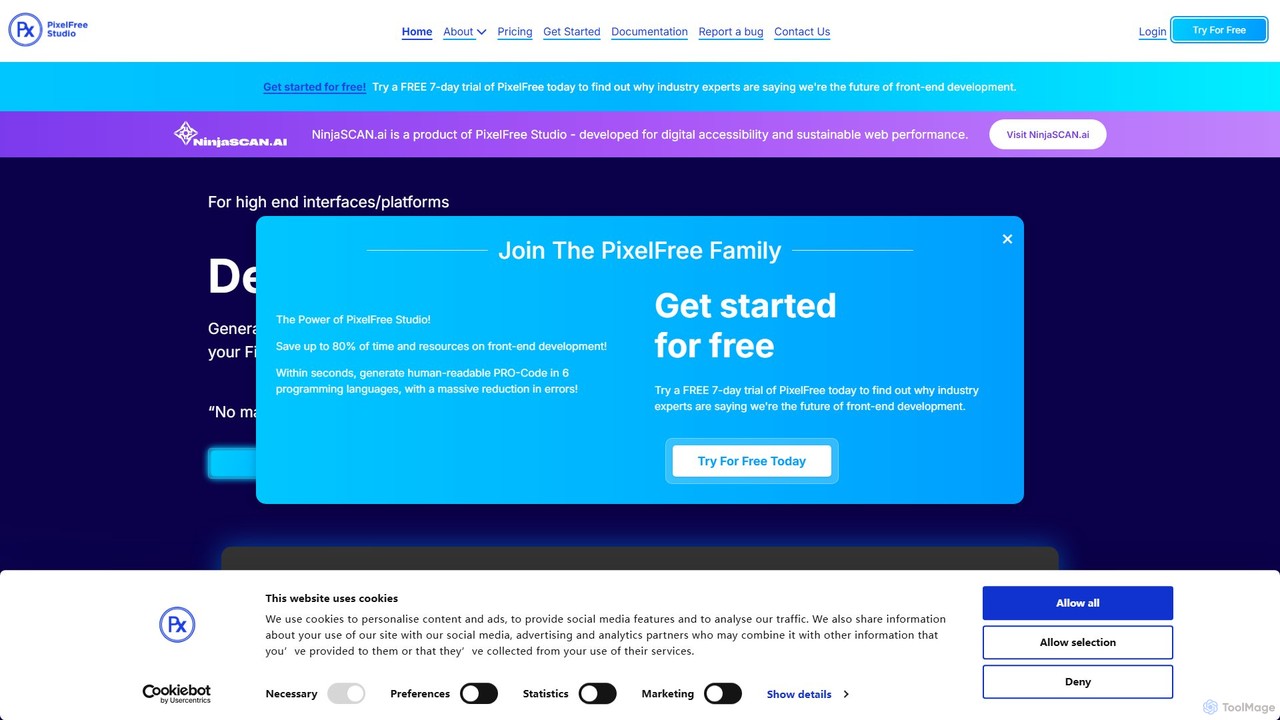
PixelFree Studio
PixelFree Studio is a low-code application builder that transforms UI designs into clean, production-ready code. It specializes in importing Figma designs and exporting them to multiple frameworks like React, Vue, Angular, and C#, streamlining the design-to-development workflow and accelerating app creation.
Design To Code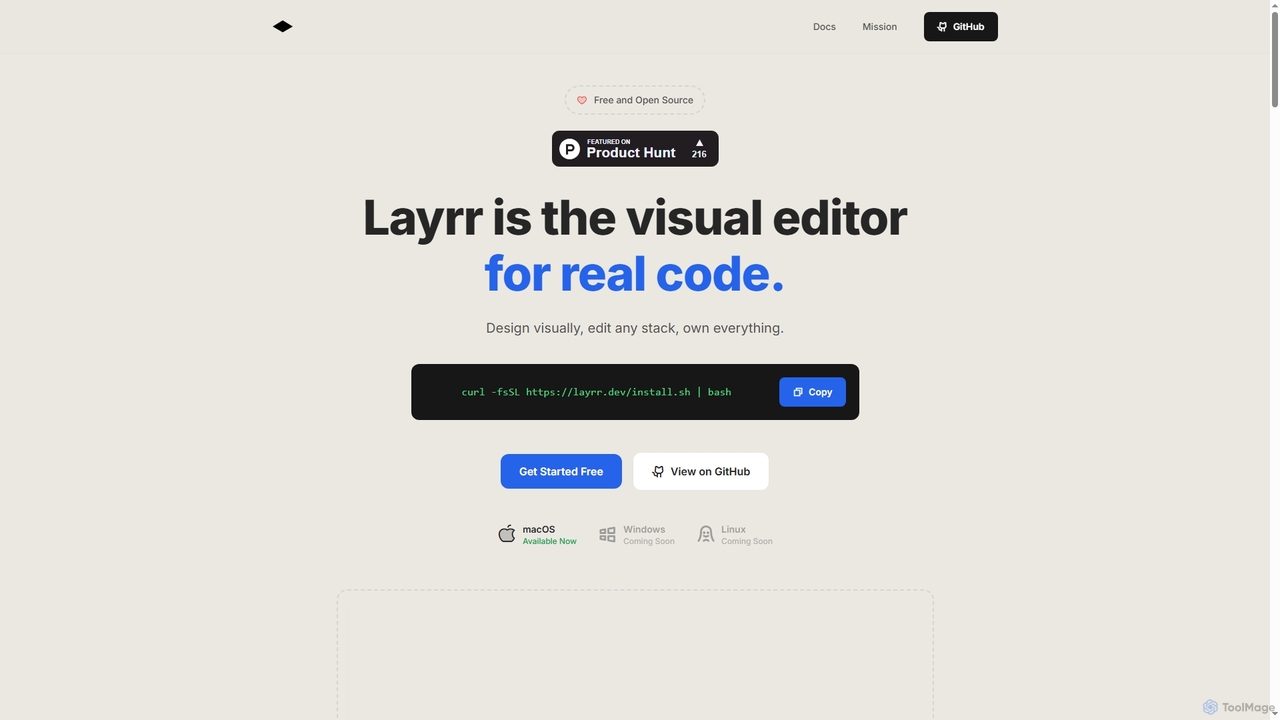
Layrr
Layrr is a free and open-source visual editor that allows developers and designers to create and edit real code directly. It combines the intuitive drag-and-drop interface of design tools like Figma with the flexibility and ownership of traditional coding, supporting any tech stack and leveraging AI for design-to-code conversion and natural language interface generation.
Code Generation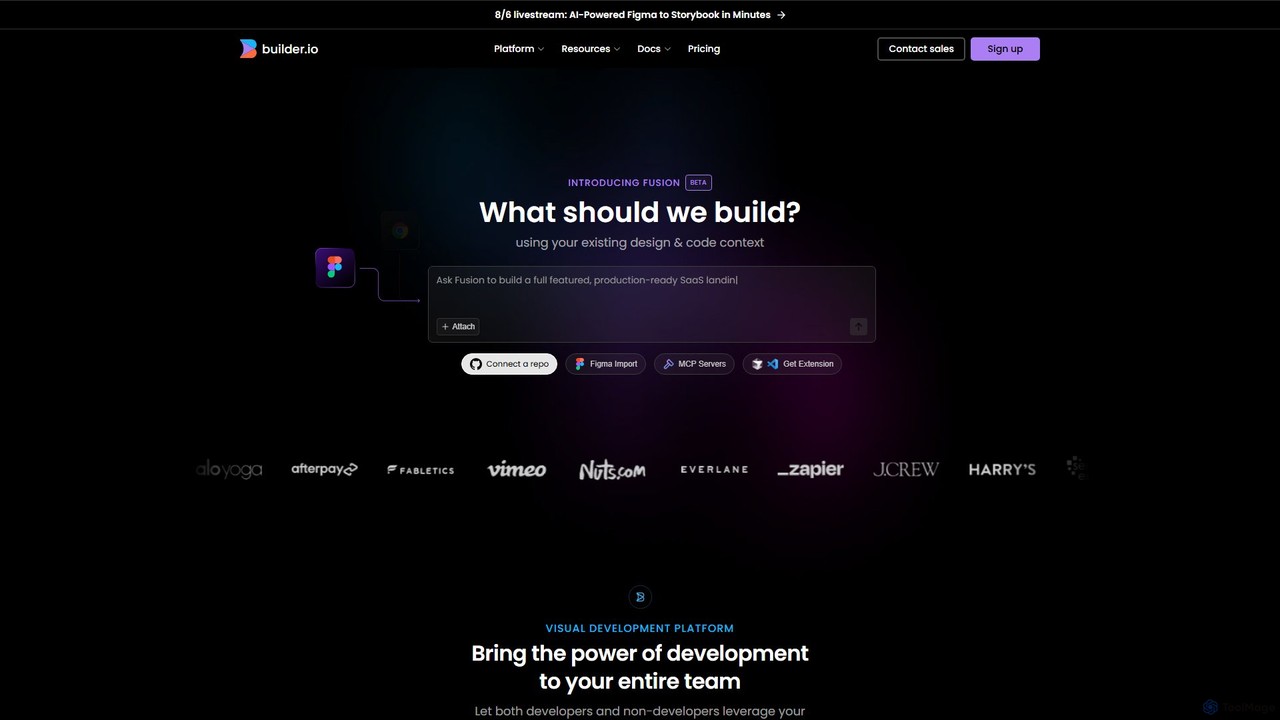
Builder.io
Builder.io is an AI-powered visual development platform that transforms Figma designs into production-ready code. It enables teams to build, edit, and publish web pages and UIs with unprecedented speed, integrating seamlessly with existing codebases, design systems, and headless CMS workflows.
Design To CodeDevwares
Devwares is a comprehensive platform offering tools and resources for developers and designers. Its flagship product, Windframe, is an AI-powered visual builder for Tailwind CSS that accelerates UI and website creation by 10x. Generate designs with AI prompts, use a drag-and-drop editor, and access a vast library of templates to build and export production-ready code for React, Vue, and more.
Ui Ux
Jyek
Jyek is an AI agent platform that understands objectives, creates execution plans, uses tools, and delivers verifiable results for complex, multi-step tasks.
Automation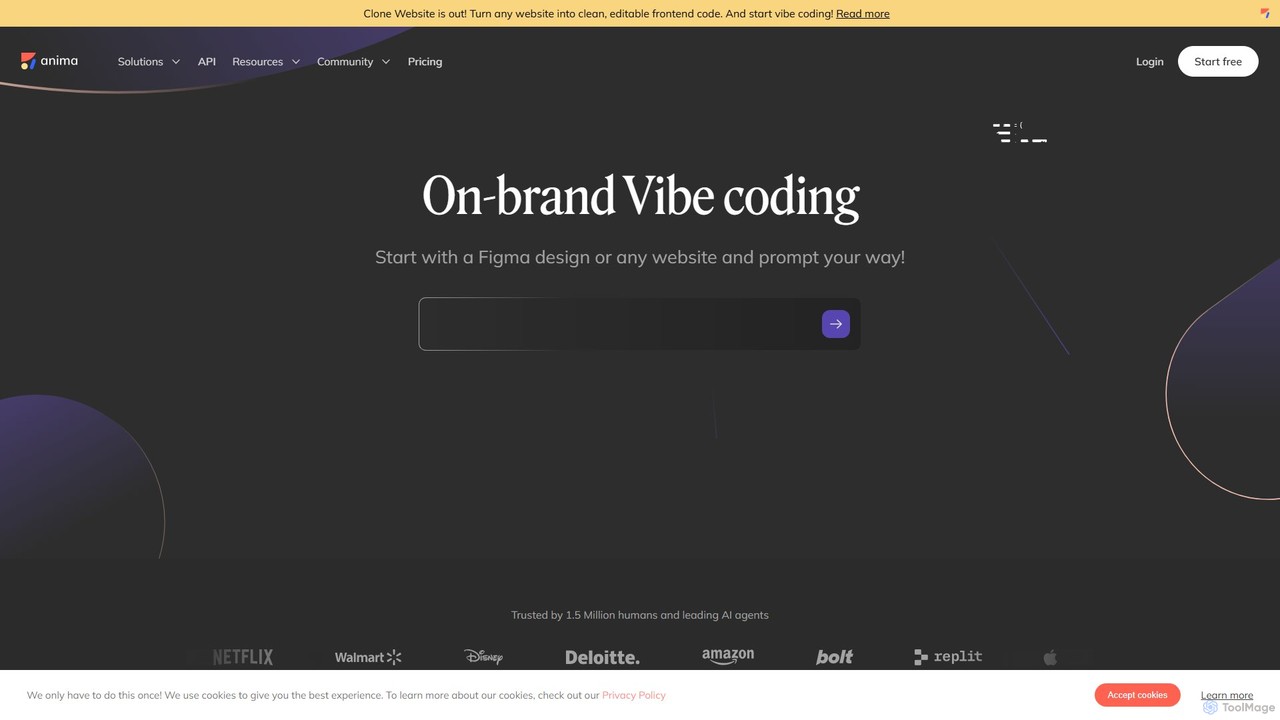
Anima
Anima is an AI-powered design-to-code platform that automates frontend development. It transforms designs from Figma, Adobe XD, and Sketch into clean, production-ready React, Vue, and HTML code. Featuring AI-driven iteration and website cloning, it empowers designers, developers, and founders to build and launch web applications and prototypes up to 10x faster.
Design To Code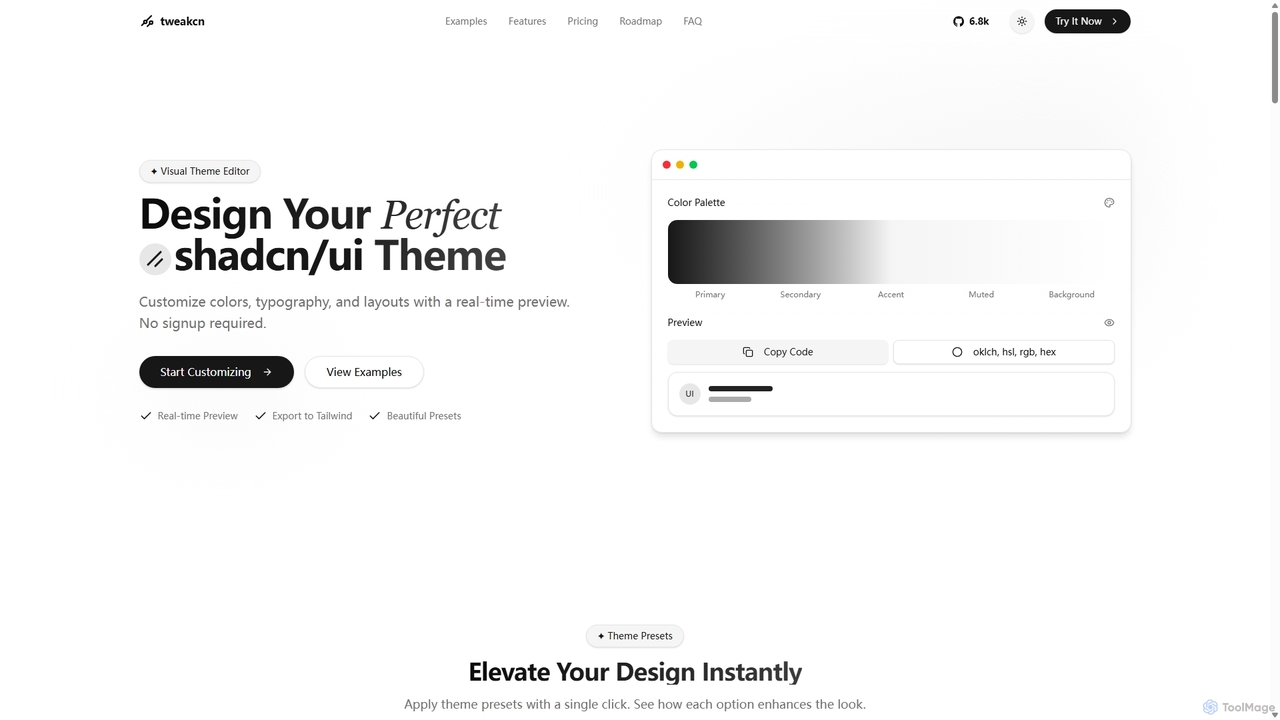
Tweakcn
Tweakcn is a visual theme editor and AI-powered generator for shadcn/ui and Tailwind CSS. It allows developers and designers to create, customize, and preview beautiful, accessible themes in real-time. Features include AI theme generation from text or images, a vast library of presets, and direct code export for seamless integration.
Ui Kit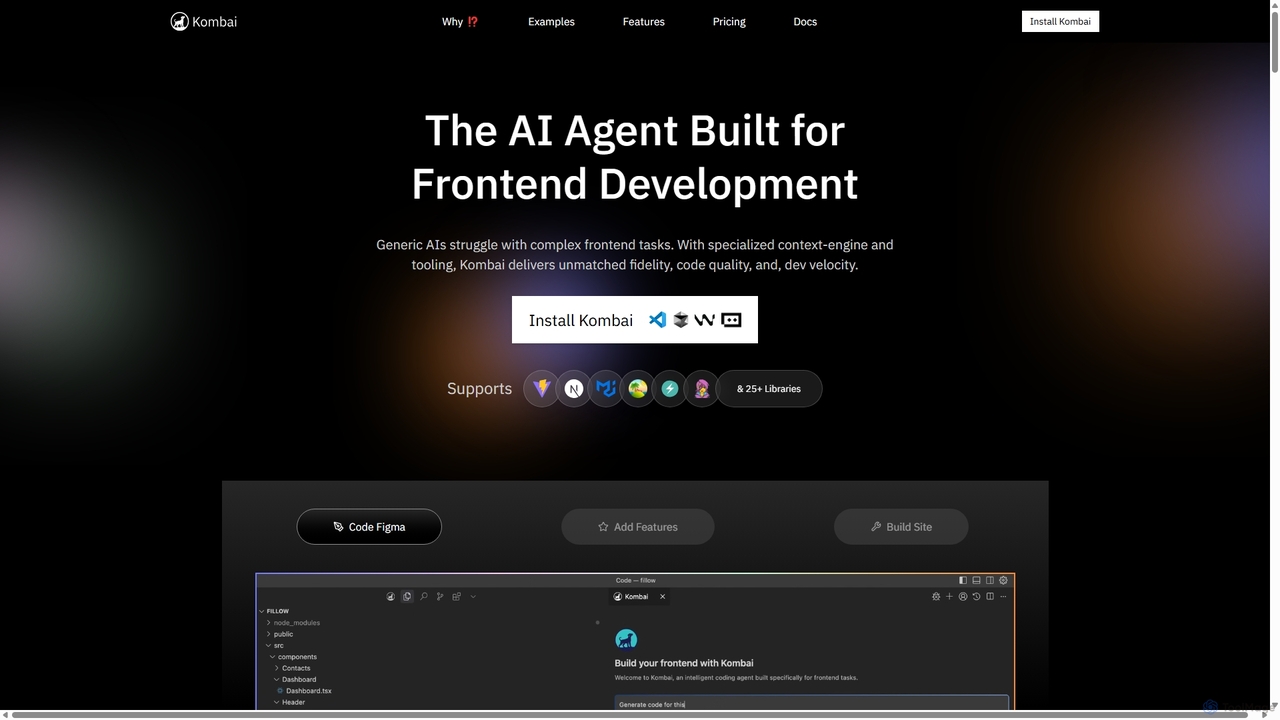
Kombai
Kombai is a specialized AI agent for frontend development that transforms Figma designs, images, and text prompts into high-fidelity, production-ready code. It understands your existing codebase, supports 25+ libraries, and integrates directly into your IDE to accelerate development velocity.
Code Generation
Locofy.ai
Locofy.ai is an AI-powered platform that accelerates frontend development by converting designs from Figma, Adobe XD, and Penpot into high-quality, production-ready code. It supports a wide range of frameworks like React, React Native, Vue, and HTML/CSS, helping teams build UI 10x faster and significantly reducing the design-to-code workflow.
Design To Code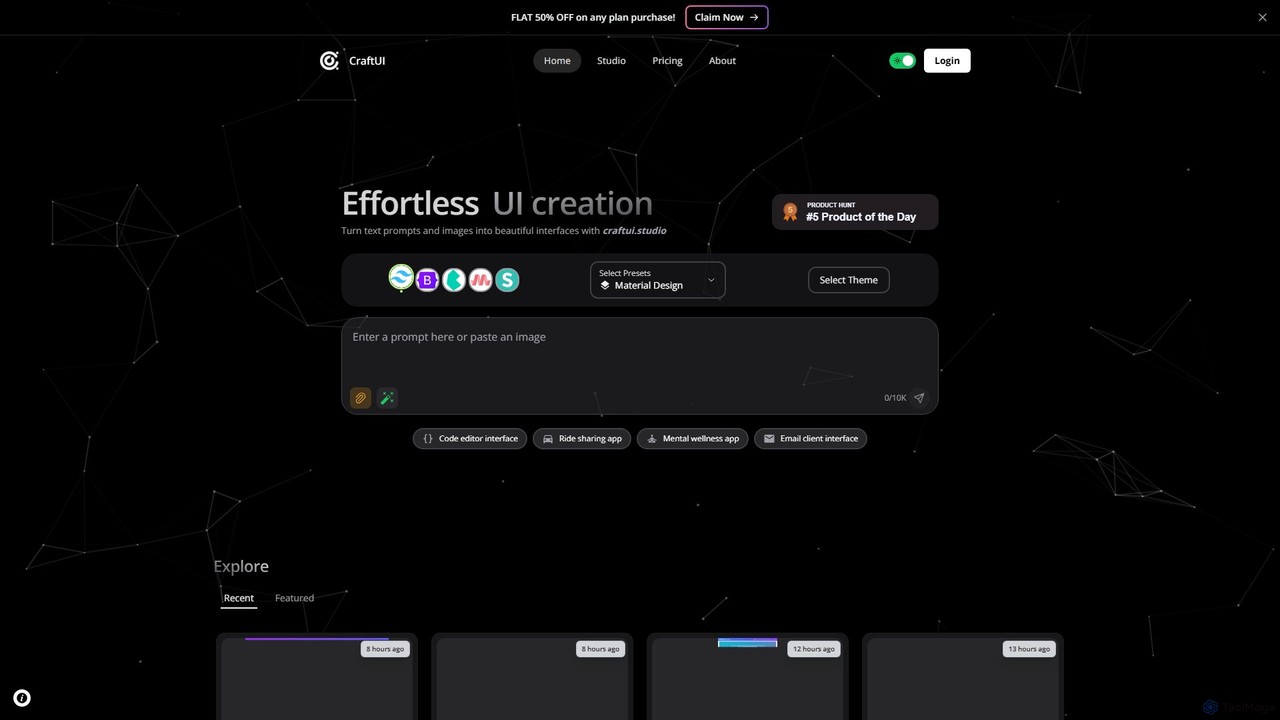
CraftUI
CraftUI is an AI-powered tool that generates beautiful, production-ready UI components from simple text prompts and images. It accelerates the design and development process by creating code for frameworks like Tailwind and Bootstrap, making UI creation effortless.
Ui Design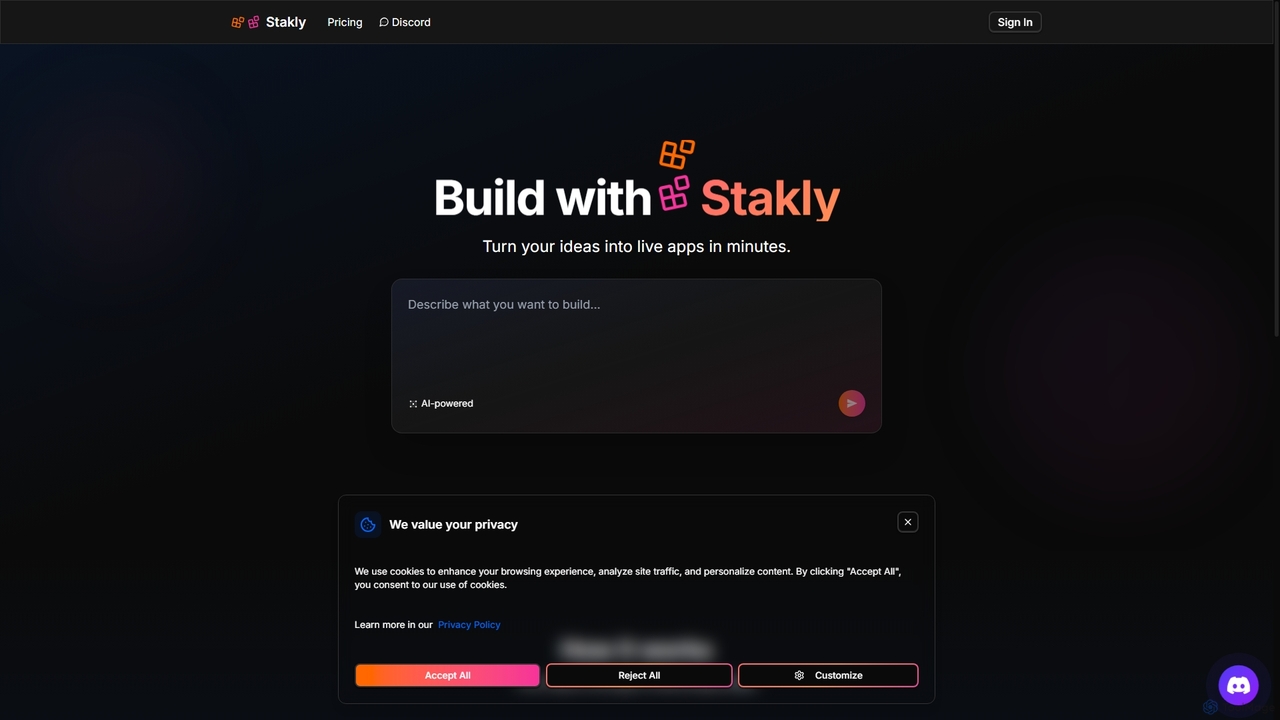
Stakly
Stakly is an AI-powered development platform that transforms natural language prompts into production-ready, full-stack web applications in minutes. Describe your idea, and the AI generates clean code, which you can deploy with one click or export to own completely. It supports modern frameworks like React, Next.js, and Python, making it ideal for rapid prototyping and development.
Code AssistantShuffle
Shuffle is an AI-powered online editor for developers, designed to accelerate UI development. It features a visual drag-and-drop interface, extensive component libraries for Tailwind CSS, Bootstrap, Material-UI, and Bulma, and an AI Assistant that builds layouts from chat commands. Export clean, production-ready code, including React JSX, in seconds.
Ui Ux
Reweb Comments (0)
Sign in to comment.
Sign inNo comments yet.