Reflex
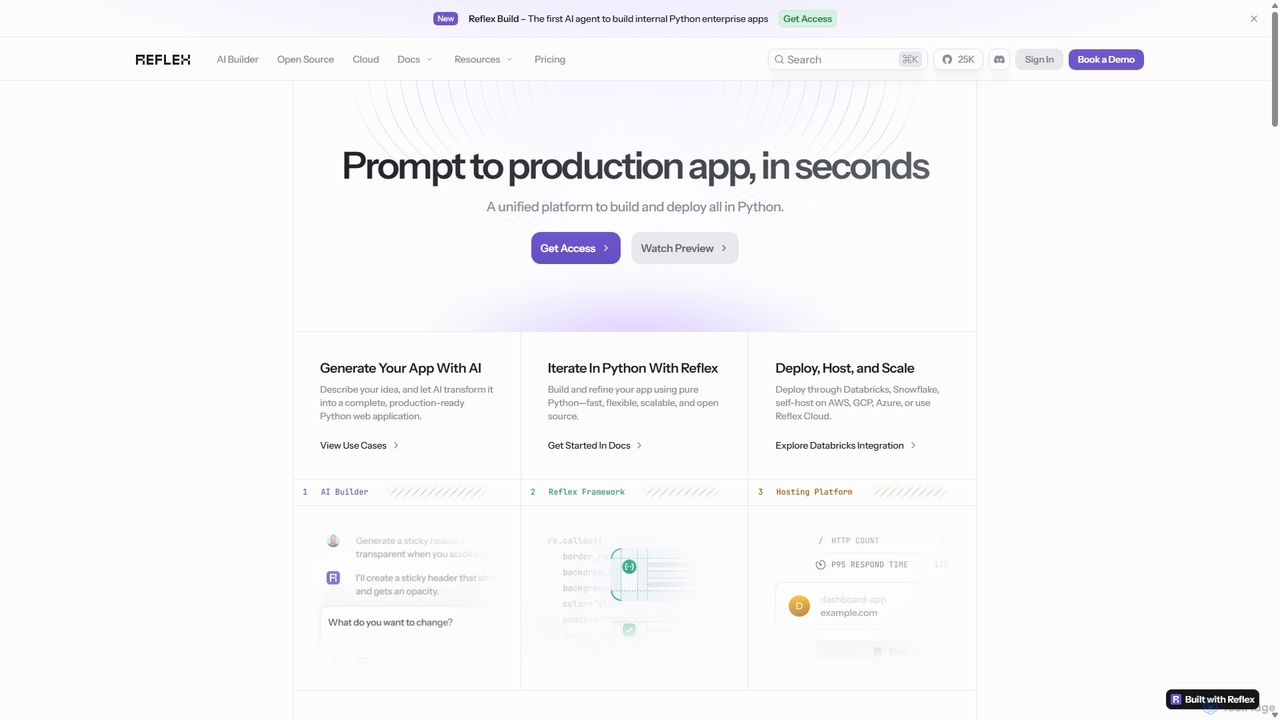
Reflex is an open-source framework for building and deploying high-performance web apps entirely in Python. It features an …
Reflex is an open-source framework for building and deploying high-performance web apps entirely in Python. It features an AI agent, Reflex Build, that generates full-stack applications from simple text prompts, accelerating development from idea to production.
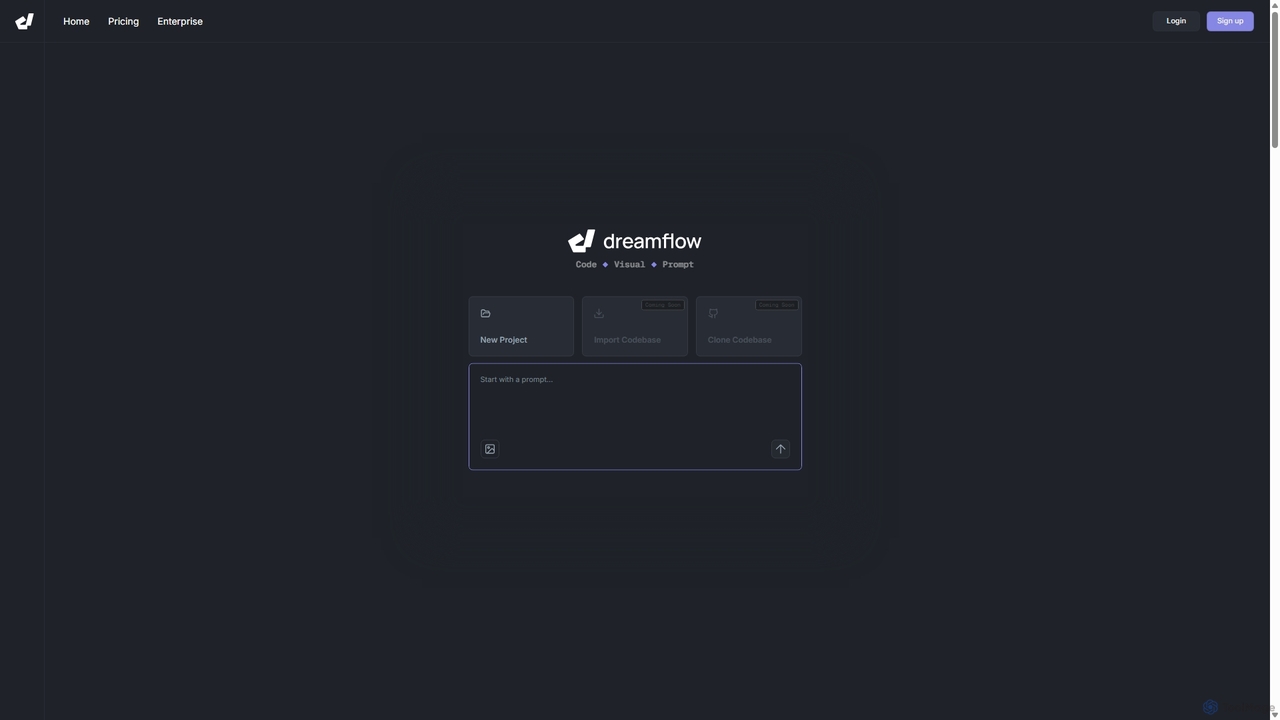
DreamFlow
DreamFlow is an AI-first development environment that transforms text prompts into cross-platform mobile applications. It integrates AI-powered code …
DreamFlow is an AI-first development environment that transforms text prompts into cross-platform mobile applications. It integrates AI-powered code generation, a visual UI builder, and a full-featured code editor to accelerate the entire app development lifecycle for Flutter, from idea to deployment.
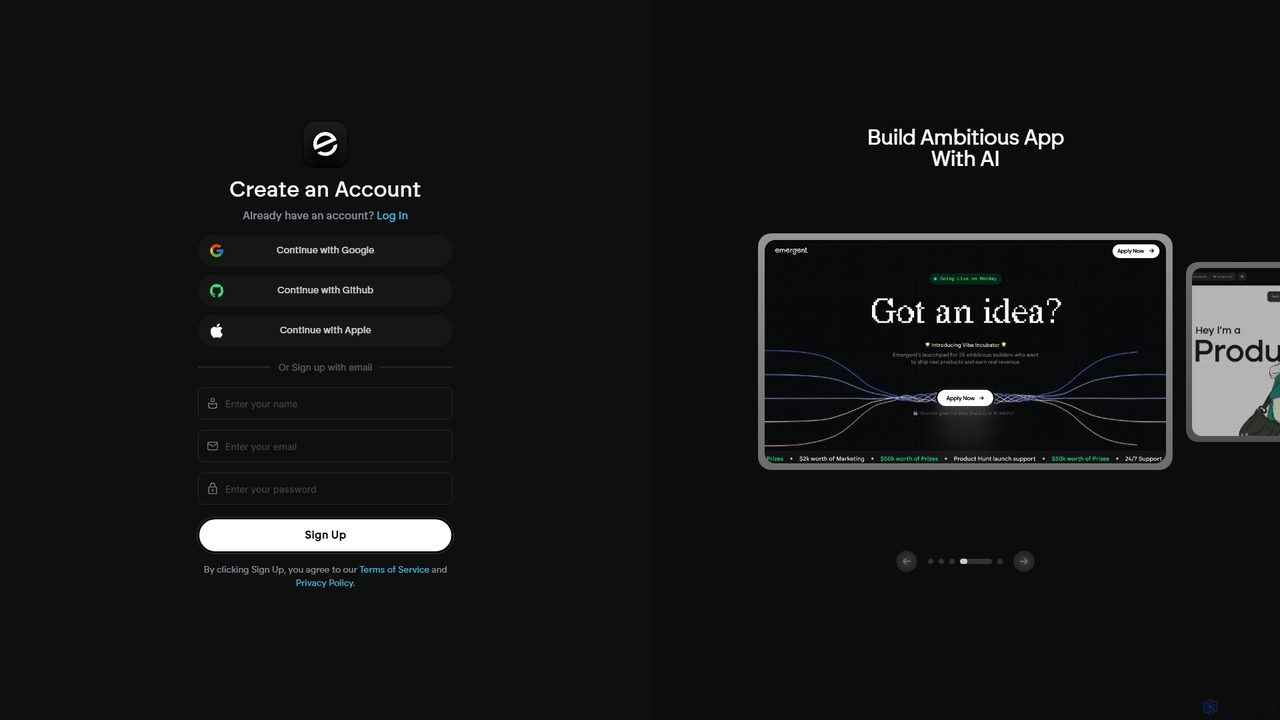
Emergent
Emergent is the world's first agentic vibe-coding platform, designed to build ambitious full-stack applications using AI. It translates …
Emergent is the world's first agentic vibe-coding platform, designed to build ambitious full-stack applications using AI. It translates natural language descriptions and intent into functional code, empowering developers and teams to prototype, build, and iterate on software faster than ever before.
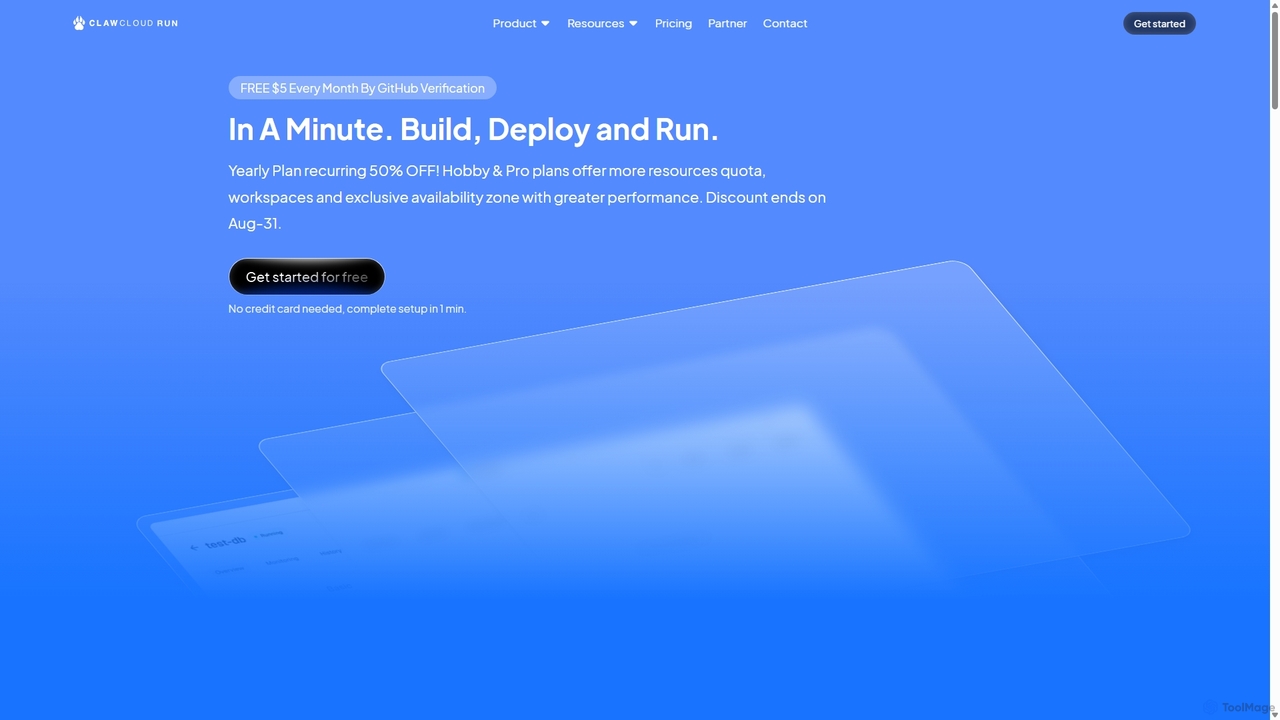
ClawCloud Run
ClawCloud Run is a cloud-native development platform designed to simplify the application lifecycle. It enables developers to build, …
ClawCloud Run is a cloud-native development platform designed to simplify the application lifecycle. It enables developers to build, deploy, manage, and run applications in a unified cloud environment without writing complex YAML files. Featuring a visual canvas, one-click templates, and integrated database management, it accelerates the go-to-market process.
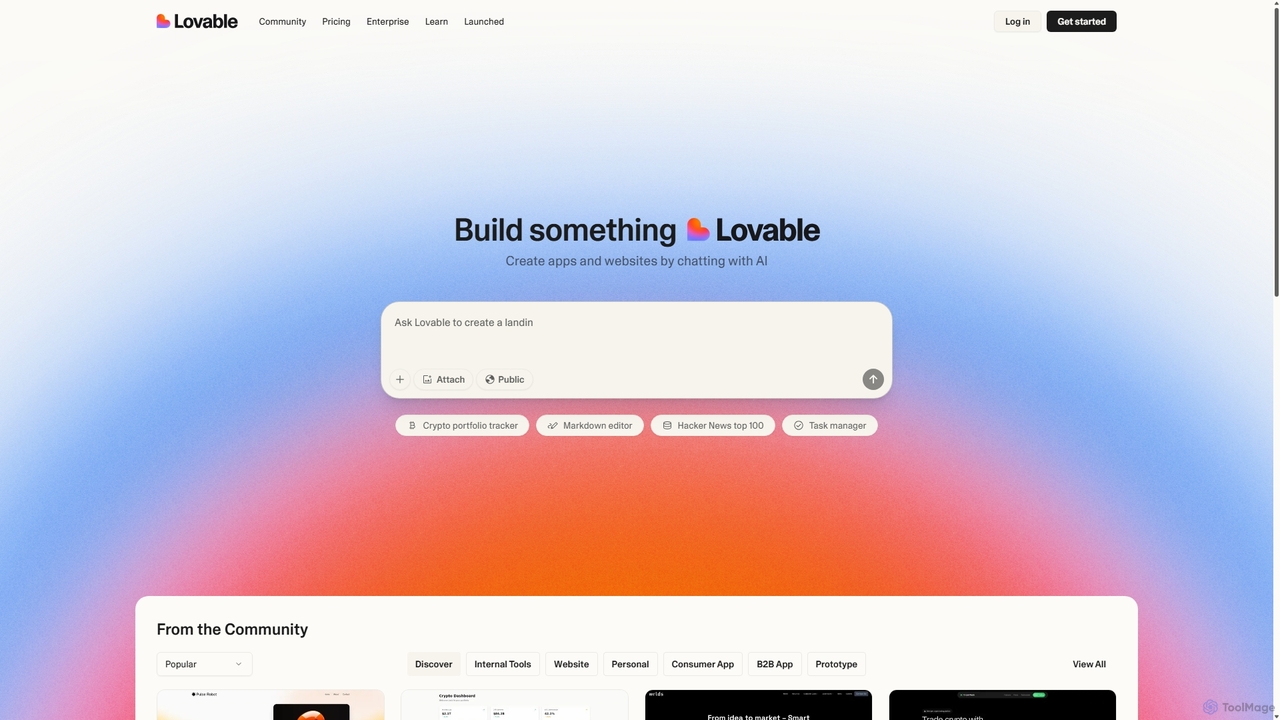
Gptengineer
gptengineer is an AI-powered development platform that enables users to build websites, web apps, and internal tools through …
gptengineer is an AI-powered development platform that enables users to build websites, web apps, and internal tools through conversational prompts. Simply describe your idea in plain English, and the AI will generate the code and a functional application, drastically accelerating the prototyping and development process for both developers and non-developers.
Replit
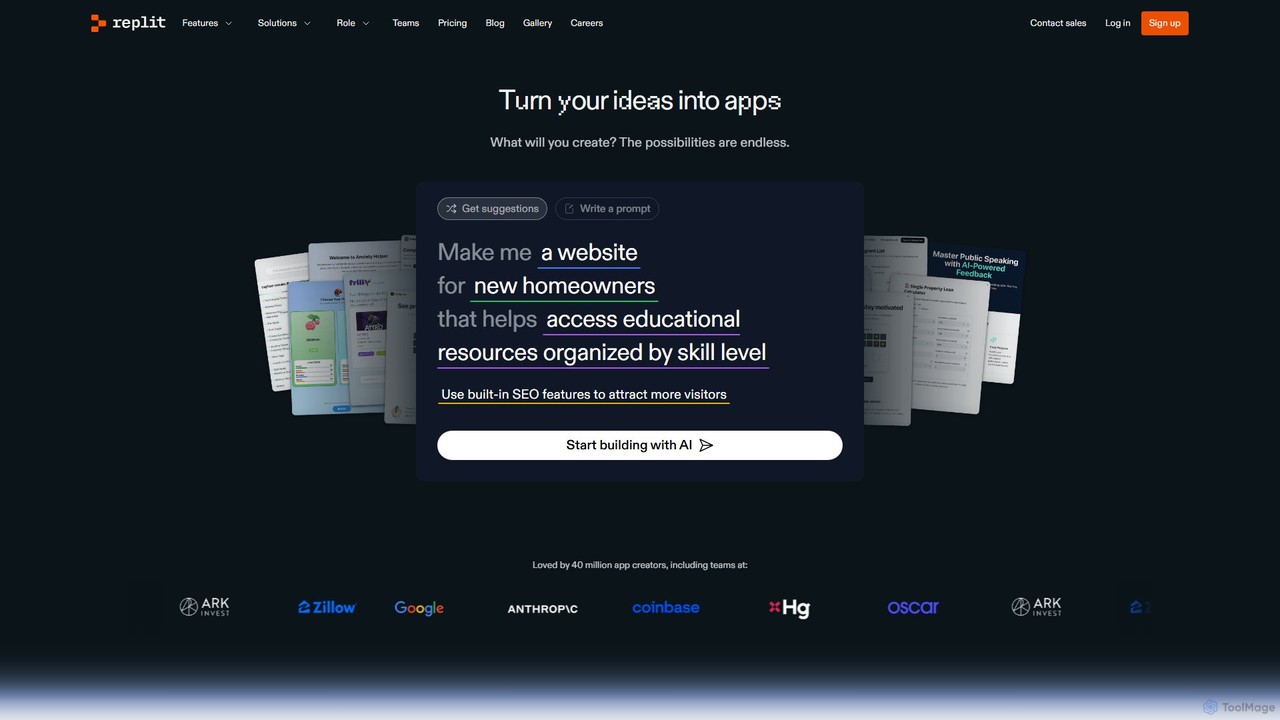
Replit is an AI-powered, collaborative, in-browser Integrated Development Environment (IDE) that allows users to build, deploy, and host …
Replit is an AI-powered, collaborative, in-browser Integrated Development Environment (IDE) that allows users to build, deploy, and host applications, websites, and bots. Featuring the Replit Agent, it turns natural language prompts into functional software, making development faster and more accessible for everyone from beginners to enterprise teams.
FastHTML
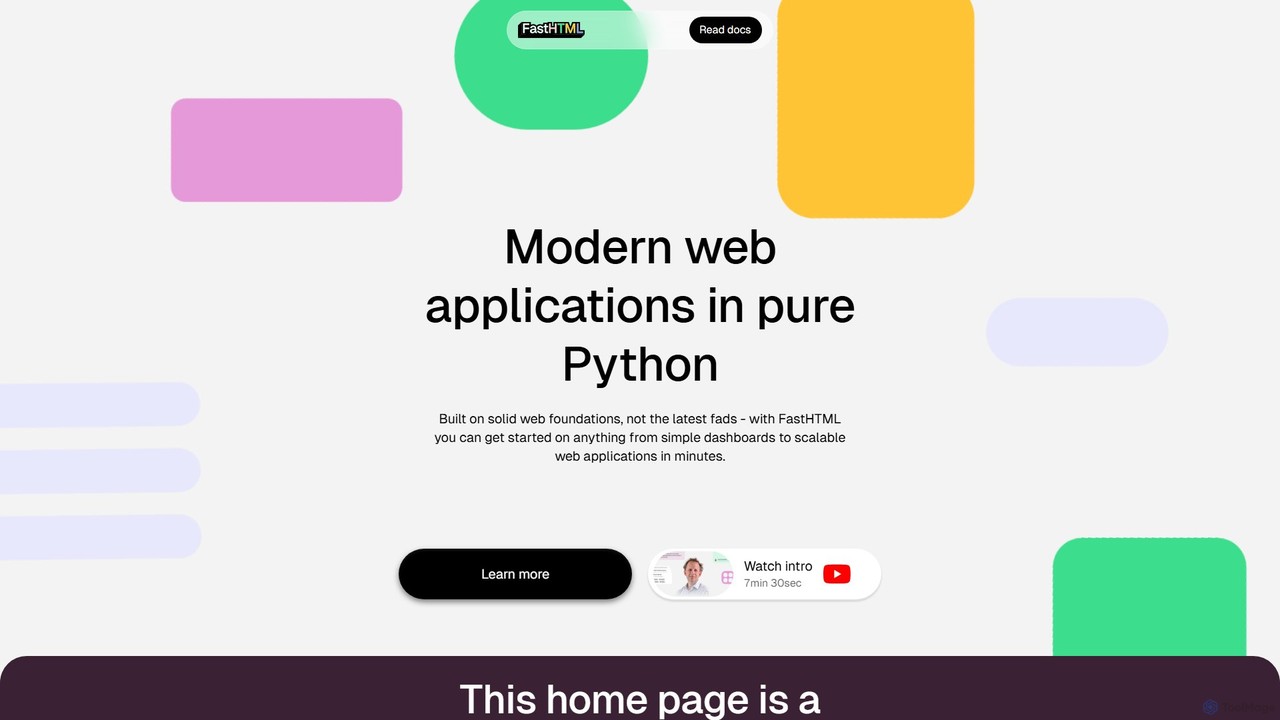
FastHTML is a modern Python web framework for building fast, scalable, and interactive web applications with minimal code. …
FastHTML is a modern Python web framework for building fast, scalable, and interactive web applications with minimal code. It leverages web foundations like HTMX and ASGI, allowing developers to create everything from simple dashboards to complex single-page applications (SPAs) entirely in Python, often without writing any JavaScript.
Devwares
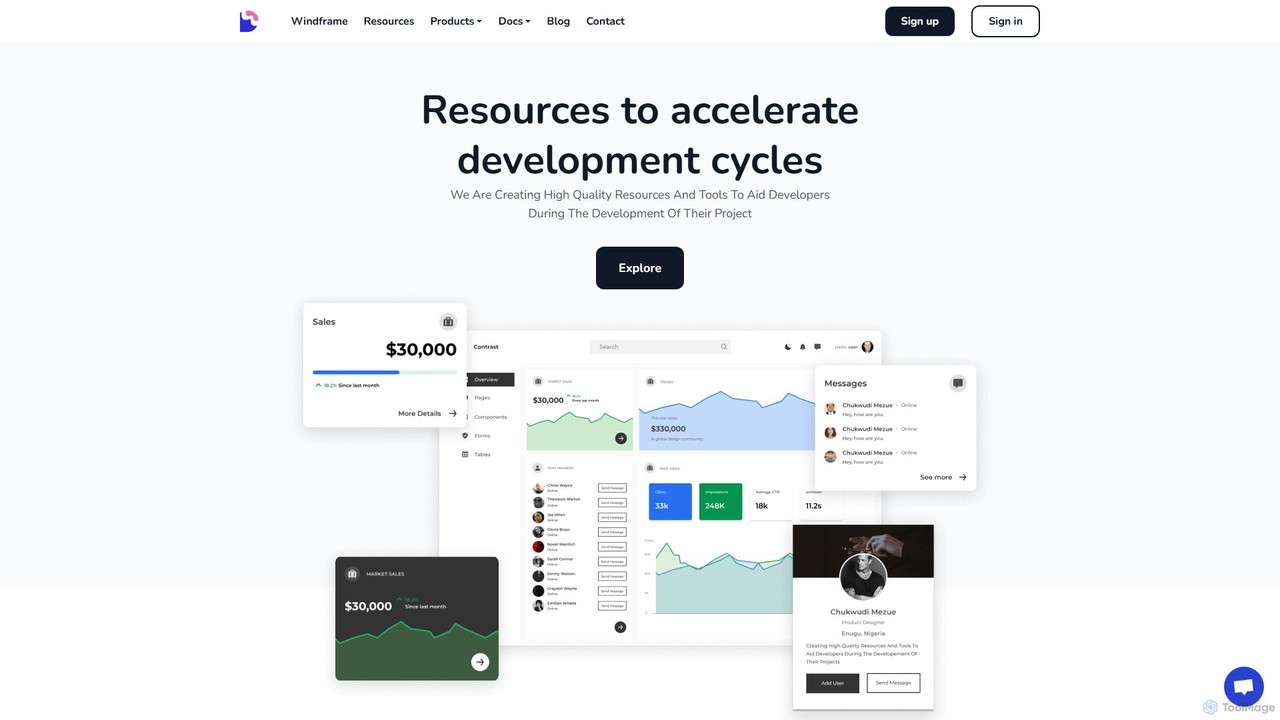
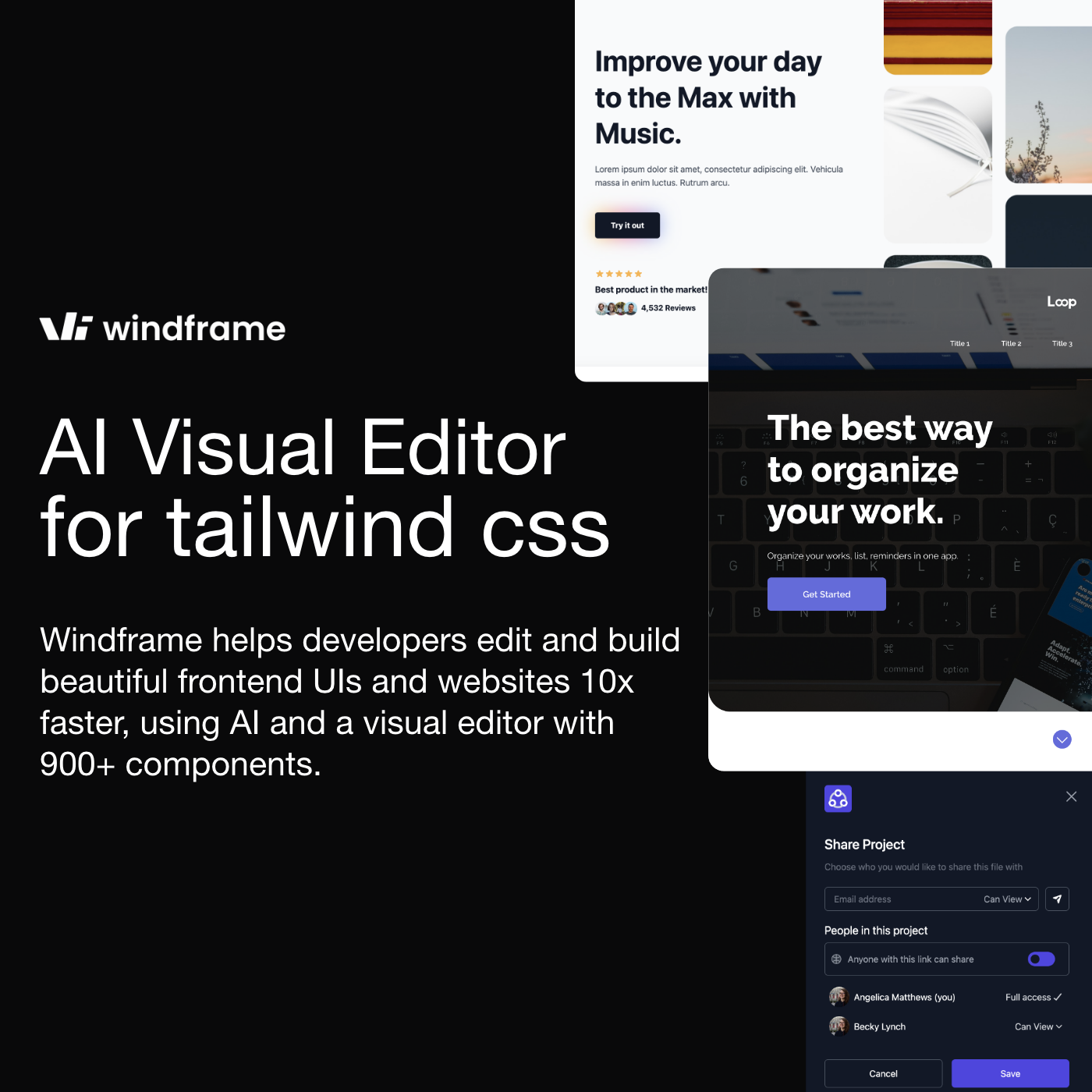
Devwares is a comprehensive platform offering tools and resources for developers and designers. Its flagship product, Windframe, is …
Devwares is a comprehensive platform offering tools and resources for developers and designers. Its flagship product, Windframe, is an AI-powered visual builder for Tailwind CSS that accelerates UI and website creation by 10x. Generate designs with AI prompts, use a drag-and-drop editor, and access a vast library of templates to build and export production-ready code for React, Vue, and more.
Builder.io
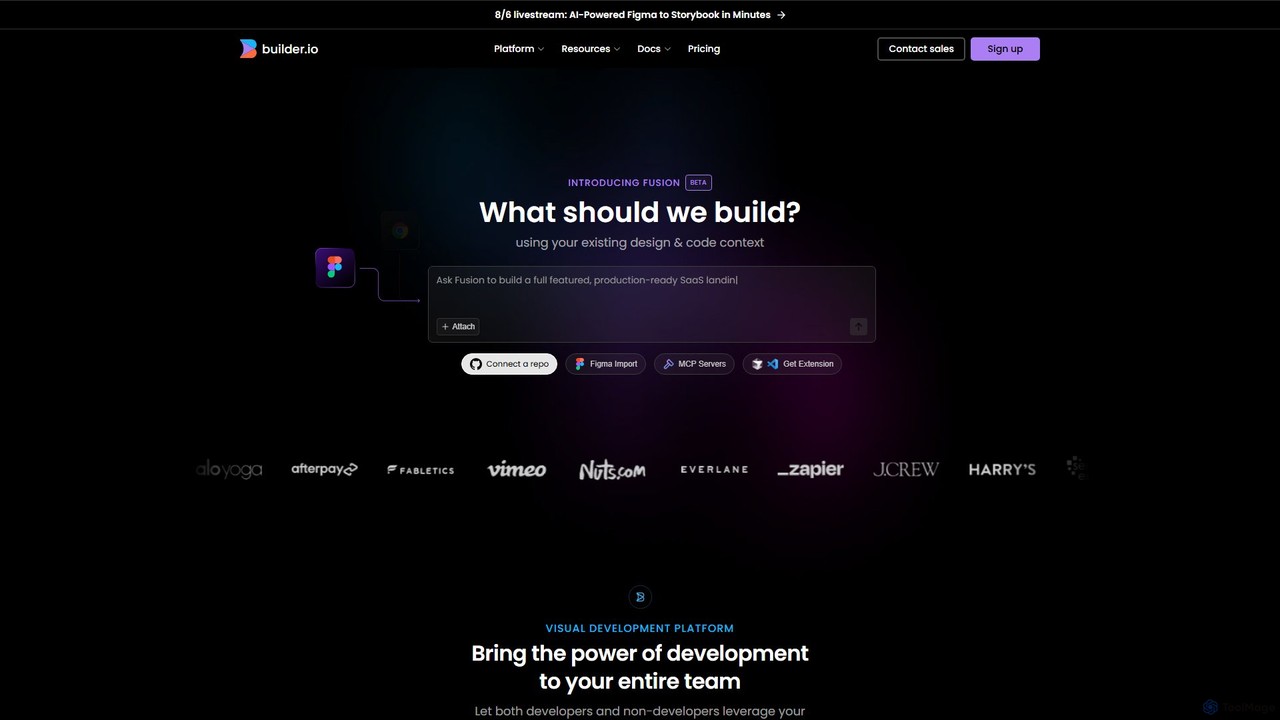
Builder.io is an AI-powered visual development platform that transforms Figma designs into production-ready code. It enables teams to …
Builder.io is an AI-powered visual development platform that transforms Figma designs into production-ready code. It enables teams to build, edit, and publish web pages and UIs with unprecedented speed, integrating seamlessly with existing codebases, design systems, and headless CMS workflows.
Reweb
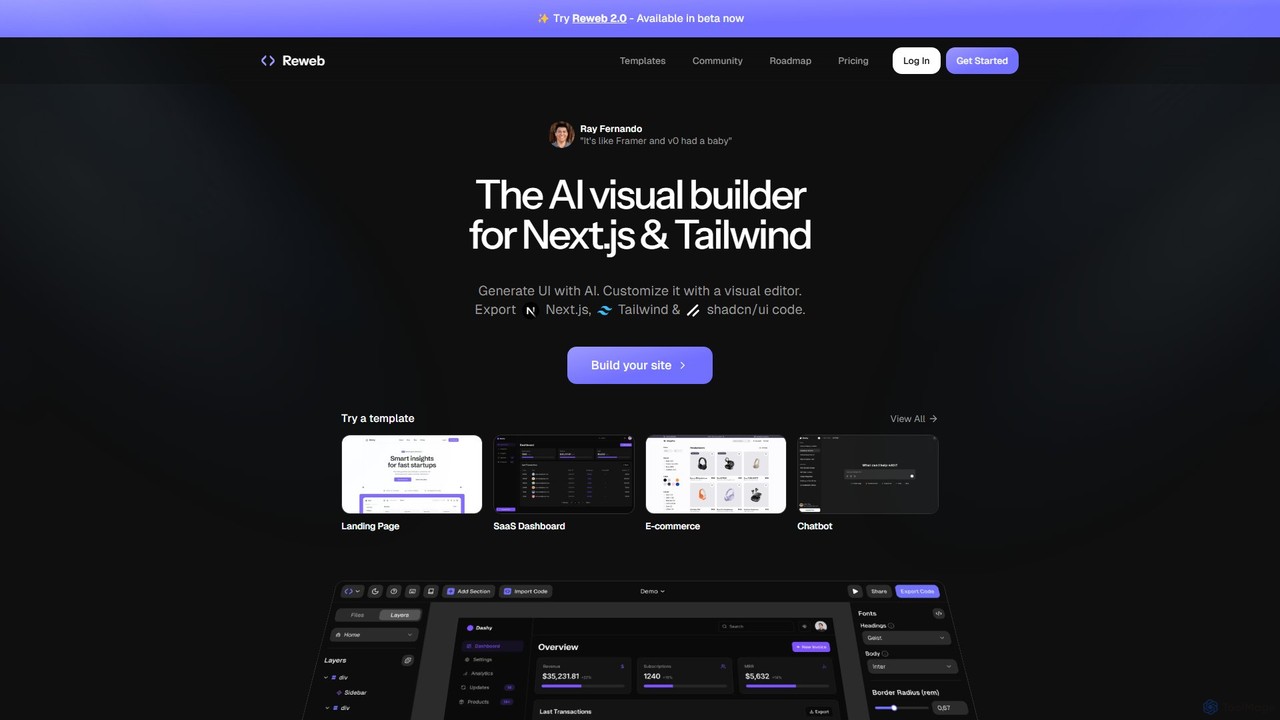
Reweb is an AI-powered visual builder designed for developers. It enables users to generate UI components using AI …
Reweb is an AI-powered visual builder designed for developers. It enables users to generate UI components using AI from text prompts or images, customize them with a sophisticated visual editor, and export high-quality, production-ready code for Next.js, Tailwind CSS, and shadcn/ui. It bridges the gap between no-code platforms and traditional coding, accelerating the development workflow without sacrificing code quality or flexibility.
reachat
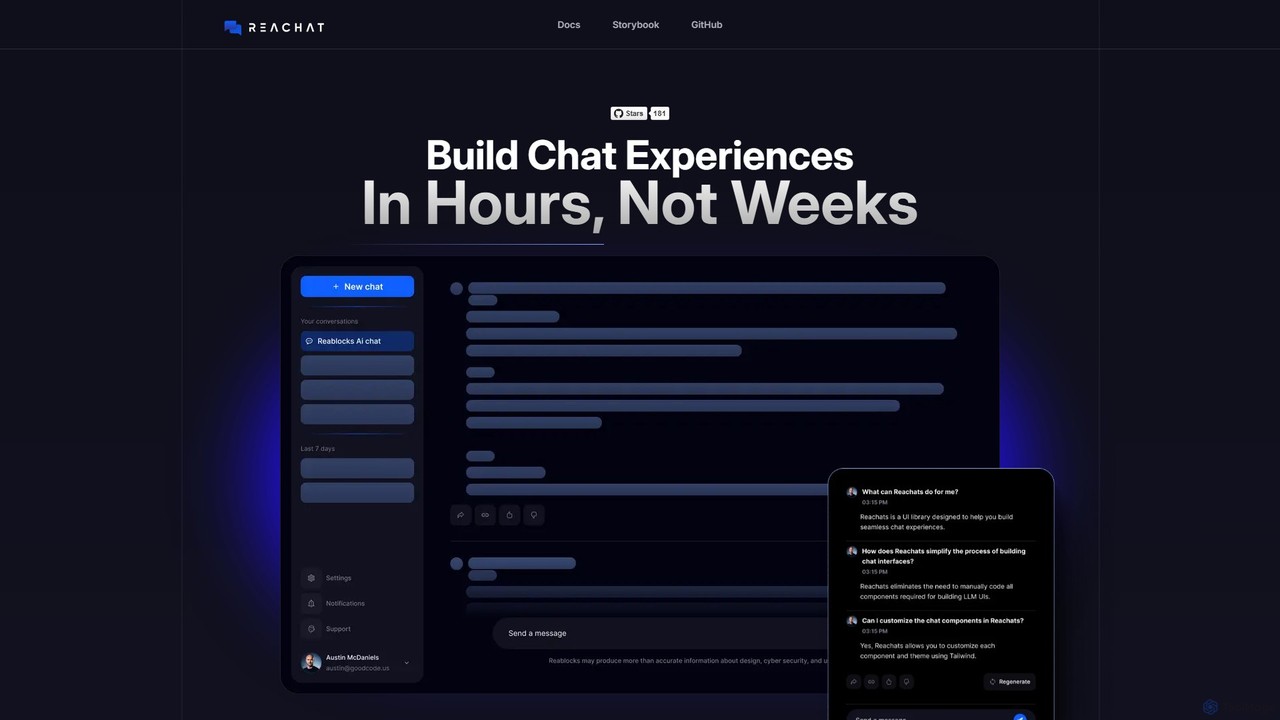
reachat is an open-source ReactJS component library designed for developers to rapidly build sophisticated AI chat interfaces. It …
reachat is an open-source ReactJS component library designed for developers to rapidly build sophisticated AI chat interfaces. It provides highly customizable, backend-agnostic components, enabling the integration of any LLM and supporting rich media for enhanced user experiences. Build production-ready chat UIs in hours, not weeks.
TeleportHQ
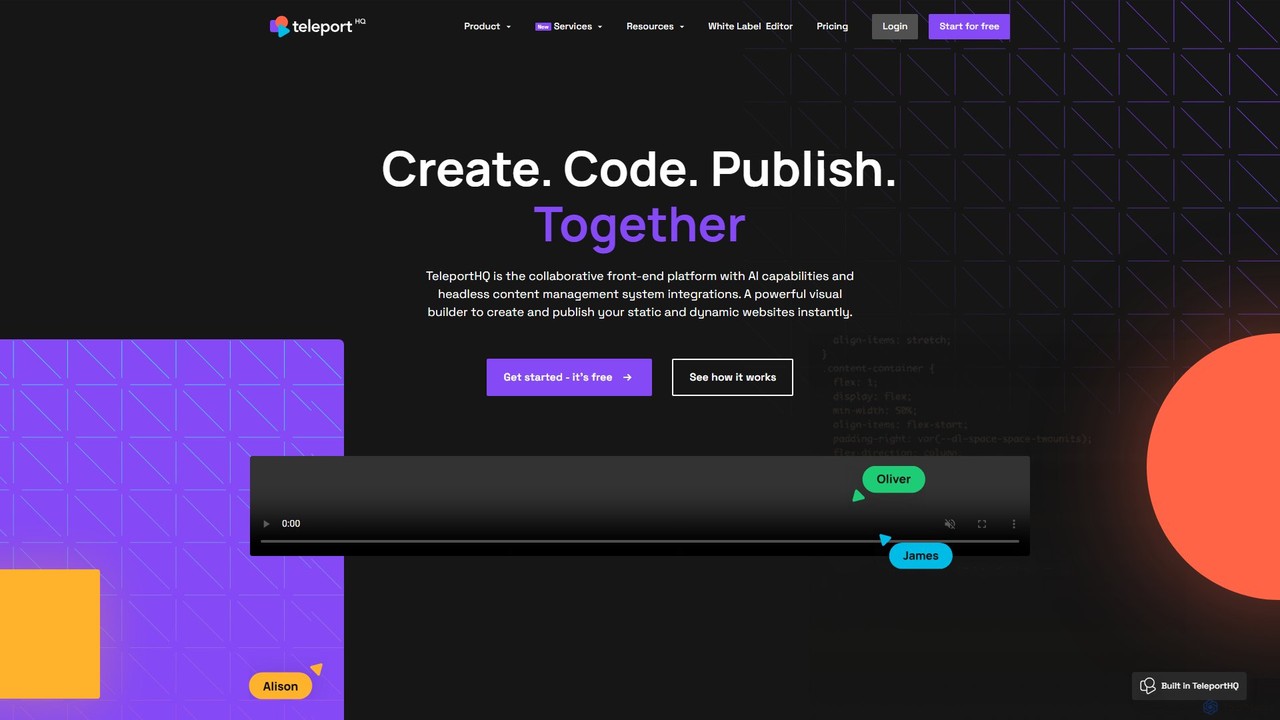
TeleportHQ is a collaborative low-code platform that streamlines front-end development. It features an AI website builder, Figma to …
TeleportHQ is a collaborative low-code platform that streamlines front-end development. It features an AI website builder, Figma to code conversion, and real-time collaboration tools. Users can visually build responsive websites and UIs, generate clean code for multiple frameworks (React, Vue, etc.), and deploy seamlessly.
Ludwig
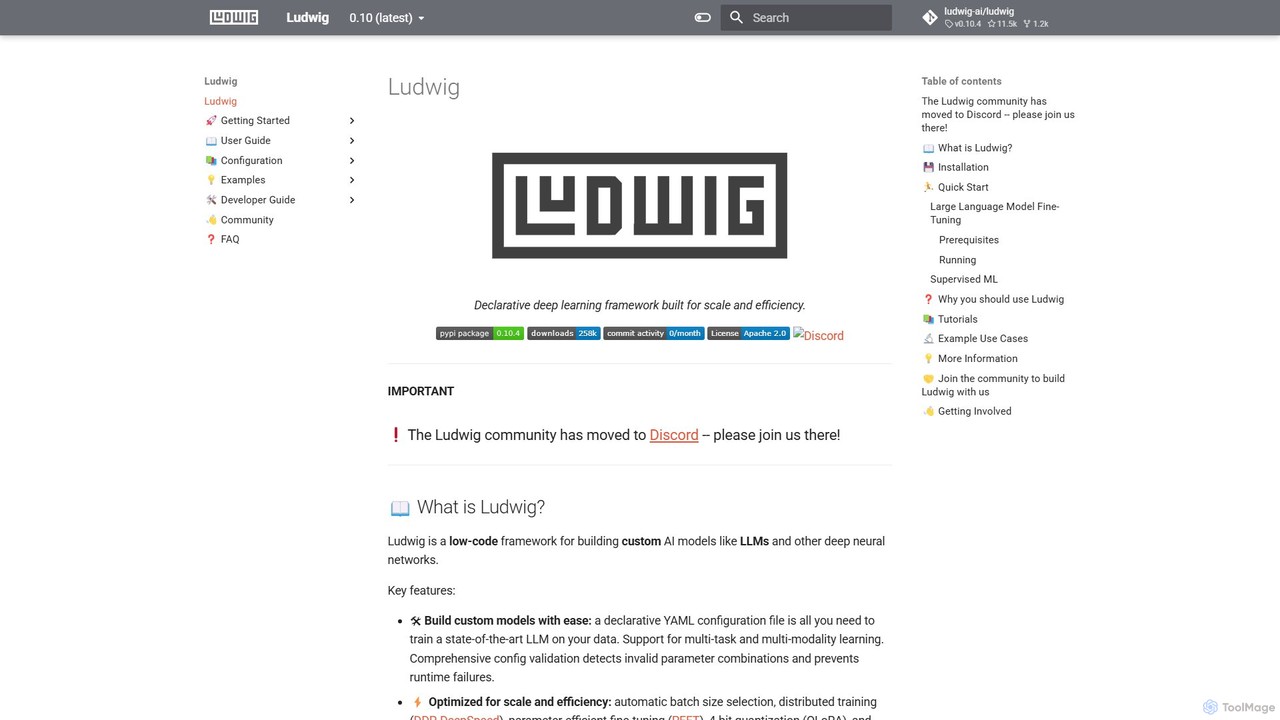
Ludwig is a low-code, open-source deep learning framework that simplifies building and training custom AI models. Using declarative …
Ludwig is a low-code, open-source deep learning framework that simplifies building and training custom AI models. Using declarative YAML configurations, users can easily create complex models, including LLMs, for multi-modal and multi-task learning without extensive boilerplate code. It's designed for scalability, production-readiness, and integrates with popular tools like HuggingFace and MLFlow.
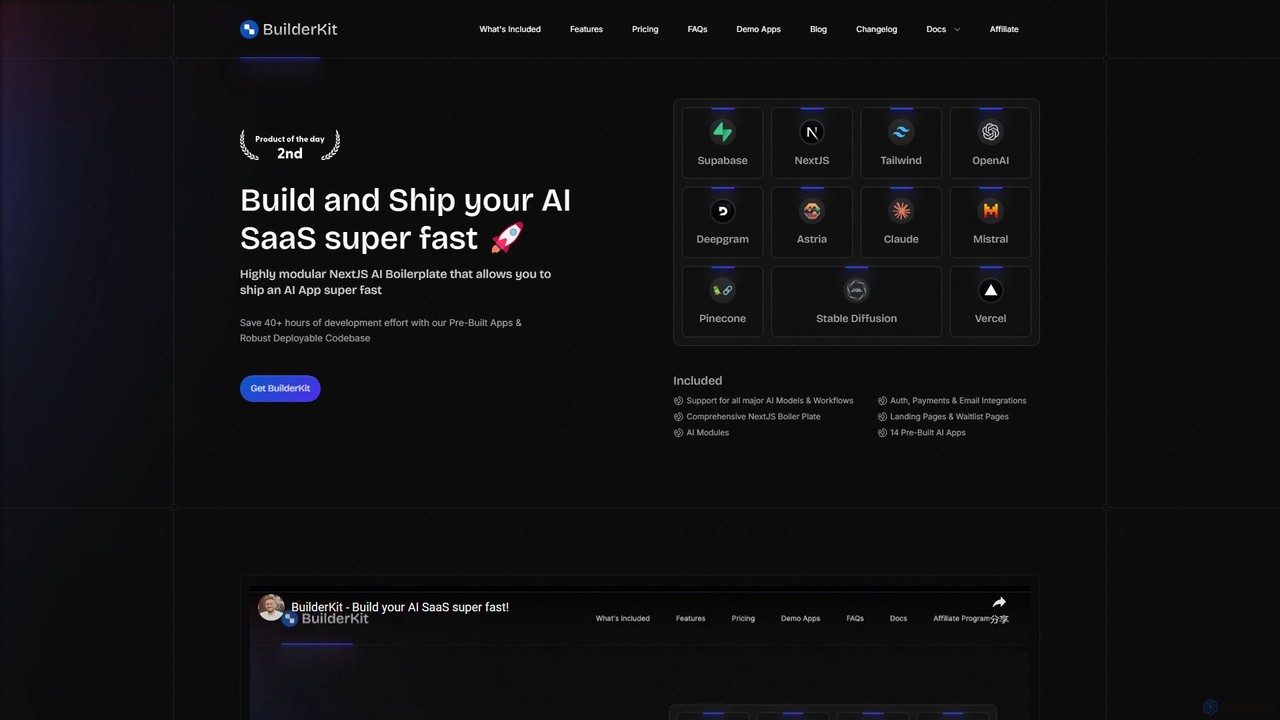
BuilderKit
BuilderKit is a modular NextJS AI boilerplate designed for developers and entrepreneurs to build and ship AI-powered SaaS …
BuilderKit is a modular NextJS AI boilerplate designed for developers and entrepreneurs to build and ship AI-powered SaaS applications at high speed. It includes pre-built components, AI module integrations, authentication, payment systems, and over 17 demo apps, saving 40+ hours of development time.
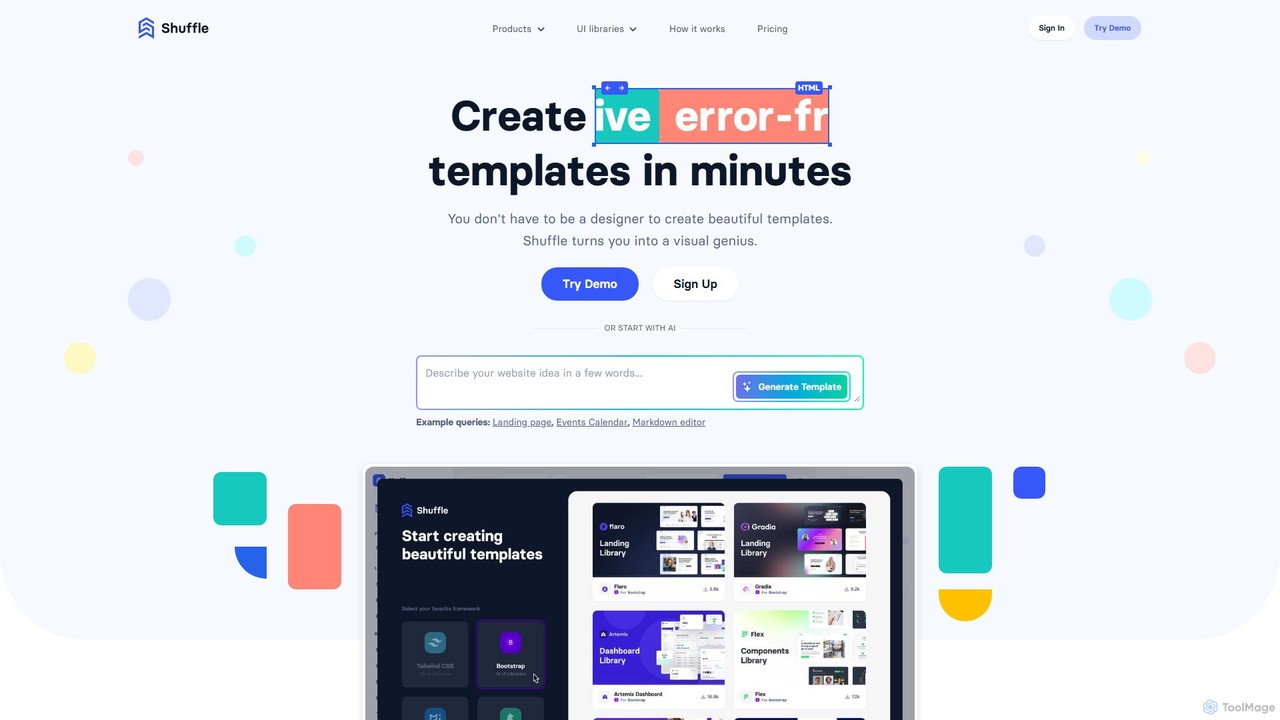
Shuffle
Shuffle is an AI-powered online editor for developers, designed to accelerate UI development. It features a visual drag-and-drop …
Shuffle is an AI-powered online editor for developers, designed to accelerate UI development. It features a visual drag-and-drop interface, extensive component libraries for Tailwind CSS, Bootstrap, Material-UI, and Bulma, and an AI Assistant that builds layouts from chat commands. Export clean, production-ready code, including React JSX, in seconds.
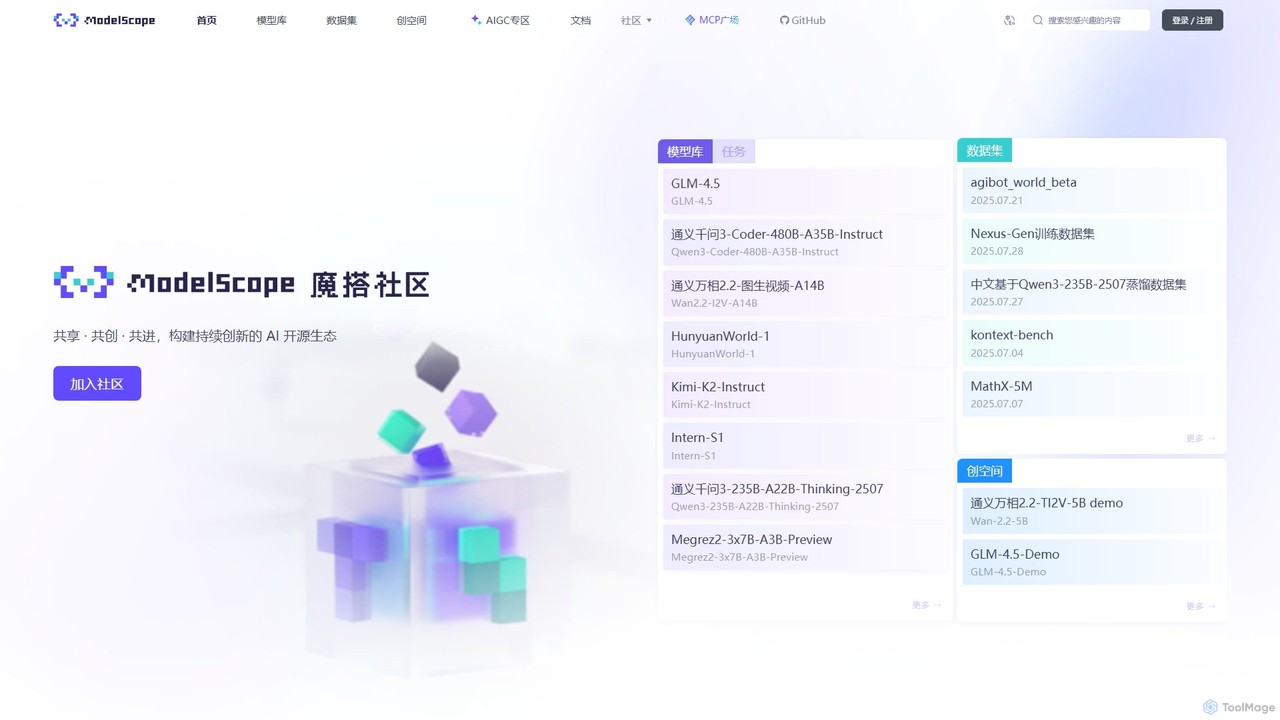
ModelScope
ModelScope is an open-source AI model community and platform, offering a vast library of models and datasets. It …
ModelScope is an open-source AI model community and platform, offering a vast library of models and datasets. It provides a "Model-as-a-Service" (MaaS) ecosystem with tools for easy model training, inference, and application development, supported by free computing resources.
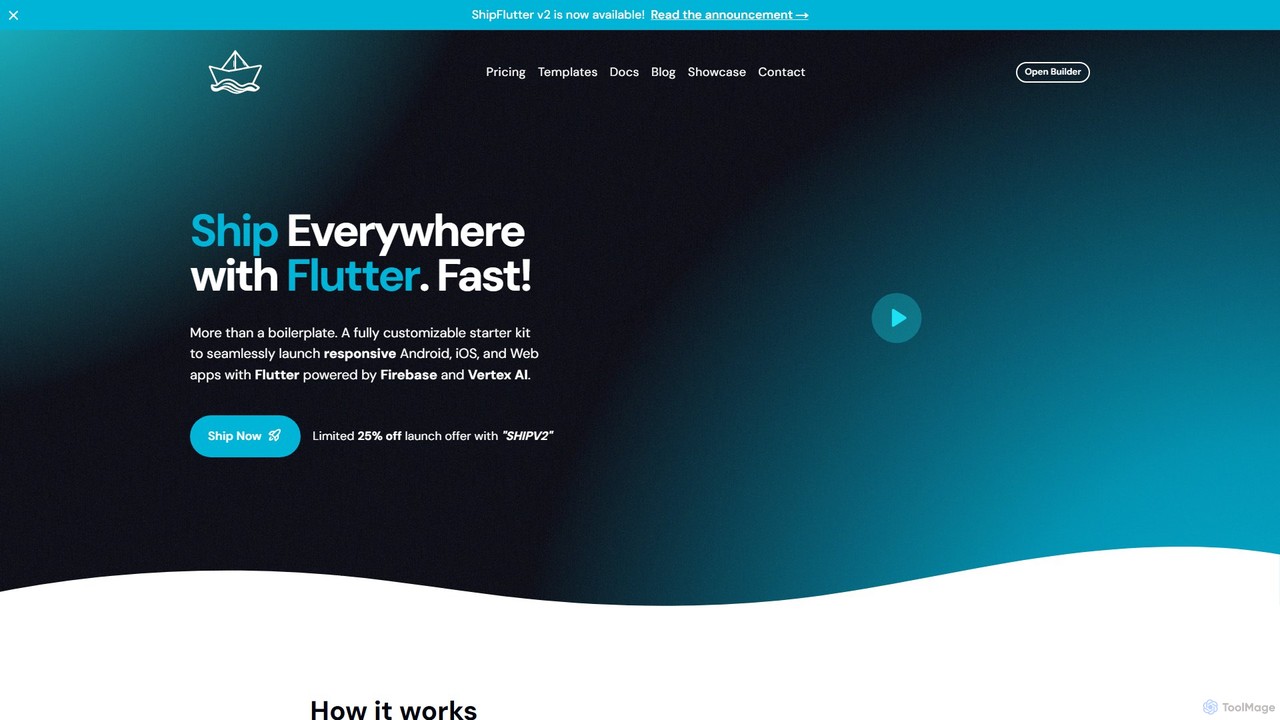
shipflutter
ShipFlutter is an AI-powered starter kit for developers to rapidly build and launch cross-platform applications. Using Flutter, Firebase, …
ShipFlutter is an AI-powered starter kit for developers to rapidly build and launch cross-platform applications. Using Flutter, Firebase, and Google's Vertex AI, it provides a fully customizable boilerplate with pre-built modules for authentication, payments, notifications, and more. The AI builder helps generate and configure project code, significantly reducing development time from months to days. It's designed for creating responsive Android, iOS, and web apps with production-ready features out of the box.
About Low Code No Code
Low-Code/No-Code platforms are tools that enable users to design, build, and deploy applications with minimal to no traditional programming. These platforms utilize visual development environments, featuring drag-and-drop interfaces, pre-built components, and model-driven logic. This approach significantly accelerates the development lifecycle and empowers non-technical users, often called citizen developers, to create their own solutions. As a key part of the Productivity category, they directly enhance efficiency by democratizing software development and automating business processes without relying on extensive IT resources.
Core Features
- Visual Application Builder: Design user interfaces and application logic using drag-and-drop components instead of writing code.
- Pre-built Templates and Connectors: Start projects quickly with ready-made templates and easily integrate with databases, APIs, and third-party services.
- Workflow Automation: Visually map out and automate complex business processes, such as approvals, notifications, and data transfers.
- One-Click Deployment: Publish and update applications for web and mobile platforms with a single click, managing the entire lifecycle.
- Data Modeling and Management: Create and manage data models visually without writing complex SQL queries.
Use Cases
These platforms are widely used across industries to build internal tools like inventory management systems, customer relationship management (CRM) dashboards, and HR onboarding portals. They are also ideal for creating customer-facing web applications, automating repetitive data entry tasks, and rapidly prototyping new application ideas for market validation.
How to Choose
When selecting a Low-Code/No-Code platform, consider your team's technical expertise; no-code is better for business users, while low-code offers more customization for developers. Evaluate the platform's integration capabilities with your existing software stack. Also, assess its scalability for future growth, security features, and the pricing model (per user, per application, or usage-based).
Low Code No CodeUse Cases
Build an Internal Inventory Management App
A small retail business owner needs a simple system to track stock levels across multiple locations but lacks the budget for custom software or the skills for traditional coding. Using a no-code platform, they can visually design a database for products, suppliers, and inventory counts. They create forms for adding new stock and processing sales, and set up automated alerts that trigger when an item's quantity falls below a certain threshold. The result is a custom, mobile-friendly application built in days, not months, providing real-time inventory visibility and reducing the risk of stockouts.
Automate Employee Onboarding Workflow
An HR manager is overwhelmed with the manual tasks required for onboarding new hires, such as sending welcome emails, assigning IT equipment, and scheduling orientation meetings. Using a low-code platform with workflow automation capabilities, the manager designs a visual process. When a new employee is added to the HR system, the workflow automatically triggers a sequence of actions: an email is sent from a template, a ticket is created in the IT service desk system, and calendar invites are sent to the new hire and relevant team members. This automation reduces manual errors, ensures a consistent onboarding experience, and frees up the HR team to focus on more strategic tasks.
Create a Customer Feedback Portal
A product team wants to gather structured feedback from users but finds email and survey tools inefficient. They use a no-code platform to build a simple web portal. Users can log in, submit feature requests, and report bugs through a structured form. The platform allows the team to create a public-facing roadmap where users can vote on submitted ideas. All submissions are automatically stored in a connected database and can be sorted by votes or category, helping the product team prioritize their development backlog based on direct customer input without writing a single line of code.
Develop a Project Management Dashboard
A project manager struggles to get a consolidated view of project status, as data is scattered across different tools like spreadsheets, task managers, and communication apps. Using a low-code platform, they connect these disparate data sources via pre-built APIs. They then design a custom dashboard with visual charts and tables to display key metrics like task completion rates, budget vs. actual spending, and team workload. The dashboard updates in real-time, providing stakeholders with a single source of truth and enabling the project manager to identify bottlenecks and make data-driven decisions more effectively.
Prototype a New Mobile App Idea
An entrepreneur has an idea for a new mobile app but needs a functional prototype to pitch to investors and gather user feedback. Instead of hiring a development team, they use a no-code app builder. They drag and drop UI elements to design the app's screens, define user navigation flows, and connect to a simple backend database to make the app interactive. Within a week, they have a clickable, high-fidelity prototype that can be installed on phones. This allows them to demonstrate the core concept, test usability with potential customers, and iterate on the design quickly and cost-effectively before committing to full-scale development.
Automate Marketing Campaign Reporting
A marketing specialist spends hours each week manually compiling data from Google Analytics, social media platforms, and their CRM into a performance report. Using a low-code automation tool, they build a workflow that connects to each of these services via their APIs. The workflow is scheduled to run every Monday morning. It automatically pulls the latest campaign metrics, aggregates the data into a predefined format, and populates a Google Sheets template. Finally, it sends a summary email with a link to the report to all stakeholders. This automation saves the specialist approximately 5 hours per week and ensures reports are accurate and consistent.