
Devwares Overview
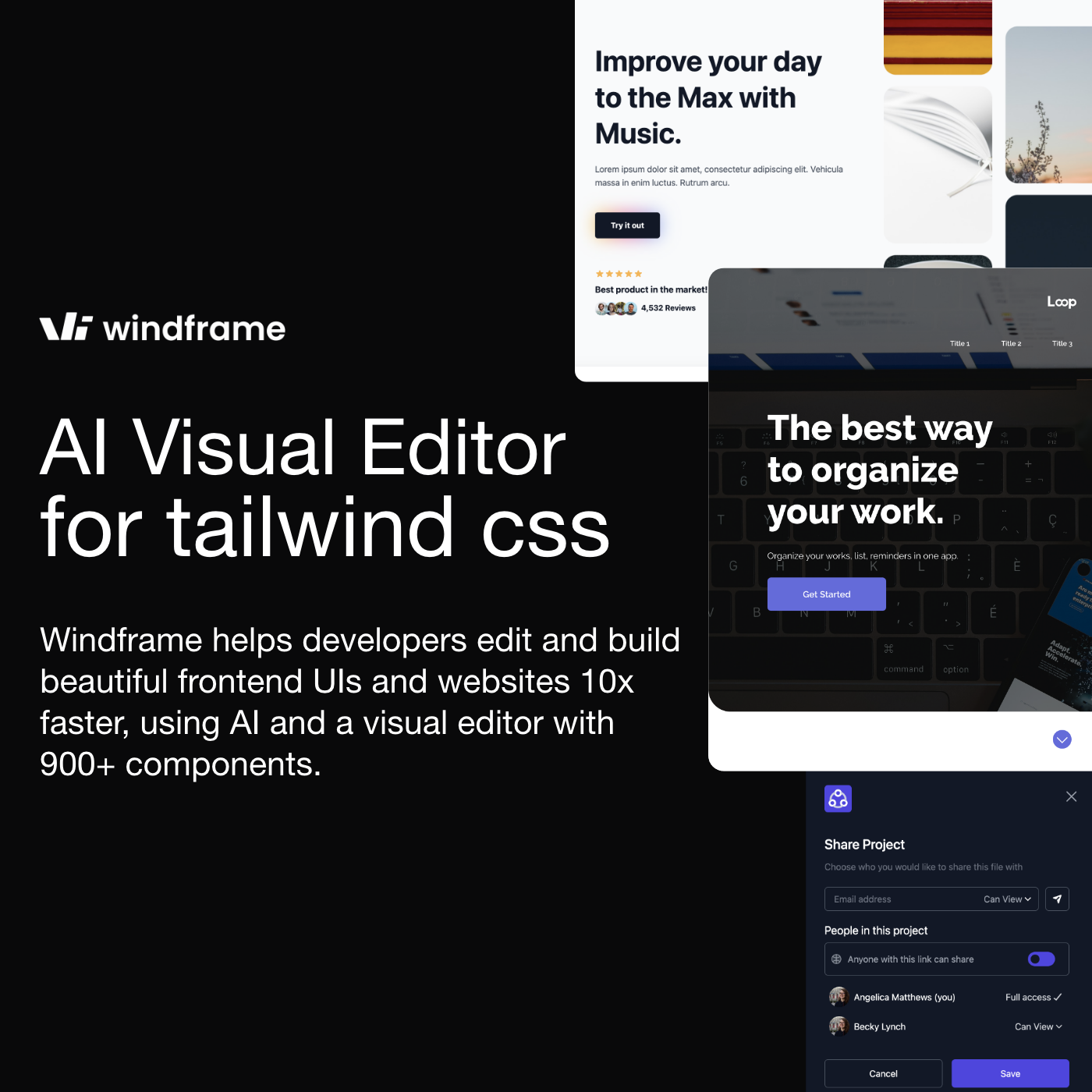
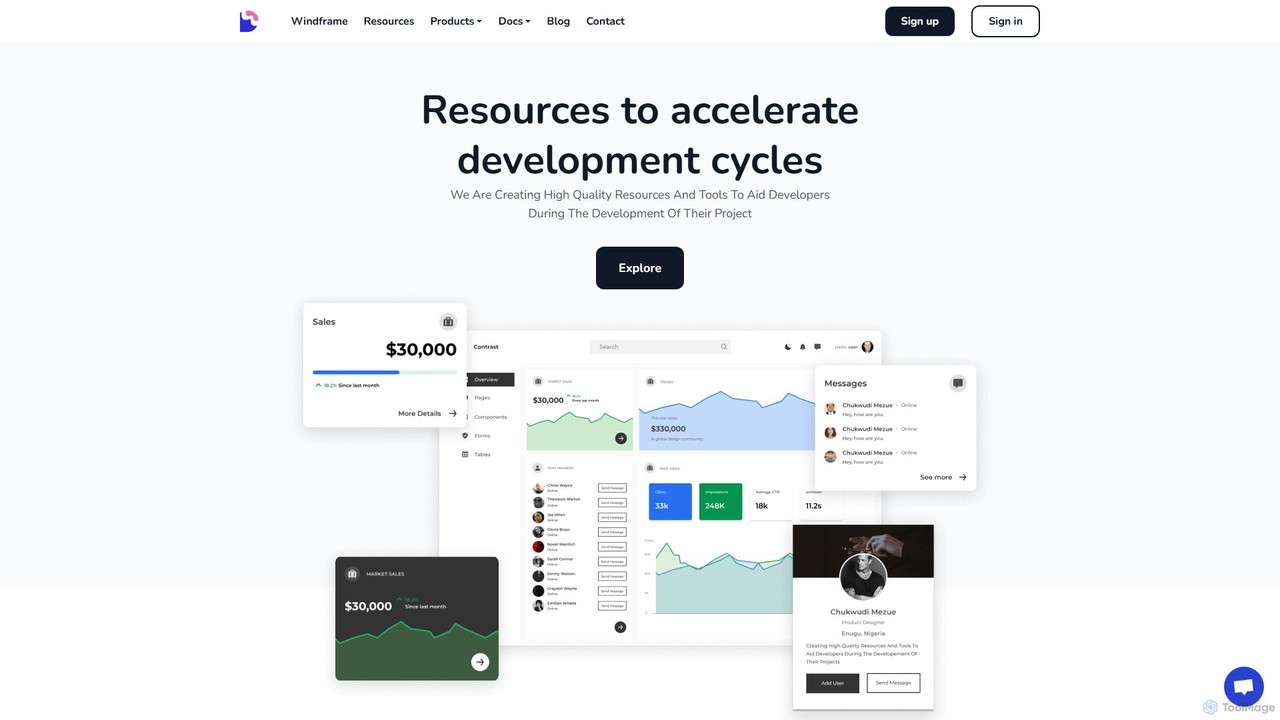
Devwares is an all-in-one ecosystem designed to significantly accelerate development cycles for web developers and designers. It provides a suite of high-quality resources, UI kits, and powerful tools, with its centerpiece being Windframe, a revolutionary AI-powered visual editor for Tailwind CSS. This platform empowers users to create stunning, responsive websites and user interfaces with unprecedented speed and efficiency, bridging the gap between design and development.
The core philosophy of Devwares is to streamline the creation process. Whether you're a backend developer needing a quick frontend, a startup aiming for a fast market launch, or a design agency collaborating on complex projects, Devwares provides the tools to bring ideas to life. The platform's main offering, Windframe, allows users to go from a simple text prompt to a fully functional, visually appealing UI in seconds, which can then be refined and exported into clean, production-ready code.
How to use Devwares
Using Devwares, particularly its Windframe tool, is an intuitive process designed for maximum productivity:
- Generate with AI or Templates: Kickstart your project by either using the Windframe AI to generate a design from a text prompt (e.g., "Create a landing page for a SaaS product") or by choosing from a massive library of over 1000+ professionally crafted Tailwind CSS templates and blocks.
- Visually Edit and Customize: Use the powerful and intuitive drag-and-drop visual builder to refine every aspect of your design. Adjust colors, tweak spacing, modify typography, and rearrange elements in a real-time editor.
- Import Existing Projects: You can import your own Tailwind CSS websites, templates, or components from libraries like Tailwind UI, Flowbite, and Daisy UI, and use the visual editor to customize them.
- Responsive Design Preview: Effortlessly render your designs on various screen sizes (desktop, tablet, mobile) to ensure your website is fully responsive and looks great on all devices.
- Collaborate and Iterate: Invite team members to your project as editors. Collaborate in real-time, get feedback, and make changes together, streamlining the design and review process.
- Export Production-Ready Code: Once your design is perfect, export the well-structured and clean code to your preferred framework, including HTML, React, Vue, Next.js, Gatsby, Nuxt.js, or Angular.
Core Features of Devwares
- Windframe AI: A generative AI that creates UI designs and components from simple text descriptions, dramatically speeding up the initial design phase.
- Drag-and-Drop Visual Builder: An intuitive, real-time editor that allows for deep customization without writing a single line of code.
- Extensive Template Library: Access to over 1000+ pre-built, professionally designed blocks and full-page templates built with Tailwind CSS.
- Multi-Framework Export: Seamlessly export your designs into clean, maintainable code for a wide range of modern web frameworks.
- Website and Component Import: The ability to import existing Tailwind CSS projects and visually edit them within Windframe.
- Real-time Code Editor: A built-in code editor that allows you to switch between visual building and direct code manipulation, showing changes in real-time.
- Team Collaboration: Features that allow multiple users to work on the same project, leave comments, and edit designs simultaneously.
- Version History: Save different versions of your project and easily revert to a previous state, allowing for risk-free experimentation.
- Comprehensive UI Kits: Devwares also offers a collection of free and premium UI kits and admin dashboards for Bootstrap, React, and Angular.
Use Cases for Devwares
Devwares is versatile and caters to a wide range of professionals:
- Developers: Backend and full-stack developers can quickly prototype and build beautiful UIs for their applications without extensive frontend design experience.
- Startups: Accelerate time-to-market by rapidly building landing pages, product websites, and web app interfaces, allowing them to focus on core business logic.
- Agencies: Empower design and development teams to collaborate efficiently, create high-fidelity prototypes, and deliver high-quality projects to clients faster.
- Designers: Create functional designs that can be directly translated into production-ready code, ensuring design fidelity and reducing the handoff friction with developers.
Advantages of Devwares
The primary advantage of Devwares is the massive boost in productivity. By leveraging AI and a powerful visual editor, it reduces development time from days to hours. It democratizes design, allowing non-designers to create aesthetically pleasing interfaces. The platform's flexibility—allowing users to start from AI, templates, or their own code—makes it adaptable to any workflow. Furthermore, the generation of clean, well-structured code ensures that the final output is maintainable and scalable, not just a prototype.
Pricing and Plans
Devwares operates on a freemium model. There is a free plan that allows users to get started and explore the core functionalities of Windframe, including access to a selection of templates and the visual editor. For more advanced features, Devwares offers Pro subscriptions. These paid plans typically unlock benefits such as access to the full 1000+ template library, unlimited project exports, advanced collaboration features, version history, and priority support, making it a scalable solution for both individual professionals and large teams.
Traffic
Latest traffic
Status
Monthly traffic trend
- 2025-9: 27.1K
- 2026-1: 13.9K
- 2026-2: 10.4K
- 2026-3: 10.0K
- 2026-4: 8.8K
- 2026-5: 9.3K
Geography
Top 5 countries / regions
- 🇳🇬Nigeria47.0%
- 🇺🇸United States17.8%
- 🇮🇳India15.7%
- 🇮🇹Italy12.2%
- 🇺🇦Ukraine7.3%
Top keywords
| Keyword | Cost per click |
|---|---|
| bootstrap charts | $0.00 |
| free icon in html | $0.00 |
| tailwind css width | $0.00 |
| tailwind width | $0.00 |
| tailwind width classes | $0.00 |
Devwares Alternatives
Reweb
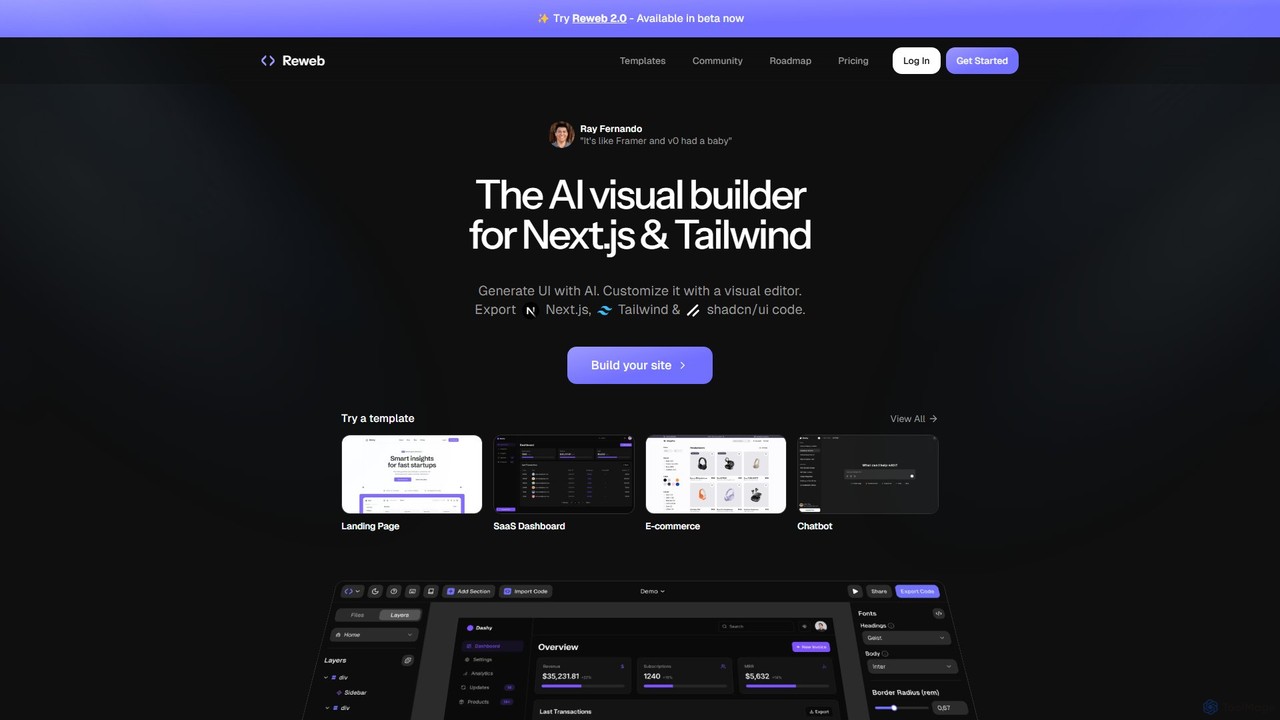
Reweb is an AI-powered visual builder designed for developers. It enables users to generate UI components using AI from text prompts or images, customize them with a sophisticated visual editor, and export high-quality, production-ready code for Next.js, Tailwind CSS, and shadcn/ui. It bridges the gap between no-code platforms and traditional coding, accelerating the development workflow without sacrificing code quality or flexibility.
Ui Ux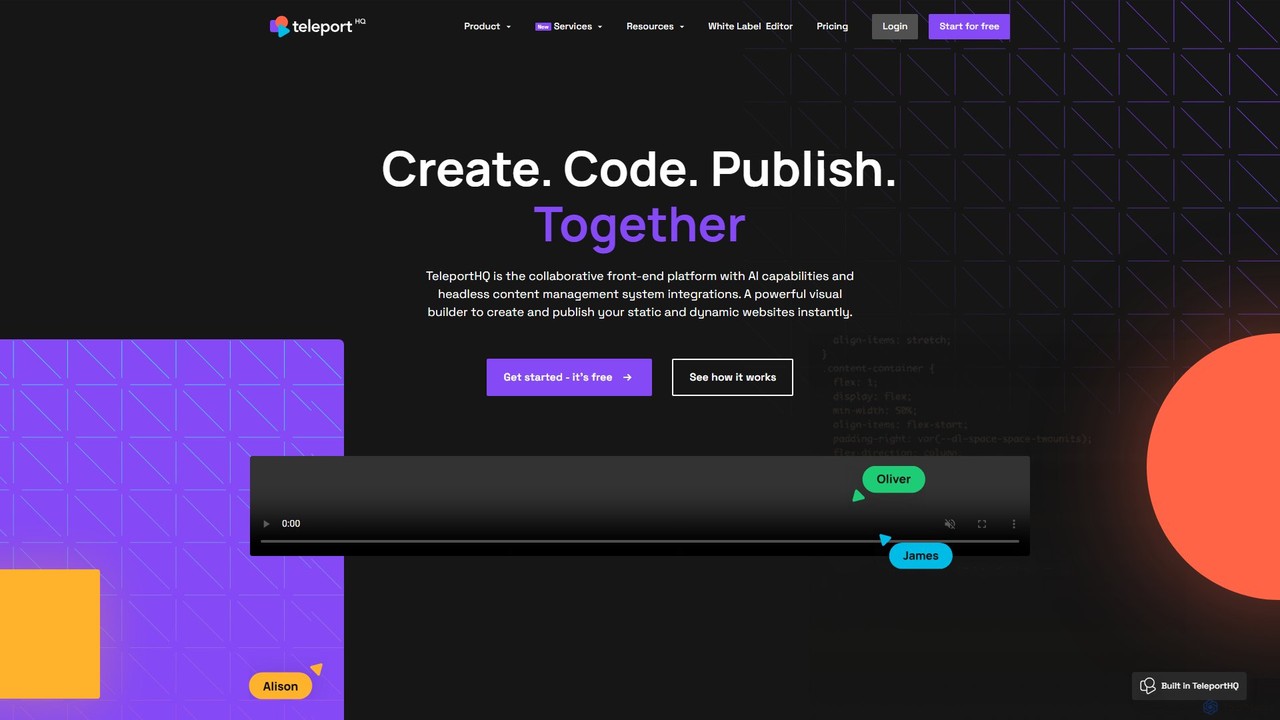
TeleportHQ
TeleportHQ is a collaborative low-code platform that streamlines front-end development. It features an AI website builder, Figma to code conversion, and real-time collaboration tools. Users can visually build responsive websites and UIs, generate clean code for multiple frameworks (React, Vue, etc.), and deploy seamlessly.
Ui Ux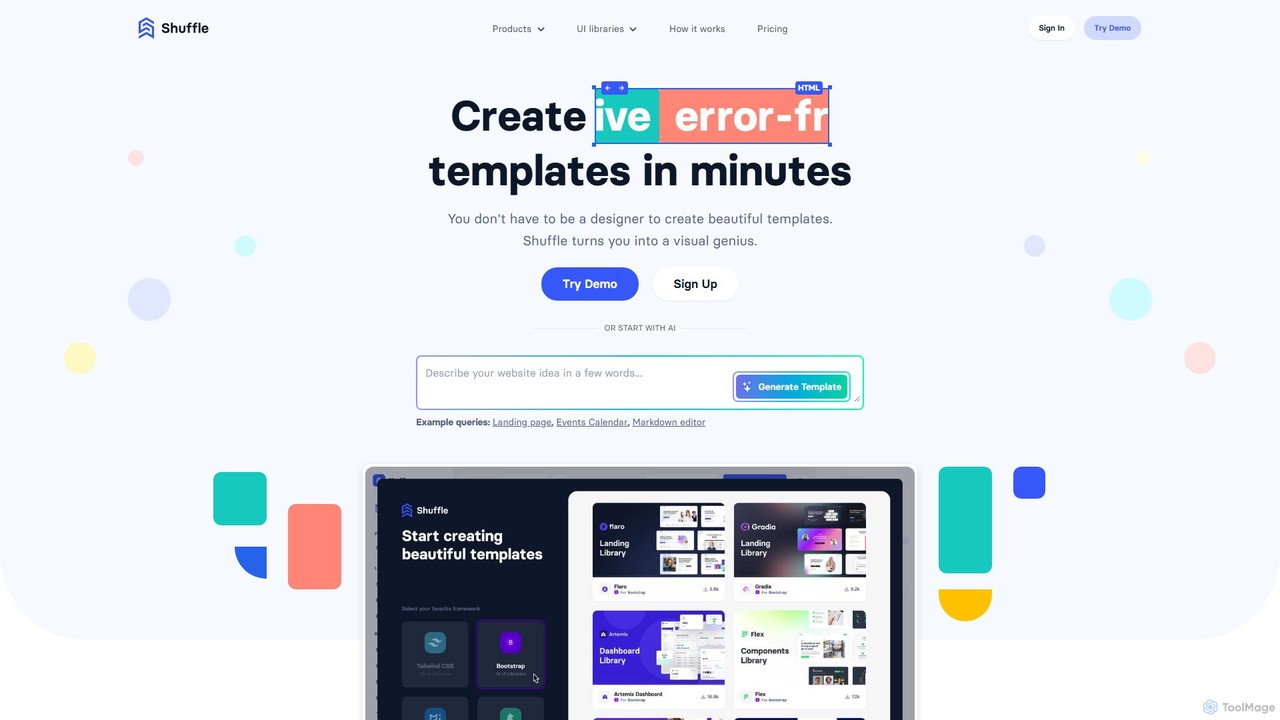
Shuffle
Shuffle is an AI-powered online editor for developers, designed to accelerate UI development. It features a visual drag-and-drop interface, extensive component libraries for Tailwind CSS, Bootstrap, Material-UI, and Bulma, and an AI Assistant that builds layouts from chat commands. Export clean, production-ready code, including React JSX, in seconds.
Ui Ux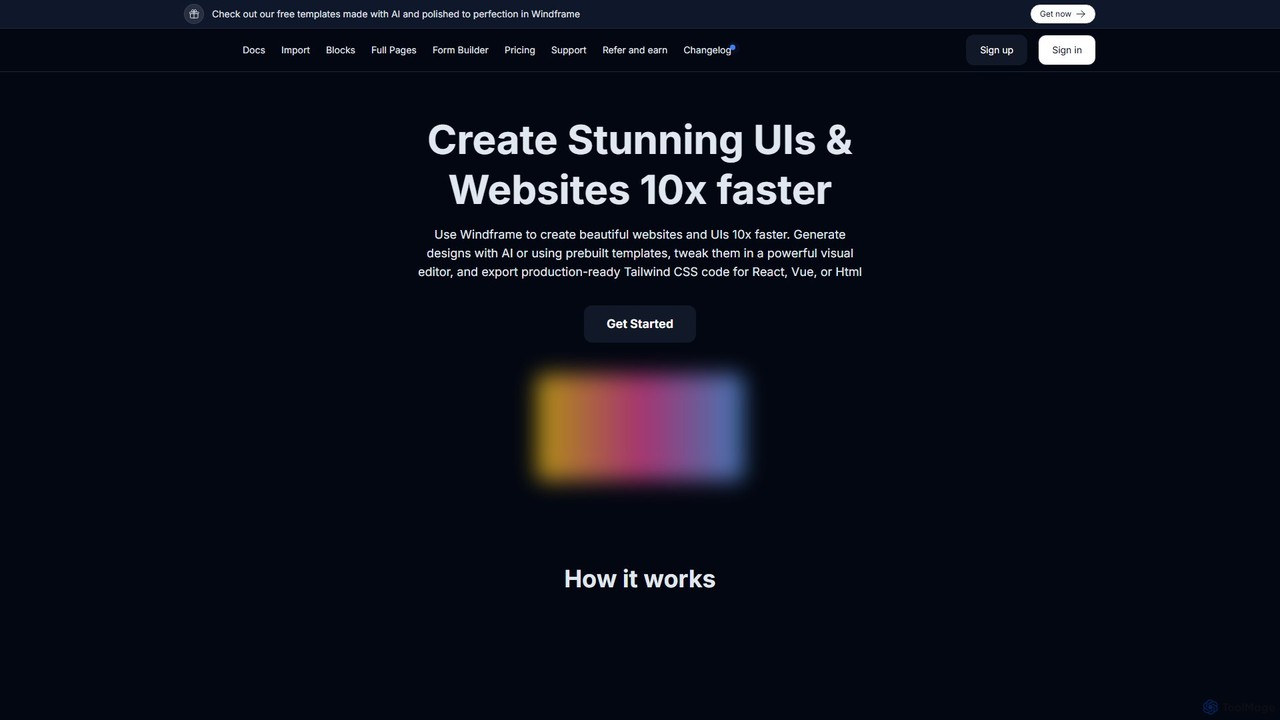
Windframe
Windframe is an AI-powered visual editor and builder for Tailwind CSS, designed to accelerate UI and website development. It allows users to generate designs with AI prompts, utilize over 1000 pre-built templates, and visually edit projects in real-time. Export production-ready code for React, Vue, HTML, and more, streamlining the workflow for developers, designers, and teams.
Ui Ux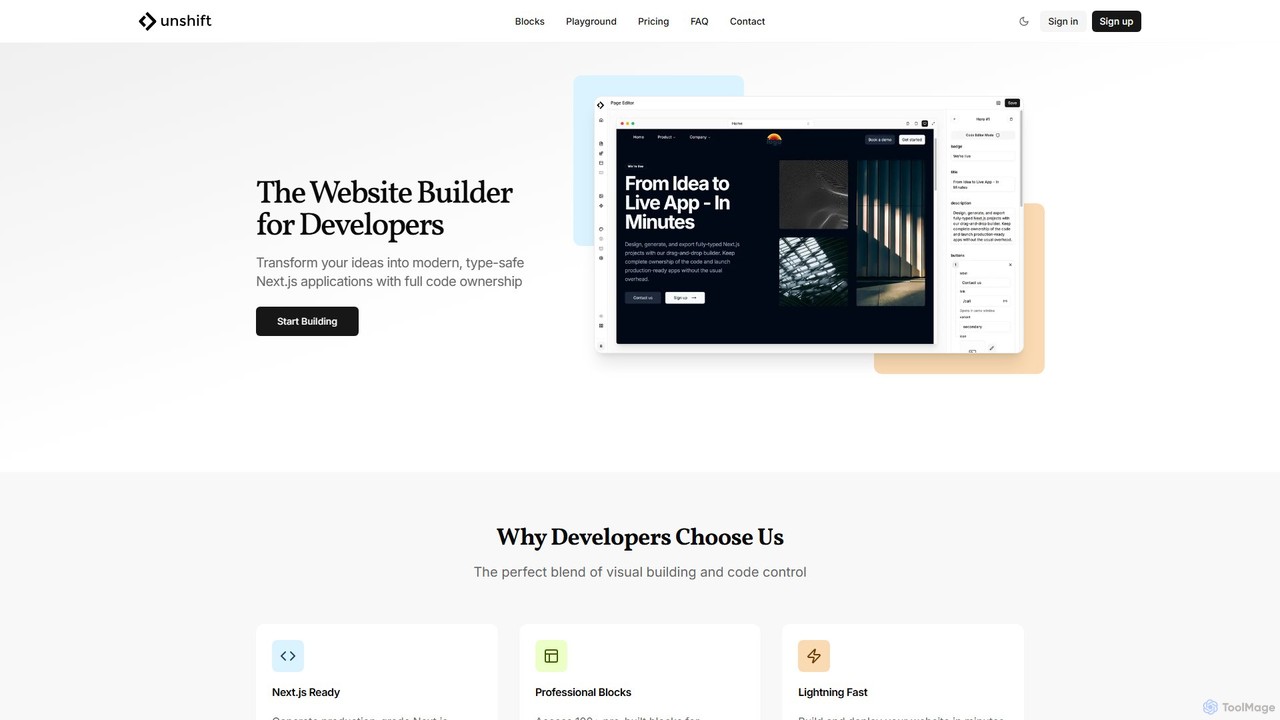
Unshift
Unshift is a website builder designed for developers, blending visual editing with full code control. It generates production-grade Next.js applications with TypeScript and TailwindCSS, offering complete code ownership via a clean Git repository. With over 100 pre-built blocks and a developer-first approach, it accelerates the process of turning ideas into modern, type-safe web applications without vendor lock-in.
Ui UxDevwares Categories
Devwares Embed Widget
Copy this embed code to place the badge on your blog, article, or product site and send readers directly to this ToolMage detail page.

Related AI tools
Shuffle
Shuffle is an AI-powered online editor for developers, designed to accelerate UI development. It features a visual drag-and-drop interface, extensive component libraries for Tailwind CSS, Bootstrap, Material-UI, and Bulma, and an AI Assistant that builds layouts from chat commands. Export clean, production-ready code, including React JSX, in seconds.
Ui UxWindframe
Windframe is an AI-powered visual editor and builder for Tailwind CSS, designed to accelerate UI and website development. It allows users to generate designs with AI prompts, utilize over 1000 pre-built templates, and visually edit projects in real-time. Export production-ready code for React, Vue, HTML, and more, streamlining the workflow for developers, designers, and teams.
Ui Ux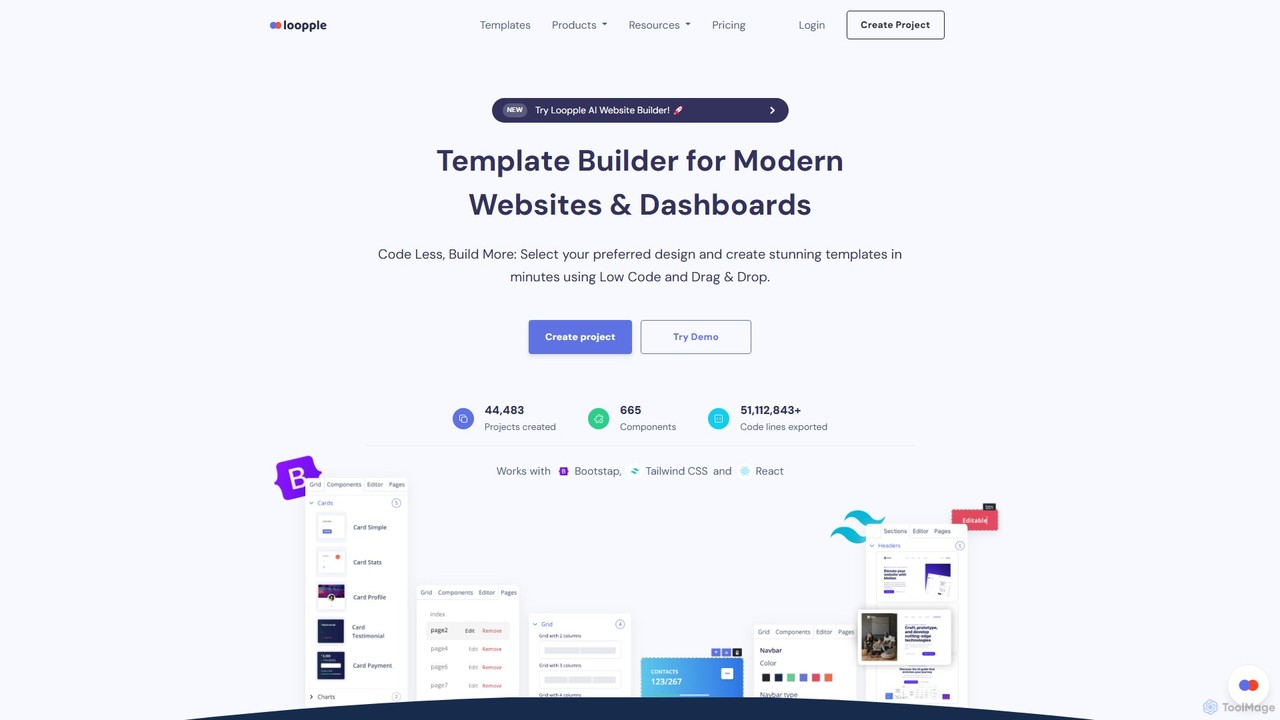
Loopple
Loopple is an AI-powered, low-code platform for building modern websites and dashboards. It features a drag-and-drop editor, a vast library of pre-built components and templates for Bootstrap, Tailwind CSS, and React. With its AI text help and direct code export, Loopple accelerates the front-end development process for developers and teams, enabling rapid creation of responsive, professional-grade user interfaces.
Low Code No Code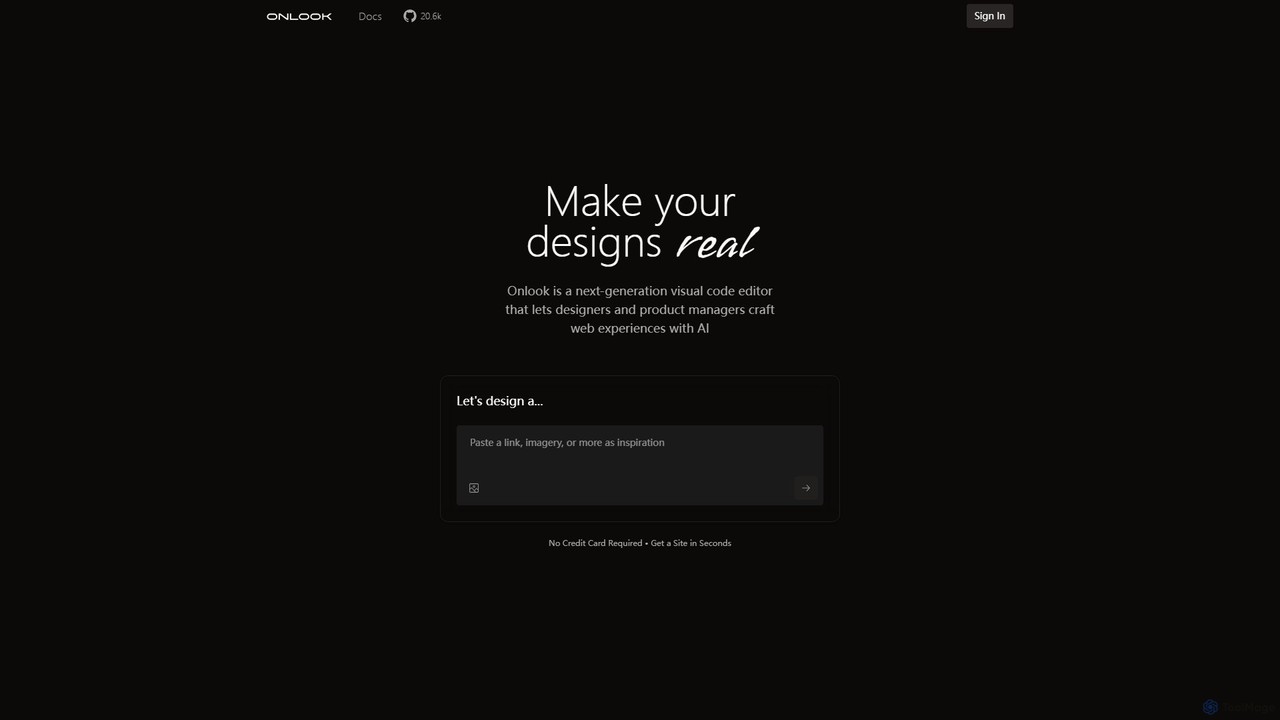
Onlook
Onlook is a next-generation, AI-powered visual code editor that allows designers, product managers, and developers to build and edit web experiences directly on live React/Next.js code. It bridges the gap between design and implementation, offering a Figma-like interface with AI chat, direct manipulation, and seamless integration with existing codebases.
Ui Ux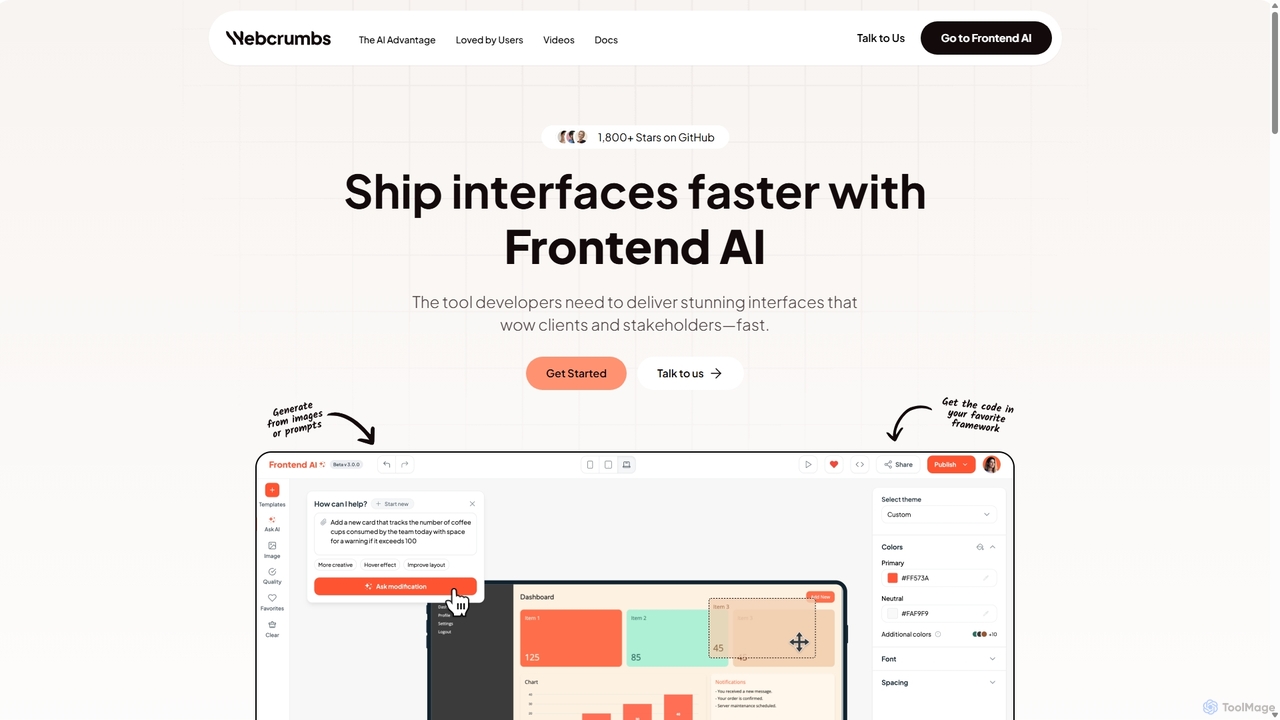
Webcrumbs
Webcrumbs is an AI-powered frontend development platform designed to accelerate UI creation. It combines a powerful prompt-to-code engine with a visual editor, enabling developers and designers to rapidly build, refine, and ship high-quality interface components. By translating natural language or images into clean, production-ready code, Webcrumbs streamlines the workflow, enhances collaboration, and ensures design consistency across projects.
Ui UxReweb
Reweb is an AI-powered visual builder designed for developers. It enables users to generate UI components using AI from text prompts or images, customize them with a sophisticated visual editor, and export high-quality, production-ready code for Next.js, Tailwind CSS, and shadcn/ui. It bridges the gap between no-code platforms and traditional coding, accelerating the development workflow without sacrificing code quality or flexibility.
Ui Ux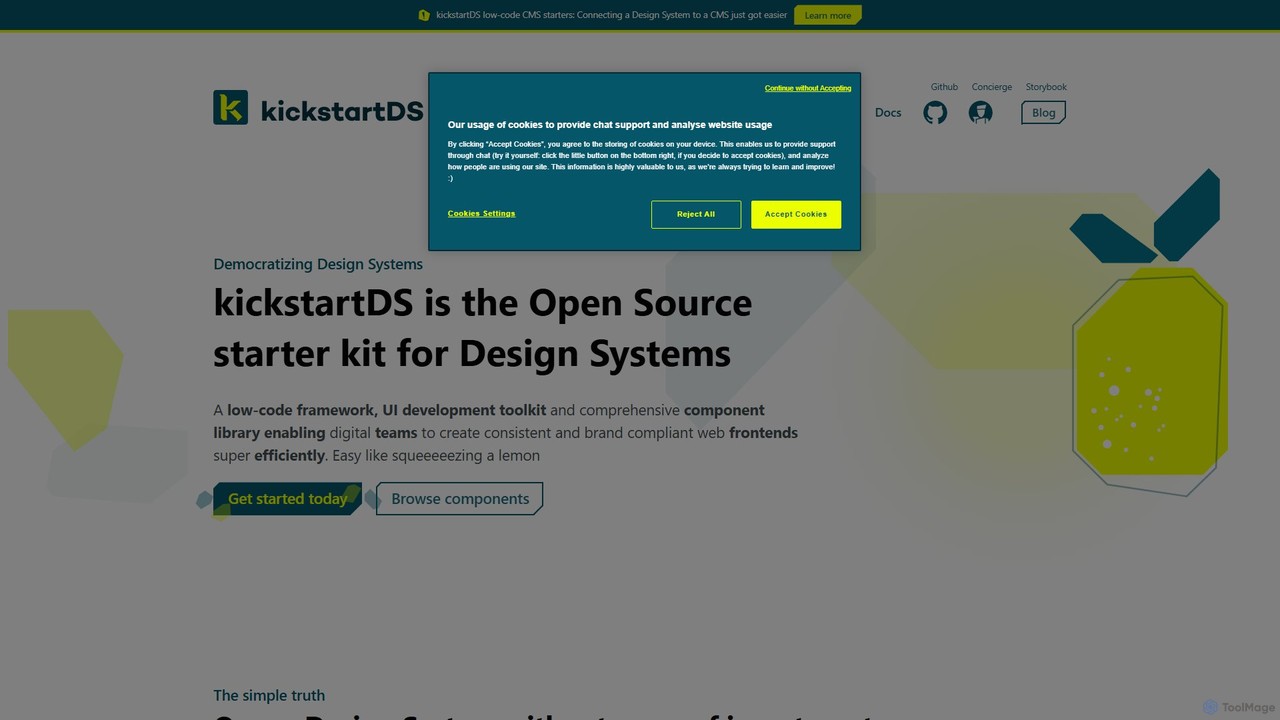
kickstartDS
kickstartDS is an open-source starter kit and next-gen UI toolkit for building and maintaining Design Systems. It offers a low-code framework, a comprehensive component library, and an AI-powered assistant to help digital teams create consistent, high-performance, and brand-compliant web frontends with maximum efficiency.
Design System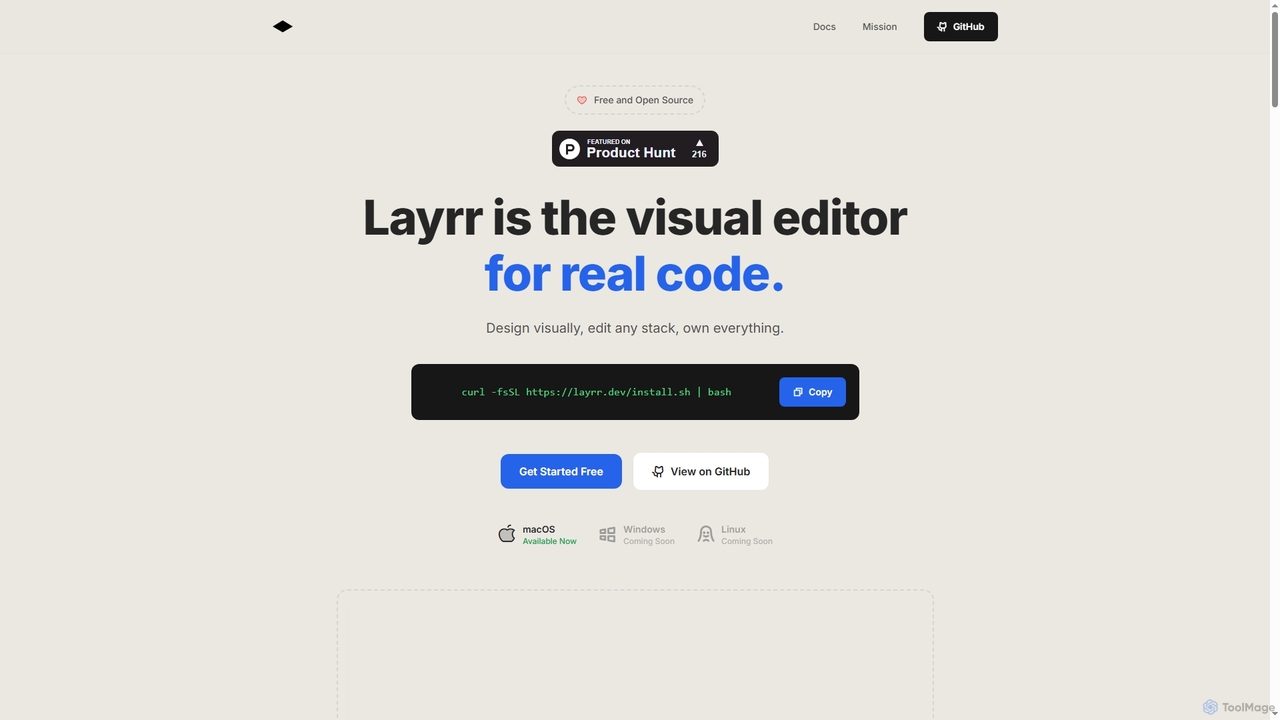
Layrr
Layrr is a free and open-source visual editor that allows developers and designers to create and edit real code directly. It combines the intuitive drag-and-drop interface of design tools like Figma with the flexibility and ownership of traditional coding, supporting any tech stack and leveraging AI for design-to-code conversion and natural language interface generation.
Code Generation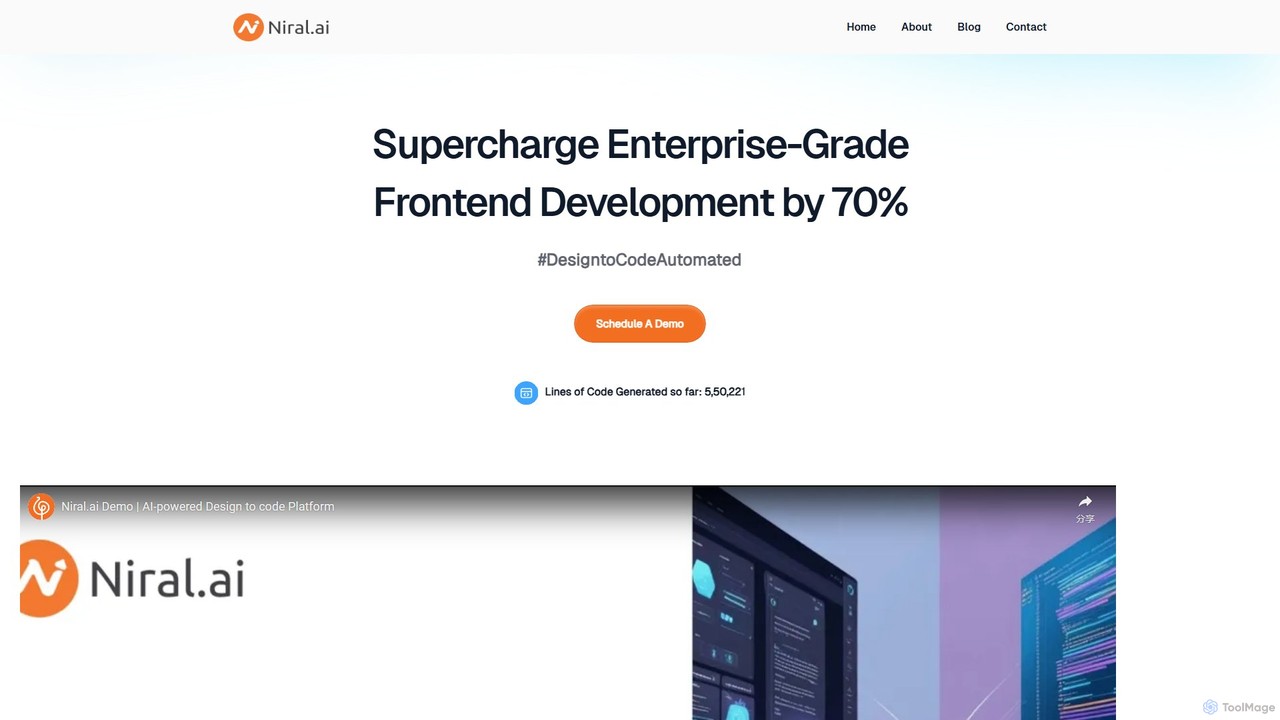
Niral.ai
Niral.ai is an AI-powered platform that converts Figma designs into high-quality, production-ready front-end code. It streamlines the design-to-development workflow, enabling teams to build user interfaces faster with full code ownership and Git integration.
Design To CodeUnshift
Unshift is a website builder designed for developers, blending visual editing with full code control. It generates production-grade Next.js applications with TypeScript and TailwindCSS, offering complete code ownership via a clean Git repository. With over 100 pre-built blocks and a developer-first approach, it accelerates the process of turning ideas into modern, type-safe web applications without vendor lock-in.
Ui Ux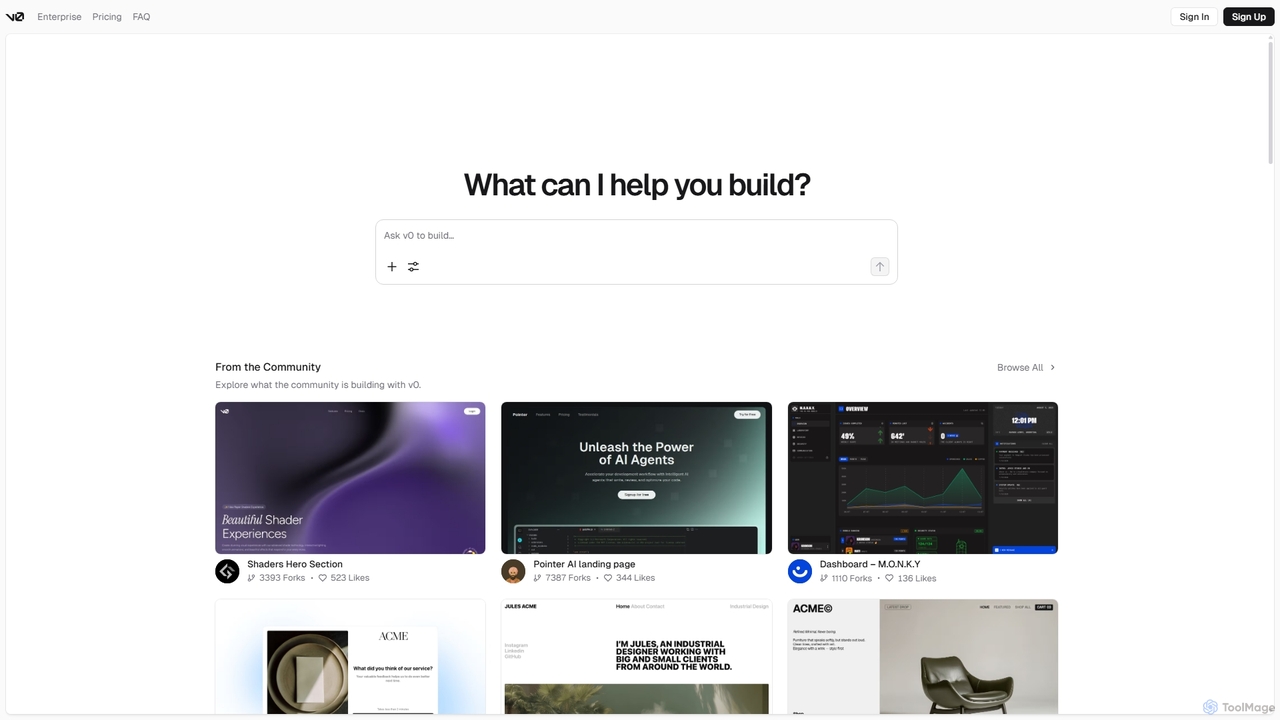
V0
V0 by Vercel is a generative AI platform that transforms text prompts, screenshots, and Figma designs into production-ready frontend code. It acts as an AI pair-programmer, enabling users to rapidly build and iterate on UI components and full-stack applications using React, Svelte, and Vue. With its chat-based interface, it accelerates the development workflow for engineers, designers, and product managers, allowing for seamless deployment to the Vercel platform.
Ui Ux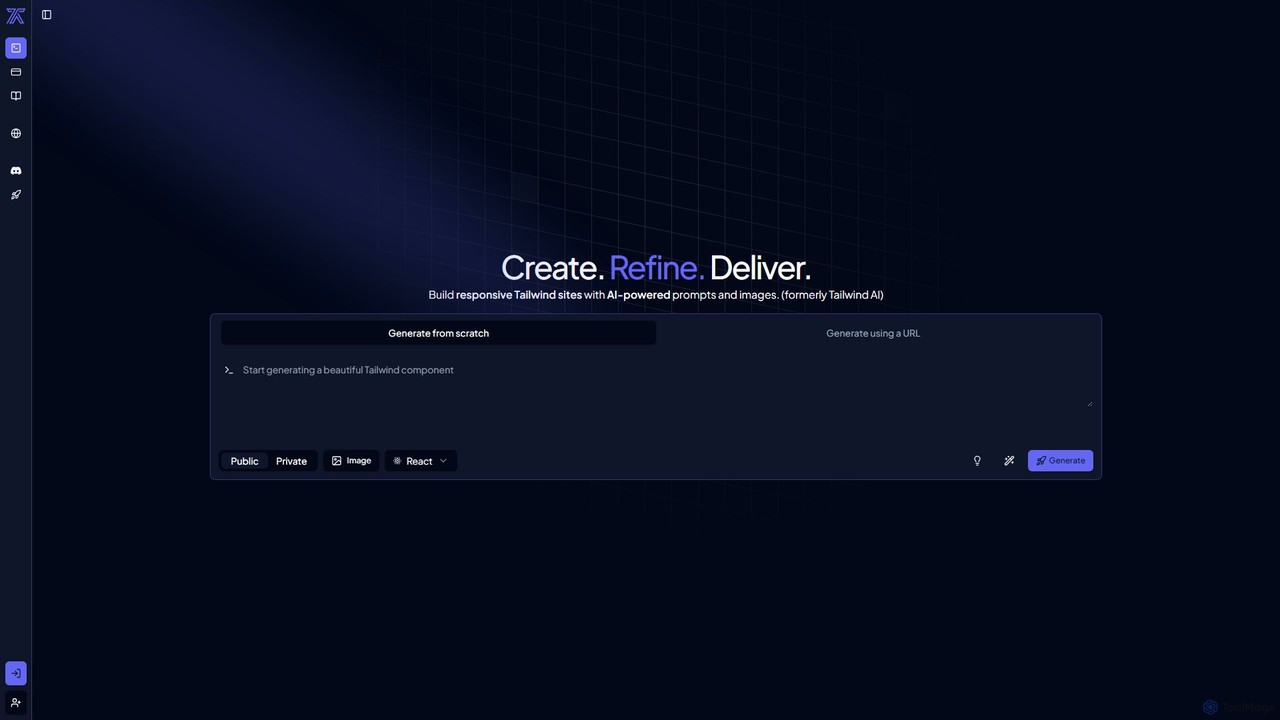
CodeRocket
CodeRocket is an AI-powered development tool that generates responsive websites and components using Tailwind CSS. Simply provide a text prompt, an image, or a URL, and CodeRocket will generate clean, ready-to-use code for HTML, React, and Vue.js. It's designed to accelerate frontend development, from rapid prototyping to building complete user interfaces.
Ui Ux
Shipixen
Shipixen is an AI-powered application that generates custom, high-performance Next.js website boilerplates in minutes. It creates landing pages, blogs, and SaaS frontends with your branding, pre-built components, and AI-generated content. You get the full, production-ready source code, built on a modern tech stack (Next.js 15, TypeScript, Tailwind CSS), with no subscriptions or vendor lock-in.
Website Builder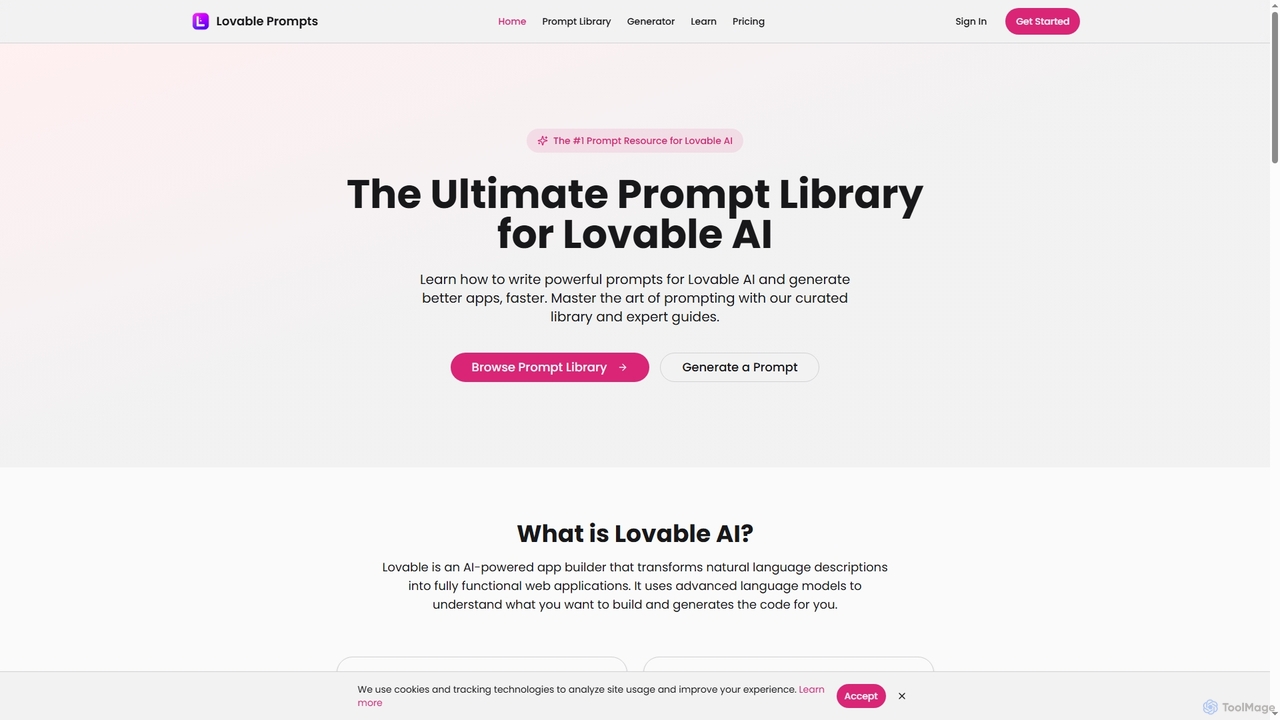
Lovable Prompts
Lovable Prompts is the premier resource for crafting effective prompts for Lovable AI, an advanced AI app builder. It offers a comprehensive library of curated prompts and an AI-powered generator to help users quickly create functional web applications in React, TypeScript, and Tailwind CSS. Master prompt engineering to accelerate app development and achieve superior results.
Code Generation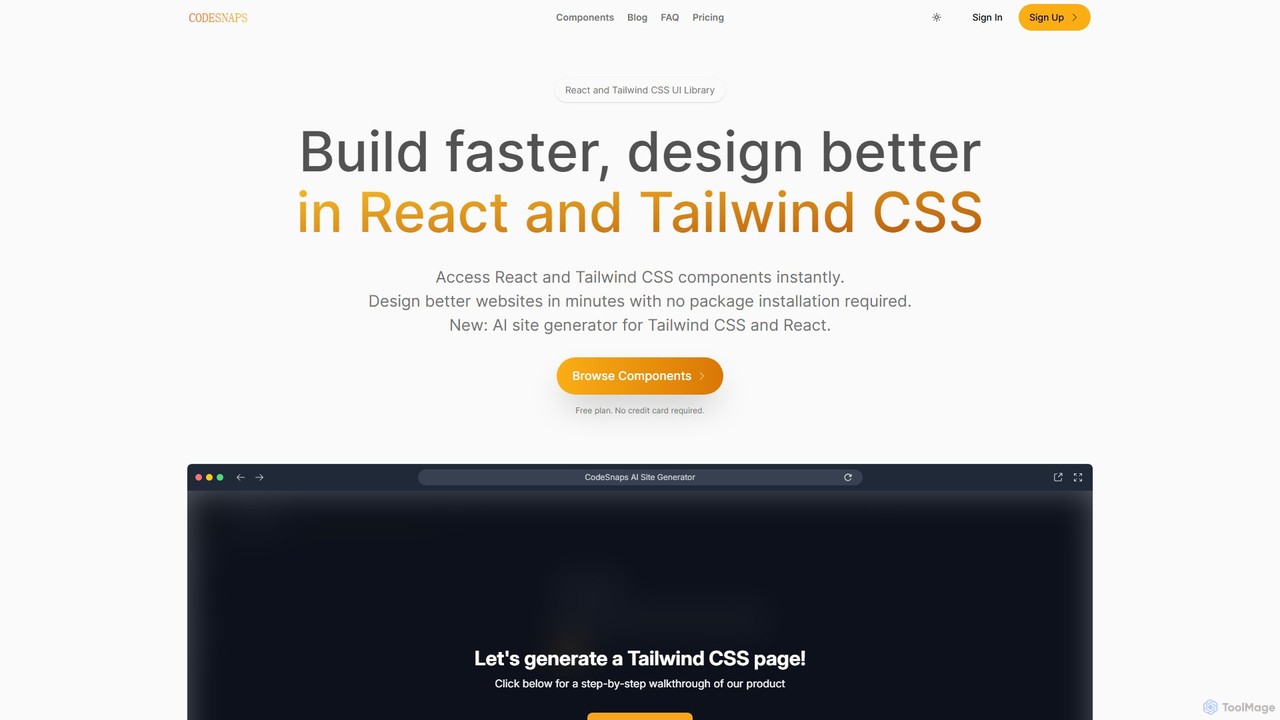
CodeSnaps
CodeSnaps is an AI-powered UI library for React and Tailwind CSS. It helps developers build websites and MVPs faster with a vast collection of production-ready components and an innovative AI site generator. Simply describe your site, and the AI will generate the structure and code, which you can then customize and download.
Ui Ux
Devwares Comments (0)
Sign in to comment.
Sign inNo comments yet.