
Onlook Overview
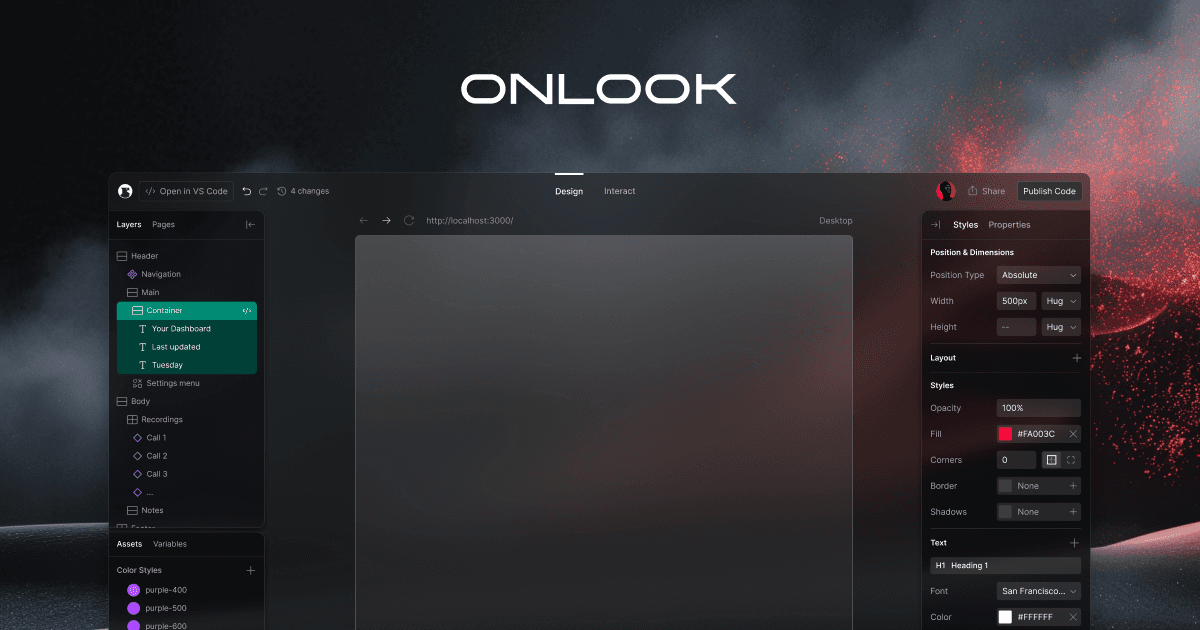
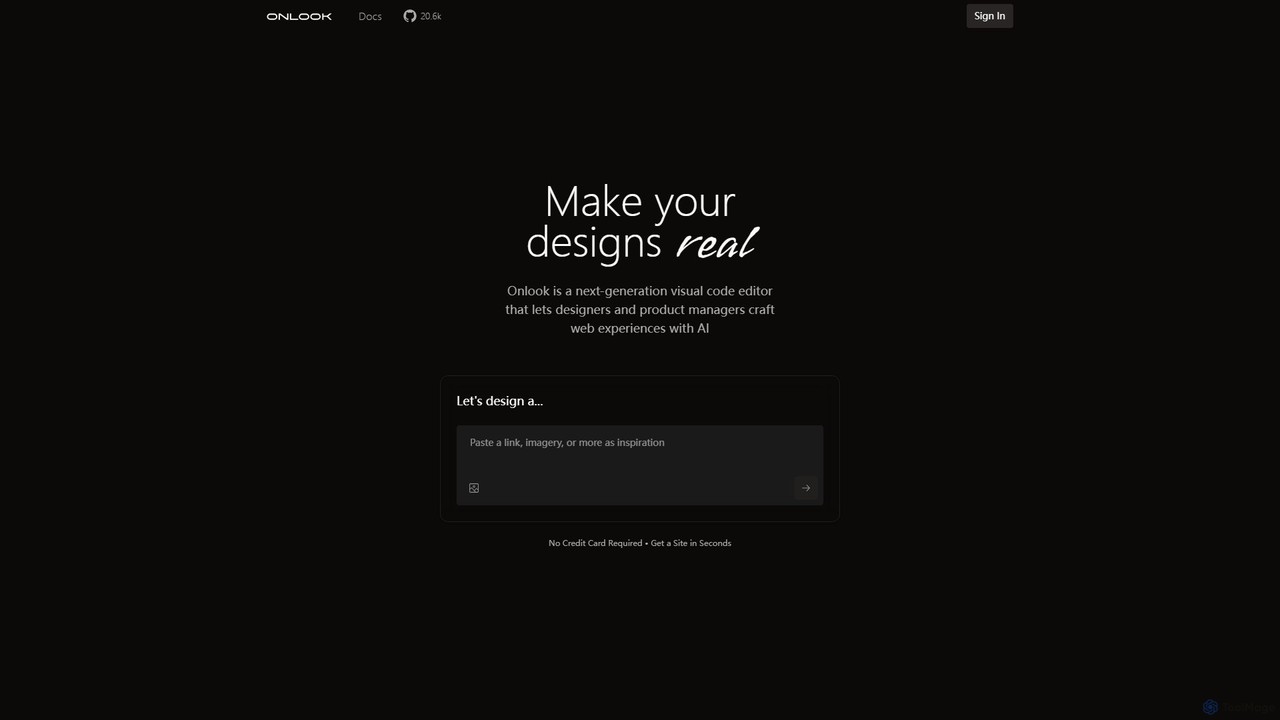
Onlook is a revolutionary, open-source visual code editor designed to obliterate the divide between creative design and technical implementation. Dubbed the "Cursor for Designers," it empowers teams to craft stunning web experiences with the assistance of AI, directly within a live production environment. This tool fundamentally changes the web development workflow by making the design the single source of truth, eliminating the traditional, often cumbersome, handoff process between designers and developers.
Built for modern web stacks, Onlook seamlessly integrates with existing React, Next.js, and Tailwind CSS codebases. This means you can import your current project from GitHub or a local directory and begin making visual edits immediately. The platform's core philosophy is that designing in the real product is the most efficient and accurate way to build, ensuring that what you see is precisely what you get.
How to use Onlook
Getting started with Onlook is designed to be intuitive and fast. The workflow typically follows these steps:
- Import Your Project: Connect your GitHub account or upload your local React/Next.js/Tailwind project. You can also import designs directly from Figma to bring static mockups to life.
- Visual Editing: Use the intuitive, Figma-like interface to directly manipulate elements on the page. You can drag-and-drop, rearrange, scale, and edit text and styles without writing a single line of code.
- Leverage AI Chat: Use the integrated AI assistant to accelerate your workflow. Ask it to create new components, suggest design improvements, generate layouts from a prompt (e.g., "Design me an inventory tracker website for my Cafe"), or provide instant feedback.
- Manage Components and Styles: Create and customize reusable components that can be used across your entire website. Enforce brand consistency by managing a central library of colors, fonts, and styles.
- Review and Revert: Onlook maintains a detailed version history of all changes. You can easily review past modifications and revert to a previous state if needed, ensuring you never lose progress.
- Publish Your Work: Once you are satisfied with your design, you can publish your work directly from the editor, attach a custom domain, and share it with the world.
Core Features of Onlook
- AI-Powered Design Assistant: Get instant design help, code generation, and feedback from an AI integrated directly into your workflow.
- Direct Visual Editing: Manipulate live React components with drag-and-drop, resizing, and direct text editing, with changes instantly reflected in the code.
- Figma & GitHub Integration: Import designs from Figma to turn them into functional products, or bring in your existing React/Next.js codebase from GitHub or your local machine.
- Reusable Components: Build a library of customizable components that can be swapped out and reused across different pages and websites.
- Brand Compliance: Maintain a consistent brand identity by managing fonts, colors, and styles in one central place.
- Precision Layer Control: Select and manage elements with a detailed layer panel, similar to professional design software.
- Draw-in Layers: A unique feature that allows you to trace divs and text elements directly onto your design, which Onlook then converts into code in real-time.
- Version History: Never lose your work with a comprehensive revision history that allows you to revert to any previous point.
- Open Source: Onlook is built by a passionate community, ensuring transparency, continuous improvement, and a collaborative spirit.
Use Cases for Onlook
Onlook is versatile and can be used by various professionals for multiple purposes:
- Designers: Create high-fidelity, interactive prototypes that are already coded, and make pixel-perfect adjustments directly on the live product.
- Product Managers: Quickly ideate and test new features or copy changes without needing to wait for engineering resources.
- Developers: Accelerate front-end development by using the visual editor for layout and styling, and focus on complex logic. It also simplifies collaboration with designers.
- Startups & Agencies: Rapidly build and iterate on landing pages, marketing sites, and web applications, significantly reducing time-to-market.
Advantages of Onlook
The primary advantage of Onlook is its ability to merge the design and development processes into a single, cohesive workflow. This eliminates miscommunication and ensures that the final product perfectly matches the design intent. The AI assistance drastically speeds up creation, while the ability to work on a live codebase makes it an incredibly powerful tool for maintaining and updating existing web applications. Its open-source nature also means it is constantly evolving with community input.
Pricing and Plans
Onlook is currently free to use. The website encourages users to "Craft a website for free today" with no credit card required. While a dedicated pricing page is marked as "coming soon," suggesting that premium or team-based plans may be introduced in the future, the core functionalities are available for free to the open-source community and individual builders.
Traffic
Latest traffic
Status
Monthly traffic trend
- 2025-9: 61.0K
- 2026-1: 34.7K
- 2026-2: 29.7K
- 2026-3: 25.5K
- 2026-4: 17.1K
- 2026-5: 18.0K
Geography
Top 5 countries / regions
- 🇺🇸United States47.6%
- 🇮🇩Indonesia21.0%
- 🇮🇳India19.7%
- 🇲🇾Malaysia6.5%
- 🇫🇷France5.1%
Traffic sources
| Source type | Percentage |
|---|---|
Direct | 91.0% |
Referral | 9.0% |
Top keywords
| Keyword | Cost per click |
|---|---|
| ionlook | $0.00 |
| onlook | $0.00 |
| open source visual editor | $0.00 |
| quais os melhores editores visuais para react? | $0.00 |
| relume open source alternative | $0.00 |
Onlook Alternatives
Reweb
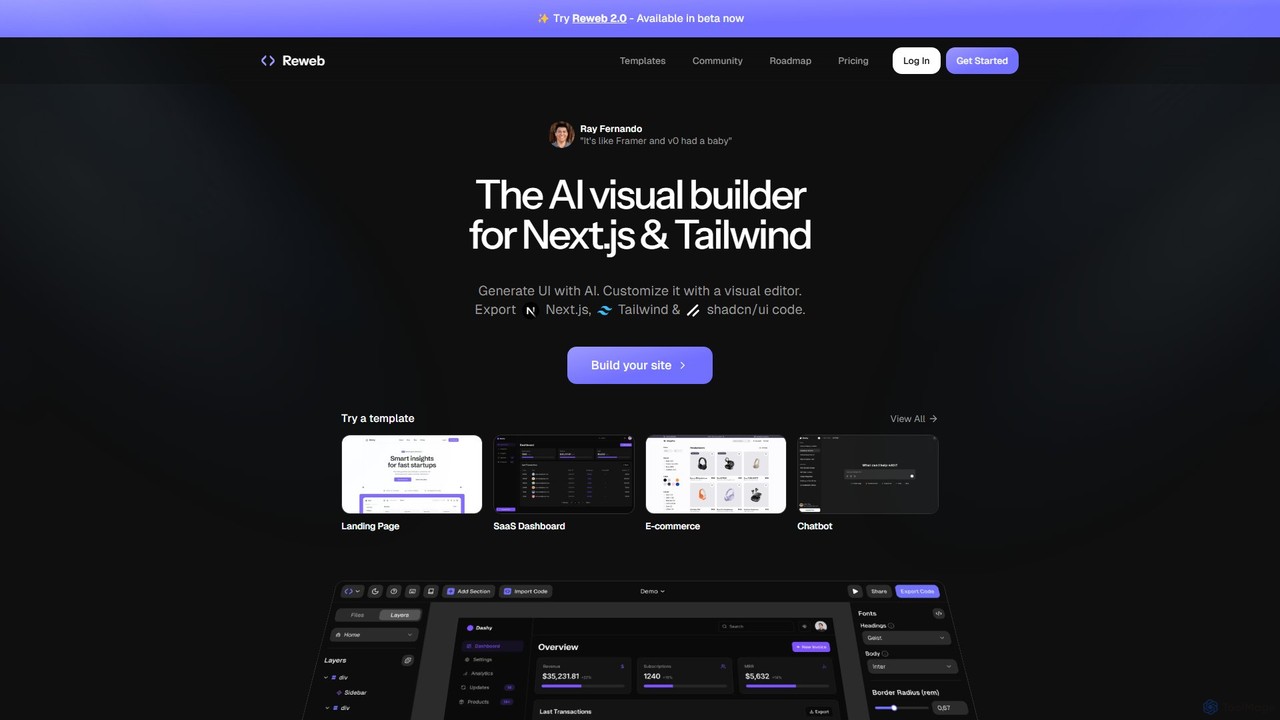
Reweb is an AI-powered visual builder designed for developers. It enables users to generate UI components using AI from text prompts or images, customize them with a sophisticated visual editor, and export high-quality, production-ready code for Next.js, Tailwind CSS, and shadcn/ui. It bridges the gap between no-code platforms and traditional coding, accelerating the development workflow without sacrificing code quality or flexibility.
Ui Ux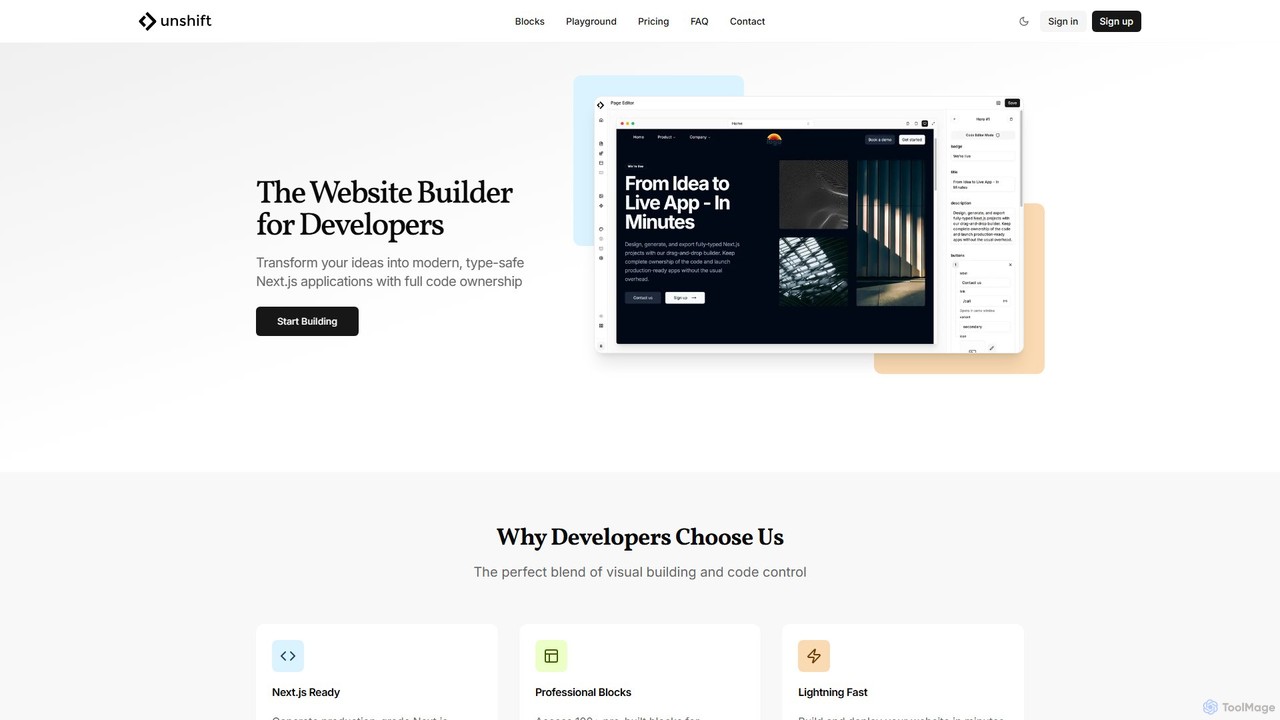
Unshift
Unshift is a website builder designed for developers, blending visual editing with full code control. It generates production-grade Next.js applications with TypeScript and TailwindCSS, offering complete code ownership via a clean Git repository. With over 100 pre-built blocks and a developer-first approach, it accelerates the process of turning ideas into modern, type-safe web applications without vendor lock-in.
Ui Ux
V0
V0 by Vercel is a generative AI platform that transforms text prompts, screenshots, and Figma designs into production-ready frontend code. It acts as an AI pair-programmer, enabling users to rapidly build and iterate on UI components and full-stack applications using React, Svelte, and Vue. With its chat-based interface, it accelerates the development workflow for engineers, designers, and product managers, allowing for seamless deployment to the Vercel platform.
Ui Ux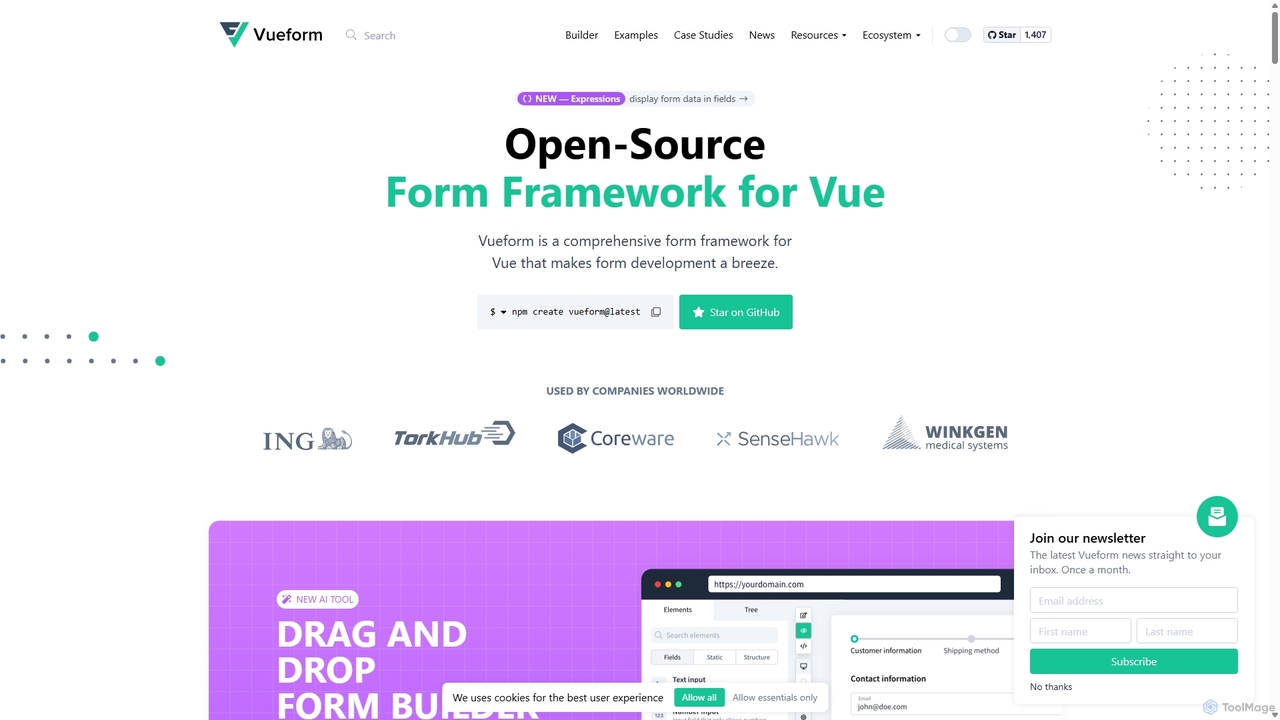
Vueform
Vueform is an open-source form framework for Vue.js, designed to streamline form development. It features a drag-and-drop builder, an AI Assistant for instant form generation, over 50 validation rules, complex conditional logic, and extensive pre-built elements. It simplifies handling nested data, multi-step wizards, and internationalization, making it a comprehensive solution for any Vue application.
Libraries & Frameworks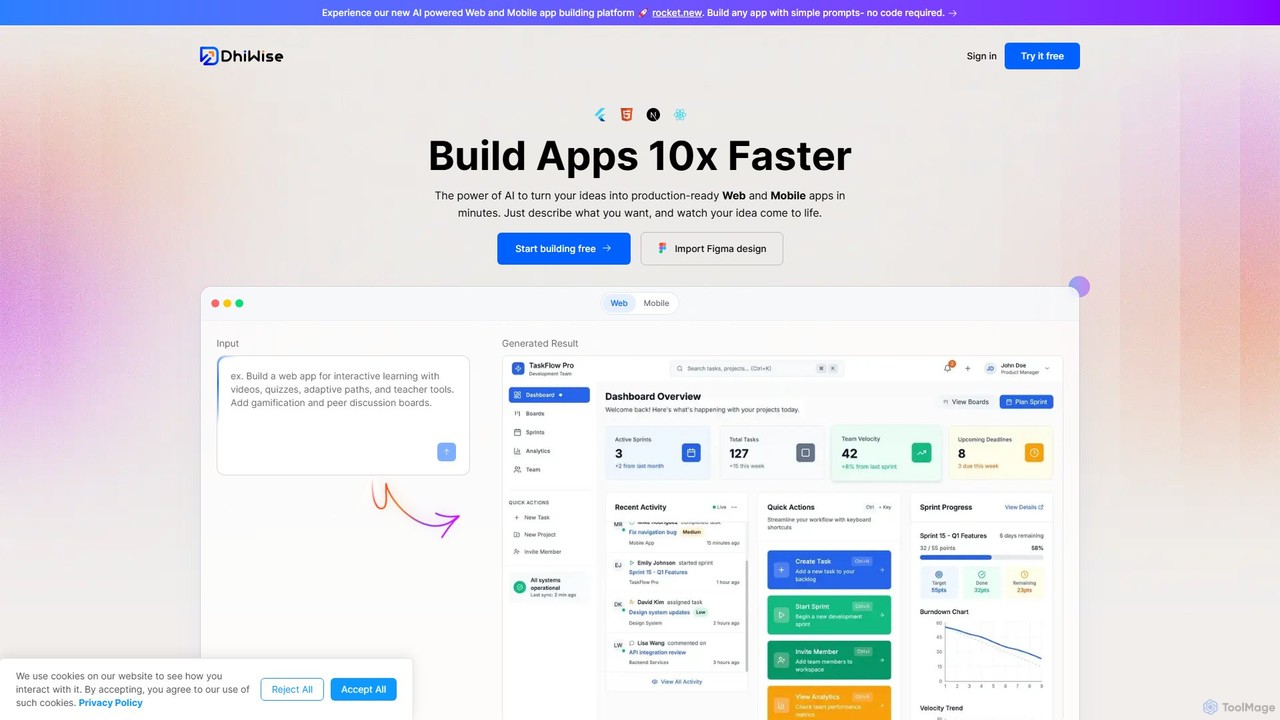
DhiWise
DhiWise is an AI-powered development platform that accelerates the creation of web and mobile applications. It transforms your ideas, natural language prompts, or Figma designs into high-quality, production-ready code in minutes. Supporting frameworks like Flutter and modern web technologies, DhiWise automates boilerplate tasks, enabling developers to build and deploy apps 10x faster.
Design To CodeOnlook Categories
Onlook Embed Widget
Copy this embed code to place the badge on your blog, article, or product site and send readers directly to this ToolMage detail page.

Related AI tools
Layrr
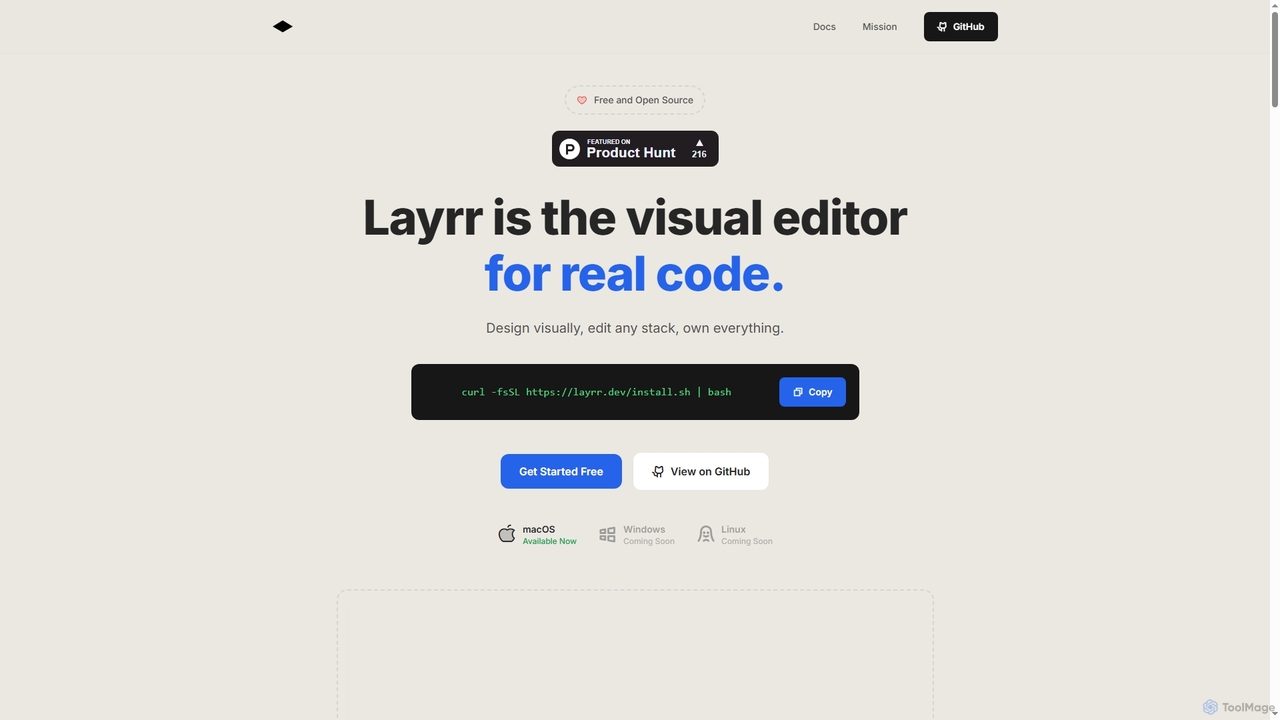
Layrr is a free and open-source visual editor that allows developers and designers to create and edit real code directly. It combines the intuitive drag-and-drop interface of design tools like Figma with the flexibility and ownership of traditional coding, supporting any tech stack and leveraging AI for design-to-code conversion and natural language interface generation.
Code GenerationReweb
Reweb is an AI-powered visual builder designed for developers. It enables users to generate UI components using AI from text prompts or images, customize them with a sophisticated visual editor, and export high-quality, production-ready code for Next.js, Tailwind CSS, and shadcn/ui. It bridges the gap between no-code platforms and traditional coding, accelerating the development workflow without sacrificing code quality or flexibility.
Ui UxV0
V0 by Vercel is a generative AI platform that transforms text prompts, screenshots, and Figma designs into production-ready frontend code. It acts as an AI pair-programmer, enabling users to rapidly build and iterate on UI components and full-stack applications using React, Svelte, and Vue. With its chat-based interface, it accelerates the development workflow for engineers, designers, and product managers, allowing for seamless deployment to the Vercel platform.
Ui Ux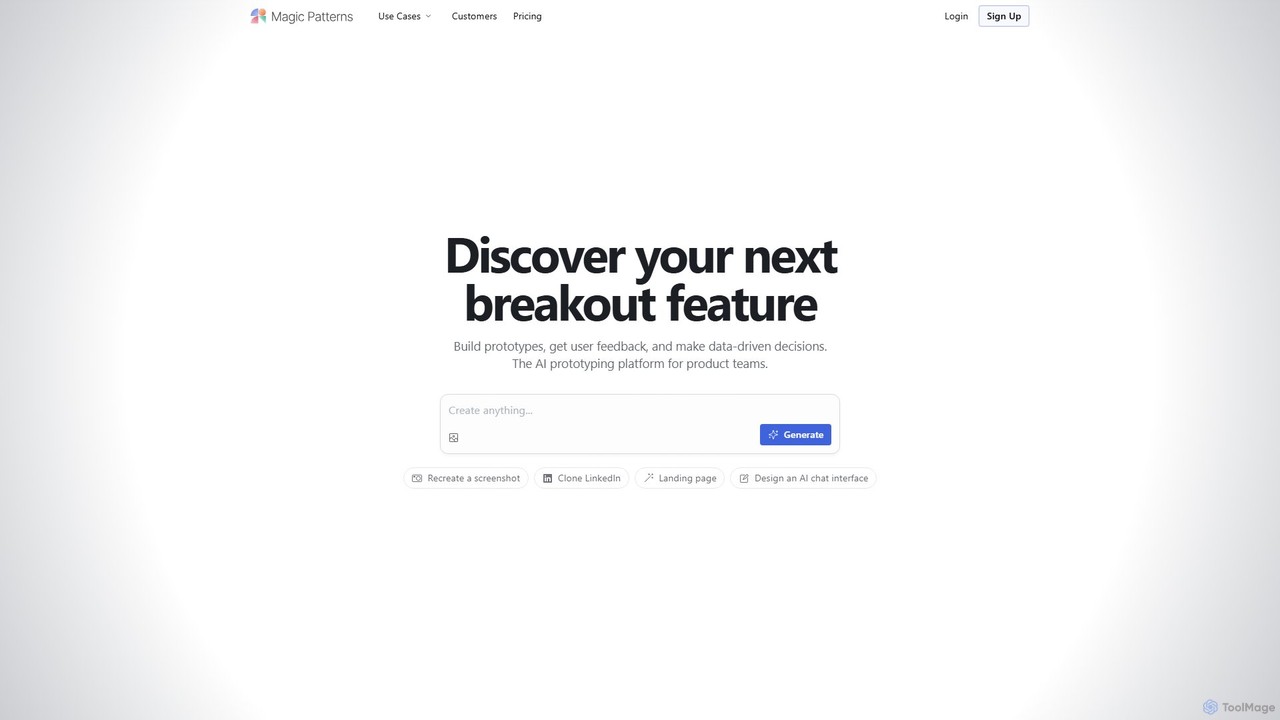
Magic Patterns
Magic Patterns is an AI-powered prototyping platform for product teams, designers, and developers. It accelerates UI creation by generating interactive prototypes and production-ready code (React, Tailwind CSS) from text prompts, screenshots, or existing websites. It helps teams iterate faster, gather user feedback, and make data-driven decisions.
PrototypingDhiWise
DhiWise is an AI-powered development platform that accelerates the creation of web and mobile applications. It transforms your ideas, natural language prompts, or Figma designs into high-quality, production-ready code in minutes. Supporting frameworks like Flutter and modern web technologies, DhiWise automates boilerplate tasks, enabling developers to build and deploy apps 10x faster.
Design To Code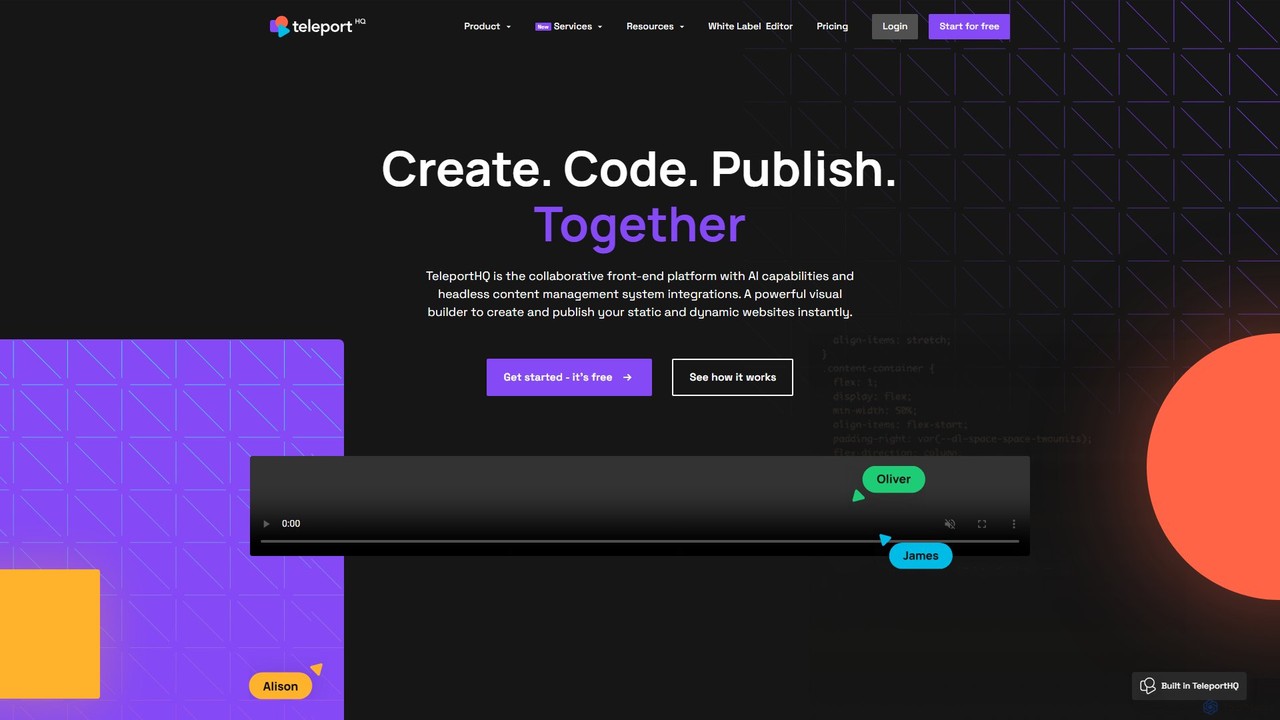
TeleportHQ
TeleportHQ is a collaborative low-code platform that streamlines front-end development. It features an AI website builder, Figma to code conversion, and real-time collaboration tools. Users can visually build responsive websites and UIs, generate clean code for multiple frameworks (React, Vue, etc.), and deploy seamlessly.
Ui Ux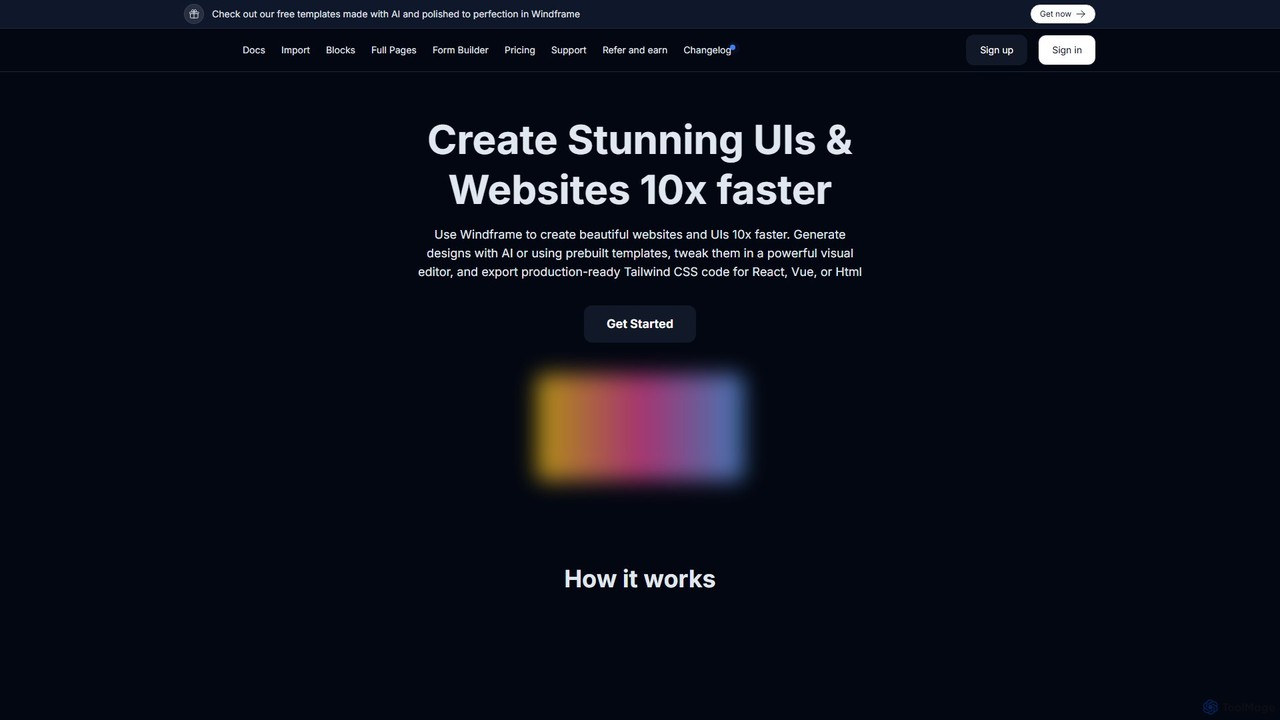
Windframe
Windframe is an AI-powered visual editor and builder for Tailwind CSS, designed to accelerate UI and website development. It allows users to generate designs with AI prompts, utilize over 1000 pre-built templates, and visually edit projects in real-time. Export production-ready code for React, Vue, HTML, and more, streamlining the workflow for developers, designers, and teams.
Ui Ux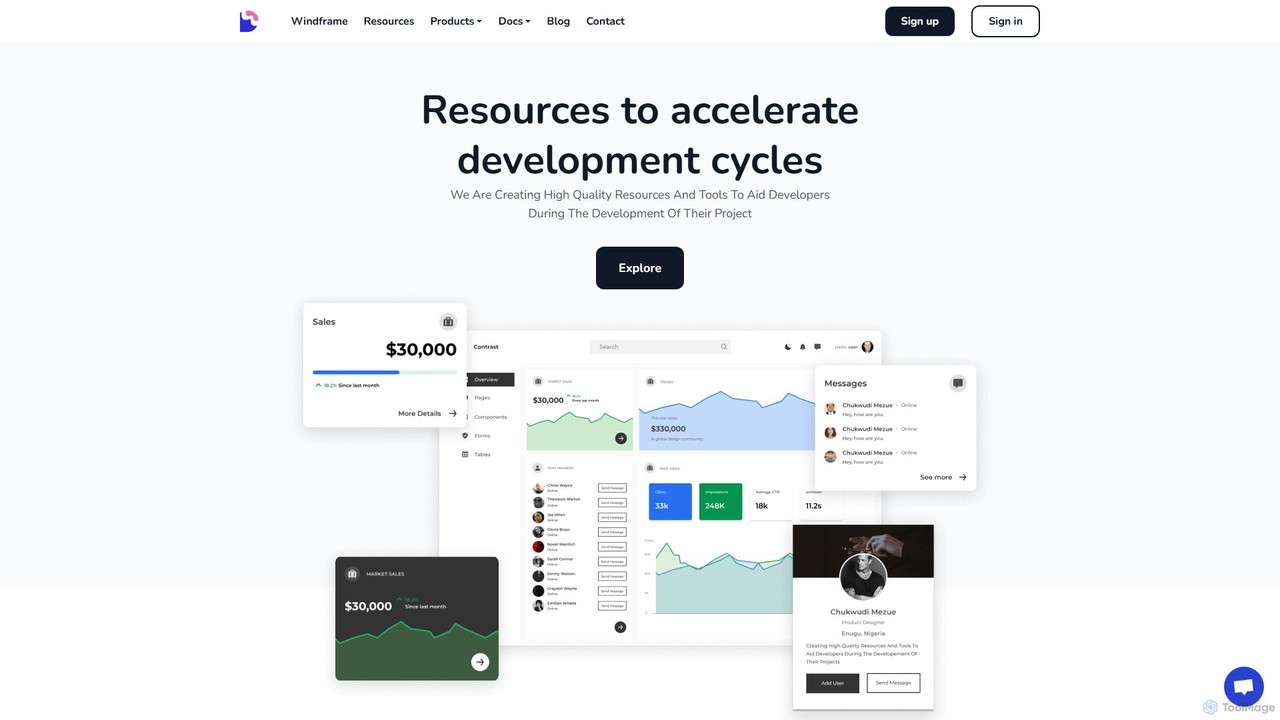
Devwares
Devwares is a comprehensive platform offering tools and resources for developers and designers. Its flagship product, Windframe, is an AI-powered visual builder for Tailwind CSS that accelerates UI and website creation by 10x. Generate designs with AI prompts, use a drag-and-drop editor, and access a vast library of templates to build and export production-ready code for React, Vue, and more.
Ui Ux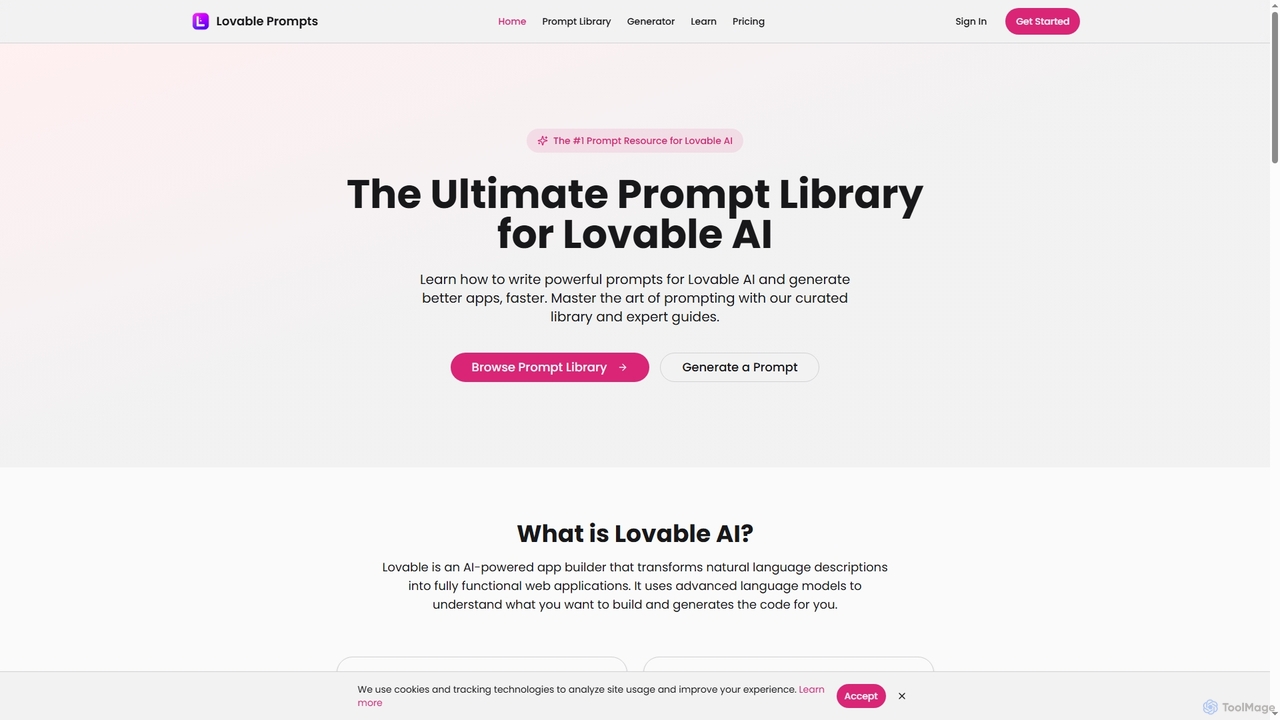
Lovable Prompts
Lovable Prompts is the premier resource for crafting effective prompts for Lovable AI, an advanced AI app builder. It offers a comprehensive library of curated prompts and an AI-powered generator to help users quickly create functional web applications in React, TypeScript, and Tailwind CSS. Master prompt engineering to accelerate app development and achieve superior results.
Code Generation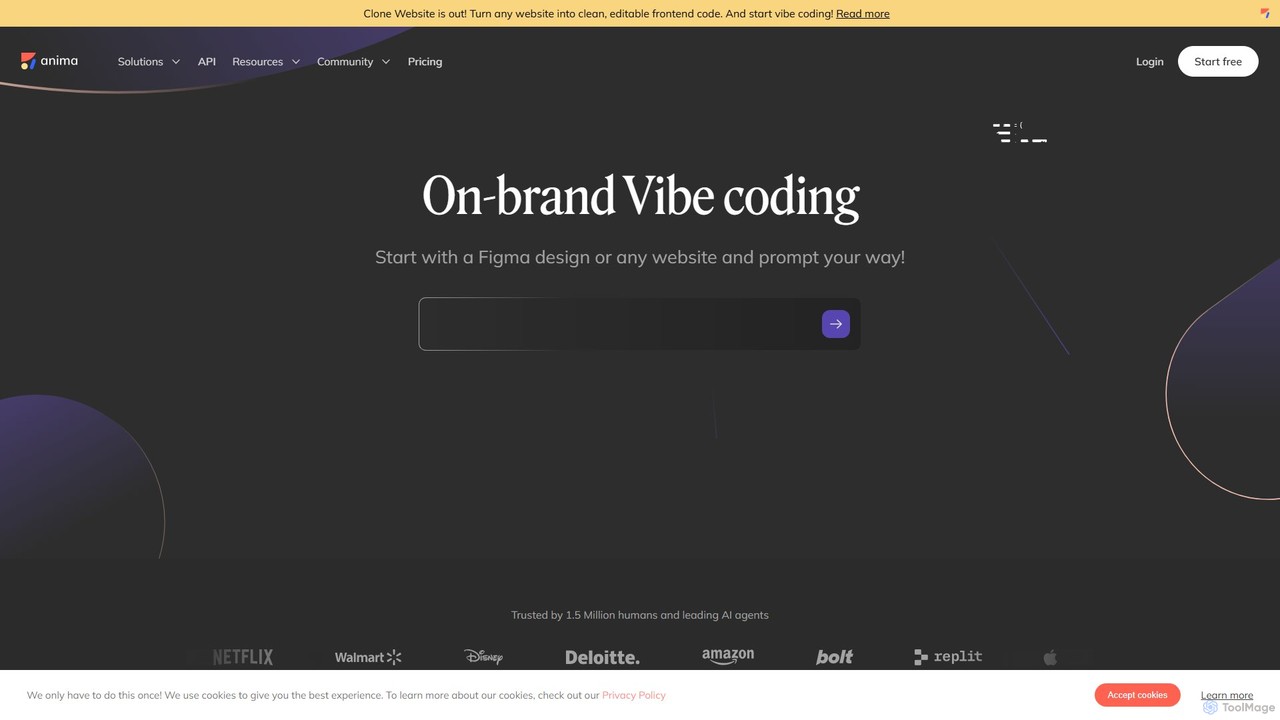
Anima
Anima is an AI-powered design-to-code platform that automates frontend development. It transforms designs from Figma, Adobe XD, and Sketch into clean, production-ready React, Vue, and HTML code. Featuring AI-driven iteration and website cloning, it empowers designers, developers, and founders to build and launch web applications and prototypes up to 10x faster.
Design To Code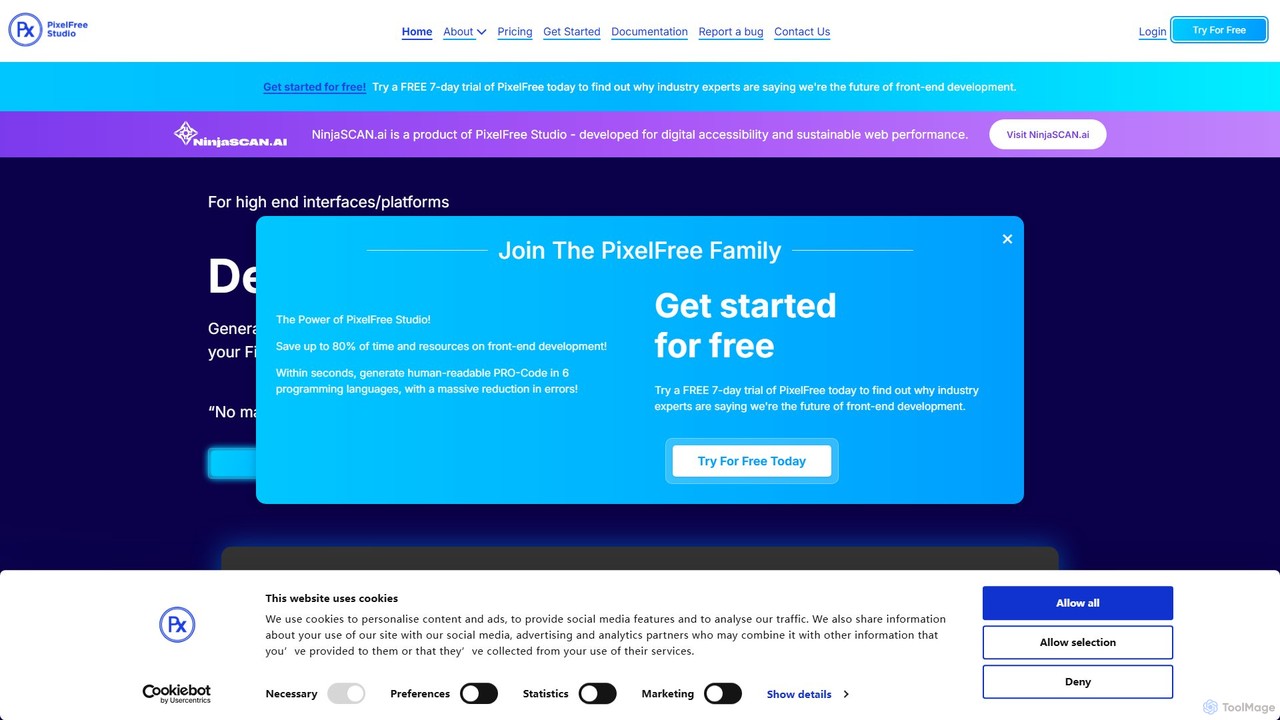
PixelFree Studio
PixelFree Studio is a low-code application builder that transforms UI designs into clean, production-ready code. It specializes in importing Figma designs and exporting them to multiple frameworks like React, Vue, Angular, and C#, streamlining the design-to-development workflow and accelerating app creation.
Design To Code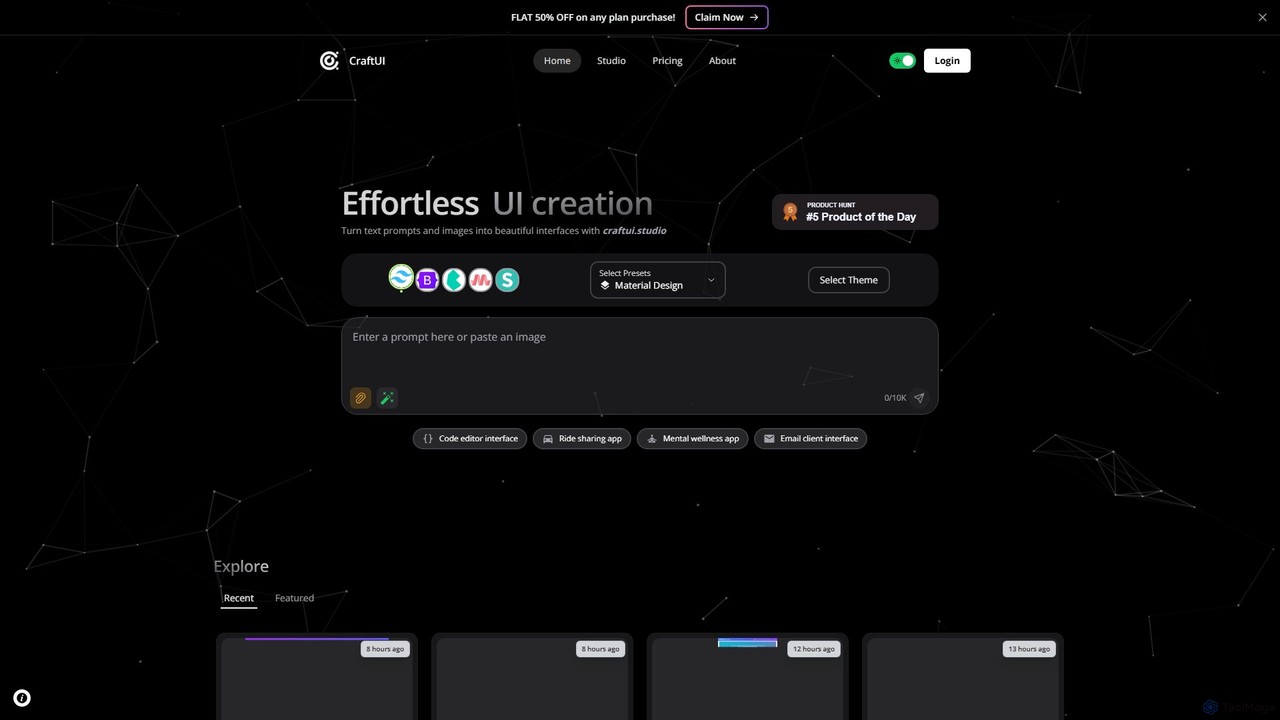
CraftUI
CraftUI is an AI-powered tool that generates beautiful, production-ready UI components from simple text prompts and images. It accelerates the design and development process by creating code for frameworks like Tailwind and Bootstrap, making UI creation effortless.
Ui Design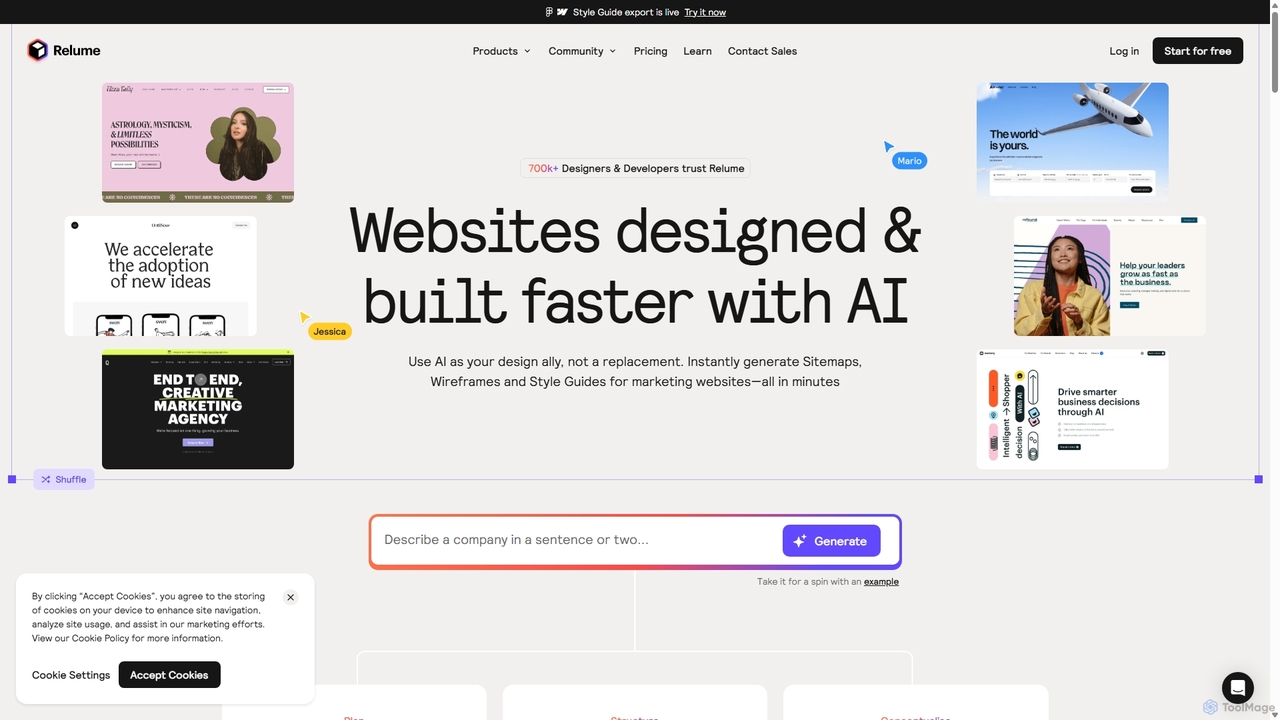
Relume
Relume is an AI-powered website builder designed to accelerate the web design and development process. It enables users to generate sitemaps and wireframes from simple text prompts, create comprehensive style guides, and utilize a vast library of over 1,000 components for Figma, Webflow, and React. Relume streamlines the entire workflow from initial concept to final export, empowering designers, developers, and agencies to build high-quality websites faster.
Web Design
GeniusUI
GeniusUI is an AI-powered design tool that transforms text prompts into stunning, high-fidelity UI/UX designs and components. It automates the design and front-end coding process, allowing creators to build beautiful interfaces in minutes, not days, without writing a single line of code.
Ui Ux Design
Jyek
Jyek is an AI agent platform that understands objectives, creates execution plans, uses tools, and delivers verifiable results for complex, multi-step tasks.
Automation
Onlook Comments (0)
Sign in to comment.
Sign inNo comments yet.