

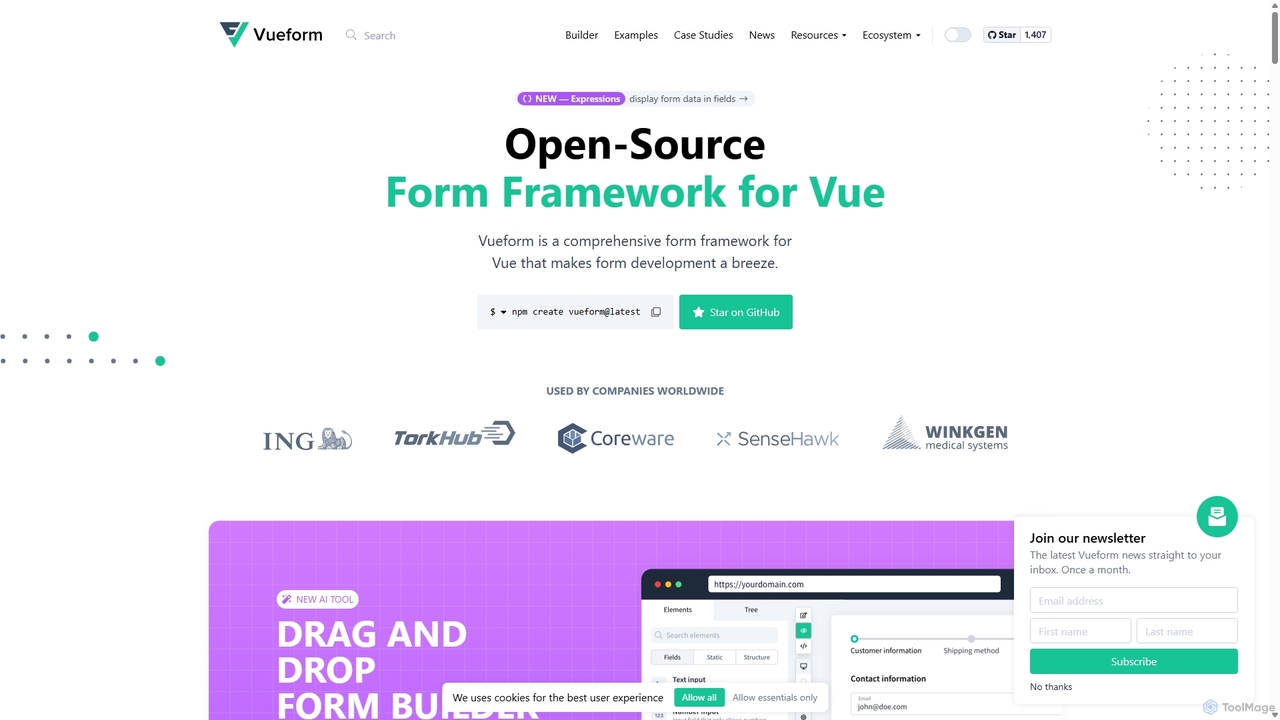
Vueform Overview
Vueform is a comprehensive, open-source form framework for Vue.js that revolutionizes the form development process. It is designed to supercharge and standardize form building, handling everything from rendering and validation to processing. Vueform empowers developers to build complex, dynamic, and user-friendly forms with minimal effort, while also offering tools like a drag-and-drop builder that allows non-technical users to create forms visually. Recently, Vueform introduced an AI Assistant, further accelerating development by generating complete form structures from simple text prompts.
How to use Vueform
Getting started with Vueform is straightforward. Developers can initialize a new project using a simple command: npm create Vueform@latest. The framework is built around a component-based architecture. You use the main <Vueform> component as a wrapper and then add various element components like <TextElement>, <SelectElement>, or <DateElement>. Form schemas can be defined directly in Vue templates or dynamically rendered from a JSON object, making it perfect for forms loaded from a database. For an even faster workflow, you can use the AI Assistant by providing a prompt like "Create a detailed user registration form with personal, account, and social profile sections." The AI will generate the corresponding schema, which you can then refine. The drag-and-drop builder offers a visual alternative, allowing you to construct and configure forms through an intuitive interface.
Core Features of Vueform
- AI Form Assistant: Generate complex and well-structured forms instantly from a single text command. The AI can create forms for various purposes, from simple contact forms to specialized medical history forms, with relevant fields and options.
- Drag-and-Drop Builder: A visual tool for building forms at high speed. It can be used for rapid prototyping or integrated into projects to allow end-users to create their own dynamic forms.
- Comprehensive Element Library: An extensive collection of over 25 advanced form elements, including file uploads, date pickers, sliders, tagging inputs, and location fields. This eliminates the need to source and integrate third-party components.
- Advanced Validation: Comes with over 50 built-in validation rules (e.g., required, email, url, confirmed) that are easy to apply. It also supports asynchronous validation and custom rule creation.
- Powerful Conditional Logic: Easily create dynamic forms where elements appear or disappear based on user input. Conditions can be simple value checks, complex AND/OR logic groups, or even custom functions.
- Nested Data Structures: Effortlessly manage complex data models with elements like
ListElementandObjectElement, which support infinite nesting for use cases like work histories or dynamic item lists. - Multi-Step Form Wizard: Break down long, intimidating forms into user-friendly, manageable steps or tabs to improve user experience and completion rates.
- Full JSON Support: Forms, including elements, validation rules, and steps, can be fully defined by and converted to JSON. This is ideal for storing form structures in a database and rendering them dynamically.
- Internationalization (i18n): Built-in support for 19 languages. It provides translatable input fields, allowing you to manage multilingual content easily within a single form.
Use Cases for Vueform
Vueform is versatile enough for a wide range of applications:
- SaaS Platforms: Integrate the form builder to allow customers to create their own surveys, registration forms, or data collection tools within your application.
- Complex Application Forms: Build multi-step application forms for loans, insurance, or job applications, using conditional logic to show relevant questions.
- E-commerce Checkouts: Design customized and dynamic checkout processes that adapt based on shipping location, payment method, or cart contents.
- Internal Business Tools: Develop sophisticated data entry and management systems for internal use, such as HR portals, inventory management, or CRM updates.
- Surveys and Questionnaires: Create dynamic surveys for market research or customer feedback where follow-up questions depend on previous answers.
Advantages of Vueform
Vueform offers a significant competitive edge by combining power with ease of use. Its all-in-one nature saves countless hours of development time by providing a unified solution for elements, validation, and state management. The framework is highly extensible, allowing developers to create custom components and logic to fit any requirement. The introduction of the AI Assistant and the visual builder makes it accessible to a broader audience and dramatically speeds up the development lifecycle. Being open-source, it benefits from community contributions and transparency, while professional support is available for enterprise needs.
Pricing and Plans
Vueform operates on a freemium model. It is completely free to use on localhost during the development phase, allowing developers to explore its full capabilities without any initial investment or credit card requirement. For production or commercial use, a paid license is required. This model supports the open-source nature of the project while funding its continued development and the creation of advanced features like the Vueform Builder and AI Assistant. For specific pricing details and license tiers, it is recommended to visit the official Vueform website.
Traffic
Latest traffic
Status
Monthly traffic trend
- 2025-9: 32.3K
- 2026-1: 51.7K
- 2026-2: 24.7K
- 2026-3: 19.7K
- 2026-4: 12.4K
- 2026-5: 11.4K
Geography
Top 5 countries / regions
- 🇧🇷Brazil24.7%
- 🇮🇩Indonesia23.9%
- 🇩🇪Germany20.3%
- 🇺🇸United States16.1%
- 🇮🇳India14.9%
Top keywords
| Keyword | Cost per click |
|---|---|
| multiselect component select all vueform vuejs | $0.00 |
| multiselect vueform itens custom | $0.00 |
| multiselect vueform multiple | $0.00 |
| vue form | $4.69 |
| vue form tailwind multi step form | $0.00 |
Vueform Alternatives
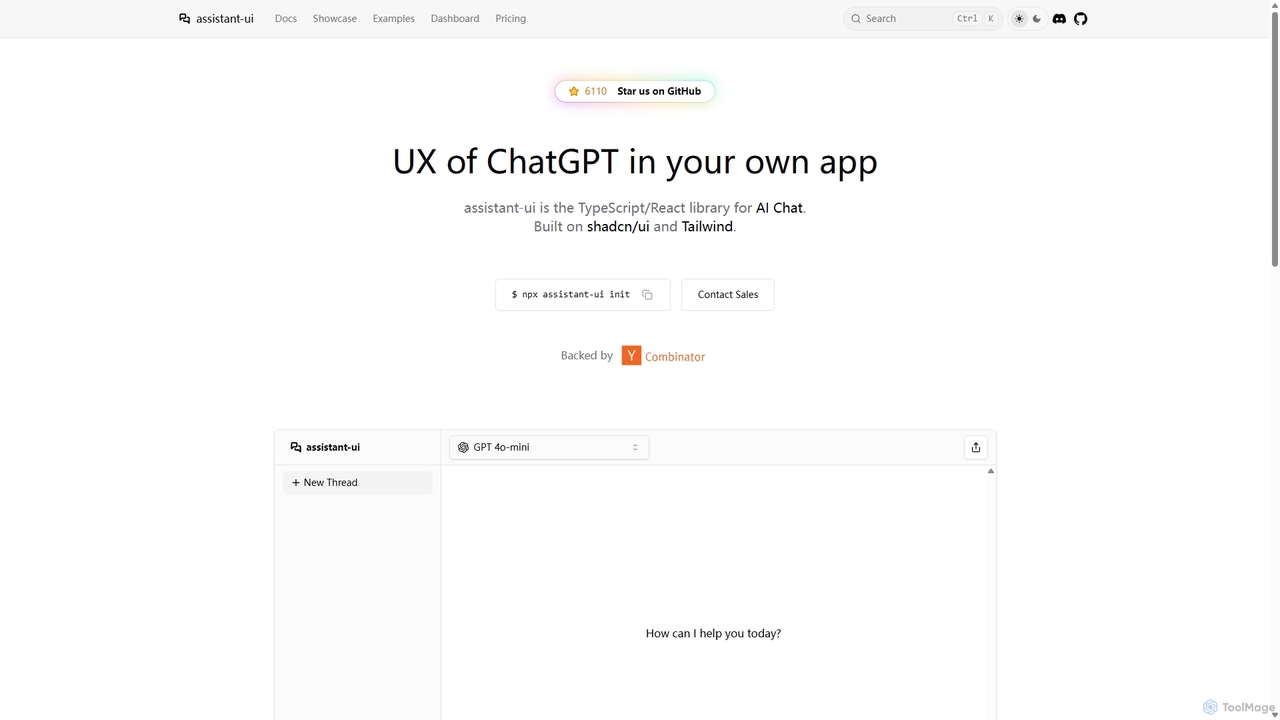
Assistant-ui
Assistant-ui is an open-source TypeScript/React library for rapidly building high-quality, customizable AI chat interfaces. Built on shadcn/ui and Tailwind CSS, it provides developers with pre-built components to integrate a ChatGPT-like experience into any application, supporting various backends and advanced features like generative UI.
Libraries
Onlook
Onlook is a next-generation, AI-powered visual code editor that allows designers, product managers, and developers to build and edit web experiences directly on live React/Next.js code. It bridges the gap between design and implementation, offering a Figma-like interface with AI chat, direct manipulation, and seamless integration with existing codebases.
Ui Ux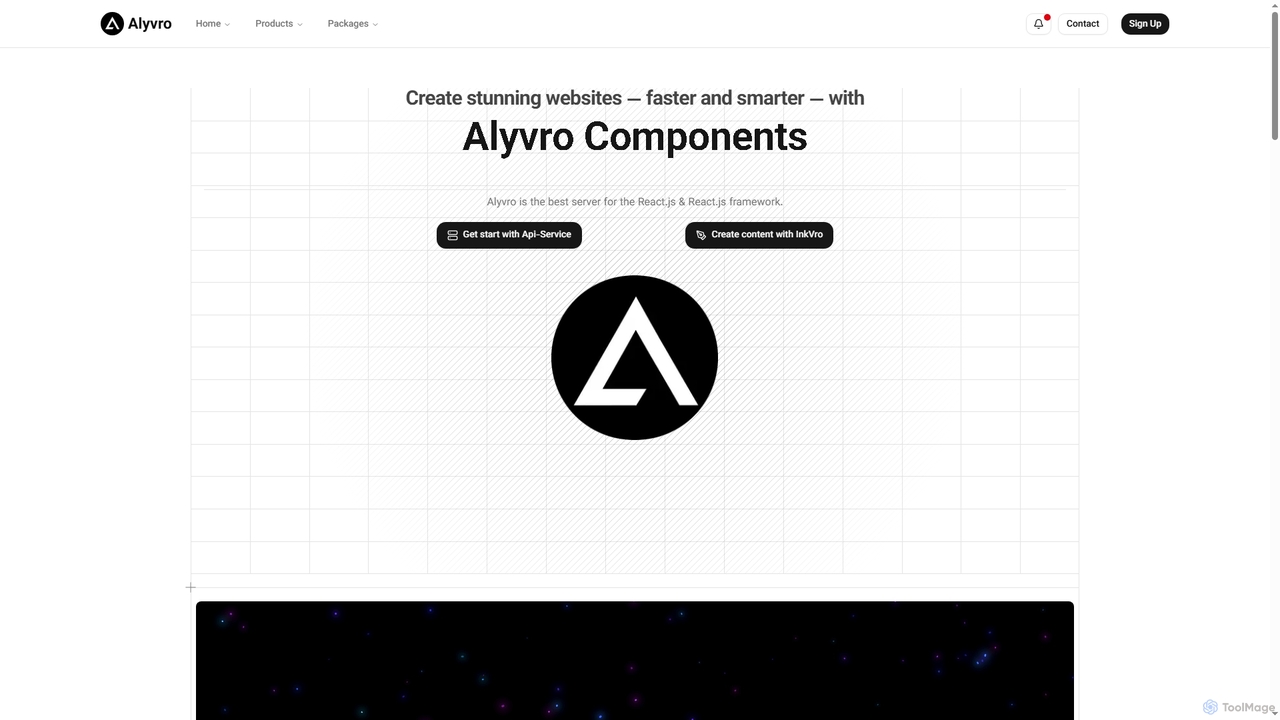
Alyvro
Alyvro is a technology platform specializing in modern web development with React.js and Next.js. It offers developer packages like API services and hooks for efficient application building, alongside InkVro AI, an intelligent content creation tool designed to generate powerful, well-crafted content quickly. Alyvro aims to simplify and accelerate the creation of stunning websites and digital experiences.
Api Management
Cascade
Cascade is a creative development environment for modern web development. It allows users to visually explore parallel versions of their projects, manage branches, and rapidly build new iterations with the help of an integrated AI assistant. Experiment freely and commit your best work.
Prototyping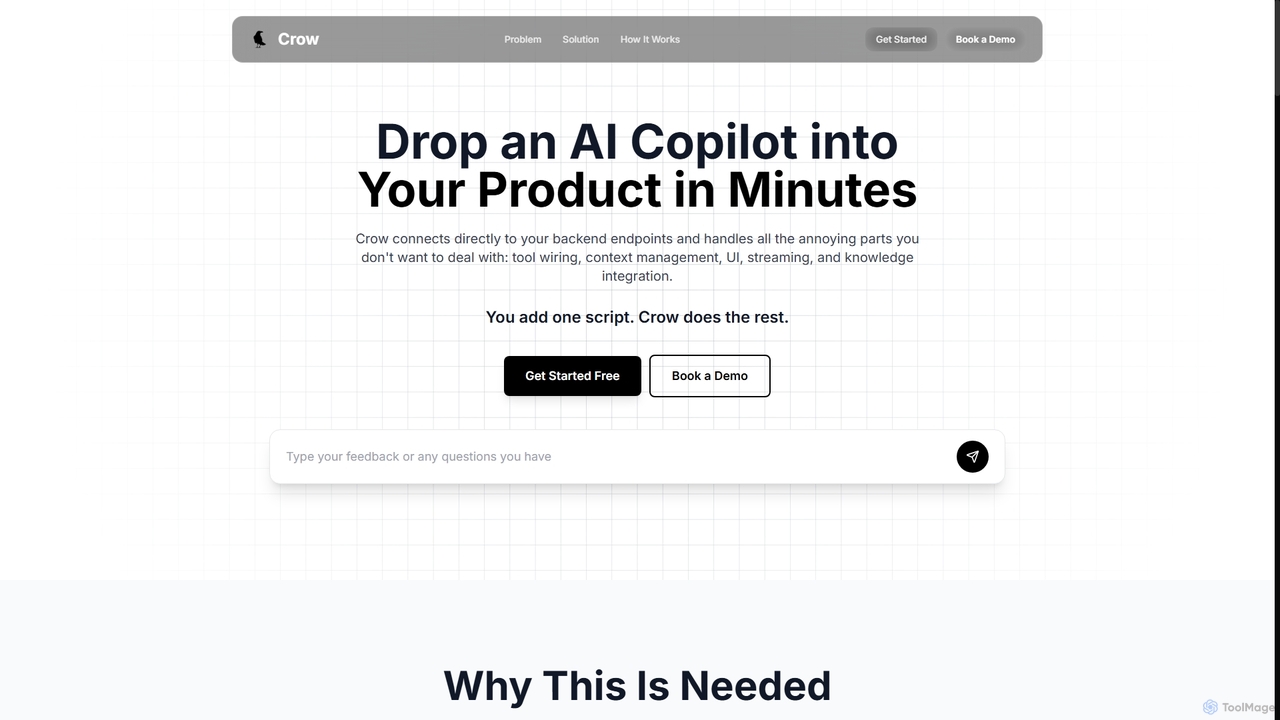
Crow
Crow is a platform that enables developers to integrate a powerful AI Copilot into their applications in minutes. It simplifies development by handling backend endpoint connections, context management, UI, and tool integration, allowing teams to deploy a fully functional AI assistant with a single script.
Customer SupportVueform Categories
Vueform Jobs
Vueform Embed Widget
Copy this embed code to place the badge on your blog, article, or product site and send readers directly to this ToolMage detail page.

Related AI tools
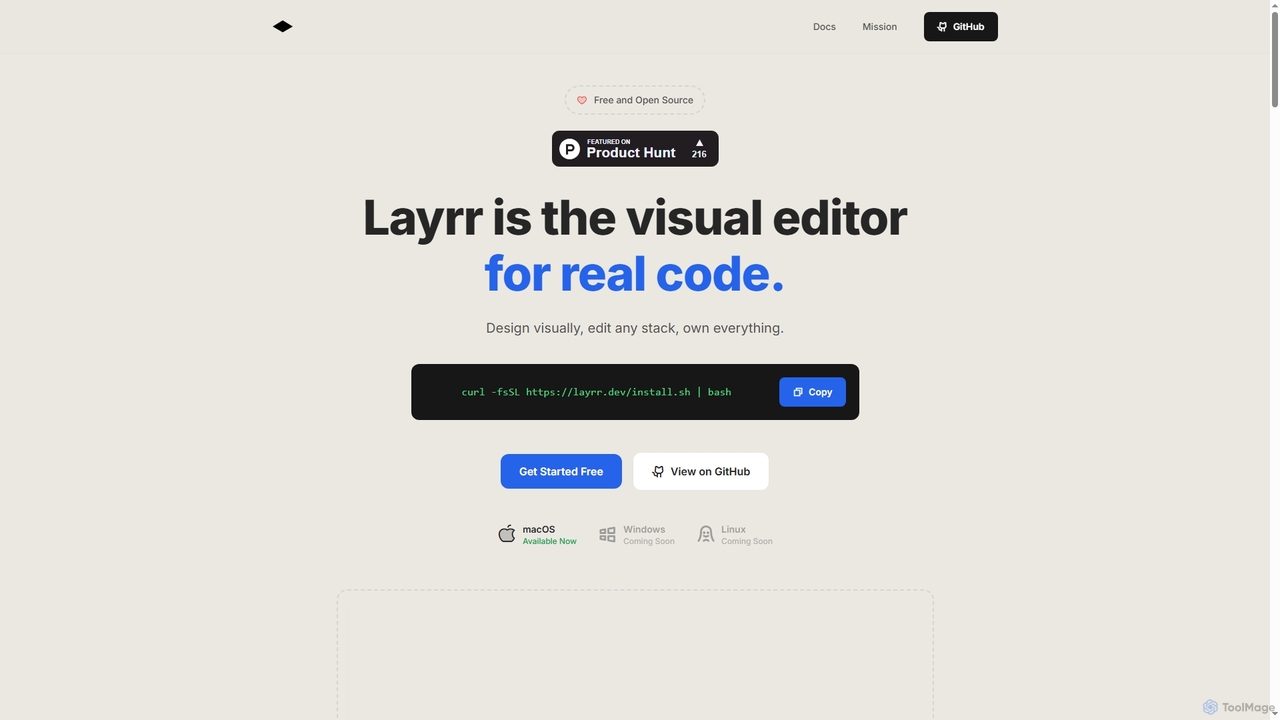
Layrr
Layrr is a free and open-source visual editor that allows developers and designers to create and edit real code directly. It combines the intuitive drag-and-drop interface of design tools like Figma with the flexibility and ownership of traditional coding, supporting any tech stack and leveraging AI for design-to-code conversion and natural language interface generation.
Code Generation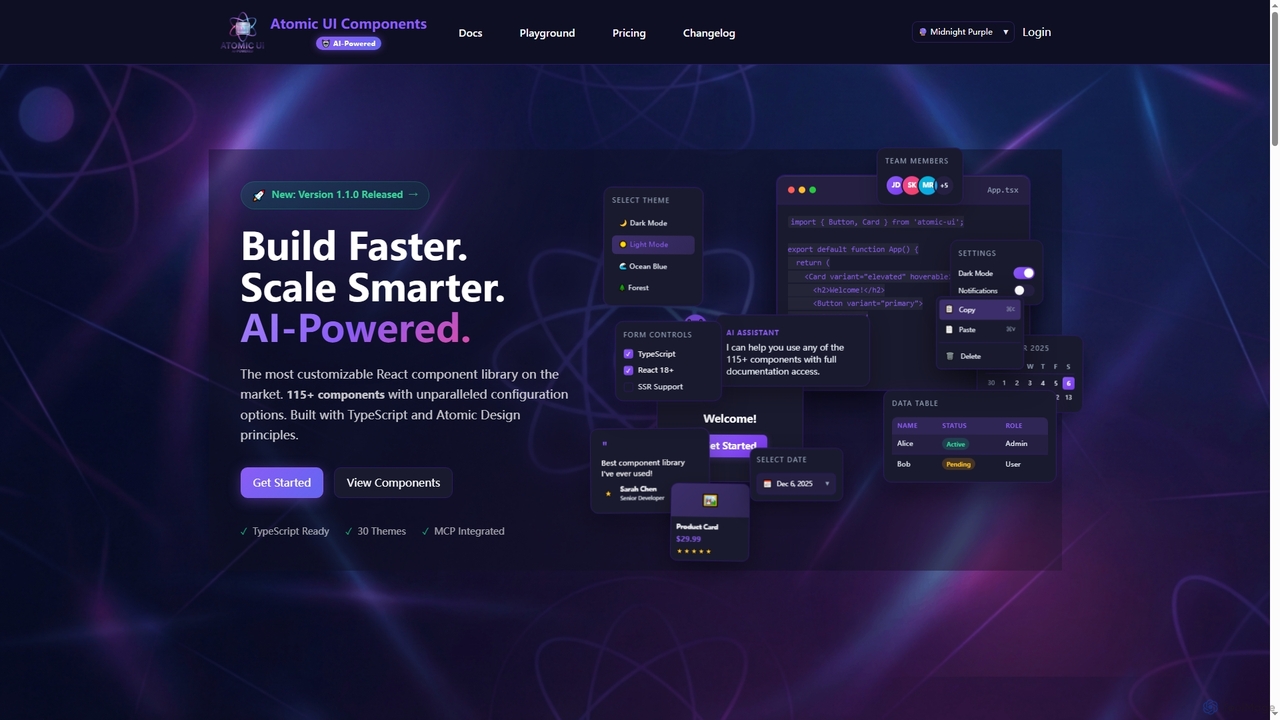
AtomicComponents
AtomicComponents is an AI-powered React component library designed for building modern, scalable, and accessible user interfaces faster. It offers over 115 highly customizable components, 30 built-in themes, and seamless integration with AI assistants like Claude and GitHub Copilot via its Model Context Protocol (MCP) server.
Design Systems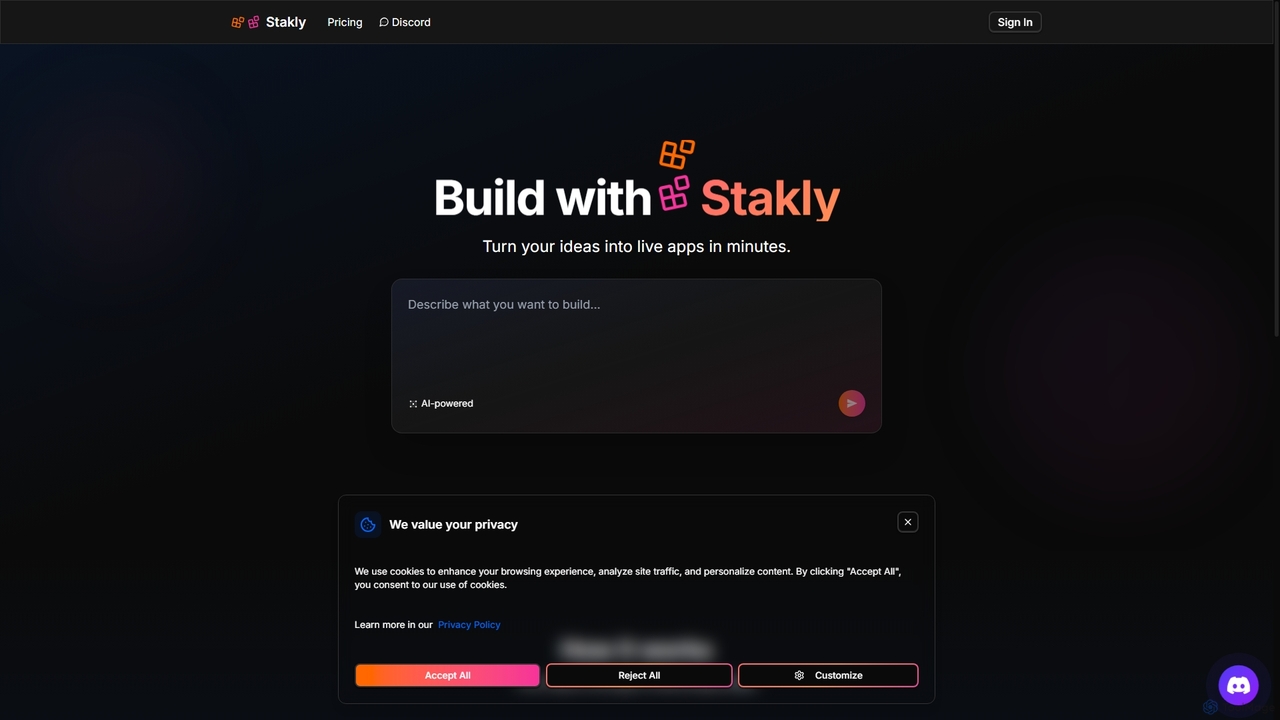
Stakly
Stakly is an AI-powered development platform that transforms natural language prompts into production-ready, full-stack web applications in minutes. Describe your idea, and the AI generates clean code, which you can deploy with one click or export to own completely. It supports modern frameworks like React, Next.js, and Python, making it ideal for rapid prototyping and development.
Code Assistant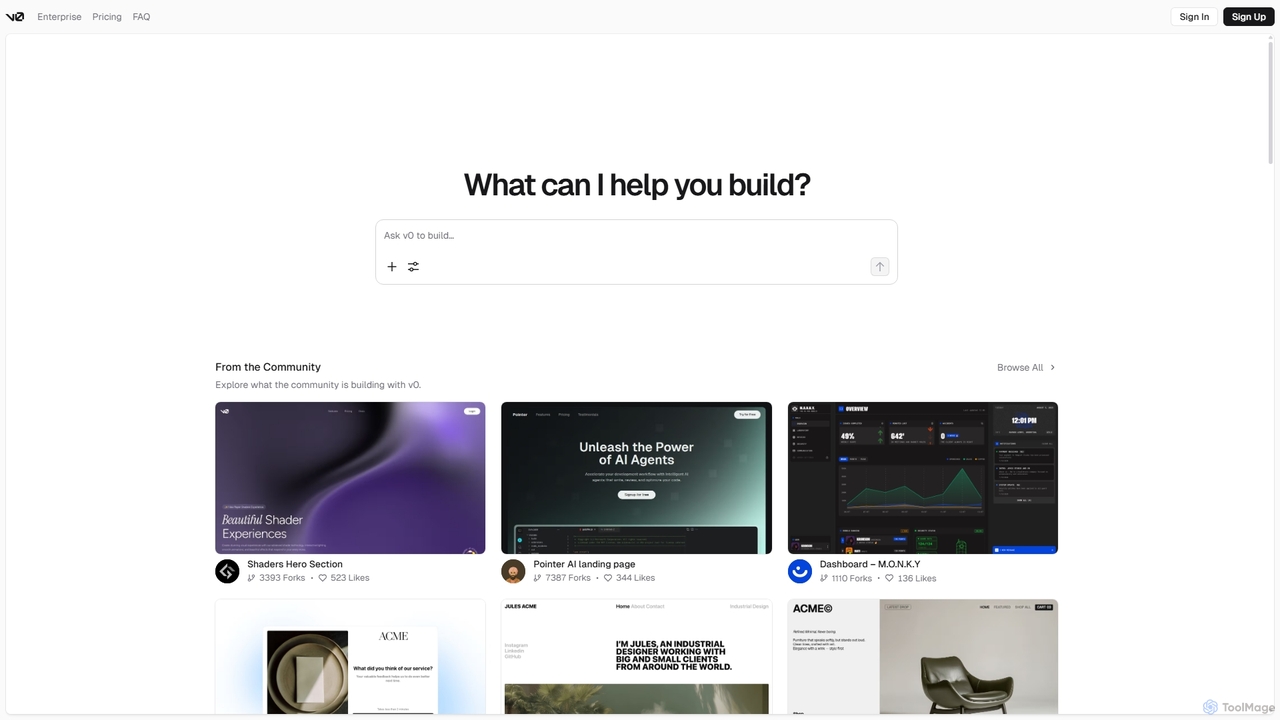
V0
V0 by Vercel is a generative AI platform that transforms text prompts, screenshots, and Figma designs into production-ready frontend code. It acts as an AI pair-programmer, enabling users to rapidly build and iterate on UI components and full-stack applications using React, Svelte, and Vue. With its chat-based interface, it accelerates the development workflow for engineers, designers, and product managers, allowing for seamless deployment to the Vercel platform.
Ui Ux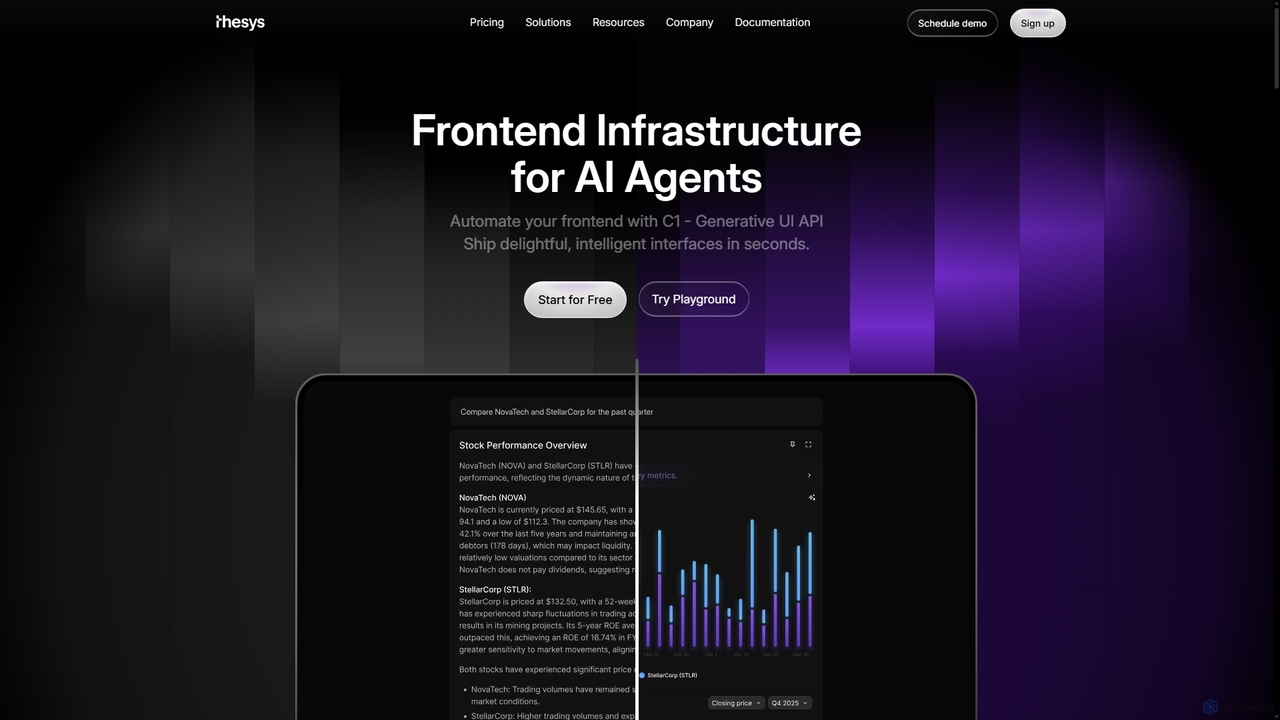
Thesys
Thesys provides C1, a Generative UI API that transforms LLM responses into dynamic, interactive user interfaces in real-time. Designed for developers building AI agents and applications, it automates frontend development by converting text outputs into live UI components like forms, charts, and tables. This allows for the creation of adaptive, engaging, and intelligent interfaces without the limitations of hardcoded UI, accelerating AI product development.
Api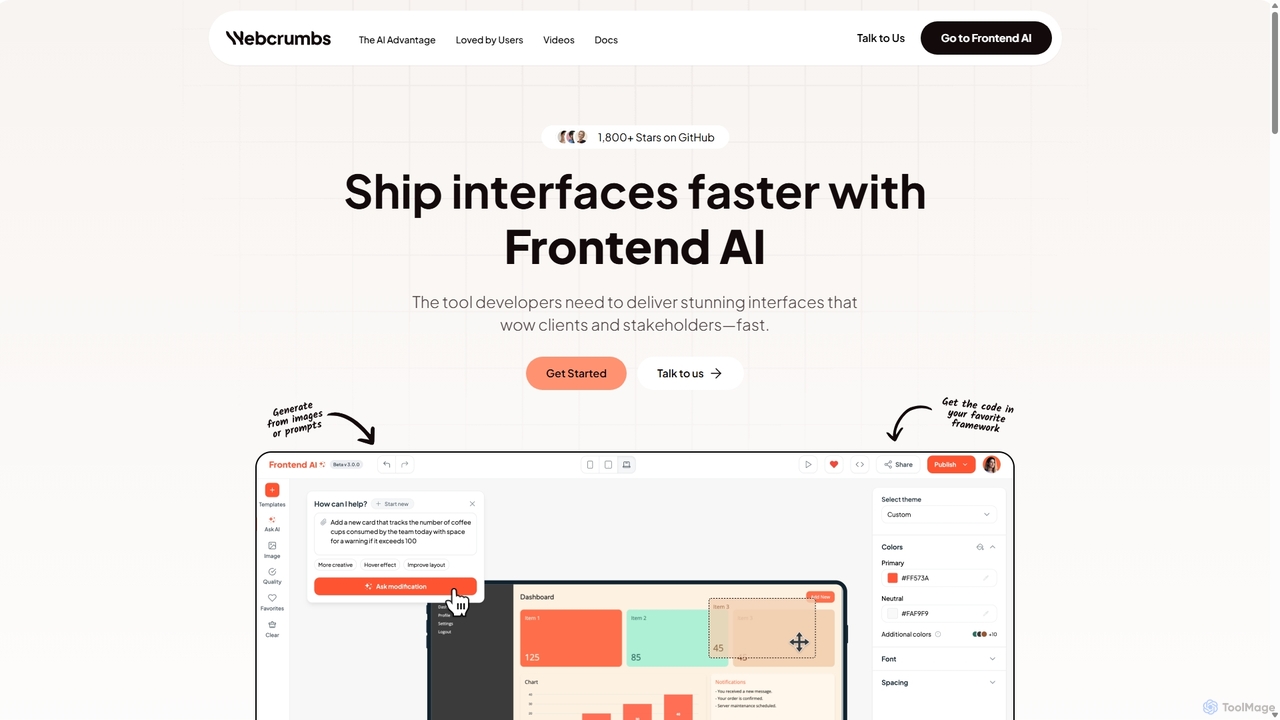
Webcrumbs
Webcrumbs is an AI-powered frontend development platform designed to accelerate UI creation. It combines a powerful prompt-to-code engine with a visual editor, enabling developers and designers to rapidly build, refine, and ship high-quality interface components. By translating natural language or images into clean, production-ready code, Webcrumbs streamlines the workflow, enhances collaboration, and ensures design consistency across projects.
Ui Ux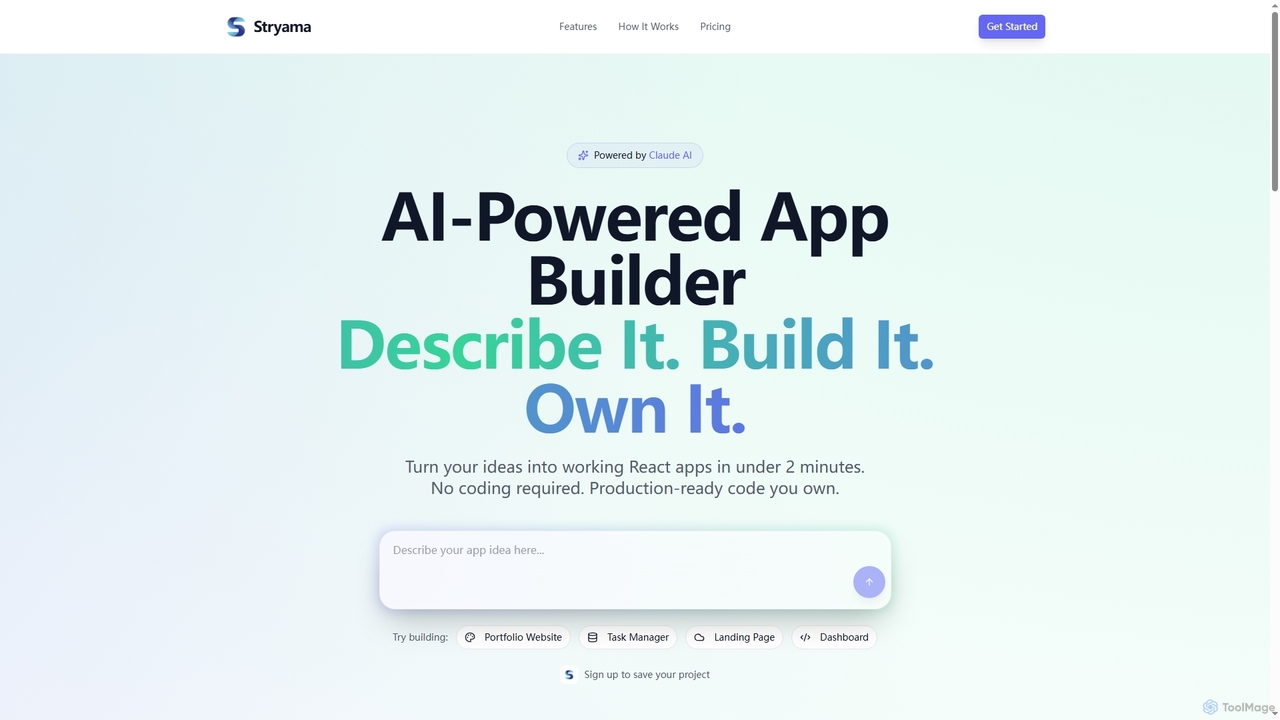
Stryama
Stryama is an AI-powered app builder that transforms your ideas into functional React applications in minutes, requiring no coding. It generates production-ready code that you fully own, enabling rapid development and deployment for various web projects.
App Development
Emergent
Emergent is the world's first agentic vibe-coding platform, designed to build ambitious full-stack applications using AI. It translates natural language descriptions and intent into functional code, empowering developers and teams to prototype, build, and iterate on software faster than ever before.
Development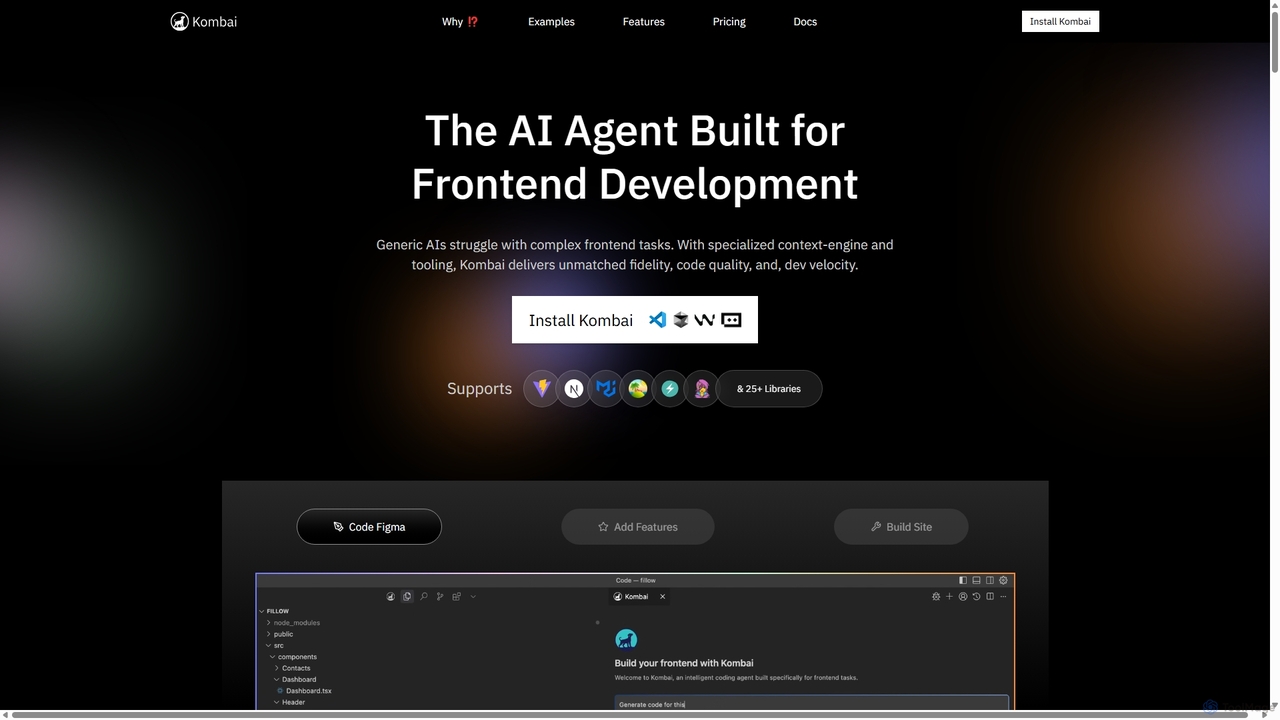
Kombai
Kombai is a specialized AI agent for frontend development that transforms Figma designs, images, and text prompts into high-fidelity, production-ready code. It understands your existing codebase, supports 25+ libraries, and integrates directly into your IDE to accelerate development velocity.
Code Generation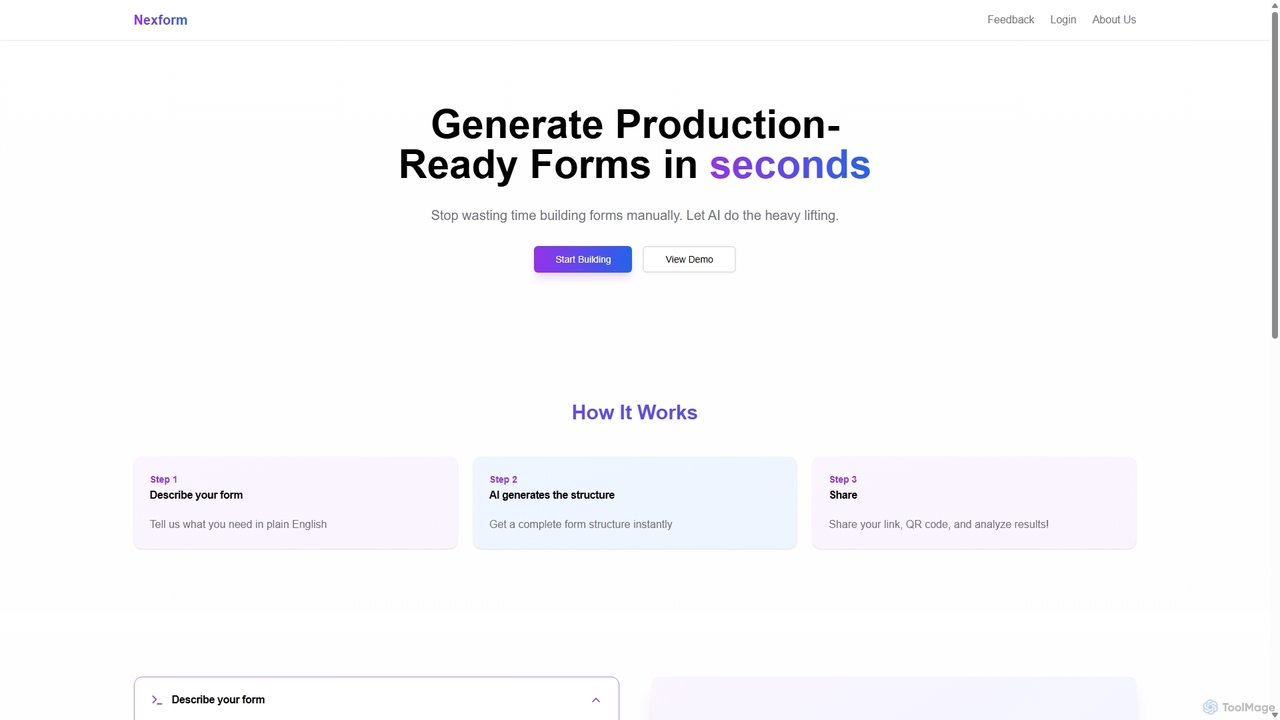
Nexform
Nexform is an AI-powered form builder that transforms plain text descriptions into fully functional, production-ready web forms in seconds. It automates the entire form creation process, from structure generation to smart validation, empowering developers and businesses to build and deploy forms with unprecedented speed and efficiency.
No Code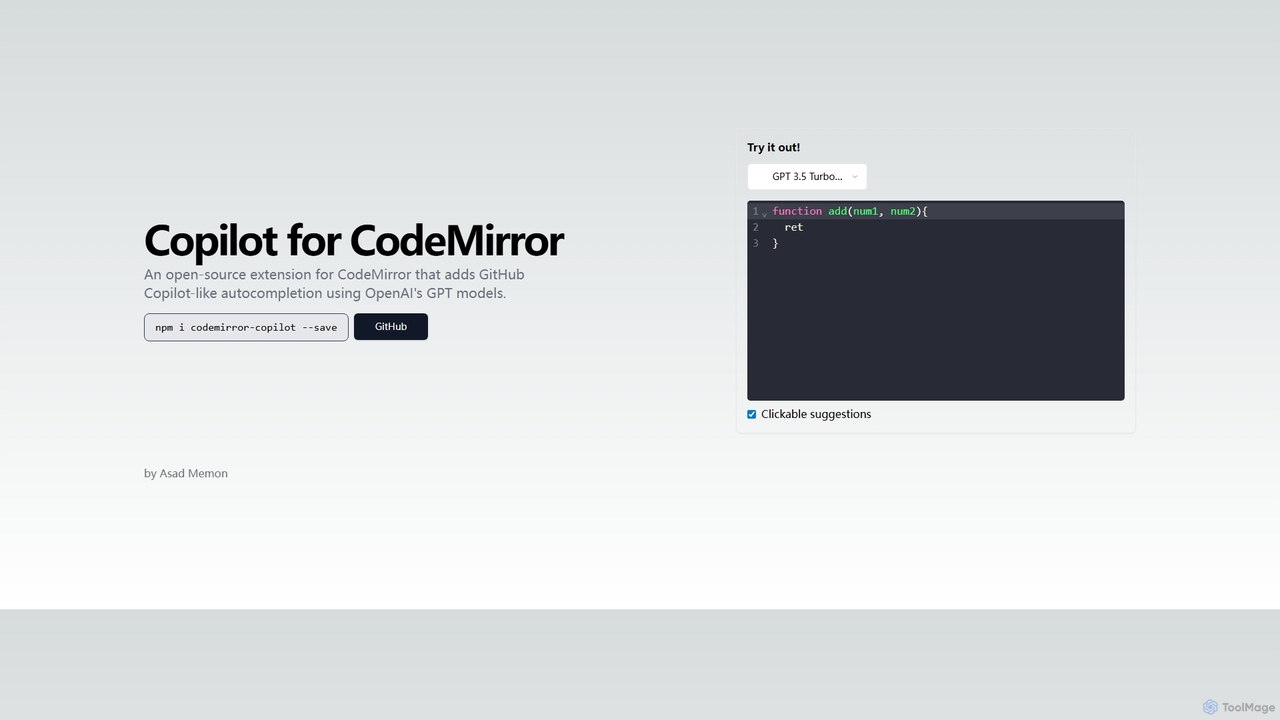
Copilot for CodeMirror
An open-source extension that integrates GitHub Copilot-like AI-powered autocompletion into the CodeMirror editor. Powered by OpenAI's GPT models, it provides intelligent, context-aware code suggestions to accelerate web development and enhance productivity within any application using CodeMirror.
Code AssistantAssistant-ui
Assistant-ui is an open-source TypeScript/React library for rapidly building high-quality, customizable AI chat interfaces. Built on shadcn/ui and Tailwind CSS, it provides developers with pre-built components to integrate a ChatGPT-like experience into any application, supporting various backends and advanced features like generative UI.
Libraries
Relume
Relume is an AI-powered platform that accelerates the website design and building process. It enables users to generate sitemaps and wireframes from a simple prompt, create comprehensive style guides, and access a vast library of over 1000+ components. With seamless export to Figma, Webflow, and React, Relume streamlines the entire workflow for designers, developers, and agencies, turning ideas into high-fidelity designs in minutes.
Website Builder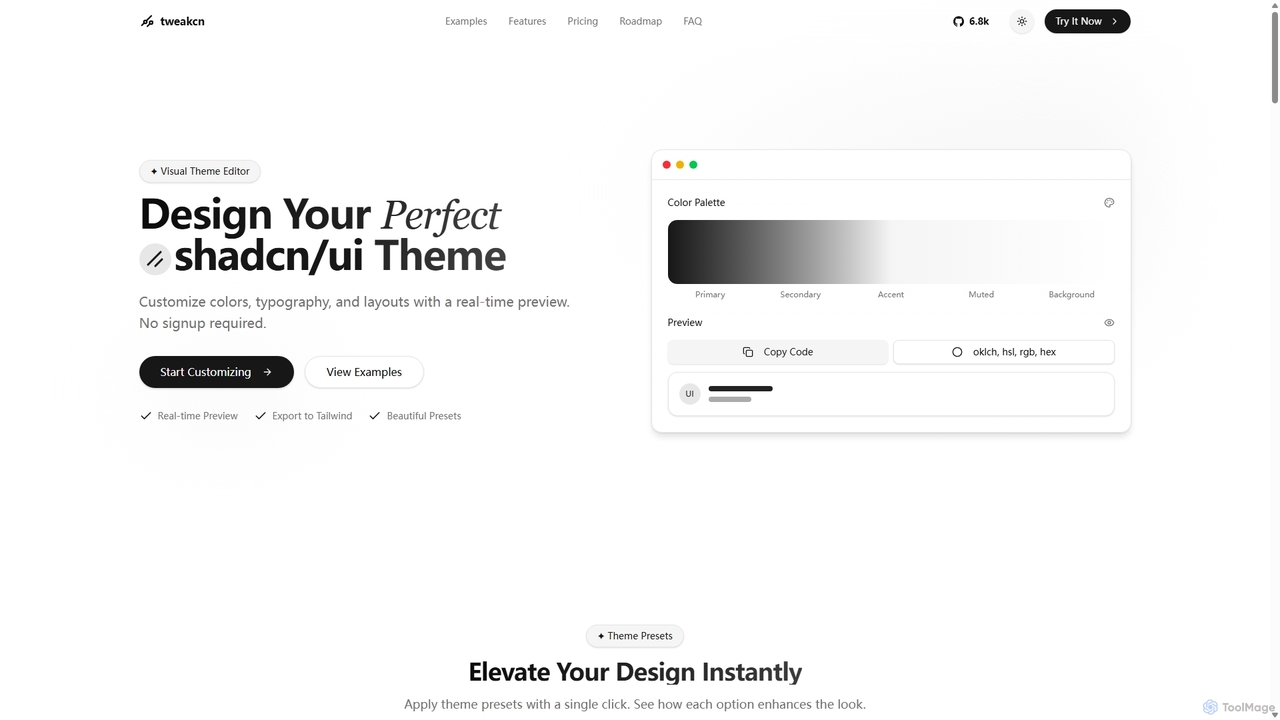
Tweakcn
Tweakcn is a visual theme editor and AI-powered generator for shadcn/ui and Tailwind CSS. It allows developers and designers to create, customize, and preview beautiful, accessible themes in real-time. Features include AI theme generation from text or images, a vast library of presets, and direct code export for seamless integration.
Ui Kit
Ipalettes
Ipalettes is an AI-powered suite of tools for designers and developers, offering instant generation of color palettes, gradients, and shadcn/ui themes from simple text prompts. Discover unique color combinations and draw inspiration from a vast library derived from games, anime, and art.
Color Palette
Vueform Comments (0)
Sign in to comment.
Sign inNo comments yet.